Clarisketch Review: Sketches With Voice Notes
There are times when text just isn’t enough. You need to sketch an idea and talk through it at the same time. In an office, that’s easy enough with a whiteboard; at home, a sheet of paper does the job. But if the person on the other end is miles away, that gets trickier. That’s where Clarisketch, an app from Czech developer Spincoders, comes in.
The idea is simple. Start with a blank canvas, draw a concept, note, or rough proposal, and attach spoken commentary to individual parts as you go.
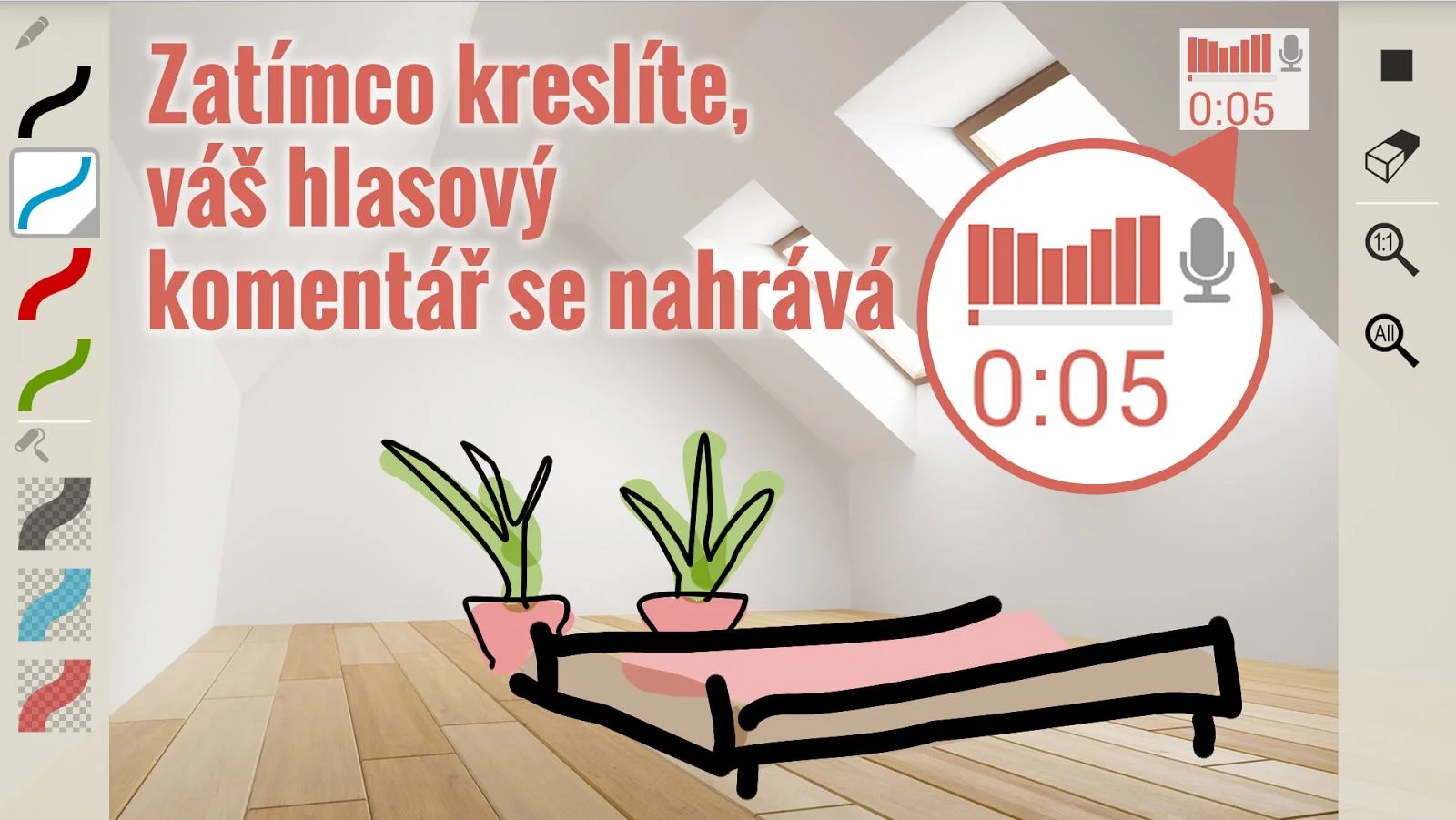
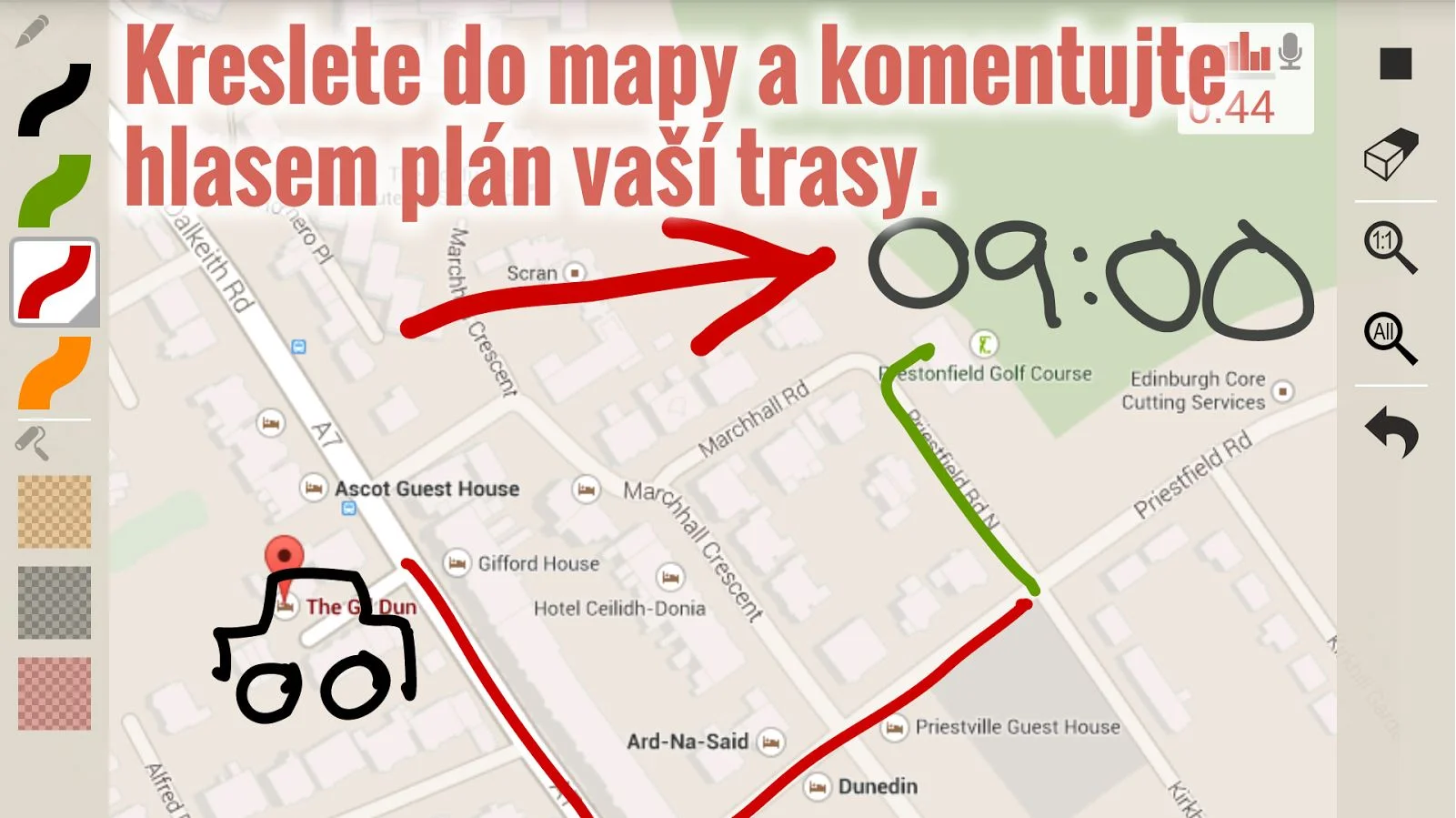
You’re not limited to a blank page, either. Clarisketch can work on top of any image or photo. You can grab a screenshot and comment on what you’re seeing, or snap a picture right from inside the app and jump straight into the drawing editor. If you’re in a noisy environment, the app can partially cut down background sound by calibrating before recording. The canvas can also be zoomed in or out freely, which helps when you need to focus on a specific area.
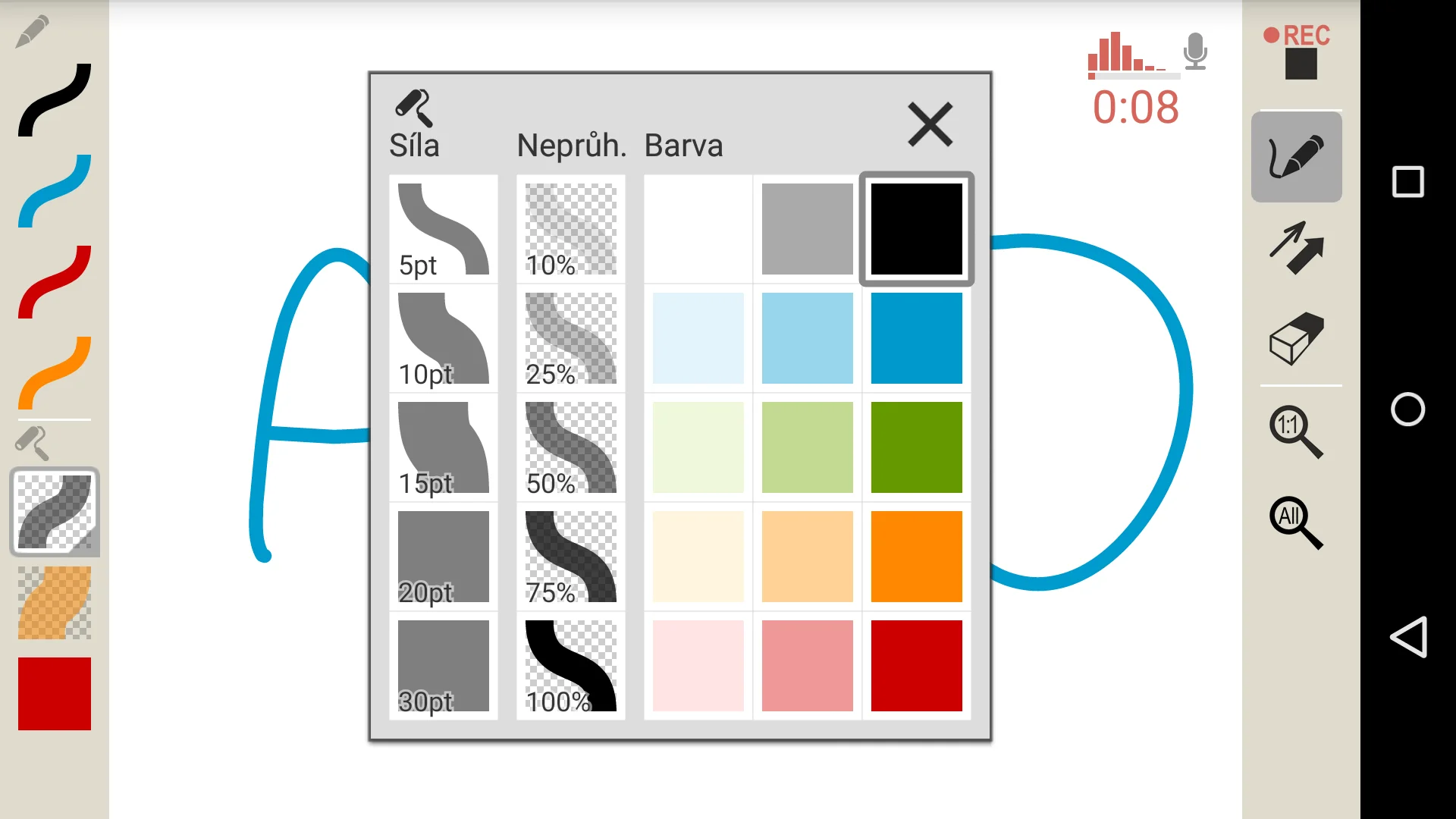
Drawing with the pen tool is the fastest way to sketch something out, and you can adjust line thickness, transparency, and color. Better yet, the app lets you save several preset combinations of those settings. There are also a few basic geometric shapes, including arrows, rectangles, and circles. The toolset is still fairly limited, but that’s easier to forgive given how early Clarisketch is in its life. Individual drawing elements are layered, so they can be erased without much trouble.
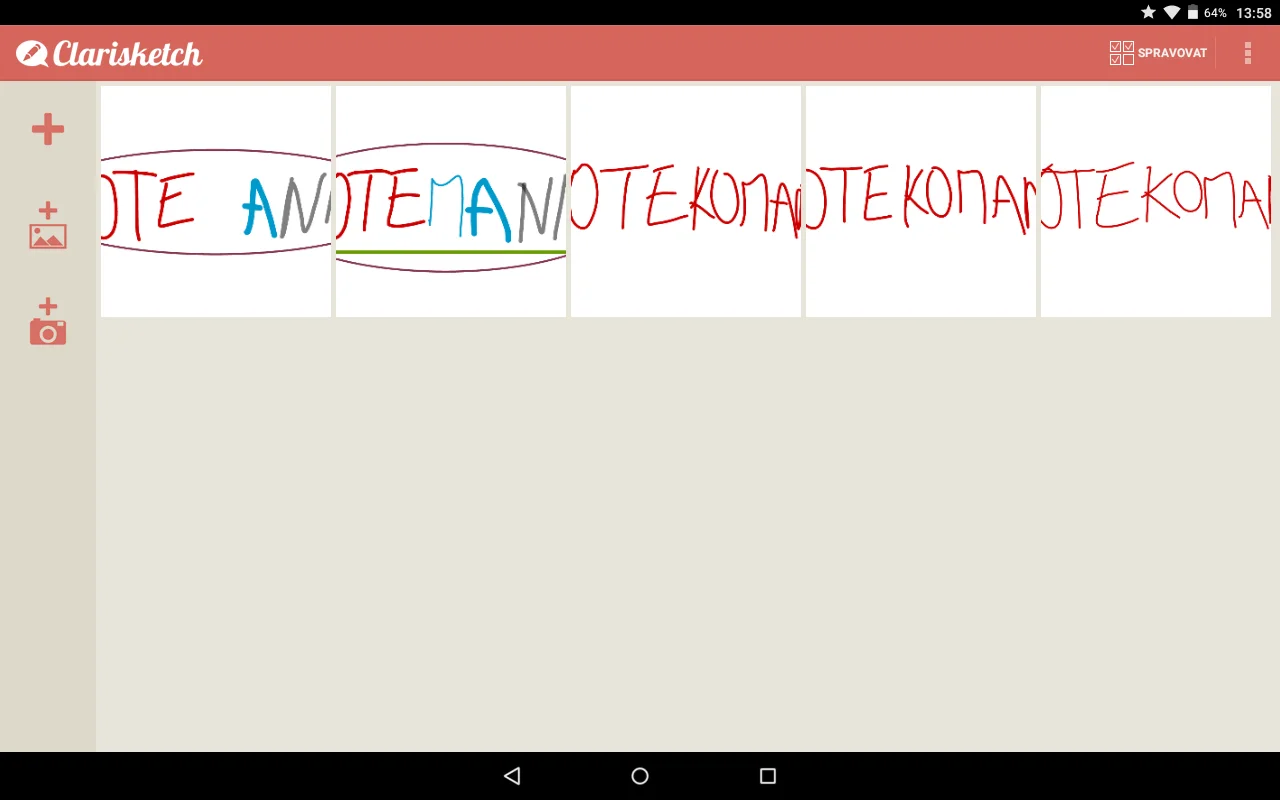
While you draw, the microphone stays active and records only when you’re speaking, or you can turn it off entirely during the sketching process. Audio quality is still a weak spot. Part of that comes down to Android’s handling, and part of it depends on the microphone quality of the device itself. On a phone, the sound was mostly fine. On a tablet, it was noticeably worse. A newer version is supposed to improve this with better encoding and compression.
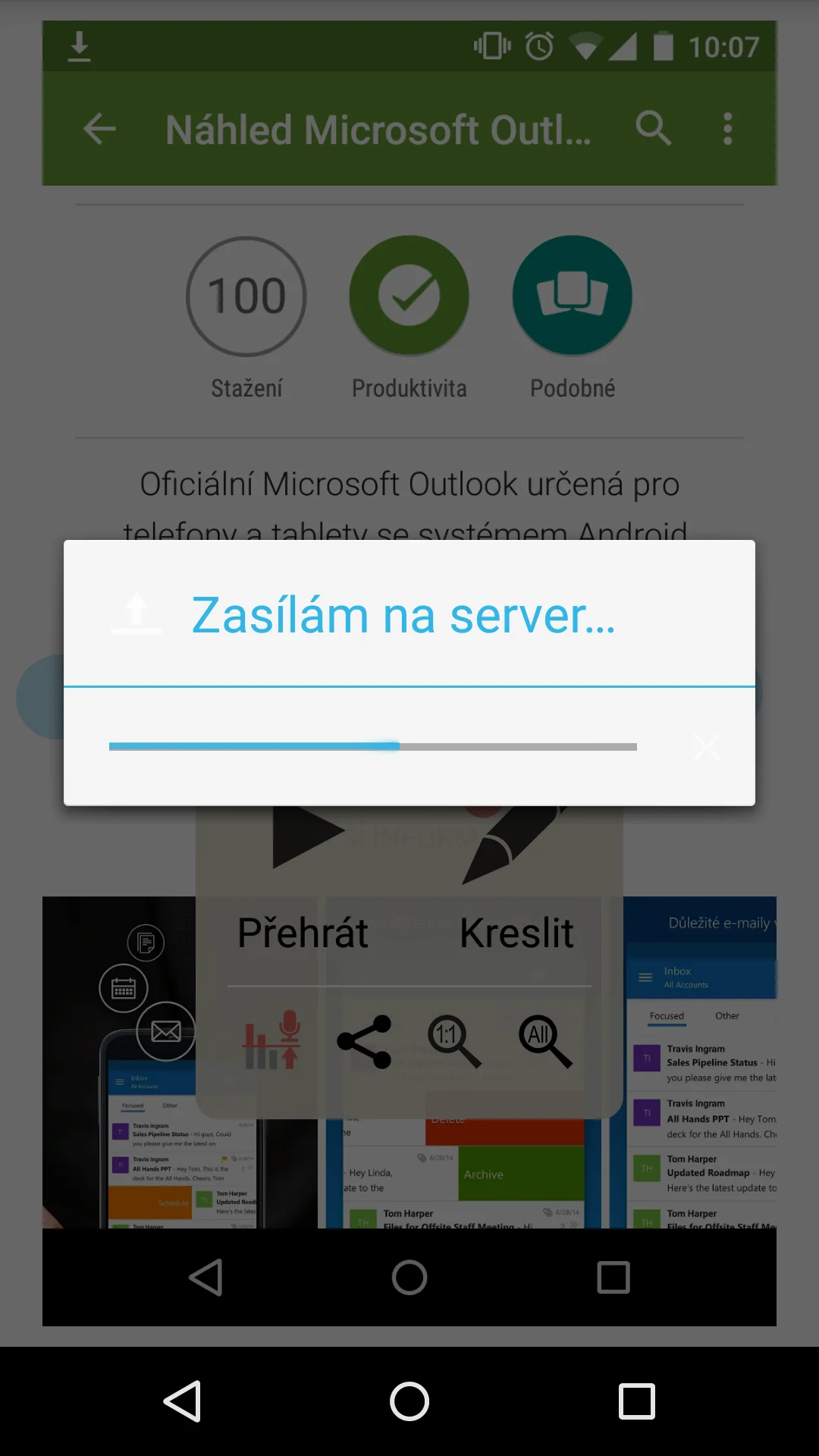
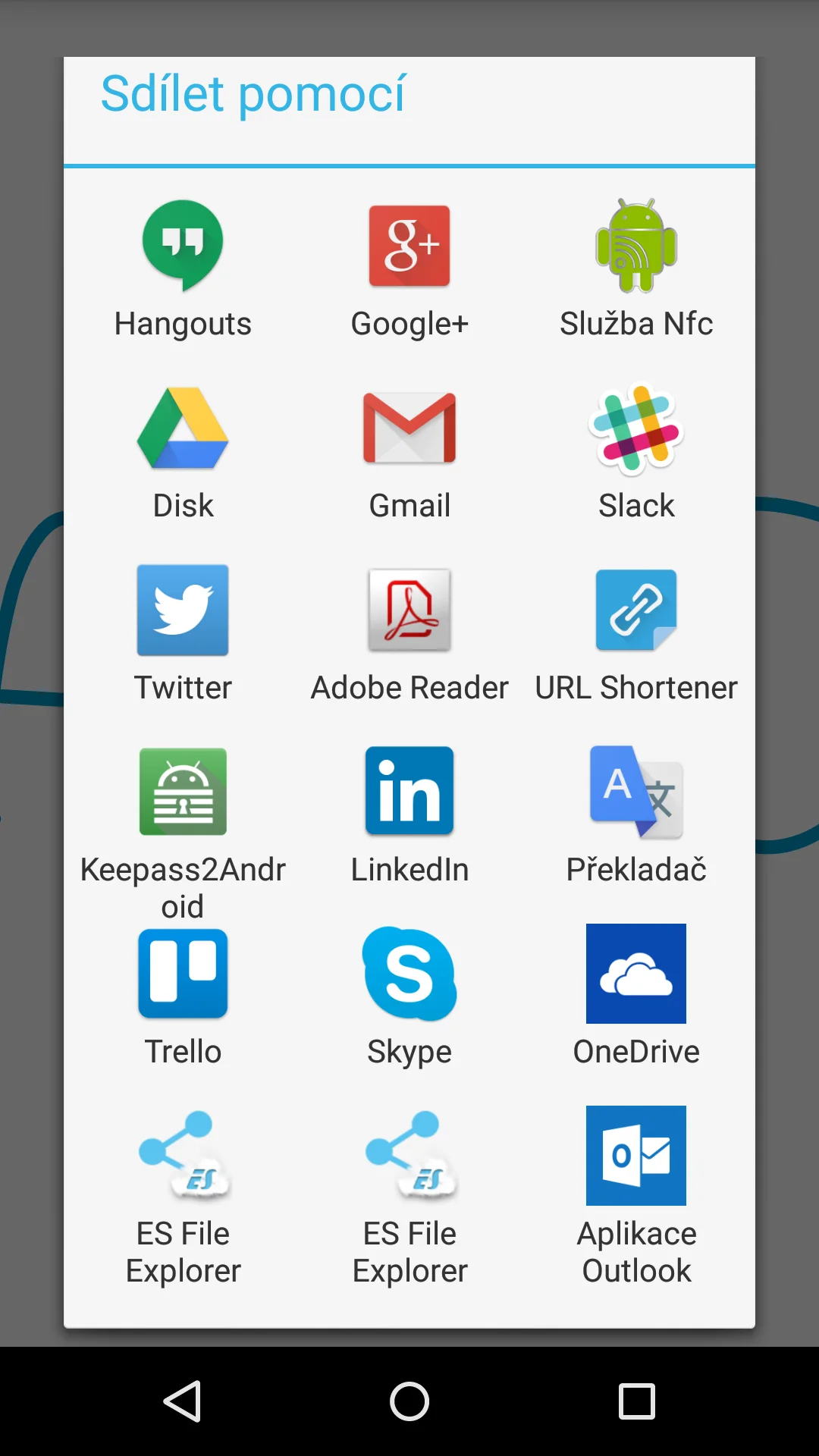
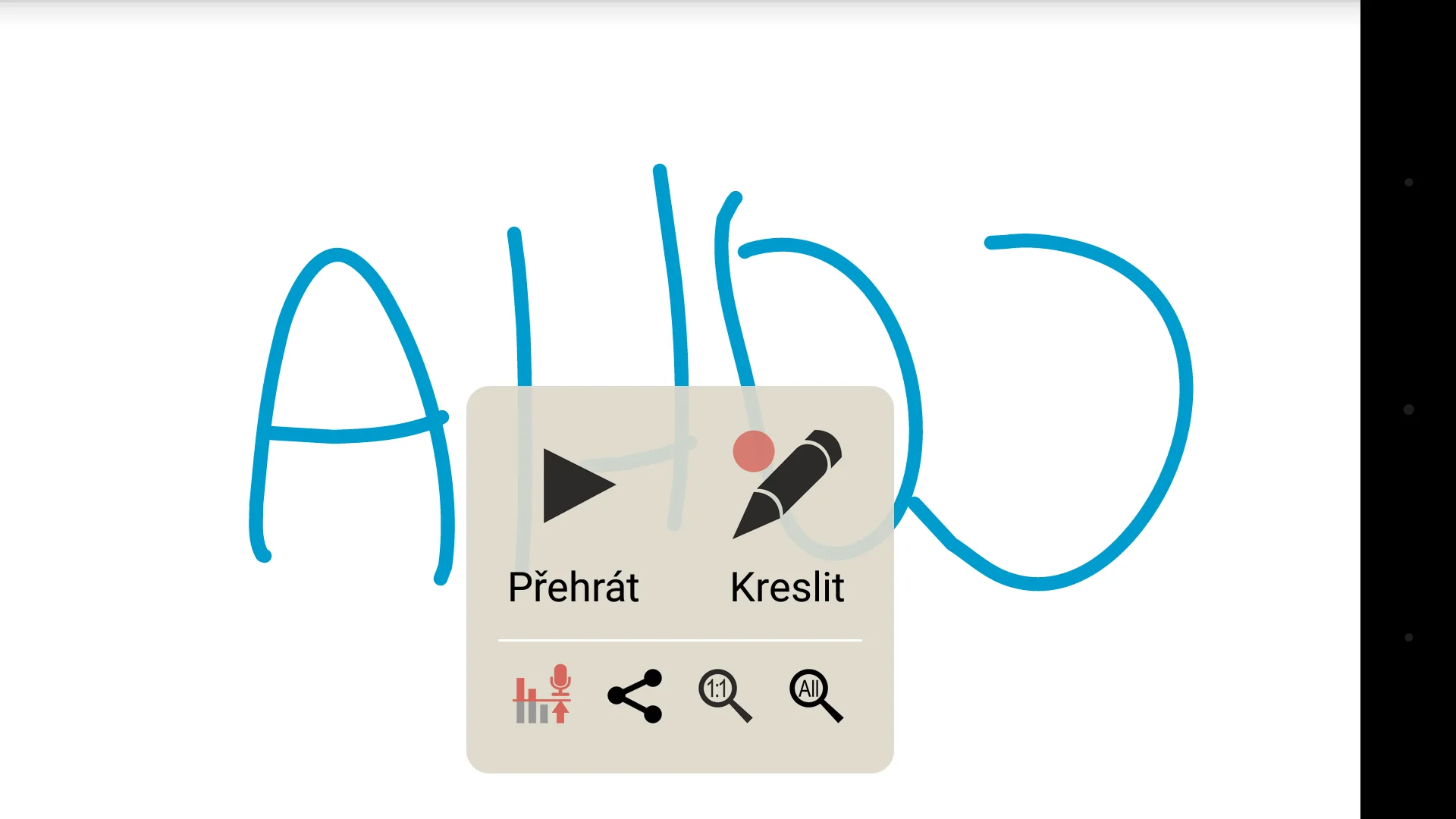
Once you’re done, you can come back to a sketch at any time and keep working on it. Until you share it, the file stays saved on your device. When you do share it, the recorded drawing is uploaded to the server under the name you assigned it. After that, you can send the link anywhere you want. That’s one of Clarisketch’s biggest strengths: the person receiving the sketch doesn’t need an account or even the app itself. Clarisketch also has a website where public sketches from other users are collected. Private sketches can be played there too, as long as you have the link.
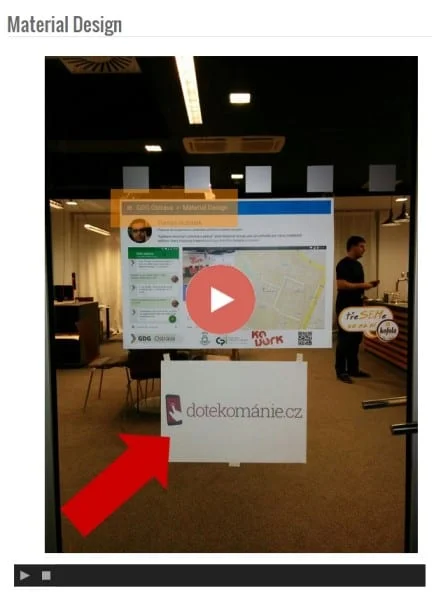
It’s not all praise, though. A few rough edges showed up during testing. If you start sketching with voice commentary and misspeak, or simply want to delete part of the recording, you’re out of luck. You have to start over from scratch. The app also needs broader editing tools, including a custom color palette and more shape options. While drawing, it would help to use the full display area by hiding Android’s interface elements. And sync support through a Google account would make moving between devices much easier. On the web, you can play back a sketch, but there’s no option to embed it elsewhere or delete an uploaded drawing.

Clarisketch feels like an app with real potential. It already points to a useful way to share information, not just through notes, but through a mix of voice and drawing. The developers are preparing a new version with Material Design and premium features. If that update also brings deeper editing tools and better sharing controls, Clarisketch could turn into a genuinely handy collaboration app.