HTC Titan Review: Big-Screen Windows Phone


With the arrival of the Mango update for Windows Phone came a second wave of phones built around Microsoft’s mobile OS. One of them was the HTC Titan, introduced alongside the HTC Radar in the fall of last year. Its ambitions were clear from the start: compete for the title of the best Windows Phone device available. So, does it get there?

We’ve spent quite a bit of time testing the HTC Titan, so this review takes a close look at both the phone itself and the Windows Phone experience. While putting this piece together, we also received a few reader questions, and I’ll address those along the way. Our thanks to HTC for providing the phone for review. At the end of each section, you’ll find a simple school-style grade for that part of the phone.
A true giant
As mentioned in the introduction, the HTC Titan sits among the best-equipped Windows Phone handsets of its time. Before getting into the experience, here’s a quick refresher on the hardware.

The headline feature is, of course, the massive 4.7-inch LCD display. Since Windows Phone did not yet support multi-core processors at the time, even HTC’s top model had to make do with a single-core 1.5GHz chip, backed by 512MB of RAM.
-
Manufacturer: HTC
-
Model: Titan (X310e)
-
Processor: Qualcomm Snapdragon MSM8255; 1.5 GHz
-
Display: Super LCD; 4.7”; WVGA (480×800)
-
RAM: 512 MB
-
Storage: 16 GB
-
Battery: 1600 mAh
-
Camera: 8 MPx; F2.2 aperture; dual LED flash
-
Maximum video resolution: 720p
-
Front camera: 1.3 MPx
-
Connectivity: micro-USB; 3.5 mm headphone jack, Bluetooth, Wi-Fi
-
Dimensions: 131.5 mm x 70.7 mm x 9.9 mm
-
Weight: 160 g
-
Other features: Gyroscope, accelerometer, digital compass, proximity sensor, ambient light sensor…
-
Operating system: Microsoft Windows Phone 7.5 Mango
Build and design
Most of the phone’s body is made of aluminum. That gives the chassis a reassuring sense of rigidity, and thanks to its unibody construction, the Titan feels genuinely solid in the hand. In the video, you can spot two plastic sections that hide the antennas for the phone’s wireless radios, while the front is dominated by the large touchscreen, protected by hardened glass. Up top are the sensors and front-facing camera. At the bottom sit the three standard Windows Phone system buttons.
As I’ve already stressed a few times, this phone has a seriously large display. Among Windows Phone devices, it was the only model offering this kind of screen size at the time. A phone this big won’t be for everyone. Plenty of buyers will naturally lean toward smaller alternatives such as the HTC Radar, Nokia Lumia 800/710, or Samsung Omnia W. The only Windows Phone rival trying to catch up to the Titan on size is the Nokia Lumia 900, though that model was not yet on sale in our market and still came with a “smaller” 4.3-inch display.
That said, a big screen brings real advantages, and it’s easy to get used to it fast. Web browsing, document work, movie watching, and gaming all feel meaningfully better here than on a phone with a display even an inch smaller. For a lot of people, that alone will be enough to justify the Titan’s size.


The design is simple, but elegant. There’s nothing flashy here, which puts it closer to HTC’s more restrained hardware language. Even at a glance, the Titan feels aimed at business users and managers. The aluminum body is a real plus. The metal finish, especially where it wraps toward the front, gives the phone a premium feel. On the other hand, it’s also clear that this look won’t win everyone over. Some people will find it too plain, even a little dull.
Build: 1
Design: 2
Performance, hardware, and battery life
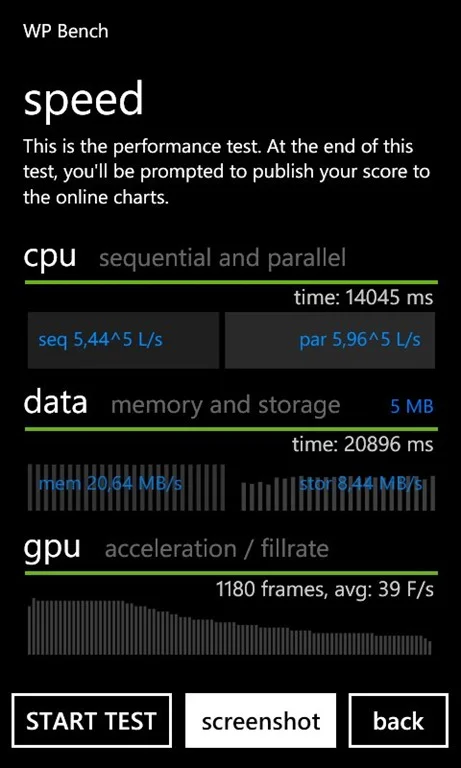
The phone runs on a single-core 1.5GHz processor paired with 512MB of RAM. Those specs, along with the system’s optimization, put it near the top tier of Windows Phone devices in raw performance. That said, other smartphones, like the Lumia 800, offer very similar hardware, even if its processor is clocked at 1.4GHz. In practice, though, major performance gaps between Windows Phone handsets are hard to find. Subjectively, the phone feels genuinely fast. The system and every app, including demanding games, run smoothly and without hiccups. Since there’s basically nothing more powerful in the Windows Phone world at this point, you’d be hard-pressed to find an app in the Marketplace that the Titan can’t handle. Compared to first-generation Windows Phone devices, the jump forward is clear. Side by side with phones like the HTC Mozart or Samsung Omnia 7, the difference shows up most in app launch speeds. WP Bench backs that up too, where the Titan scored 94.87 points, putting it among the best-performing Windows Phone phones around.
The phone includes 16GB of internal storage. Of that, about 12.8GB is actually available to the user, since the rest is taken up by the system itself. Whether that feels like a lot or a little is highly subjective. Based on several weeks of testing, I’d call it perfectly adequate. There’s enough room for apps, music, and movies. Still, storage needs vary a lot from person to person, so this is one area where you’ll have to decide for yourself.
Another key part of the phone is, of course, the display. On the HTC Titan, it’s also the feature that towers over most of the spec sheet. This is a 4.7-inch panel with a resolution of 480 x 800 pixels. At the time, very few phones could match its sheer size. The display supports multitouch with up to four simultaneous touch points. While the screen looks very good, with fairly accurate colors, though Samsung models still have the edge here, and excellent responsiveness, it really could have used a higher resolution. It’s not something you absolutely need on a phone, but a 4.7-inch display like this would have deserved qHD or even 720p. One more comparison with Samsung is worth making here. I briefly had the Samsung Omnia 7 on hand, and as mentioned, Samsung’s AMOLED displays produce visibly more saturated colors. Black levels are better too, with blacks that look truly black compared to the HTC Titan. White, on the other hand, is clearly better on the Titan. It delivers a clean white tone, while the Omnia 7 shows white with a slight color tint.
Even though the phone packs a fairly large 1600mAh battery, don’t expect miracles. It’s not among the worst battery drainers out there, but with heavy day-to-day use, you’ll still end up charging it every evening.


Performance: 1
Display: 2
Battery life: 2-3
Windows Phone on the HTC Titan
Windows Phone, still divisive
Even though Windows Phone has been around for a while, the debate around it is still very much alive. It has its fans and its die-hard critics. In my experience, first impressions aren’t always the right ones. Plenty of people who didn’t like Windows Phone at first eventually changed their minds, and actually spending time with it often convinced them that it was a genuinely usable system. Of course, that doesn’t apply to everyone. The bigger question is whether Windows Phone can really hold its own against the competition.
Windows Phone on the HTC Titan
Let’s take it step by step and look at the system as it appears on this review unit. If you already know Windows Phone, there’s very little on the HTC Titan that will surprise you. This is standard Windows Phone 7.5 Mango. Since the phone launched with the Mango update, the interface is fully localized in Czech. Given the Titan’s performance, it’s no surprise that the interface is completely fluid and fast. The phone reacts instantly to every command, and you’ll rarely run into problems because the system is very stable.
Overall, the system deserves praise. With Mango, Windows Phone took another step forward and became a genuinely competitive platform. Paired with the HTC Titan, it makes for an excellent combination, because the speed of the system and the way it looks on that large display is simply addictive. The web browser renders the vast majority of websites. Its biggest drawback, though, is the lack of Flash Player, which I still miss on a mobile device. Microsoft also deserves some criticism for limiting the functionality of the search button. Another meaningful drawback for some users will be the lack of memory card support. That ties into another limitation too: you can’t connect the phone to a computer as mass storage, so everything has to go either through the internet, via cloud services, or through Zune software.
The design of the system is very hard to judge objectively. It’s simply a matter of personal taste, so there’s little point in scoring it. Better to decide for yourself, whether you’re looking at the visual design or the system’s functionality.
If I leave aside the other system apps, which I’ll cover later, the operating system as a whole earns a grade somewhere between excellent and very good.
Windows Phone system: 1-2
Marketplace
These days, the app store is one of the most important parts of any mobile platform. Windows Phone is the youngest of the major players, so it’s no surprise that it also has the smallest app catalog. Still, it’s catching up fast, and the number of apps keeps growing by the day. Right now, I’d estimate the total number of apps and games at around 90,000, though Microsoft hasn’t published exact figures. The good news is that Czech developers haven’t been sitting still either, and they’ve been very active on Windows Phone. That said, the gap versus competing platforms is still easy to spot. In some categories, there just aren’t that many titles, and users often don’t have much choice. That’s especially true for offline navigation, where the only available app across phones from any manufacturer is Navigon.
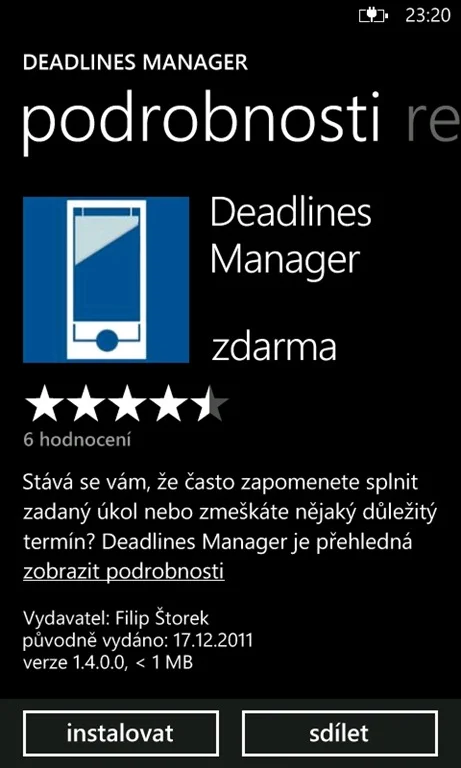
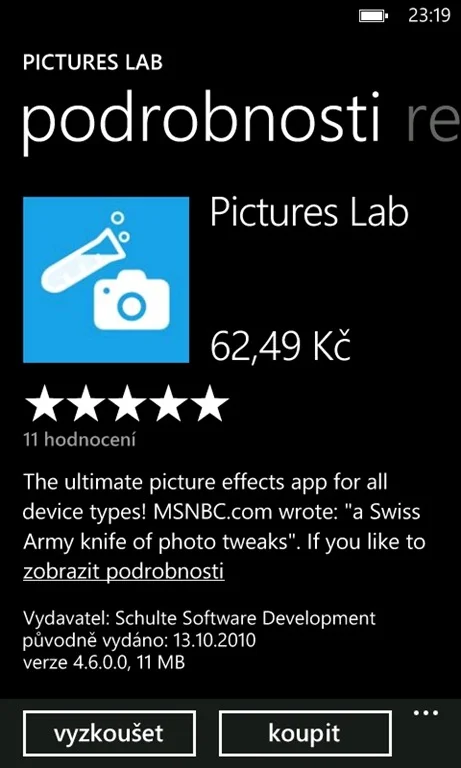
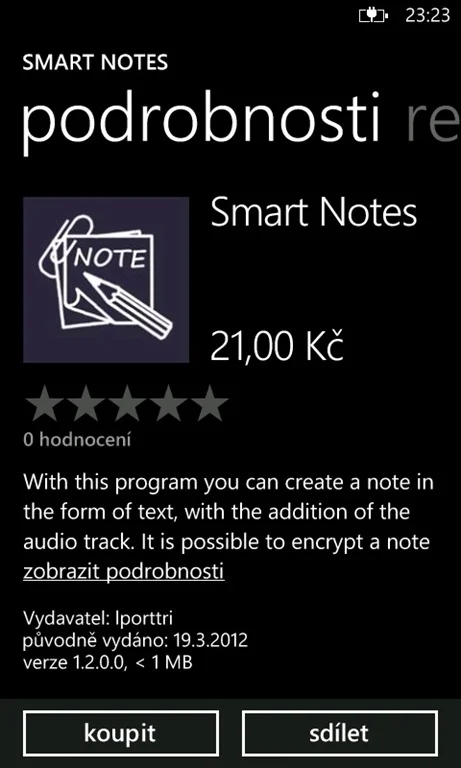
If I were to compare the prevailing developer strategies across platforms, the answer would be different every time. On Android Market, most apps are available for free, usually with an ad banner attached. Paid apps make up the smaller share. iOS tends to lean the other way. There, paid apps, often in the $1 price tier, are more common, while free apps are less dominant. Windows Phone takes something of a middle path. It’s not just that the split between paid and free apps is fairly even, though by coincidence that’s actually true. What really defines the WP Marketplace is that most paid apps also offer a trial, or if you prefer, a demo version. Users get a time-limited or feature-limited version of the app and can then decide whether the full version is worth paying for. That approach has become very common on Windows Phone. By contrast, you definitely won’t find as many ad-supported apps here as you do on Android.
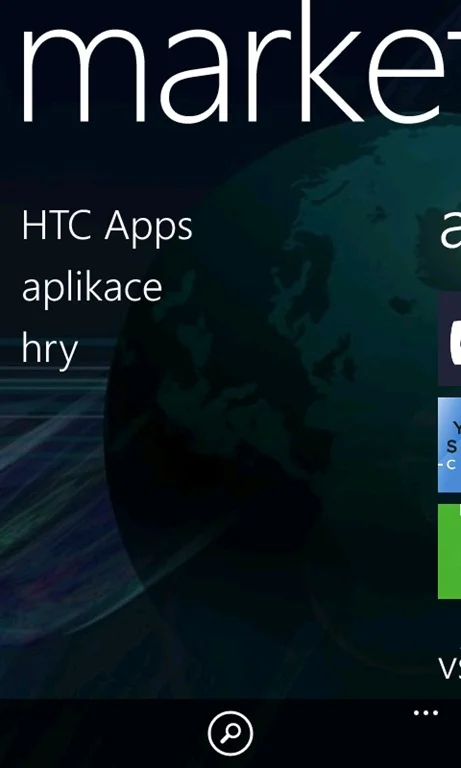
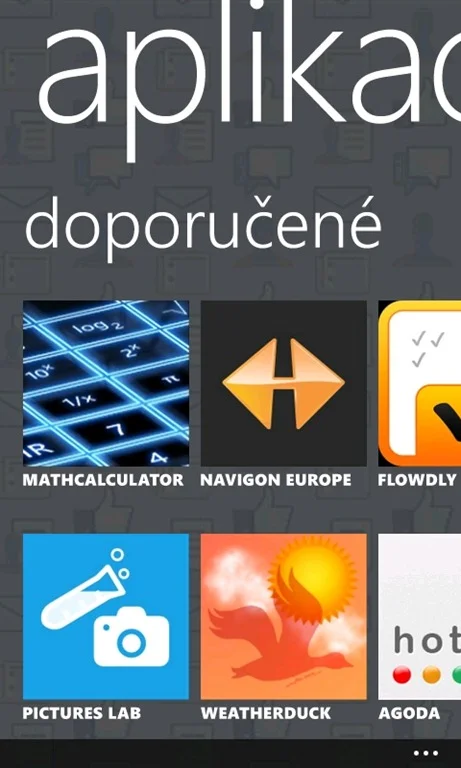
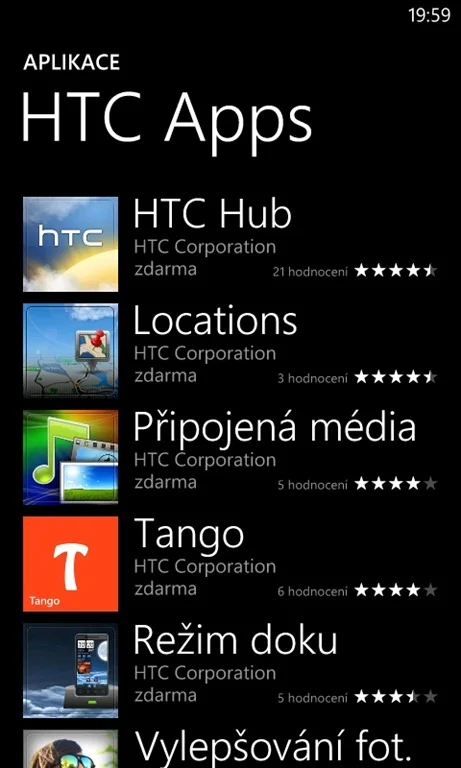
Marketplace already offers plenty of high-quality apps, and it adds a huge amount of functionality to the phone. Lately, many of the apps we know from other platforms have also made their way to Windows Phone, so you can switch from Android to Windows Phone without seeing a dramatic difference in your app list. There are still gaps, though, with some categories lacking the same depth of selection. Because of that, Marketplace doesn’t get full marks. But given its rapid growth and now-solid selection, it earns a “2.”
Marketplace: 2
Xbox Live
Another service closely tied to Marketplace is Xbox Live. On Windows Phone, it acts as the central hub for the entire game library, so individual titles are accessed through this app. The key part of the service, though, is interaction with other players. The phone can also communicate, to a degree, with games on your home Xbox 360. So when you step away from your console, you can check your online progress against other users or, in some cases, even continue playing.
Xbox Live offers quite a bit, and if Xbox 360 game developers continue to support the platform, Windows Phone gamers will have a powerful tool on their hands. A quick note on gaming itself on the HTC Titan: once again, the phone’s strong performance and large display make a difference. Gaming on the Titan is comfortable, and thanks to its accurate sensors and roomy screen, just about any genre works well here. Flight sims, racing games, even shooters. The Titan handles all of the most demanding titles without trouble, so there’s really nothing to criticize in this area.
Xbox Live and games: 1
Camera and camera app
As the specs suggest, the Titan packs an 8MP camera. It can also record video at up to 720p. The camera is paired with two LED flash modules, and in my experience they can light up even a fairly large room without much trouble. Even in complete darkness, the phone can still capture decent shots. Rather than spend more time describing what it can do, it makes more sense to show the results.

You can also check out a few photos taken either in the pitch-black interior of an old military bunker or at night under artificial lighting.

Now to the app itself, the one you use in Windows Phone to shoot photos and video. HTC doesn’t customize it in any way, and Microsoft’s platform rules don’t really allow for that anyway, so this is the standard Windows Phone camera app.
Before we leave the HTC Titan’s camera behind, you can also check out a sample video recorded at 720p on the phone itself.
The Titan’s camera was a pleasant surprise. HTC phones generally hadn’t been especially strong in this area, but the Titan can produce very good images in solid lighting. As the light drops, though, image quality falls off quickly, and there are also issues with brightness and white balance. The upside is the dual LED flash, which delivers respectable output and can illuminate even fairly large spaces.
Camera: 2
HTC Hub: How did HTC set itself apart?
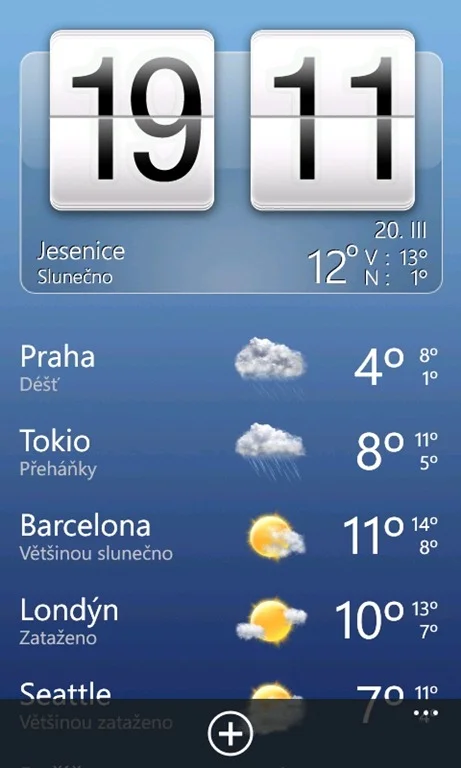
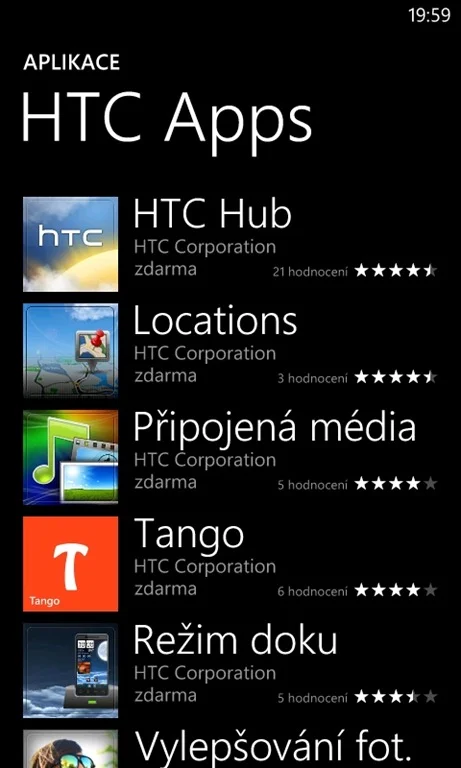
Since Microsoft doesn’t allow custom skins or interface overlays on top of Windows Phone, manufacturers have to find other ways to add their own flavor, usually through preinstalled apps. HTC, as usual, didn’t sit this one out and bundled several of its own. One of them is HTC Hub, which is shown in the video below. The phone also includes a handy Flashlight app, along with software for wireless connections to multimedia devices.

Office Mobile
Windows Phone is the kind of platform people naturally expect to be a solid productivity machine. Microsoft has deep roots in the enterprise world, so it’s fair to expect the company to get the work tools right on WP. For the most part, it did. The preinstalled Office suite includes Word, Excel, PowerPoint, and OneNote.
The biggest strength of Office on Windows Phone is its tight connection to Microsoft’s cloud services. Sharing documents through SkyDrive between devices and between users works very well, and Microsoft deserves real credit for that. There’s also support for syncing data through corporate SharePoint.
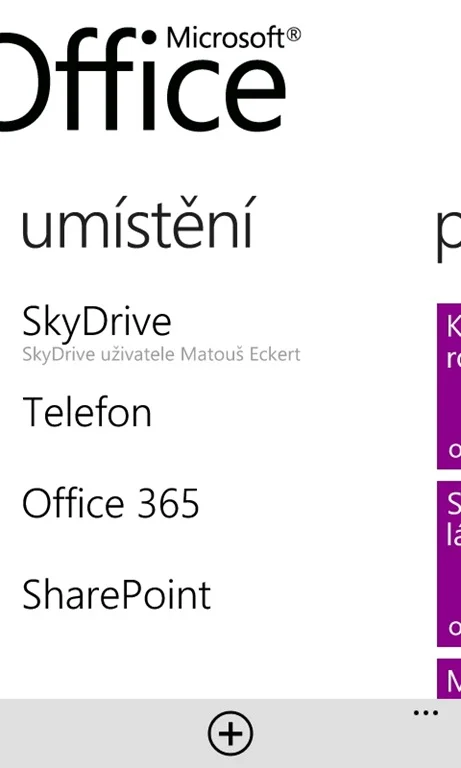
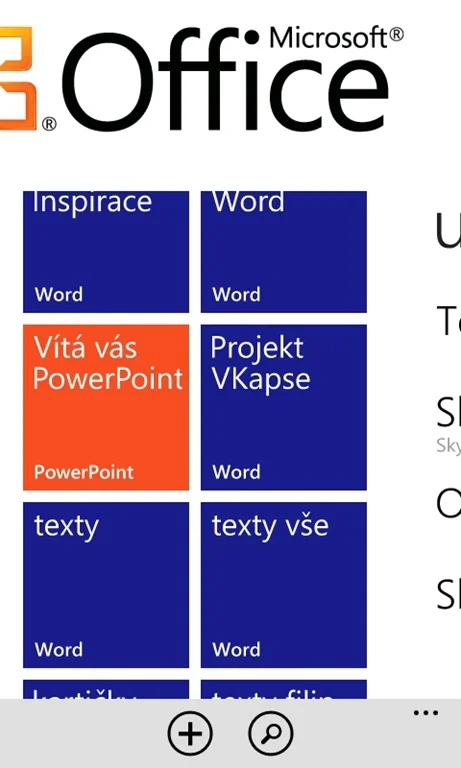
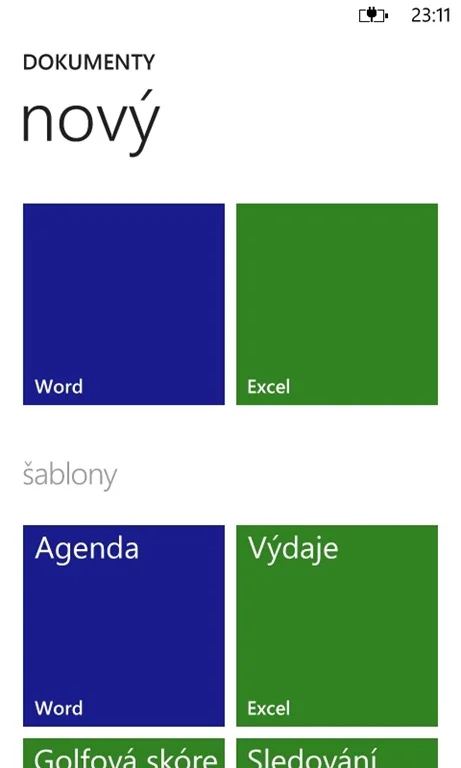
Word offers basic text document editing. You can modify existing files or create new ones from scratch. Basic text formatting is here, along with comments and other standard functions. That said, Microsoft could have gone further here, especially in the text editor. Support for images, which OneNote already includes, plus bullets and other formatting elements, would have made mobile Word a lot more capable.
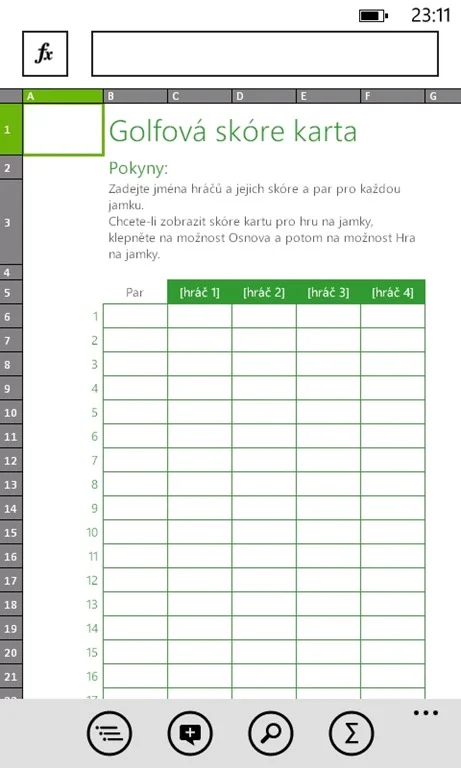
It’s also nice to have the option to create a document from one of the templates preinstalled on the phone. That saves time, and on a phone, that matters even more.
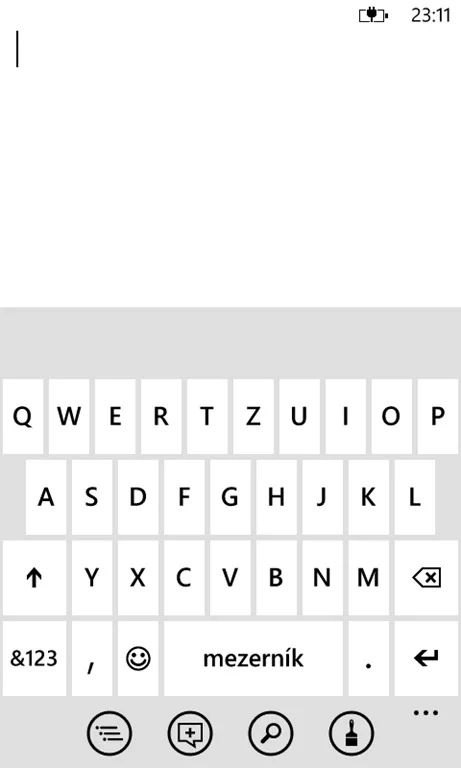
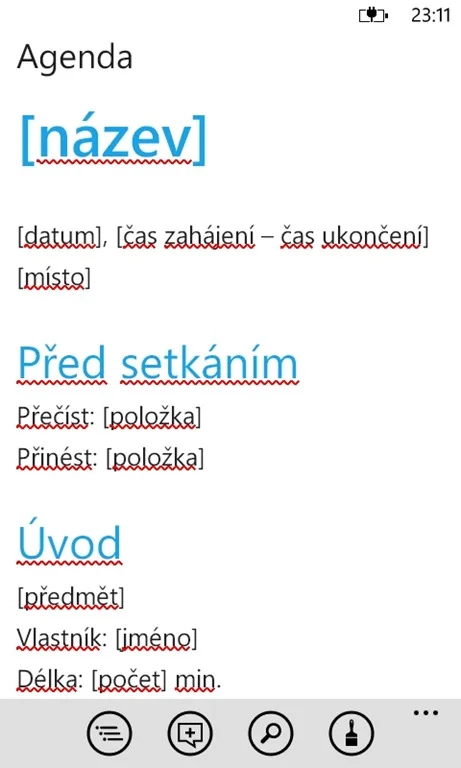
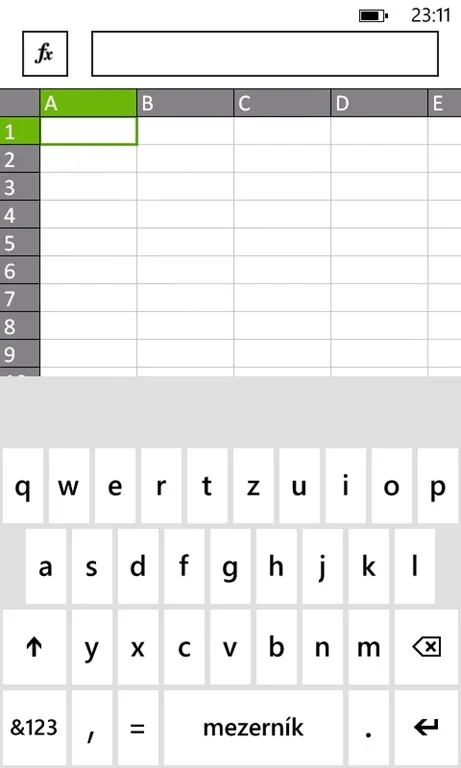
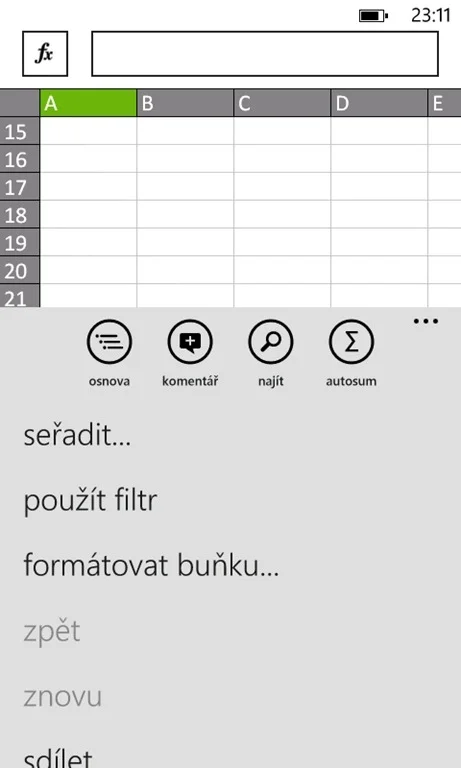
With Excel, the Titan’s big display once again proves its value. Even with the keyboard open, a large portion of the spreadsheet remains visible. Just like in Word, you can both edit existing documents and create new ones, either from scratch or from templates. Excel also includes support for functions, along with sorting, formatting, and filtering cells.
Microsoft didn’t leave out presentation software either, so you can view and tweak your slides before stepping in front of an audience. I’m deliberately emphasizing the words view and tweak. Mobile Office can’t create a presentation from scratch. Microsoft did put some work into playback, though, and the app at least shows presentation effects. You can, of course, edit text content, attach notes, and rearrange slides.
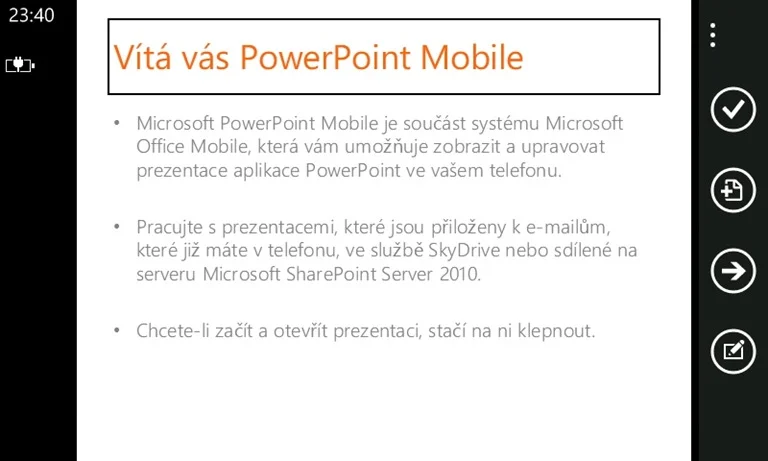
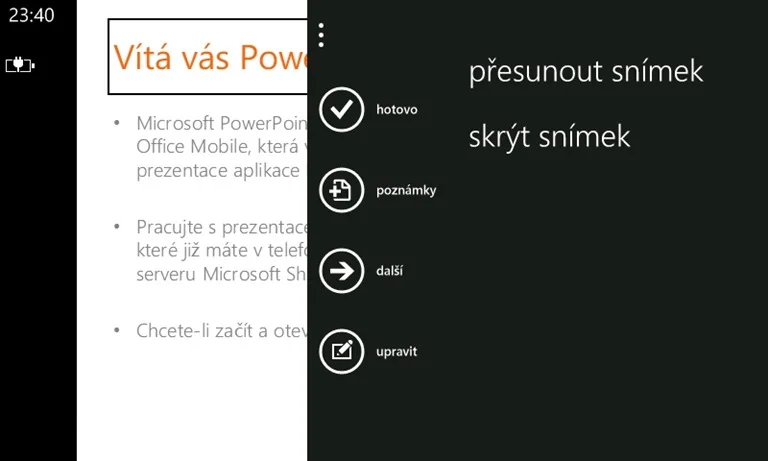
Looking ahead, I can easily imagine mobile Office and desktop Office using their cloud connection to let a phone control a presentation over the internet, while also showing the presenter exactly what’s being projected behind them. That kind of feature would be a great fit for Office. It doesn’t feel far off, and Microsoft has all the pieces to build it.
I saved the best part for last, the feature Microsoft clearly puts a lot of care into in mobile Office. OneNote is exactly where Microsoft’s cloud services shine. The advanced notebook app gives you access to all your notebooks, lets you edit them, add pictures from the camera or from local storage on the phone, and work with lists and other elements. Another key feature is the ability to record audio notes.
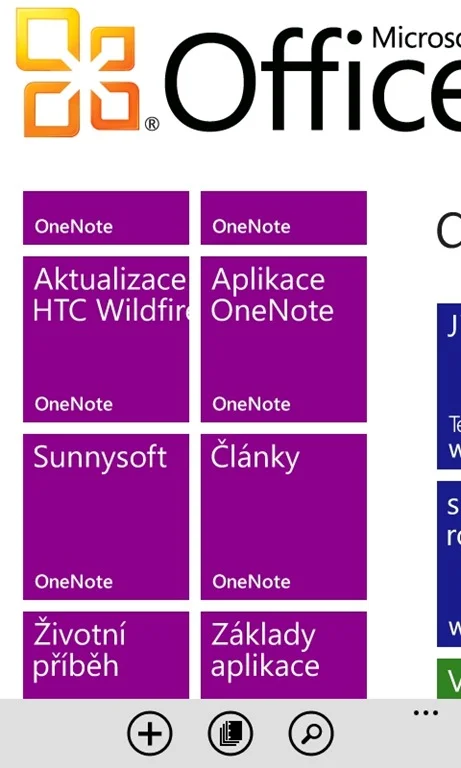
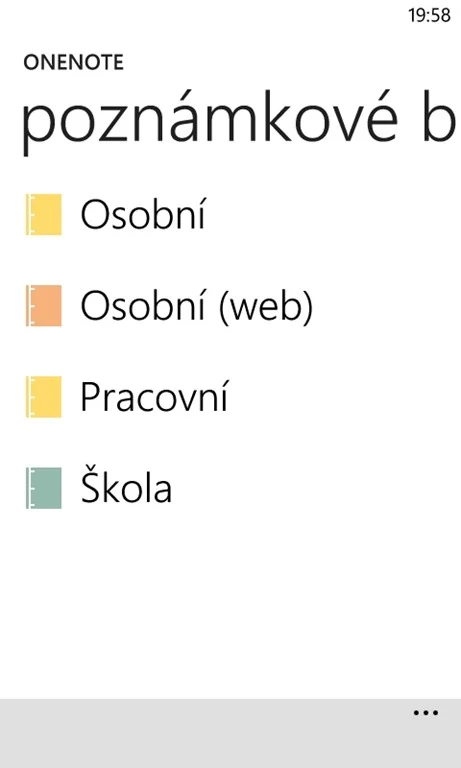
As I’ve already said, OneNote’s biggest strength is sharing. A classroom full of students is a good example. Everyone shares a single notebook and takes notes together. Each user’s edits are saved in real time and appear for everyone else. While one student types text notes on a PC or tablet, you can snap a photo of the whiteboard with your phone and insert it directly into the notebook. It instantly shows up on a classmate’s computer too. Simple, practical, and one of the clearest reasons Microsoft keeps highlighting OneNote in its marketing.
Office Mobile: 1
The HTC Titan has been described as the king of Windows Phone devices. After spending time testing it, that claim feels justified. Even though newer phones from Nokia have arrived on the market, knocking the HTC Titan off its perch won’t be easy. The first serious challenger could be the Nokia Lumia 900, which is set to go on sale here soon. Still, if you want a genuinely huge display, the Lumia 900 can’t match the Titan. Performance, however, should be comparable.
The Titan’s biggest strength is also its biggest weakness. A large display means a large phone, and that absolutely won’t work for everyone. The Titan is a real slab of a handset, and it simply won’t fit every hand comfortably.

Windows Phone can leave a similarly mixed first impression. Still, I’m convinced it has real strengths and can find its audience. You have to look past that first reaction and spend some time getting to know the system. That said, some shortcomings don’t disappear with familiarity, so you need to be clear about what you want from your phone.