Samsung Galaxy Tab Active Review: Built Tough, Runs Average
Samsung has released dozens of tablets over the years, spanning every performance tier. For this review, we picked a model that puts durability first. That device is the Samsung Galaxy Tab Active.
IN THE BOX
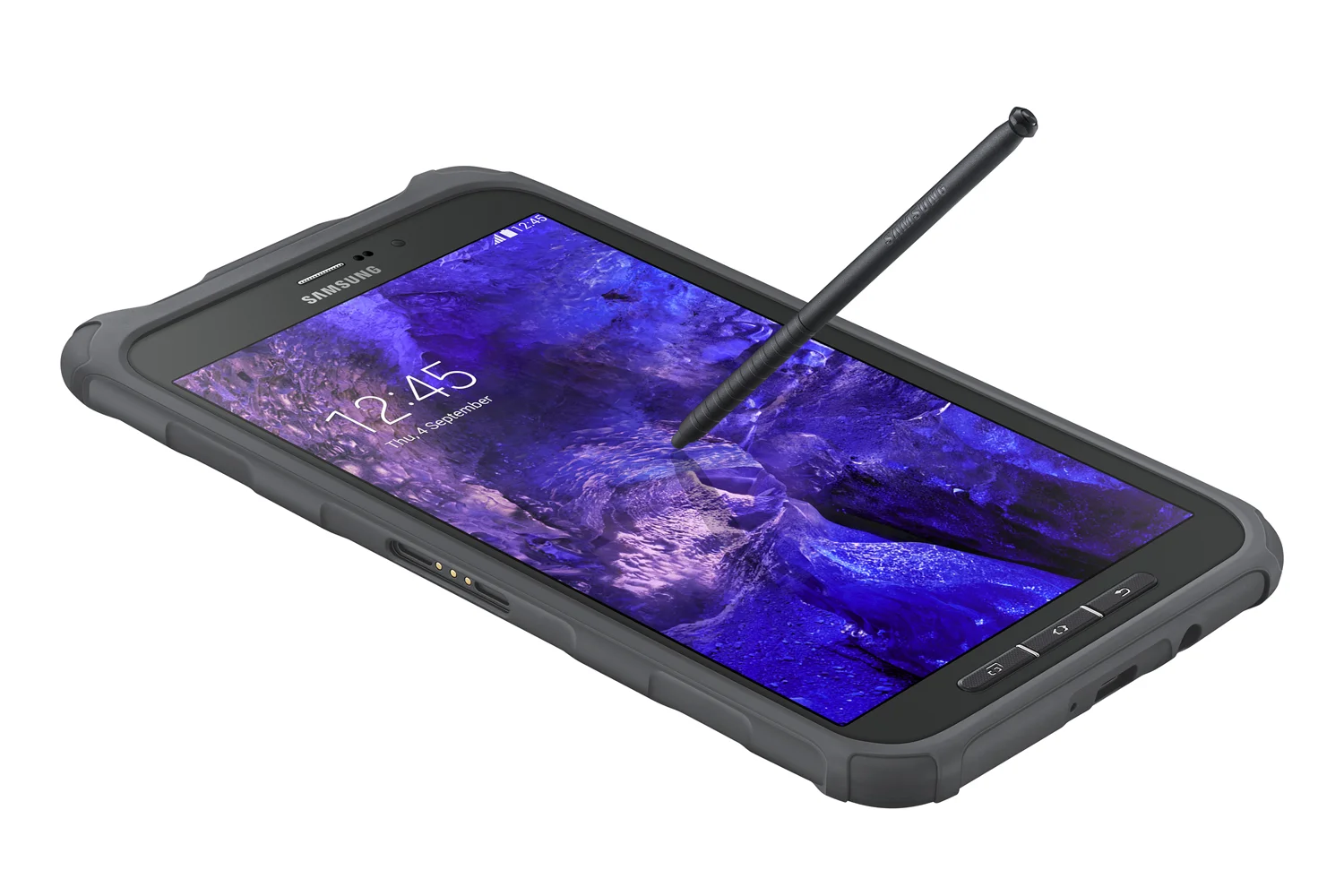
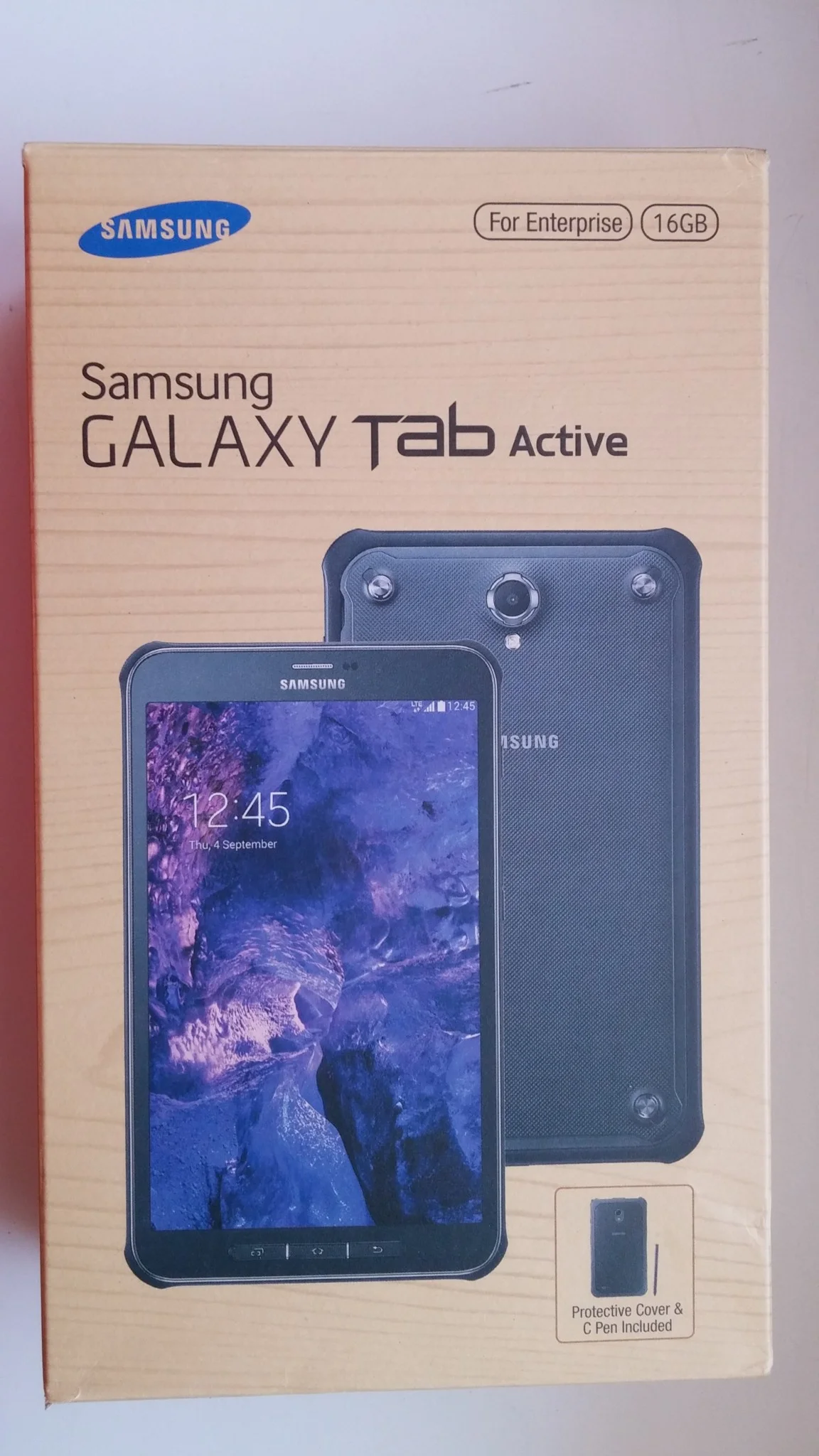
Samsung sticks with its usual eco-friendly packaging, a box made from recycled paper with a faux wood texture. Inside, you get the basics: a charger and a detachable USB cable that also doubles as a data cable. The surprise was a pair of earphones, which was a nice touch and an unusual inclusion for a tablet. You’ll also find the manual, warranty paperwork, and, as a bonus, a rubber protective case with a stylus. According to the manual, the case is designed to protect the device from drops of up to 1.2 meters.
DESIGN AND BUILD
The overall design works. More importantly, it feels like it was built for the job. The chassis gives off the kind of confidence you want from a rugged tablet, and Samsung’s build quality backs that up. One unusual feature is the removable battery cover, which future owners will appreciate if they want to swap in a spare battery instead of waiting around for a recharge.
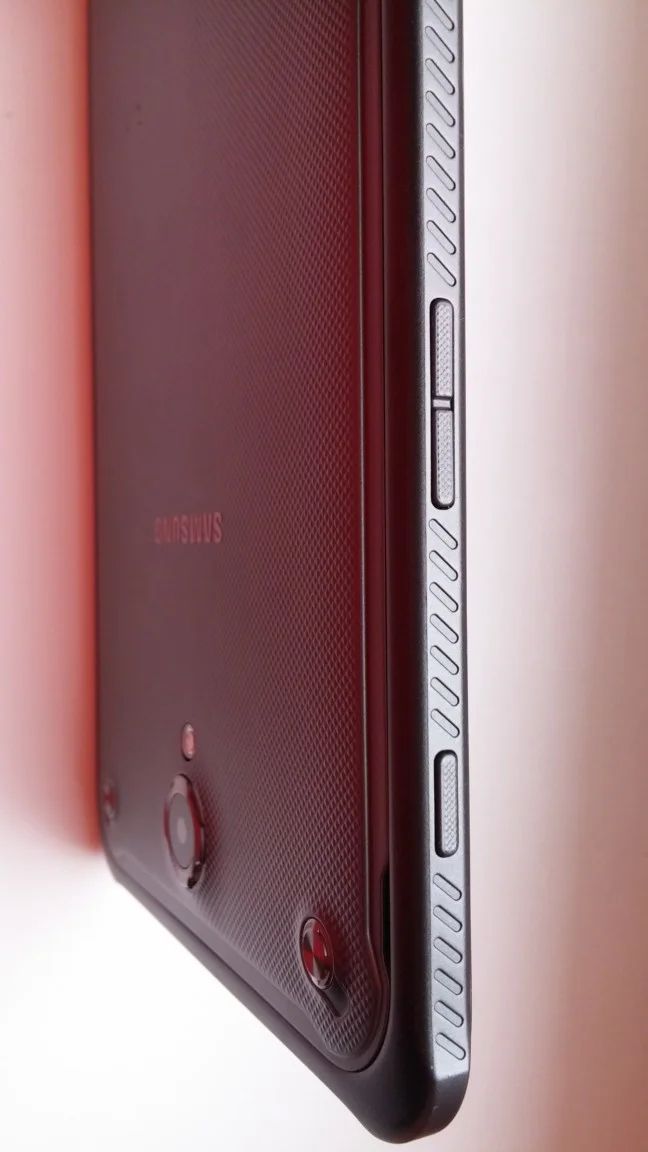
On the inside edge of the battery cover, there’s a thin rubber seal meant to keep water and dust out of the body. On the outside, the corners have raised metal pads, so the tablet doesn’t rest flat against a table. Those pads also have machined grooves that add grip on softer surfaces and help keep the device from sliding around.
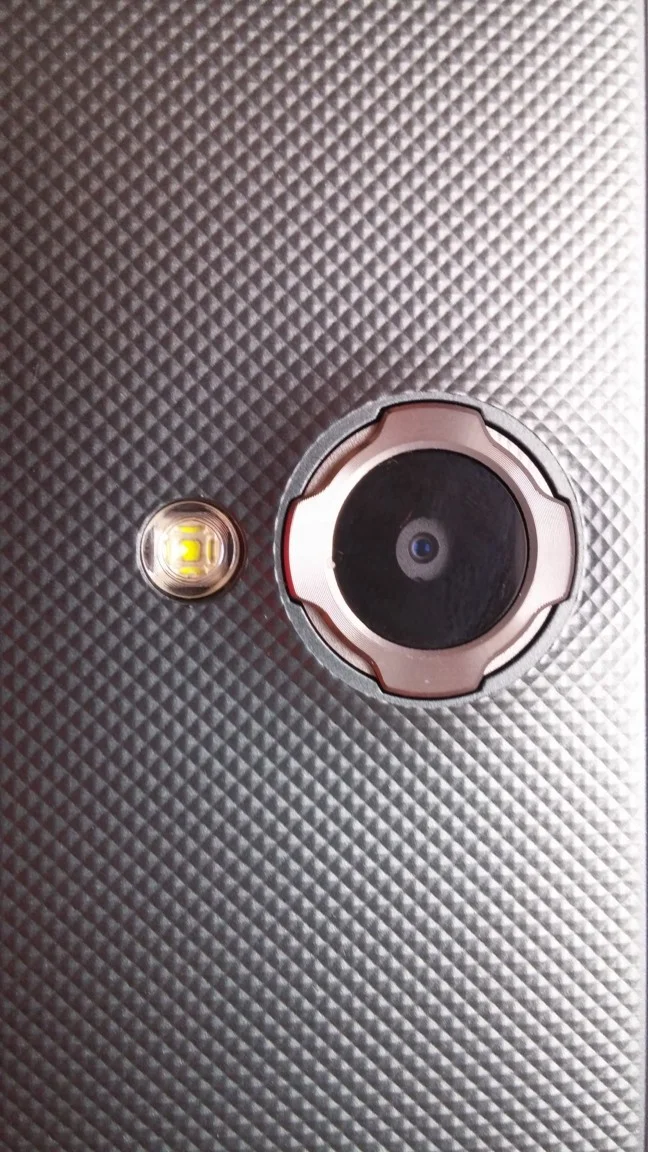
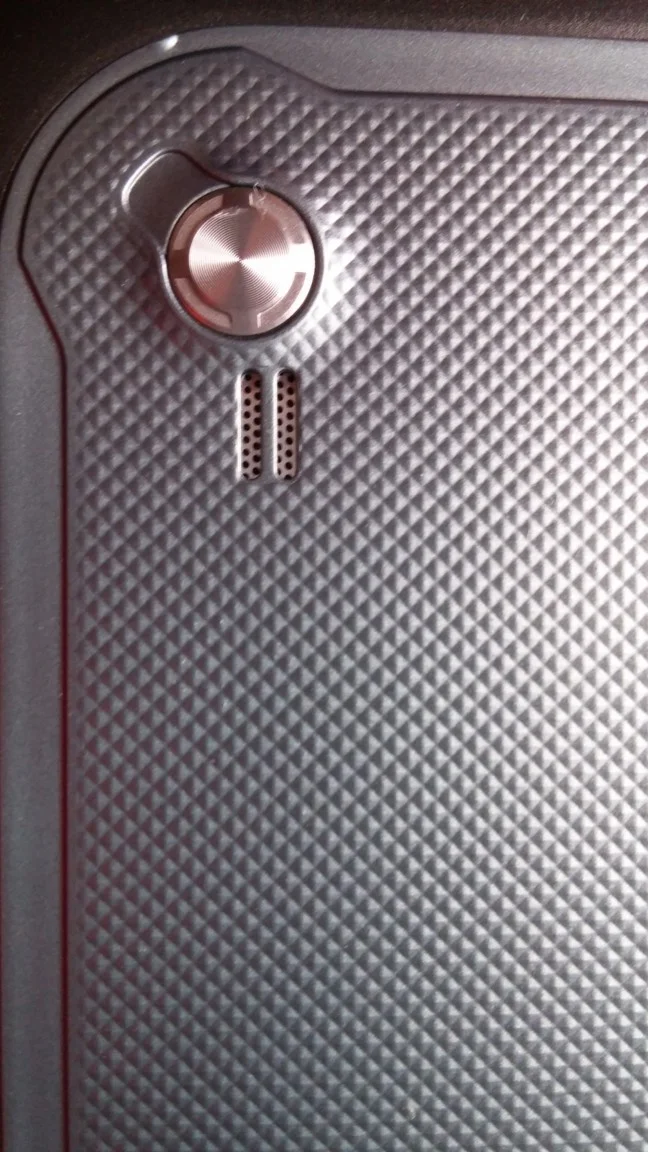
The edges feel hard and solid in the hand, though that changes if your hands are wet. At that point, the tablet gets fairly slippery, and the small anti-slip ridges don’t do much to fix it. The corners are slightly enlarged so the rubber case can latch on securely. Around back, there’s also a camera and an LED flash below it.
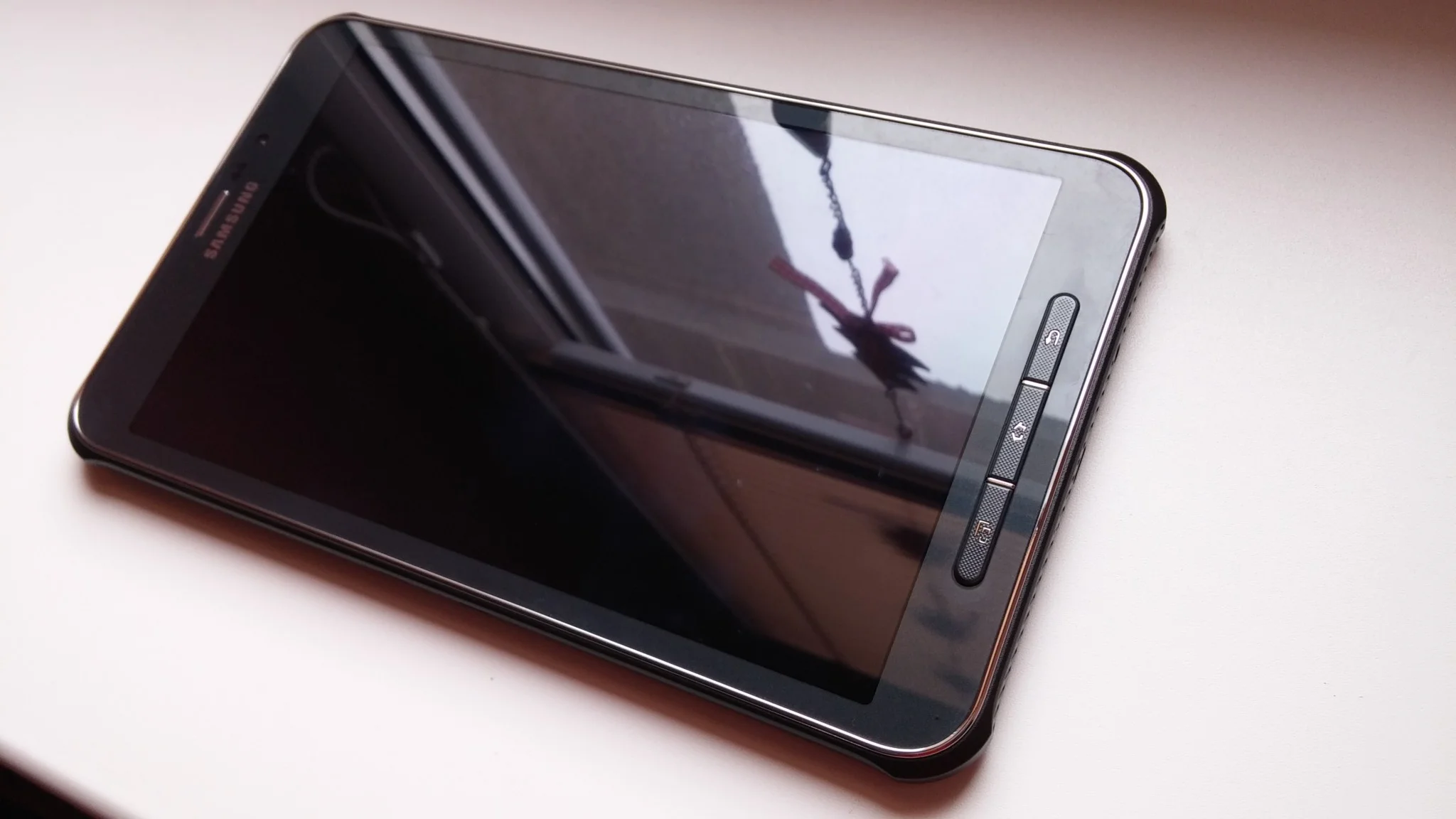

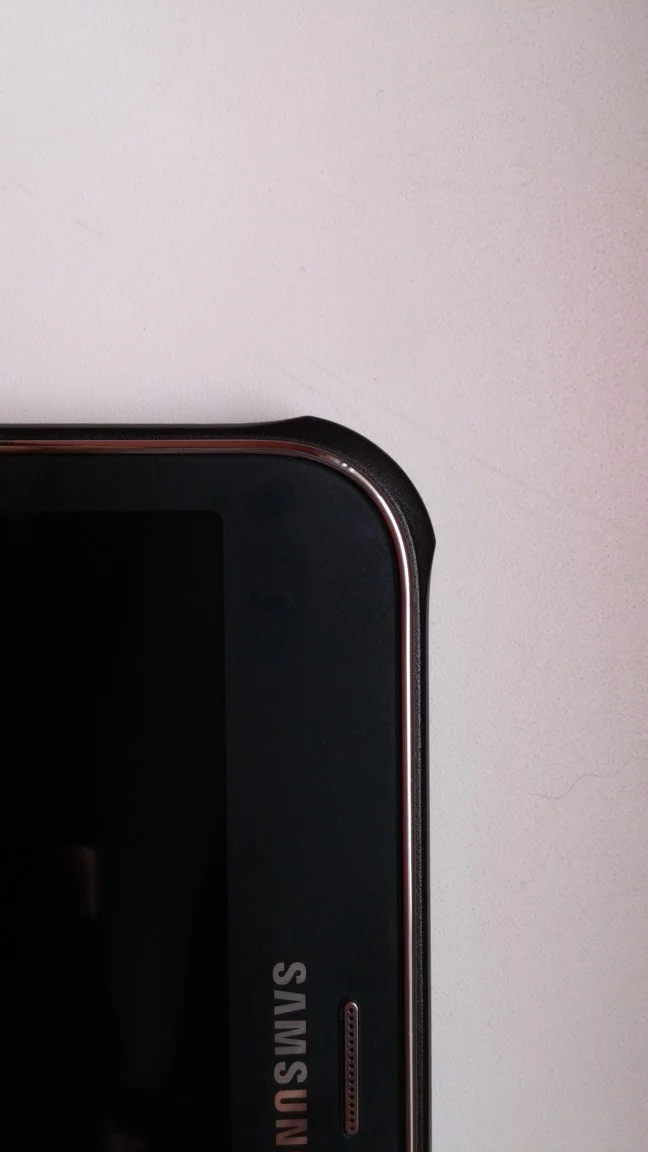
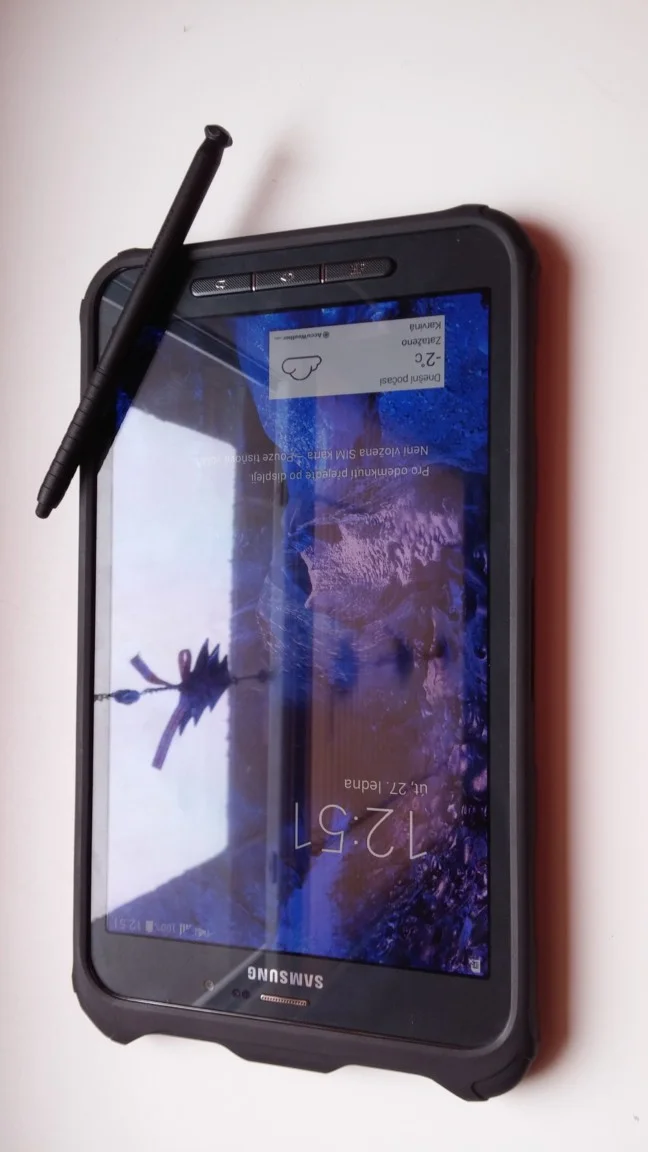
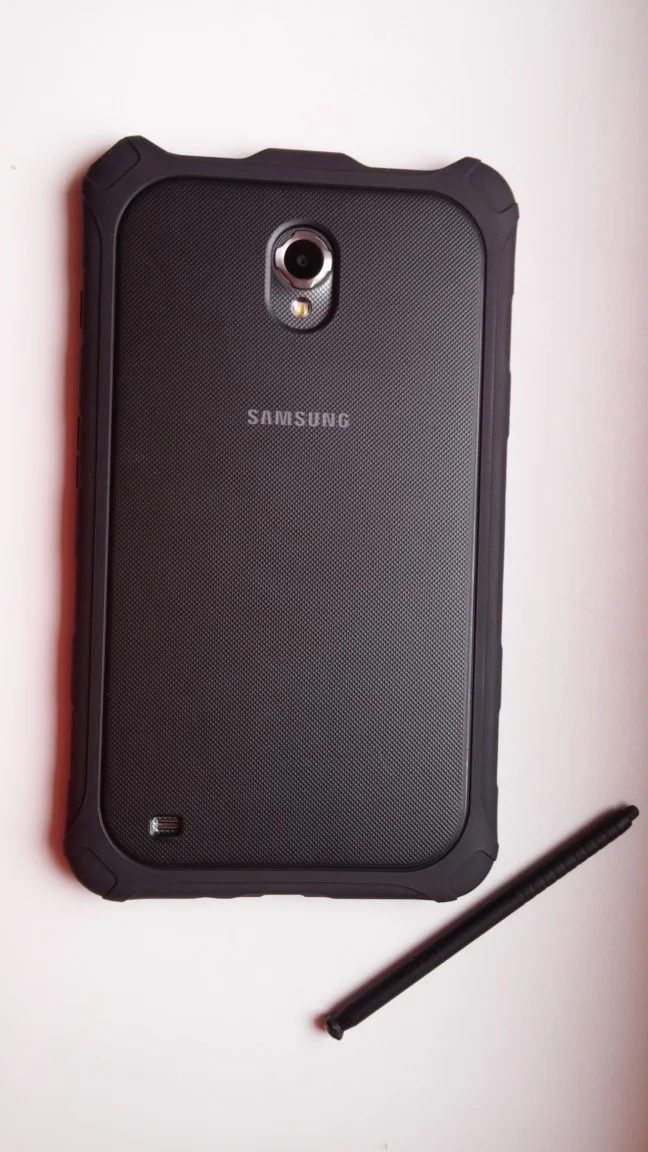
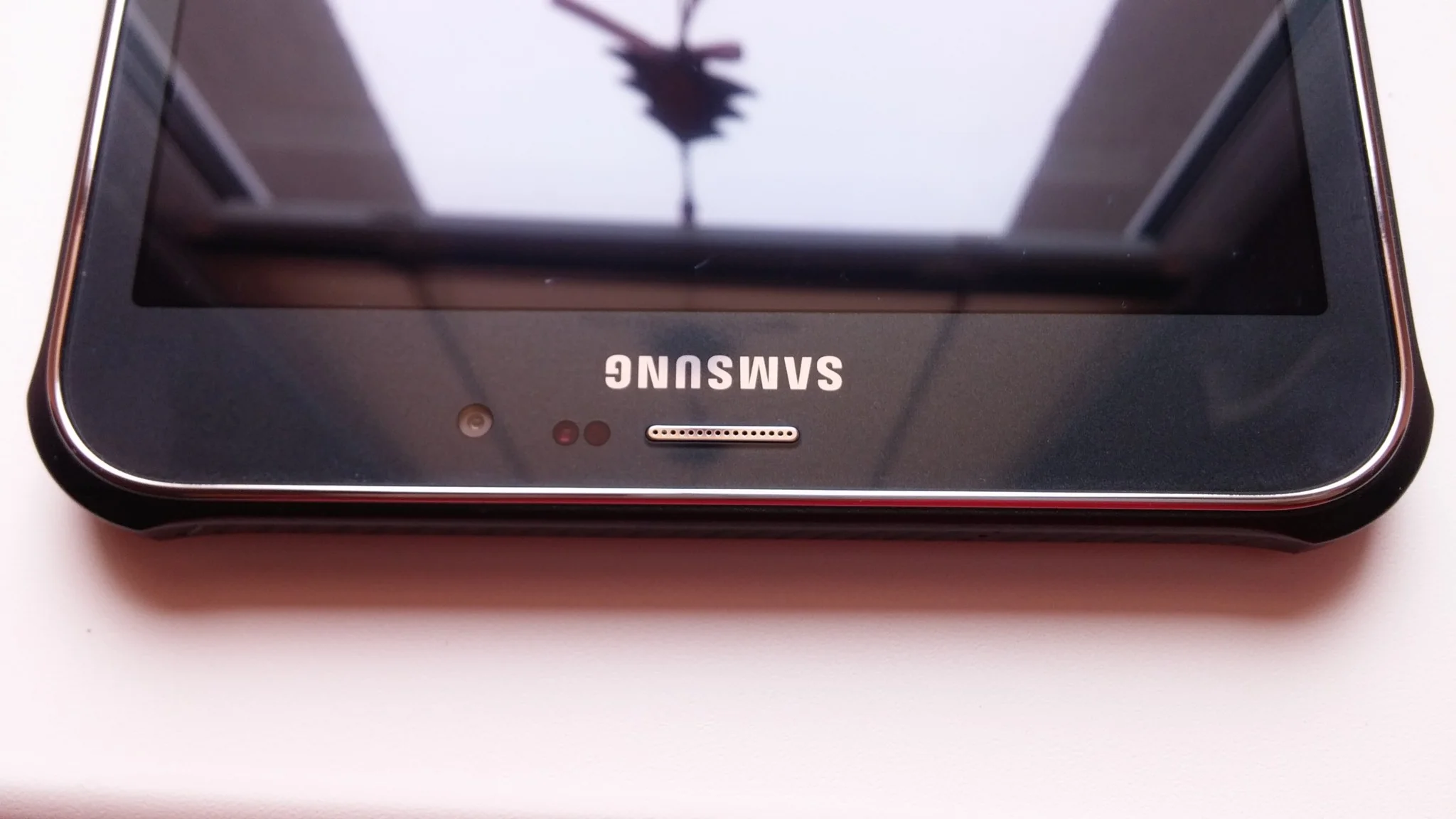
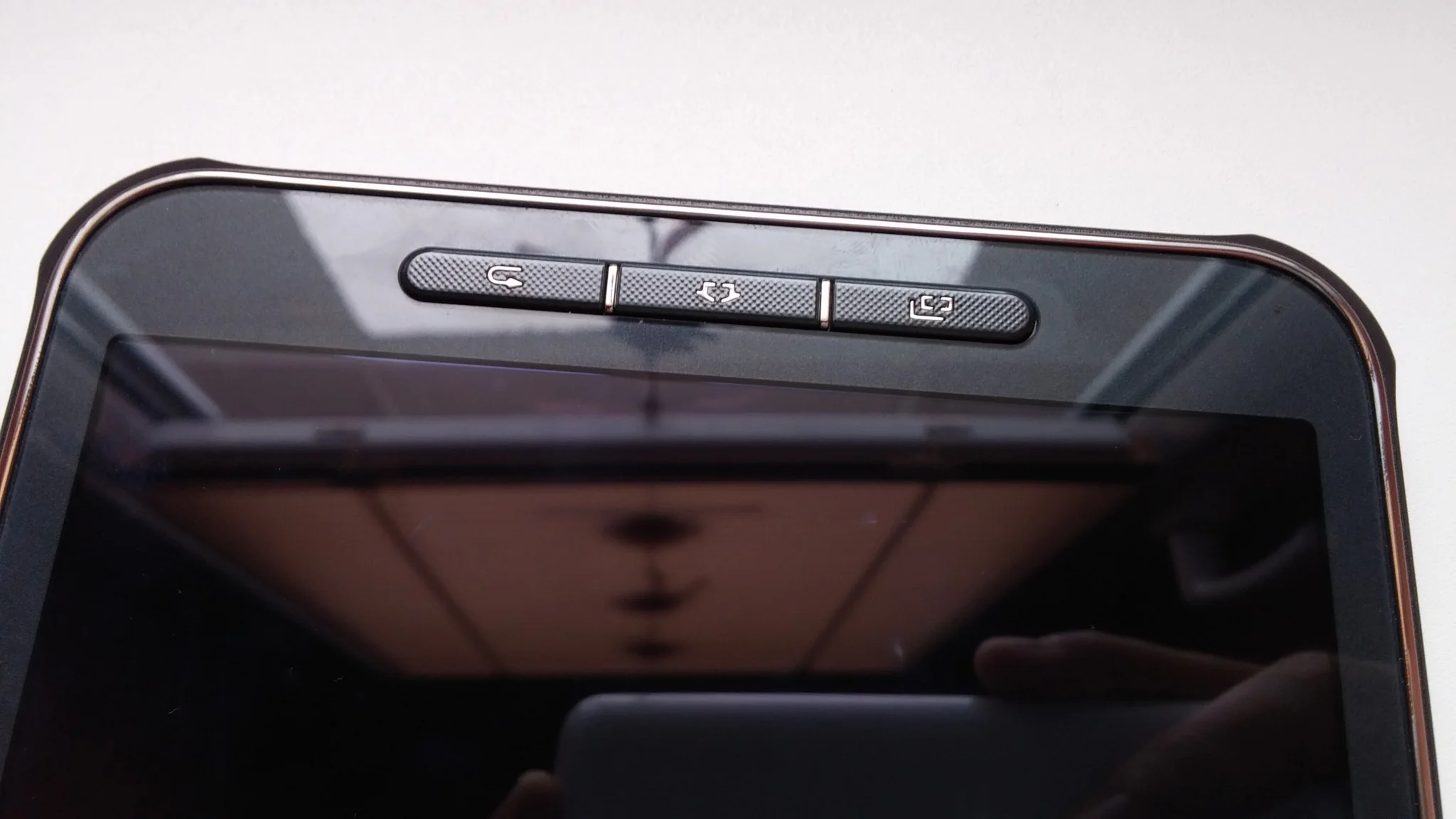
On the front, you get three hardware buttons, all finished with a textured surface for better grip. The bezels are fairly slim, which is one area where Samsung deserves credit. Up top, there’s a front-facing camera and two sensors. The speaker placement, though, is a miss. It sits on the lower-left side of the back, which makes it easy to cover with your hand. Samsung has made this mistake before, and it’s still frustrating here.
The sides of the device house three more hardware buttons for volume up, volume down, and turning the display on or off. On the left side, there’s also a POGO connector for charging without a USB cable. The charging port sits on the bottom edge, next to a 3.5mm headphone jack. Total weight comes in at 393 g.
One thing I missed was a dedicated hardware shutter button. That would have been a smart addition, especially given that Samsung clearly expects this tablet to be used with the case and stylus in messier environments where touching the screen isn’t ideal.
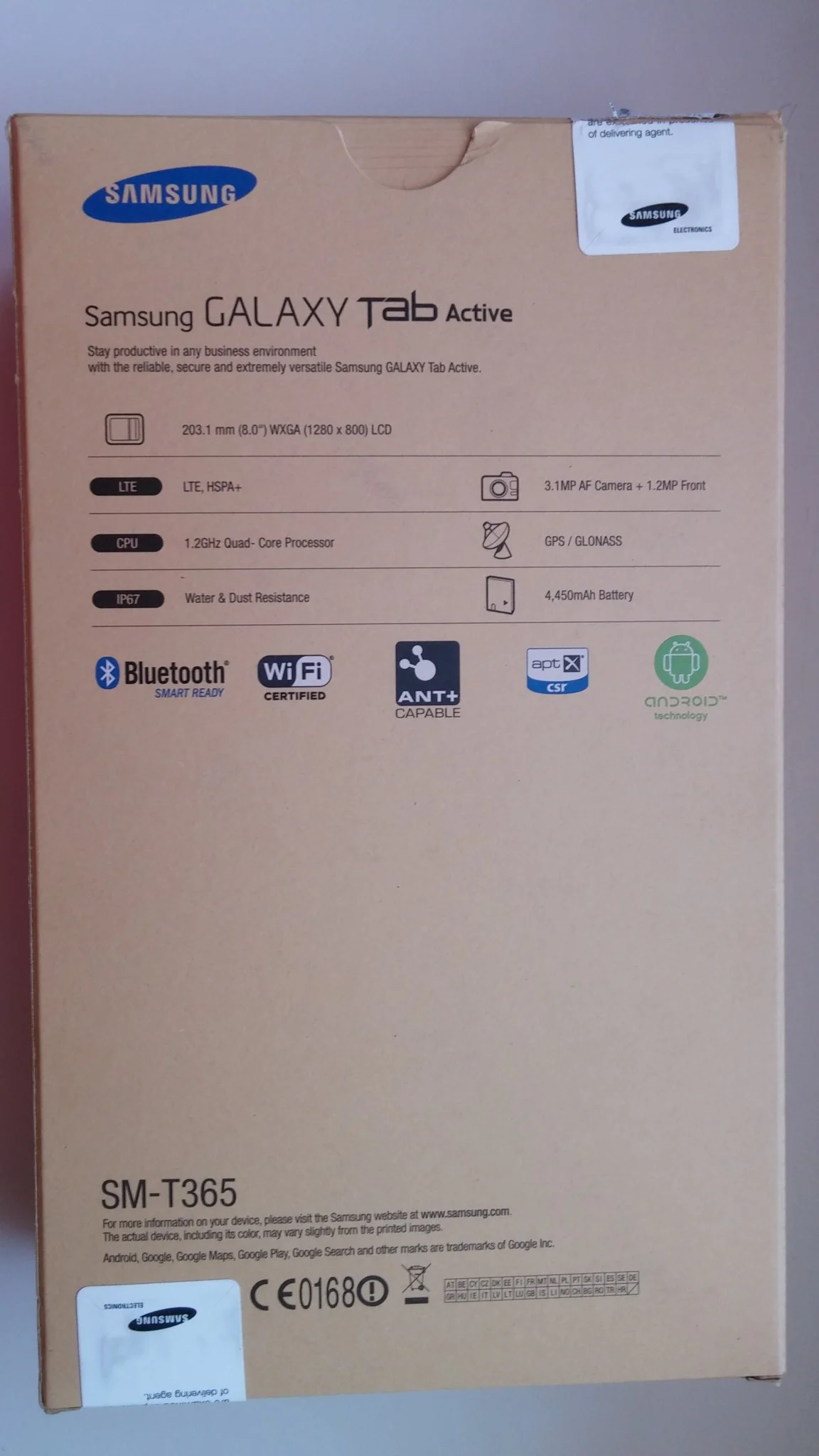
It’s also worth pointing out that the device carries an IP67 rating for dust and water resistance.
The included stylus is called the C-Pen. Unlike the S-Pen, it doesn’t bring any extra tricks, and its purpose feels pretty straightforward: basic input when your hands are dirty with oil or grime. In the rubber case, it held securely at first, but after about two weeks of use, the small tabs that keep it in place were already showing slight wear. The C-Pen itself is comfortable to hold, and its tip is unusually large, much bulkier than the S-Pen’s. The cap at the top hides a small circular area that looks like a button, but it isn’t one. It’s just a cosmetic detail.
HARDWARE
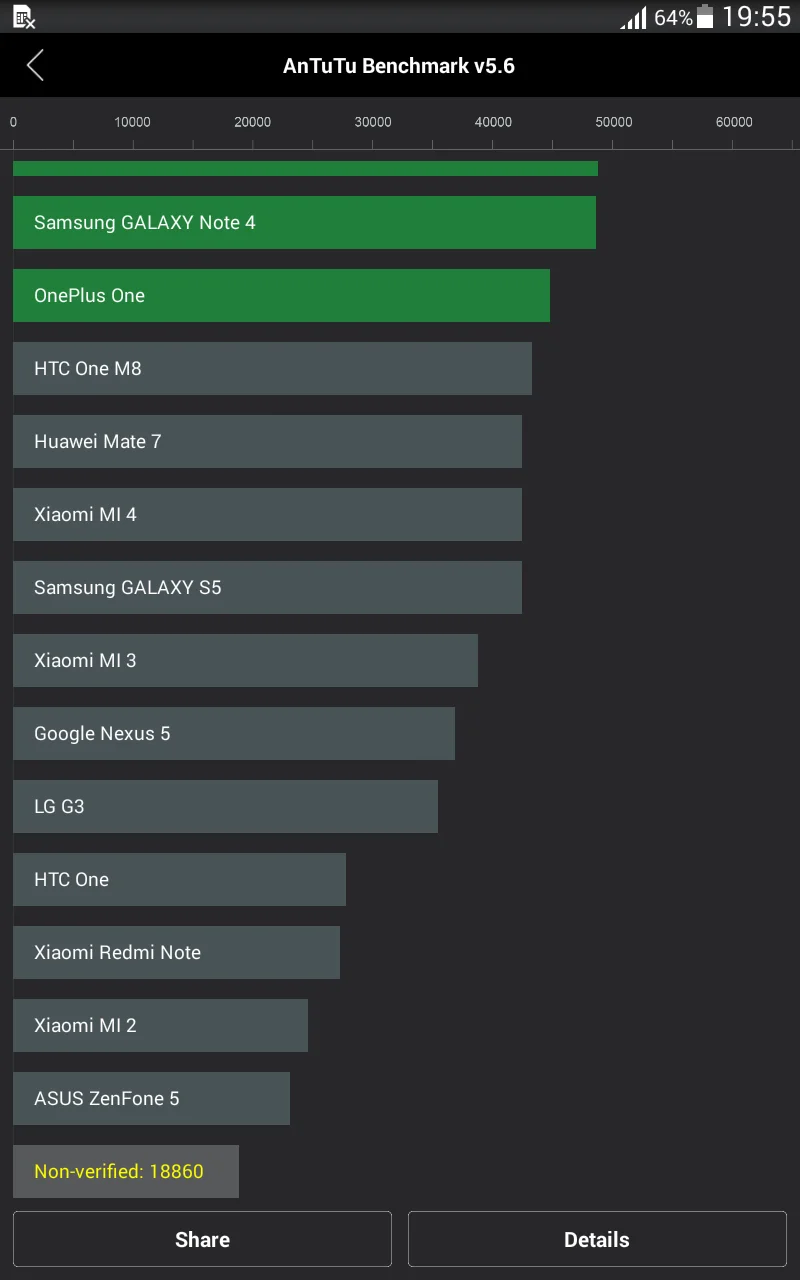
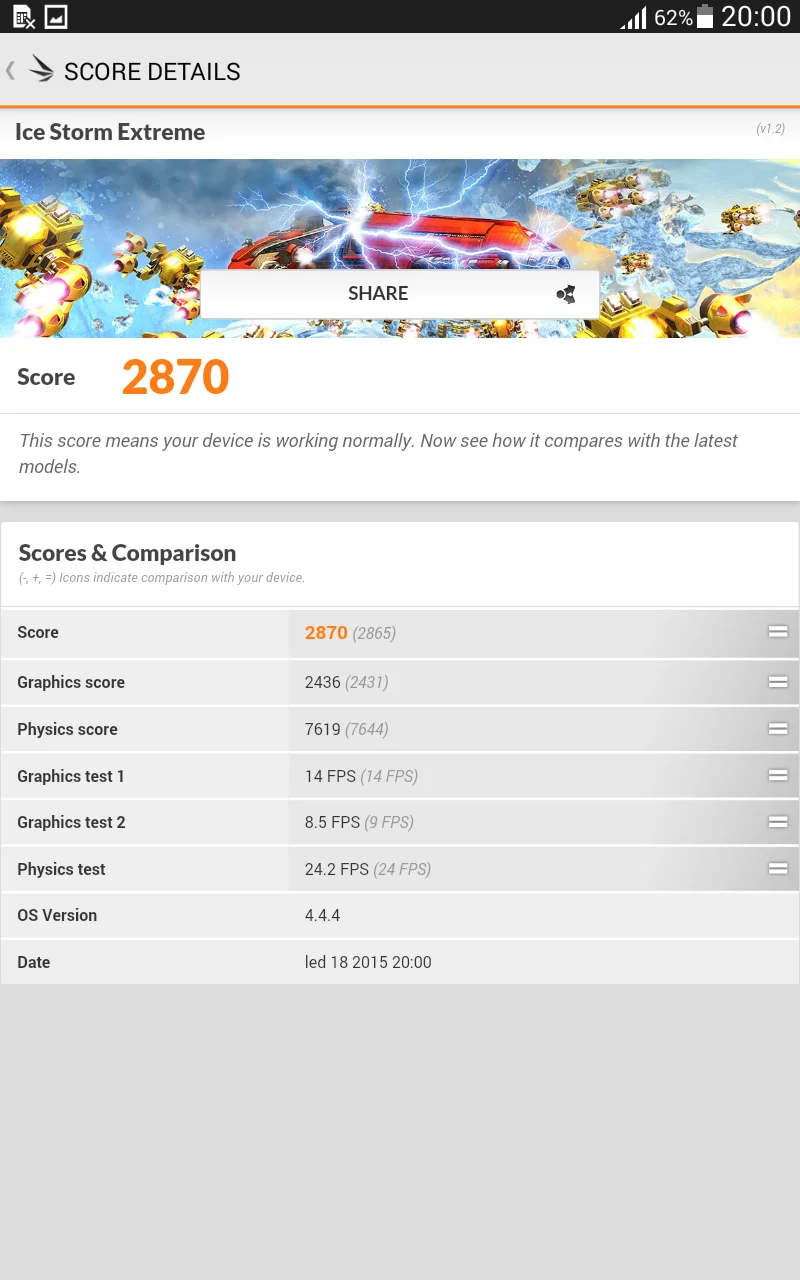
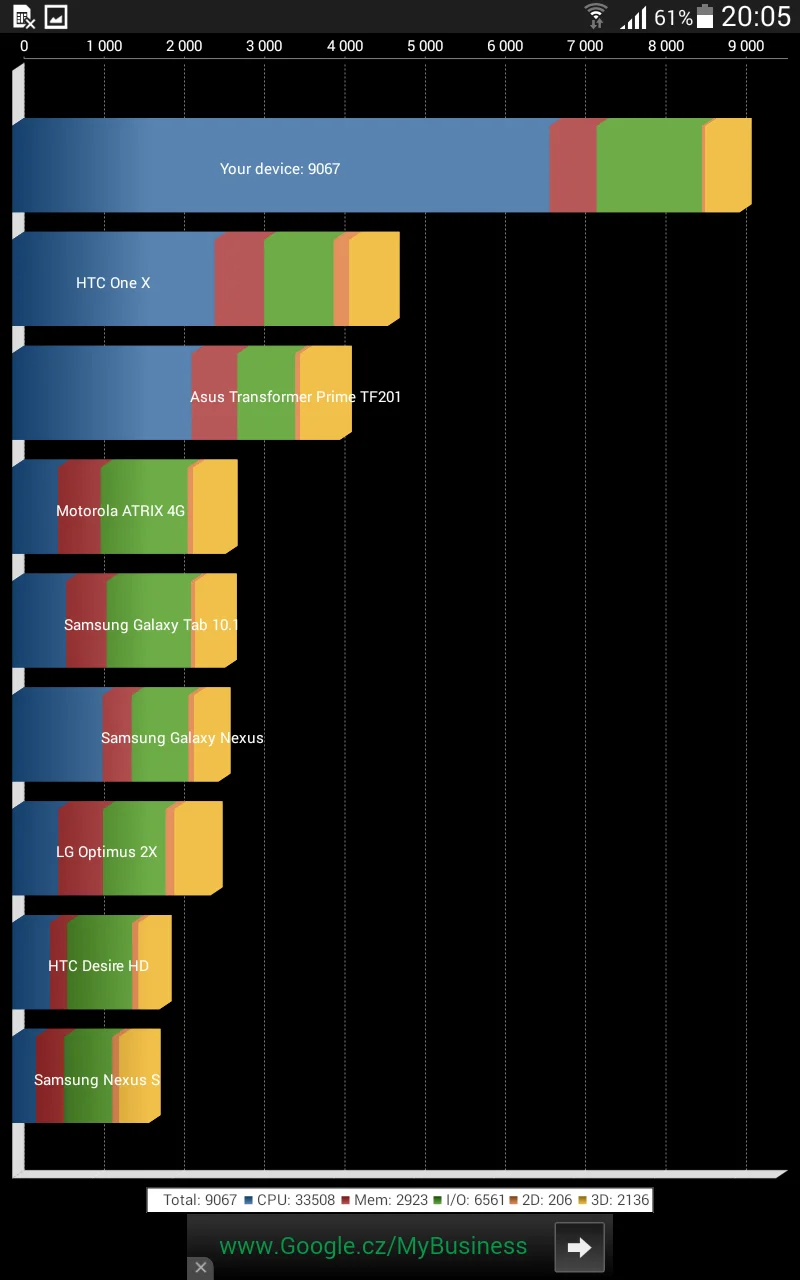
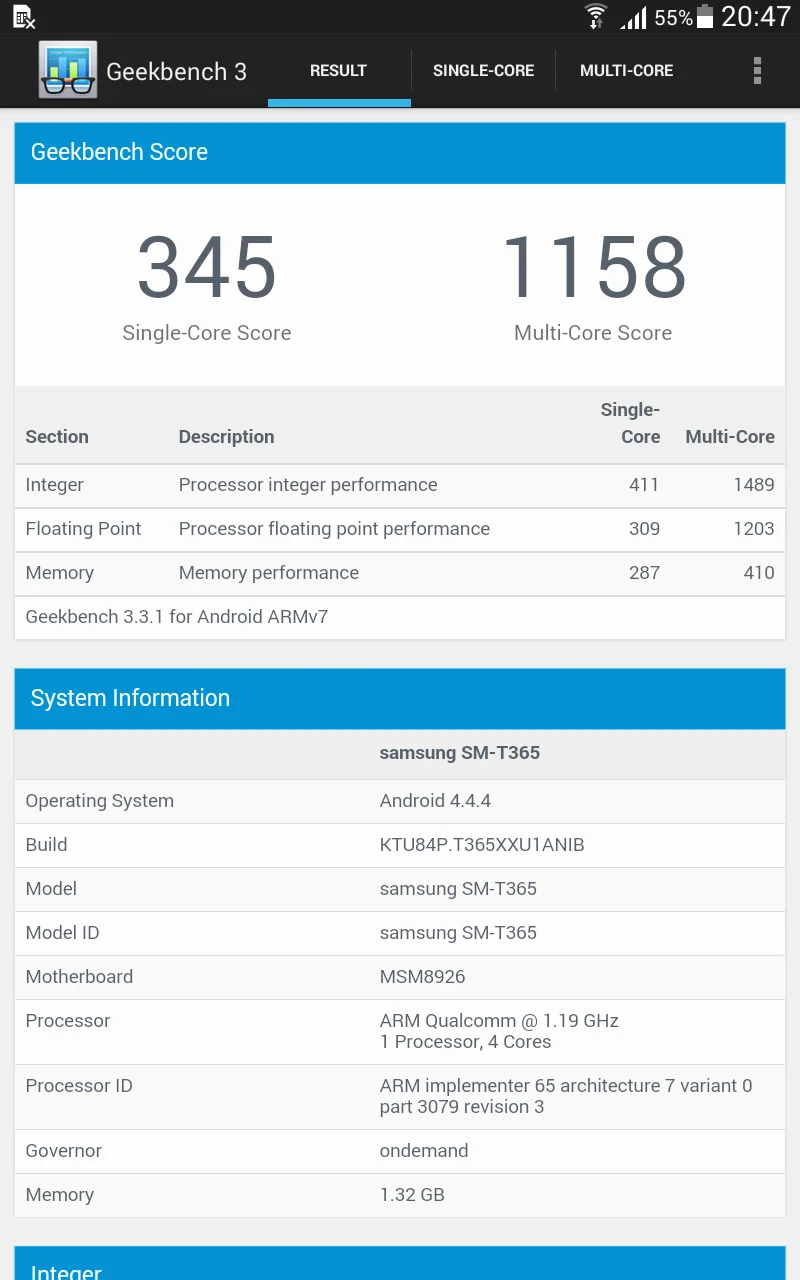
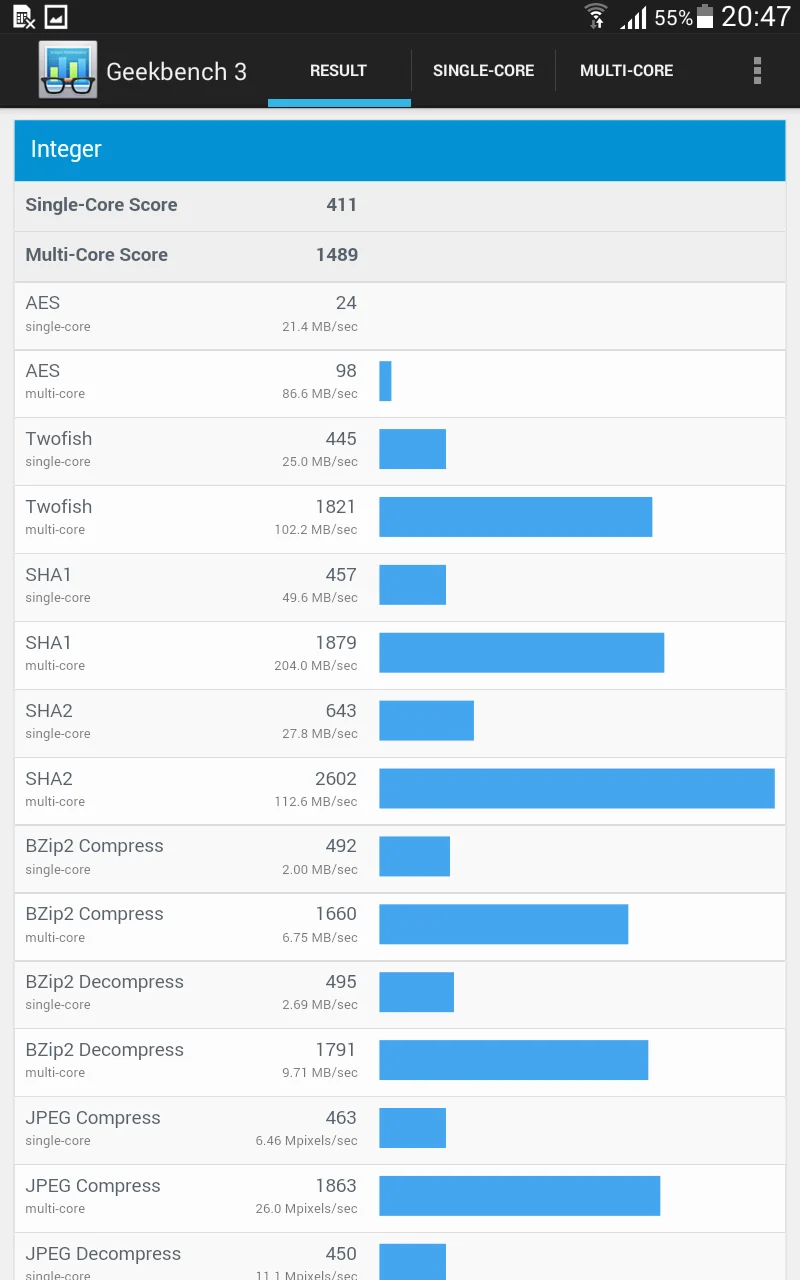
Samsung didn’t pack much power into this rugged device, and the benchmark results make that pretty clear. Inside is a Qualcomm processor, specifically the Snapdragon 400 clocked at 1.2GHz. Another weak spot is the RAM, which tops out at just 1.5GB. As Android gets heavier over time, that may start to feel tight, though less demanding users will still get by.
Overall, on a clean system with no apps running, I had around 400MB of free memory left. That’s very little, especially considering the tablet had barely any additional apps installed. Heat management is handled fairly well, though, and you don’t have to worry about the tablet getting too hot to hold. It warms up mainly around the camera area. The device also includes NFC and GPS, and you can expand the internal storage with microSD cards up to 64GB. Graphics are handled by the Adreno 305. Samsung also deserves credit for including NFC, since it can actually be useful on a device like this for quickly sending files, for example on construction sites or in field work.

DISPLAY
The display measures 8 inches and makes good use of the front with reasonably slim bezels. This isn’t an AMOLED panel, as you might expect from Samsung, but a standard LCD instead. Resolution comes in at 1280 x 800 pixels.
Pixel density lands at 189 PPI, and yes, it shows. Individual pixels are visible even from a greater distance. Outdoor visibility in sunlight is fairly solid, though it could be better; under cloudy skies the screen remains easy to read. Viewing angles are above average, and even from the side, colors don’t shift much.
Samsung does deserve praise for the excellent maximum brightness. At full blast, the display really shines, and reading in poor lighting conditions isn’t a problem. Minimum brightness, on the other hand, could be much lower, because at night the screen was still too harsh on the eyes.
CAMERA
The tablet’s camera has a 3MP sensor, producing photos at 2,048 x 1,536 pixels. Video can be recorded in 720p HD, and there’s also an LED flash, which users will appreciate. Still, the tablet’s photos are far from impressive, and they can’t really be called good.
On a winter afternoon with plenty of light, the device captured shots very quickly. The bigger issue is overall image quality. Blurry photos were common, colors often bled together, and the results gave off the feel of a very cheap camera. Add even a little zoom, and the camera falls apart fast; you’ll struggle to make out people standing about 15 meters away. Samsung clearly cut costs here, which is a shame. You can check the photo quality below.





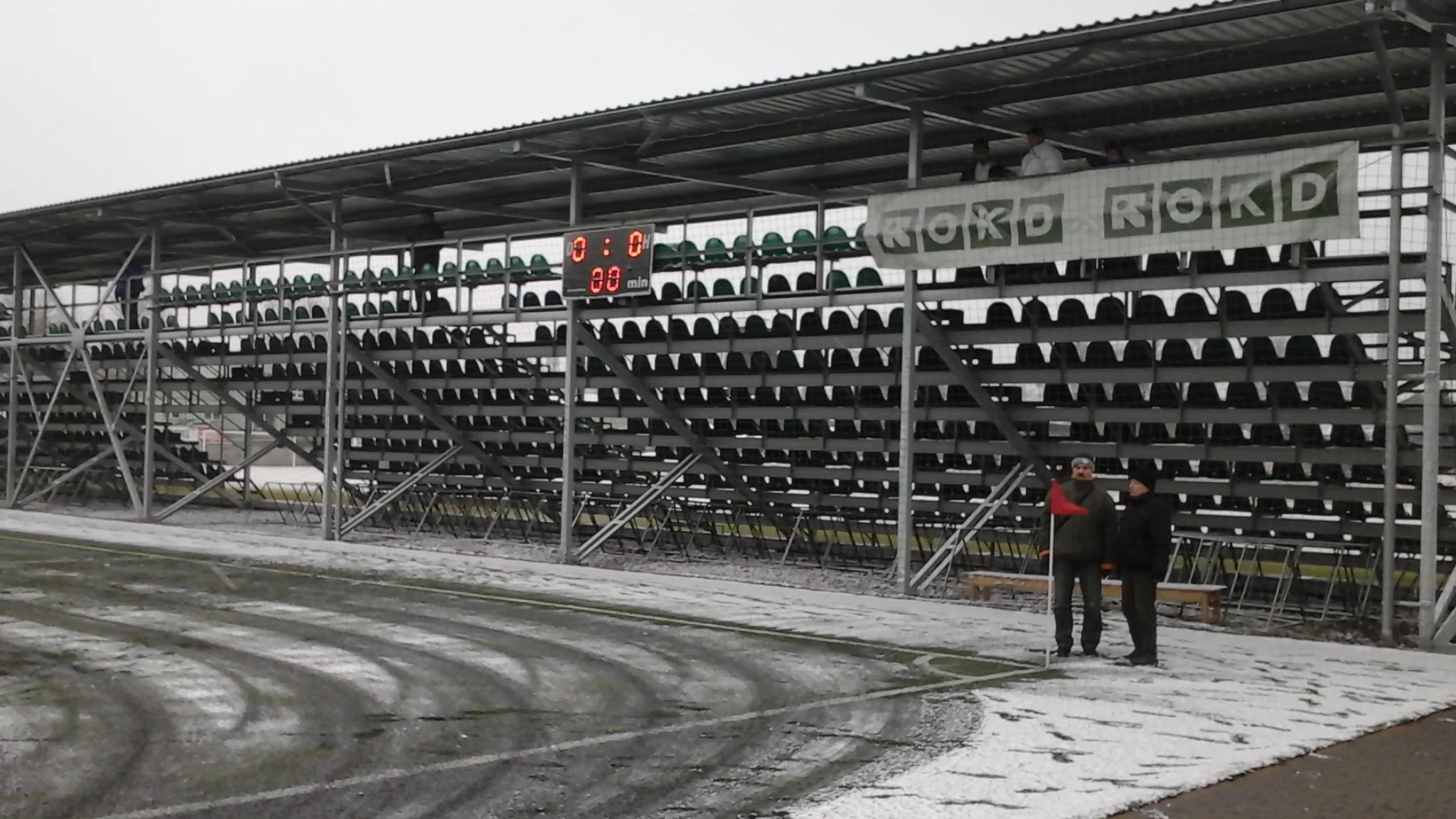
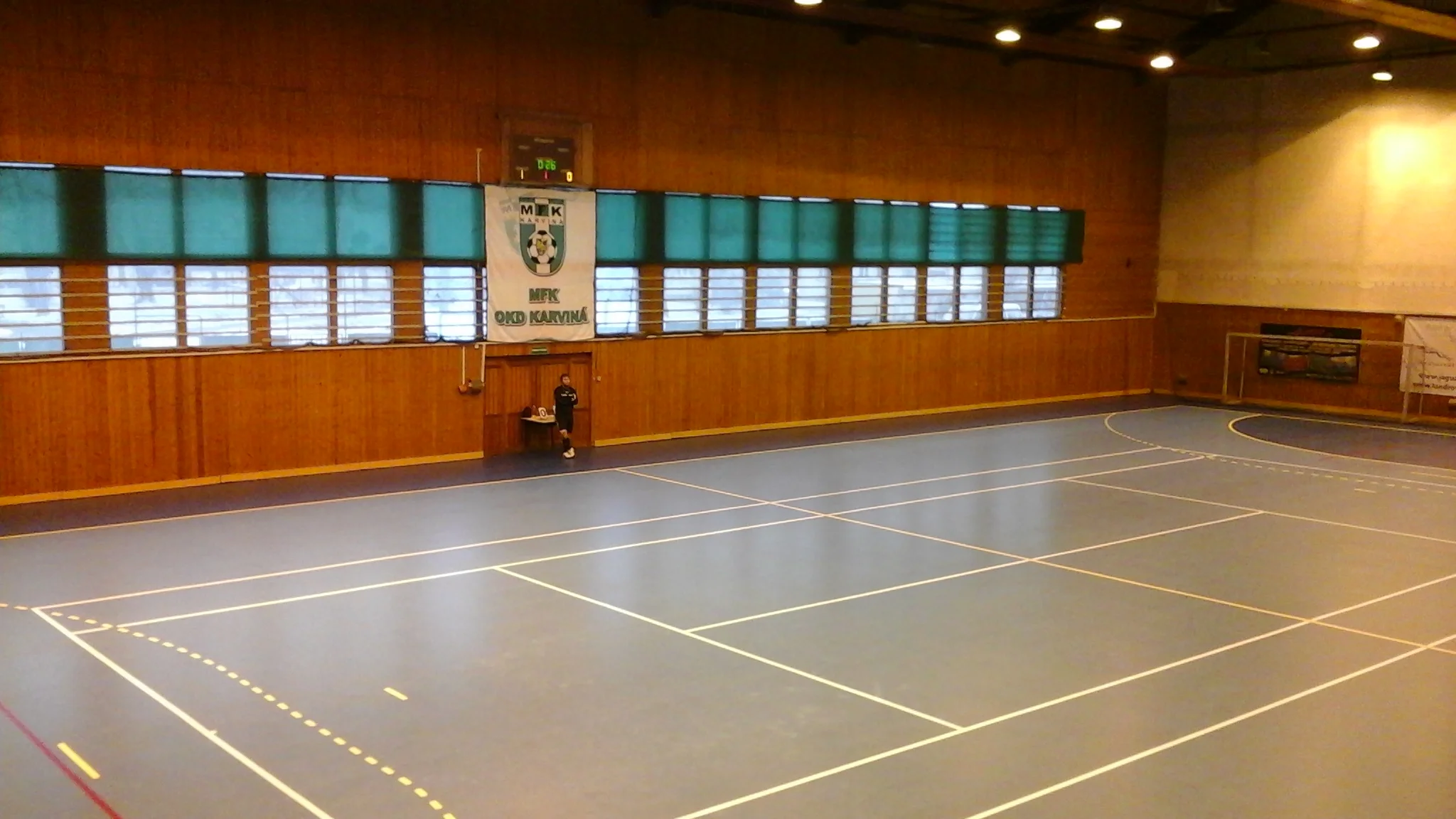



The camera app itself offers the usual set of features, including brightness adjustment and similar controls. For the sample photos above, I left everything in auto mode so the results would be representative. There’s really only one thing to praise here: shutter speed. Press the capture button, and the photo is saved almost instantly, without long delays from focusing.
SOFTWARE
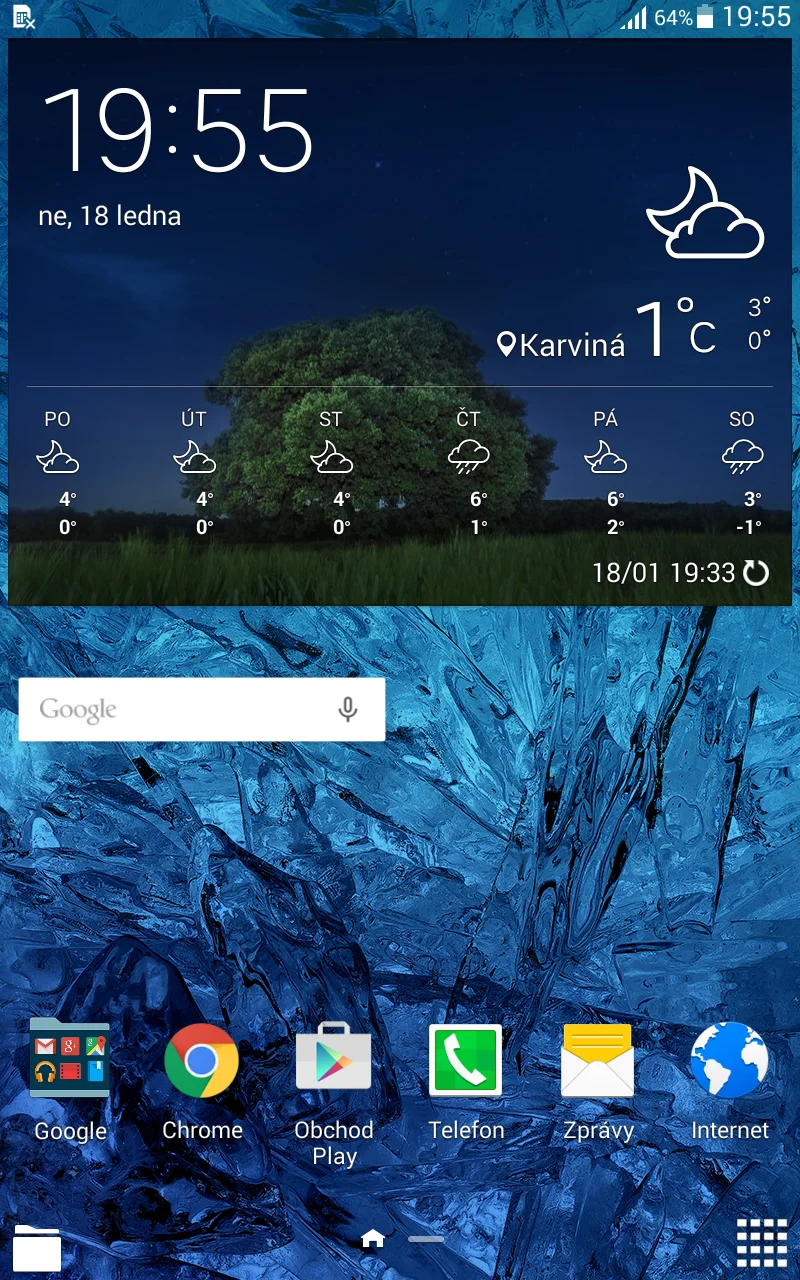
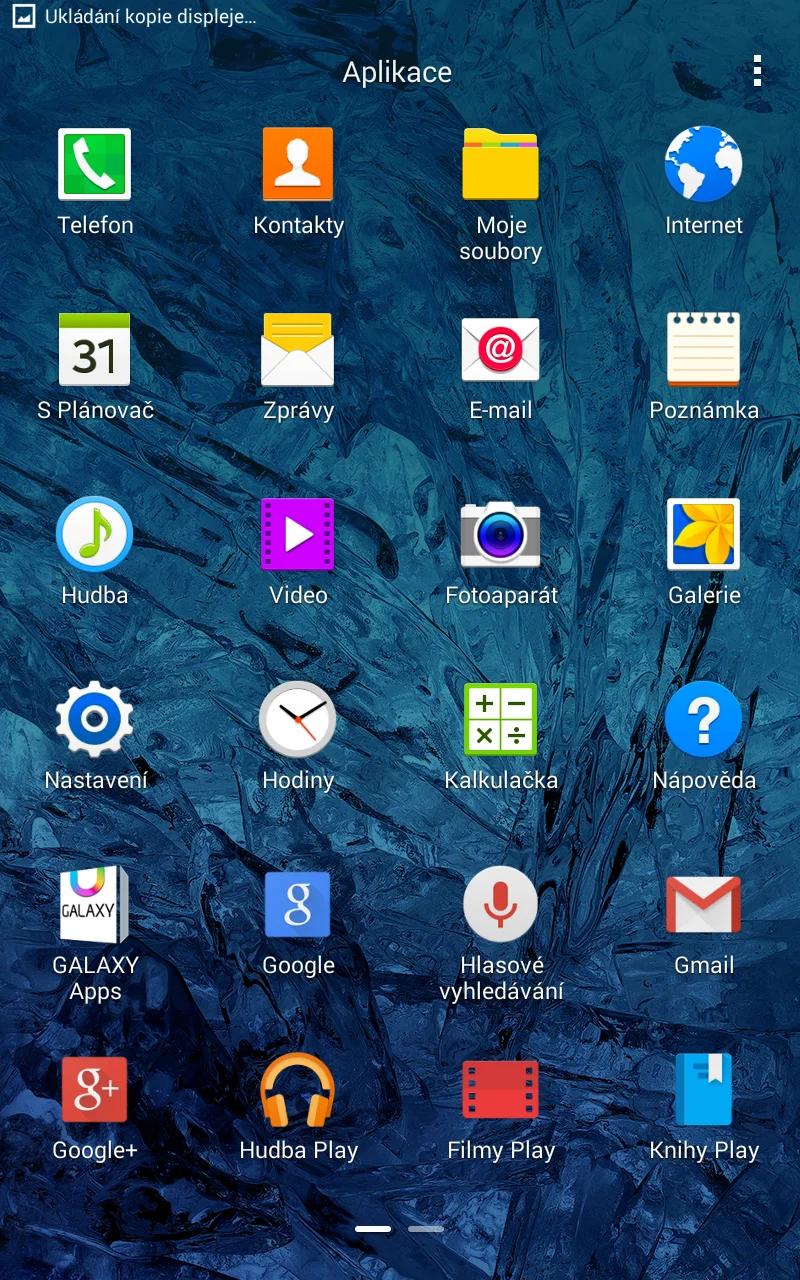
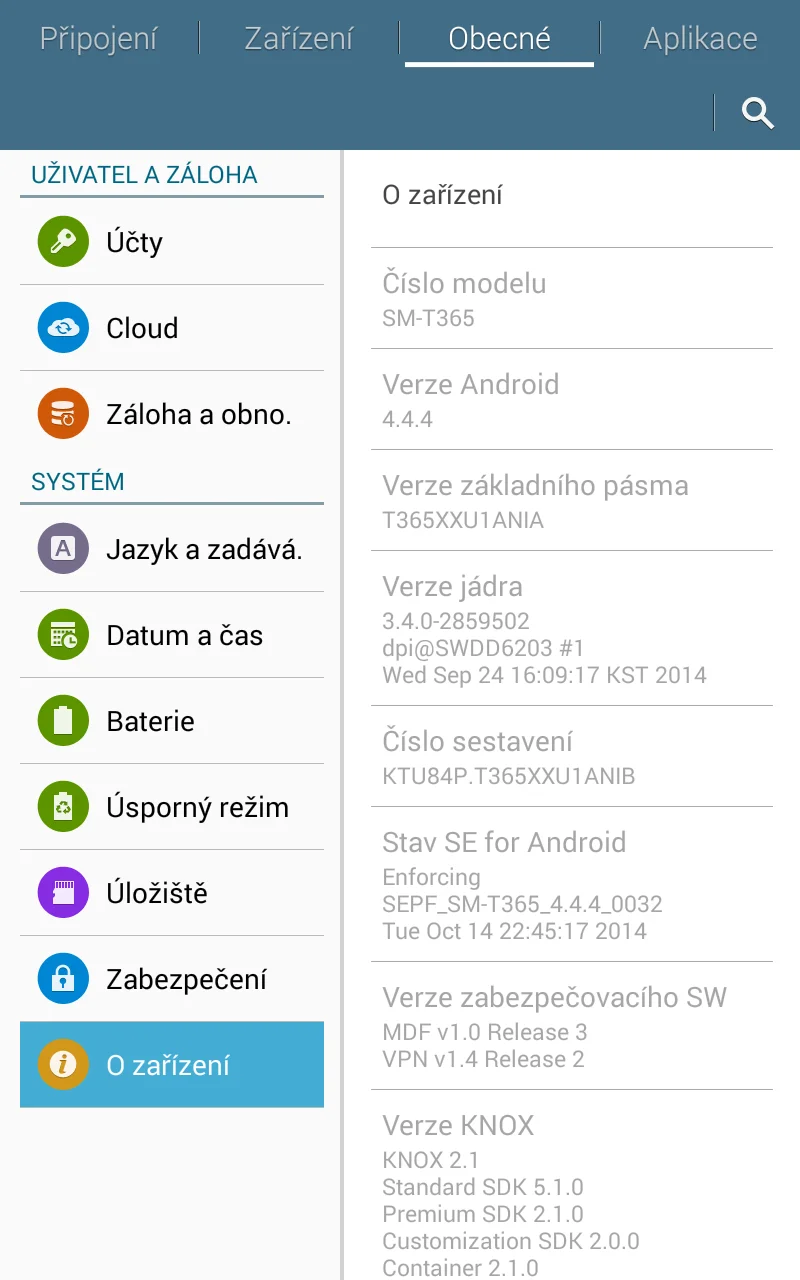
As expected, Samsung once again loaded the tablet with its TouchWiz interface. And, as usual for TouchWiz at the time, it slowed down over time. What felt snappy at first was already behaving more sluggishly after a week of use. In several cases, returning to the home screen took more than two seconds.
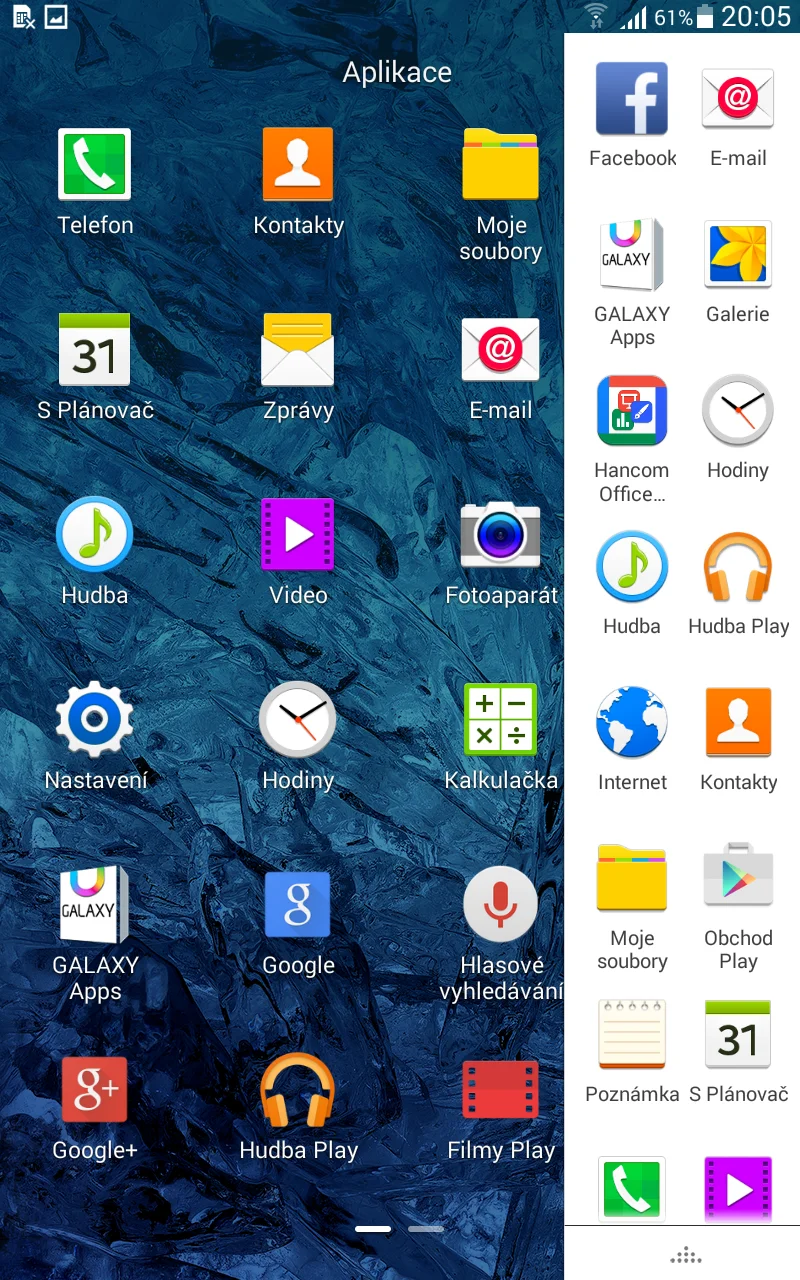
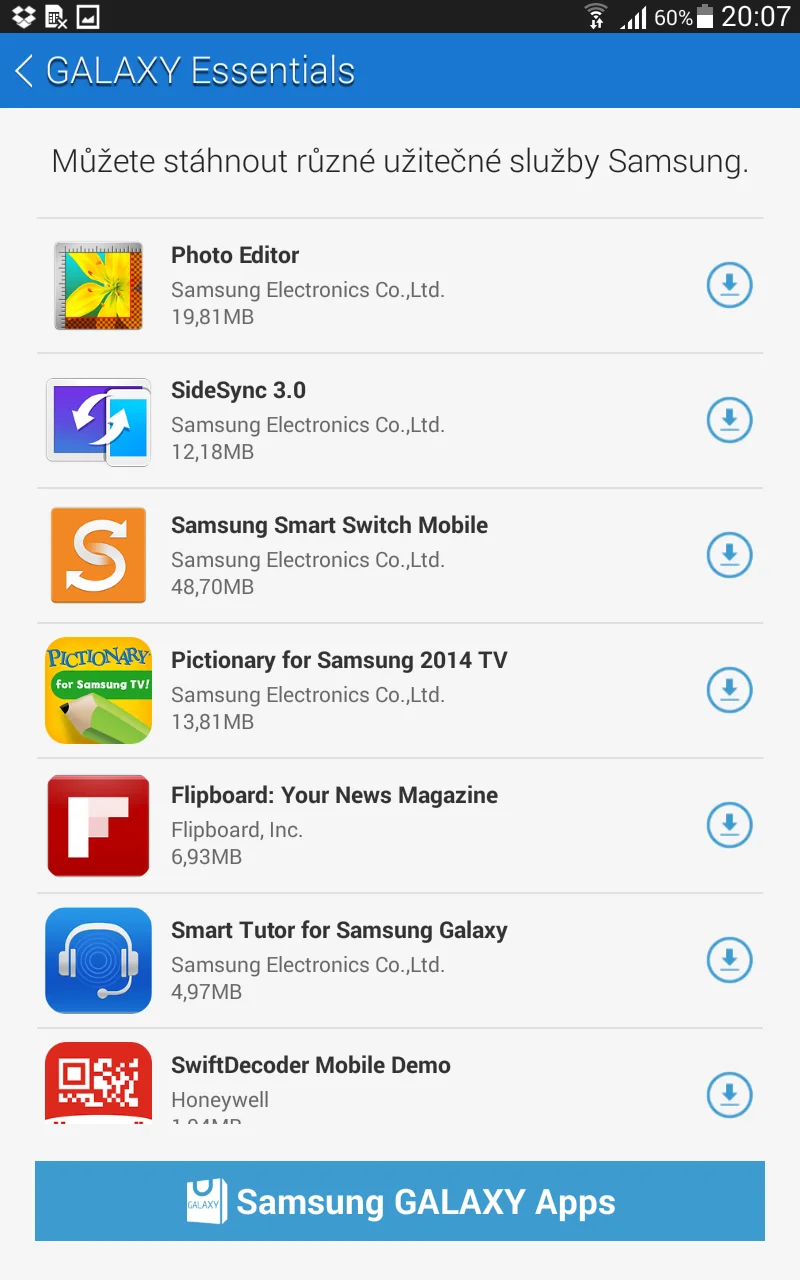
The system includes the standard TouchWiz features longtime Samsung users will recognize, including the sidebar on the right that lets you launch two apps on screen at once. Samsung’s own apps are preinstalled as well, along with the Galaxy Apps store, where you can occasionally find paid apps offered for free. Out of the 16GB of internal storage, the user gets roughly 8GB free, which is a very small amount.
GAMING
This tablet isn’t much of a fit for newer games. I tried titles like Asphalt 8, where the frame rate drops were easy to spot. More demanding players will definitely miss those extra frames, though younger users or less picky players probably won’t see it as a dealbreaker.
I also tested the newer FPS title Modern Combat 5, and performance was weak. During effect-heavy scenes, the tablet stuttered slightly and never felt truly smooth. Playing the same game on more powerful hardware was a completely different experience, so I can’t really recommend this tablet for gaming. That said, one thing deserves praise: while gaming, you’re very unlikely to accidentally press one of the hardware buttons, since none of them are touch-sensitive.
BATTERY
The battery has a total capacity of 4450 mAh. Battery life is one of the tablet’s stronger points. With typical use, meaning some occasional gaming and web browsing, you’ll probably be charging it once every two to three days. If you use it heavily throughout the day, though, you’ll still be reaching for the charger by evening.
I also saw solid endurance during movie playback. On a long trip, for example, I felt confident I wouldn’t need to worry about charging, since the tablet lasted a little over six hours. I also liked that it didn’t heat up much during playback, which your hands will appreciate. And if you end up in a situation where battery life matters more than anything else, you can switch on Samsung’s familiar Ultra Power Saving mode. It can keep the tablet running for a very long time, but functionality becomes heavily limited.
SUMMARY
If you want a tablet you don’t have to baby, this is an easy recommendation. But if you care about display quality, gaming performance, and a lighter design, this probably isn’t the tablet to buy.

We’d like to thank Alza.cz for providing the Samsung Galaxy Note 4 for this review, where you can also buy it.