TV2GO Brings Czech and Slovak Live TV to Phones and Tablets
Dotekománie got early access to a brand-new app on the Czech mobile scene. It’s called tv2go, and it gives users access to Czech and Slovak TV channels, along with a handful of international stations.
tv2go lets you watch TV on a tablet or phone anywhere you have an internet connection. We tested the app in a range of conditions and across several connection types, including HSPA+ and LTE.
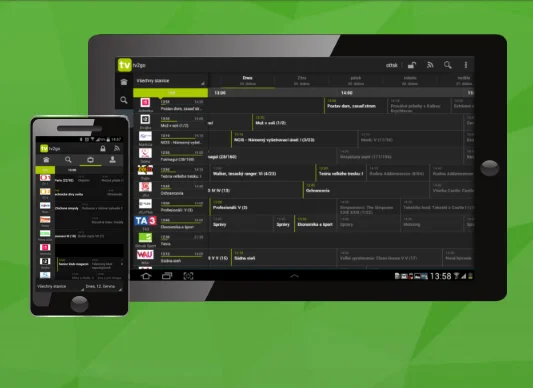
Interface, design, and controls
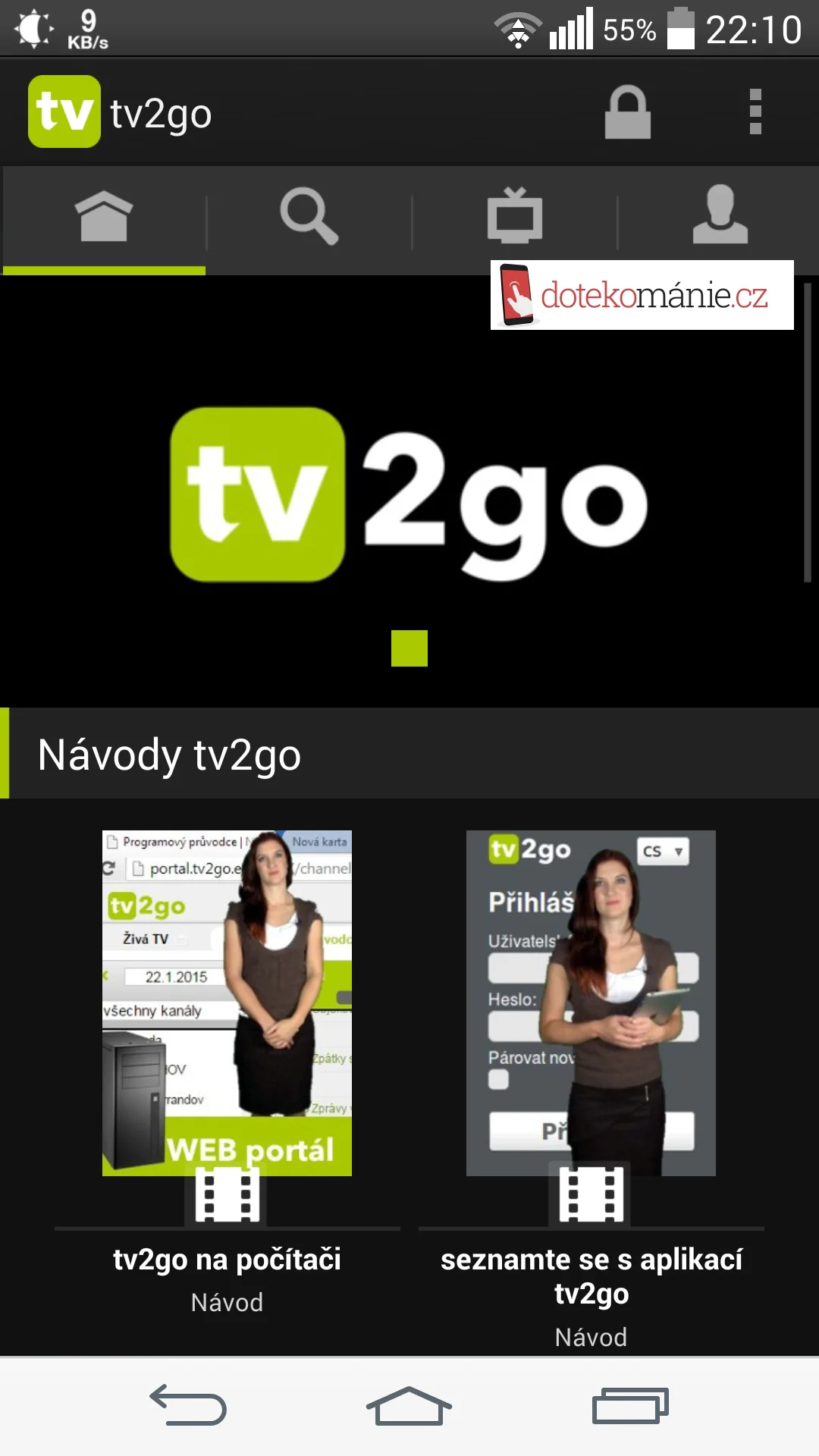
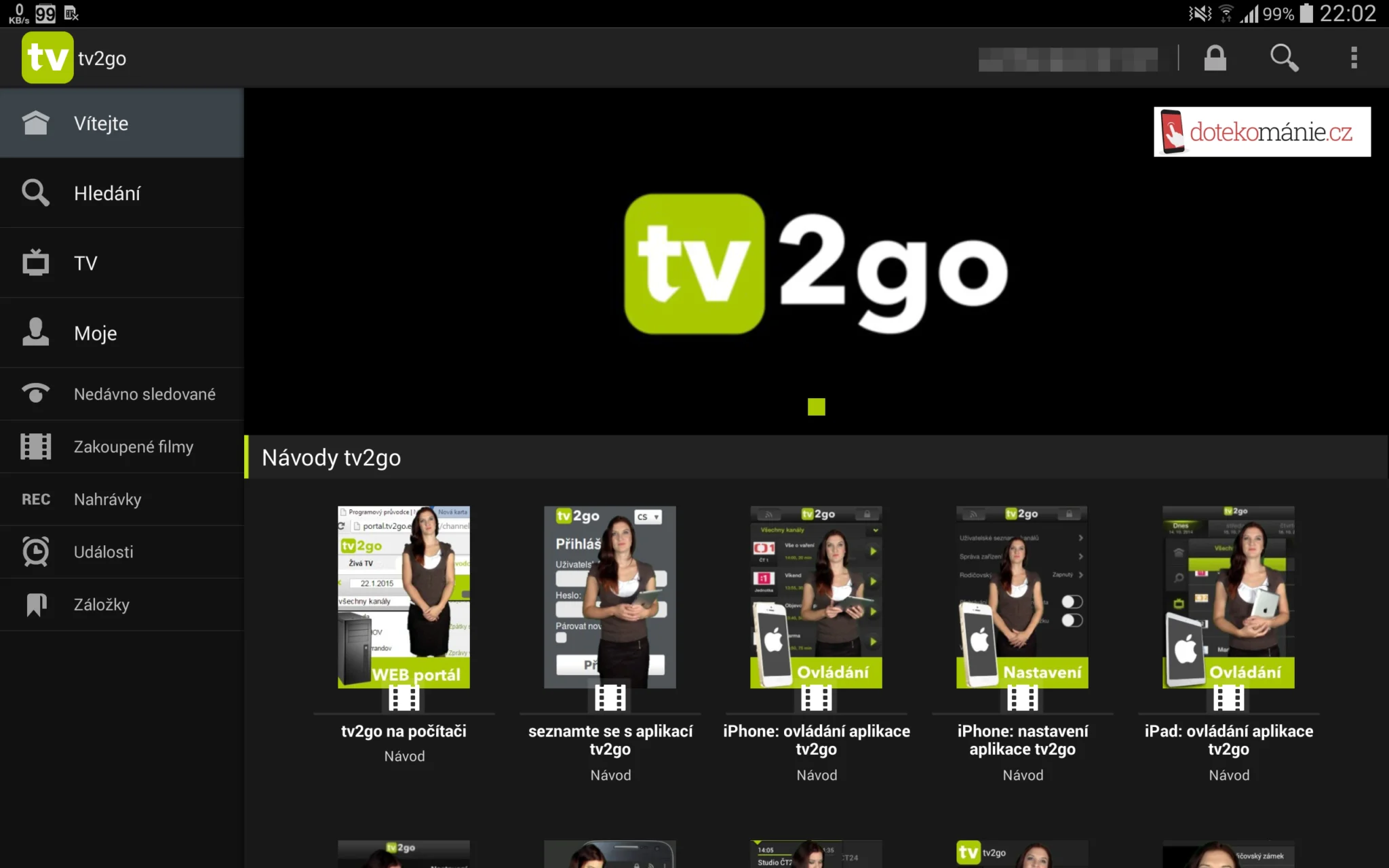
When you first open the app, you’re greeted by a clean interface built around green, black, and gray. The developers didn’t follow the Material Design trend that was taking over Android at the time, but the app still looks polished. The home screen shows the tv2go logo and, just below it, several video tutorials explaining how to use both the app and its TV features.
That part deserves credit. There are plenty of tutorials here, and they cover almost everything a new user would need. The top bar includes four controls. First is a home icon that always takes you back to the main screen, though you probably won’t use it much since the home page is mostly just tutorials and branding.
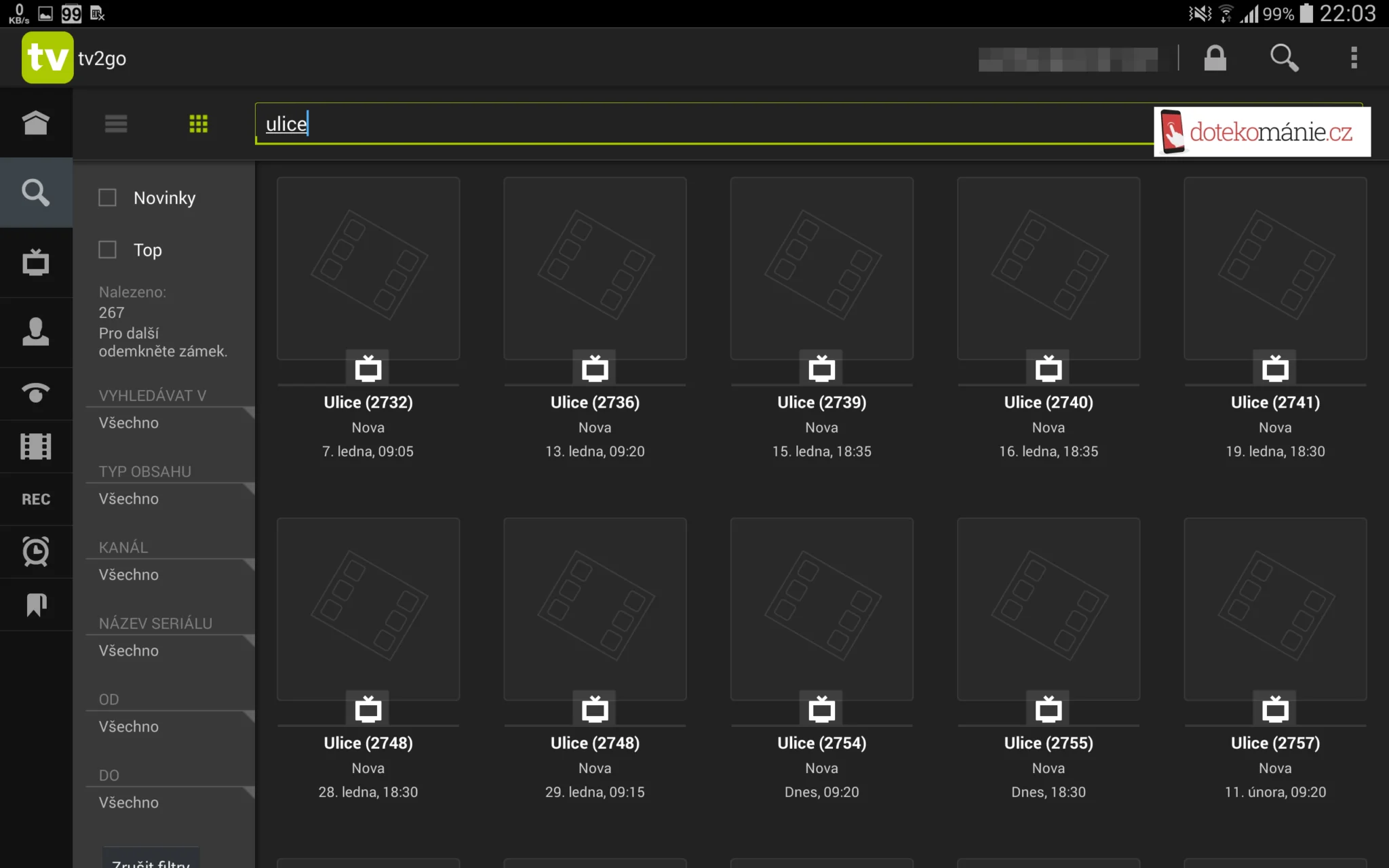
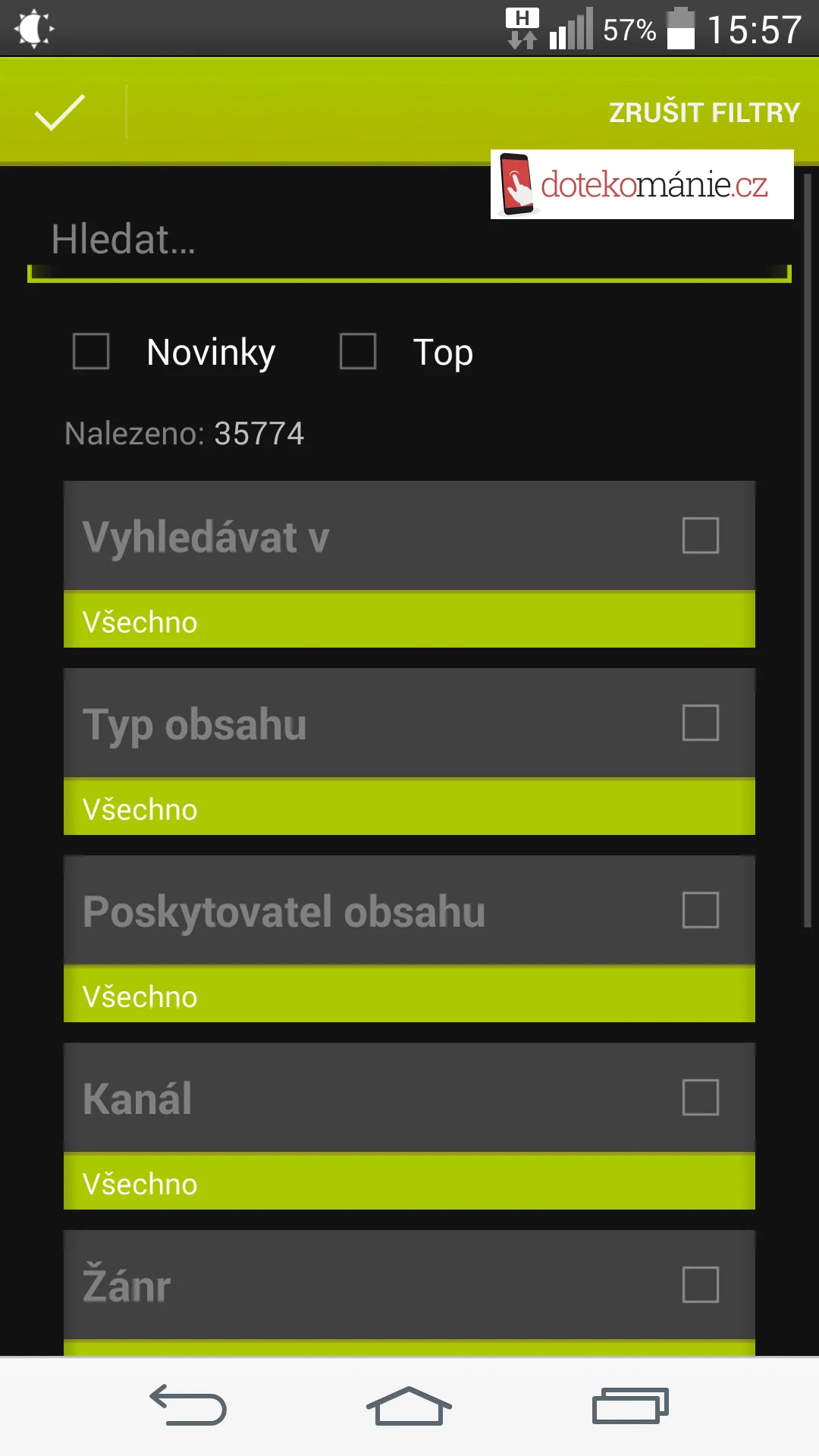
Next is the search icon, which opens a section for finding shows you want to watch. Search is one of the app’s stronger features. It’s well thought out and includes a good set of filters to narrow results quickly. You can look up a specific program and watch episodes from as far back as three days earlier, since tv2go stores all broadcasts from the previous three days. If you choose to record a show, though, it stays available for a full month.

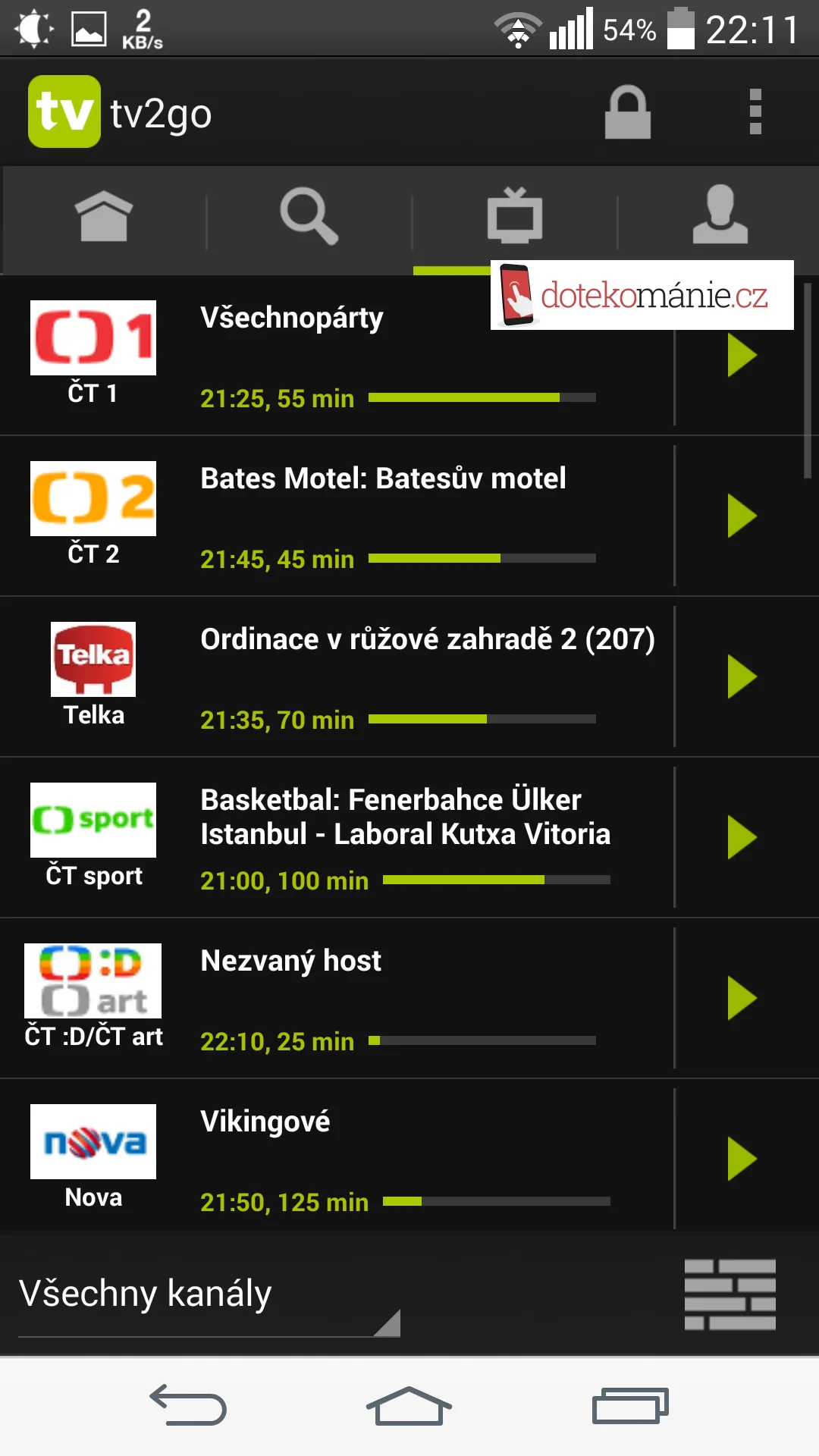
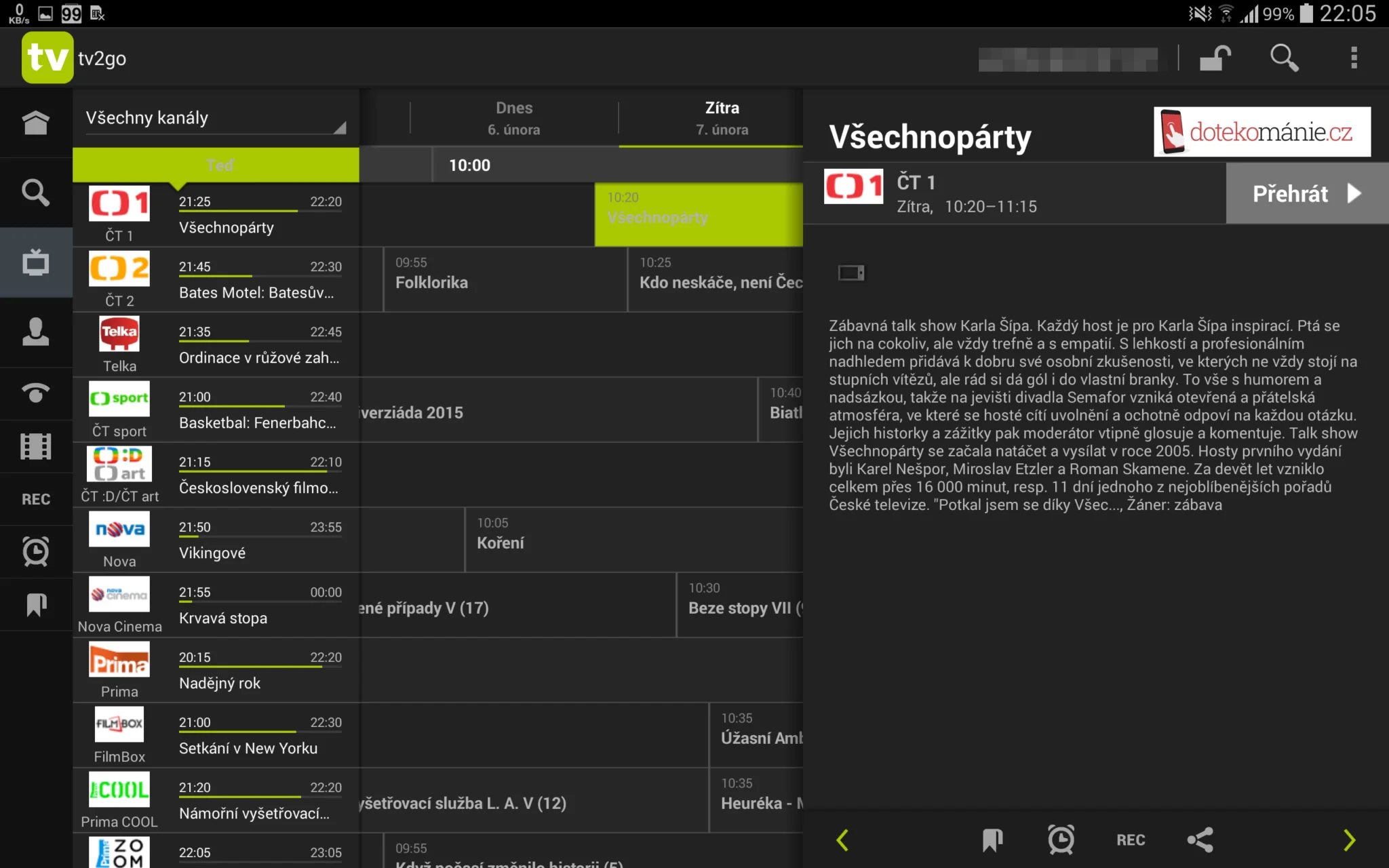
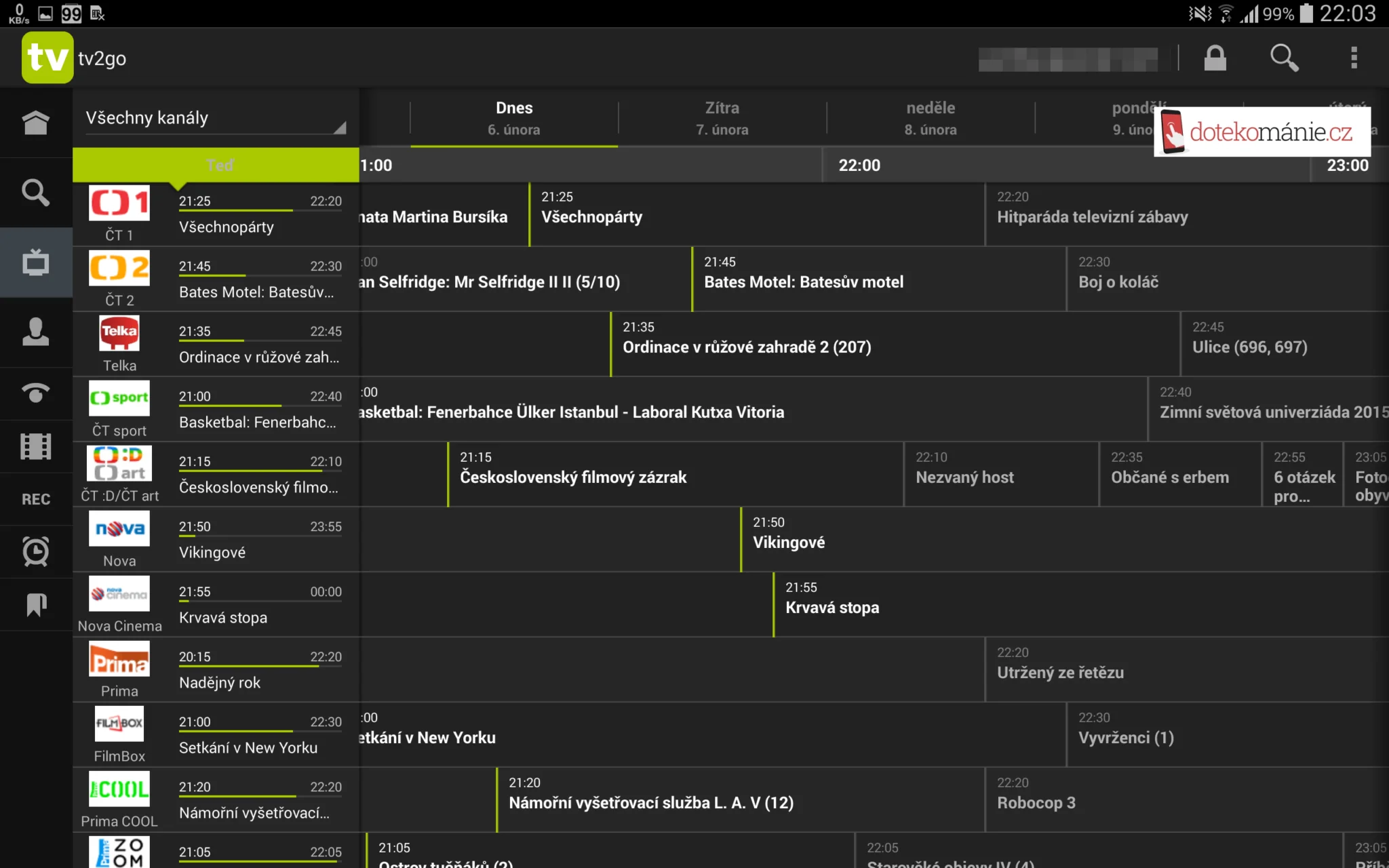
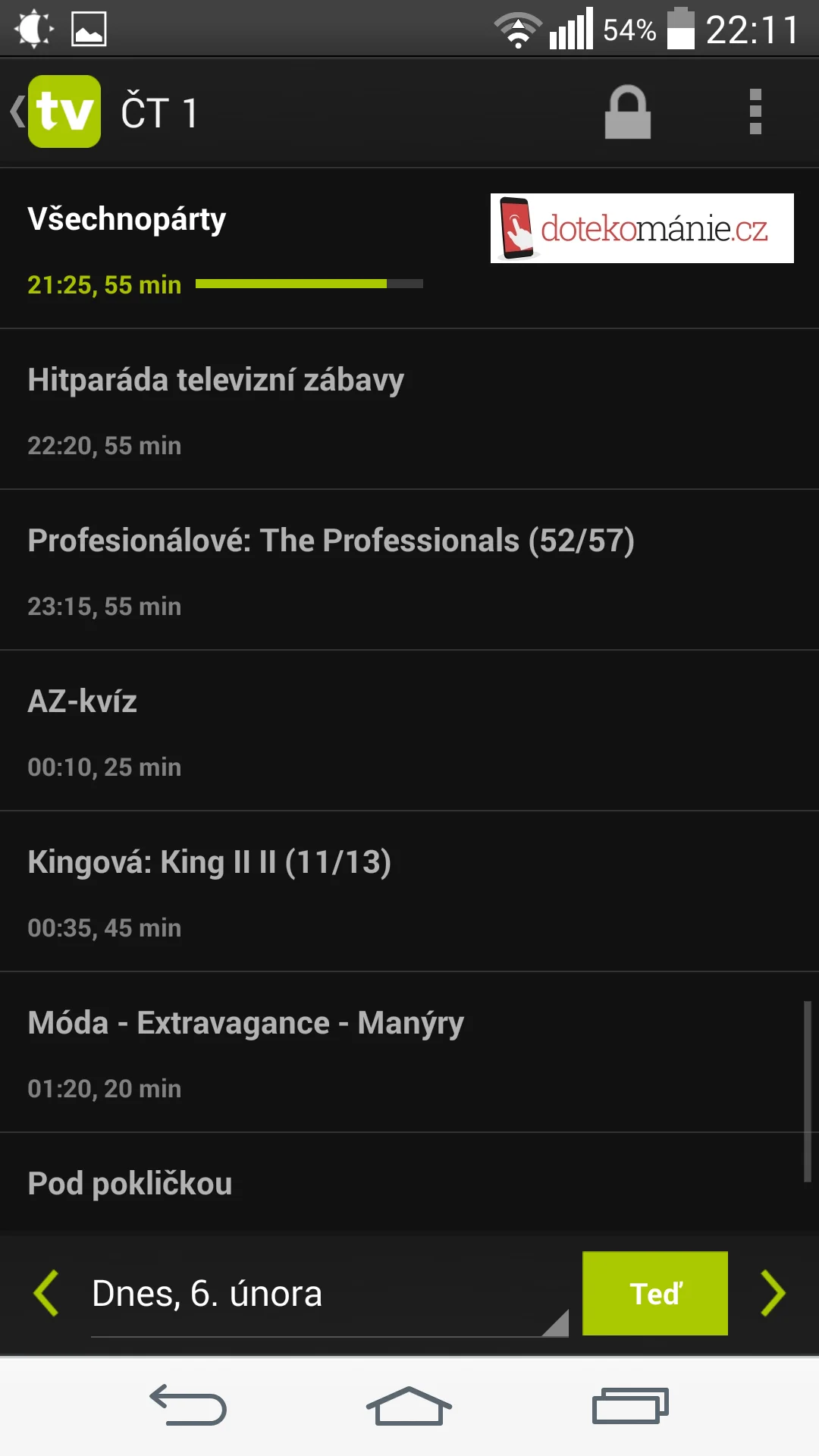
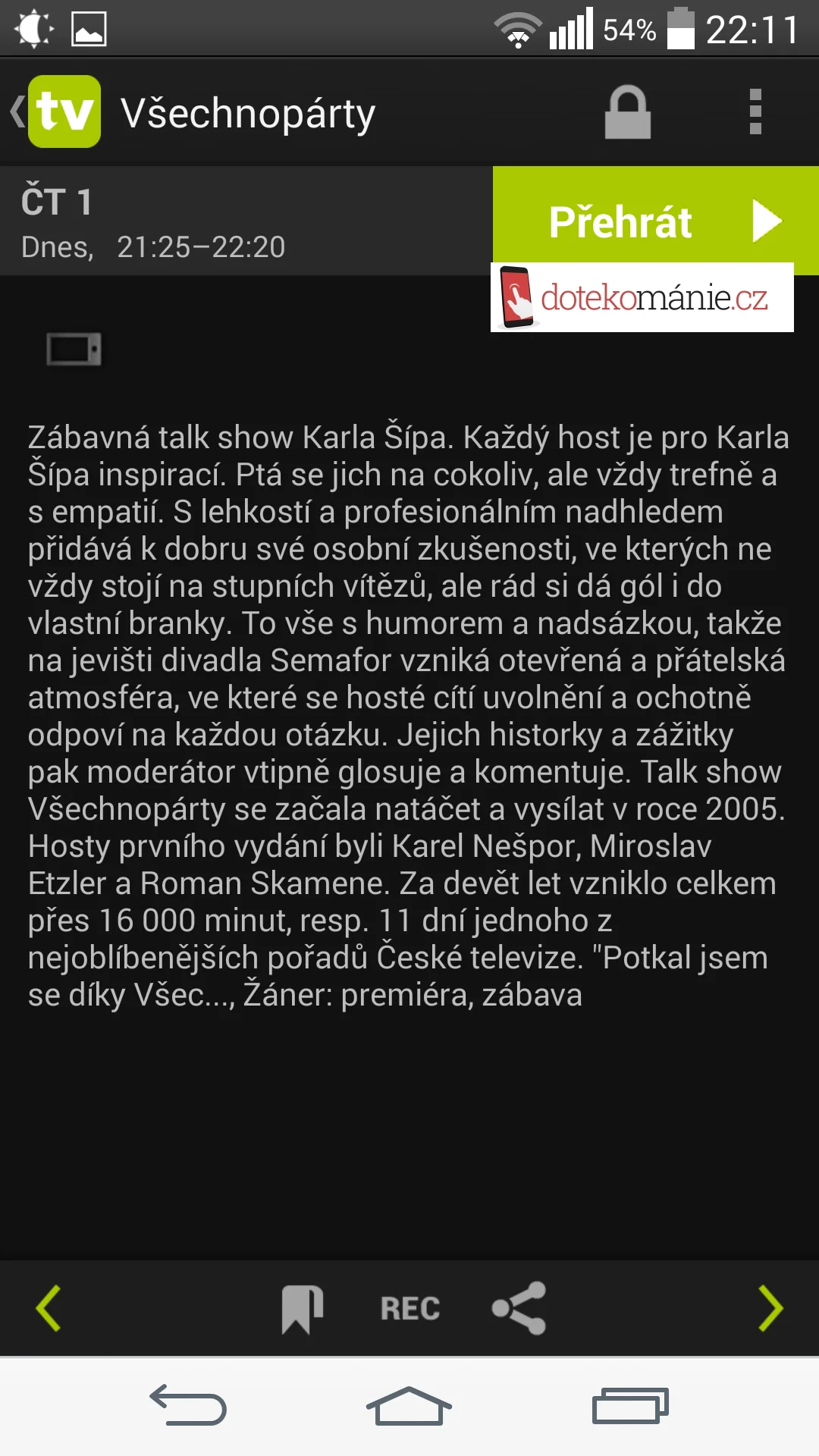
The third icon, shaped like a TV, opens a full channel list in a grid that shows what’s currently airing. Tap the live program and you’ll see details including the show’s runtime, when it started, and what’s up next. You can also pick a specific date to check the schedule for that day. A nearby “Now” button jumps you back to the row showing the current program. The schedule grid also includes a quick-launch button for instantly opening a selected channel.
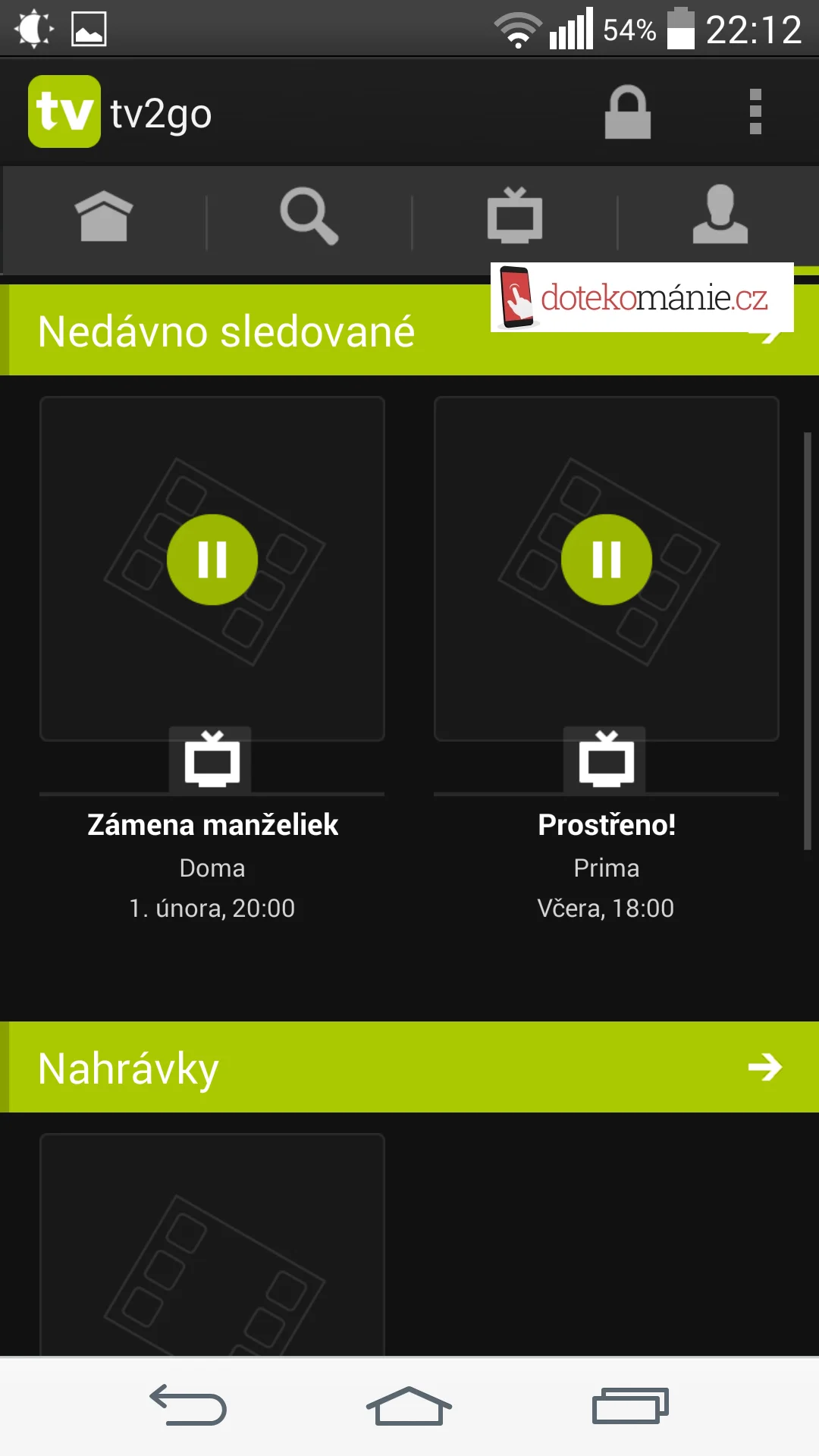
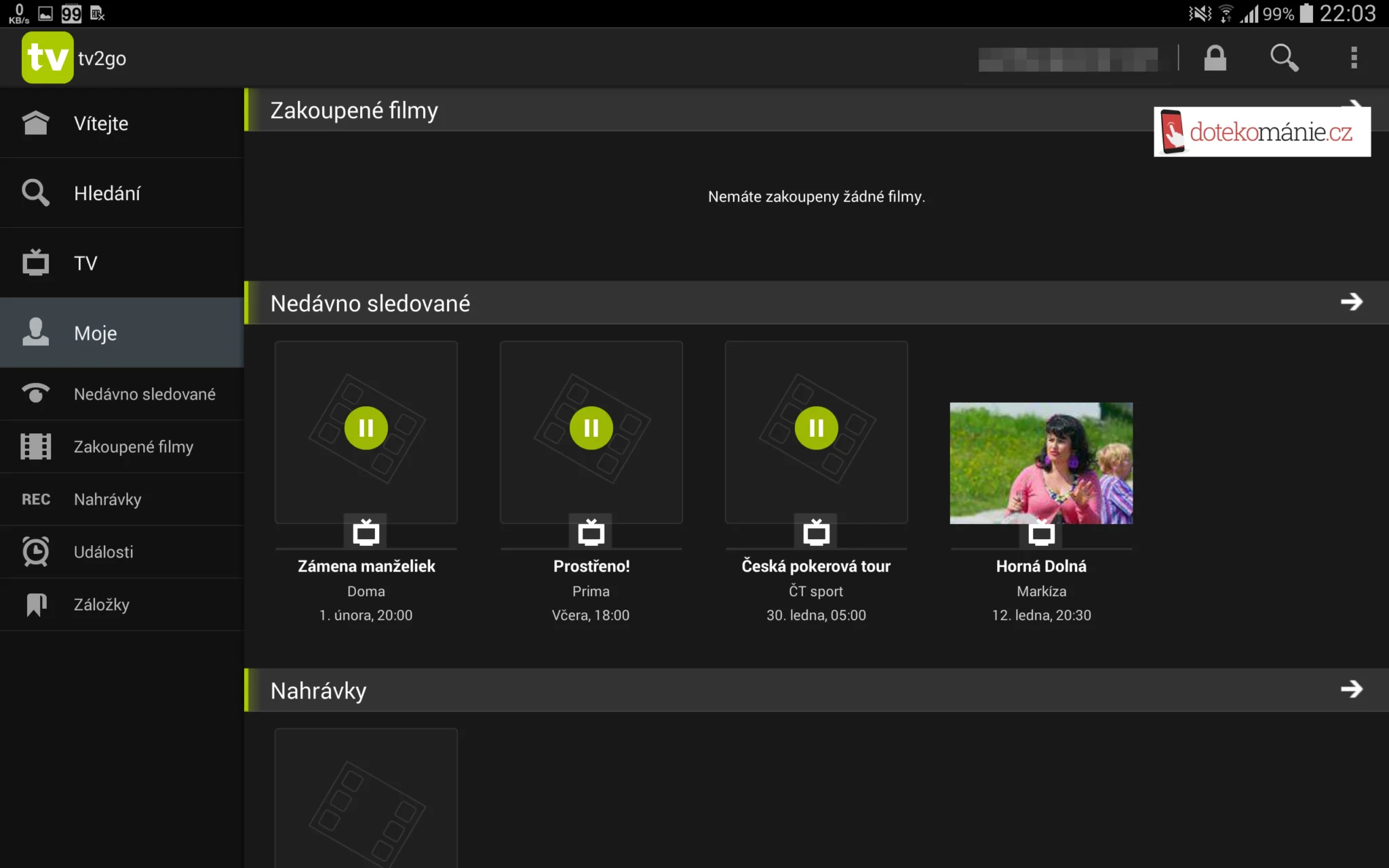
The fourth and final icon, a user silhouette, gives you an overview of purchased movies, recently watched shows, recordings, events, and saved bookmarks.
On tablets, the interface uses a fixed panel on the left side with all controls listed permanently, rather than tucked away in a movable menu.
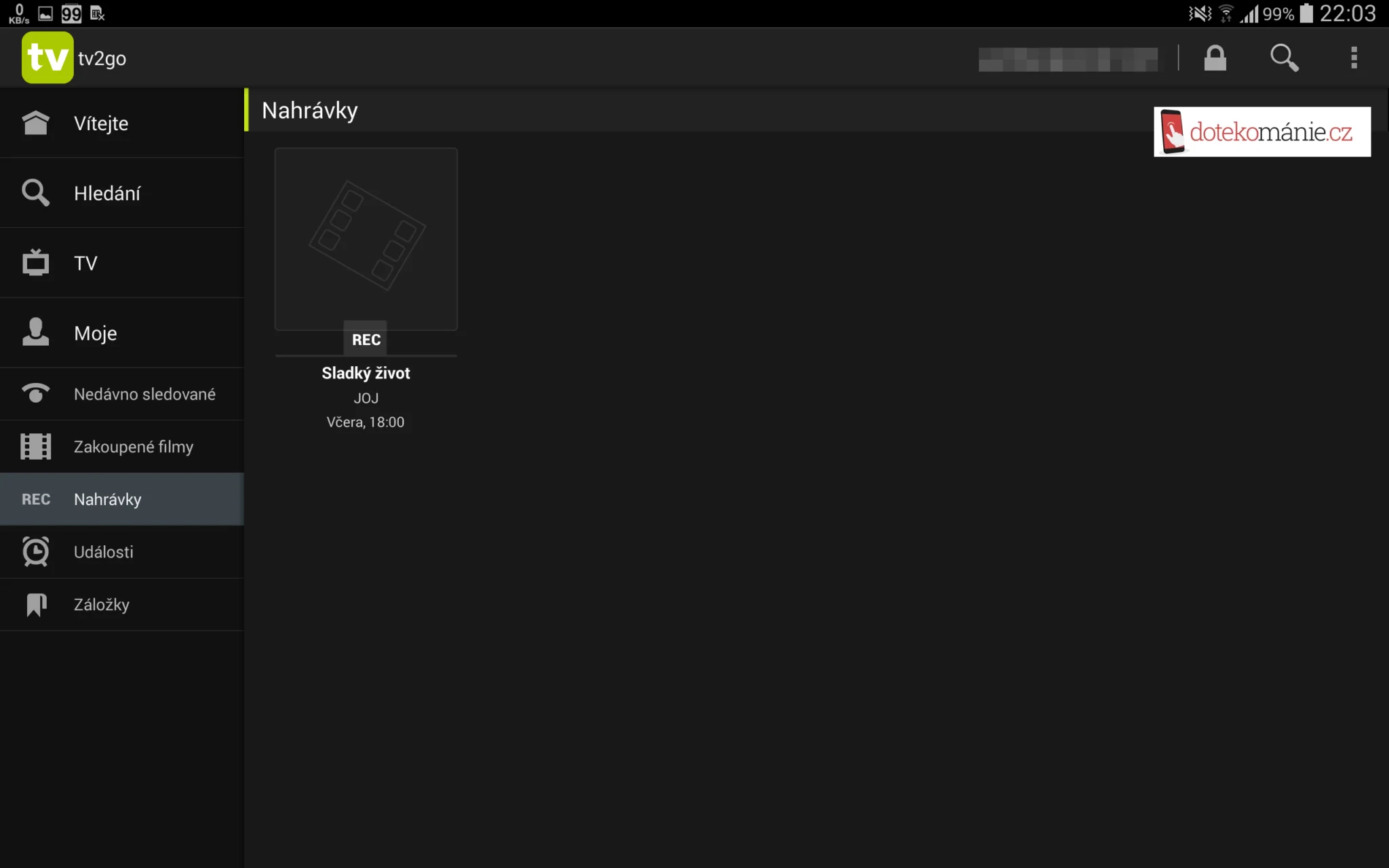
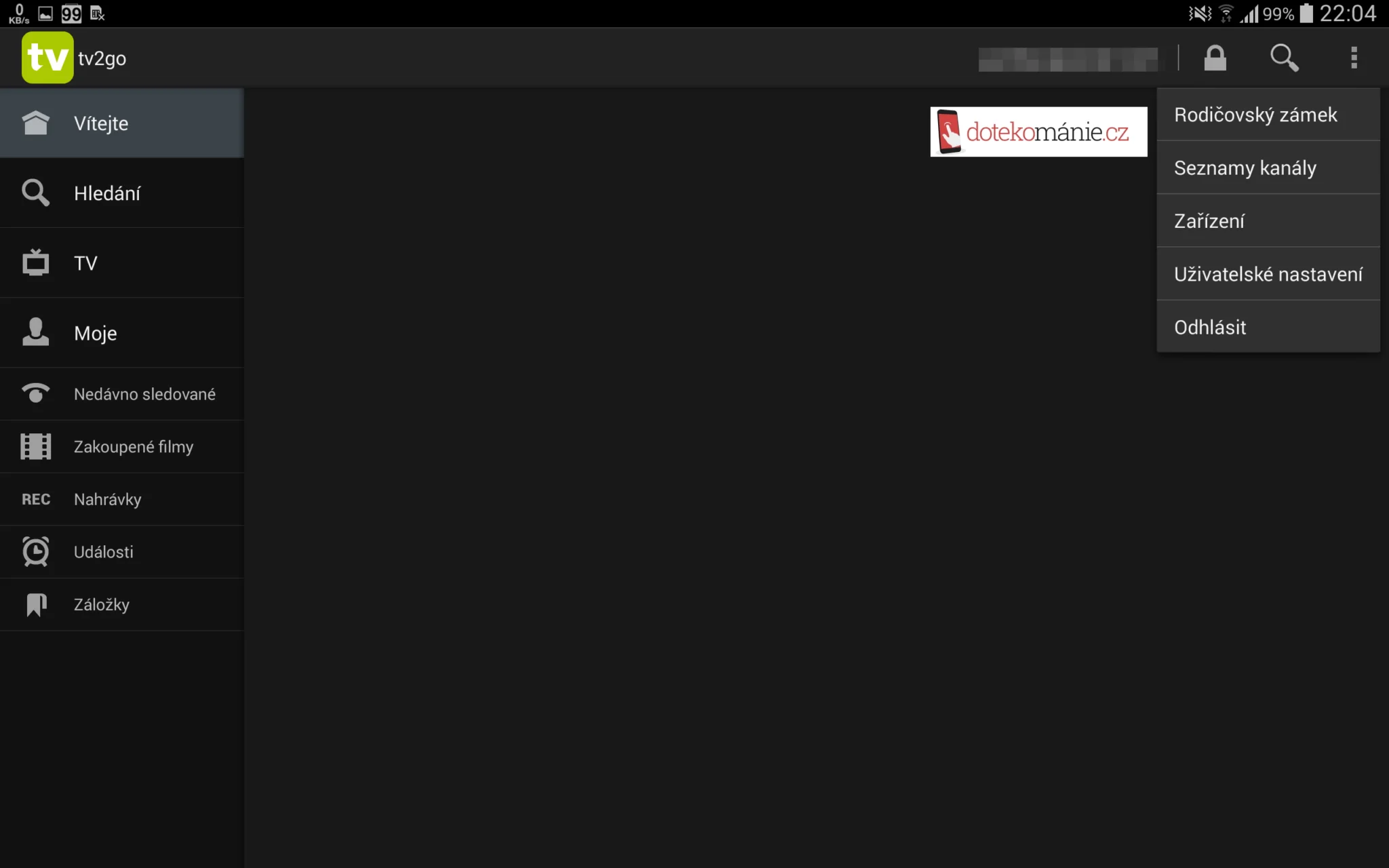
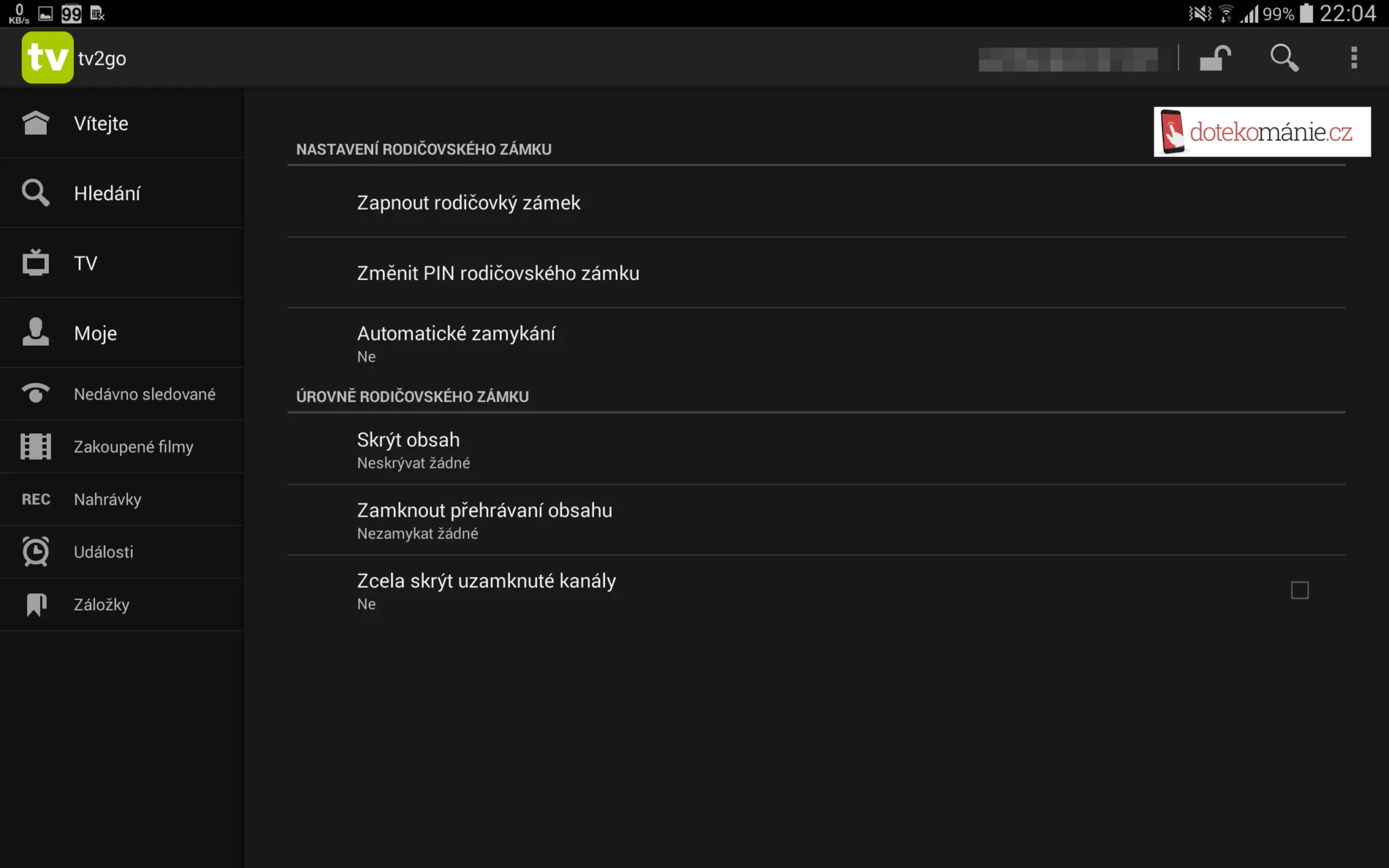
Settings include several useful options, including parental controls, channel lists, an overview of devices signed into the account, and a basic user settings section. There, the only available toggle is whether the app should notify you when your internet connection type changes.
Playback quality and real-world testing
This is the part that matters most: how well the service actually works. After trying plenty of similar projects, I went in skeptical, but tv2go turned out to be a pleasant surprise. I tested playback in a wide range of places, with different mobile data conditions and varying Wi-Fi signal strength. Before getting into the results, one thing is clear: your connection quality directly affects image quality and bitrate.
I started on Wi-Fi, where playback kicked in almost immediately, usually within 1 to 2 seconds. Picture quality was very good, and even a gradual drop in signal strength, along with lower available bandwidth, didn’t cause any real trouble. As I intentionally moved farther away from the router, the app handled it impressively well, automatically lowering playback quality to keep the stream smooth. The system is simple enough: if enough bandwidth is available, the app uses the best image quality; when throughput drops, it switches to a lower quality level in the following frames, without freezing or stuttering. The moment more bandwidth becomes available again, image quality ramps back up automatically. So if you’re watching over Wi-Fi, playback should be essentially trouble-free.
Mobile playback over HSPA (the H+ icon) also gave the app no trouble. I was able to watch TV just fine on both buses and trains. The main thing to watch is carrier coverage, because the moment your data connection drops out, playback stops with it. In my case, I used the app on a city bus route with H+ coverage the whole way, and the experience was comparable to Wi-Fi. In weaker-signal areas, image quality dropped, but the stream kept going. On LTE, quality was excellent, though given the still-limited coverage, most users will probably end up watching over 3G more often.
During playback, I also appreciated the option to switch the aspect ratio from 16:9 to 4:3, which is useful on devices with that display shape, such as the Nexus 9. I also liked the ability to scrub through the program using the timeline at the bottom of the player, so you don’t miss even a second of what you’re watching, and you can pause playback as well. If you fully close the app, the next time you open the same broadcast, you’ll be offered the choice to start from the beginning or continue where you left off.

You can also watch TV in a browser on a PC by signing in through the tv2go.eu website. Right now, 25 Czech and Slovak channels are available, with more on the way.
If you want to try tv2go and watch TV from almost anywhere, you’ll need a voucher code to create an account. You’ll be able to get one through our giveaway, which will be announced in the next few days. There may be a few other interesting prizes as well, so keep an eye on our site along with our Google+ and Facebook pages.