ASUS Transformer Pad TF103C Review: A Budget Workhorse

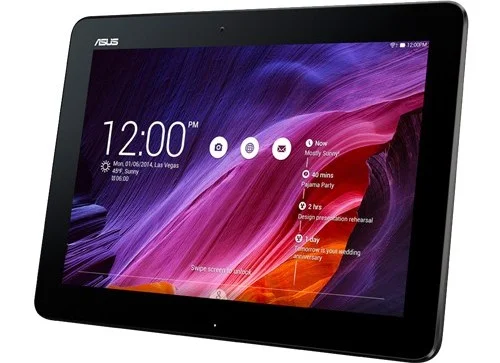
I’ve previously spent time with ASUS devices like the ZenFone 5. This time, I turned to one of the company’s tablets, a model that looked promising on paper. ASUS’s Transformer Pad lineup has long been known for offering solid hardware at approachable prices, and it’s aimed at users who want more than the bare minimum. In this case, that means the TF103C, a tablet built around three main selling points: a keyboard dock connector, a large display, and enough performance for both work and play.
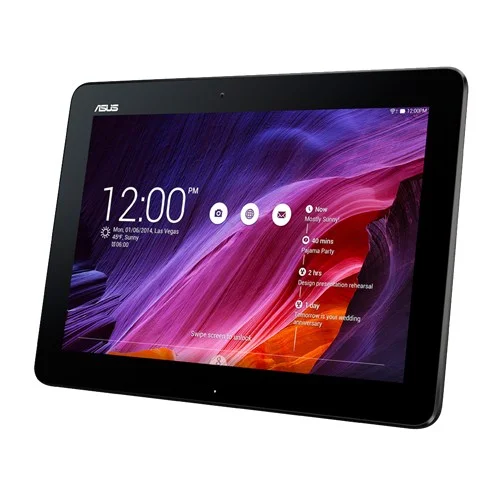
The review unit arrived in a plain flip-top box with a product image on the lid. The sides carry the usual device details, while the rest is mostly white space. Open it up and you’ll find the tablet sitting on the top layer, with very little underneath. Inside the box are the manuals, a power adapter, and a short USB cable. That’s it. The packaging feels basic, and the first impression is only average.
Design and Build
Once out of the box, the tablet’s 550-gram weight is immediately noticeable. First impressions are a bit mixed. The huge 10.1-inch display dominates the front, but the thick bezels stand out even faster. They do make sense from a usability standpoint, especially when holding the tablet, but visually they give the device a bulky, plastic-heavy look.
Centered above the display is a 0.3MP front-facing camera. That’s modest even by older tablet standards, but it’s enough for video calls in apps like Hangouts or Skype. To the left is ASUS branding. Along the bottom edge, there’s a small arrow marking the docking connector for the hardware keyboard, and it also helps with orientation when holding the tablet.
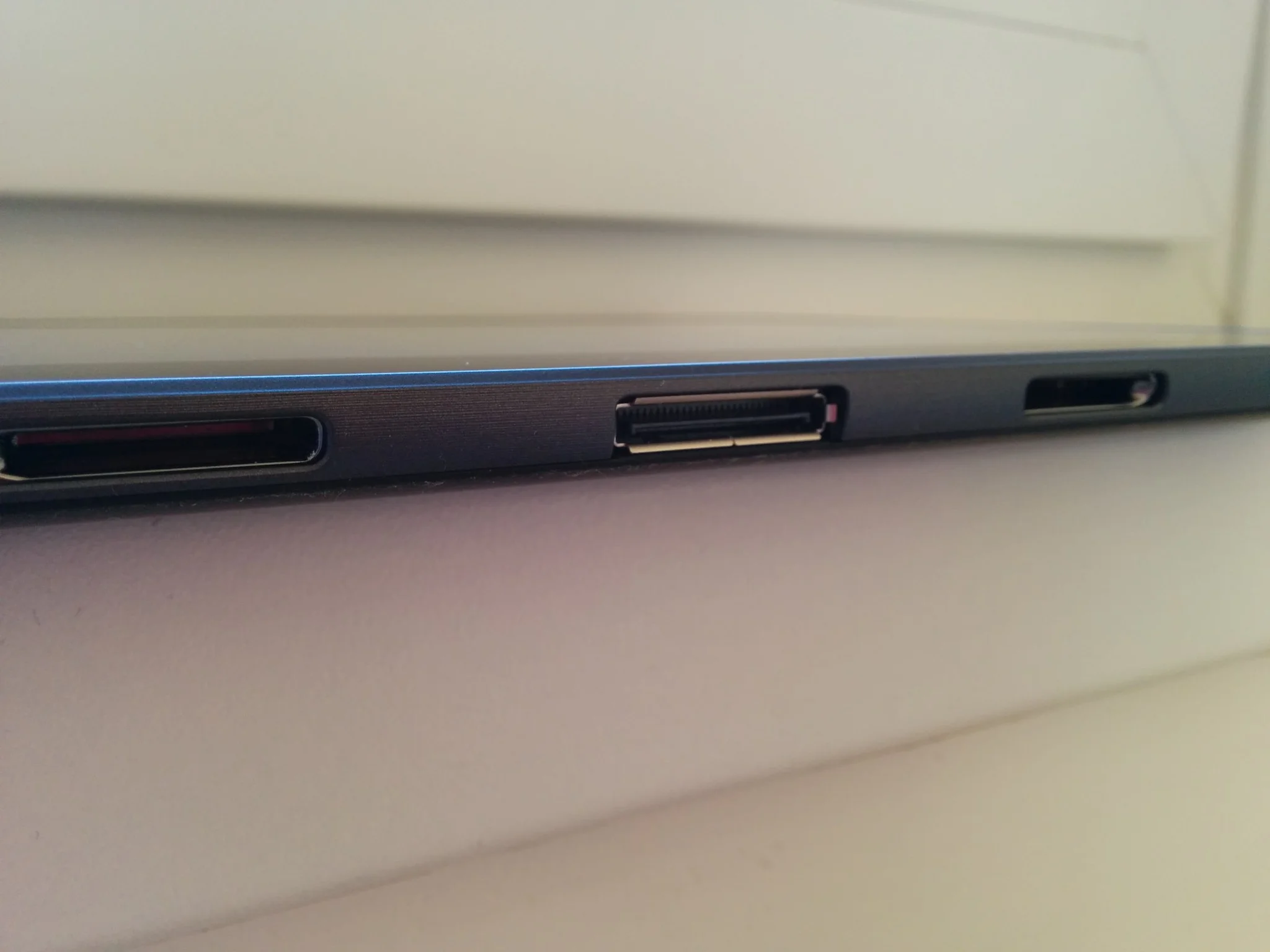
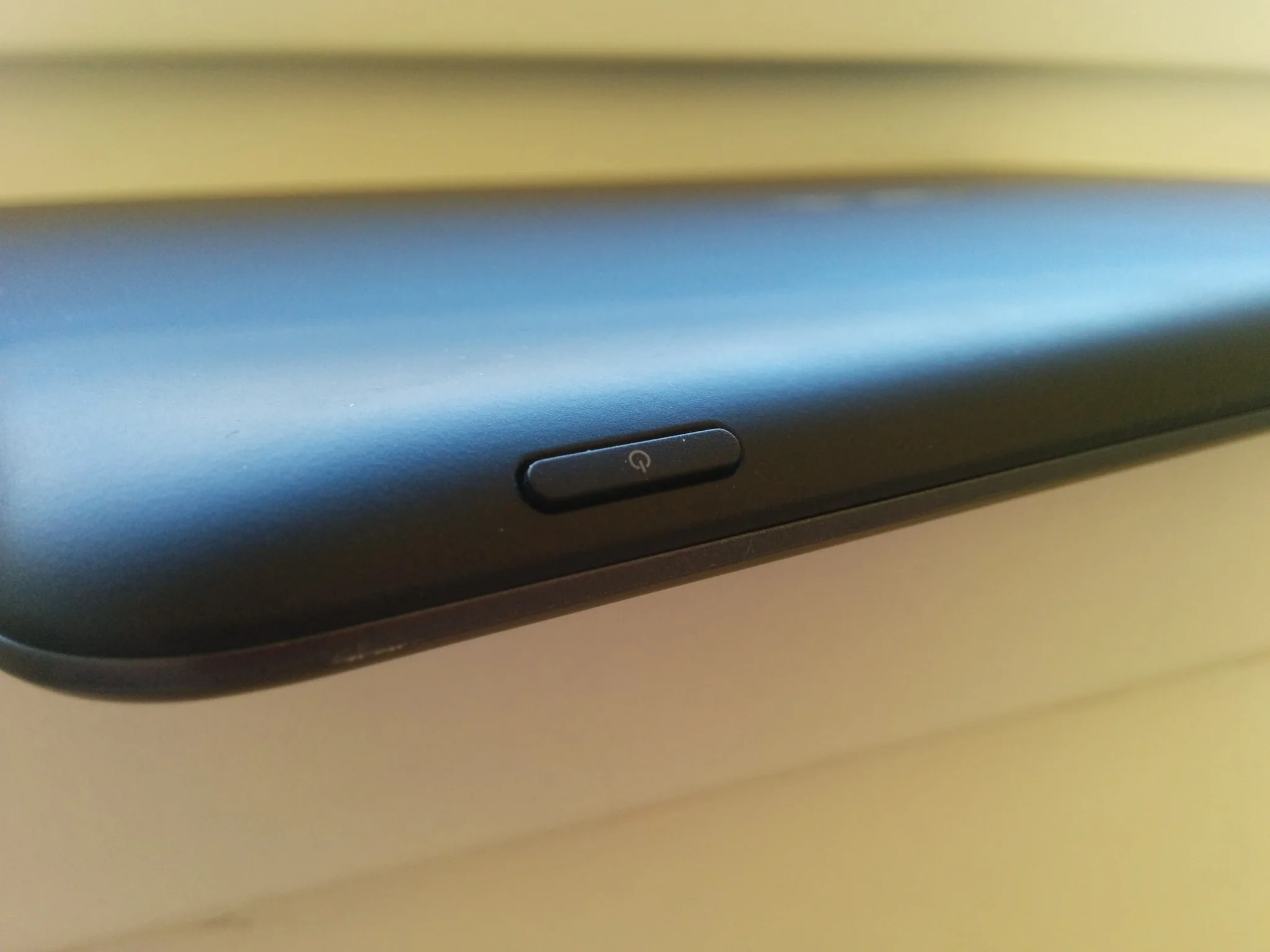
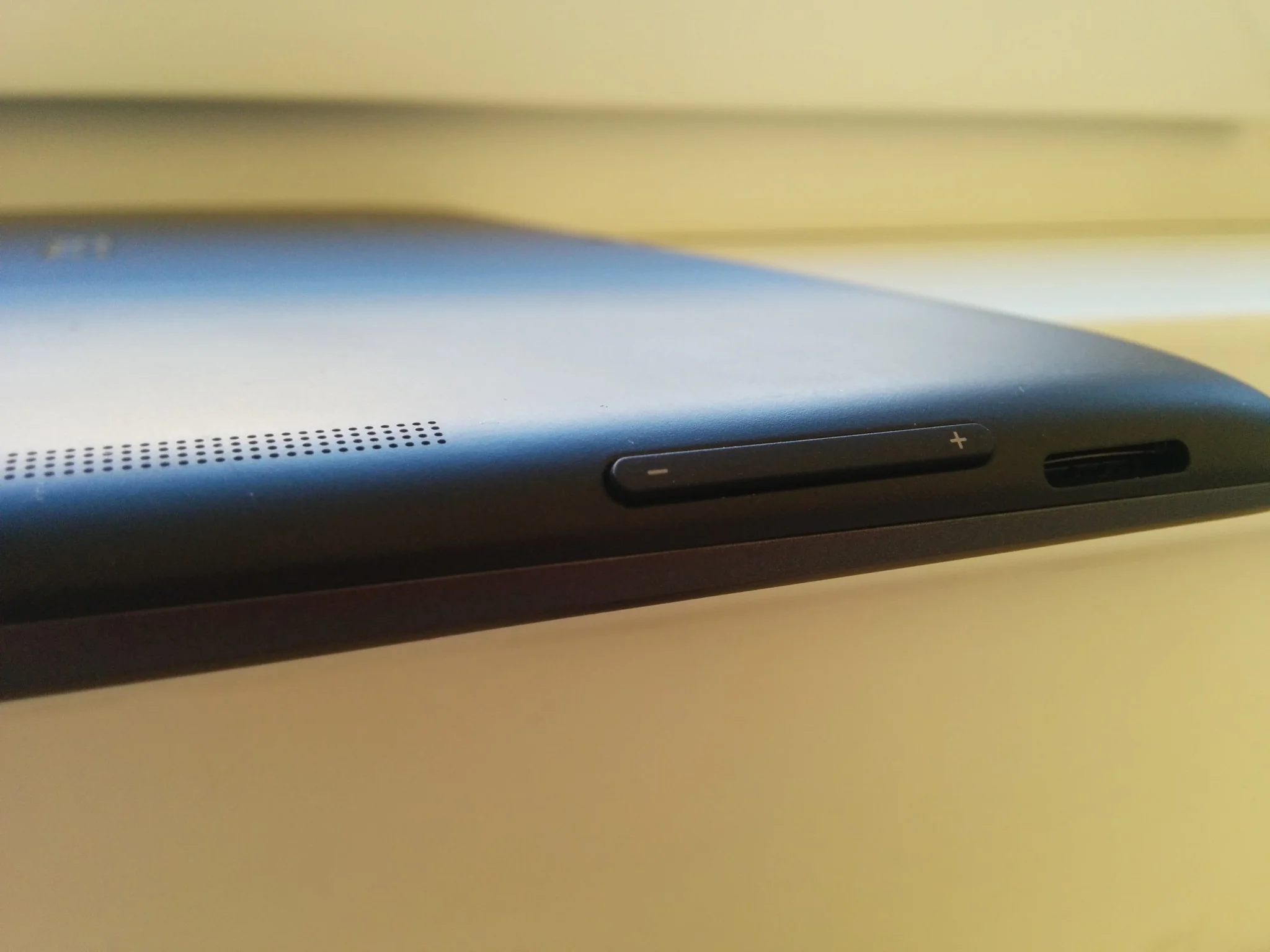
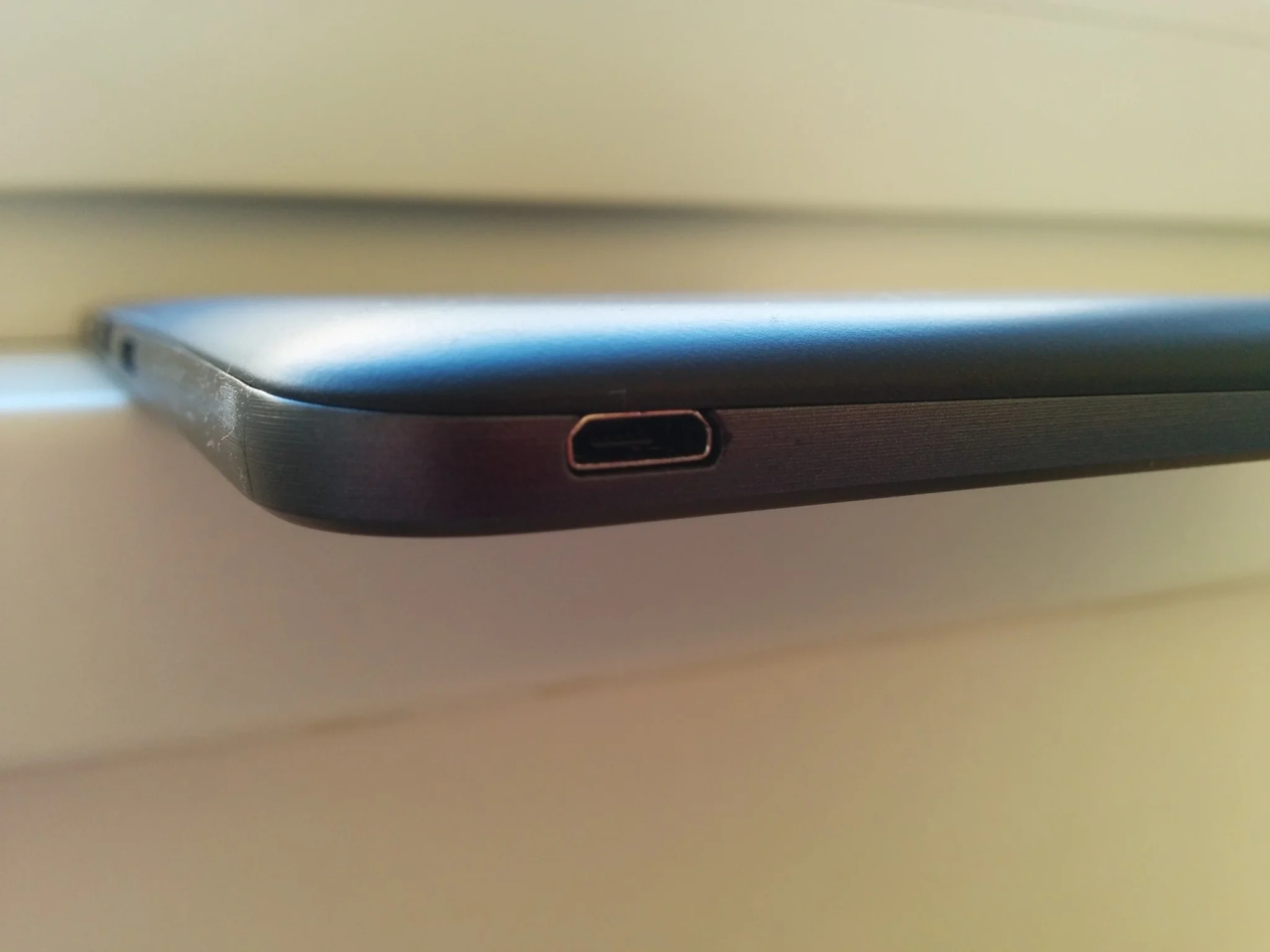
The sides hold most of the functional hardware, and the most interesting piece is the docking connector. It sits on the bottom of the tablet, flanked by a latch on each side for attaching the keyboard dock. Elsewhere, you’ll find the volume buttons, a microphone, and a microSD card slot. Up top are the power button and a 3.5mm headphone jack.
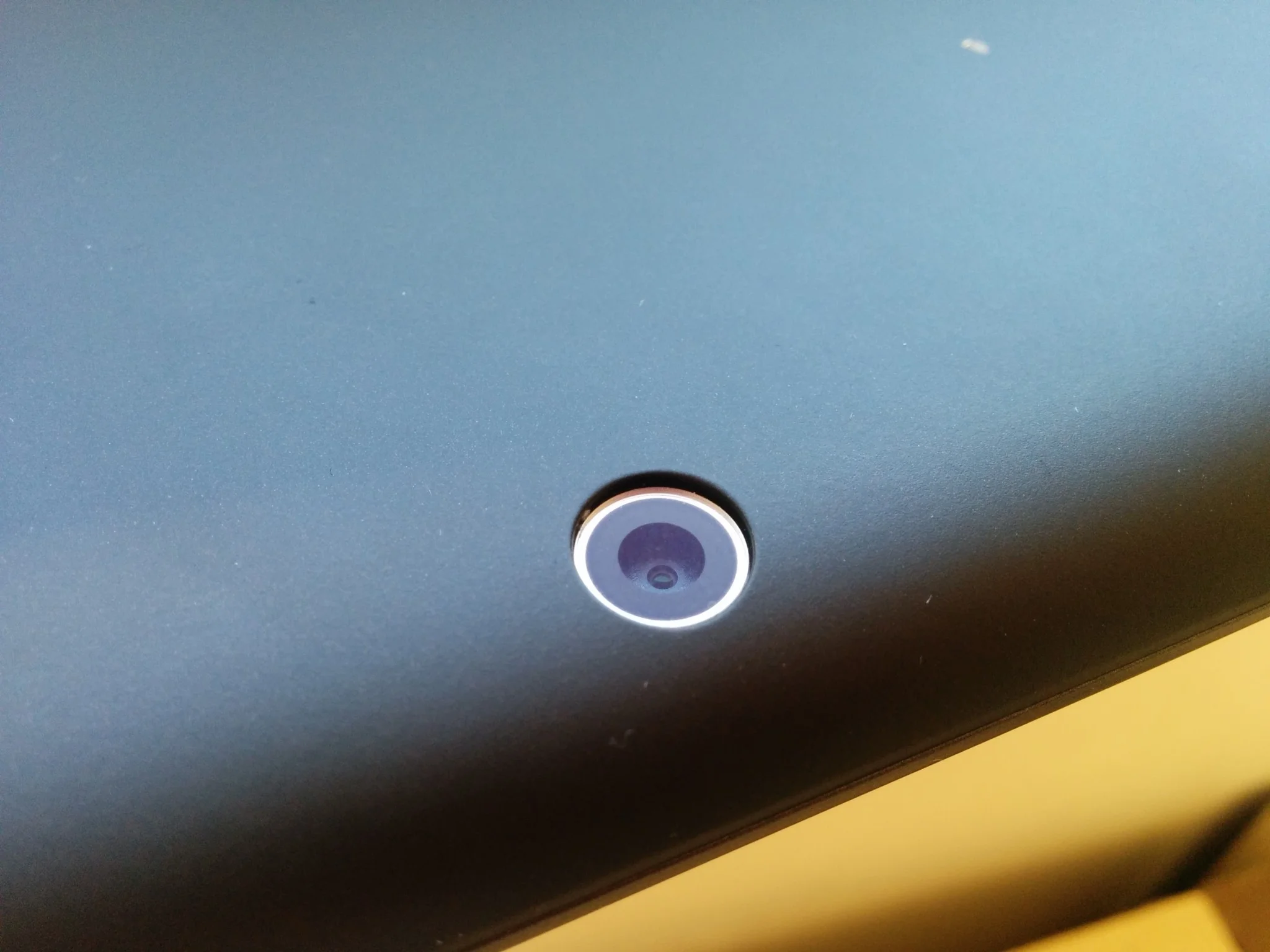
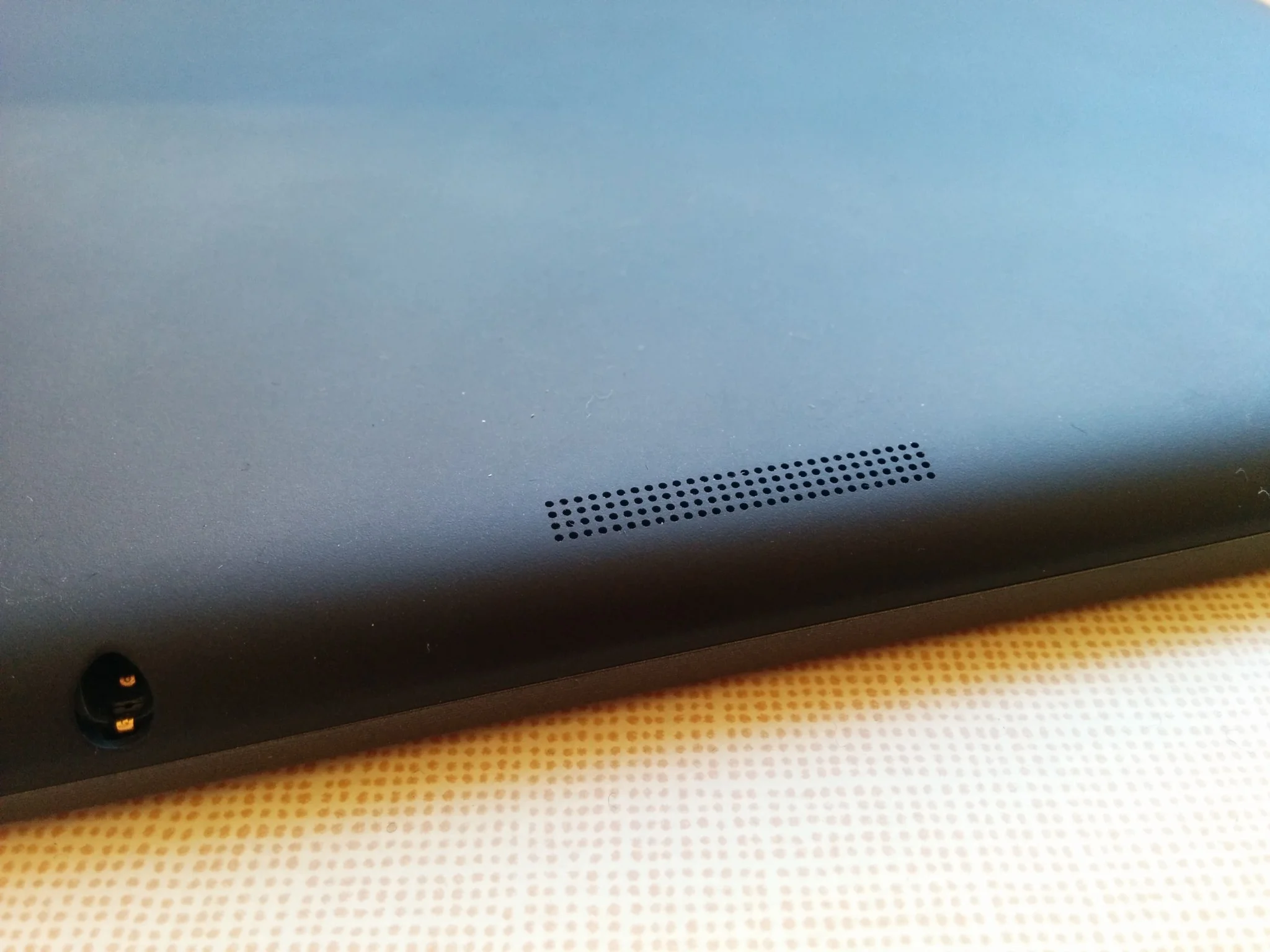
The back is fairly flat, with rounded corners and edges that soften the overall shape. There isn’t much to see here: a 2MP rear camera that won’t deliver impressive photos, another ASUS logo in the middle, and two small speakers on the sides. They’re not especially loud, but they’re fine for everyday use. In a noisier room, though, they struggle badly.
Hardware
This is a tablet that leans more toward productivity, so I approached it that way. Still, no proper test would be complete without trying a few games and checking whether it can handle video and movie playback. So let’s start with the basics.
In the hand, the plastic-rubber finish is easy to notice, but the chassis doesn’t heat up much even when the quad-core Intel Atom Z3745 processor is under heavier load at 1.33 to 1.86GHz. During more demanding gaming sessions, the upper corner near the display can get a little warmer, but it’s subtle enough that most people probably won’t care. Graphics duties are handled by Intel HD Graphics.
At 257.46 x 178.4 x 9.9 mm, this is a fairly large tablet, and the weight is obvious even when holding it with both hands. ASUS also includes 1GB of RAM, which isn’t much, but ZenUI is tuned well enough that everyday use remains smooth. Internal storage is the standard 16GB, expandable via microSD by another 64GB.
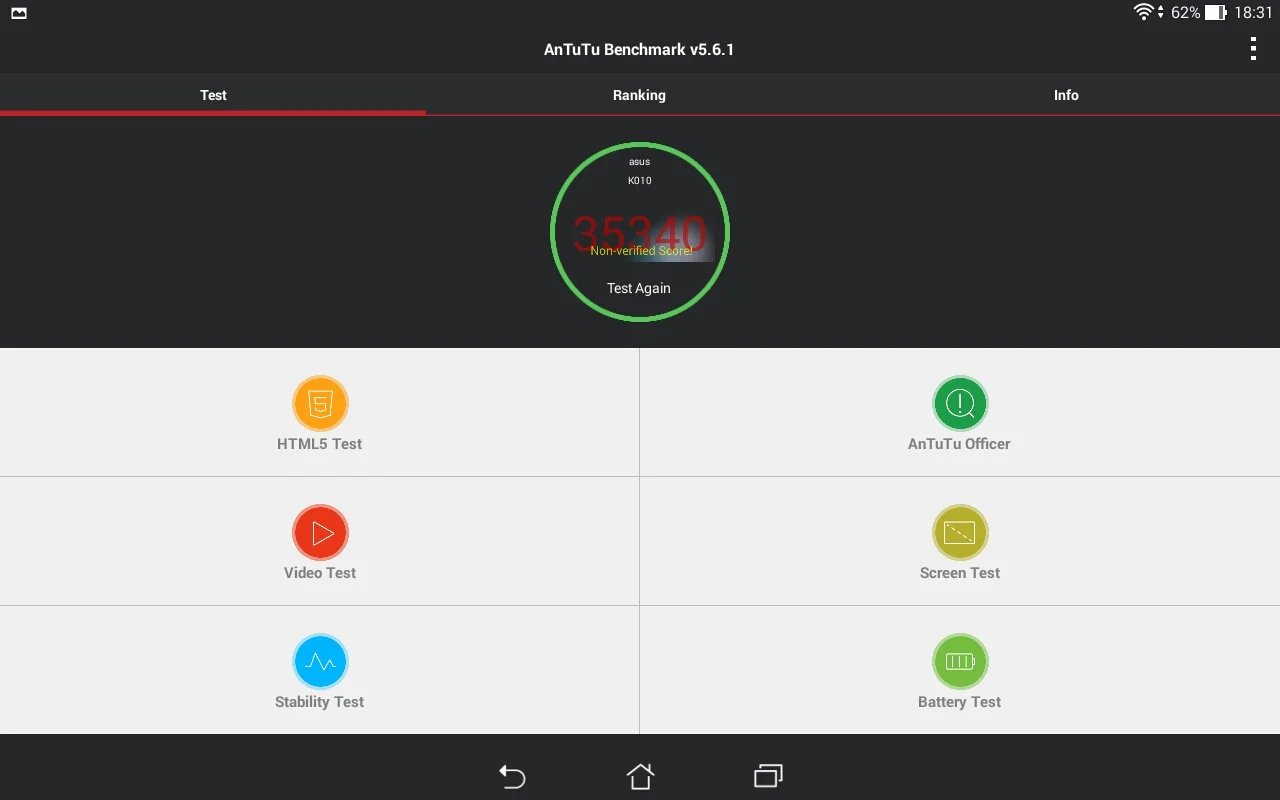
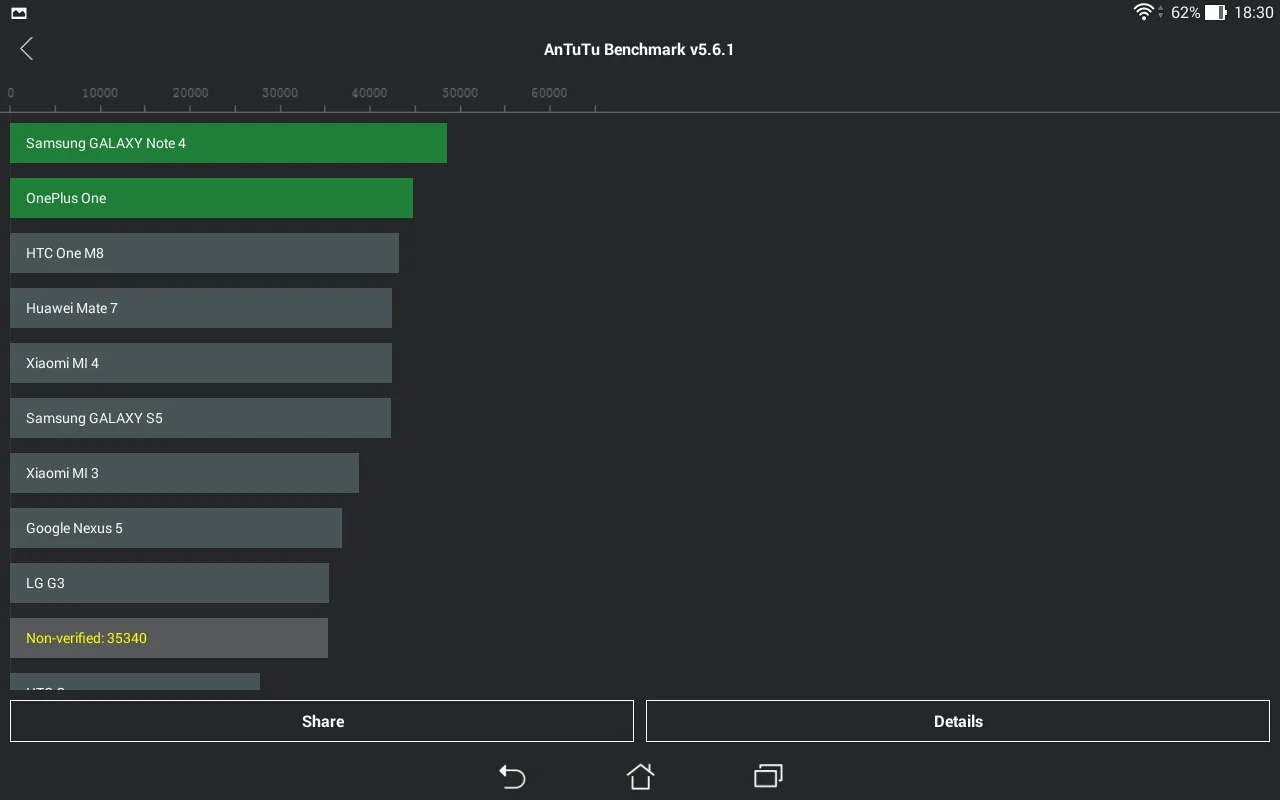
As you can see from the AnTuTu benchmark screenshot, the tablet reached 35,340 points, which is a respectable result for this class of device. In practice, even more demanding games stayed above roughly 30 to 40 fps. Full specs are listed below.
Device specifications
- Display: 10.1-inch IPS, 800 x 1280 pixels
- Operating system: Android 4.4.2 KitKat (with ZenUI)
- Dimensions: 257.46 x 178.4 x 9.9 mm
- Weight: 550 grams
- SoC: quad-core 1.33 (1.86) GHz Intel Atom Z3745
- Memory: 16GB ROM with microSD card slot, 1 GB RAM
- Cameras: 2 MP rear, 0.3 MP front
- Battery: 5070 mAh capacity (manufacturer claims 9.5 hours and 19Wh)
- Other features: Bluetooth 4.0, Wi-Fi, GPS, motion sensor, digital compass
Display
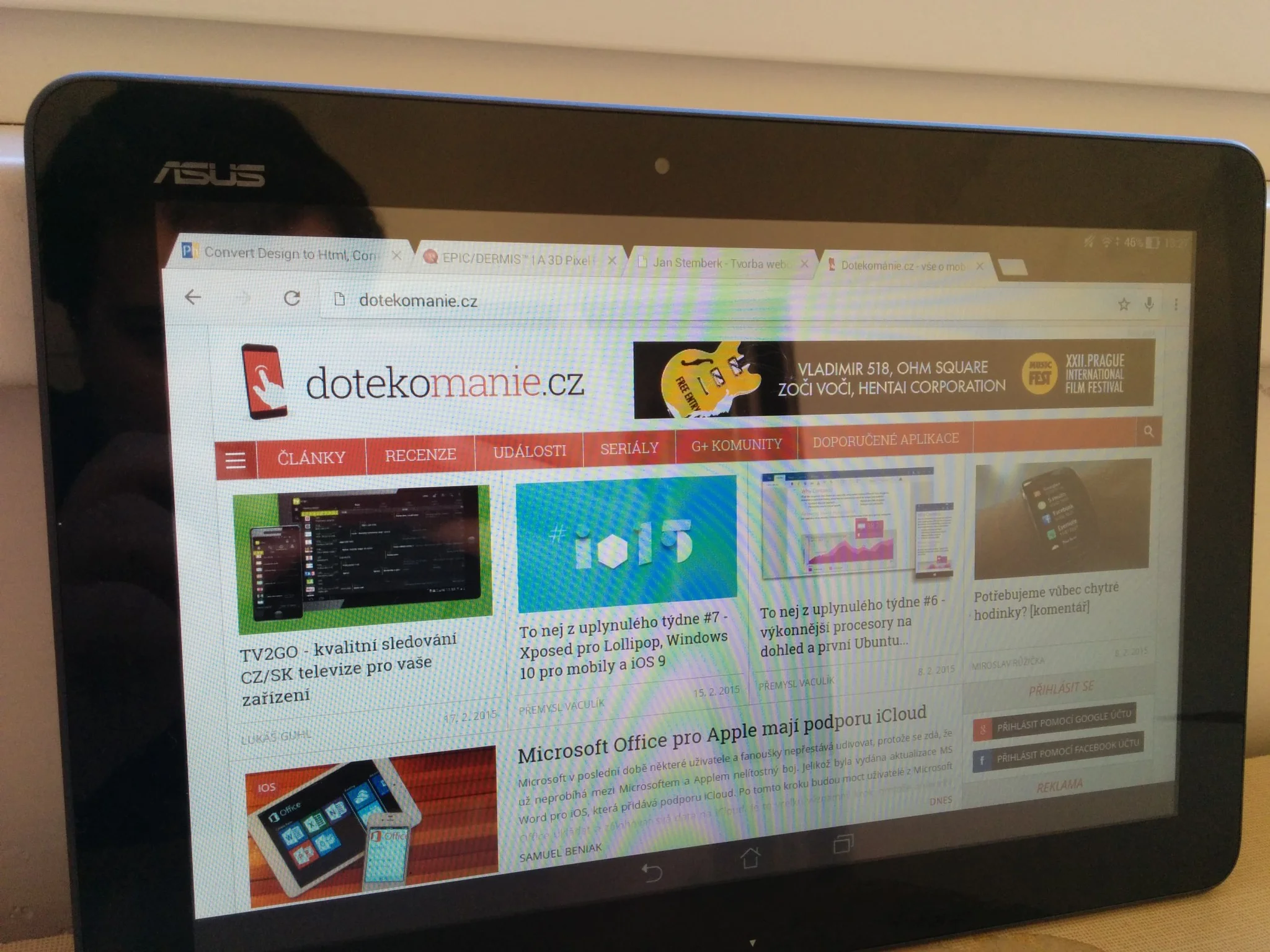
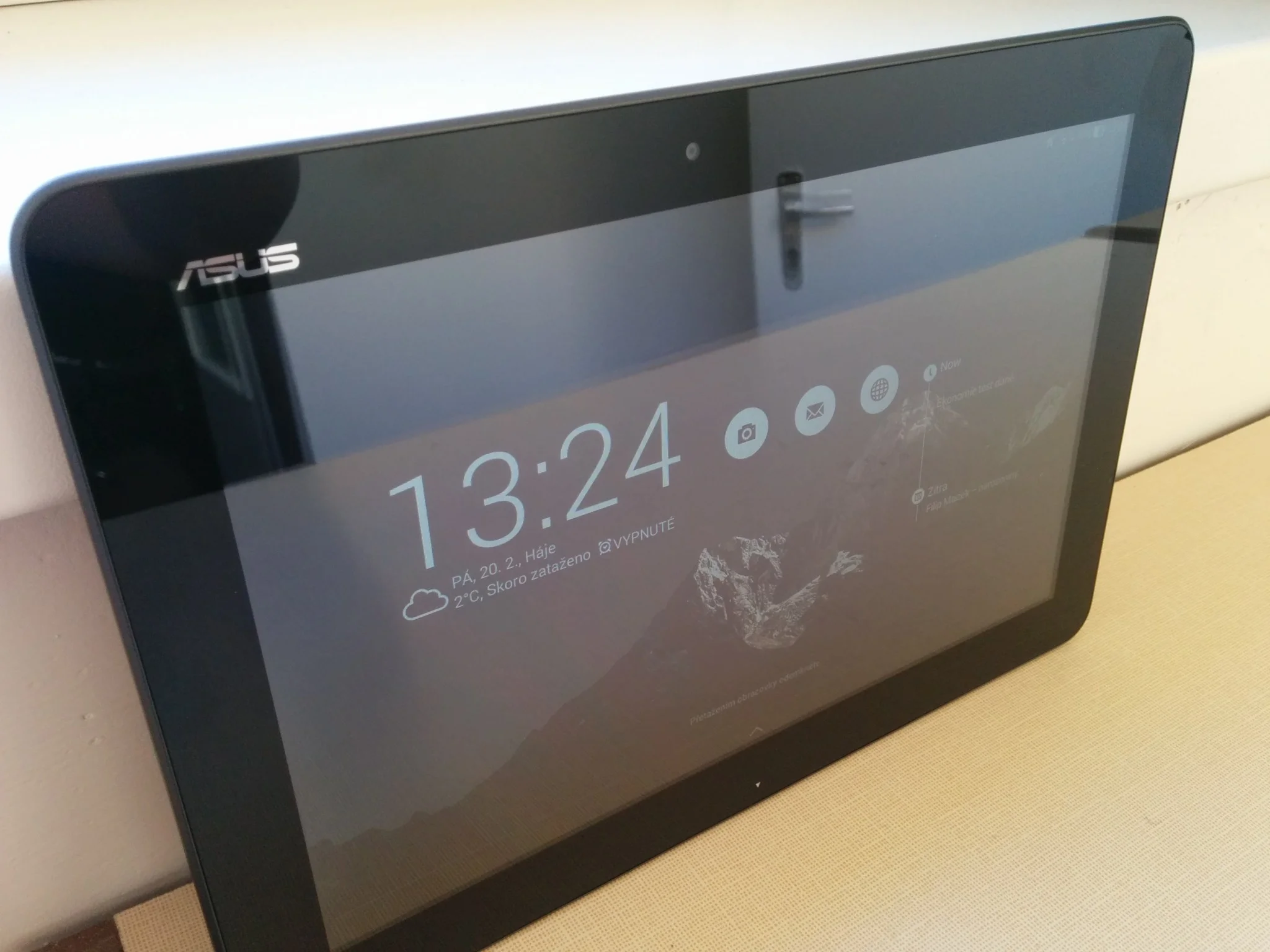
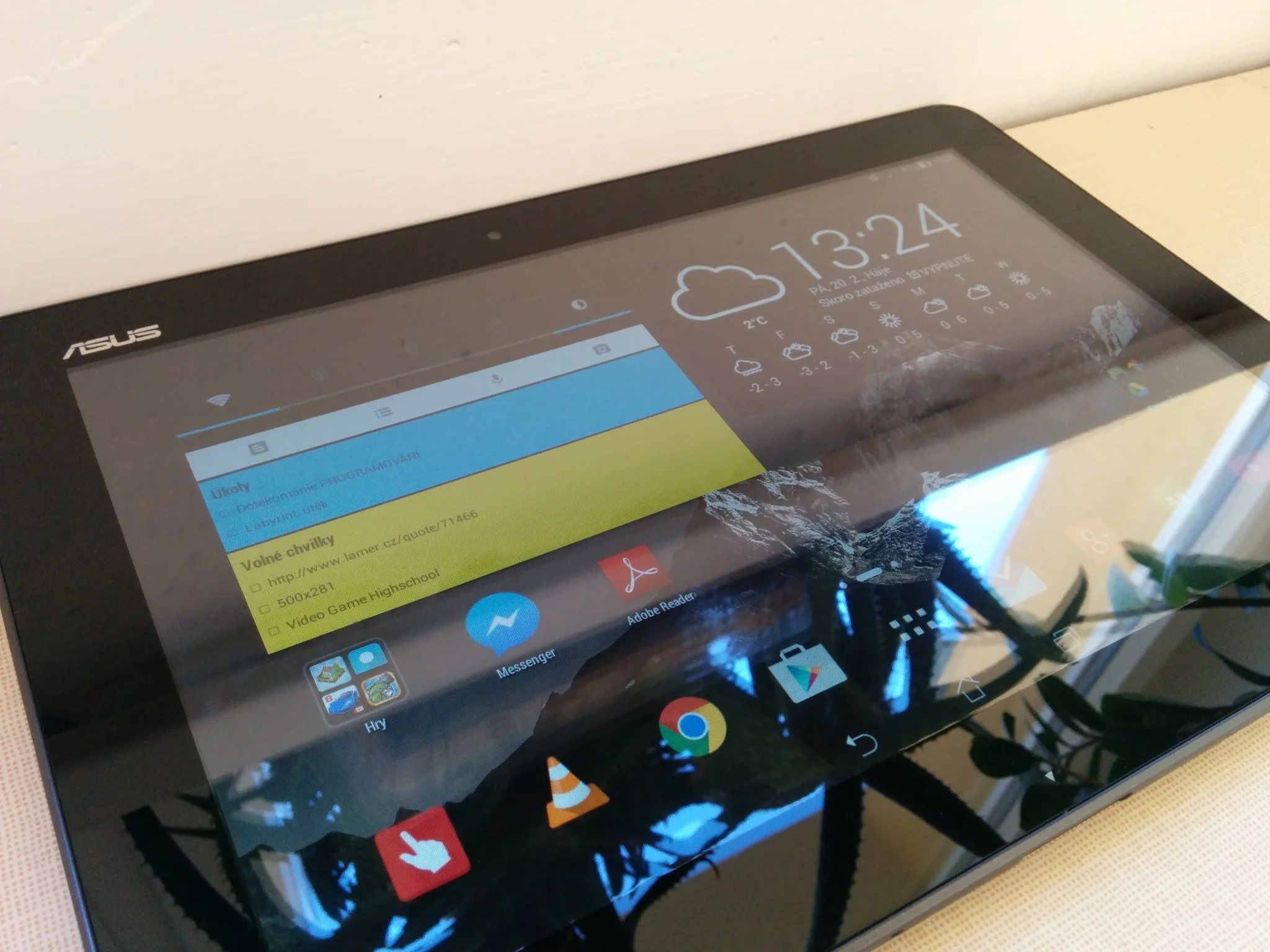
I already mentioned the tablet’s large display, though it does come with a few issues that I’ll get to in a moment. First, the good stuff. For work, movies, and video, I really don’t have many complaints, and the 10-point touch support makes typing on the large keyboard much more comfortable. I got used to typing with more than just two fingers pretty quickly. As for watching videos and movies, the display quality won’t let you down. That said, putting the screen under strong light is a bad idea, because visibility drops off hard.
Now for the flaw that causes most of the others: reflectivity. It’s extremely reflective, to the point that even cranking up the brightness in software doesn’t help much. As you can see in the photos below, the screen shows pretty much everything in front of it.
Software
ZenUI has been showing up on more and more ASUS devices, and for good reason. Thanks to how polished it feels, especially on Android 4.4.2, there’s very little here for users to complain about in terms of lag or system slowdowns. But what’s different between the phone version and the tablet version? There’s one feature that lets the tablet show two apps on screen at the same time. Unfortunately, support is limited. Roughly half of the preinstalled apps can use it, and for some reason I wasn’t able to capture a screenshot of it in action.
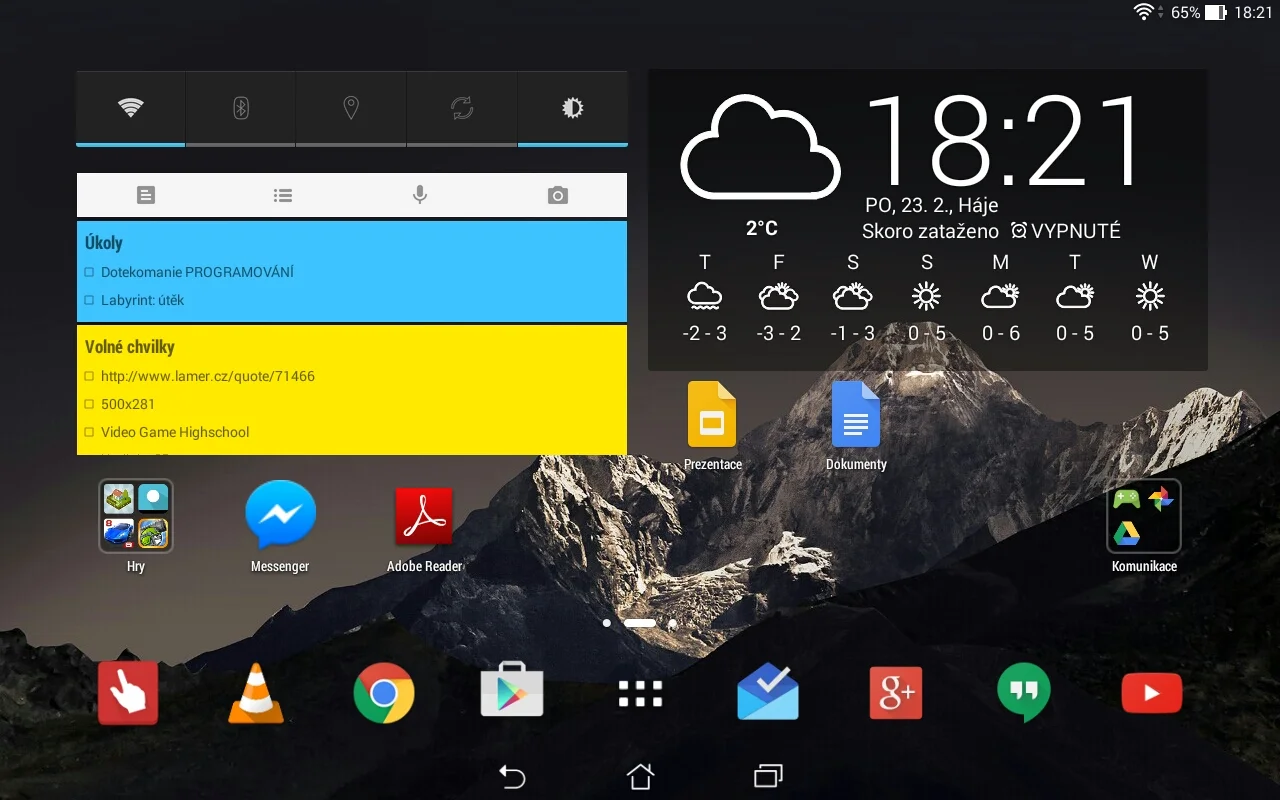
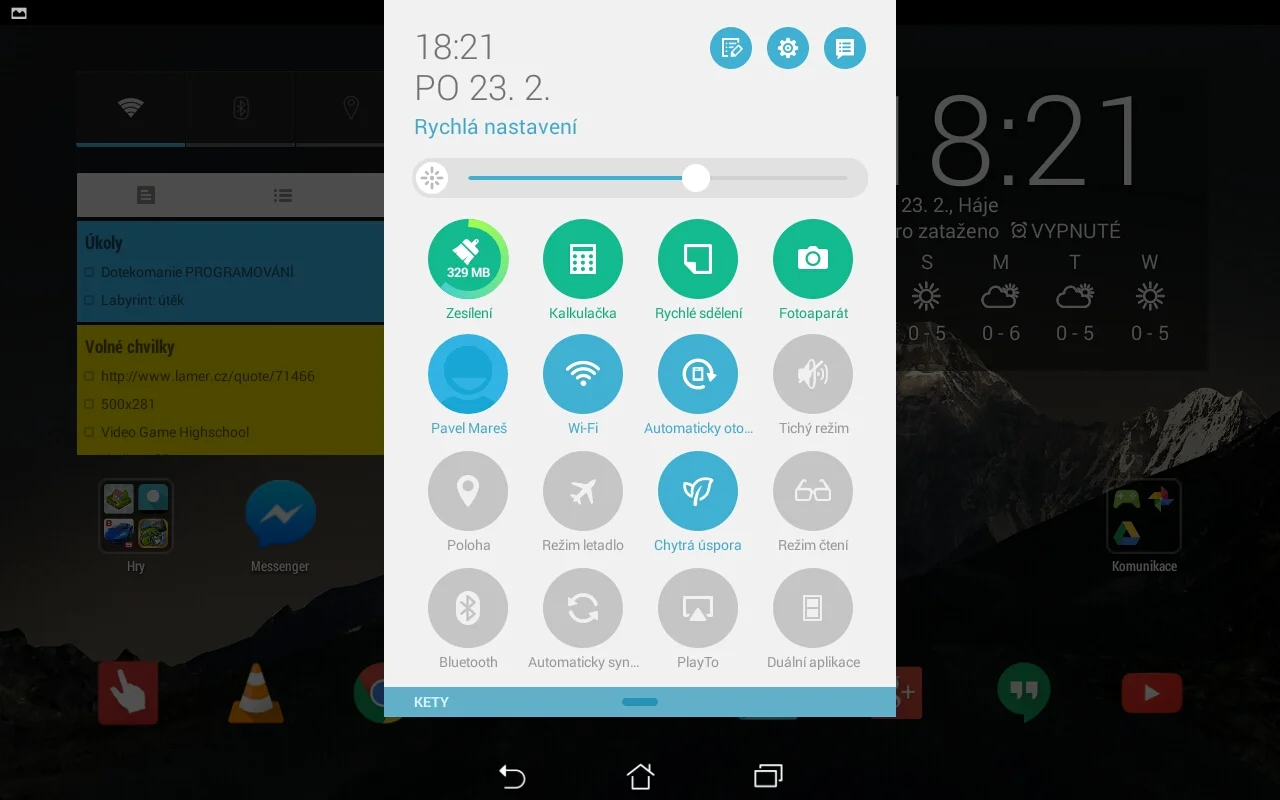
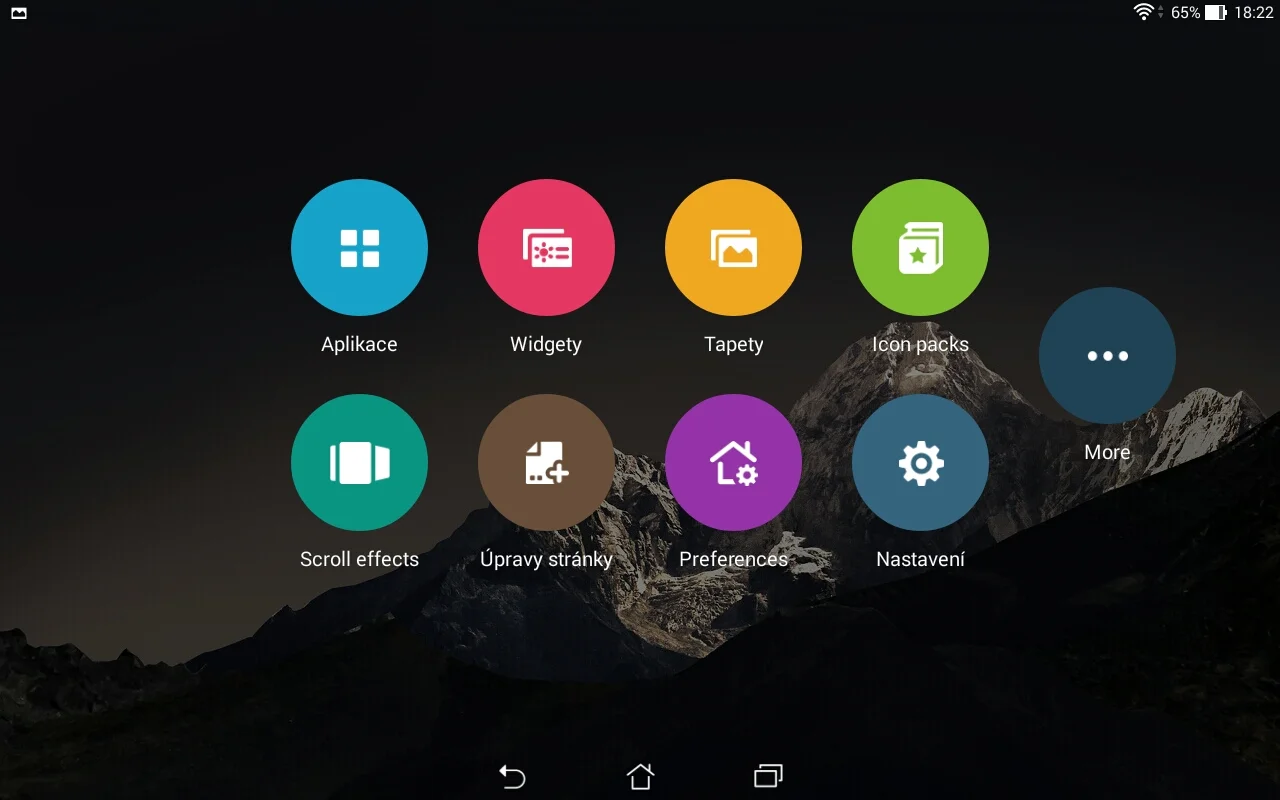
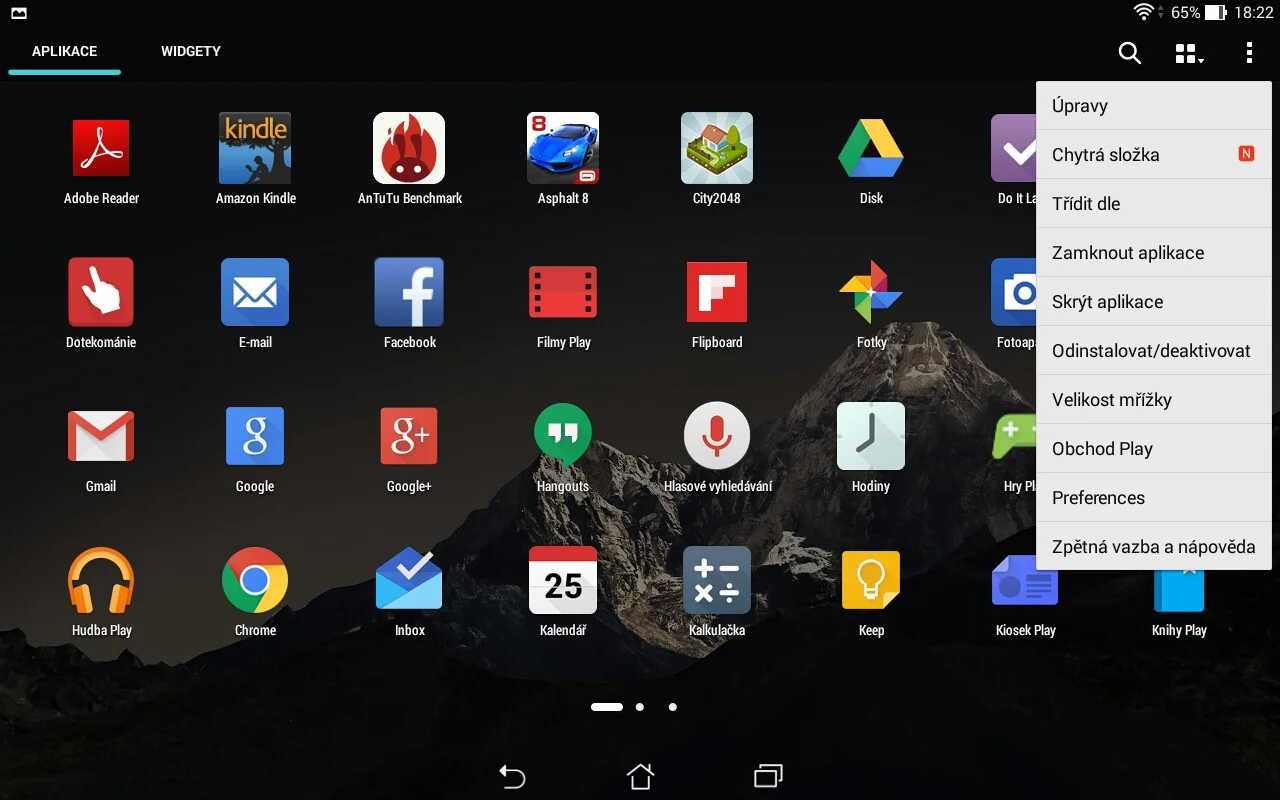
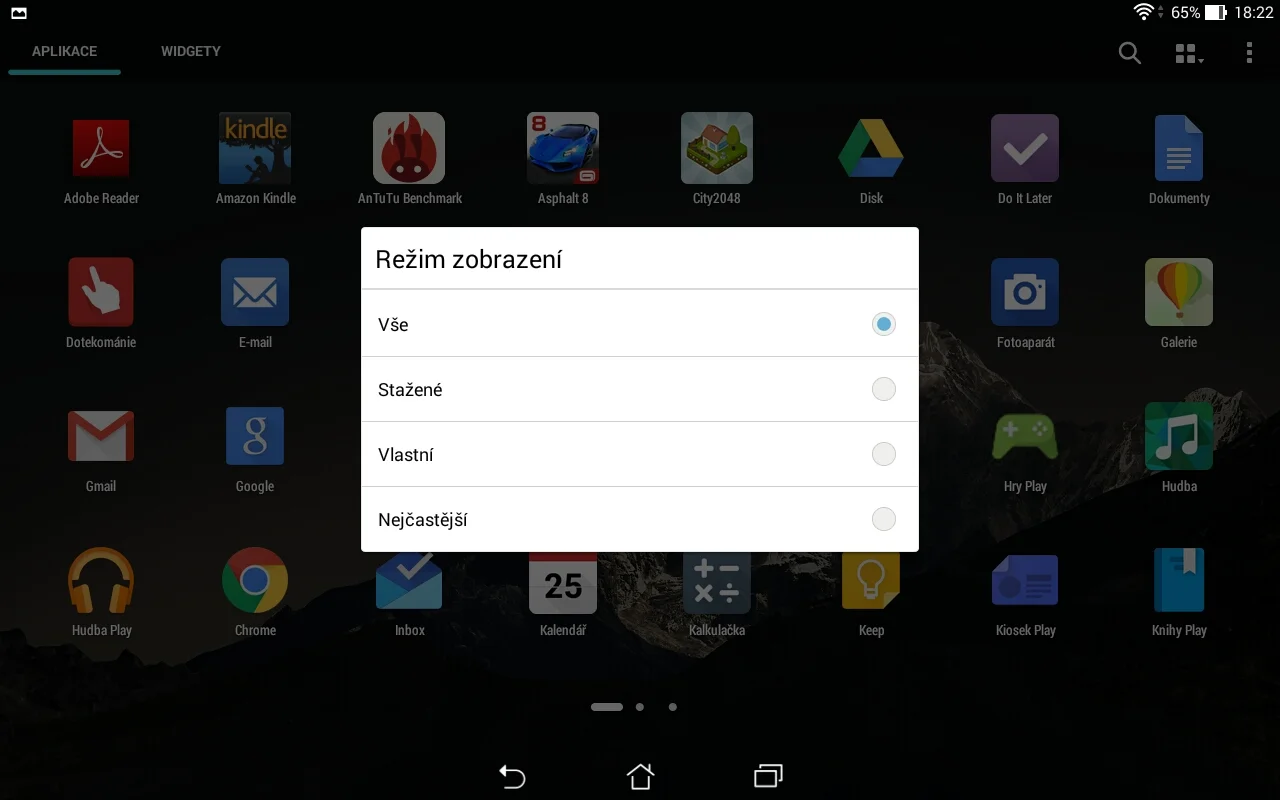
ZenUI also convinced me that a custom Android skin can actually be a good thing. It still has its rough edges, though, and some features don’t feel completely finished, while certain settings remain out of reach. On the flip side, there are plenty of ways to customize the app menu, home screen, and lock screen.
Camera
Tablet cameras are rarely good, and this one is no exception. The shots it produces can barely be called photos, and I won’t spend much time on video either. There’s visible noise in the images, overall quality is low, and while the camera app does include a few settings and features, they don’t do much to improve the results. You can judge for yourself from the samples below.




Battery
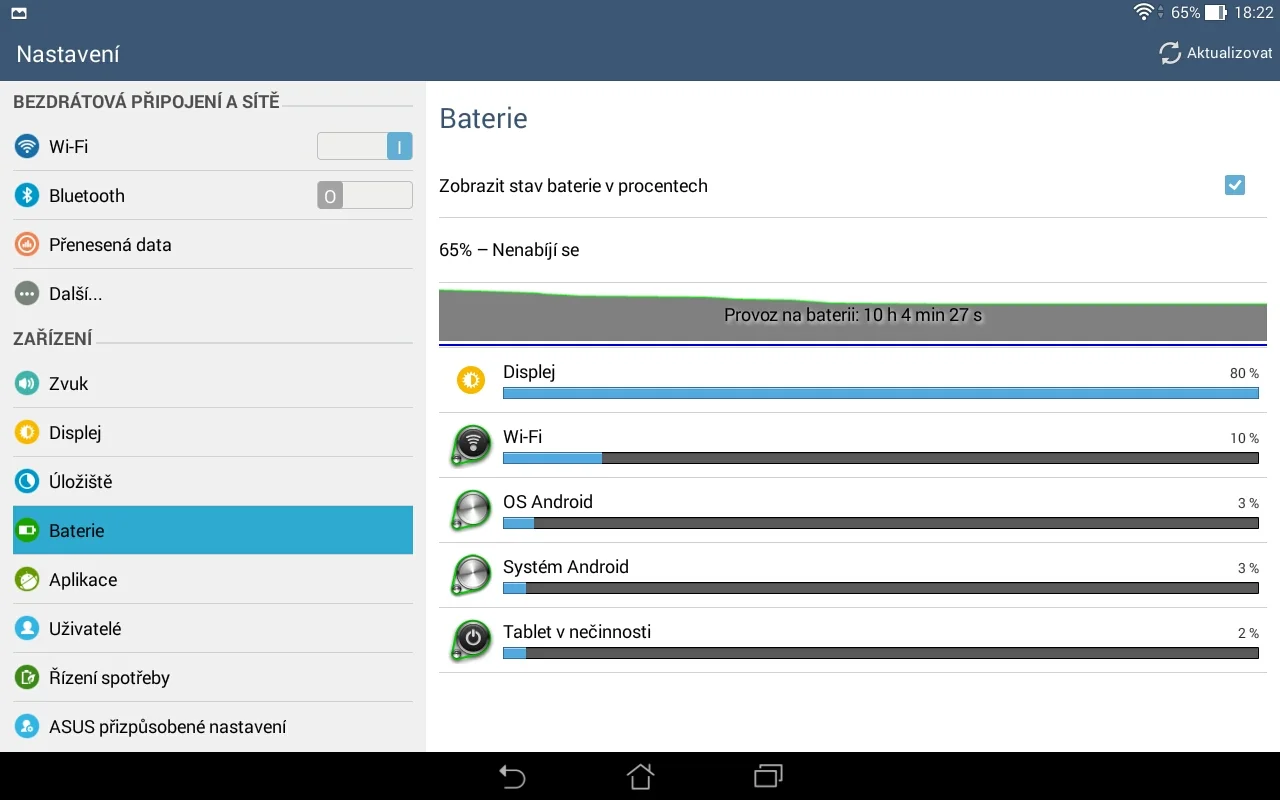
Battery life on a tablet should be good, or at least good enough. I decided to put this one through several different tests. The first was a full day of offline work and document handling. For the second, I stayed online and added lighter document use, reading notes and books. That also included reading articles, playing smaller online games, and browsing social networks. The final major test was nearly nonstop gaming, including more demanding titles such as Asphalt 8: Airborne.
The tablet passed the first test with flying colors. I unplugged it at 6:00 a.m., it lasted the whole day, and by 10:00 p.m. it still had roughly 30 to 35 percent left. The second test didn’t change things much, with around 25 to 27 percent remaining at the same time. The third test was much tougher, though, and battery life took a real hit. By around noon, I was already down to about 55 percent. At the end of the day, I plugged it back in with roughly 8 percent remaining.
Final Verdict
I don’t have much hands-on experience with tablets, but this model genuinely won me over. In day-to-day work, I had very little to complain about. Performance was more than adequate, and if you keep gaming to a reasonable level, or just use your phone for games instead, the battery will comfortably last a full day. The one real downside, and really the only one, is the display’s reflectivity, which is hard to do much about. Watching movies and videos in bed was a great experience, and it’s one of the things this tablet does especially well.
If you’re planning to use a tablet primarily for work and don’t mind the thicker bezels or larger footprint, the Transformer Pad TF103C is an easy recommendation. Gaming still isn’t the best use case for a tablet in general, but if you want something to keep your kid entertained, the display, battery life, and performance are good enough for the job.
Price chart for the Asus EEE Pad Transformer TF103C-1A106A provided by Heureka.cz