Huawei Mate7 Review: Big Phone, Premium Build
Huawei phones are everywhere, but most of the ones I run into are budget models. I’d even owned one myself. That made Huawei’s flagship a lot more interesting: could it actually beat expectations? If you think a 6-inch phone is simply too big, or that ultra-thin bezels and a slim body always come with compromises, the Mate7 makes a strong case otherwise.
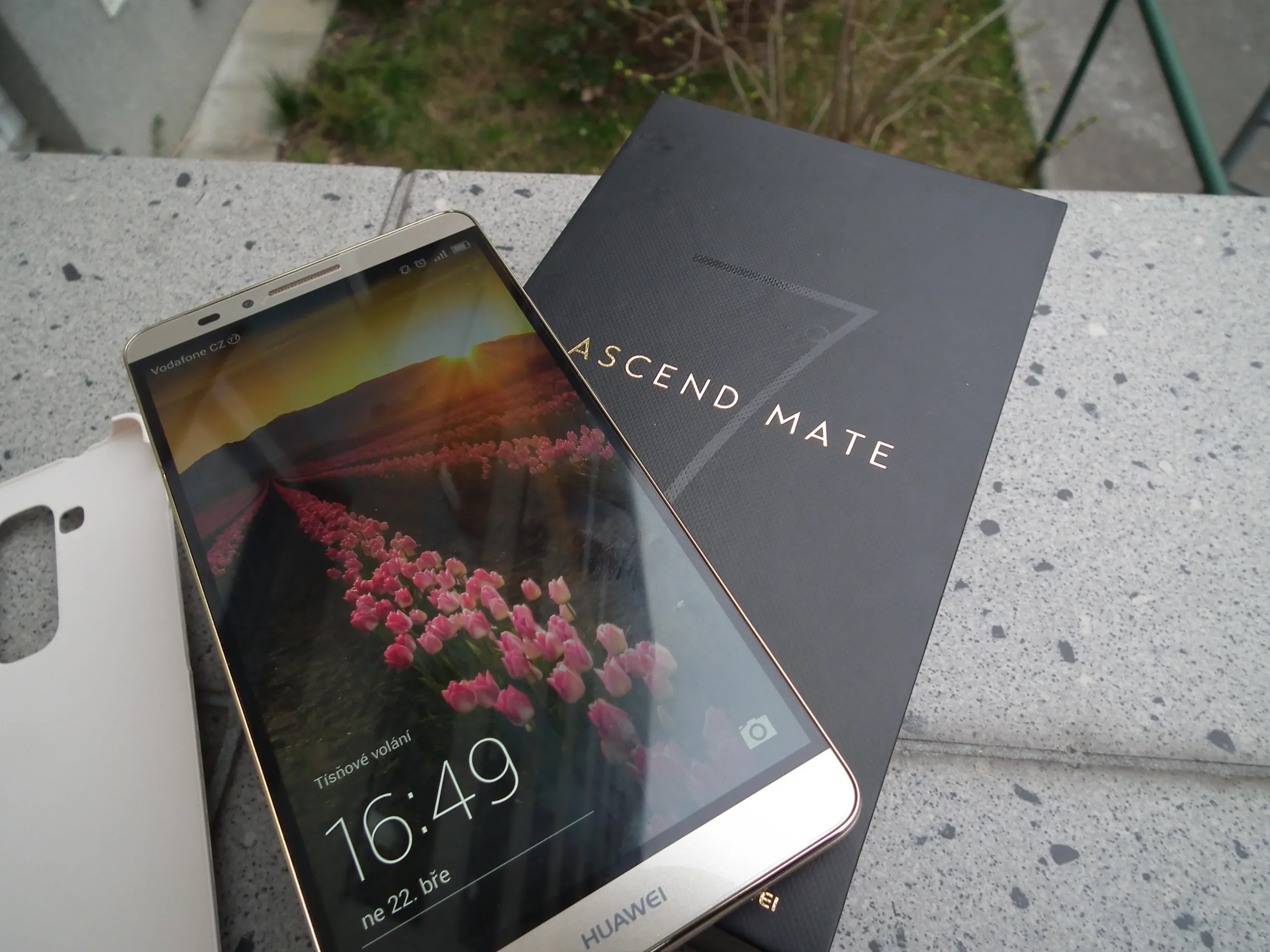
What’s in the box
The phone arrived in a black box with a gold “Ascend Mate 7” label and a gold Huawei logo in the lower-right corner. On the other side, you’ll find contact details and a link to the company’s website. The whole presentation follows a simple “less is more” approach. Open it up and the device immediately sells its best feature: it looks like a serious premium phone from the first glance.
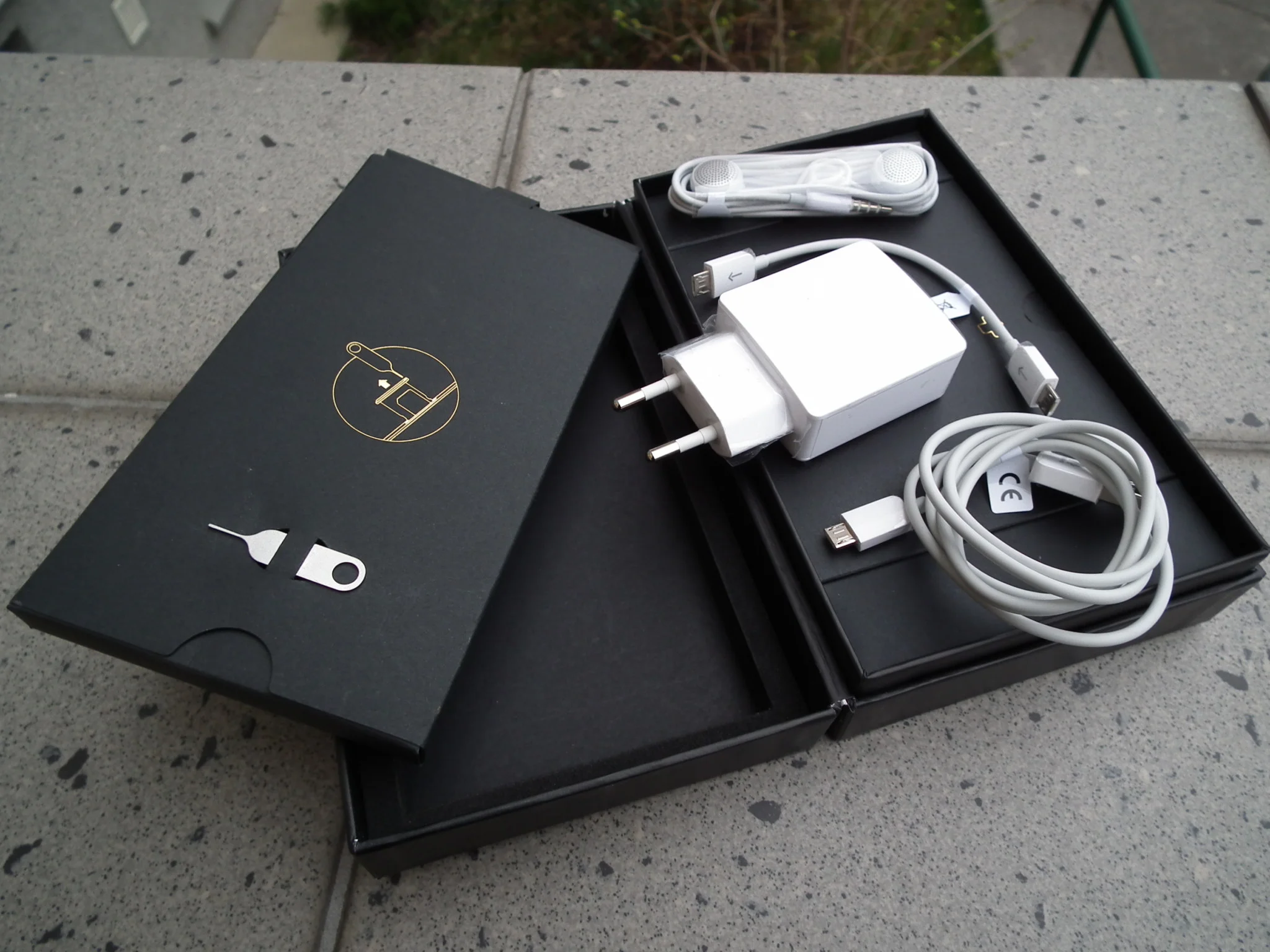
Huawei uses the box space efficiently, so inside you get two smaller accessory compartments. The narrower vertical one, marked with an arrow on the right side, holds the earphones, USB cable, power adapter, and a short cable with microUSB connectors on both ends.
In the larger compartment, marked with a phone icon, there’s a white sleeve for the device and a smaller box with the manuals inside. On the back, Huawei also includes the SIM eject pin for the microSIM tray. That’s it, and honestly, nothing feels missing.
Design and build
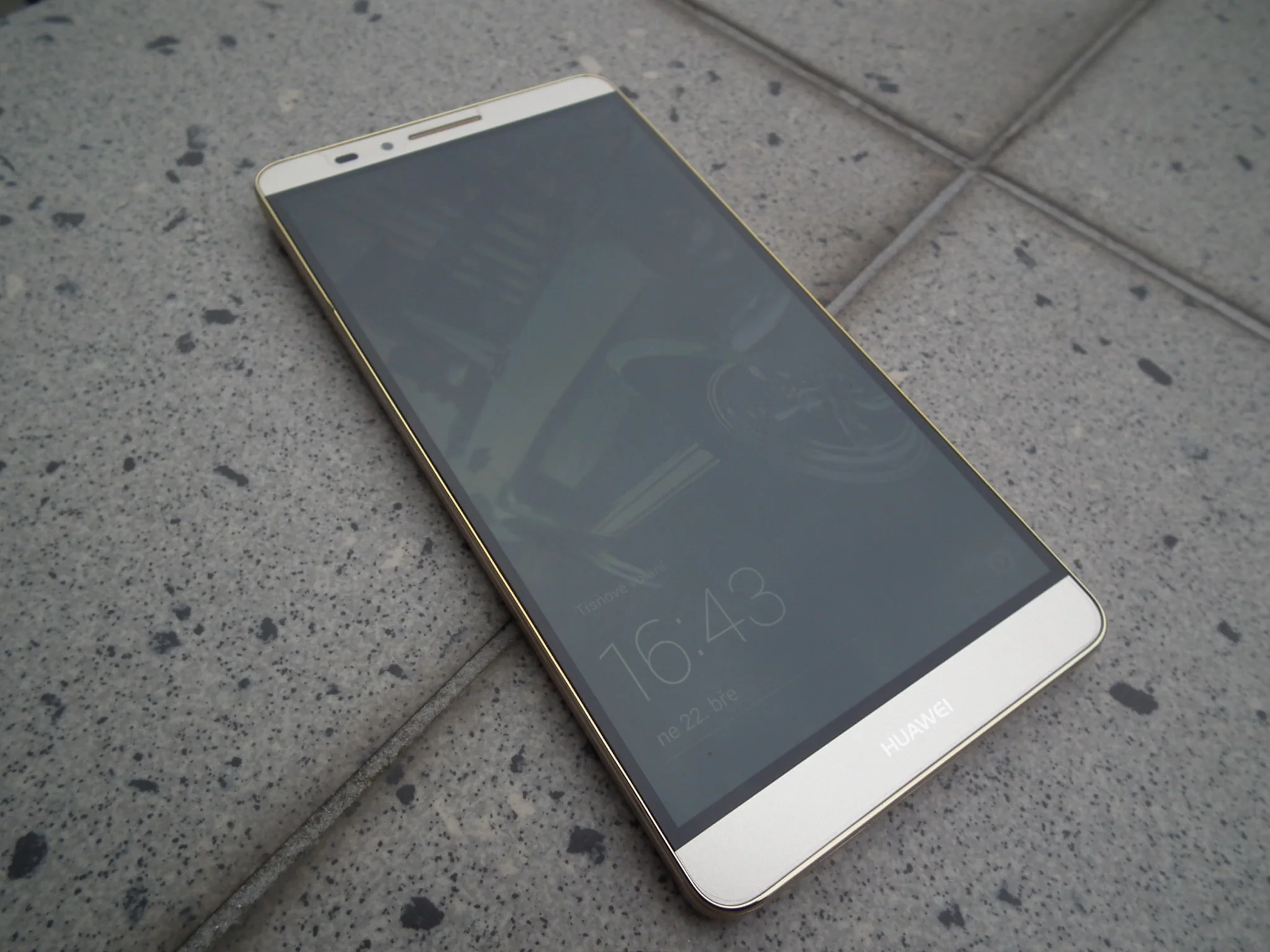
These days, every phone seems to be chasing a thinner body and slimmer bezels. A lot of people, myself included, tend to think that going too thin is a bad trade if performance suffers. That isn’t really the case here. The slim chassis doesn’t hold the hardware back, and the all-metal body with restrained gold accents gives the phone a polished, upscale look.
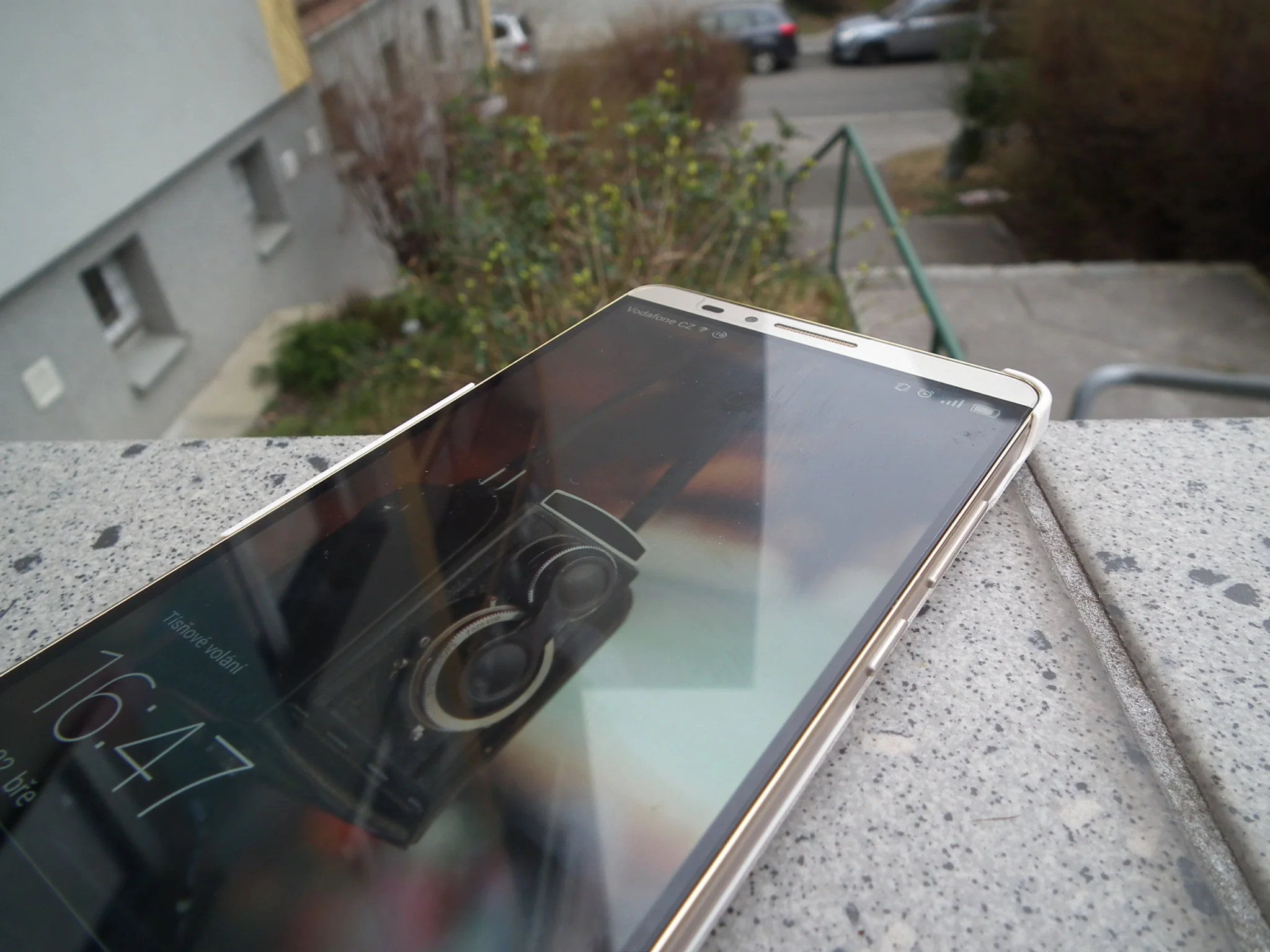
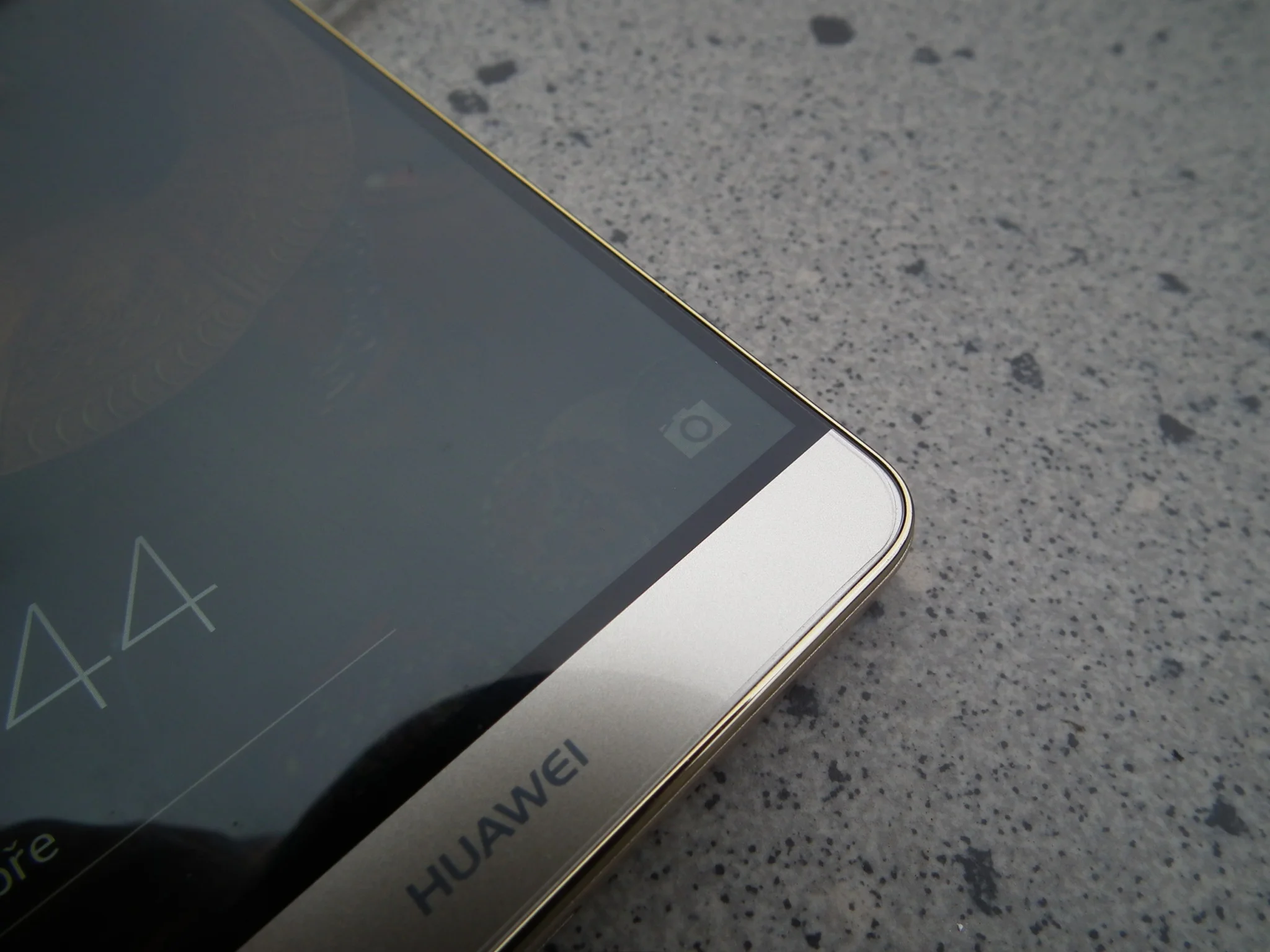
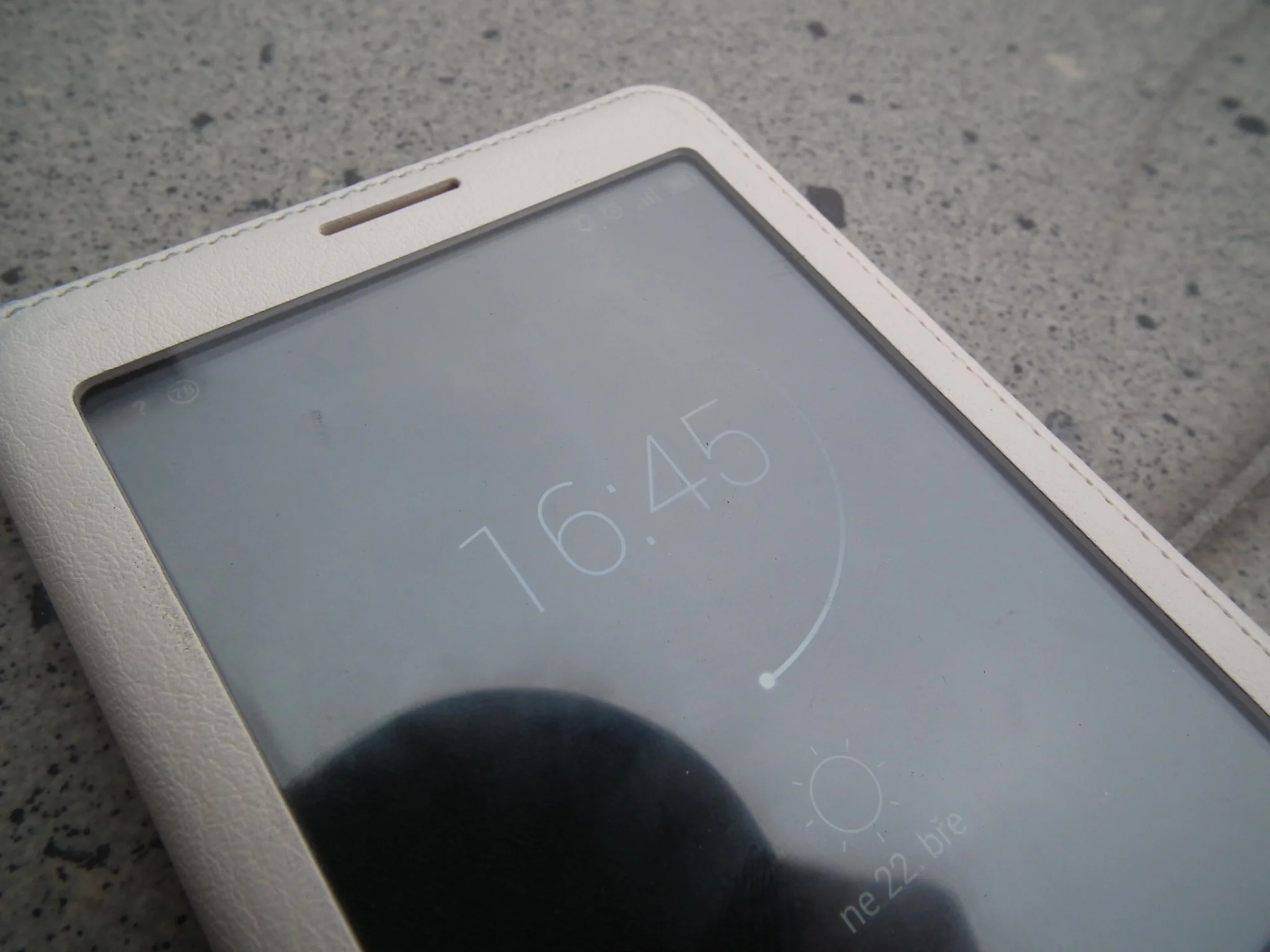
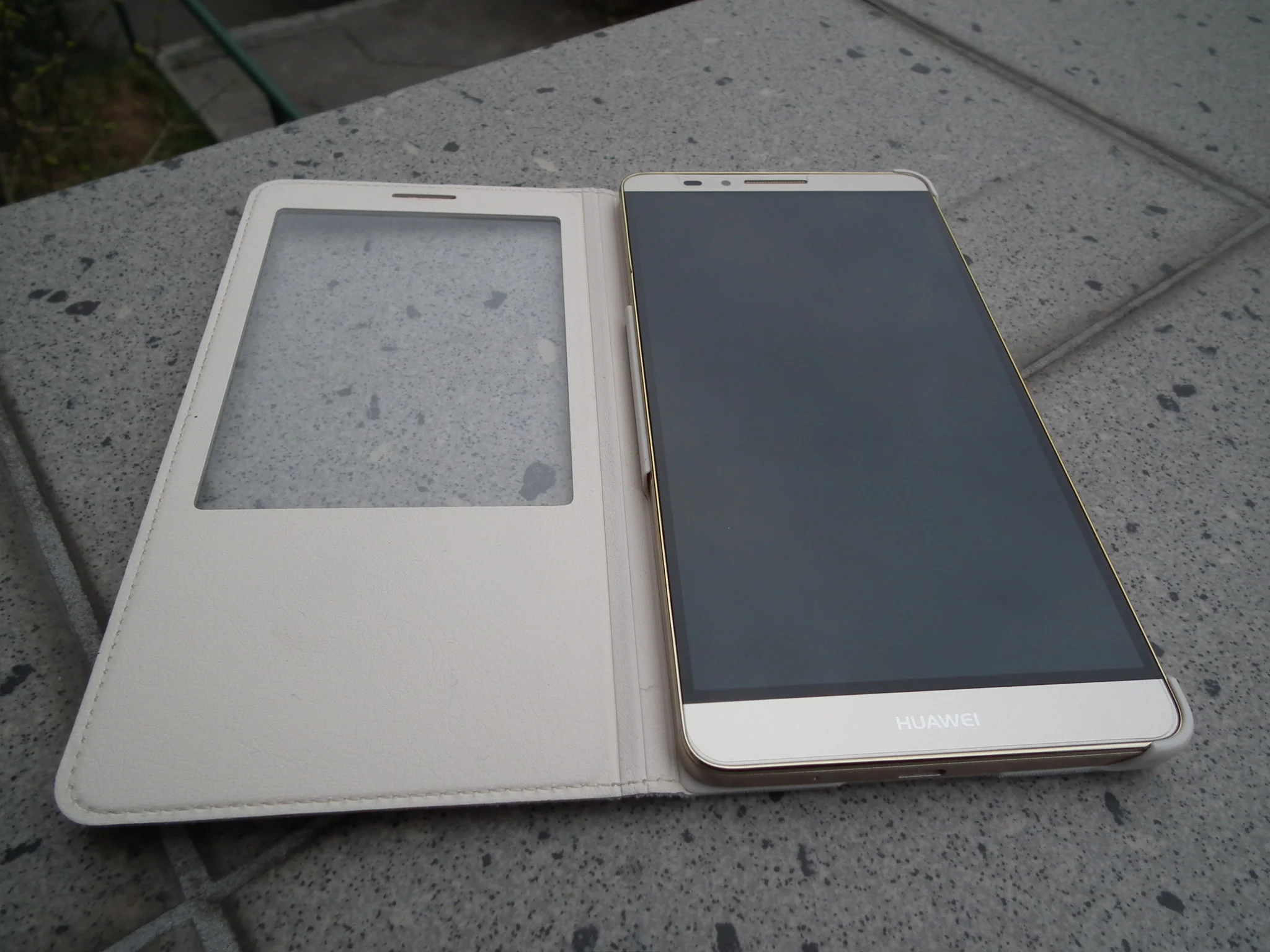
Up front, the Mate7 is dominated by a truly huge 6-inch display with very thin bezels all around. I measured the side bezels at just a little over 2 mm. The top and bottom bezels are thicker, of course. Up top, there’s the earpiece, a 5 MP front camera, sensors, and a very well-hidden notification LED. Down below, there’s only the Huawei logo. It doesn’t distract, and it doesn’t stick out visually, which is a real plus.
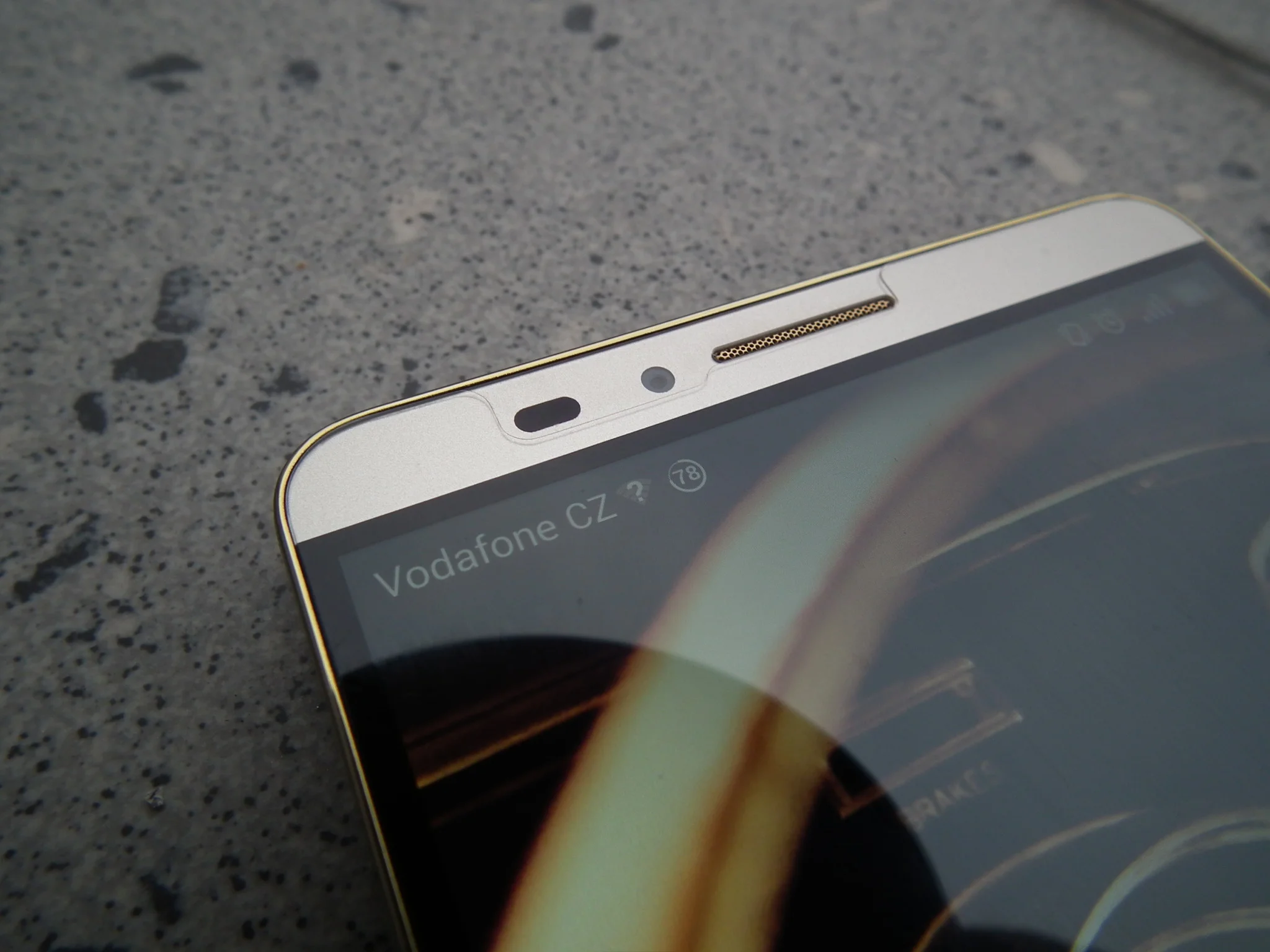
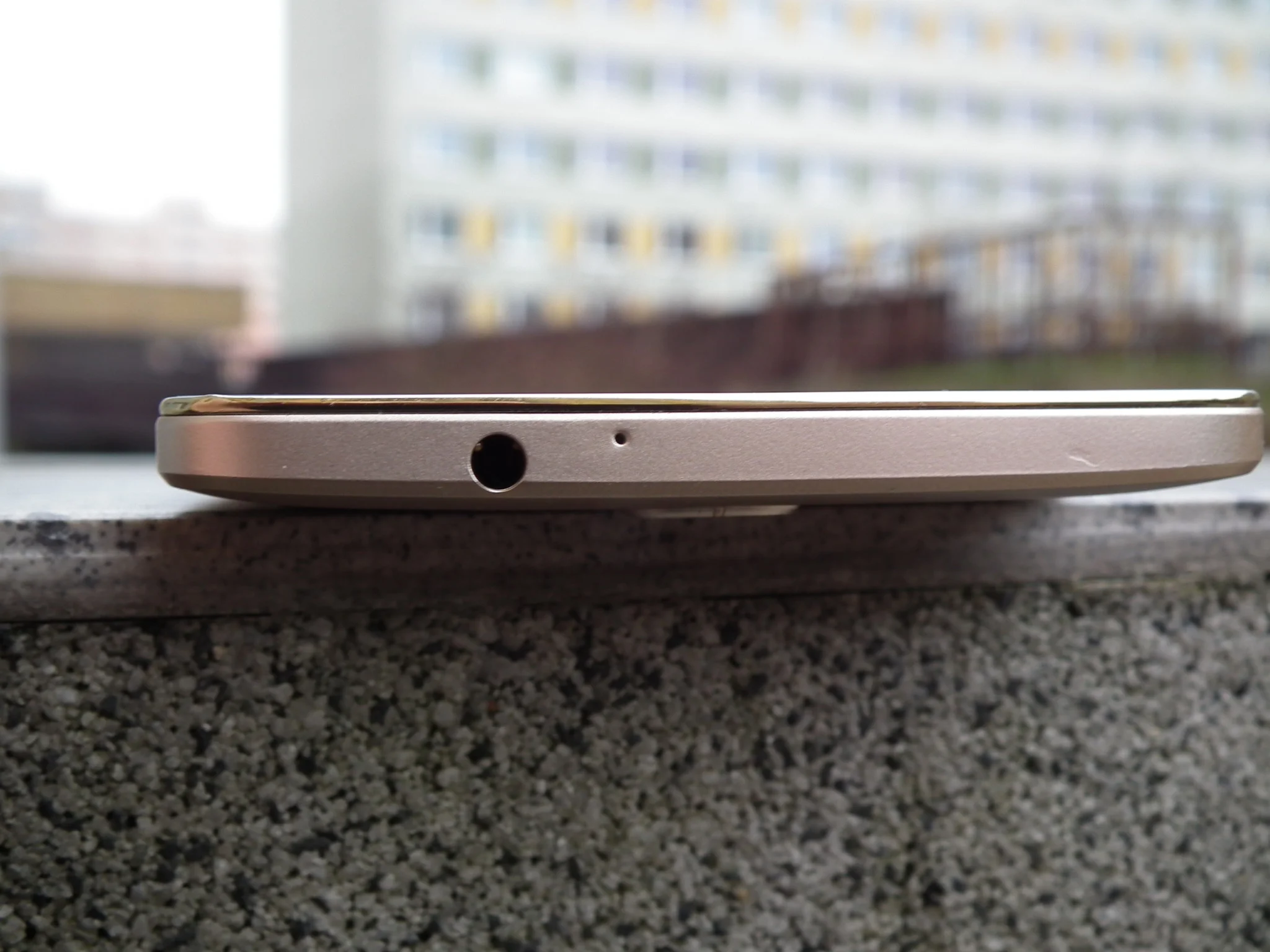
The sides are laid out in the usual way, with the expected ports and buttons. On top, there’s a microphone and a 3.5 mm headphone jack. On the right side, you get volume buttons with a flat surface, along with a power button finished to look like brushed metal.
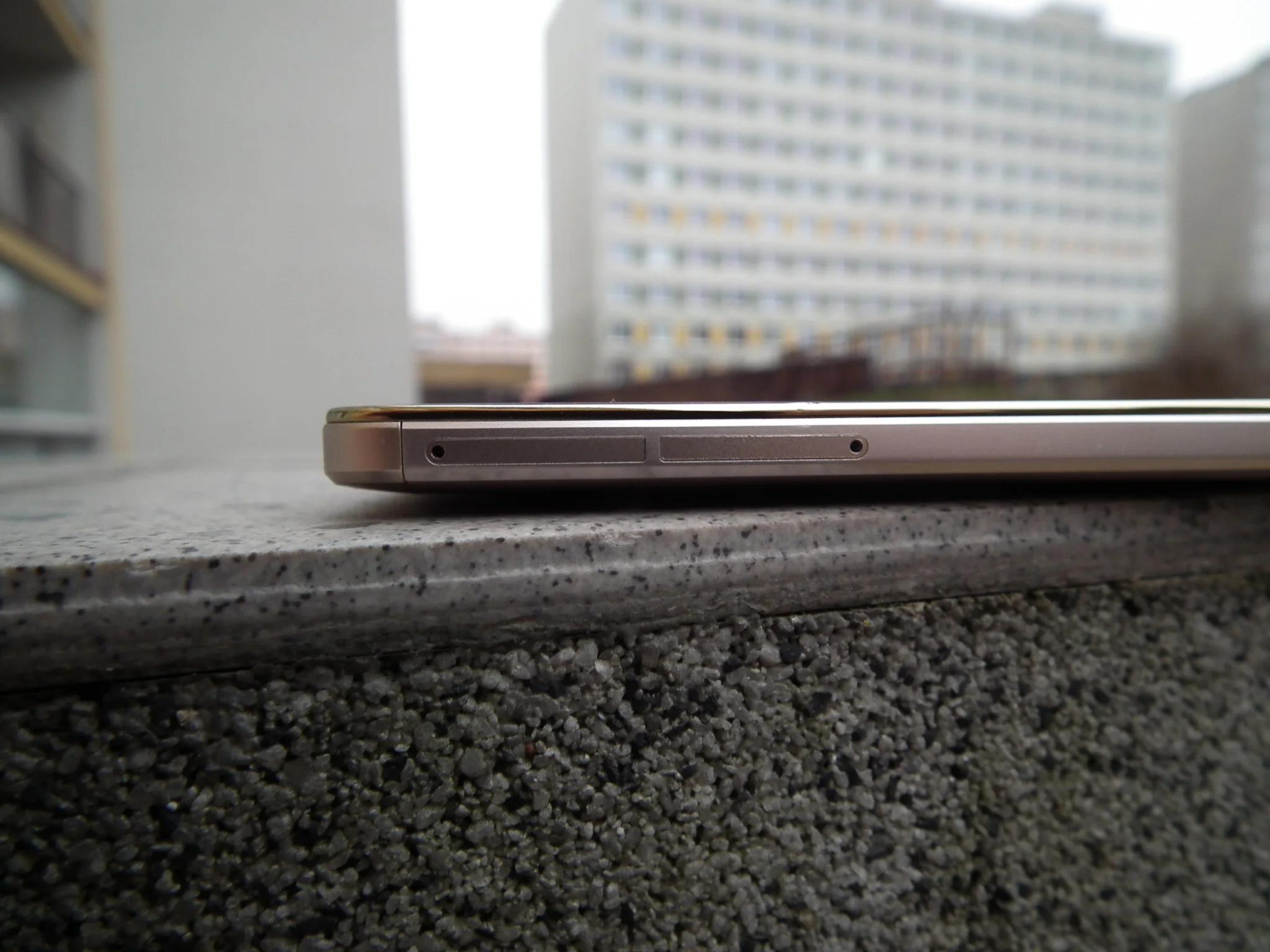
The left side houses two slots. Both can be used for microSIM cards, which makes the phone especially practical for work use. The second slot can also take a microSD card, letting you expand storage by up to another 128 GB. Along the bottom edge, there’s only the microUSB port and another microphone.
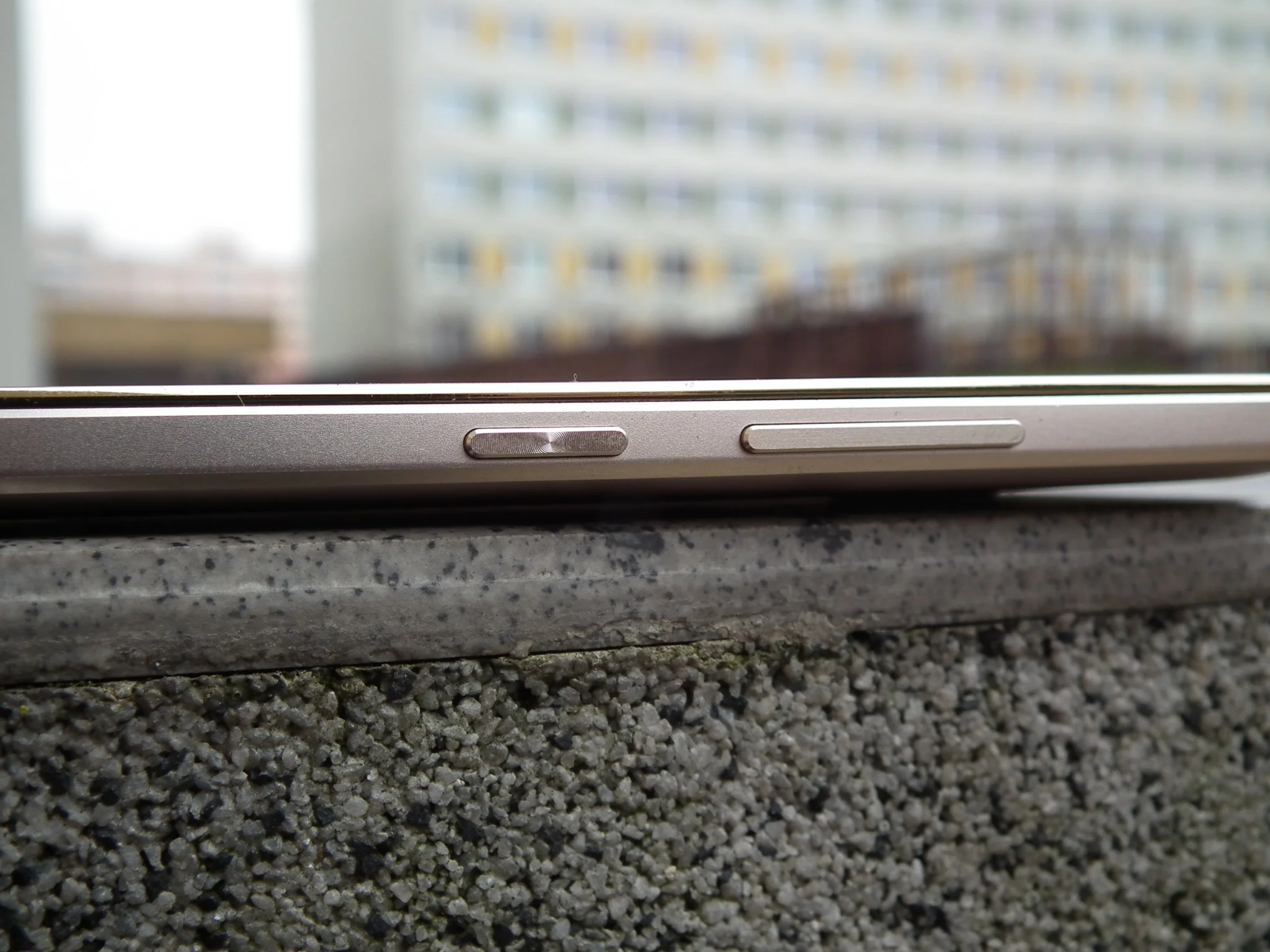
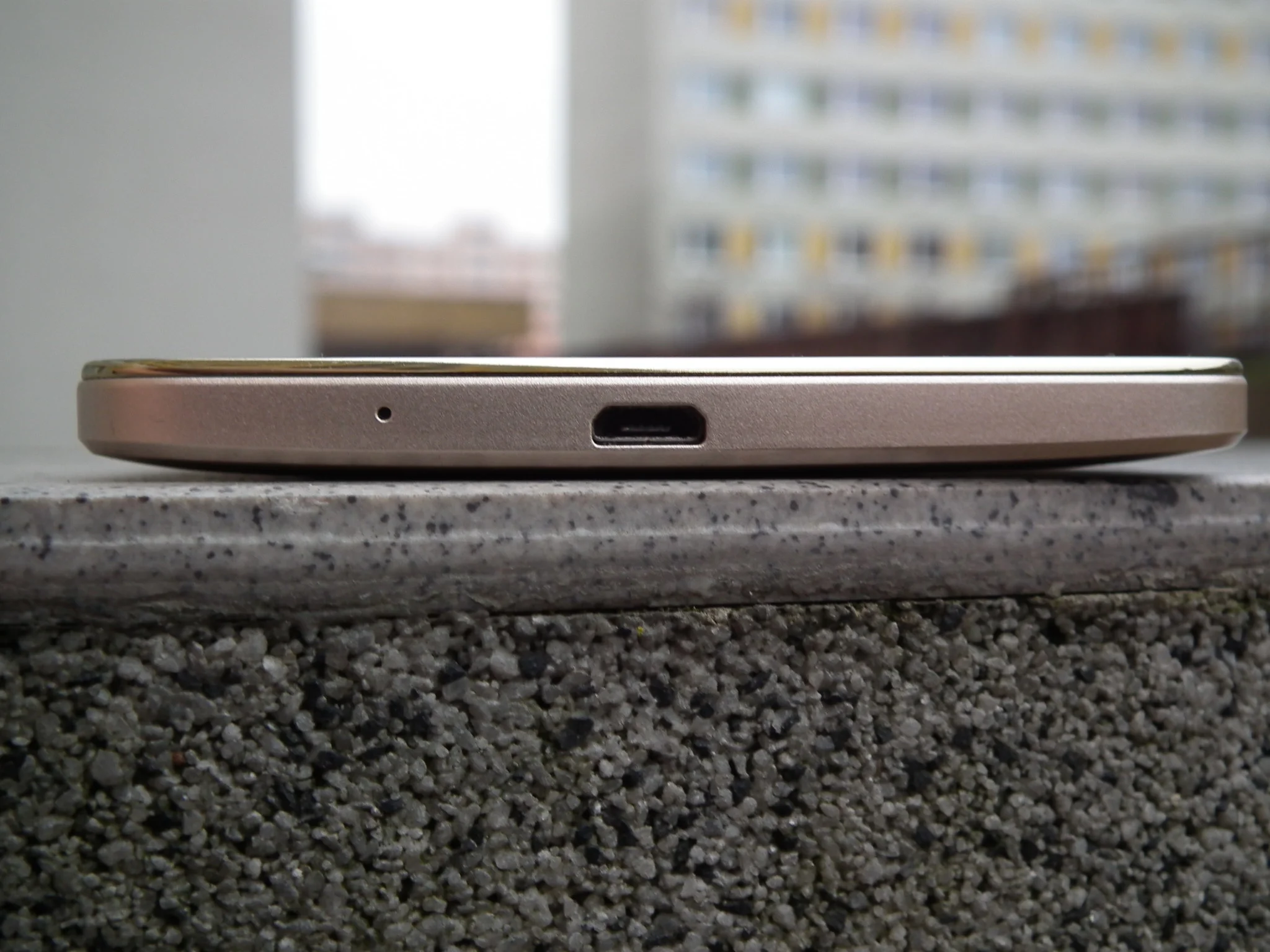
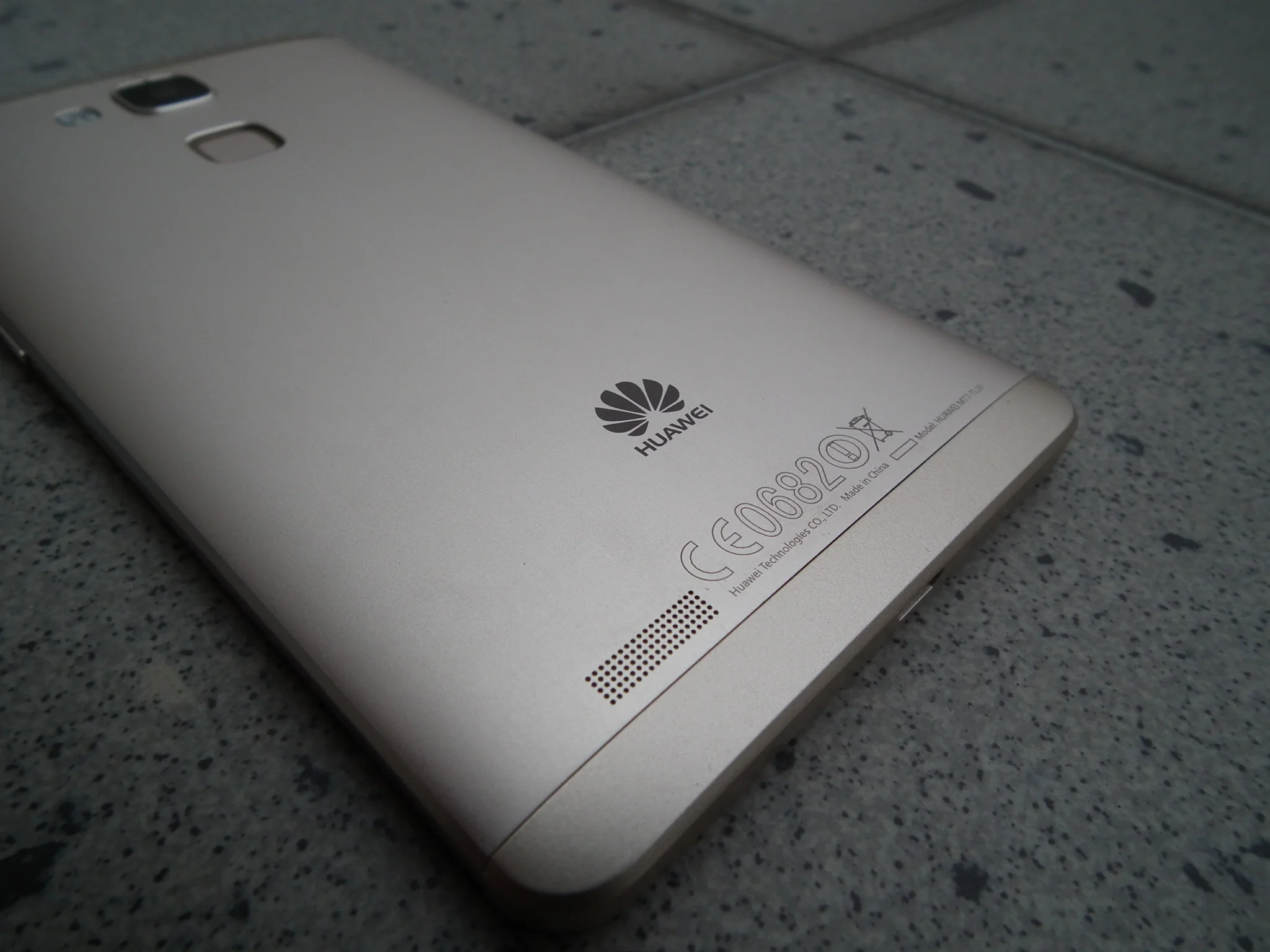
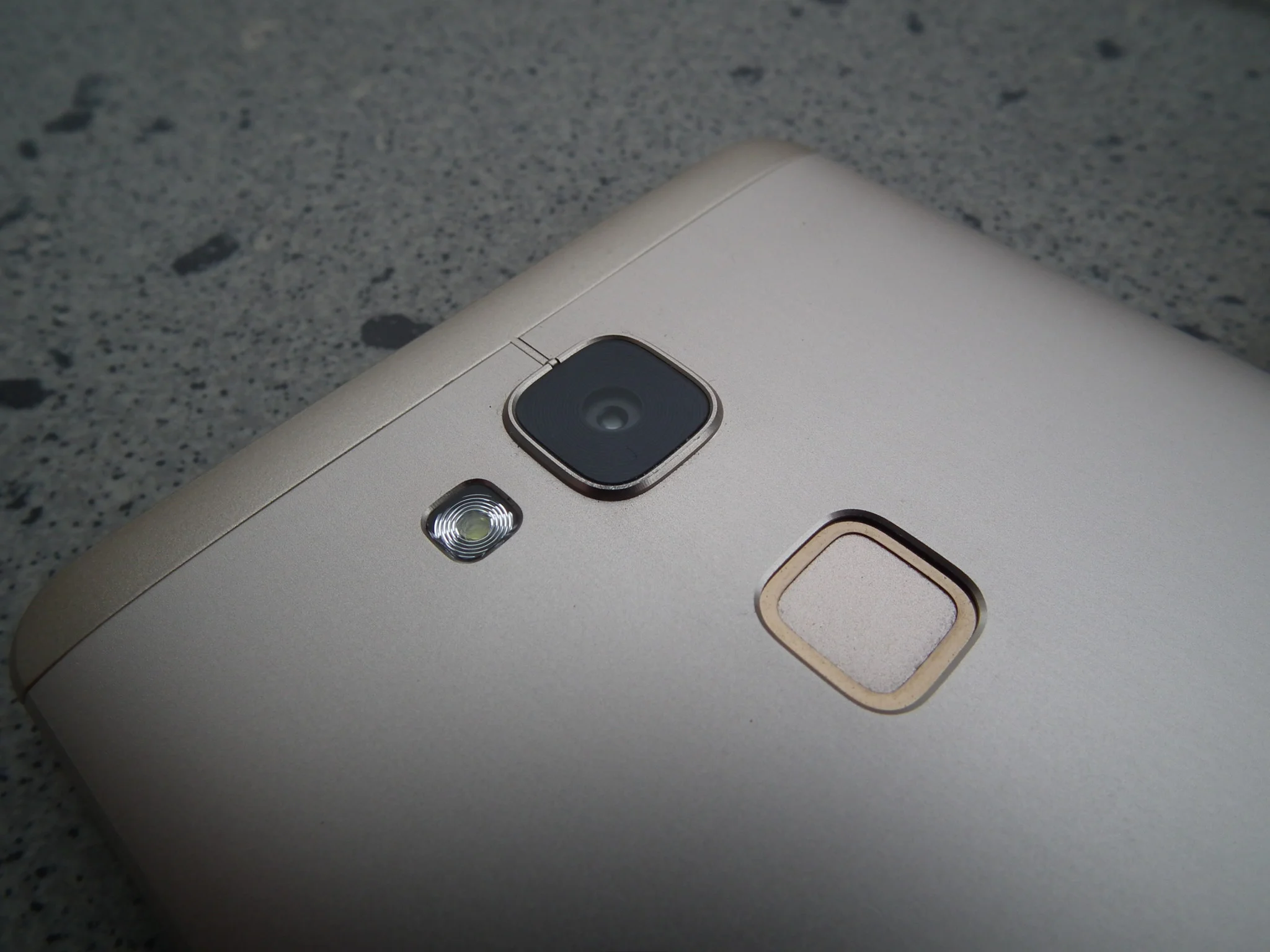
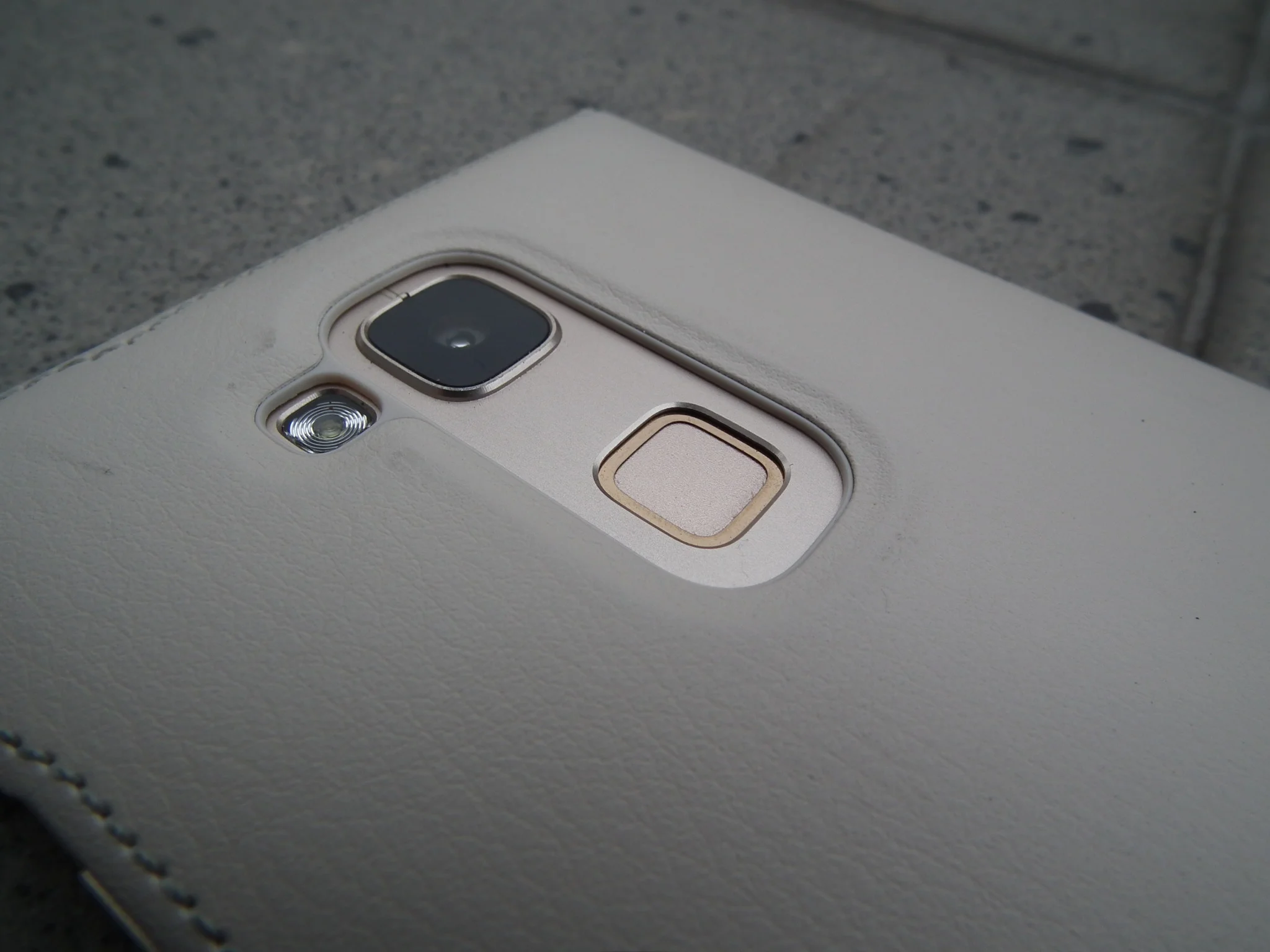
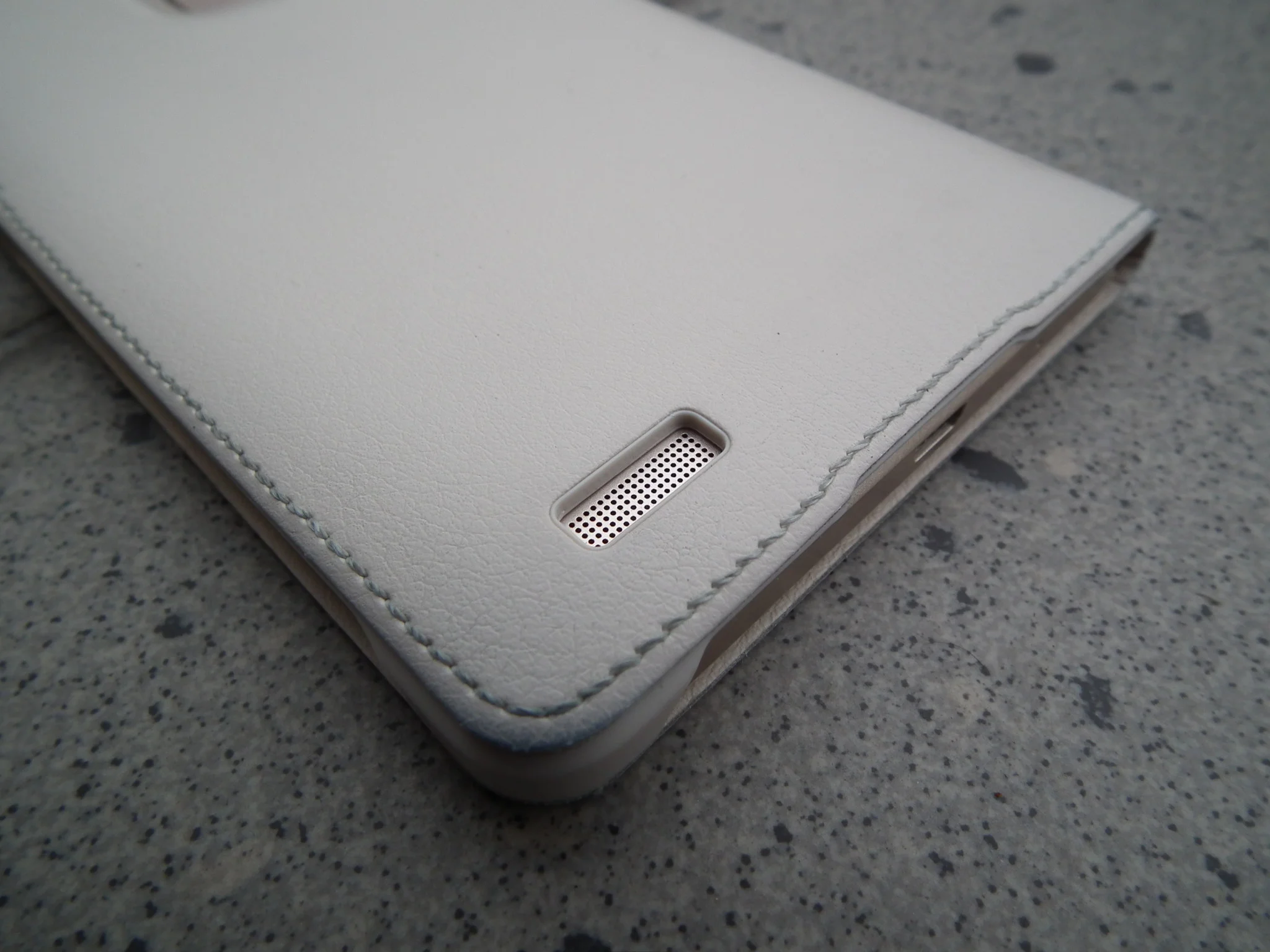
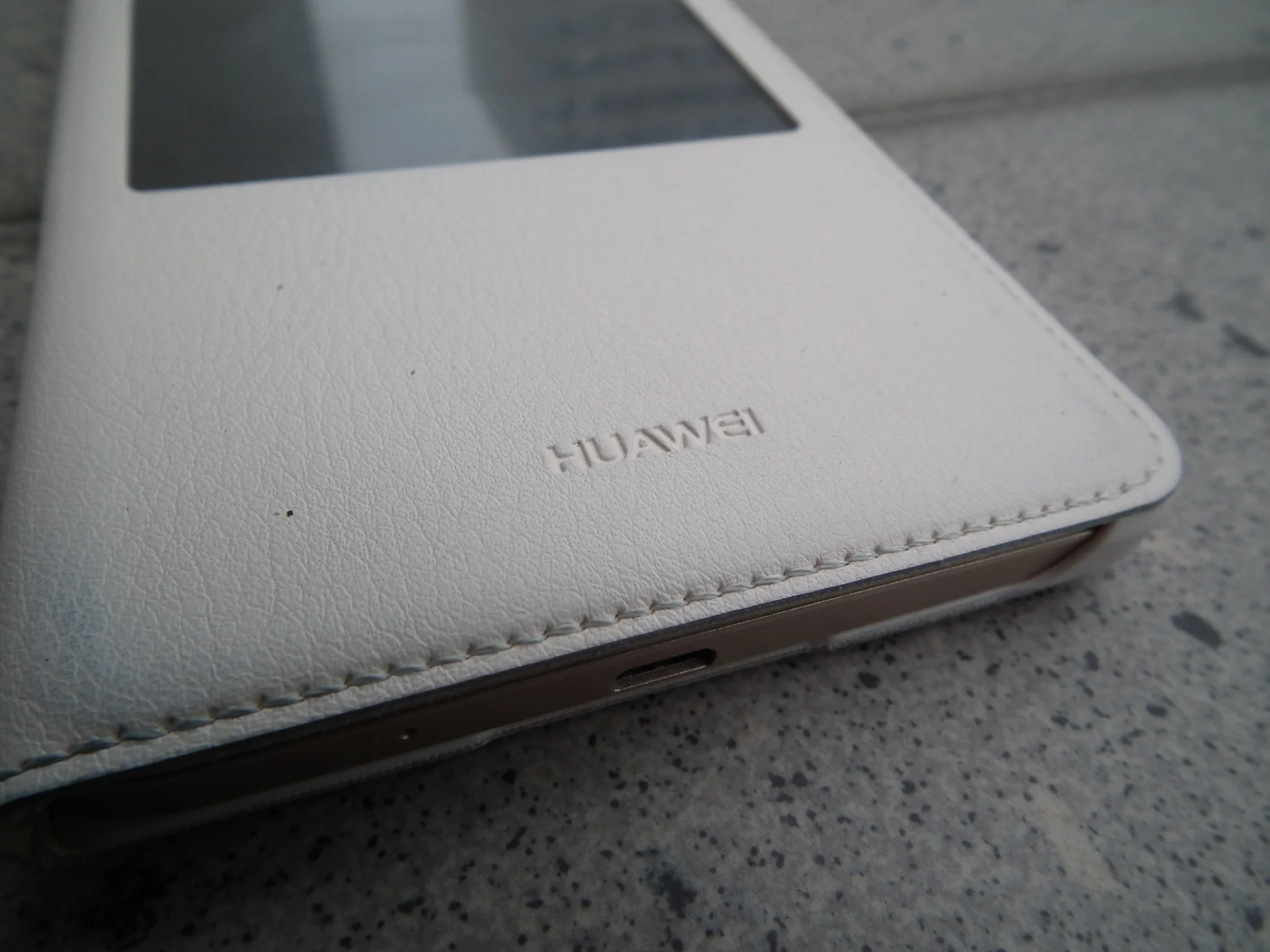
The back is just as interesting, even if it vaguely reminds me of the HTC One (M8). The cover isn’t removable. The edges are chamfered, and the rear panel has a slight curve, which helps the phone look and feel better in the hand. The large, slightly raised camera module is the first thing you notice, and directly beneath it sits the fingerprint sensor, recessed into the chassis. It works very well, by the way. To the left of the camera is the LED flash. At the bottom, there’s a small but powerful speaker and a dark gray Huawei logo.
Hardware
Under the all-metal chassis, the phone runs on Huawei’s HiSilicon Kirin 925, with two clusters of four cores clocked at 1.8 GHz (Cortex-A15) and 1.3 GHz (Cortex-A7). Graphics are handled by the Mali-T628. Helping keep performance high and the system responsive is 3GB of RAM. Total internal storage is 32GB, though users get “only” 25GB available out of the box.
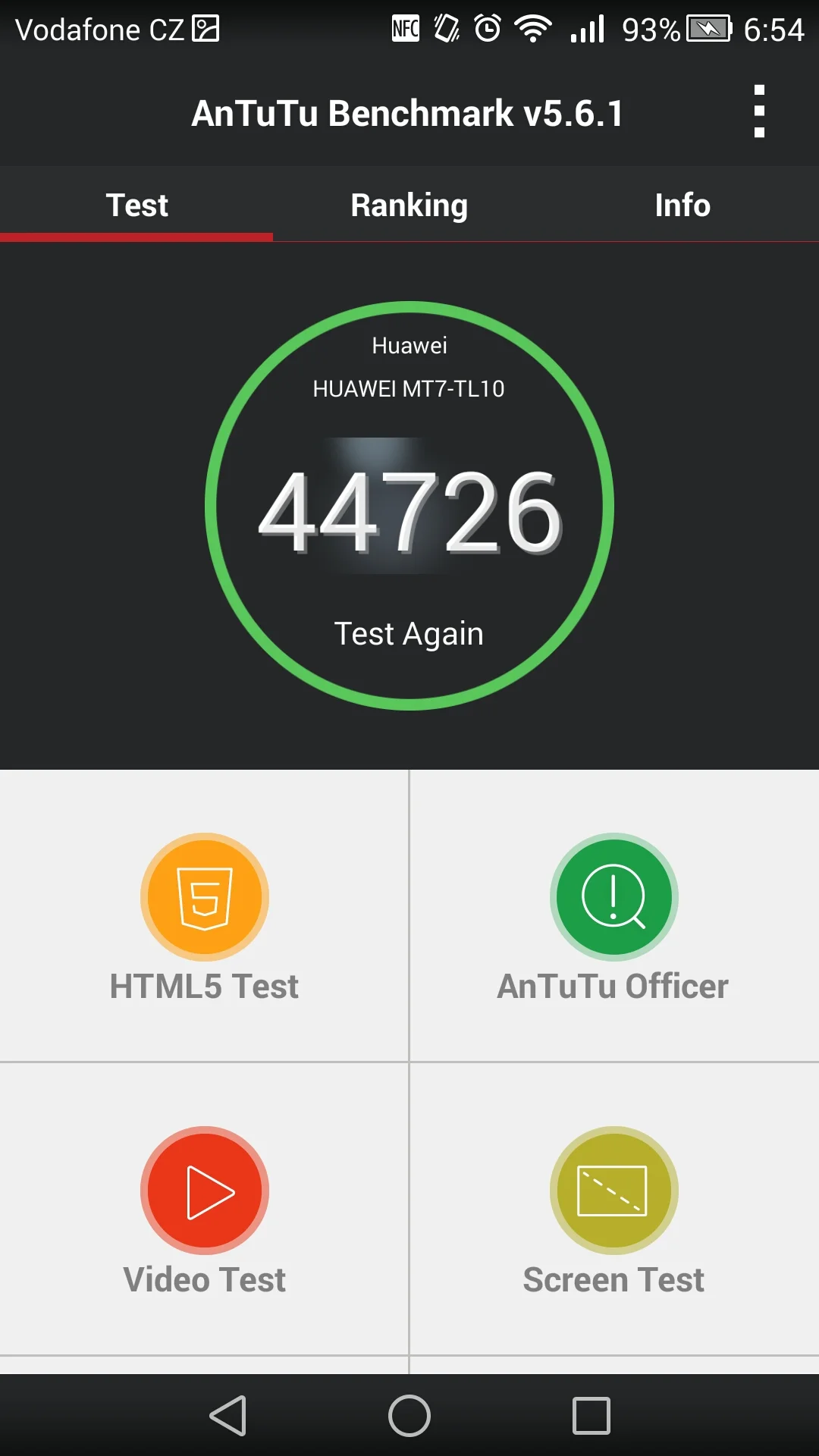
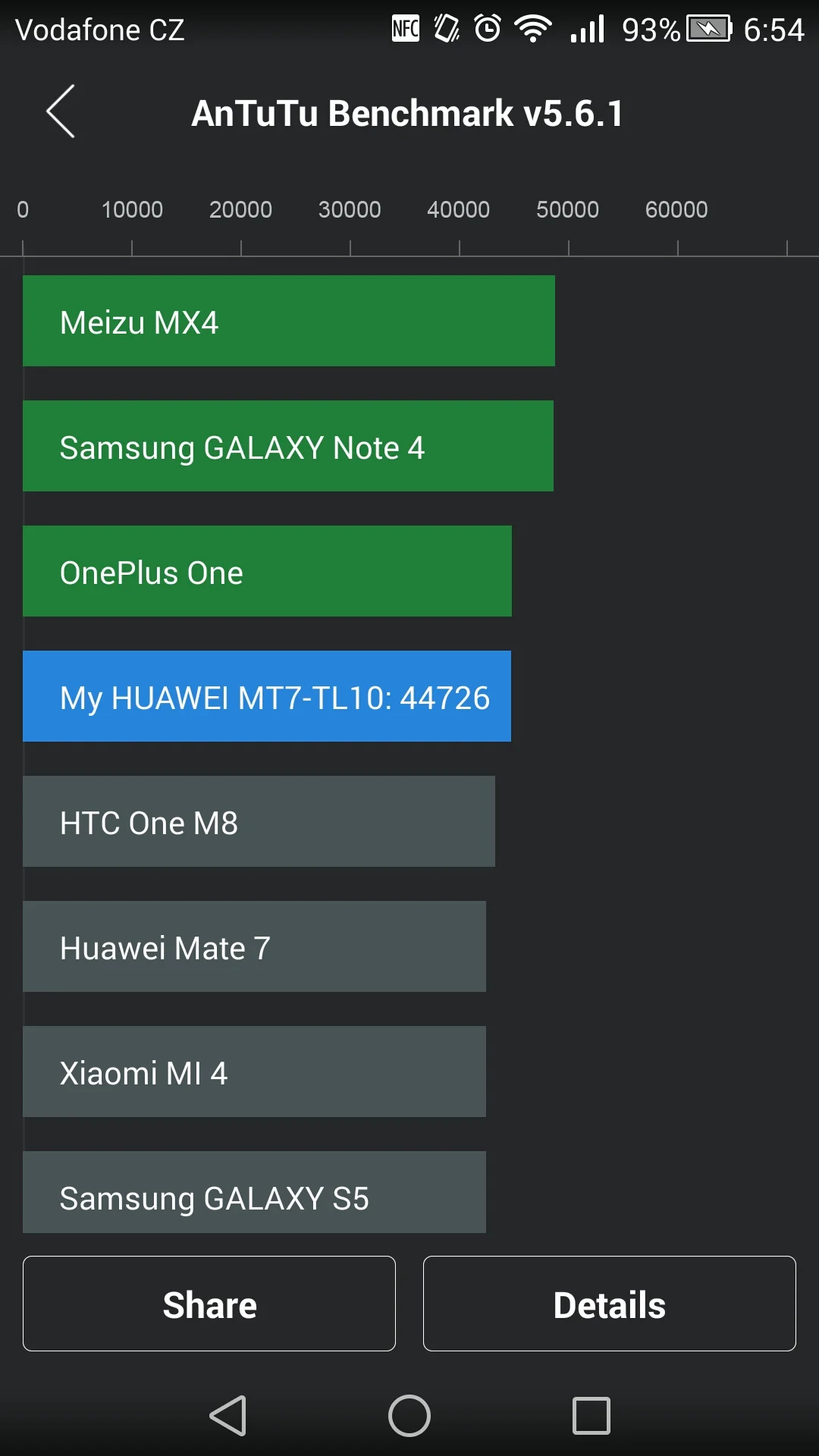
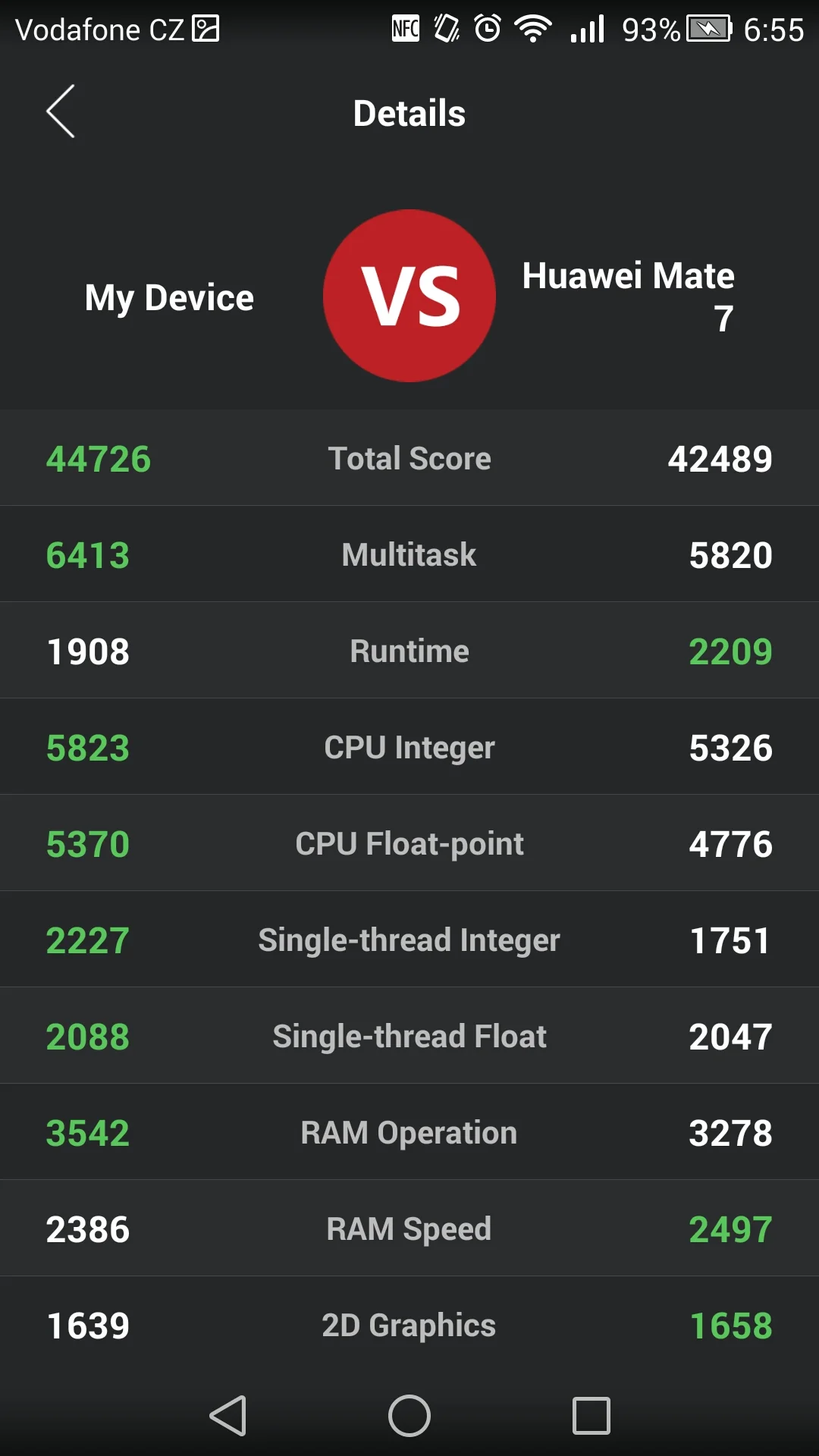

Benchmarks, of course, never tell the whole story, even if the results above look strong on paper. So I tried to push the phone’s hardware as hard as possible. That meant loading up racing games, fighting games, and puzzle titles that put both the CPU and GPU to work. In practice, I didn’t run into any major stutters while gaming. Minor hiccups did show up from time to time, but those aren’t always the hardware’s fault.
Device specifications
- display – 6-inch IPS-NEO, Full HD resolution (1080 x 1920 px)
- operating system – Android 4.4.2 KitKat (with Emotion UI 3.0)
- dimensions – 157 x 81 x 7.9 mm
- weight – 185 grams
- SoC – Quad-core 1.8 GHz Cortex-A15, quad-core 1.3 GHz Cortex-A7 (HiSilicon Kirin 925)
- memory – 32GB ROM with microSD card slot, 3 GB RAM
- camera – 13MP rear camera (Full HD video recording at 30 FPS), 5MP front camera
- battery – 4100 mAh capacity
- other features – Bluetooth 4.0, Wi-Fi 802.11 a/b/g/n/ac, GPS, 3G, LTE, motion sensor, digital compass, fingerprint reader
Software and EMUI 3.0
Stock Android is still stock Android. I keep coming back to that. Even so, every time I spend real time with a custom interface, I have to admit some of them are better organized and easier to use than plain Android 4.4.2 KitKat. Huawei’s EMUI 3.0 is one of them. It brings a lot of genuinely nice touches, along with a few smaller flaws.
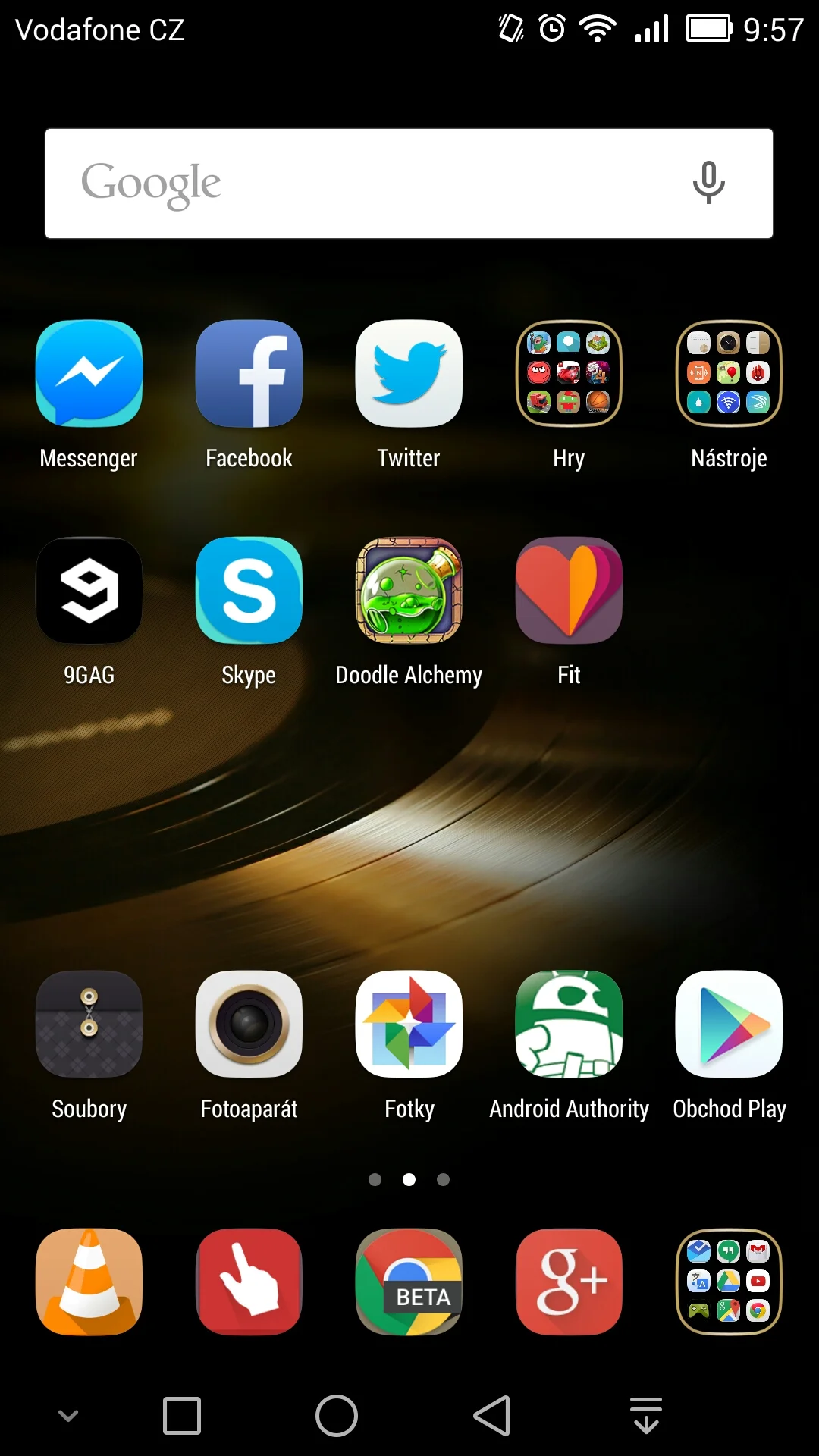
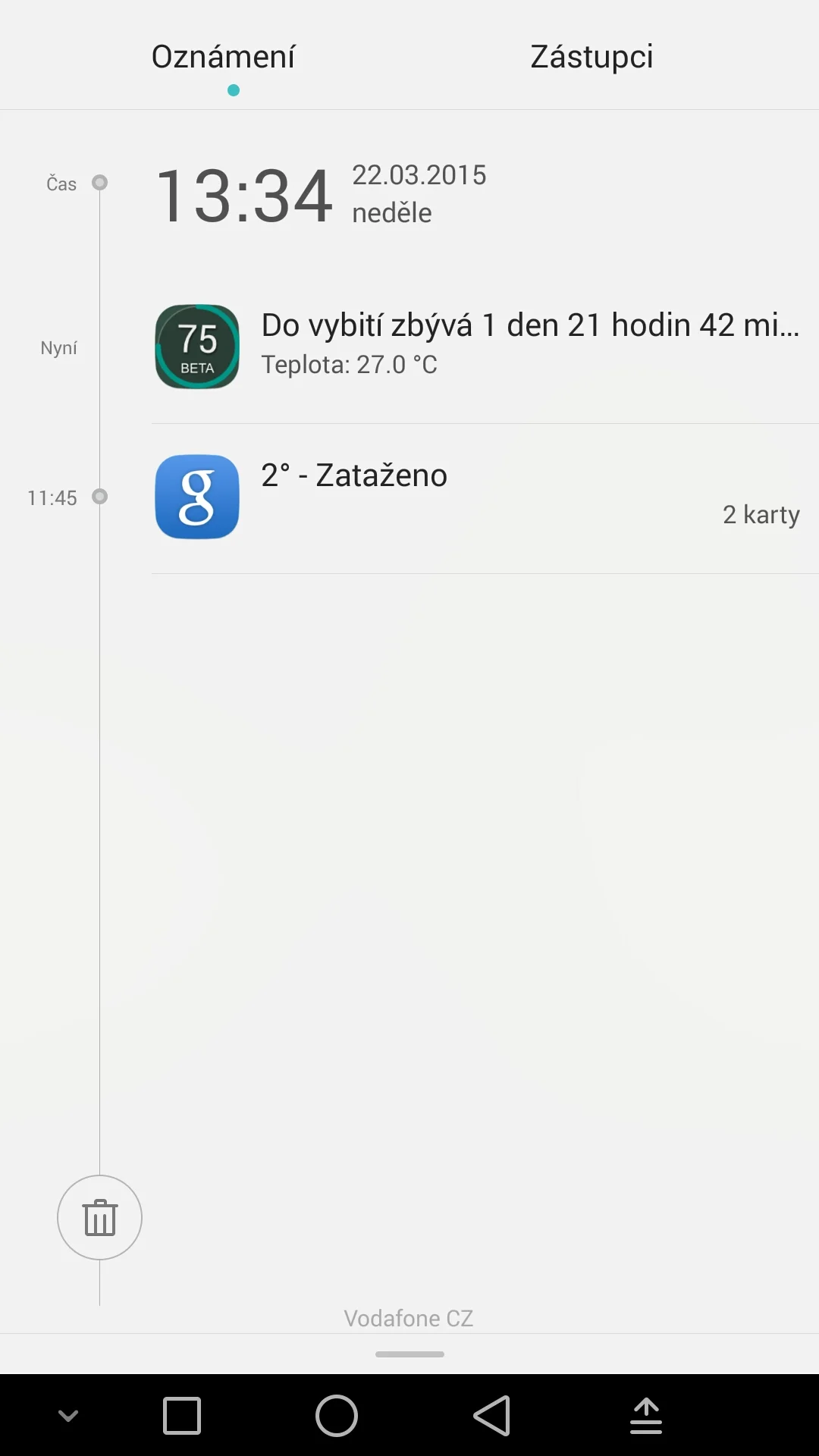
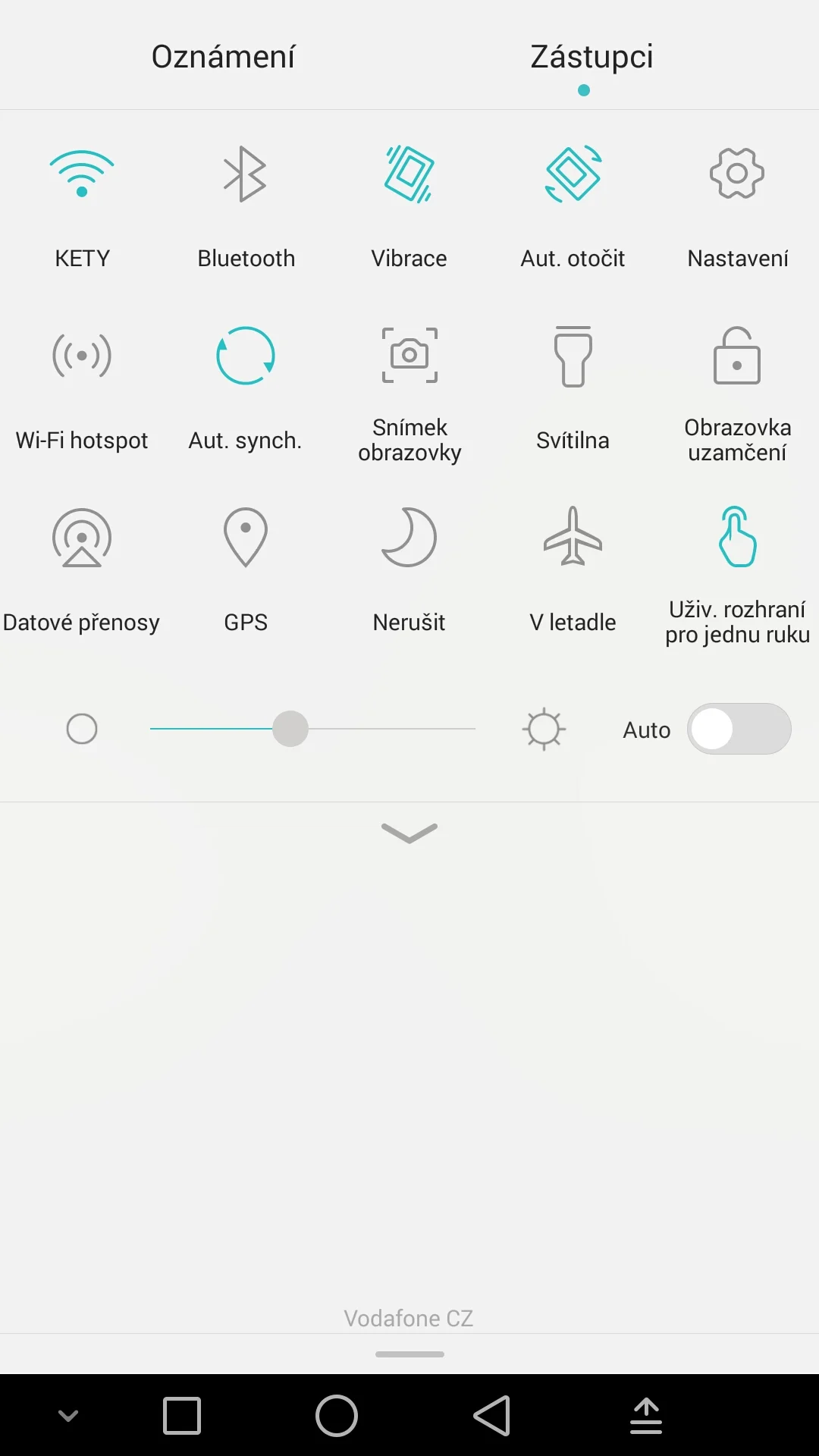
At first boot, the default theme is surprisingly attractive. Naturally, I had to dig in and see what could be changed, disabled, or turned on. While browsing the home screen customization options, I came away impressed. Everything you’d want to tweak, from lock screen and home screen wallpapers to transition animations and widgets, is easy to access and presented in a user-friendly way. The broader settings menu isn’t quite as polished. It could use better categorization and clearer visual separation between sections, because too many items blend together and finding what you need can sometimes take longer than it should.

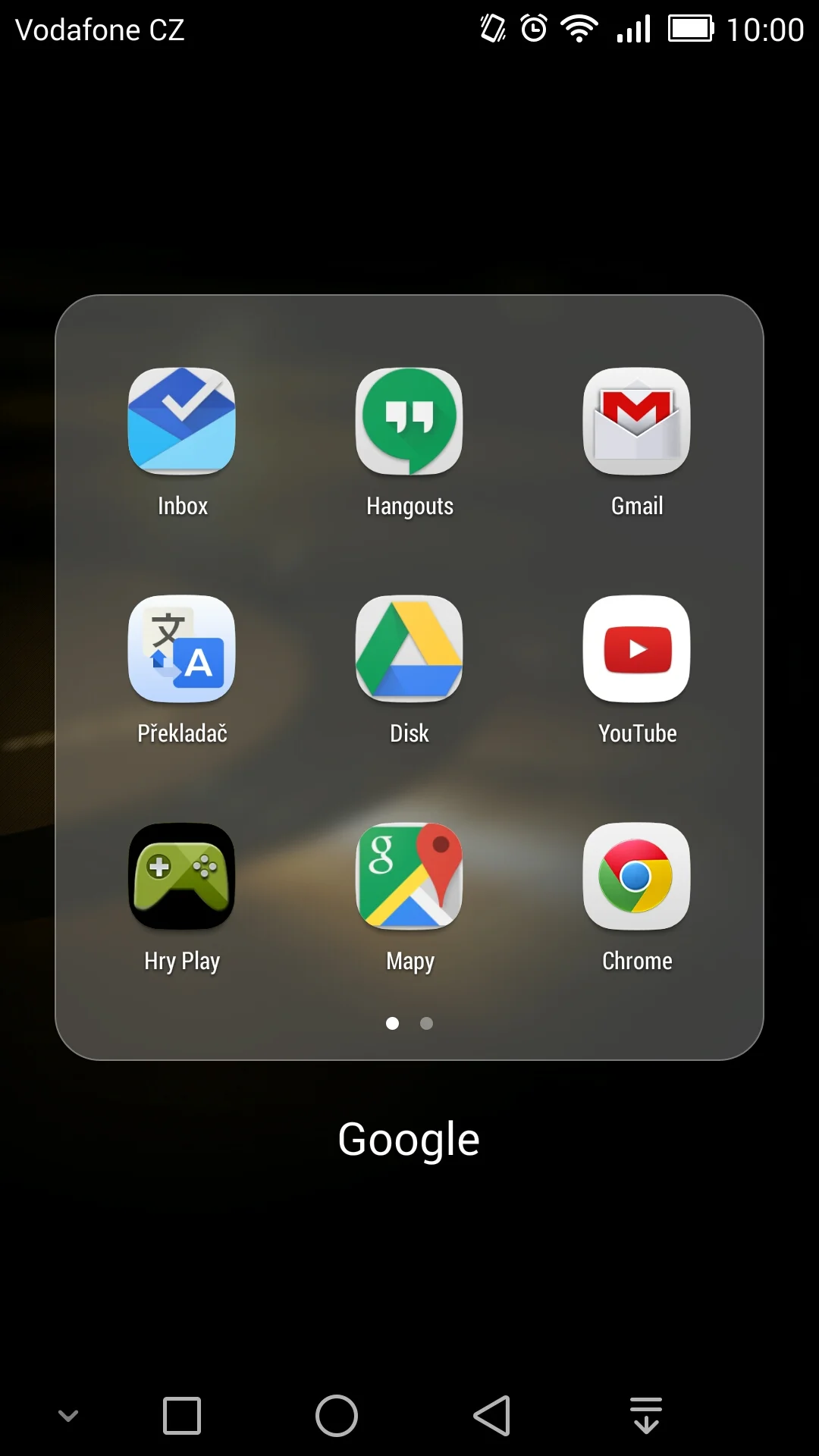
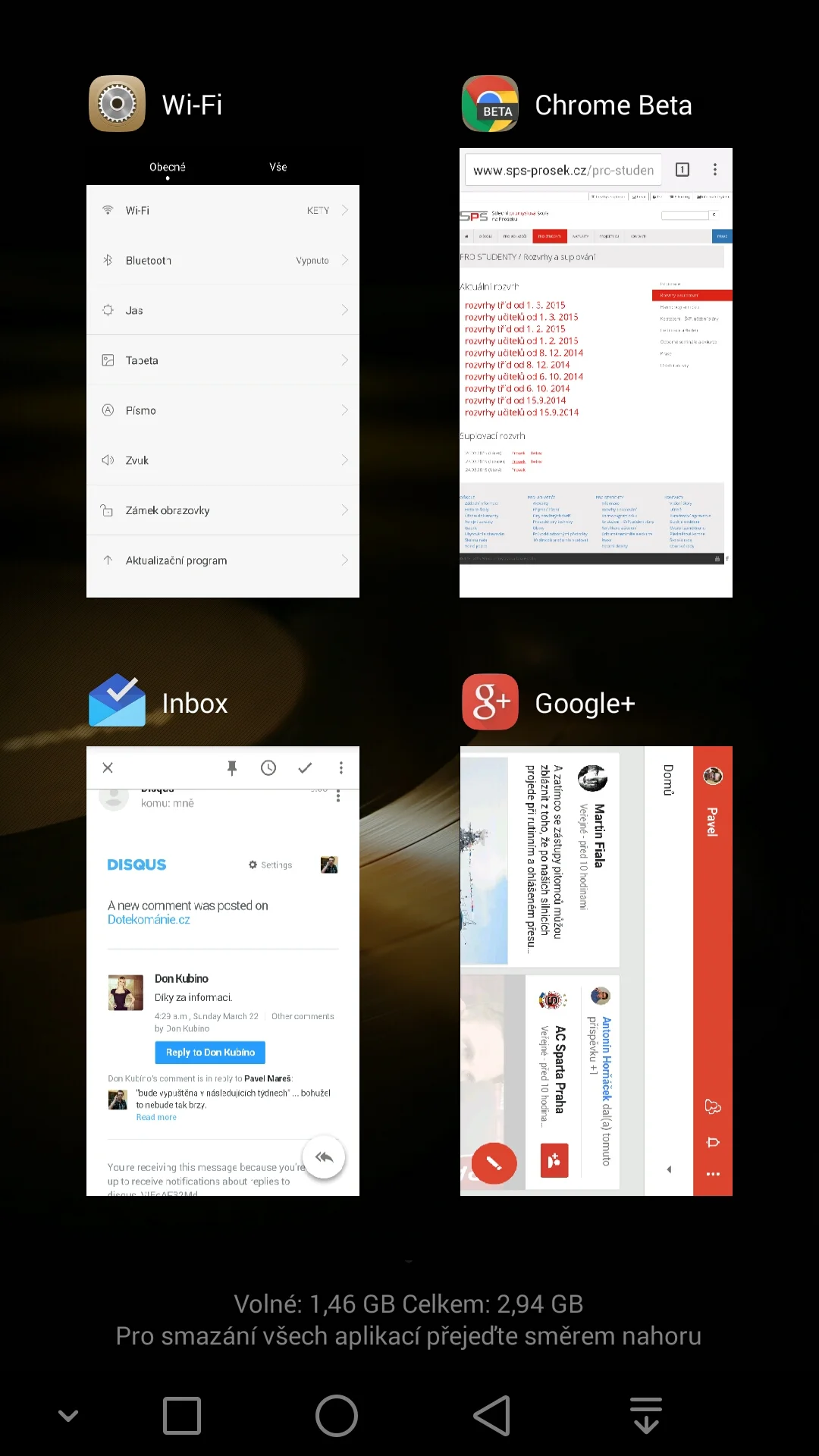
Overall, I grew to like EMUI 3.0 quite a bit, and over time I enjoyed using it more and more. There is one thing, though, that keeps jumping out at you: the icons. The default set looks good, and the system icons are solid, but once you start installing apps, you notice EMUI wants everything to follow the same visual style. The interface doesn’t allow icons to keep transparent backgrounds. Instead, the system picks a background color, sometimes in ways that feel pretty arbitrary, and fills it in. Still, it’s the kind of quirk you eventually get used to. After a week or two, it stops being such a big deal.

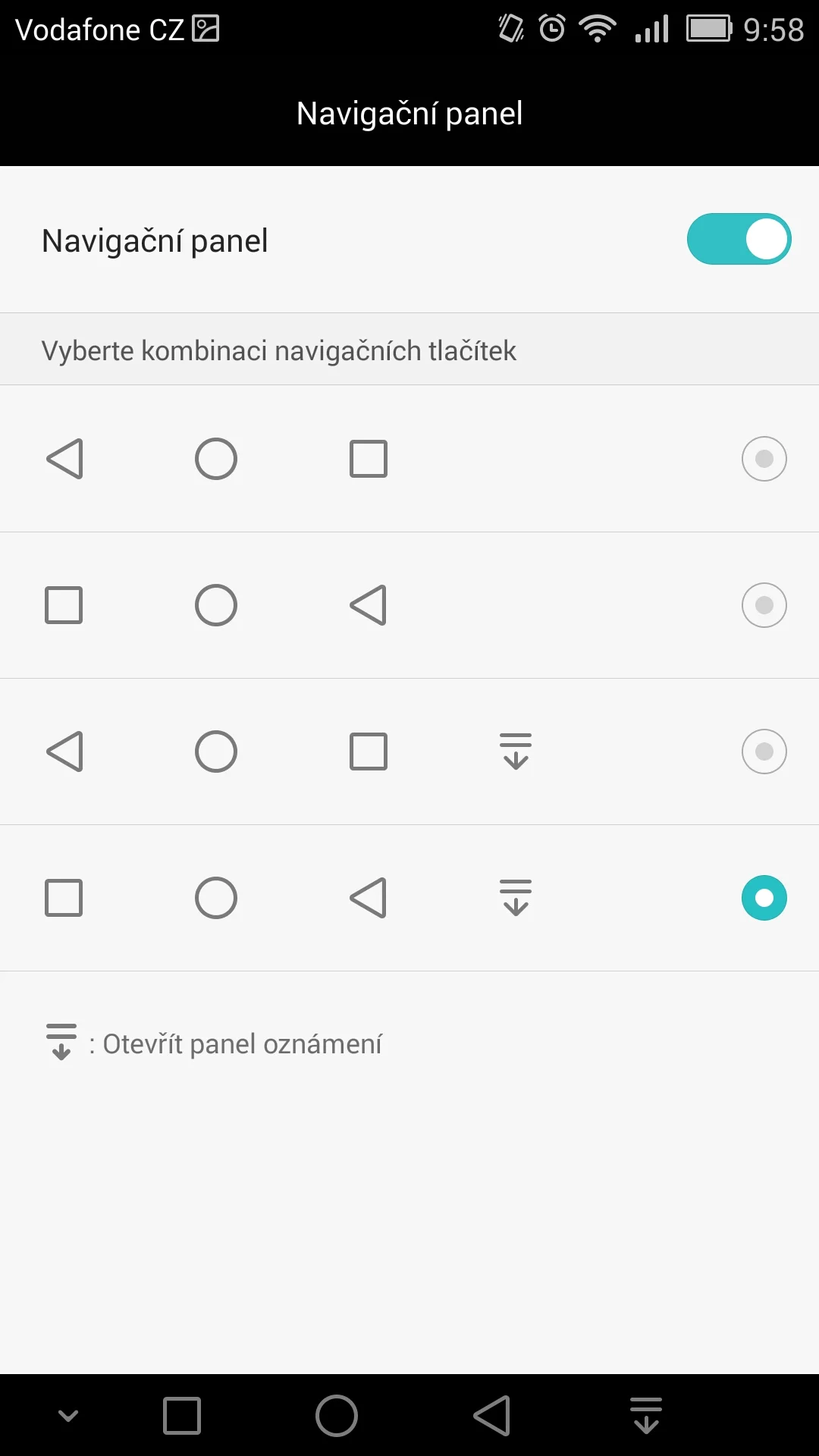
What really surprised me were features like color temperature adjustment, which actually works well, the fingerprint setup and functionality, and the lock screen options, including wallpaper changes and quick-access utility apps like the calculator and flashlight. There’s also the option to rearrange the software navigation buttons. That’s the feature I ended up using the most, especially because the far-left button can hide the entire on-screen navigation bar.
Display
The Mate7 packs a 6-inch IPS-NEO display with Full HD resolution (1080 x 1920 px). Pixel density comes in at roughly 480 PPI. Thankfully, the phone got the resolution it needed, so individual pixels aren’t visible on the panel, even when viewed up close.
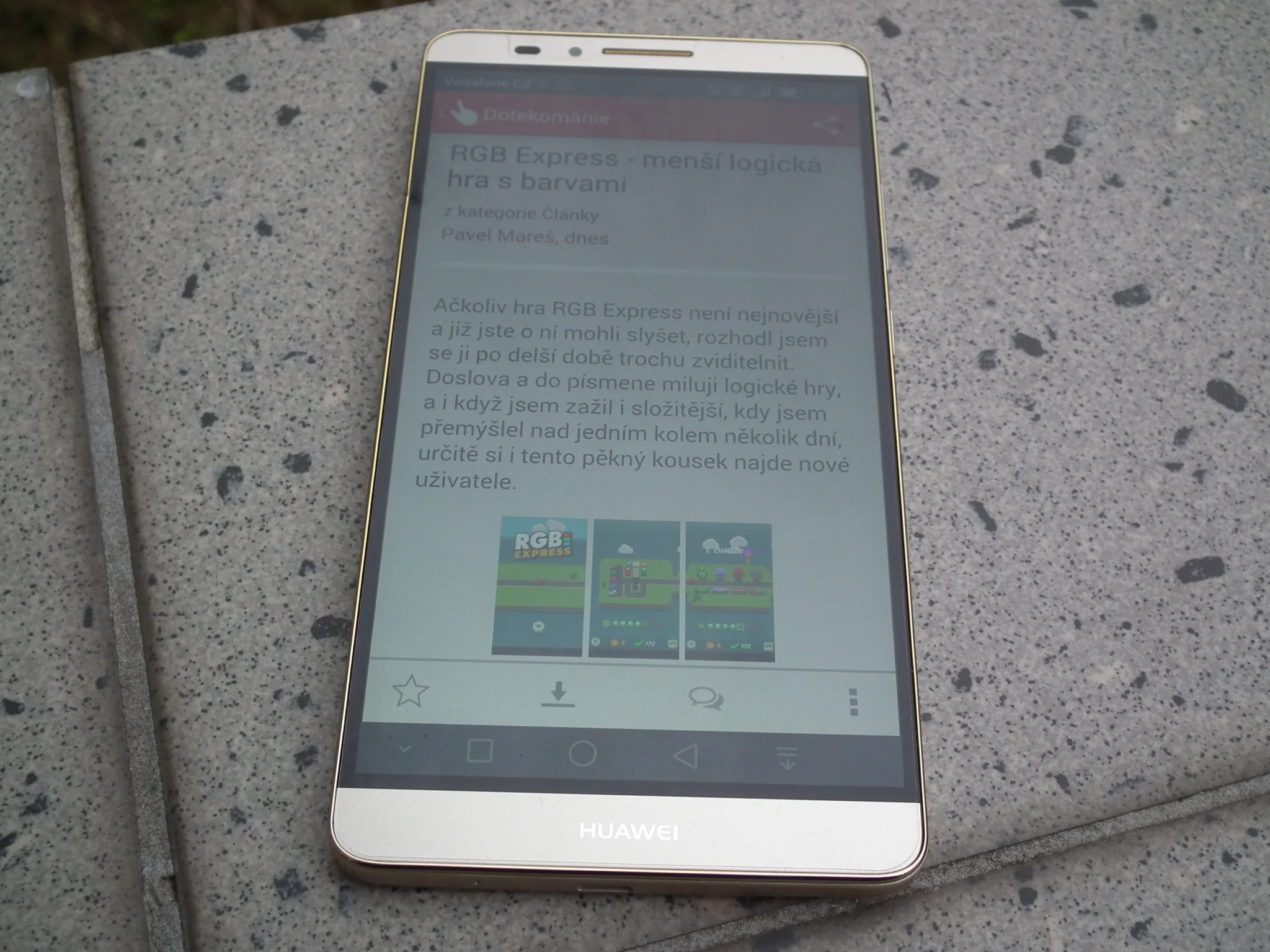
Of course, there are other display traits that matter too, including viewing angles, reflectivity, and color reproduction. To Huawei’s credit, none of those feel overlooked here. Viewing angles are excellent, even with brightness dropped below 40 percent. Screen reflectivity is about average, and as long as you keep brightness above 50 percent, visibility isn’t a problem. Colors look very good, and I appreciated the option to adjust color temperature. Direct sunlight can still hurt readability a bit, but once brightness climbs past 80 percent, the display is perfectly usable.
Camera
I love taking photos on phones, and today’s better handsets can often outperform plenty of compact cameras that cost half as much. Speed matters too, along with image quality and the camera app’s feature set. The Mate7 does miss a few functions while shooting, but some of those tools show up later in the gallery, where you can fine-tune your photos as needed.
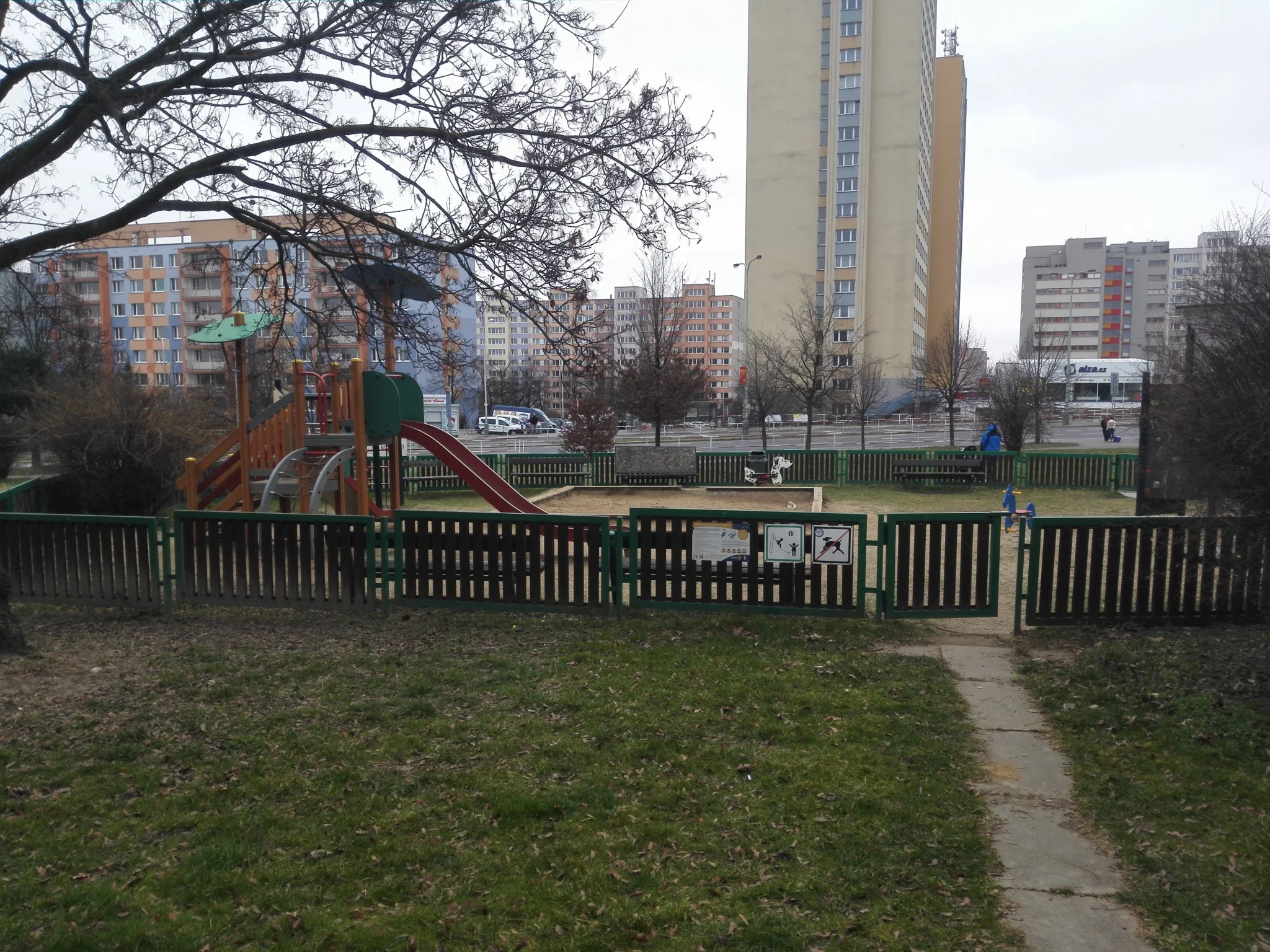


Actual shooting performance is very good, and above all, fast. You don’t have to worry that by the time the phone locks focus, the moment worth capturing is already gone. The exception is HDR, which needs a steadier hand and takes noticeably longer. As I mentioned, focusing is quick and reliable, though I would have liked better macro performance. The camera module’s protruding lens can also be a slight annoyance at times, though that will come down to personal preference.
Screenshot – camera features
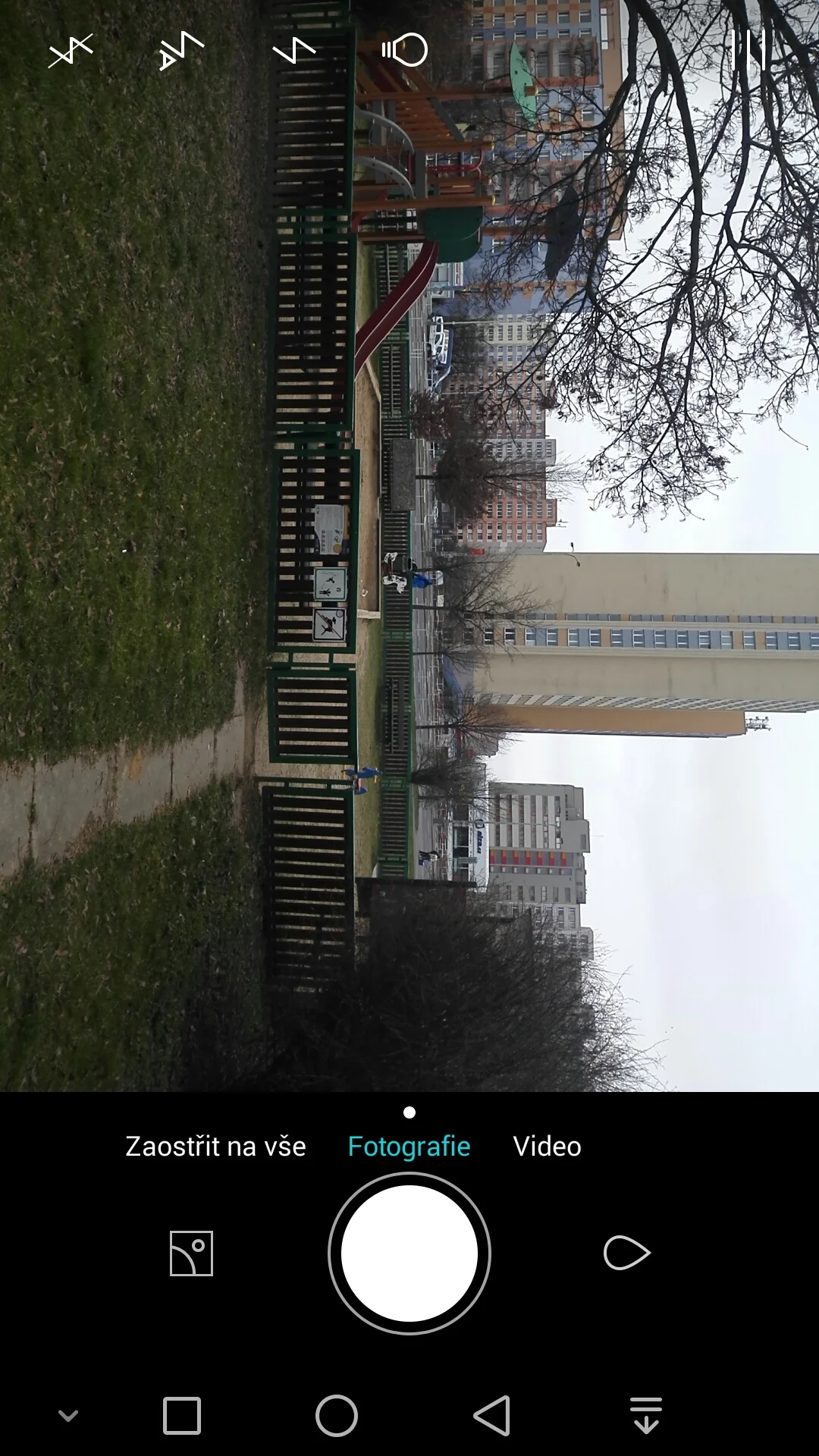
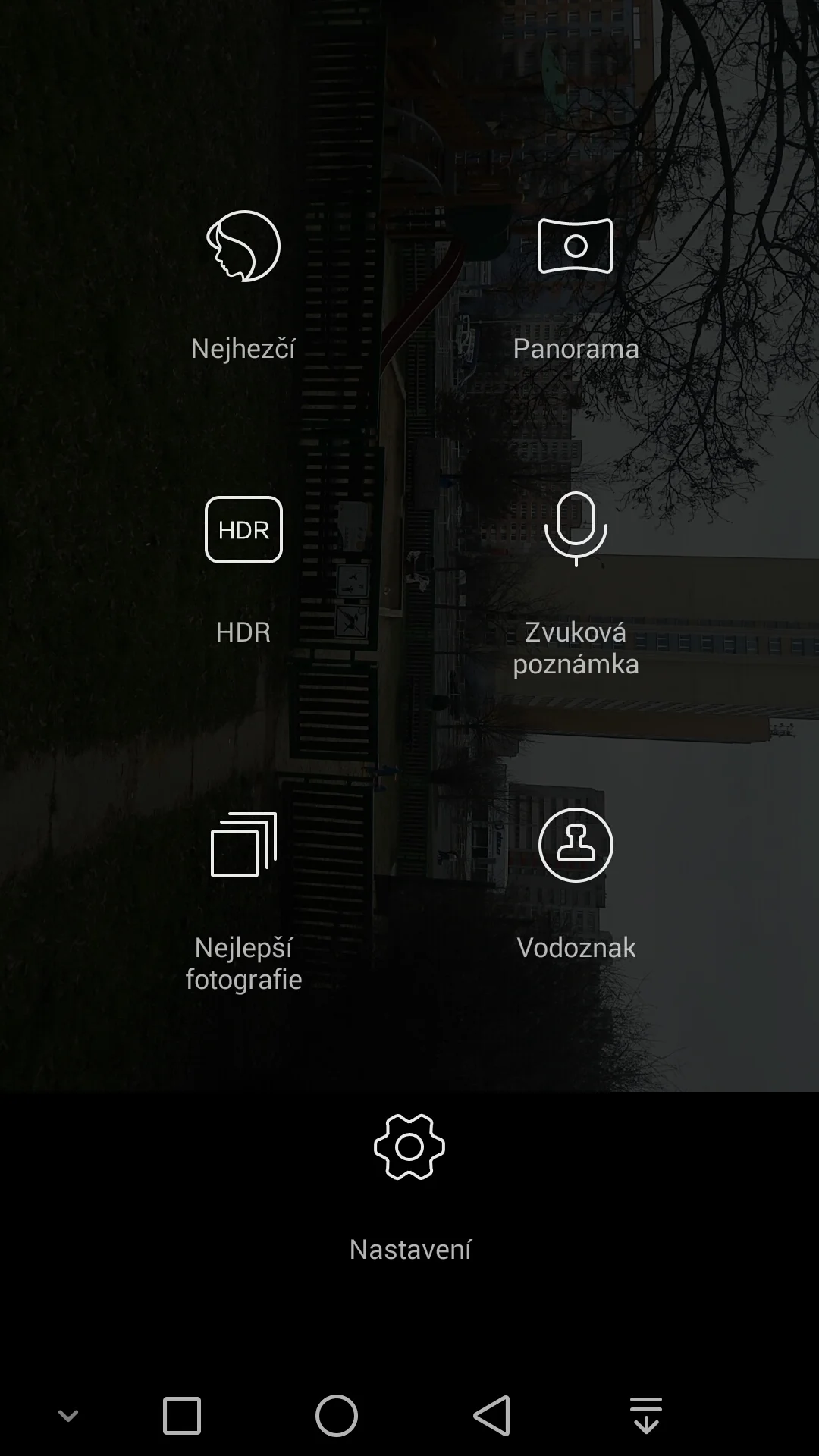
Focus sample



Battery life
Now we get to one of the most interesting parts of this review. The 4,100mAh battery is fairly unusual, and very welcome. Up to this point, I’d only come across one other device with similar capacity, but real-world endurance here is on a different level. After spending some time with the phone, I realized the routine of charging every night before bed was gone, along with the usual anxiety about whether the device would make it through the day.
I was genuinely impressed by the battery life. Even under heavier-than-healthy use, I was able to get through more than a full day on a single charge. With more typical use, meaning an occasional game, web browsing, and testing apps, two days per charge was completely normal.
There’s also another route: aggressive battery saving. Huawei’s software can help cut power consumption even further. In that mode, getting three to four days on a charge is entirely realistic. Charging the device from completely empty takes a little over 4.25 hours, which actually isn’t too bad. In practice, though, it’s hard to drain the battery that low, so overnight charging usually means roughly 3 to 3.5 hours.
Conclusion and verdict
As you’d expect from a high-end device, there are only a few real flaws here. One of them, maybe, is the oversized display. I kept hearing complaints about it, though personally I adjusted within the first few hours of use. The all-metal body feels solid and looks great, and the gold finish gives it a premium presence. Performance is more than sufficient, and I ran into almost no stuttering. Battery life is well above the usual average, thanks in large part to the battery capacity topping 4,000mAh. The system itself, along with EMUI 3.0, is good, even if it still leaves room for a few improvements.
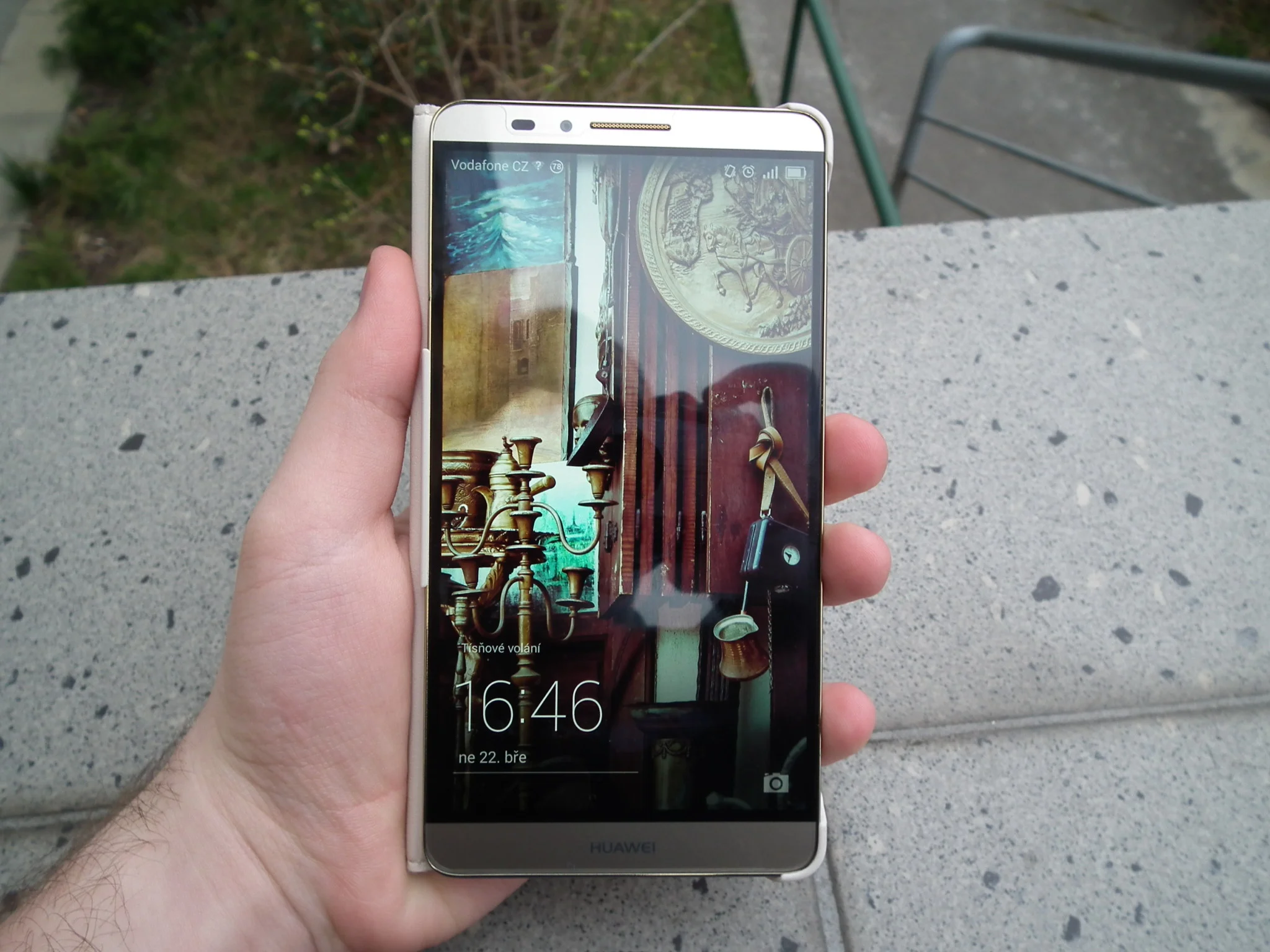
Overall, I’d rate the device very highly. Aside from a few smaller shortcomings, I was extremely satisfied with it. If a future version arrived with a 5.5-inch display, it would likely appeal to a broader audience. One of the biggest strengths here is the very good, very fast camera, which can focus from impressively short distances. The Mate7 clearly belongs among the better devices in its price class, and it also earned a spot on my personal shortlist of phones I’d actually want to buy.
Price chart for the Huawei Ascend Mate7 provided by Heureka.cz