HP OmniBook 5 AI First Impressions: A Lightweight Copilot+ Laptop With a Sharp OLED Screen


HP Omnibook 5; zdroj: Dotekománie
HP recently launched its new OmniBook 5 lineup, a series already being talked about as an alternative to Apple’s latest mainstream laptops. We tested the MacBook Neo earlier this spring, but today we’re taking a first look at the new 14-inch HP OmniBook 5 AI. So what makes it stand out?
HP OmniBook 5 AI
The first thing that surprised me was the weight. The smaller 14-inch model we tested comes in at 1.33 kilograms, or about 2.93 pounds, which feels impressively light for this size class.
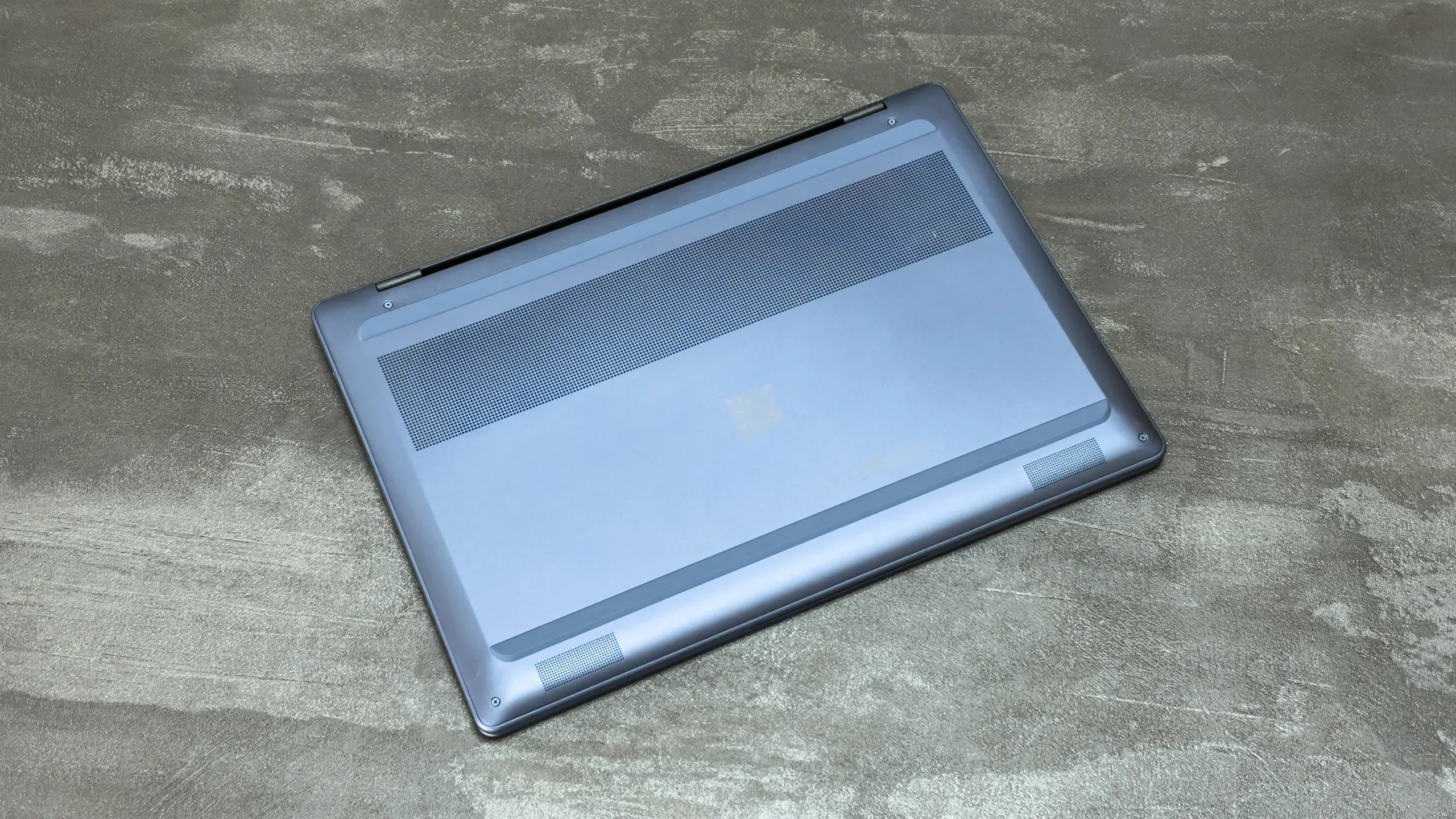
The chassis uses a mix of metal and plastic. The lid and bottom panel are metal, while the area around the keyboard is plastic. The display lid can also be opened with one hand, without having to hold down the base. Small detail, sure, but still not something every laptop gets right.
The keyboard also makes a good first impression. It’s comfortable to type on, and HP still includes a dedicated Copilot key. The touchpad is large enough, though one thing I immediately missed was haptic feedback.
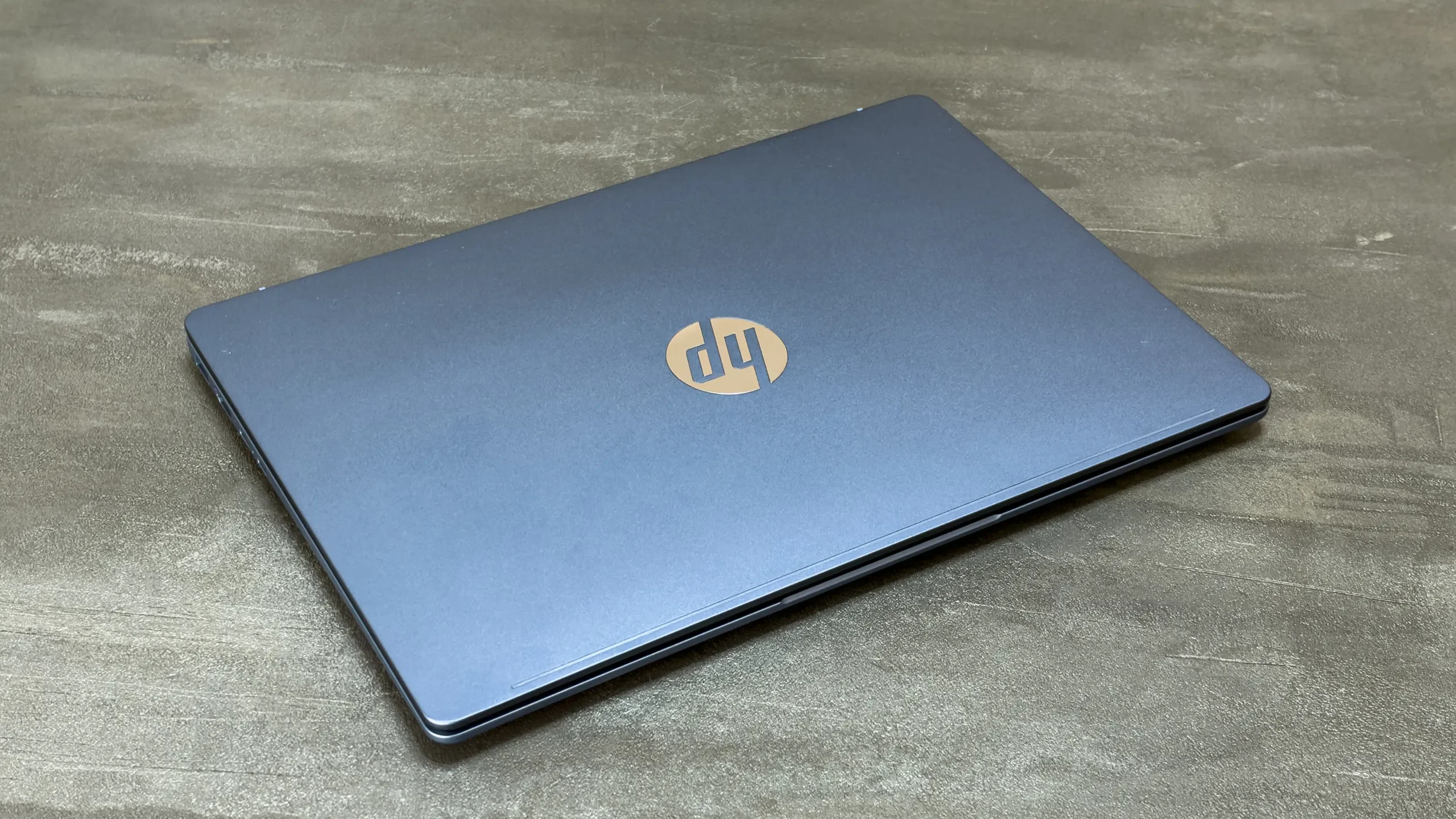
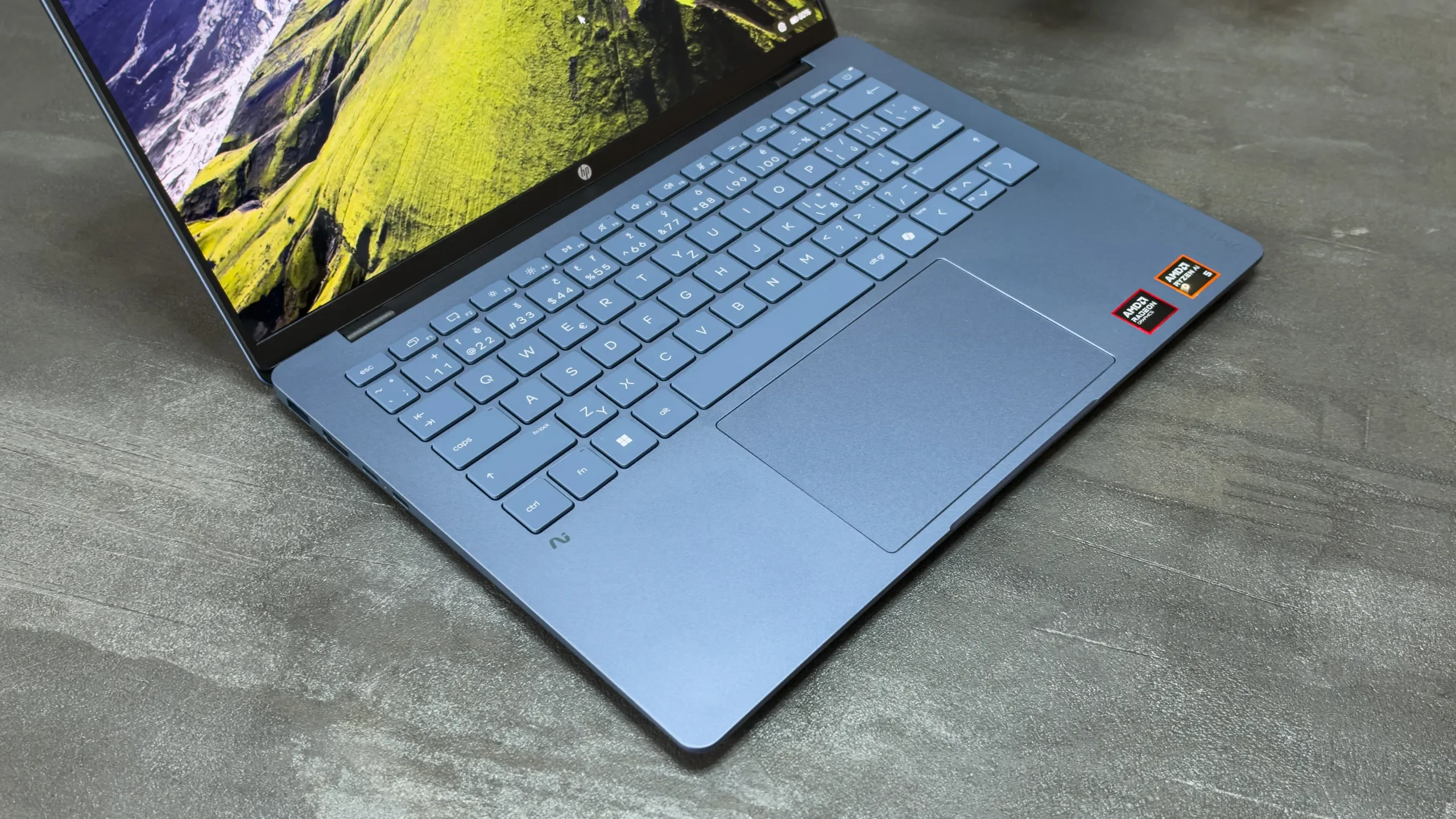
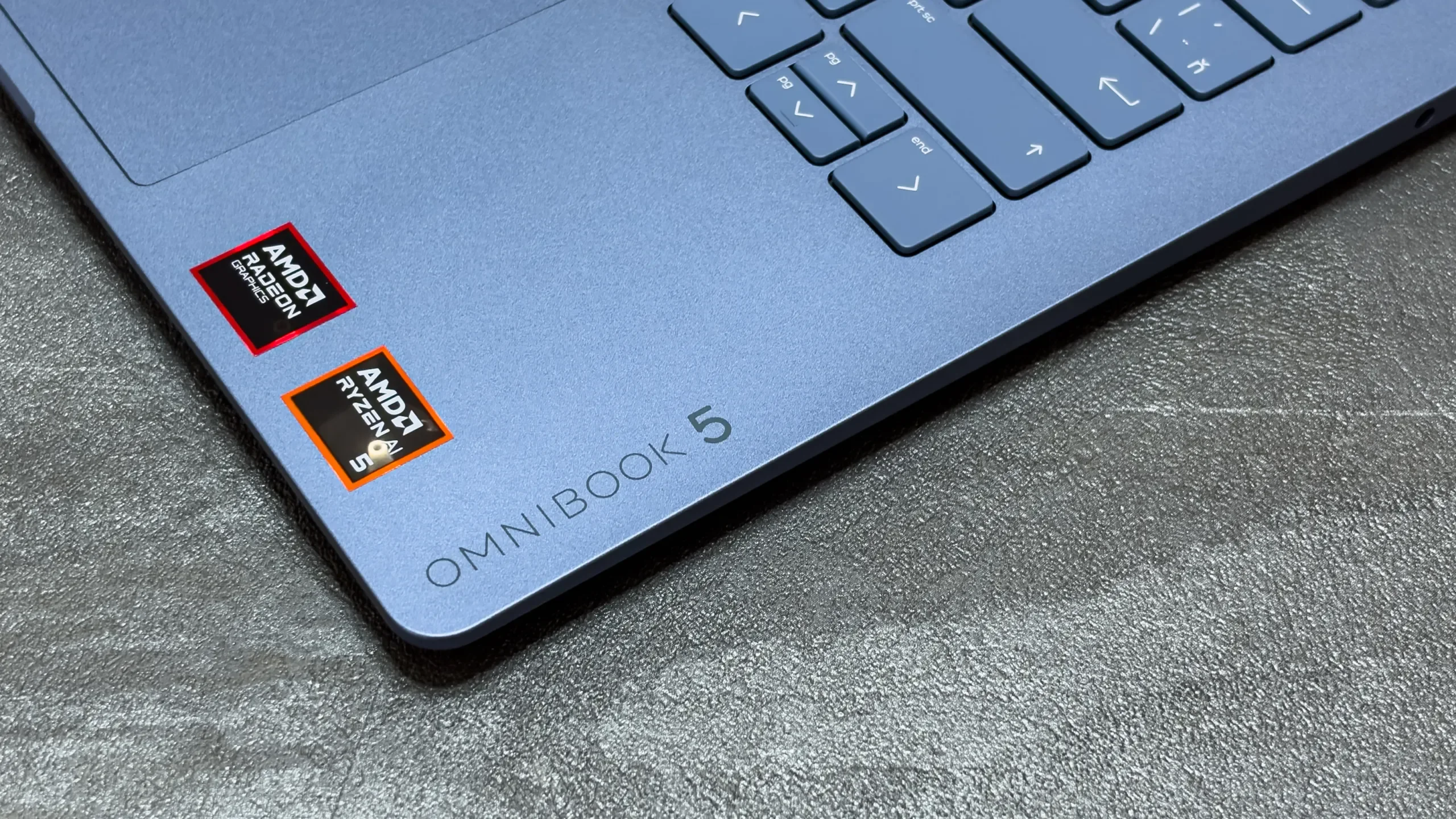
Our review unit arrived in a starry blue finish, though HP will also offer three other colors. Alongside the usual gray, the OmniBook 5 will also be available in an olive green shade and pink.
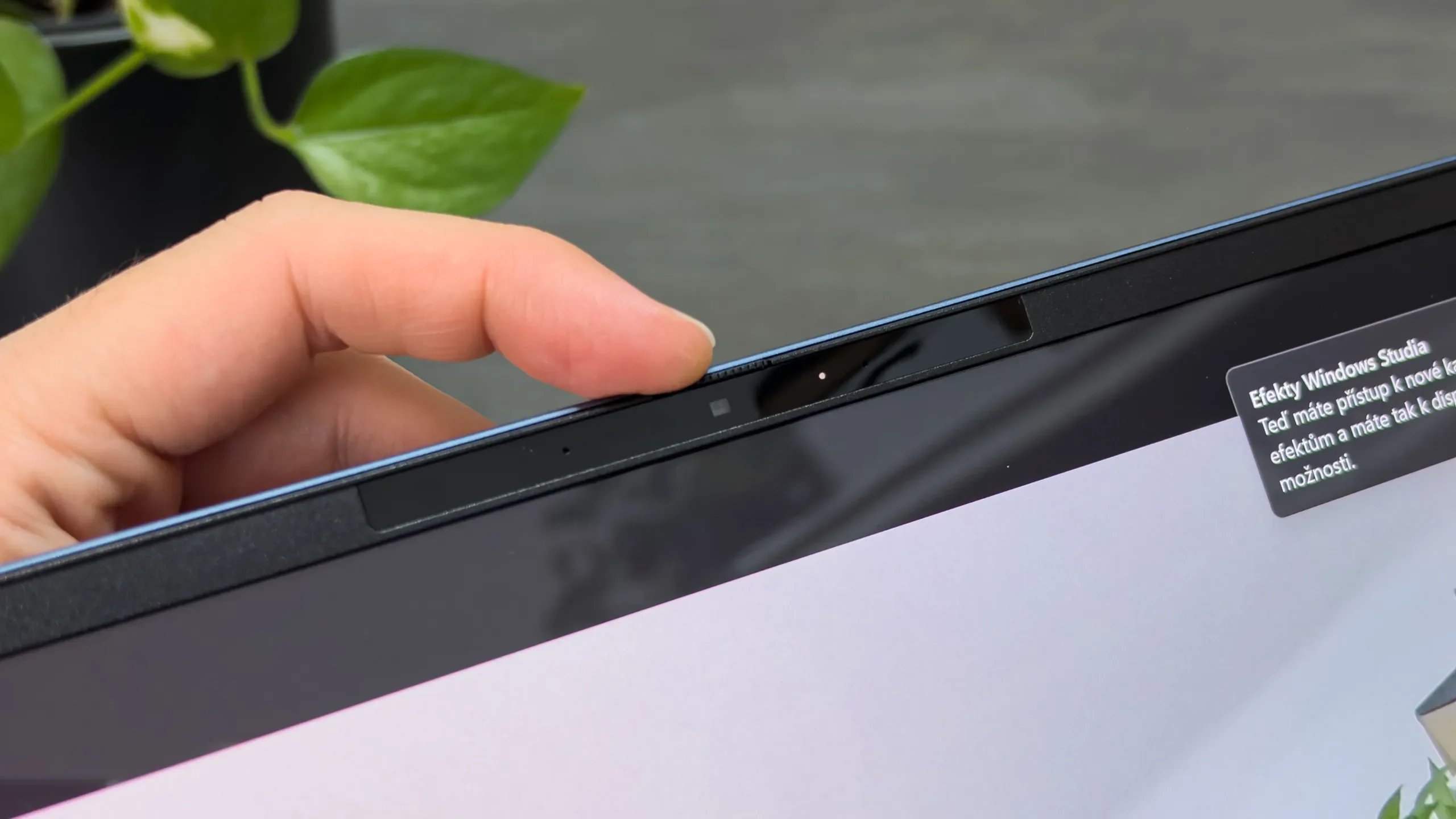
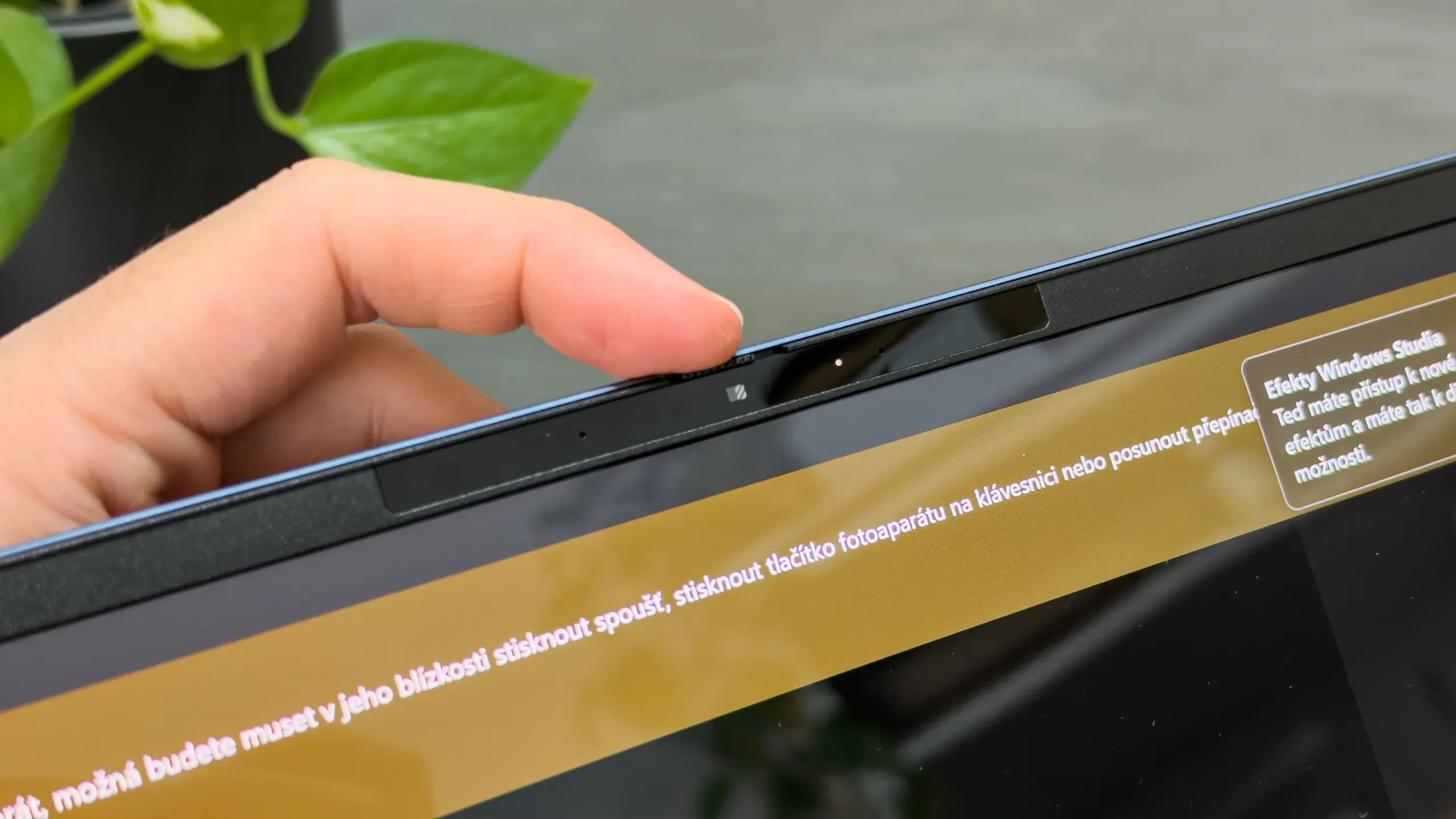
During setup, I was pleasantly surprised to see Windows Hello support. Here, it relies on an infrared camera paired with a Full HD RGB sensor. I also liked the physical privacy shutter for the front-facing camera.
Then there’s the display, and it’s one of the highlights. The version we tested packs a 3K OLED panel. It isn’t touch-enabled, but it does cover 100 percent of the DCI-P3 color space. HP also offers an OmniBook 5 variant with an ARM-based Snapdragon (in Czech) processor, and that model gets a still-solid 2K OLED display.
The refresh rate is 120Hz, which is great to see. The annoying part is that it ships set to 60Hz by default, so you have to dig into settings and switch it manually.
The unit we received for testing is powered by the AMD Ryzen AI 5 330. That means no compatibility headaches tied to ARM, since this is a standard 64-bit x86 chip. With AMD Radeon 820M graphics onboard, we’ll also be trying some games and heavier apps during the full review process. The HP OmniBook 5 AI uses active cooling, and its NPU delivers up to 50 TOPS for AI workloads, which means it fully meets Microsoft’s Copilot+ PC standard. On paper, that should translate to strong local AI performance with better efficiency for those tasks.
Specs of our test unit:
- Processor: AMD Ryzen™ AI 5 330
- Display: 35.6 cm (14.0-inch) 3K OLED BrightView (2880 × 1800), 120Hz
- Memory: 16GB LPDDR5x
- Storage: 512GB M.2 SSD Gen4 NVMe
- Graphics: AMD Radeon™ 820M
- USB-C, USB 3.2, Wi-Fi 6 and Bluetooth 5.4, HDMI, IR Full HD webcam, DTS:X Ultra audio, backlit keyboard, Copilot+ PC (50 NPU TOPS)
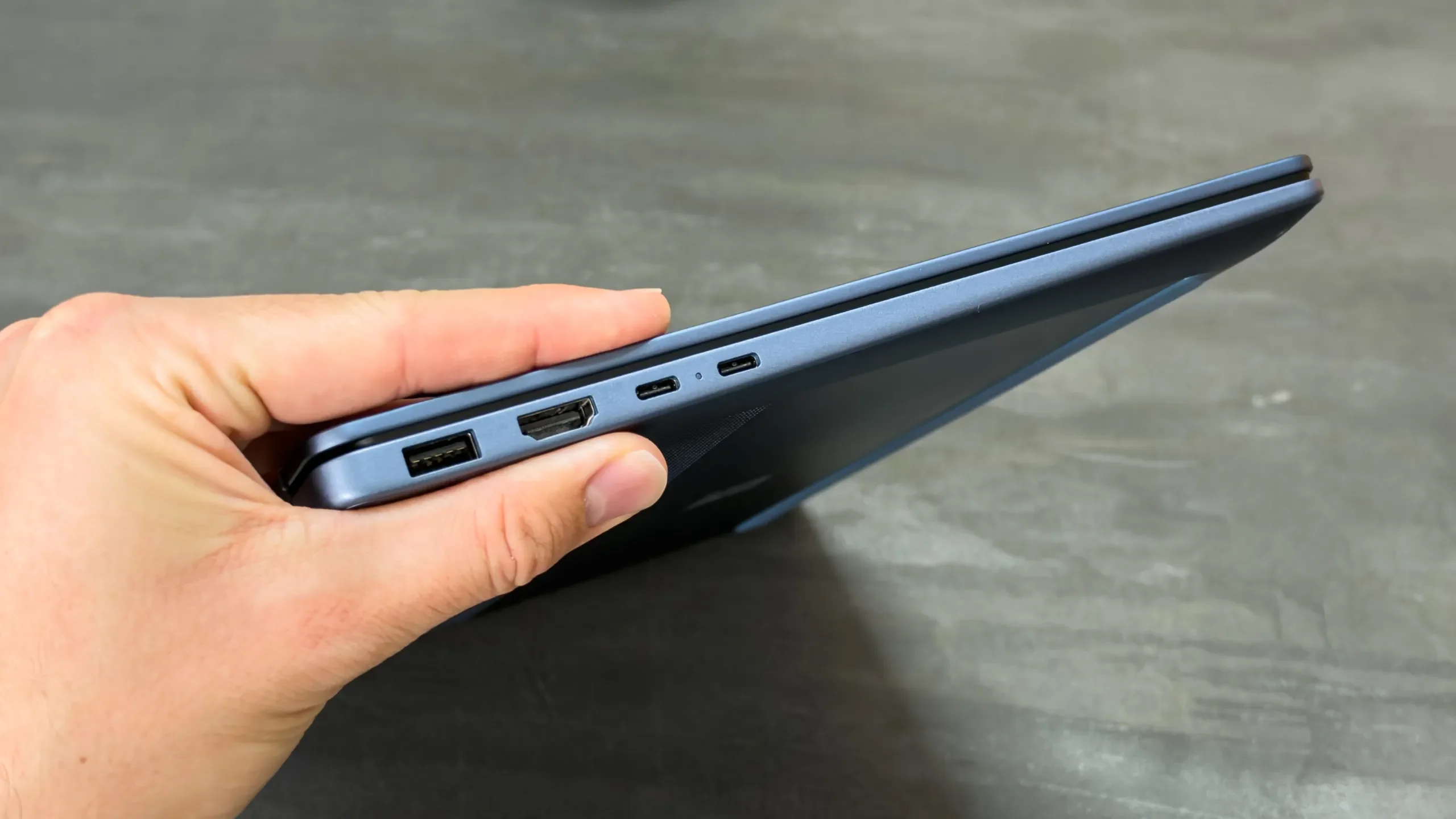
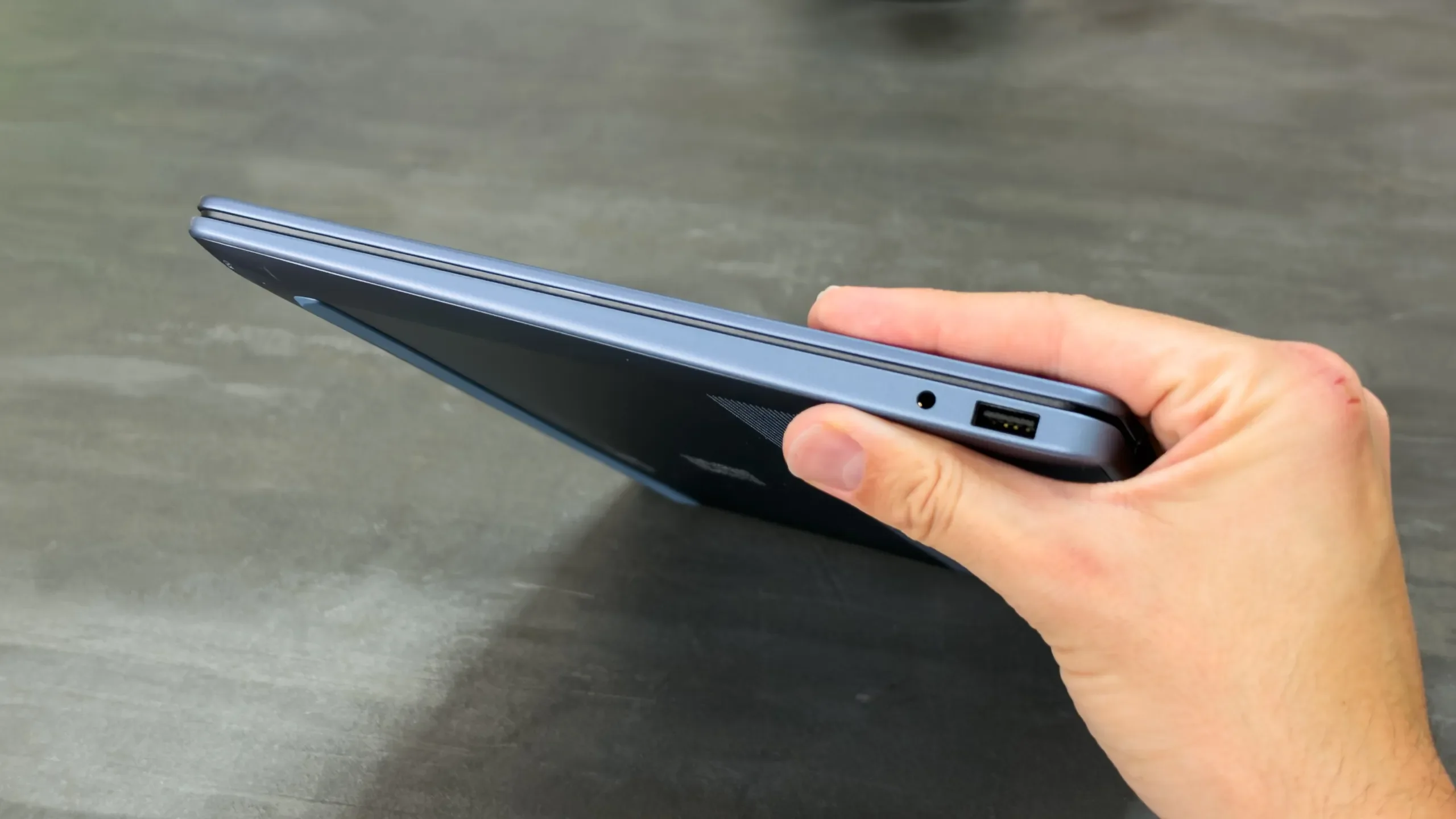
I was also happy to see a generous port selection. On the right side, there’s a standard USB-A port and a 3.5mm headphone jack. The left side adds another USB-A, plus two USB-C 3.2 Gen 2 ports. You also get full-size HDMI 2.1 with support for 4K at 60Hz.
HP rates the 59Wh battery in our AMD-based unit for up to 15 hours. Fast charging is a plus too, with the laptop able to reach 50 percent in 30 minutes. If you’re willing to give up some ports, including HDMI, the Snapdragon ARM version is rated for as much as 35 hours.
We’re just getting started with testing the HP OmniBook 5 AI, and a full review is on the way soon.
We thank the manufacturer for supporting independent editorial work. The partner had no influence over the rating or the content of this article.