Nexus 6 Review: Big Android, Done Right
A new Nexus phone has always been a big moment for Android fans. What set this lineup apart was its clean version of Android, free of manufacturer skins and extra software layers. The sixth Nexus hit the market last November, but it wasn’t officially sold in some regions, so retailers had to source it through imports.
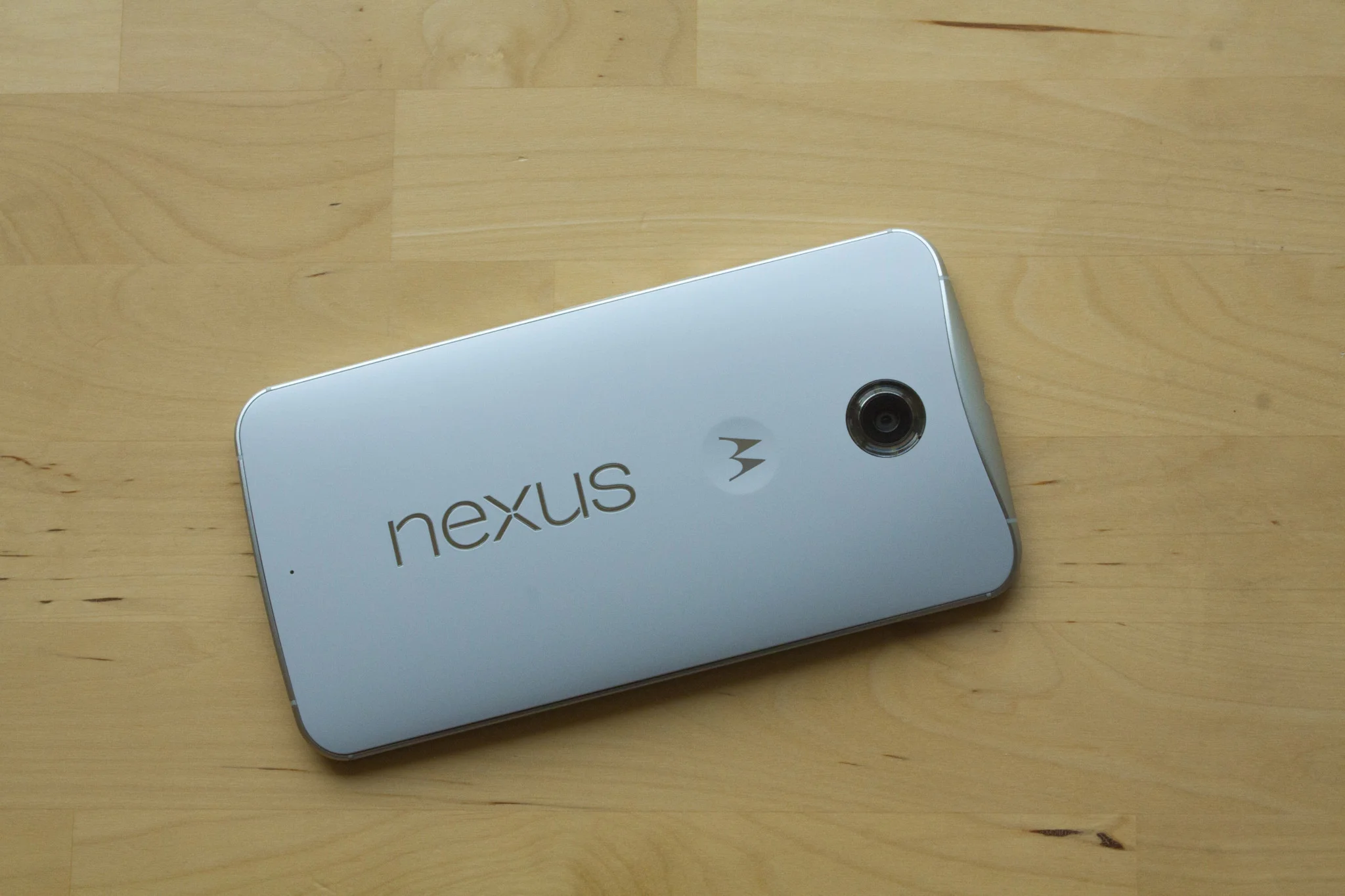
After five predecessors, the Nexus 6 arrived with a dramatic jump in both size and price. Motorola handled manufacturing, and in my view, it did an excellent job. But let’s not skip ahead. Here’s how this phablet held up in our test.
IN THE BOX
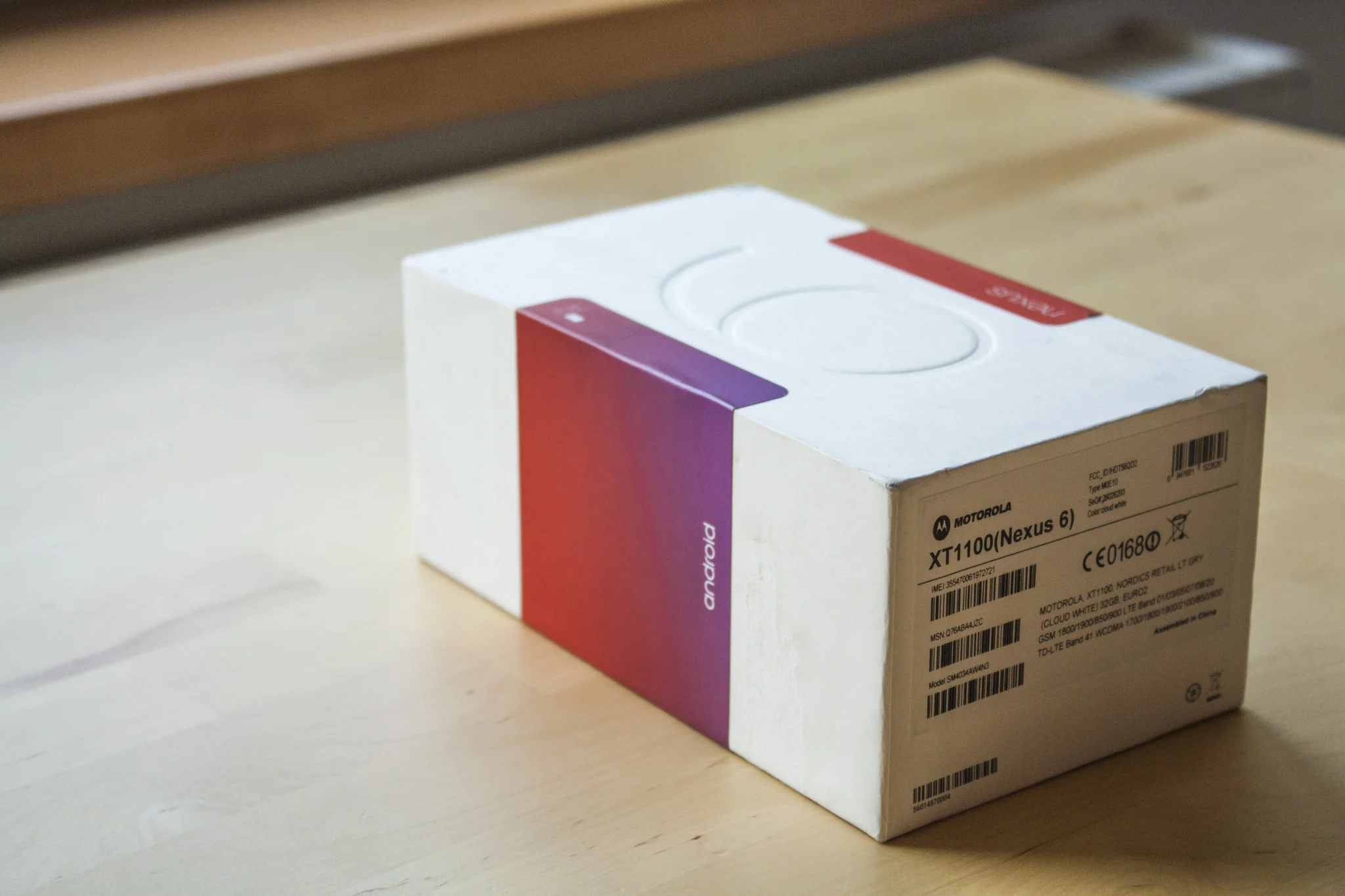
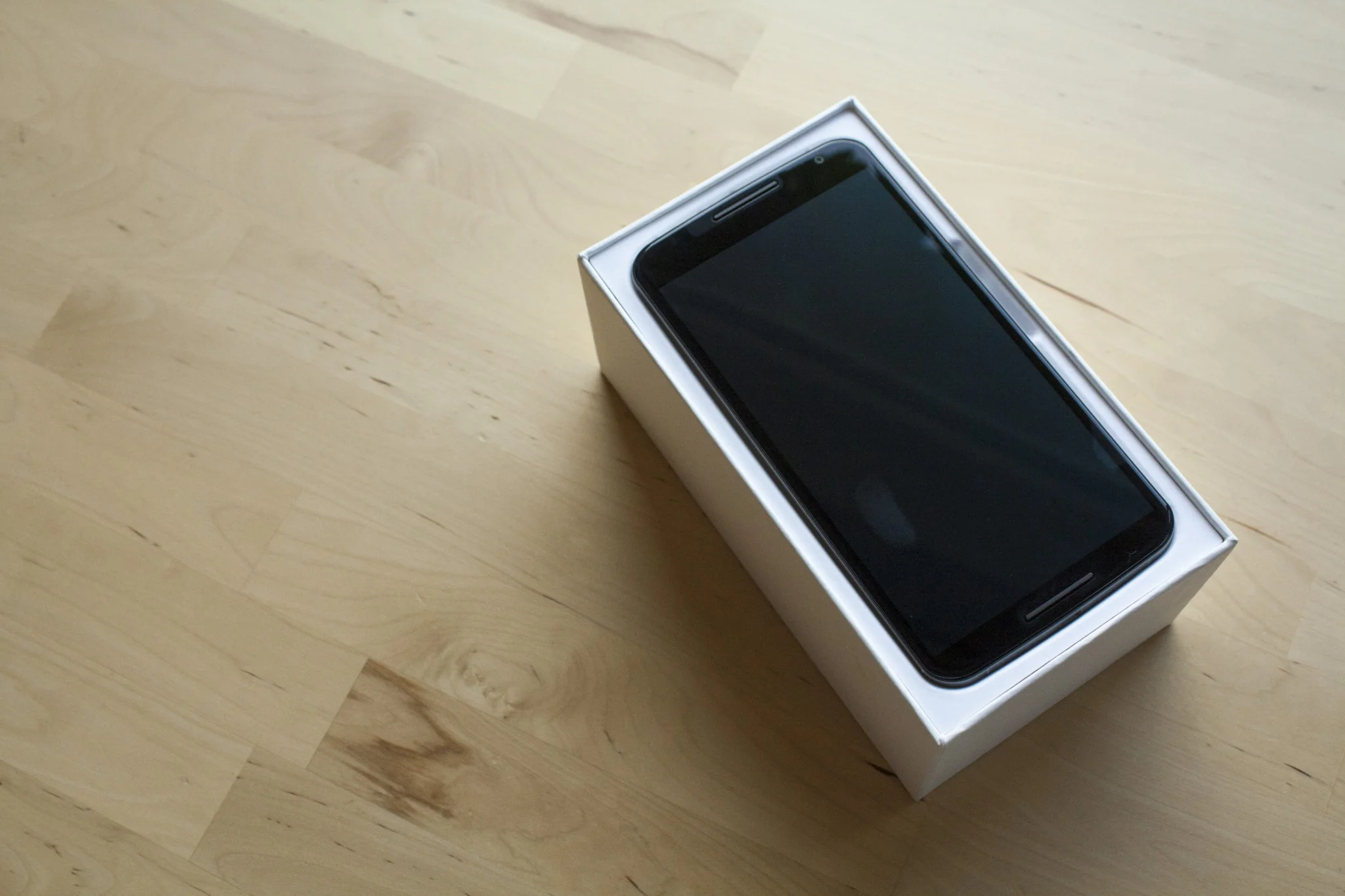
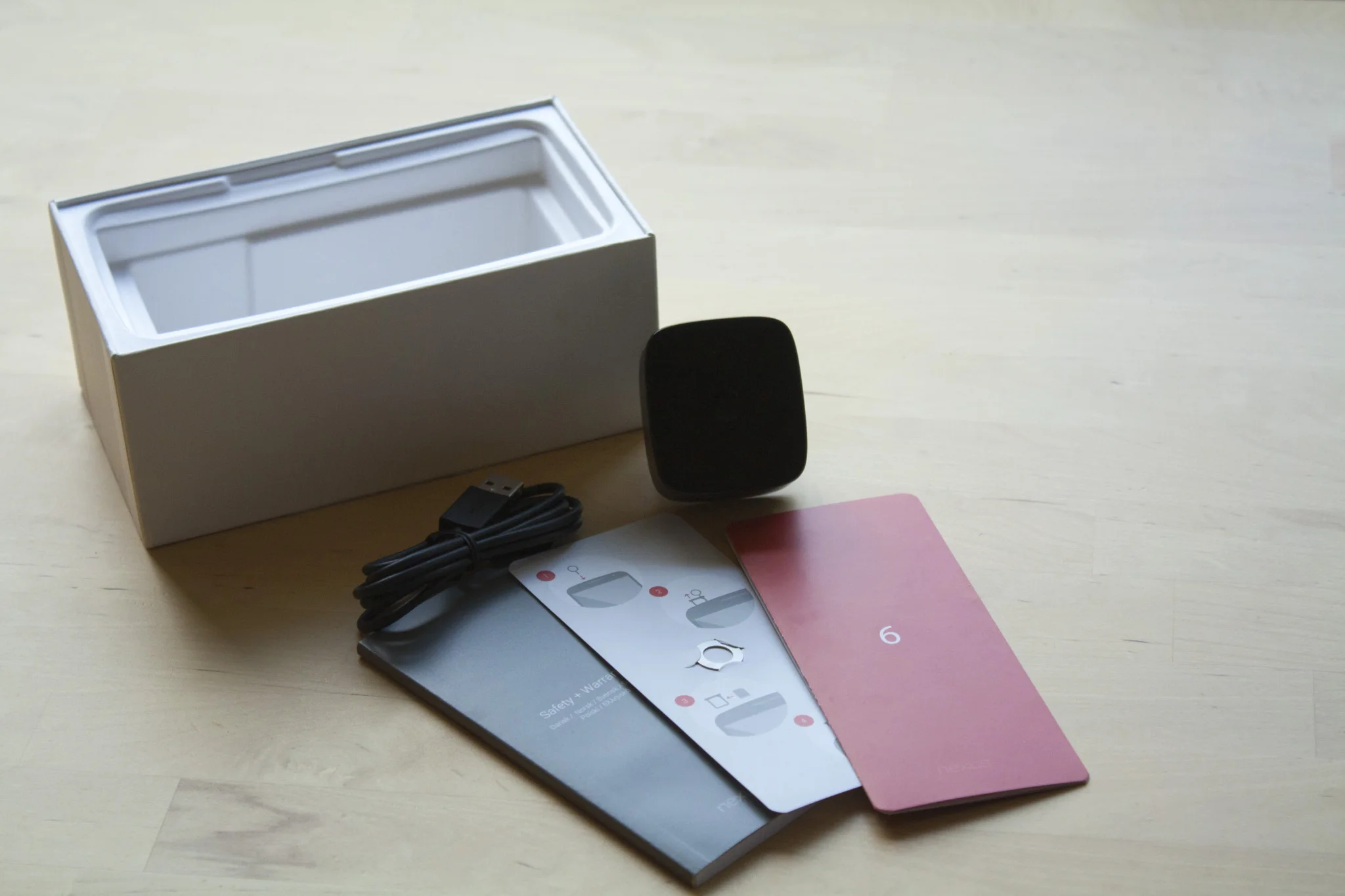
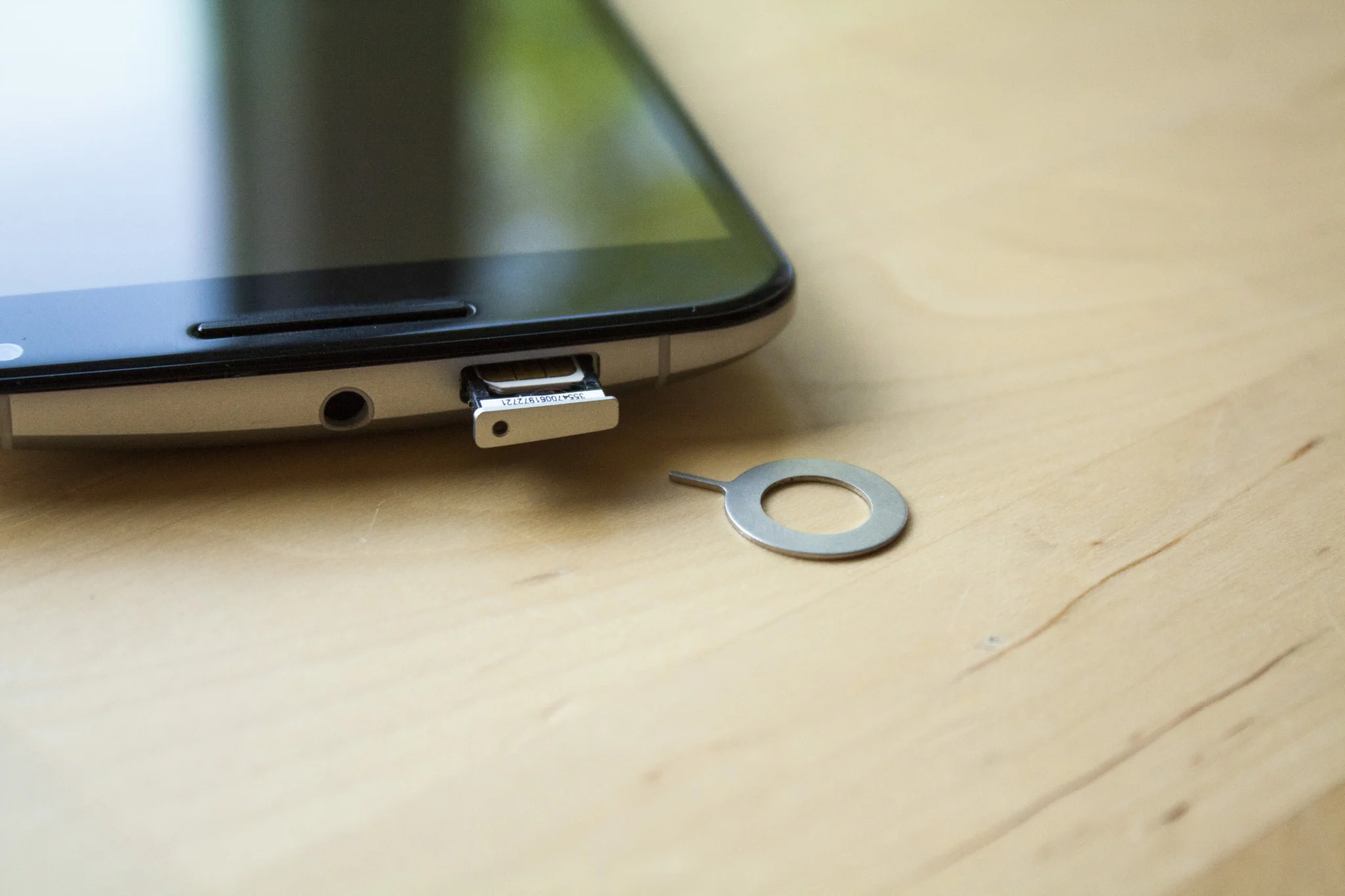
You can get a pretty good sense of the phone’s scale just from the size of the box. Lift the lid, and the Nexus 6 takes up nearly the entire interior, both in height and width. Once the phone is removed, there’s a smaller red box underneath with a leaflet explaining the hardware elements on the device. On the reverse side, it shows the basic startup process. Beneath that is another small insert with pictograms showing how to insert the SIM card into the tray.
DESIGN AND BUILD
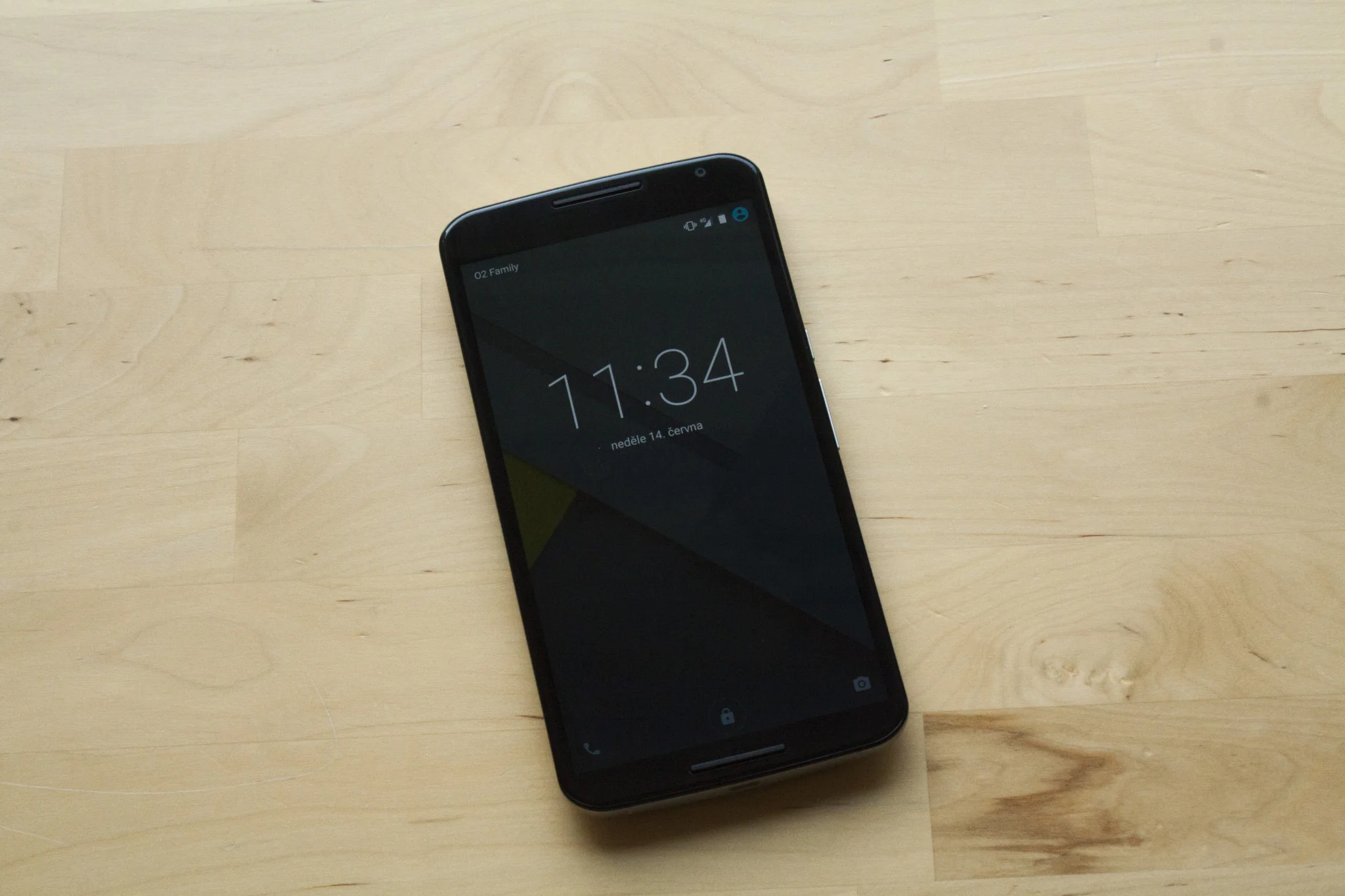
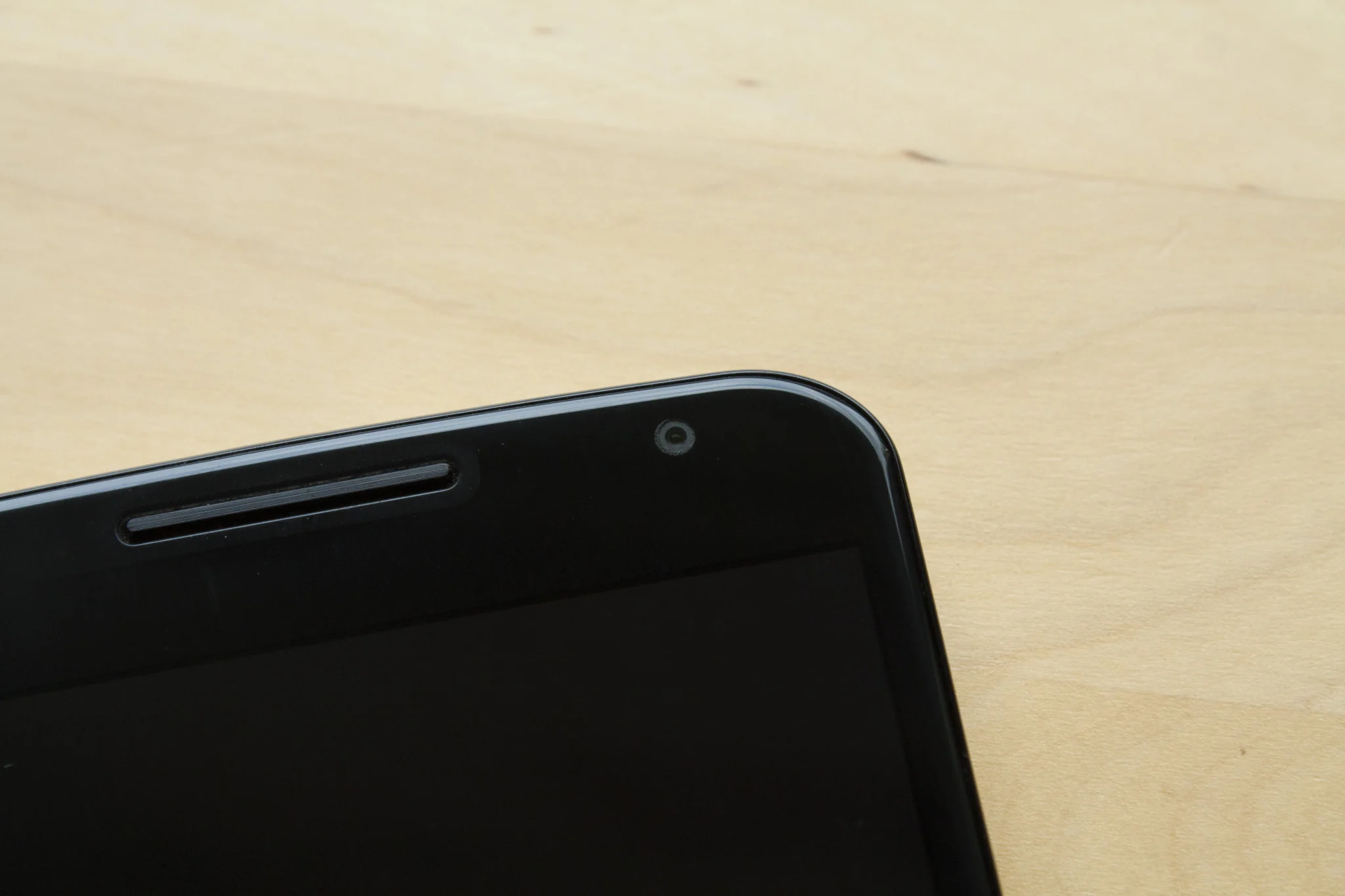
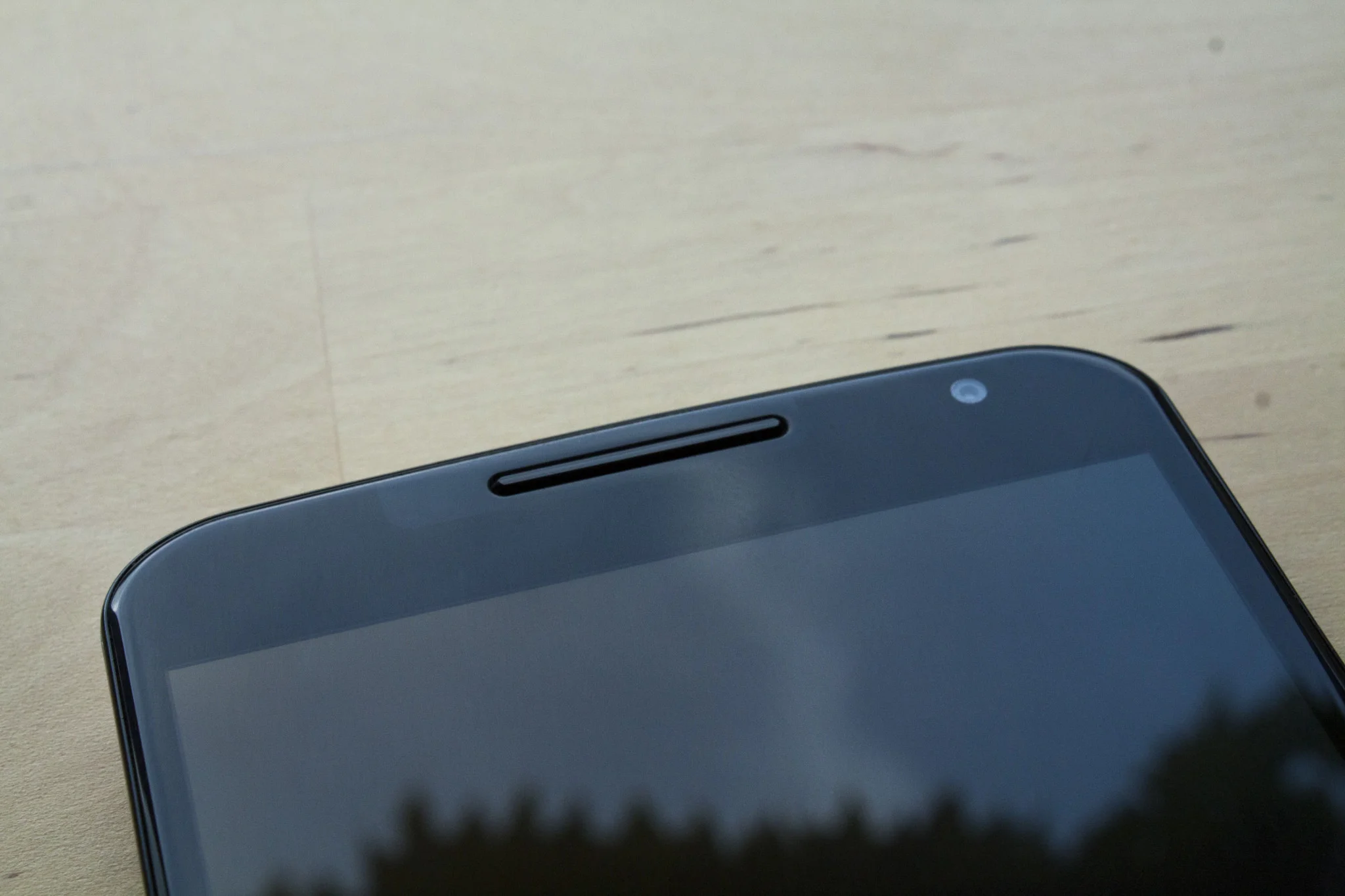
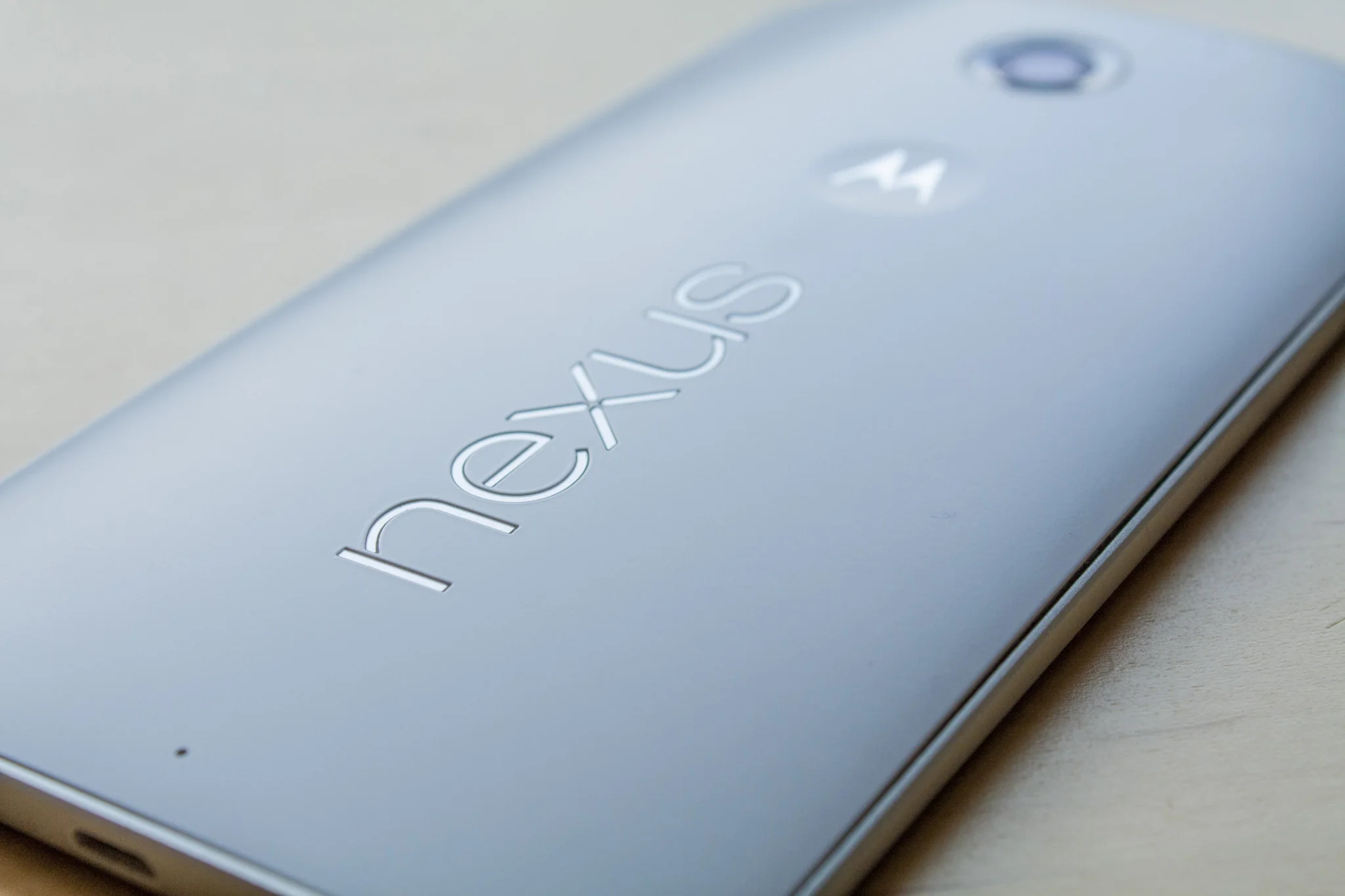
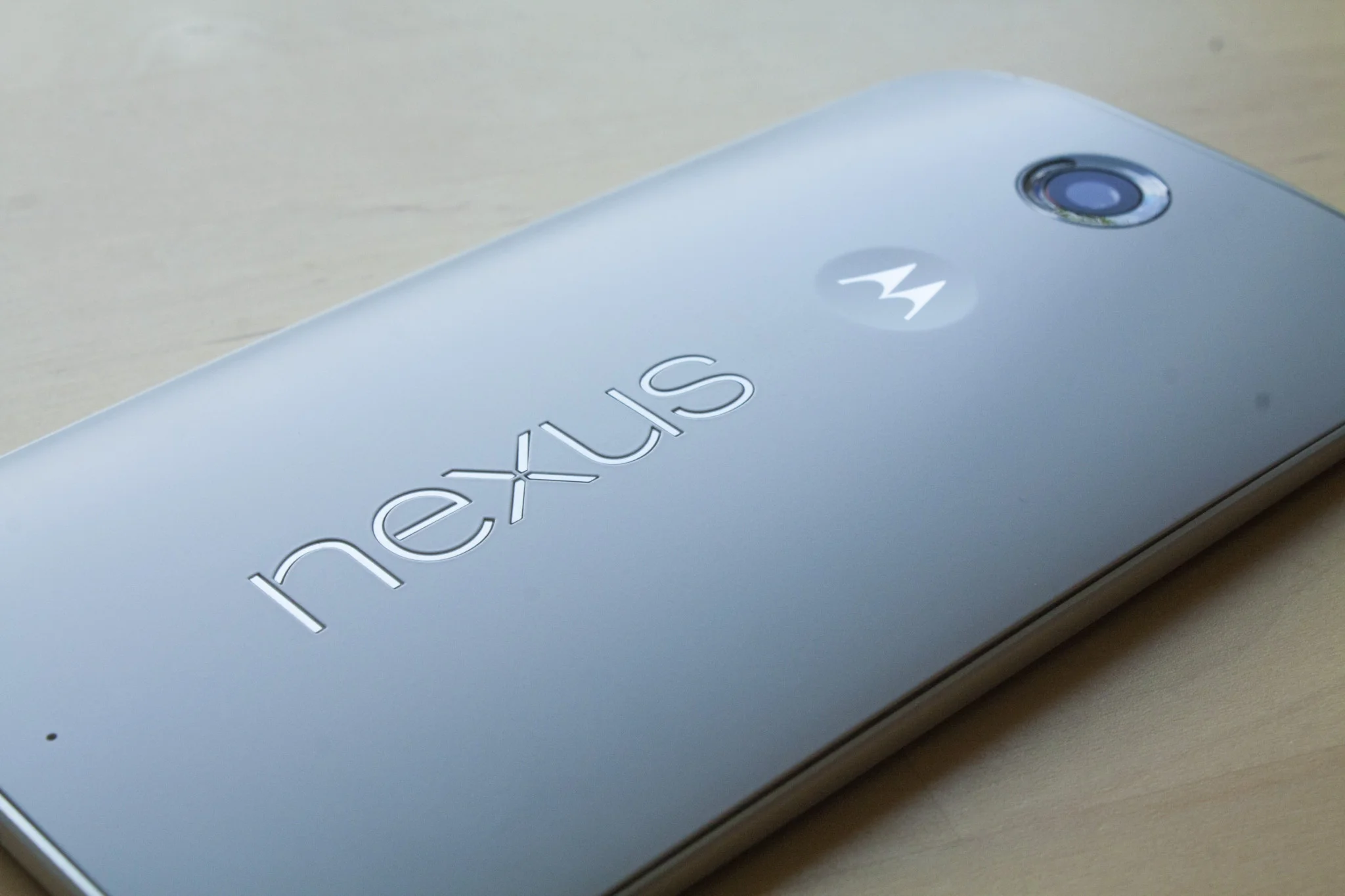
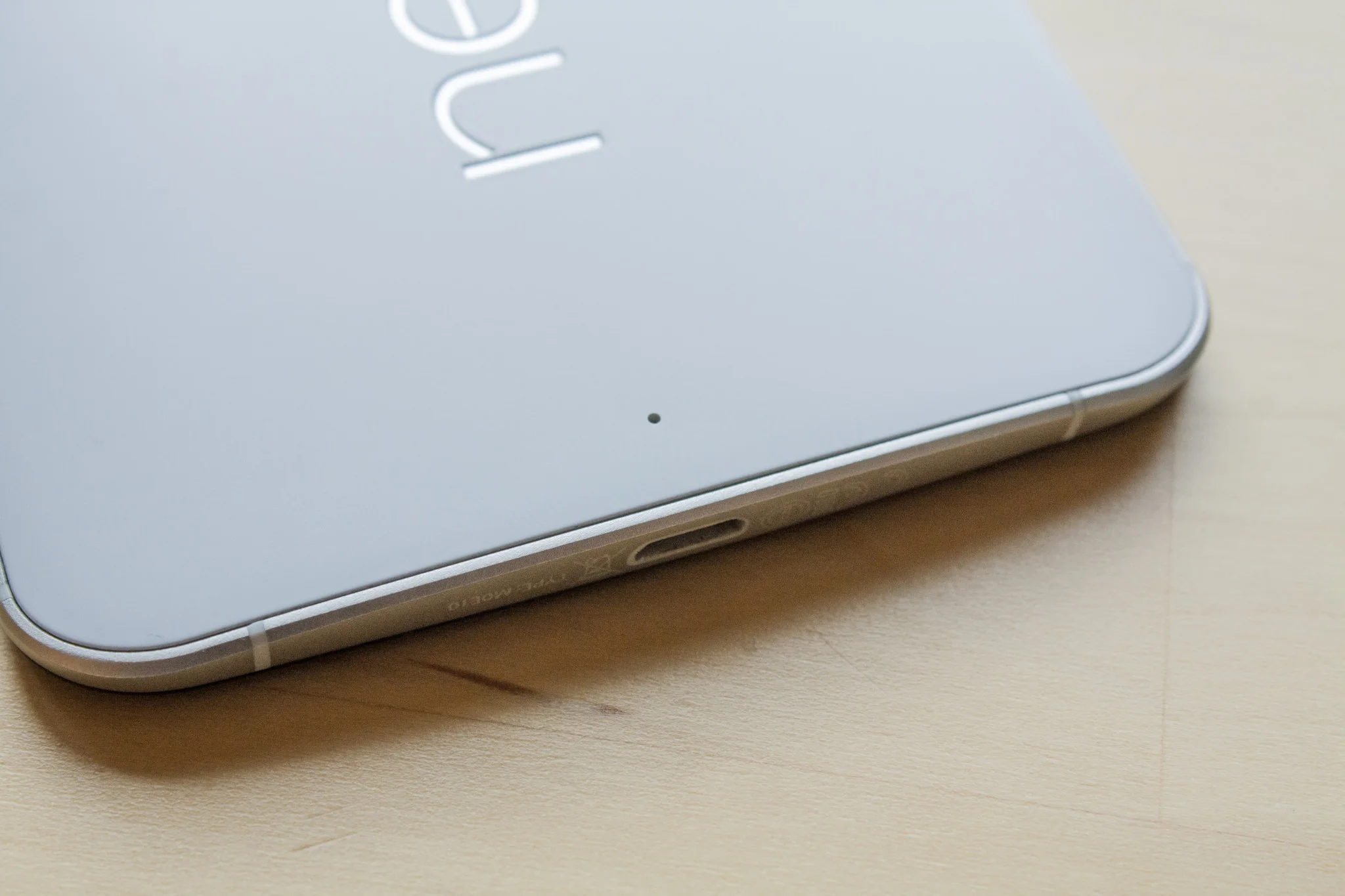
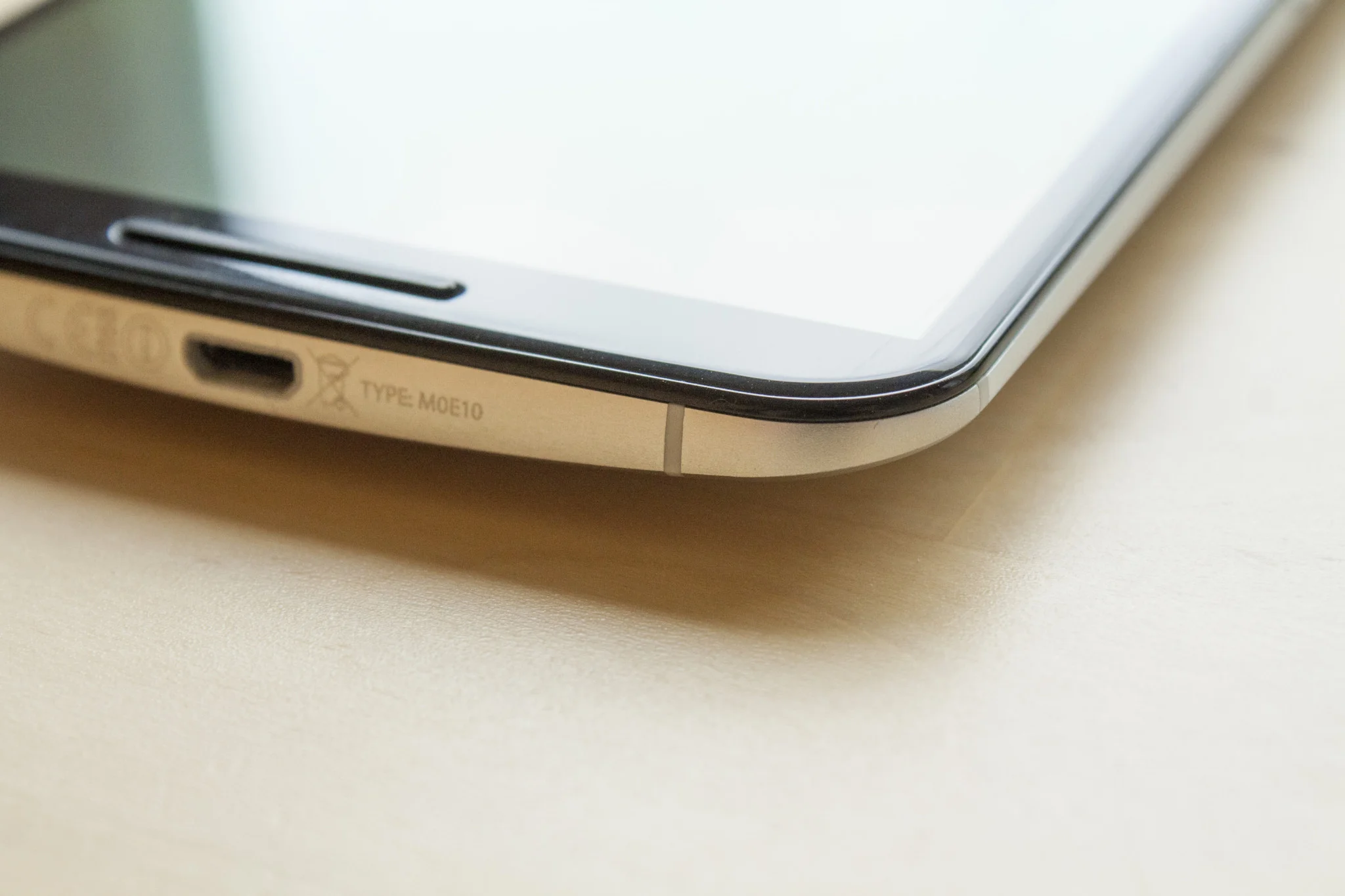
The Nexus 6 clearly borrows its design language from the Motorola Moto X (2014), differing mainly in its larger size. That size is the first thing you notice. It may put some buyers off, but it’s surprisingly easy to get used to a bigger device. The front is dominated by the display, with one of the phone’s two speakers sitting below it. The lower speaker also houses a microphone.
Audio quality is quite good. There are plenty of volume steps, and even at maximum volume there’s no distracting hiss or distortion. Bass response is decent, though not exceptional. Still, I’ve rarely heard better speakers on a phone from this era.

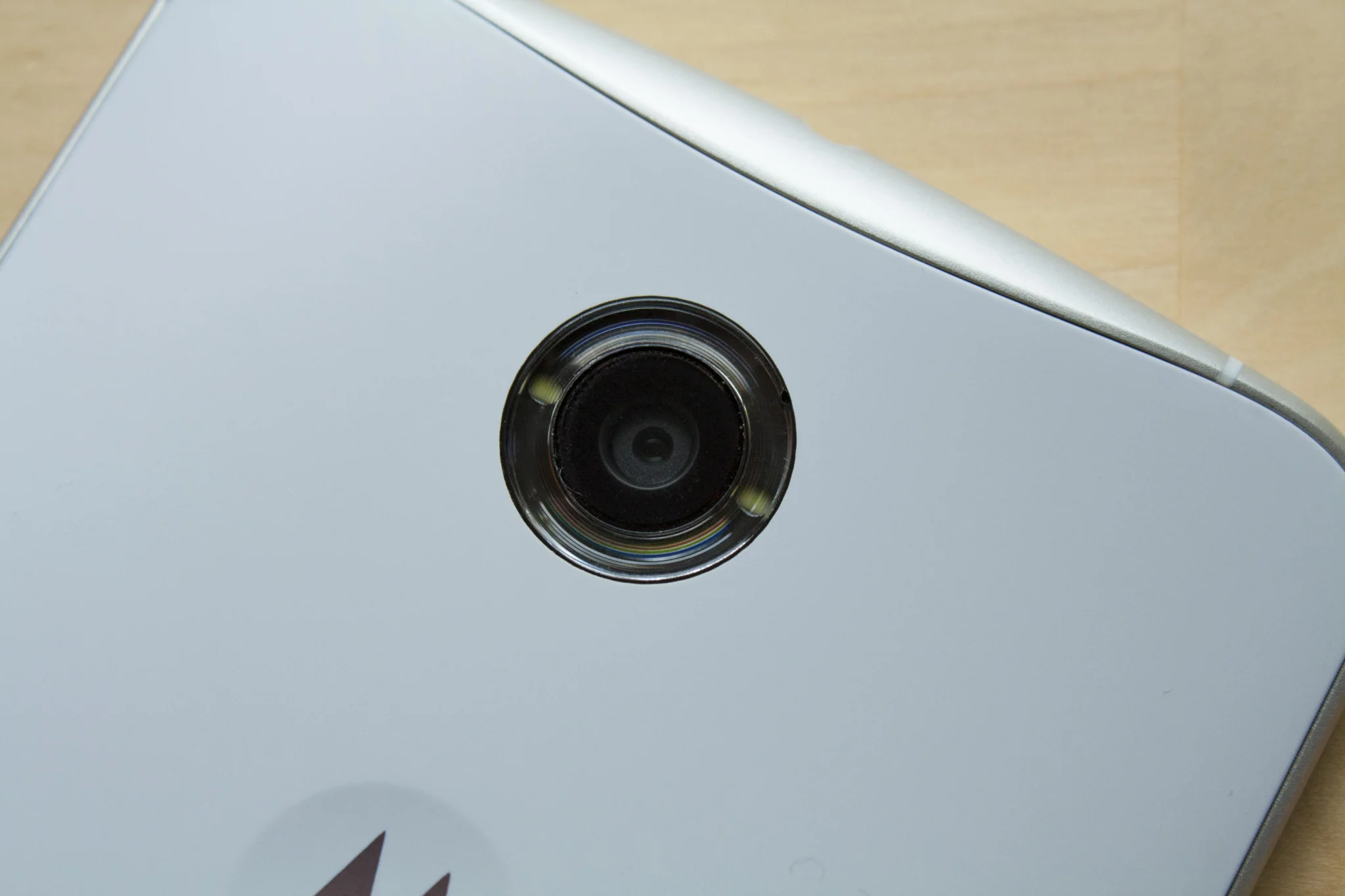
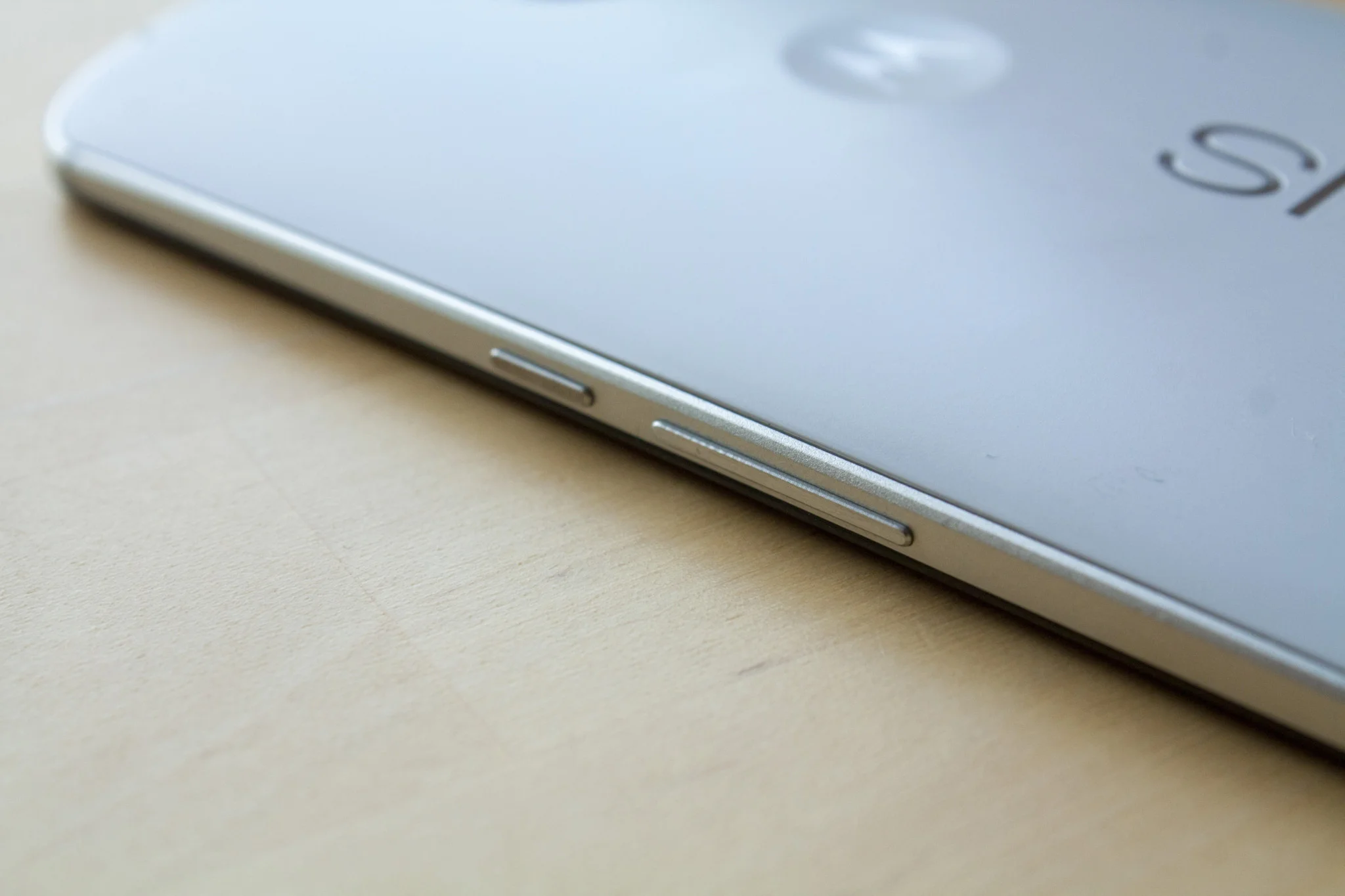
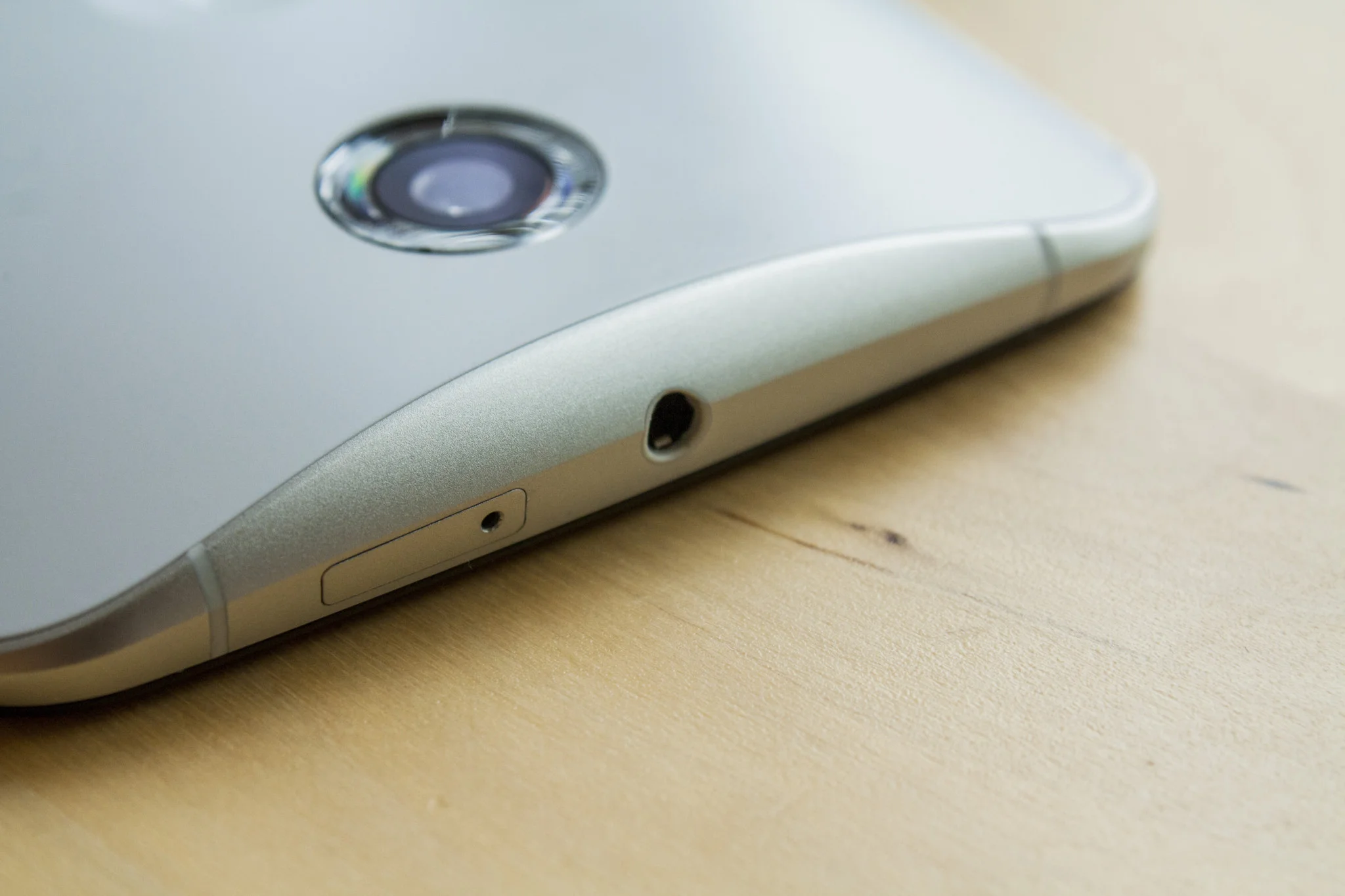
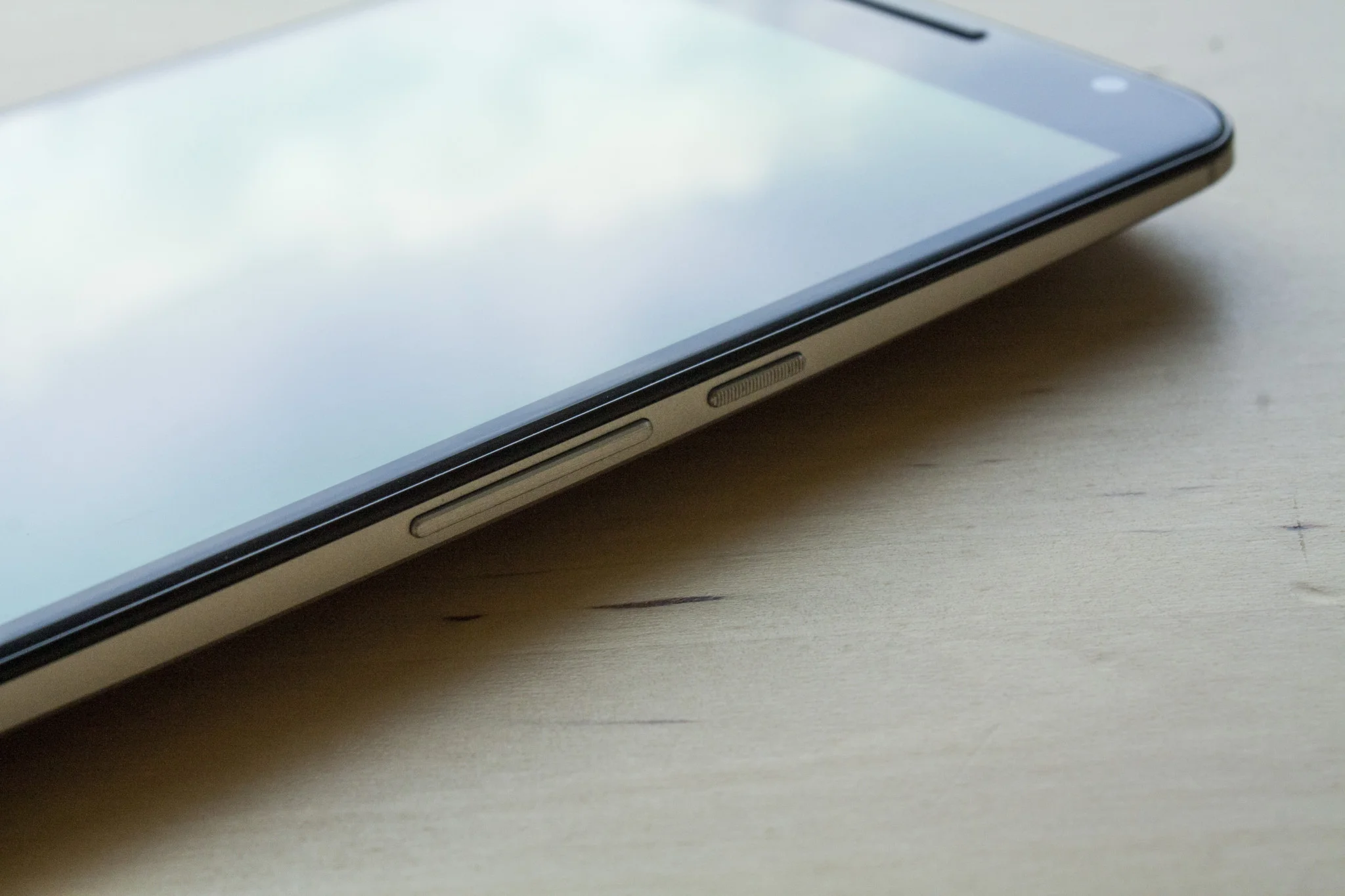
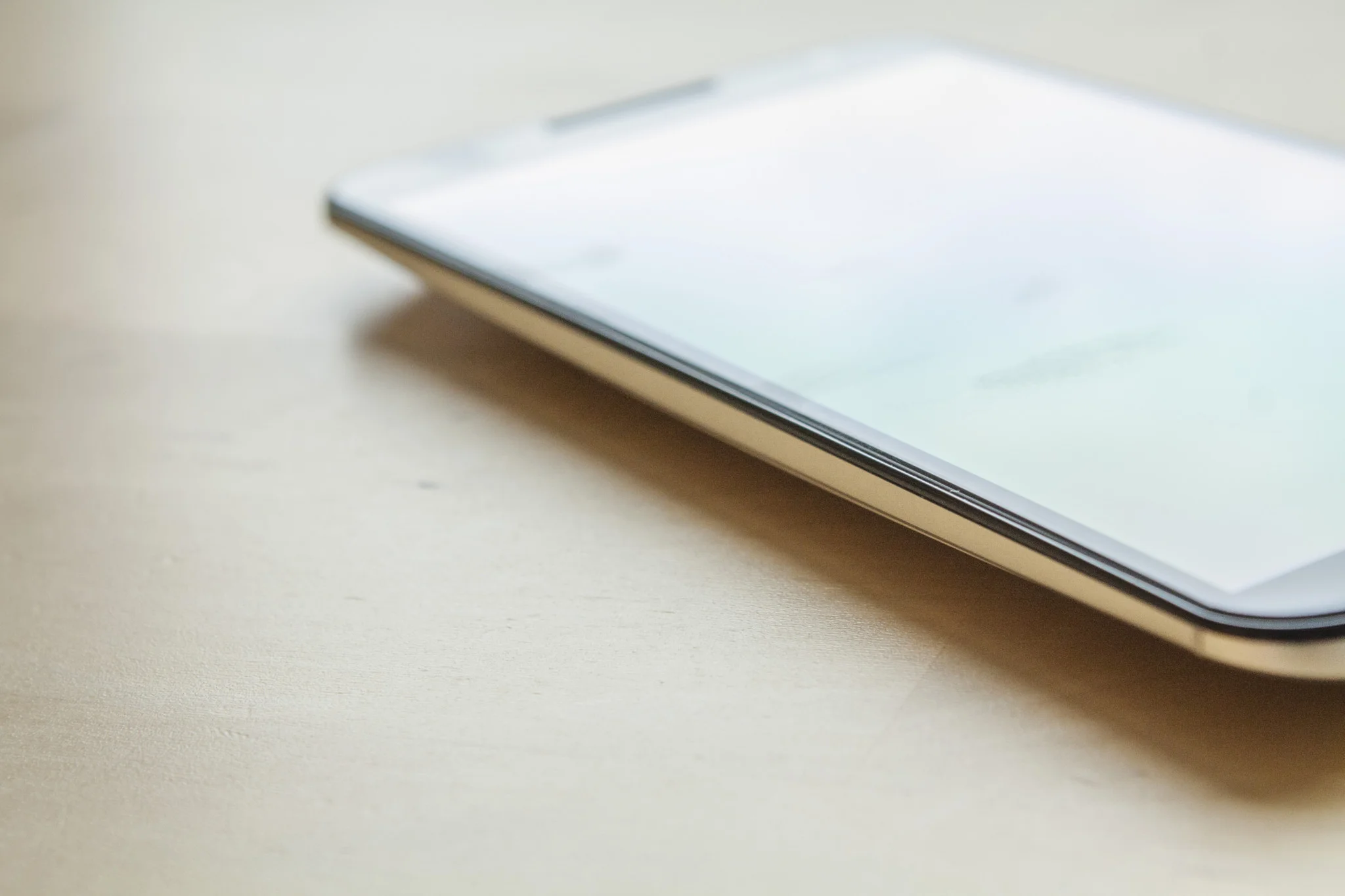
I also noticed a minor fit-and-finish issue on the right side of the back panel, viewed from the rear. The cover didn’t sit perfectly flush with the metal frame and could be lifted slightly with a fingernail. It’s not a major flaw, but on a phone in this price class, details like that matter and can take away from the overall impression of the hardware.
HARDWARE AND PERFORMANCE
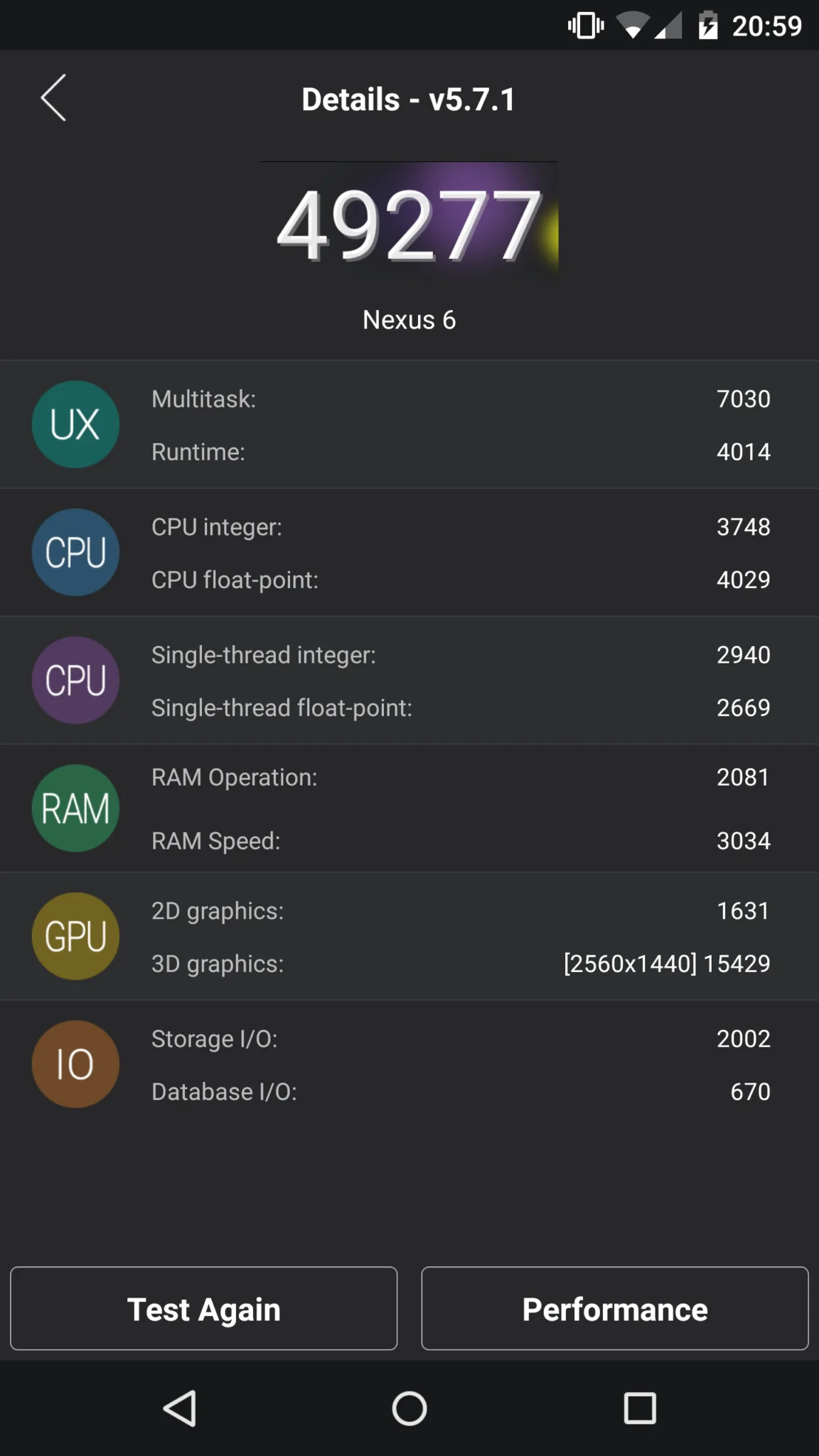
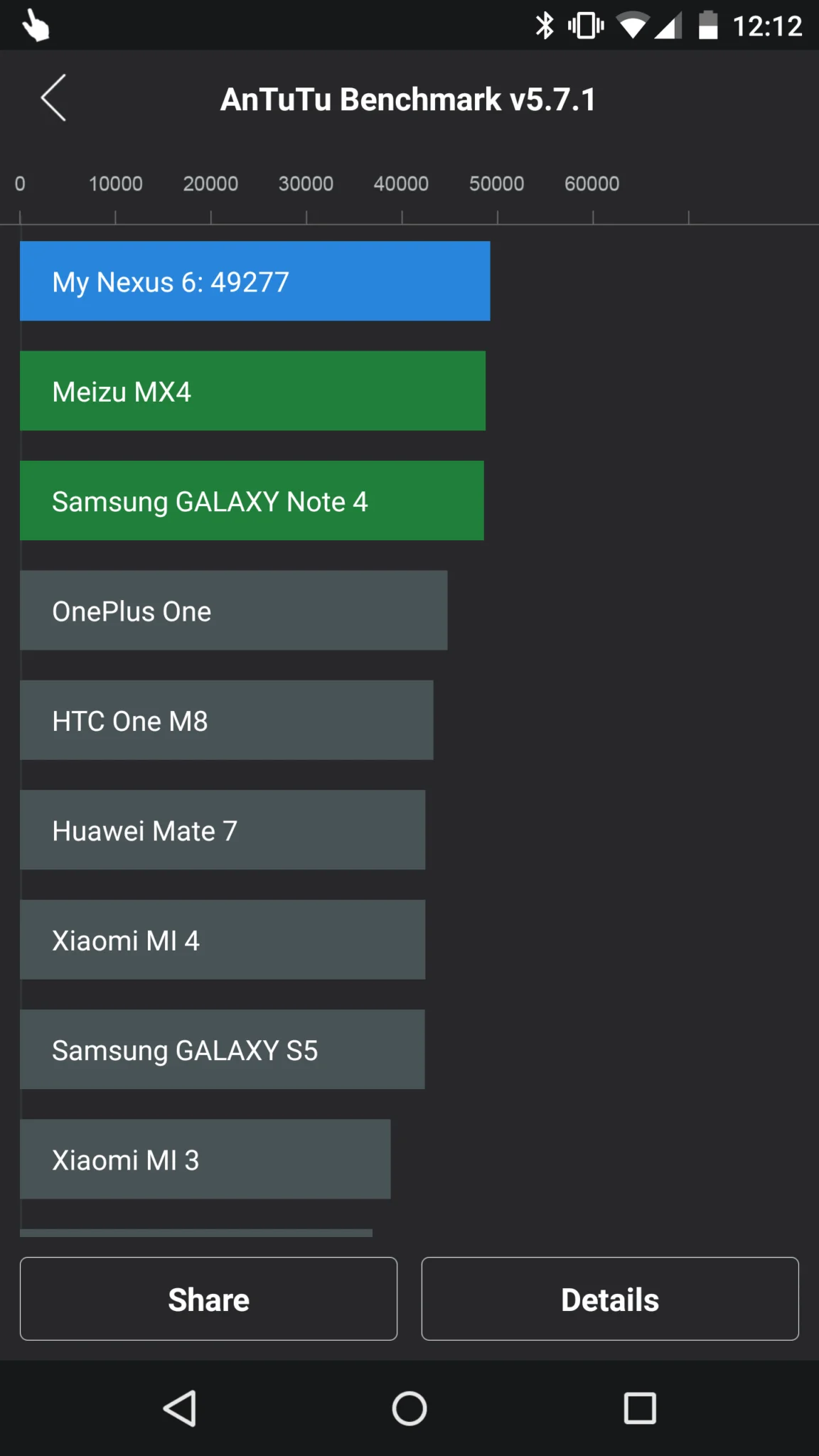
The device is powered by a quad-core Snapdragon 805 clocked at 2.7GHz. Day-to-day speed also gets a boost from 3GB of RAM, while graphics are handled by the Adreno 420. That hardware combination delivers genuinely fast performance, not just across the system but in demanding games as well, so mobile gamers should have little to complain about. I ran AnTuTu right after booting up the phone for the first time, and the Nexus 6 landed at the very top of the chart with a total score of 49,277 points, which is a very solid result.
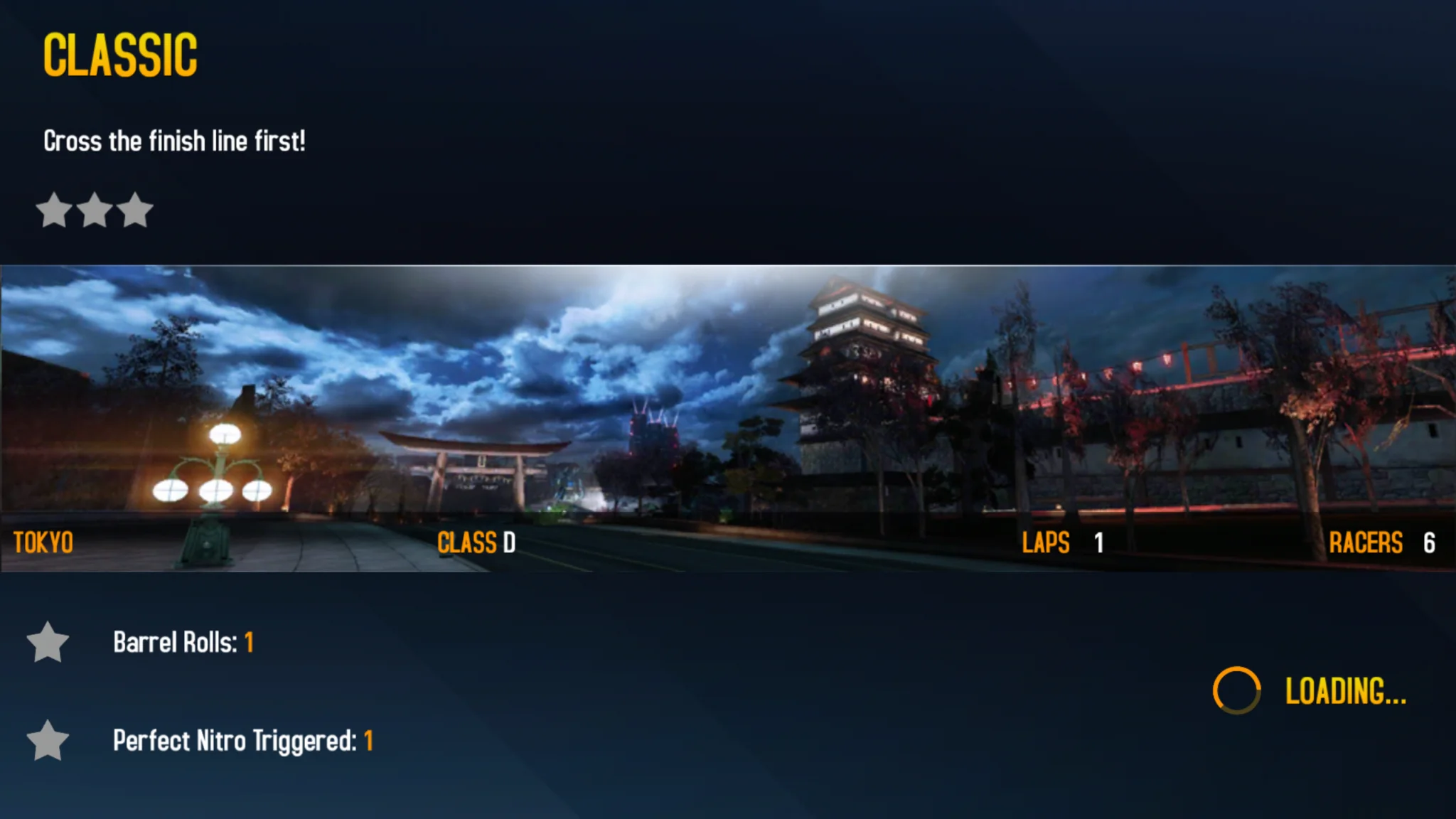
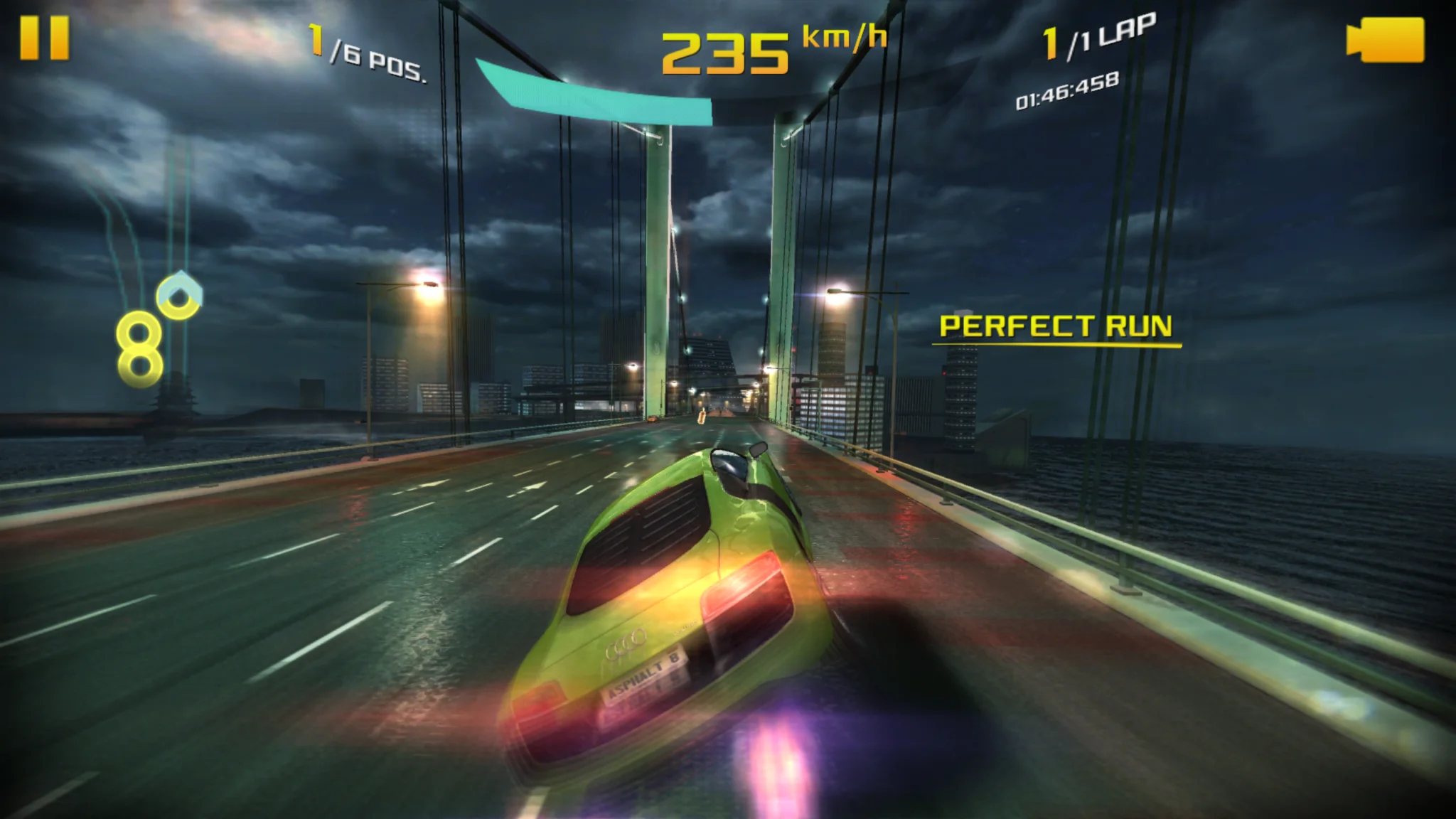
I decided to test gaming performance with Asphalt 8: Airborne, and the Nexus handled it with ease. During gameplay, I didn’t run into any major stutters or delayed input. Launching the game and loading individual tracks occasionally slowed down, but once the race started, there were no real issues. Between the dual front-facing speakers and the sharp visuals, gaming on the phone was genuinely enjoyable.

Built-in storage for games, apps, and everything else comes in 32GB or 64GB versions. The review unit I tested had 32GB of storage, of which users get exactly 25.98GB available. That’s still a respectable amount, and for most needs it’s enough. In my case, photos and videos took up the most space, likely because of 4K recording, where one minute of video uses roughly 250 to 300MB.
The rest of the hardware package is strong too, with NFC and LTE support both included, features that have become baseline requirements for many buyers shopping for a new phone. I have very little to criticize here. My only real complaint is that under heavier load, the phone gets slightly warm along the right side, and the metal frame does a good job spreading that heat across the rest of the body. It’s nothing dramatic, though. The phone is still comfortable to hold, and the heat never becomes especially bothersome.
Device specifications
- Dimensions: 159.3 x 83 x 10.1 mm, weight 184 g
- Display: AMOLED, 5.96-inch (2,560 x 1,440 px, 493 ppi)
- Operating system: Android 5.0 Lollipop, upgradeable to Android 5.1.1
- Chipset: Qualcomm Snapdragon 805, 2.7GHz, GPU: Adreno 420
- Connectivity: Wi‑Fi 802.11 a/b/g/n/ac, Bluetooth 4.1, NFC, LTE (700/800/850/900/1800/2100/2600 MHz)
- Memory: 3GB, internal storage: 32GB / 64GB
- Camera: 13MP (4,160 x 3,120), video: (3,840 x 2,410 px, 30 FPS)
- Battery: 3220 mAh, wireless charging support
SOFTWARE
The Nexus line has long been popular with Android fans largely because it runs a clean version of the OS, free from the extra visual layers and add-on features many manufacturers pile on top. This is Google’s software vision, plain and simple. The Nexus 6 ships with Android 5.0 Lollipop preinstalled, but right after you take it out of the box and power it on, it immediately offers an update to the latest version, Android 5.1.1. So it makes sense to look at both Android 5.0 itself and the changes introduced in that newer update.

Android 5.0 Lollipop
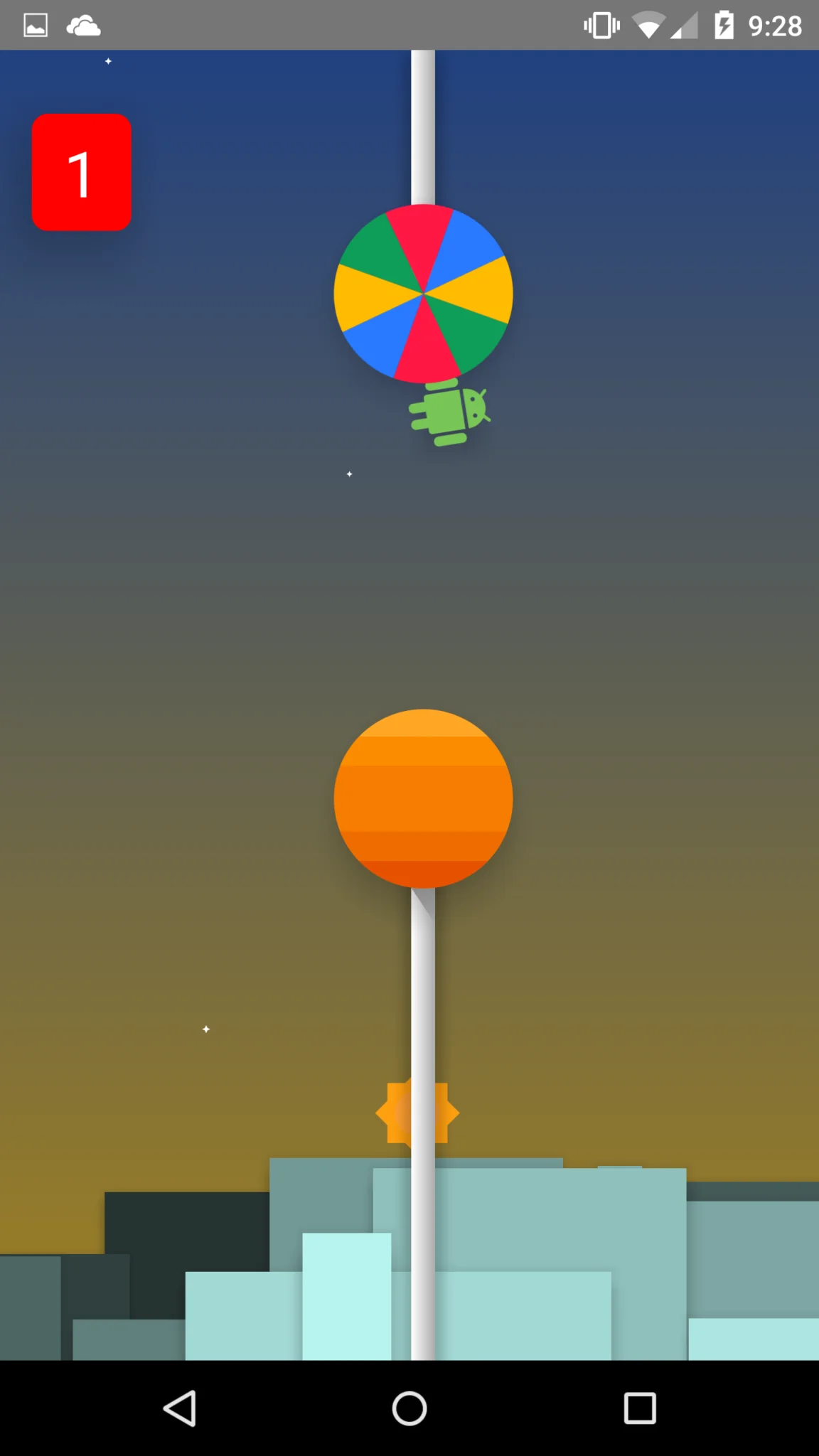
Lollipop gave Android a fresh, modern look with Material Design, a visual language that runs across the entire OS and most of Google’s built-in apps. Personally, I still prefer stock Android over any manufacturer skin or heavy customization. It also feels noticeably faster than modified versions like TouchWiz, so moving around the system is smooth and rarely interrupted by lag.
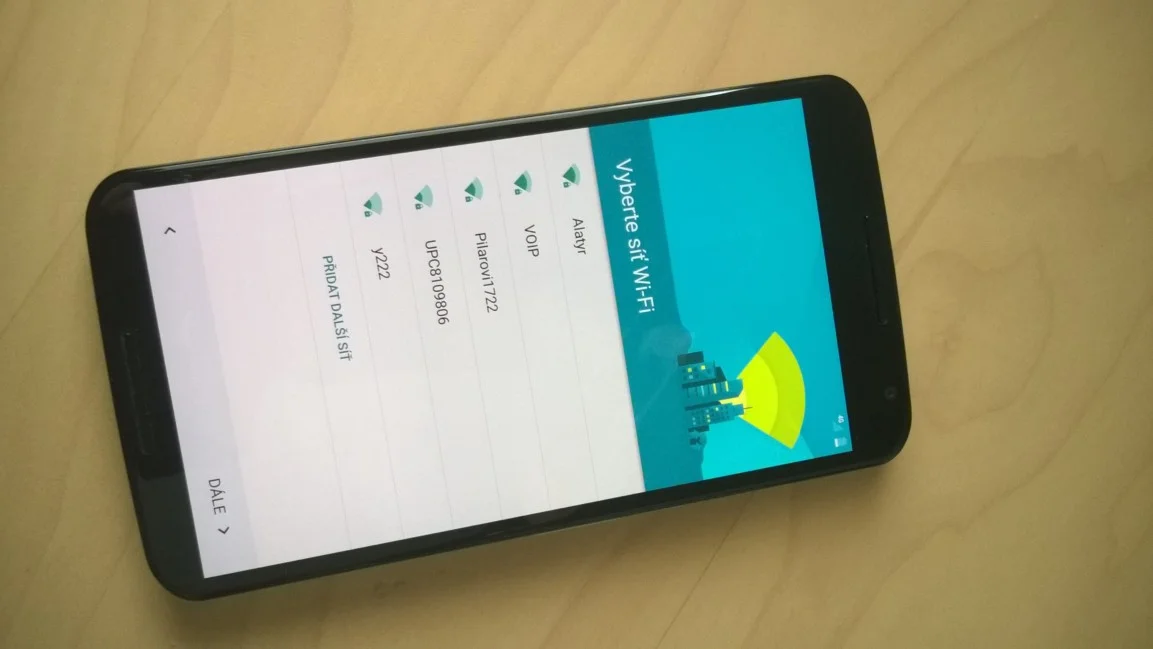
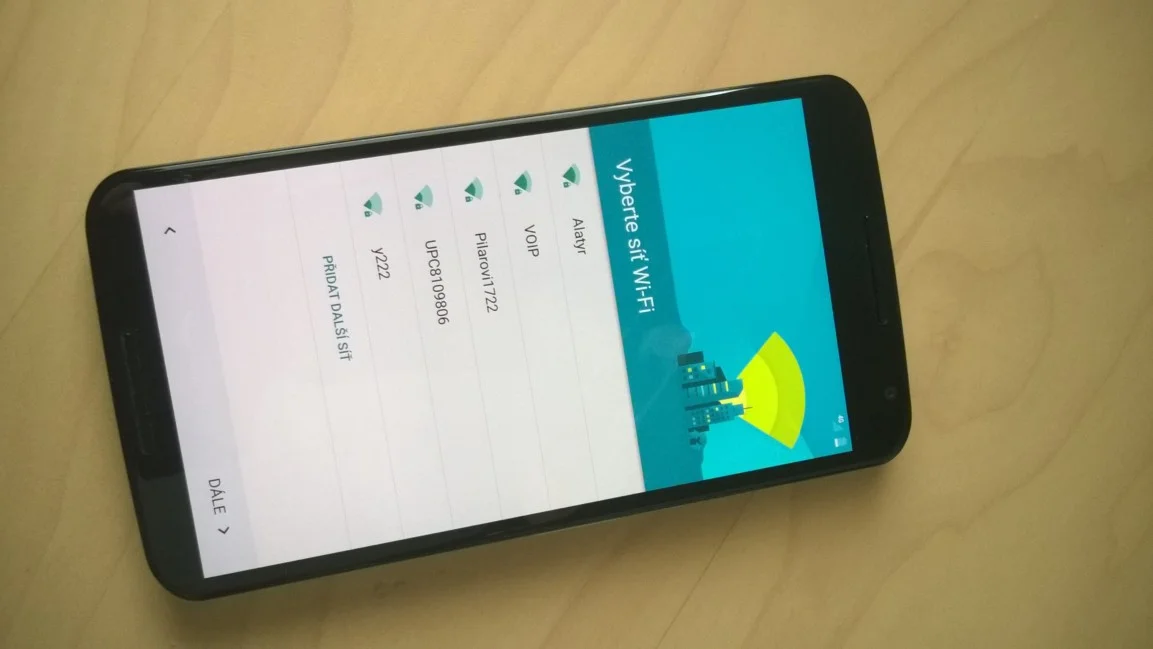
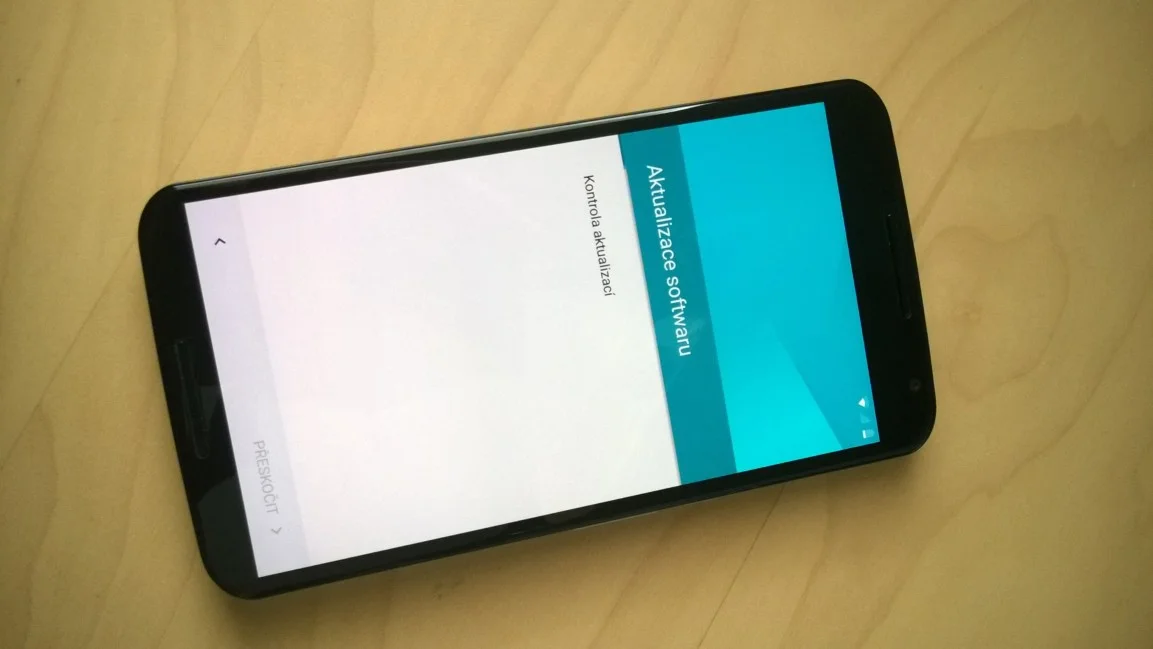
The visual changes from earlier versions are obvious the first time you boot the phone, starting with the redesigned setup process. That setup also includes the “Tap & Go” feature, which lets you transfer settings from an existing phone to a new one just by placing the devices close together. The required data is then moved over NFC.
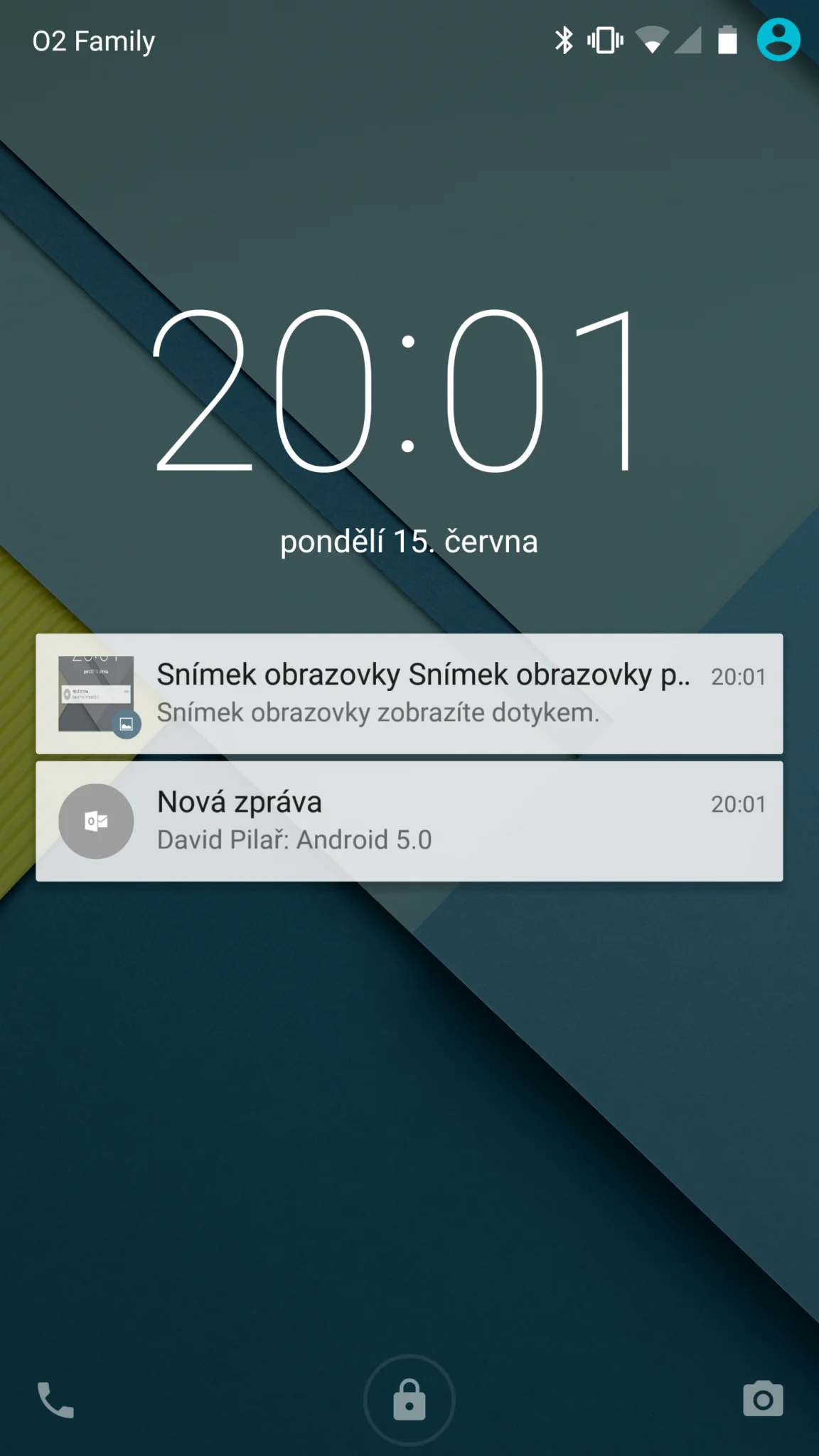
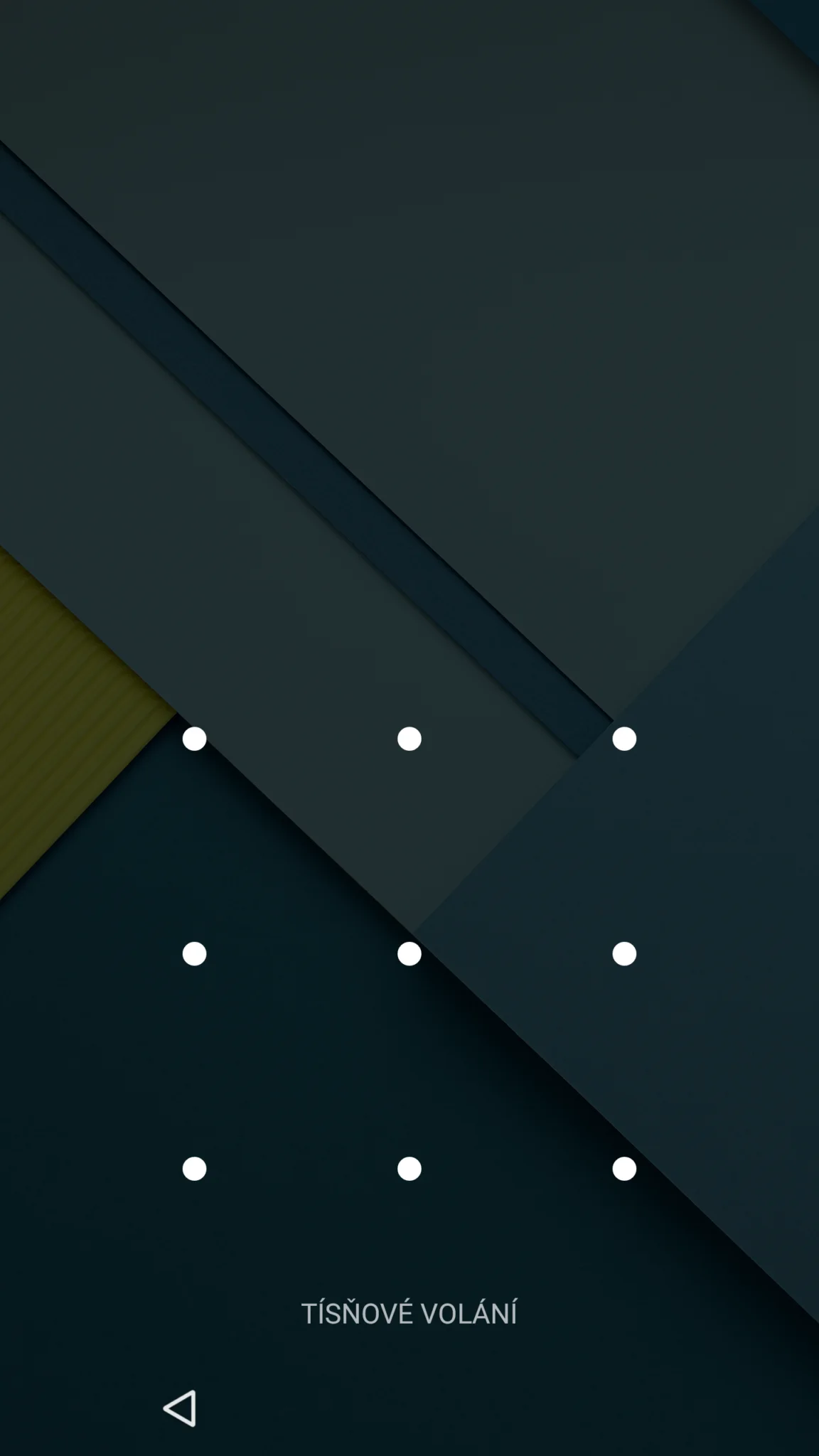
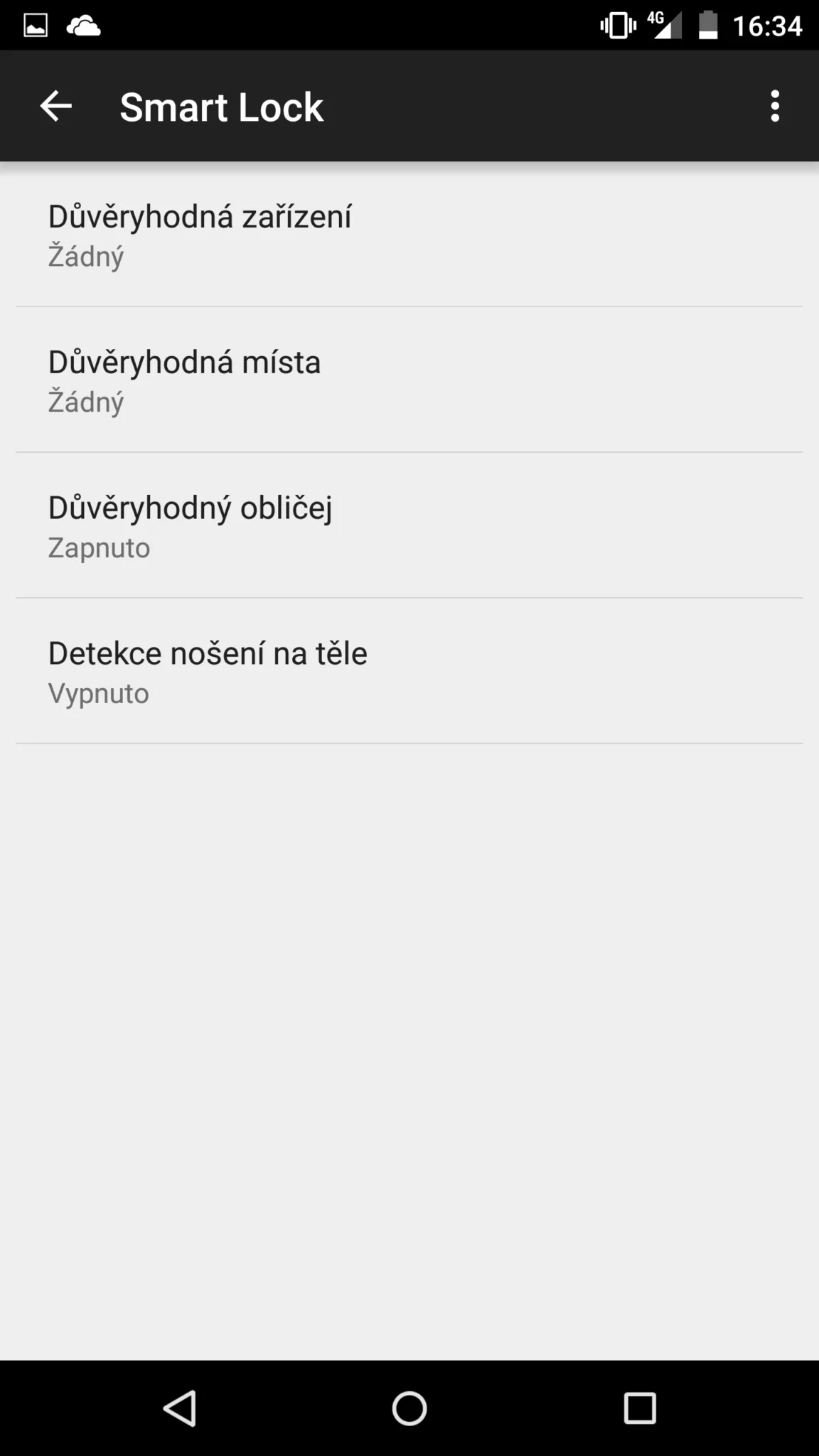
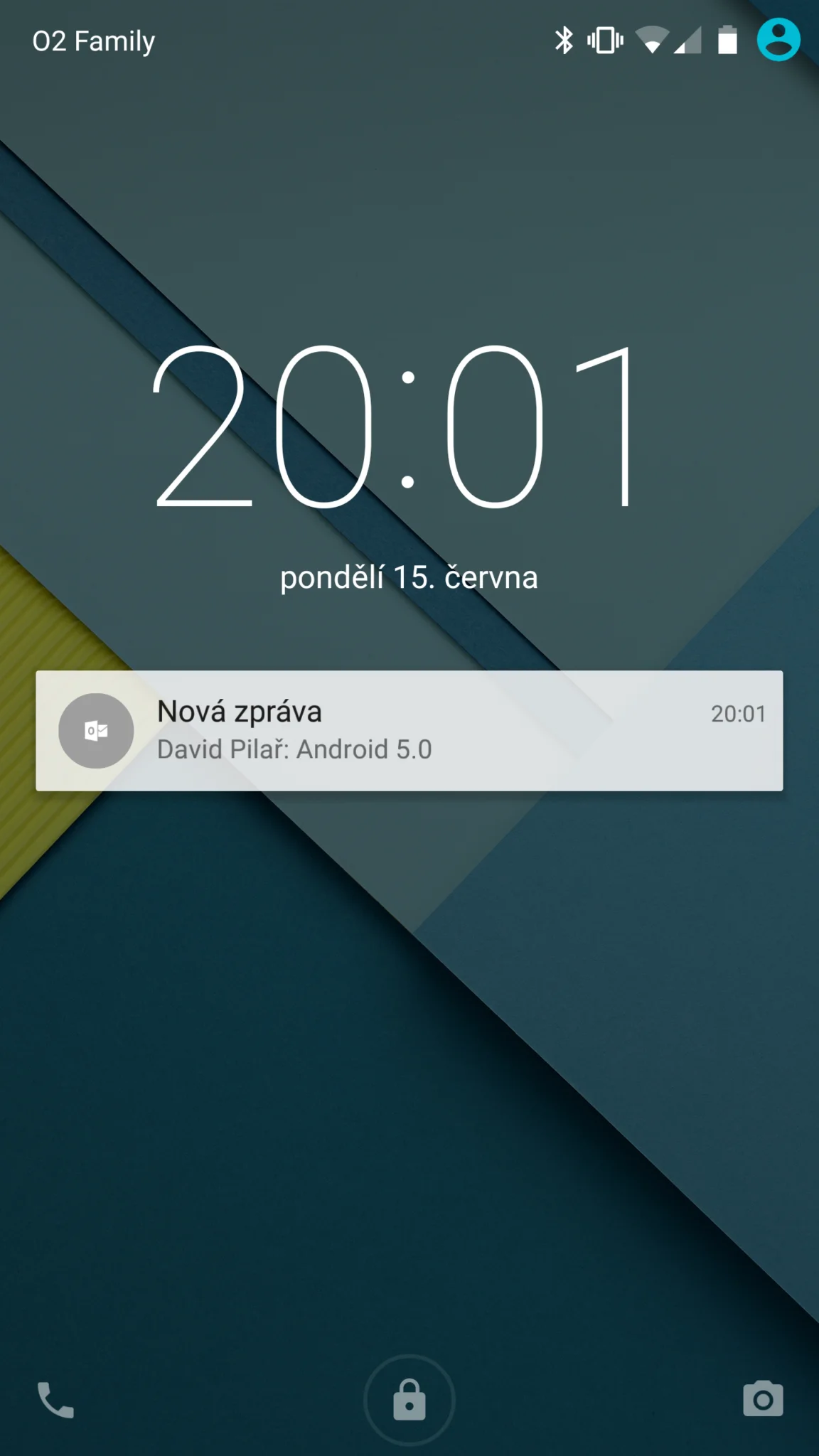
Once setup is done, the next round of improvements shows up on the lock screen. You unlock the device with an upward swipe, and alongside the usual security methods there’s also Smart Lock, which can unlock the phone using connected Bluetooth devices, an NFC tag, or face detection. Face scanning starts automatically as soon as the display wakes.
I occasionally used NFC tag unlocking during testing, and I kept face scanning enabled the entire time. It was fairly quick once the display lit up, but the phone sometimes struggled to recognize my face even after several attempts. In those moments, I had to give up and unlock it the old-fashioned way with a gesture or by using the NFC tag.
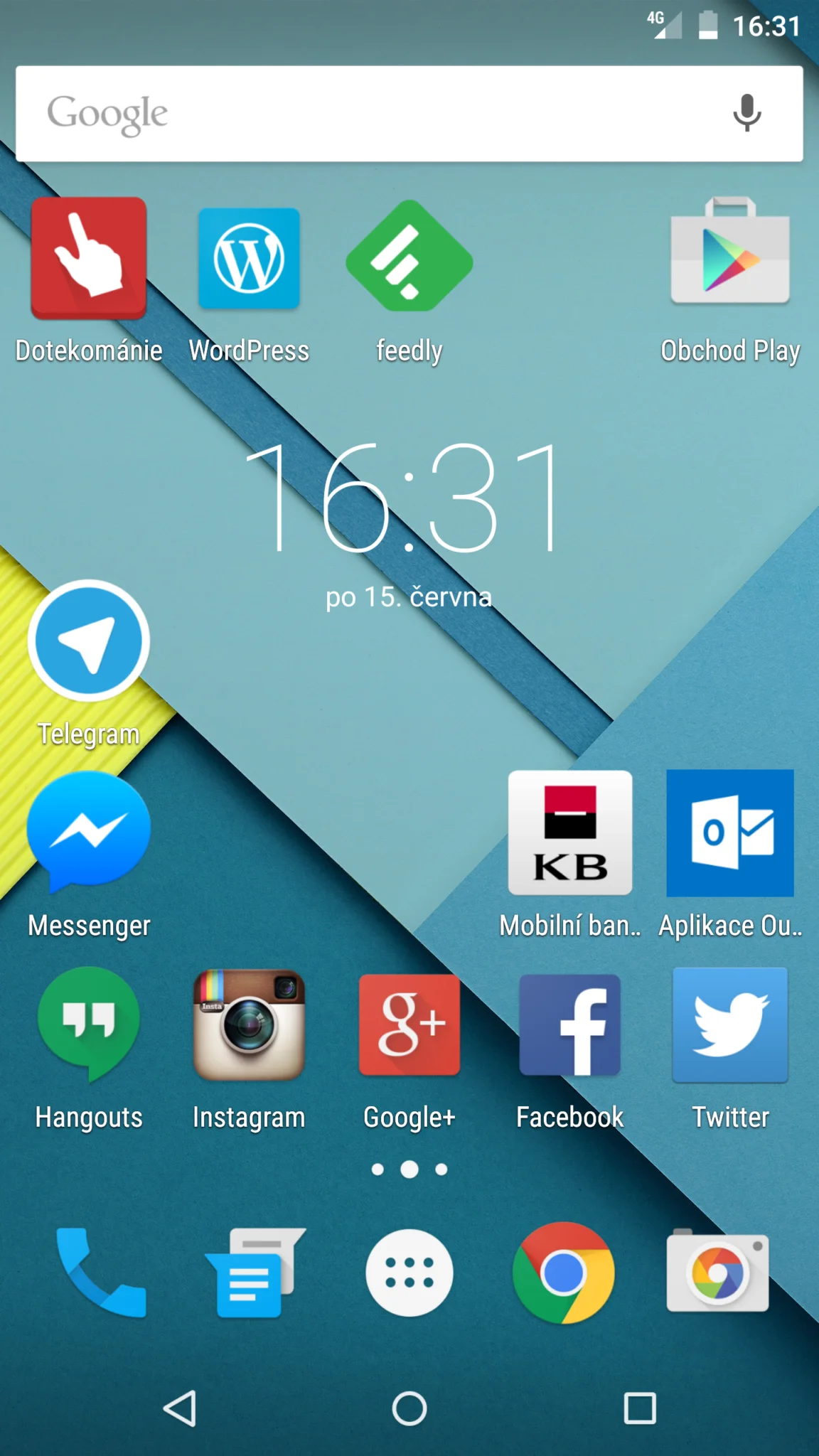
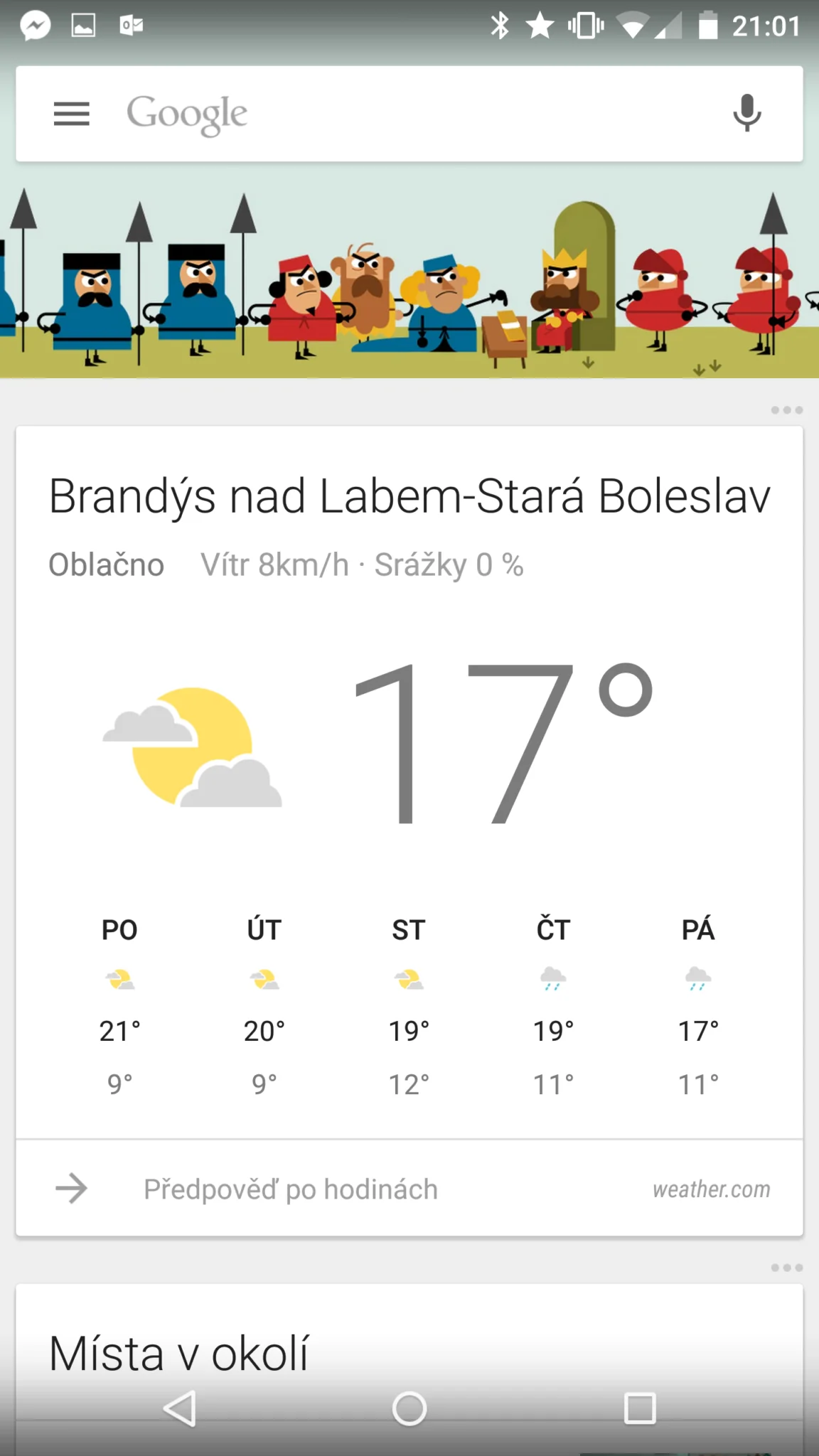
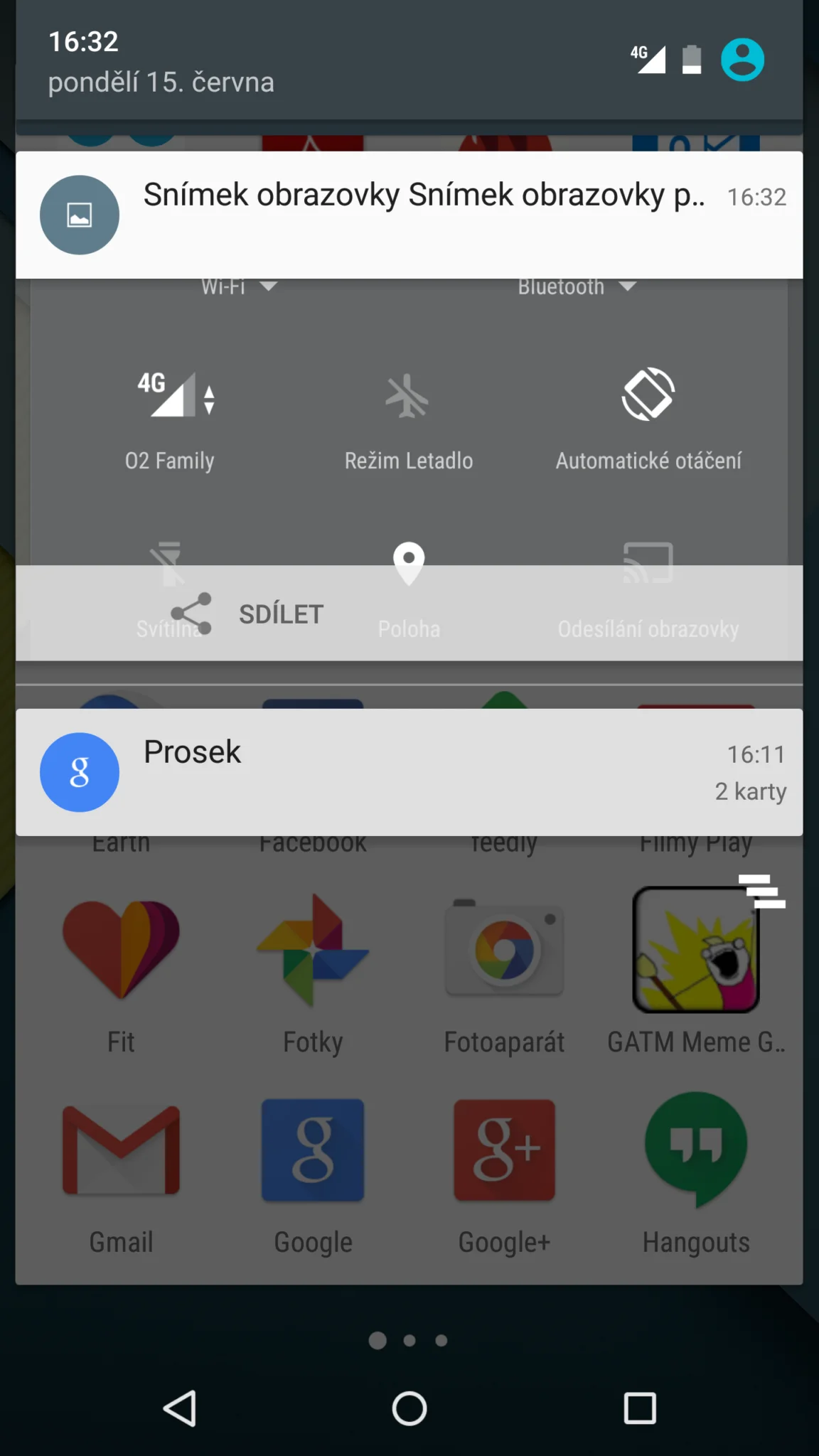
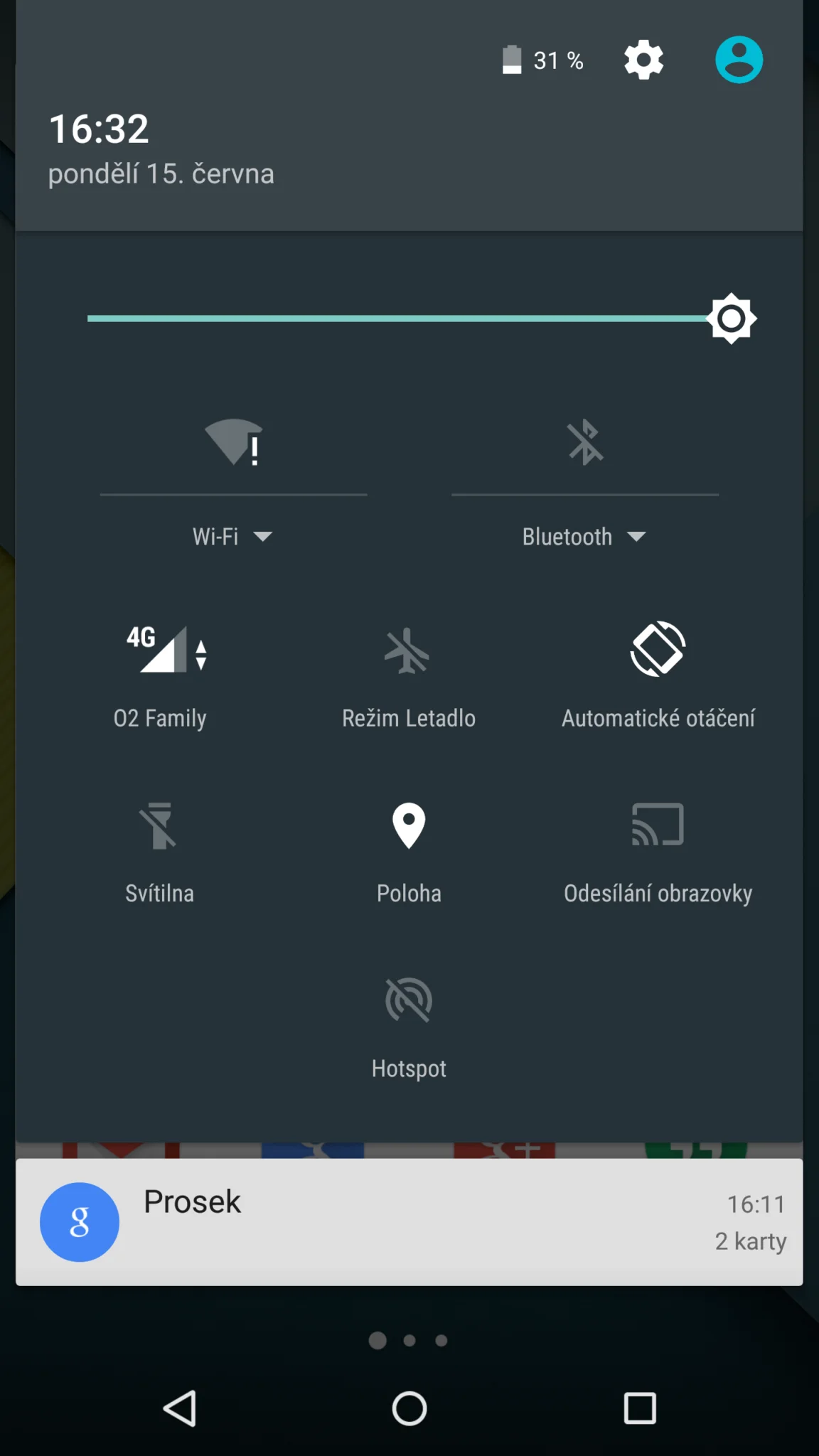
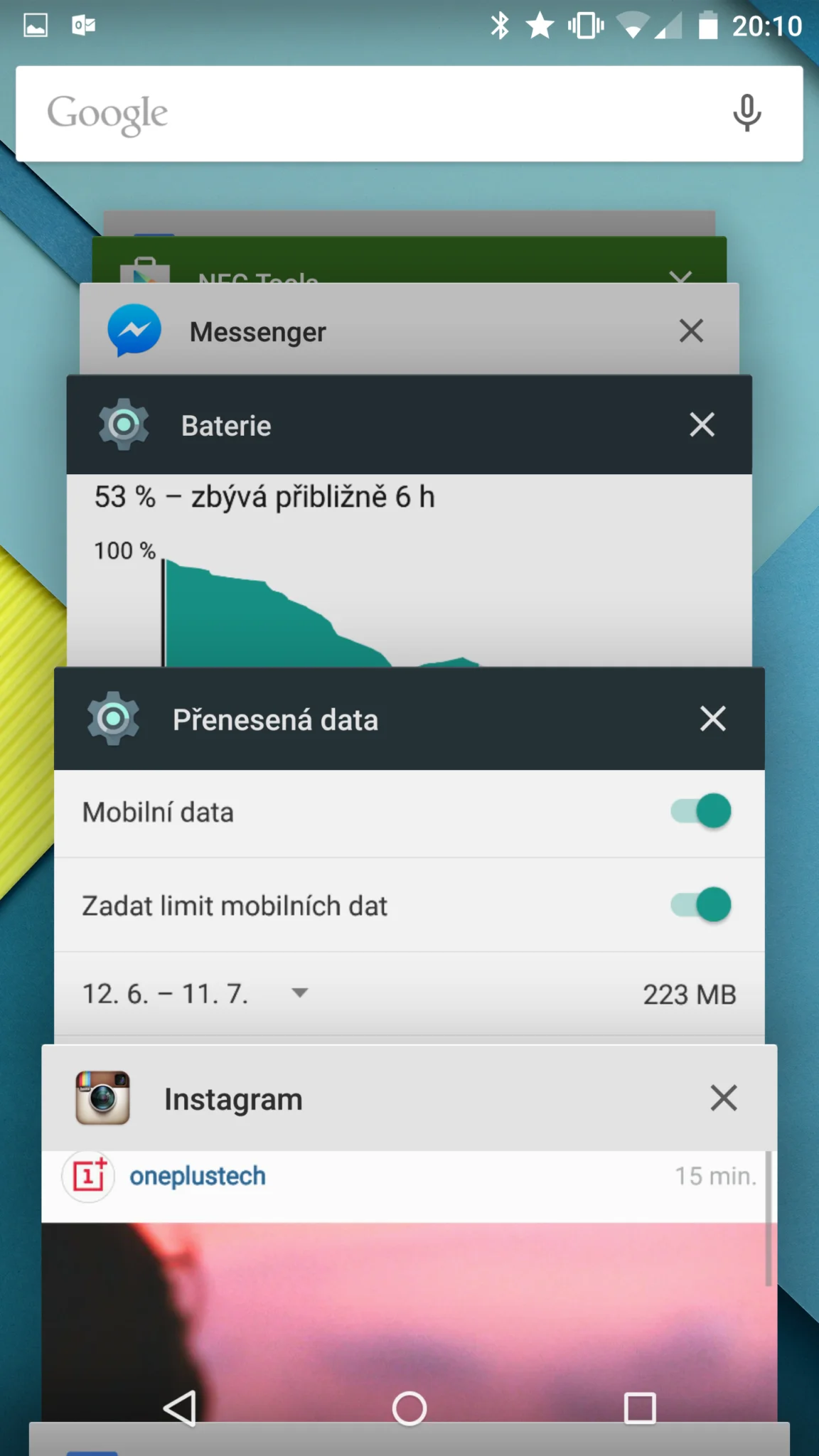
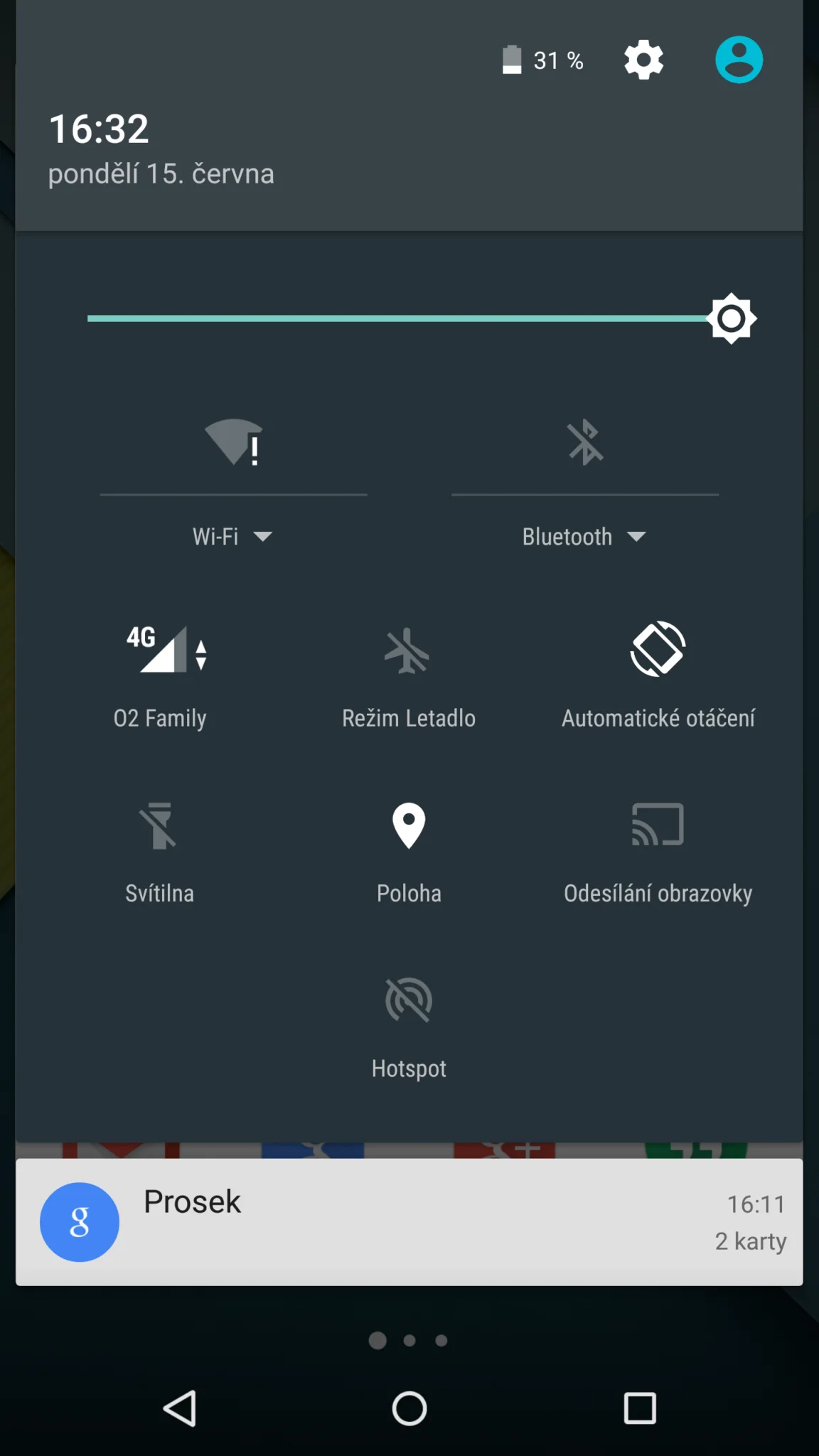
The home screen changes are most visible in Google Now, while the app drawer has also been revised with a new white background. Notification shade behavior is different too: the first swipe shows all notifications, while a second swipe reveals the rest of the quick controls. Multitasking was redesigned as well and now uses a card-based layout. It looks great and keeps things easy to follow. Individual apps can be dismissed with a side swipe, but I really missed having a button to close everything at once, something some Android skins already offered.

What’s new in Android 5.1
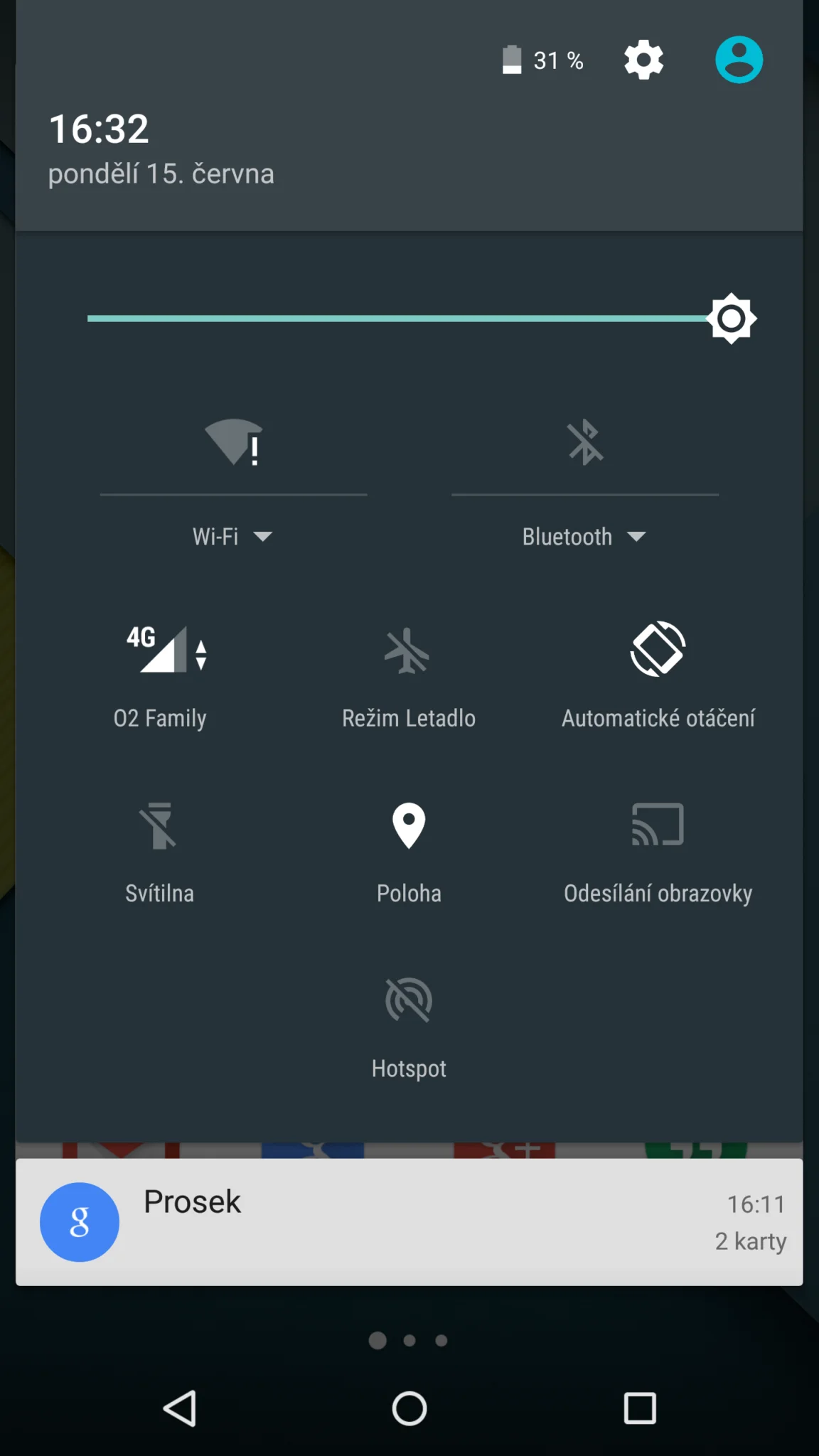
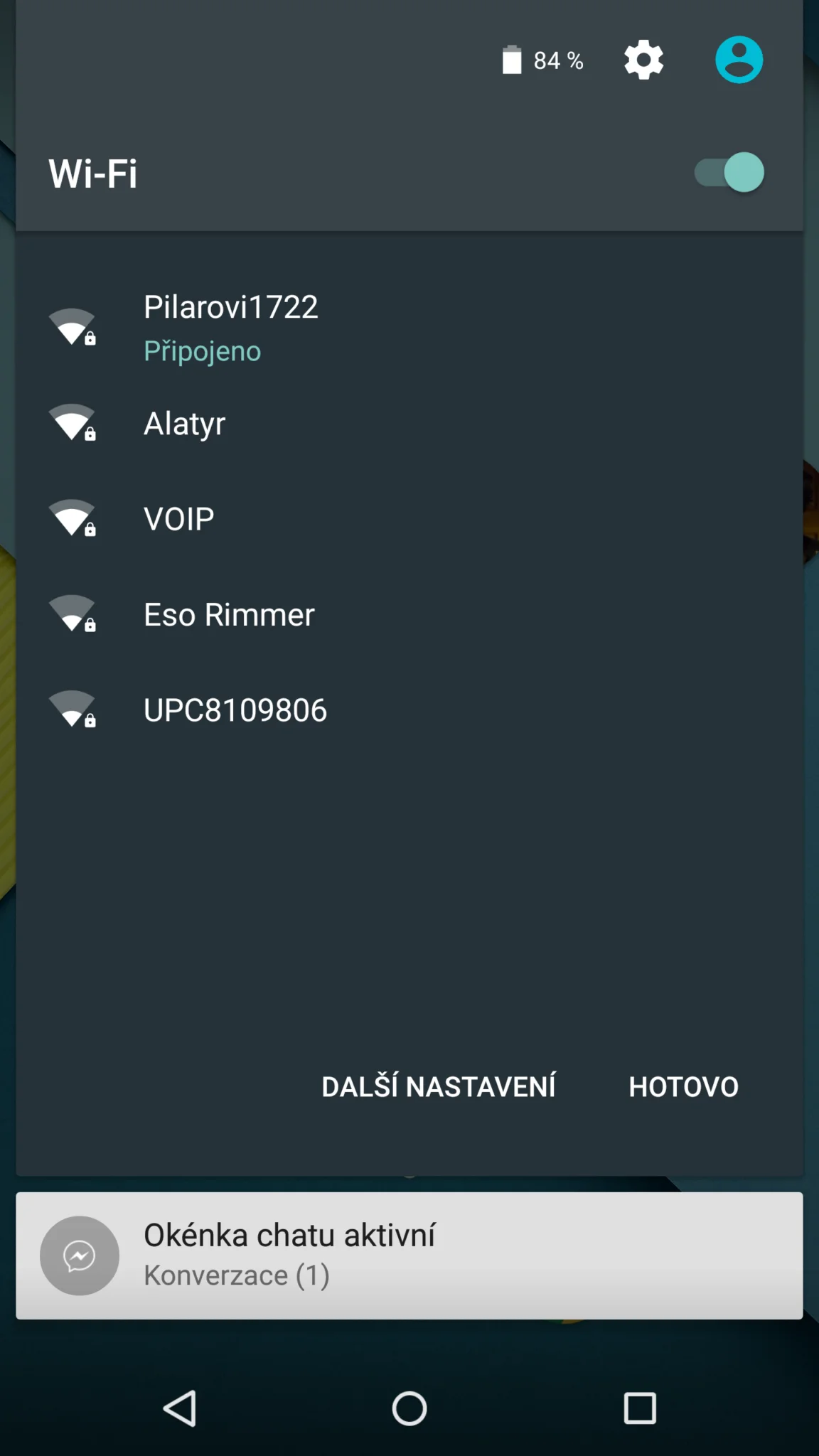
One of the first changes I noticed after the update was the revised quick settings in the notification shade. The Wi-Fi and Bluetooth toggles now let you access certain settings directly from that panel, so you no longer have to jump into the full Settings app just to connect to a Wi-Fi network. Pull down the shade, tap the small arrow, and you’ll get a list of available networks.
The same applies to Bluetooth settings. Another small but genuinely useful tweak is the ability to view mobile data usage by tapping the signal icon. Better yet, all of this can be done even when the device is locked.
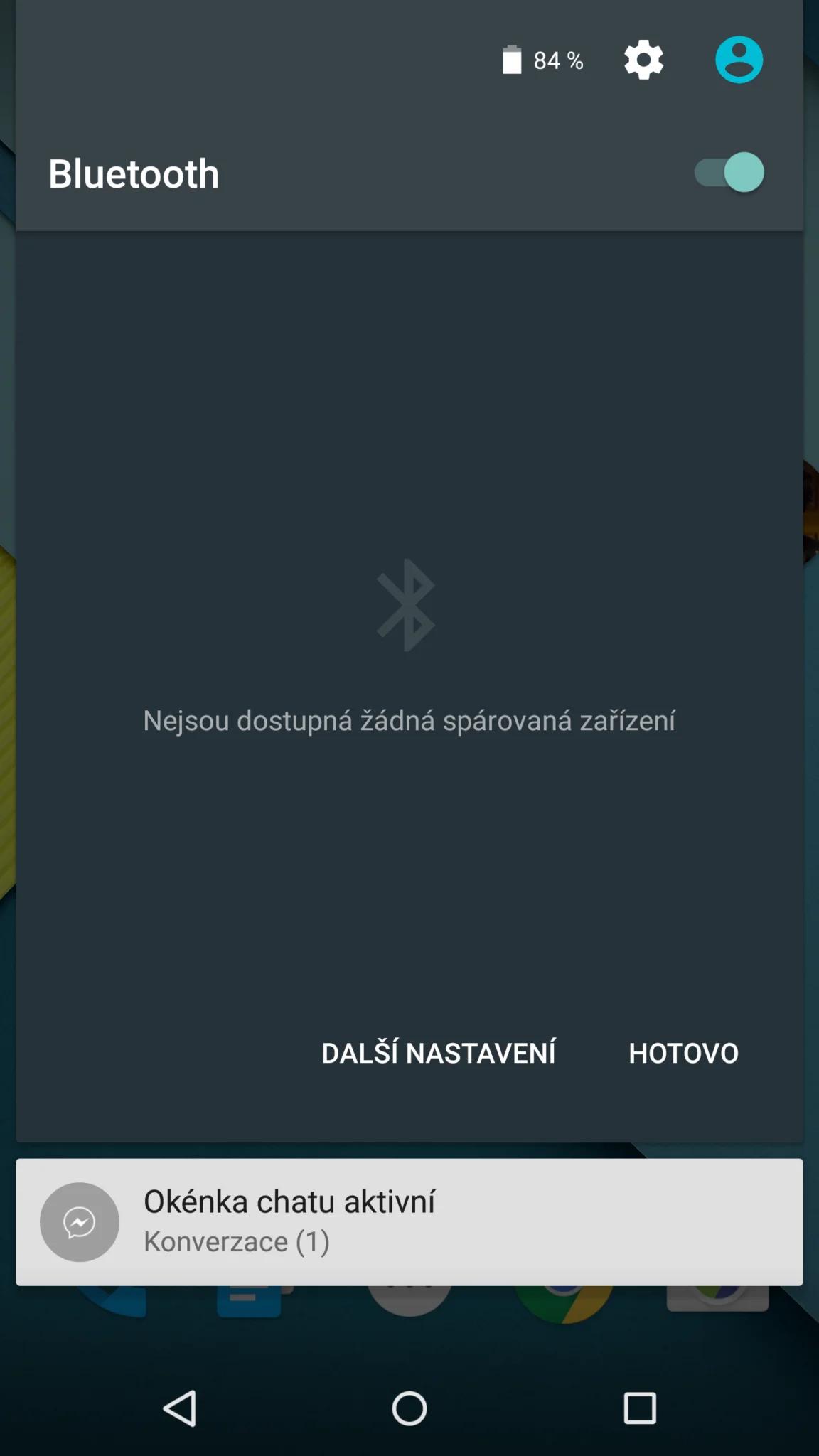
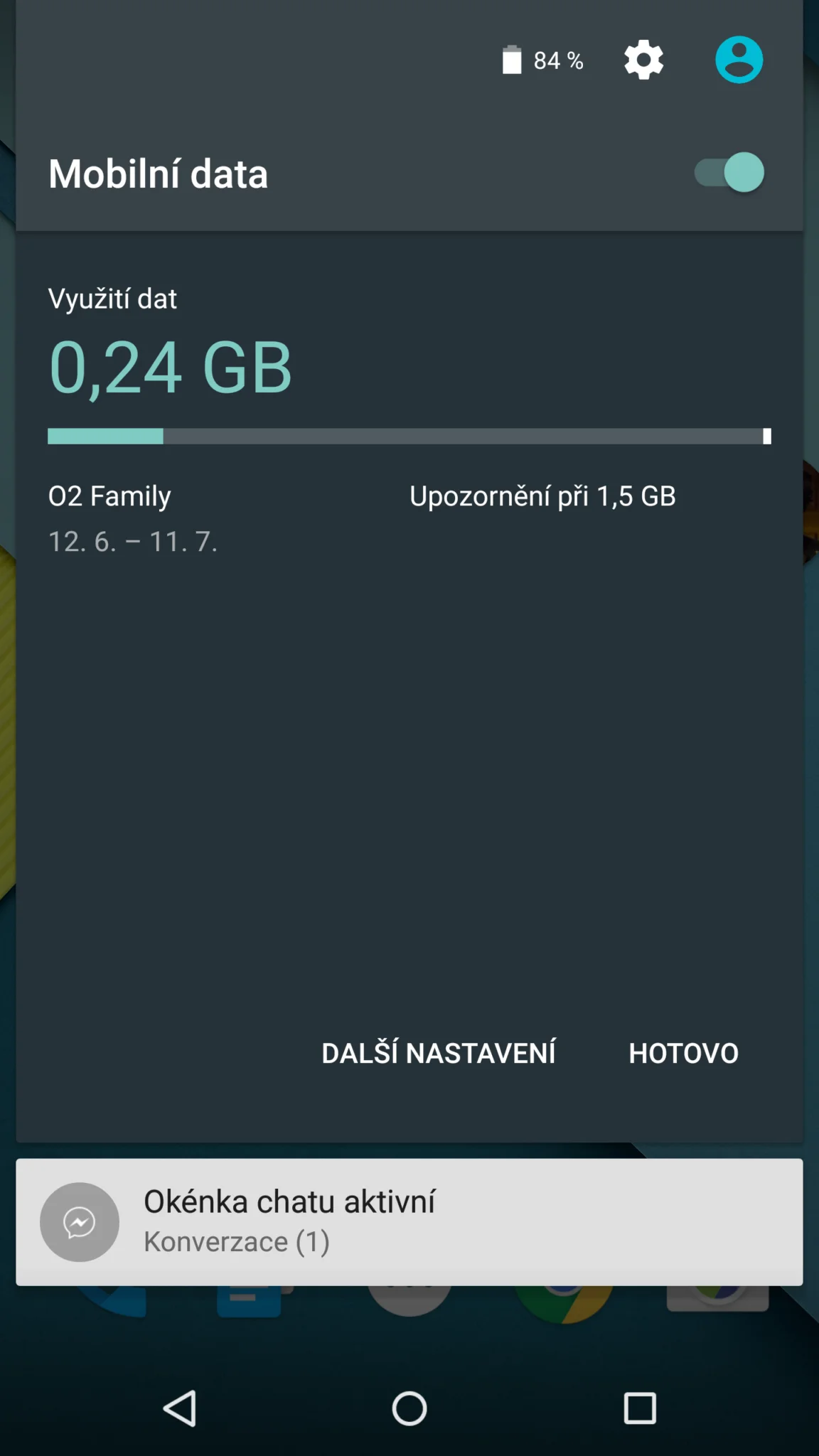
The sound settings also get a few changes. The silent mode from Android 5.0 has been replaced by a “none” button, which blocks all interruptions once enabled. Another useful feature, and one I ended up using often, is the option to mute all notifications until your next alarm goes off.
Notifications will still come in while muted, but they won’t make any sound until the alarm time you’ve set. Priority interruptions, meanwhile, are meant to surface only the alerts that matter, and you can customize exactly what counts by tapping the gear icon shown in the screenshot below. Priority notifications can be enabled indefinitely or just for a set period of time.

There are, of course, plenty of other changes beyond the ones mentioned here, but not all of them directly affect the Nexus 6 being reviewed, so I won’t get bogged down in every detail this update introduced. If you want the full rundown, you can check out our previously published overview of the changes (in Czech).
System UI gallery
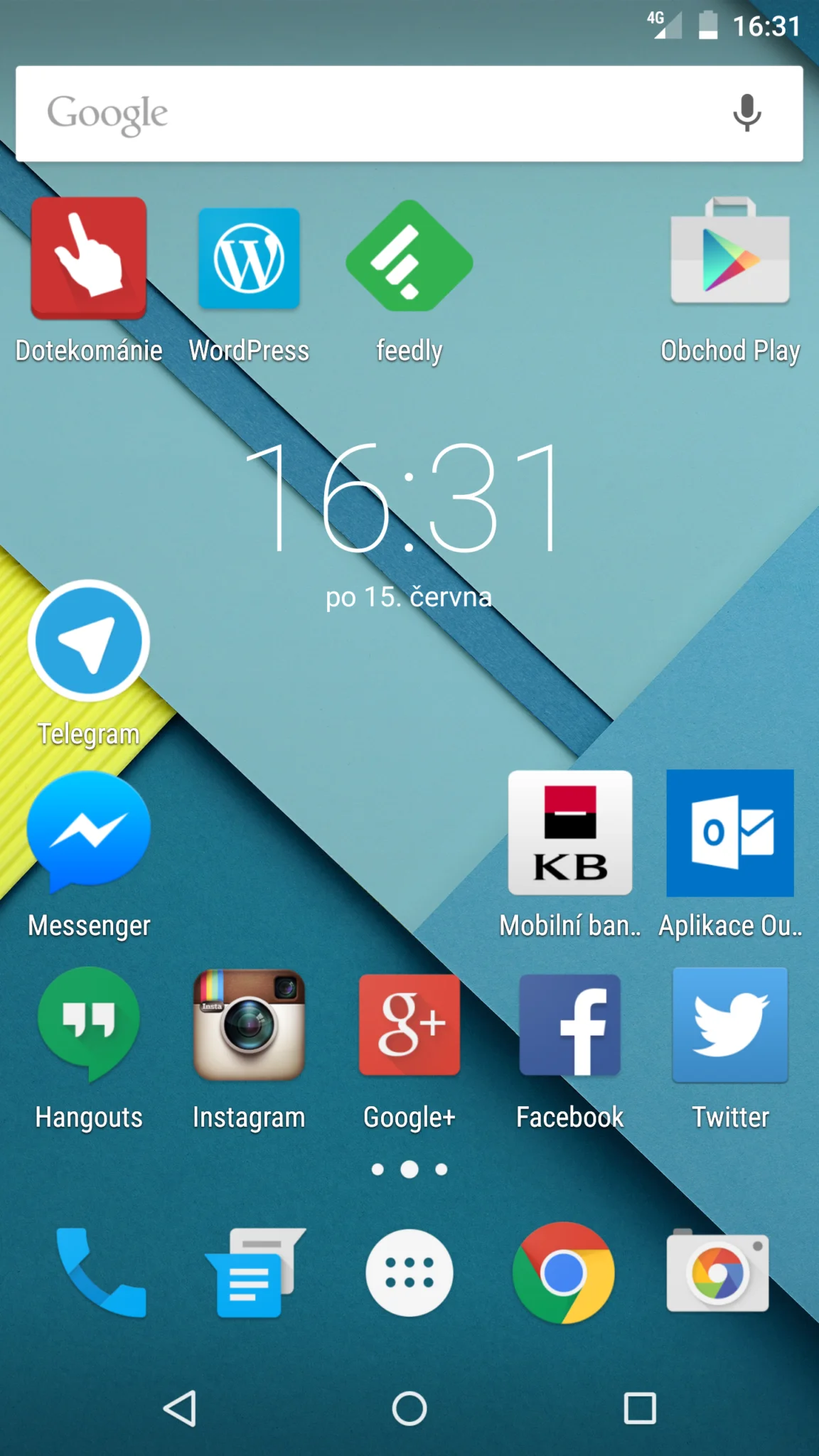
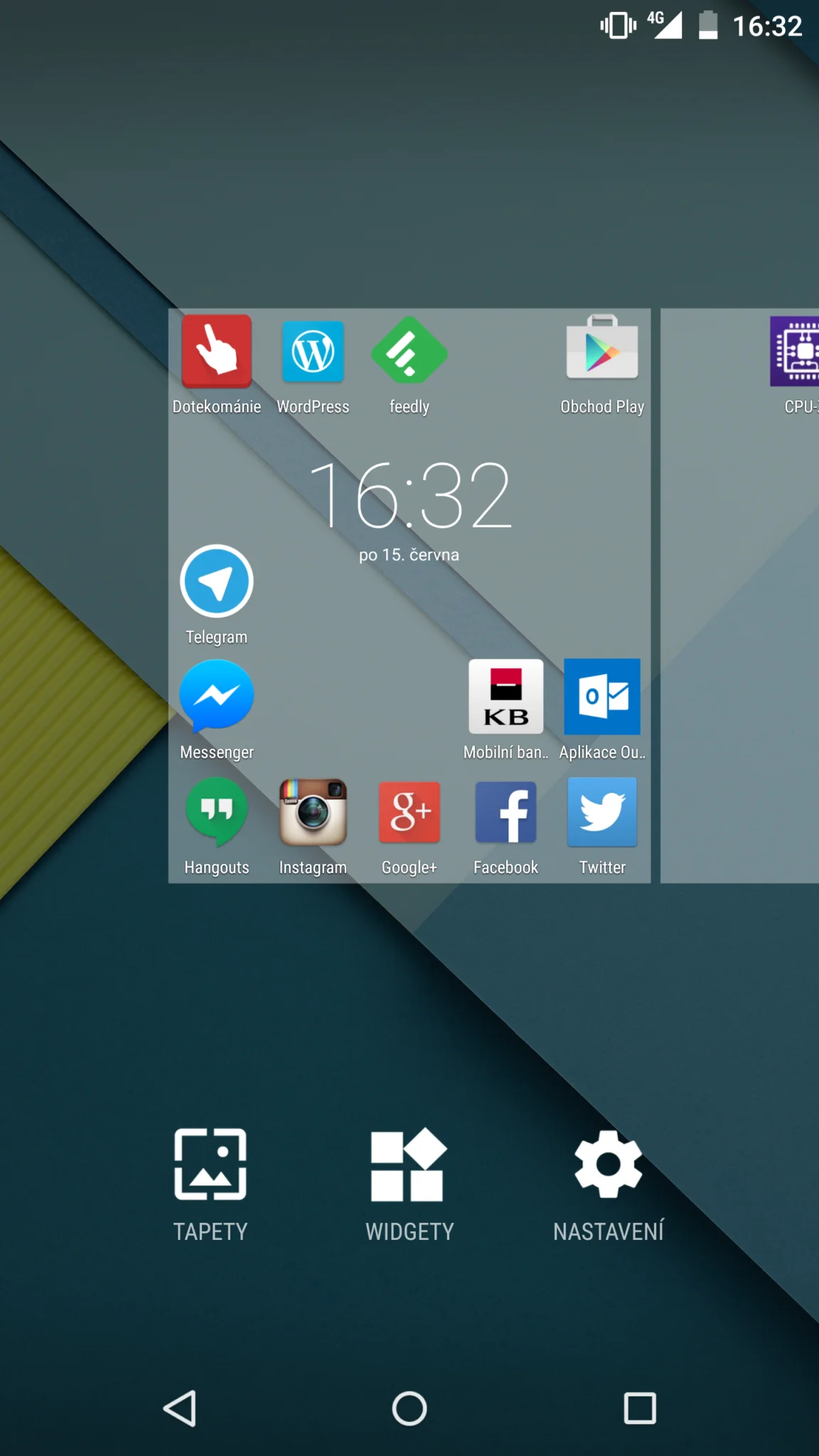
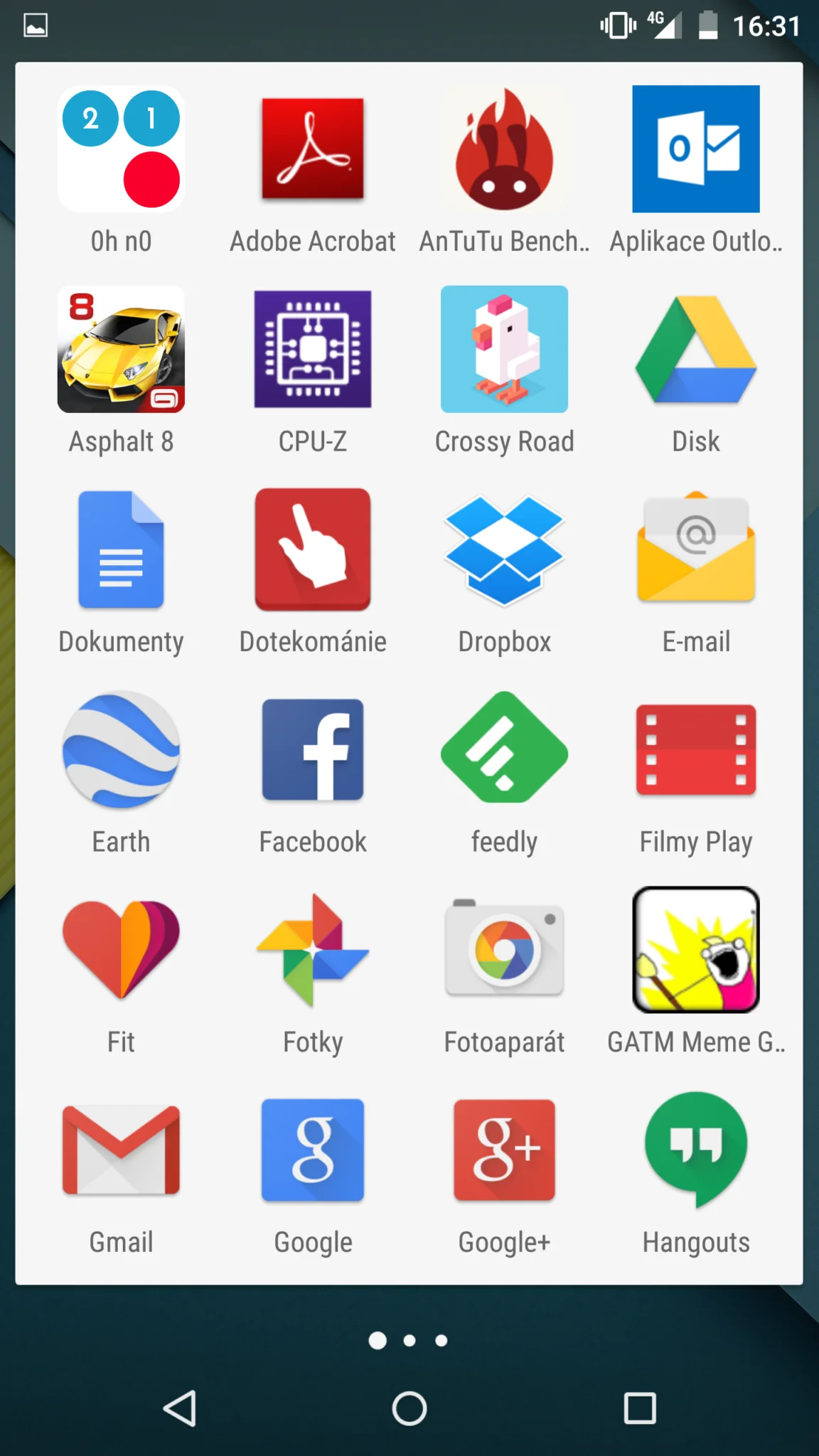
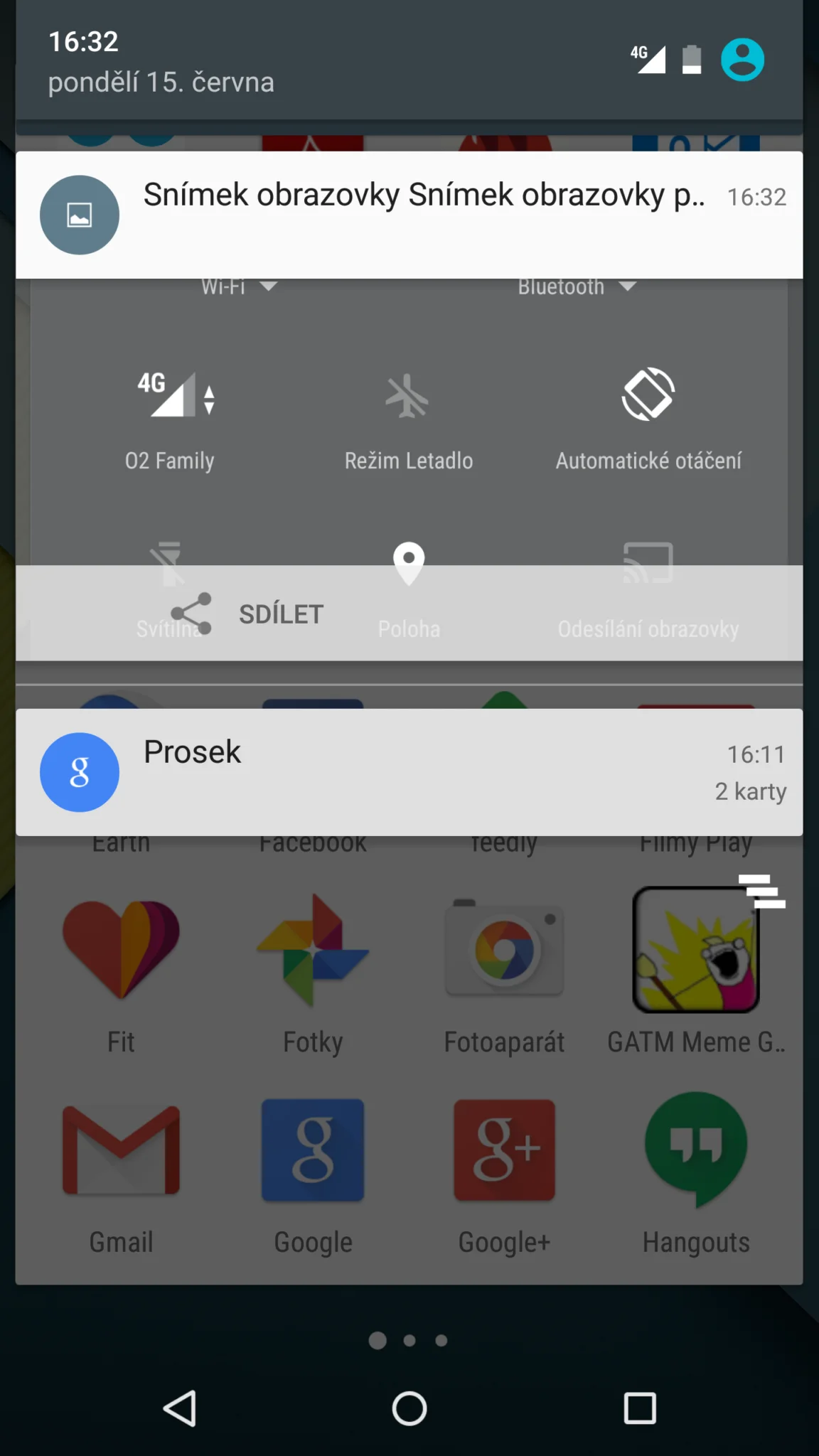
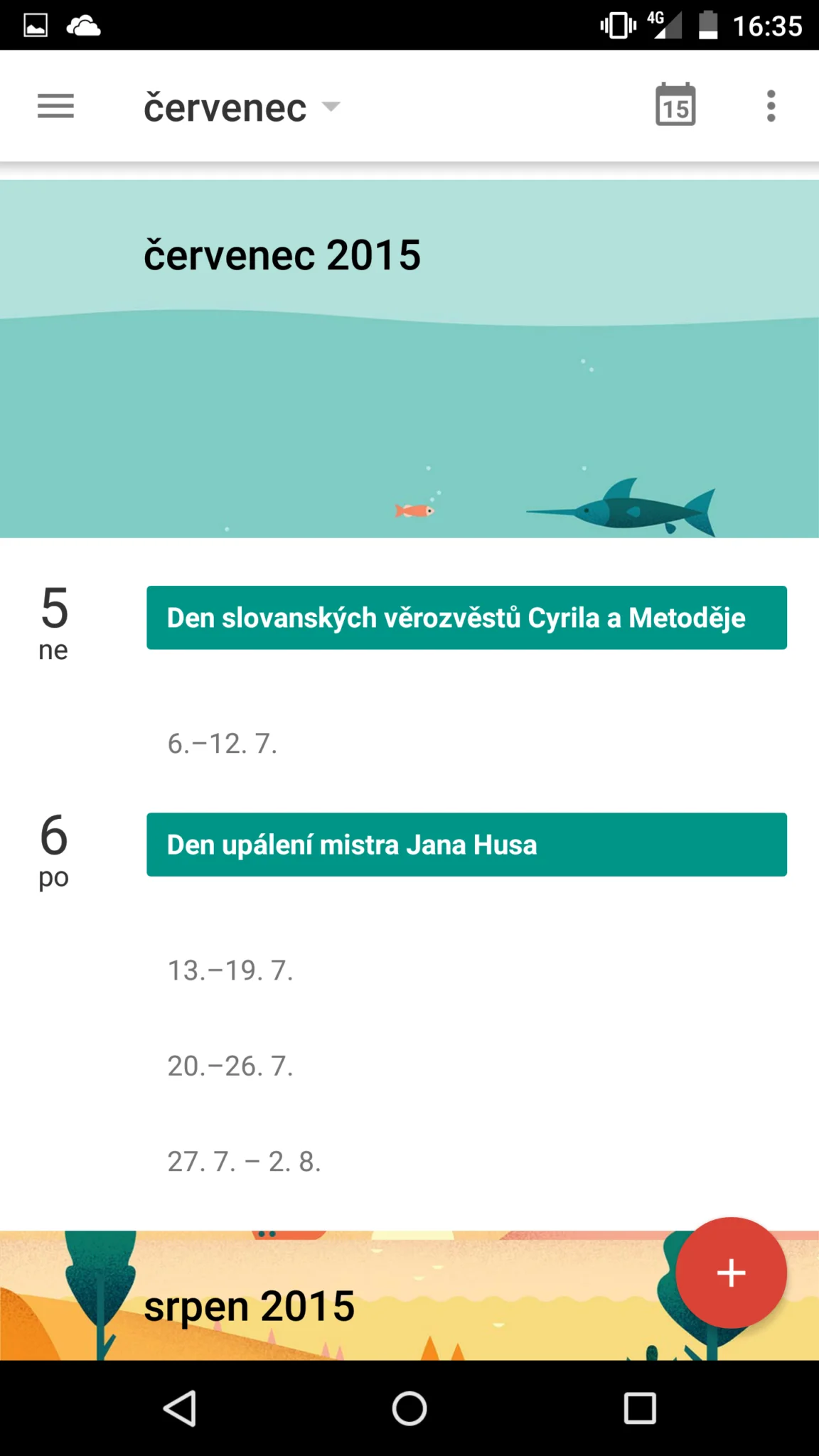
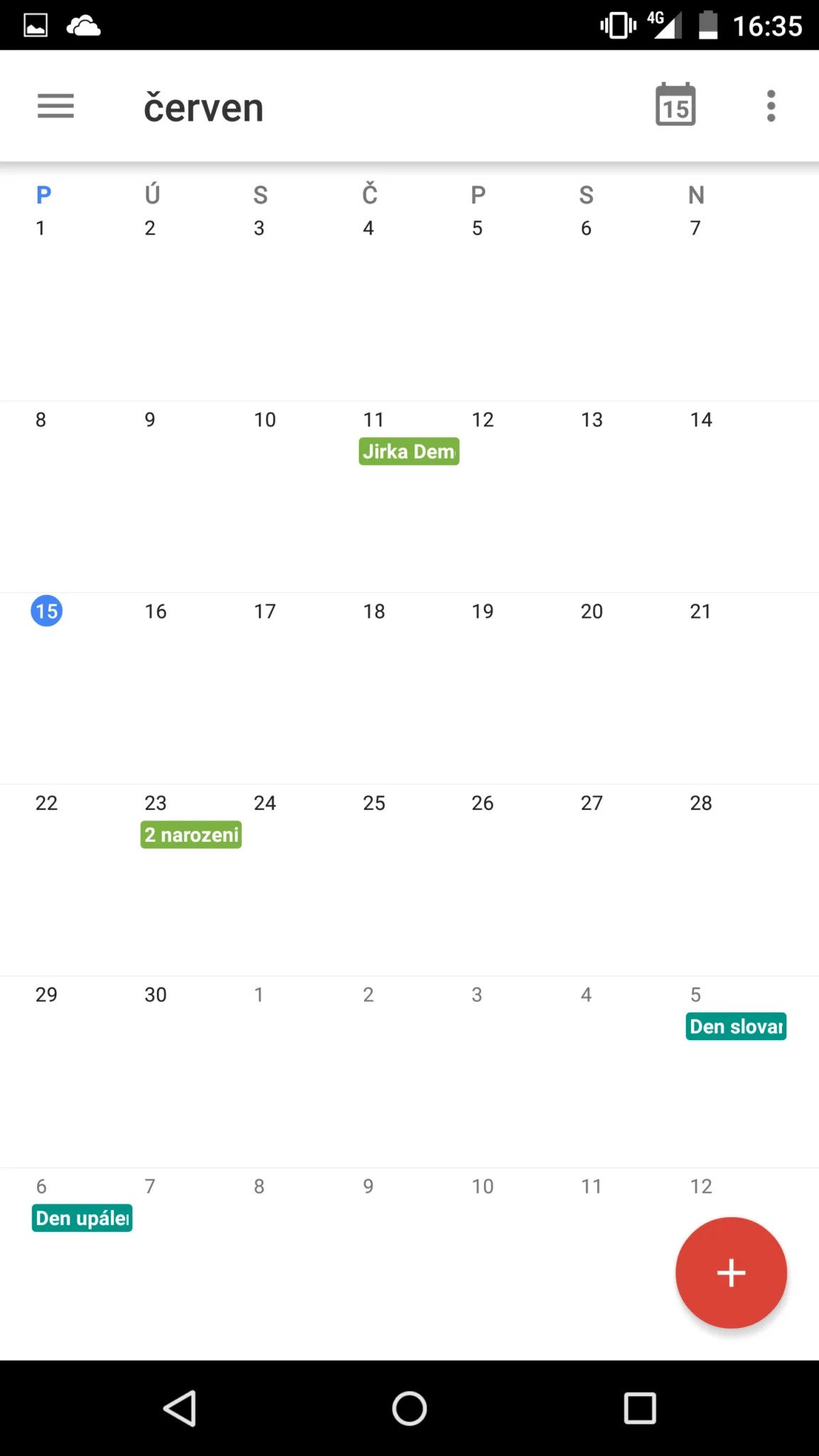
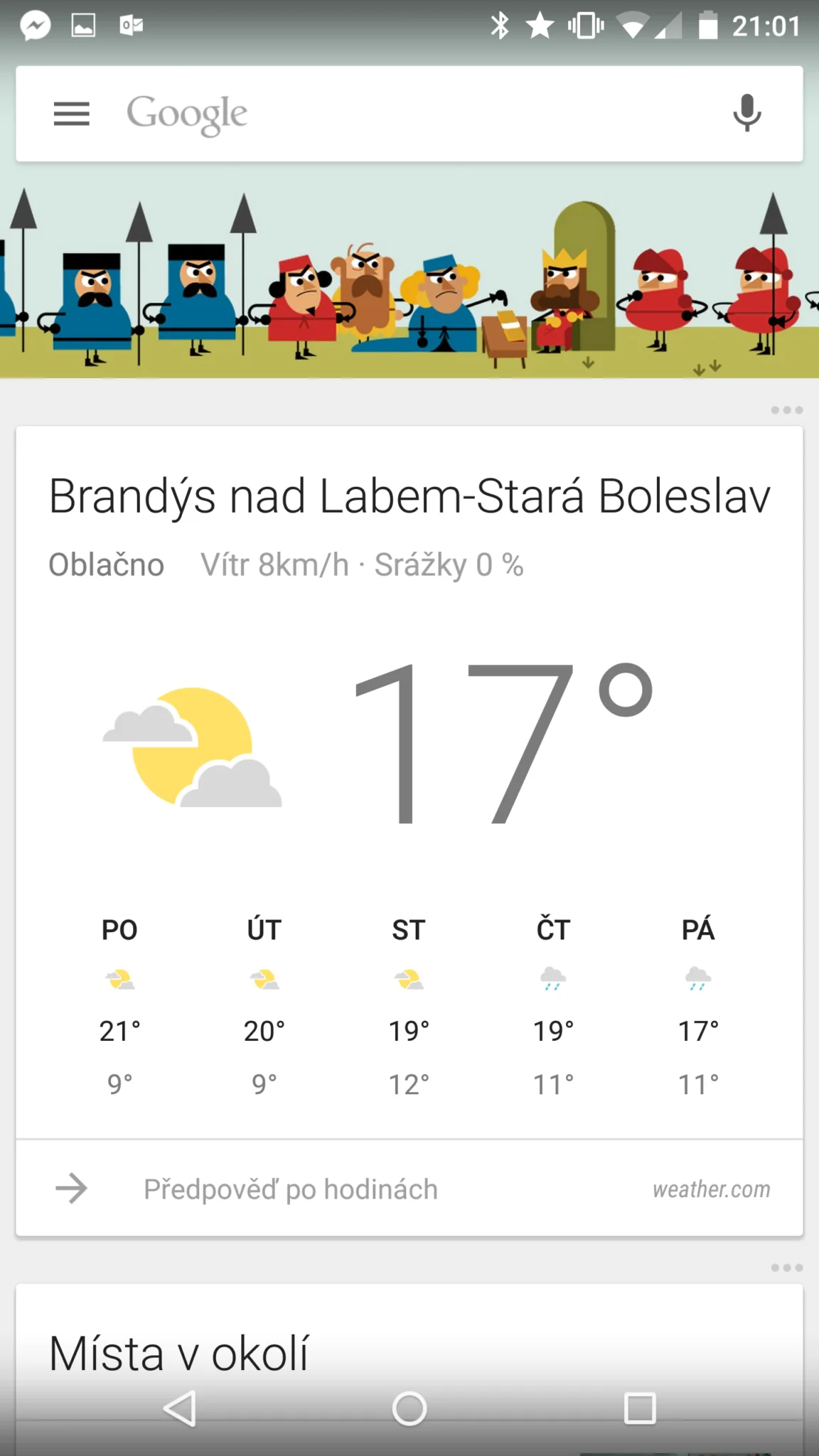
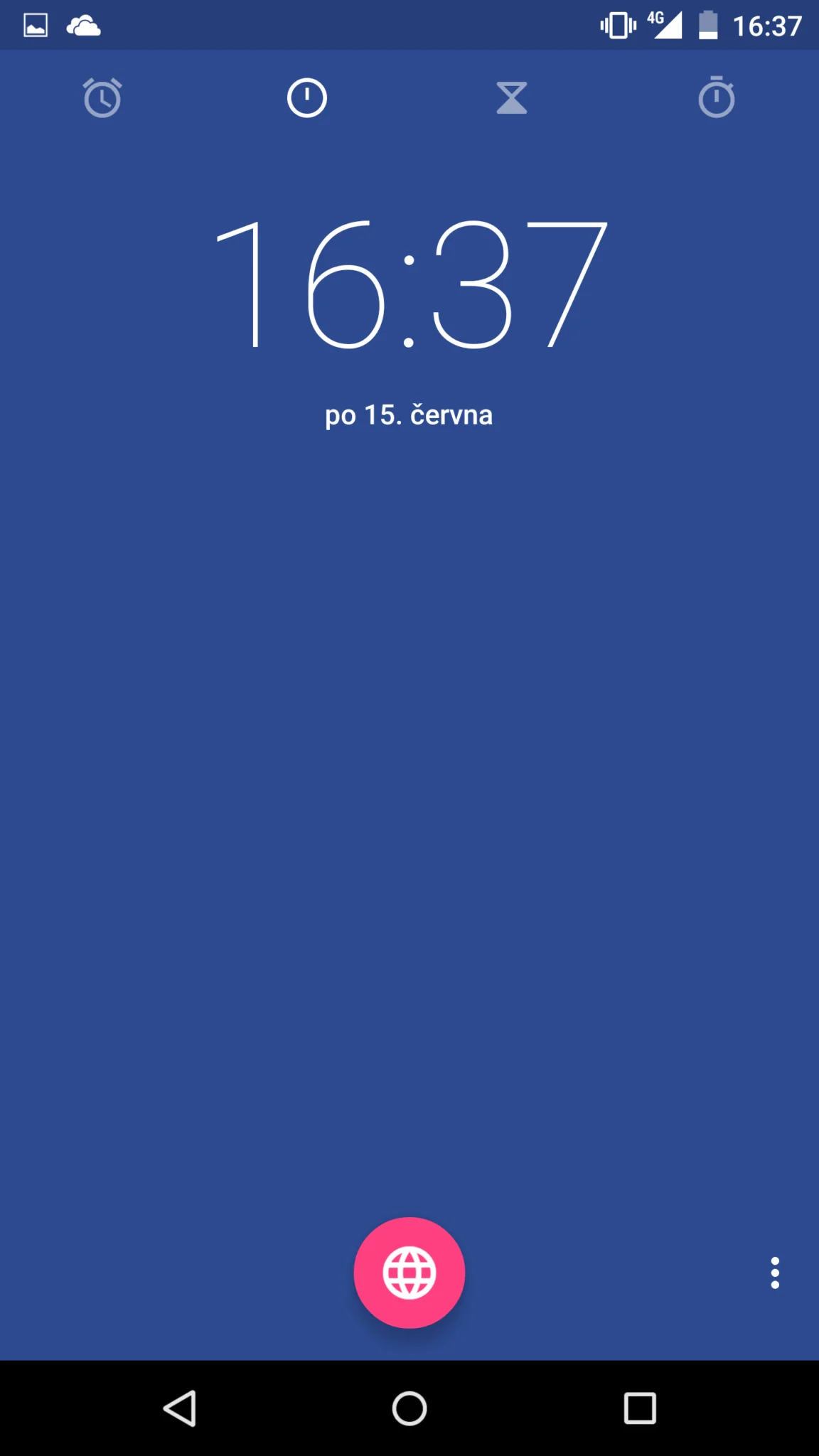
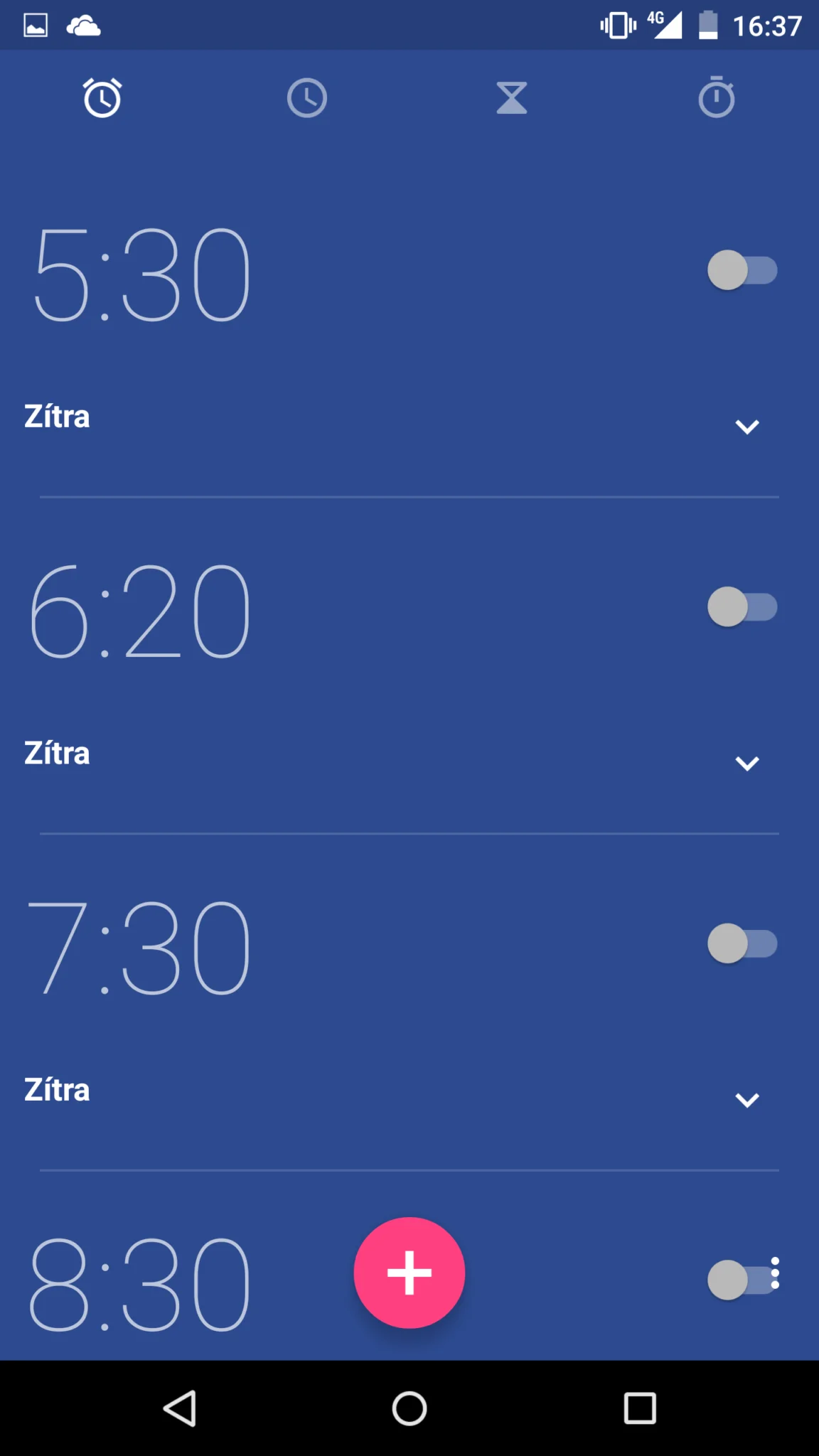
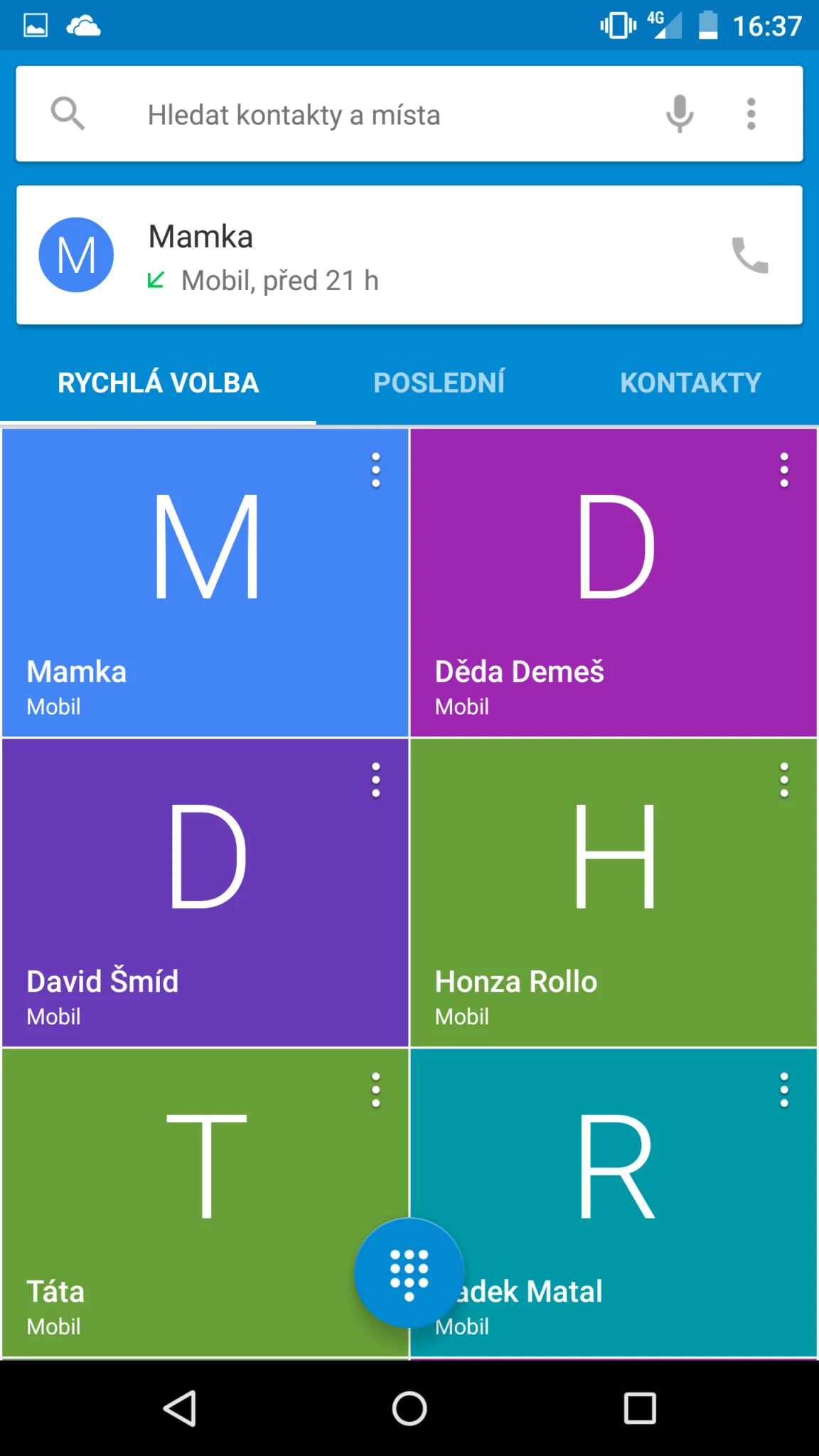
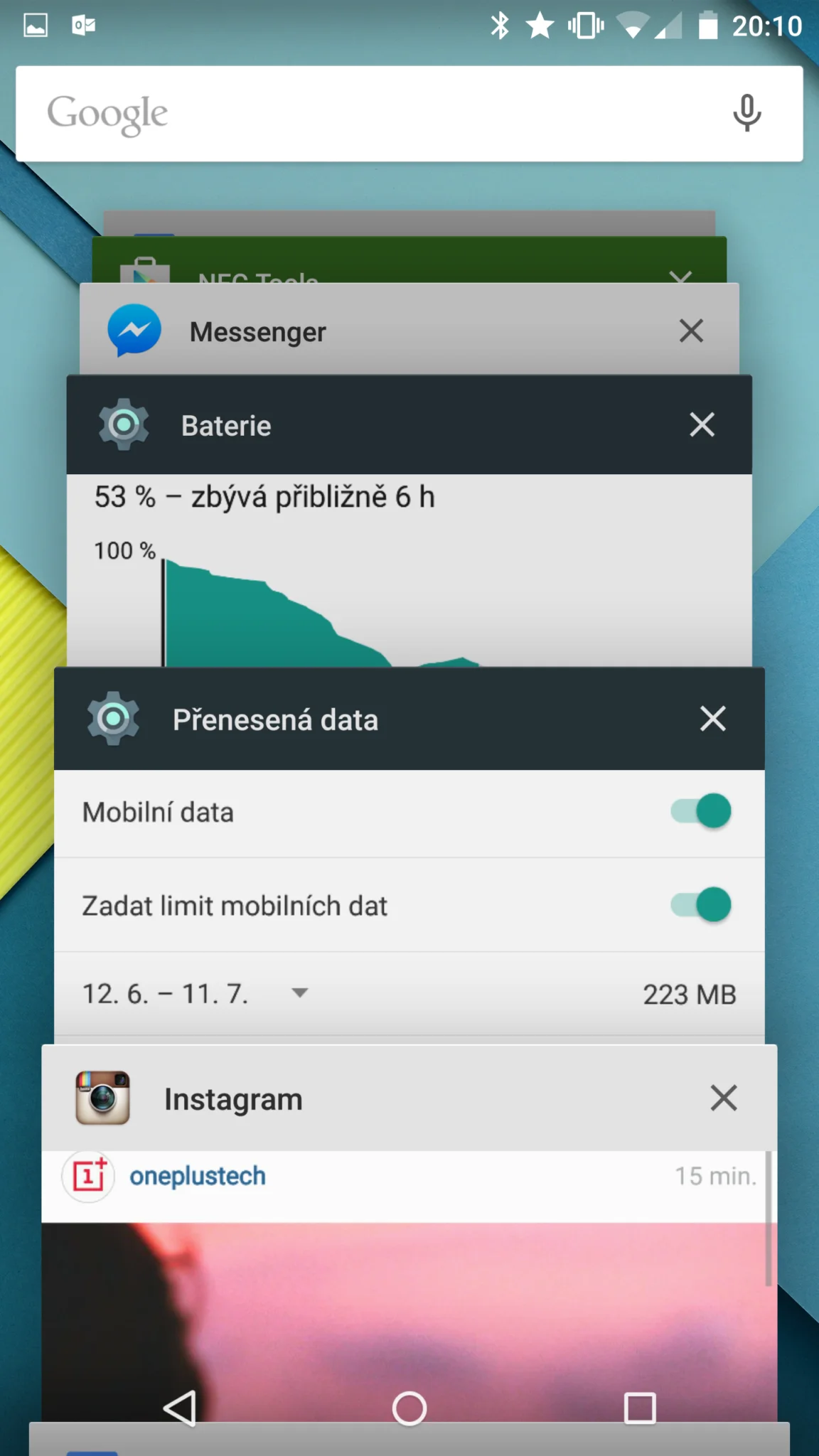
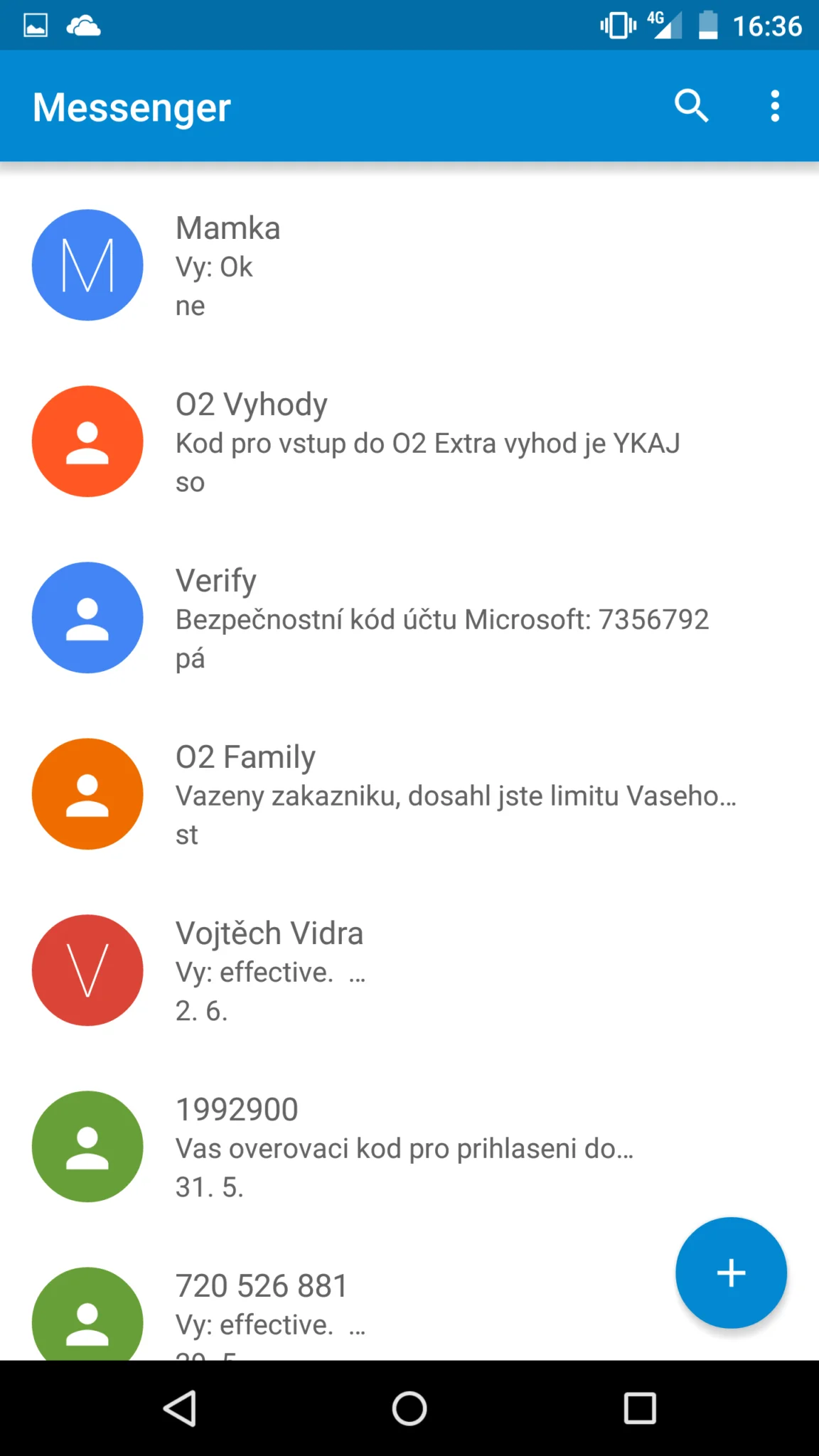
Even though the phone runs stock Android, I still ran into occasional minor stutters, and a few apps crashed unexpectedly. Some system apps, especially the camera, would freeze for a split second during use. In the camera app specifically, rotating the phone sometimes caused a one- to two-second hang, with the viewfinder locking up until everything caught up again.
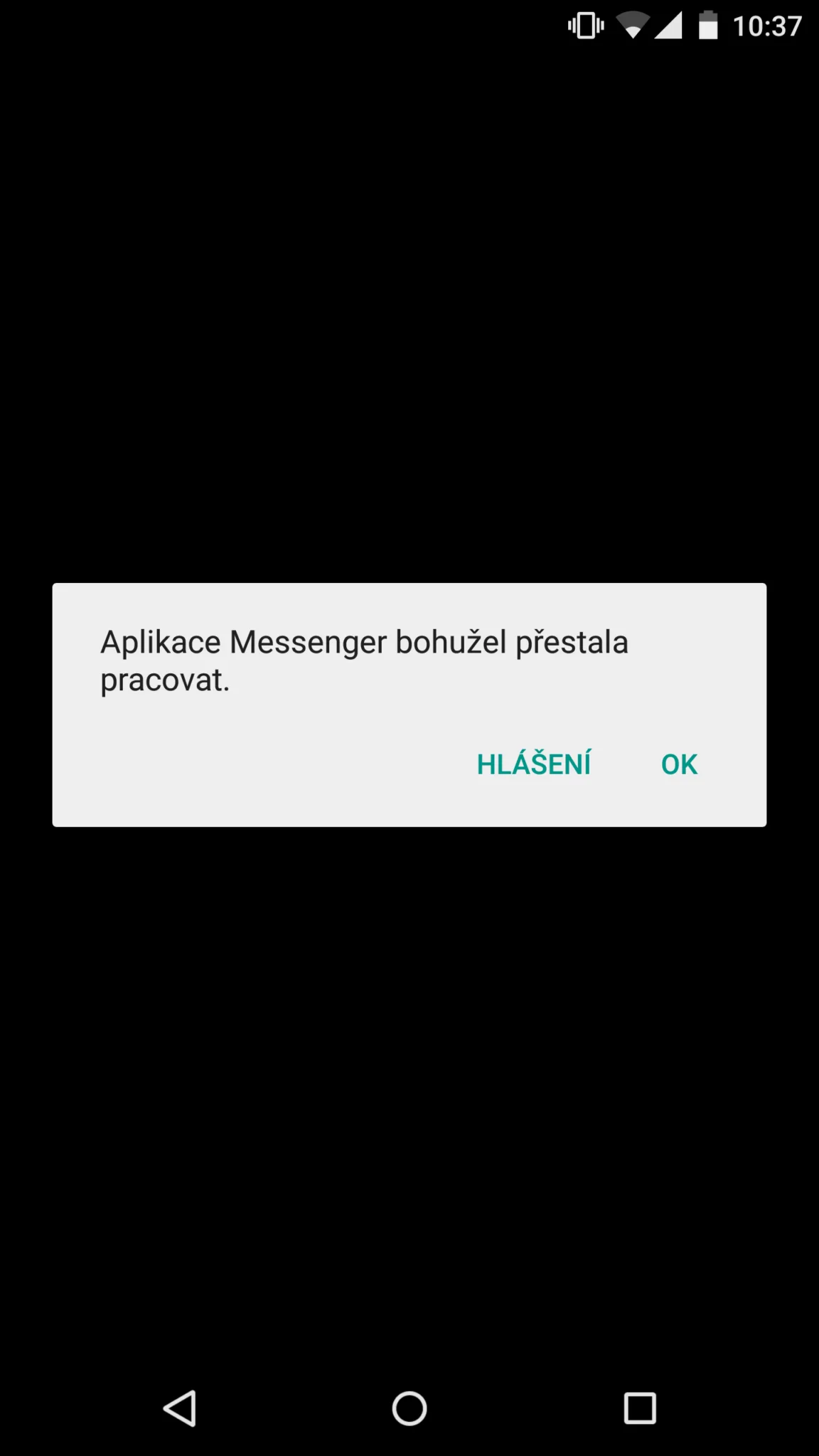
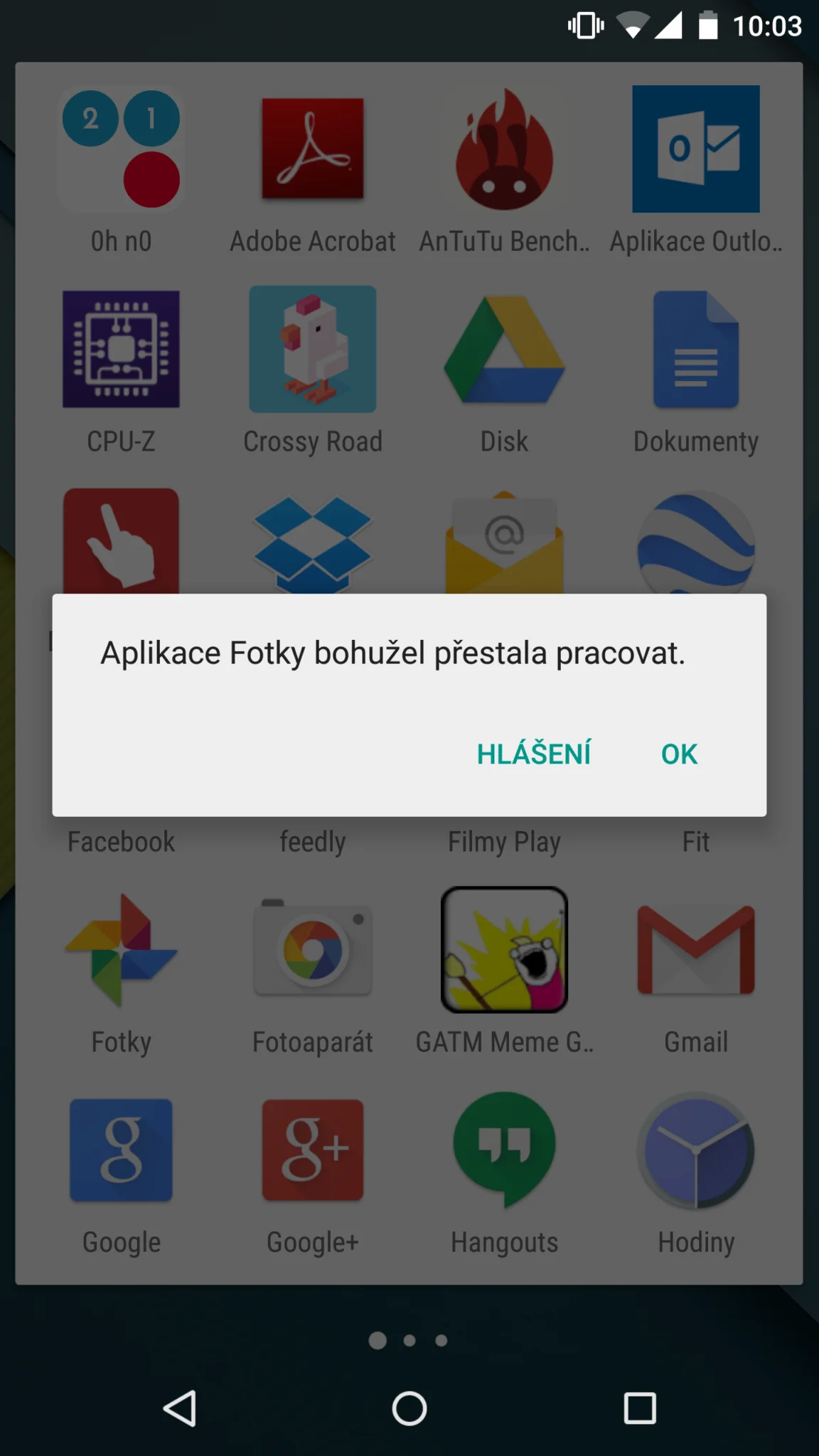
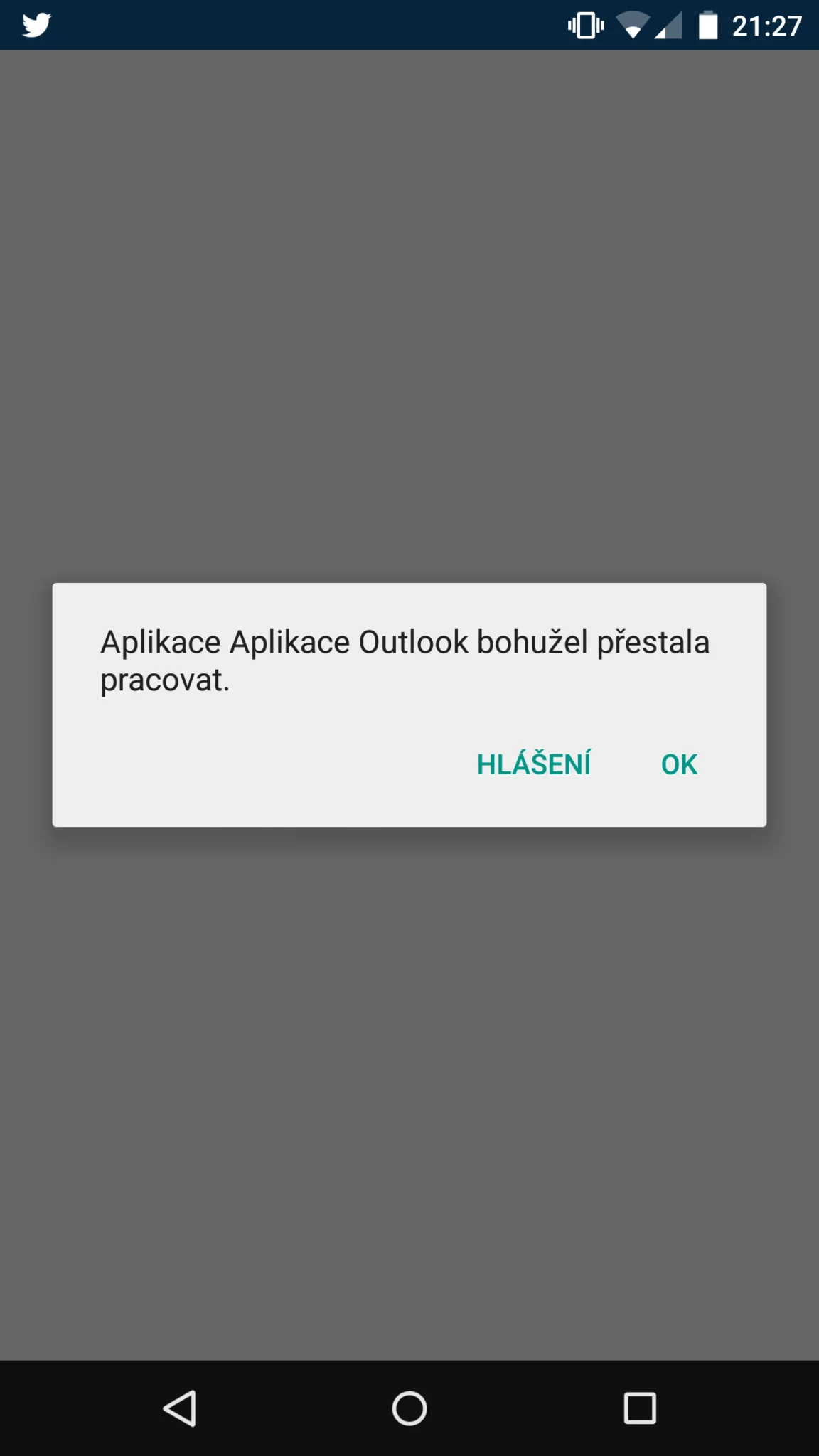
Those small issues left me with mixed feelings. This is a stock Android phone with 3 GB of RAM, yet a few parts of the system still feel less polished than they should. Third-party app crashes probably aren’t the OS’s fault, but Google should have its own system apps better dialed in.
None of this is serious. Outside of those hiccups, the system is excellent, and I can comfortably rank the Nexus 6 among the fastest and smoothest phones I’ve used. Still, if Google had ironed out the problems mentioned above, there would be very little left to criticize.
DISPLAY
The huge 5.96-inch AMOLED display with a resolution of 1440 x 2560 pixels takes up almost the entire front of the phone. It’s protected by Gorilla Glass 3, which is built to resist scratches and should survive the occasional minor drop. I obviously didn’t put the glass through any extreme abuse, but after nearly a month of use, it didn’t pick up a single scratch or any other wear from everyday handling, so it earns easy praise here.
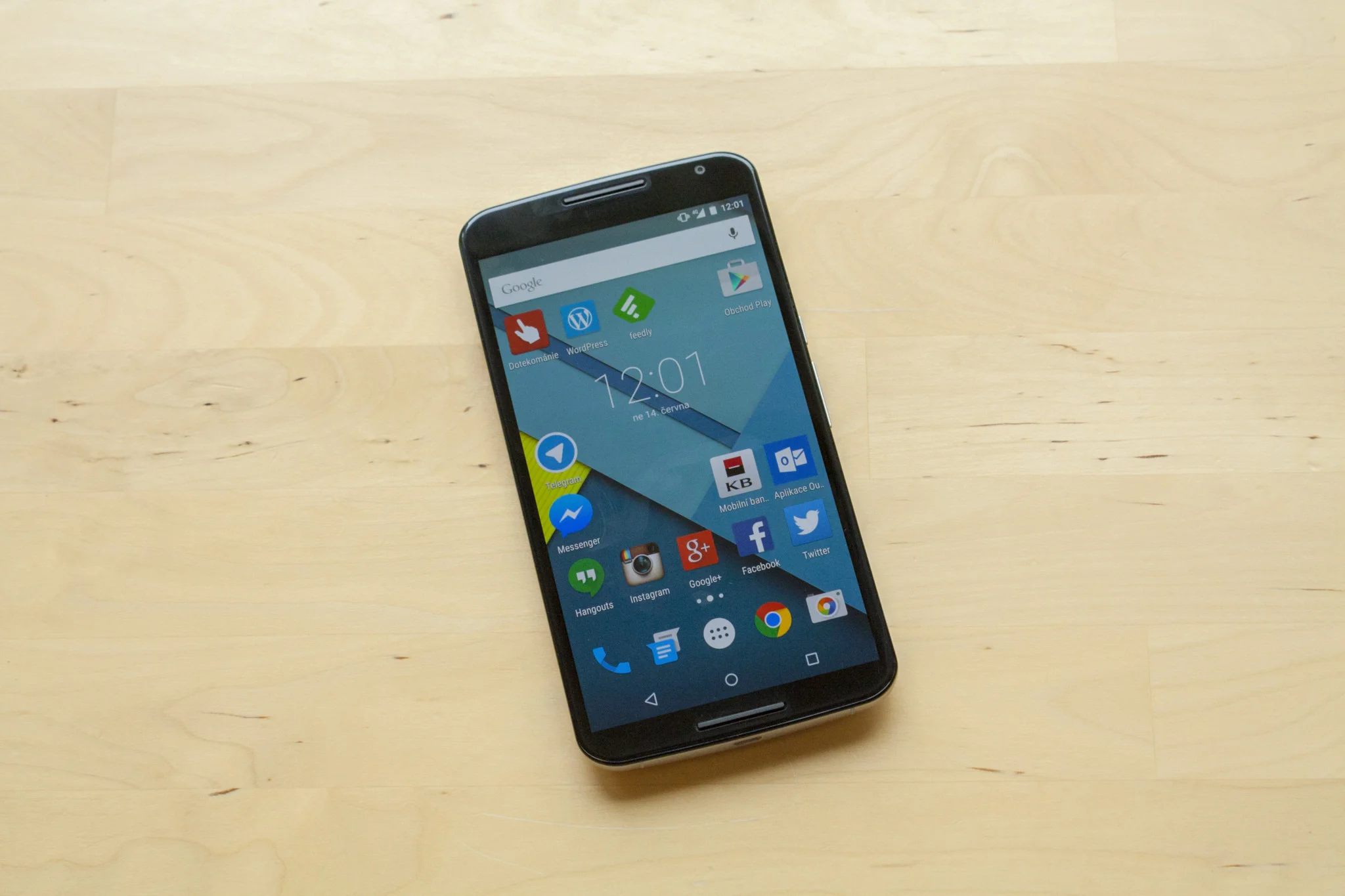
The panel itself delivers a first-rate image with vivid colors, and thanks to the AMOLED technology, black levels are excellent. Viewing angles are also strong, with one small caveat. Text remains readable from almost any angle, but at steeper tilts, some characters become harder to make out.
That caveat is color shifting when the phone is tilted. Viewed from the side at certain angles, lighter colors, especially white, can take on a green tint, which doesn’t look great. That said, it only becomes obvious at more extreme angles, so in normal day-to-day use you may never notice it at all.
One of the more interesting features here is Ambient Display. Using the gyroscope, the phone can tell when you pick it up, for example off a desk. Once it detects that motion, it lights up the lock screen in black and white, including notifications, so you can instantly see what’s going on. Tap the display, and the standard lock screen appears.
Display brightness can be adjusted with a slider across many levels. The dimmest setting nearly blacks the screen out entirely, which is especially useful at night in a completely dark room when you don’t want the phone blasting your eyes. I used the highest settings outdoors in sunlight, and there’s also adaptive brightness if you want the phone to handle that automatically based on ambient light. Reading the screen outside was rarely a problem; only in very direct sunlight did visibility occasionally take a hit, and even then it stayed usable.
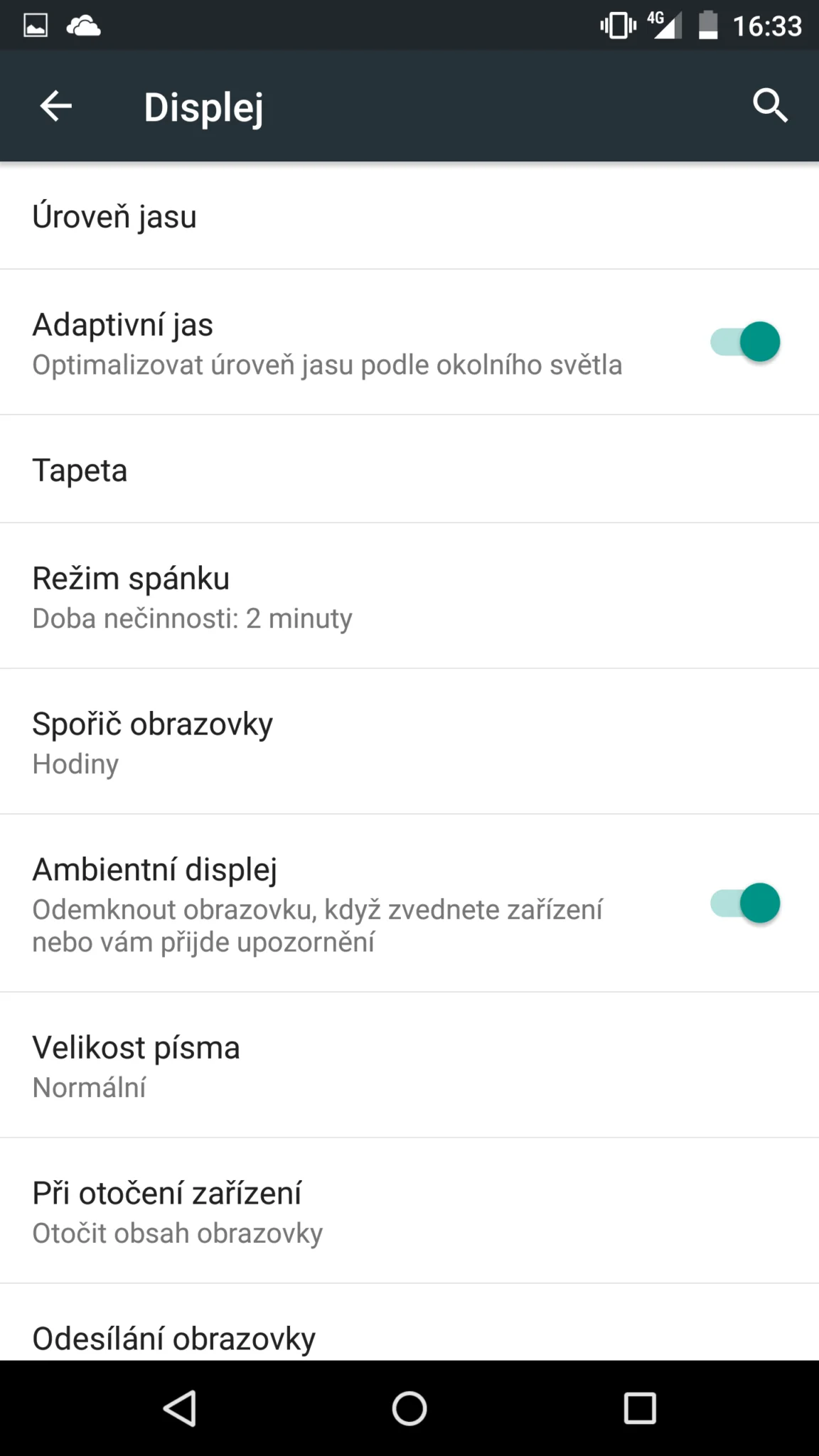
One thing I really missed was the ability to wake the phone with a double tap on the display. The Nexus doesn’t offer that, which feels like a missed opportunity. Ambient Display does make access a little easier, but it’s not the same, you first have to pick up the phone, and only then can you get in with a tap. It’s not the most convenient solution. Still, I came away with a very positive impression of the display overall. The resolution is excellent, and the image looks great whether you’re watching movies or playing games.
CAMERA
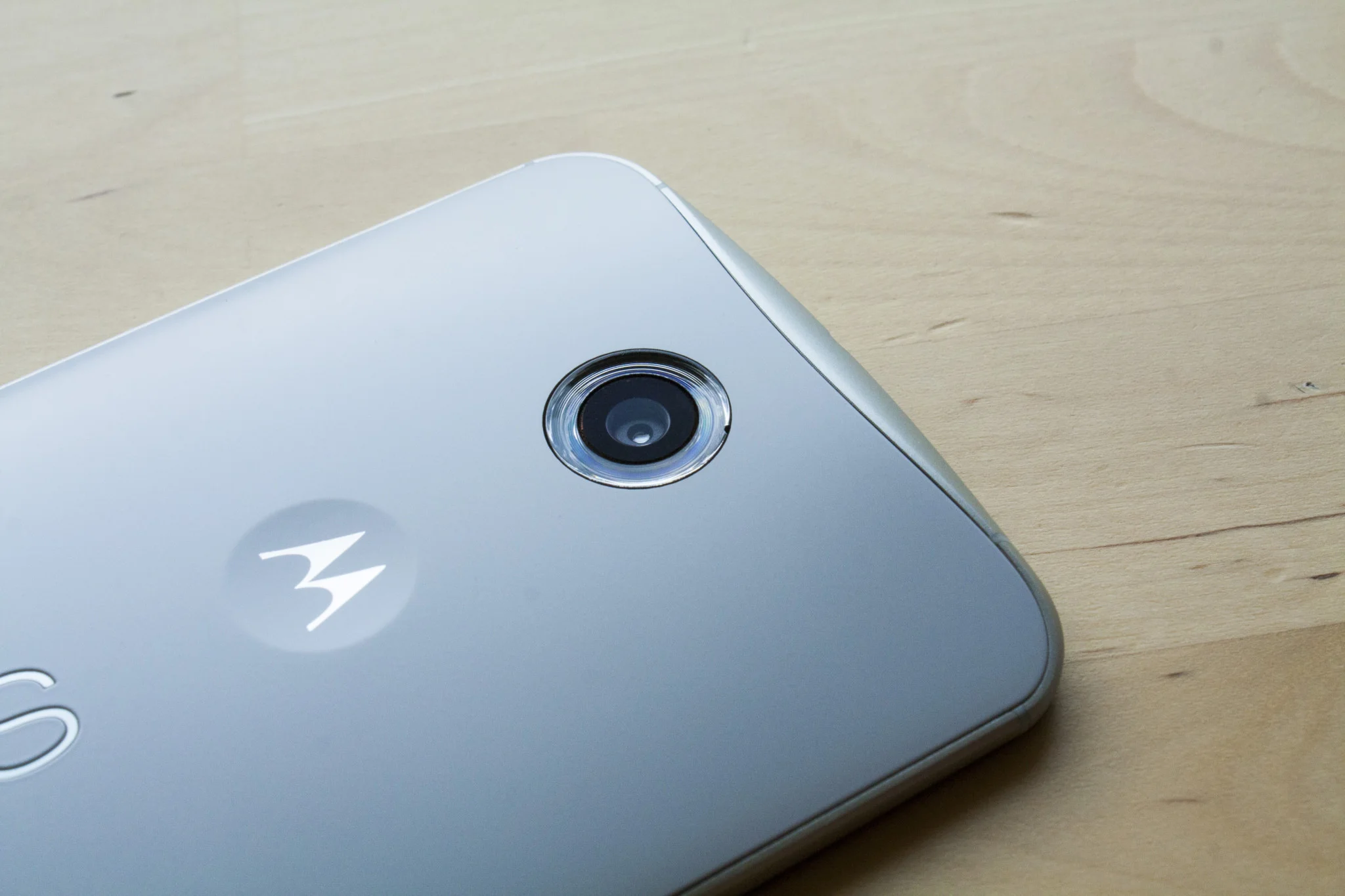
The camera is clearly one of the phone’s strengths. As mentioned earlier in the design section, it also stands out for its unusual physical design. The sensor has a resolution of 13 MPx, though you only get the full resolution when shooting in a 4:3 aspect ratio. If you prefer the wider 16:9 format, you’ll be limited to 9.7 MPx. Even so, that’s still plenty, and the resulting images look very good in both cases.
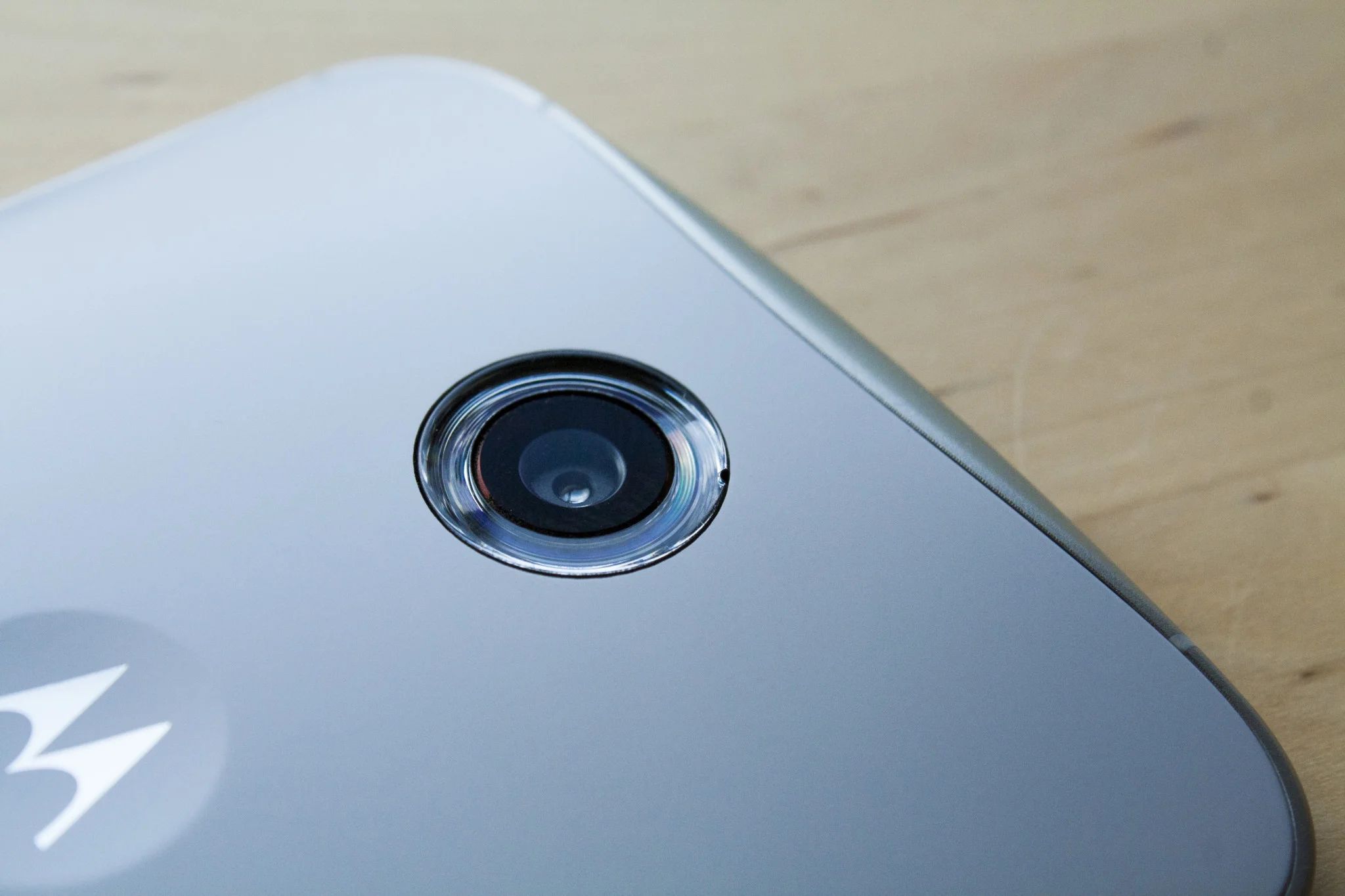
Optical image stabilization, autofocus, and a dual-LED flash are all here, helping especially in low light. The LEDs aren’t especially powerful compared with other flagship phones, but for everyday photography they’re perfectly adequate.
Photos don’t suffer from any major noise issues. You’ll mainly run into that in poorer lighting, and even then it usually isn’t obvious at first glance. It becomes more visible only when you inspect the image closely or zoom in. The best results come in good light, where the camera performs very well. In darker environments, image quality remains solid, though shots of the same scene can sometimes vary from one capture to the next.
Camera app
At first glance, the interface feels a little messy, but once you get your bearings, actually taking photos is very straightforward. You can stick with auto mode or switch to manual controls, though the latter unfortunately doesn’t offer much room to really fine-tune a shot. The most useful option here is manual exposure adjustment; the rest is limited to flash settings, HDR, grid lines, and a self-timer. There’s also the usual toggle between the main and front-facing cameras.
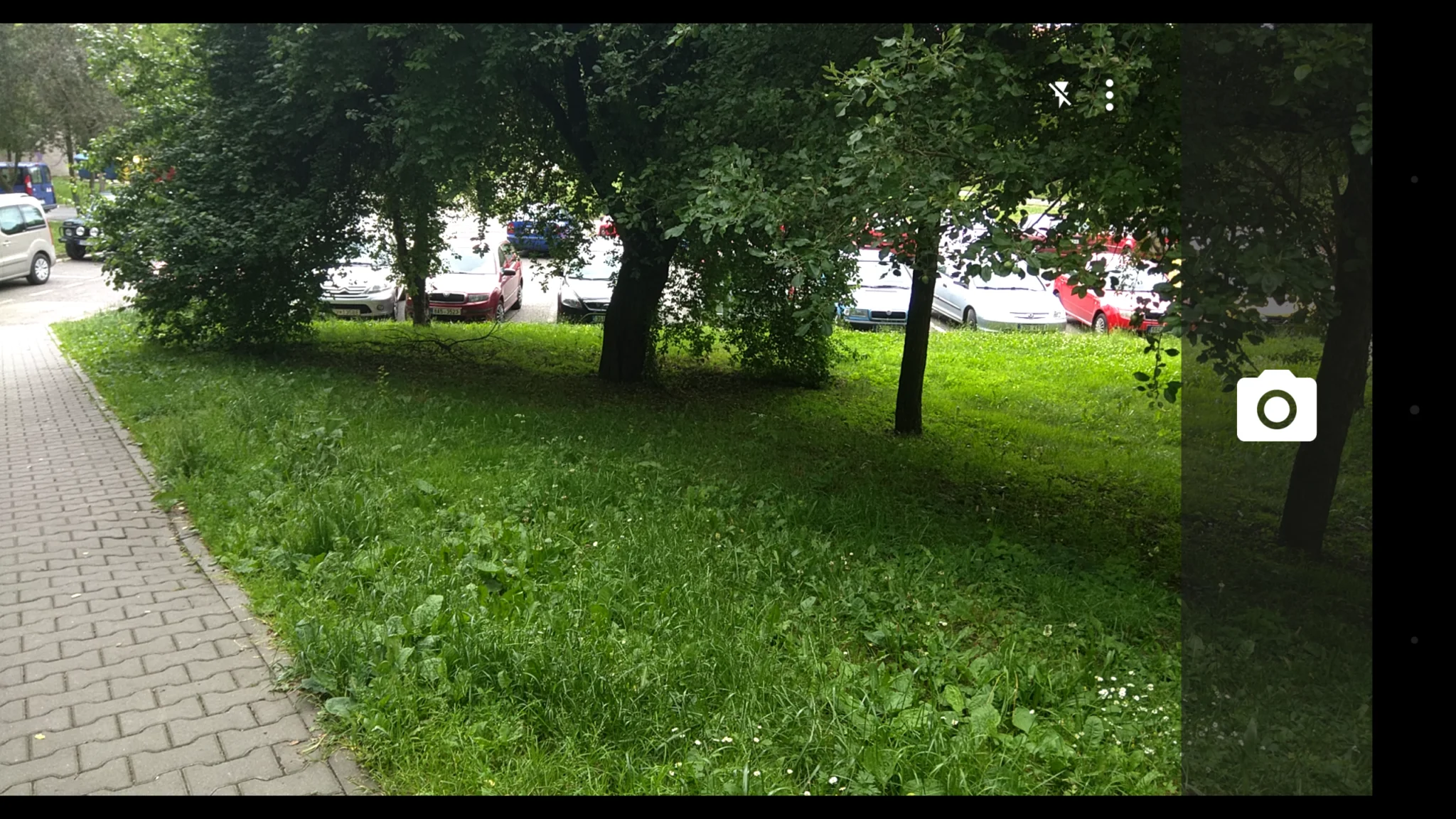
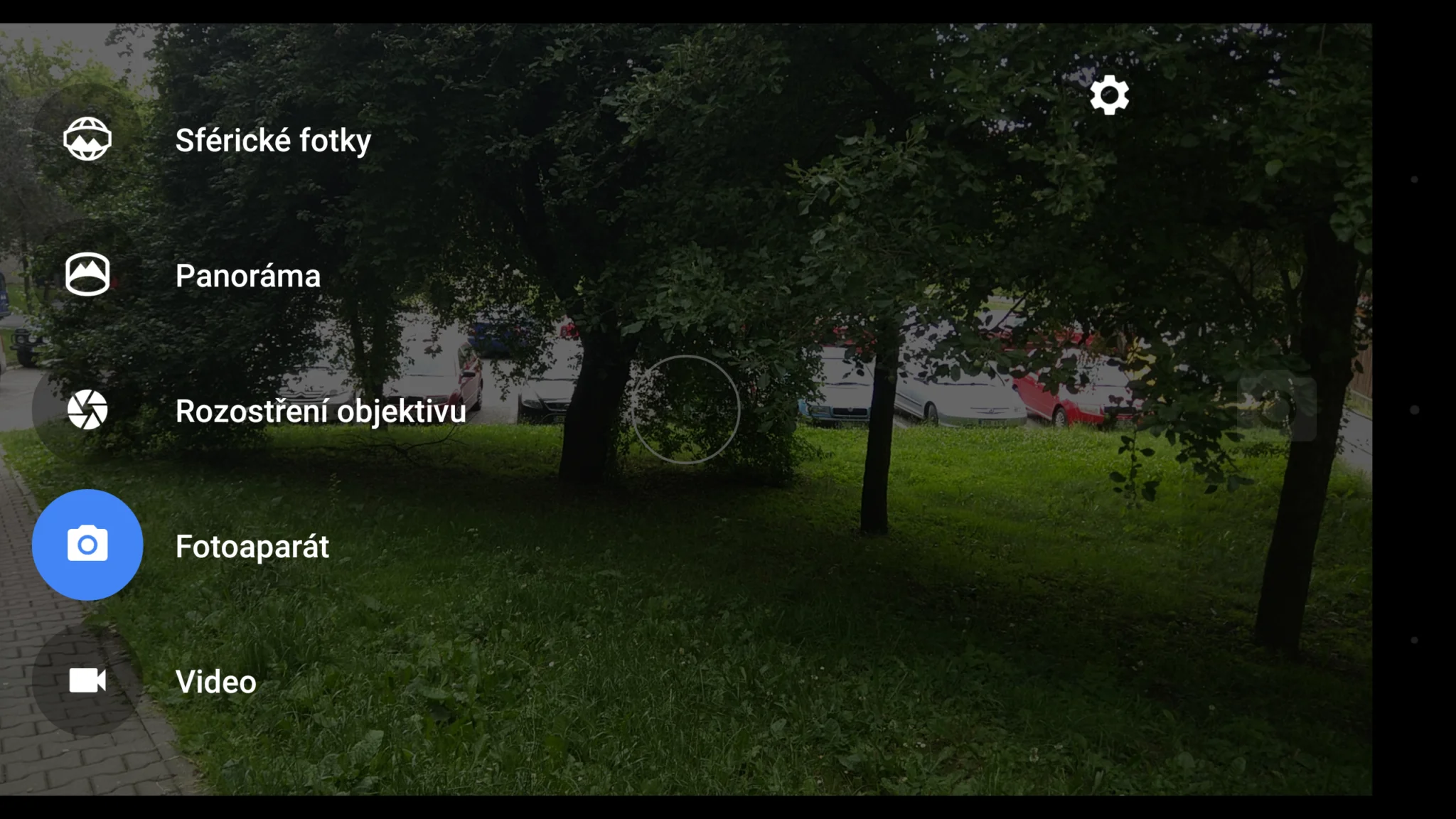
Swipe from left to right and a simple menu appears with these modes: Photo Sphere, Panorama, Lens Blur, Camera, and Video. A little farther over, you’ll find the gear icon that opens camera settings. There isn’t much to dig into there either. You can basically only enable location tagging and adjust resolution settings for each camera, separately for photos and video.
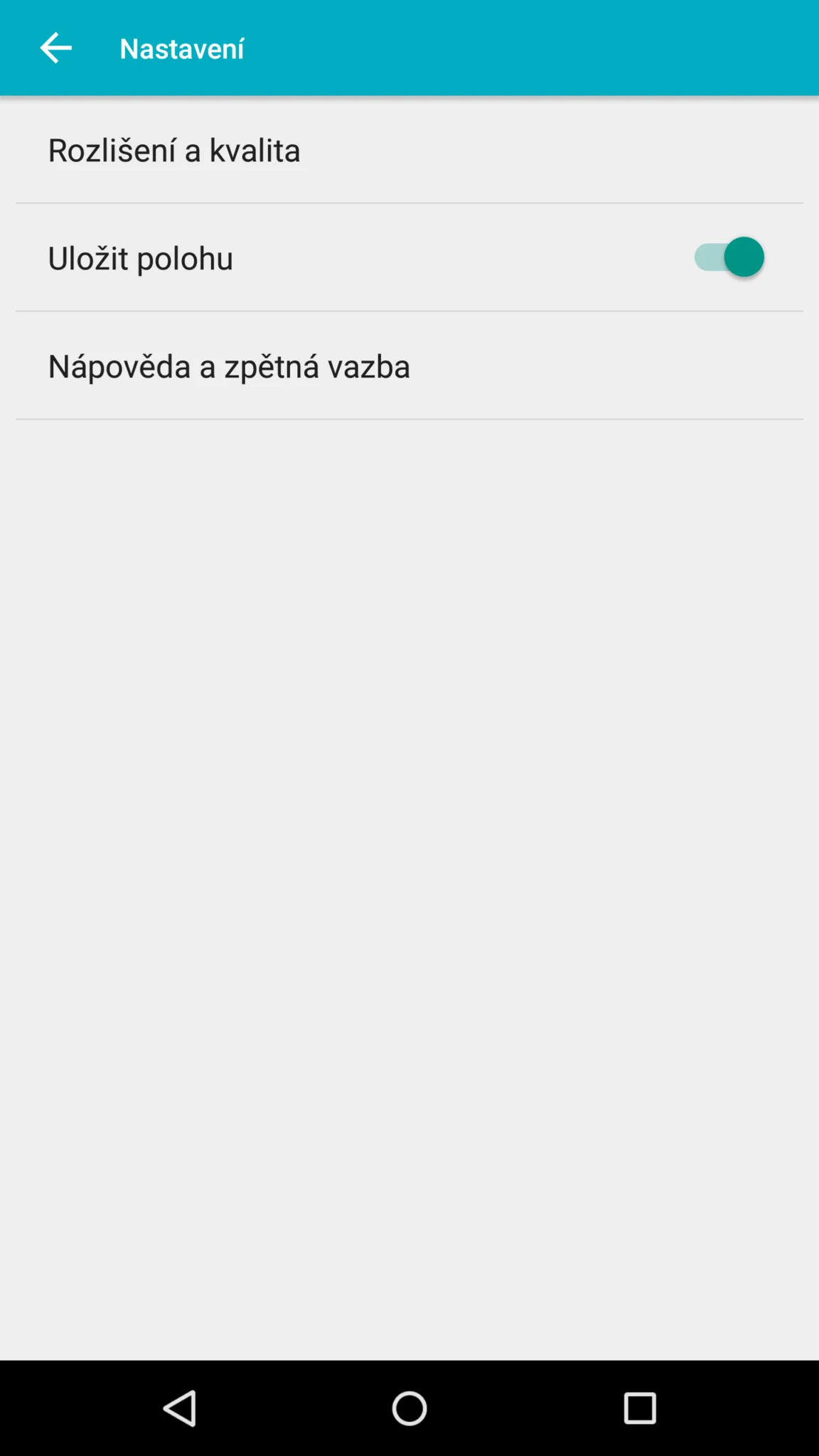
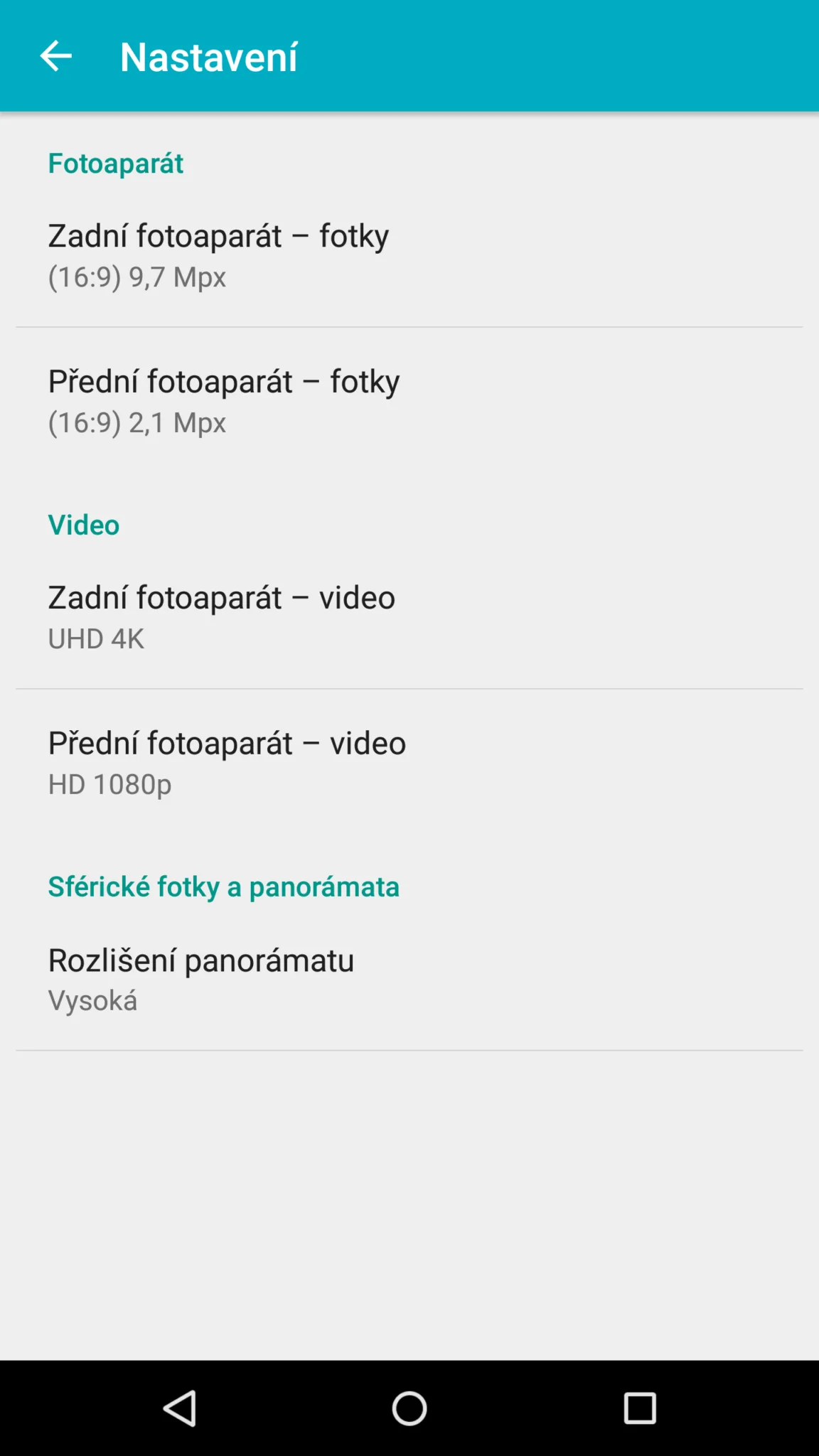
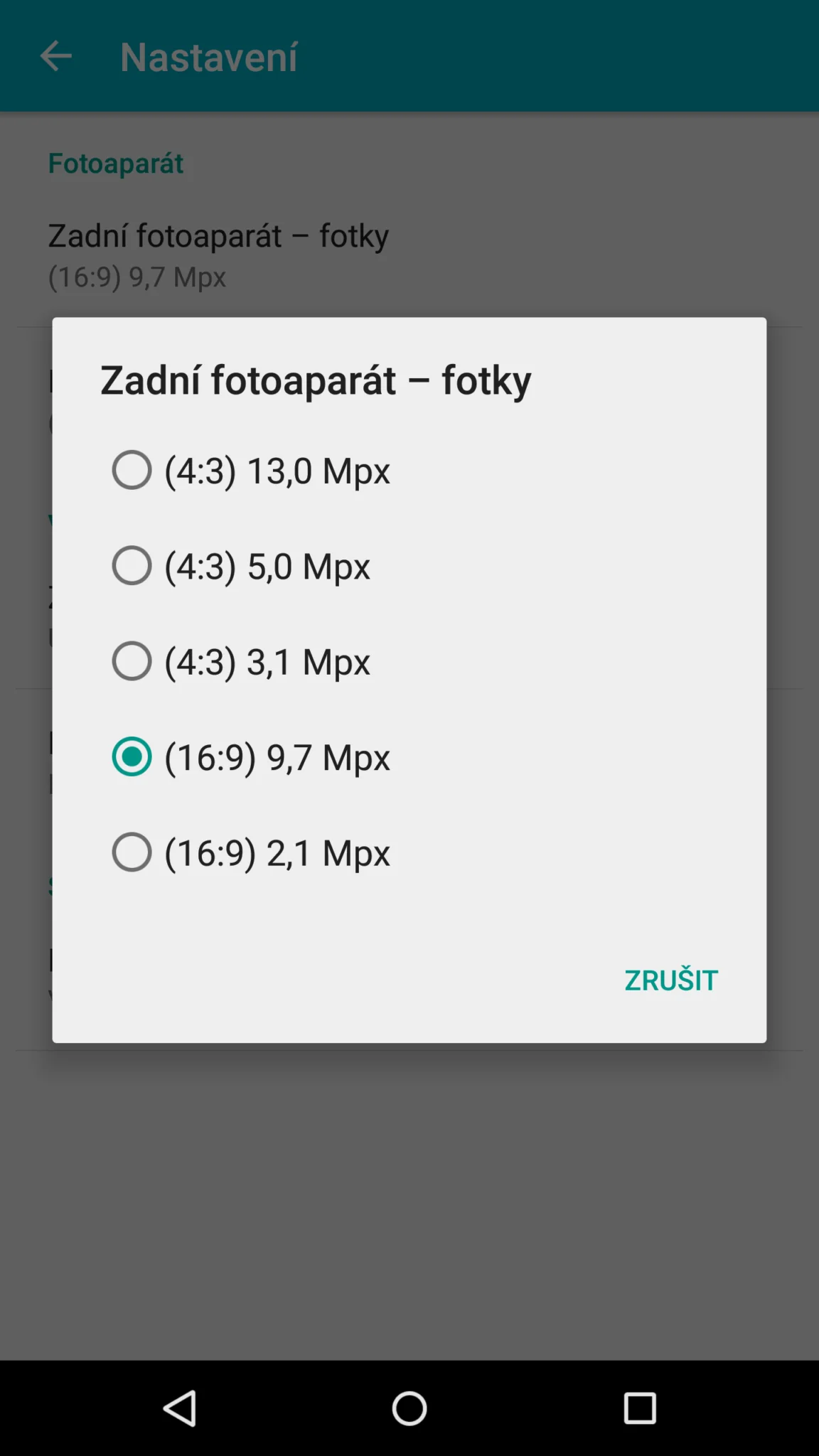
As mentioned earlier in this section, there are several aspect ratio and resolution combinations to choose from. The best results come from the 4:3 aspect ratio at 13 MPx. I personally prefer 16:9, which is why the sample photos below were shot at the quality setting shown in the screenshot above.
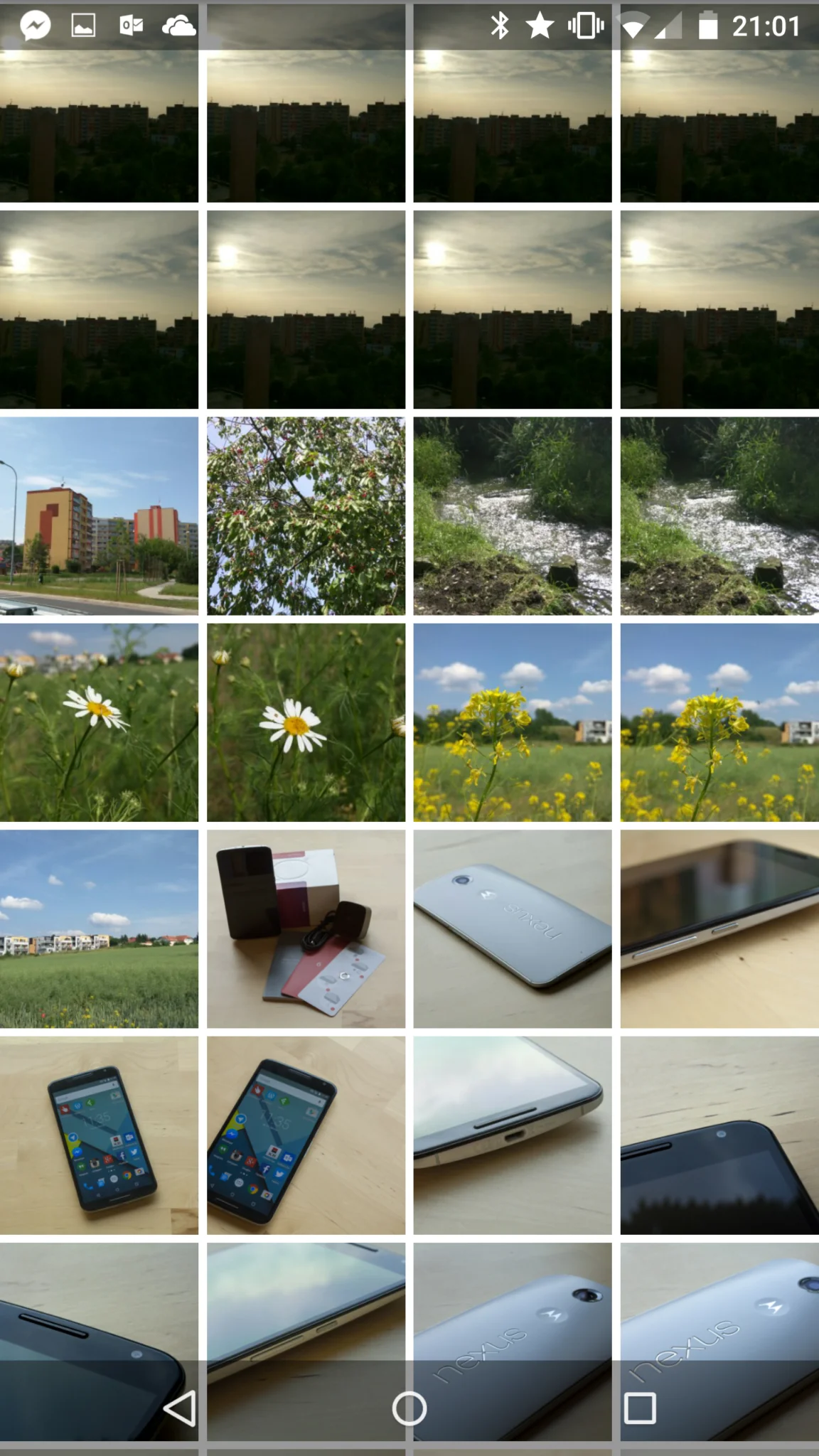
Sample photos
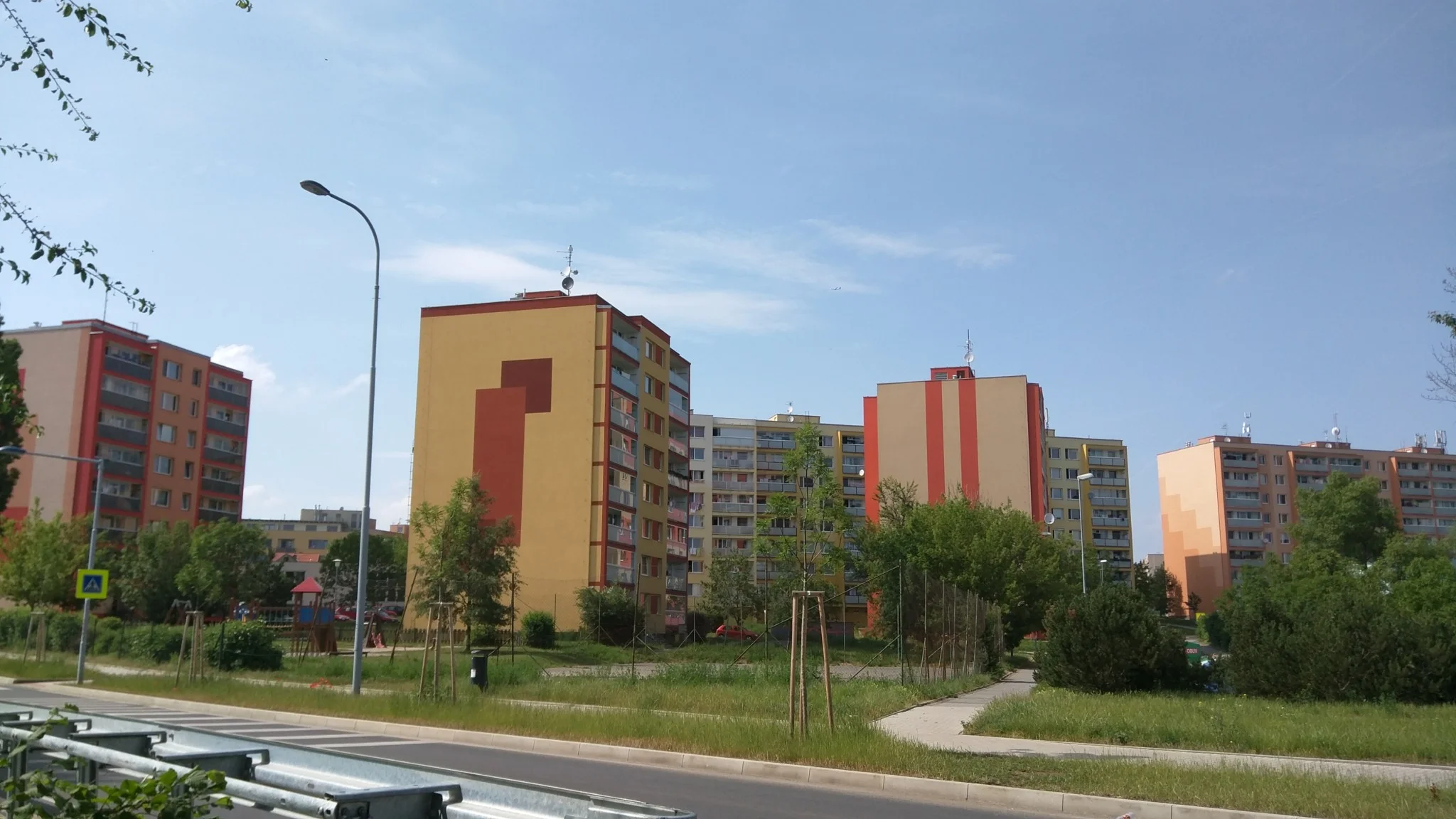





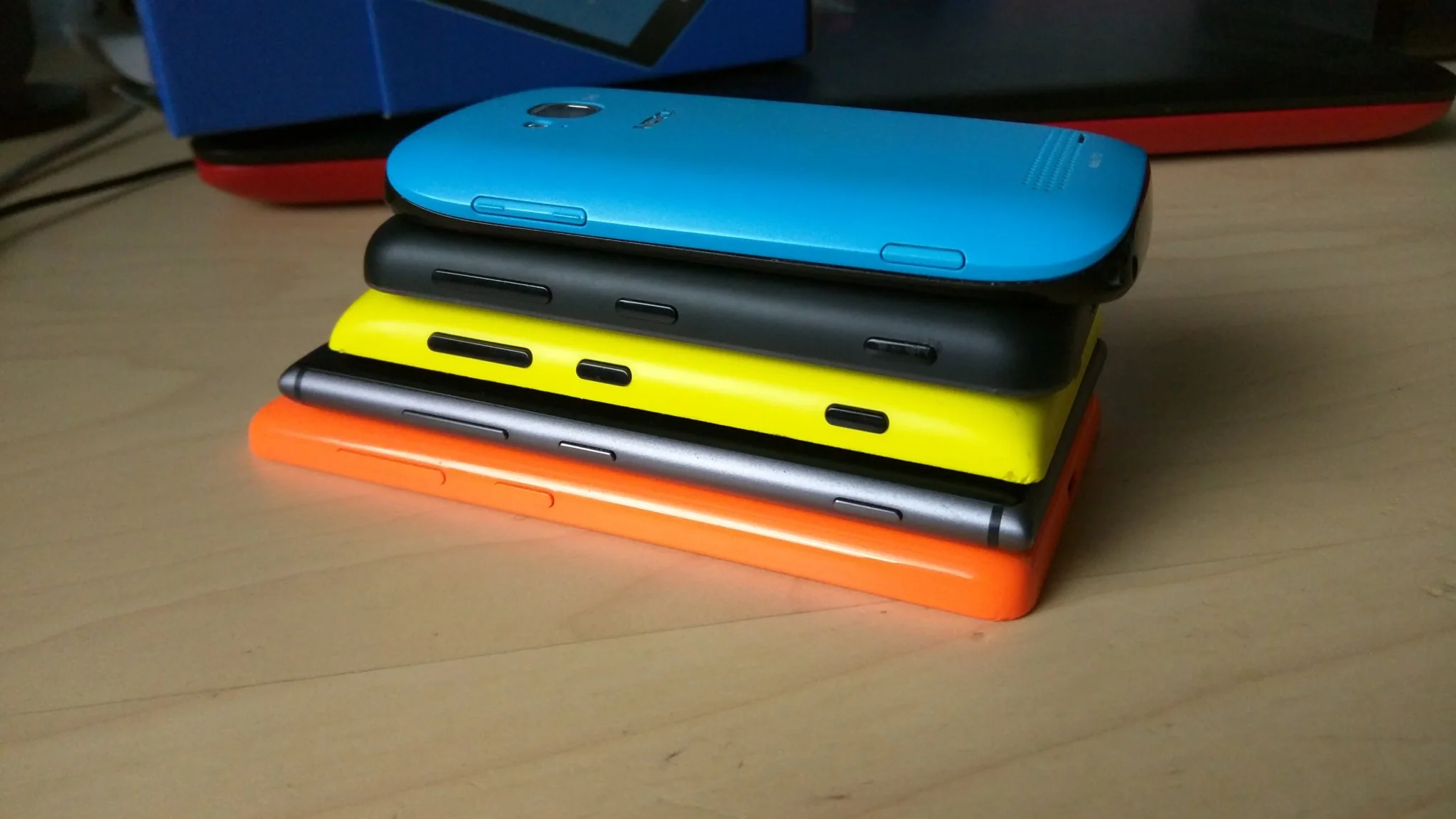

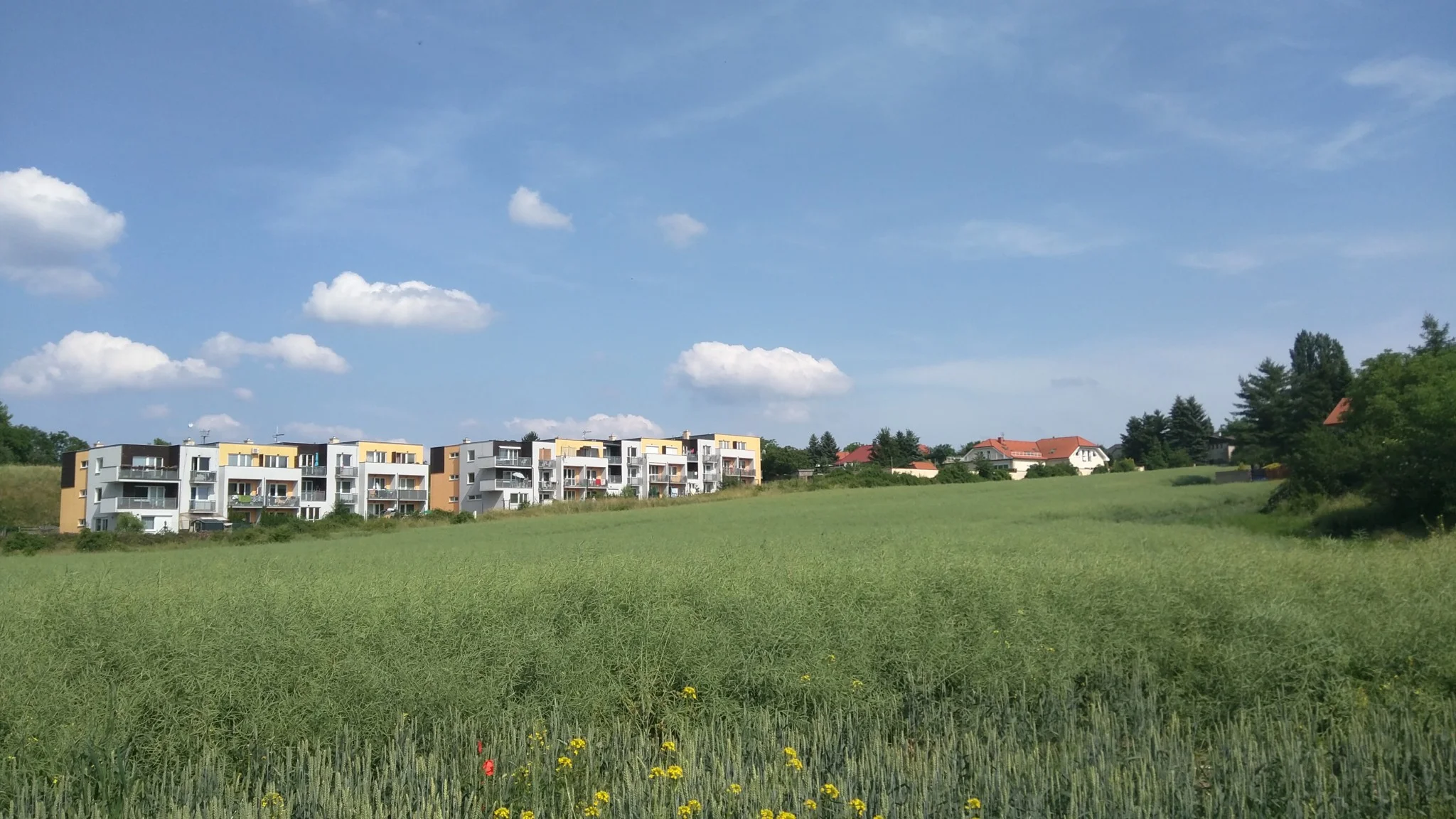



For video, you can choose between HD, Full HD, and UHD 4K. Recording itself was trouble-free, though the phone refocused a bit more often than I’d like. You can spot the occasional focus hunting in the sample clip below as well. Video quality is excellent overall; the sample video in this article was shot at the highest quality the Nexus 6 offers.
Video shot on the phone

BATTERY LIFE
Battery life is handled by a non-removable 3,220 mAh cell. On a single charge, the phone can make it through a full day with lighter use and still have some reserve left for the next morning. If you use it more heavily, though, browsing the web and social media and squeezing in a bit of gaming, you’ll be looking for a charger much sooner.
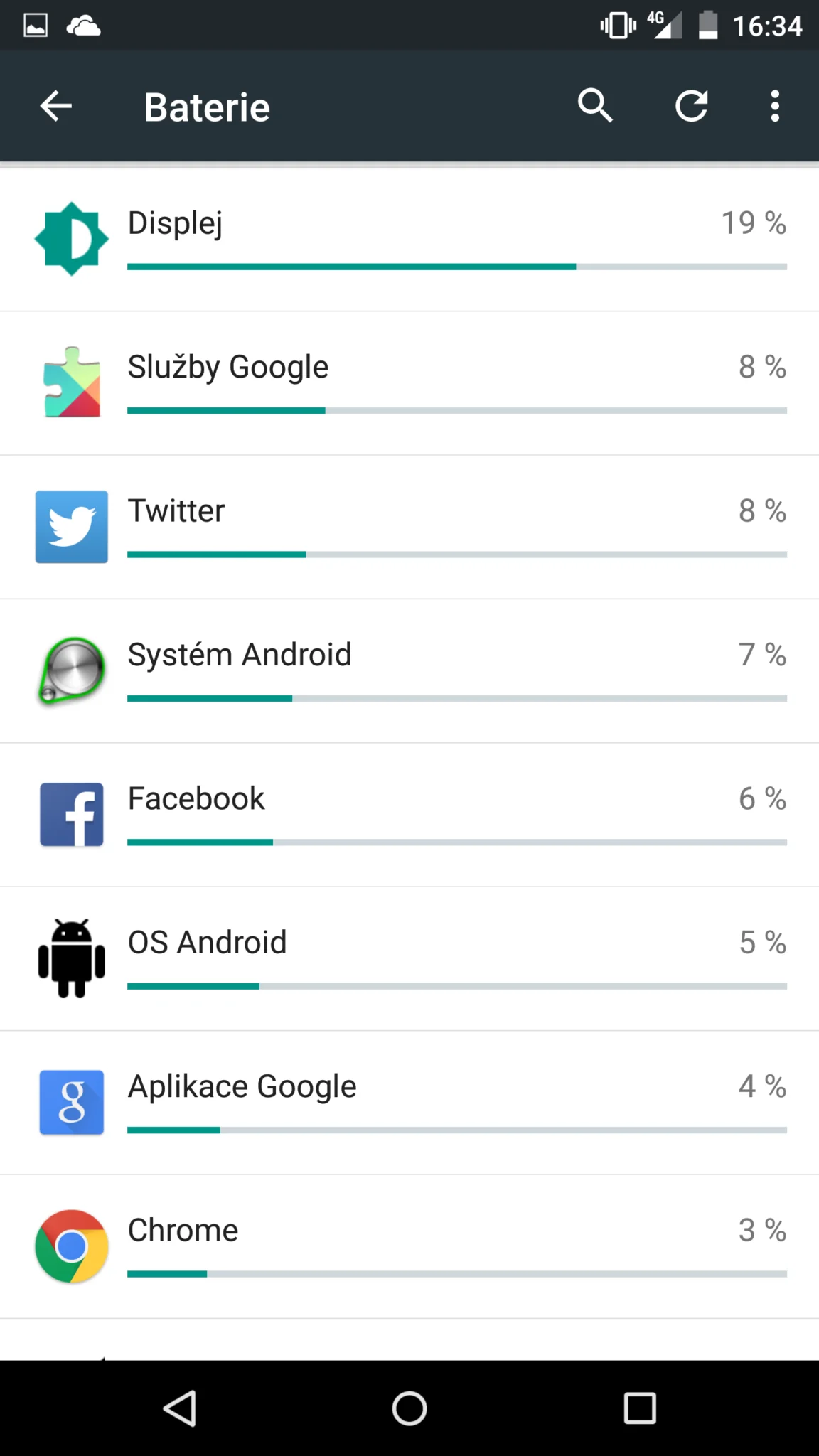
During the review period, I typically unplugged the phone around 6 a.m. Throughout the day, I regularly checked social media, handled email, took photos, and also spent some time gaming. Under that kind of load, the phone consistently asked for a recharge sometime between 4 and 5 p.m., which isn’t especially impressive for a flagship, and I initially expected better endurance. The display had the biggest impact on battery drain, accounting for around 20 percent.
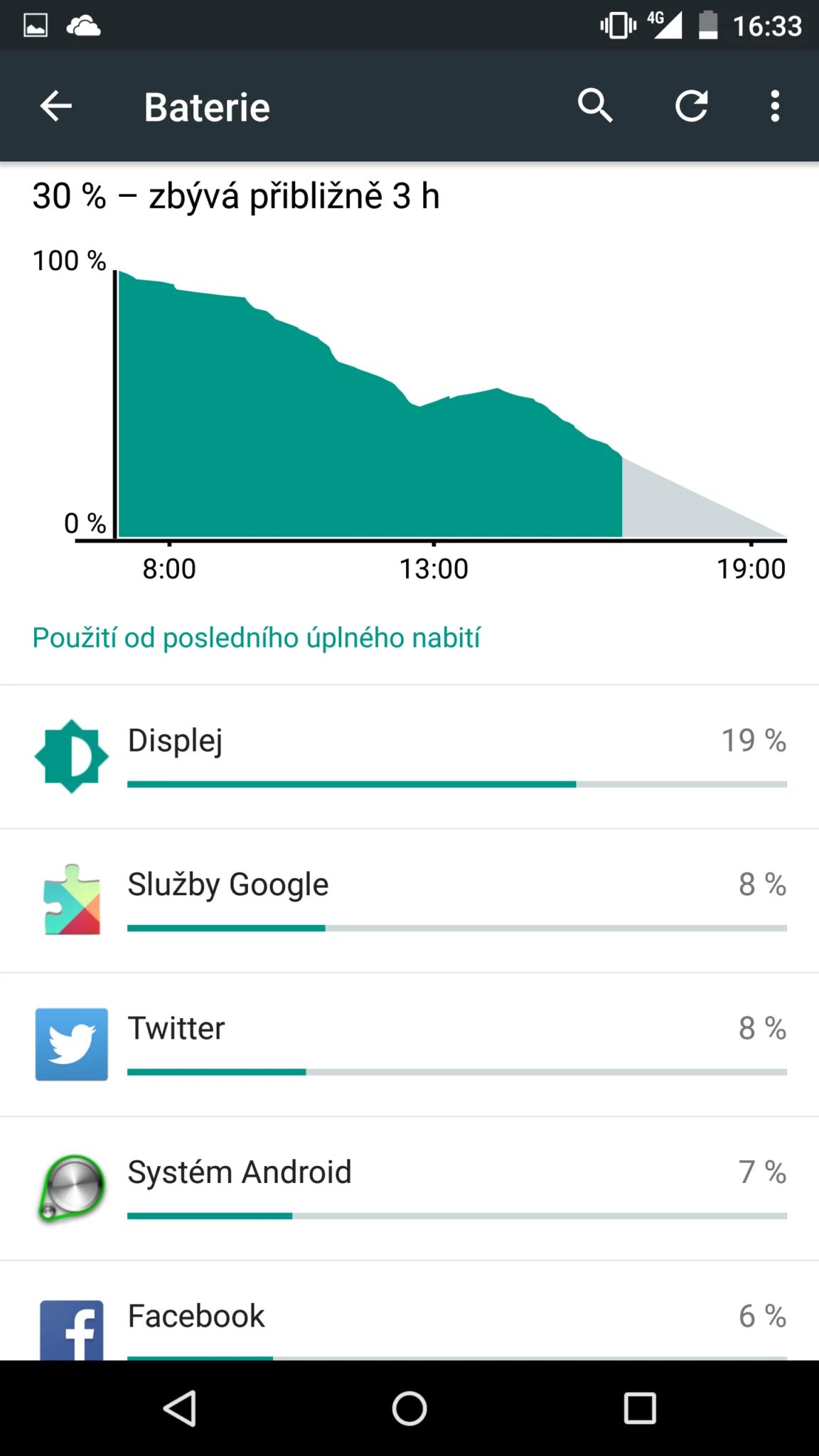
Plugged in at 10 percent, the phone reached a full charge in roughly 110 minutes. If you prefer wireless charging, expect it to take quite a bit longer. And if you decided to jump into something like Asphalt 8: Airborne right after topping up, you’d get a little over two hours of play before the battery dropped back to 10 percent.
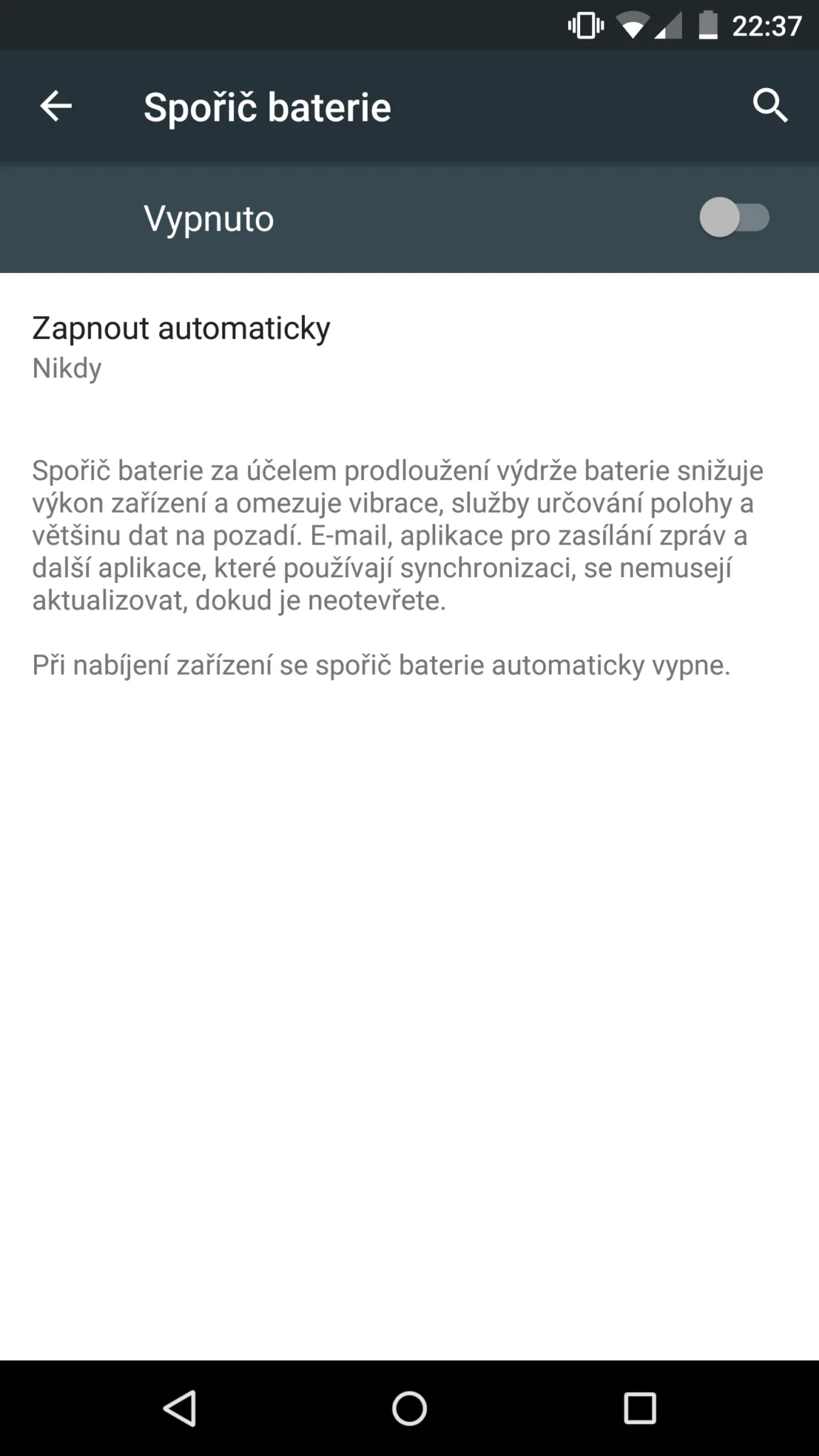
You can stretch battery life by enabling Battery Saver in the settings. Once turned on, the phone reduces overall performance, limits background data use, and pauses app syncing. System animations are also simplified. Battery Saver can be set to kick in automatically when charge drops to 15 or 5 percent, or you can toggle it manually as needed.
SUMMARY AND VERDICT
The Nexus 6 left a very good impression on me. I enjoyed testing it, and if my budget allowed for it, I’d seriously consider buying one. Its biggest strengths are the excellent display, solid overall build quality, and a camera that may not be best-in-class but still ranks among the better smartphone shooters of its time.
That said, no phone is perfect, and the Nexus 6 has a few weak spots. The biggest disappointment is battery life. A 3,220 mAh battery sounds promising on paper, but the real-world result is less impressive. At best, the phone gets you a little more than a day on a charge, and if you really push it, you’ll be happy to make it home from work or school with more than 10 percent left.
I also came away with mixed feelings about the software. Most of the time it’s smooth and quick, something that certainly can’t be said for every Android phone. But there are moments when the device seems to pause and think a bit too long, showing up as delayed responses or minor stutters.

A lot of people complain about the phone’s huge size, saying it gets in the way more than it helps. I see it differently. A larger display is often genuinely useful, and from my own experience, if you’re moving from a phone with a screen under 5 inches, getting used to this nearly 6-inch giant only takes a few days. It fits into most pockets without much trouble, doesn’t get in the way while sitting, and that large touch surface often comes in handy in day-to-day use.
Motorola Nexus 6 price chart provided by Heureka.cz
Unfortunately, one of the biggest barriers to buying it is the price, which currently sits at around 18,000 CZK (approx. $829 / €739). Prospective buyers will need to think carefully about whether it’s worth spending that much on this model. After nearly a month with the phone, I’d buy the Nexus 6 without much hesitation, mainly if you want a huge display and can live with battery life that’s merely average.