Tronsmart Pavo M9 Review: A Simple Android TV Upgrade
I have a TV at home with a decent selection of ports, including HDMI, which opens up a lot of options. After digging around online, I found a range of devices that could turn a “dumb” TV into a smart one, at least to some extent. One of them, the Tronsmart Pavo M9 running Android 4.4.2 KitKat, landed in for testing, and it turned out to be a handy little box.
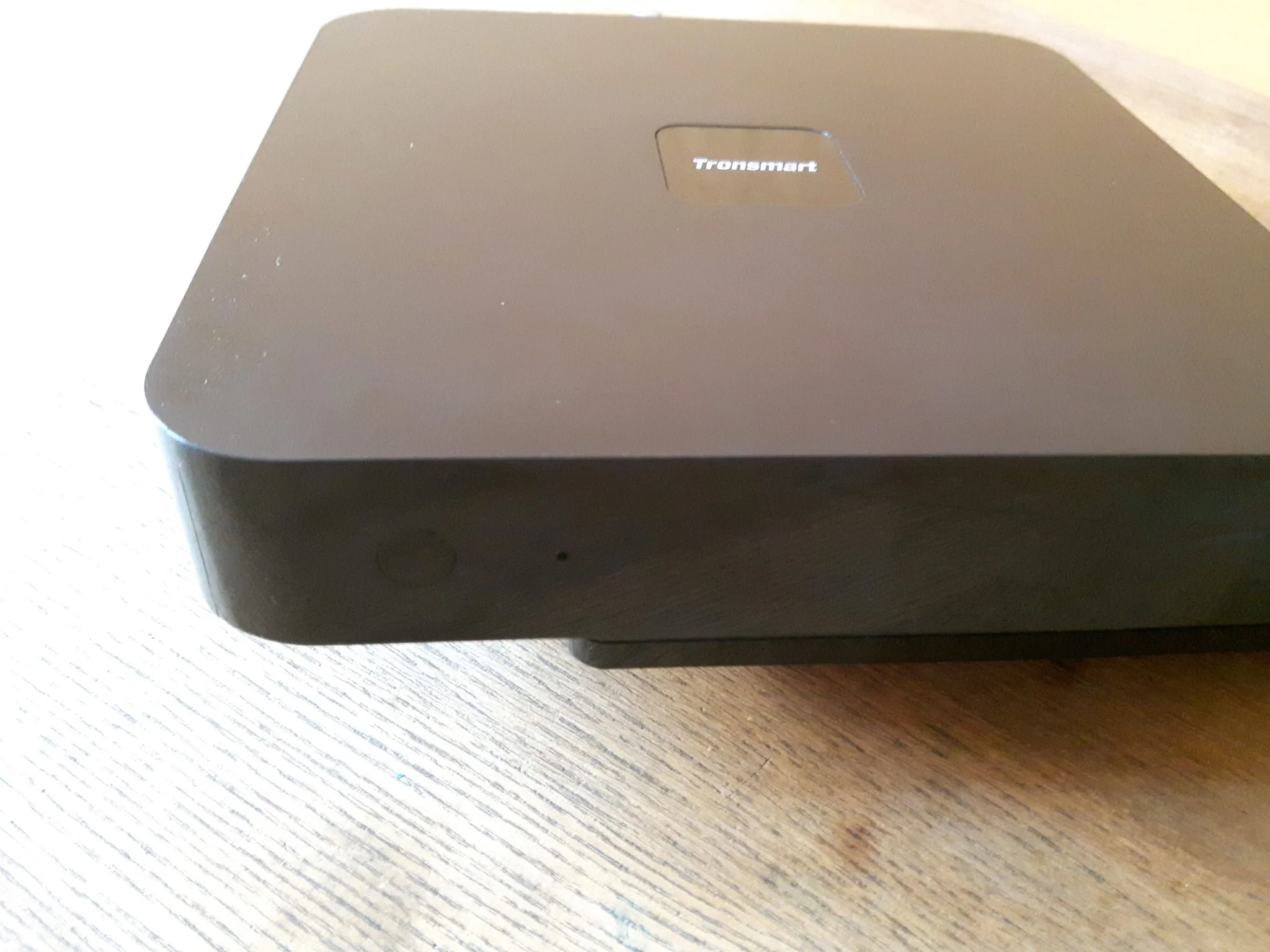
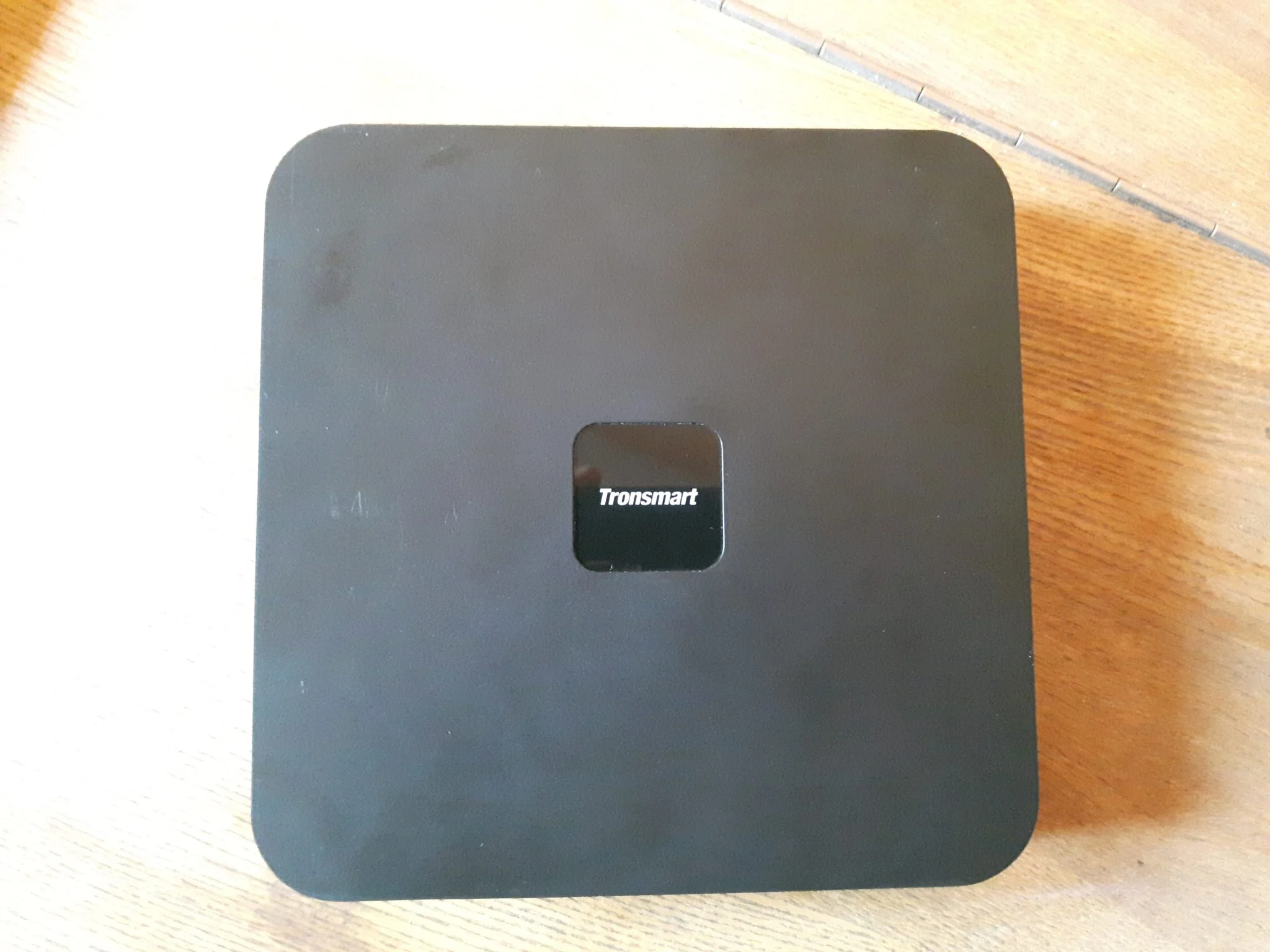
Build and design
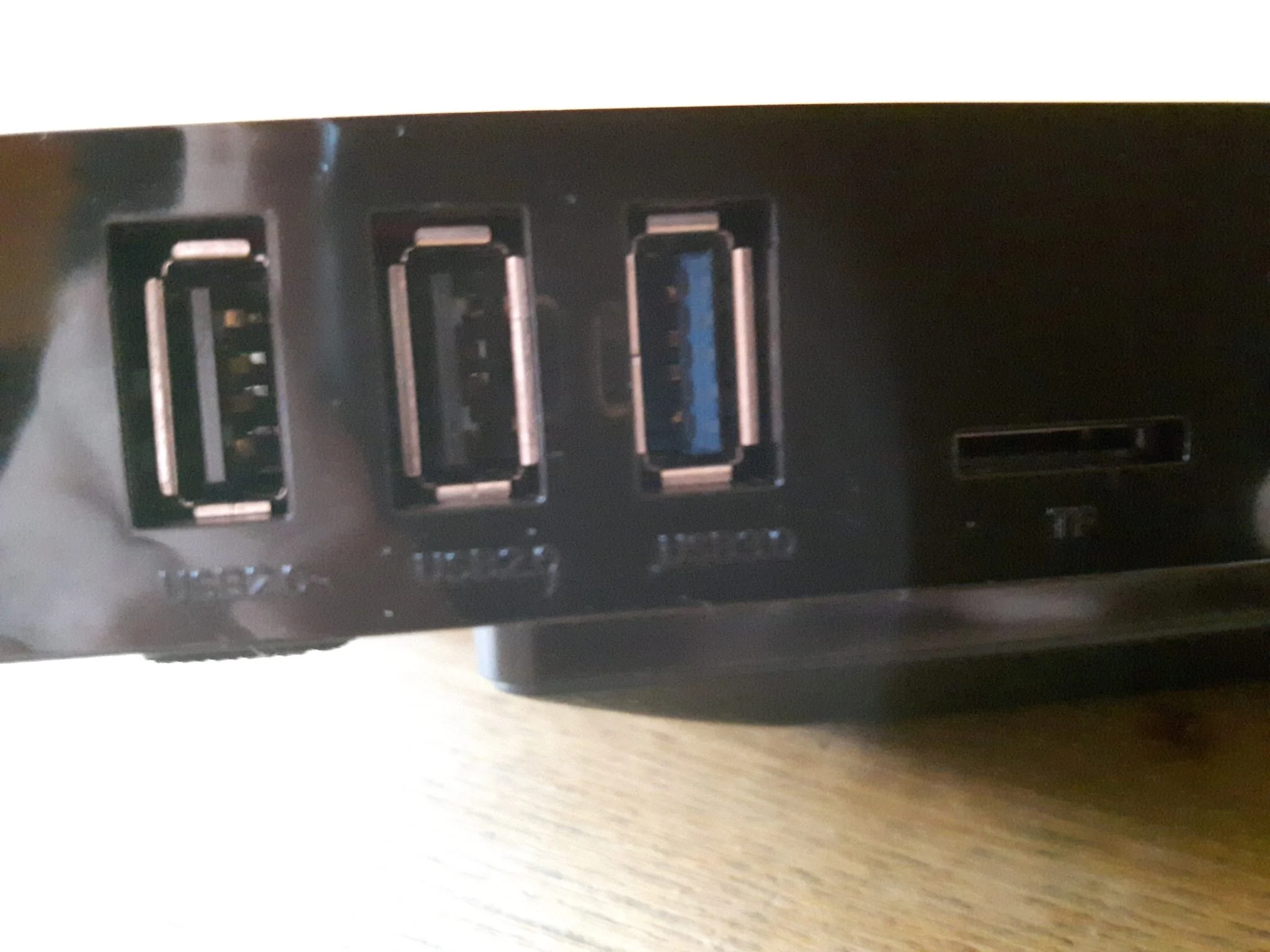
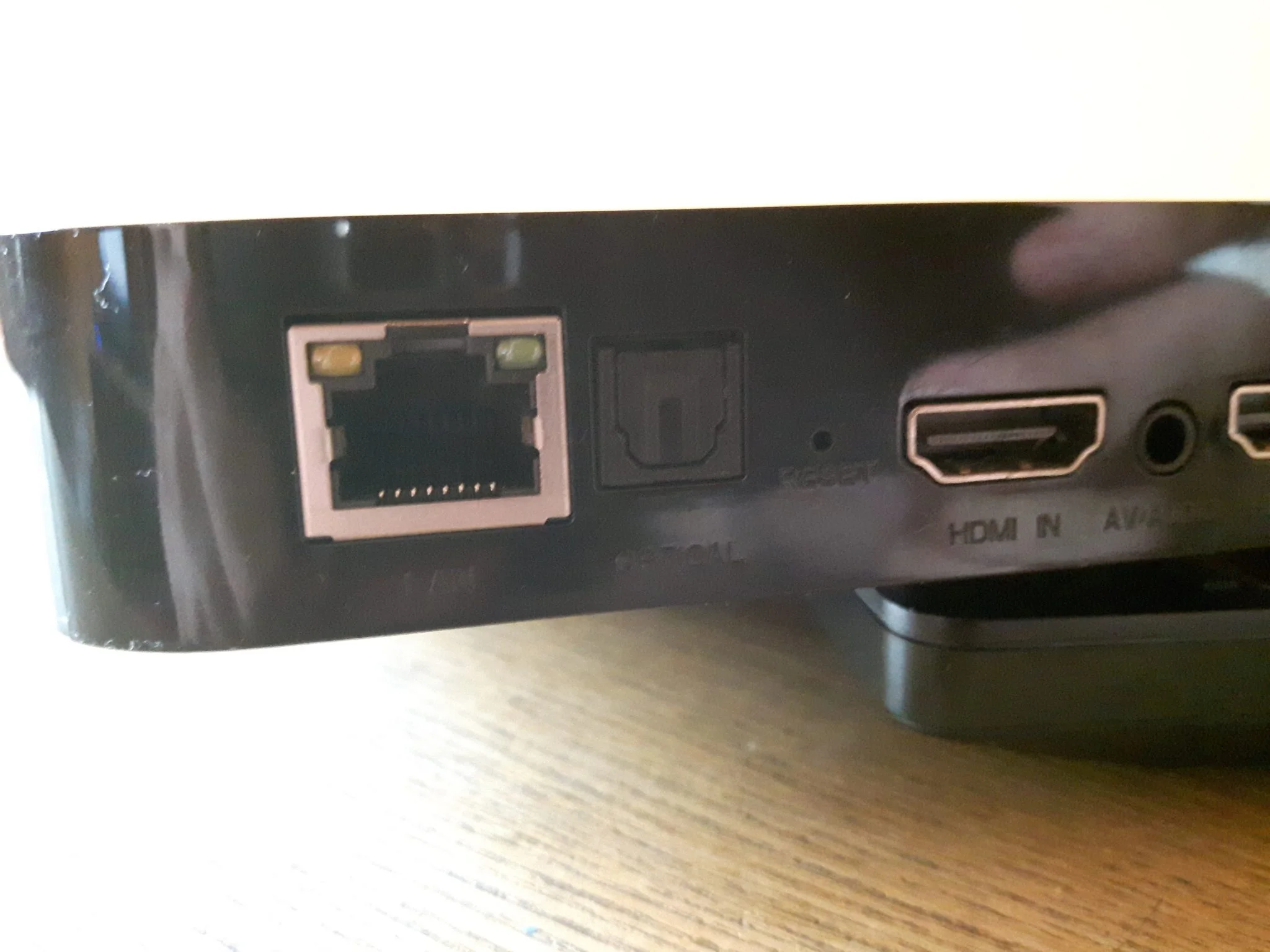
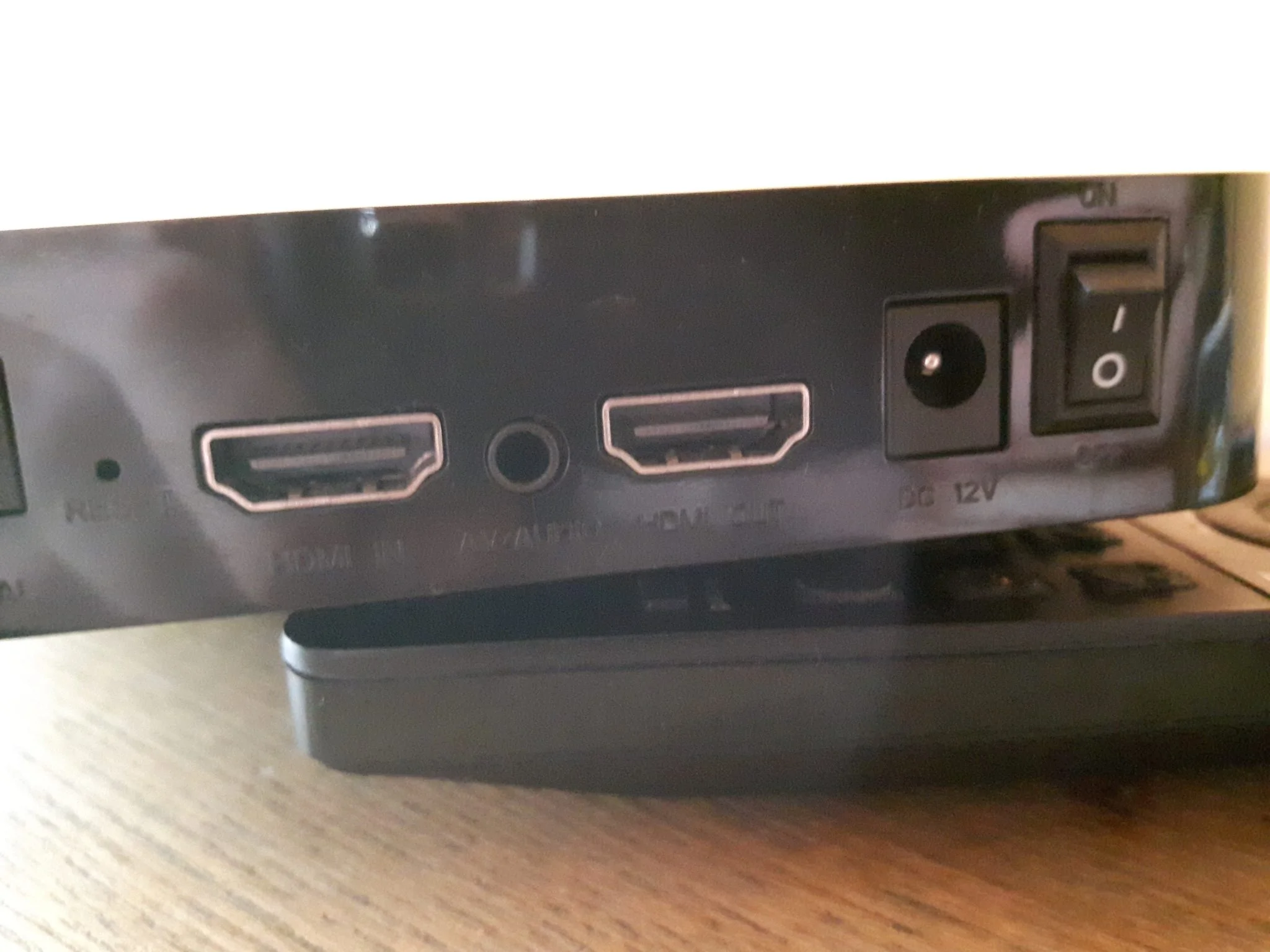
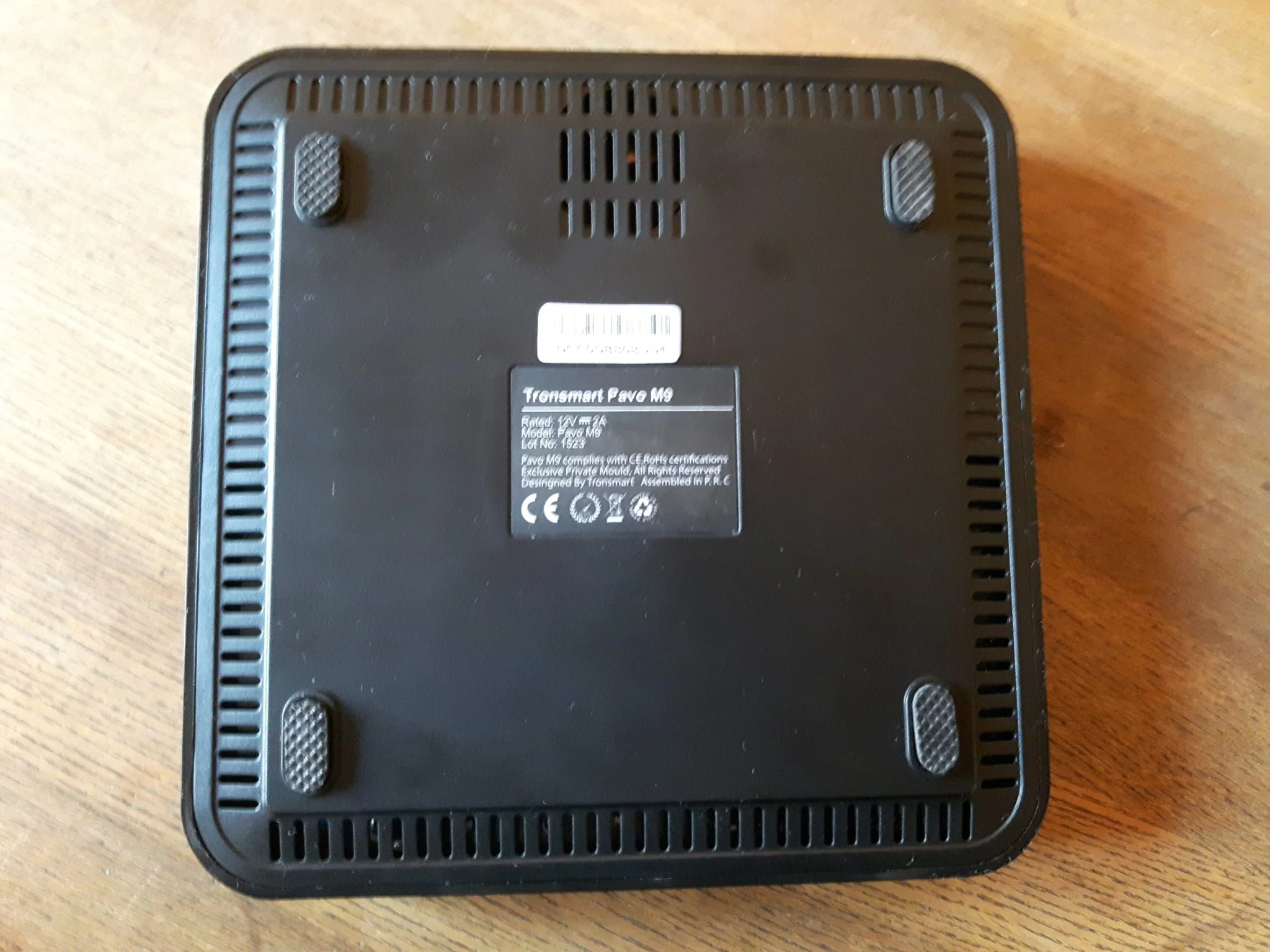
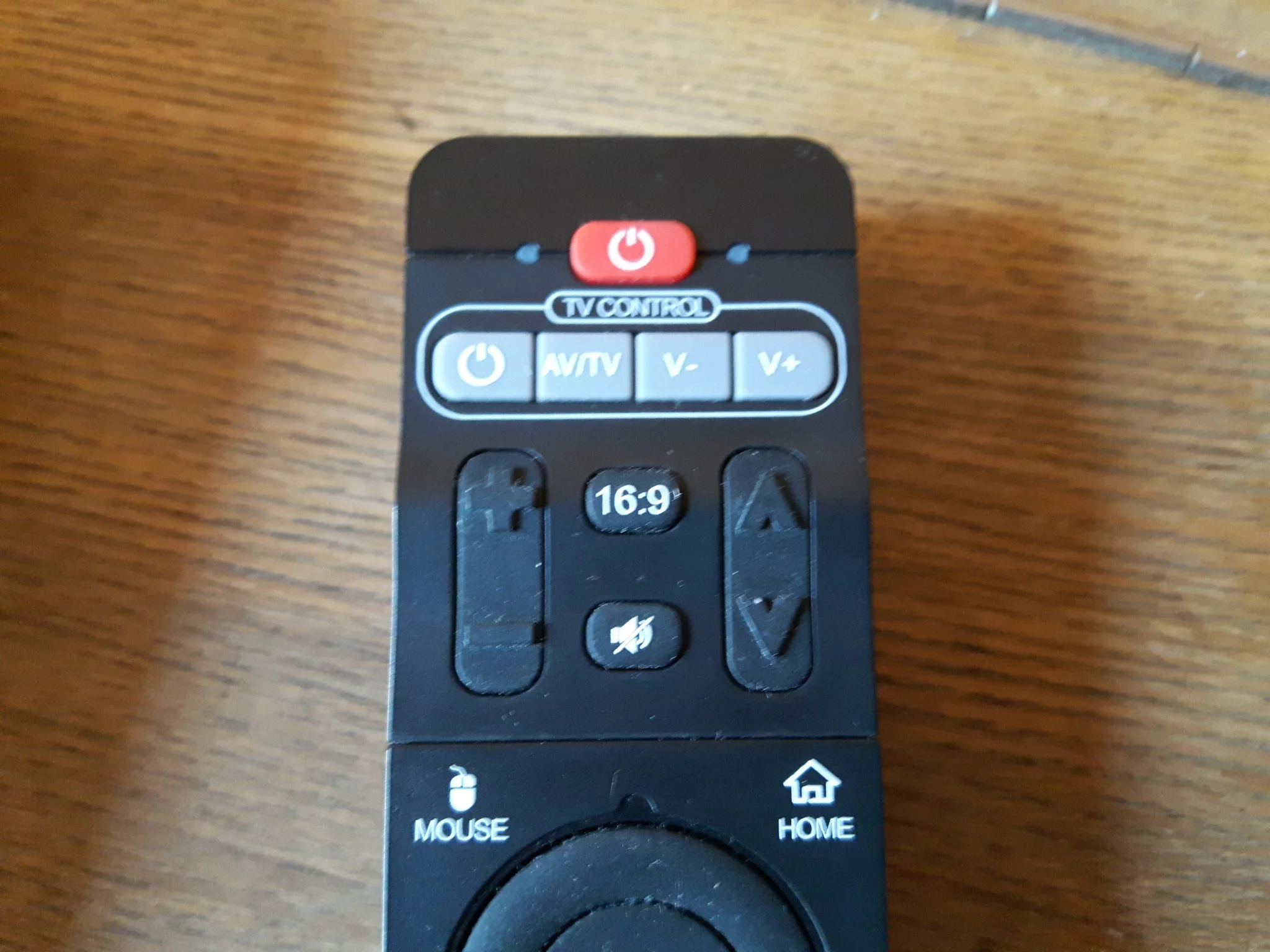
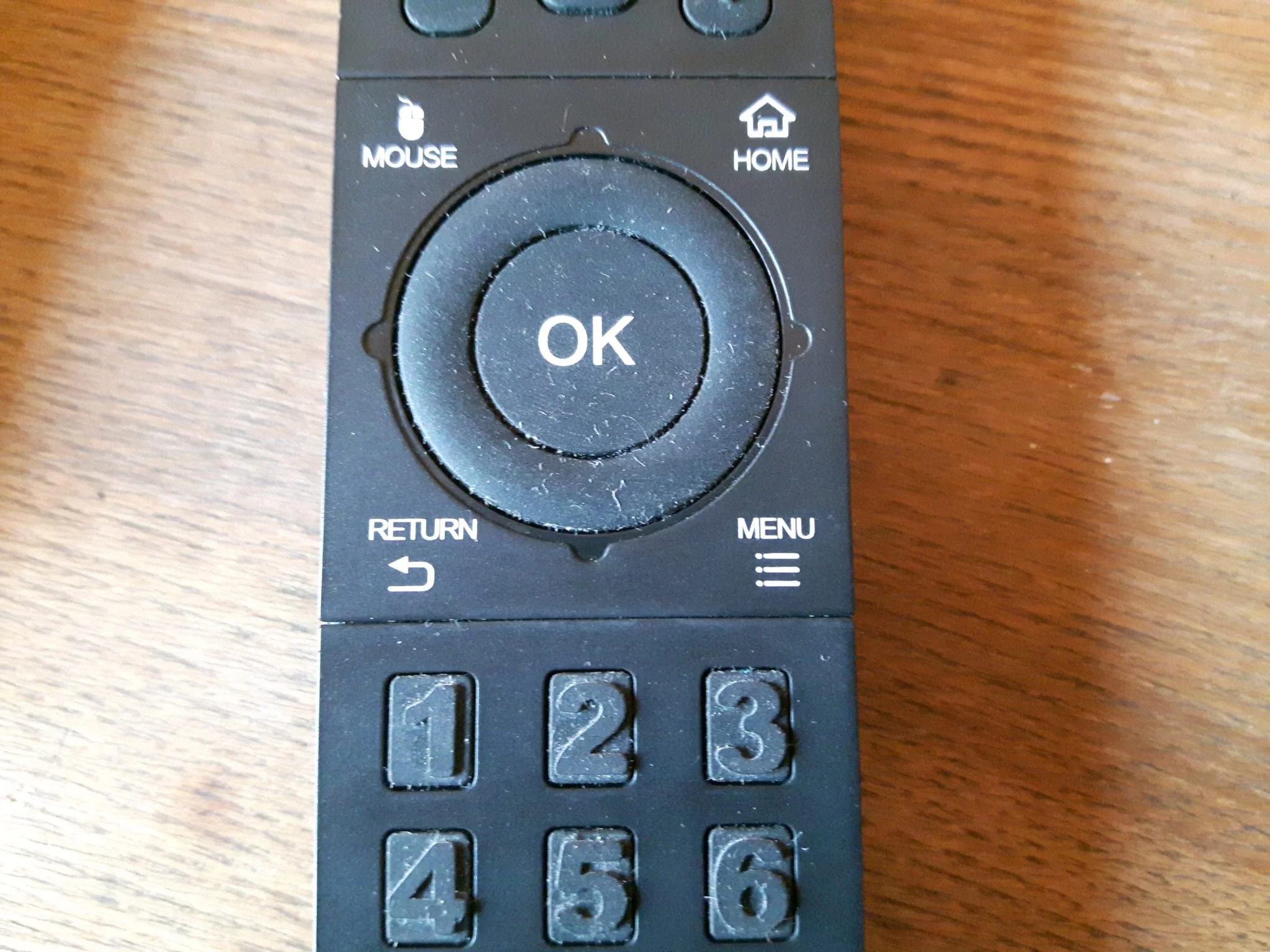
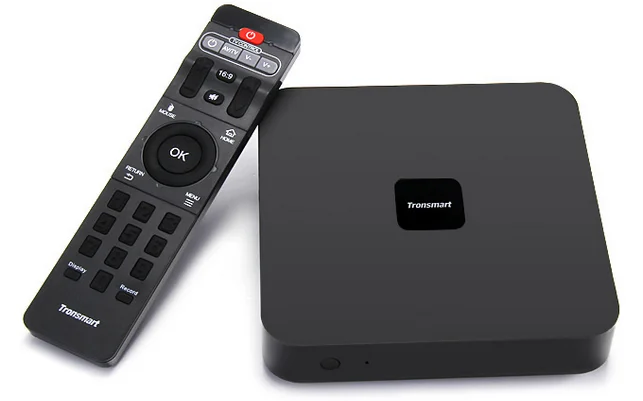
There really isn’t much to overthink here. It’s a black box, fairly slim and light, measuring 11.48 x 14.8 x 2.6 cm and weighing 297 grams. A closer look shows that Tronsmart packed in just about every port you might want: Ethernet RJ45, 2x USB 2.0, USB 3.0, a microSD card slot, HDMI IN, HDMI OUT, CVBS, optical audio, a 3.5mm jack, and a DC 12V power connector.
You also get a few buttons, status indicators, and a microphone. The front has a single LED that shows whether the device is on or off, with the microphone sitting next to it. Around back, there are power and reset buttons.

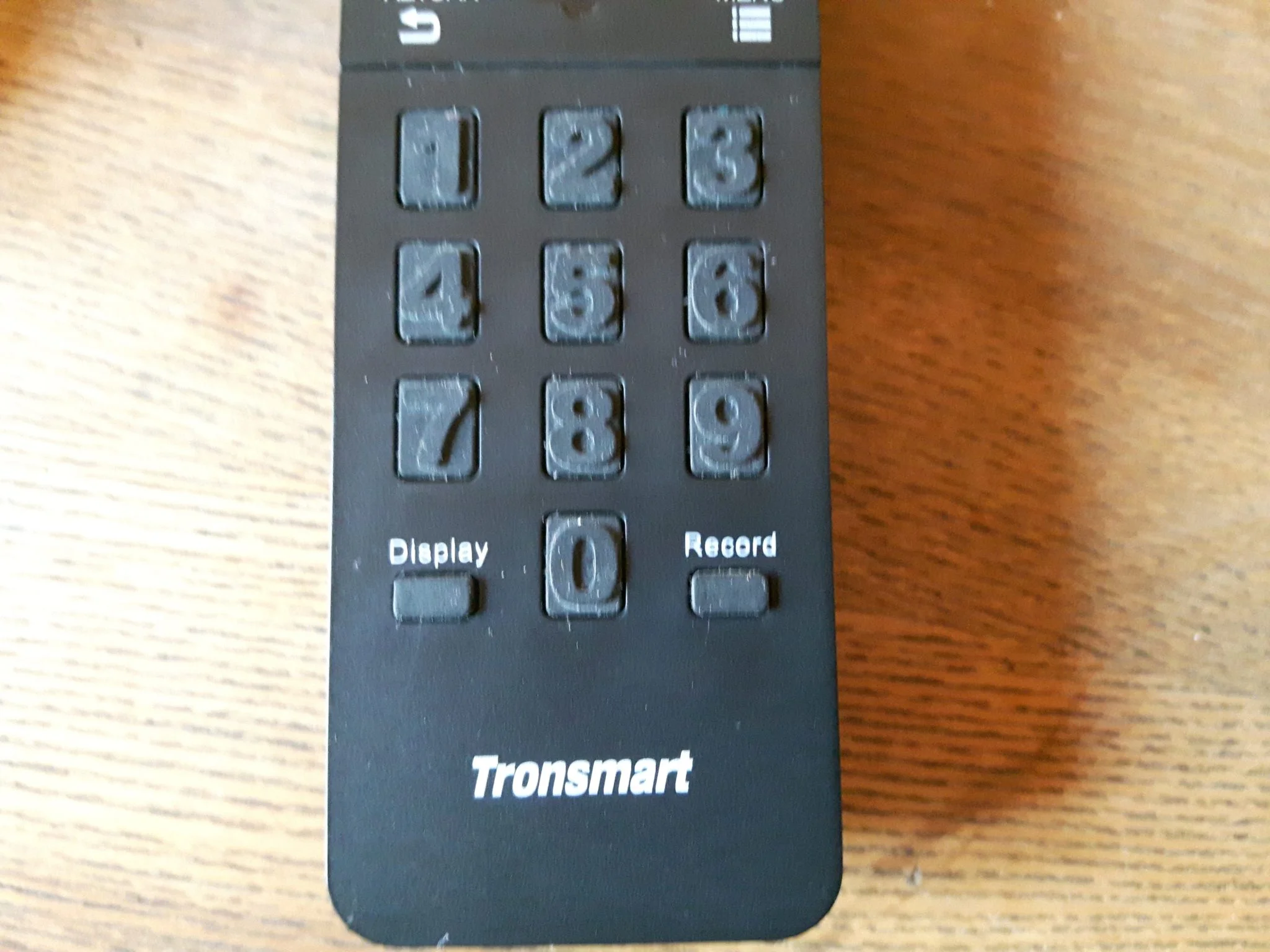
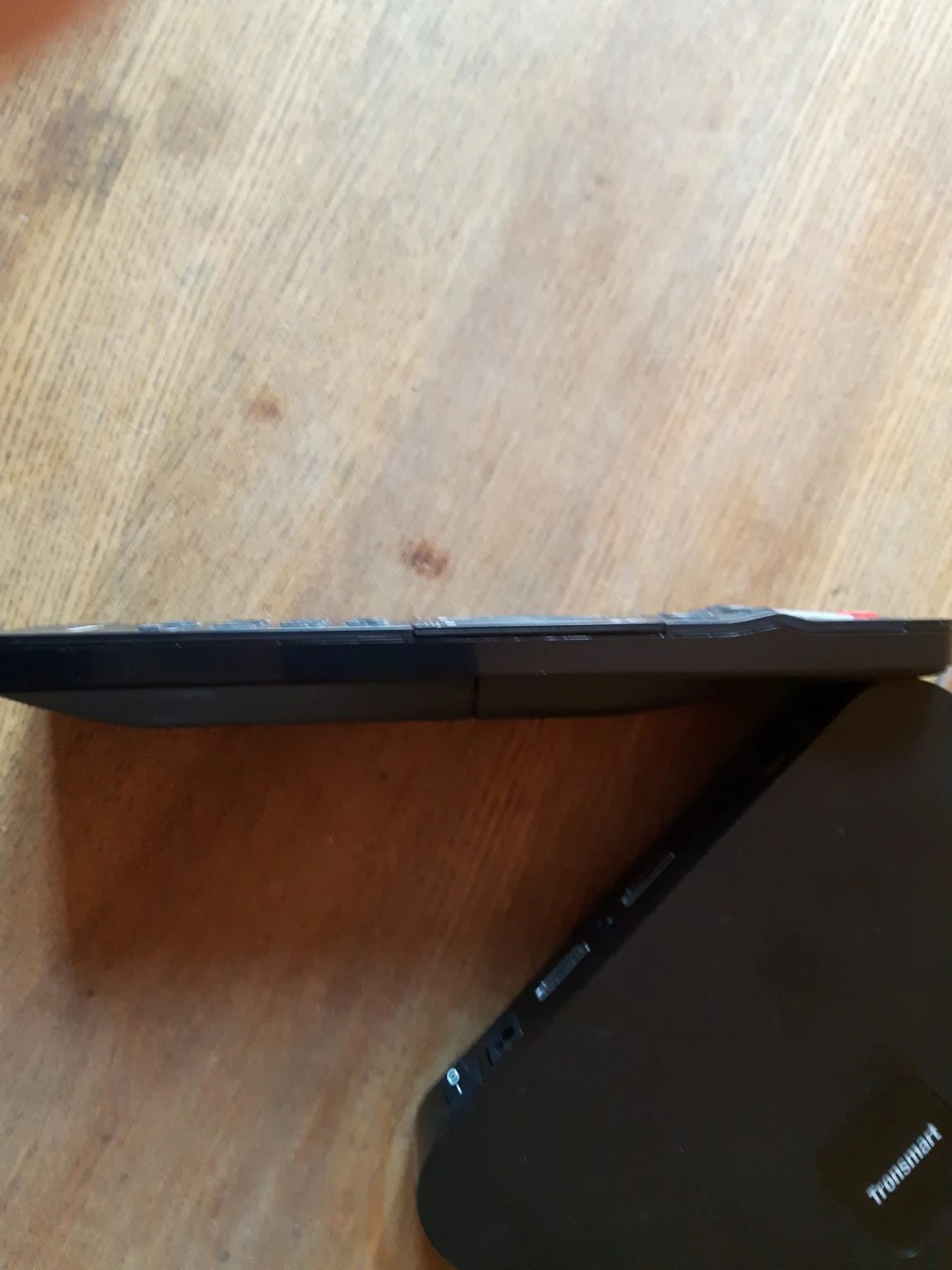
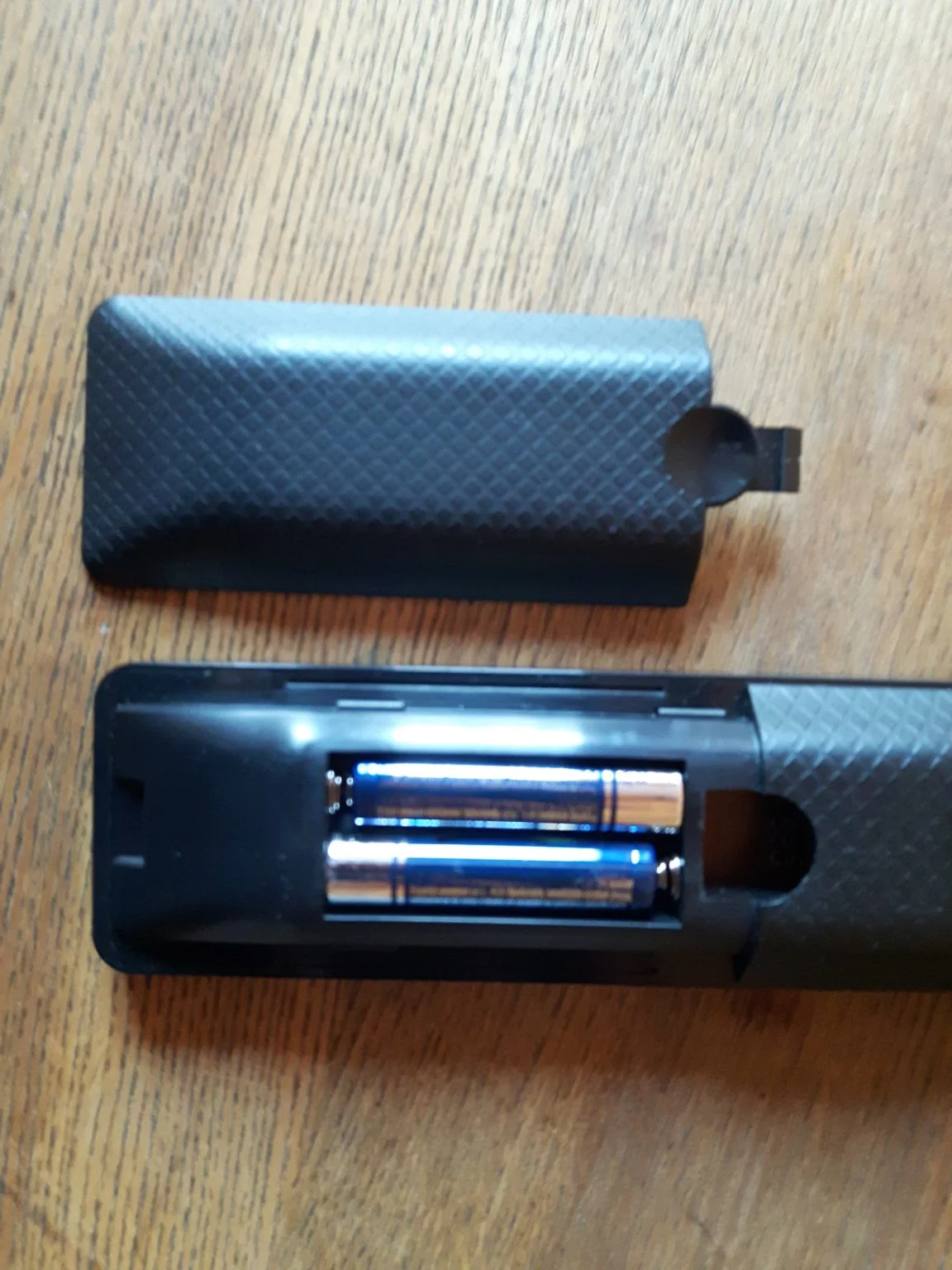
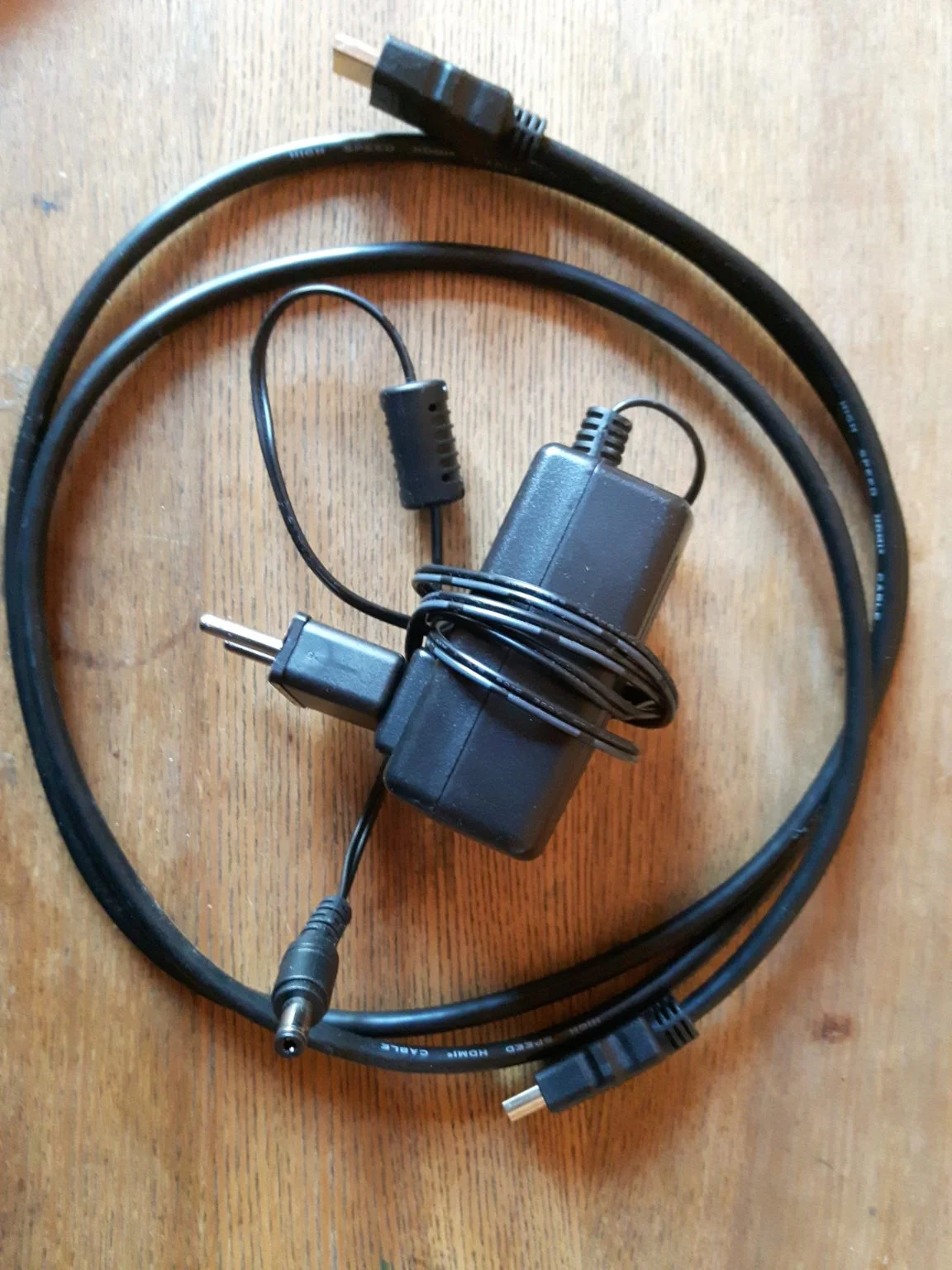
Hardware
The Tronsmart Pavo M9 offers a wide range of features, and it also brings respectable performance for this class of device. Under the plastic shell is an MSTAR chip with four cores clocked at 1.5GHz, paired with Mali-450 graphics. If you want the full spec sheet, it’s listed below.
In day-to-day use, performance felt solid. I didn’t get the chance to test it with two connected TVs, but on my single setup everything ran smoothly. The system feels responsive, and it’s actually hard to max out the 1GB of RAM in basic use. Internal storage isn’t especially generous, though 8GB is enough for a simple living-room setup.
Support for external drives is a real plus, and USB 3.0 makes the package more appealing. Video and audio format support is broad, although I would have liked native AVI support as well. That said, you can always install a third-party player for those files, such as VLC for Android.
Specifications
- SoC – MSTAR MSO9180D1R Cortex A9 r4, quad-core, 1.5GHz (GPU – Mali-450)
- System – Android 4.4.2 KitKat
- Memory – 1 GB RAM, 8 GB ROM (with support for microSD cards and external drives)
- Ports – Ethernet RJ45, 2x USB 2.0, USB 3.0, microSD card slot, HDMI IN, HDMI OUT, CVBS, optical audio, 3.5mm jack, and DC 12V power connector
- Connectivity
- Supported audio formats – APE, M4A, MPEGAUDIO(MP1, MP2, MP3, MPA), WAV, OGG, FLAG; AC3, DTS, MPEGILAYER 1/2/2, LPCM, PCM, FLAC
- Supported video formats – TS, BDMV, ASF, WMV, MP4, MKV, BDISO, MOV; MPEG 1/2/4, XVID, H264, H265, VC1
- Supported resolutions – 4K, 2K, 1080 p, 720 p, 576 p, 480 p
- Supported image formats – JPG, BMP, GIF, TIF
- Dimensions and weight – 11.48 x 14.8 x 2.6 cm; 297 grams
Software
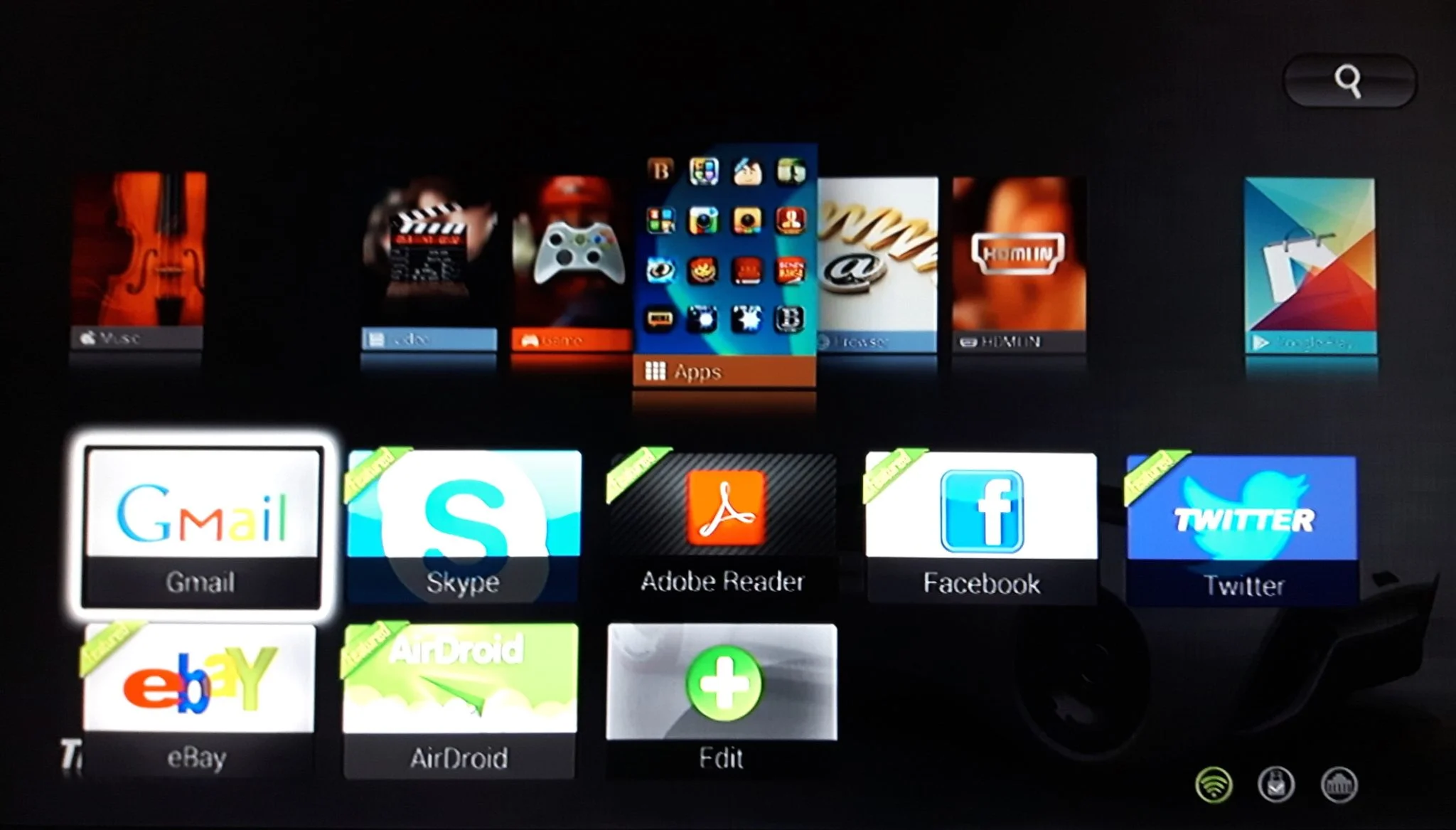
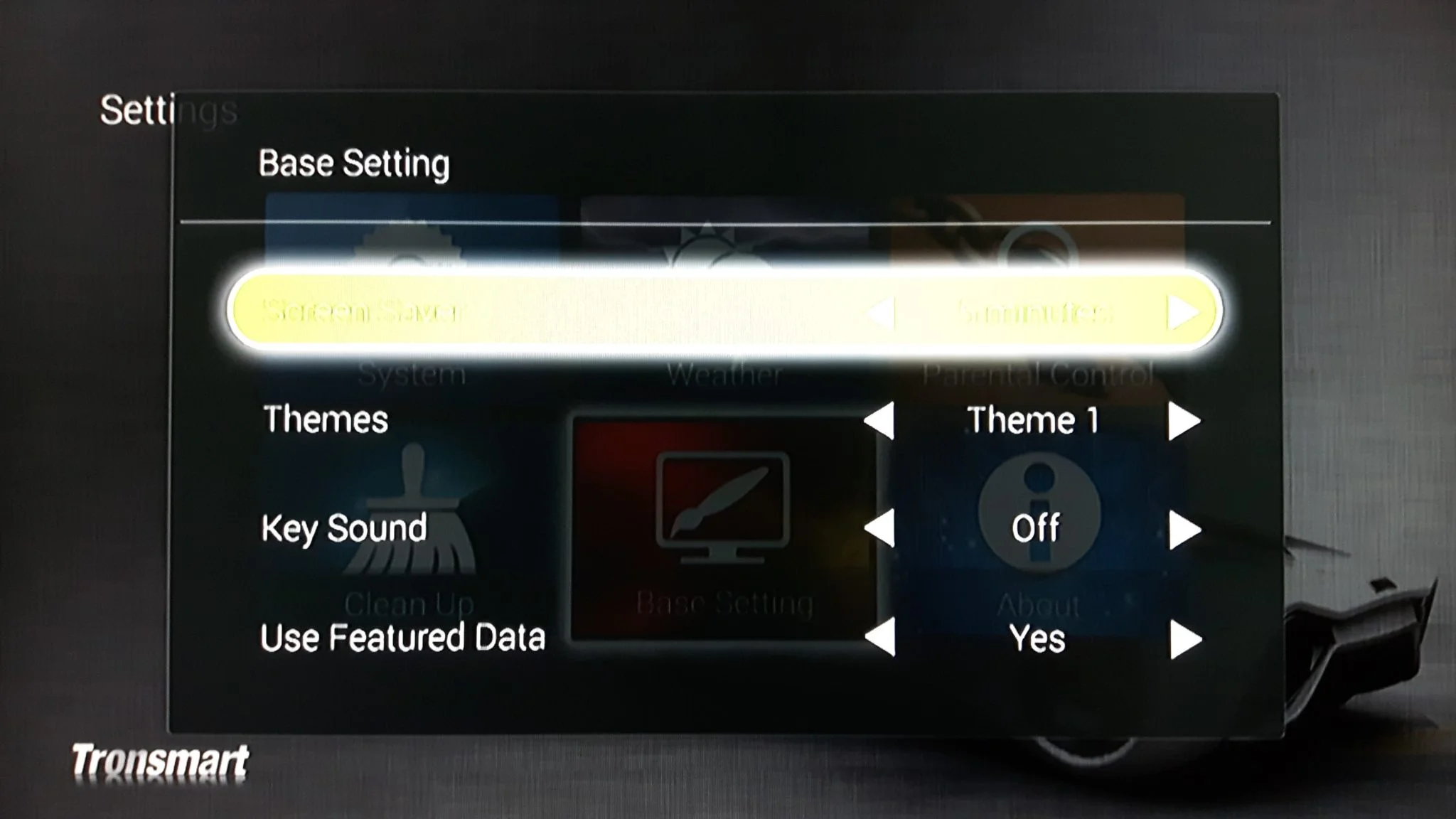
As you’d expect, the software is heavily customized for showing content on a big TV screen. That doesn’t mean it’s bad, though. The system resolution is set automatically, but you can still change it manually in settings if needed.
As for the interface, it may take a little time to get used to. Yes, navigation feels a bit clunky, and plenty of elements and smaller details could be handled better, but the learning curve is short. What really impressed me was how external devices are presented. I could play video and audio files from connected storage without any real trouble, as long as the file format was supported.
It’s also worth highlighting that you can easily download apps from the Play Store, watch videos on YouTube, or even use Skype for communication.

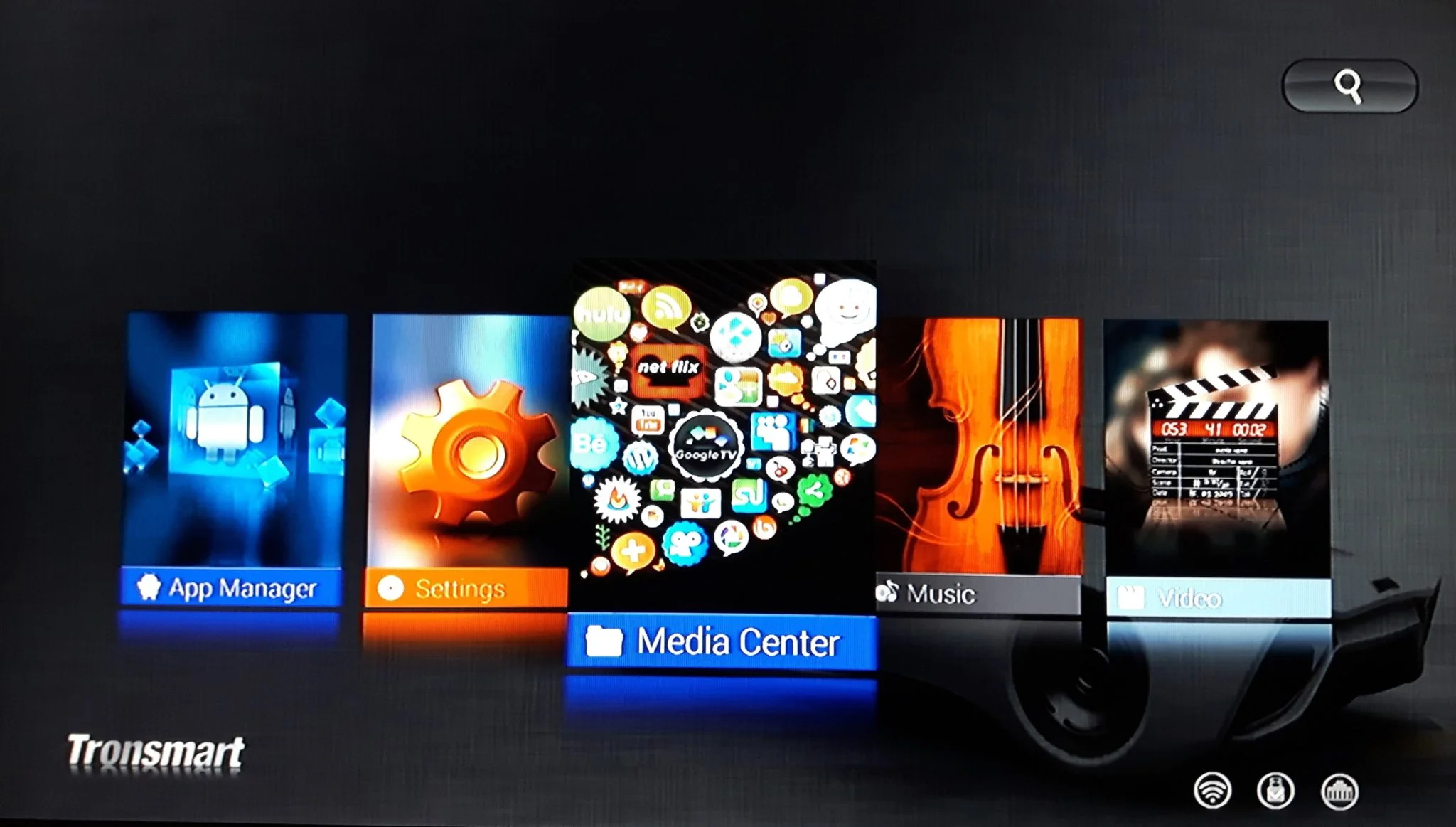
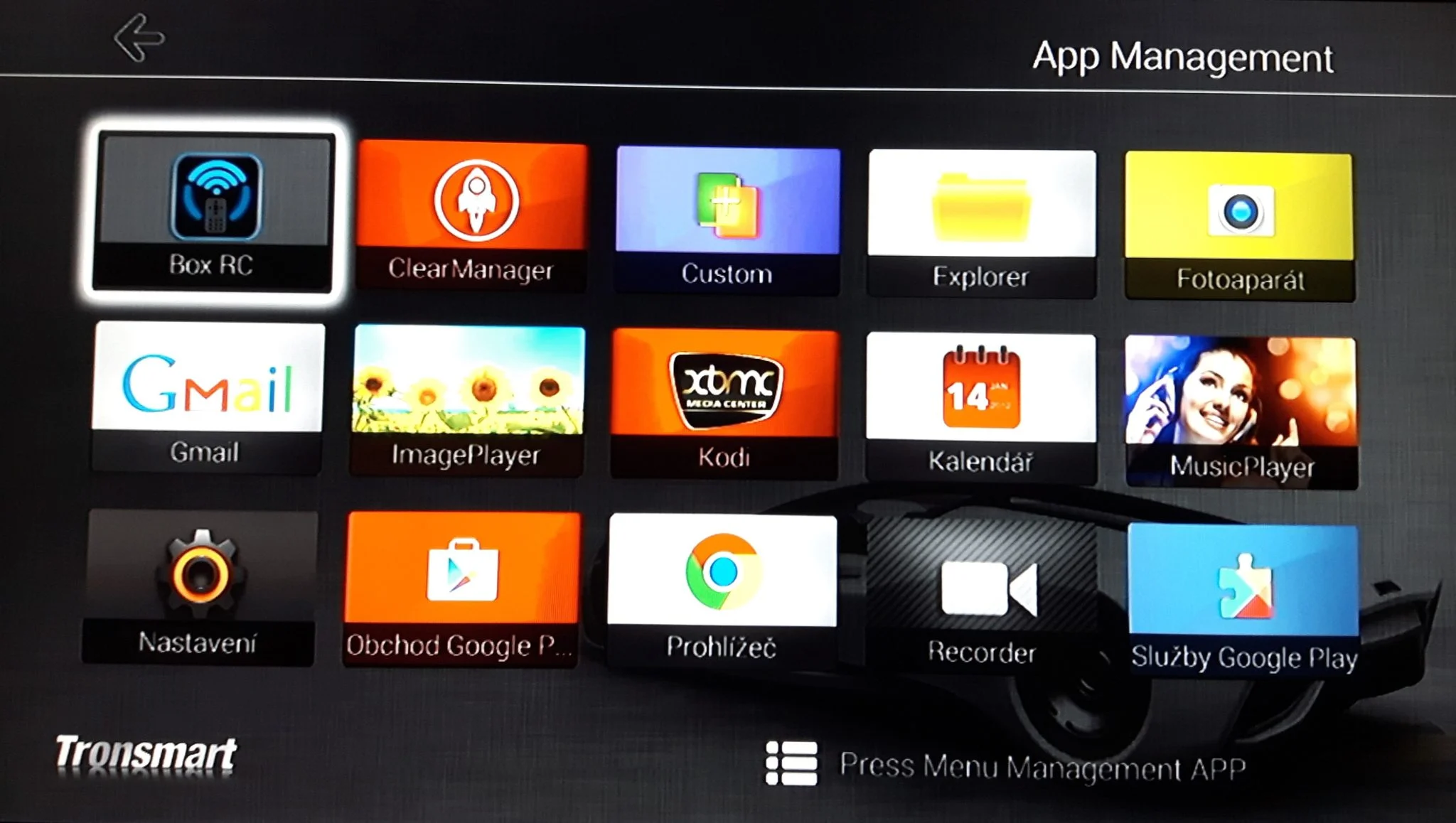
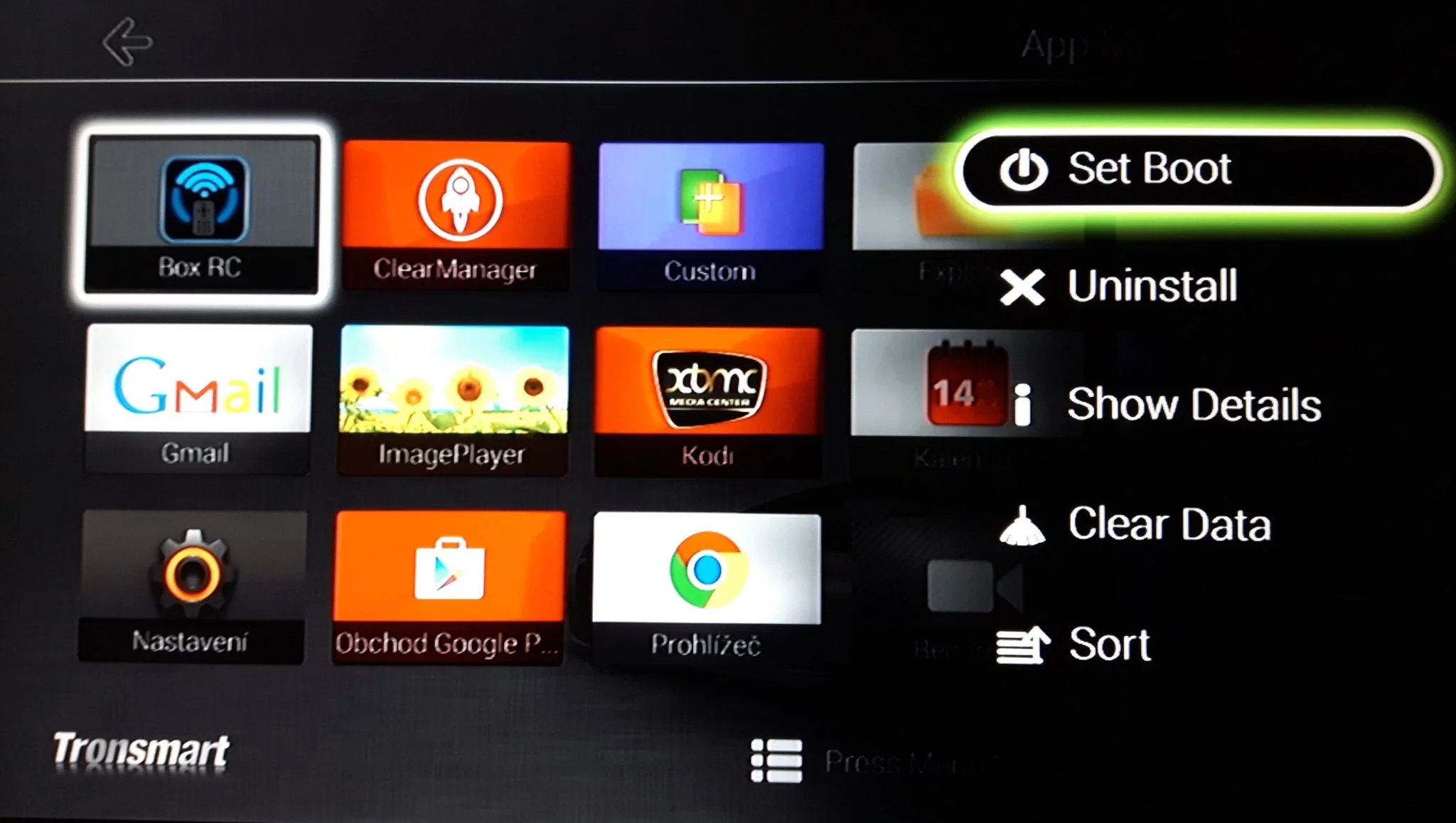
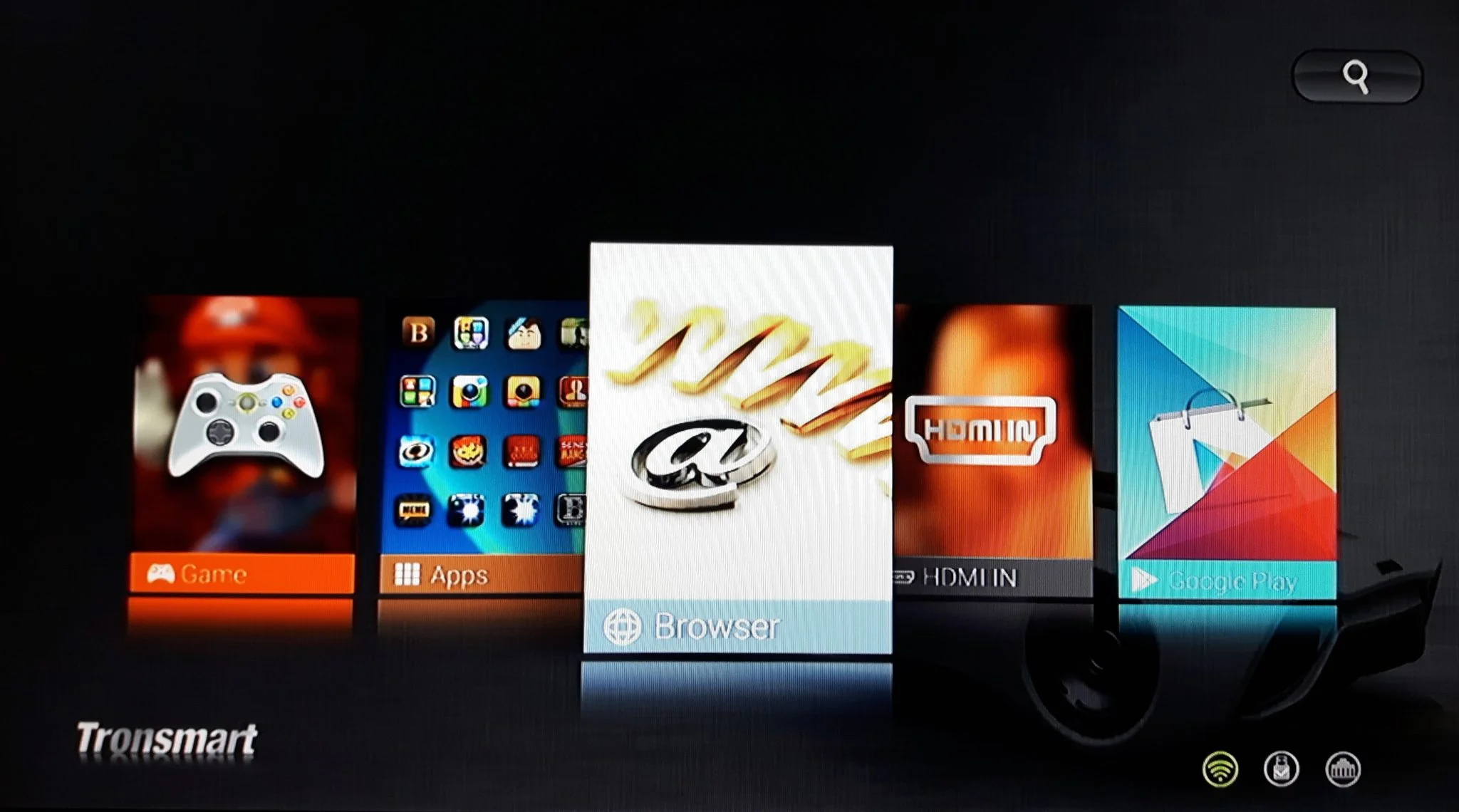
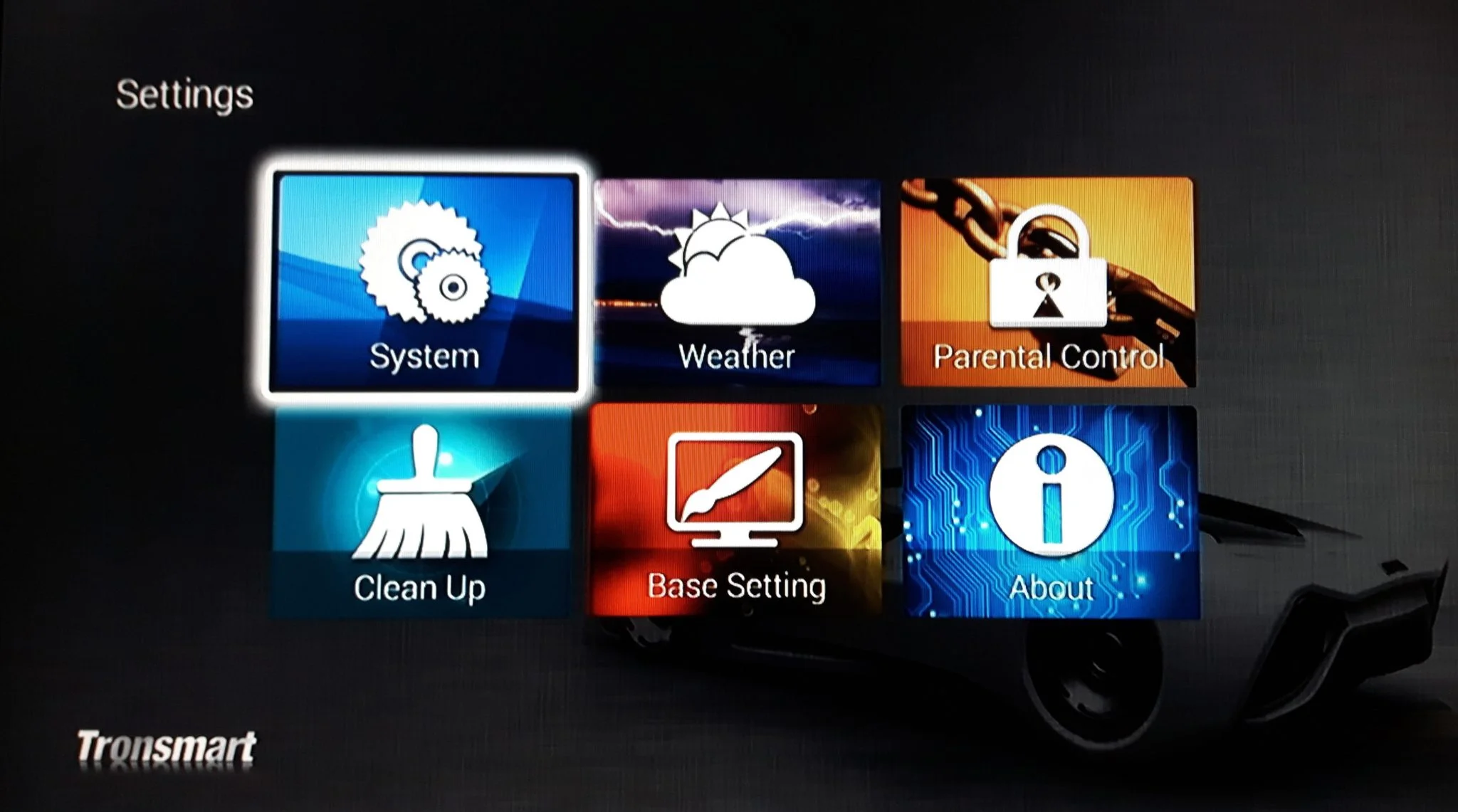
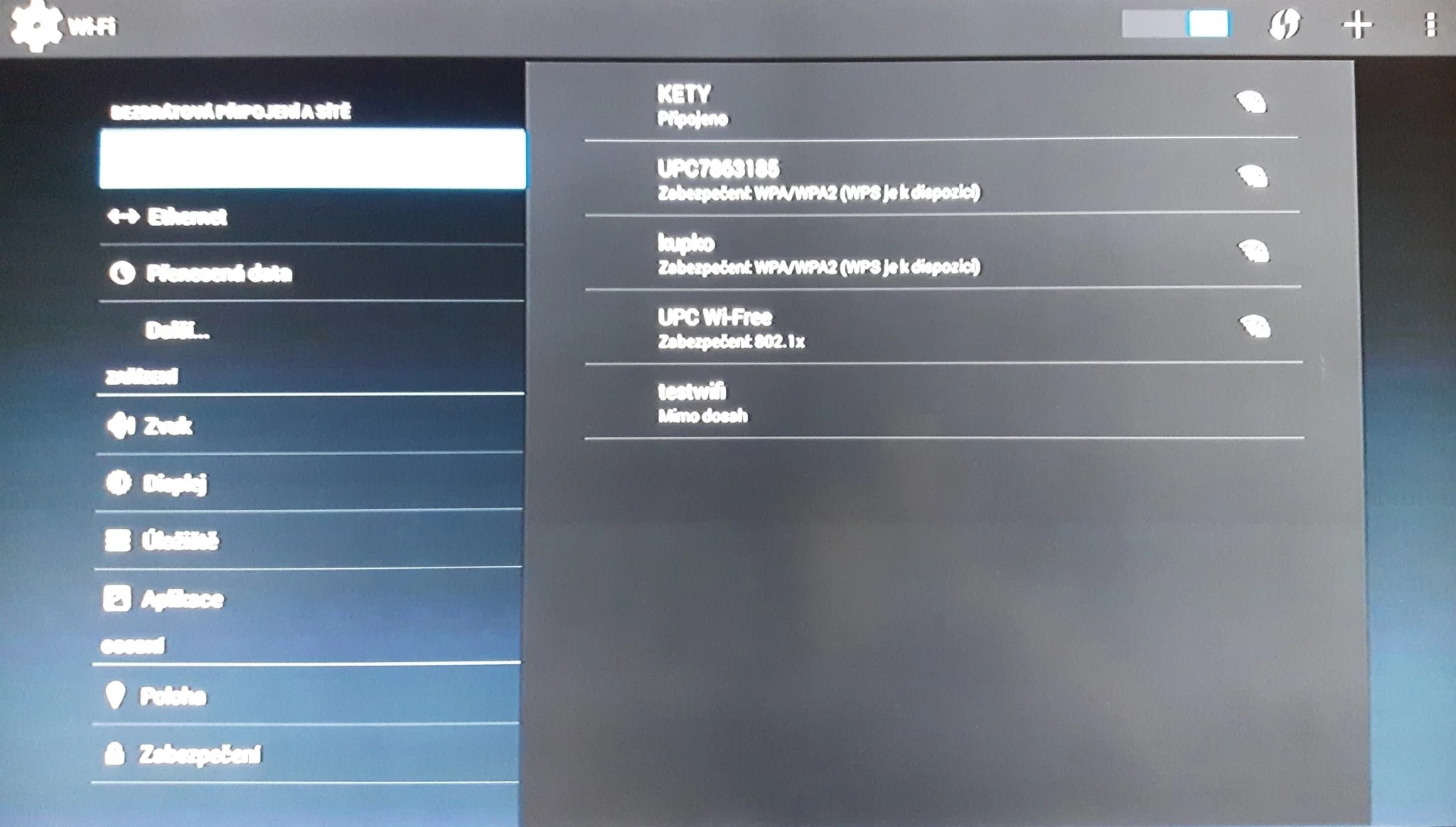
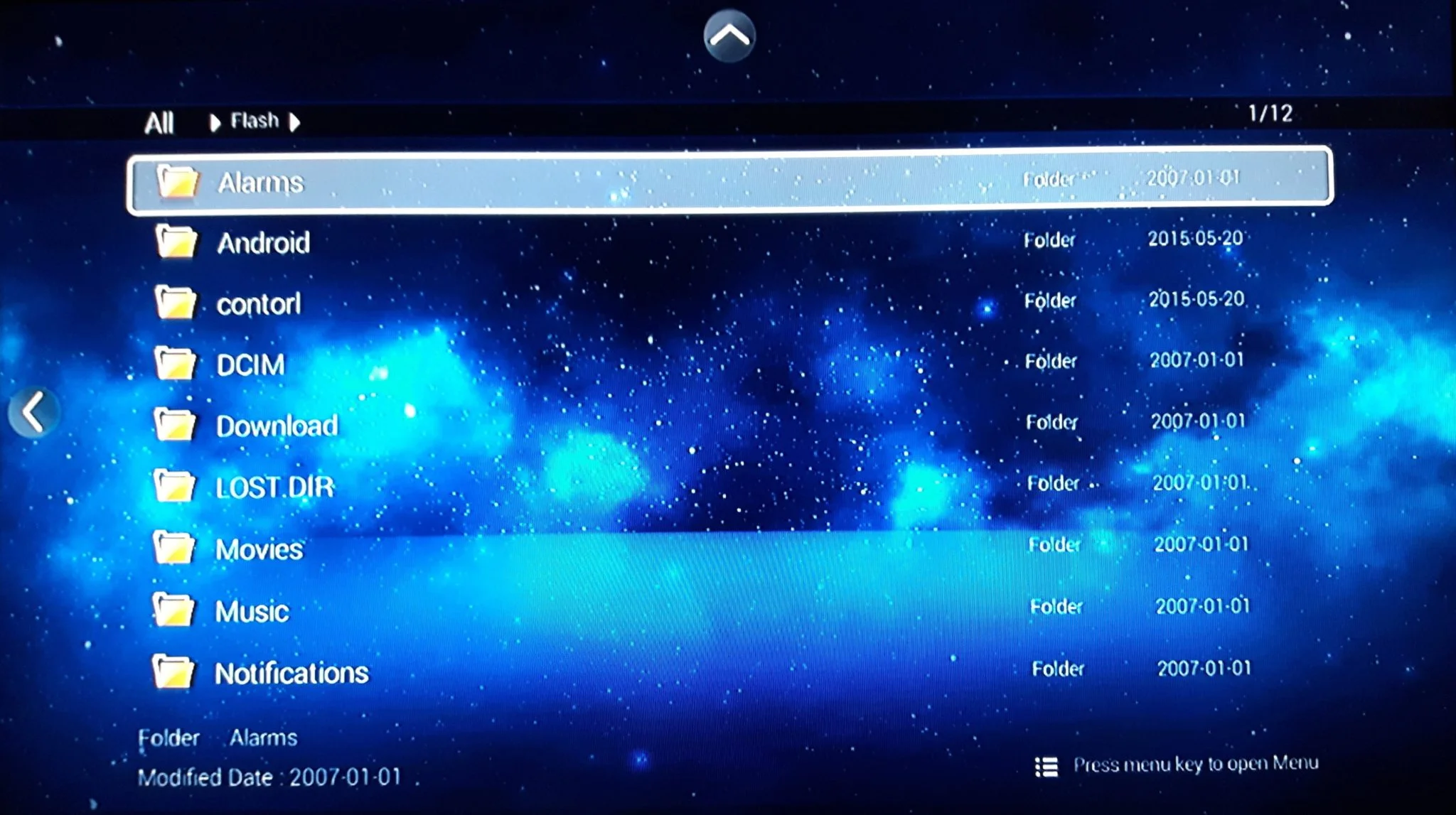
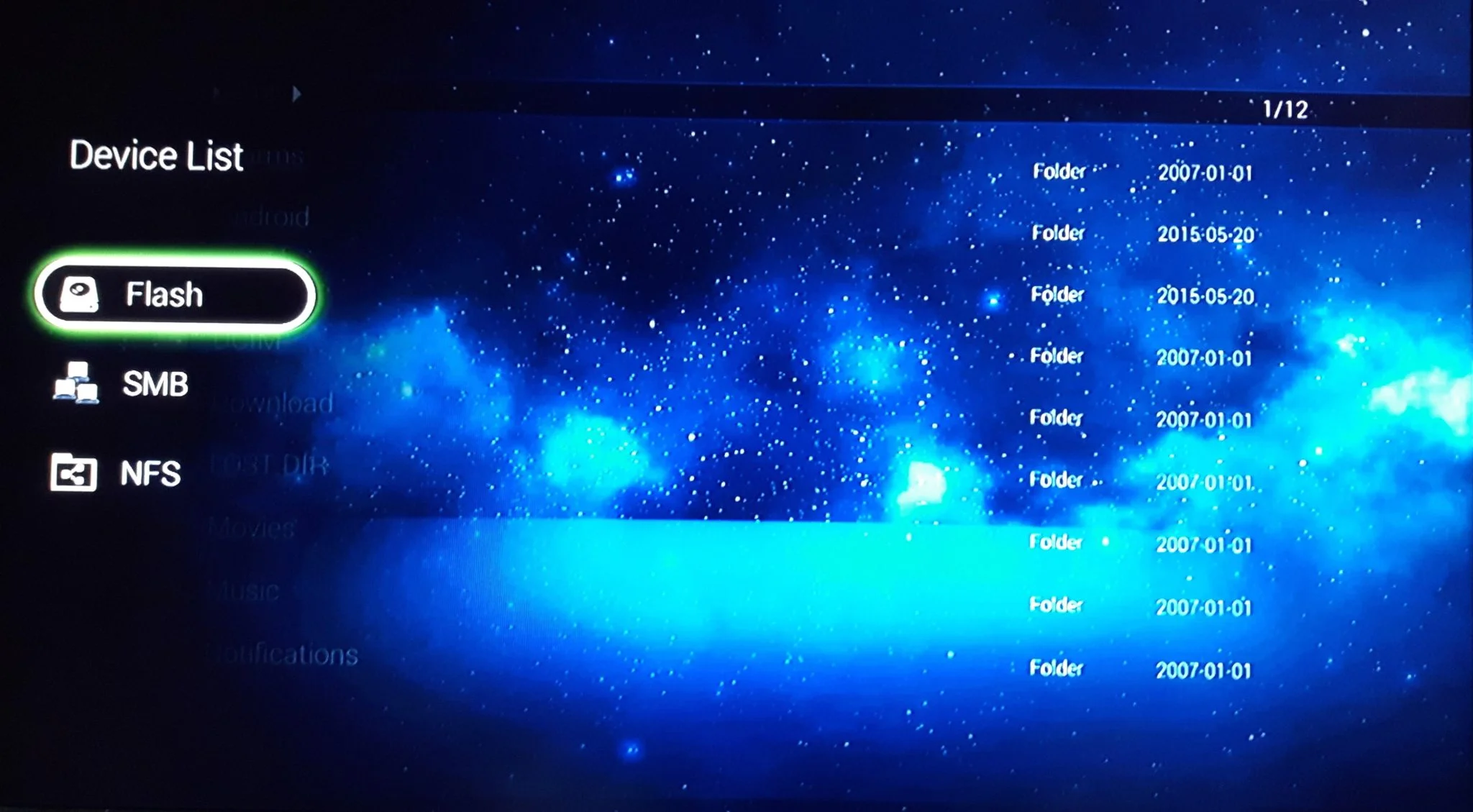
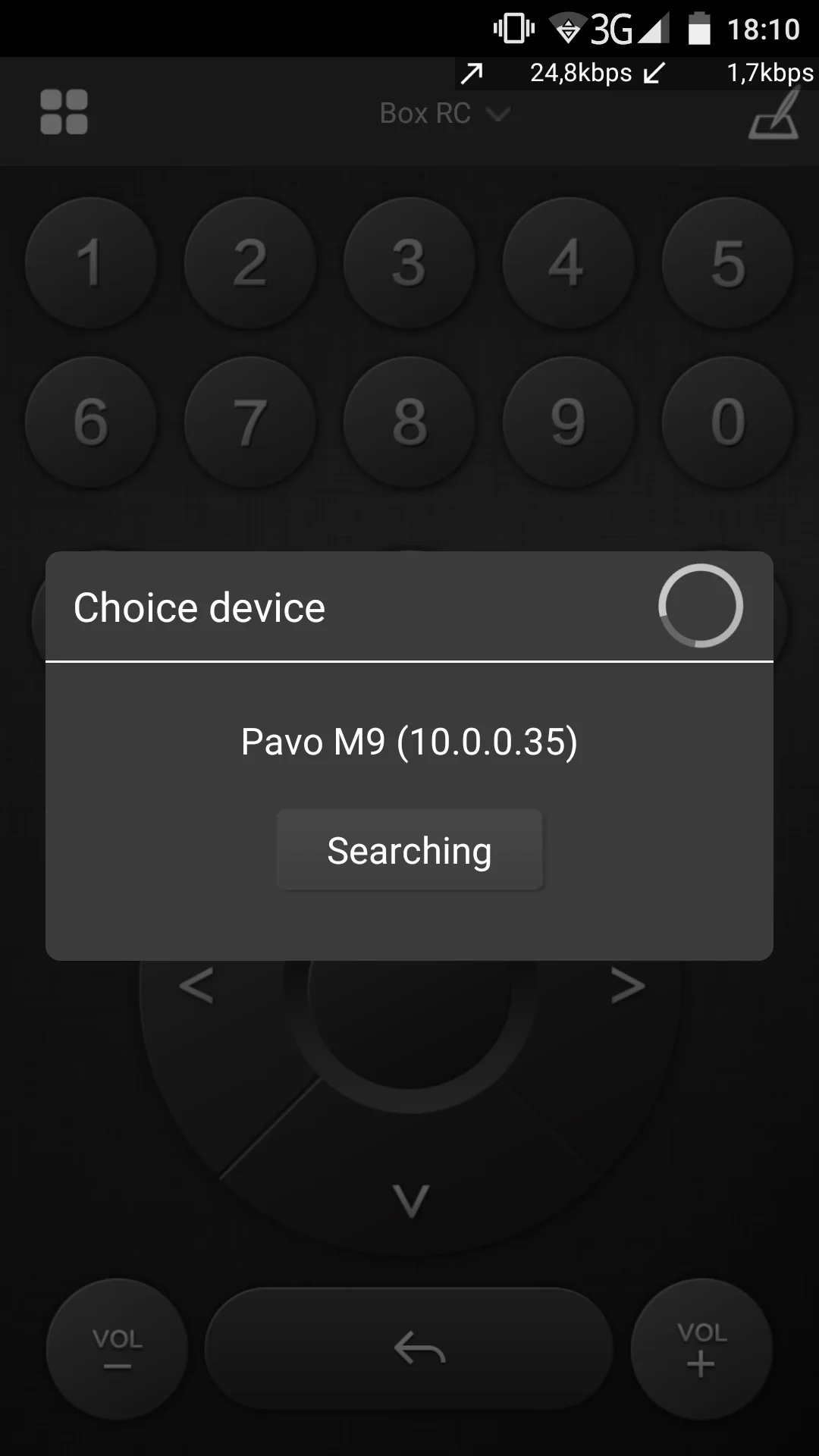
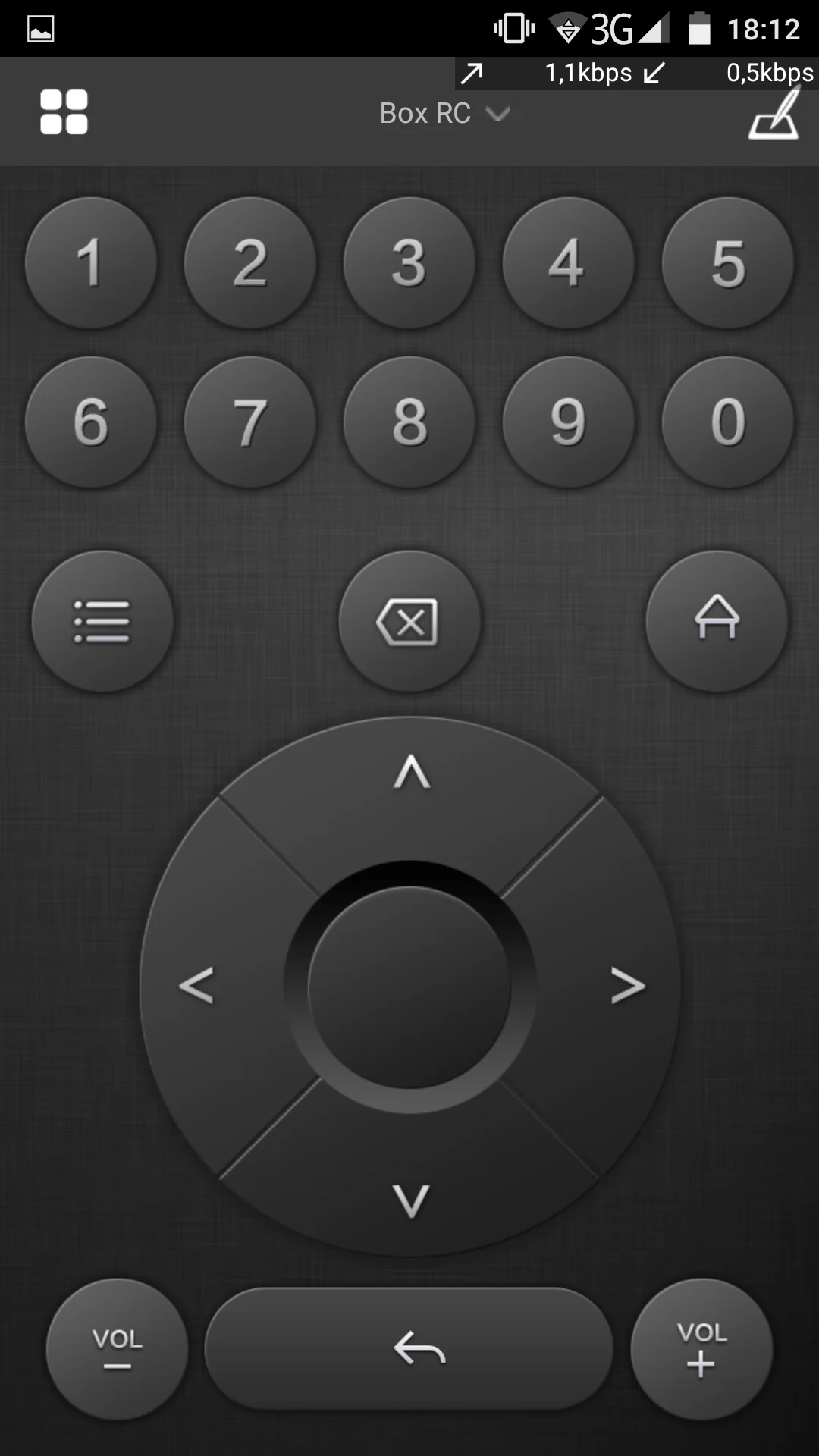
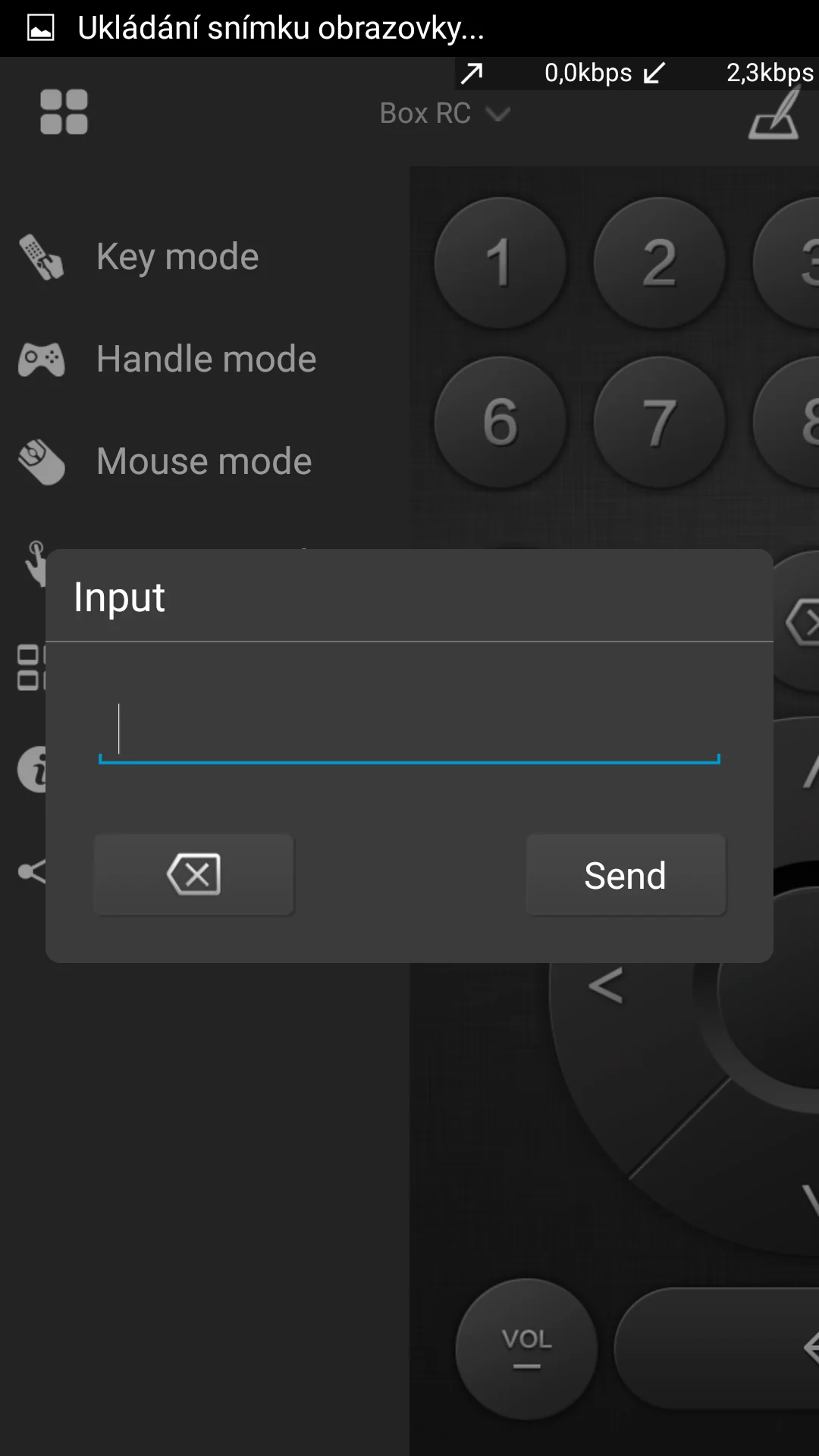
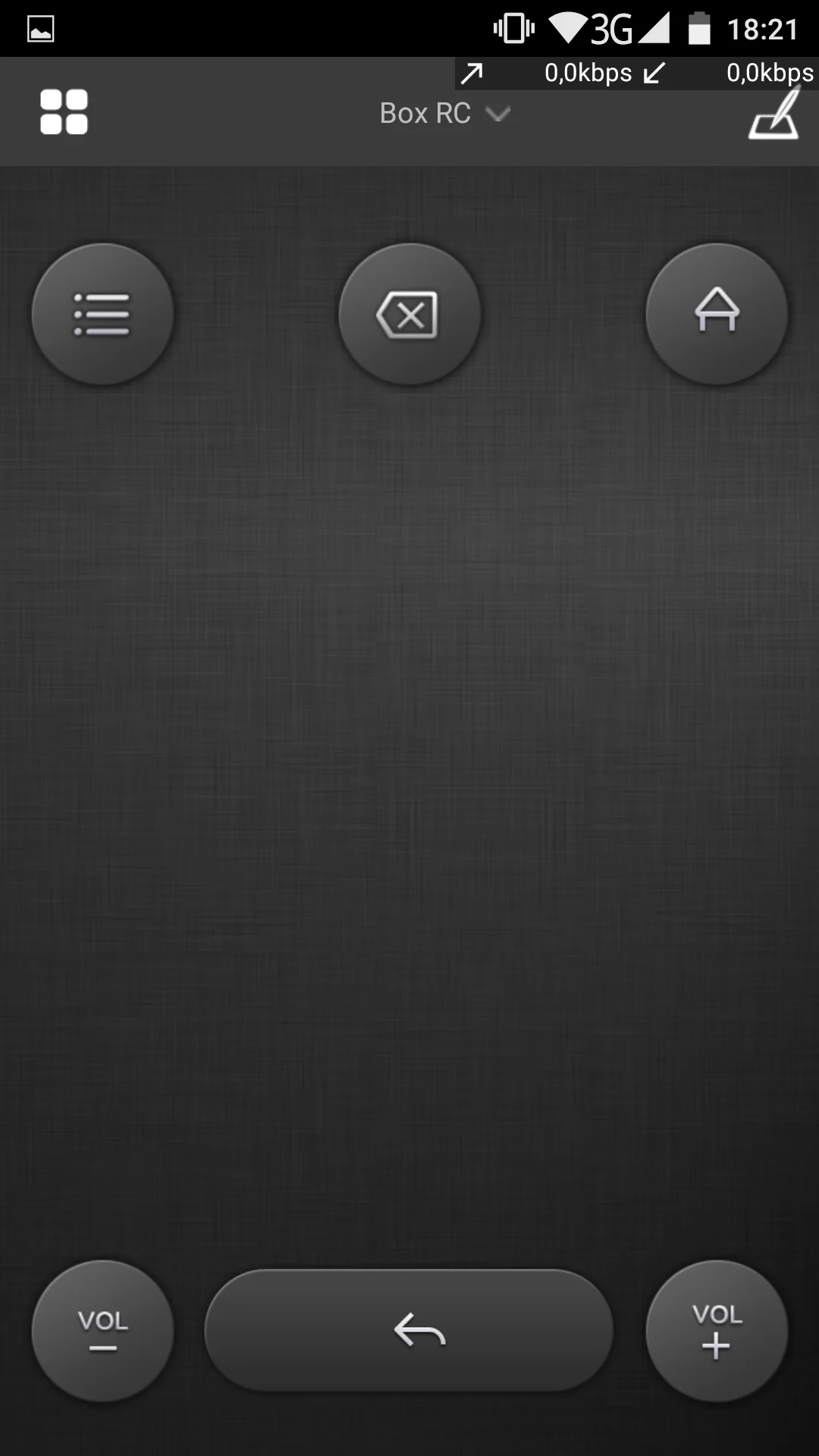
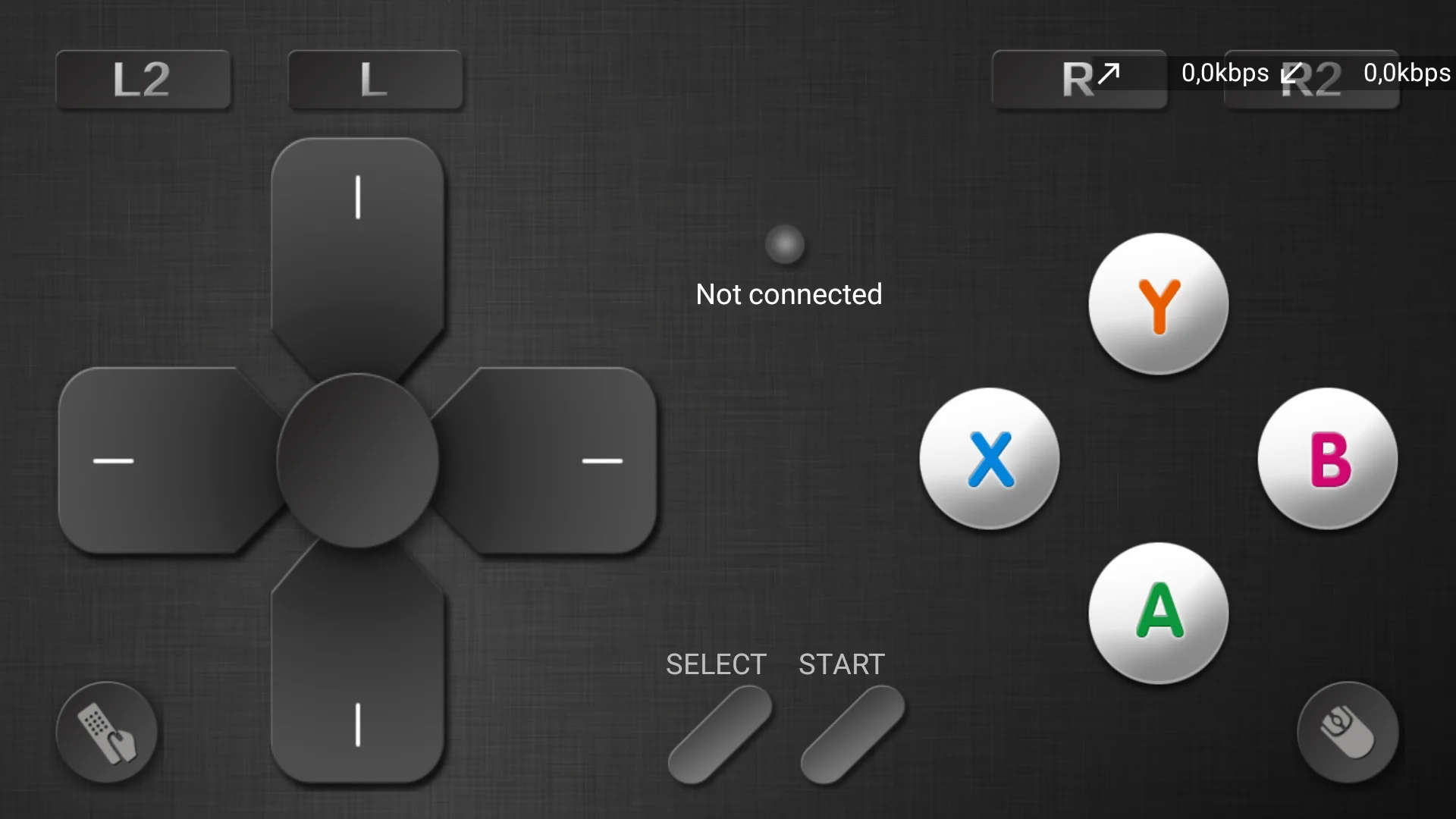
The companion app makes controlling the TV box much faster and more practical. It gives you the essentials, including a keyboard, mouse, and even a gamepad mode. There’s more to it than that, as you can see in the screenshots below.
Unboxing
At GeekBuying’s request, I decided to shoot a short video showing off the device.

Final Verdict
I didn’t expect a small Android box like this to add so much to an older TV that barely got used. The processor is good enough for just about any everyday task, games run without major issues, and watching movies or listening to music is no problem. Add external storage, and the box becomes even more useful.
I don’t personally use this kind of device, so for me it’s unnecessary, but I handed it over to my family. They love it, and it has effectively turned into a great living-room companion. If you have a TV with HDMI and want to browse the web from time to time, watch movies, videos, or photos, or listen to music, the Tronsmart Pavo M9 is a very solid fit.
If you’re interested in buying one, it’s available through online retailers. One option is GeekBuying, where it was listed at a 25 percent discount for 2,276 CZK (approx. $105 / €94).