Google Pixel 8 Pro Review: Finally a True Flagship

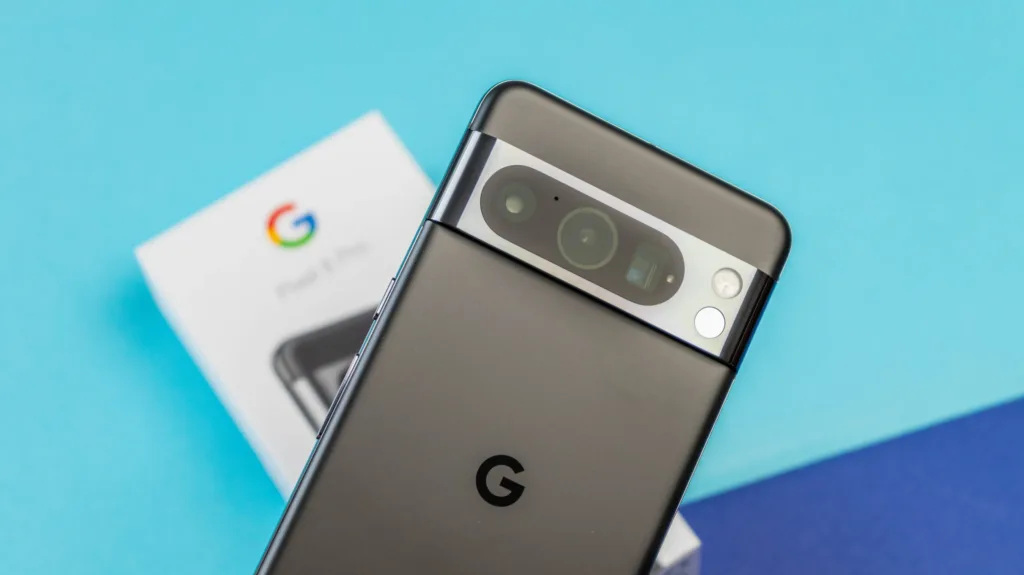
Google unveiled the Pixel 8 lineup last fall, and we already spent time with the smaller Pixel 8. Now that Pixel phones are officially hitting store shelves more broadly, we tested the higher-end Pixel 8 Pro. So how good is Google’s top model, and how well does it hold up against this year’s crowded flagship field?
Design
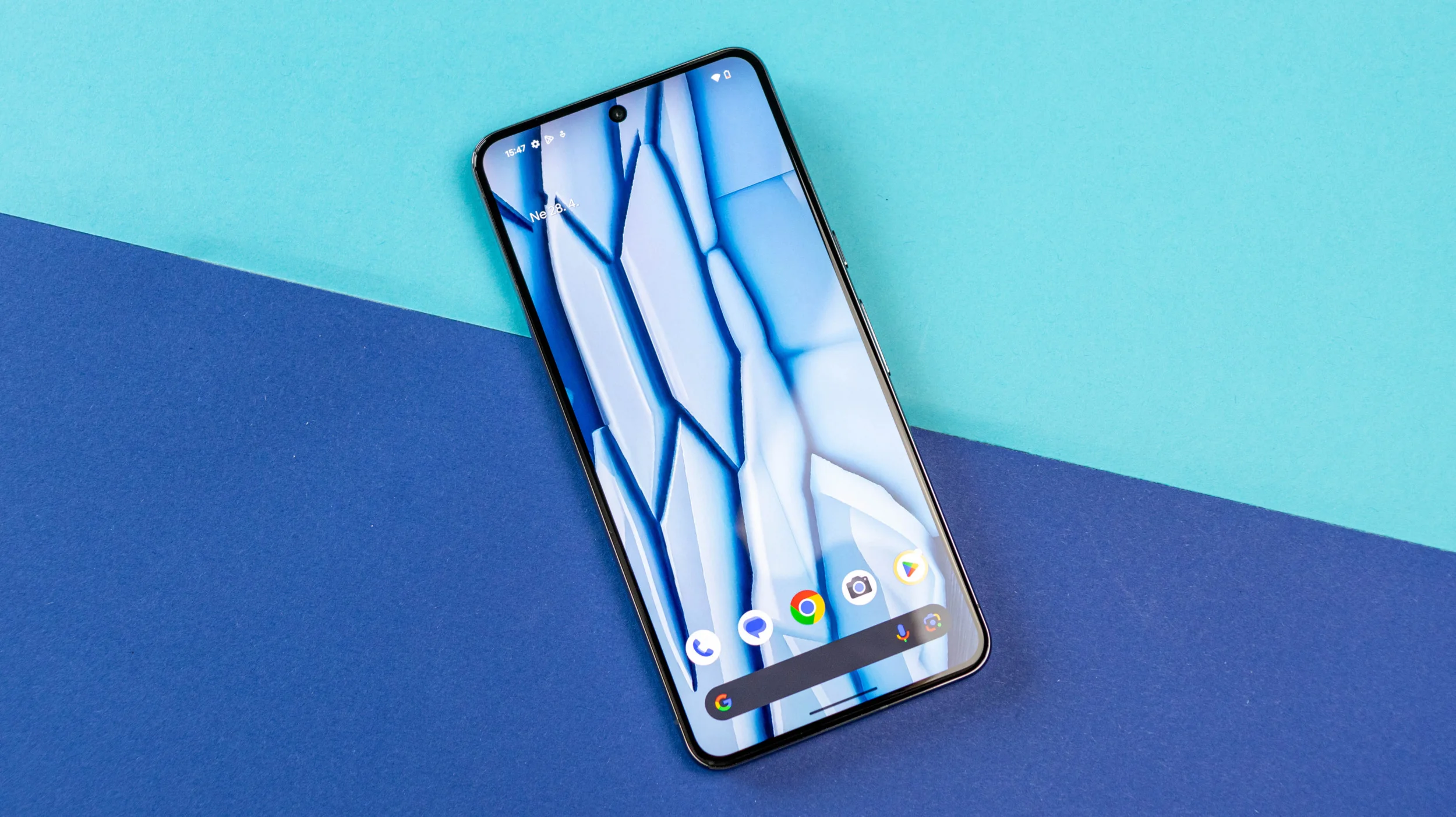
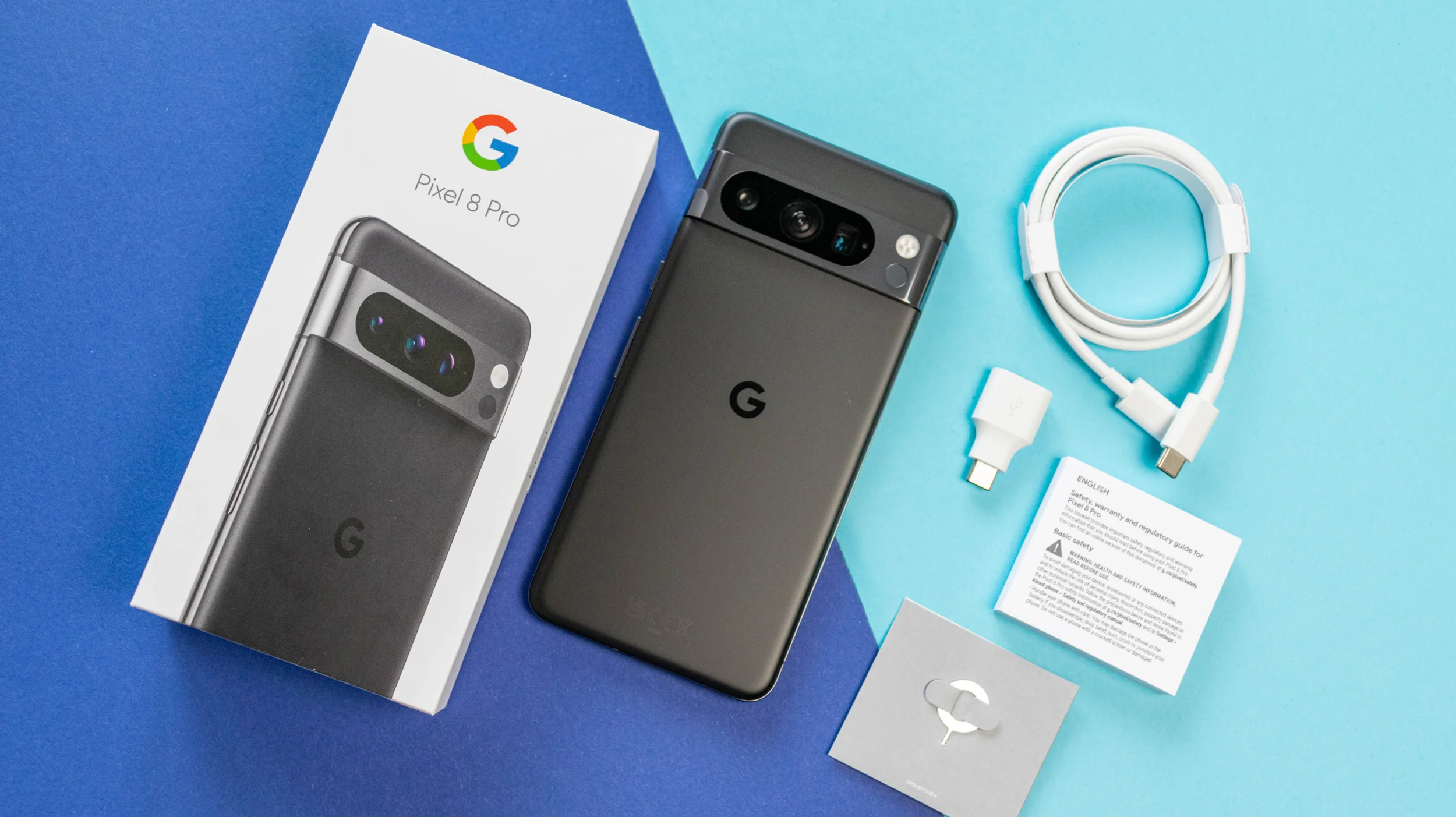
Right up front, the Pixel 8 Pro is simply a big phone. It feels like one of the largest devices I’ve tested in a while. The good news is that, compared with something like the Galaxy S24 Ultra, it’s easier to hold and sits more comfortably in the hand thanks to its rounded build, including curved sides. The finish and shape actually reminded me of older high-end iPhones, especially the iPhone X, which had a similarly glossy, rounded frame. The current trend leans toward flatter, boxier sides, but this still feels better in the hand.
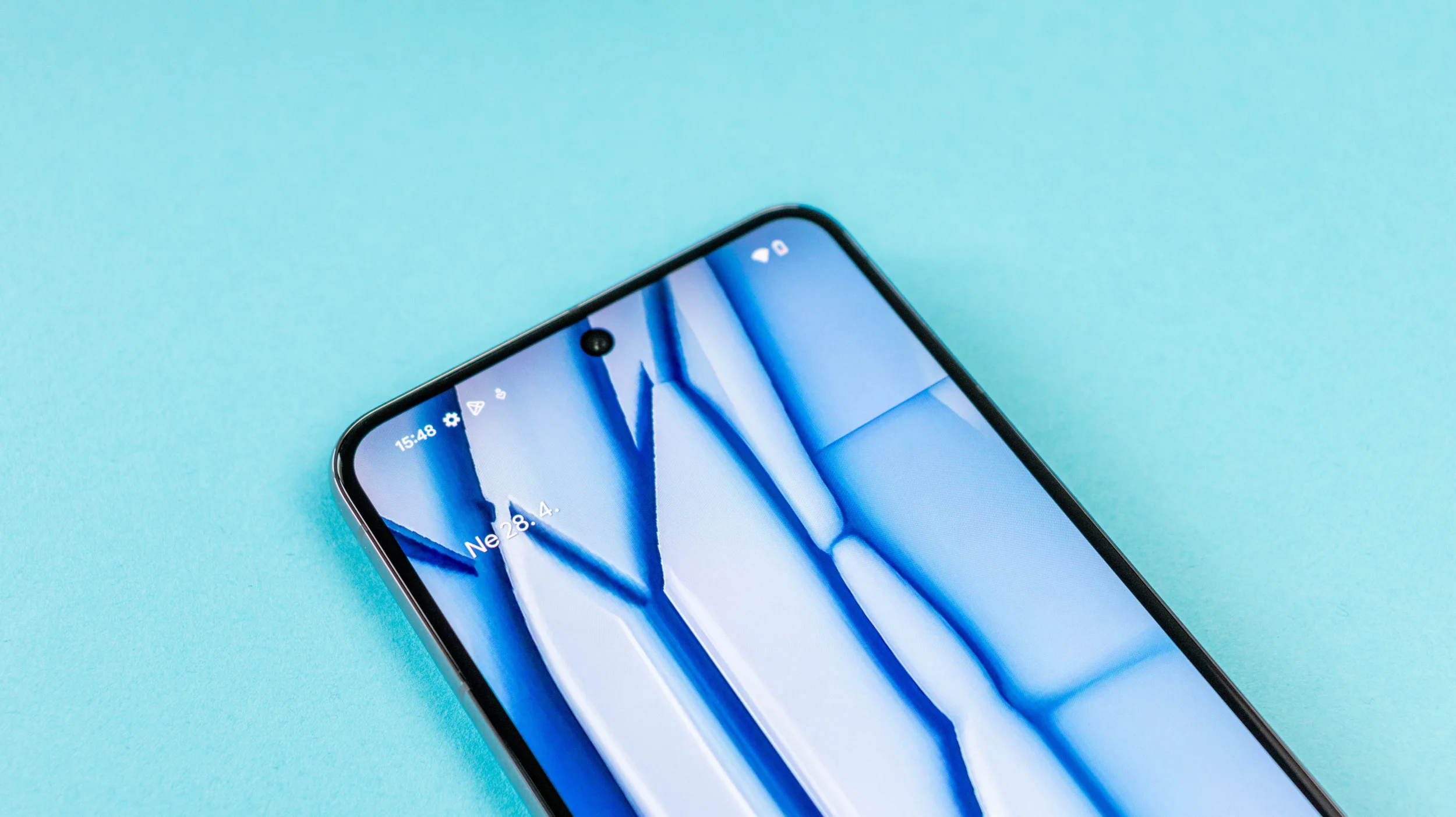
The bezels around the display are essentially symmetrical, which is always nice to see. They’re also reasonably slim. The front glass has a very subtle curve at the edges, though the display itself is flat.
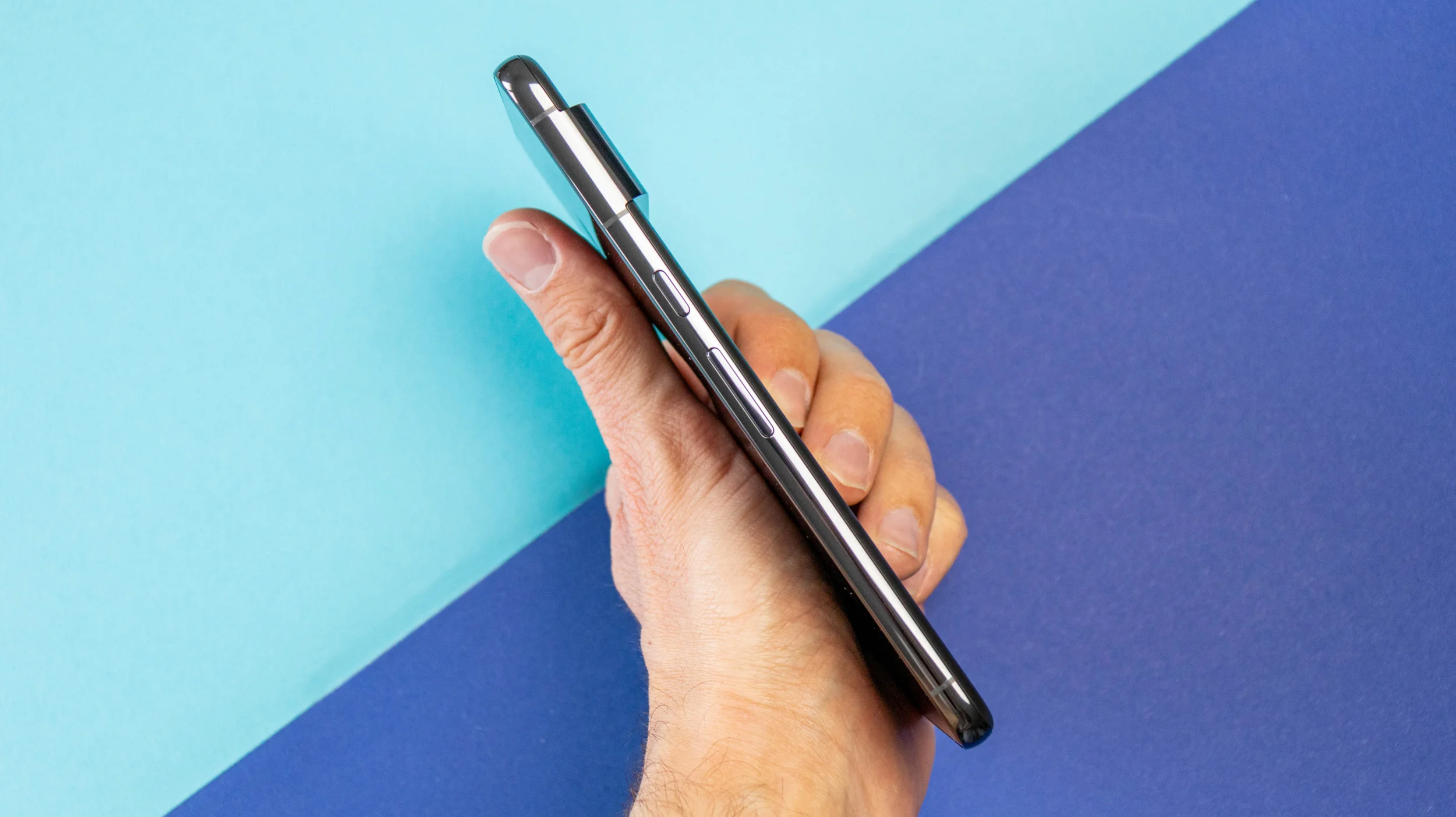
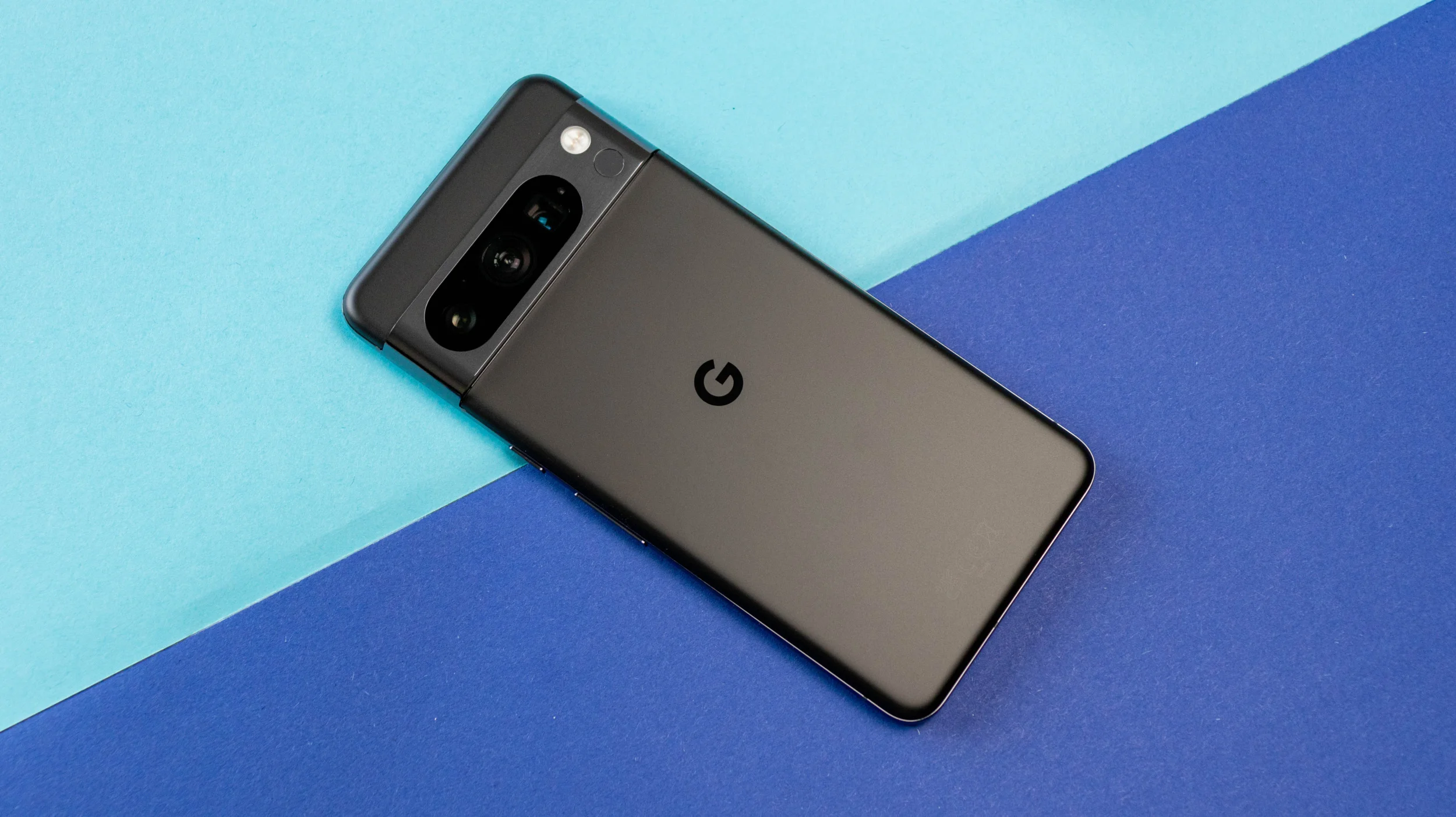
On the back, you get Google’s familiar raised camera bar, which the company calls the “visor.” It sticks out quite a bit, but it’s not much of a problem in daily use. Since it spans the full width of the phone, the device doesn’t wobble when you set it down on a table.
Inside that camera bar, alongside the three cameras, there’s also a flash and a temperature sensor. That’s an unusual extra. At distances up to about 5 cm, it can measure the surface temperature of materials. Google currently warns against using it to measure skin temperature. In practice, it can still come in handy now and then. I found myself using it regularly to check the temperature of drinks or soup.
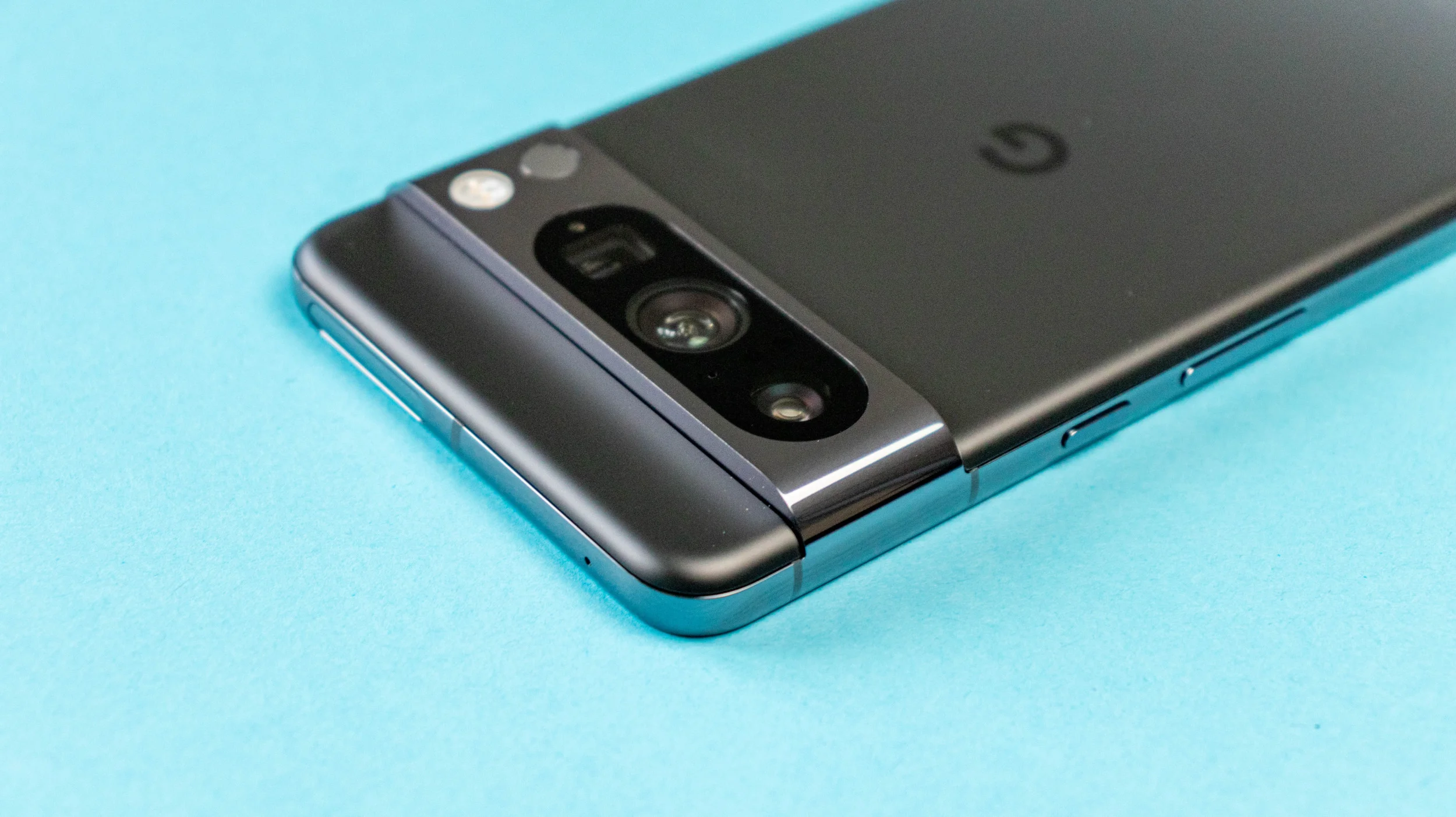
Unlike the smaller Pixel 8, the back panel here has a matte finish, so it doesn’t attract fingerprints. The tradeoff is that it’s a little slippery. On the plus side, it does support wireless charging.
On the right side, the power button sits above the volume rocker. That layout is fairly typical for a Pixel, but not for many other smartphones, so it took me a little while to readjust to the unlock button being above the volume controls. I’m also not a huge fan of the button feel here. The press is fairly stiff and, above all, pretty loud.
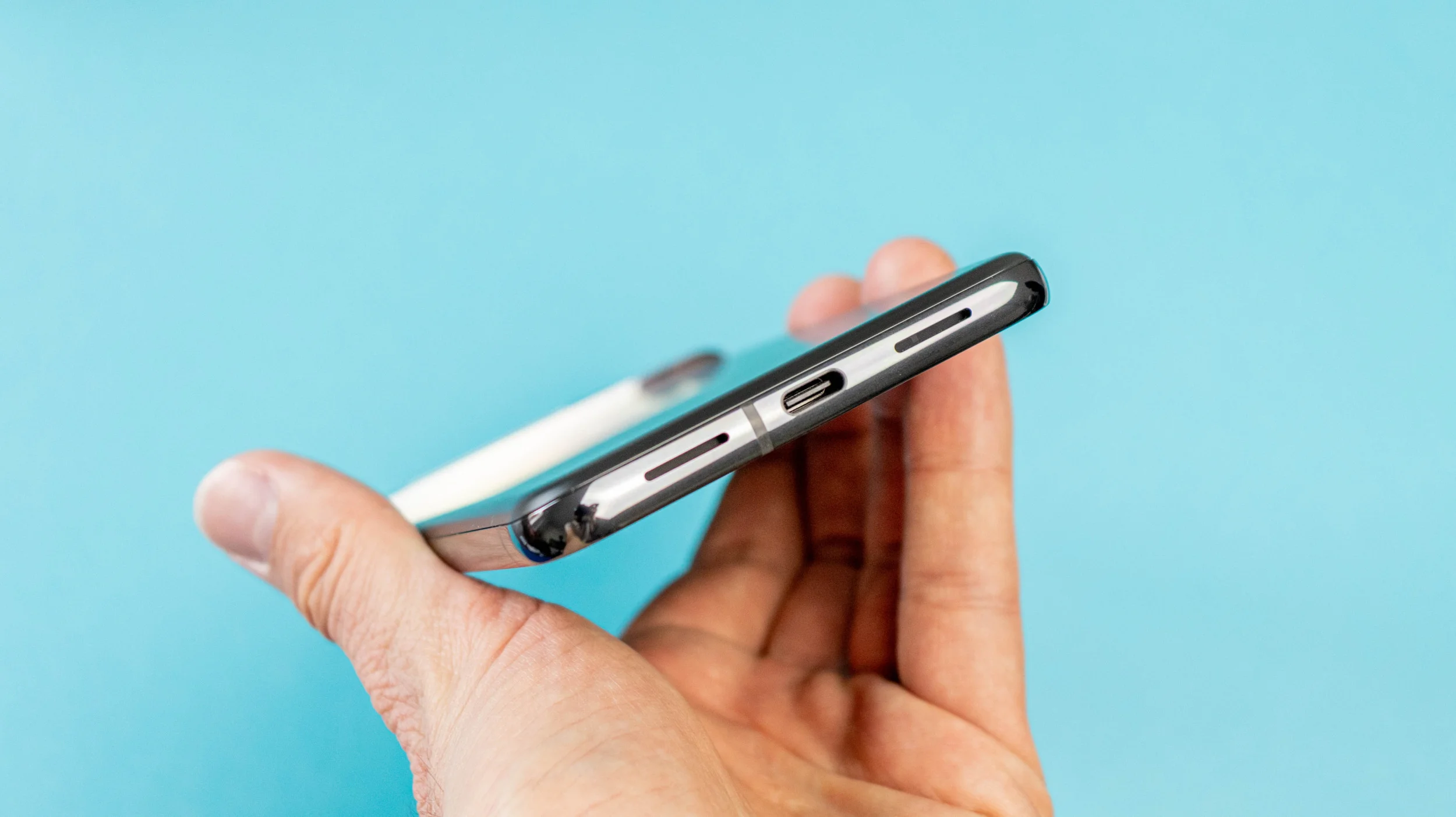
The speaker opening on the bottom isn’t really a grille at all, just one long cutout, which could end up hiding dirt more easily over time. Audio output is stereo, of course, and the sound quality is strong.
The fingerprint reader is positioned well, neither too low nor too high. It uses optical technology and it’s fast enough, but it’s not among the quickest on the market. You still need to keep your finger there for just a brief moment.
You can also unlock the phone with face recognition. Google has managed to get security from a single front-facing camera that’s on par with the fingerprint reader and comparable face-unlock systems. In practice, face unlock is quick, but it isn’t flawless. It also can’t really be used in the dark, since it needs some light.
One area that deserves real praise is the vibration and haptic feedback. It’s among the best on Android, and Google uses it well throughout the system. Sometimes it’s just a tiny, subtle response, but those small touches make the phone feel more polished.
Display
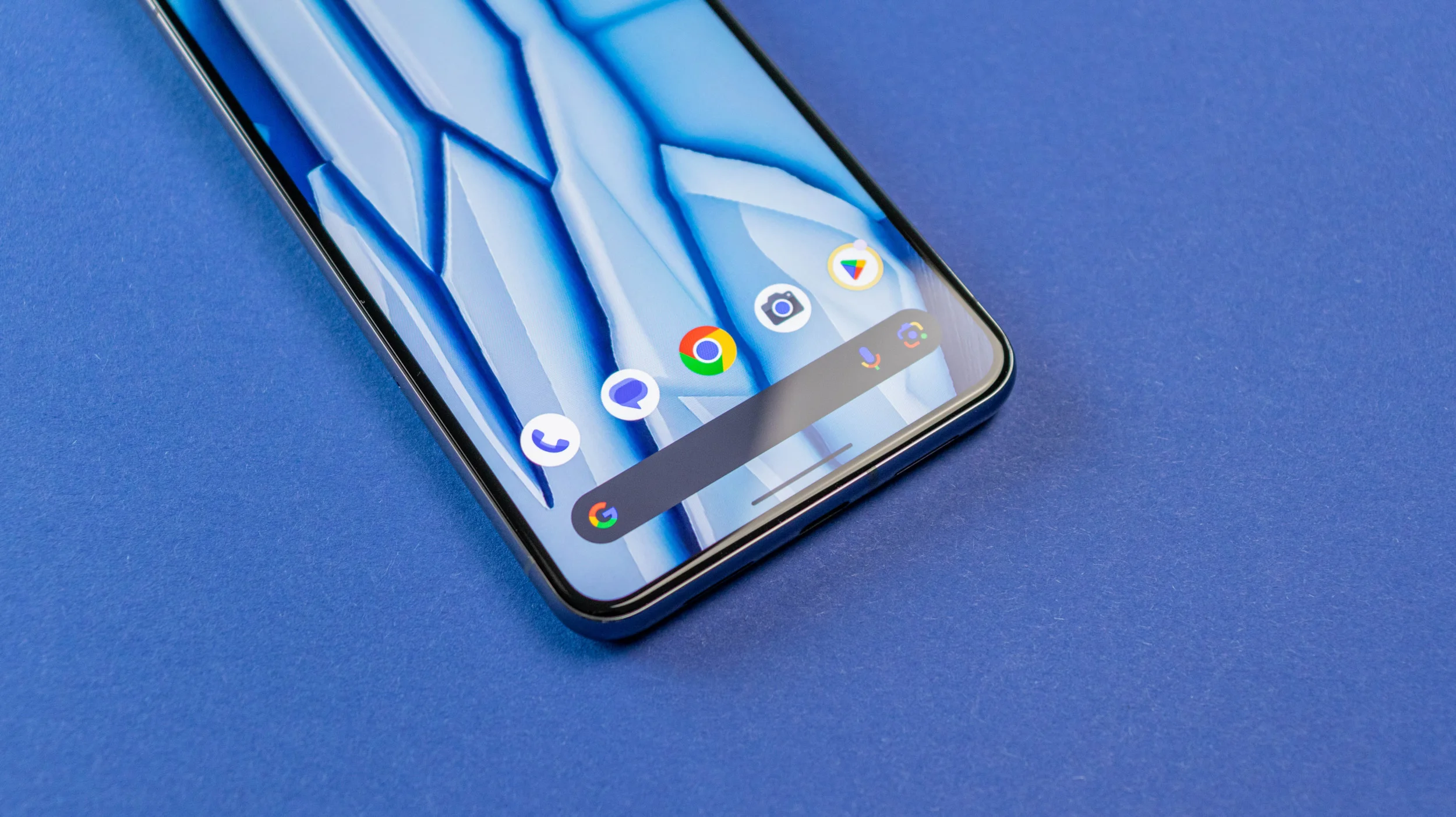
The 6.7-inch panel is an excellent LTPO AMOLED display with an adaptive refresh rate from 1Hz to 120Hz. When I turned on the refresh-rate indicator, I was surprised to see it drop to 1Hz immediately on static content. That’s still not something every rival does. On competing phones, the refresh rate often only falls to 24Hz or 30Hz in that situation, and 1Hz may only kick in after a longer delay or when the always-on display is active.
Outdoor visibility is excellent. Peak HDR brightness is rated at 2,400 nits, though we’ve seen higher numbers from competing devices. Color tuning is excellent straight out of the box in the default “Adaptive” mode. You can switch to a more natural color profile, but I don’t think it’s necessary here. Adaptive mode doesn’t look overly saturated. I usually switch phones over to natural colors, but I never felt the need to do that on the Pixel 8 Pro.
Hardware
Inside is Google’s own Tensor G3 chip. It’s a 4nm processor, once again manufactured by Samsung. The setup is unusual, with nine CPU cores, and Google is pitching it mostly around generative AI and image processing. It’s not chasing the biggest benchmark numbers, and that tracks with my experience.
Geekbench 6 and 3DMark
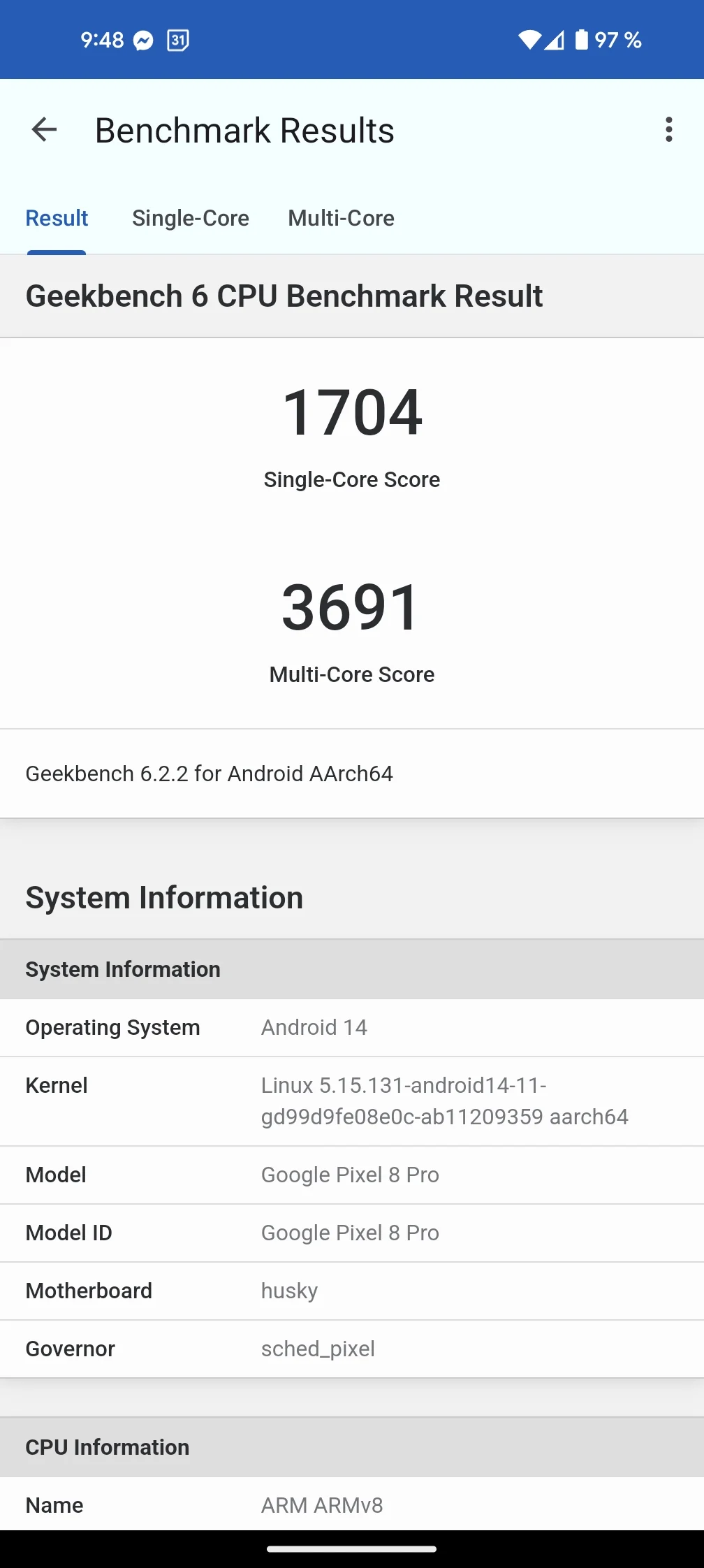
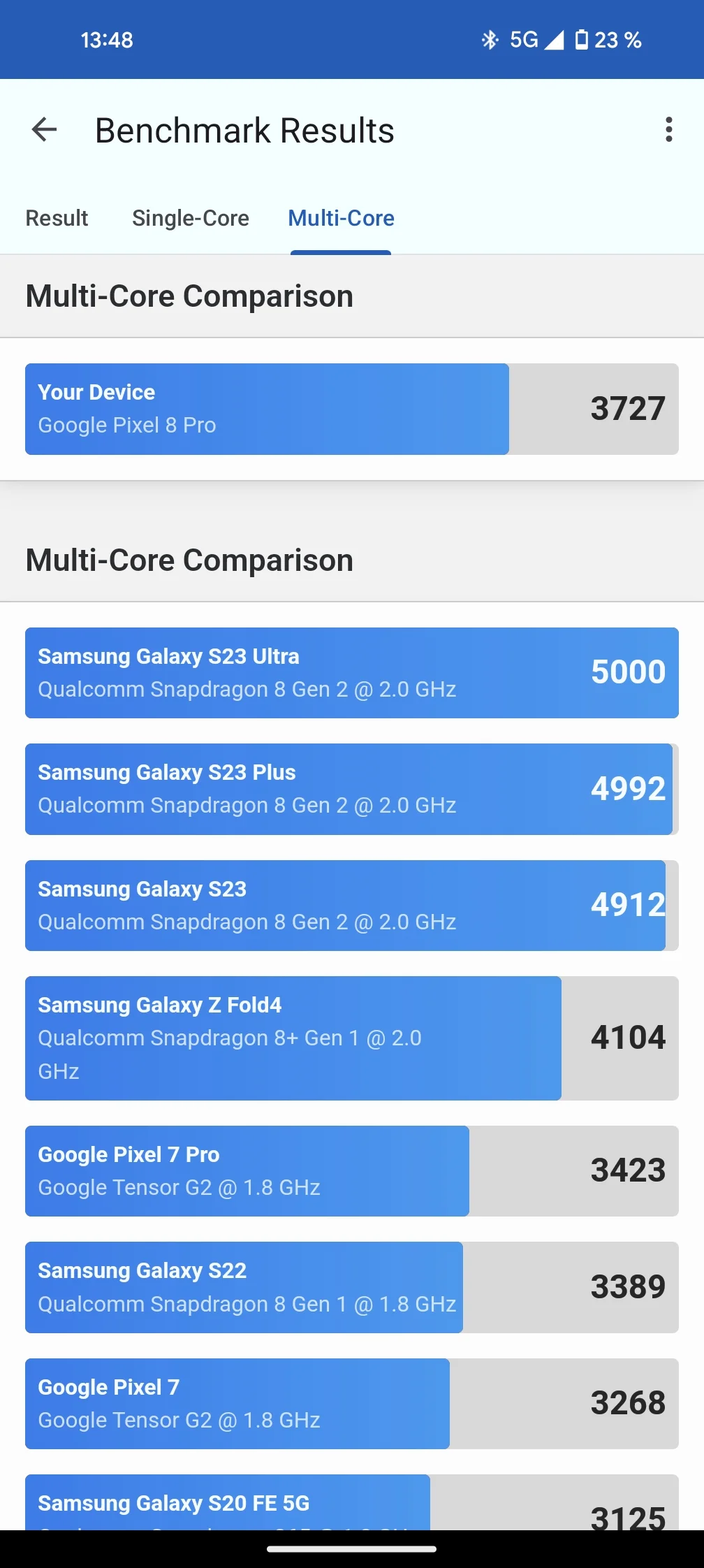
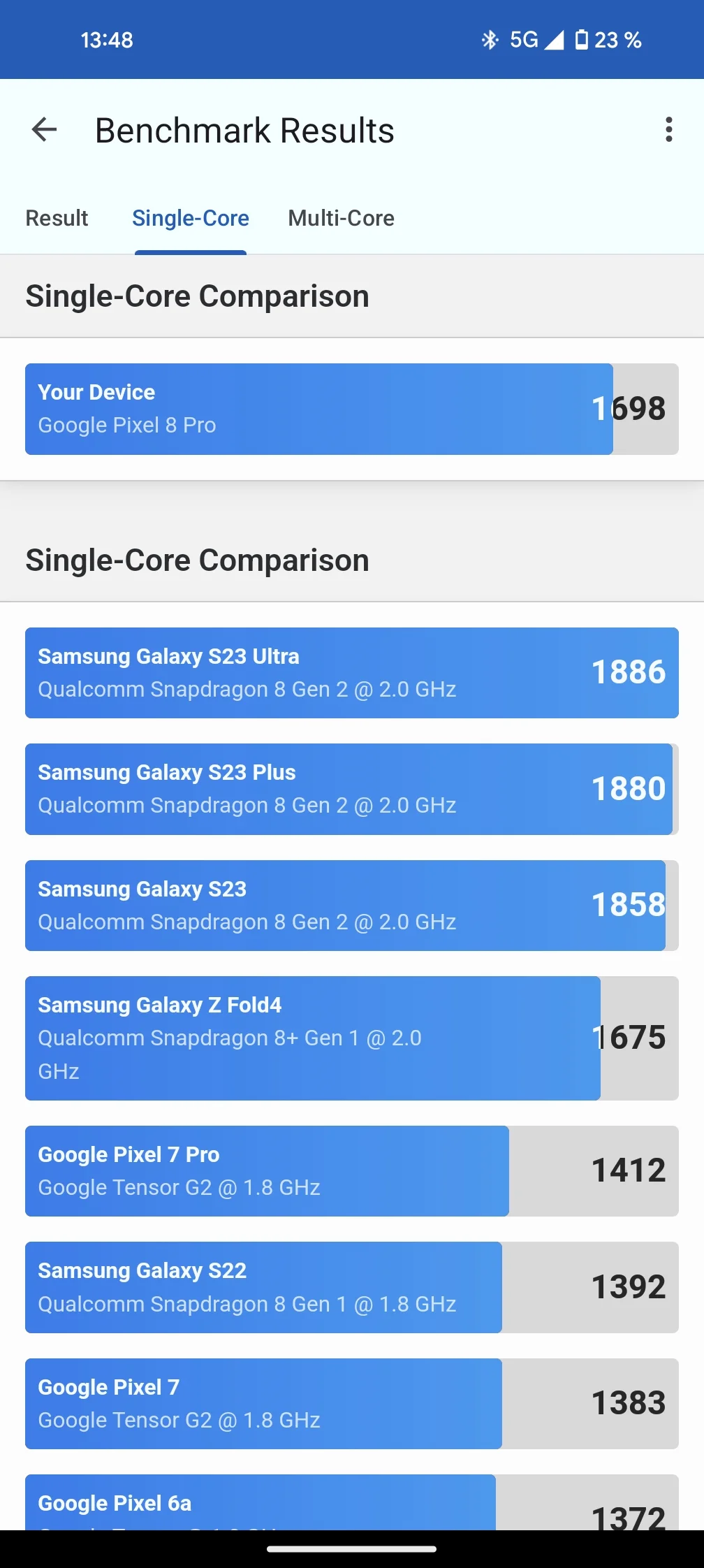
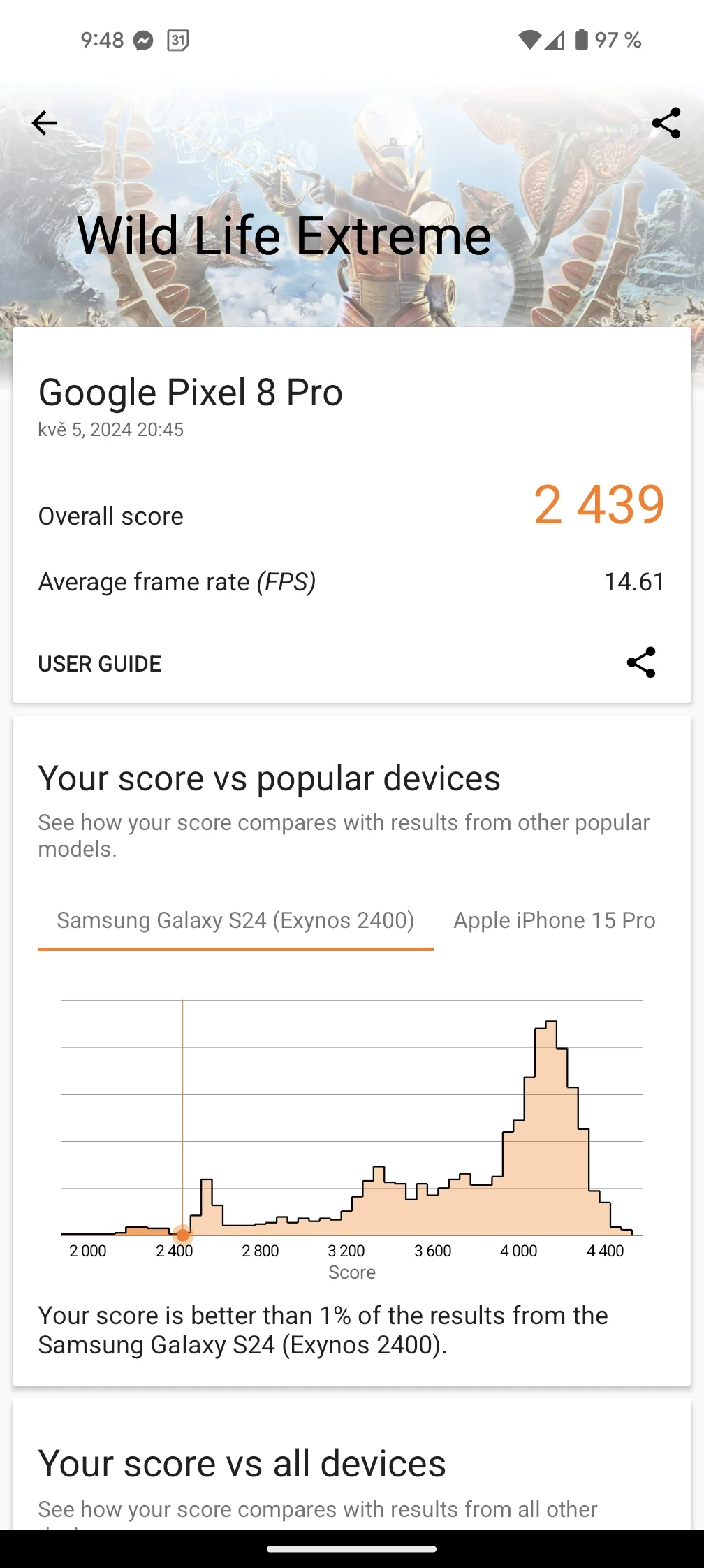
According to Geekbench 6, performance lands somewhere between the Snapdragon 8 Gen 1 and Snapdragon 8 Gen 2. In 3DMark Wild Life Extreme, the Tensor G3 scores around 2,500, which is roughly half of what today’s top-end Snapdragon 8 Gen 3 can deliver.
Thankfully, full 5G support is now available as well.
Pixel 8 Pro specs
- display: 6.7 inches, Quad HD+, 1 to 120Hz, OLED, up to 2,400 nits, Gorilla Glass Victus 2
- processor: Tensor G3 + Titan M2
- RAM: 12GB LPDDR5X
- storage: up to 512GB UFS 3.1
- Android 14
- cameras:
- rear: 50MP, OIS
- 48MP, ultrawide
- 48MP, 5x zoom, OIS
- front: 10.5MP
- rear: 50MP, OIS
- IP68
- stereo speakers
- in-display fingerprint reader
- 5G, Bluetooth 5.3, Wi-Fi 7, NFC, USB-C (3.2), GPS, GLONASS, Galileo, QZSS, BeiDou
- dimensions: 162.6 x 76.5 x 8.8 mm; 213 grams
- battery: 5,050 mAh + 30W USB-C, 23W Qi
Battery life
The battery comes in at 5,050 mAh. In practice, with the default settings and the always-on display turned off, the phone comfortably lasted two lighter-use days for me. Turn on the always-on display, though, and it becomes more of a one-day phone, albeit with a healthy cushion left in the tank at around 35 percent.
Charging isn’t especially fast, but it gets the job done. Wired charging tops out at 30W, and the phone reaches 50 percent in half an hour. The 23W wireless charging is a nice bonus.
Camera
The Pixel 8 Pro packs three cameras: an ultrawide, a main camera, and a telephoto with 5x optical zoom.








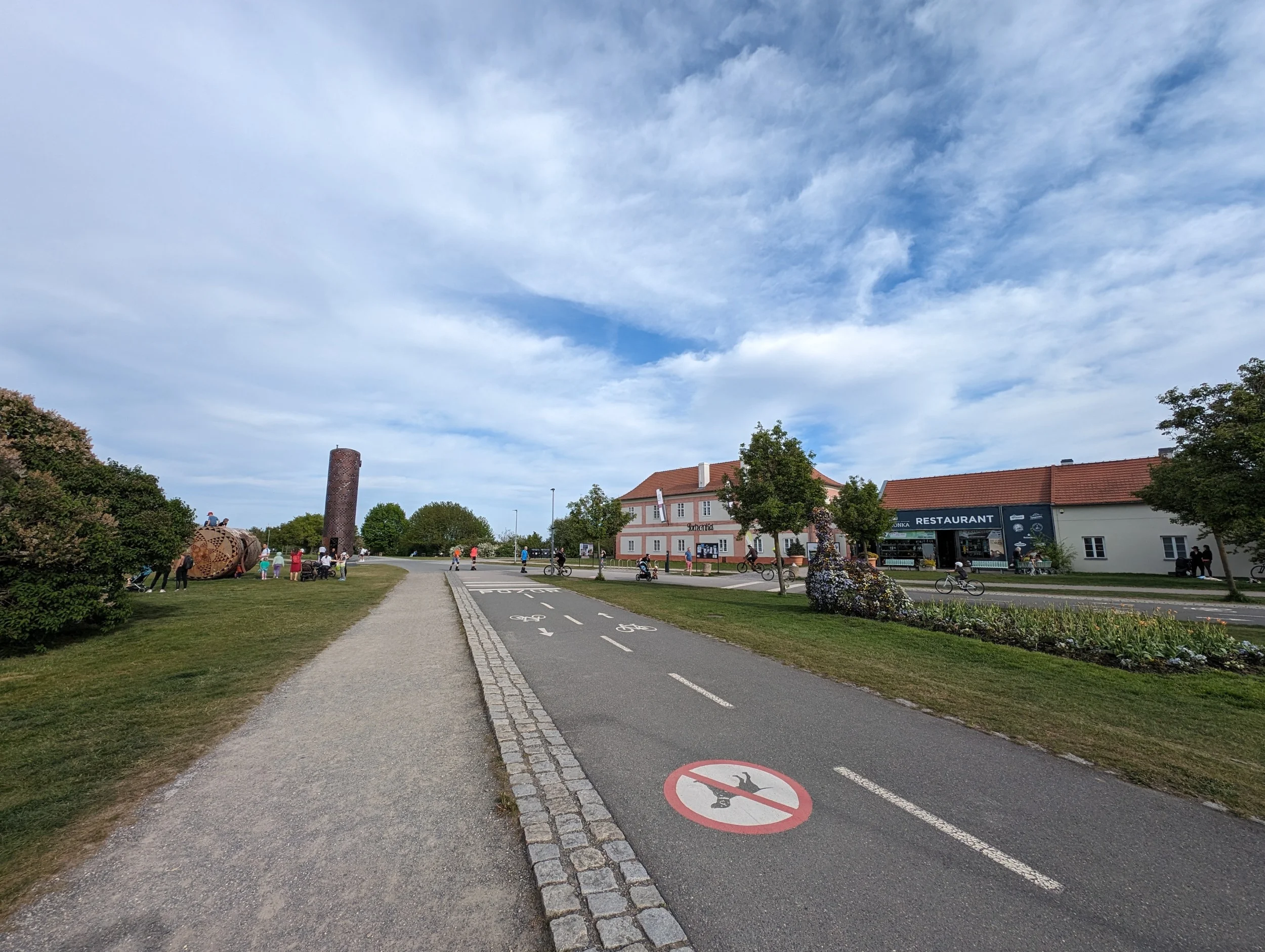






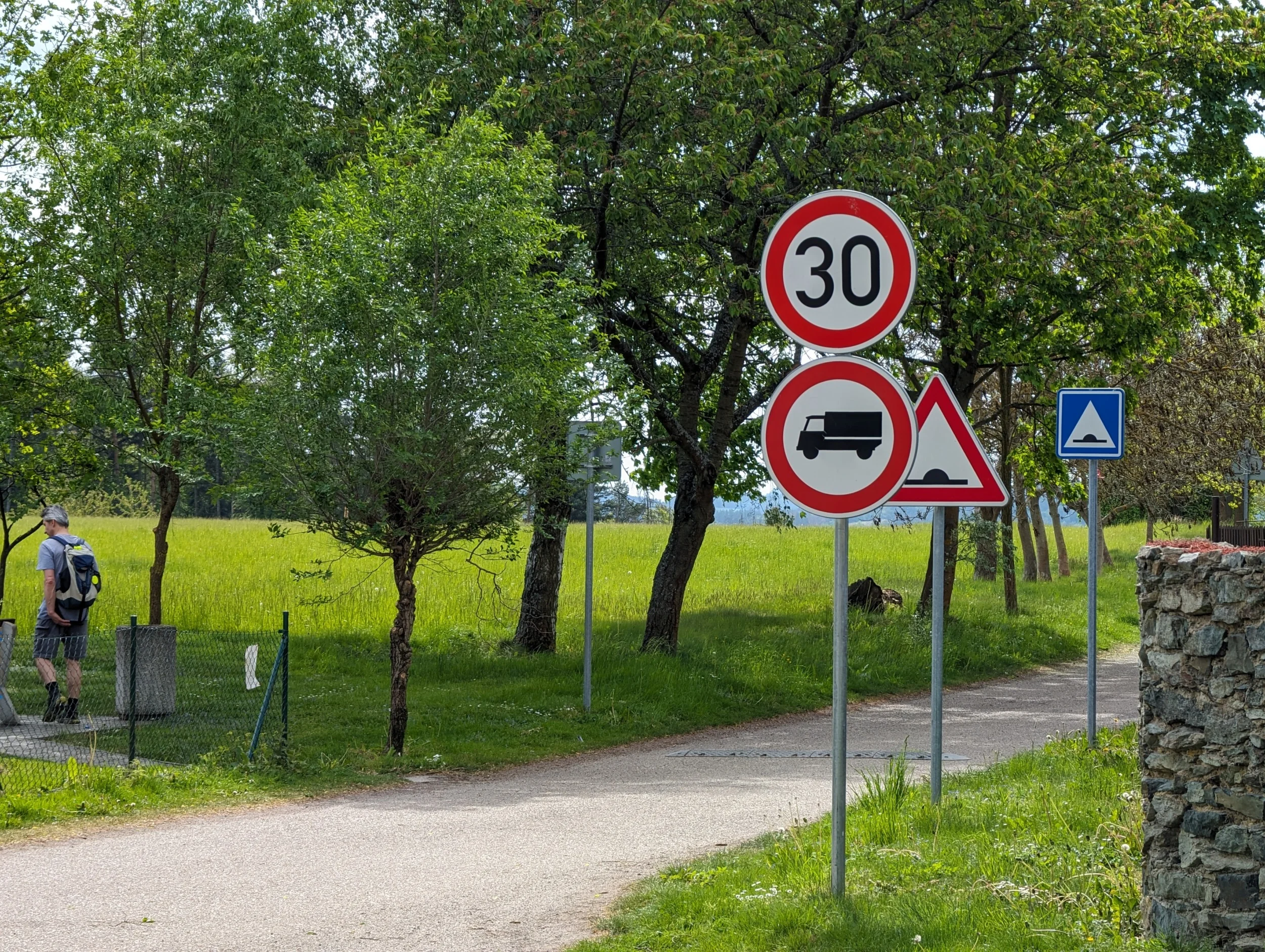




In day-to-day use, what deserves the most praise is the consistency and color rendering. Some users may come away disappointed that the photos aren’t as saturated. I don’t mind that at all. If anything, it gives you more room to push the shots however you want in editing. HDR is still excellent, too. I compared image quality and color against the iPhone 15 Pro, and I was surprised by how similarly the Pixel 8 Pro shoots. In plenty of scenes, the photos are nearly identical, with the Pixel pulling just a bit more detail out of the shadows in backlit situations.








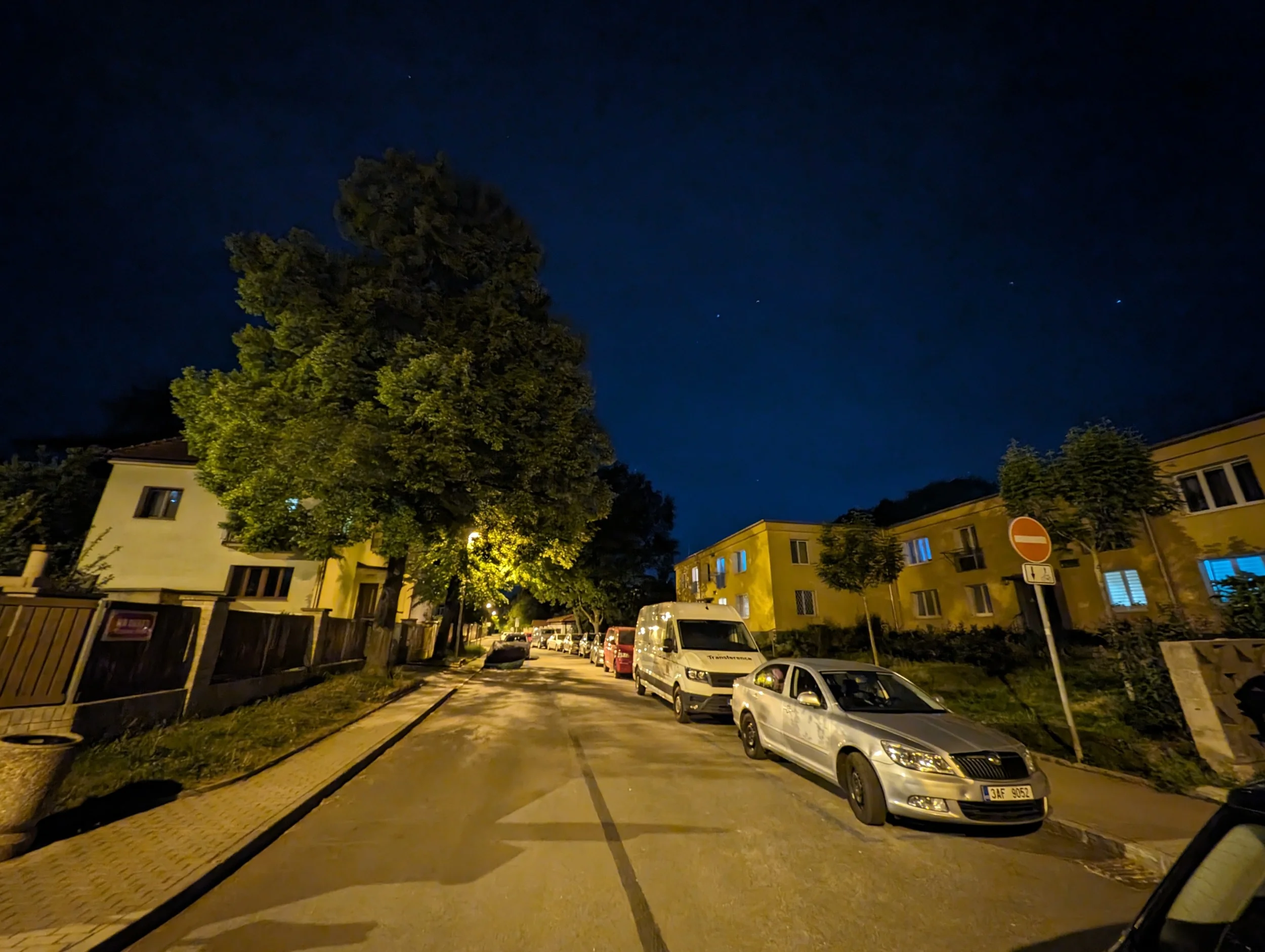
I also have to give credit to the camera’s nighttime performance, especially the color consistency across all of the sensors.










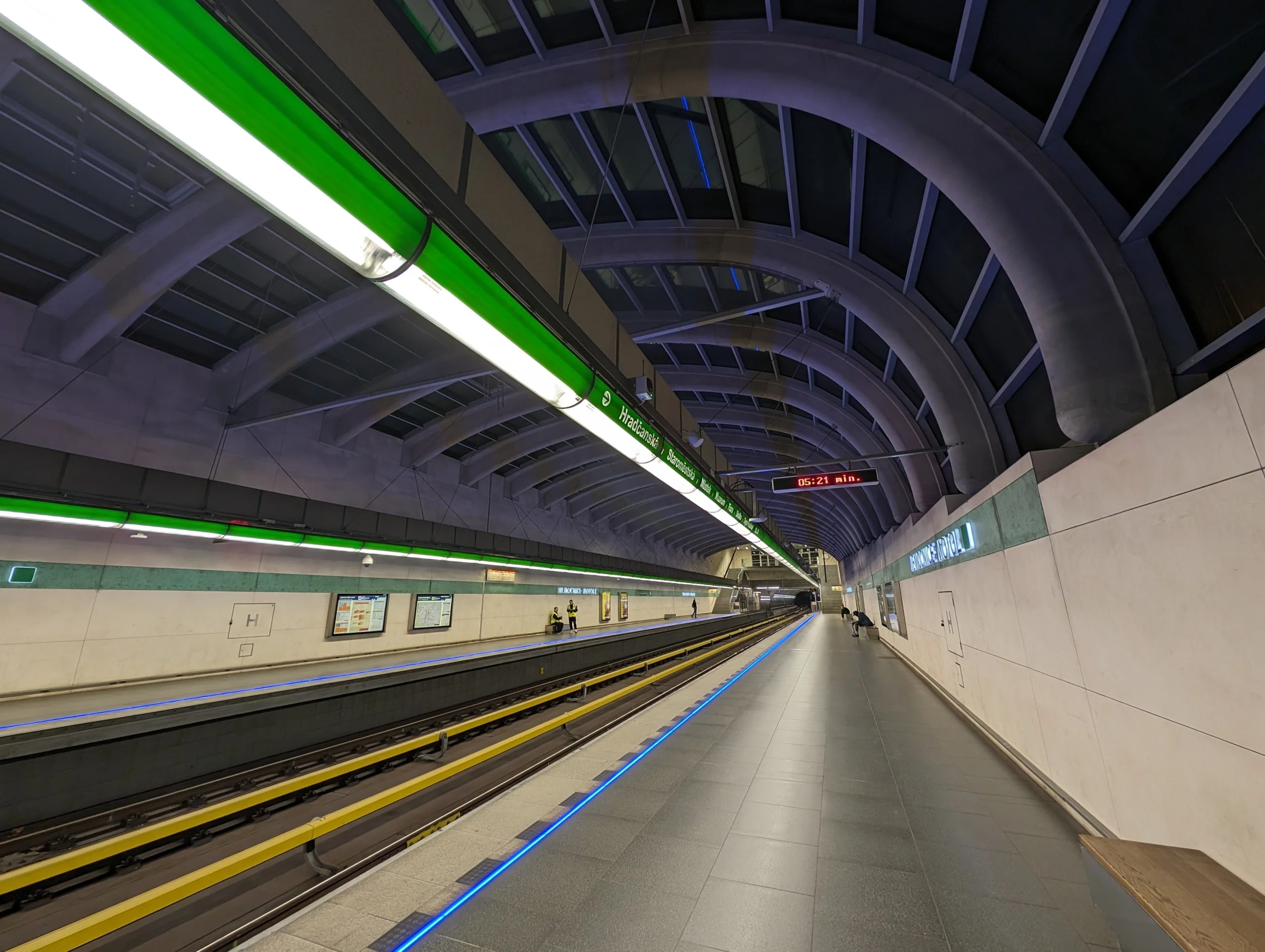


But this isn’t just about how the camera shoots. Google puts a lot of emphasis on what happens after the shot, where you can tap into generative AI editing much like Samsung’s tools. There’s real room to play here, especially when it comes to removing unwanted objects. It’s not flawless, though. I couldn’t get a car out of one photo, for example, but in most cases it does a very good job.
What caught me off guard, and not in a good way, is that using Magic Editor with generative AI requires uploading the photo to Google’s cloud first. In practice, that means Google is nudging you toward paying for extra storage, since the free 15GB doesn’t go very far.
The same goes for AI video enhancement, aka Video Boost, which unfortunately works only with the main camera and has to be manually enabled every time you reopen the camera app. During the day, you can safely skip it because it doesn’t add much. It mostly just bumps saturation a bit. At night, it also falls short of the dramatic results Google showed off at launch. Dark areas in the video are still dark. You can find a sample of four enhanced videos here. After the video is uploaded to the cloud, processing takes roughly an hour.










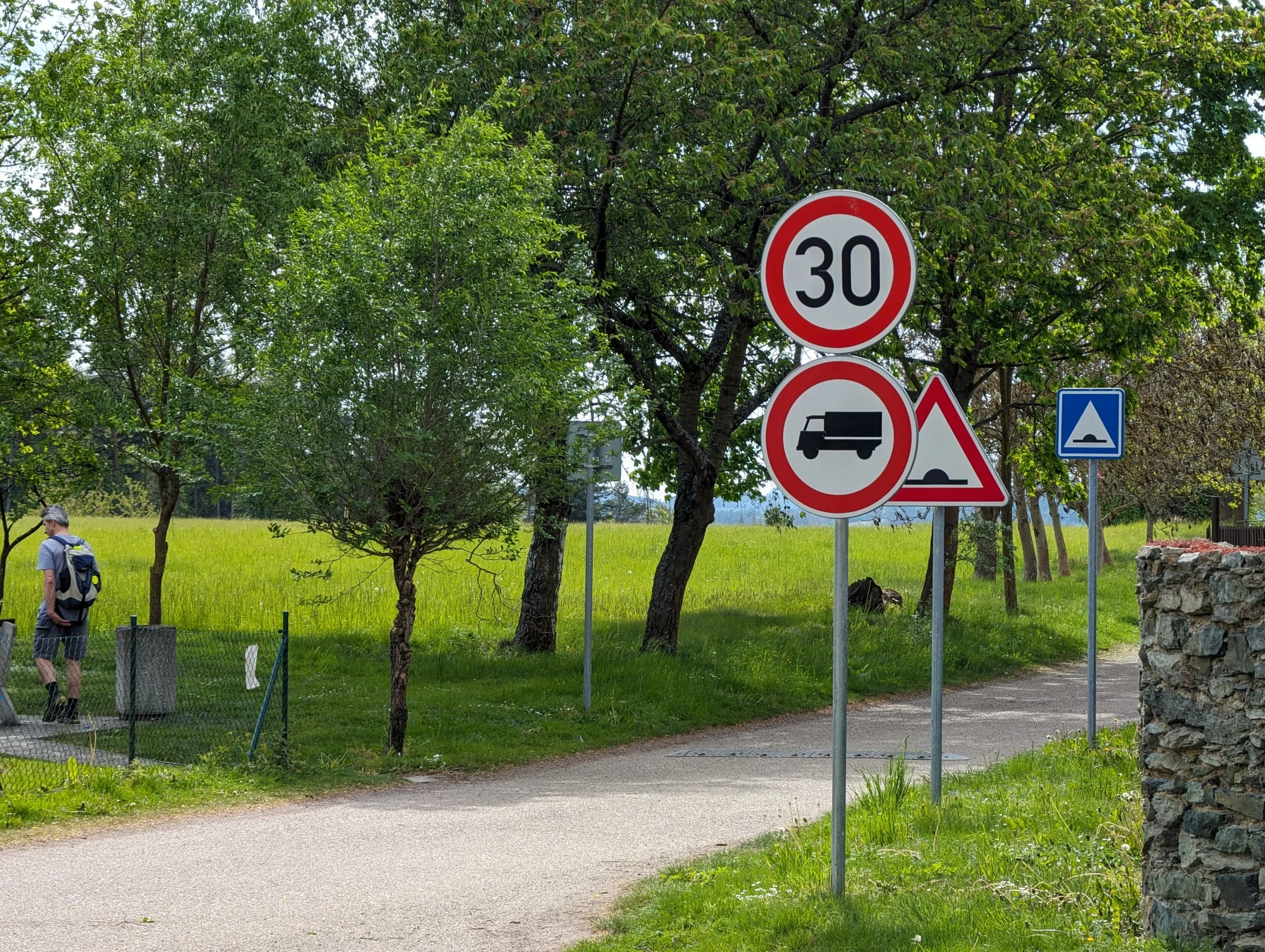

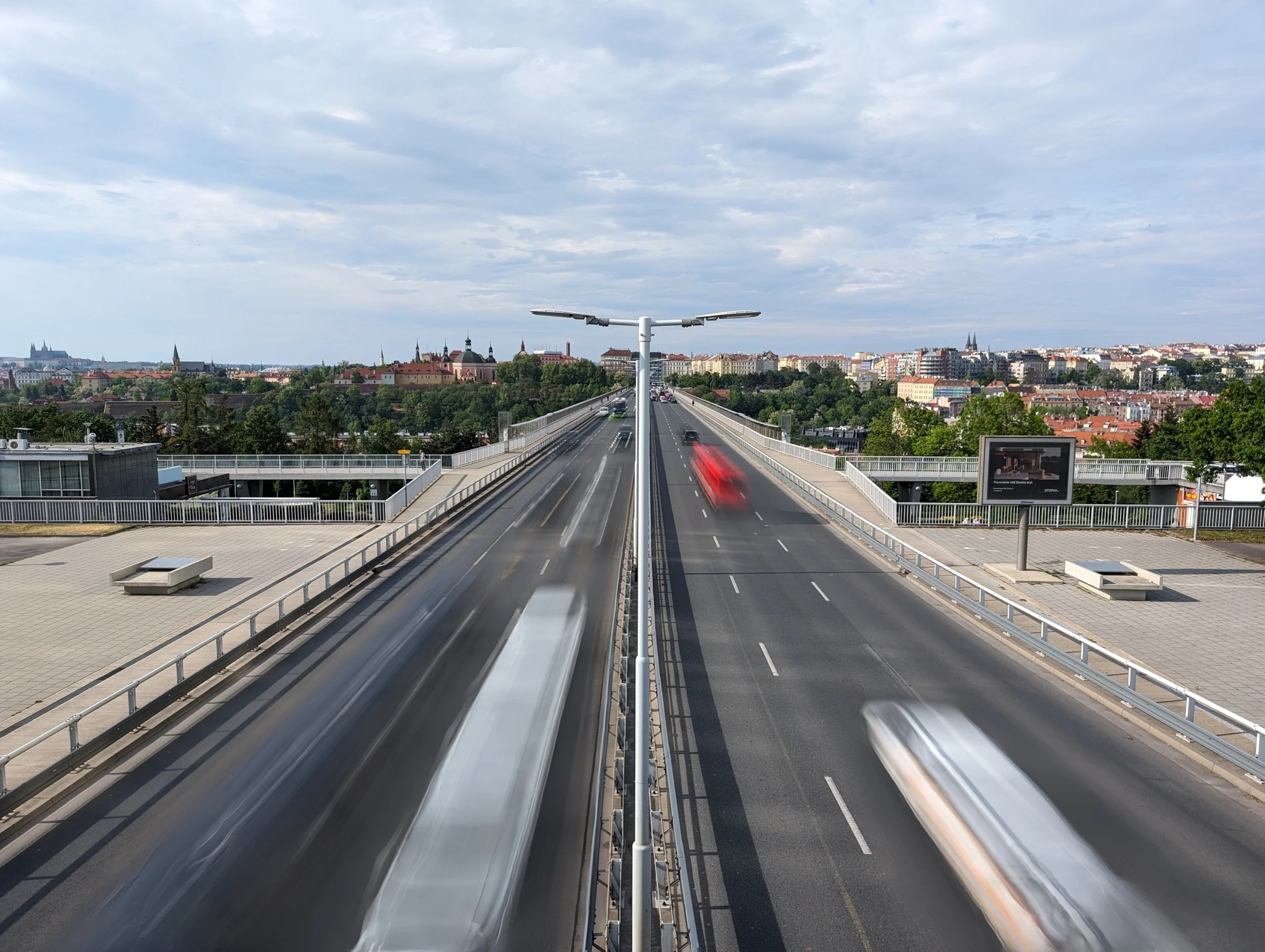

The camera can also do a handheld long-exposure mode right in the standard shooting interface. That effect isn’t new, phones were pulling it off a decade ago, but it’s still a nice trick to have.
Zoom Enhance is the generative AI feature meant to clean up heavily zoomed shots. The problem is that Google still hadn’t shipped it to the phone even more than six months after announcing it. Even so, images captured with the current zoom processing are still fairly usable. Google now lets you go up to 30x zoom, and even 10x shots are genuinely good enough for social media. You can see an example below.




Software
The phone runs Android without a heavy skin, but with a long list of Pixel-exclusive extras. The core experience is basically clean, with no third-party apps preinstalled. During setup, the phone also asks whether you want to install select Google apps, including Fitbit.
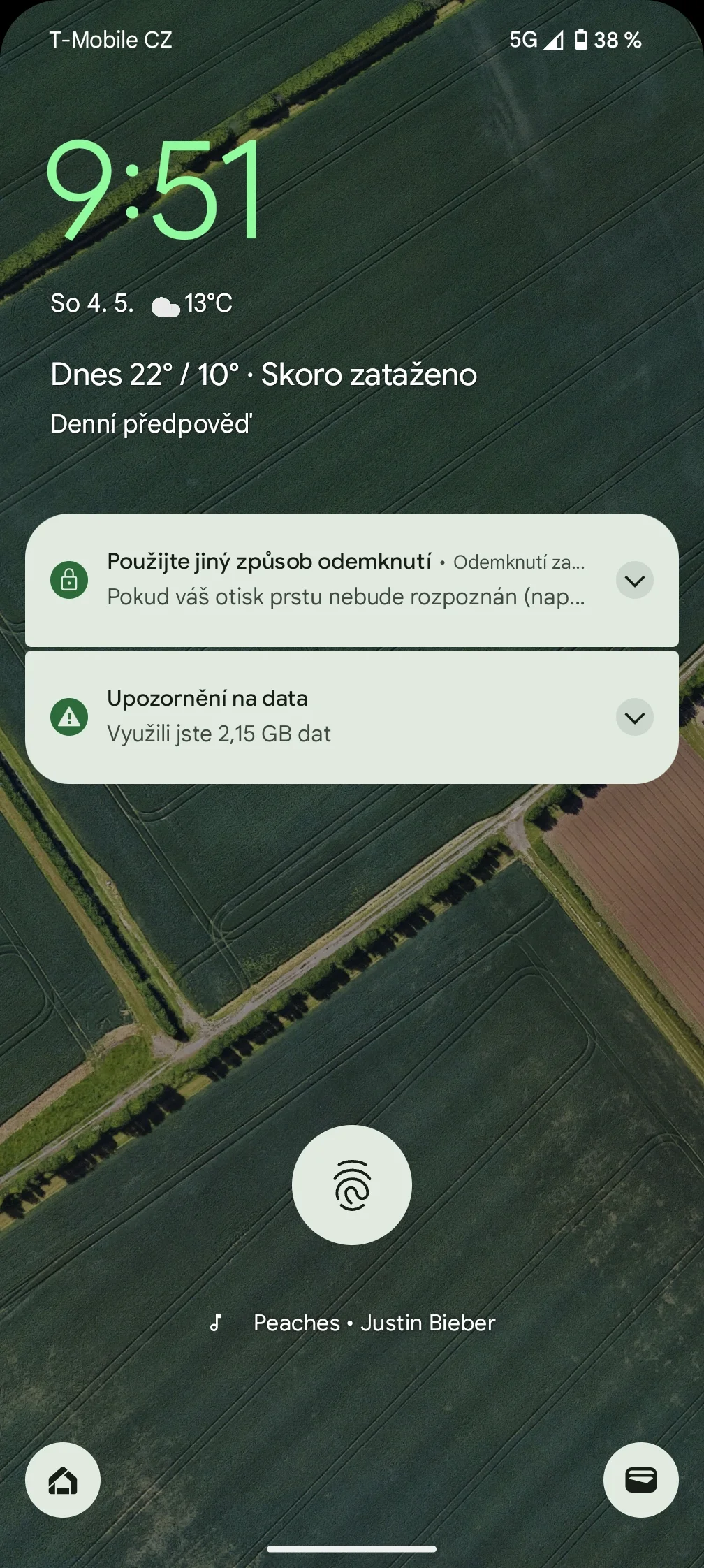
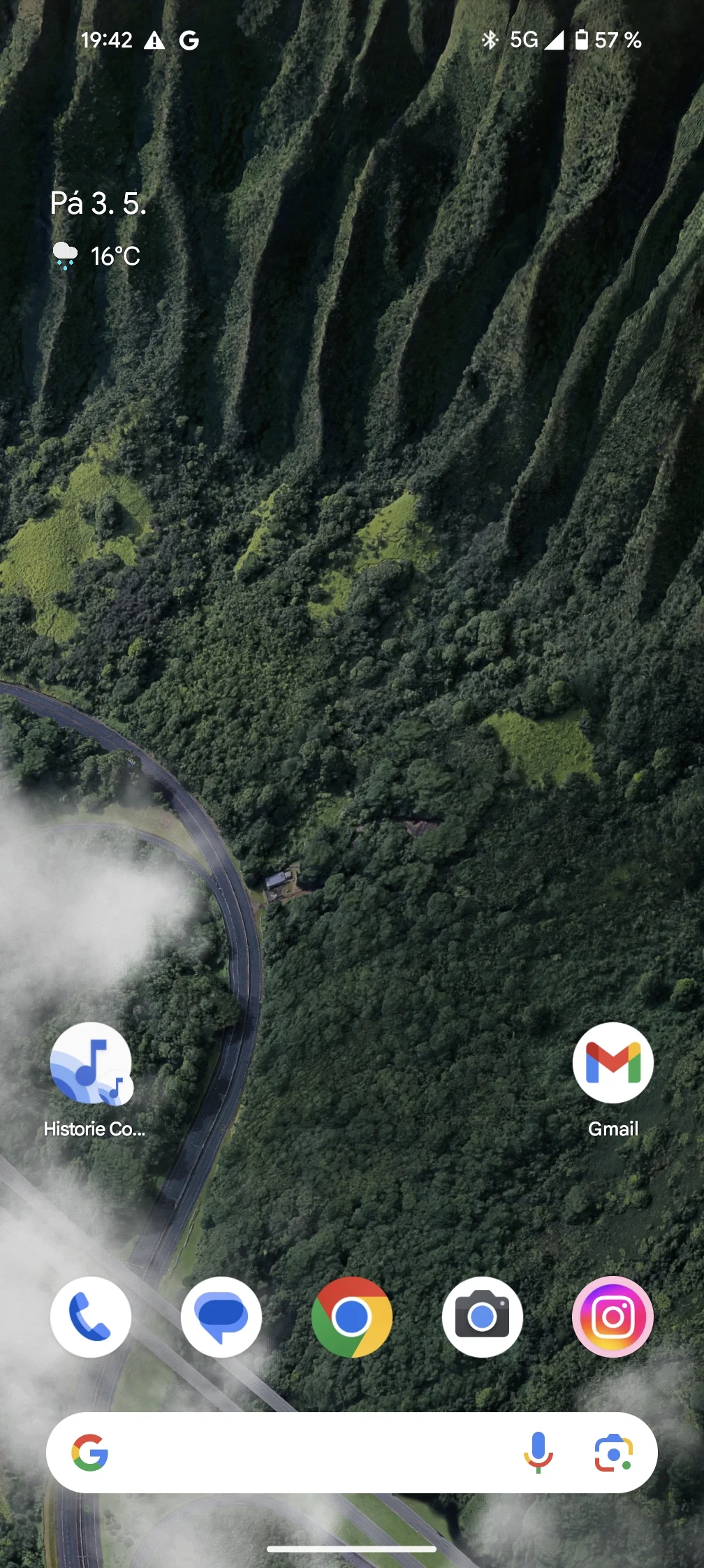
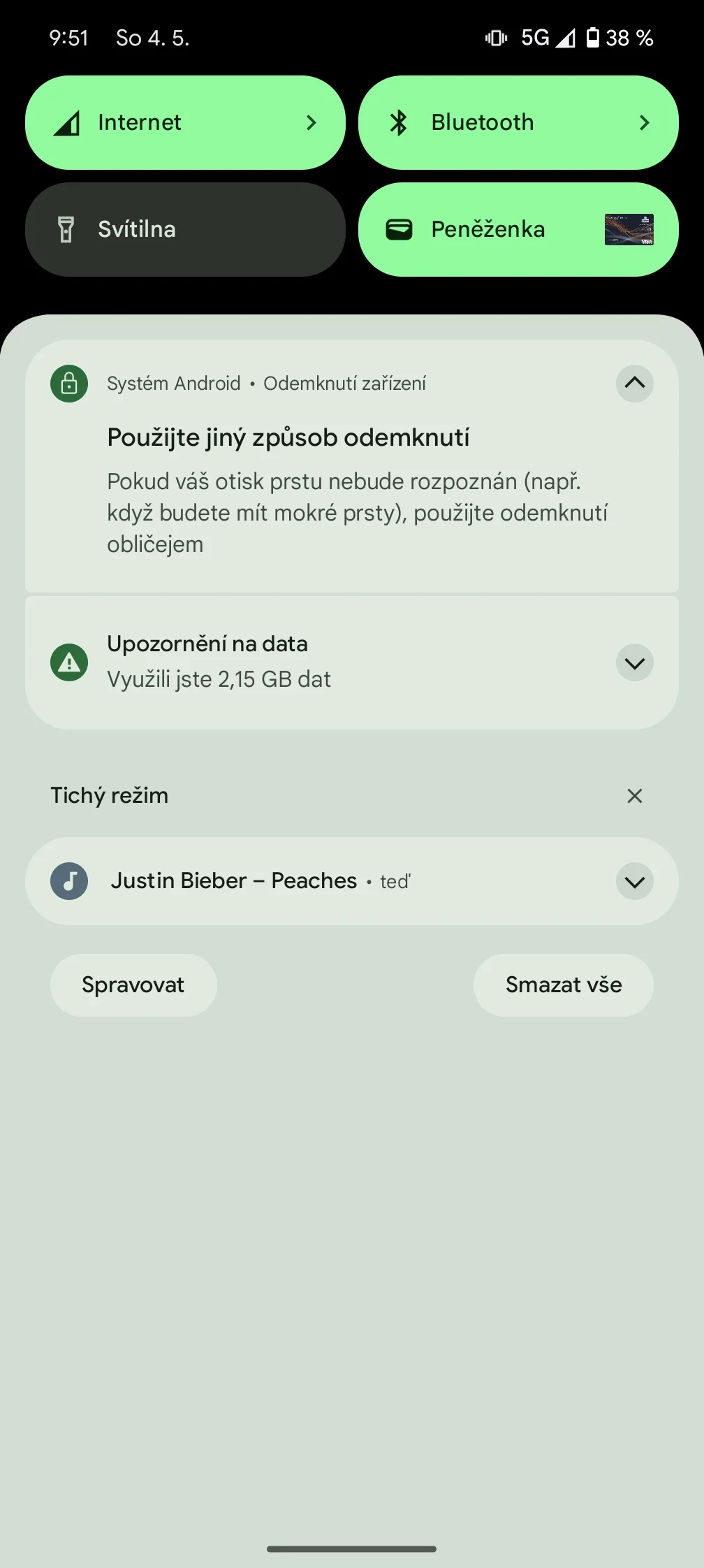
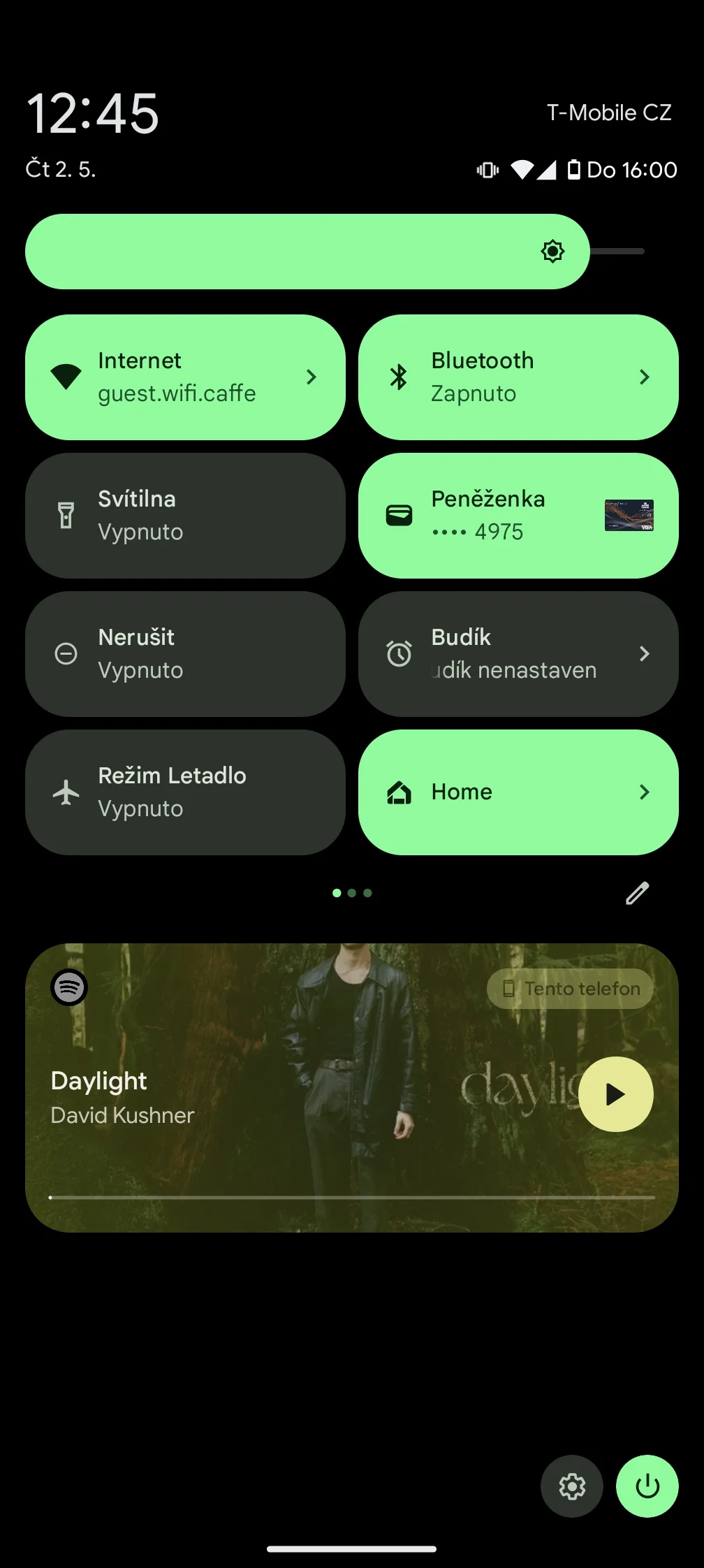
A lot of Pixel features hardly need an introduction at this point, but one that still stands out is always-on music recognition for whatever is playing around you. It’s one of those little touches that remains genuinely fun, and you can pull up a simple history list later. The live wallpapers are nice too, even if they’re nothing new, and Google has now added AI wallpapers so you can generate backgrounds to your liking.
It’s still frustrating that so many AI features are tied to English. If you use another language, a big chunk of the experience is off-limits for now.
Verdict
Google’s Pixel 8 Pro is an easy phone to live with, basically the iPhone of the Android world. That’s hardly a new observation, but it still fits. It’s reliable, smooth, and very well optimized, with plenty of thoughtful extras that don’t show up in standard Android builds. The camera delivers consistent shots with realistic color tuning. You can then push those images further with Google’s newer AI editing tools, though some of them require uploads to Google’s cloud, which feels like a quiet nudge toward a subscription. There was a time when Pixel phones came with free full-quality Google Photos backups. Those days are long gone.
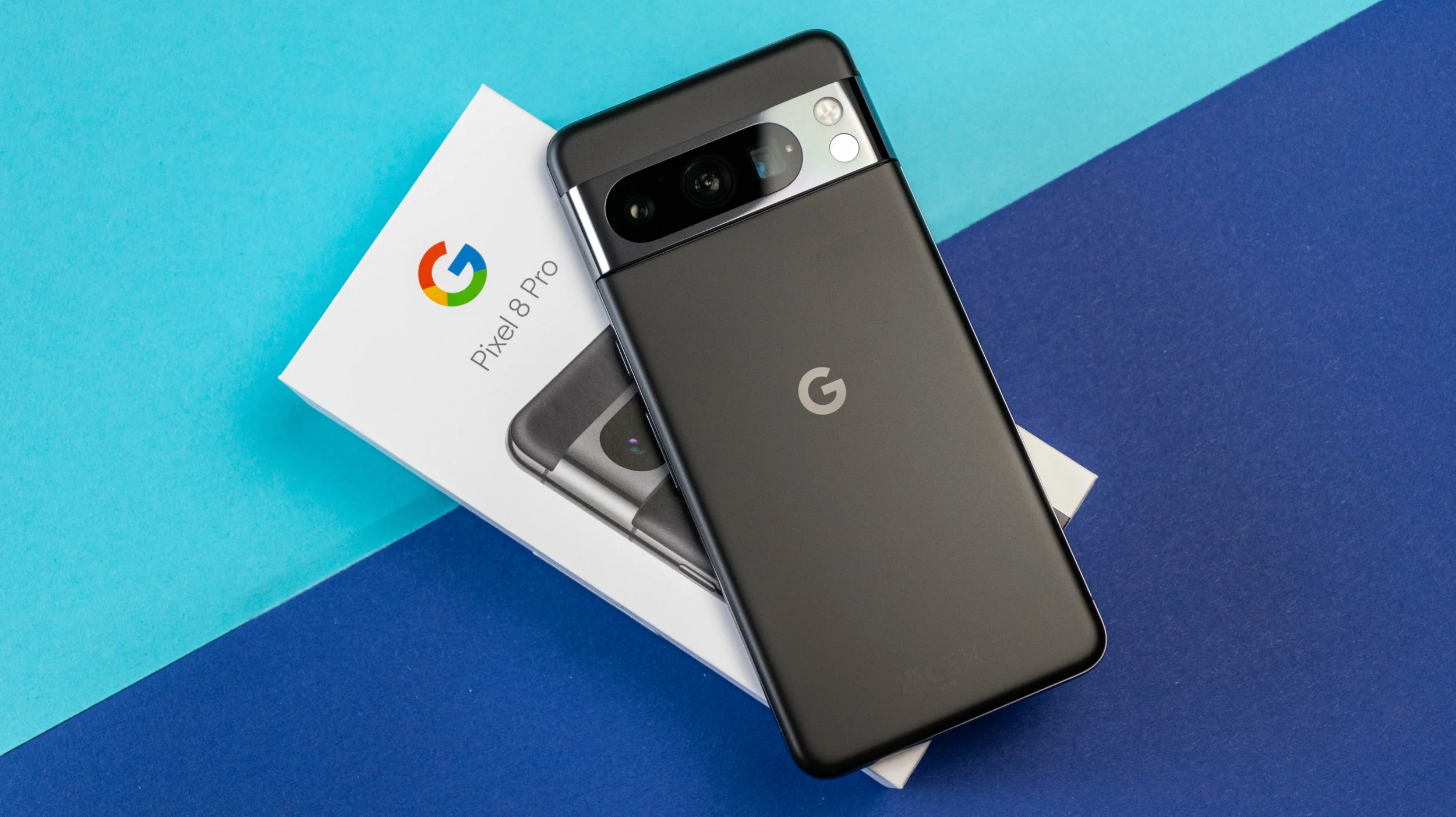
Back to the phone itself. One of the best things about the Pixel 8 Pro is the rear design, especially the now-signature camera visor. I was less impressed by the buttons, which click a little too loudly for my taste. On paper, the processor doesn’t rank among the very best benchmark performers, which is a bit of a letdown, but in everyday use it doesn’t really matter. The slower fingerprint reader is a bigger annoyance, although it’s balanced out by very reliable face unlock, which, despite using a single camera, offers the same security class as fingerprint authentication. Google also deserves real credit for offering seven years of software support.
In the end, this comes down to priorities. The Google Pixel 8 Pro is a great phone. Is it the best phone on the market? That’s harder to answer, because rivals may give you more in certain areas. Still, the official starting price isn’t bad at all: 28,500 CZK (approx. $1,301 / €1,169), which puts it a bit below the price of most “Ultra” phones. And with frequent discounts, you can often find it for even less. If you want the purest version of Google’s software ideas, this is the Pixel to buy.
Pros
- Excellent display
- Great, dependable camera with realistic colors
- Distinctive rear visor design
- Solid battery life
- Long software support window
Cons
- Some AI photo and video editing features require uploads to Google Photos, which indirectly pushes you toward paid cloud storage
- Slower fingerprint reader