Pixel 8a Review: Midrange King, With One Catch

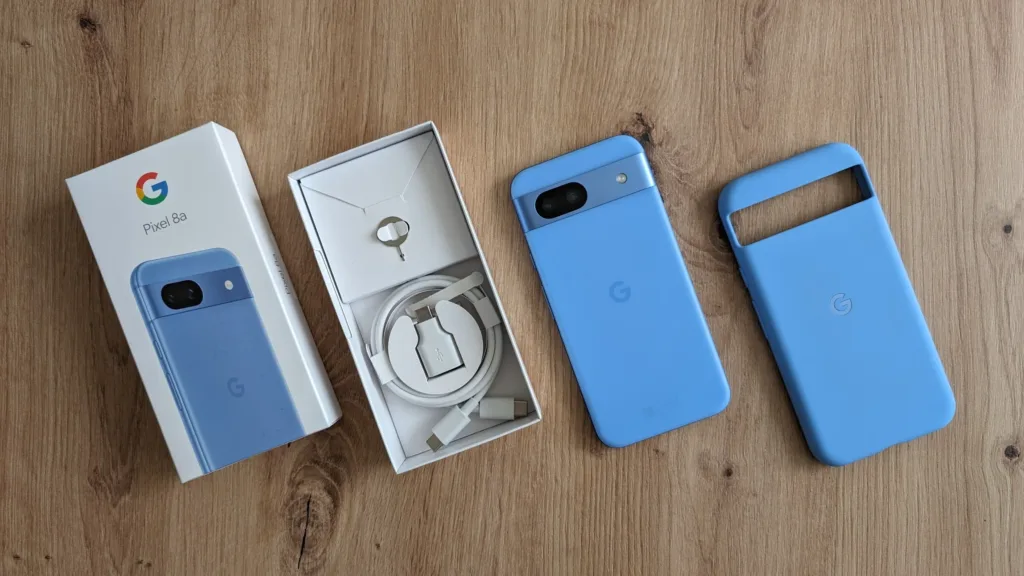
For years, buying a Google phone through official retail channels was basically off the table in this market. The last time that really happened was back in the Nexus 5 era, and LG handled distribution then. After that, getting a Pixel usually meant paying extra through resellers or importing one from Google’s German store. That has finally changed. Google now sells its devices more broadly through official channels, and that includes the new Pixel 8a, which we tested.
Fits right in the hand
The Pixel 8a is technically the entry model in Google’s current lineup, but it doesn’t feel like a cut-rate phone. Not really. It uses the same processor as the full Pixel 8 family, so the compromises show up elsewhere. Some are visible on a spec sheet, like the display and charging speeds, but those differences don’t always have a huge effect in day-to-day use.
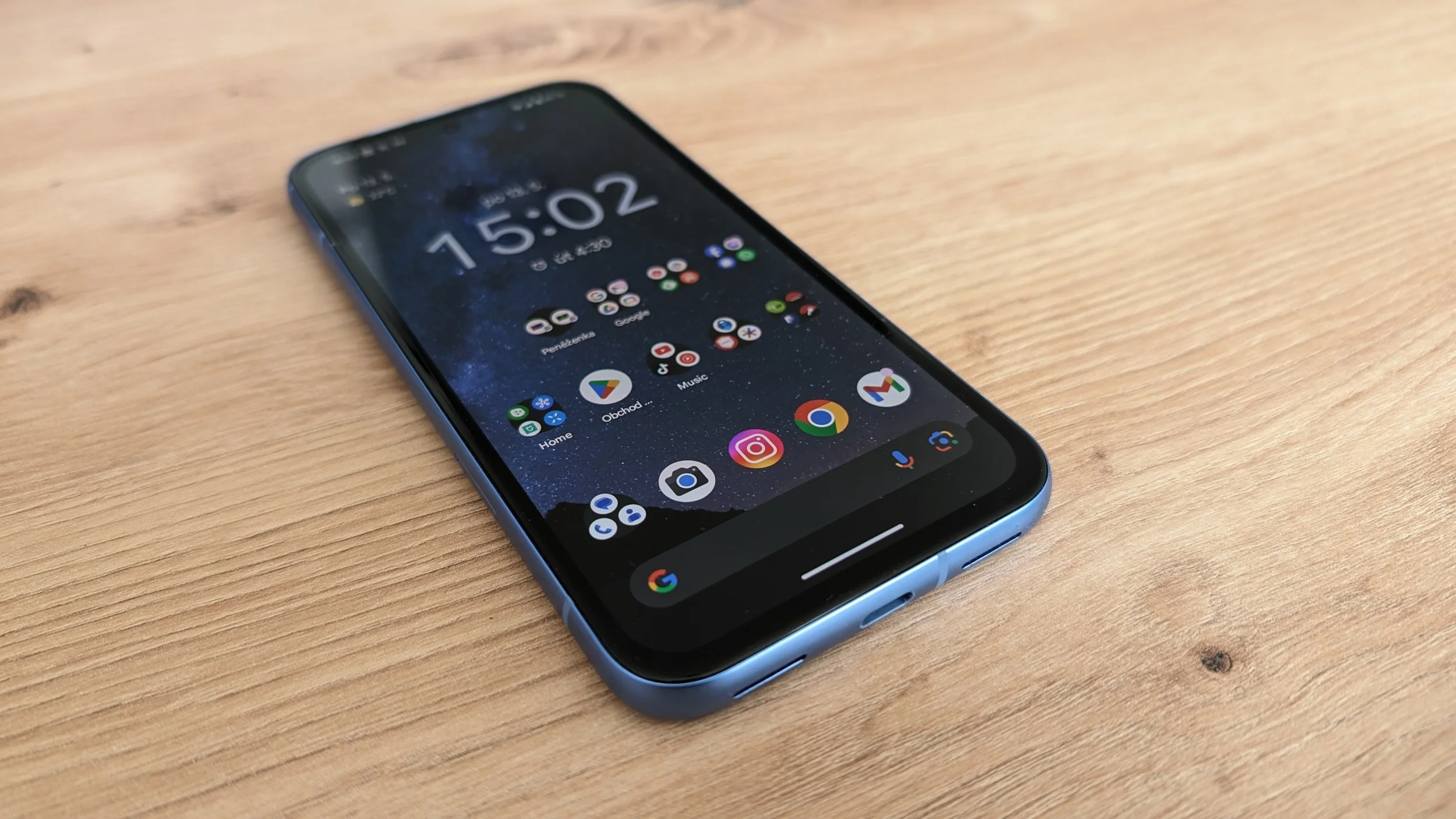
Build quality is solid. The metal frame and matte back give the phone a more premium feel than its price class might suggest. It’s also more rounded overall, which makes it easier to hold for long stretches. Nothing digs into your palm. The cost cutting is easier to spot around the display, though. It’s not so much the panel quality as the bezels, which are more obvious here, especially the thick bottom chin.
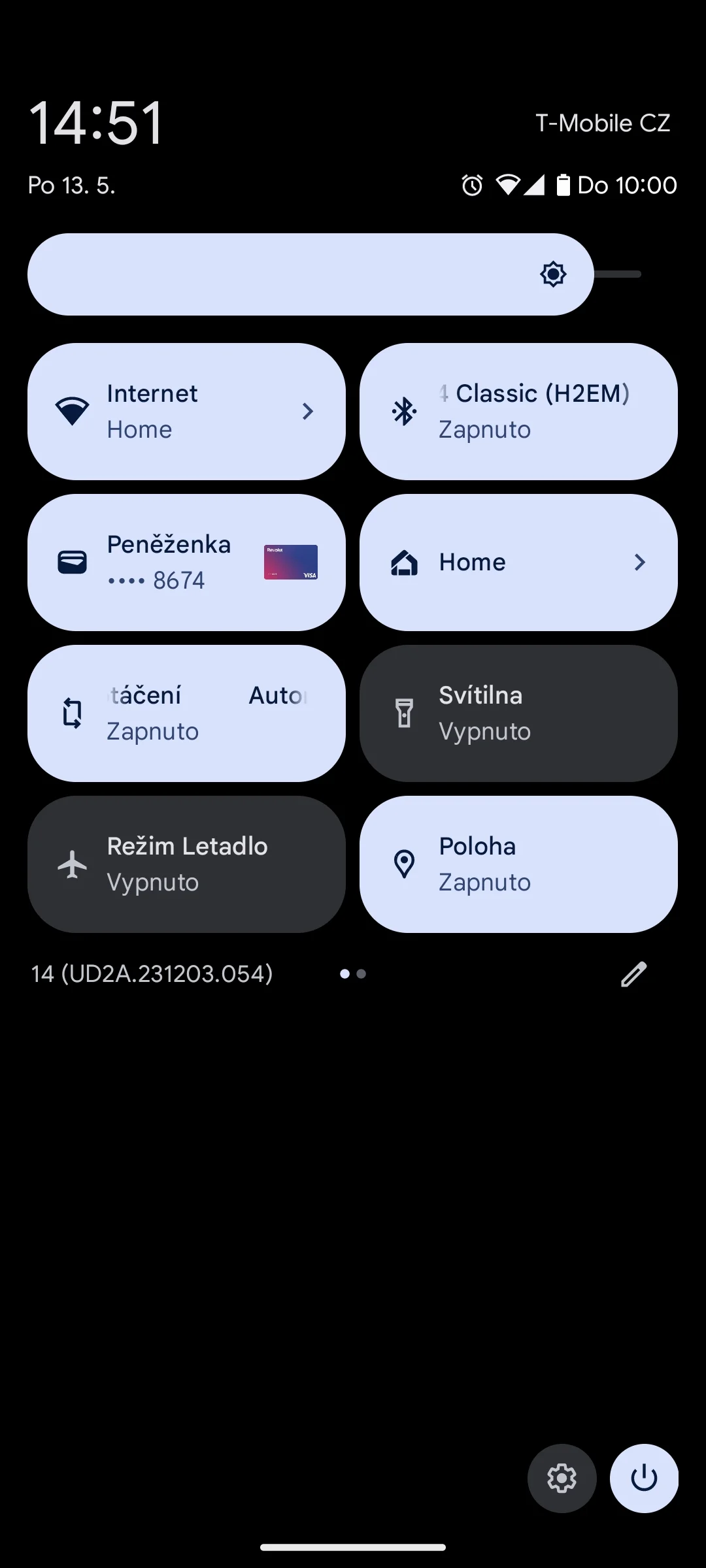
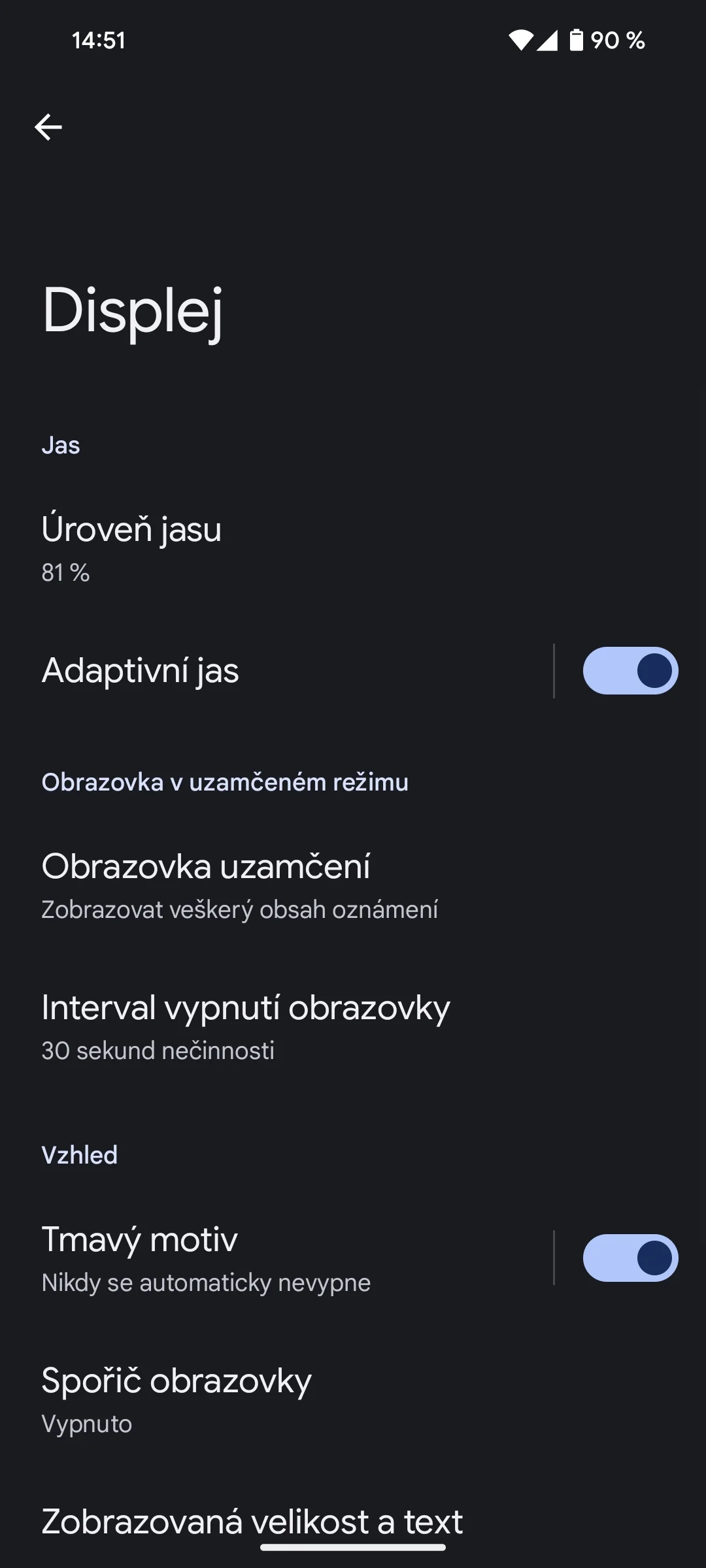
The display can hit up to 2,000 nits of brightness, which is a strong number for a midrange phone. Auto-brightness works fairly well, although in direct sunlight the panel could stand to jump to max brightness more aggressively. The phone doesn’t often push itself to full brightness on its own, which can make outdoor reading a little harder, though you can manually raise it. One thing worth pointing out: out of the box, the Pixel 8a ships with the refresh rate set to 60Hz, so you’ll need to enable the higher setting manually if you want smoother motion.
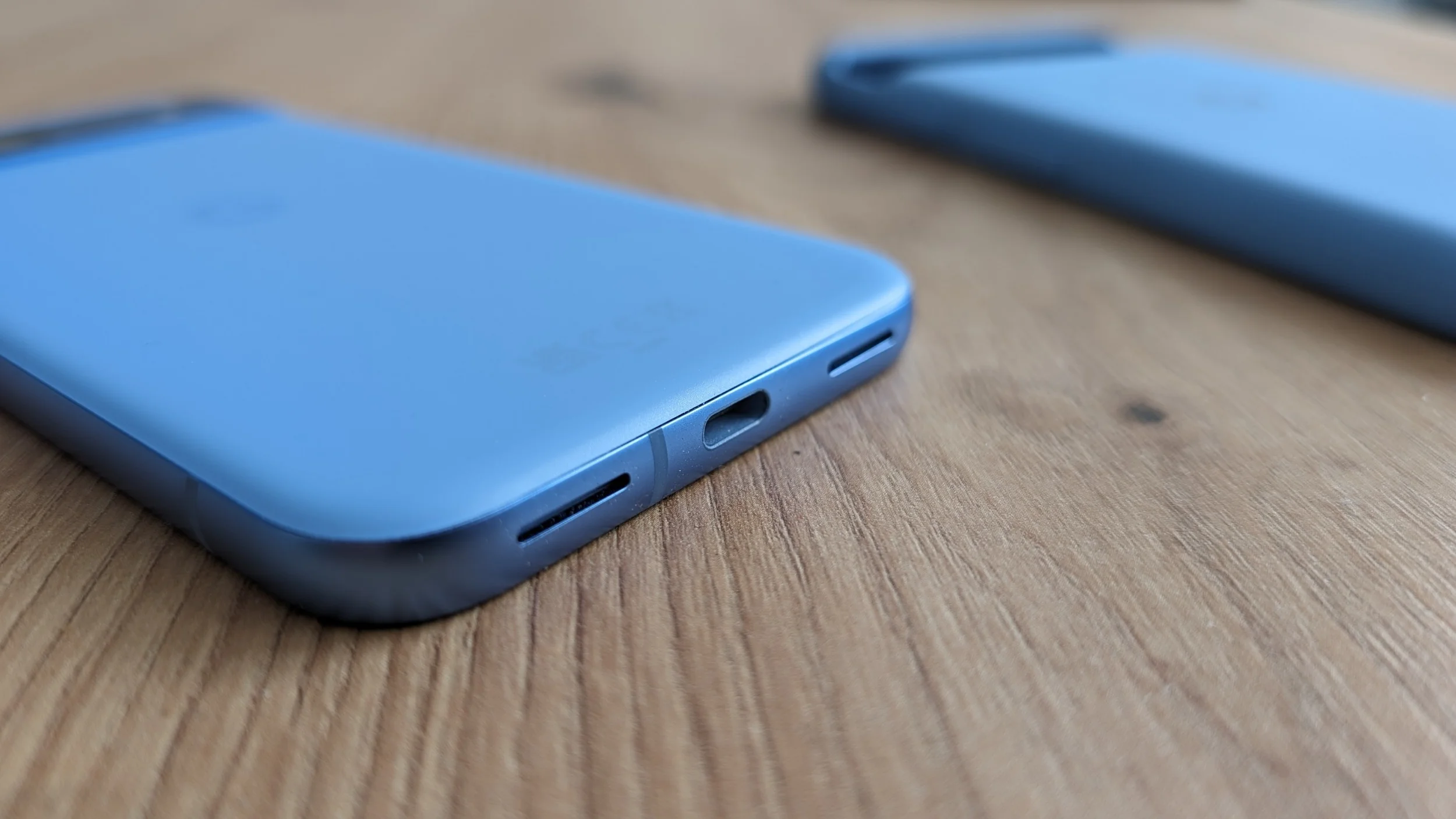
A good display isn’t the whole story. Stereo speakers matter too, and thankfully they’re here. I wouldn’t call the audio output exceptional, but it’s good overall. A little more bass would help. Even so, the speakers sound balanced and deliver solid output. Volume is fine for most situations, though there were moments when I wanted a bit more headroom.
The phone has a power button and a volume rocker, and both feel precise. Nothing rattles. The buttons are easy to find by touch and placed where they should be.
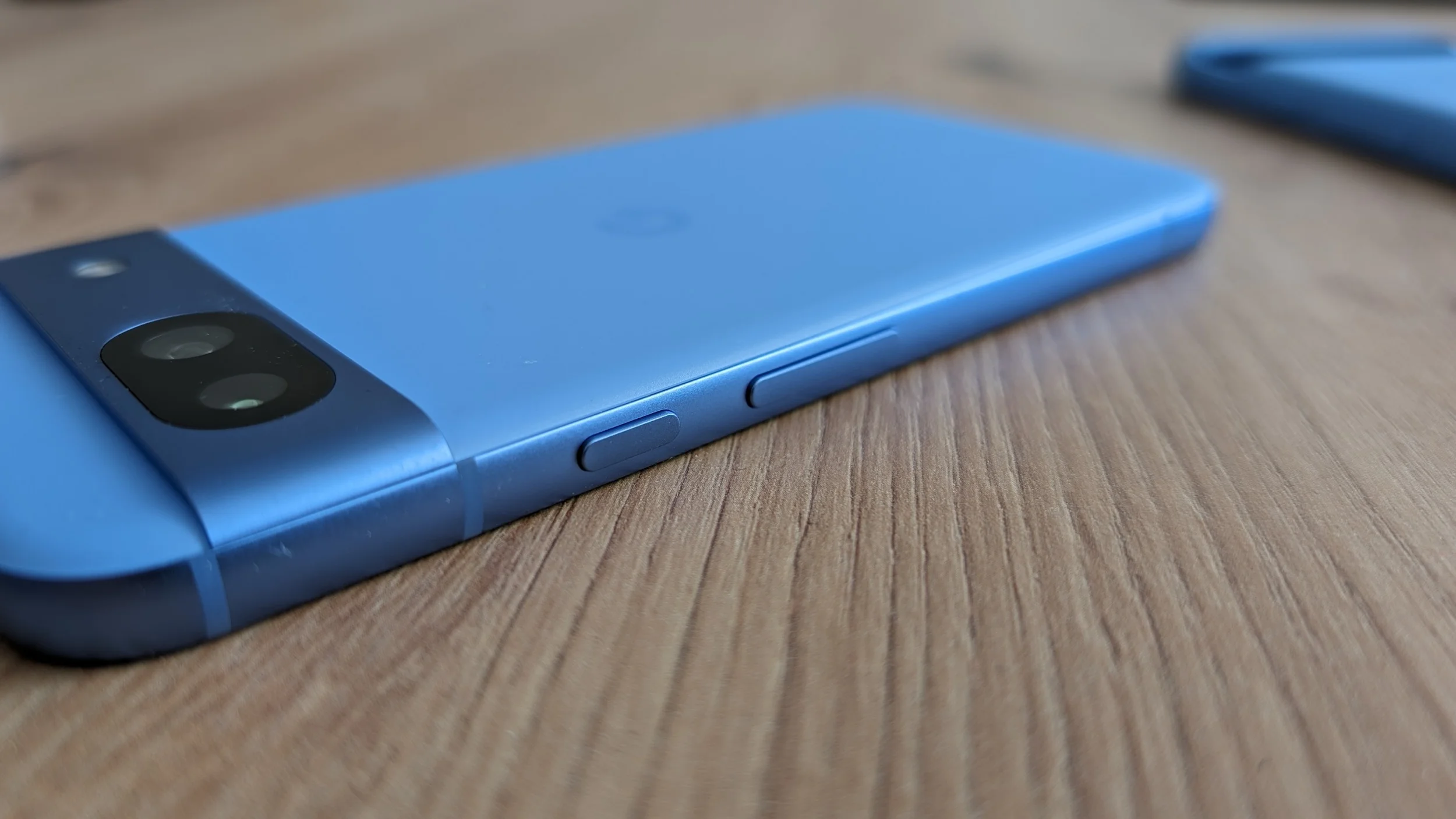
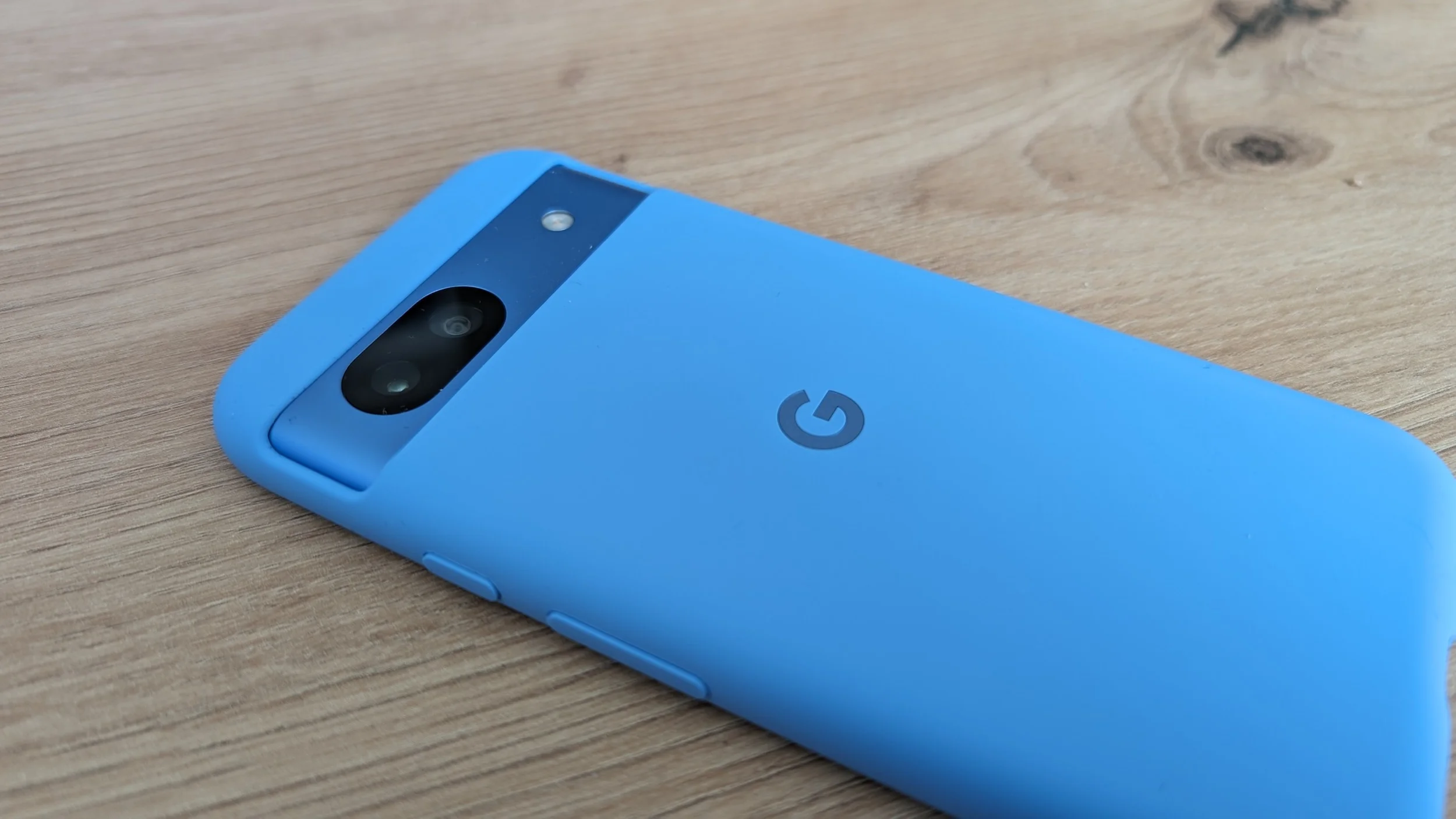
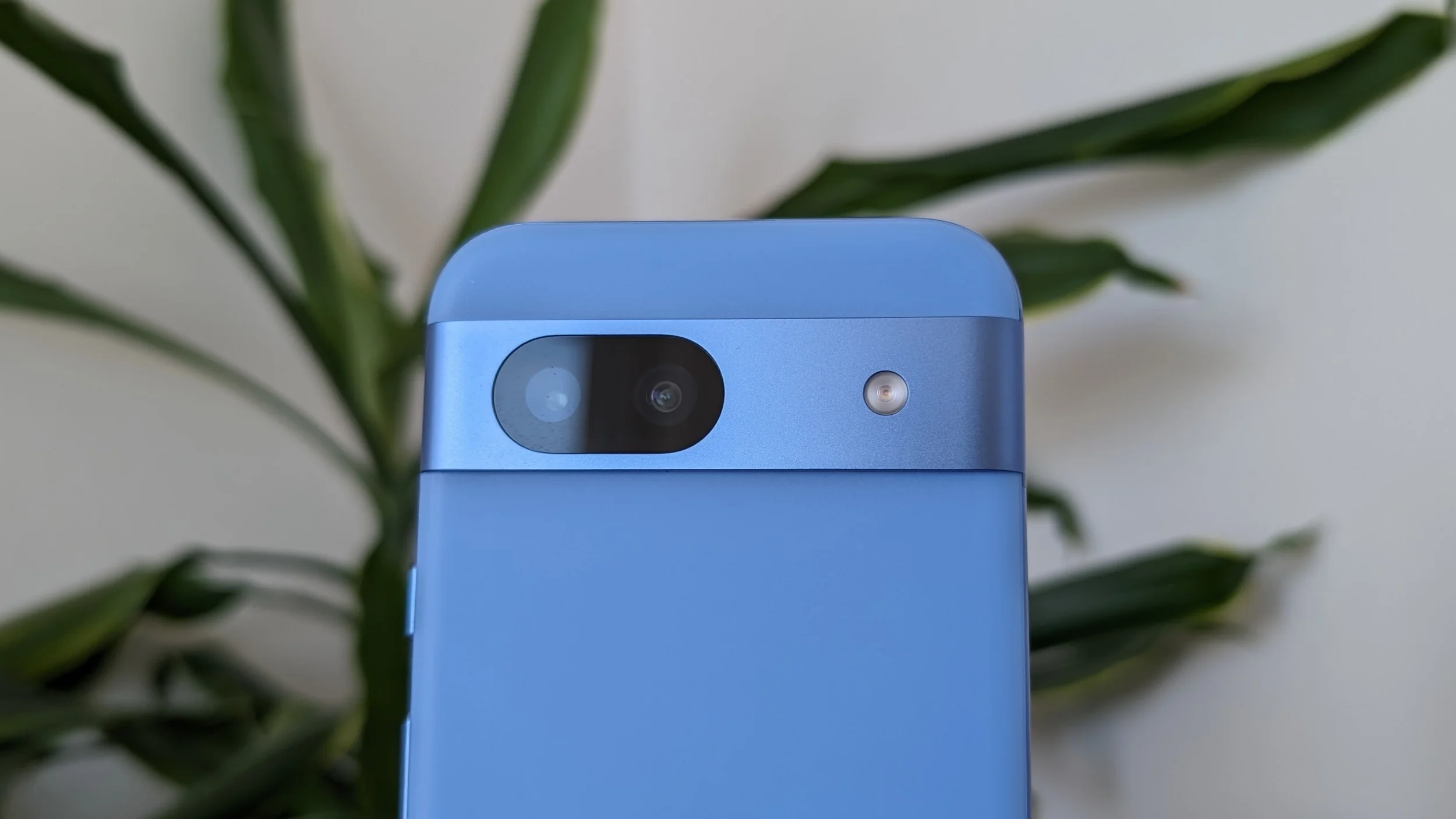
The signature rear camera bar is less pronounced than it is on the Pixel 8, and it doesn’t flow uninterrupted into the frame. That’s not a downside, just a design difference. Because it sits a bit lower, your index finger is less likely to catch on it while holding the phone. It’s still a distinct visual element, and it has one clear practical benefit: when you put the phone on a flat surface, it doesn’t wobble.
Overall, the Pixel 8a is a well-built phone, even if it’s easy to see where Google trimmed costs. I’d still prefer more symmetrical bezels, because the bottom chin doesn’t look great. Beyond that, the phone is comfortable to use, and it still feels good in the hand even with a case on.
Google Pixel 8 Pro review: finally here
Battery is good
Inside is a 4,500mAh battery, which doesn’t sound especially ambitious by 2024 standards, but in practice it’s enough for two days of lighter use. If you’re a more demanding user, you can still count on a full day without much trouble, even with some gaming or video streaming mixed in.
Charging is the weakest part of the lineup. Over USB-C, the phone tops out at 18W, which now qualifies as slow charging, though it’s something you can adapt to. Wireless charging is limited to 7.5W. That’s fine for overnight charging or topping up at your desk. I also tried wireless charging in the car while using Android Auto. In that scenario, 7.5W was only enough to slow the battery drain, and after a while the phone heated up and charging stopped altogether. If you spend a lot of time on longer drives, USB-C is the better option.
The same processor, but…
Google has long leaned on its in-house Tensor chips. They probably won’t top the usual benchmark charts, but they’re tuned more heavily for AI workloads. You can feel that on a phone like this, for example when using Google’s Audio Magic Eraser (in Czech). It’s a little odd that the Pixel 8a uses the same Tensor G3 as the Pixel 8 and Pixel 8 Pro, though from Google’s side that also makes the lineup simpler.
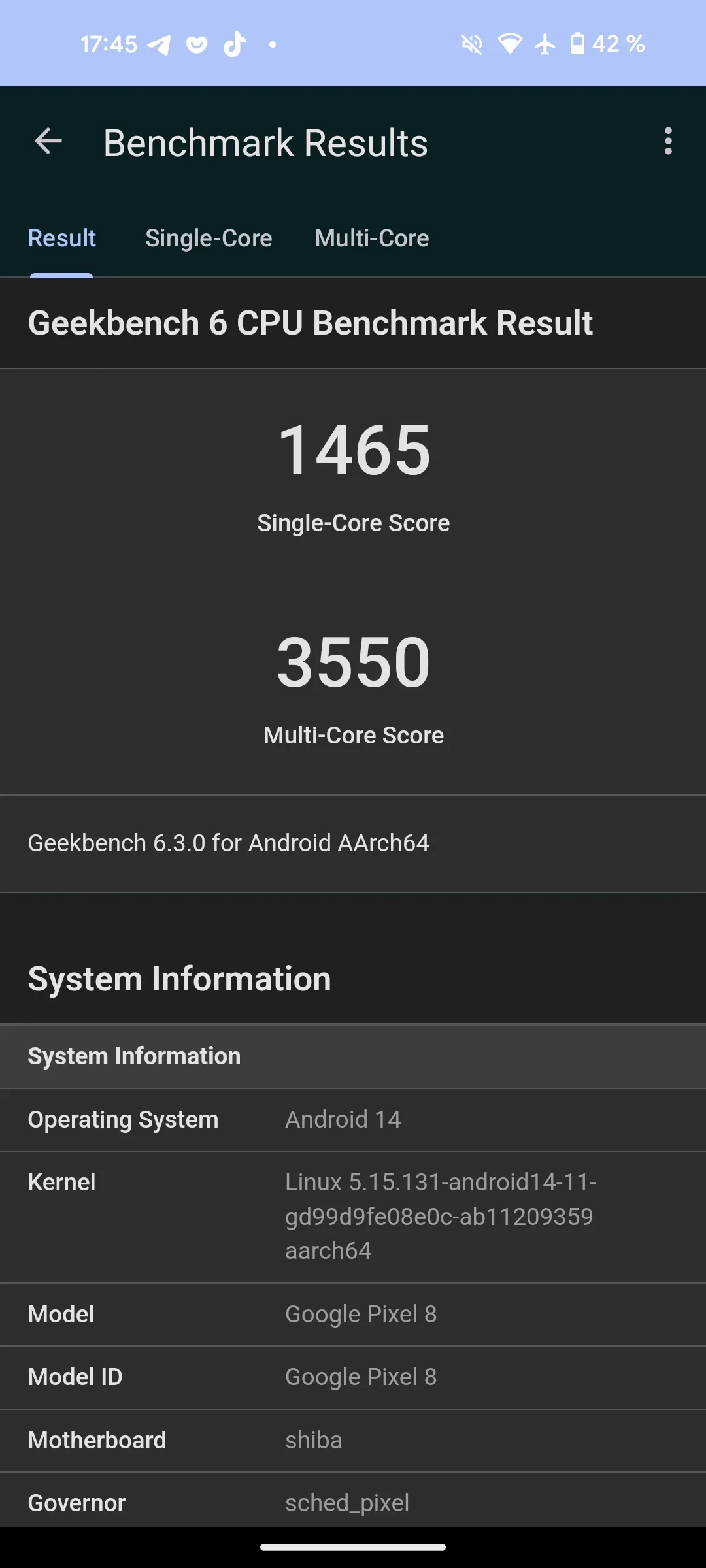
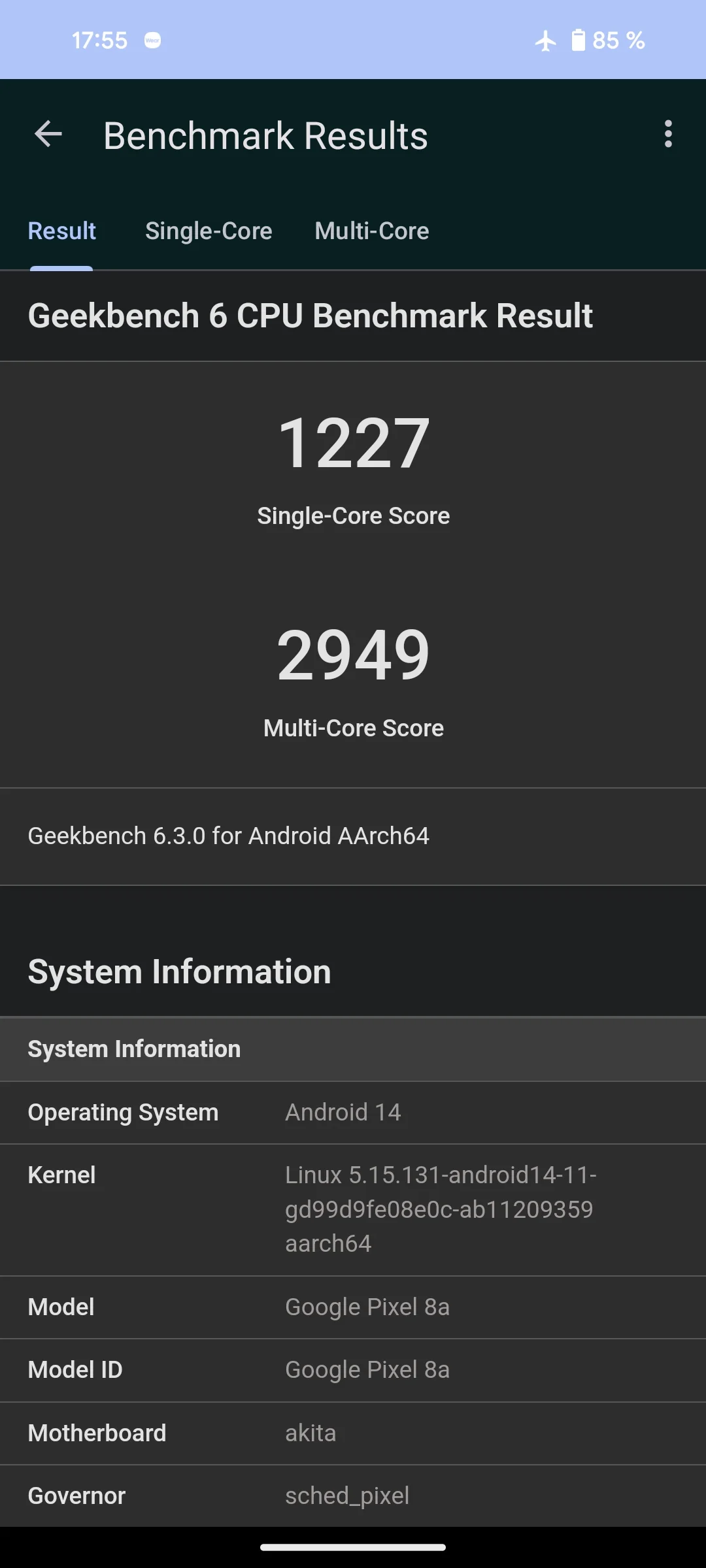
Even so, Geekbench shows a clear gap between the Pixel 8 and the 8a. Judge for yourself. According to the app, clock speeds across all cores are the same, yet the Pixel 8a still posts lower performance. The differences are bigger than expected, and I’m not entirely sure where Google cut back or how the performance was dialed down. Still, it’s clear that not every G3 is the same G3.
Does that affect day-to-day use? In some very demanding apps, yes, things can feel a bit slower, but I can’t say it ever became a real problem. Games are still smooth enough, everything works well, and overall the chip is solid in the Pixel 8a too. Compared with the regular Pixel 8, though, the model tested here tends to run hotter, or at least it heats up more often under heavier workloads.
The Pixel 8a supports a broad range of modern connectivity standards. They may not be the very latest versions across the board, but I didn’t really feel that in practice. Location tracking is fast and accurate. File transfers are stable and quick. There’s also eSIM support, though that feature is now making its way into cheaper phones as well.
The fingerprint reader is good, but
The in-display fingerprint reader isn’t especially fast, but I didn’t have much to complain about. You’ll find quicker ones on the market. Still, it’s accurate enough overall, and I never ran into a situation where it failed to recognize my finger. What I appreciate more, and what genuinely surprised me, is the face unlock. I didn’t expect Google to bring that level of its authentication tech to this model too.
Face recognition relies on the front camera, and there’s no advanced dedicated hardware here like you get on some higher-end phones. Even so, Google’s implementation makes the most of the hardware and can reliably identify the user. It offers the same security class as other Pixel models, so it’s good enough even for banking apps. Of course, you need enough light. In dim conditions or at night, this method doesn’t work, and you’ll need to fall back on the fingerprint reader. During the day, though, it’s generally a faster way to unlock the phone than using your fingerprint.
Pixel 8a specifications
- display: 6.1 inches, 2400 x 1080 pixels (Full HD+), OLED, 120Hz, up to 2,000 nits, Corning Gorilla Glass 3, HDR
- processor: Tensor G3 + Titan M2
- RAM: 8GB LPDDR5x
- storage: 128/256GB UFS 3.1
- eSIM
- Android 14
- Cameras:
- rear – 64MP, OIS
- 13MP, ultrawide
- front – 13MP
- rear – 64MP, OIS
- IP67
- stereo speakers
- in-display fingerprint reader
- 5G, WiFi 6e, Bluetooth 5.3, GPS, GLONASS, GALILEO, BDS, QZSS, NFC
- dimensions: 152.1 x 72.7 x 8.9 mm; 188 grams
- battery: 4,500mAh + wireless charging
Pure Android?
Pixels are also known for their take on Android. At this point, it’s not entirely accurate to call it a pure version of the OS, since Google includes some Pixel-specific features. Its built-in VPN is one example. Still, this is basically Google’s Android at its best.
What matters more is the support window. Just like its higher-end flagship models, Google says it will keep this phone up to date for seven years, and that doesn’t only mean security patches. Android 14 is well polished here; nothing stutters, nothing crashes, and the whole system runs very well. Memory management is a bit aggressive, but unless you constantly jump between complex, demanding apps and games, you probably won’t notice.
Photography is top-notch
Google has a strong track record with tuned image processing, and that shows here too. Compared to the Pixel 7a, there’s nothing new on the hardware side. It’s the same camera setup. The good news is that Night Sight is genuinely strong, landing close to what you get from Google’s higher-end models. Astrophotography is here as well, though you’ll need a tripod or at least a perfectly still phone.
The phone handles low light surprisingly well. Across the board, photos are consistent, sharp, and balanced in color. In this class, it has a real shot at being the camera king, and most cheaper rivals will have a hard time keeping up.
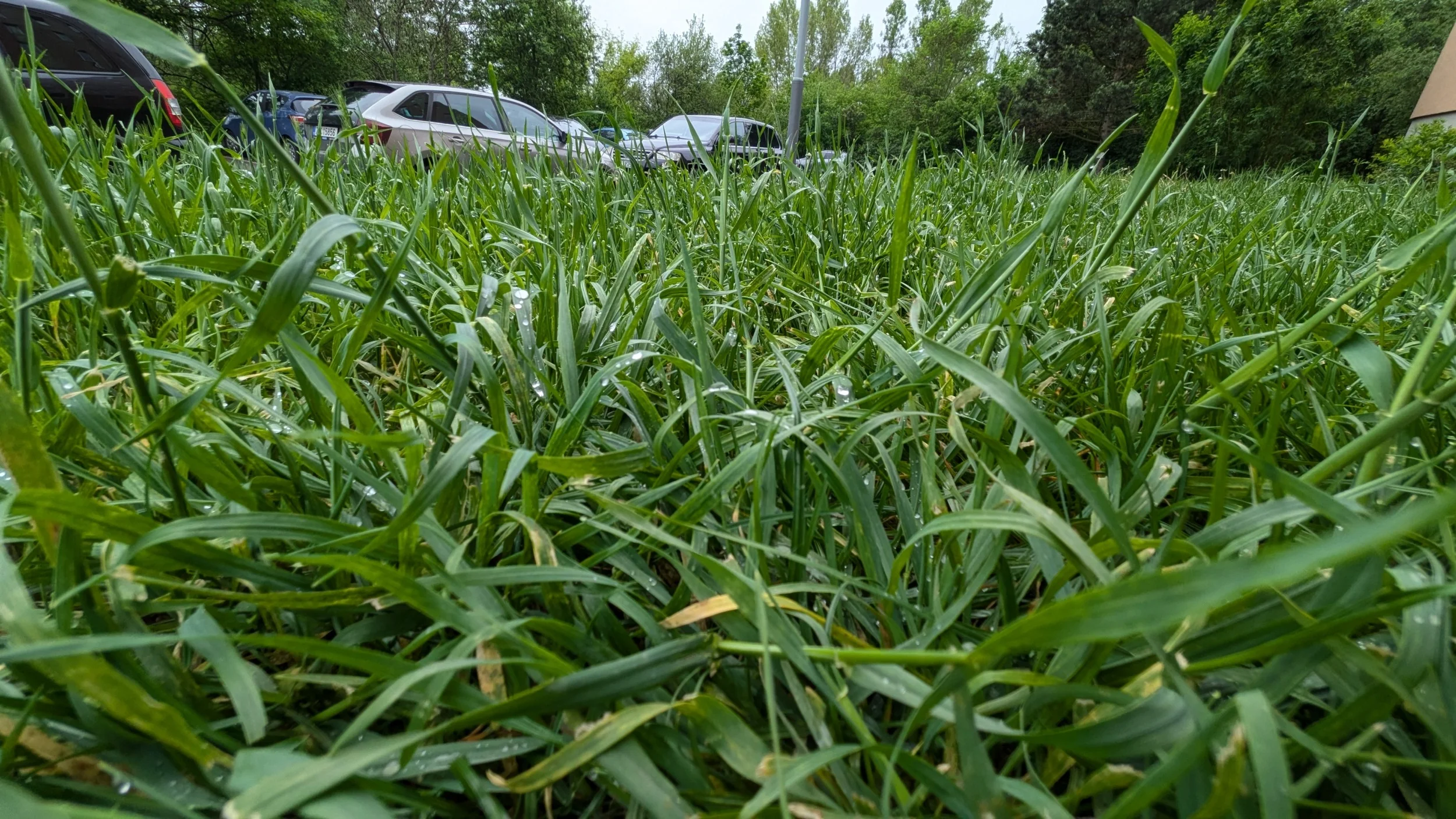










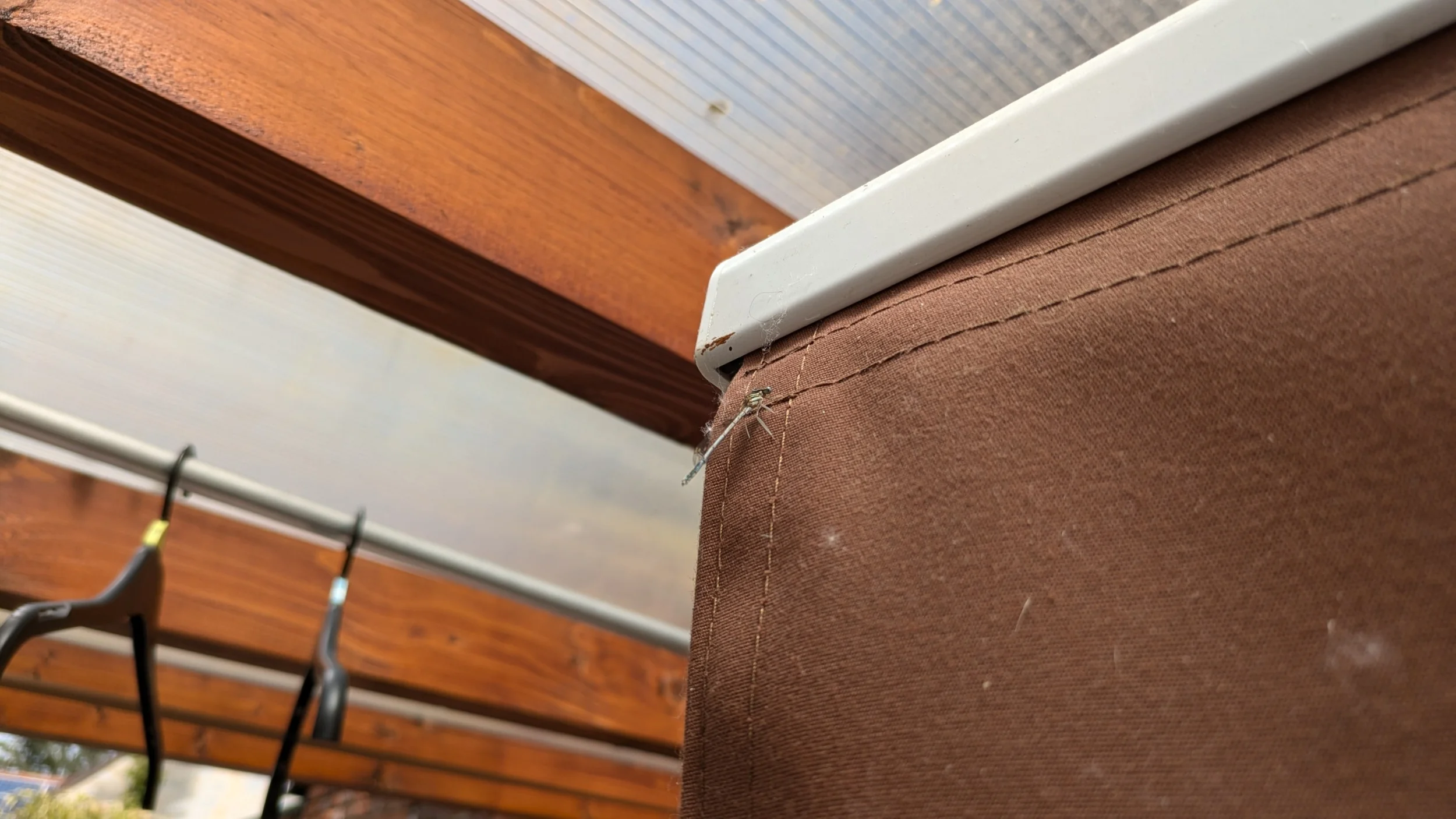


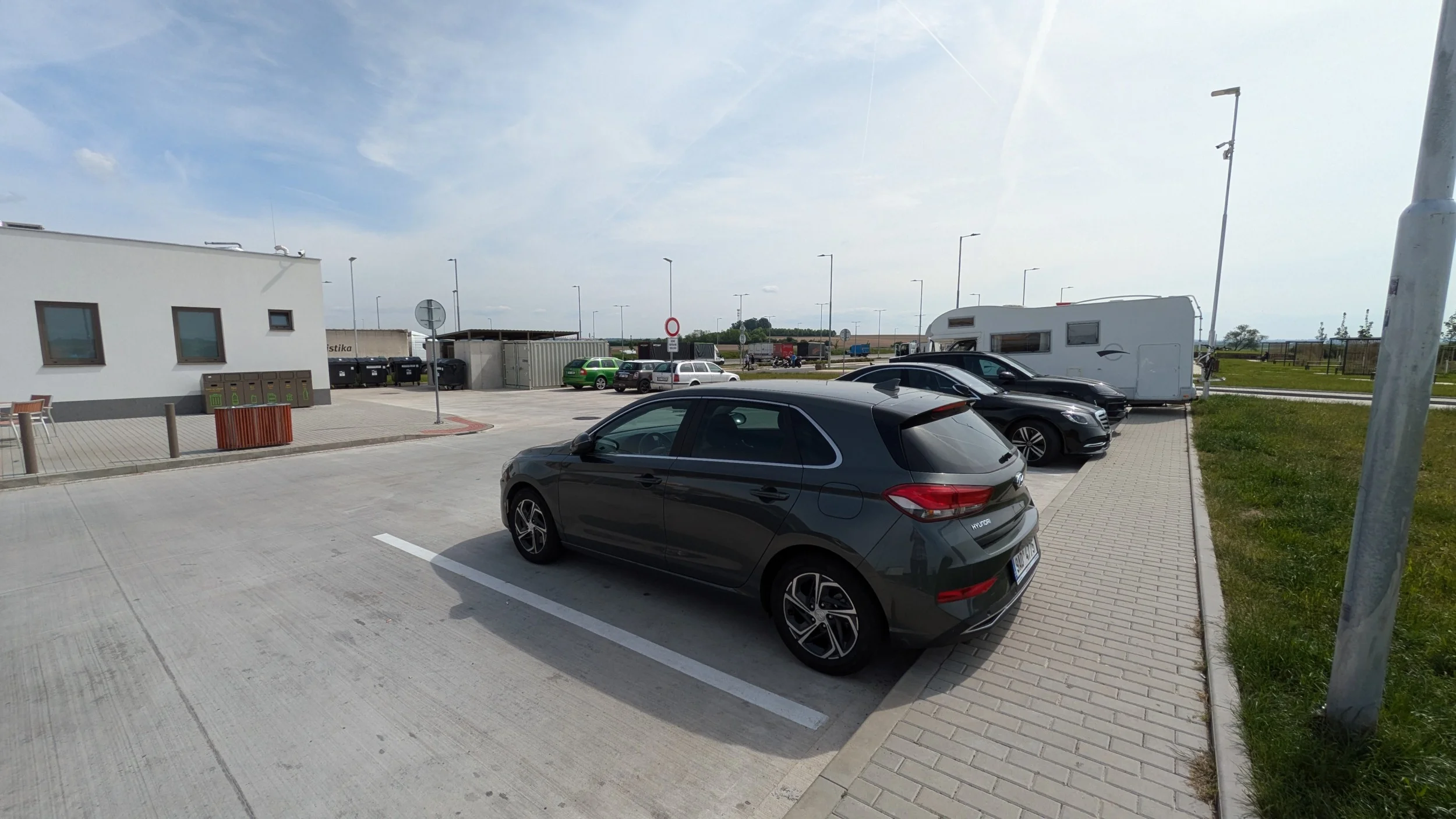

If you like shooting distant subjects, you may come away a little disappointed, but 2x zoom looks good even using the main sensor. At the maximum 8x zoom, though, images get soft.



Night mode is one of the highlights here, and it does a very good job when light is scarce. This is where Google’s software really earns its keep. The phone also handles direct sunlight well and delivers enough dynamic range.




Final Verdict
Pixel 8a is not like every other midrange phone. It offers a solid feature set, long-term support, a distinctive design, and, above all, unusually strong software support, with monthly security updates included. I especially appreciate that Google didn’t cut the key specs or core capabilities. So if you’re looking for a camera-focused phone at a lower price point, this one is easy to recommend.
The display may disappoint some buyers, but mostly because of the thicker bezels, especially the bottom chin. I was pleasantly surprised by the secure face unlock, though the fingerprint reader is good enough on its own. Compared to rivals, charging speed is one of its weaker points, but at least wireless charging is here. There’s a lot to like and a lot to weigh, but I do have one lingering thought.
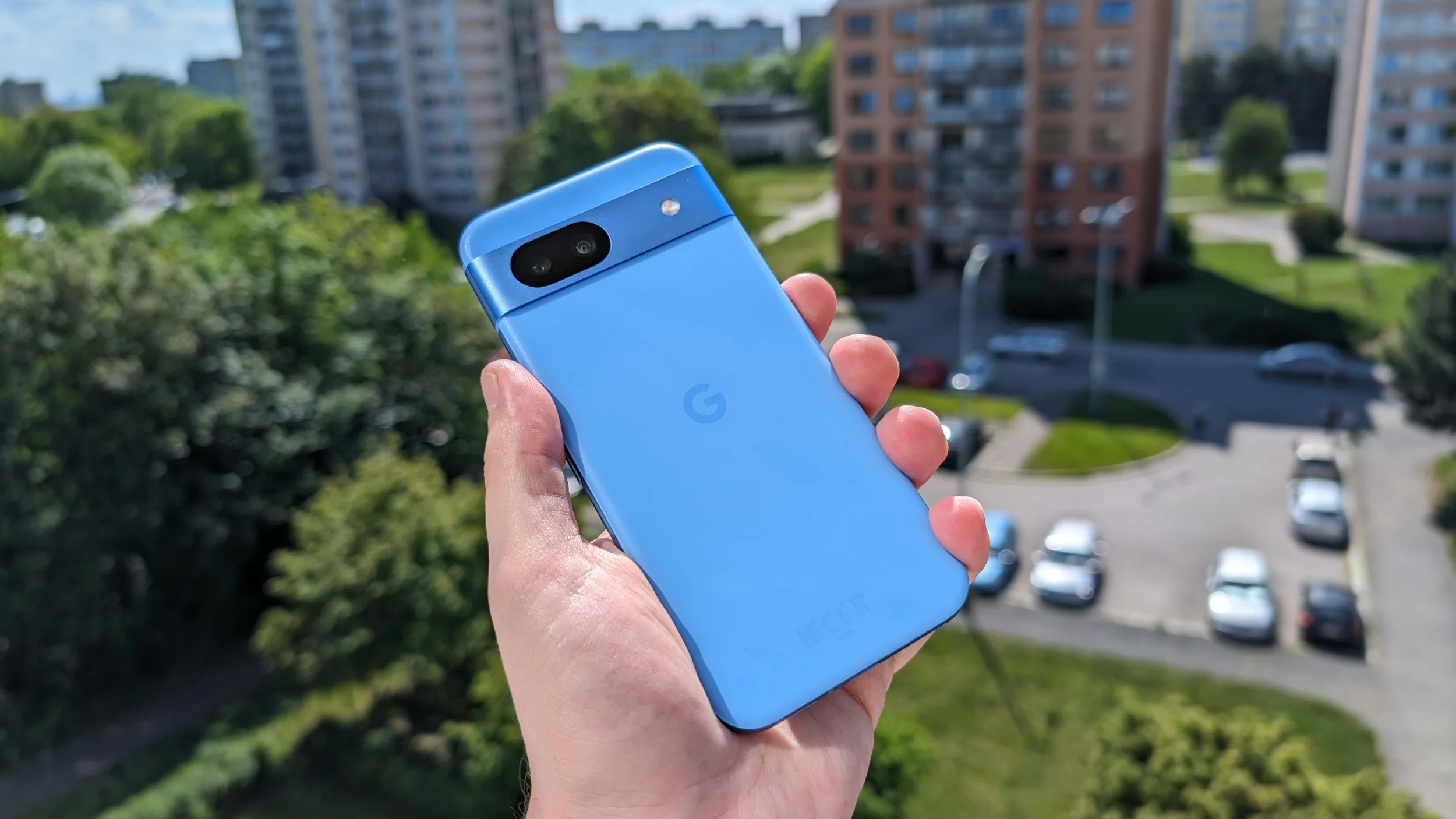
If I look at the Pixel 8a at 14,500 CZK (approx. $662 / €595), it becomes a much tougher value call. The software advantages are real, but at that price you can also find older former flagships. If it drops to 10,500 CZK (approx. $479 / €431), like it has in current promotions, then the decision gets much easier. At that price, I’d comfortably call it the king of the midrange, with very little real competition.
Pros
- excellent camera performance
- wireless charging
- clean Android and 7 years of updates
- good display
Cons
- the list price is too high
- slower charging, including wireless
- thicker display bezels