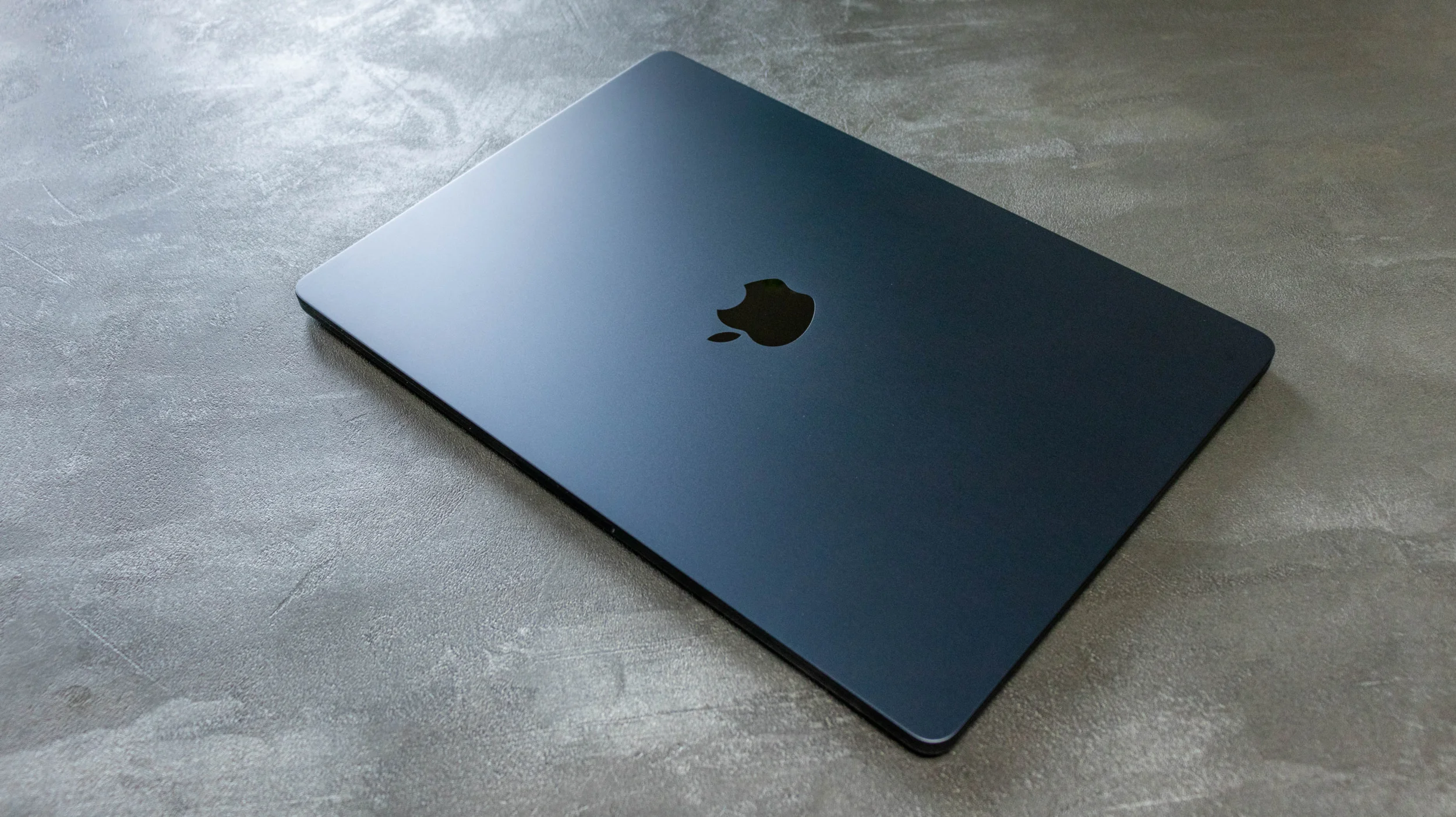
MacBook Air M3 Review: Bigger Screen, Familiar Tradeoffs

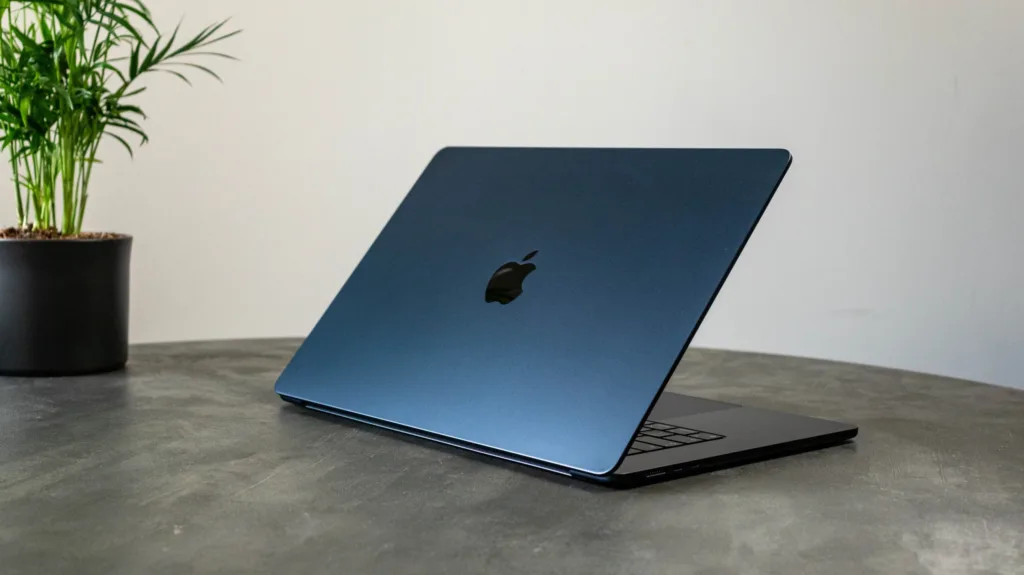
Apple’s MacBook lineup keeps inching closer to the iPhone and iPad world, and not just in philosophy. These machines now share the same processor architecture, which means they can also run apps originally built for iPhone and iPad. In this review, we’re looking at how that situation holds up a few years in, while also focusing on the new 15-inch MacBook Air with Apple’s M3 chip. How good is this model, and does it make sense to upgrade from an M1 Air?
Design
With the previous M2 generation, the MacBook Air line expanded beyond the base 13-inch version and added a larger sibling with a 15.3-inch display. Since I personally use a 13-inch MacBook Air M1, I was especially curious to see what living with the larger Air would be like and what has changed since then.
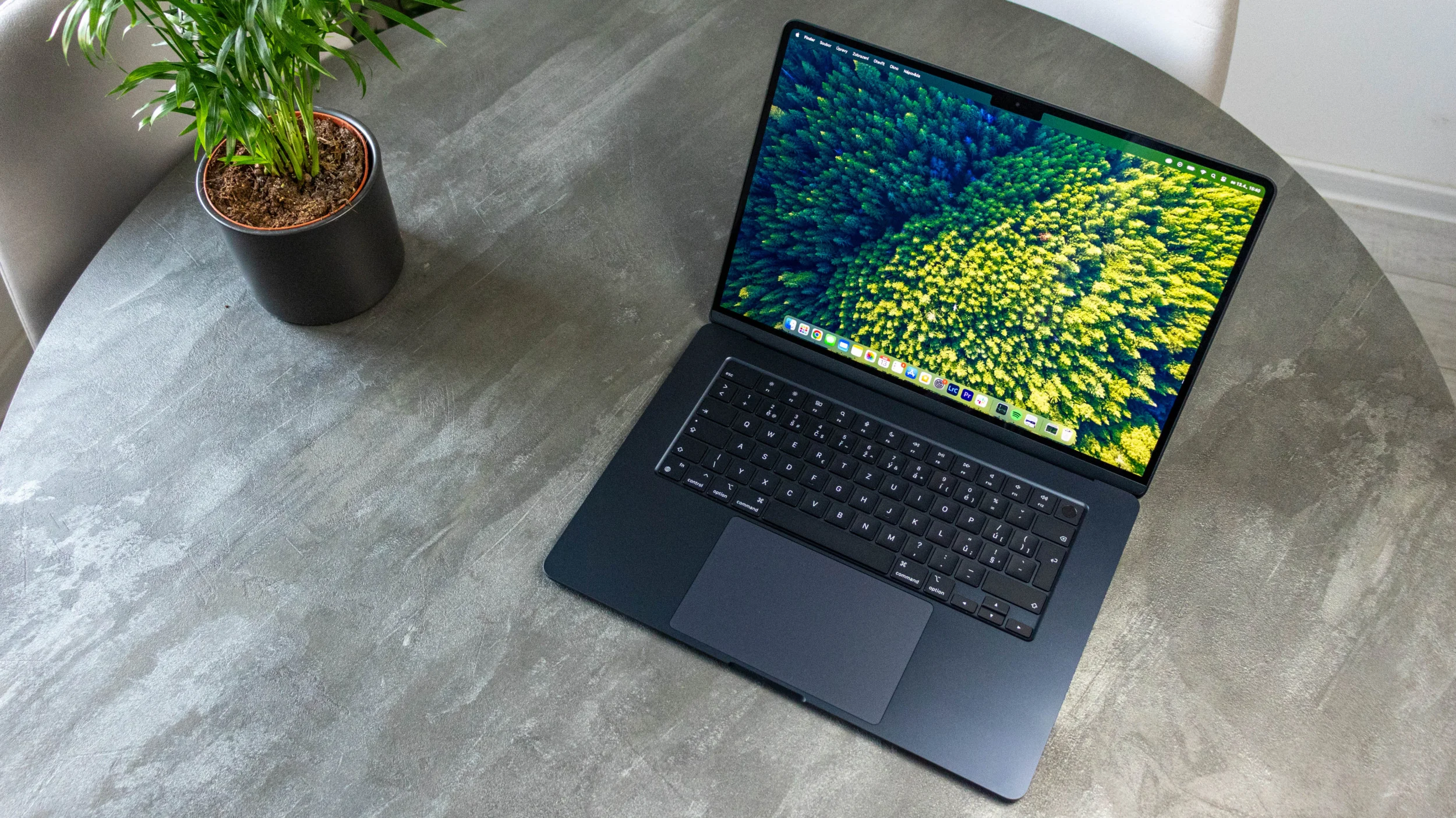
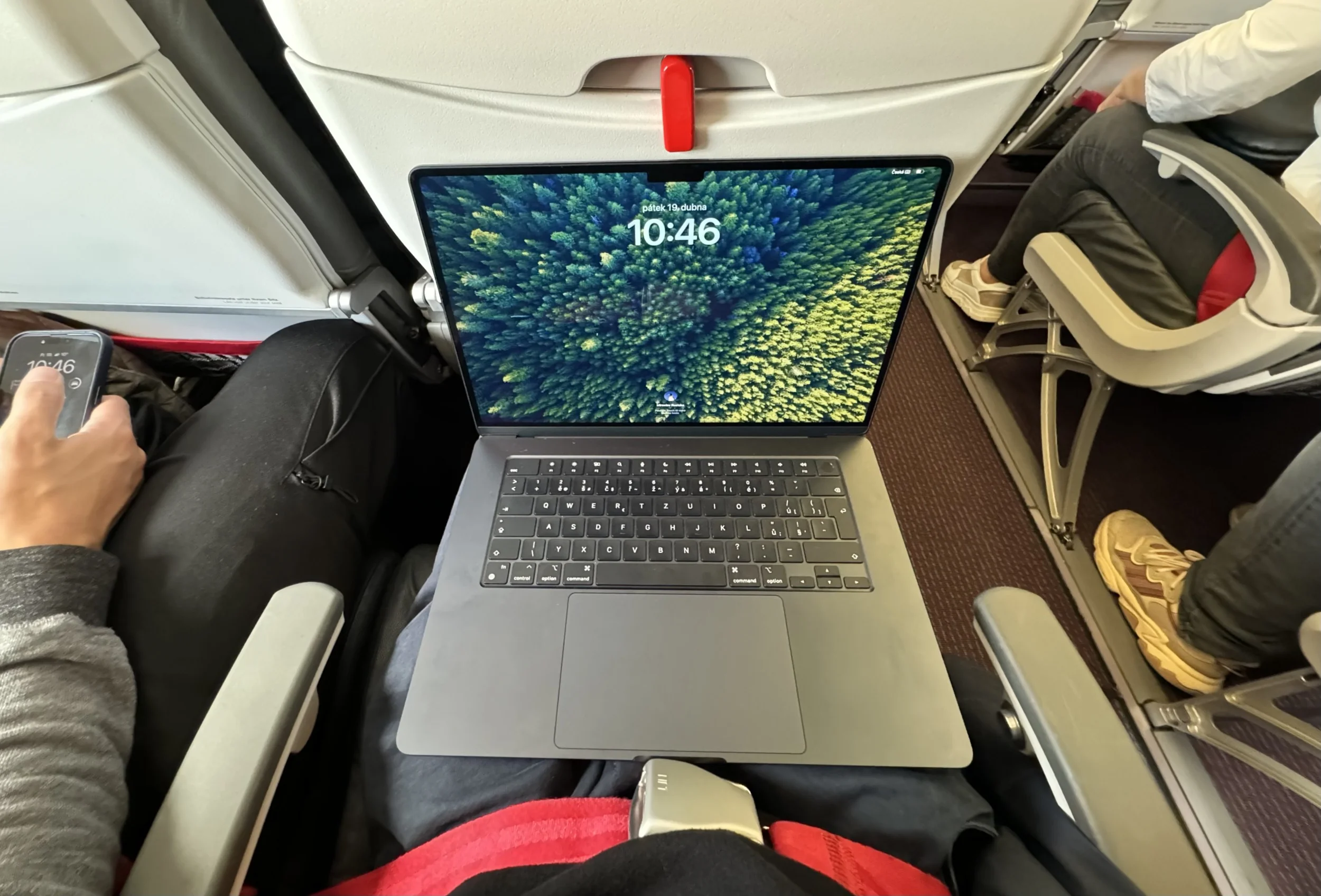
A larger display has obvious pros and cons. What matters most is what you actually plan to do with the laptop. If you travel often, the smaller version is still the better pick. I was reminded of that recently on a trip to Belgrade. On a plane, I simply couldn’t use the 15-inch Air in a standard economy seat because there wasn’t enough room to open it fully.
The photo below doesn’t make it look quite as bad as it was, but the laptop really wasn’t fully open, and working on it in any meaningful way wasn’t realistic. That’s not an issue with the 13-inch version. Incidentally, it’s interesting how the color looks light gray here, but this is the same notebook shown in the other photos.
That said, the 15-inch Air still fits in plenty of places, and once you do get it open, the larger screen is a real advantage. It’s simply better for getting work done. If you plan to use a MacBook mostly at home, this is the better choice over the smaller 13-inch model.
I was also pleasantly surprised by the thickness and weight. Compared with the current 16-inch MacBook Pro, the new Air feels genuinely thin and light. On the other hand, compared with the original 13-inch Air M1, this newer design language feels a bit rounder and maybe slightly bulkier.
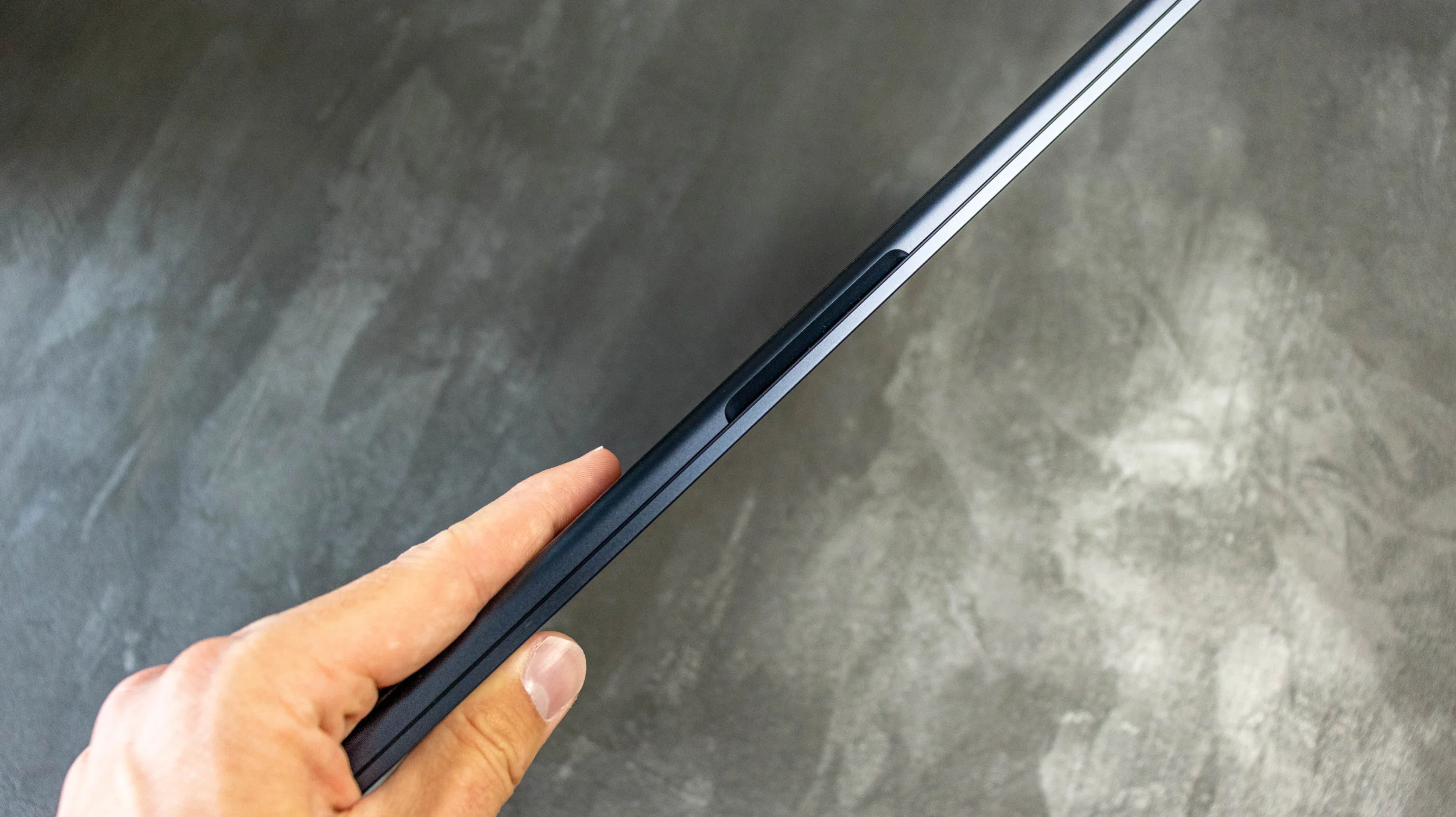
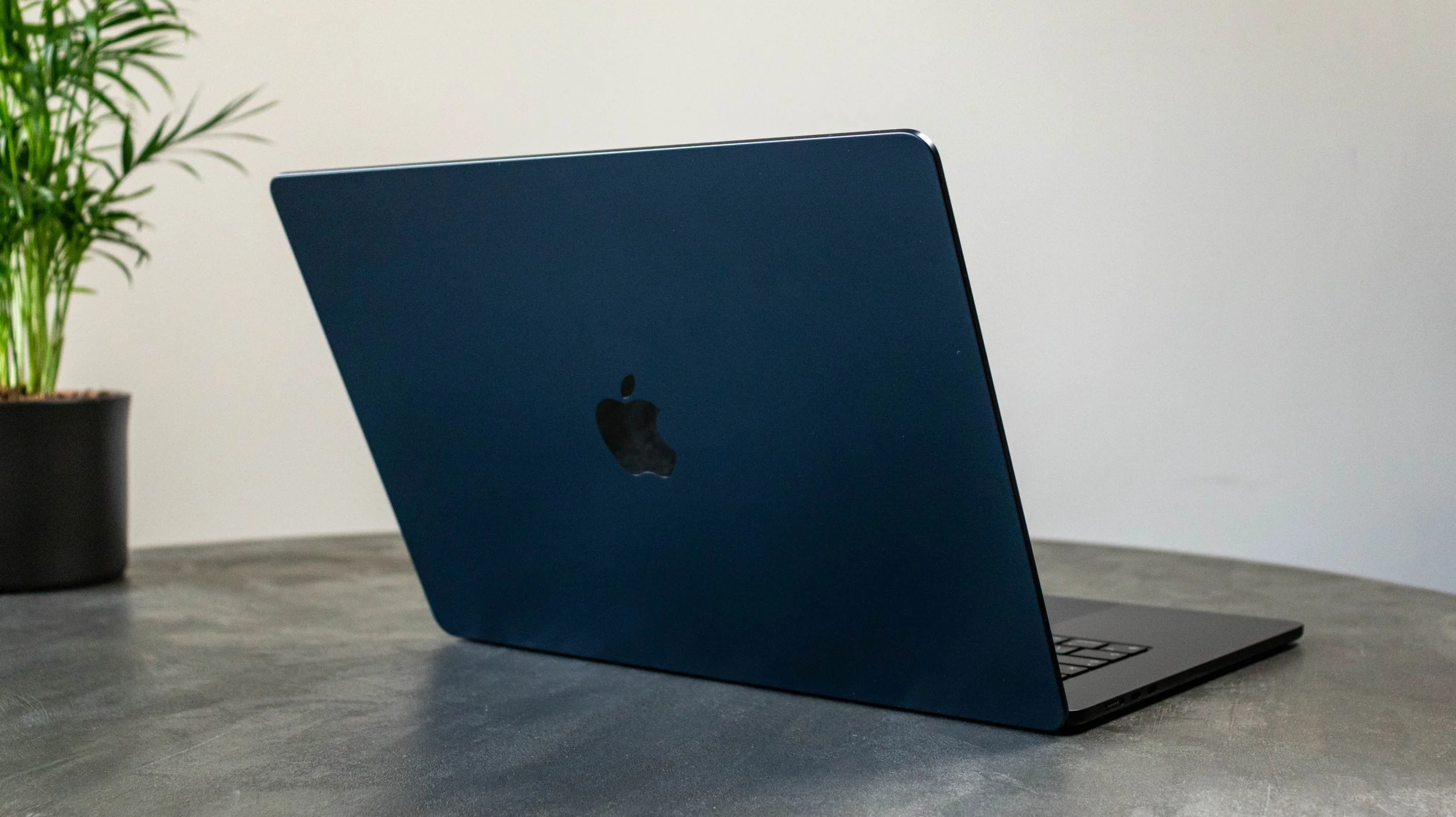
The review unit arrived in Apple’s Midnight finish, the darkest shade available for the Air. It’s not black, though. It has a fairly strong blue tint, and it’s also a different tone from the blue titanium finish on the iPhone 15 Pro.
This version picks up smudges pretty quickly. If that bothers you, go with one of the lighter color options.
Keyboard
First, the huge trackpad deserves praise. MacBook trackpads are consistently excellent, and that remains true here. It’s good enough that I don’t really feel the need to use a mouse. It supports Force Touch and delivers haptic feedback when clicked, similar to the old iPhone 7 Home button. It doesn’t physically move at all. As expected, it also supports a wide range of gestures that are tightly integrated with macOS.
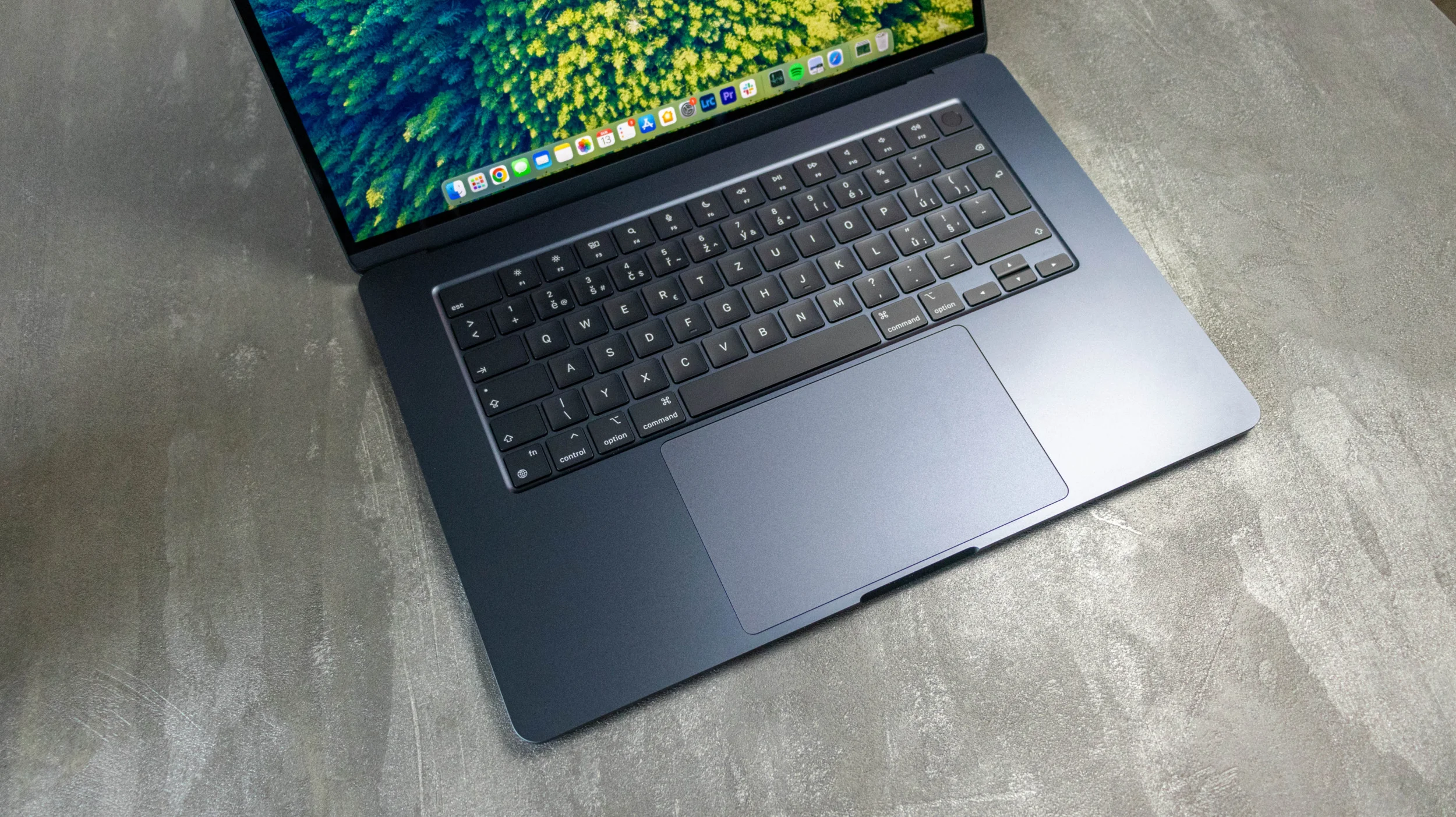
The keyboard itself is also among the best you can get on a laptop right now. The era of the stiff, failure-prone butterfly keyboard is long gone, thankfully. I had my own bad experience with that one. The MacBook Air M3 keyboard has pleasant travel and just the right amount of softness. I type on it extremely well, and it feels almost identical to the Air M1 keyboard I use to write most of my reviews and articles. The Touch Bar experiment is gone too, although it never really made its way into the Air line. What you get instead is a proper row of function keys with Touch ID.
Display
I already covered the pros and cons of the 15-inch size, but what about the panel itself? It’s one of the better IPS displays out there, branded Liquid Retina. Personally, I think it’s a bit of a shame that there’s no mini-LED or even OLED here, but Apple is still keeping at least the first of those technologies for the MacBook Pro line. Maximum brightness is 500 nits, which is decent enough.
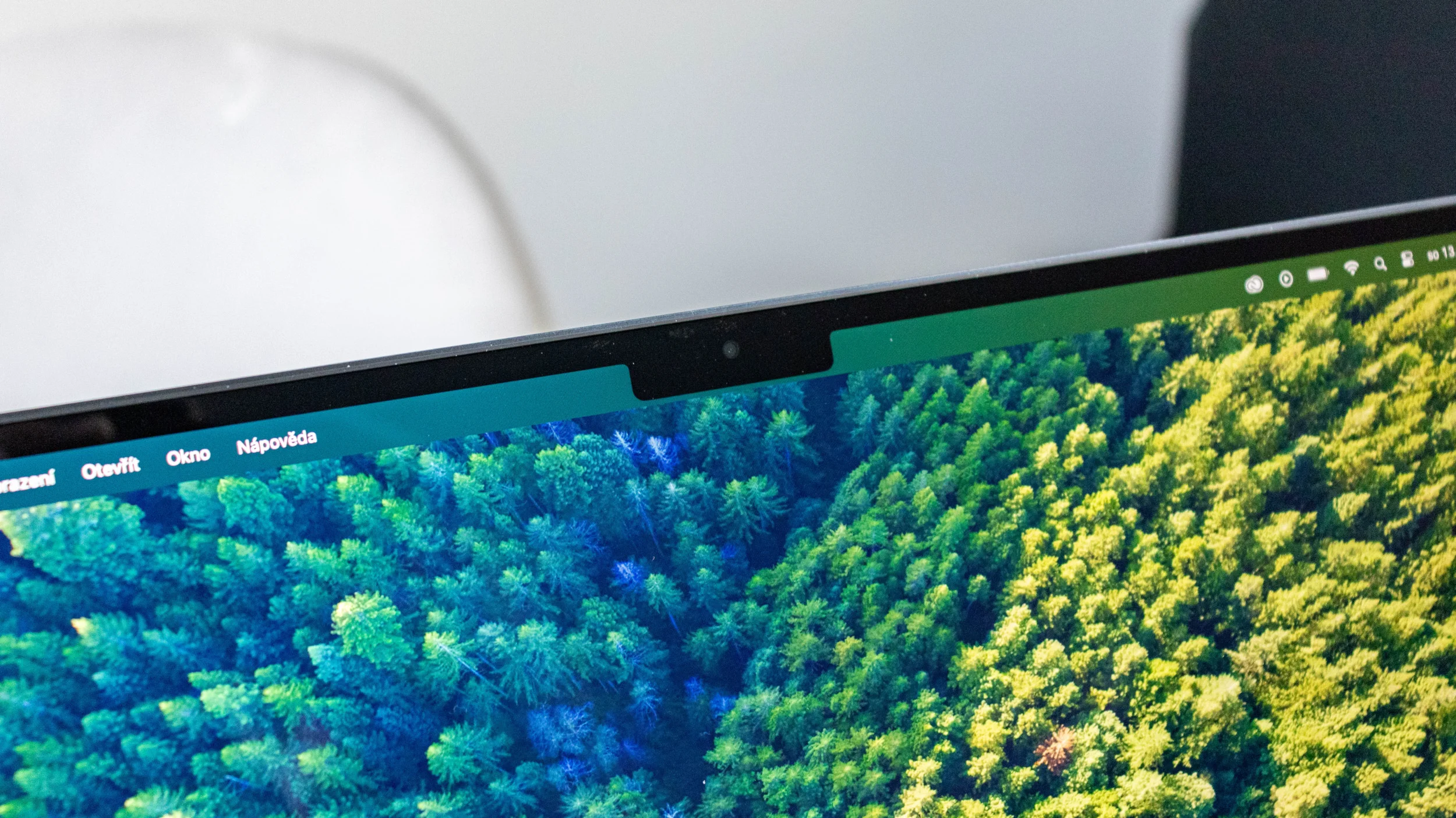
The display is interrupted by a fairly wide notch for the webcam. It’s still hard to understand why the cutout remains this large, and it’s a shame Apple didn’t go with a smaller hole-punch style approach. That would almost certainly be less distracting. The notch size almost suggests the presence of Face ID, but that’s not here. For unlocking, Apple still relies on the Touch ID fingerprint reader, which is fast and reliable.
Hardware
Apple’s M3 chip probably doesn’t need much of an introduction. It debuted last fall, but it didn’t make its way into the MacBook Air until March. At this point, though, it’s no longer Apple’s newest silicon. The new iPad Pro already ships with the M4, which makes the chip in the new Air feel oddly dated less than two months later. The timing is a little awkward.
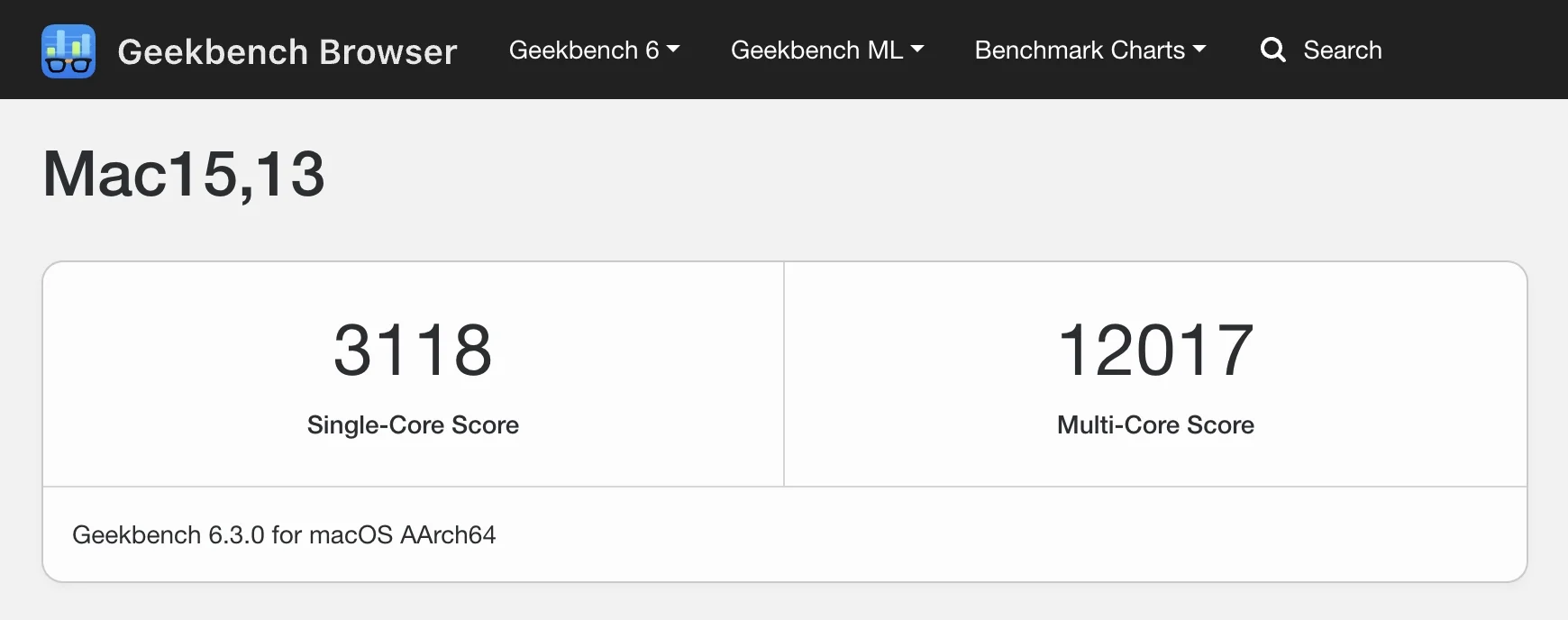
That said, it’s still a very capable chip. In Geekbench 6, it lands around 3,000 in single-core and 12,000 in multi-core performance. My older MacBook Air with M1 scores roughly 2,300 single-core and 9,000 multi-core. That puts the CPU gain at about 30 percent, which lines up with Apple’s own claims. Thanks to the 3nm process, it should also be a bit more efficient.
Since I also edit RAW photos from a DSLR in Adobe Lightroom Classic on my older MacBook Air M1, I was curious how the new M3 would handle the same workload. It was a very pleasant surprise. Loading full-resolution images is much faster, and the whole experience feels quicker and more practical. Where the M1 starts to run out of breath, the M3 still feels snappy.
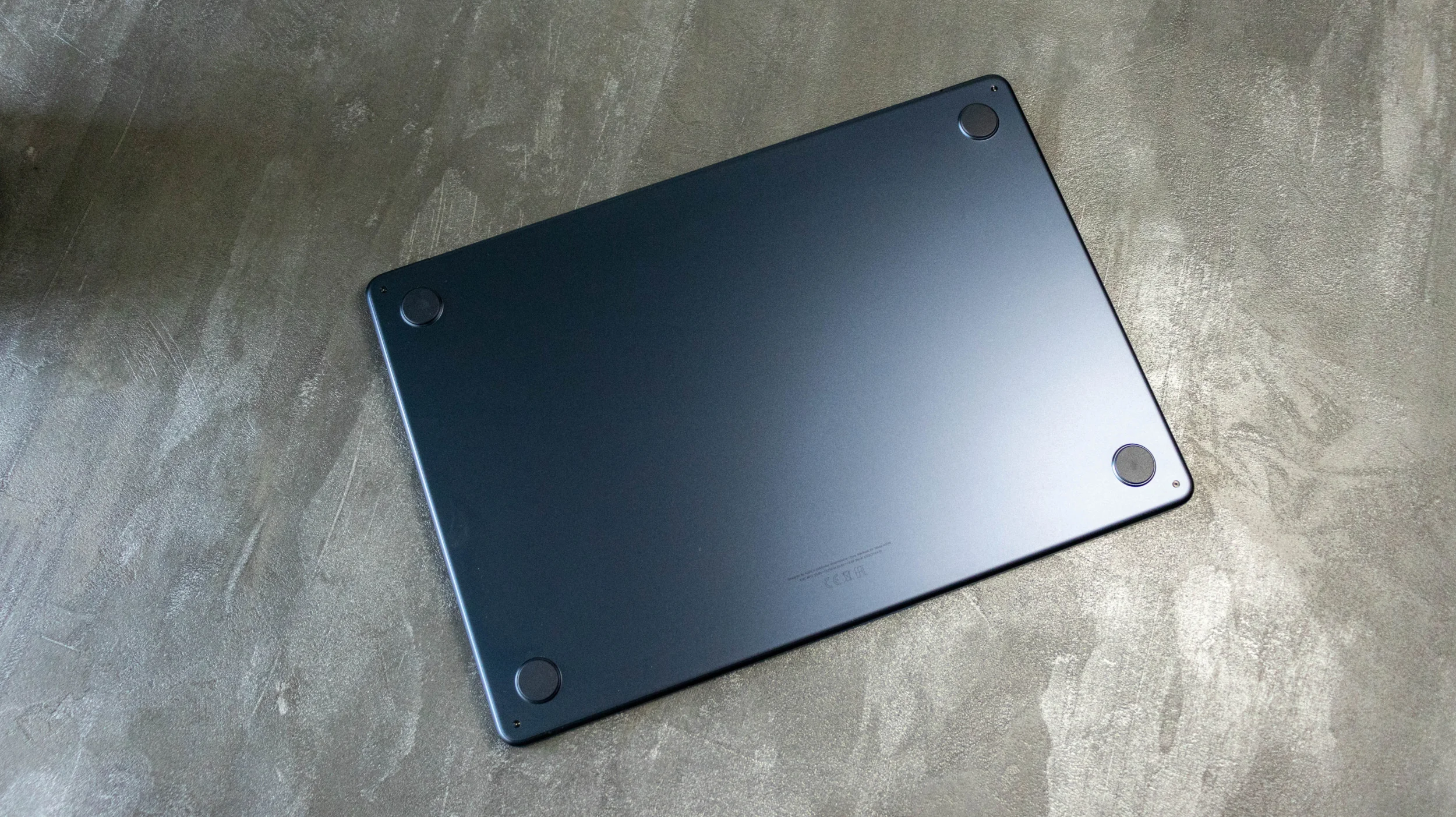
Base storage starts at 256GB, which may be enough for basic office work and web browsing. I’d still recommend considering a higher-capacity version. I bought my own MacBook Air M1 years ago with the base 256GB storage, and I regret that choice now. What I don’t regret is paying extra for 16GB of memory. Here too, the Air M3 still starts at 8GB, and if your budget allows, I’d again recommend upgrading. It’s a shame those upgrades are so expensive. Doubling both storage and memory costs an extra 12,000 CZK (approx. $548 / €492), taking the price from 32,000 CZK (approx. $1,460 / €1,312) to 44,000 CZK (approx. $2,008 / €1,804). But since you can’t upgrade either component later, it makes sense as a long-term investment if you plan to keep your MacBook for years.
Connectivity
It’s still a little disappointing that Apple doesn’t offer a MacBook with 5G connectivity. If you have an iPhone, you can at least spin up a hotspot with basically one click, but still.
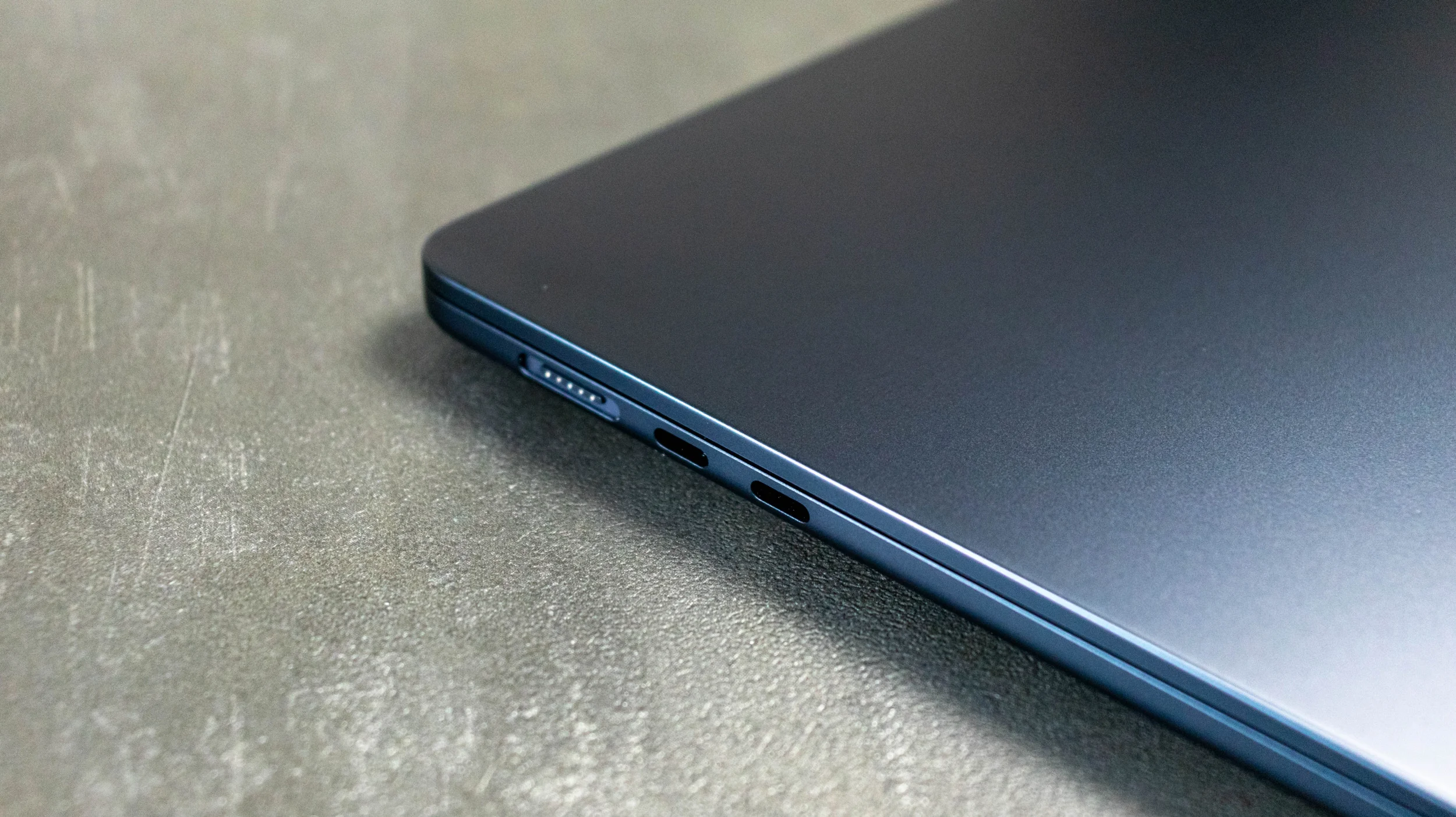
For wired connections, you get two Thunderbolt / USB 4 USB-C ports plus MagSafe 3. You can charge over USB-C too, of course. There’s also a 3.5mm headphone jack on the other side. Apple now lets you connect up to two external monitors, though only with the MacBook’s built-in display turned off. Even with that limitation, I appreciate the addition, even if I didn’t use it once during testing because I simply don’t have that many monitors.
Battery
Apple rates battery life at up to 18 hours of Apple TV video playback and up to 15 hours of web browsing. In my use, which included browsing the web and occasional photo editing in Lightroom, I was getting around 10 hours, always with fairly high brightness. That’s still excellent endurance.
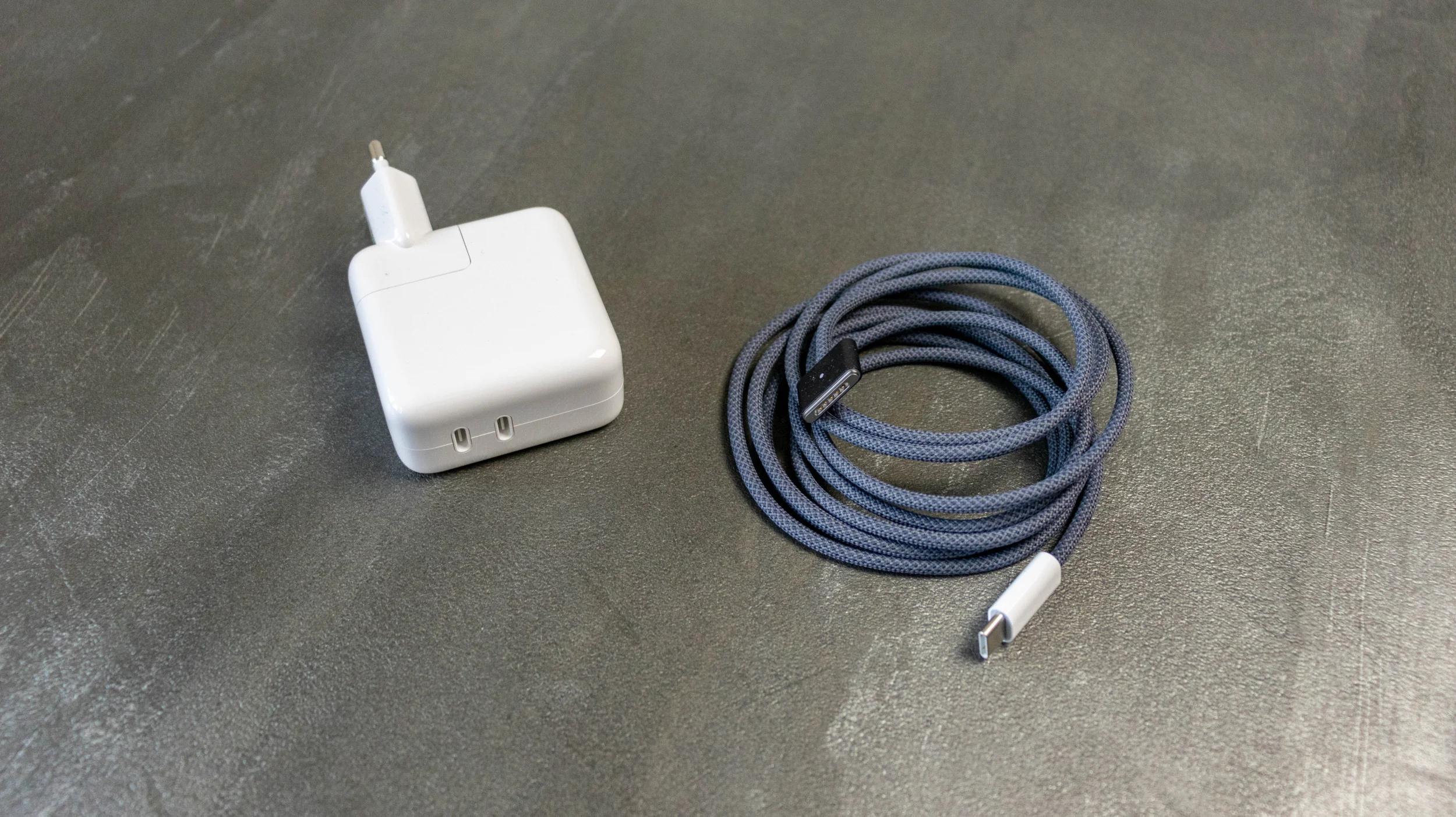
In the box, you can choose either a 35W adapter with two USB-C ports or a single-port 70W adapter. Both cost the same, and you make that choice directly when ordering from Apple.
Our review unit came with the 35W dual-port adapter. With it, I charged just under half the battery in one hour, and getting to 80 percent took about 1.5 hours. That’s not especially fast. With the 70W adapter, charging is roughly twice as quick.
iOS Apps
One of the headline features of Apple’s move to M-series chips was the ability to run iPhone and iPad apps directly on macOS, since they share the same architecture. Unfortunately, a lot of major developers blocked that option right away, even though the hardware itself often wouldn’t have had any trouble running those apps.
And the situation hasn’t changed much. A few years ago, this felt genuinely exciting. Today, that enthusiasm has faded. Yes, it still works in theory, but in practice there are relatively few iPhone and iPad apps that are both available and actually pleasant to use on a Mac. In many cases, I’d rather just use the web version on macOS anyway.
It’s not a hard rule, though. Sometimes an iPad app is useful and offers a simpler, more native-feeling interface. But it doesn’t always look good on a large MacBook display. In 9GAG, for example, going full-screen leaves a lot of space unused compared to the website.
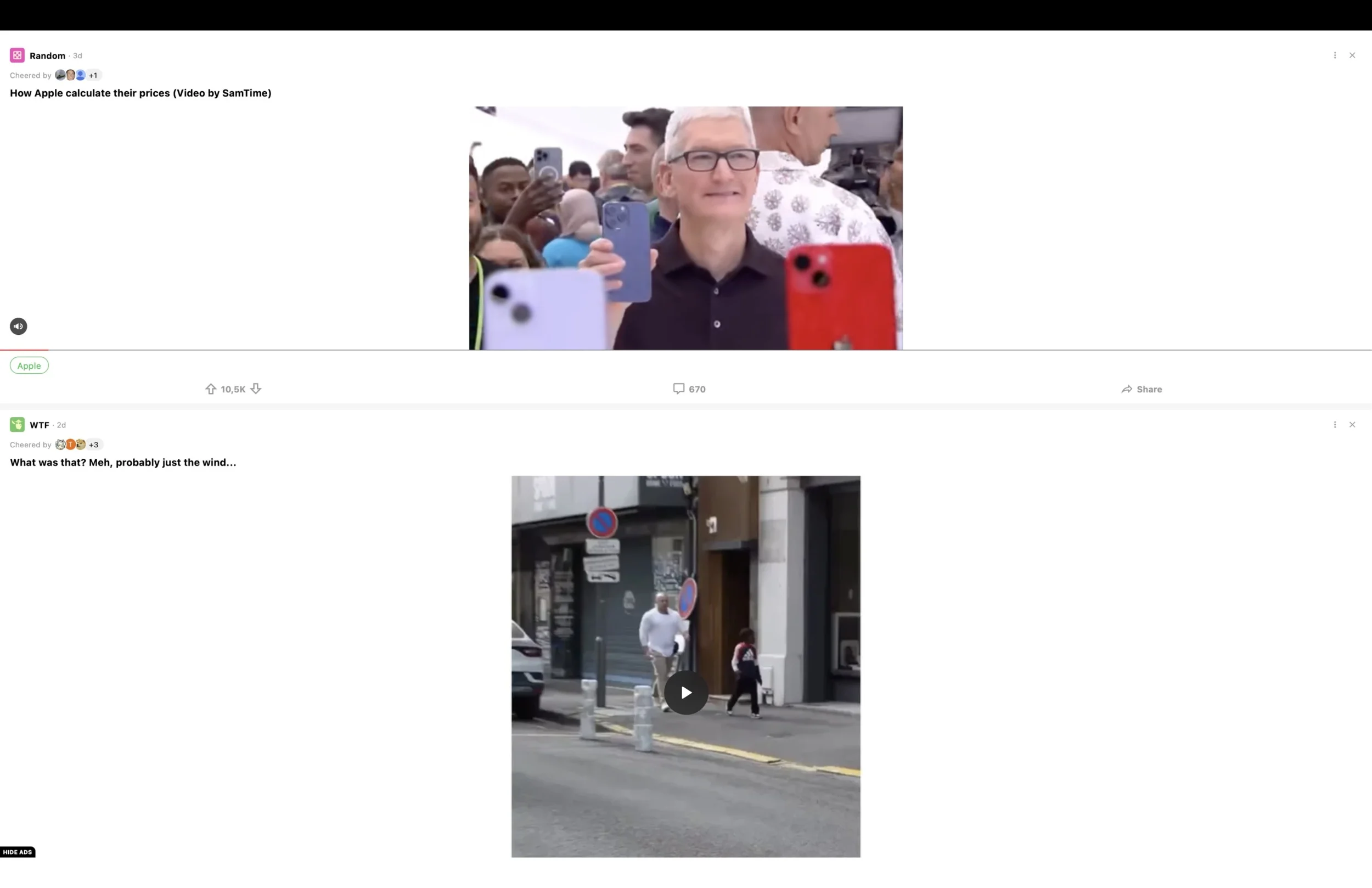
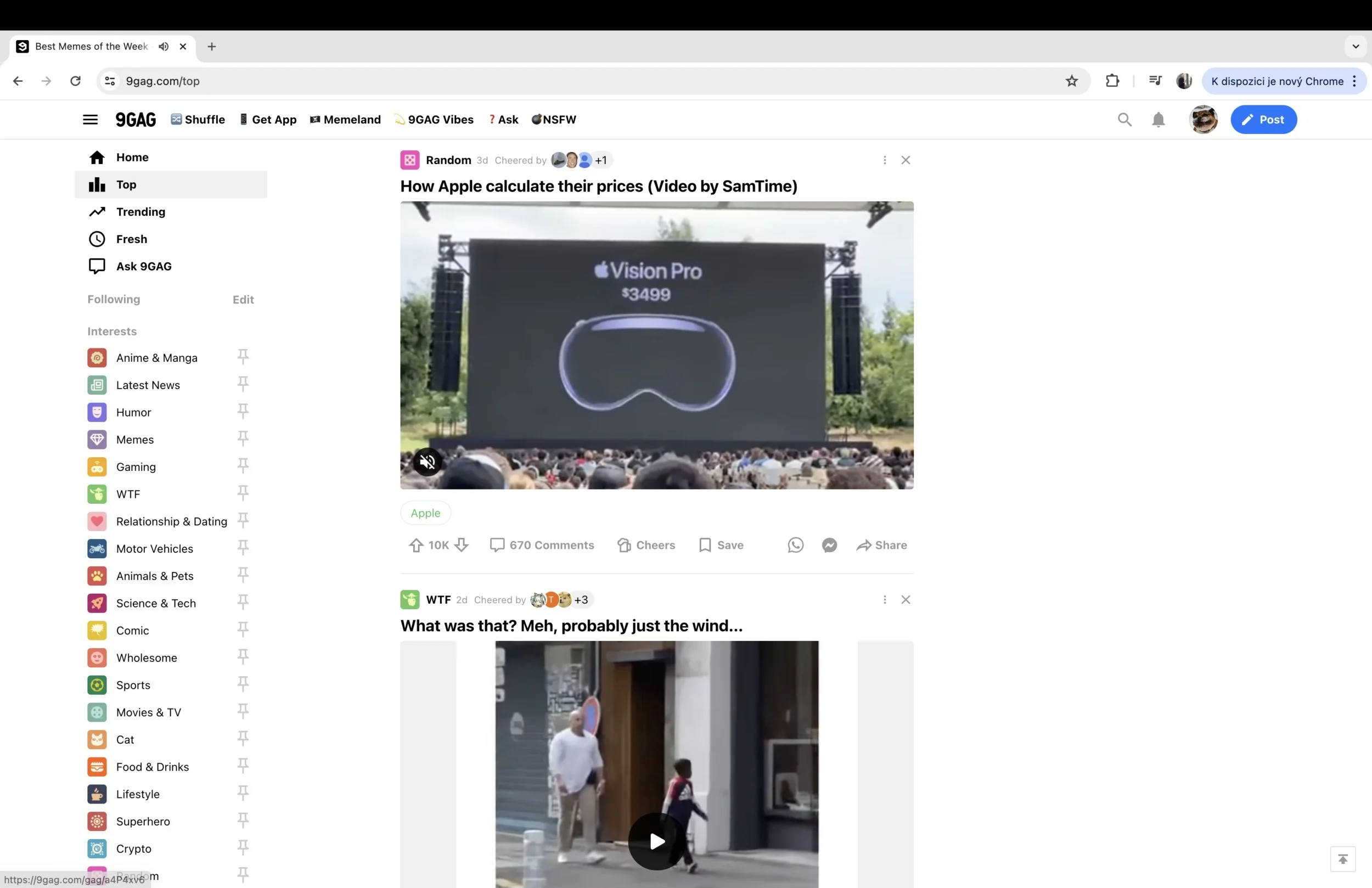

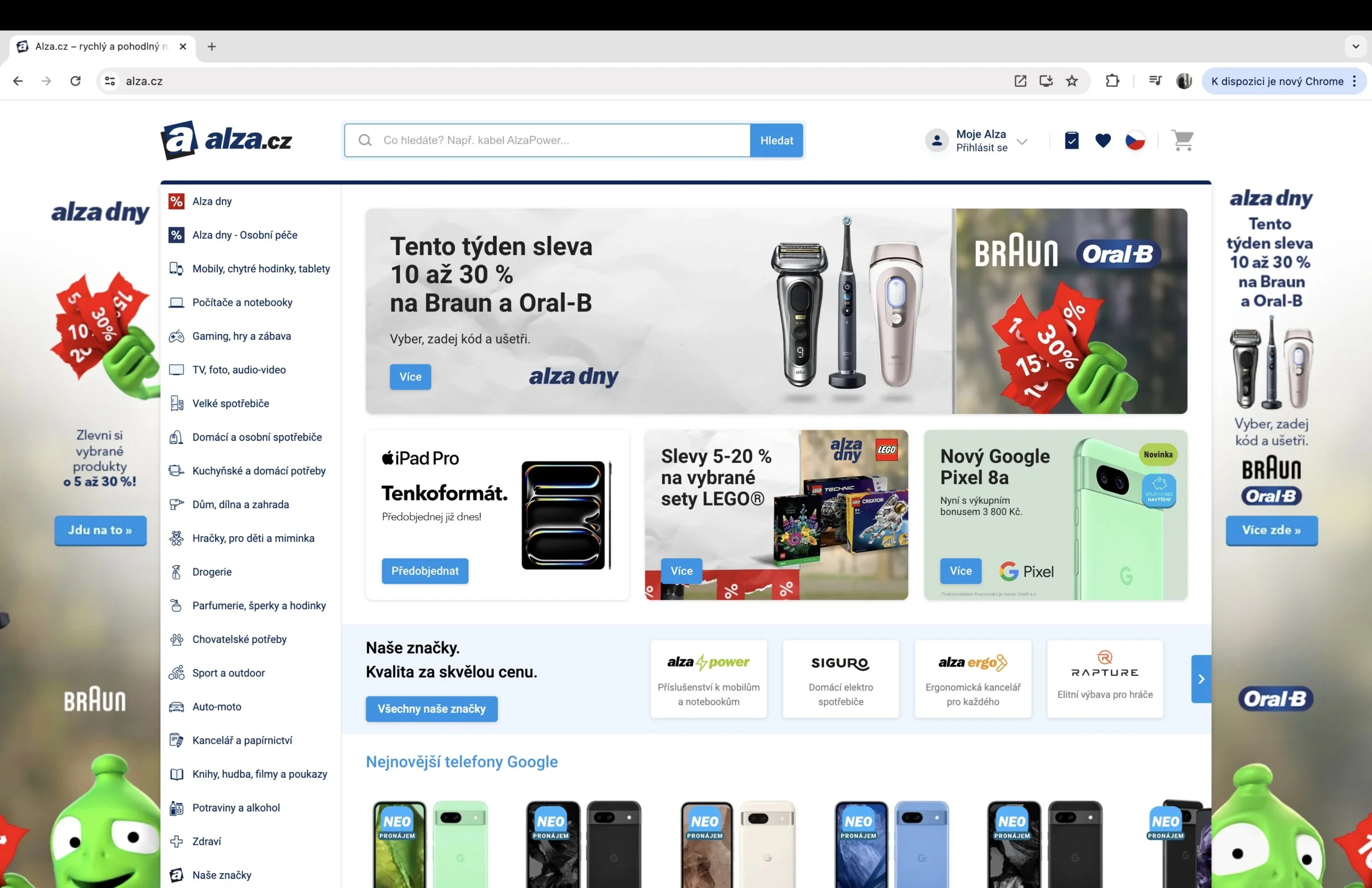
There’s another issue with iPad apps on macOS: some of them don’t let you resize the window at all, and even if you switch the app to full screen, it stays the same size with black borders around it.
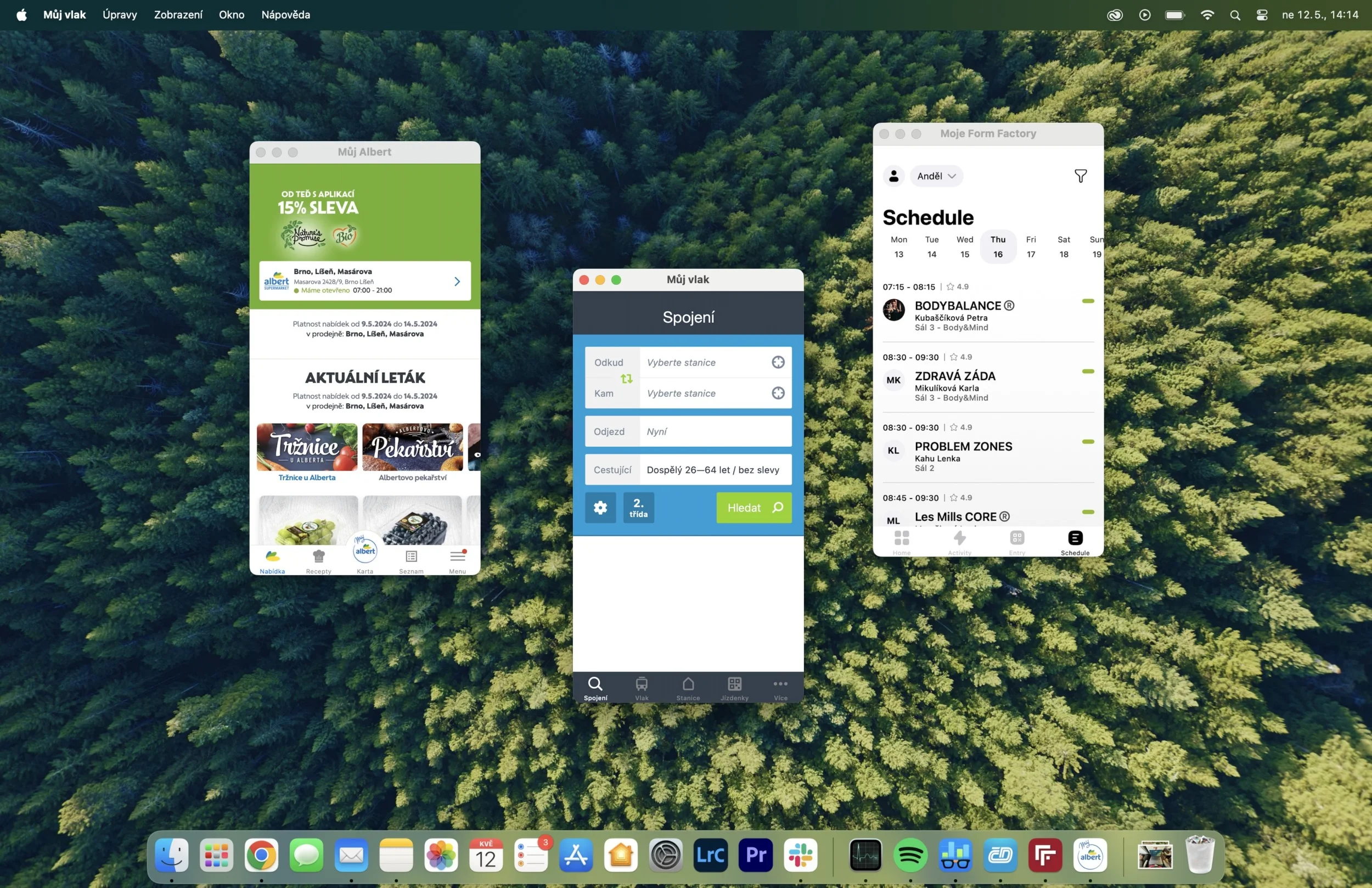
If I focus strictly on iPhone apps that don’t have an iPad version, you’ll run into those too, even if less often. I came across a few examples such as Můj Vlak, Můj Globus, Můj Albert, and Moje Form Factory. The problem is simple: the iPhone app opens at one fixed size and that size can’t be changed. On the 15-inch Air, the window is small, really too small. I also ran into the iPhone app Foodora CZ, which installs just fine but crashes immediately every time it launches. It’s surprising Apple doesn’t catch this before allowing these apps onto the Mac.
Software
The laptop otherwise runs macOS 14 Sonoma, which brought additions like attractive animated wallpapers and the option to place widgets directly on the desktop. I also like that you can now add iPhone widgets here as well. More broadly, Apple’s cross-device integration is excellent, though that part is hardly new.
Verdict
The MacBook Air with the M3 chip pushes performance and capability a little further again. The real question is what you’re upgrading from. For owners of Intel-based MacBooks, this is a massive leap forward. For people using a MacBook Air with M1, it’s more of a judgment call. I have one myself, so would I have a reason to upgrade? Yes, two. First, 256GB of storage is no longer enough for me. Second, and more important, photo editing in Lightroom is faster here. That said, for this kind of work, a MacBook Pro may still be the better fit, even if it’s nowhere near as portable as the Air because of its extra weight and thickness.
Being able to run select iOS apps is definitely welcome, and it can come in handy. For me, though, it’s not a deal-breaker, and I’d be perfectly fine without it. The situation also hasn’t really improved in the nearly four years since Apple M1 launched. Big developers still block their mobile apps from running on macOS.
So is the new MacBook Air M3 a good laptop? Absolutely. If you want a dependable machine with long battery life, strong build quality, and years of software support ahead, it’s easy to recommend. But is it that different from the M2 MacBook Air? Not really. And that matters, because the previous generation can now be found starting at around 25,000 CZK (approx. $1,141 / €1,026) for the 13-inch model and 31,000 CZK (approx. $1,415 / €1,271) for the 15-inch version, which makes it an excellent buy. Choosing the M3 model is really about spending a little more for extra headroom down the road.