
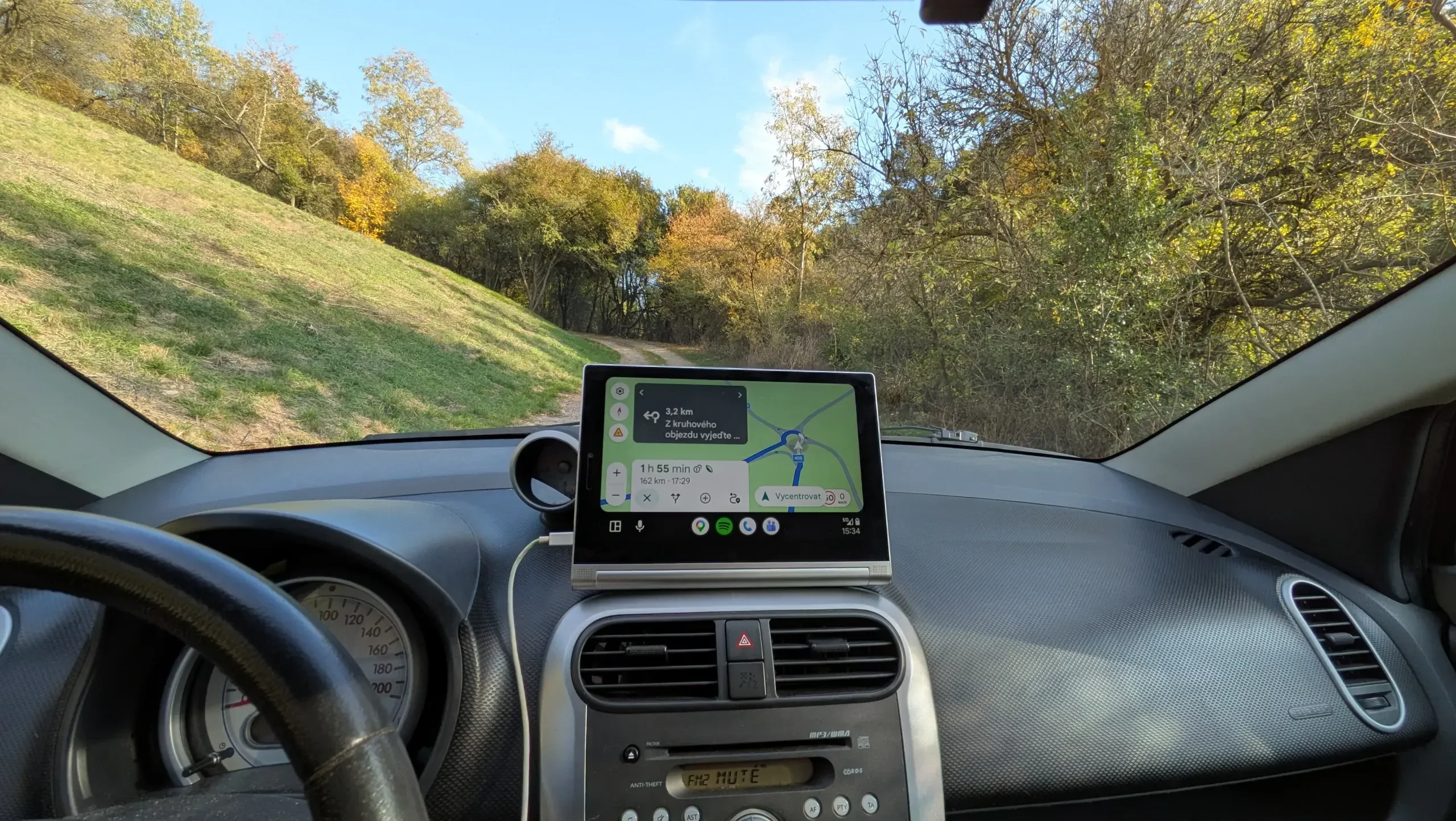
A new head unit with Android Auto can cost several thousand Czech crowns. But you can get much of the same result for free if you have an old tablet or phone collecting dust at home. I tried it with a 12-year-old tablet in a car without a Bluetooth stereo, and Android Auto worked surprisingly well. Here’s how to do it.
No new stereo, no money spent
Navigation on a big screen, Spotify with a single tap, or messages read aloud. Android Auto (in Czech) is standard fare in new cars, but there are still hundreds of thousands of older vehicles on Czech roads that never got anything like it. Their owners are left poking at a phone clipped to an air vent, or weighing the cost of buying a new stereo with Android Auto support. There’s another option.
Most people have an old tablet or phone somewhere in a drawer, long past daily use and basically waiting for e-waste duty. That same device can become an Android Auto display, free of charge, with no modifications to the car and only an afternoon of setup.
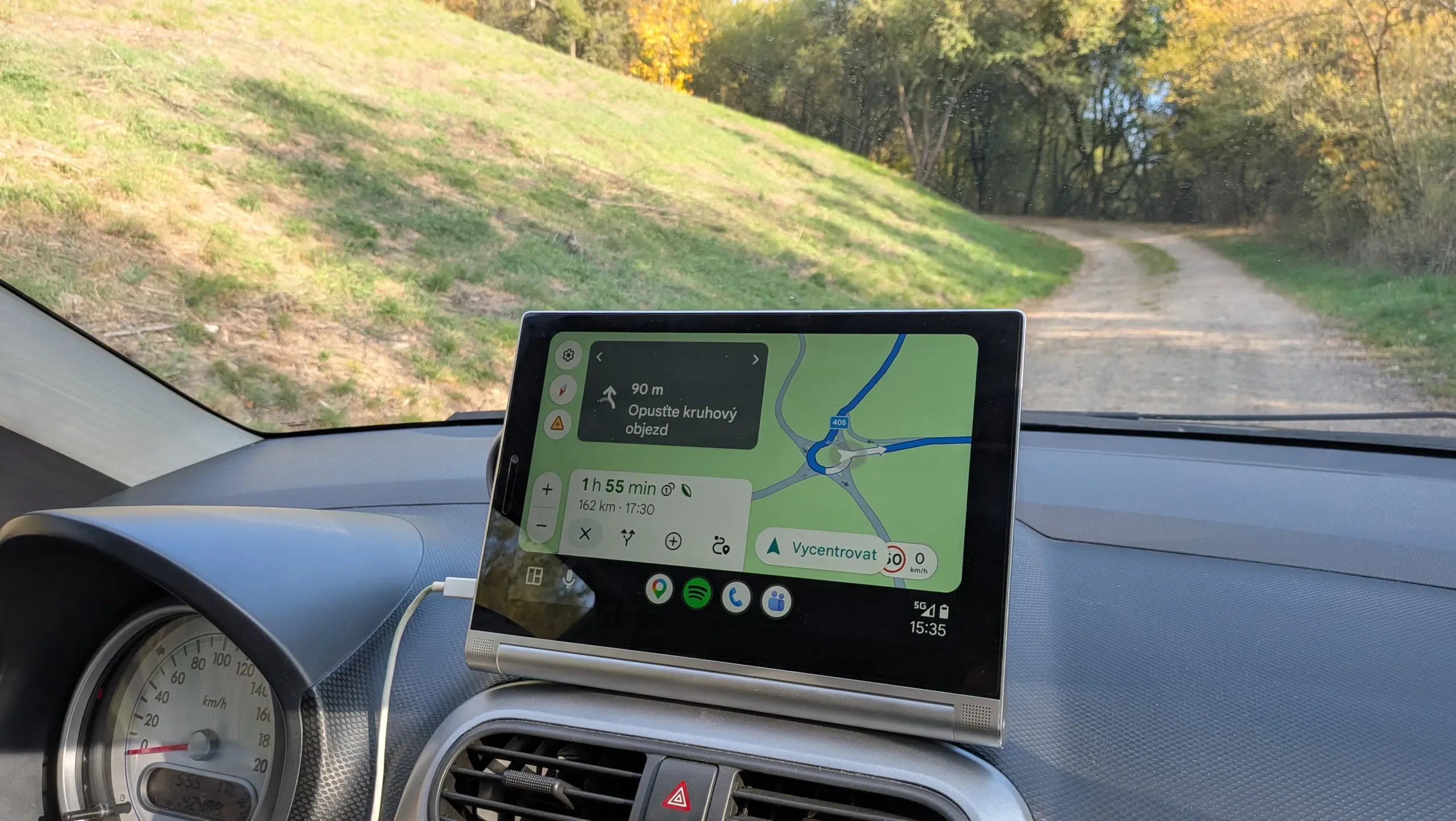
This is a good fit for anyone with an older car that lacks smart infotainment, an Android phone, and no interest in spending money on a replacement stereo. There’s also a safety angle. Android Auto is built to reduce distraction, with large buttons, a tightly limited app selection, and voice controls. It’s a much better setup than tapping away at a phone on a mount.
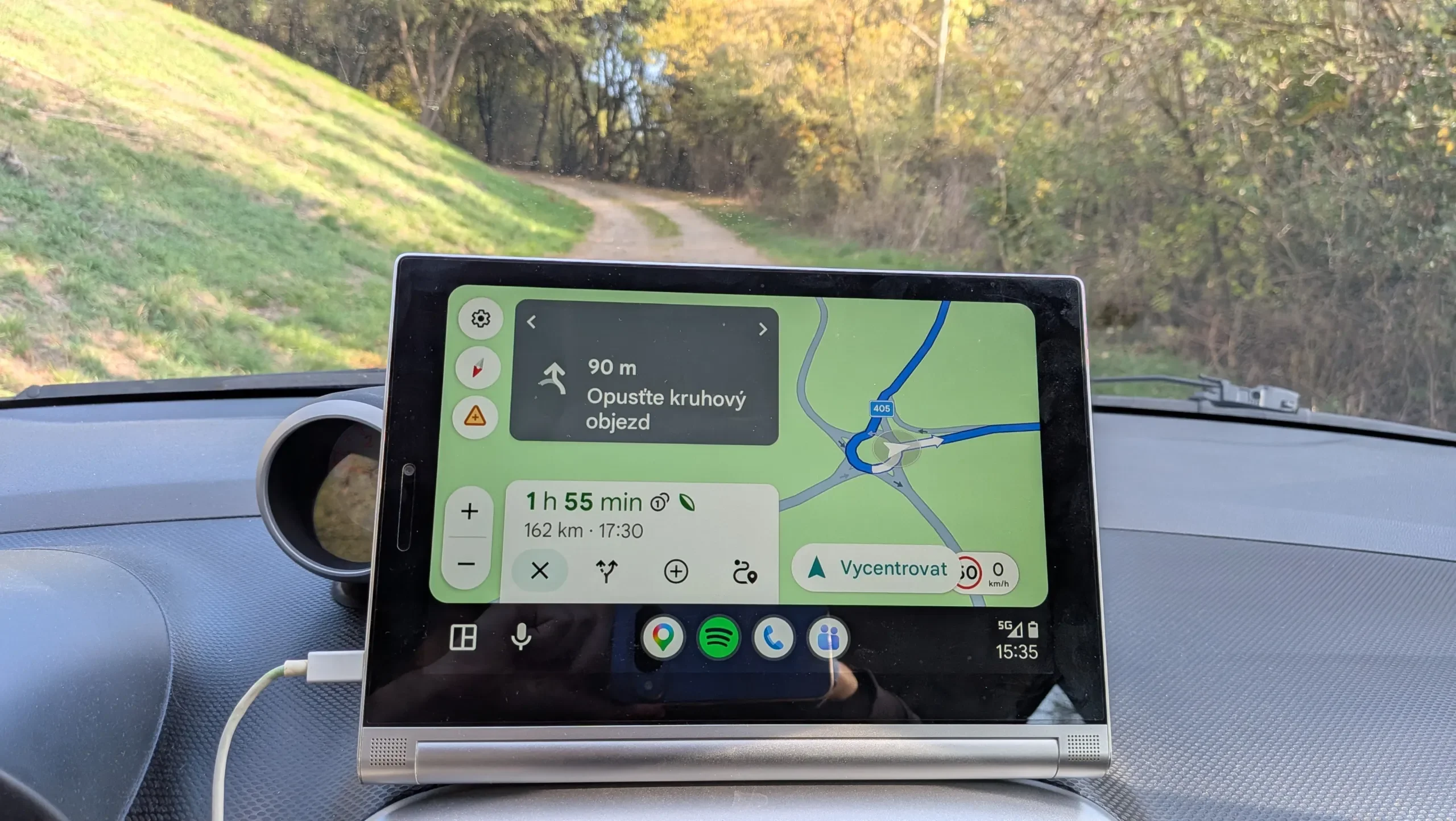
I tested it with a 12-year-old Lenovo Yoga Tablet 2 that had spent the last few years sitting in a closet. In its current state, it shuts off the moment it’s unplugged, so the cable in the photo is there purely for power. Even so, it works better than you’d expect.
How it works
The whole thing runs on an open-source app called Open Headunit, which acts like a car’s onboard head unit. Your current phone handles the real processing, while the old device works as a display and touch input surface.
Your main phone needs Android 11 or later. The tablet or old phone only needs Android 5.0 or later. My Lenovo Yoga Tablet 2 made the cut exactly. Open Headunit is available for free on GitHub.
What you’ll need:
- a primary phone running Android 11 or later;
- an old tablet or phone running Android 5.0 or later;
- a car mount and power source;
- a Bluetooth transmitter or AUX cable, if your car doesn’t have a Bluetooth stereo.
How to set it up
- On the old device, first enable installation from unknown sources in the security settings.
- Then download the .apk file from this GitHub link. It’s easiest to do this on a PC, then send the file to the tablet by email or connect the device with a cable, drag the file over, open it, and install it.
- On your main phone, open the Android Auto settings and tap the version number 10 times to enable Developer Options.
- In the same Android Auto settings page, tap the three-dot menu in the top-right corner and choose “Start head unit server.”
- Pair the old device with your main phone over Bluetooth. On the tablet, launch the downloaded Open Headunit app, go through the initial setup, and choose Wi-Fi. The app will create a Wi-Fi Direct network that your main phone connects to.
Once you’ve gone through those steps, Android Auto should launch directly on your tablet or old phone.
Audio plays from the old device, not from your main phone. So if your car doesn’t have a Bluetooth stereo, pair your Bluetooth transmitter with the old device that’s running Android Auto if you want to listen to music through the car speakers.
If you get stuck on any step, let us know in the comments and we’ll try to help.
Community Discussion 0 COMMENTS