
ASUS has turned out plenty of solid phones over the years. For this review, I took a closer look at one of its midrange models to see how much quality you can actually get for less money. The result is a surprisingly large handset with an excellent camera, one that can outshoot plenty of rivals and even some phones from higher up the ladder.
In the box
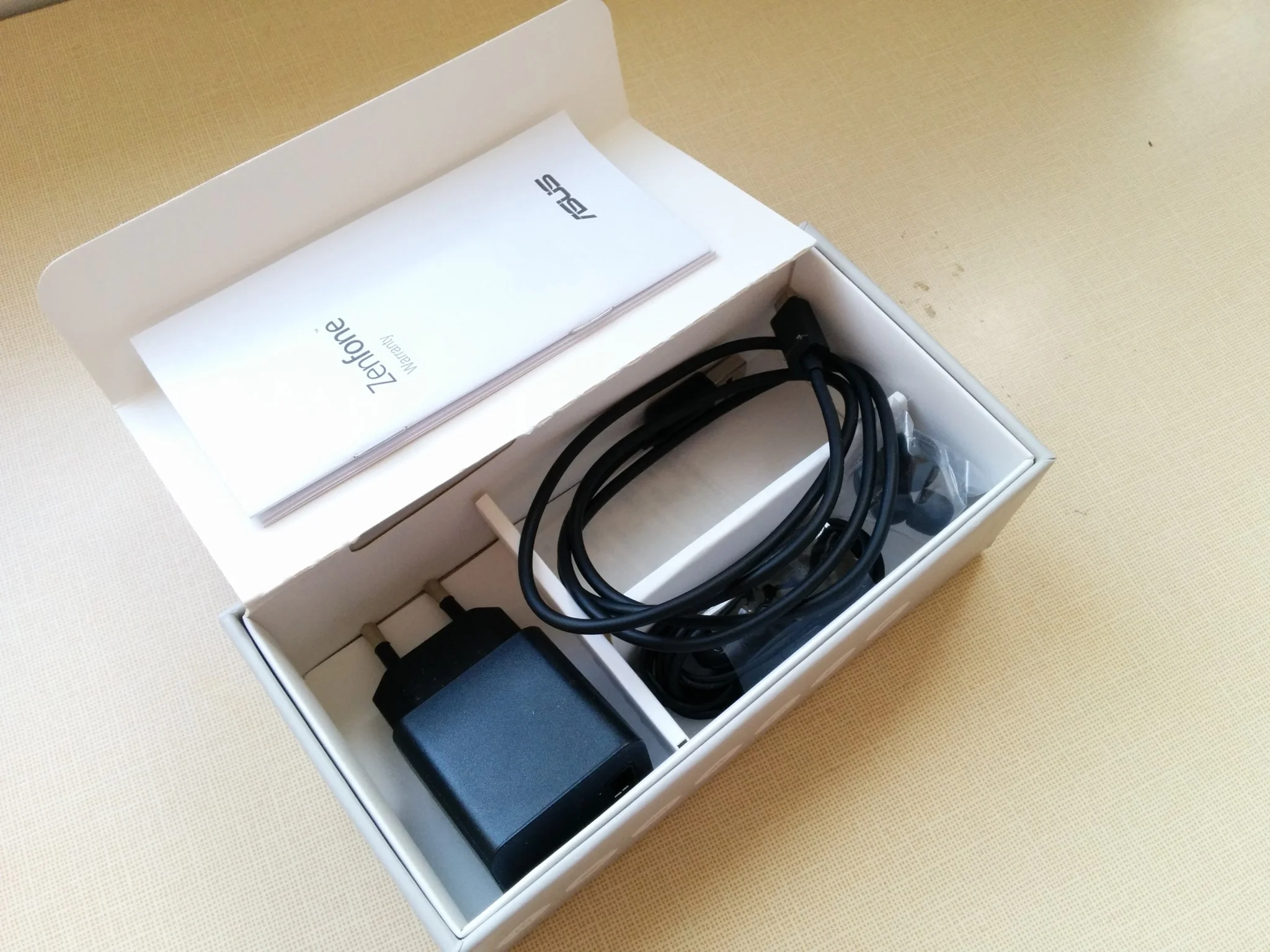
The compact box gives away quite a bit before you even open it. The top shows the phone’s home screen, while the sides call out key features and the processor inside. Lift the lid and you’re greeted by a device that feels fairly large at first glance. Under the tray, ASUS includes two manuals, a power adapter, a pair of small earbuds, and a USB cable. That’s it.
Design and build
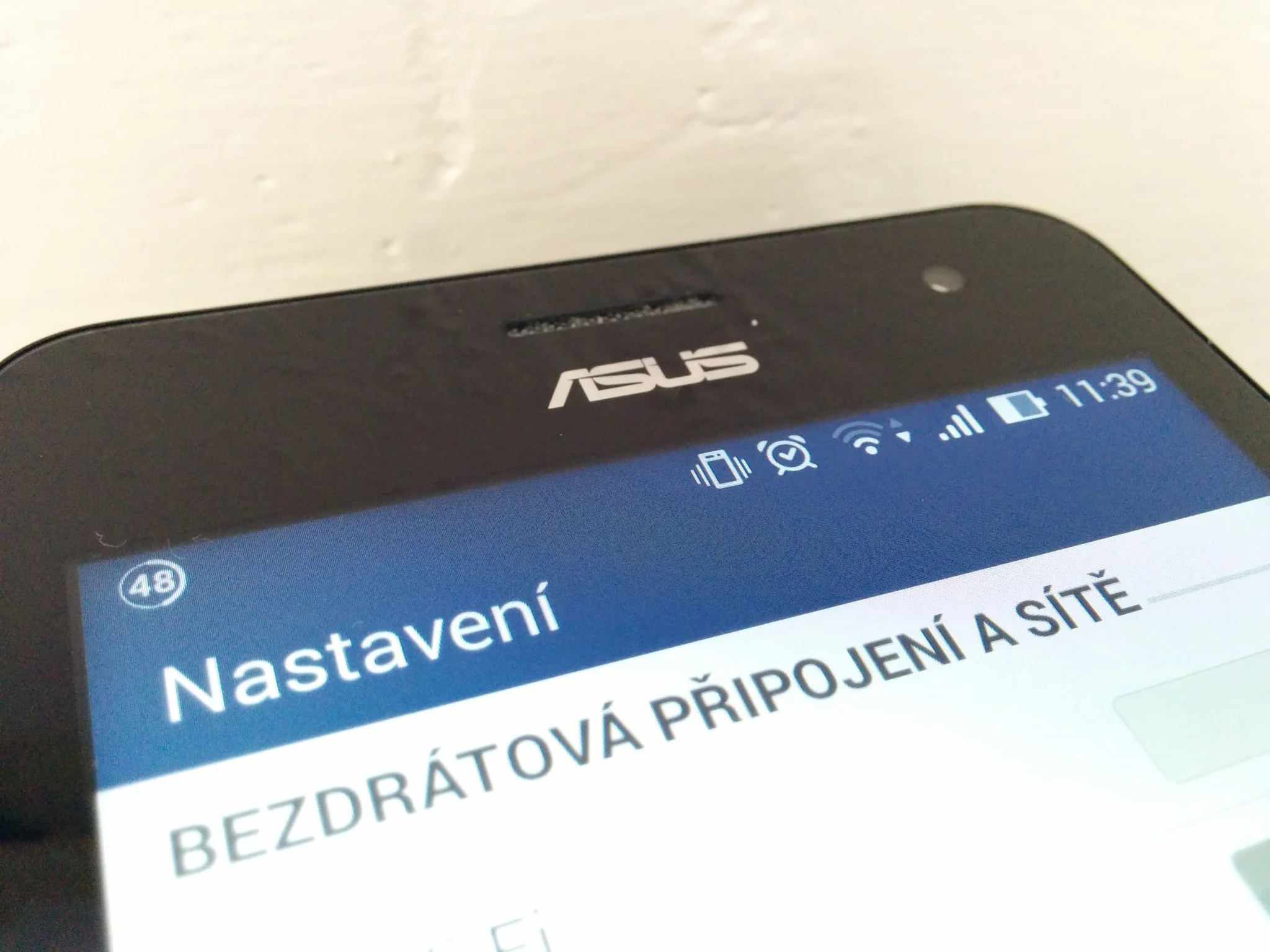
Right away, one thing is clear: this phone is put together well. The build quality is strong, even if a few rough edges show up later. Up front, there’s a 5-inch IPS display with HD resolution and roughly 300 PPI. Above it sit the ASUS logo, a modestly loud earpiece, and the front-facing camera on the right. Below the display are the three standard Android buttons, though they aren’t backlit. The final visual touch is the lower chin, which gives the phone a slightly unusual look.
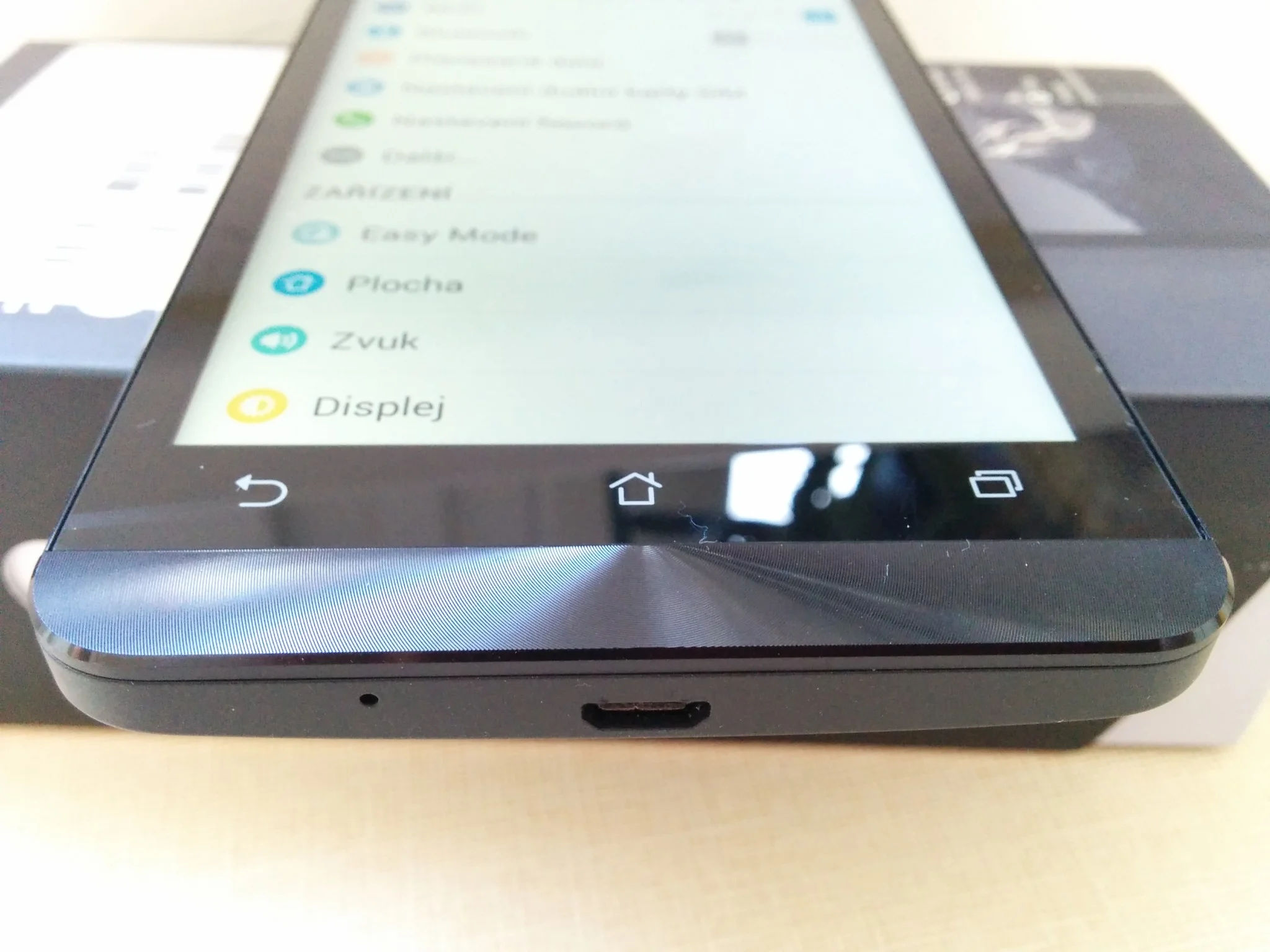
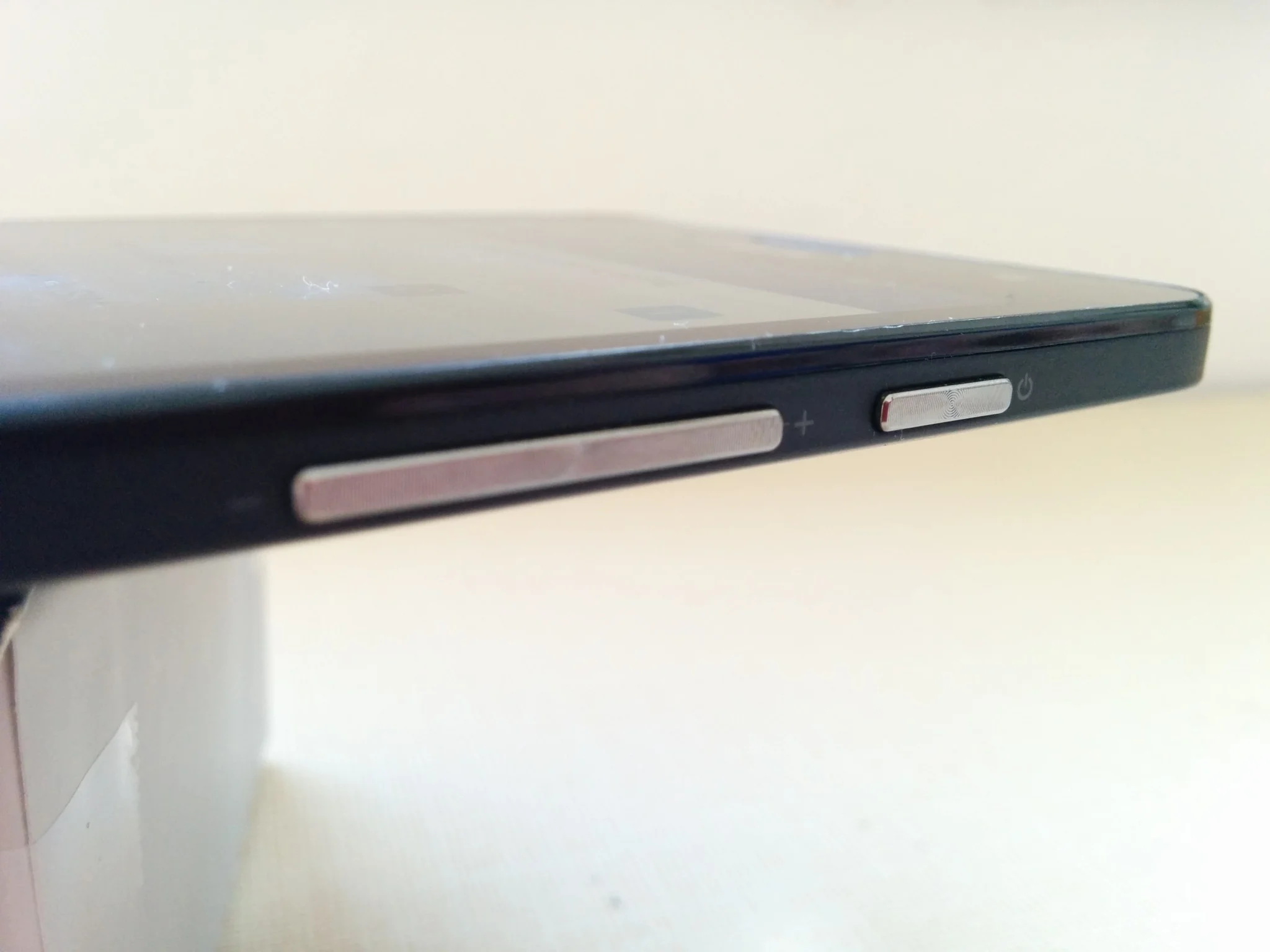
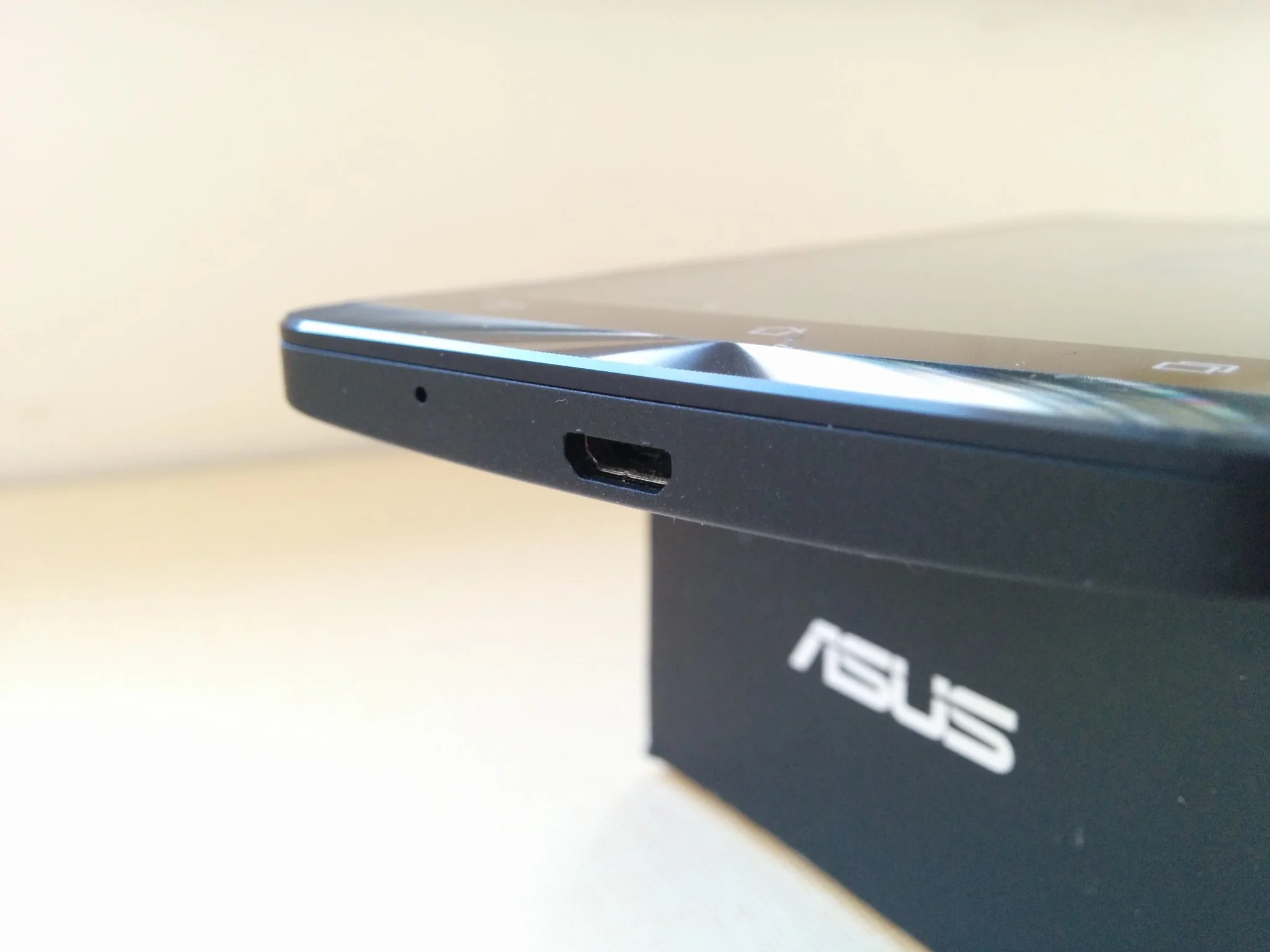
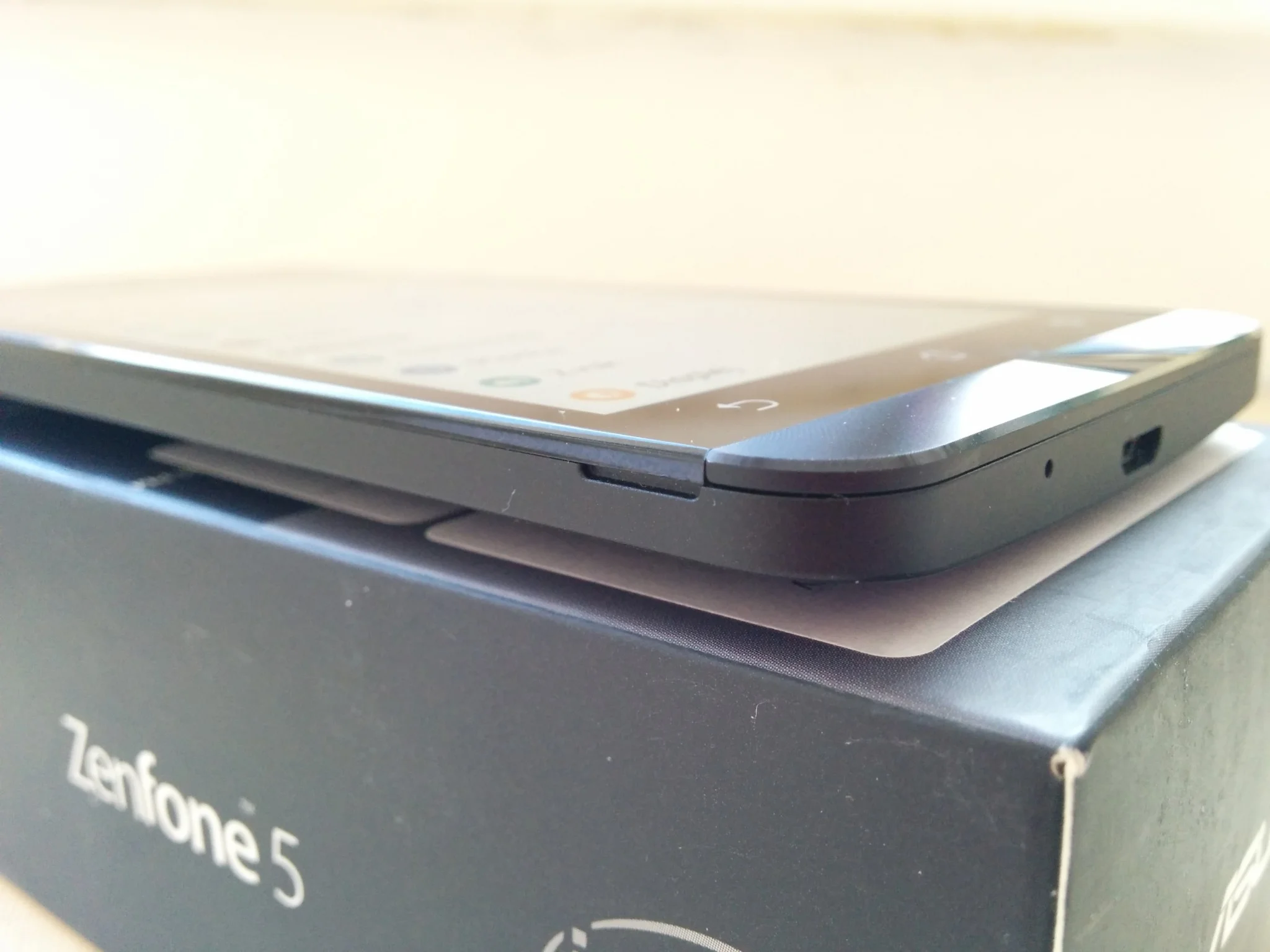
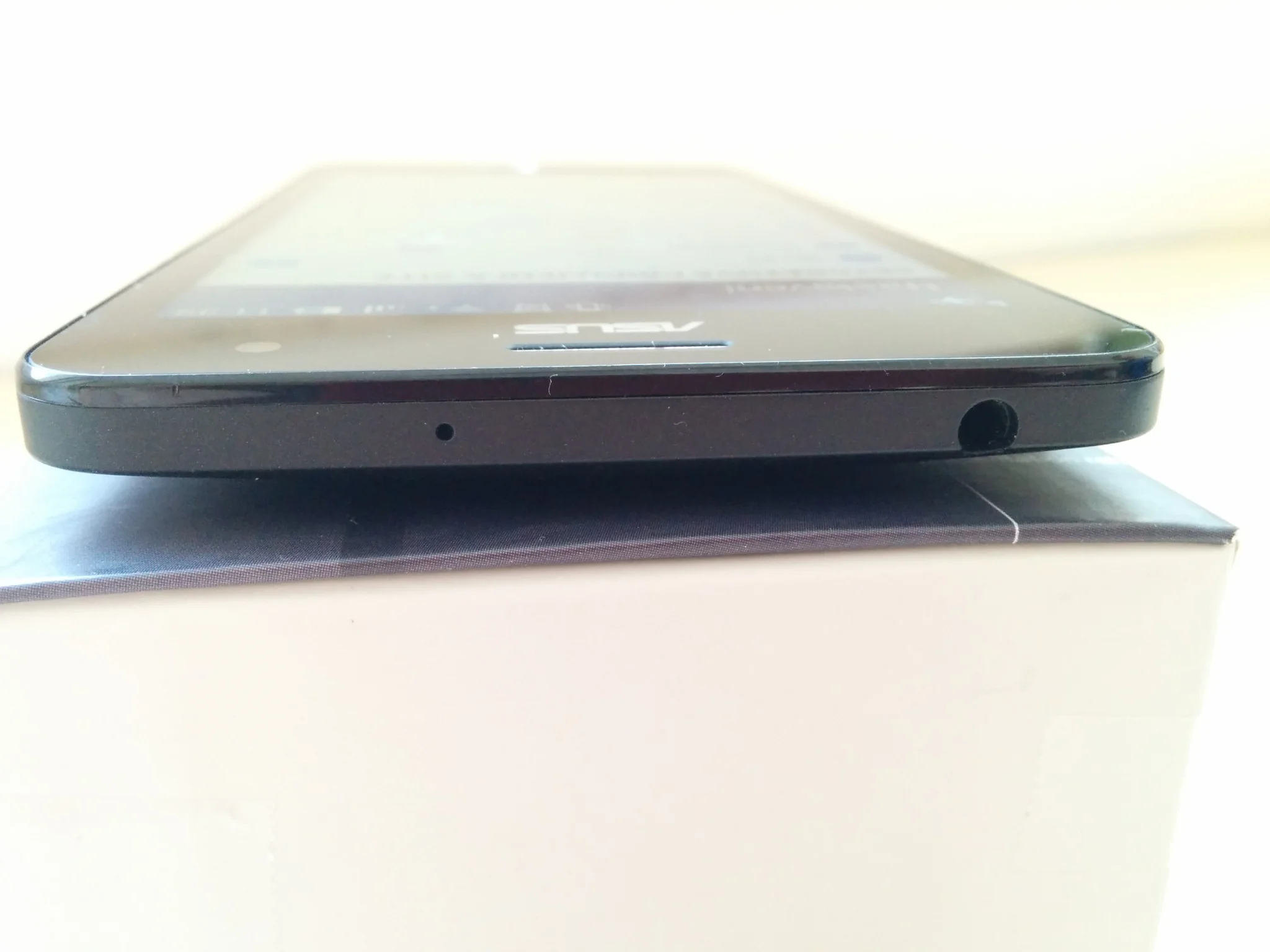
On the side, you’ll find the volume rocker and power button. They’re placed on the same edge, which can occasionally be a little awkward. On the opposite side near the bottom, there’s a notch for removing the back cover. Up top, ASUS placed the 3.5mm headphone jack and a microphone. The bottom houses the USB port for charging and connecting the phone to a PC.
The back is more interesting. It doesn’t have many elements, but its shape is what stands out most because it curves outward. That gives the phone a nice visual effect and makes it more comfortable to hold than flatter devices. On the rear, you get the main camera lens, an LED flash below it, and the ASUS logo. Lower down are the Intel logo, the product line branding, and an elongated speaker that isn’t especially loud.
That curved back may also be why the camera module feels better integrated, without the kind of protruding “click” effect that has become common. The tradeoff is simple: set the phone on a table and try using it there, and you’ll notice some wobble because of the rounded rear cover. After a while, though, it’s the kind of flaw you may stop noticing.
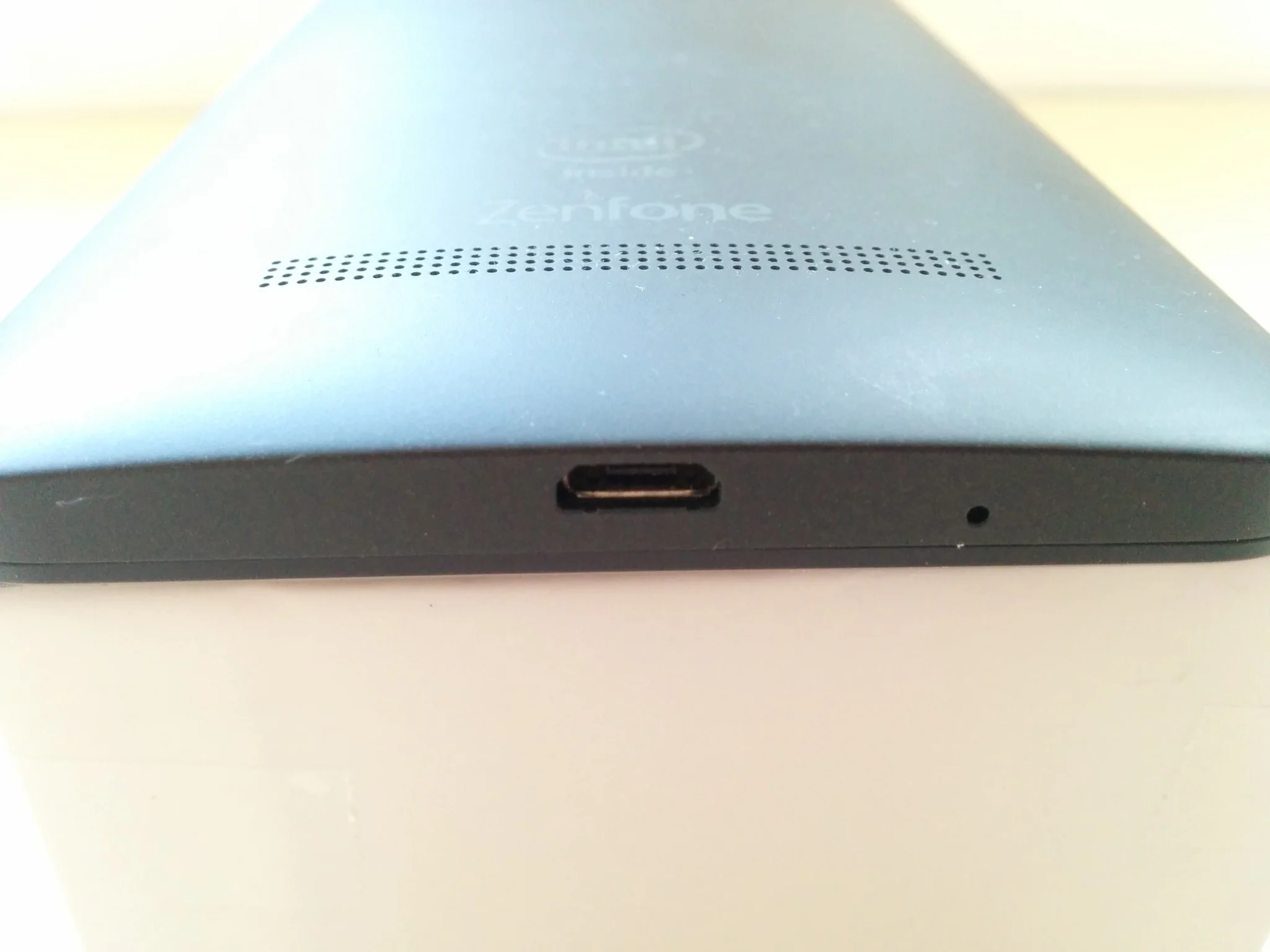
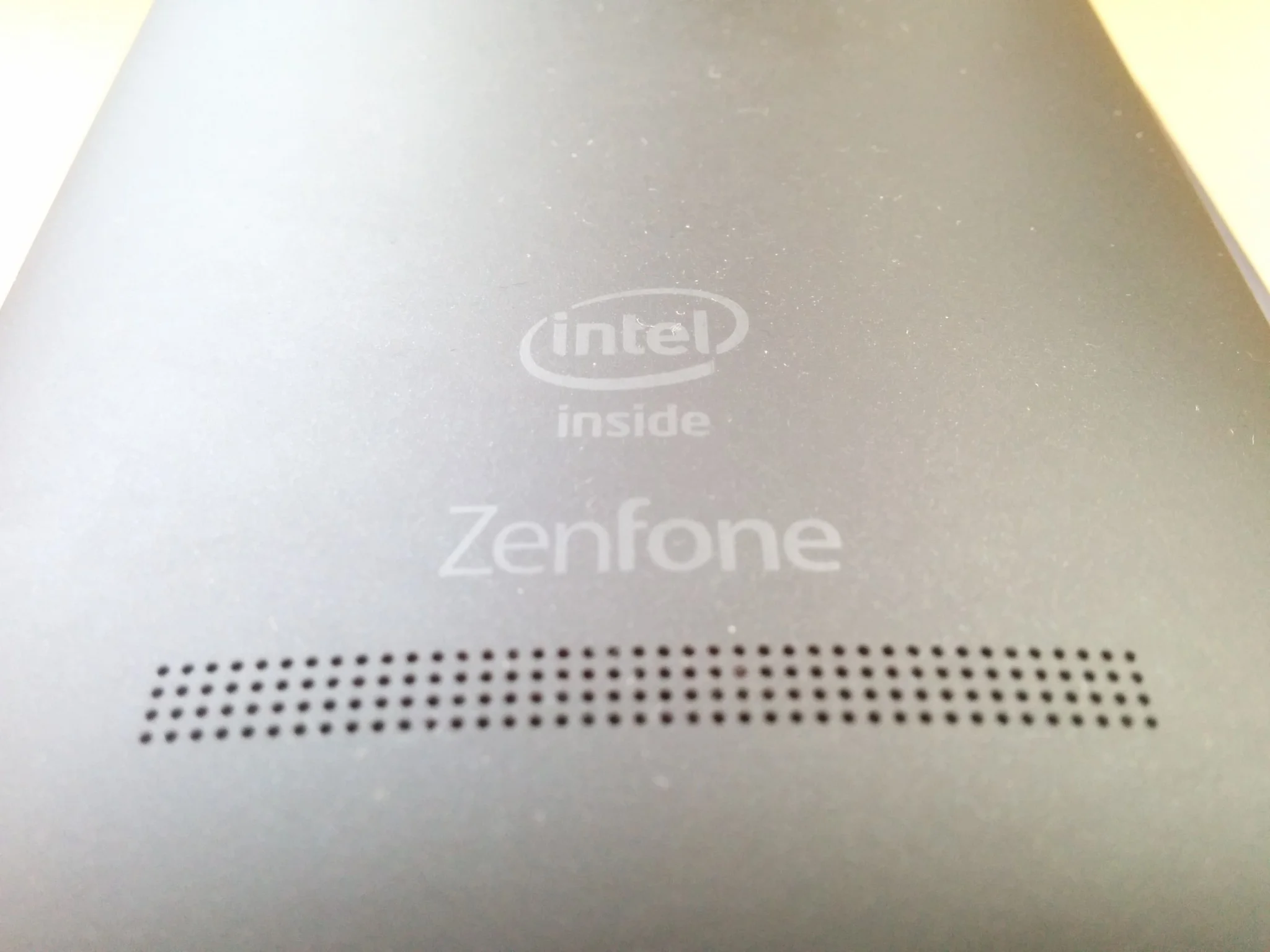
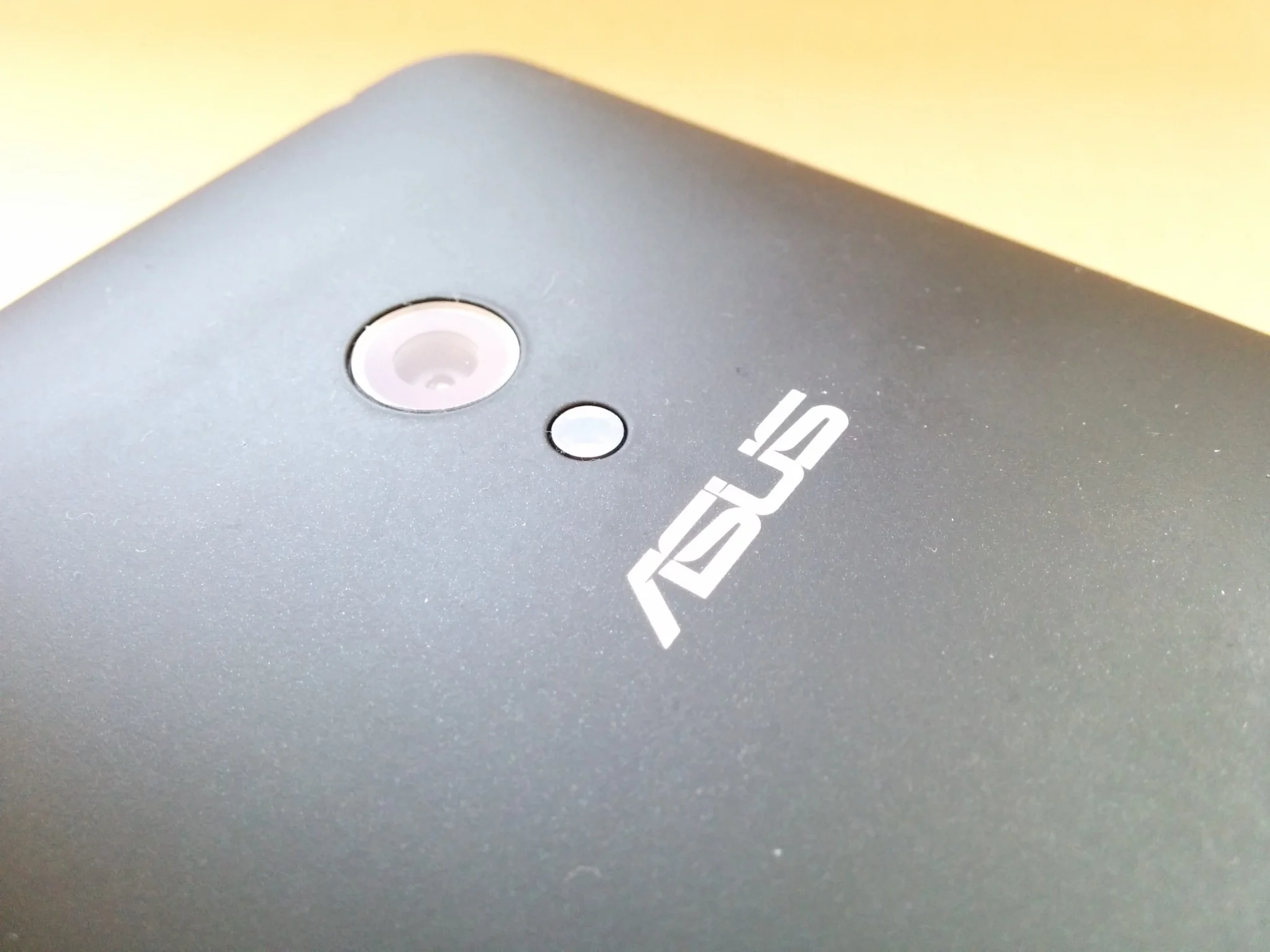
Under the cover, the layout is fairly standard. One disappointment is the battery. It’s locked in under a plastic frame, so replacing it likely won’t be easy. That’s not a great pairing with its relatively small 2110mAh capacity.
Hardware
As mentioned earlier, the box already hints at the processor inside. The phone runs on a dual-core Intel Atom Z2560 clocked at 1.6GHz. Power comes from a 2110mAh battery, which feels a bit undersized for a device this large. And this is not a small phone: it measures 148 x 73 x 10 mm. Still, the rest of the hardware rounds out nicely, with sensors including an accelerometer, electronic compass, motion sensor, and ambient light sensor.
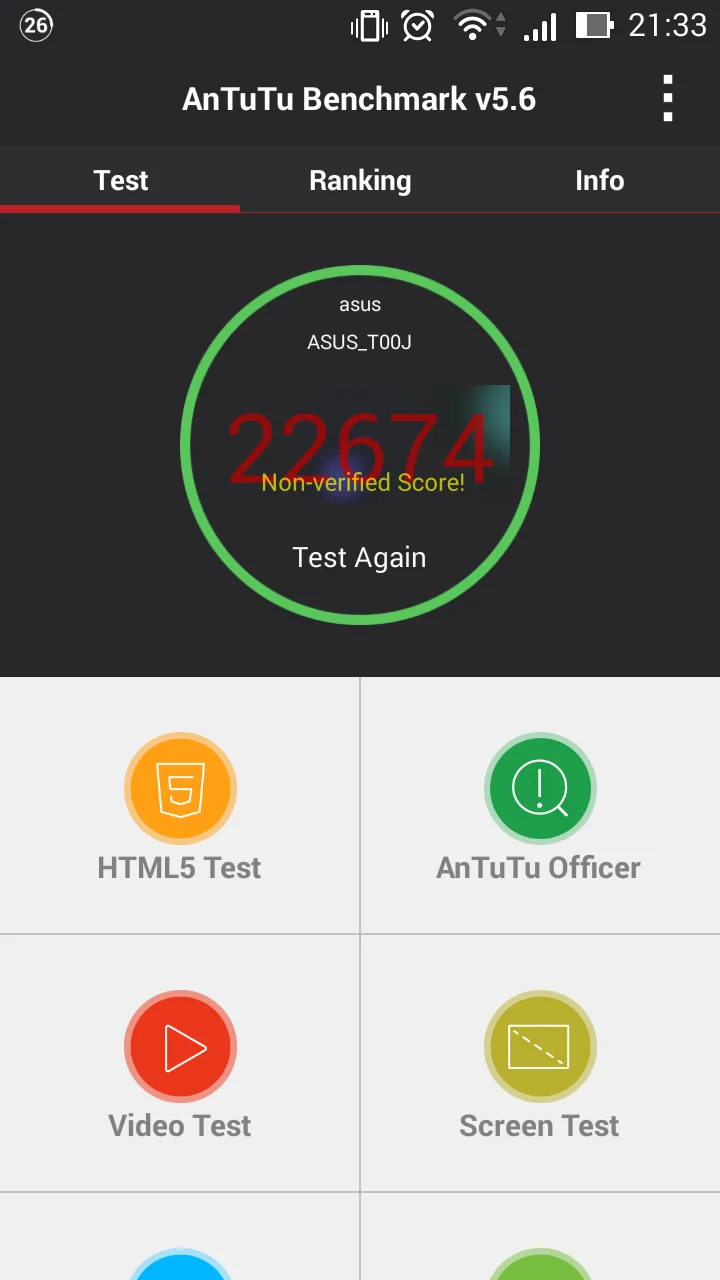
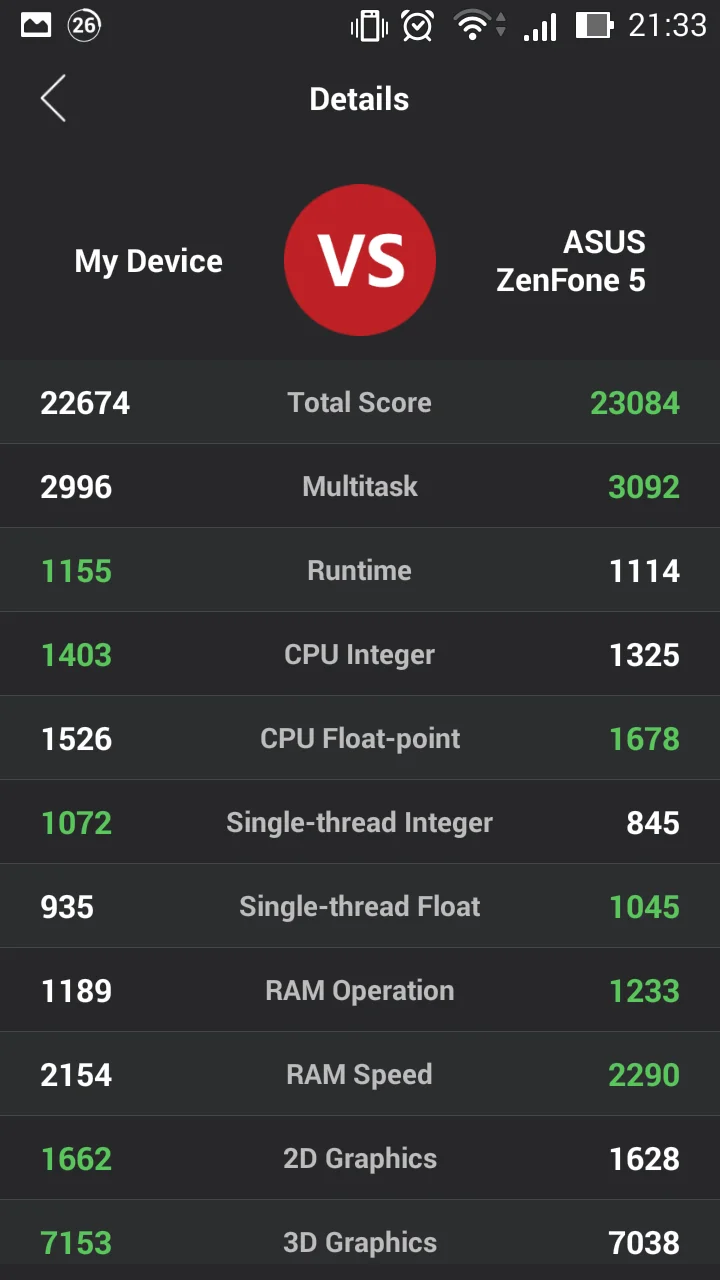
Storage should satisfy plenty of users. This version offers 16GB, and you can expand it with a microSD card. The phone was also sold in an 8GB variant, but more storage is always the better option. The biggest plus here is the camera, which deserves extra attention. The rear sensor is “only” 8 MPx, while the front camera comes in at 2 MPx. GPS and 3G support are here as well. In AnTuTu, the review unit scored 22,674, which puts it comfortably above average for its class.
Specifications
- Display: 5-inch IPS, HD resolution (720 x 1280 pixels), 320 PPI, Gorilla Glass 3
- Operating system: Android 4.4.2 KitKat (with ZenUI)
- SIM: micro SIM, 2 slots
- Dimensions: 148 x 73 x 10 mm
- Weight: 145 grams
- SoC: dual-core 1.6 GHz Intel Atom Z2560
- Memory: 16GB ROM with microSD card slot, 2 GB RAM
- Camera: 8 MPx rear, 2 MPx front, LED flash, video recording up to 1080p
- Battery: 2110 mAh capacity
- Other features: Bluetooth 4.0, accelerometer, Wi‑Fi 802.11 b/g/n, FM radio, electronic compass, ambient light sensor, motion sensor, GPS
System & ZenUI
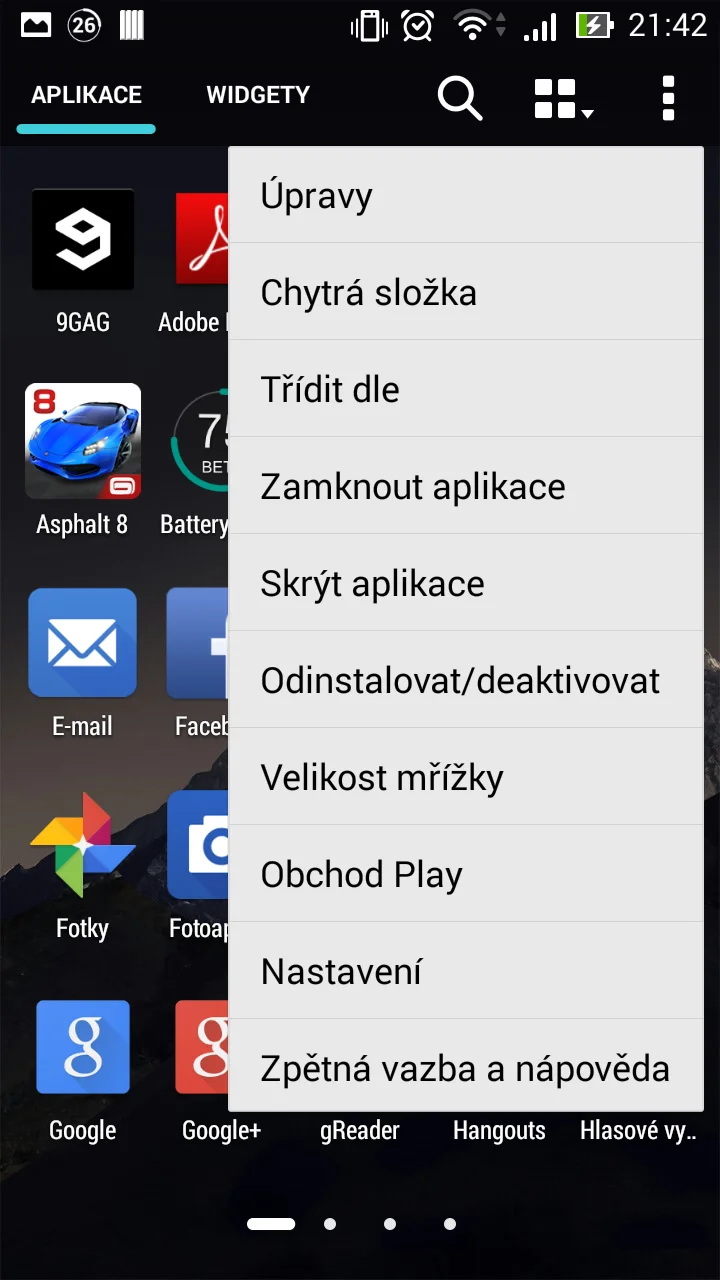
We finally get to one of the most interesting parts of the phone: ZenUI, Asus’ custom skin built on Android 4.4.2. Unfortunately, even after repeatedly checking for updates through the built-in updater, it looks like a newer Android version isn’t coming. Still, that’s not really a dealbreaker here. Asus clearly had a few smart designers and engineers in the room, and the result is an interface that looks great and is genuinely pleasant to use. Before anything else, it’s worth calling out the beautifully done dock and the app-and-widget menu.
Practically the entire system was reworked to match the look of Android 5.0. For example, even though the UI is still based on Android 4.4, the top status area in some apps changes color to match the app itself. That mostly works with preinstalled and system apps, unfortunately. Even so, if developers use the proper Android 4.4 APIs, ZenUI handles that integration pretty well.
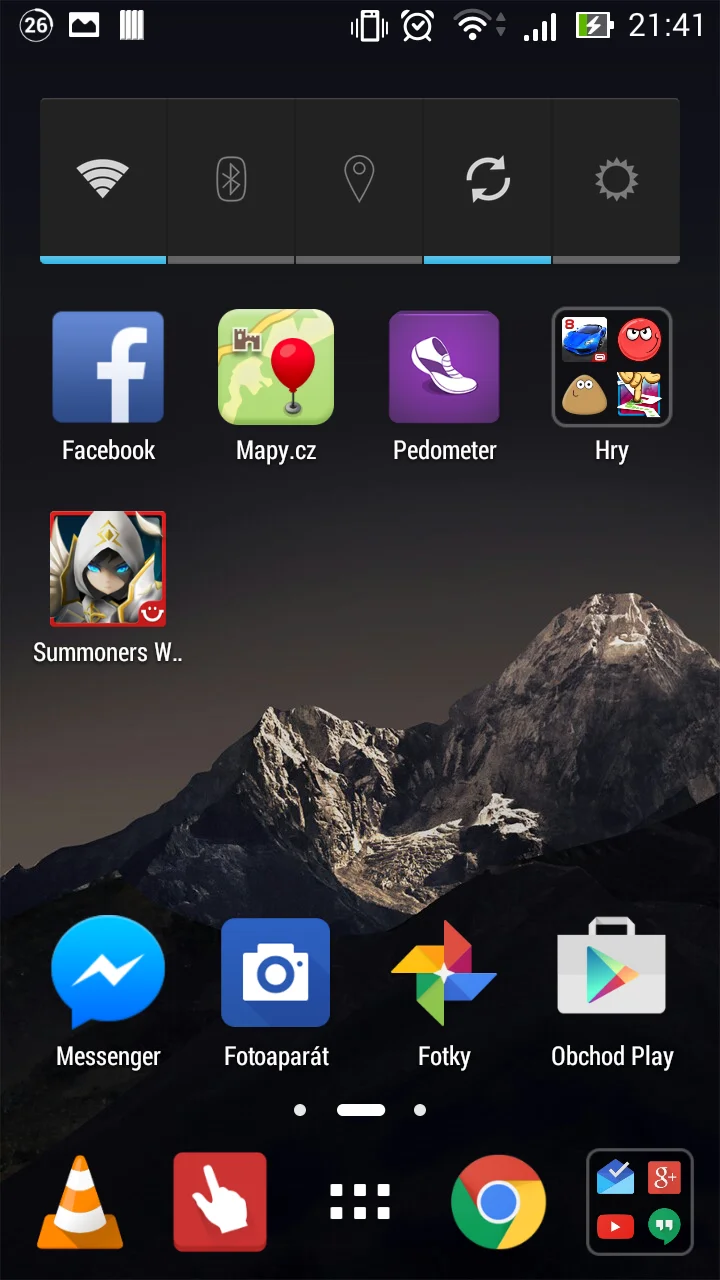
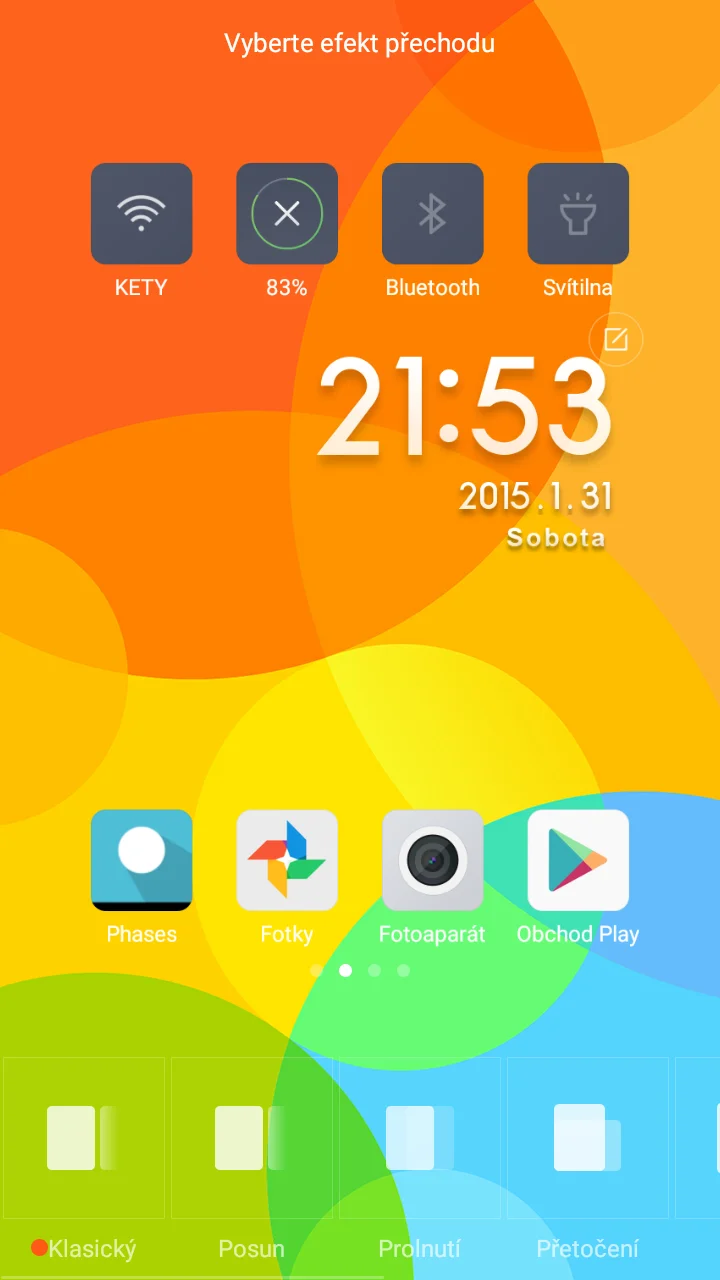
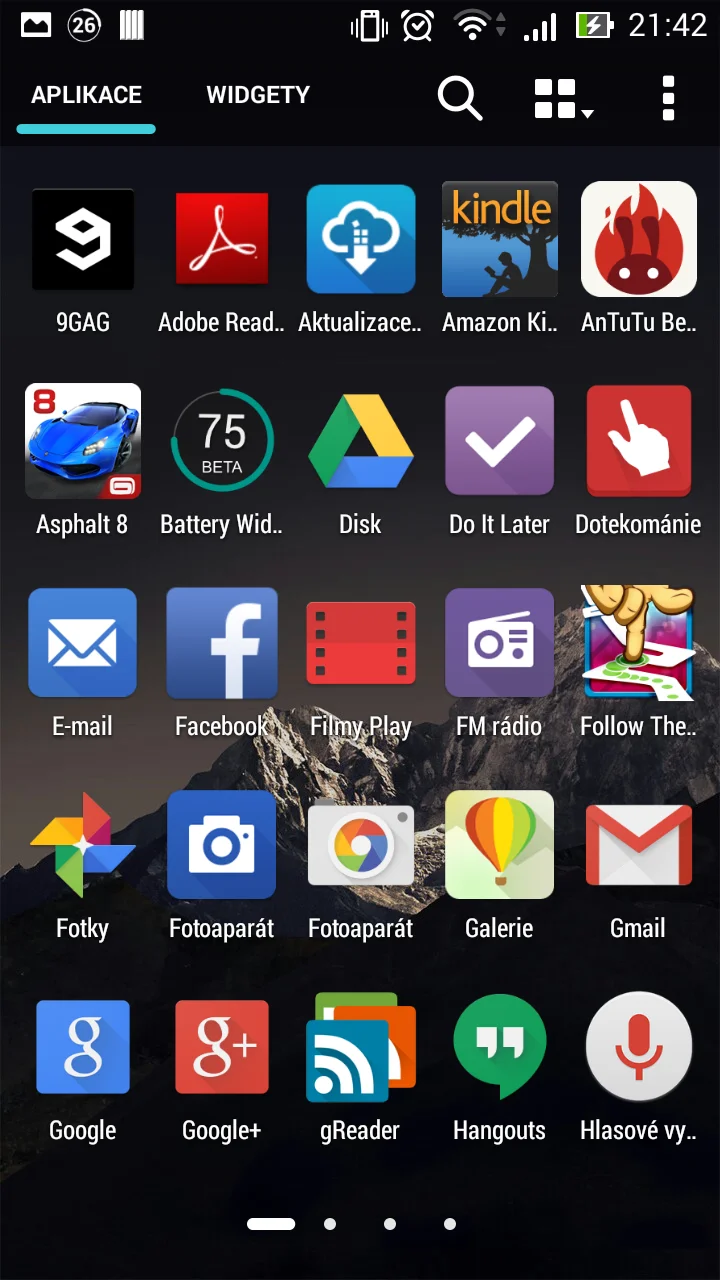
The menu system and dock design also stand out, as the images above show. There are plenty of ways to customize the parts of the interface you use every few minutes, and I ended up taking advantage of a lot of them. I changed the icon layout in the dock, added new shortcuts, and removed the ones I didn’t need. If you spend a lot of time digging through the app drawer, filters for downloaded apps, frequently used apps, or your own custom selections can help a lot. It’s genuinely useful.
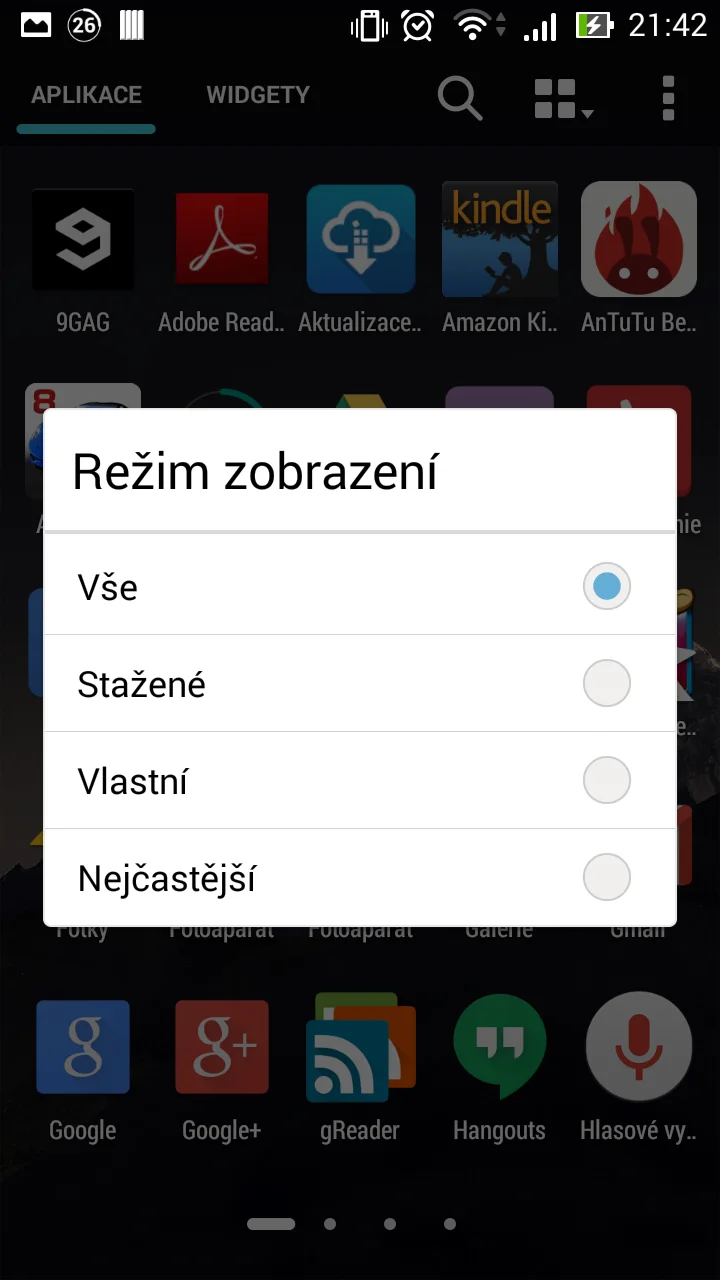
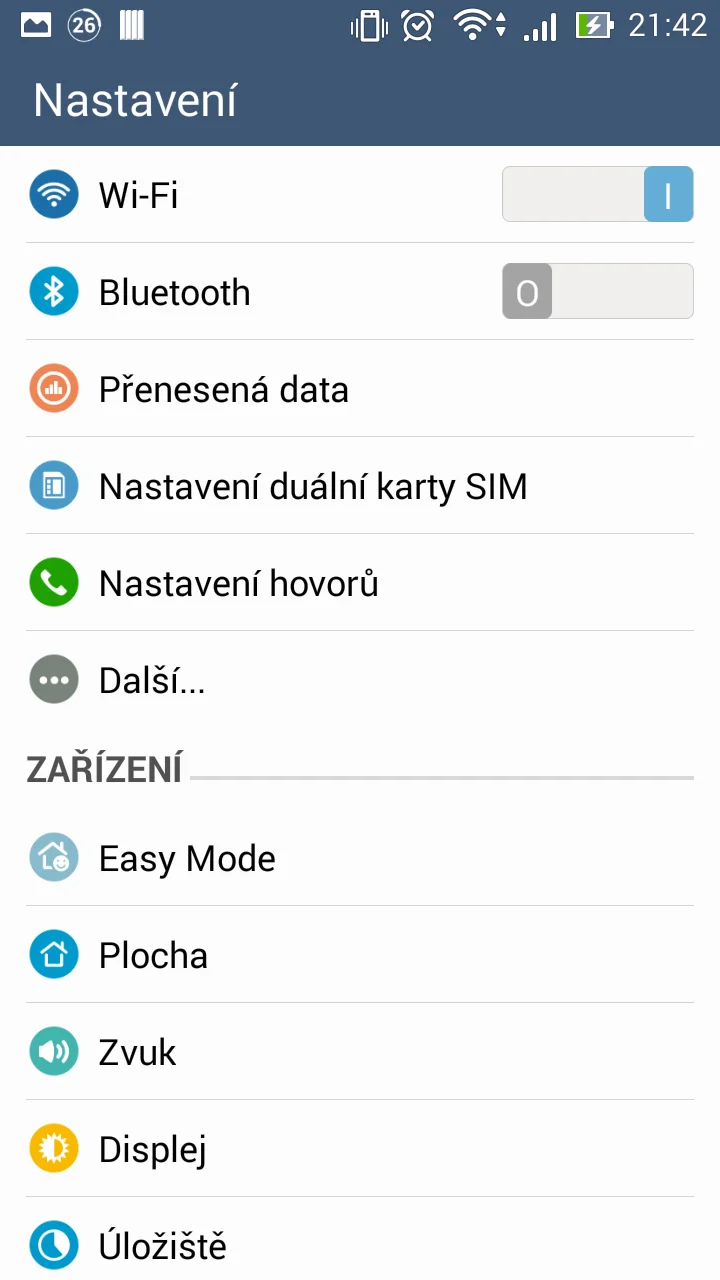
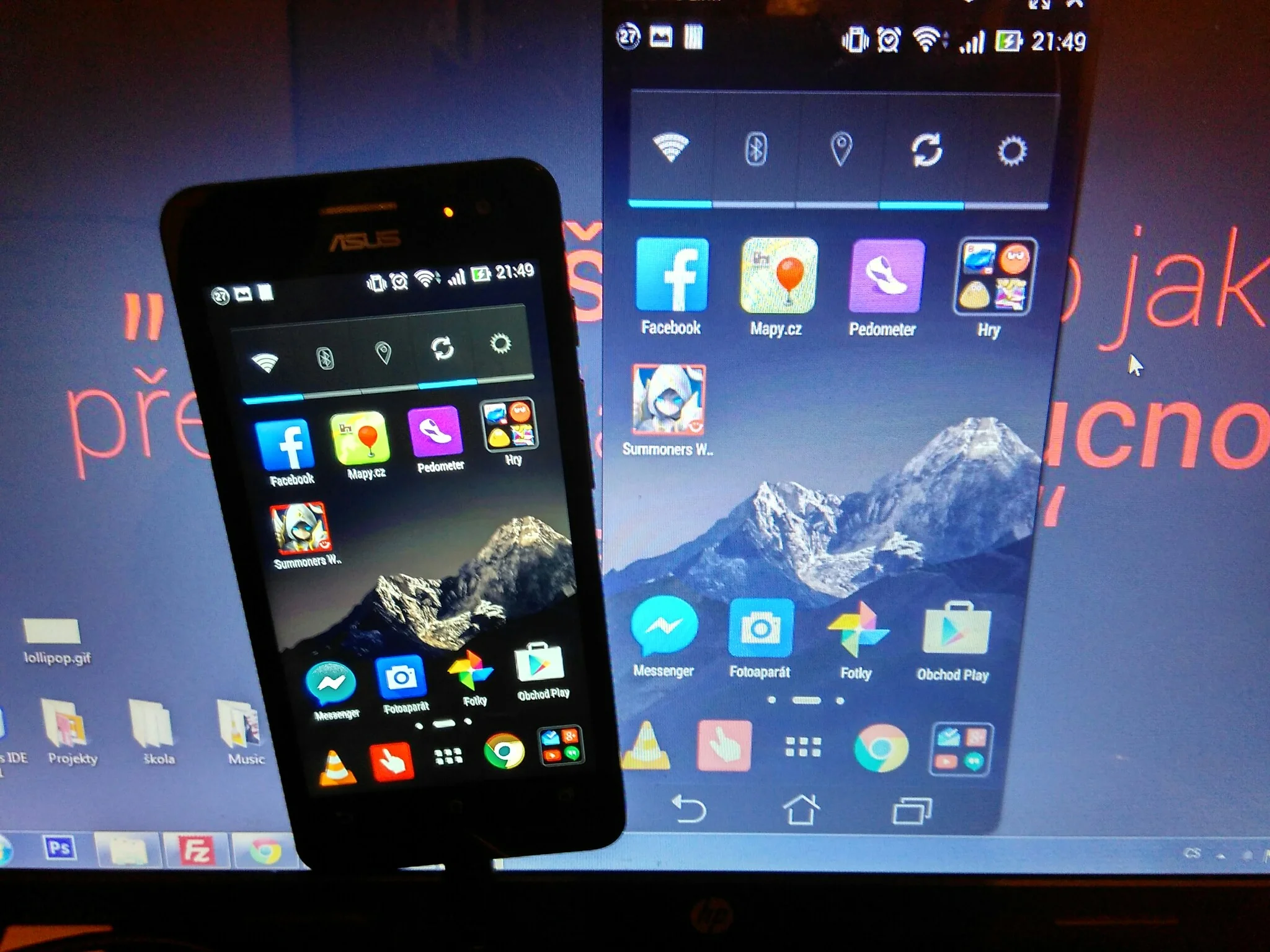
Another point worth mentioning is the preinstalled apps. Usually I find the amount of bundled software pretty annoying, but that wasn’t the case here. I actually used quite a few of them, including FM Radio, Camera, Gallery, Music, MyWater, a live wallpaper app with additional wallpapers available through Google Play, PC Link for mirroring the phone’s screen to a PC, the Browser, File Manager, and Flashlight. I also found one slightly bizarre app called Mirror. It simply opens the Camera app and switches to the phone’s front-facing camera as the main view.
Camera
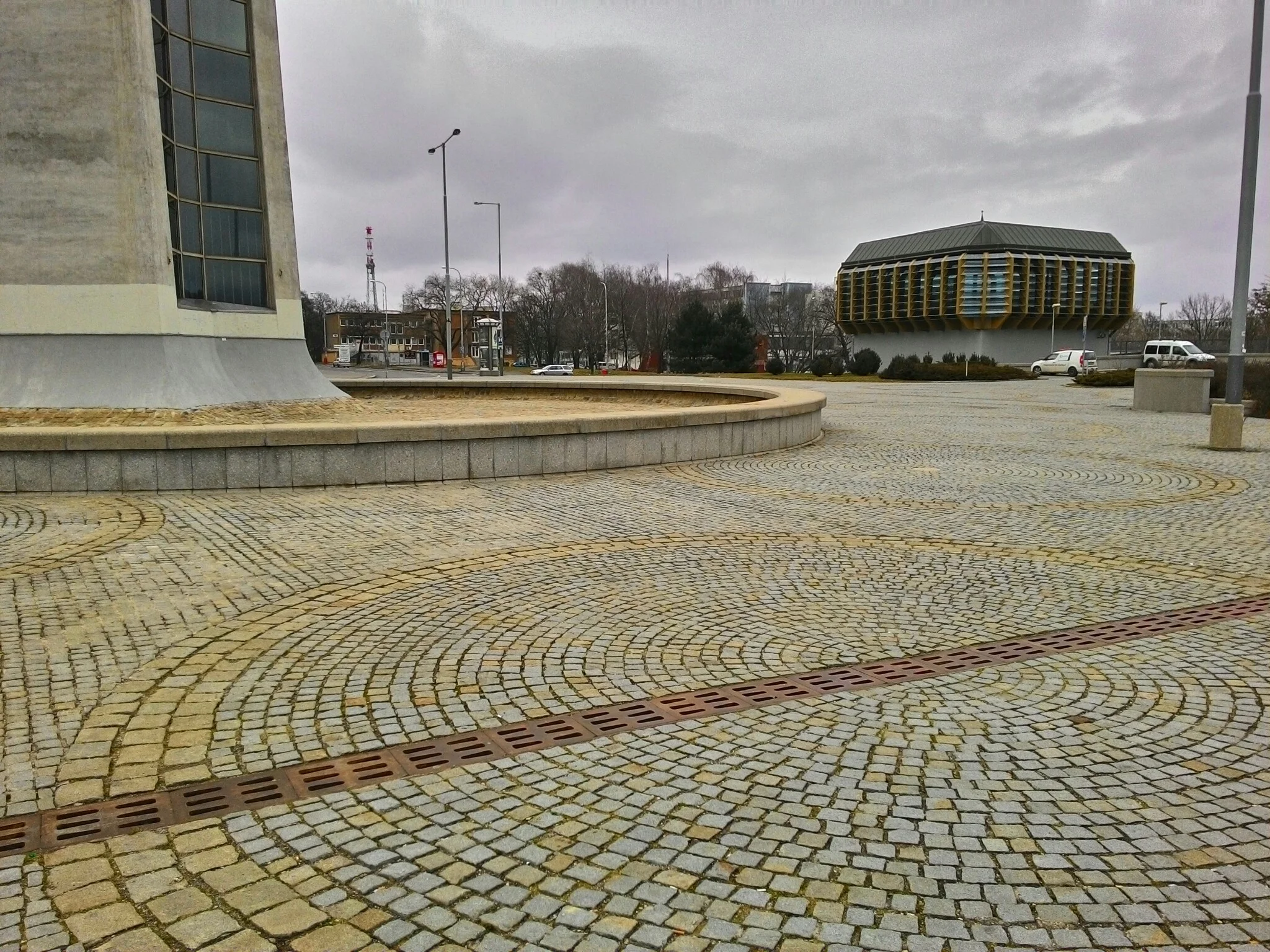
Before testing the camera, I expected photos from an 8MP sensor to be fairly mediocre, and I figured macro shots would be mostly unusable. I was very wrong on one front, and not so wrong on the other. During my first few tests, I was honestly blown away by the image quality. I spent the whole day walking around school, shooting pretty much anything I could point the phone at.
Everything looked great, maybe a little too great when it came to people’s faces. I decided to photograph a classmate to see how well HDR worked. After I saw the shot, I did a double take. Then I showed it to everyone else, and the reaction was mostly stunned silence. The first comment I heard was, “Real life looks a lot better.” HDR is extremely good at picking up every tiny flaw, and then making those flaws impossible to miss.


If you dig into the camera app’s feature set, there’s a lot to work with. You get a long list of filters, shooting modes, and manual adjustments. For me, it was a bit of a playground; I spent a lot of time tweaking the image until it matched what I wanted.
Even though the photos are genuinely good, the phone still falls short for macro photography. Focusing at very close range is unreliable, and you’ll only occasionally get the shot you were actually trying to capture. So if you plan to photograph small objects and expect sharp, detailed close-ups, this phone isn’t the best pick. But for places, larger subjects, or people, the results are more than good enough.











Conclusion
ASUS’s ZenFone 5 is a very capable everyday companion for capturing day-to-day moments, handling basic system tasks and apps, and covering plenty of other routine use cases. What pushes the phone higher, though, is how well its best parts come together. The camera, ZenUI, and the phone’s overall design all click in a way that feels thoughtful and cohesive.
Its biggest weaknesses are the relatively small battery and the Intel processor, which doesn’t deliver especially strong performance. Even so, those drawbacks are outweighed by the phone’s strengths, and there are quite a few of them. The preinstalled apps also deserve mention. This was one of the first phones where I regularly used more than half of them, especially the tools mentioned earlier, with PC Link screen sharing, the Browser, and Weather getting the most use.

We’d like to thank Alza.cz for providing the ASUS ZenFone 5 for this review. You can buy it here.

Community Discussion 0 COMMENTS