
I’ve generally had good luck with Acer phones and tablets, and I hadn’t run into a truly bad one before this. So I decided to test a model that had stirred at least a little interest among users: the Acer Liquid Jade. It sits in the lower midrange, but its unusual proportions made it an easy pick for a closer look.
What’s in the box
The box itself is pretty standard. The phone sits on top, and the first thing you notice when lifting it out is just how thin and light it feels, along with a display surface that feels a little unusual to the touch. The rest is the usual bundle: a stack of manuals, maybe more than expected, a somewhat short microUSB cable, and a charging adapter.
Design
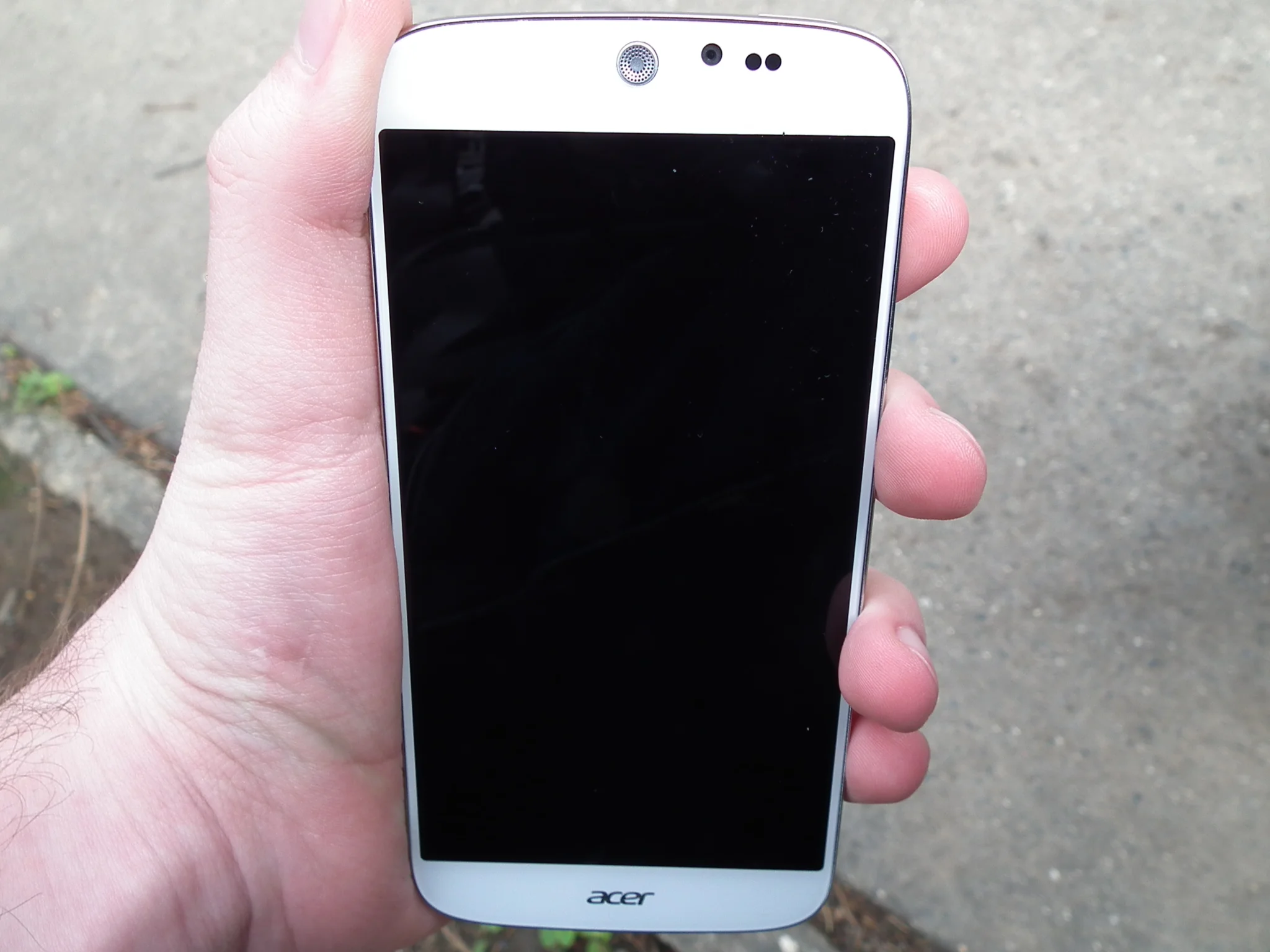
First impressions are a bit mixed. Up front, there’s a large 5-inch HD display with slim bezels, but the earpiece at the top sticks out too much and doesn’t look especially refined. Next to it are a 2MP front camera and the usual sensors. Down below, there’s only the Acer logo, which at least doesn’t call too much attention to itself.
As mentioned, the front glass feels a little different from most phones. The earpiece is practically the only element that breaks the otherwise smooth surface. The sides don’t dig into your hand because the glass rolls slightly over the edges. The front panel also feels smoother than most devices I’ve tested, and in this case that works in the phone’s favor.
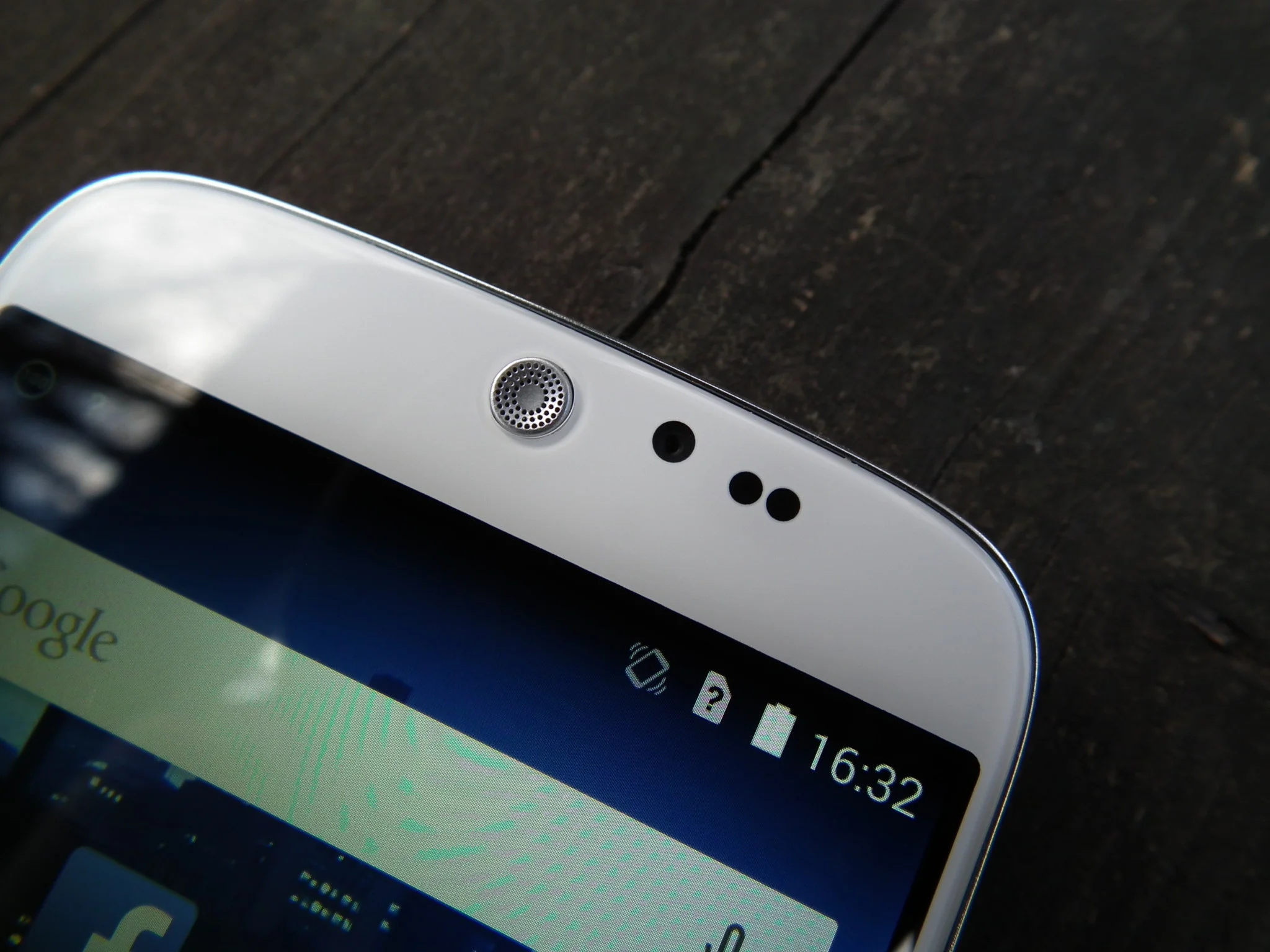
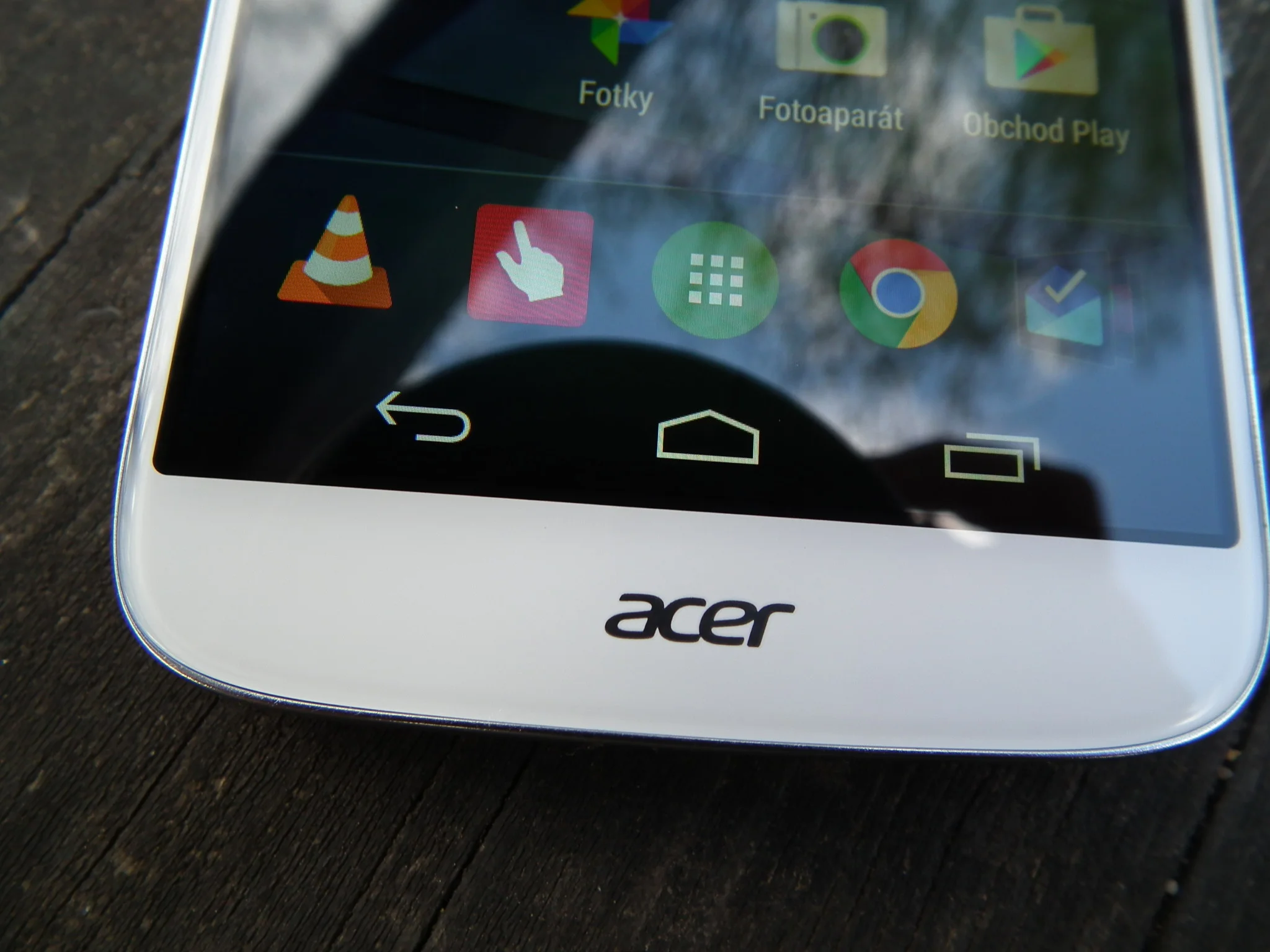
The tapered, rounded sides hold all the buttons and ports. On the left, there’s a tray for two nano SIM cards, though one of those slots can be used for a microSD card instead. On the right are the volume buttons. Up top, you get a 3.5mm headphone jack and a poorly placed power button that can be awkward to reach. The bottom houses only a microphone and the microUSB port.
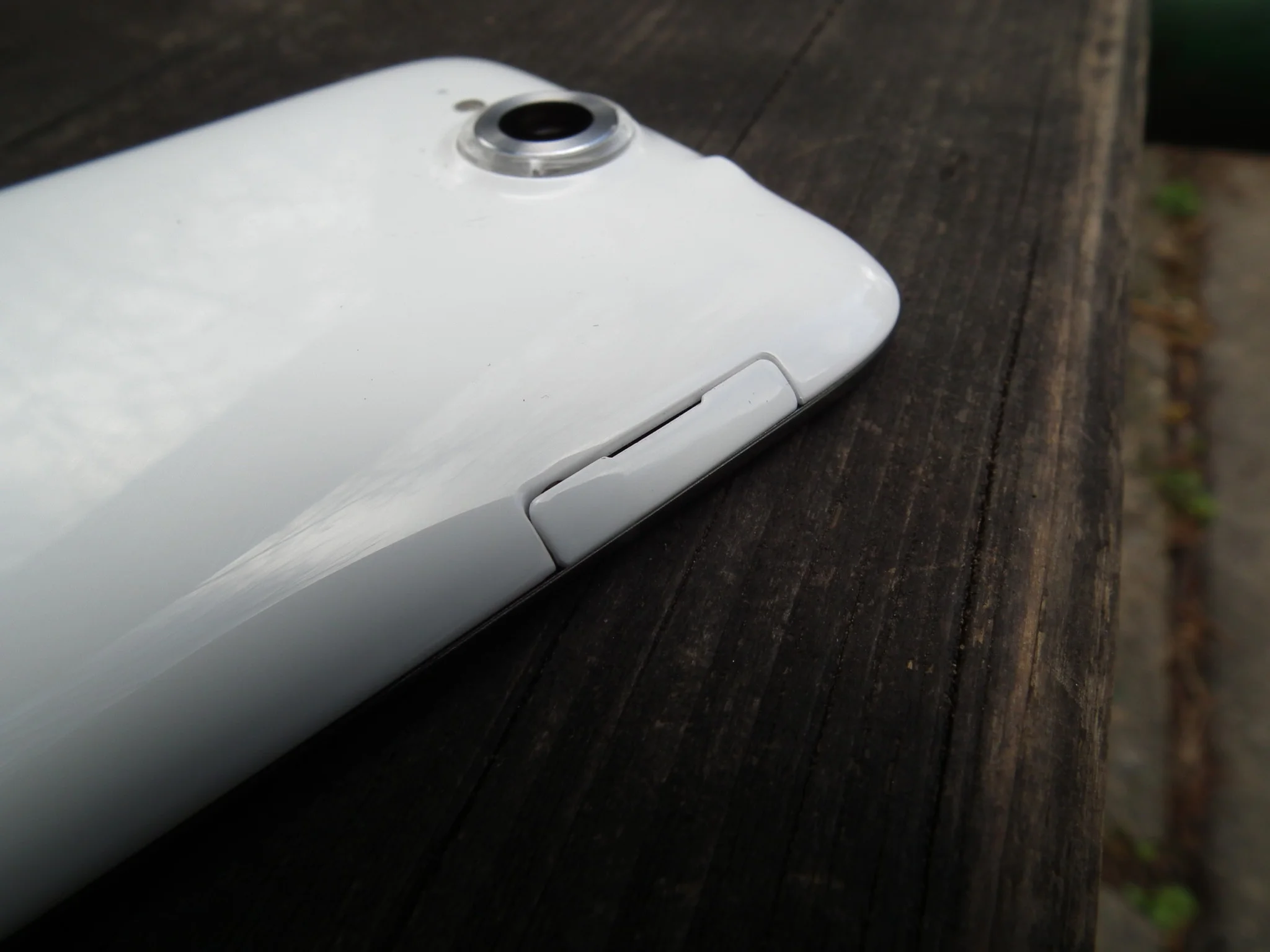
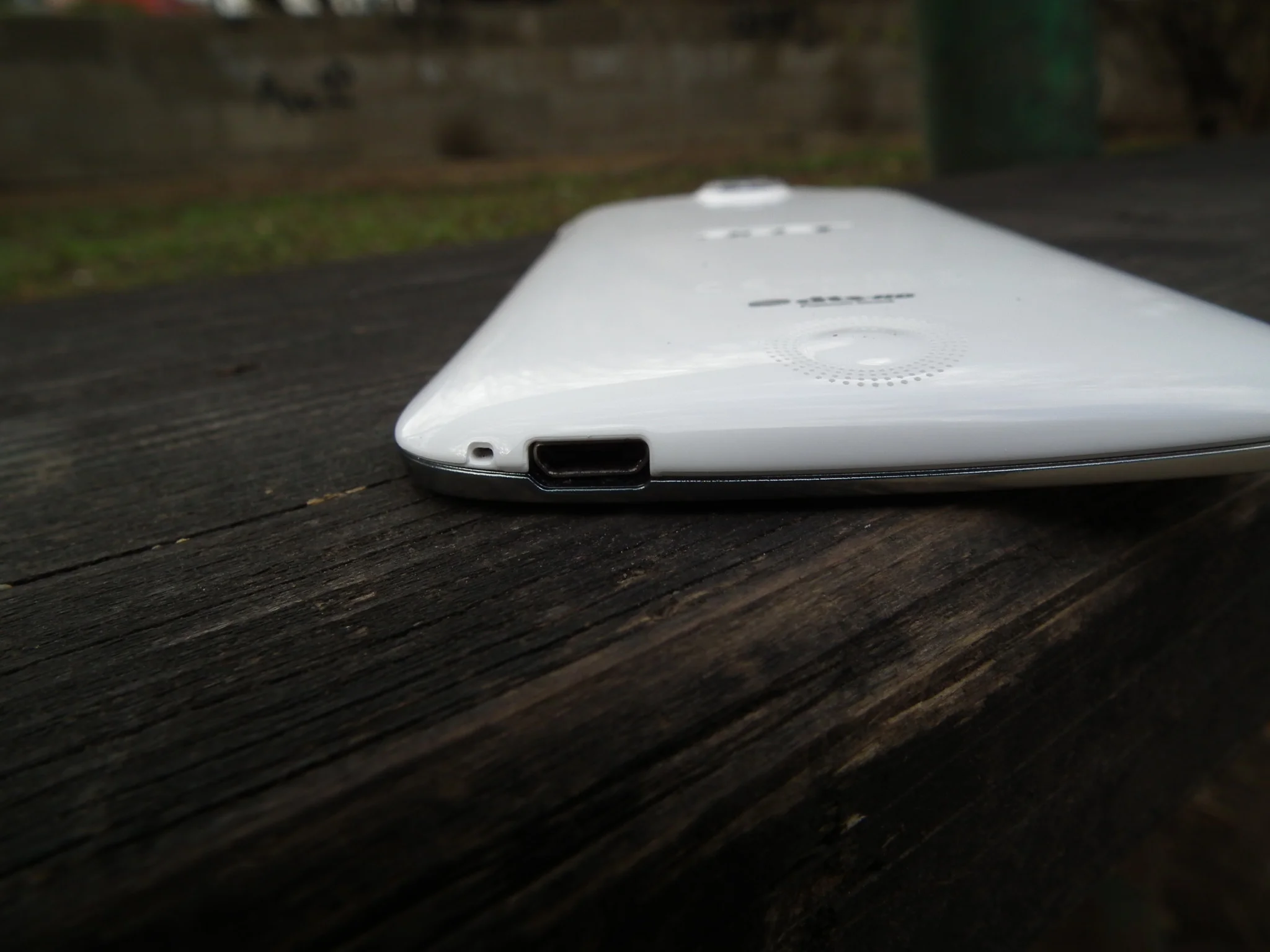
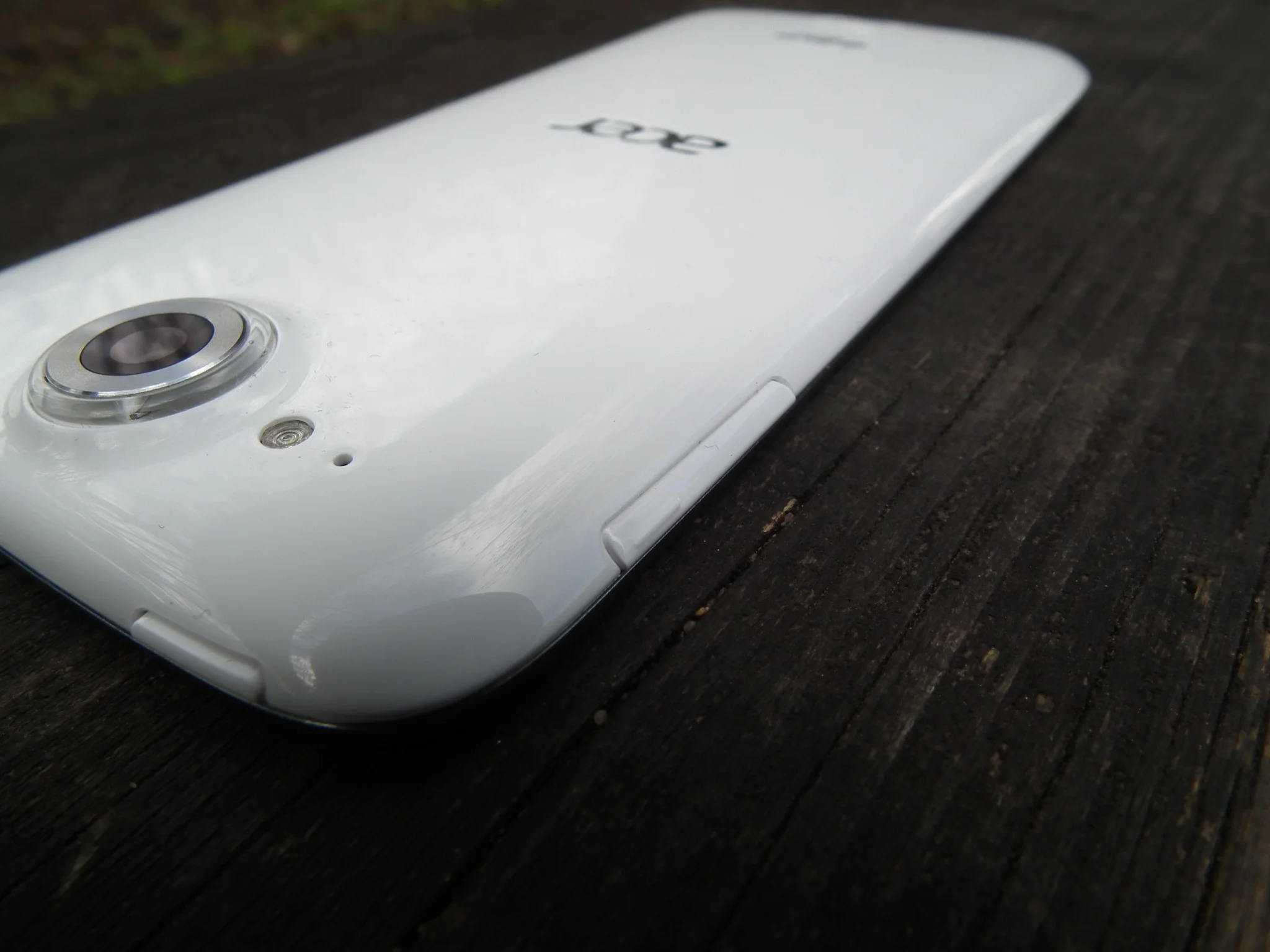
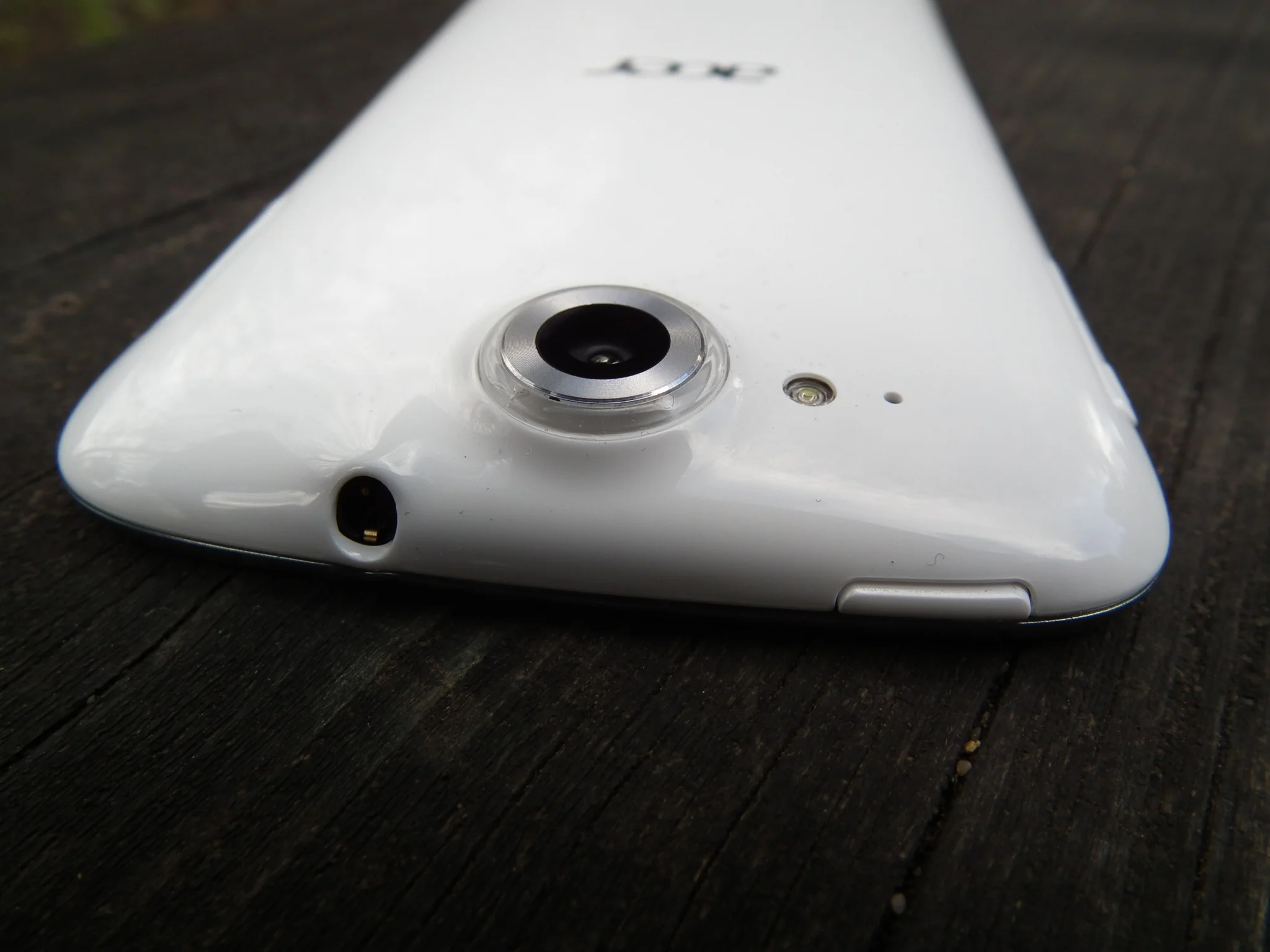
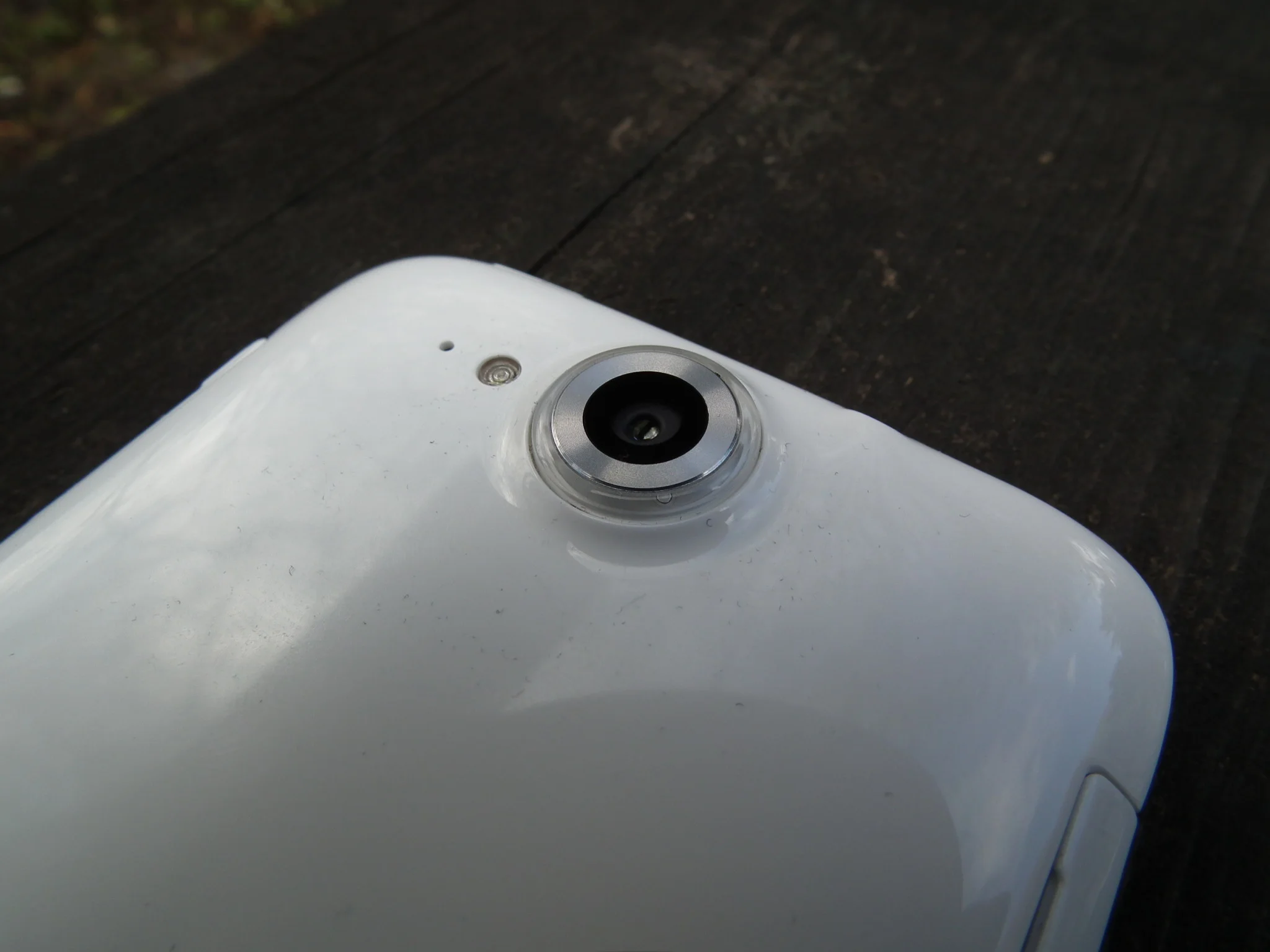
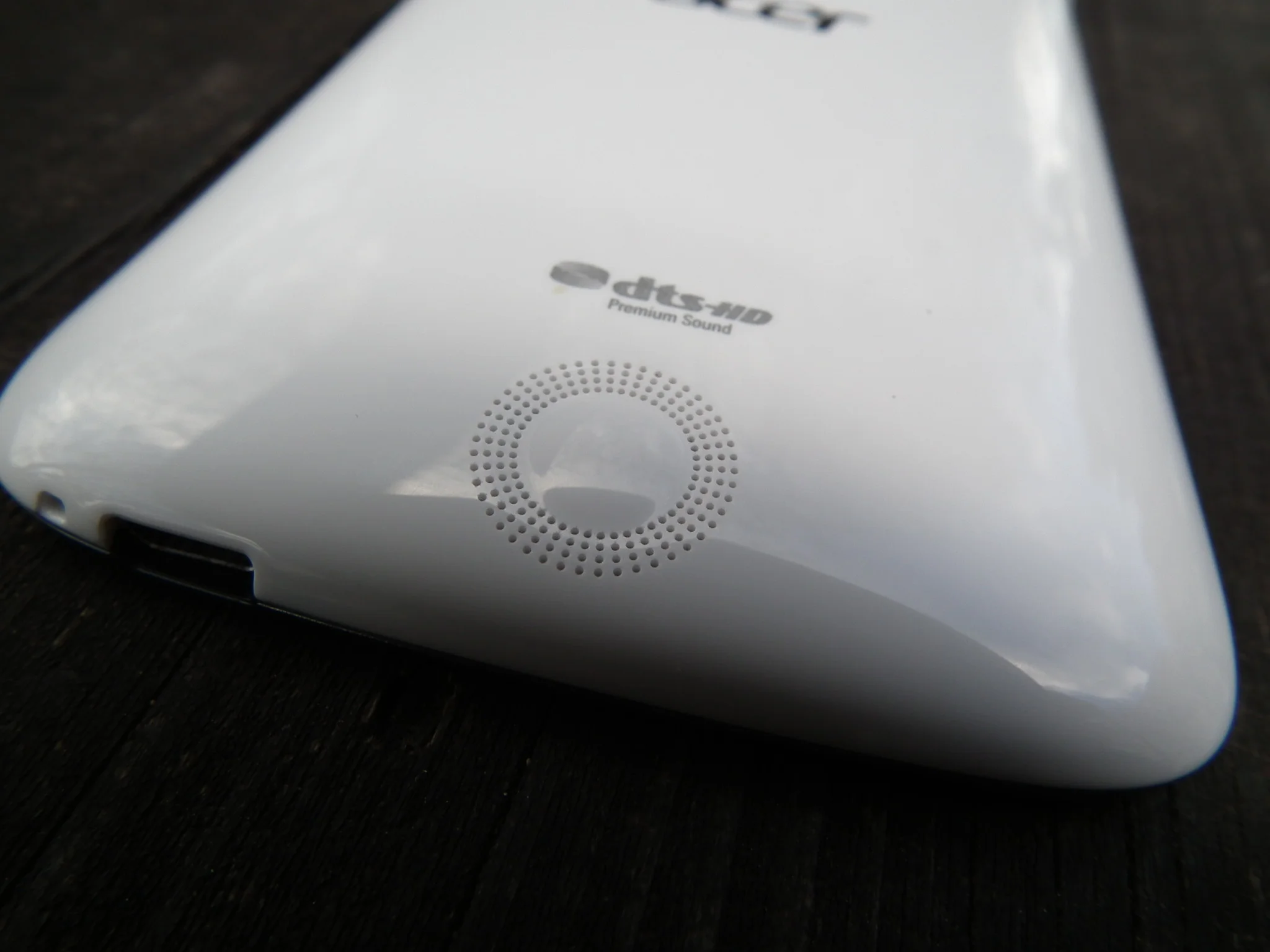
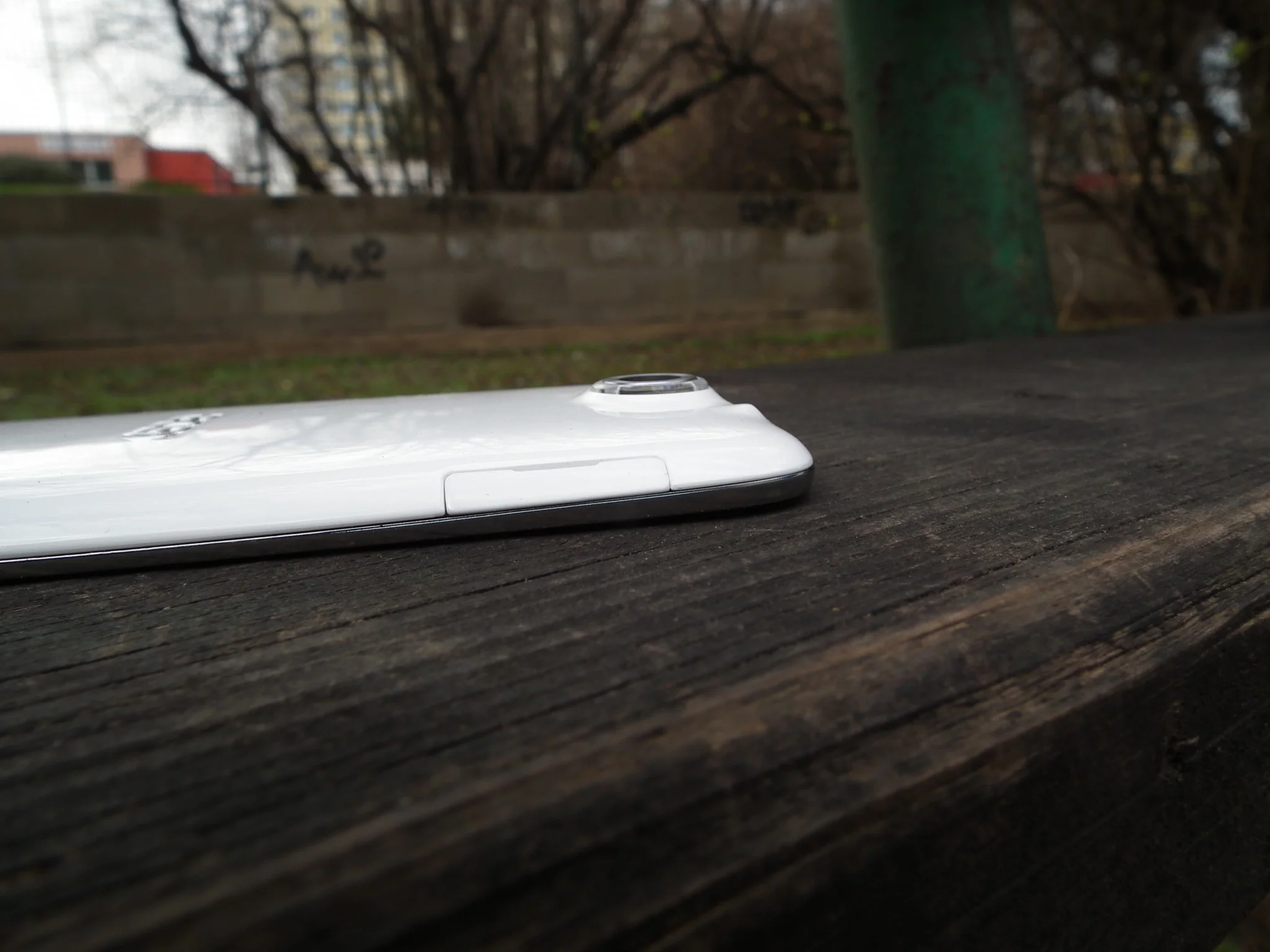
Then there’s the “interesting” part. Because the phone is so thin, the rear camera lens protrudes from the back, though in this case that tradeoff pays off with good image quality. Next to it are the LED flash and a microphone. The Acer logo sits in the center, while the main speaker at the bottom is fairly unattractive. Acer’s designers could have done better here. The back cover is plastic, and if you’re not careful, the phone can slip out of your hand very easily.
Hardware
Inside the very slim chassis, measuring 140.5 x 69 x 7.5 mm, Acer uses a quad-core MT6582 clocked at 1.3GHz, a chip that showed up in this class more often than most. Power comes from a non-removable 2,100mAh battery, which almost gets through one productive day. Memory is respectable for the segment: 16GB of internal storage and 2GB of RAM. Unfortunately, even with a nearly stock version of Android 4.4.2 KitKat, the system doesn’t feel fully smooth, and that becomes more obvious in daily use.
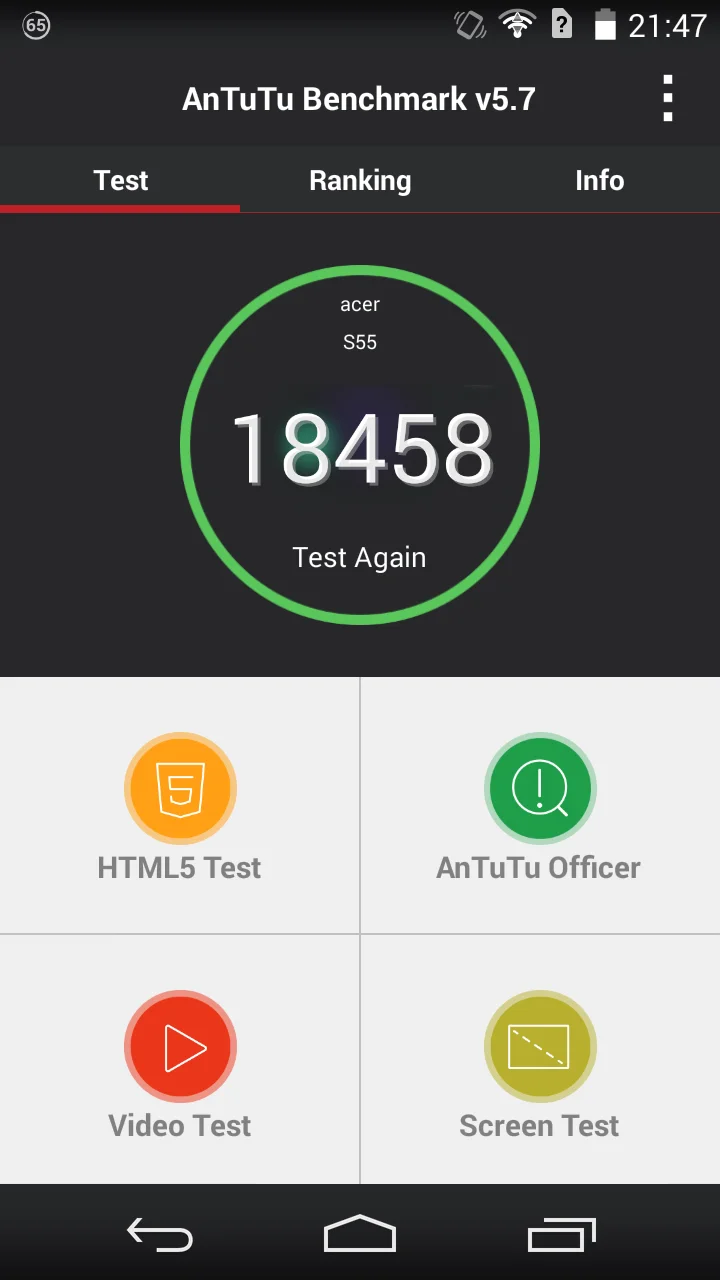
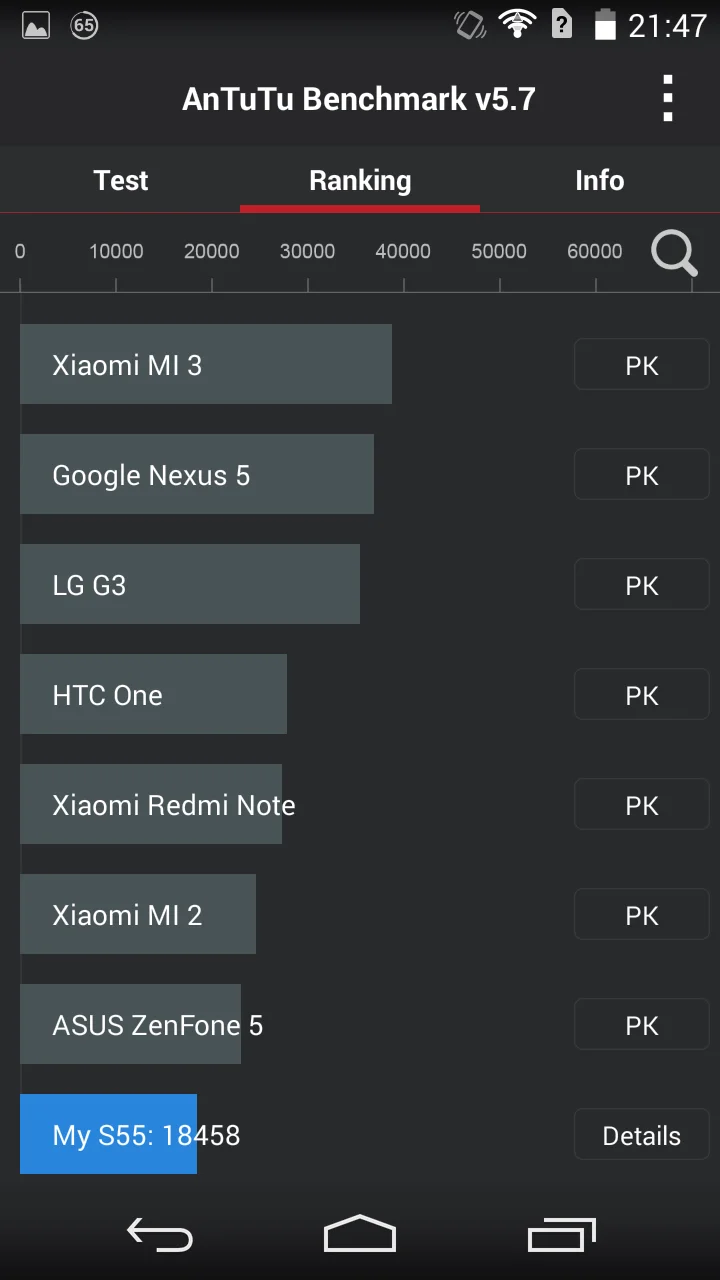
Performance isn’t quite there, even if AnTuTu scores suggest otherwise. Real-world use tells a different story. Launching more demanding apps, for example, makes the processor heat up enough that you can feel it through both the upper part of the display and the plastic back. The 13MP rear camera protrudes, but here that’s a fair compromise because the photos are surprisingly good.
Device specifications
- Display: 5-inch IPS, HD resolution (720 x 1280 px)
- Operating system: Android 4.4.2 KitKat (with Acer customizations)
- Dimensions: 140.5 x 69 x 7.5 mm
- Weight: 110 grams
- SoC: Quad-core 1.3 GHz Cortex-A7 (MediaTek MT6582)
- Memory: 16 GB storage with microSD slot (up to 32 GB extra), 2 GB RAM
- Camera: 13 MP rear (Full HD video recording), 2 MP front
- Battery: 2,100 mAh capacity (non-removable)
- Other features: Accelerometer, digital compass, Wi-Fi 802.11 b/g/n, 3G, Bluetooth 4.0, GPS, Dual SIM
Software
The phone runs Android 4.4.2 KitKat with Acer’s light custom skin on top. As I hinted earlier, the system isn’t completely smooth, even if the specs look fine on paper. You’ll run into the occasional stutter, and sometimes a more obvious hitch. That would be manageable on its own, but the slowdowns add up, and they’re not the only issue.
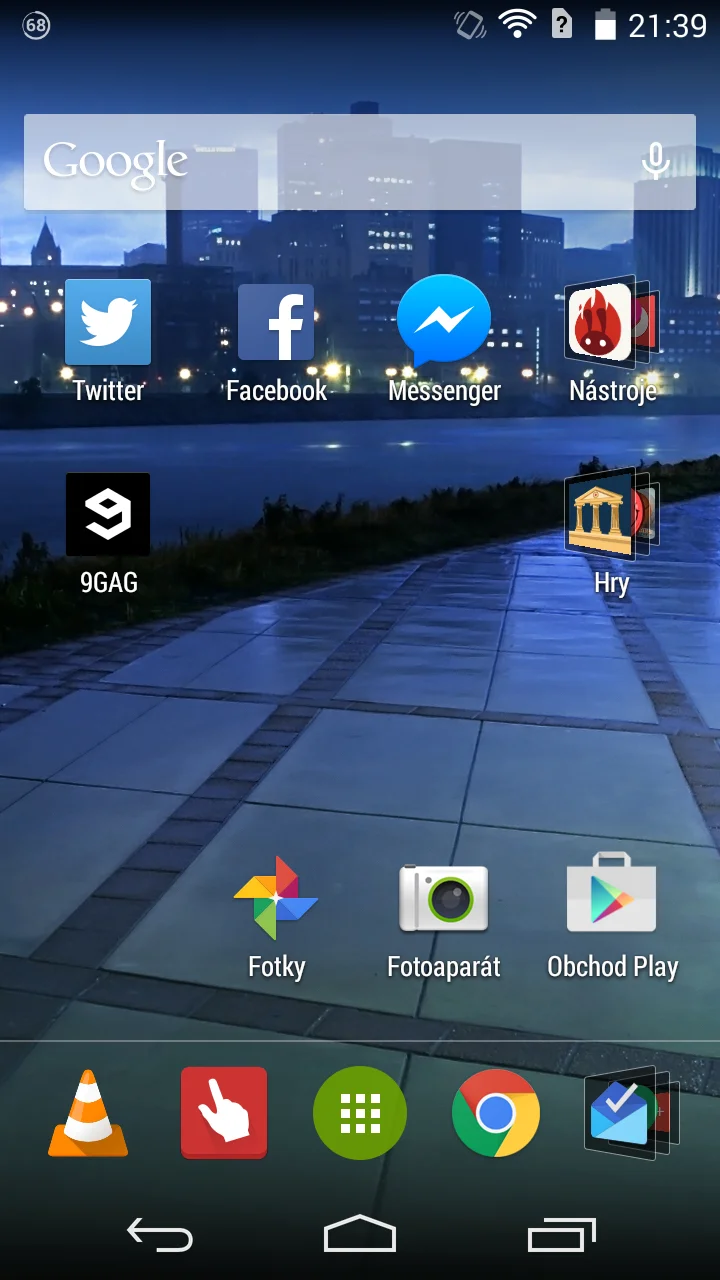
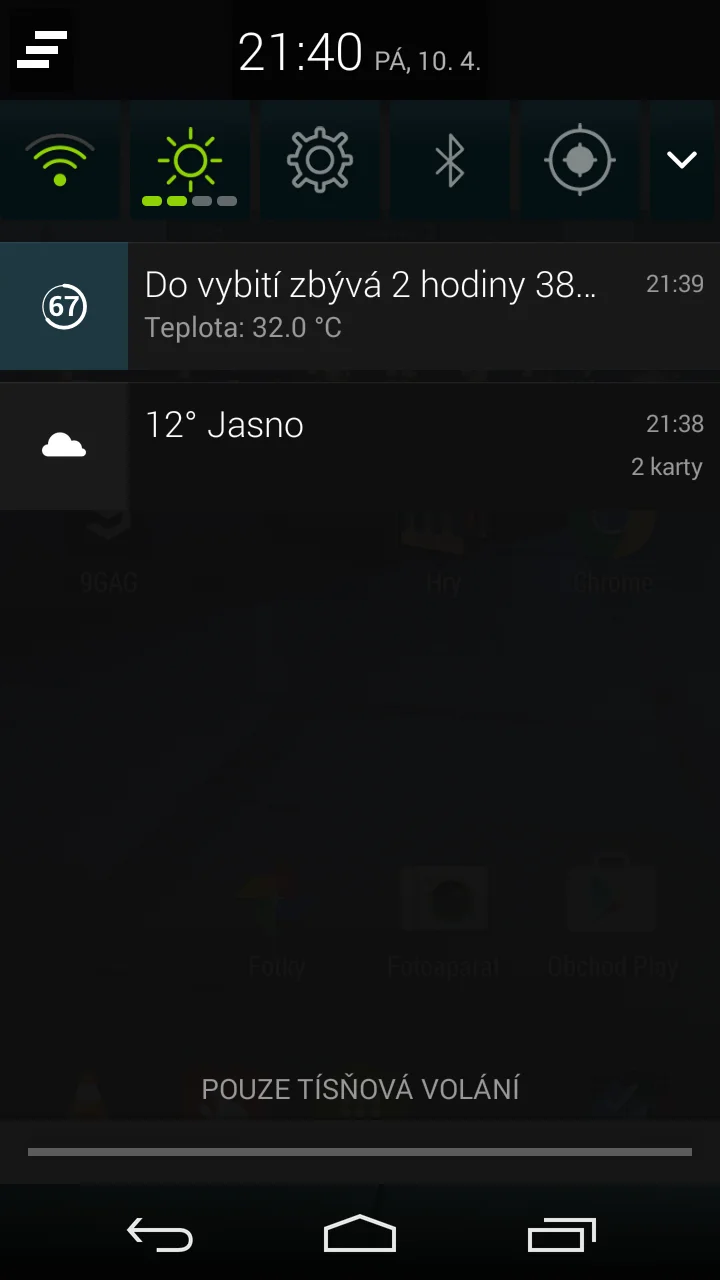
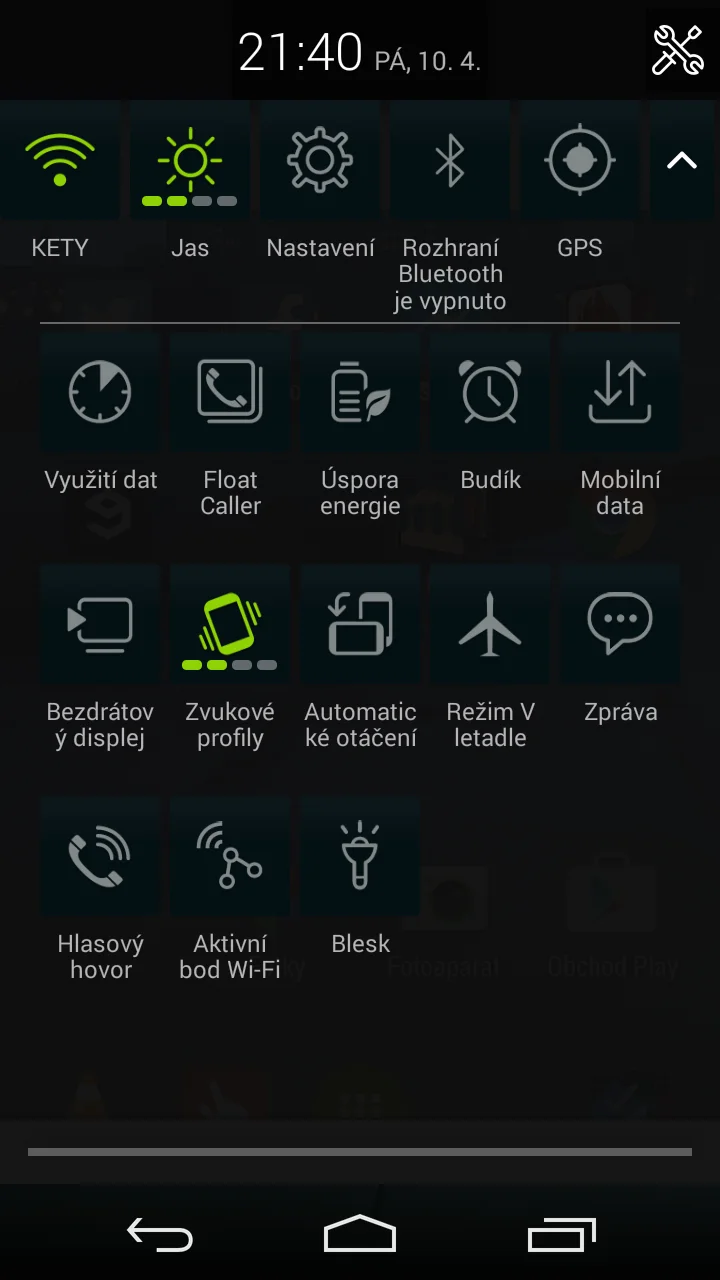
As the screenshots above show, Acer’s skin doesn’t radically change Android so much as tweak the existing UI. In some areas the settings feel a bit limited or rearranged, but there are also a few genuinely useful additions that plenty of users will appreciate, including better home screen controls and more granular personalization options. The notification shade has been modified too, letting you choose your own primary icons from a fairly broad set of add-ons.
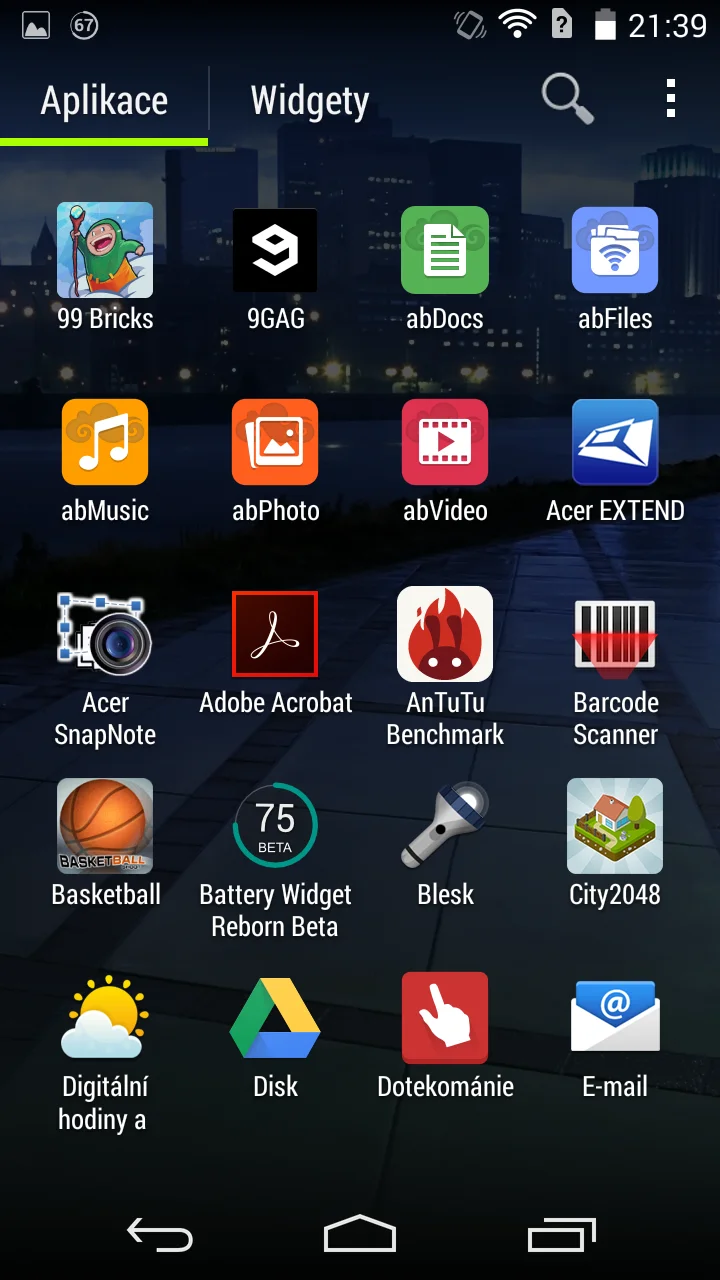
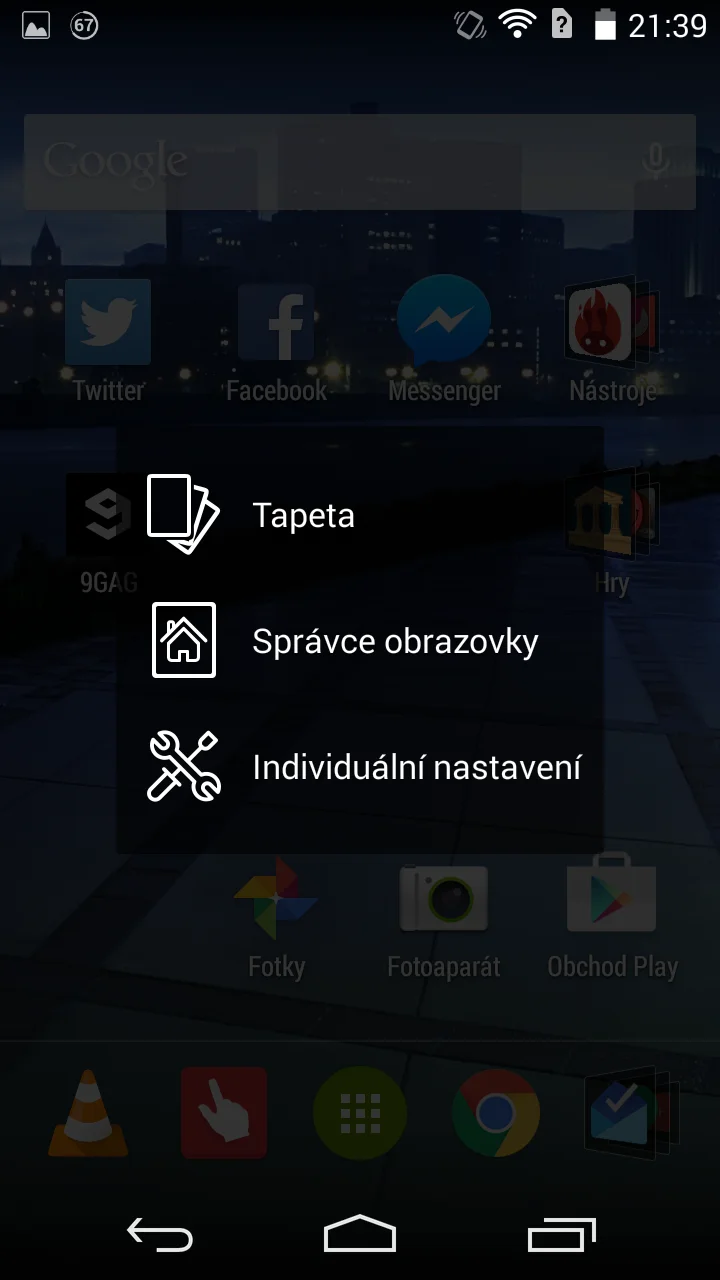
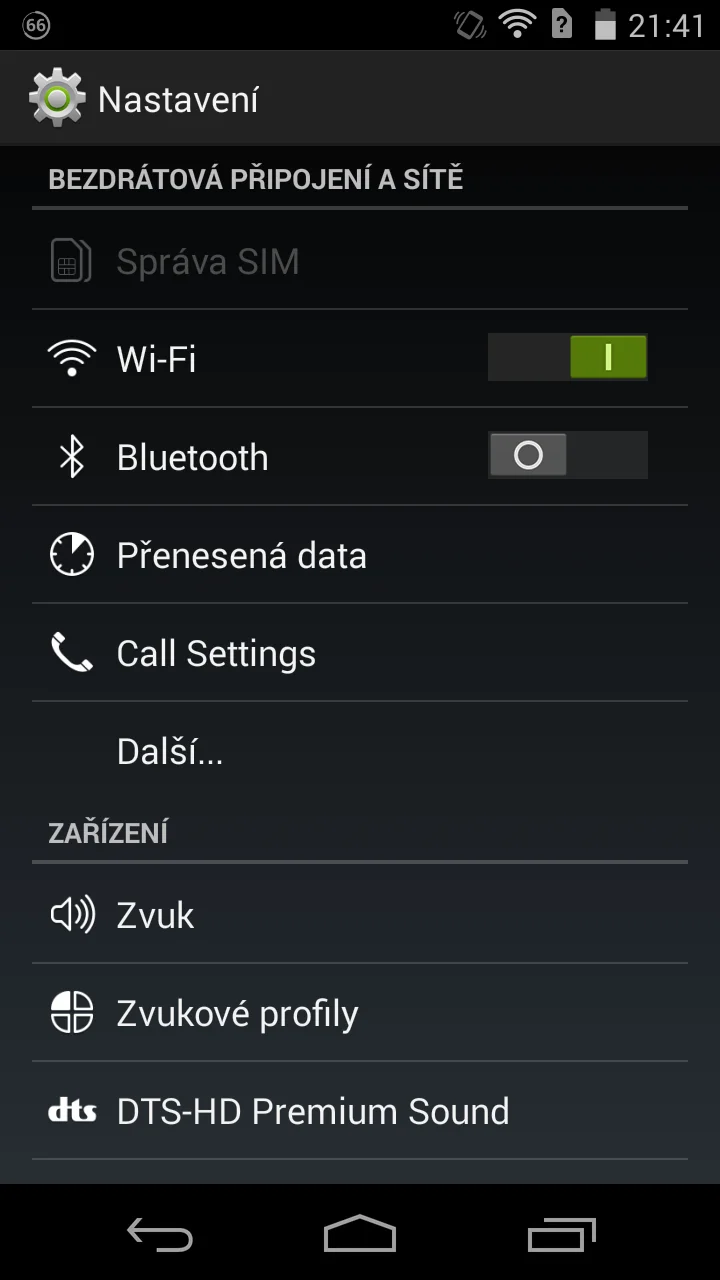
Does the app drawer look crowded, especially with preinstalled apps? Unfortunately, yes. Users who rely on Acer’s own services may get some value out of them, but for everyone else, it would have been better to make those apps optional instead of loading them all by default.
Camera
Let’s start with the camera module itself. The lens protrudes from the back, making it clear that the Liquid Jade puts a lot of emphasis on image quality. And to Acer’s credit, the photos and video it produces are noticeably better than I expected. The camera does have a bit of shutter lag, which is frustrating, but that’s still preferable to getting worse image quality.
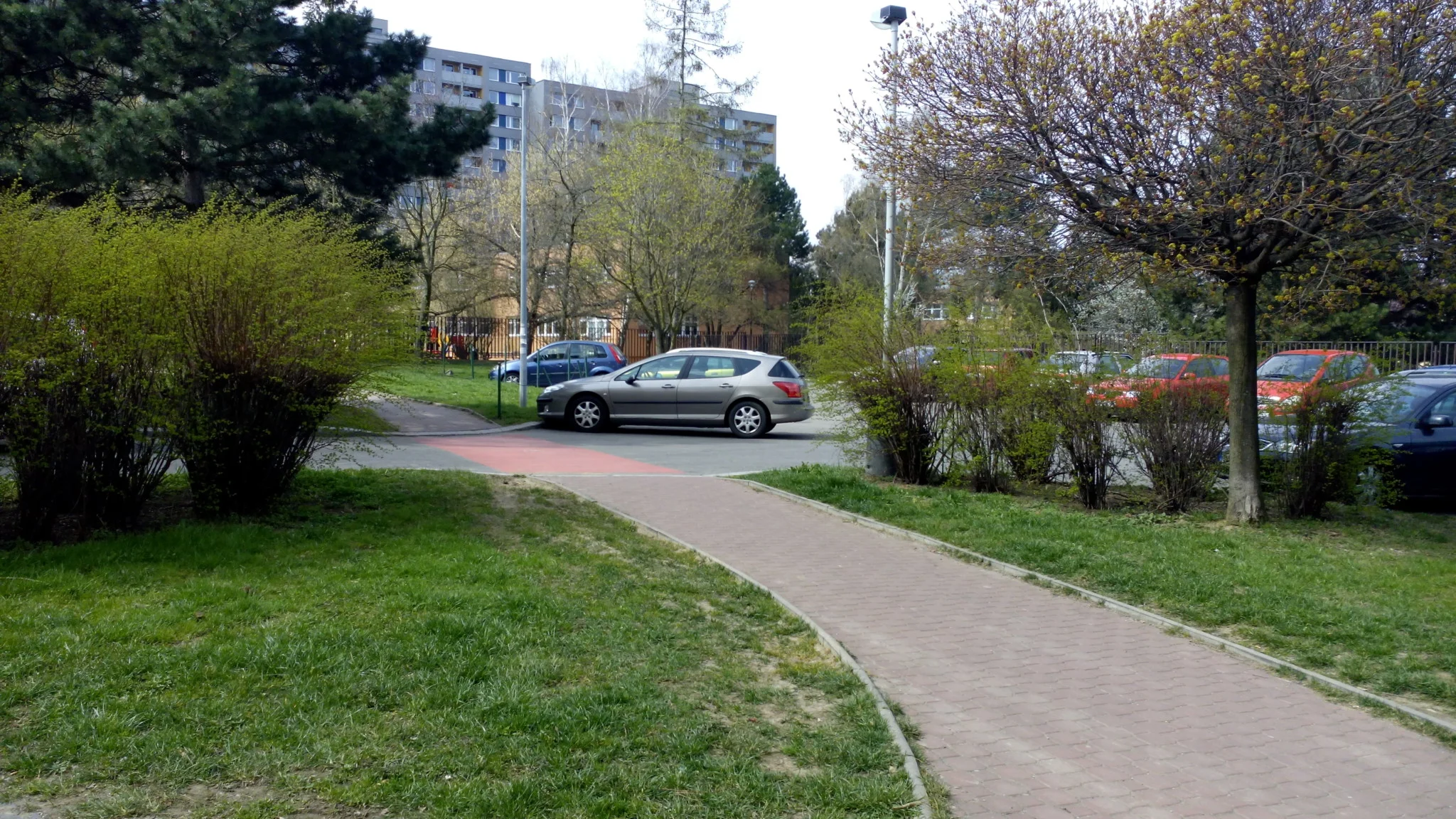
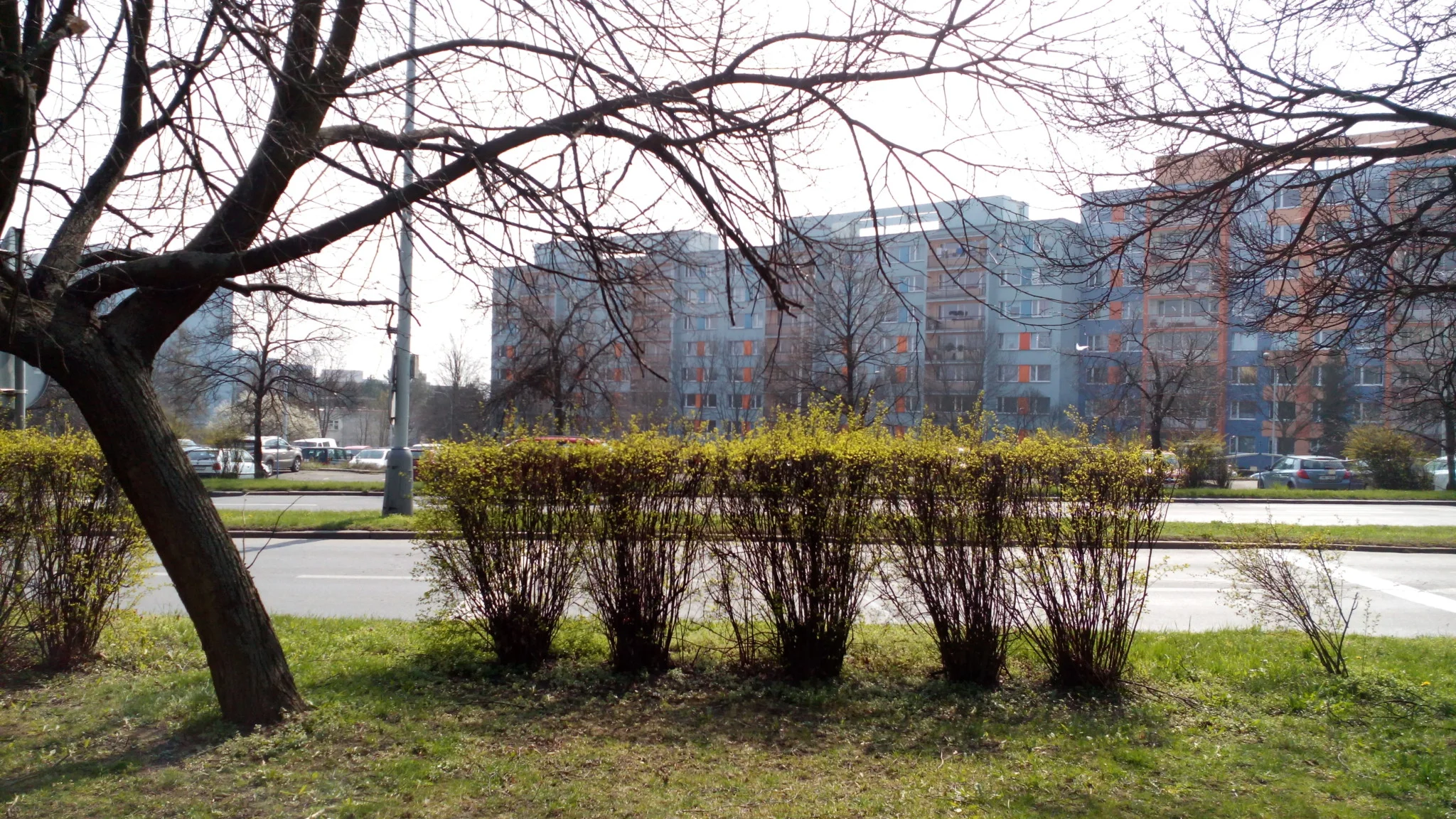

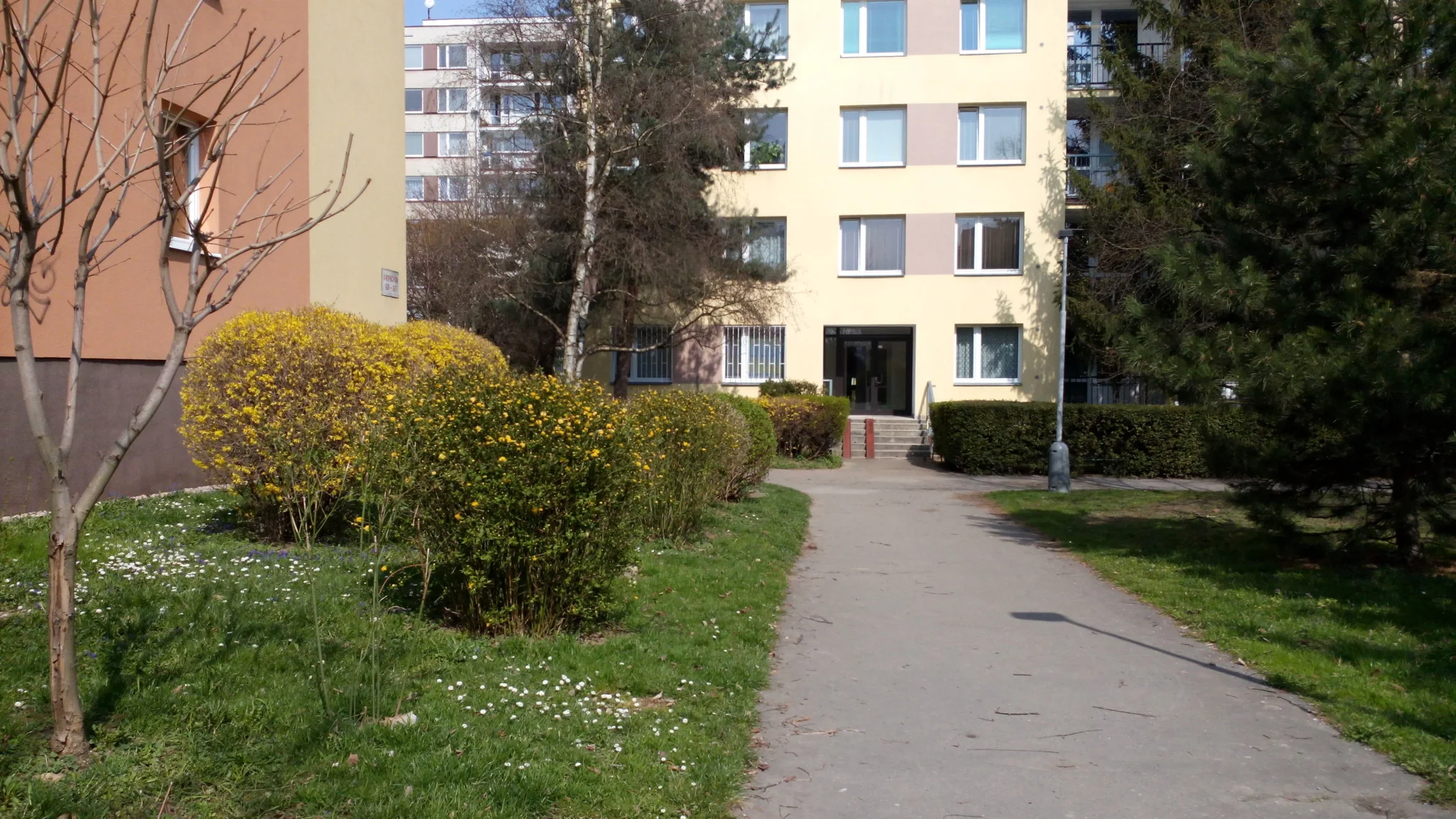
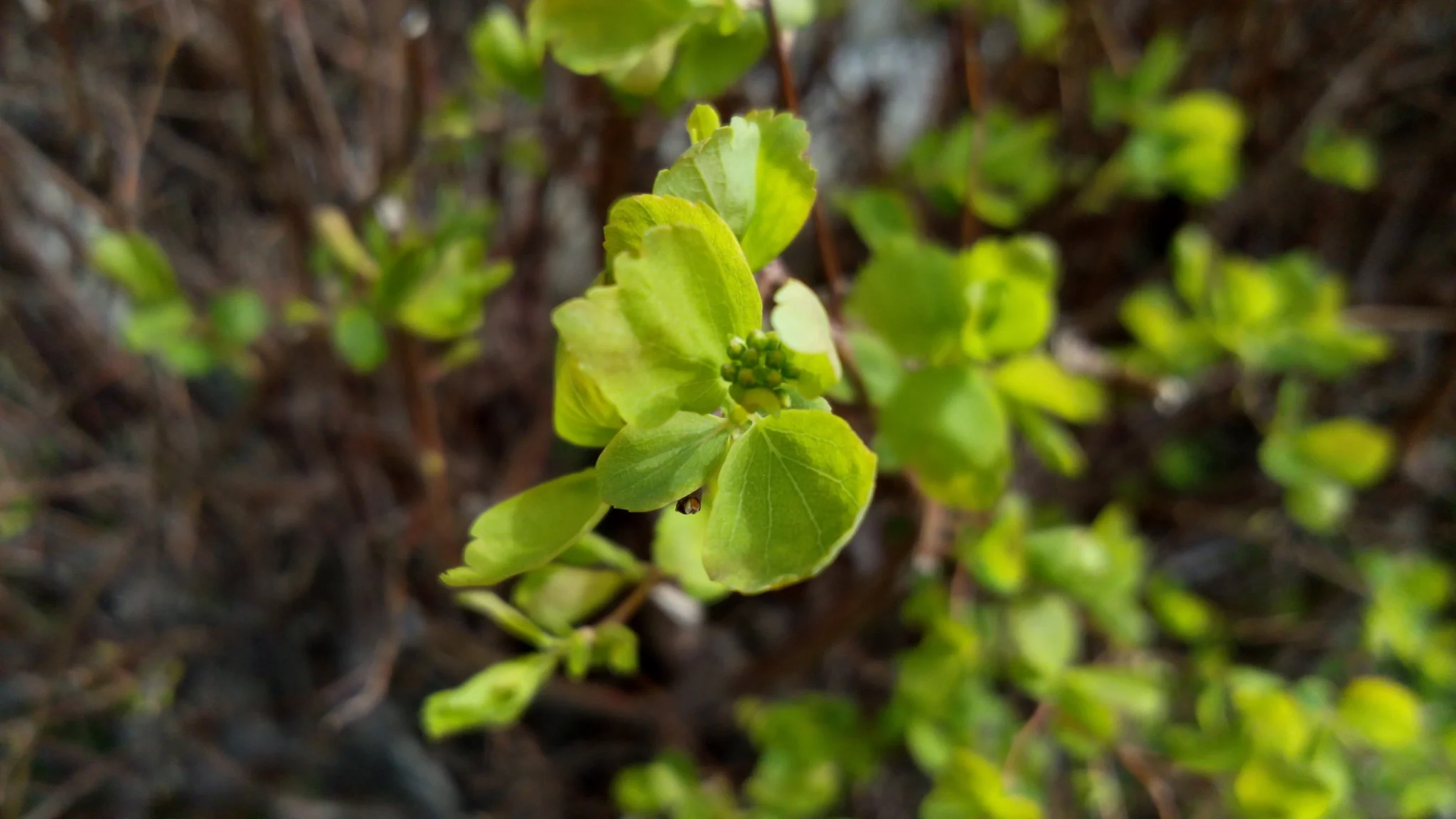
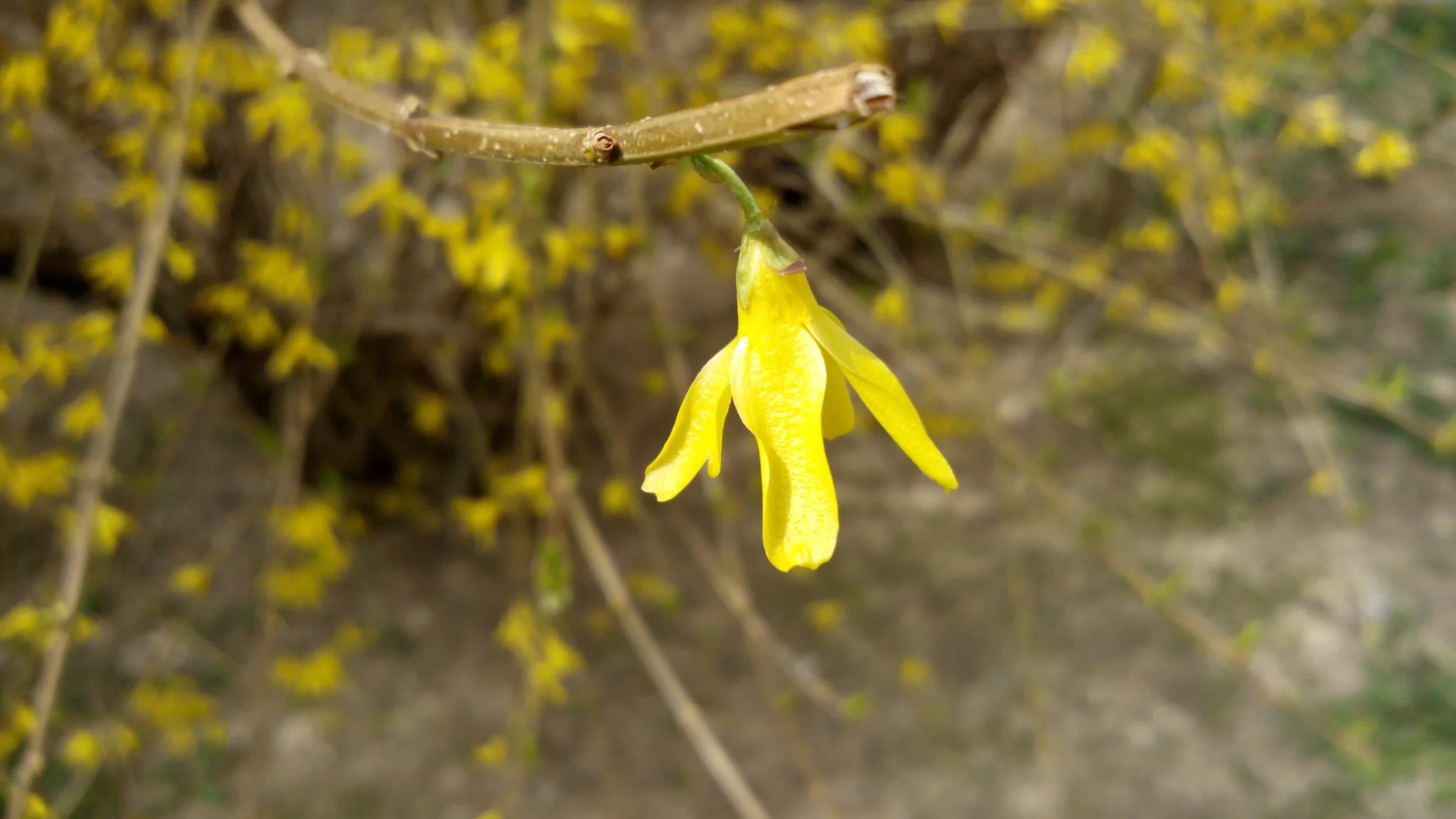
It’s also worth paying attention to autofocus performance. It’s quite good once it locks on, but waiting for focus and repeatedly tapping the screen started to get annoying. Focusing is a little slow, and macro shots in particular can take some work. Still, the sample images below speak for themselves.

Battery life
Battery life on a single charge isn’t especially appealing, though for a typical user it’s fairly standard. In practice, if you unplug the phone in the morning, you’ll need to be at least a little careful if you want to make it home at night with 10 to 20 percent left. One of the biggest reasons for the heavy battery drain is the processor, which unfortunately also runs quite hot.
My recommendation is to use the phone mainly for taking photos, browsing the web, checking social networks, and maybe launching a game from time to time. If mobile gaming is a priority for you, you’ll probably also want to carry a power bank to keep the device going.
Conclusion and verdict
Judging Acer’s Liquid Jade isn’t easy. The phone picked up plenty of positives and negatives in my testing. On the plus side, there’s the camera, the overall design, the near-stock Android 4.4.2 KitKat experience, and the customization options, even if I do have some reservations about the speaker placement and design. The thickness lands somewhere in the middle: it helps the phone sit comfortably in the hand, but the raised camera lens is less appealing.
The biggest drawbacks are the poor system optimization, which is hard to excuse, the already-mentioned speakers, mediocre battery life, and the processor’s tendency to overheat when running more demanding apps.

Community Discussion 0 COMMENTS