
Today we’re taking a look at LG’s new G Flex 2. After its older sibling, which felt like a small revolution in phone design, LG built a better version of its curved handset. Even so, the LG G Flex 2 comes with a few trade-offs and quirks that won’t work for everyone. To set the stage: its processor runs hot, and it’s eager to show what it can do.
What’s in the box
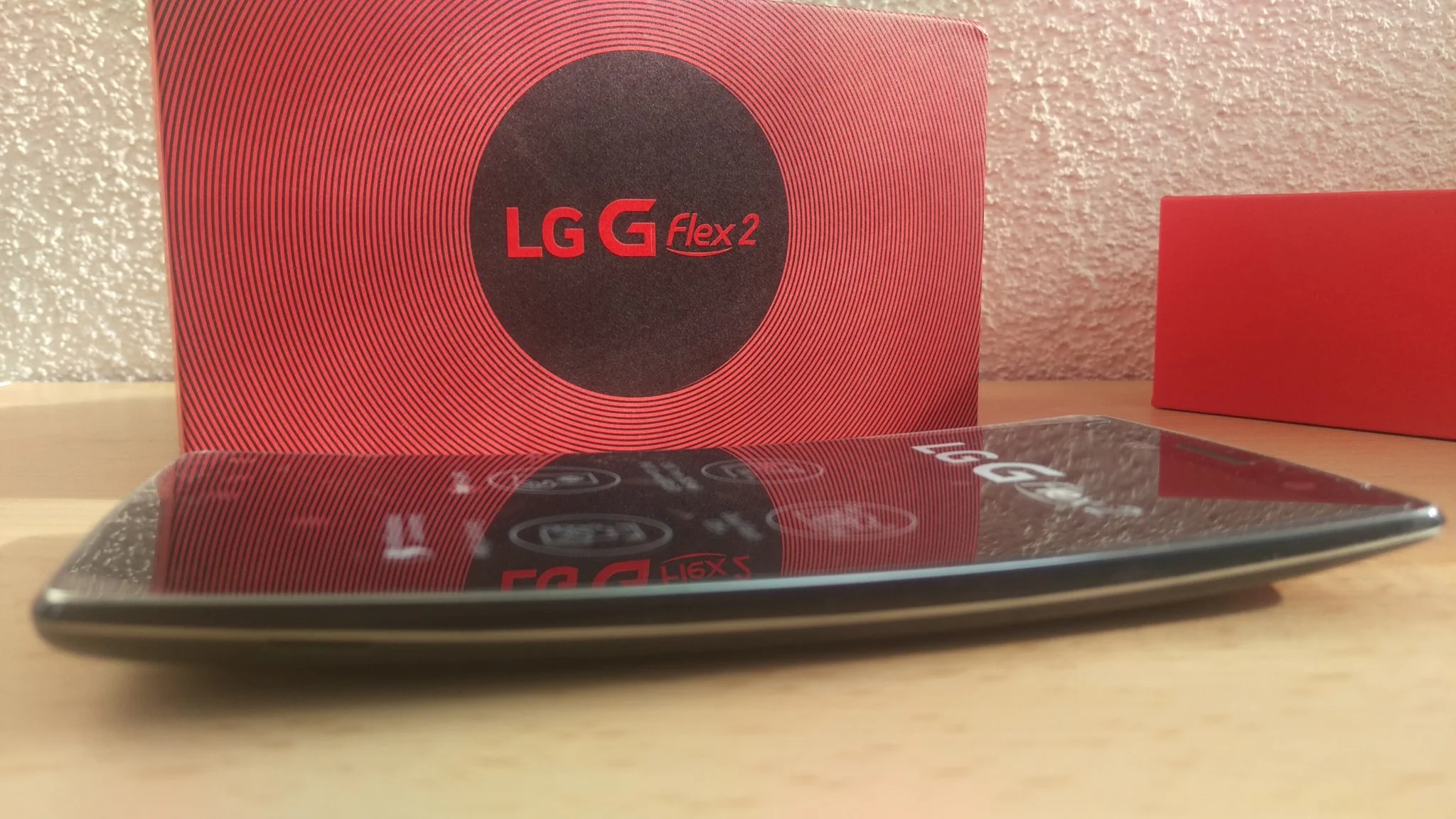
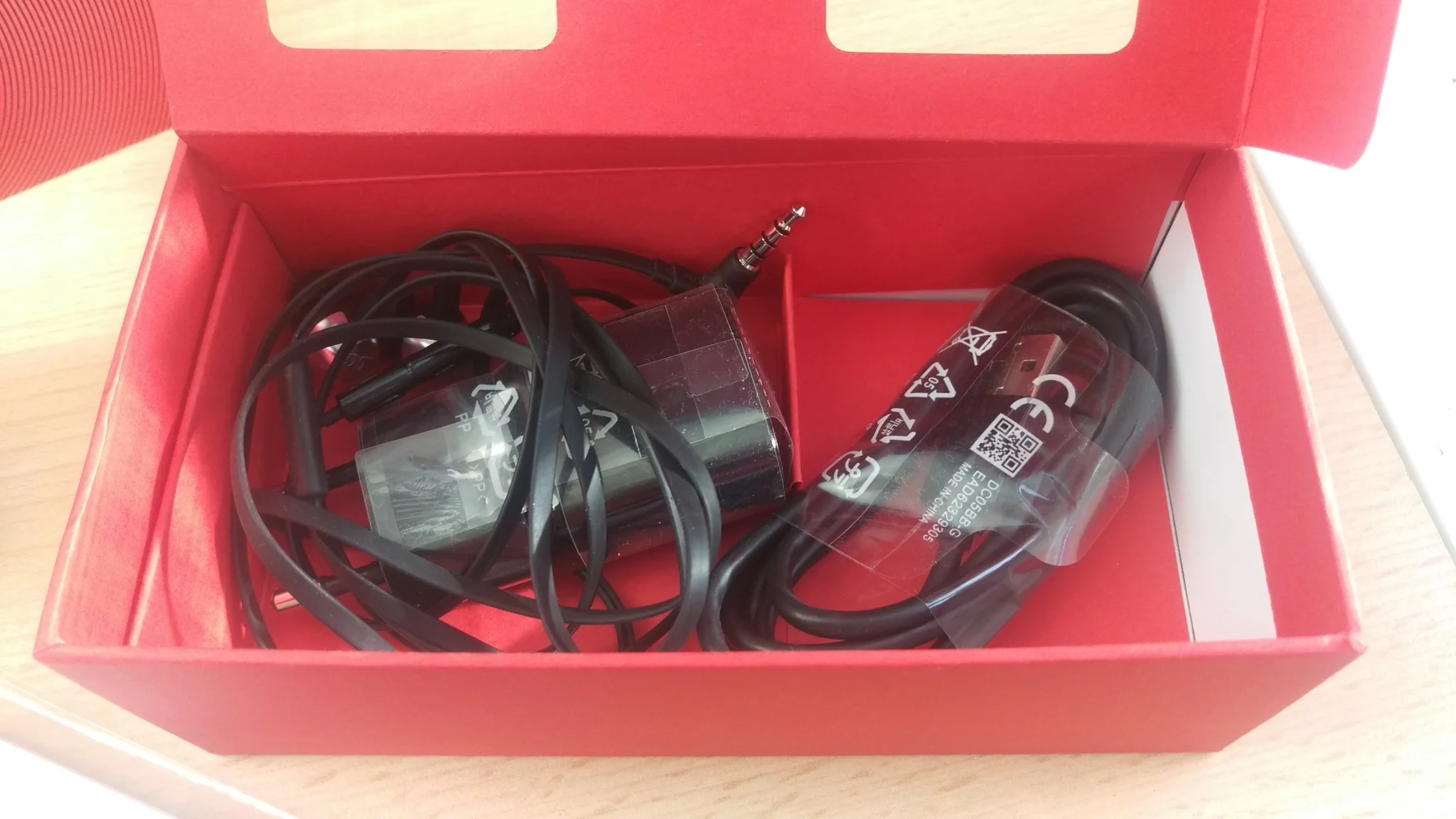
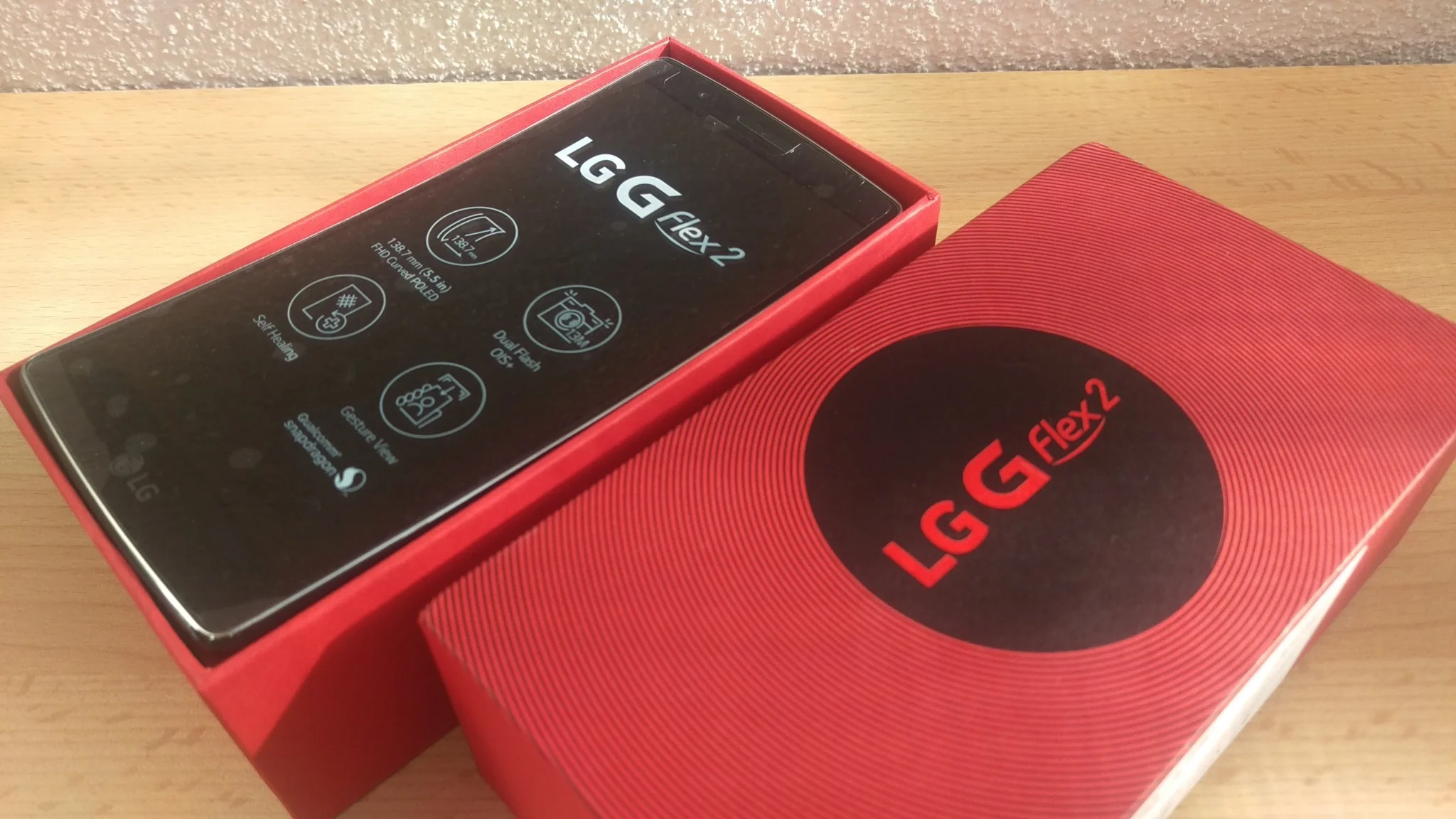
The box LG sent over for review isn’t especially original from a design standpoint, but the message is obvious from a distance. A curved phone gets a curved box, and the packaging also leans into circular design elements throughout. Inside, you’ll find the phone itself and the usual accessories underneath: a charging adapter with quick charge support, a microUSB cable, and a pair of earphones.
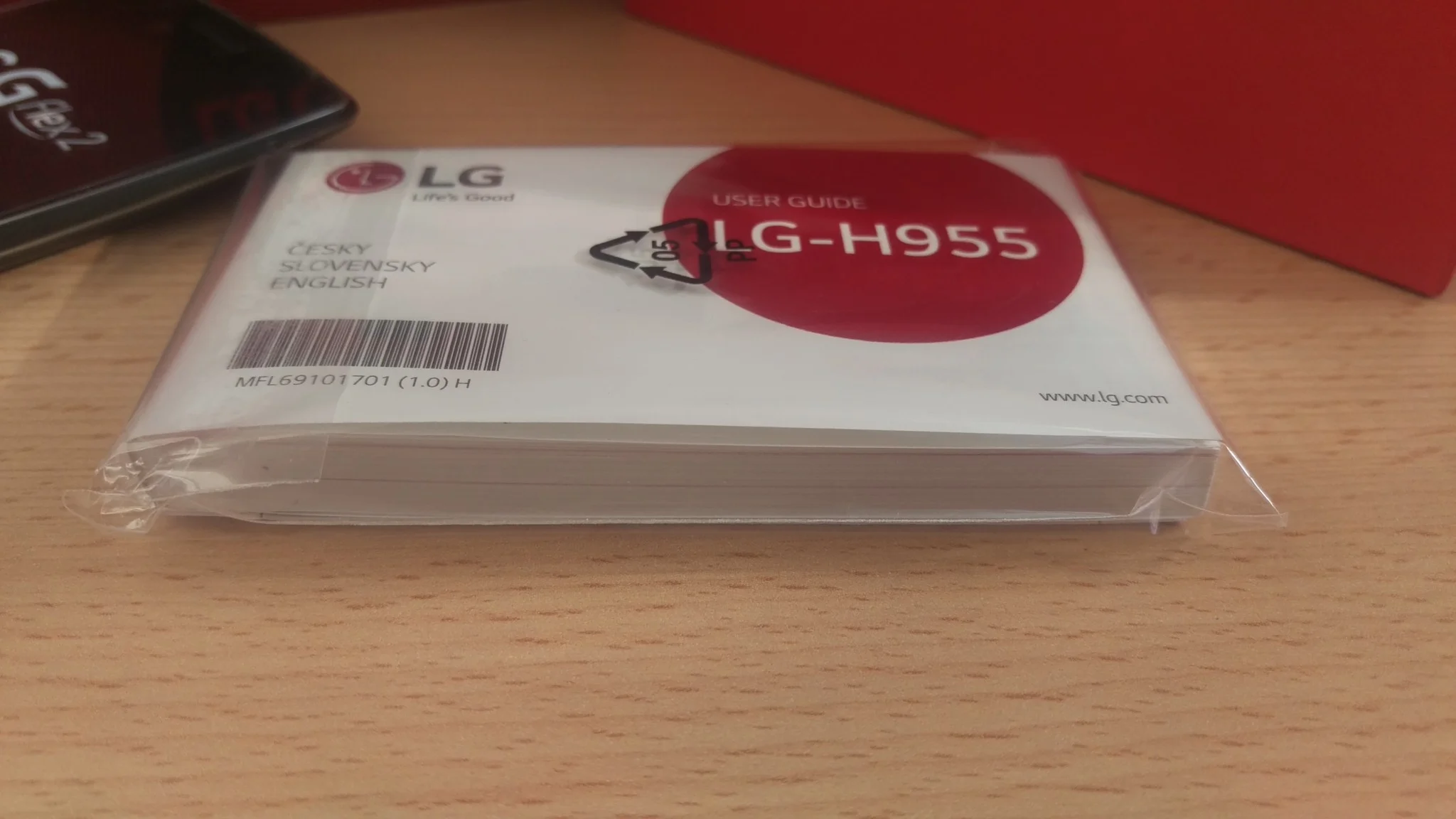
There’s also good news for anyone who loves reading manuals. LG includes a genuinely thick booklet, printed in small text with very few illustrations. Good luck finding what you need.
Design
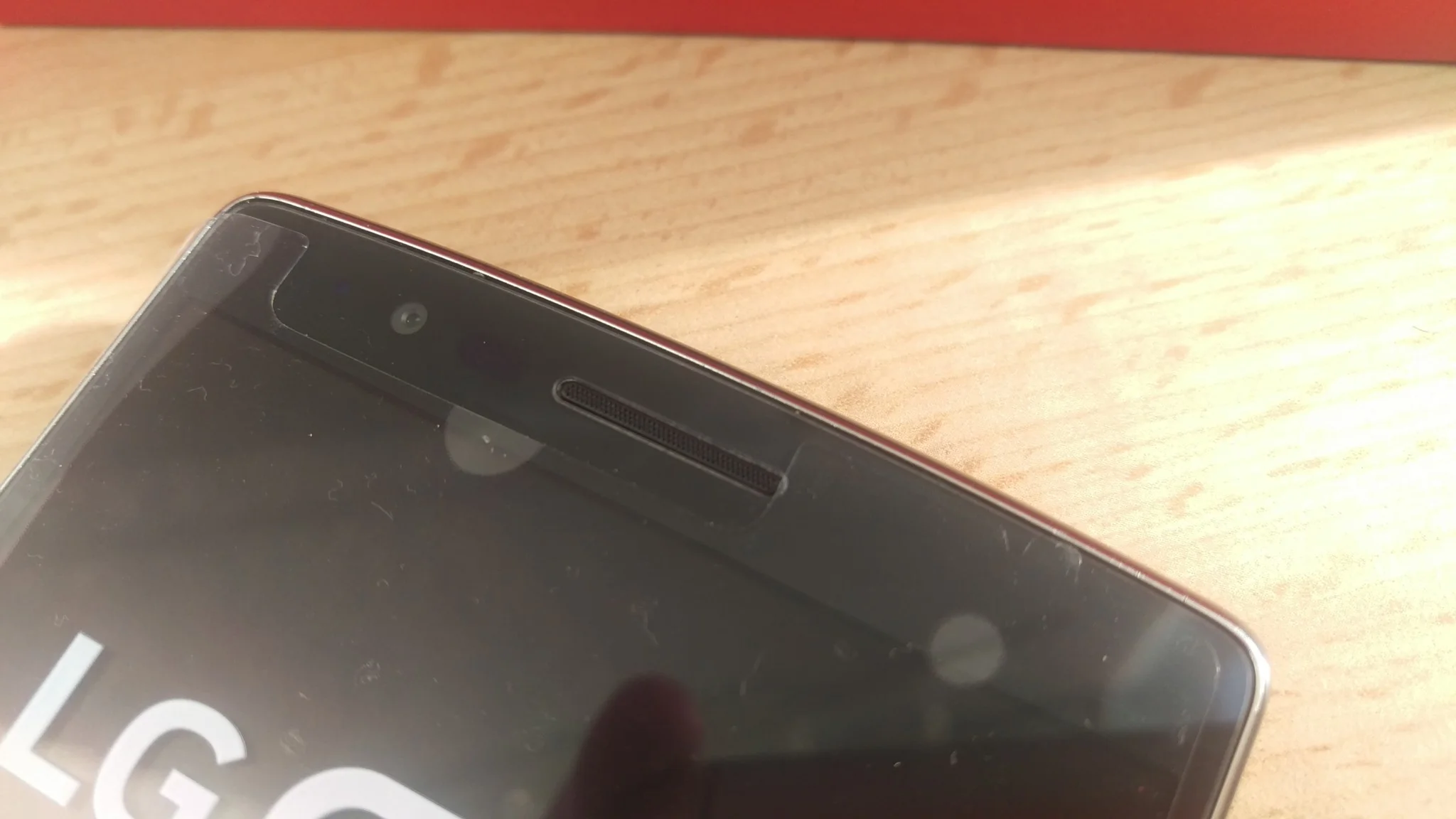
As the title makes pretty clear, the phone’s defining feature is its curved body and matching display. But let’s start at the front. The phone has a 5.5-inch Full HD display, with sensors, a 2.1MP front-facing camera, and the earpiece above it. The side bezels are very slim, and the lower portion of the front is occupied only by LG’s logo.
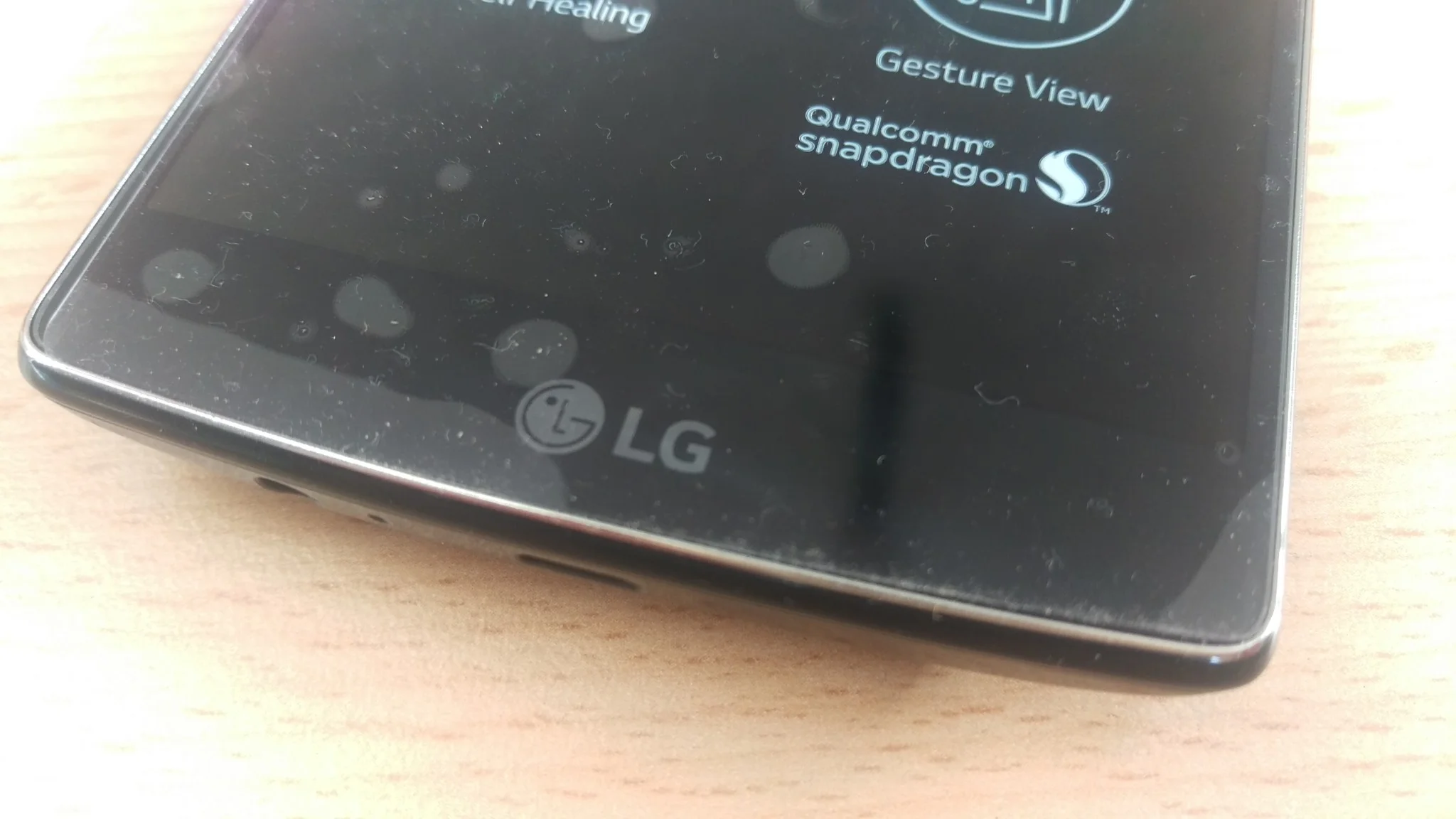
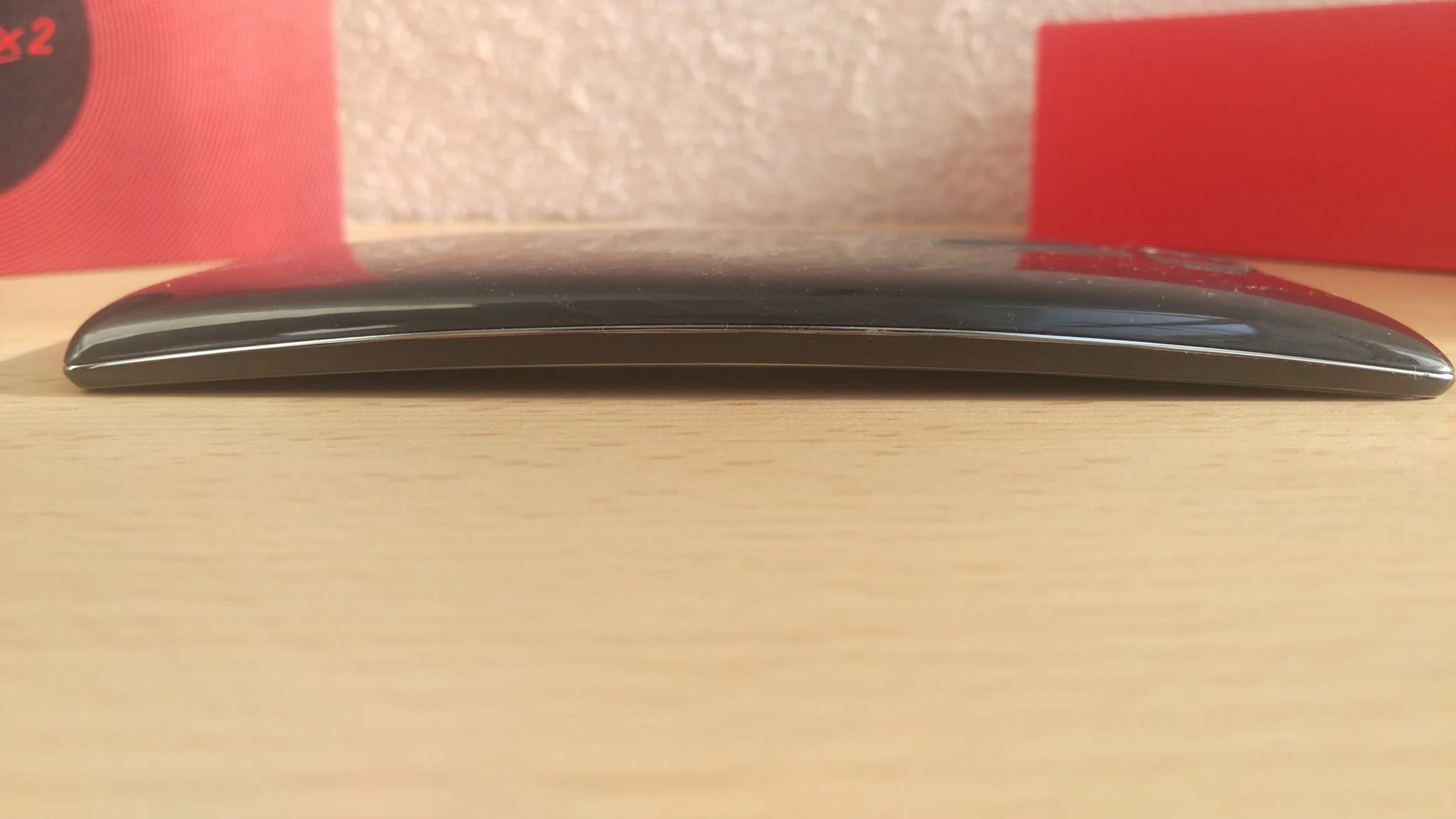
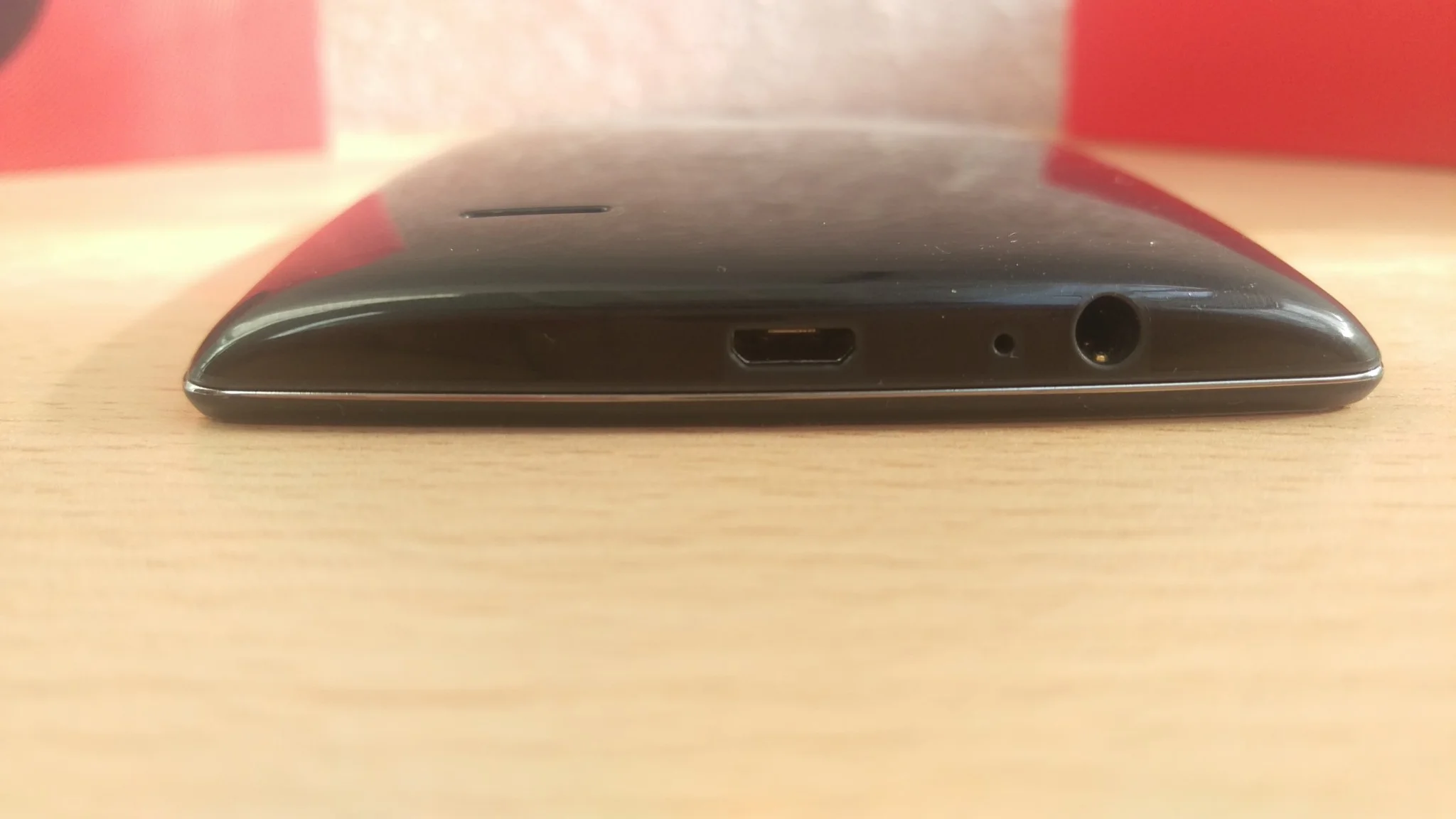
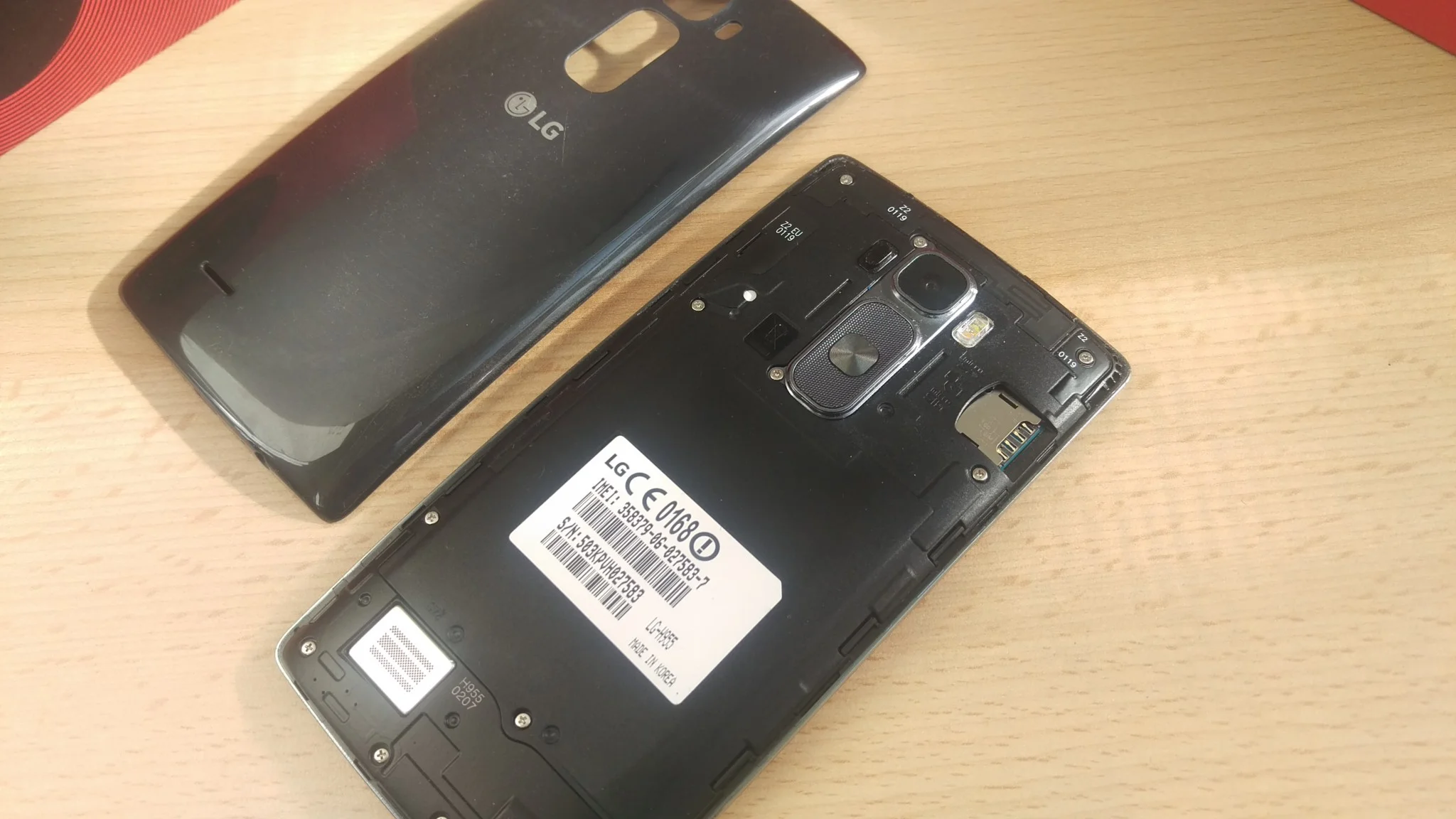
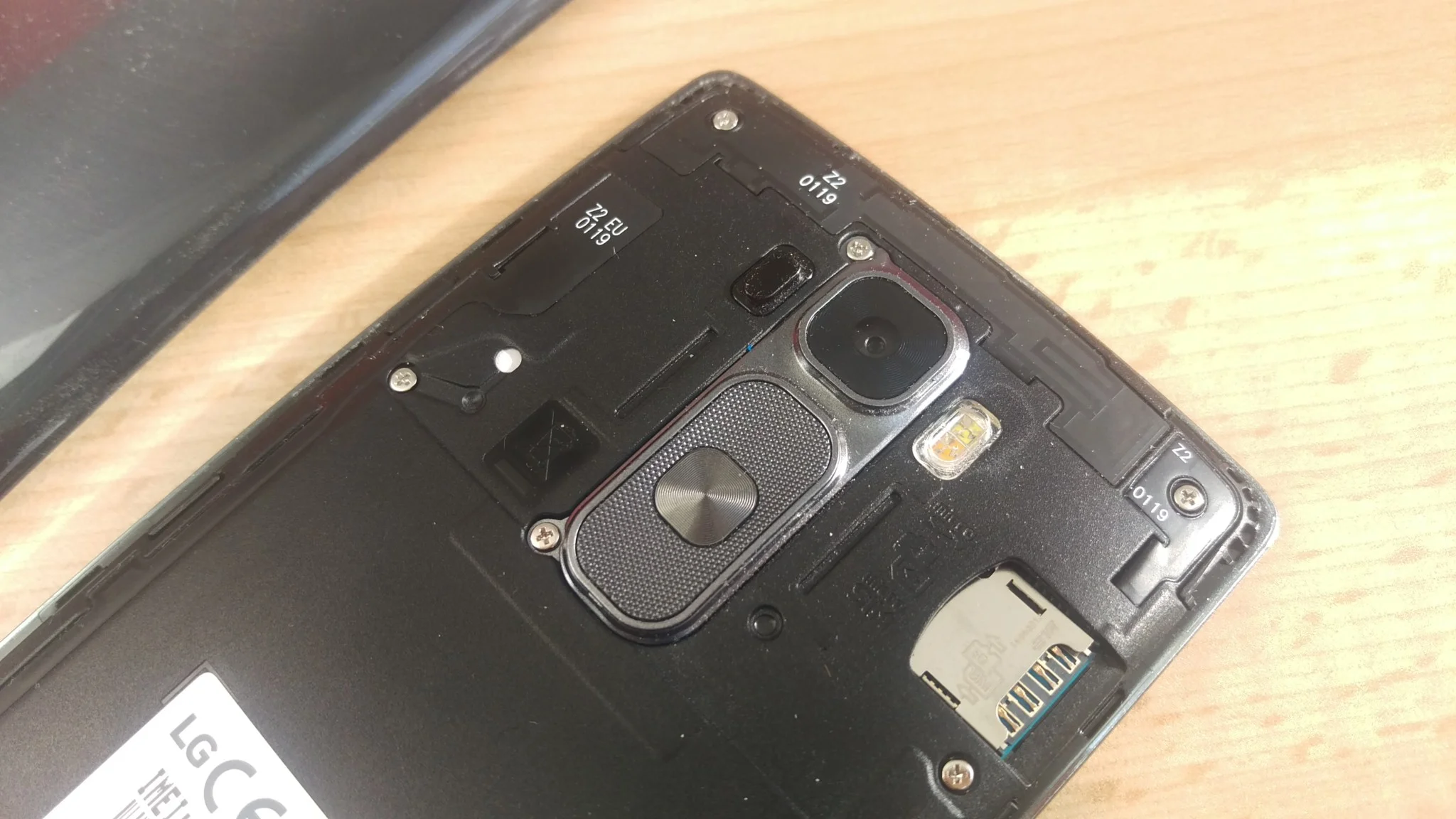
The sides are mostly bare, which makes sense given the way the body curves. Up top, there’s only a sensor and a microphone. On the bottom, you get a microUSB port, another microphone, and a 3.5mm headphone jack. The back is much more interesting. We’ll get to the rear cover in a moment. On the back, LG places a 13MP main camera, another sensor next to it, and a dual-LED flash on the other side.
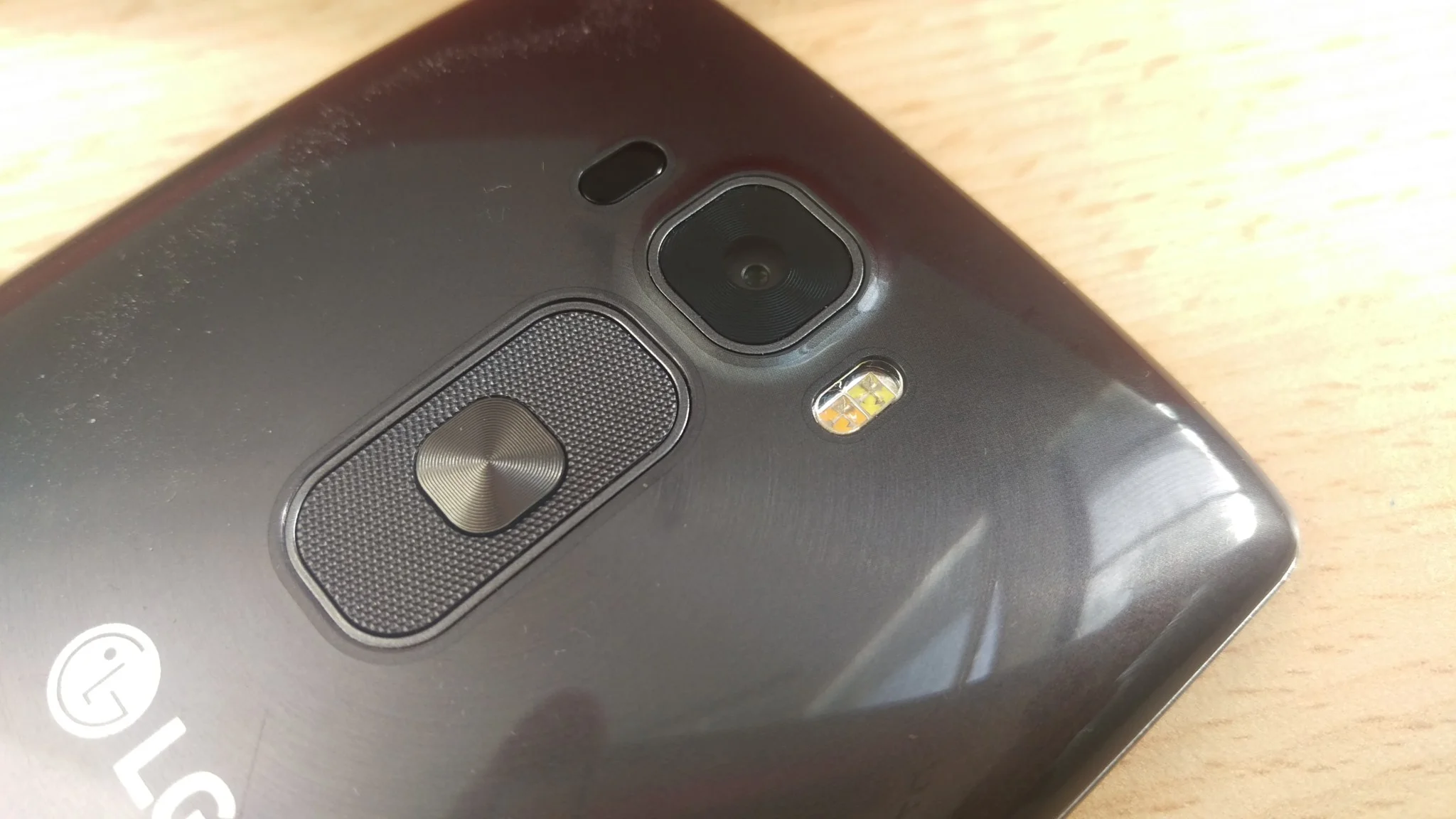
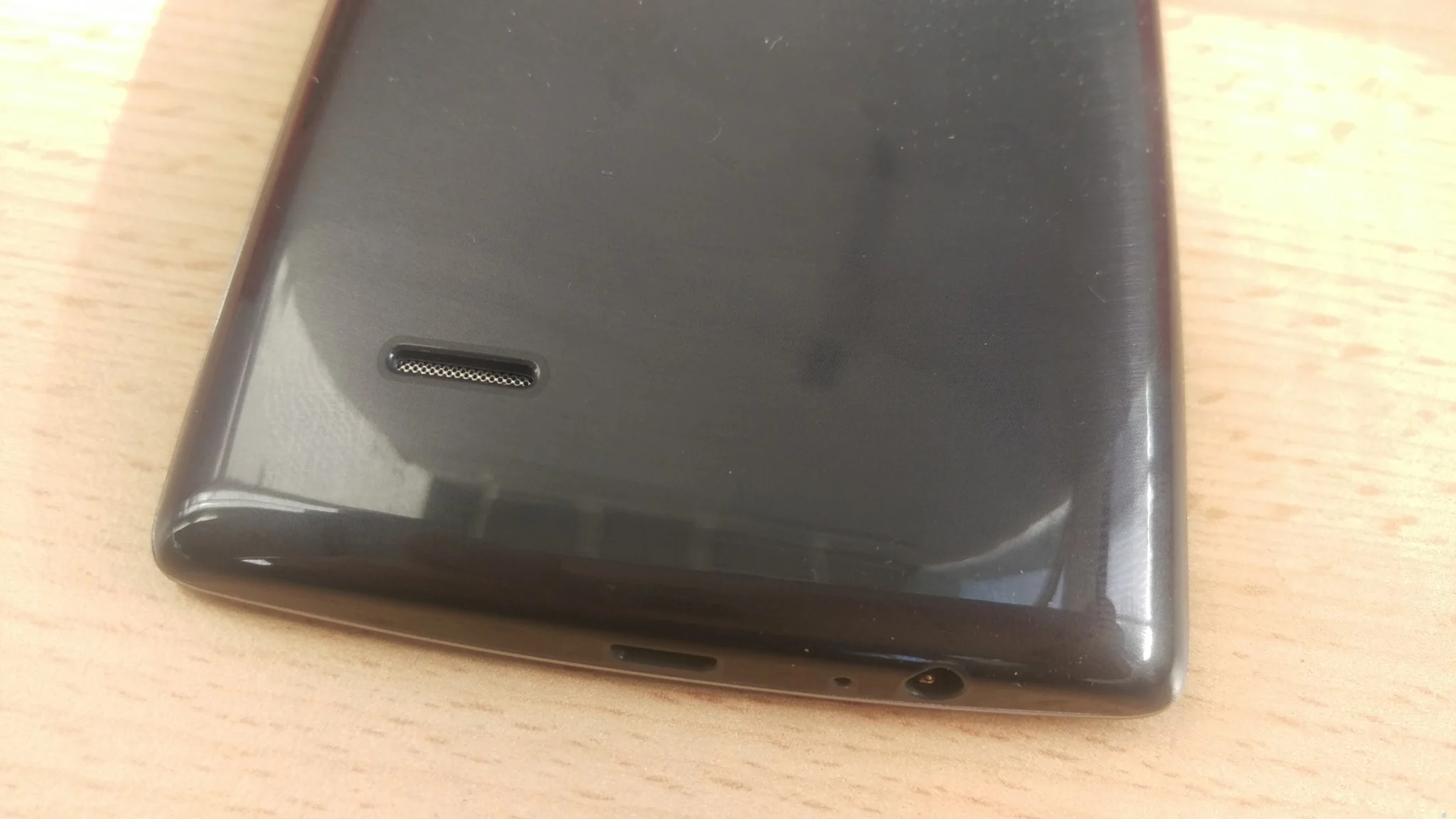
Like the rest of LG’s G series from that era, the action buttons sit below the main camera, with the power button in the middle. The design of these controls fits the phone well, and it’s easy to tell the power key apart from the volume buttons. A little lower down is the LG logo. At the very bottom, there’s a small but fairly powerful speaker.
Is there a real difference between a flat and curved display?
Visually, absolutely. In day-to-day use, the answer is a bit more complicated. When we look at a flat display, we don’t really think about the fact that reality itself isn’t flat. That’s part of the reason curved TVs started appearing in the first place: the image can feel a little more lifelike.
After only a short time testing the phone, I found that my eyes adjusted better when watching videos, for example. It’s possible that impression came from something else, but going back to an older device did feel different. For me, extended use with the LG G Flex 2 delivered something genuinely new, and it was a pleasant surprise.
Can I straighten the phone without damaging it?
Again, the answer is a bit complicated. If by damage you mean breaking a hardware component, then no. The phone remains fully functional, and there were no signs of any internal fault. The story changes a little when you look closely at the special rear cover. It’s designed with a self-healing finish. Unfortunately, the more often you flatten the phone, the more likely you are to lose that effect, and scratches that might otherwise fade away can remain visible.
Hardware
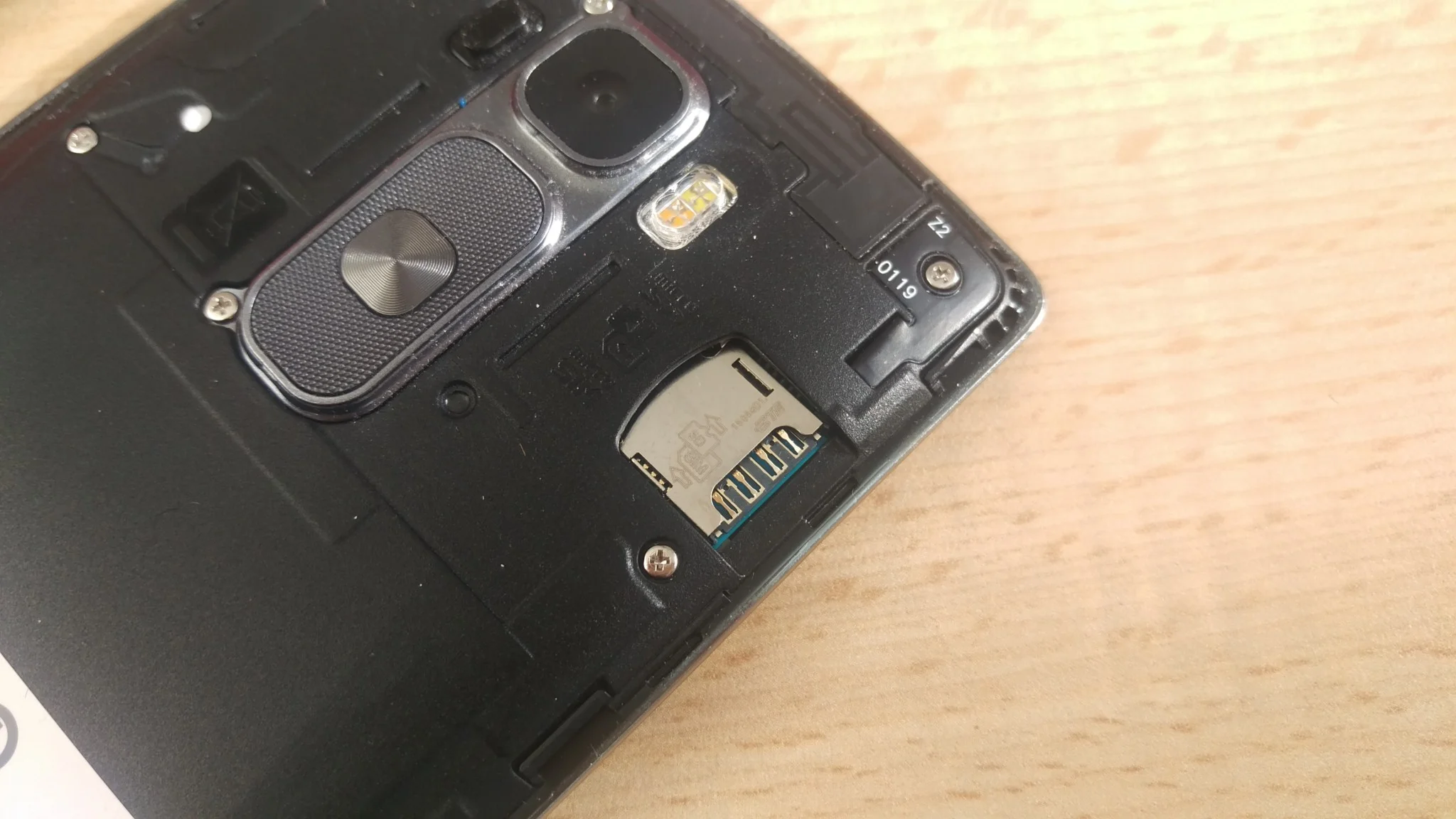
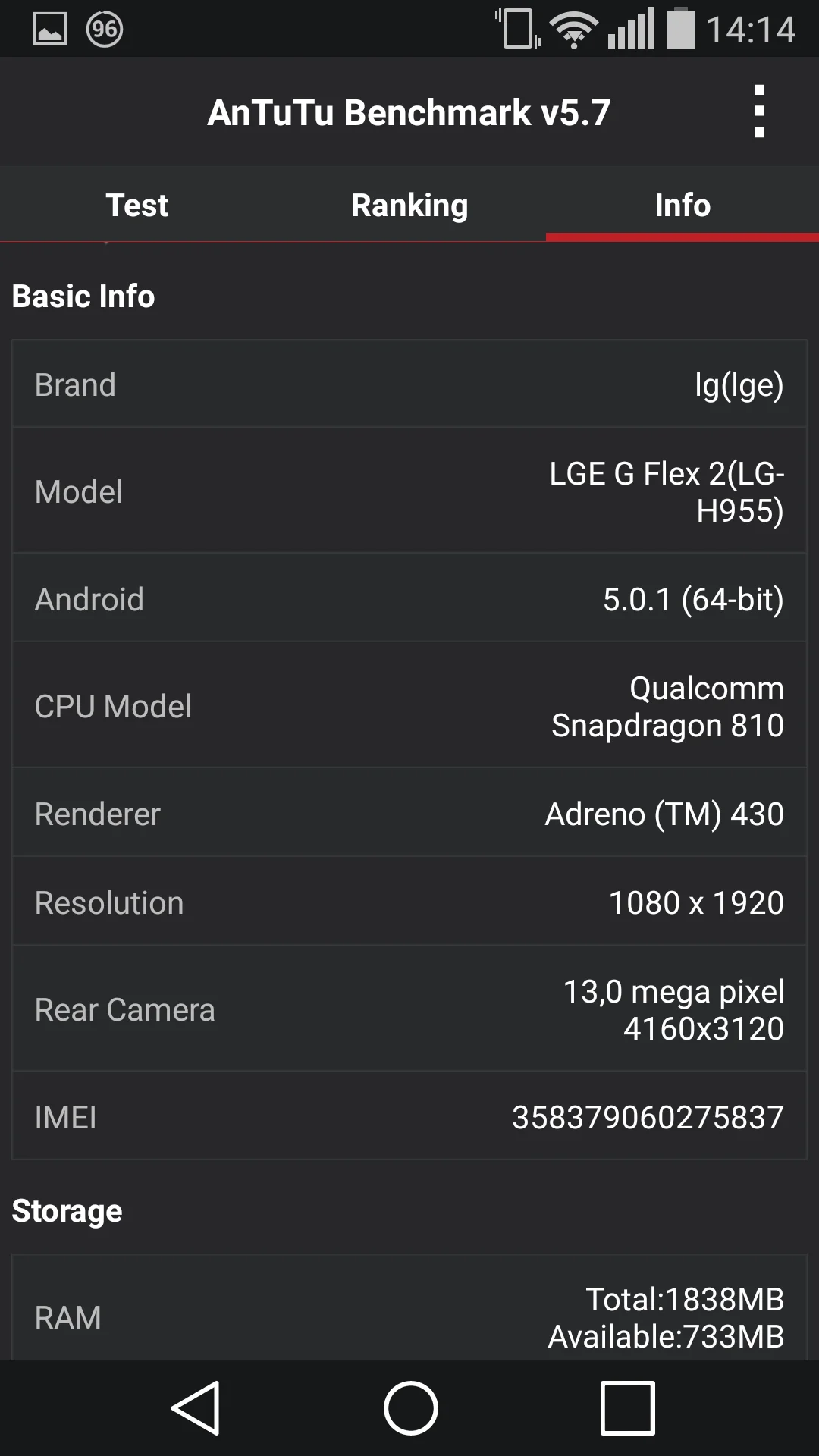
We’re now getting to the most troublesome part of the device, though its biggest drawback comes up later in the review. Under the plastic shell is Qualcomm’s hot-running quad-core Snapdragon 810, with cores split between 2 GHz and 1.5 GHz, paired with a 3,000 mAh battery. The version tested here includes 16 GB of internal storage and 2 GB of RAM, though there’s also a model with 3 GB of RAM and 32 GB of storage. Storage can be expanded by up to 128 GB via microSD.
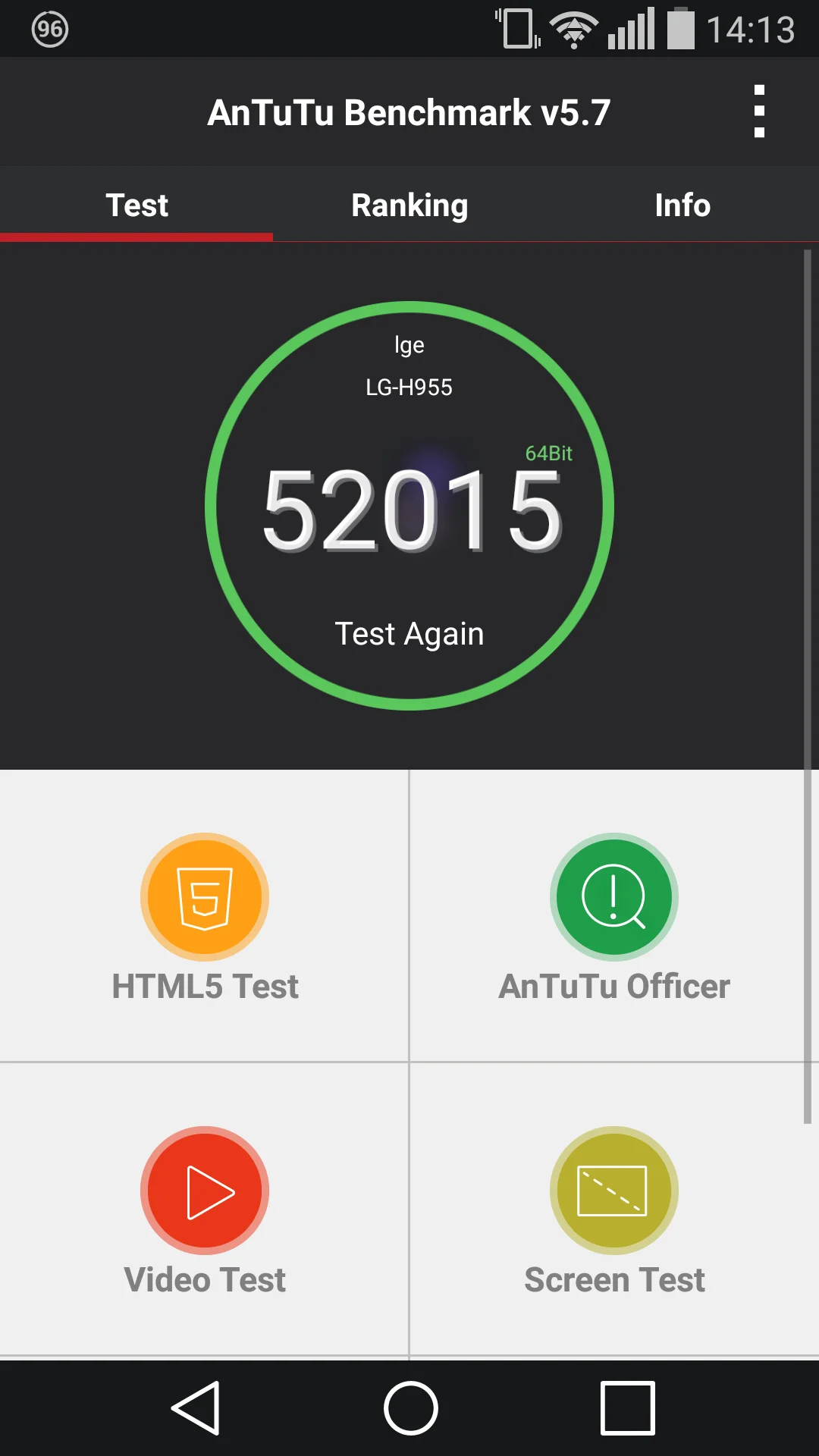
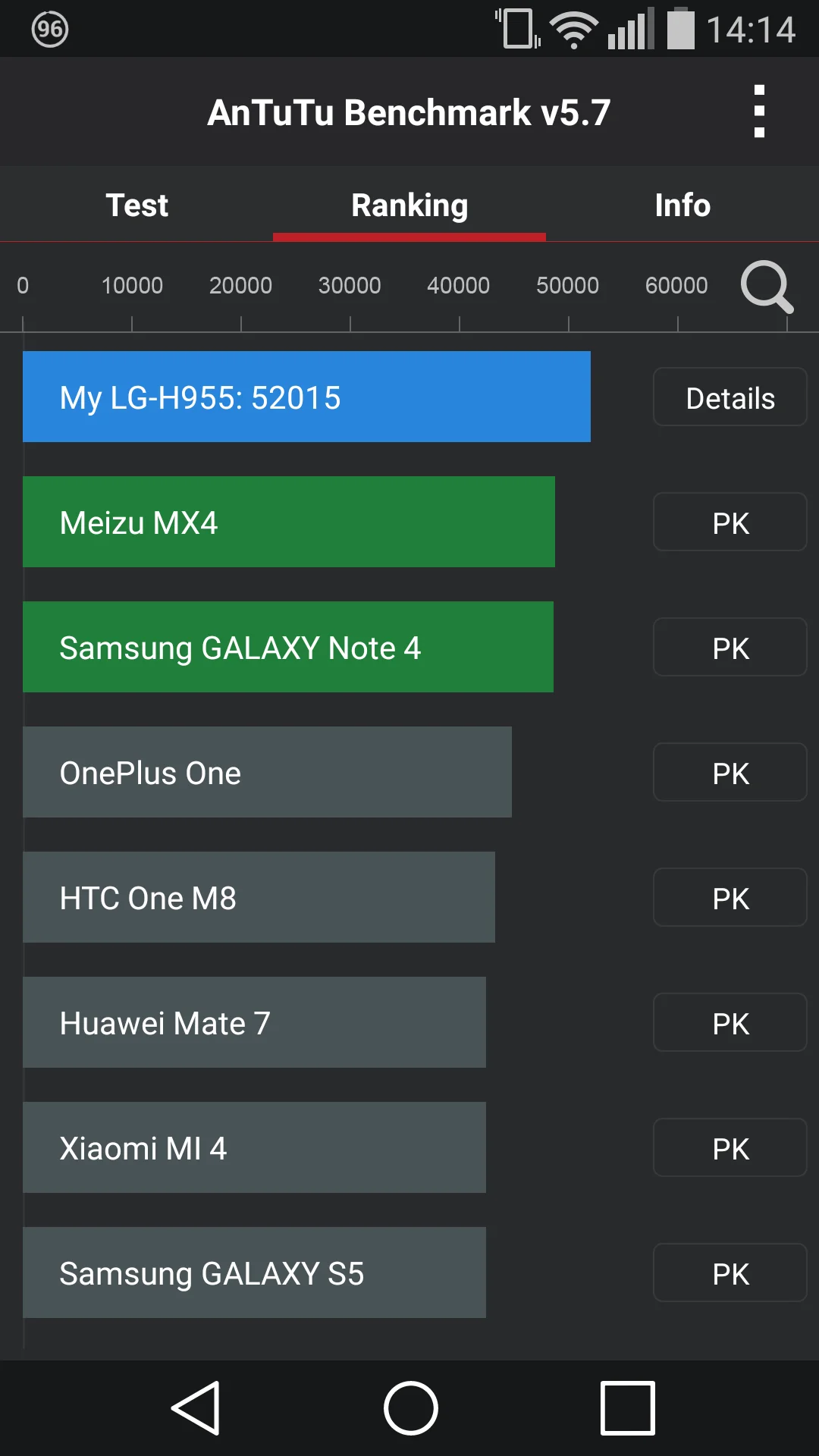
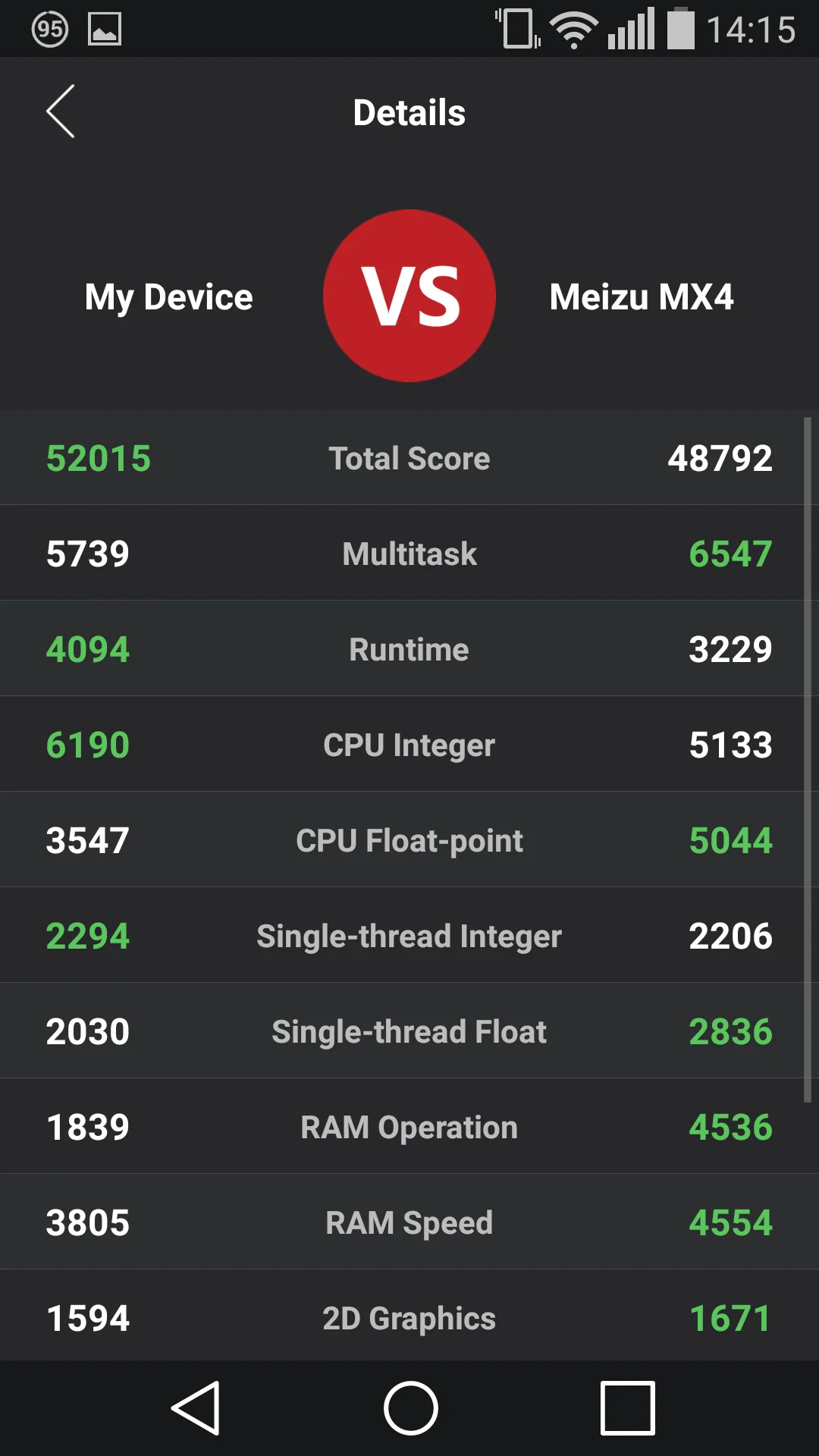
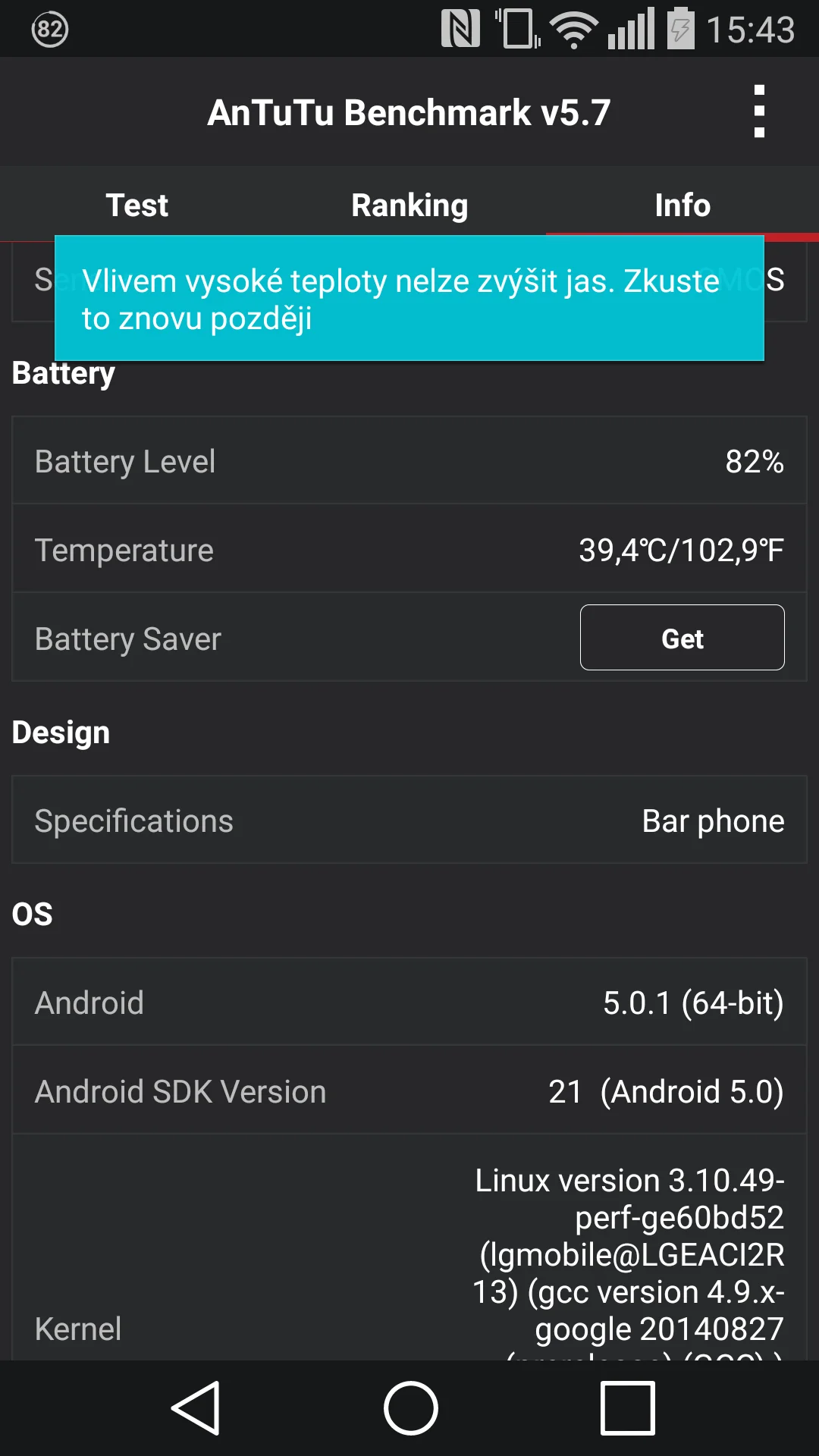
The main camera can record UHD video, or 120 fps footage at a resolution below HD. The phone’s dimensions are fairly standard at 149.1 x 75.3 x 7.1-9.4 mm, and its 152-gram weight is right around average as well. Android 5.0.1 Lollipop comes preinstalled. One clear upside is fast charging. And as usual, here’s the AnTuTu result: the device posted a respectable 52,015 points, though I expected a bit more.
Device specifications
- display – curved 5.5-inch P-OLED, Full HD resolution (1080 x 1920 px)
- operating system – Android 5.0.1 Lollipop (with LG’s custom skin)
- dimensions – 149.1 x 75.3 x 7.1-9.4 mm
- weight – 152 grams
- SoC – Quad-core 1.5 GHz Cortex-A53 and Quad-core 2 GHz Cortex-A57 (Qualcomm Snapdragon 810)
- memory – 2 GB RAM with 16 GB internal storage (a 3 GB RAM / 32 GB ROM version is also available), expandable by up to 128 GB via microSD card
- camera – rear 13 MPx (UHD, 2160p@30fps, 1080p@60fps, below HD at 120fps), front 2.1 MPx
- battery – 3,000 mAh capacity
- other features – fast charging (60% in 30 minutes), Bluetooth 4.1, NFC, Wi‑Fi 802.11 a/b/g/n/ac, GPS, 3G, LTE, motion sensor, digital compass
The Snapdragon 810 problem
I already touched on this in a shorter piece, LG G Flex 2 vs. HTC One M9 – a quick comparison during testing (in Czech). At the time, I didn’t go into much detail. This is the right place to do that.
By now, plenty of users are aware that the Snapdragon 810 family has unresolved overheating issues. LG said software updates should address the problem, blaming it on “earlier poor optimization.” That still hasn’t really happened.
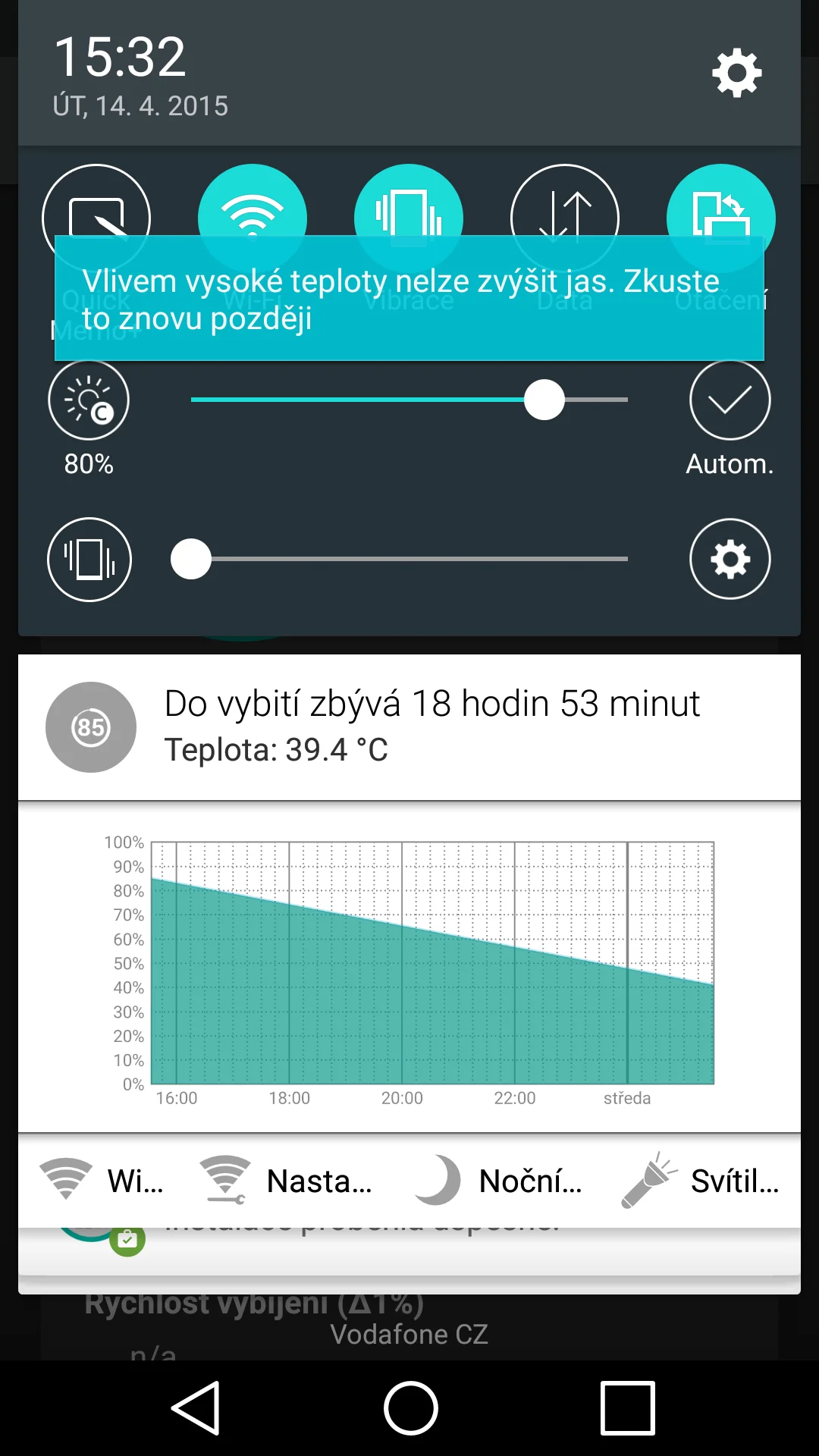
The phone overheats, and that creates problems in everyday use, including screen brightness. Once the processor crosses a certain temperature threshold, brightness can’t be pushed to 100 percent. During overheating, the processor also works harder than it should, which means higher power draw. The result is predictable: you end up reaching for a wall charger or USB cable far sooner than you’d like. The old standby of turning the phone off and back on does help, but only after waiting two to three minutes for the upper part of the phone to cool down a bit.
Software
LG phones have always shipped with a lightly customized take on Android, but on newer models the changes usually aren’t dramatic. A lot of features have been tweaked, though. Pulling down the notification shade, for example, works a bit differently; a downward swipe drops you straight into quick settings instead of notifications. For the most part, though, the changes are visual rather than structural.

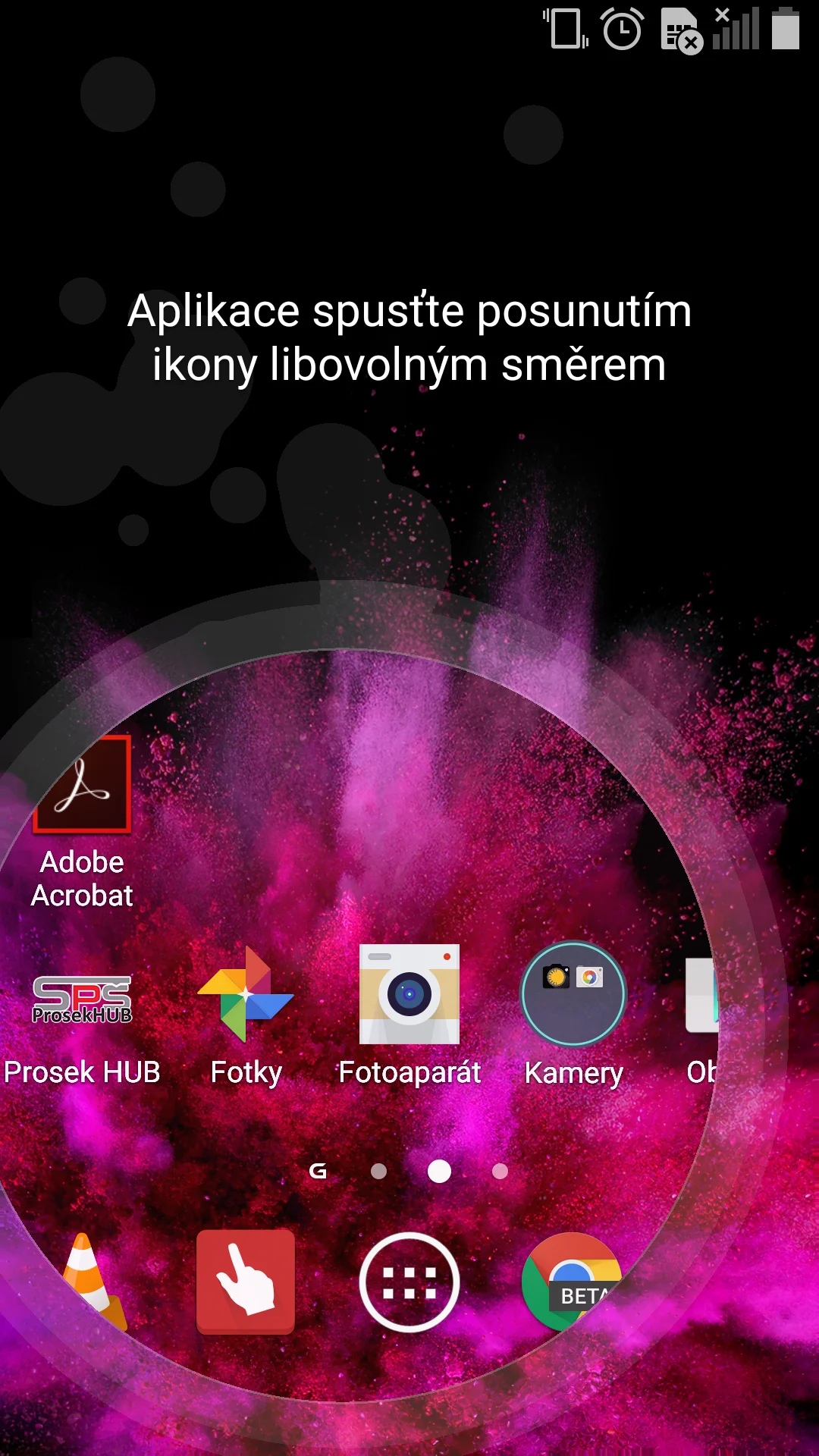

Right at the start, I have to mention the phone’s unlocking options, which are, in my view, among the best around. The first is Knock Code. You simply tap out a pattern on an invisible square on the screen and you’re in. I’m generally not a fan of locking my phone unless I have to, so on LG devices I especially like the double-tap gesture that wakes and unlocks the display. Double-tap an empty area on the home screen and the phone locks again.
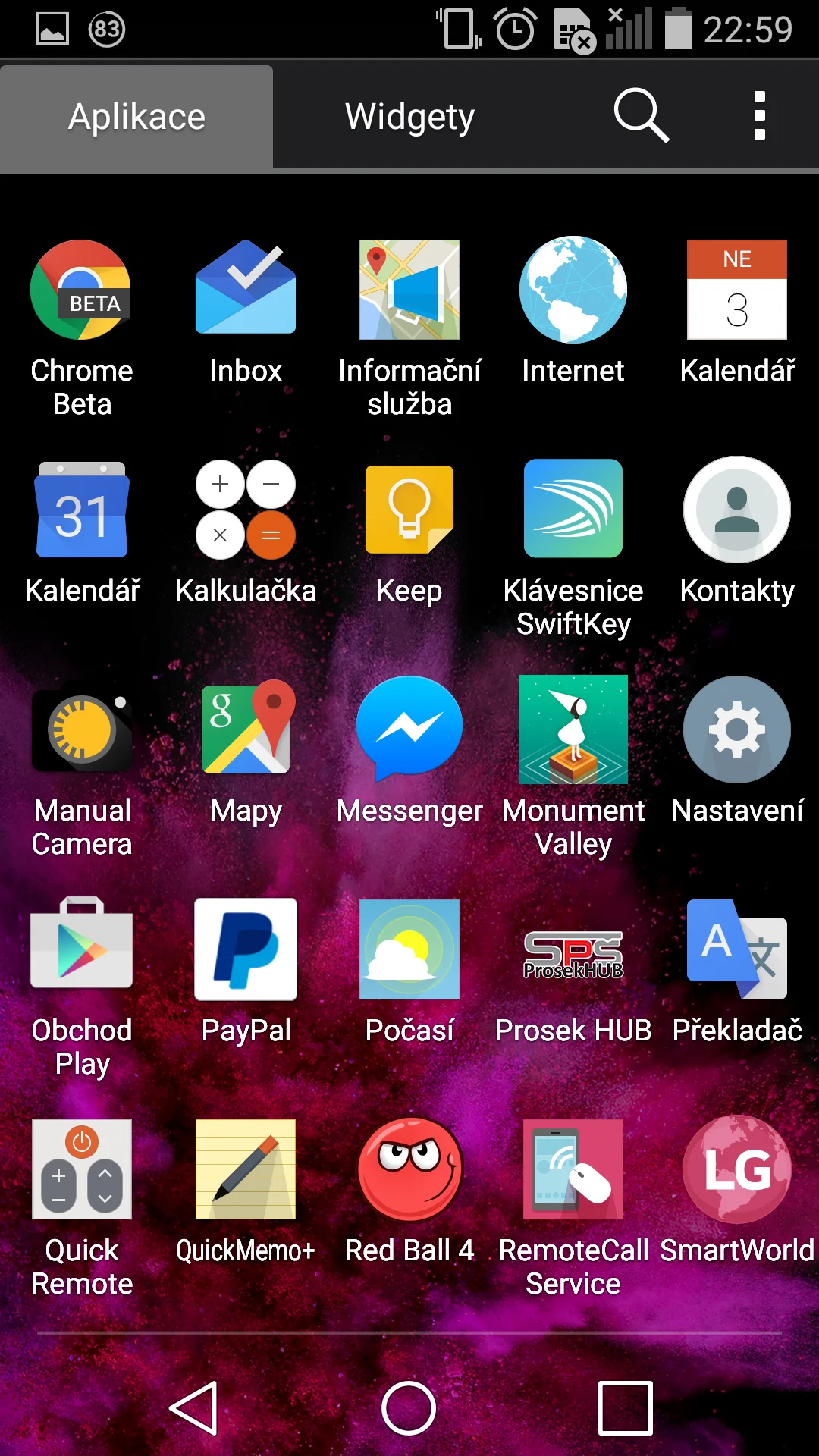
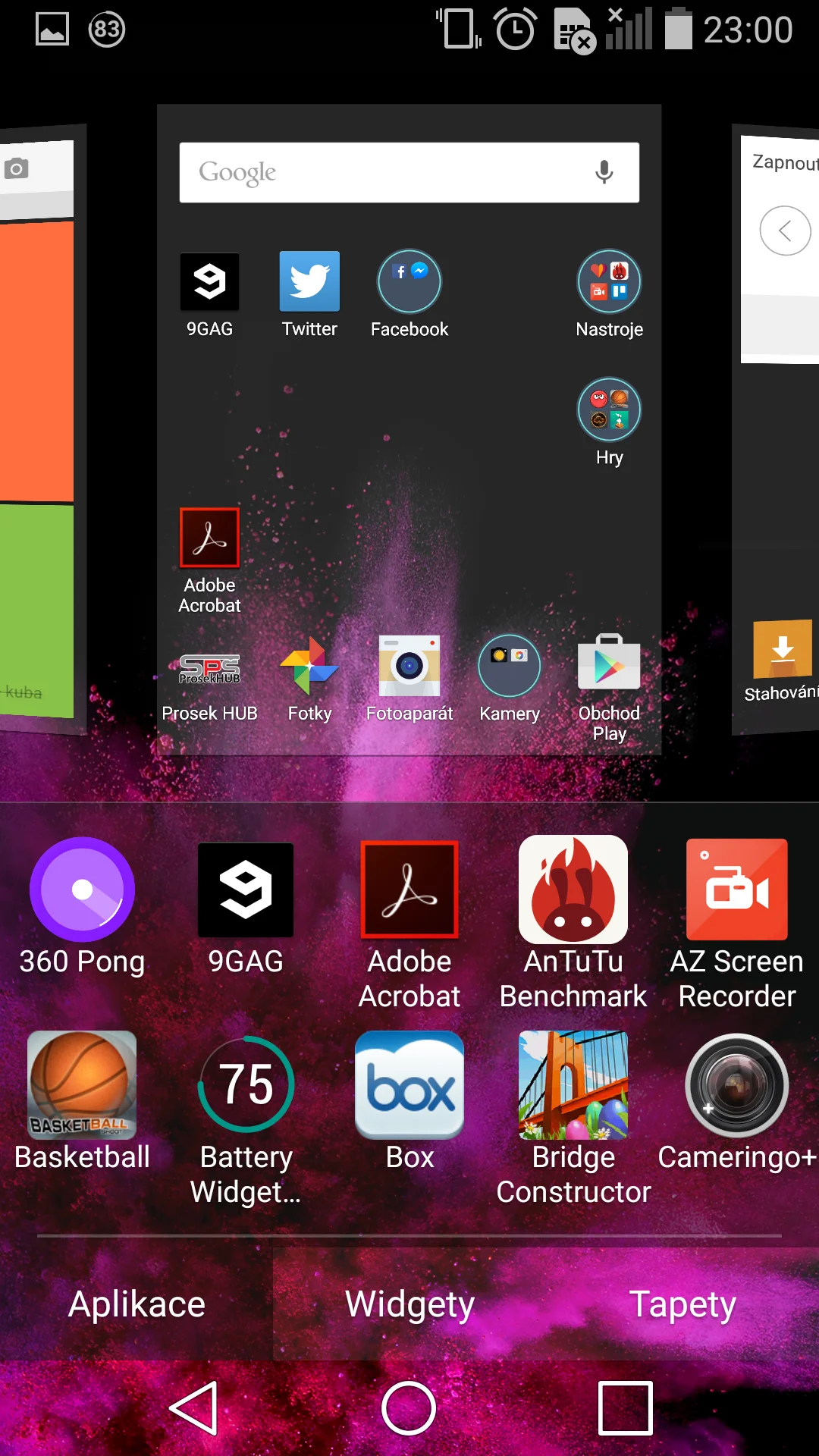
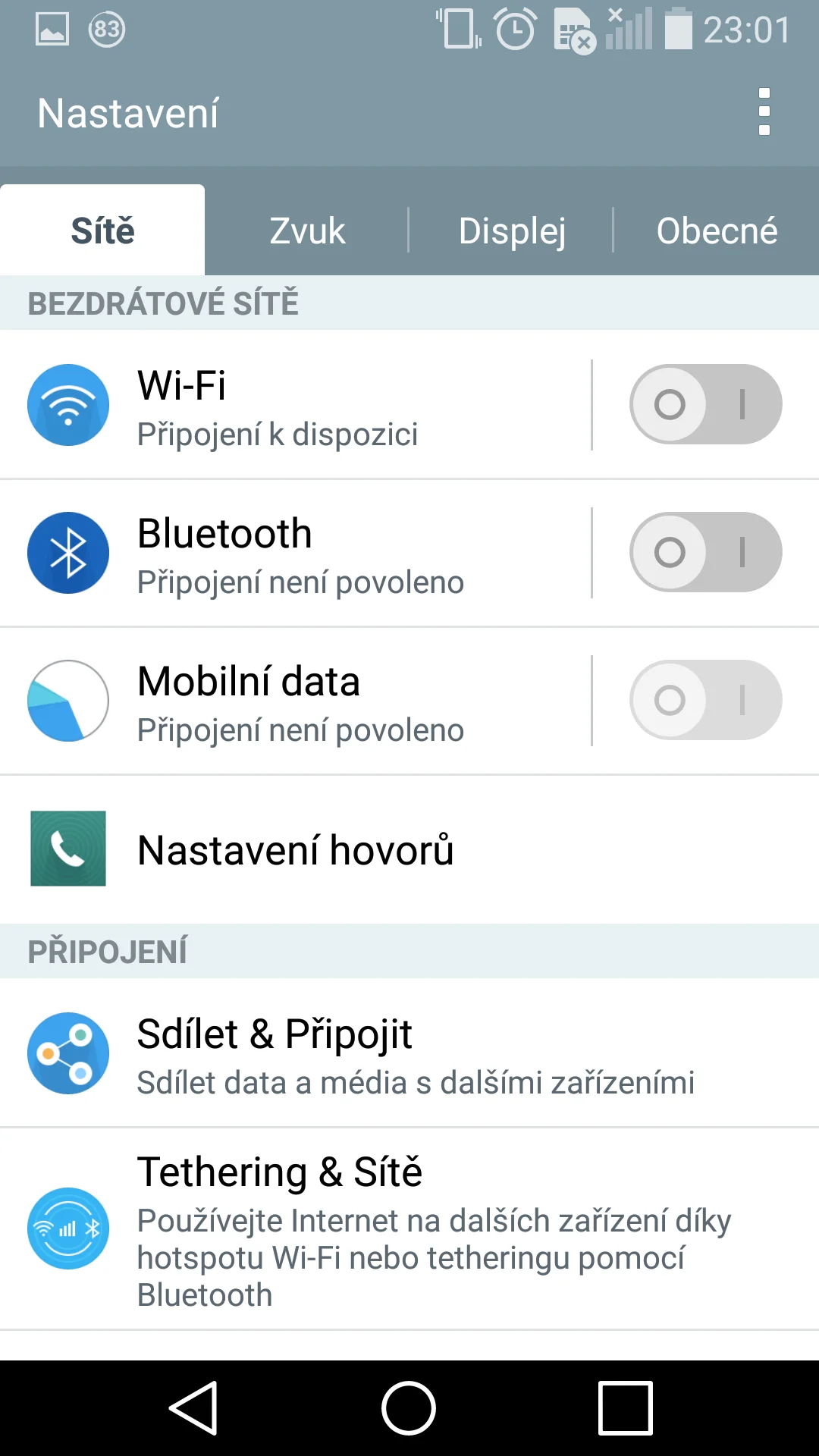
As for the system itself, the controls have been adjusted a bit, and the on-screen buttons are fairly large, so they’re easy to hit. Thankfully, the smooth animations and polished transitions are still here. The rest of the software is very well optimized, and throughout testing I didn’t run into any stutters.
In the screenshots below, you can see what happened when the processor started overheating and a small bug cropped up. Brightness could no longer be raised past a certain limit set by the system because of temperature. This issue showed up pretty often when the processor was under heavier load.
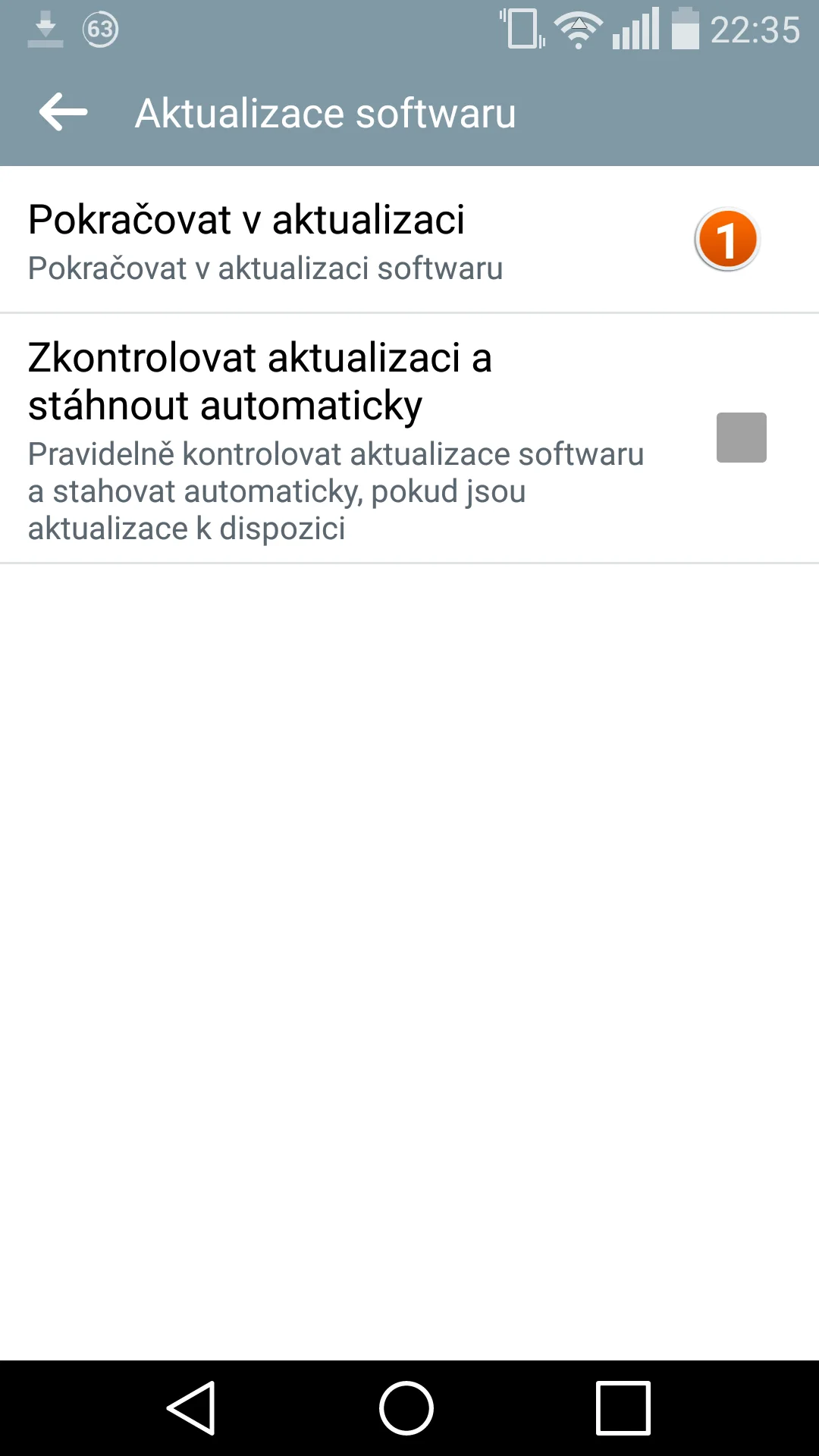
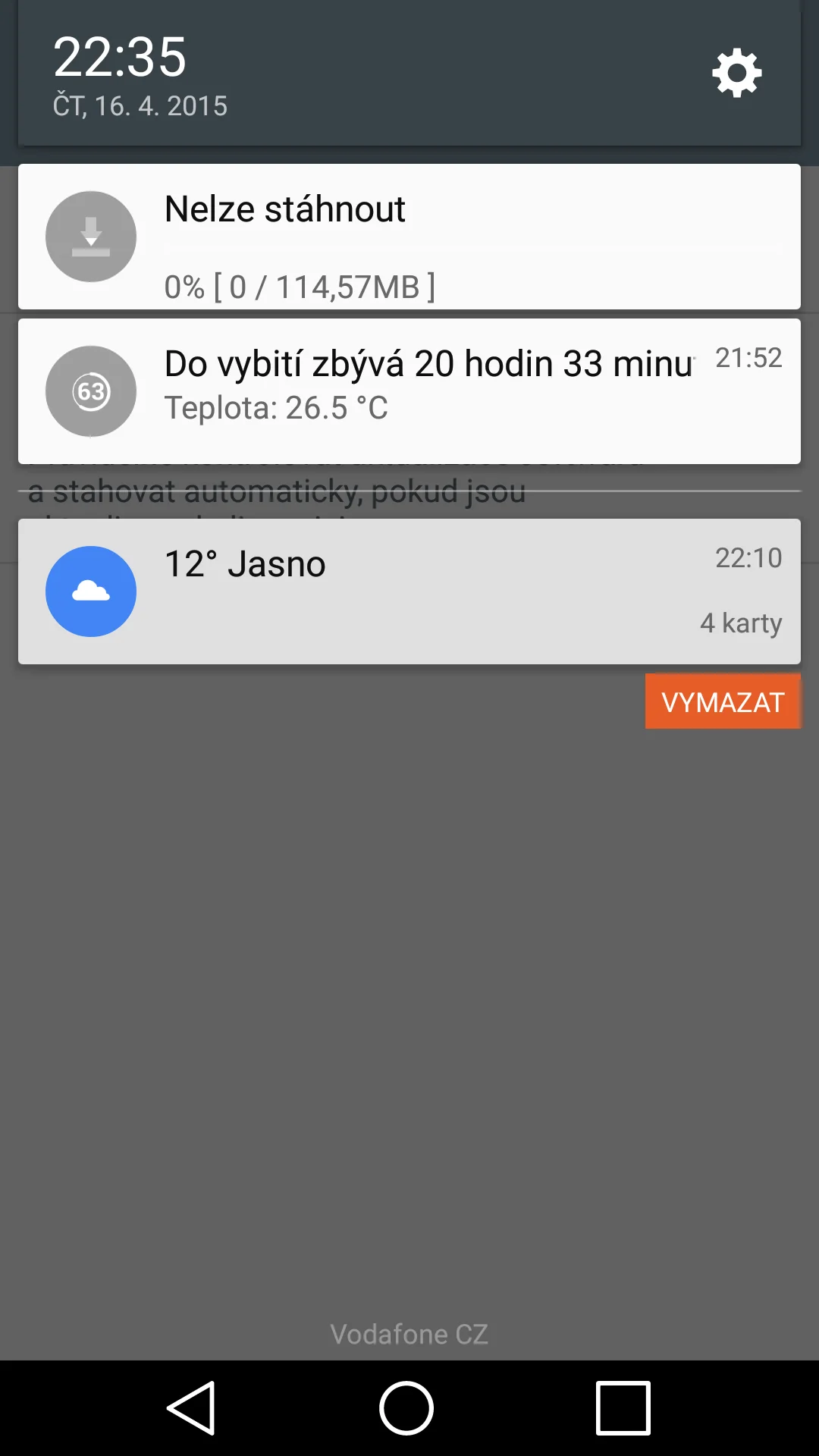
There’s one more issue worth mentioning: system updates. App updates weren’t a problem, but every time I tried to update the system, even when prompted by LG’s own app, the phone failed to connect to the server. An error popped up, the process was canceled, and that was it. It’s entirely possible LG released patches for some of these issues, but I had no way to find out without using methods the manufacturer doesn’t officially support.
Display
The main draw of the LG G Flex 2 is, of course, its curved 5.5-inch Full HD IPS display. Before testing it, I wondered whether the curve would amount to anything more than a gimmick. I was wrong. It feels genuinely different from every flat phone out there, and I got used to it surprisingly quickly.
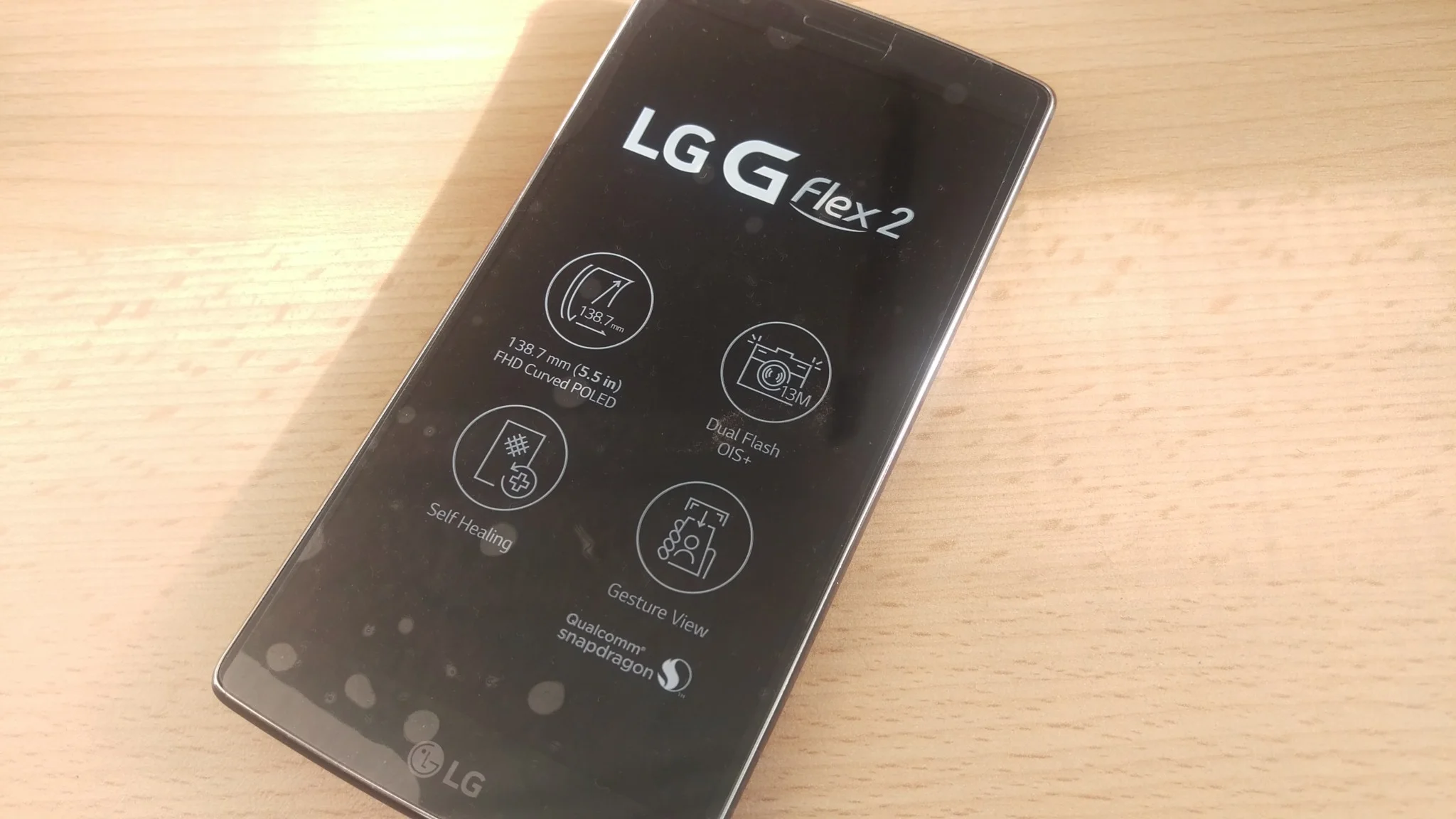
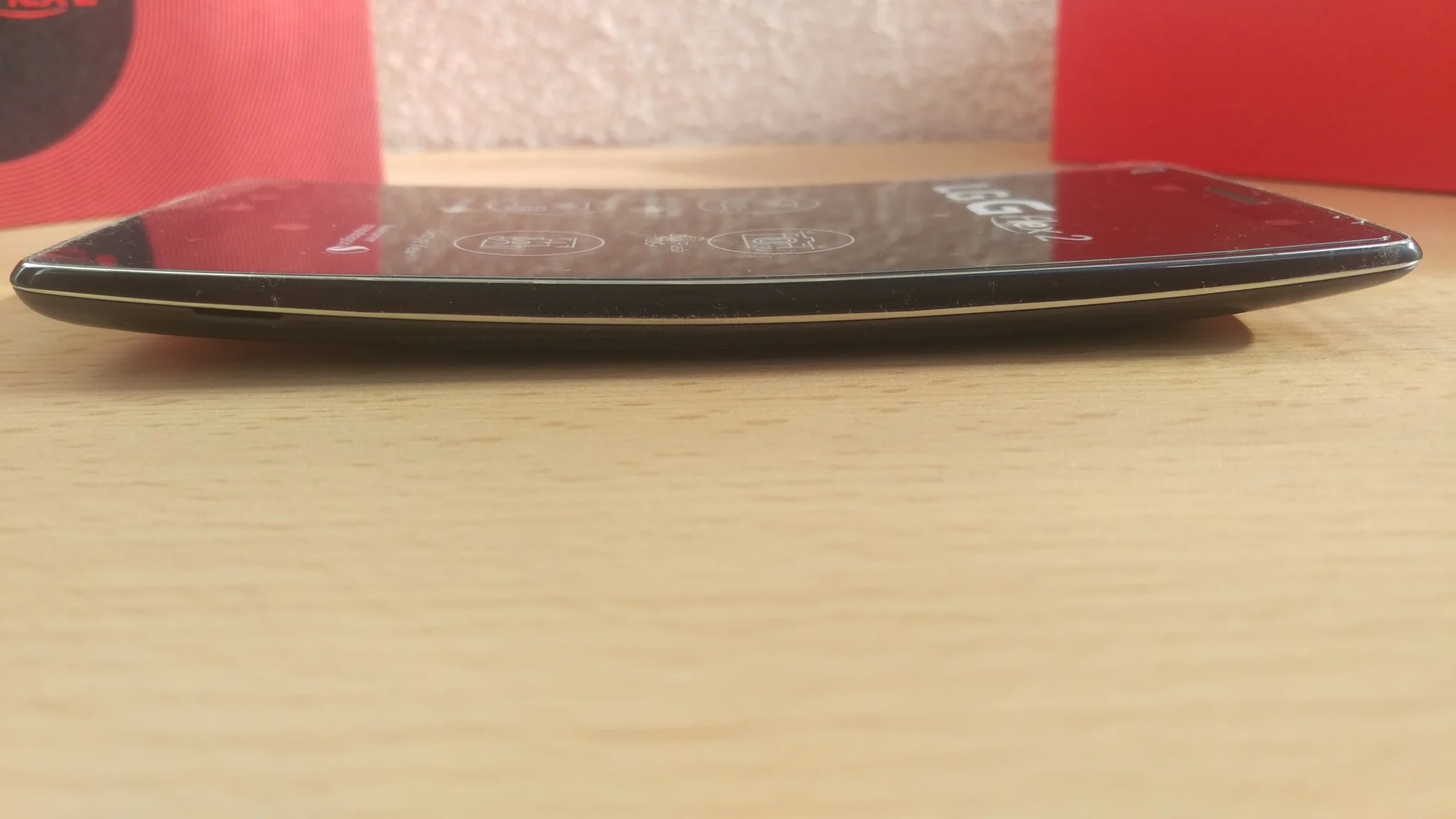
There was also one smaller effect I noticed, even if I can’t really verify it scientifically. During longer stretches of use, the phone felt easier on my eyes than most others. I didn’t get that usual urge to look away for a few minutes after staring at a screen for too long. Watching videos and movies was more pleasant, too.
Camera
At this price, you expect a phone to deliver photos that are a clear step up from the usual. As an amateur photographer, I tend to fill a big chunk of storage with macro shots, so I also spent time with the Manual Camera (in Czech) app. The phone supports it fully, and the RAW files I got out of it were more than solid.
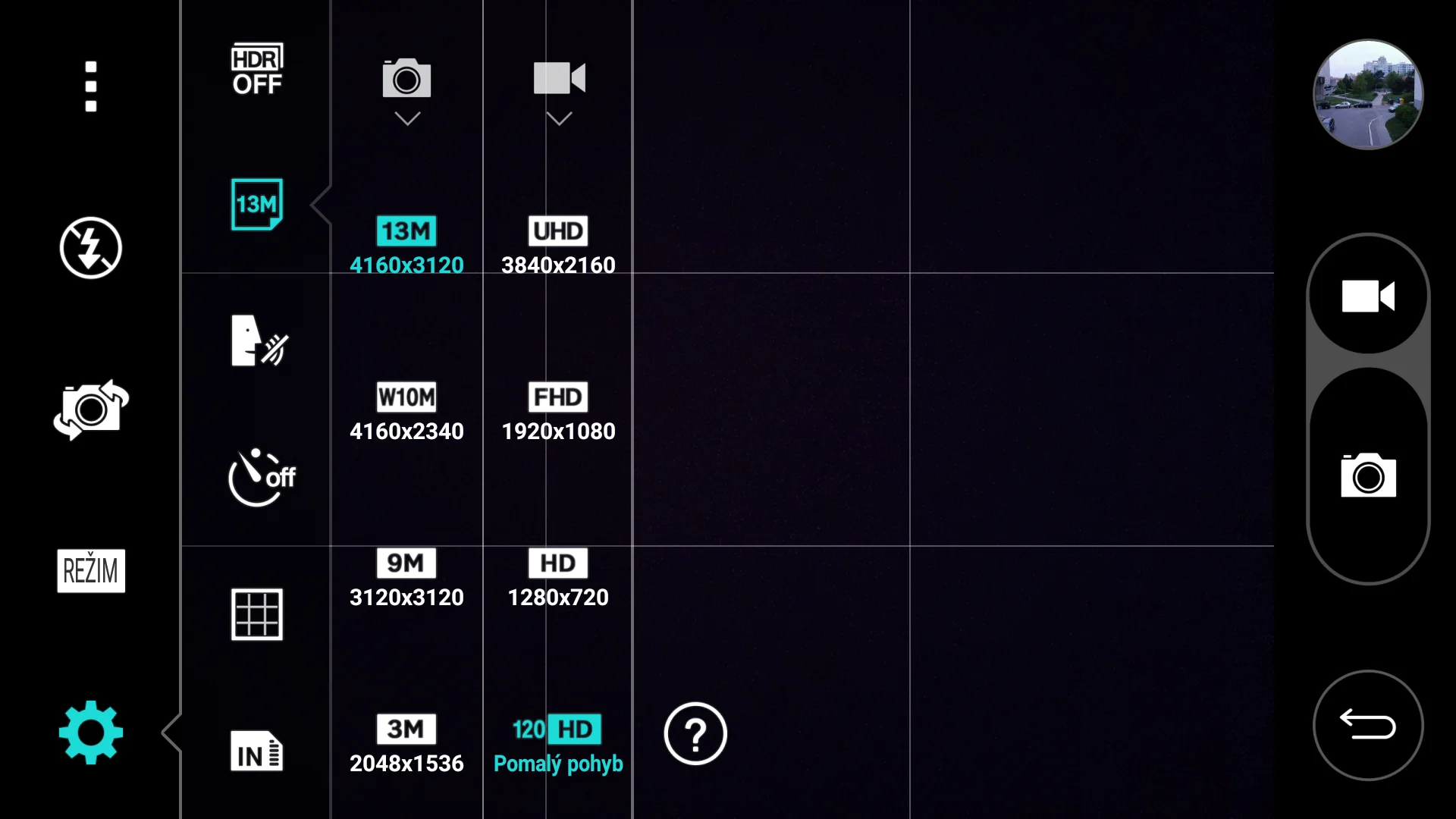
LG’s G Flex 2 packs a dual-LED flash and a 13MP main camera. The Camera app itself hasn’t been heavily reworked, so everything is right where you’d expect it. Image quality is very good, though I would have preferred slightly less saturated colors. Even so, color reproduction overall is strong.
One thing worth calling out is how well it handles light, especially reflections off glossy surfaces and objects. Macro shots of smaller items also come out very well, though I would have liked the option to choose between single-point focus and broader-area focusing. Capture speed is fairly quick, but HDR can sometimes take longer to process a scene.
Focus sample

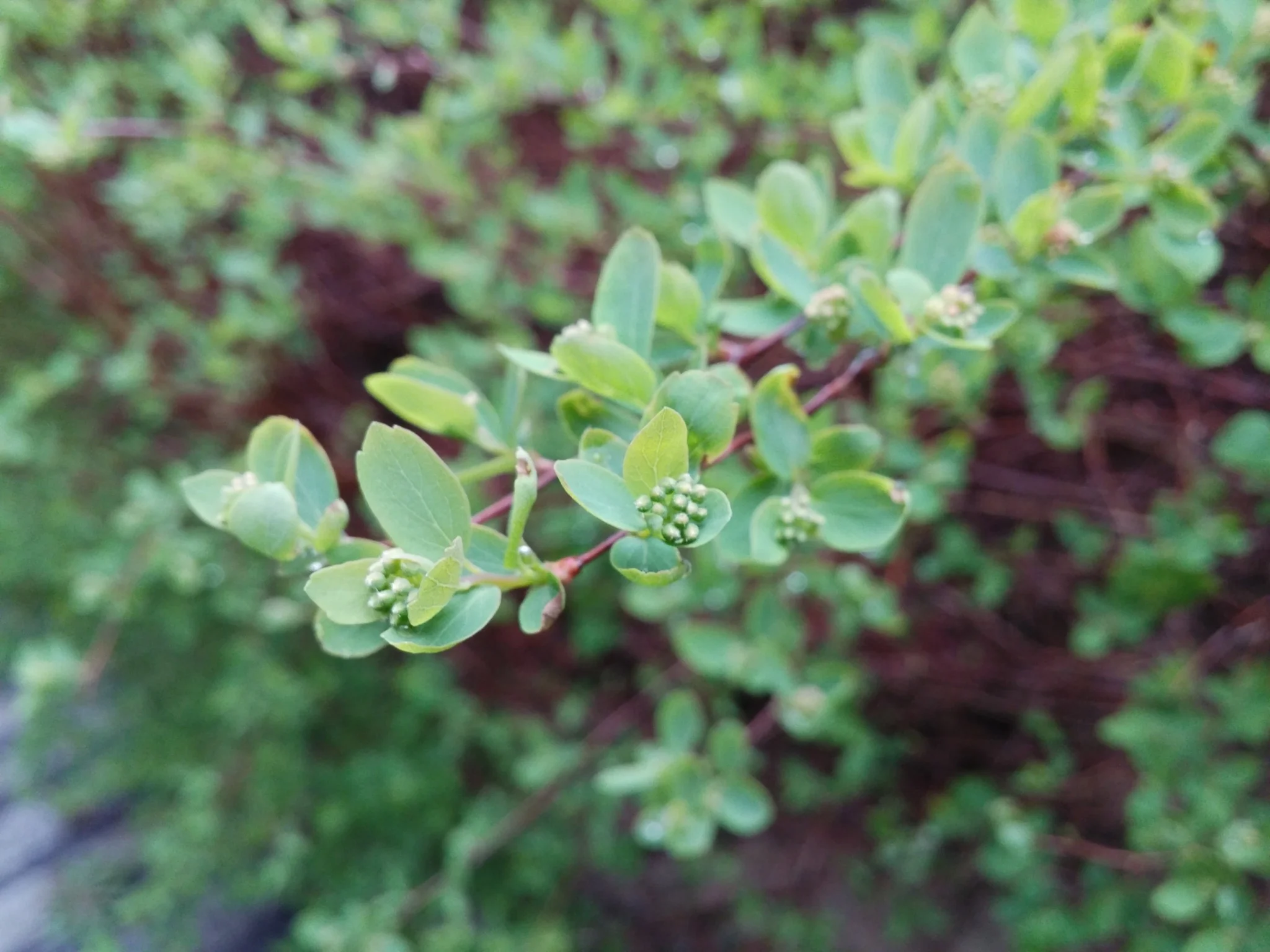

You can find more photos, along with a camera comparison against HTC’s One M9, in this separate article: Camera test: LG G Flex 2 vs. HTC One M9 (in Czech).
Battery life
This is usually the part of a review where you get a bunch of hard numbers. I can offer some here, but I wouldn’t treat them as absolute. Battery life is tied closely to the processor’s behavior, and unfortunately this chip can be unpredictable. The issue is that it can suddenly start overheating even during light use, possibly because of looping processes or some other bug. That has a big impact on endurance.
If everything is behaving normally and you’re a lighter user, meaning you’re not constantly gaming or browsing the web, the device can make it through two days on a charge. Heavier users, and I’d put myself in that group, will need to plug it in every evening.
One more point on that first issue: when the processor decides to act up, it can burn through a surprising amount of battery. So if you notice the charge percentage dropping unusually fast, I’d recommend powering the phone off and letting it cool down. In most cases, the upper-right corner of the display gets very hot.
Final verdict
There’s basically no other phone on the market, aside from its predecessor, with a similarly curved display, so comparing it on that front only goes so far. Still, the screen does its job very well, and LG clearly put real work into it. Color reproduction is excellent, and the same goes for viewing angles. Beyond that, there’s still plenty to evaluate. The processor is very powerful, and you won’t have to worry about whether an app will run. Android 5.0 Lollipop helps here too, along with a system UI that feels well optimized.
The hardware design is successful overall, aside from a somewhat underthought rear cover whose “self-healing” trick doesn’t impress much in practice. The camera is good, though some operations can take too long, especially HDR capture and focusing on close subjects. The biggest drawback, and really the main one, is the processor version LG chose. When it overheats, battery life takes a hit. In typical use, the phone lasts one to two days, depending on how hard you push it and whether the processor decides to misbehave.
In some ways, this phone is genuinely striking. But the small flaws are hard to ignore, and the price doesn’t do it any favors. Compared with other high-profile flagships, it’s still a respectable device, but the curved display alone wouldn’t be enough to sell me on it. If you’re already into LG phones, this is one worth a look. For everyone else, there are competing devices that make a stronger case.


Community Discussion 0 COMMENTS