
Sony has built up a wide hardware portfolio over the years, and when the smartwatch boom kicked off, it wasted no time launching models of its own. The Smartwatch lineup is now three generations deep, and today we’re taking a closer look at the latest one, the Sony Smartwatch 3.
The box contents are sparse, to put it mildly. You get just the watch itself and a very short USB cable. That cable handles charging, something you’ll be doing pretty often, and it can also connect the watch to a PC.
Design and build
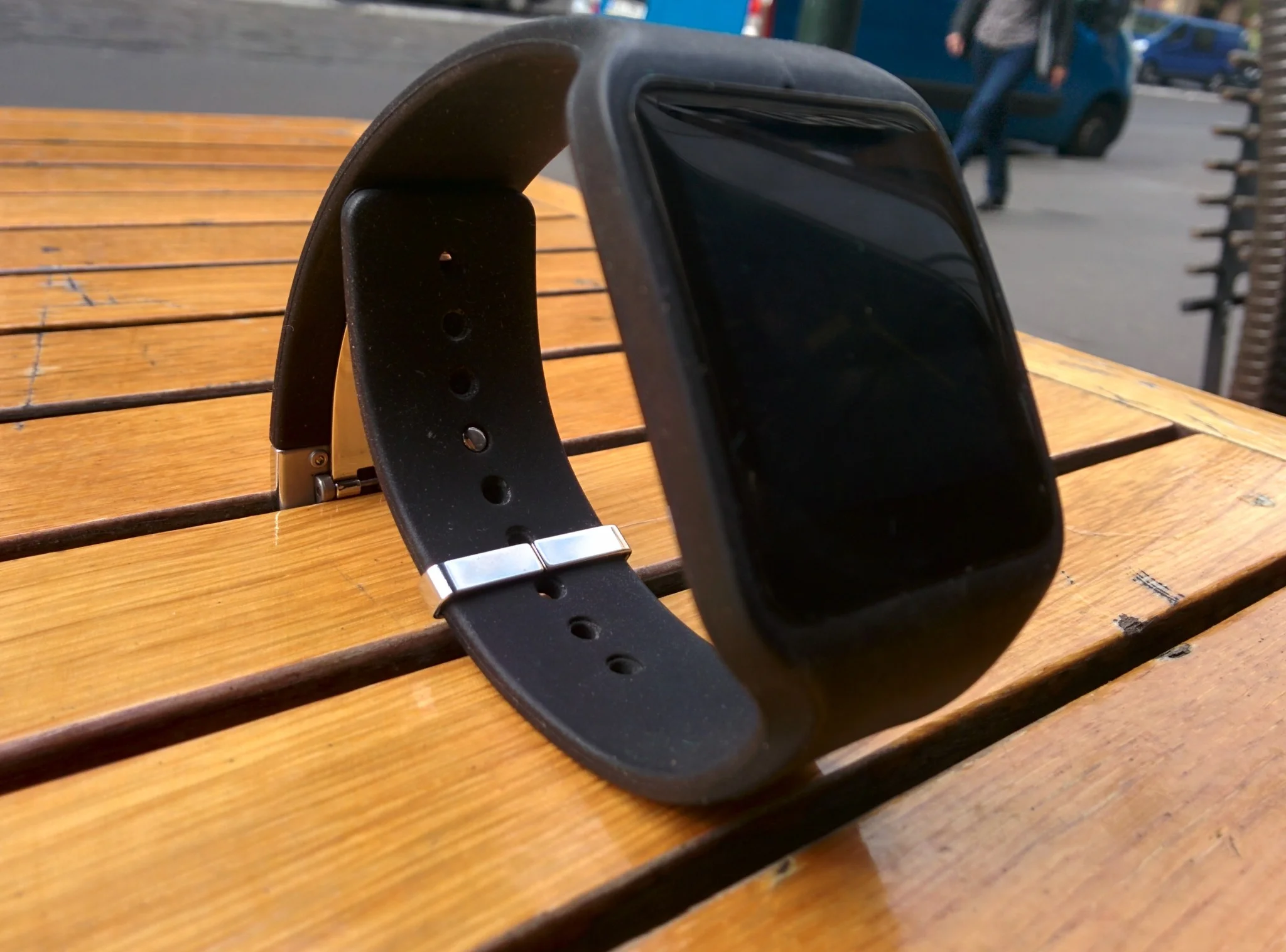
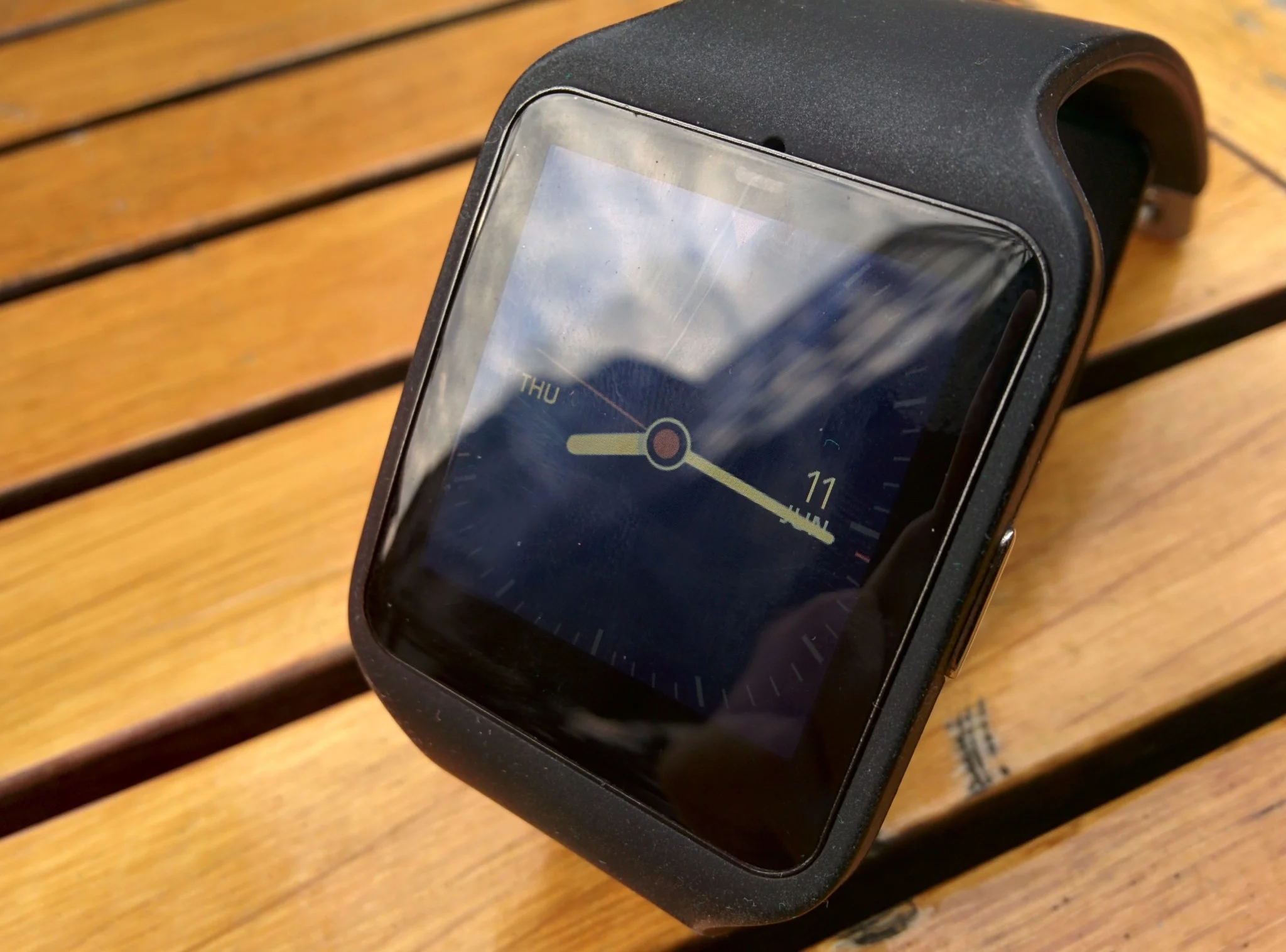
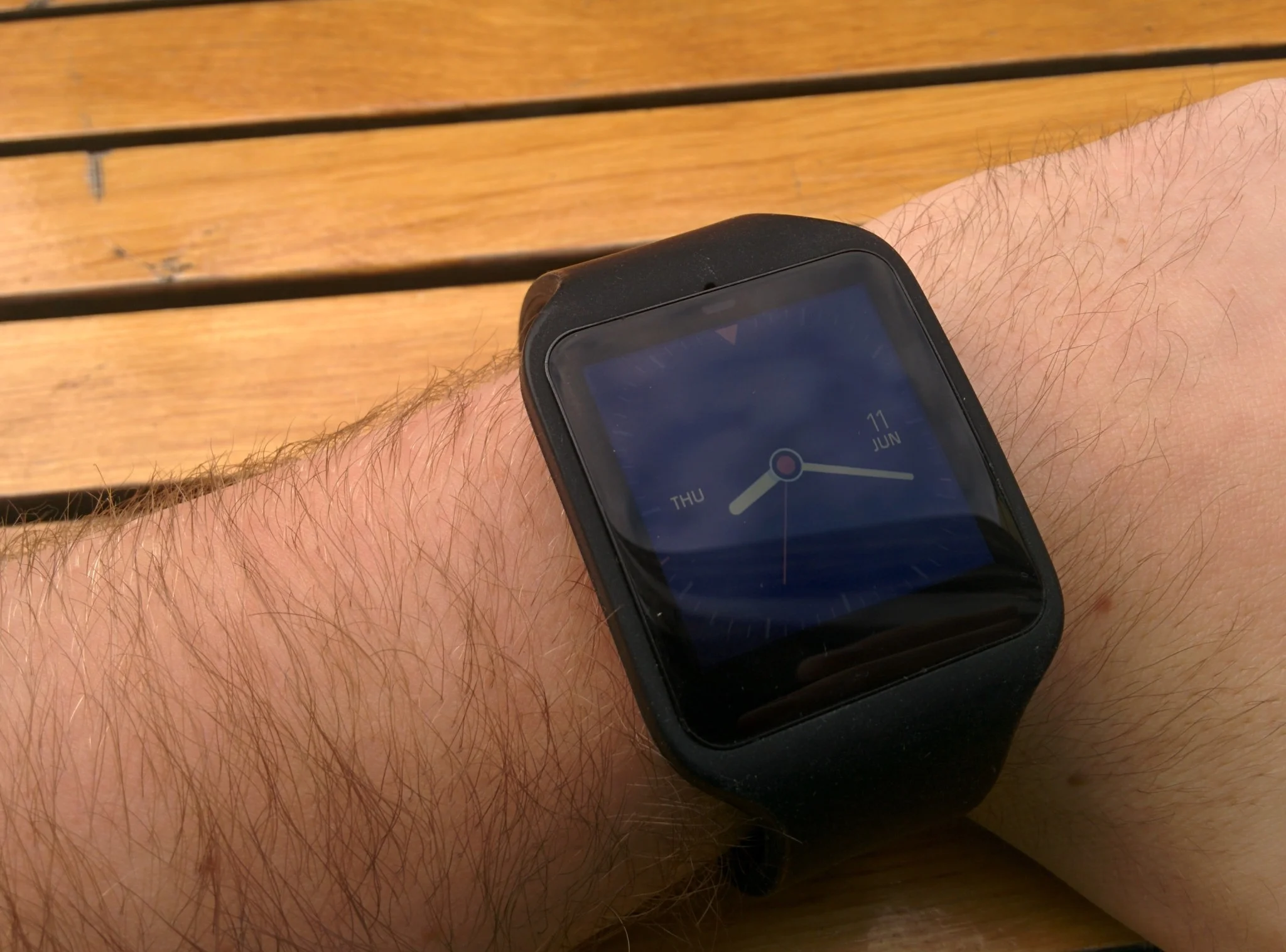
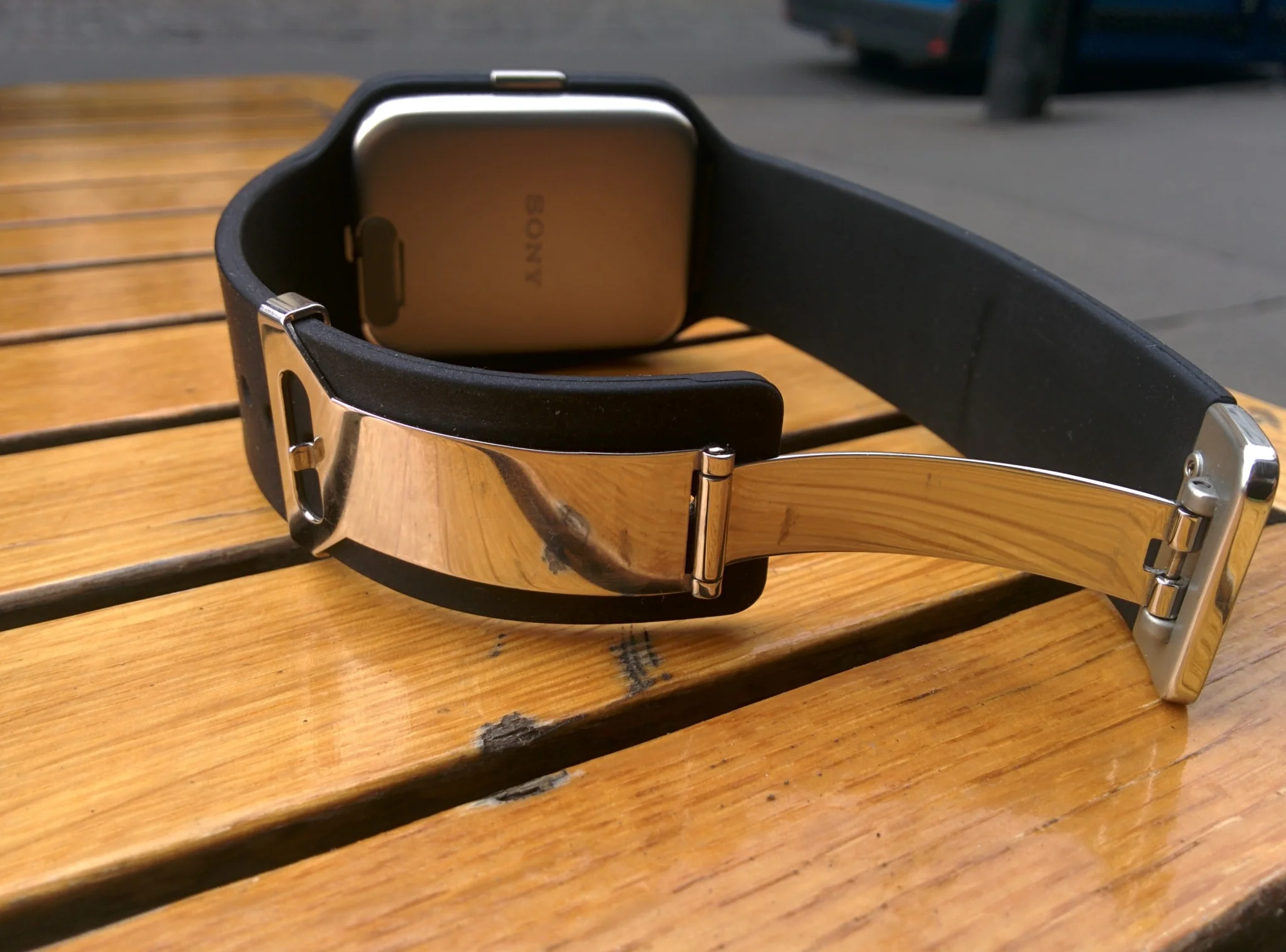
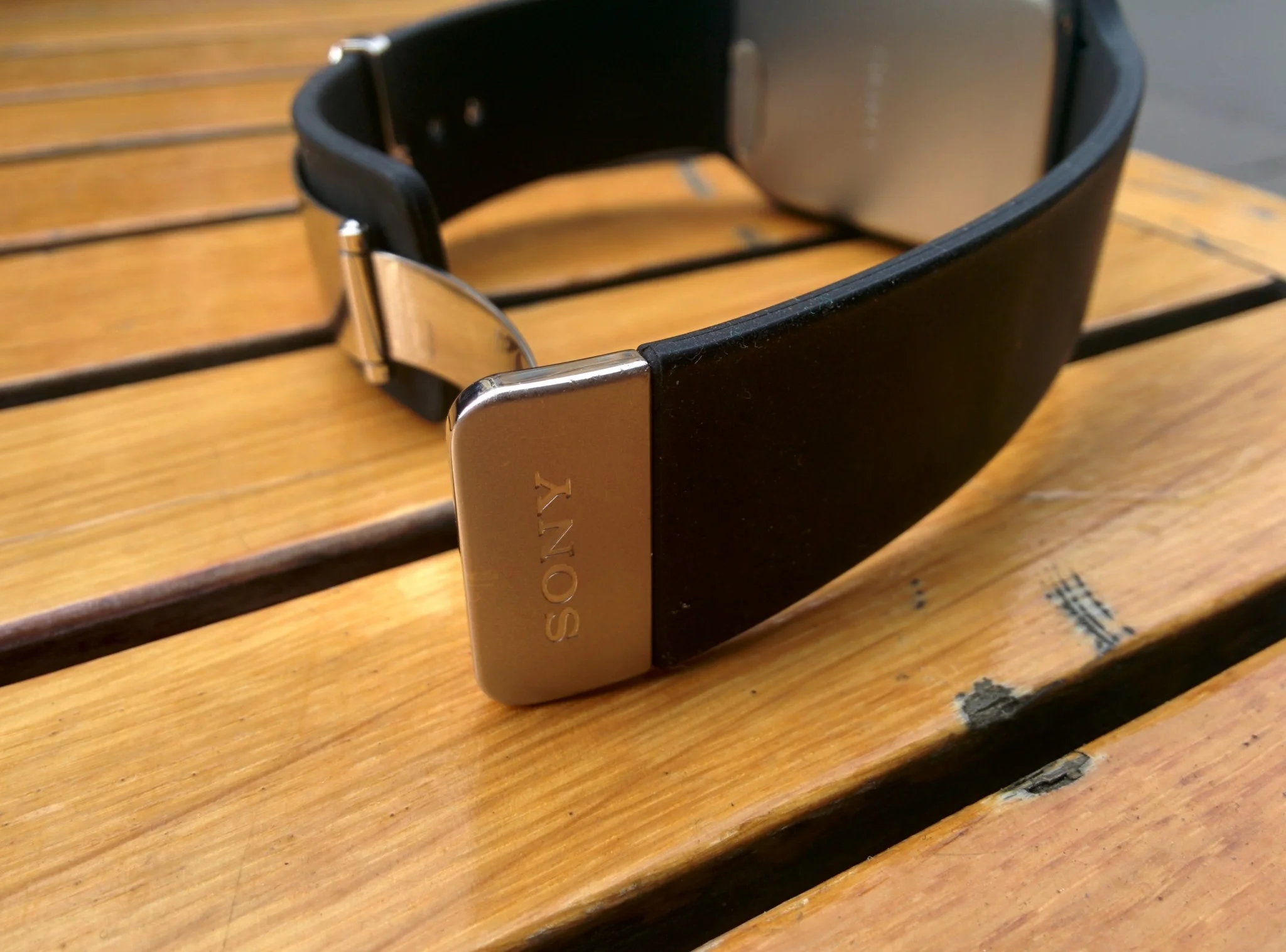
At first glance, the watch looks a little odd. Its squared-off shape, thick bezels, and relatively small display don’t exactly scream user-friendly design. It measures 40 x 55 x 15 mm, and at 45 grams without the strap, it has real heft on the wrist. Still, it’s clear Sony put thought into the construction. The review unit came with a silicone strap, which keeps it from digging into your skin or becoming annoying to wear.
 a0
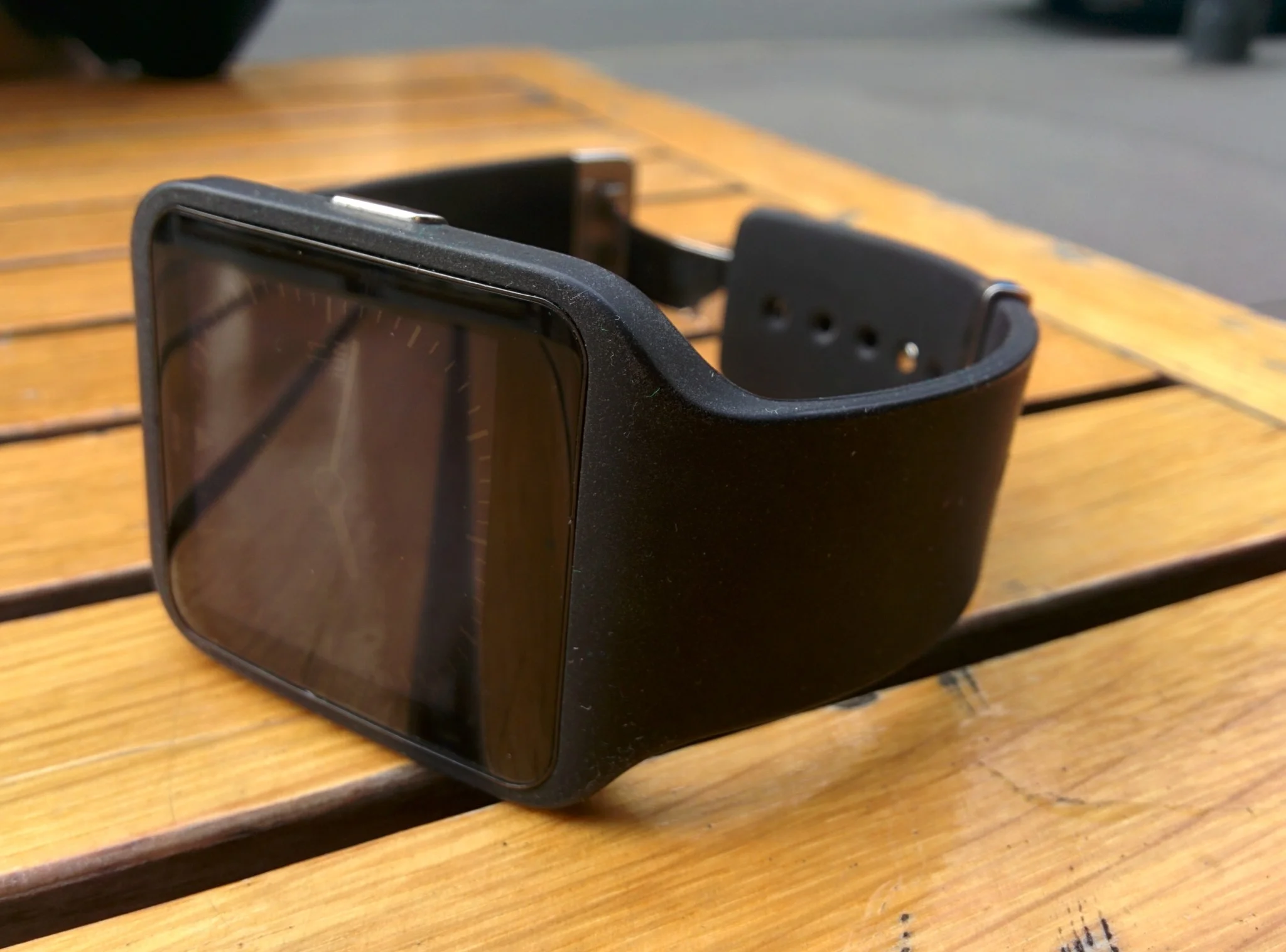
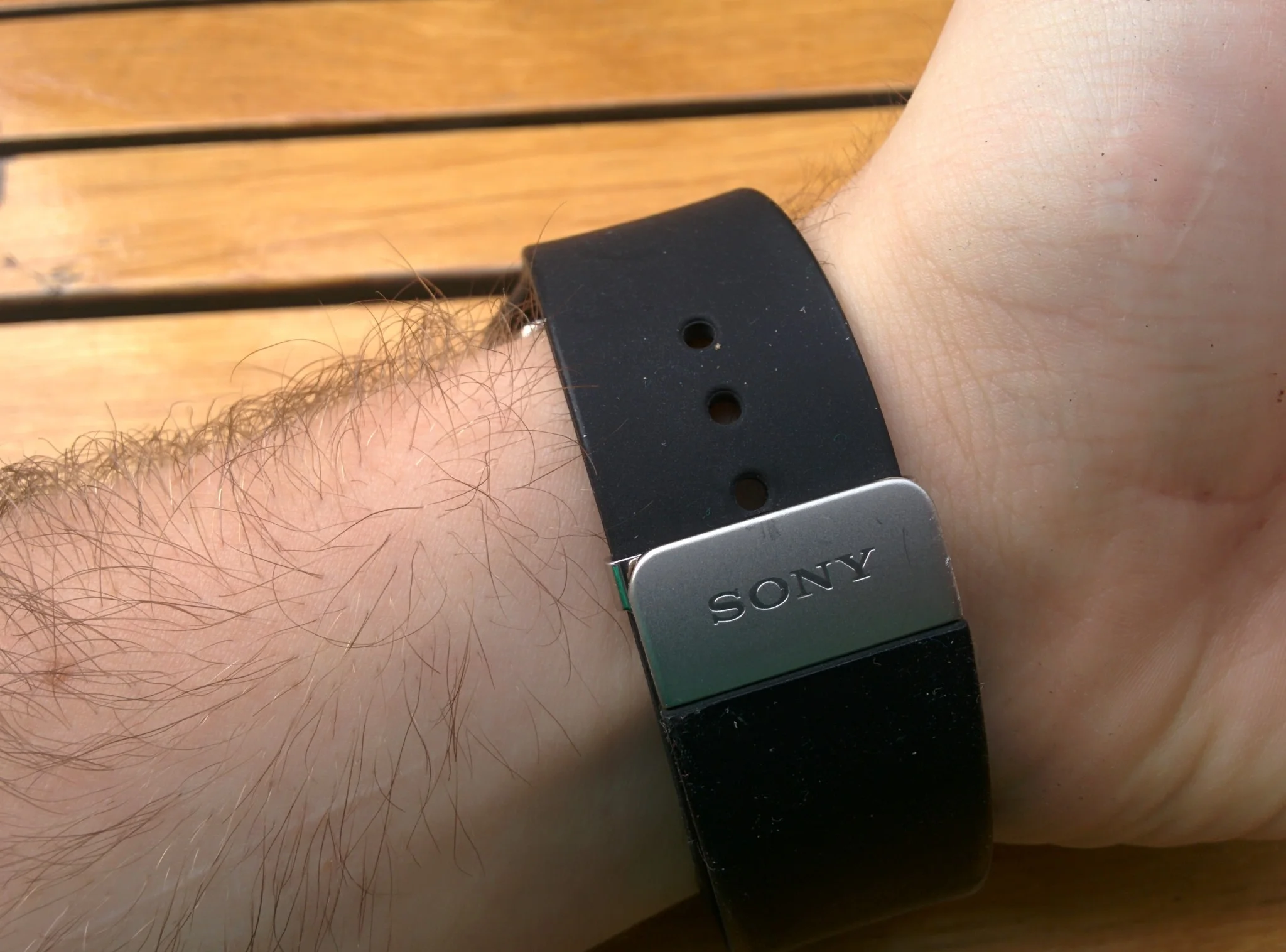
After putting it on for the first time, I had to tighten it a bit more than expected. I was pleasantly surprised to find that the strap can fit both very small and very large wrists thanks to the generous number of adjustment holes. I couldn’t find anyone around me who couldn’t get a workable fit. That said, people with smaller wrists should try it on first, because this is the kind of watch that can slide around more than you’d like.
 a0
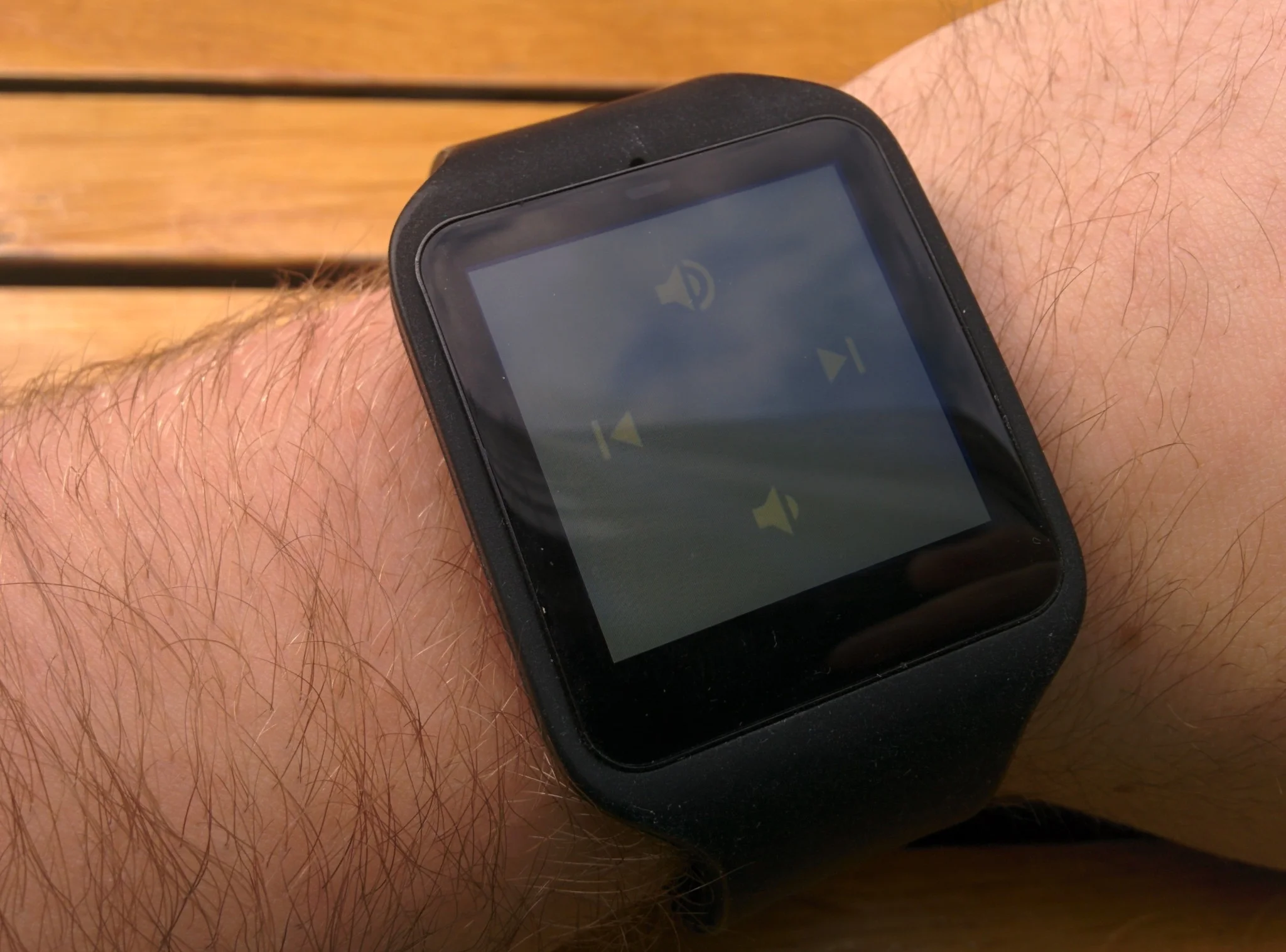
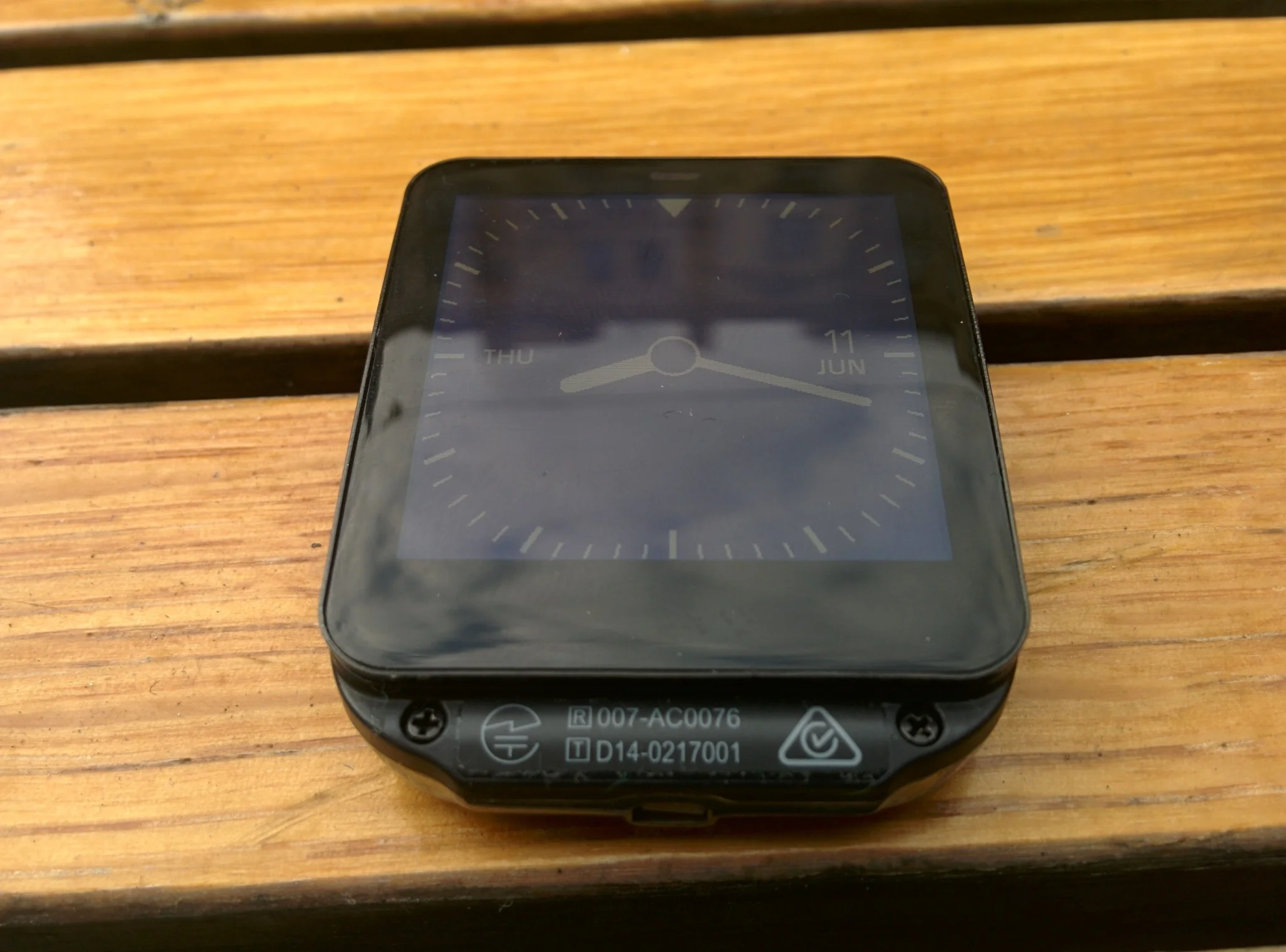
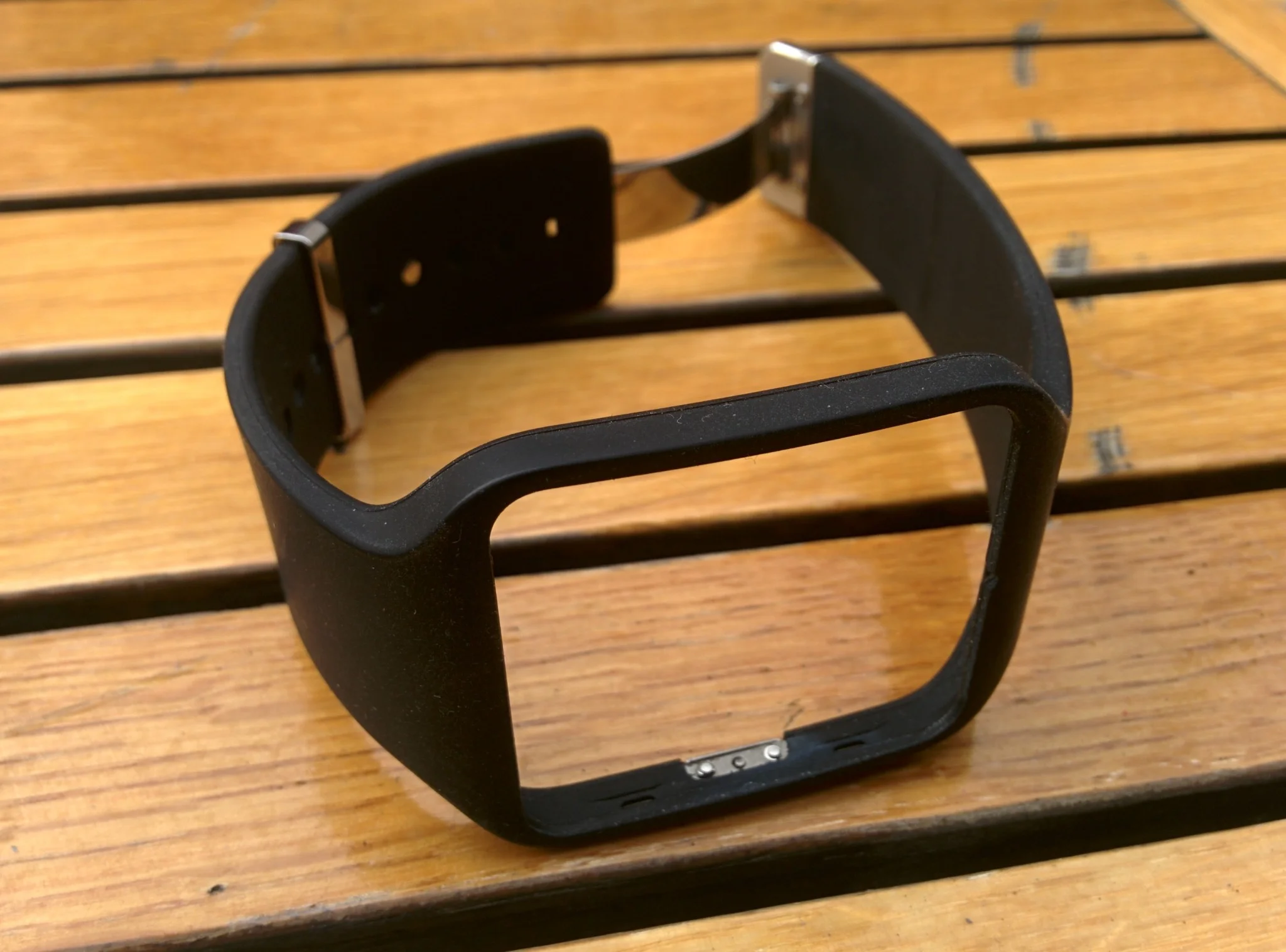
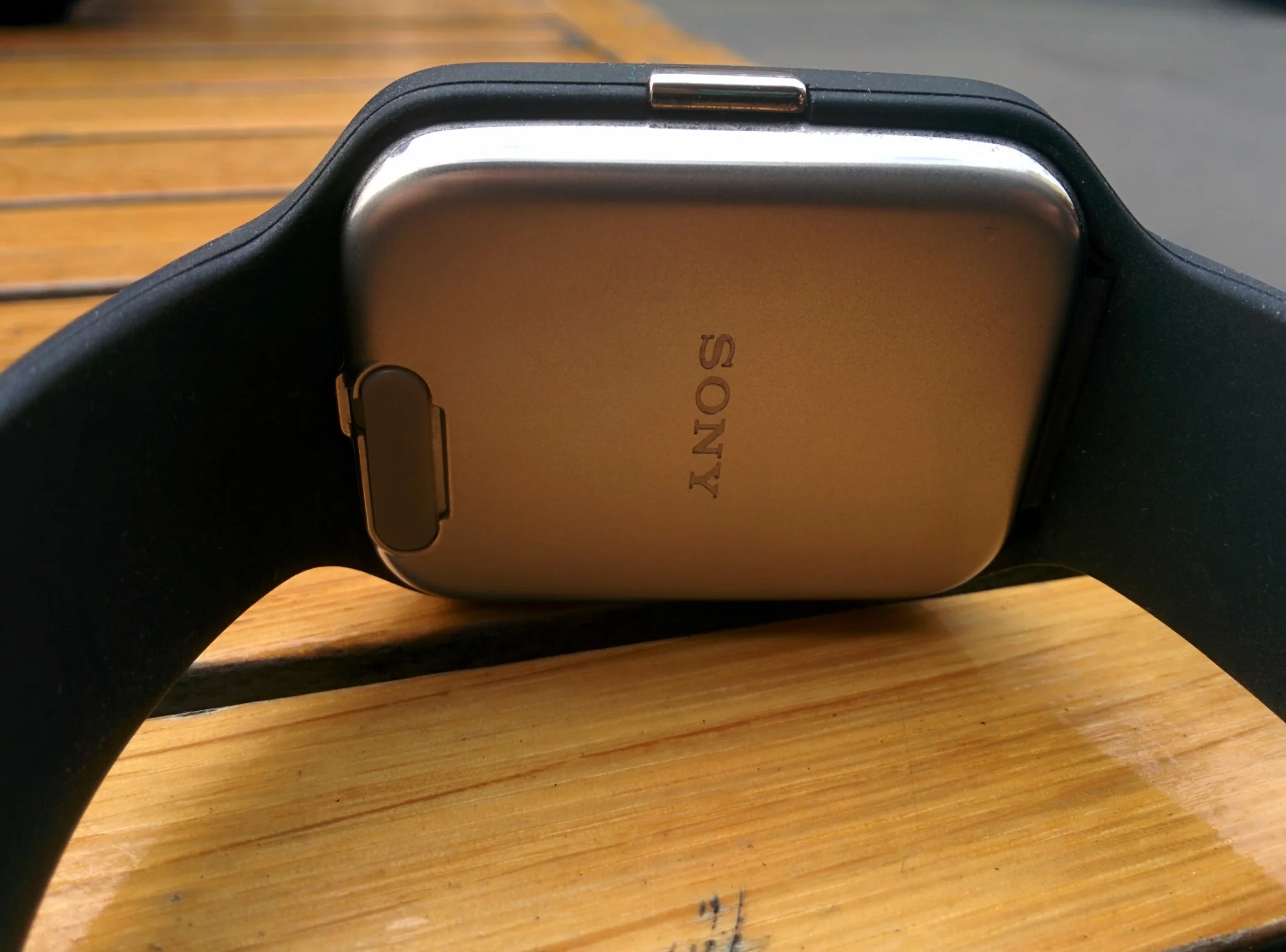
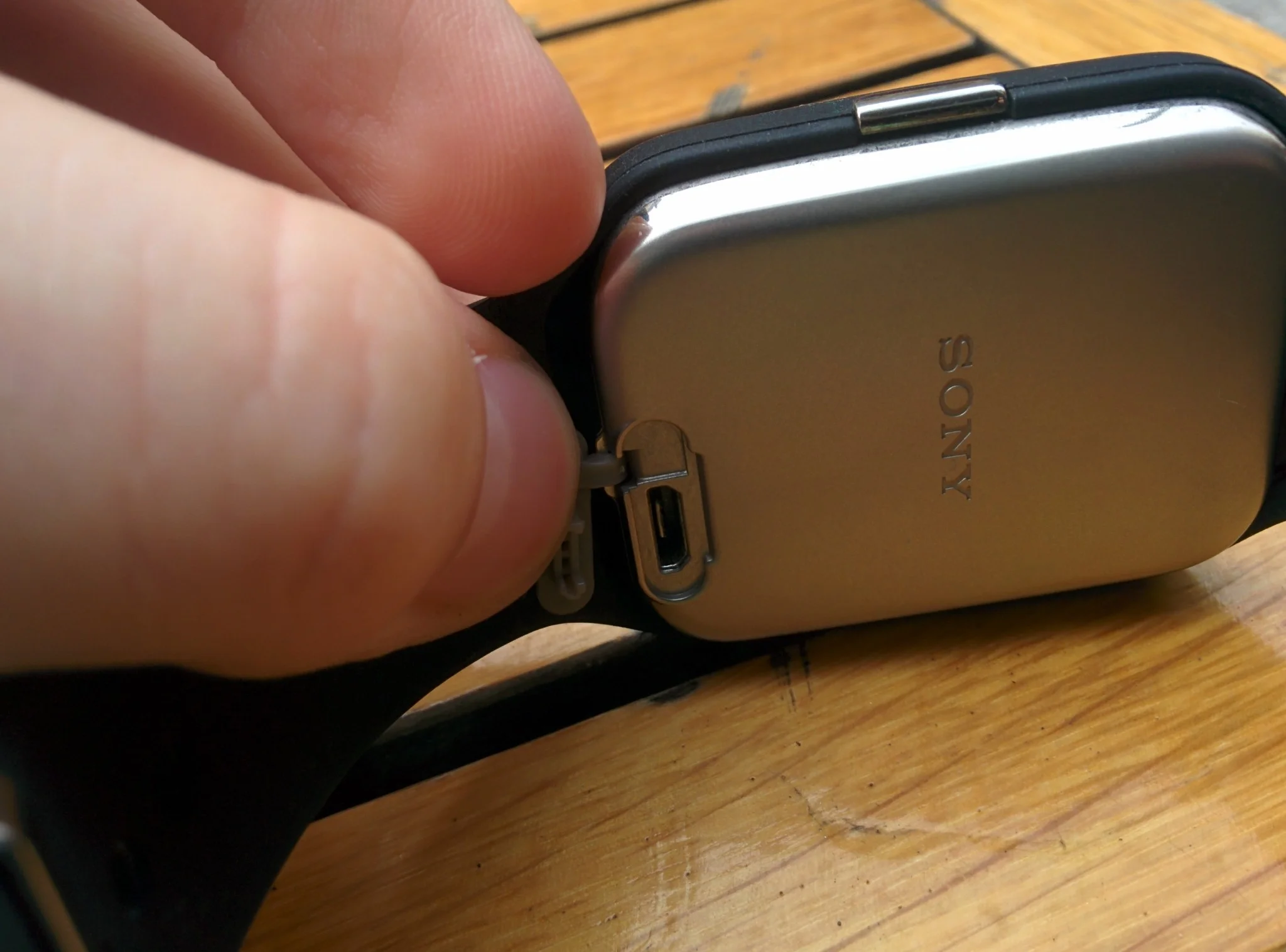
Overall, I’d call the design more than acceptable, though the main body of the watch still needs work visually. Compared with earlier generations, though, Sony has made solid progress. The easily replaceable strap is a big win. The USB connector on the back of the watch is not. Its placement is awkward at best.
Software
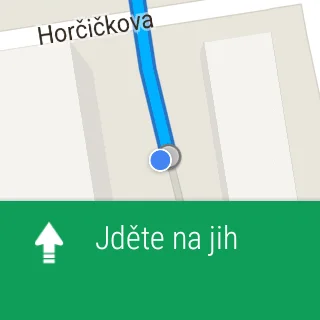
The watch arrived for review running Android Wear 5.0.2. As you’d expect, it was missing a big chunk of the features found in version 5.1.1, and I couldn’t get Google Maps to launch at all. A few days later, though, an update was waiting for me when I woke the watch. It installed in a matter of minutes, and I immediately started digging into the new features.
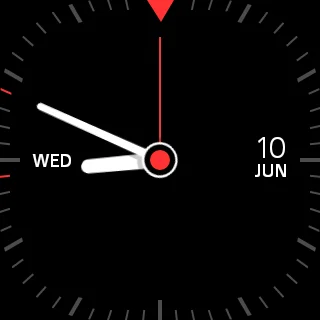
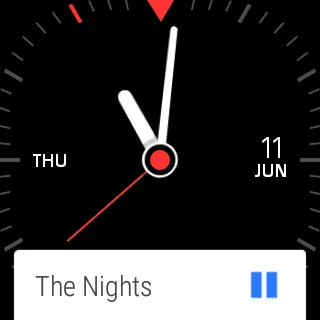
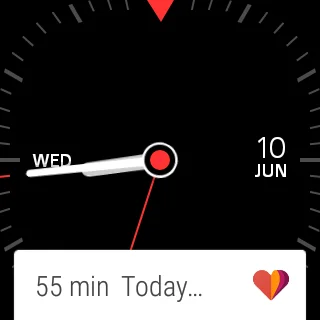
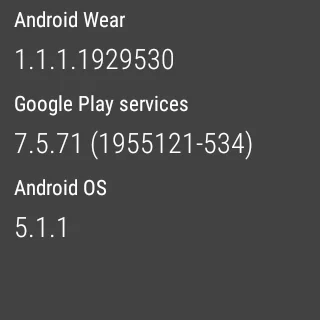
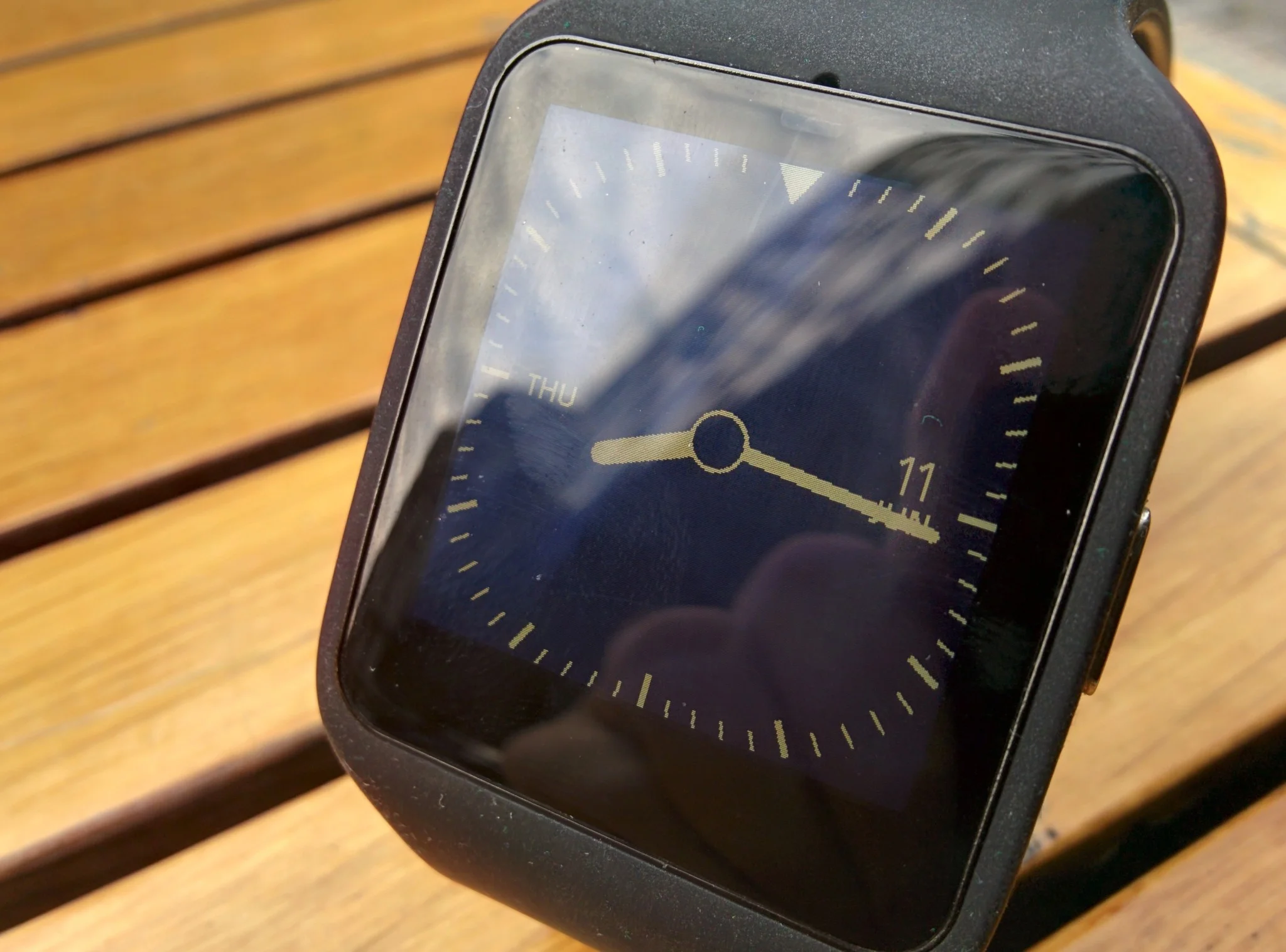
For example, switching watch faces is now easier, and the default designs have a bit more polish. The settings menu also picked up new sections, including gesture controls and Wi-Fi. Just as important, Google Maps finally started working, and I really have no complaints about how it runs here.
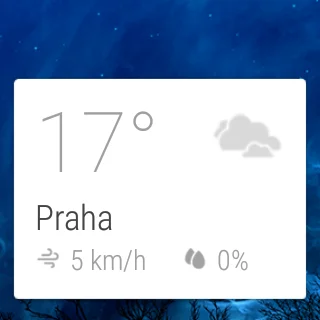
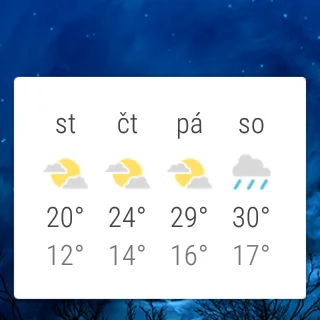
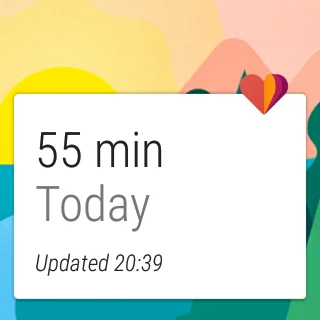
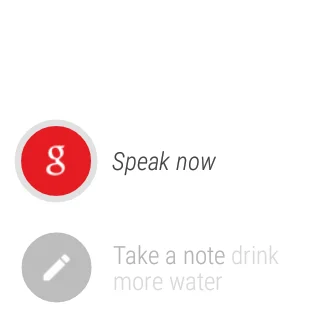
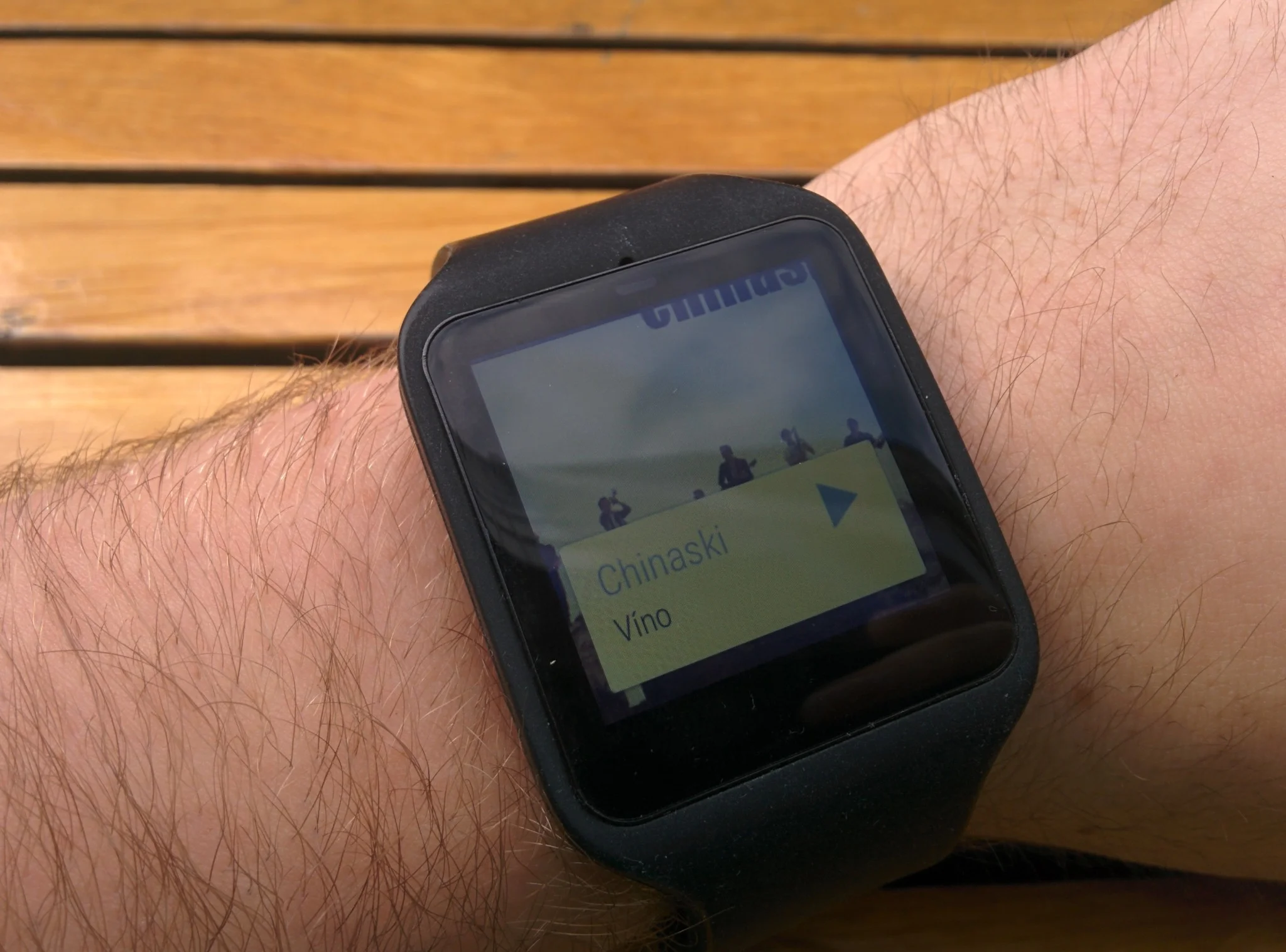
As for the system itself, it’s very well optimized. Android Wear gives the watch plenty to work with, and the Smartwatch 3 tries to take full advantage of it. Google Fit, for instance, shows a healthy amount of data, including steps taken, distance traveled, and calories burned. The one real drawback I found is language support. At this point, broader language support still hadn’t been added, so all voice commands had to be given in English.
Unfortunately, the system language also affects the quick chat replies available on the watch. If you’re messaging someone who doesn’t speak English, or simply doesn’t realize you’re replying from a watch, the result can be a little confusing. That said, the microphone is quite good, and the voice recognition app works extremely well.
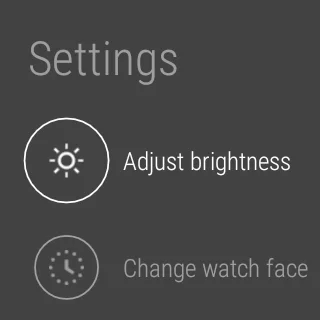
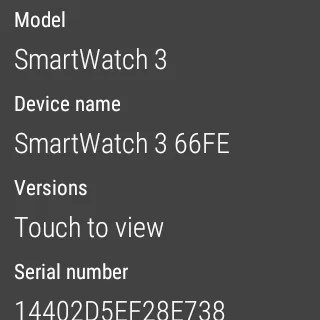
One last thing I missed in the software: expanded gesture support. The added “gesture controls” feature works well enough, but it’s limited to wrist movements, like dismissing or scrolling through notifications with a quick flick. I’d have liked to see gestures directly on the display too, where drawing a circle, square, or triangle could launch a specific app.
Hardware
The Smartwatch 3 doesn’t pack the latest powerhouse processor or a huge amount of RAM, but it doesn’t need either. The main attraction is its 1.6-inch transflective LCD with a 320 x 320 resolution, with the rest of the hardware tucked underneath. At the center is a 1.2 GHz ARM A7 processor, paired with 512 MB of internal memory, which does the job just fine.
Users also get 4 GB of internal storage for saving some data, such as music. Unfortunately, the watch doesn’t include a heart rate sensor. Instead, you get a motion sensor, digital compass, gyroscope, ambient light sensor, and proximity sensor. The feature list isn’t especially long, but it should be enough for most people: Bluetooth 4.0, GPS, a touchscreen, and NFC. The watch is also rated IP68.
What about overheating? You can’t completely avoid that issue here, either. While charging or using more demanding features and apps, the metal underside gets warm, and that’s not especially pleasant on the wrist.
Display
The display isn’t the biggest, and the bezels around it aren’t the thinnest, but for everyday use it gets the job done. Unfortunately, this is also where one major problem shows up: too much light. The backlight often isn’t strong enough, and you really have to strain just to read the time. In direct sunlight, the watch is close to unusable. The touch layer, on the other hand, works very well and picks up even the slightest tap.
Battery life
This is the hottest part of the review, and for good reason. Plenty of people complain that smartwatches don’t last very long, and I can’t disagree. Battery life is poor, and there’s not much else to say about the 420 mAh battery. So what does the Smartwatch 3 actually deliver in real-world use? With my typical usage, it lasted less than a full day. If I cut back a bit, I could make it home with 3 to 7 percent left.
Of course, if you turn off Wi-Fi, don’t connect the watch to your phone over Bluetooth, and disable gesture controls, you can stretch a charge to roughly two days. But at that point, calling it a smartwatch starts to feel generous. With lighter use, getting through a full day is easy enough, but only if you’re willing to give up some of its features.
Verdict
I can’t make a fully objective comparison between the SmartWatch 3 and its rivals, since this was the first smartwatch I’ve spent real time with. Even so, I can say with confidence that a watch in this price range should offer more polish and more features than Sony delivers here. Better battery life would help. So would fixing the overheating. And then there’s the awkwardly placed charging connector and the display’s underwhelming look.
As a work companion, the watch does a solid job, and if Sony irons out the smaller issues, I’d seriously consider the next model. Bottom line: the SmartWatch 3 is a fairly capable smartwatch, but Sony needs to put in more work on the follow-up.

Community Discussion 0 COMMENTS