
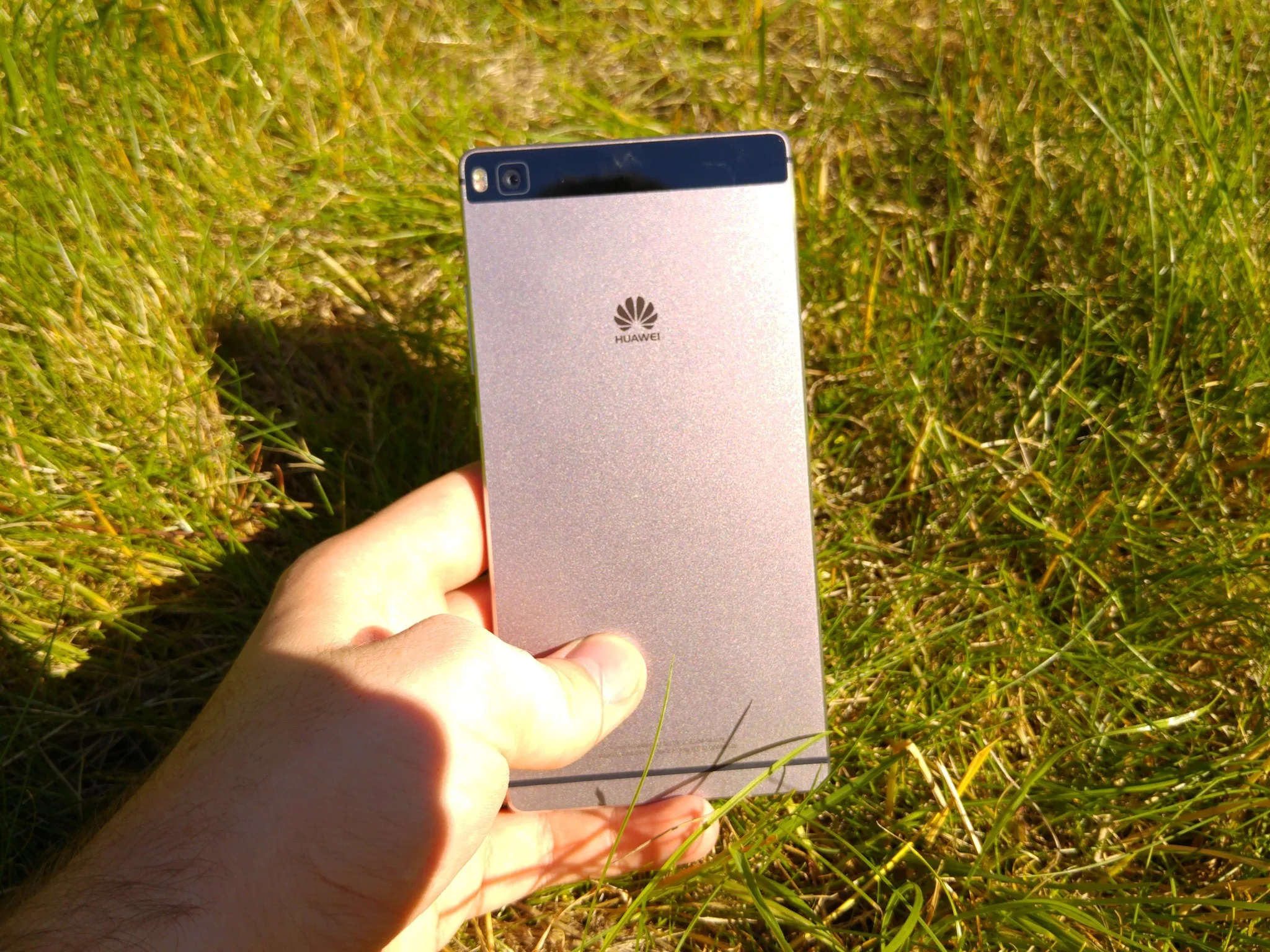
Huawei made a big push around its P8 flagship, pitching it on a feature-packed camera, a durable metal body, a powerful processor, and one of the newest Android versions available at the time, Android Lollipop.
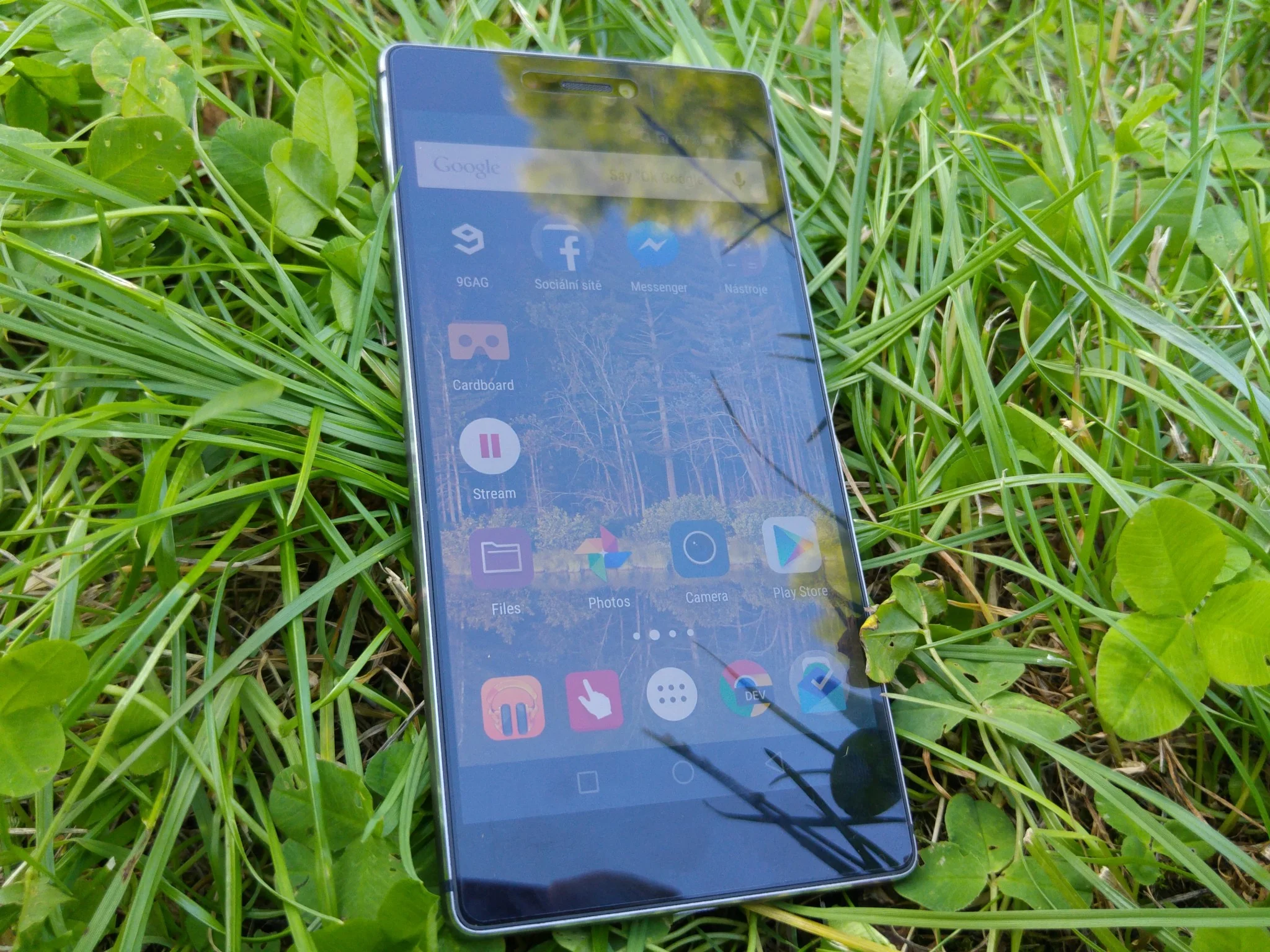
Inside the box, you get the usual bundle: a USB cable, power adapter, headphones, documentation, and the SIM eject tool.
Design
More than ever, big phone makers have been leaning into safe, familiar design. That usually means a new flagship looks almost identical to the one before it, with only a few elements added or removed. The P8 learned a bit from its predecessor, but if both phones are in the same color, you would have a hard time telling them apart from a distance.
Up close, though, and especially in the hand, the differences are easier to spot. That works in Huawei’s favor. The new model is fully metal, and you notice it the second you pick it up. It feels more balanced, too. Still, don’t expect a dramatic redesign. Huawei clearly played it safe here.
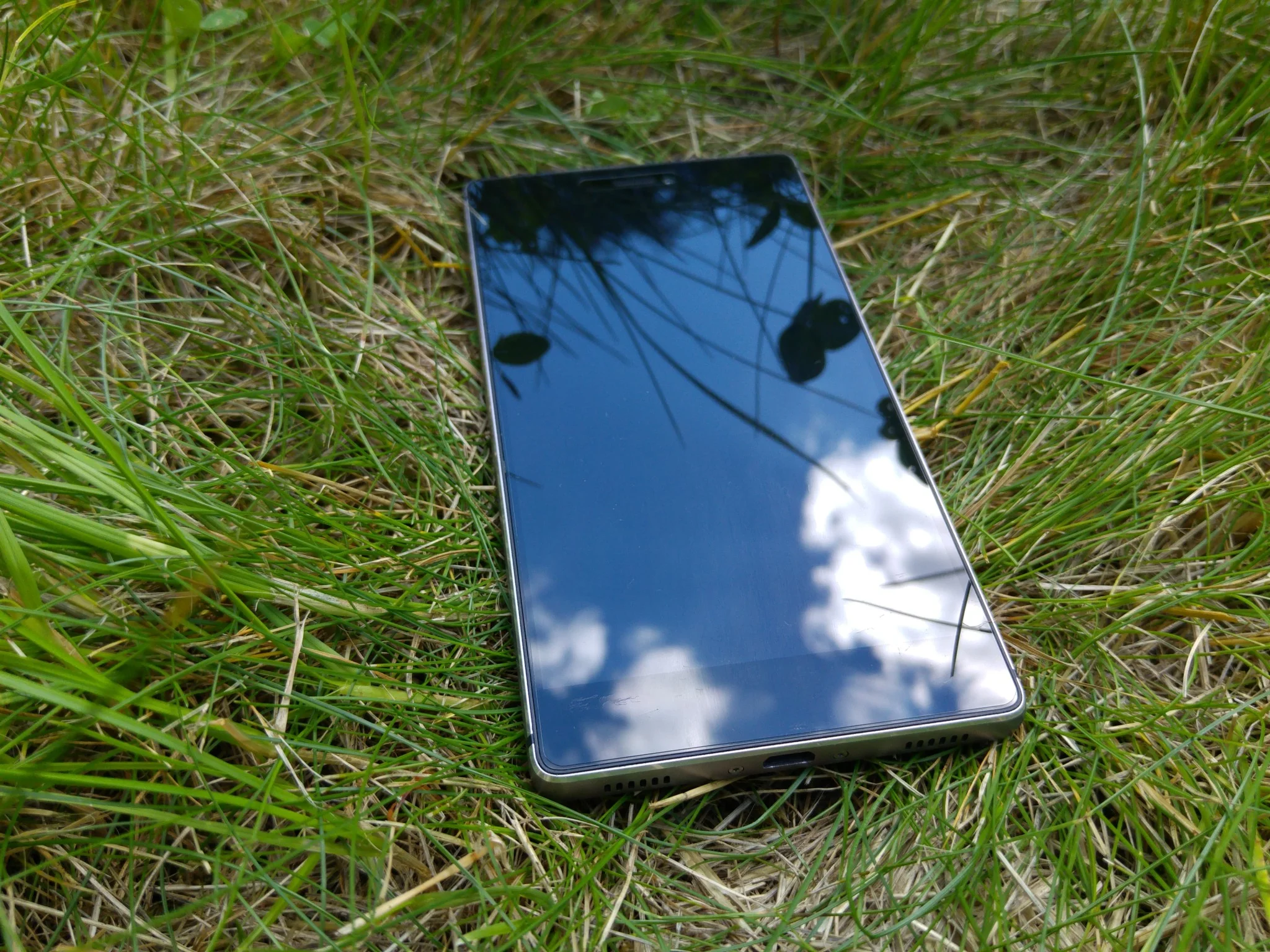
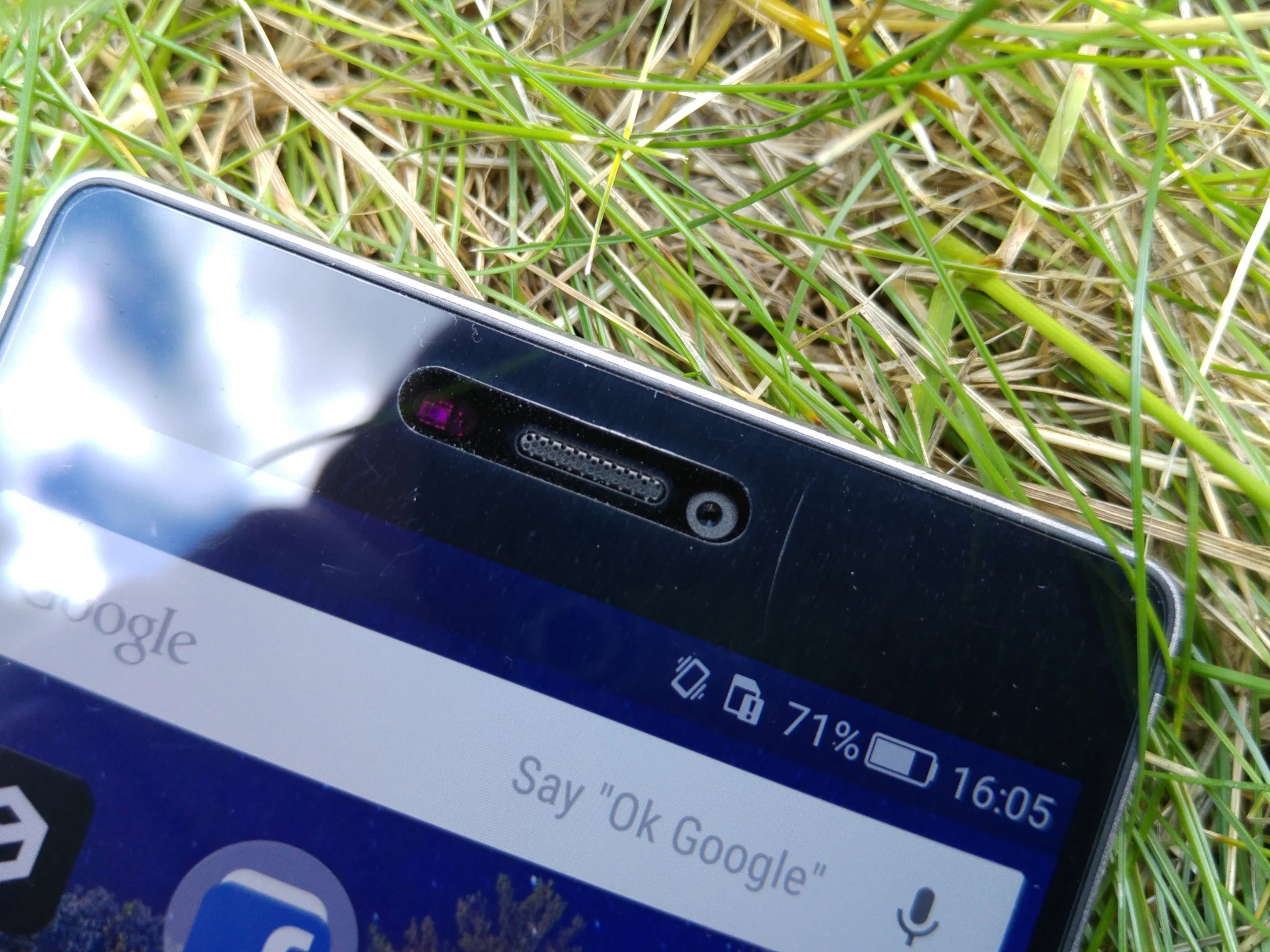
On the front, there’s a large 5.2-inch display with Full HD resolution, an 8-megapixel front-facing camera, a small earpiece beside it, and the usual sensors. To keep the design visually balanced, Huawei left a large strip below the display that mirrors the size of the top bezel.
The edges are slightly rounded, so the phone doesn’t dig into your fingers or palm. The sides pack in pretty much everything you would expect from a high-end phone, especially now that removable back covers have largely fallen out of favor. Up top, there’s a 3.5mm headphone jack. On the right side, you get trays for either two nano SIM cards or one nano SIM and one microSD card.
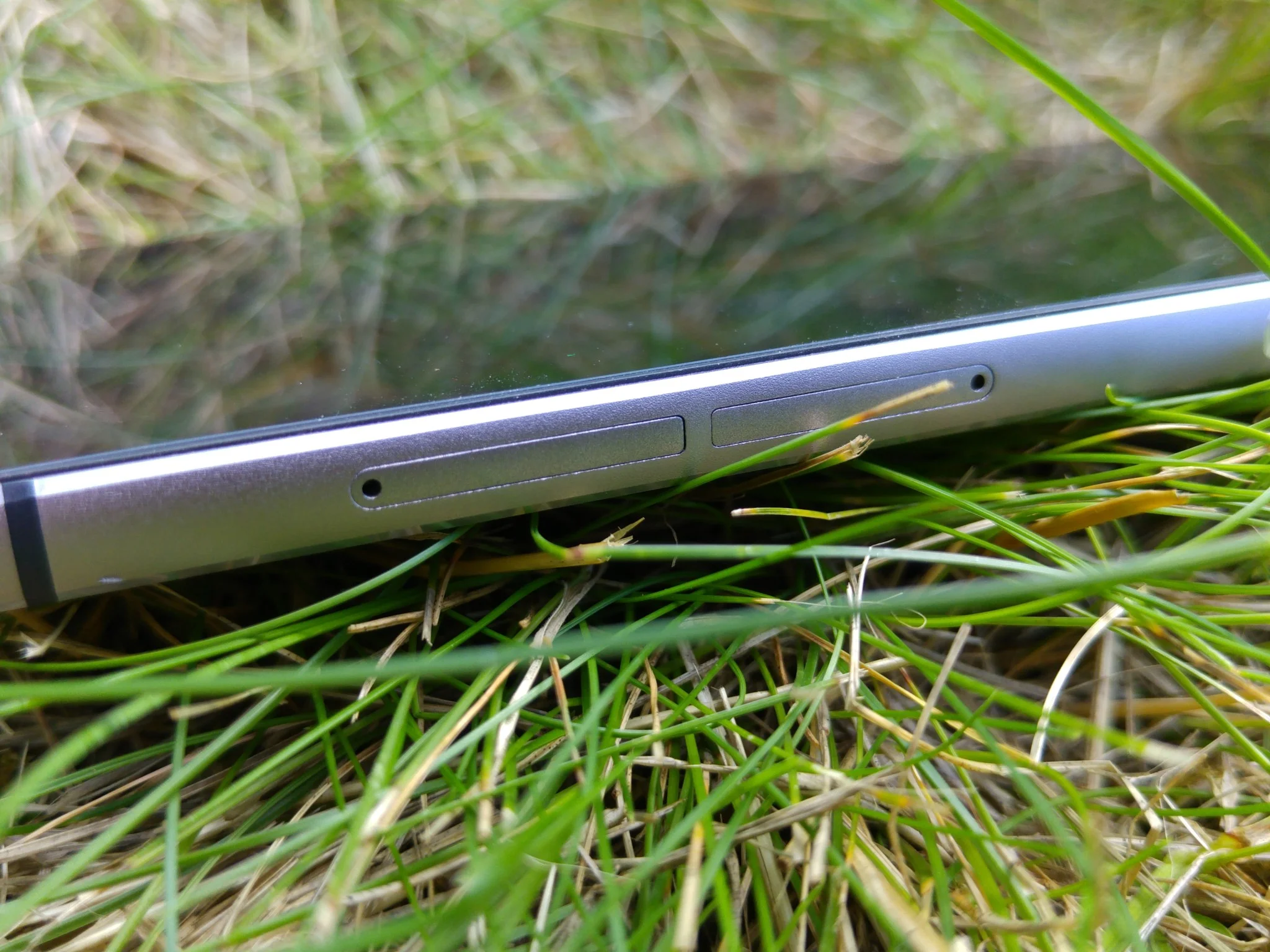
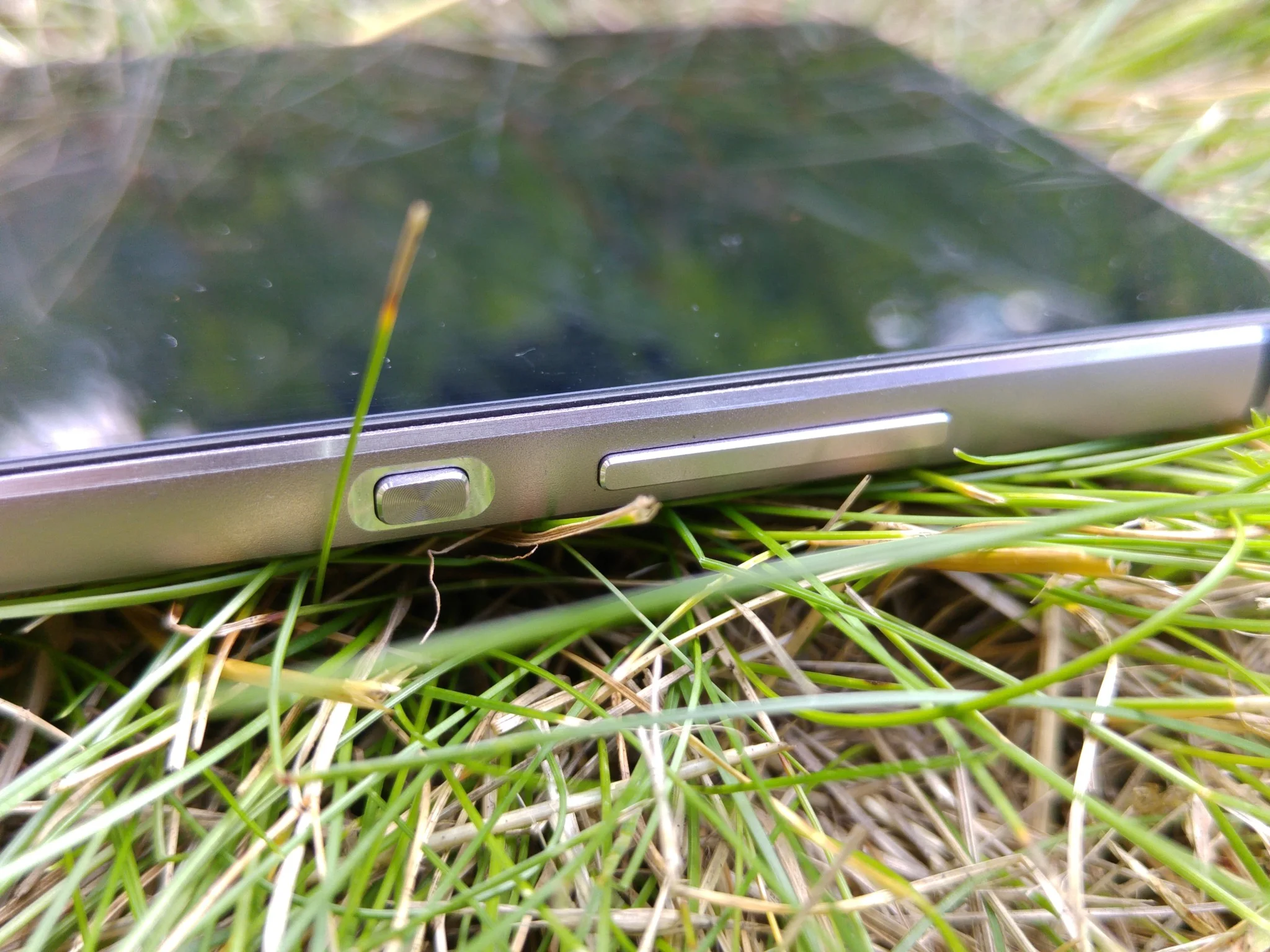
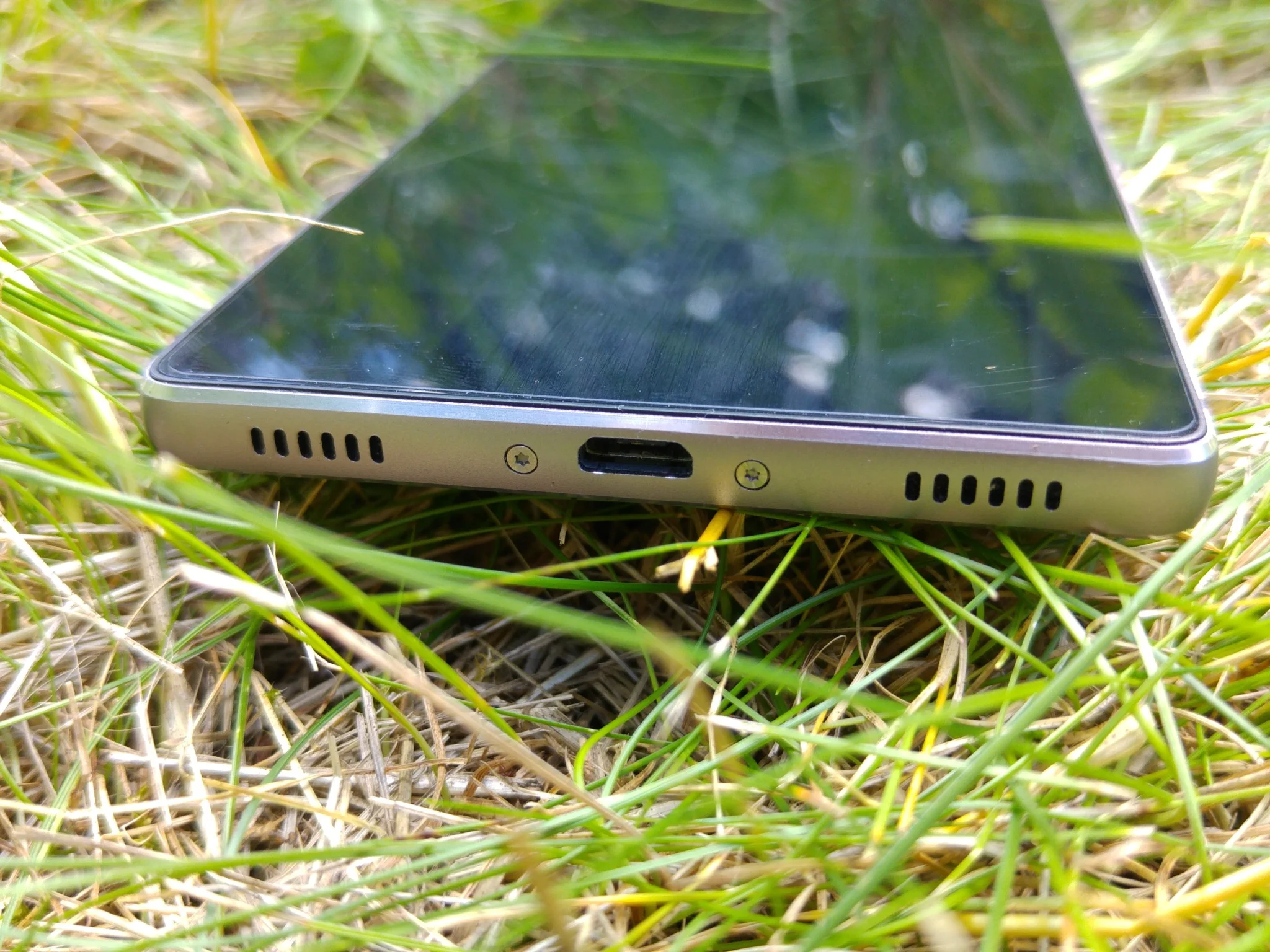
Above the trays sit the volume rocker and power button. They’re fairly stiff, which is actually a good thing, since it makes accidental presses in your pocket less likely. On the bottom, there’s the main speaker, a microUSB port, and a microphone hidden behind the matching grille on the other side.
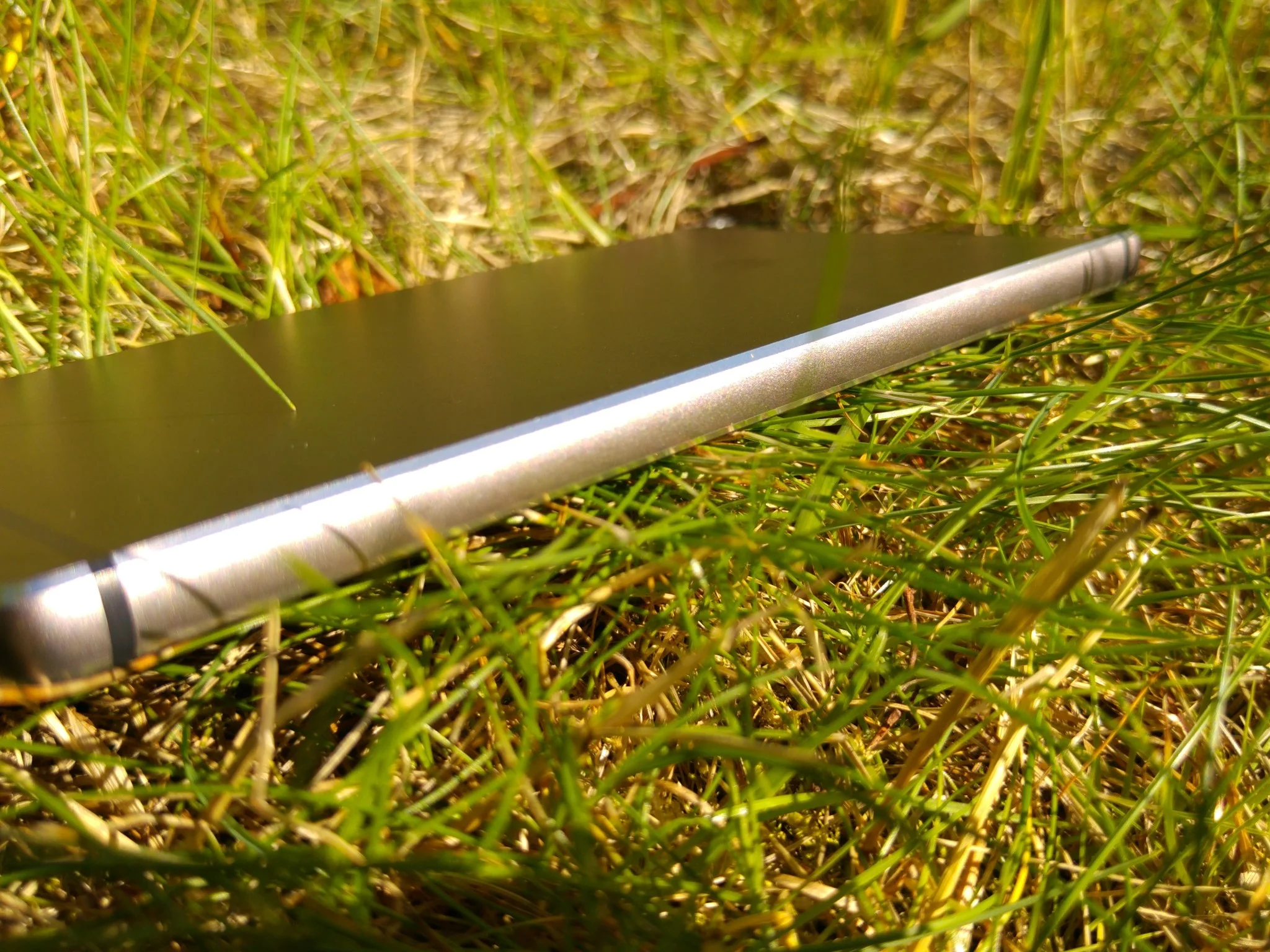
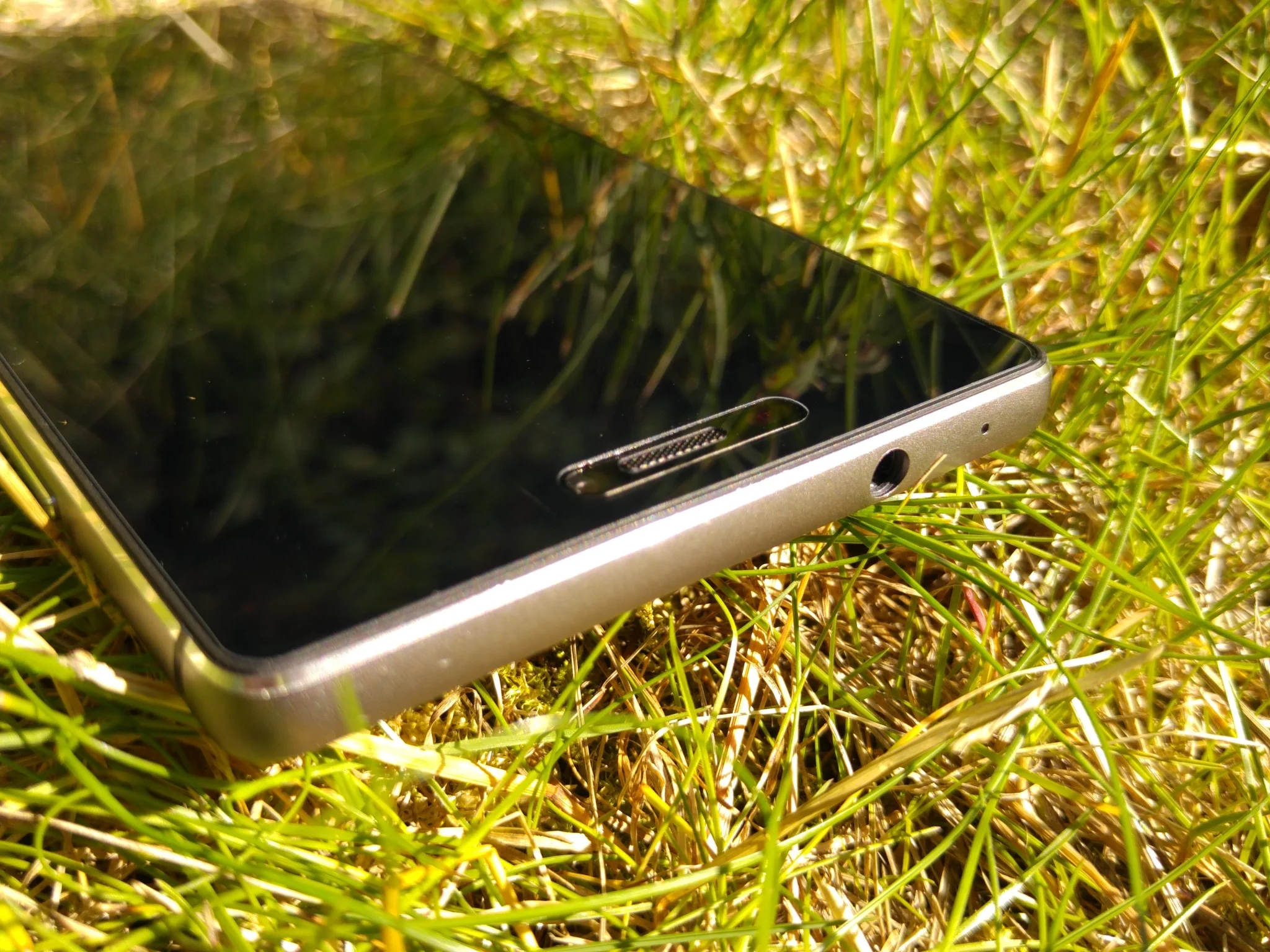
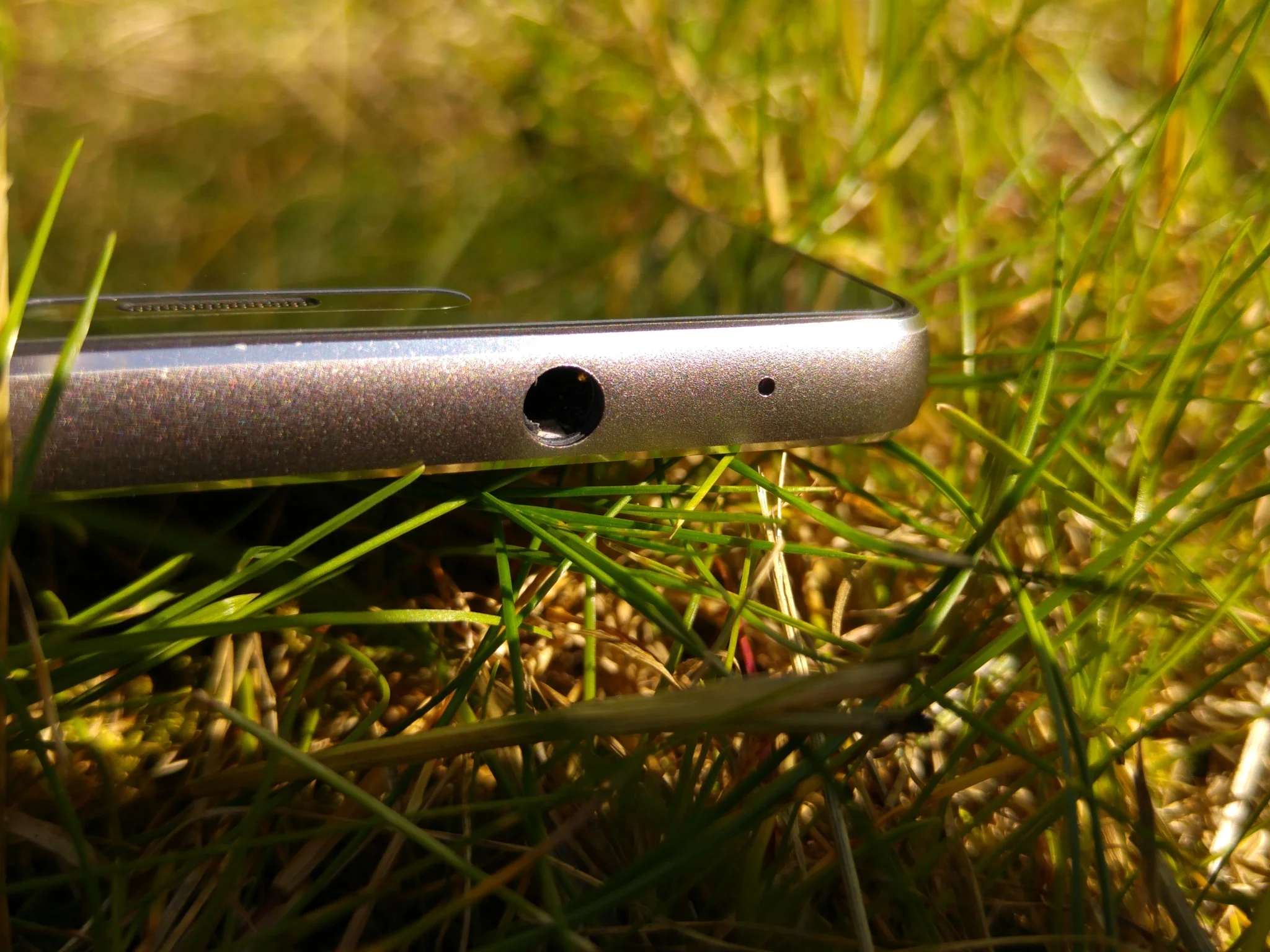
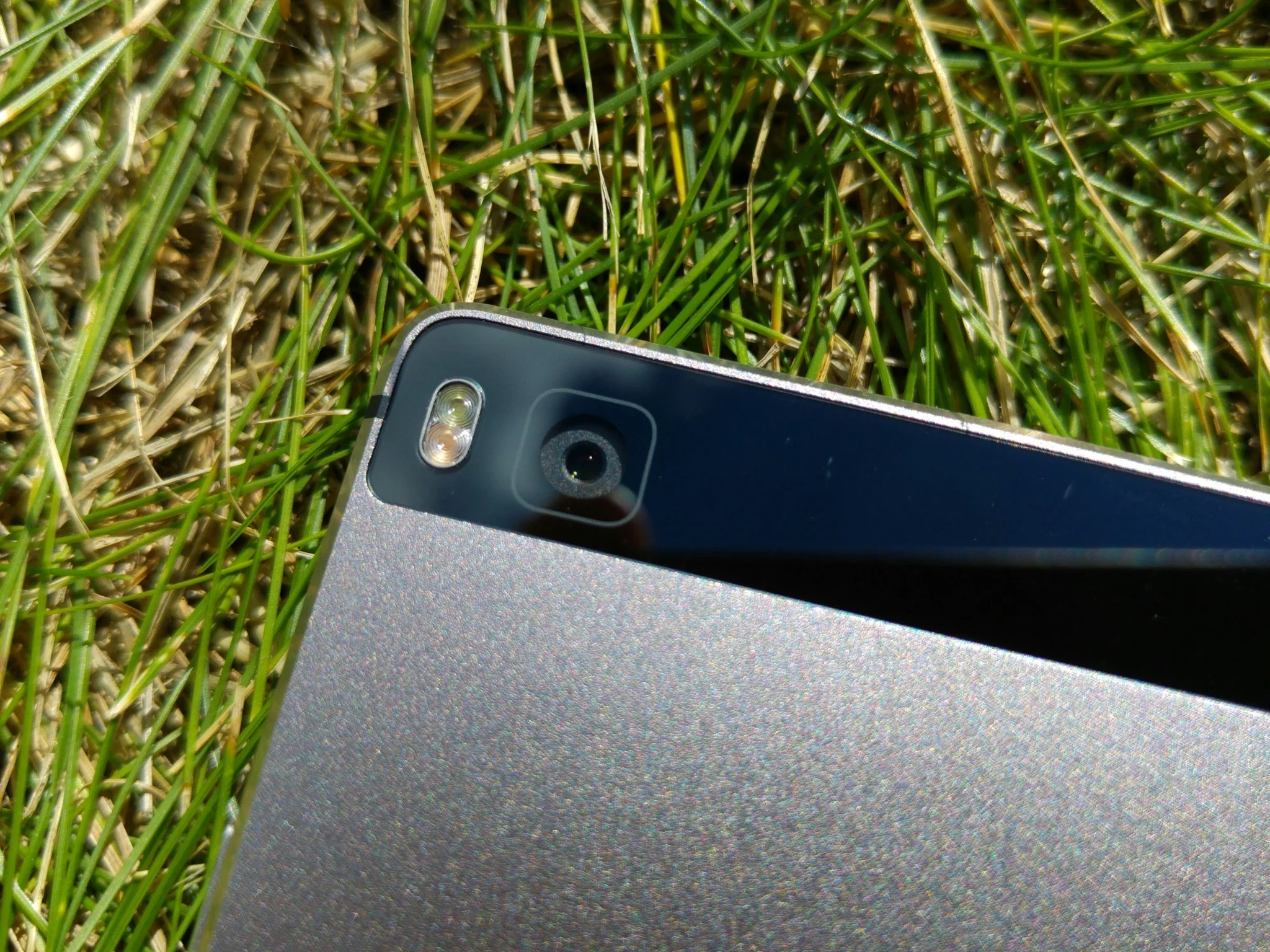
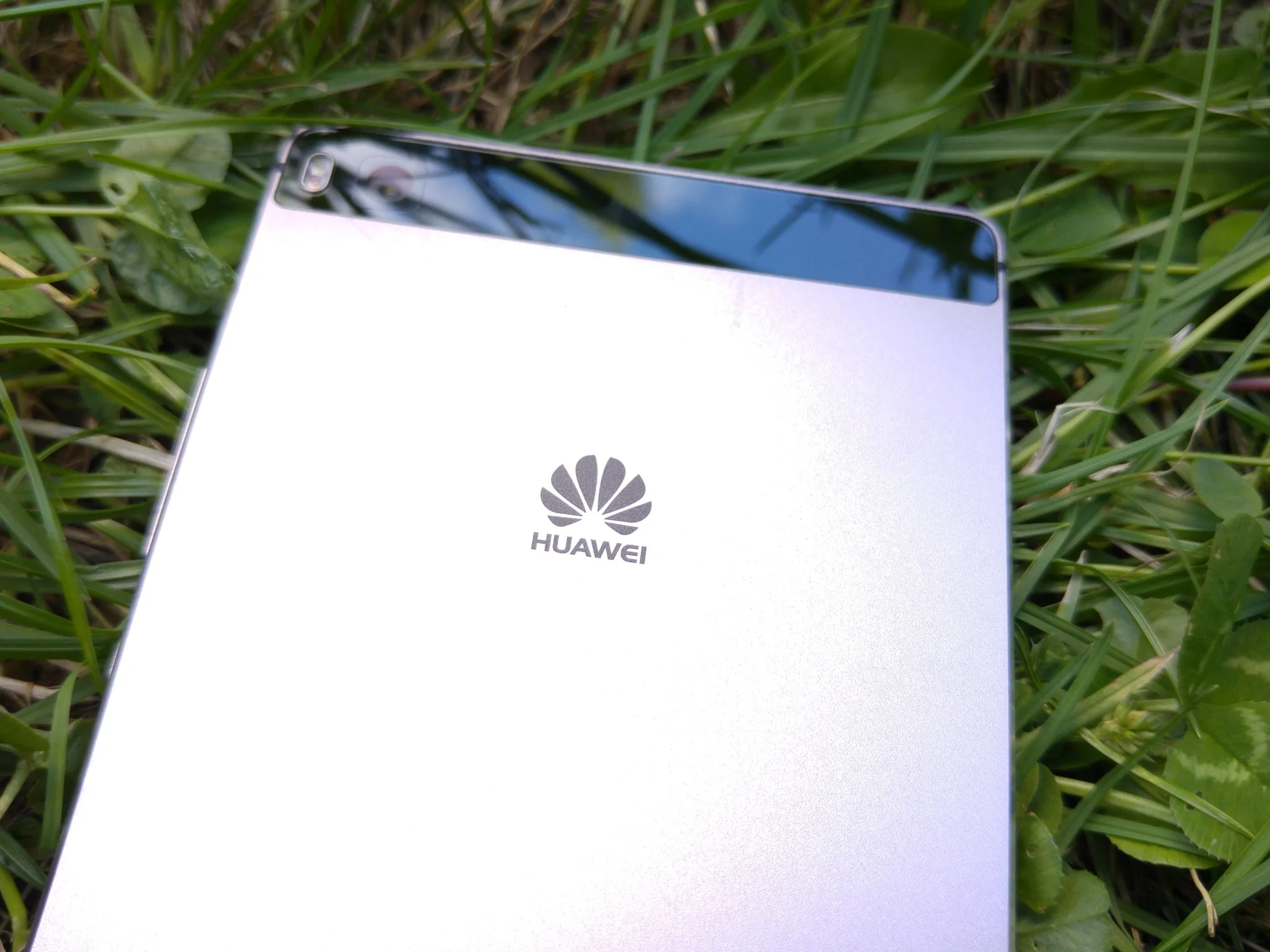
As for the overall build, there’s little to complain about. Nothing creaks. The metal chassis feels sturdy, and the USB cable fits snugly with no wobble. Huawei also seems to have put real thought into the internal layout. The processor sits beneath the display, so when it heats up, you don’t feel that warmth as directly in the hand. My one real complaint is the extreme thinness, which slightly undercuts the sense of solidity.
Hardware and performance
Would you expect blazing-fast performance and an interface that never stutters? The P8 gets part of the way there, but it still runs into a few rough edges.
Under the metal chassis is a HiSilicon Kirin 930/935 processor, clocked at 2 GHz on the first four cores and 1.5 GHz on the other four. Power comes from a 2,680 mAh battery. That setup drives, among other things, a 5.2-inch IPS Full HD display. The phone includes 3 GB of RAM and 16 GB of internal storage. There’s also a microSD card slot, letting you expand storage by up to 128 GB.
The cameras come in at 13 MPx on the back and 8 MPx on the front, with RGBW technology newly added here. Other features include full LTE support, Android 5.0 Lollipop with EMUI on top, Bluetooth 4.1, NFC, GPS, Wi-Fi, and the usual sensors, including motion, ambient light, and a digital compass.
In day-to-day use, you’ll hardly see any major hiccups. Look closer, though, and the small flaws start to show. For example, the animation can stutter when pressing the button for recently opened apps. I also noticed longer load times with more demanding apps, plus occasional slowdowns while gaming or moving through heavier software.
That said, I never ran into an app that refused to launch or had any serious functional problems. If anything, Huawei’s developers still had some work to do on EMUI optimization, which ties directly into the Software section below.
Display
There’s very little to complain about here. Quality is excellent, viewing angles are strong, and white actually looks white. I also compared it with the LG G4, where the display colors came off a bit worse.
Device specifications:
- display – 5.2-inch IPS, Full HD resolution (1080 x 1920 px), ~424 PPI
- operating system – Android 5.0 Lollipop (with EMUI 3.1)
- dimensions – 144.9 x 72.1 x 6.4 mm
- weight – 144 grams
- SoC – four 2 GHz Cortex-A53 cores and four 1.5 GHz Cortex-A53 cores (GPU – Mali-T628)
- memory – 3 GB RAM with 16 GB internal storage, expandable via microSD card up to 128 GB
- camera – rear 13 MPx (HDR, RGBW), front 8 MPx
- battery – 2,680 mAh capacity
- other features – Bluetooth 4.1, NFC, Wi-Fi 802.11 a/b/g/n, GPS, 3G, LTE, motion sensor, digital compass
Software
As I hinted earlier, the software section is where things get interesting, and it’s also probably the least polished part of the device. Some features are genuinely nice, but the lack of refinement, and Huawei’s inability to fully adapt EMUI to Android Lollipop, may be hard for some users to ignore.
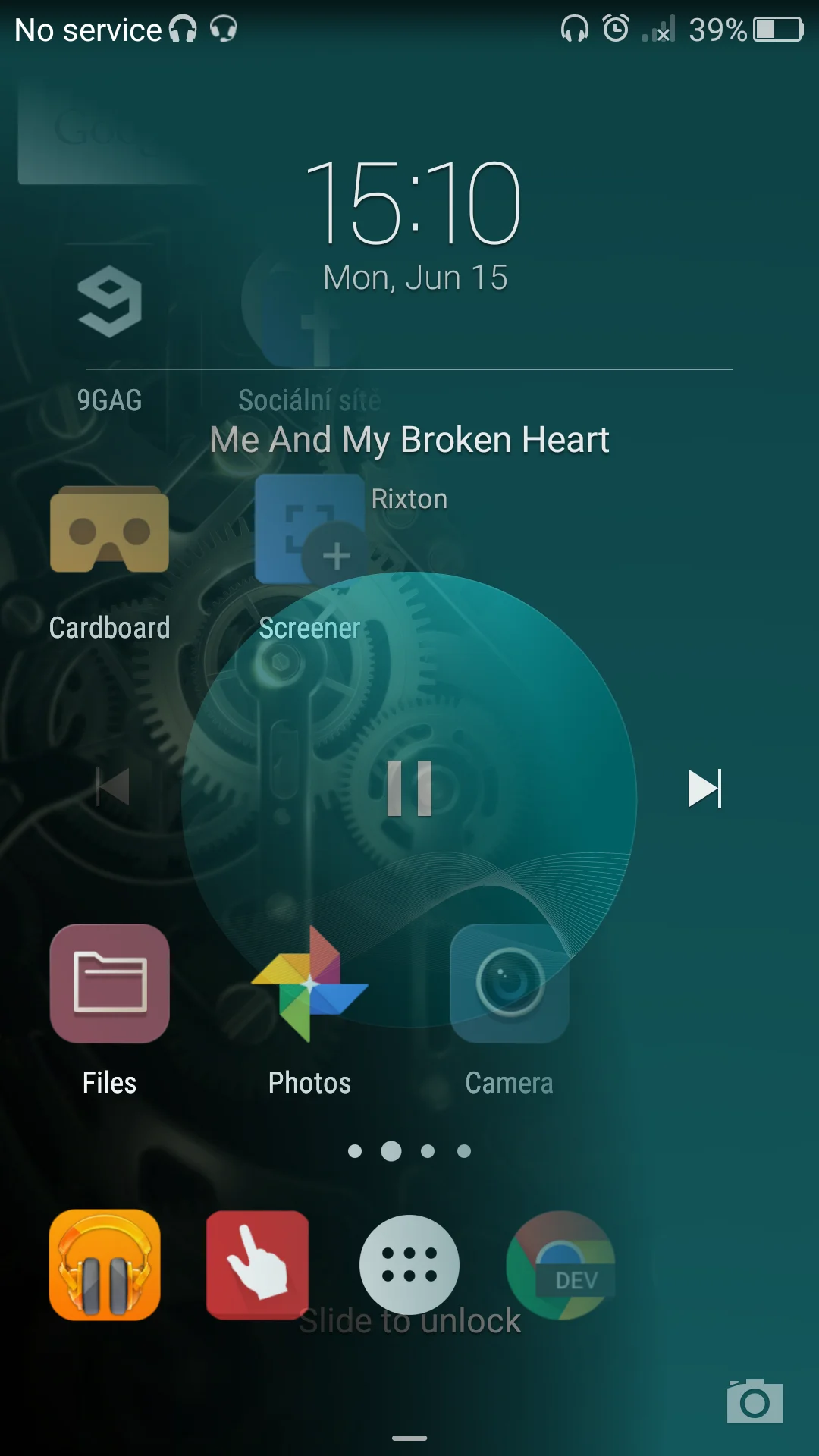
Let’s start with the lock screen. Problems show up even here, especially during music playback. In the background, you get a very unattractive blank panel instead of proper artwork, paired with clunky-looking playback controls. The unlock animation itself is fairly nice, though, acting as a transition between the lock screen and the home screen.
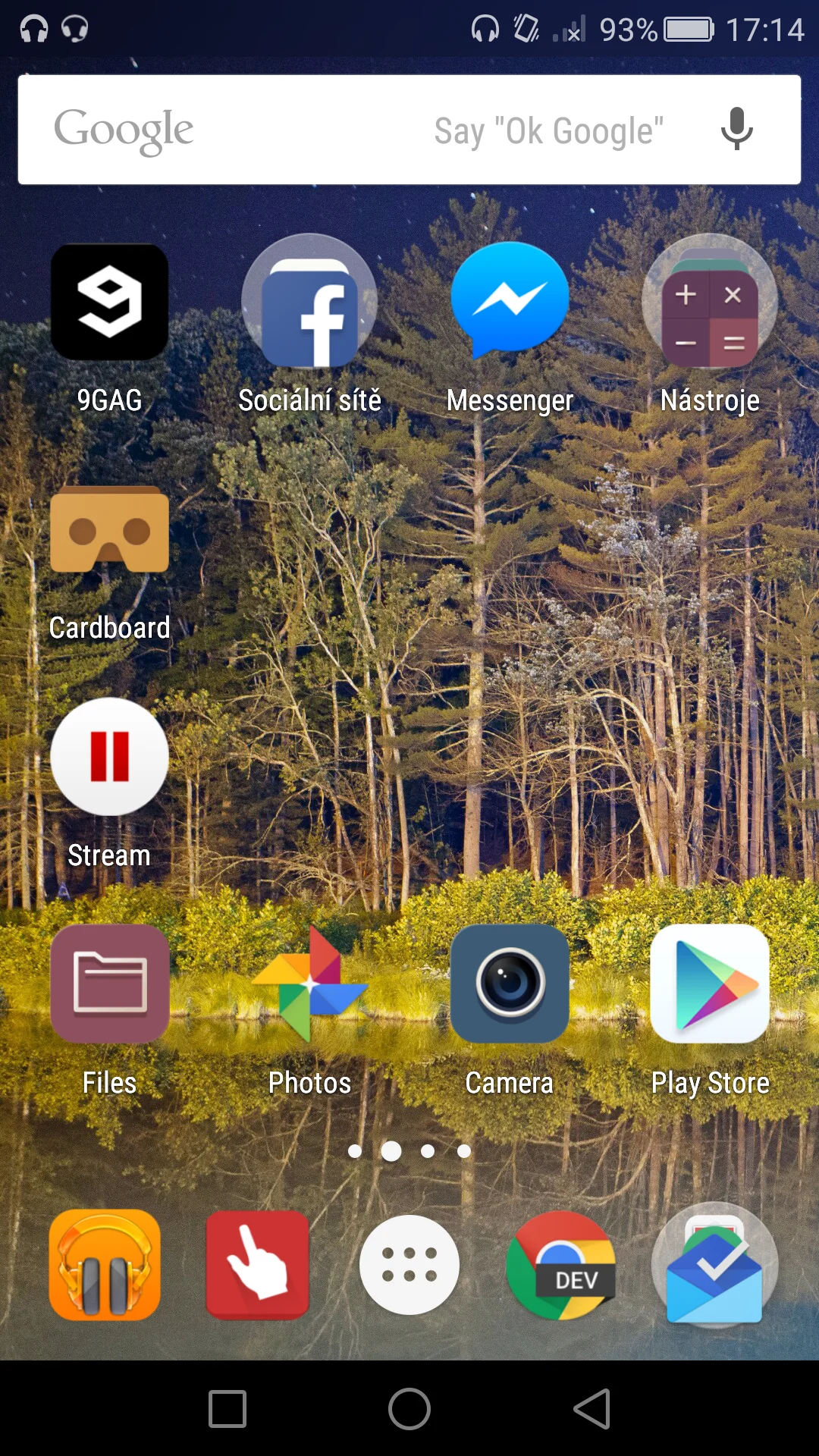
Another unfinished piece is the status bar at the top. Back on Android 4.4 KitKat, it wasn’t yet possible to make it transparent or automatically adapt it to the color of a given app. Huawei’s developers clearly tried to work around that by setting the status bar color primarily based on the wallpaper. If you use a light background, the status bar can become hard to read, and in some apps the color clash is just plain unpleasant.
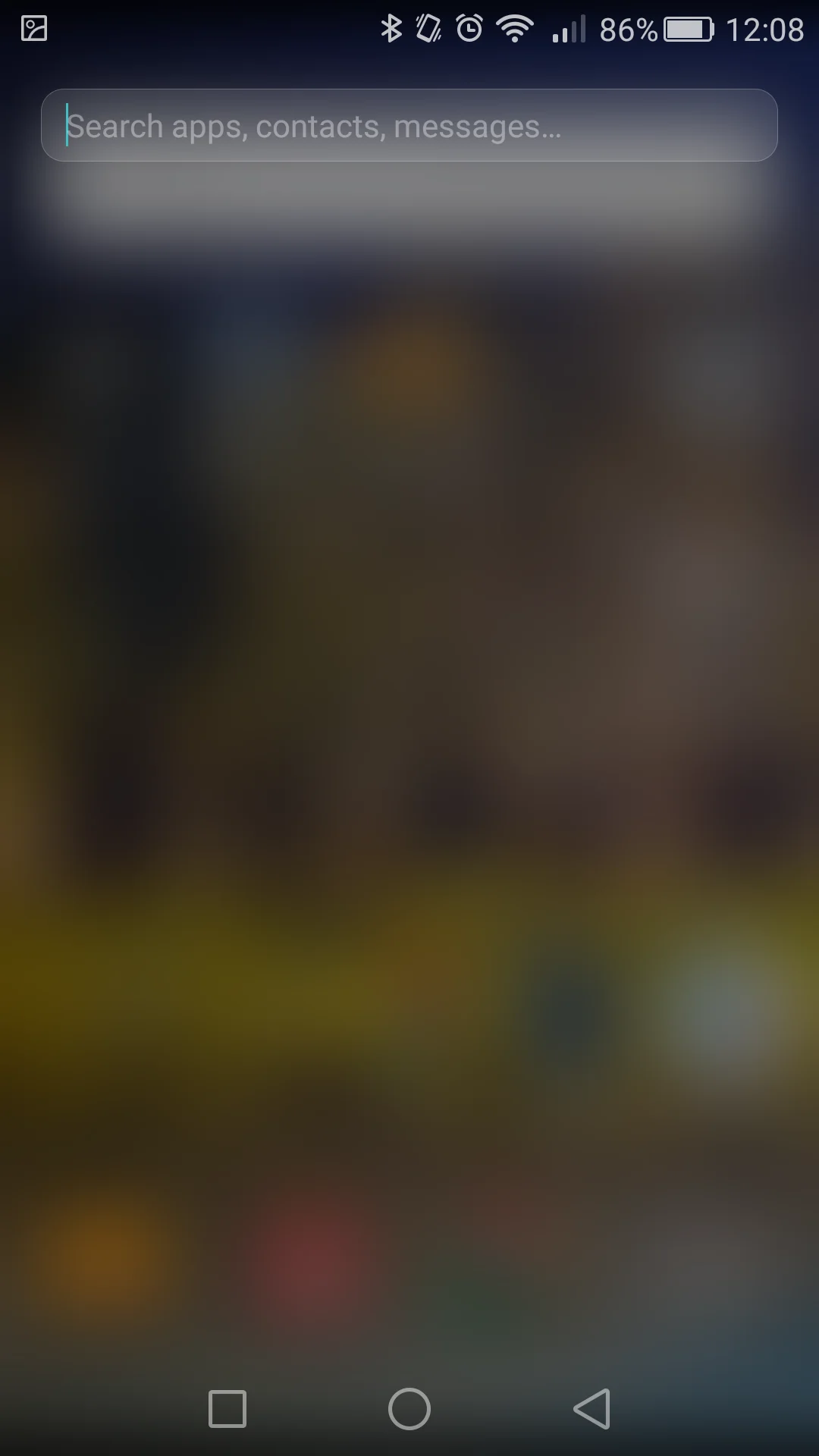
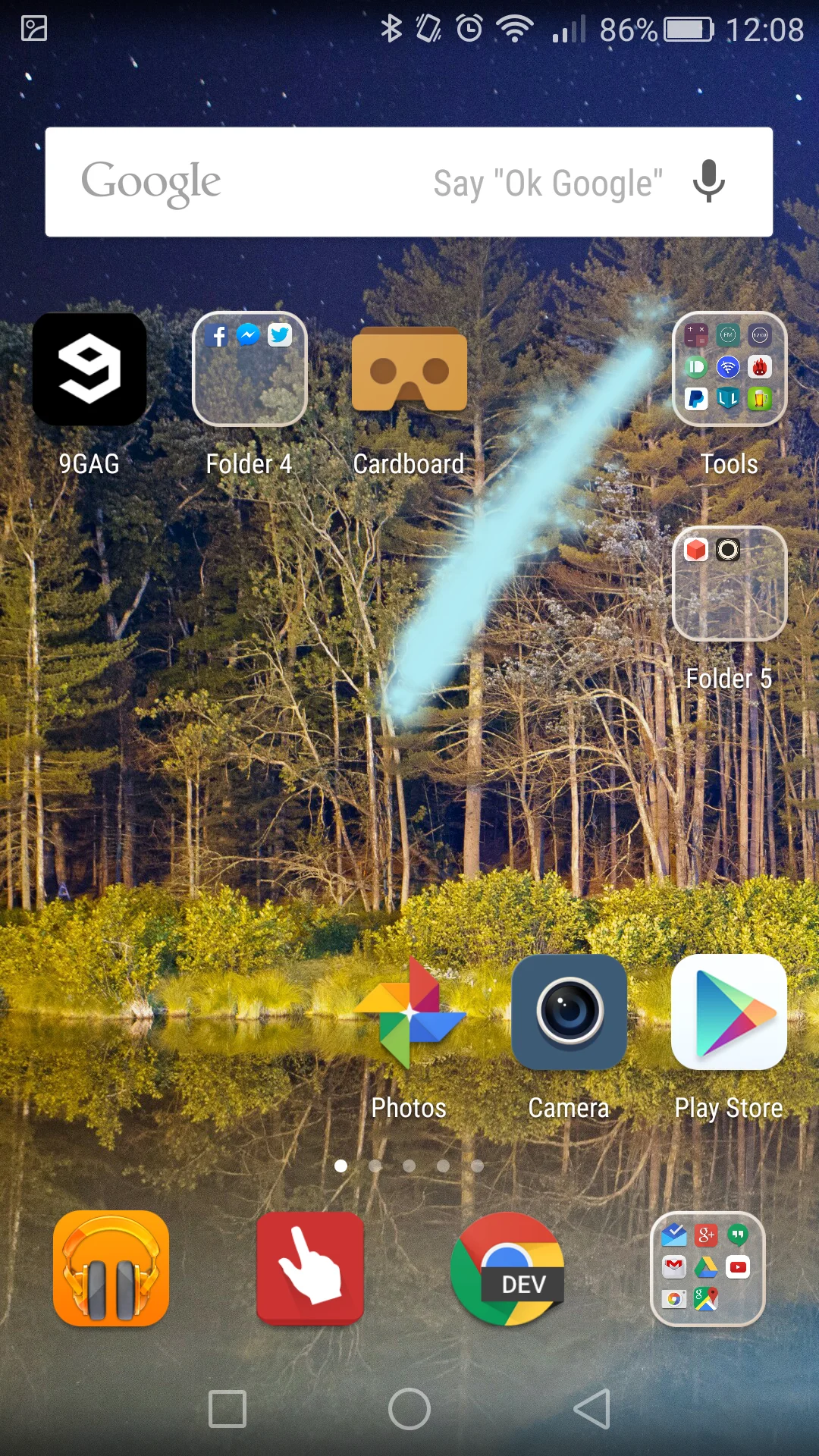
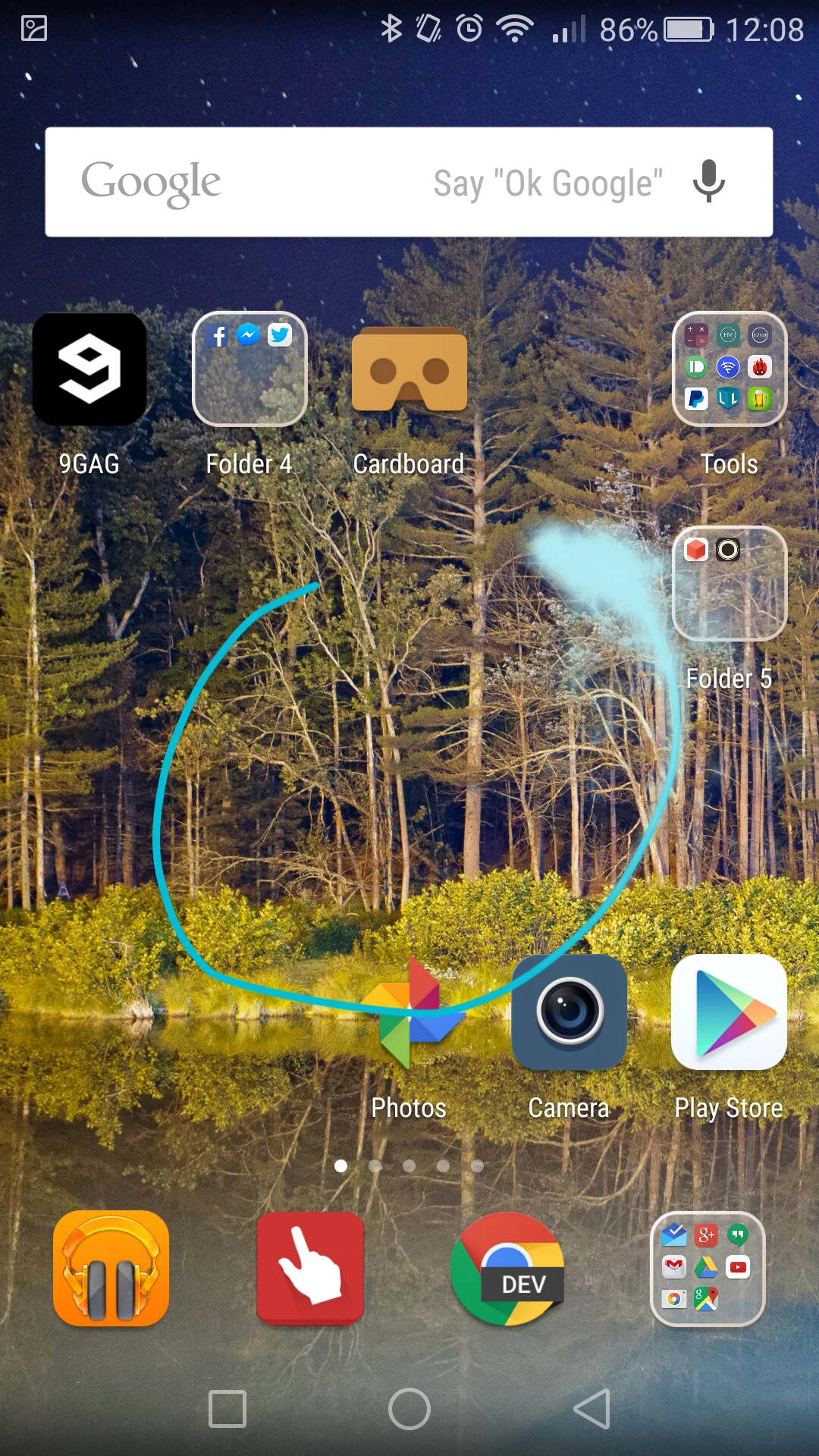
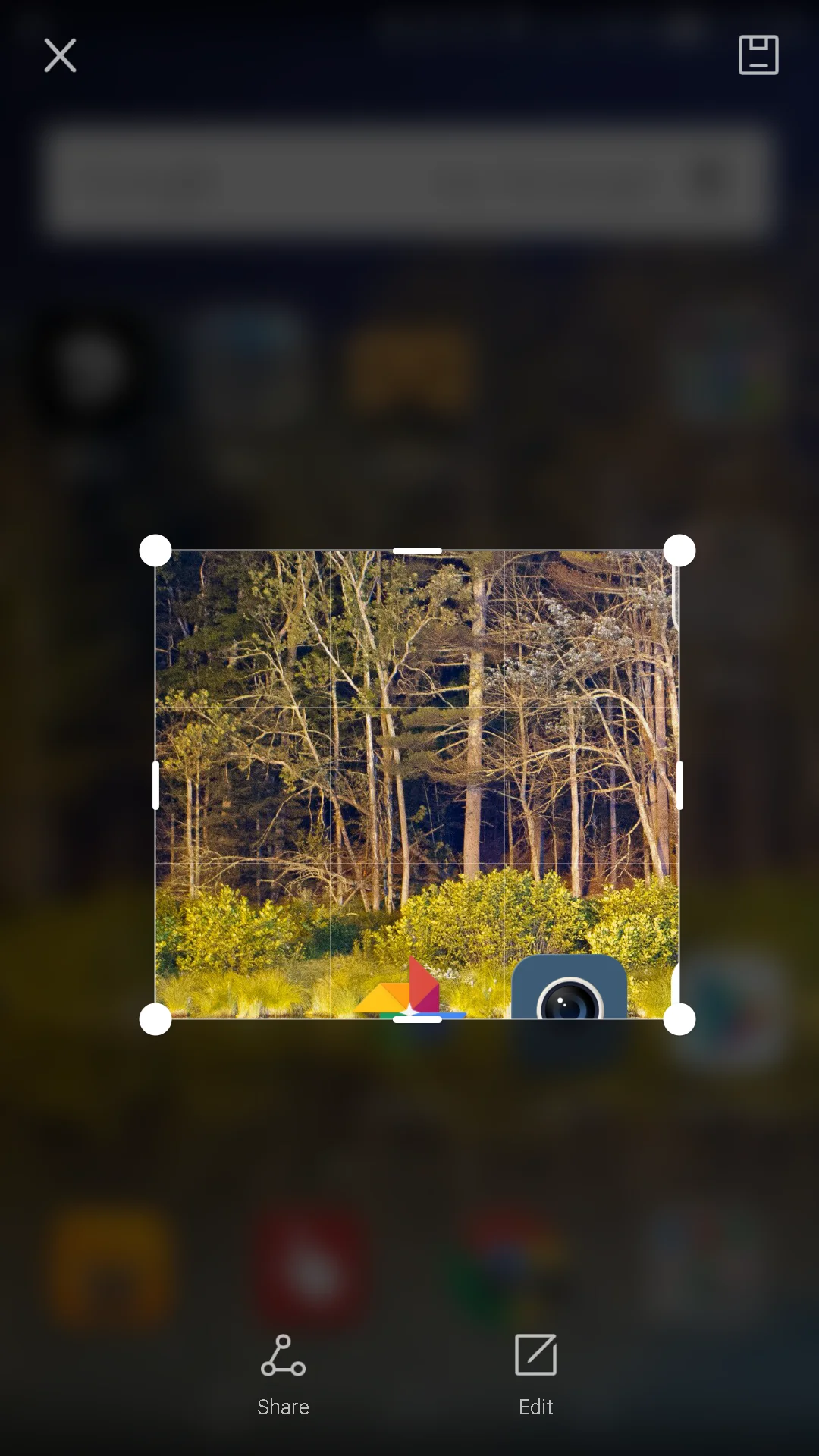
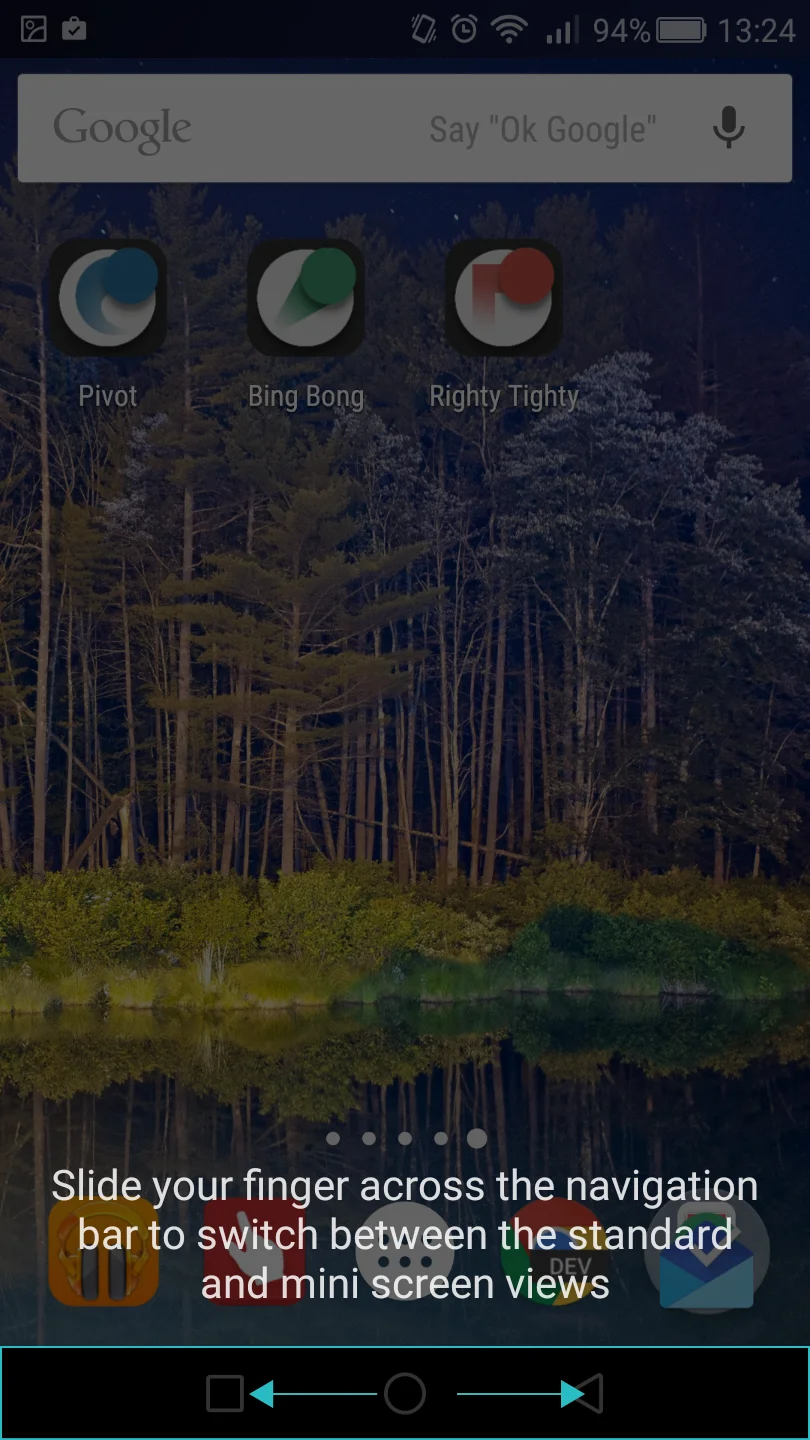
Thankfully, there are also a number of useful features here, many of which exist on phones from other brands, but the latest version of EMUI brings them together in one place reasonably well. I’m talking about things like one-handed screen shrinking, shown in the far-left screenshot below, fast and effective search, and knuckle gestures.
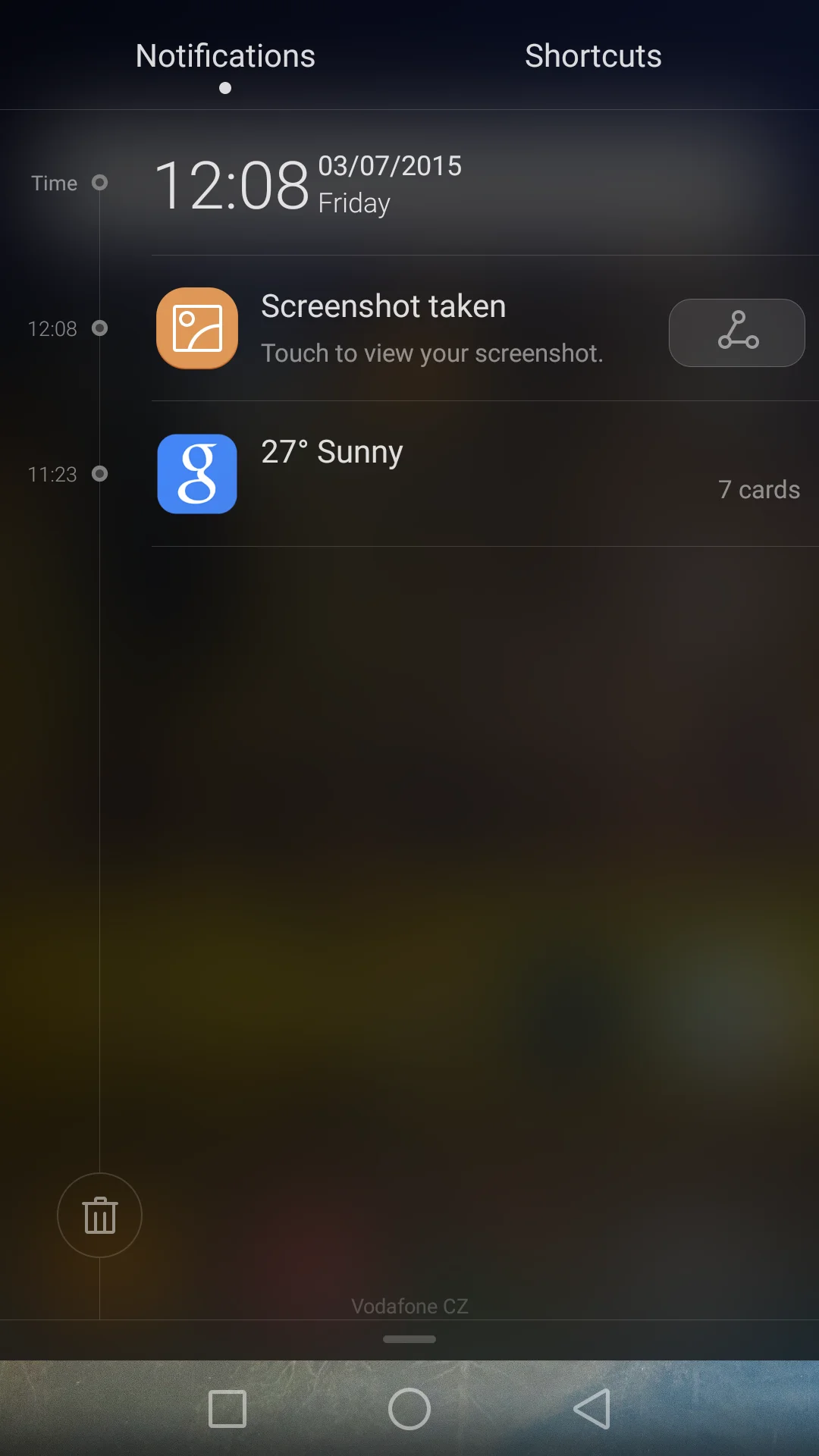
You activate the reduced display area by swiping across the software buttons to the right; reverse the gesture and it returns to normal. Search is triggered by swiping down on the home screen. The last feature worth calling out, and one some users may really appreciate, is knuckle gestures, literally using your finger knuckles. A quick double tap captures a screenshot. Even better, you can draw a circle and bring up a frame that lets you select exactly which part of the screen you want to capture.
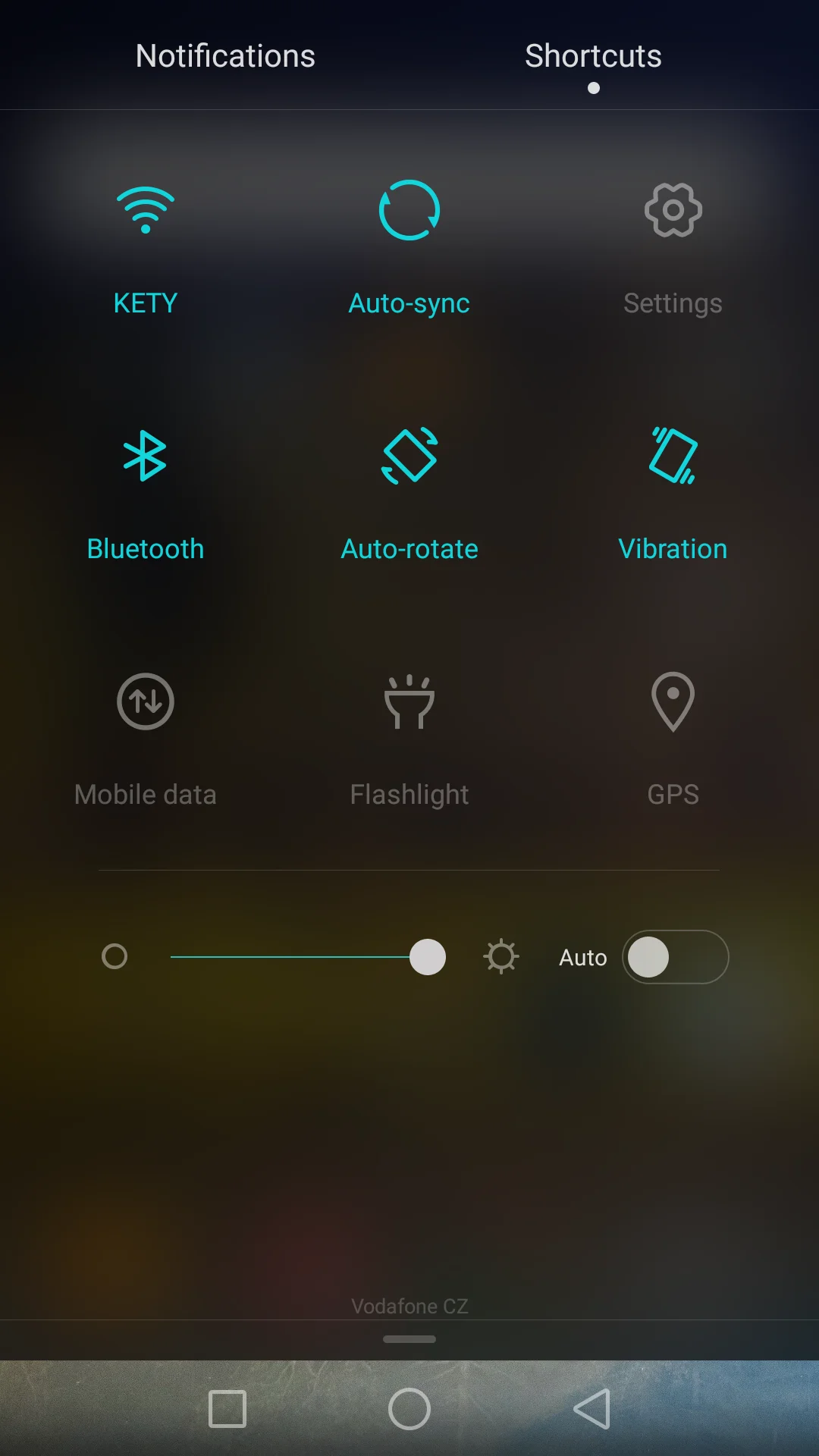
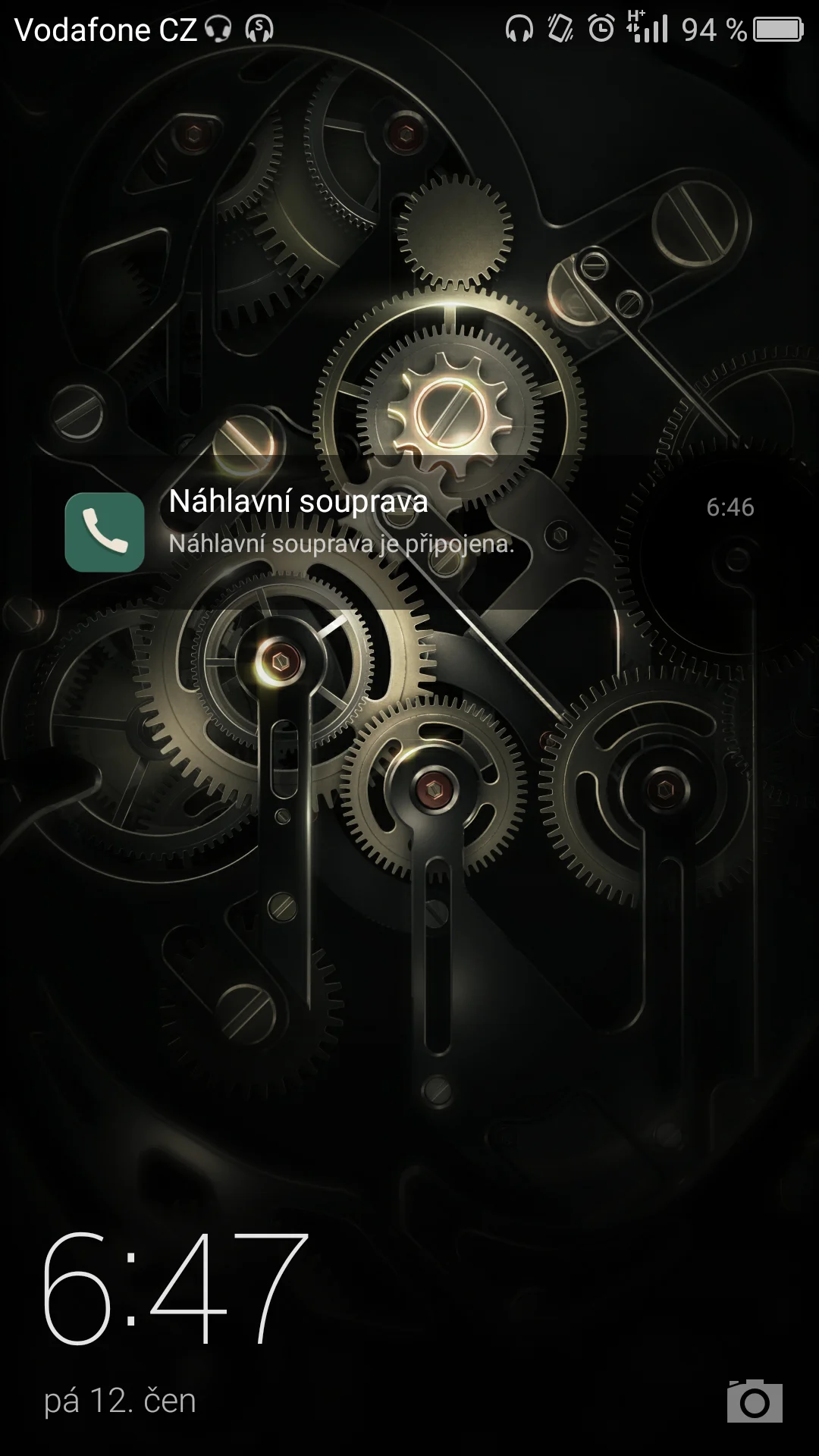
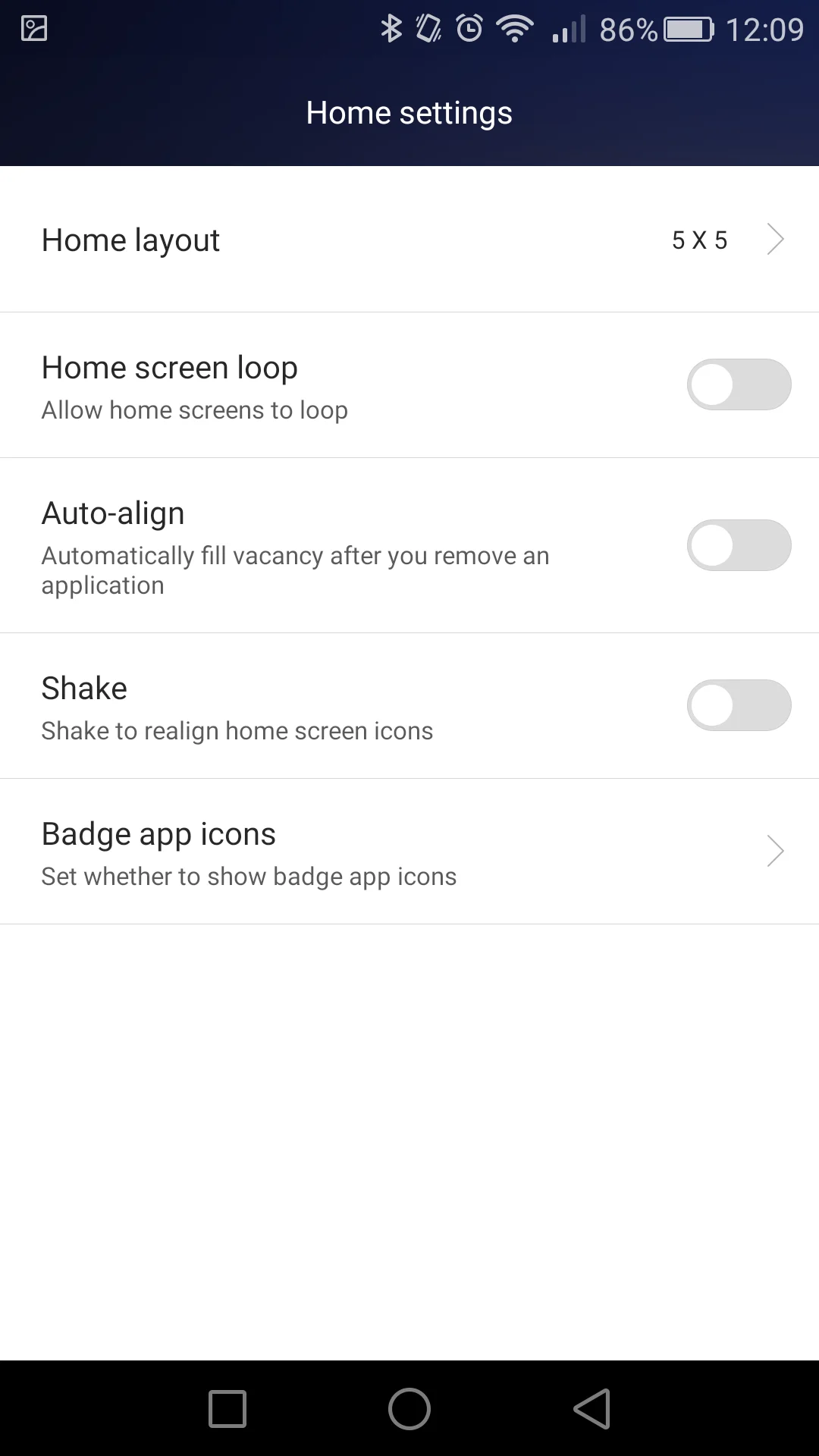
In the far-right screenshot below, you can also spot some of the smaller translation inconsistencies I noticed throughout the system. One example was the connected headphones being labeled as “Headset,” which felt oddly phrased. It’s the kind of detail Huawei should pay closer attention to in future versions.
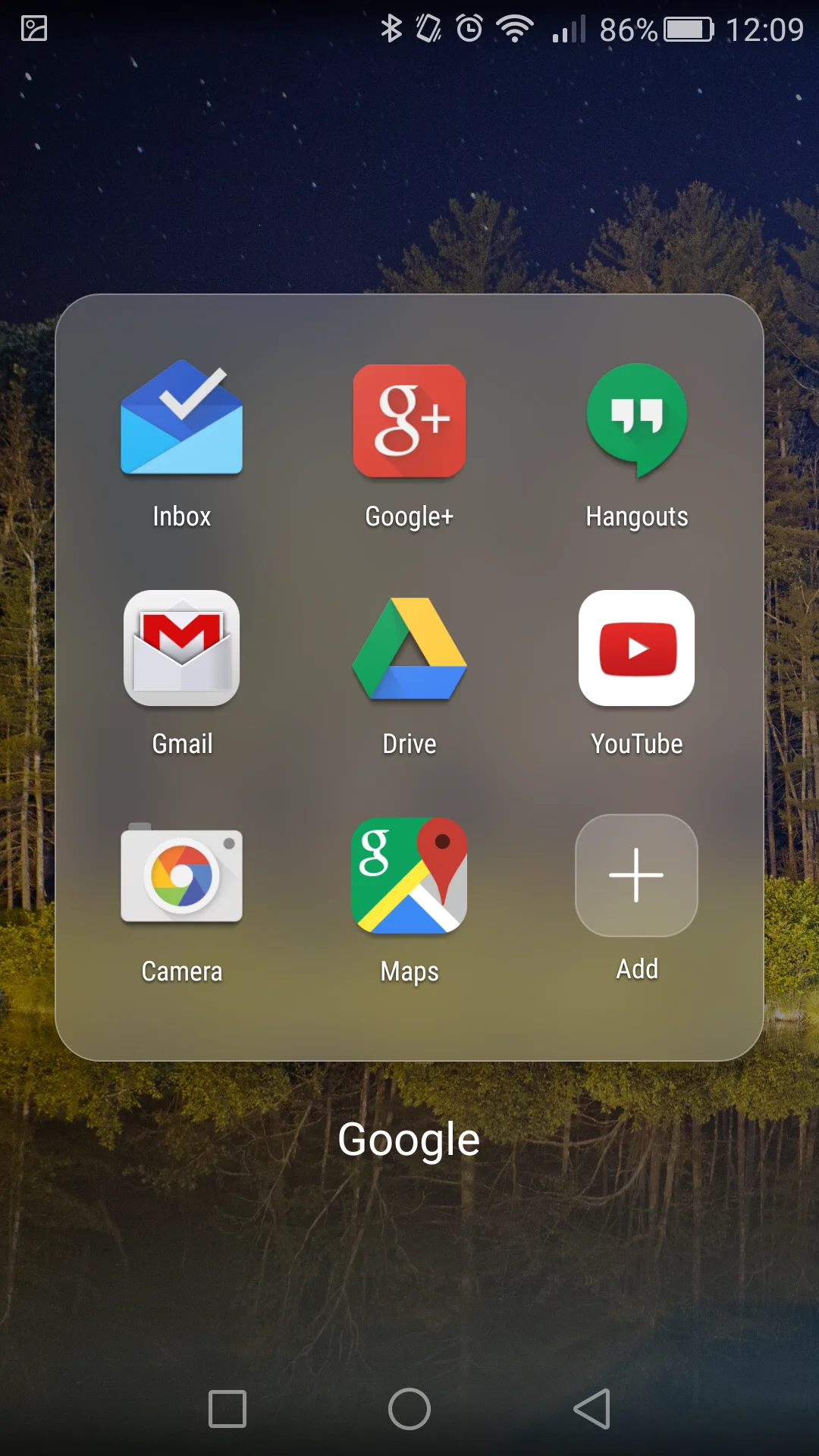
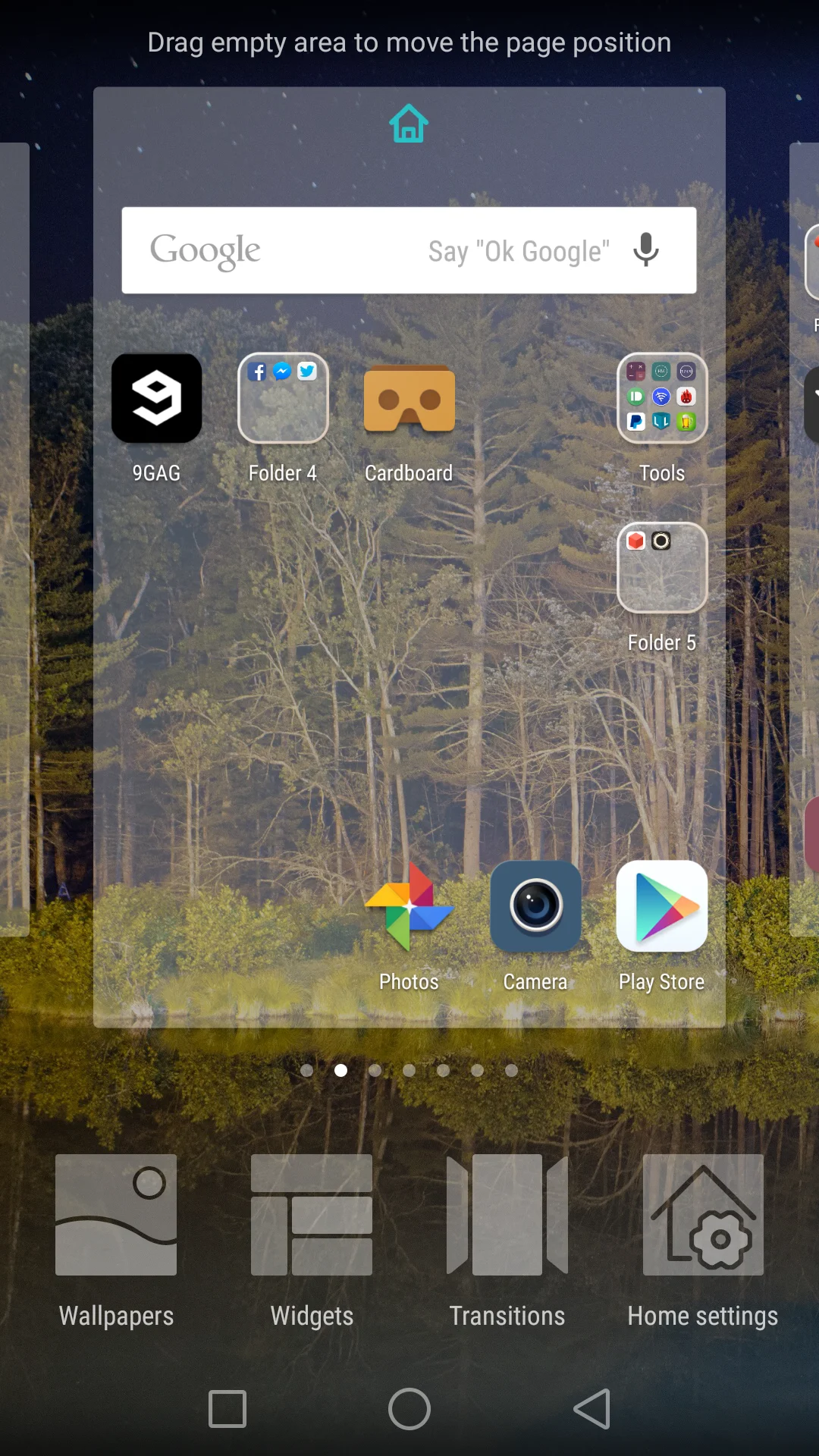
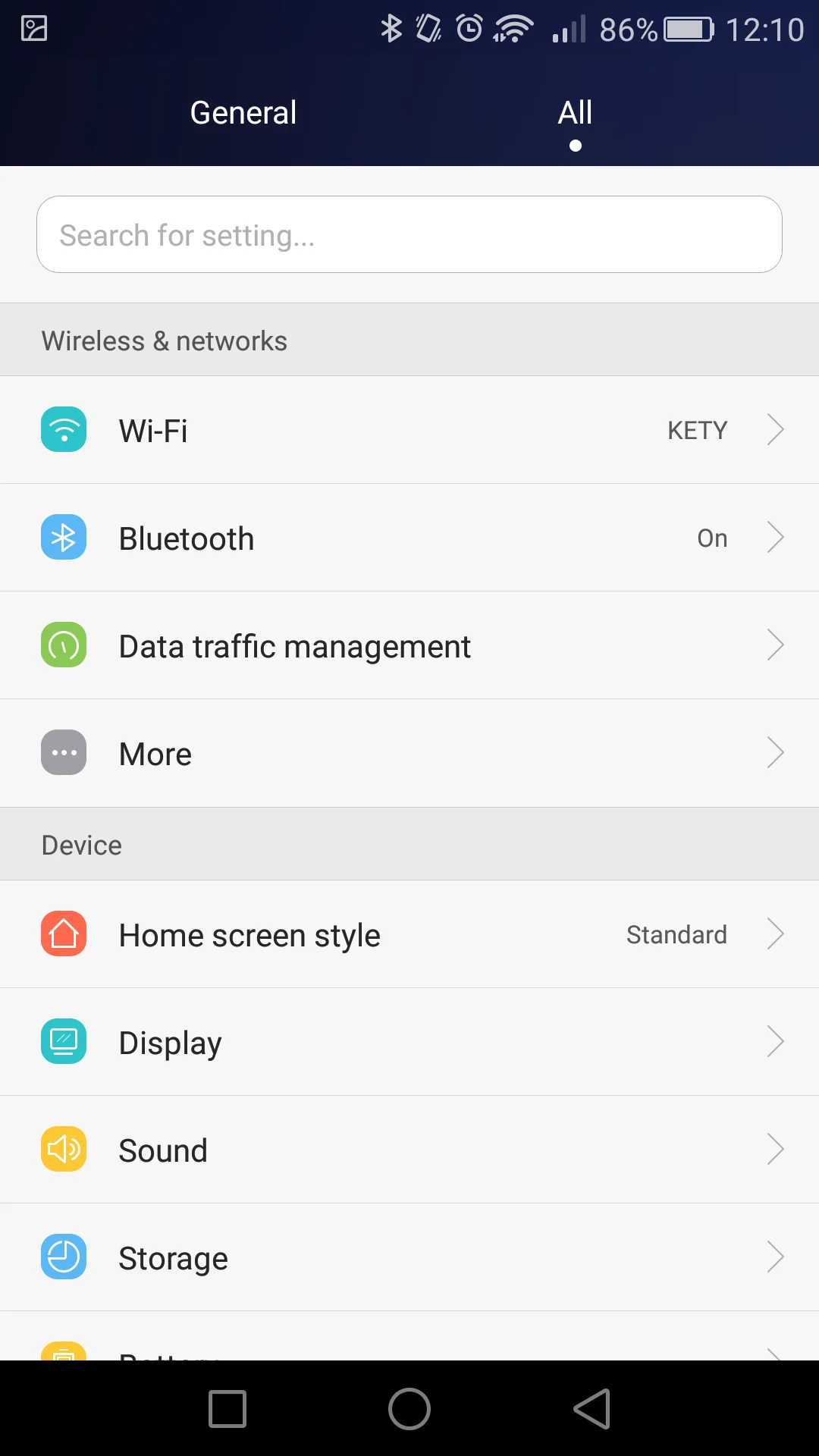
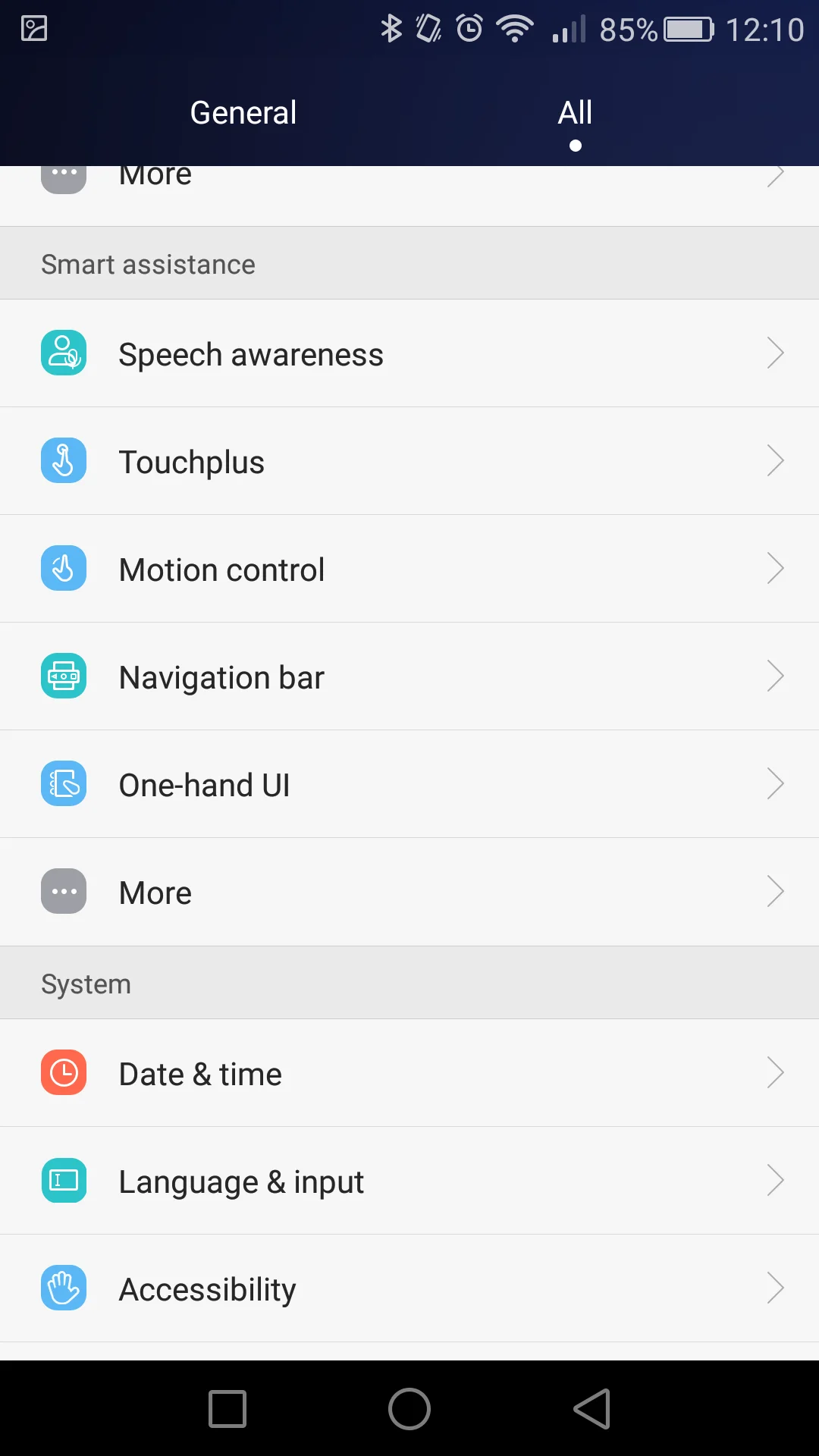
The rest of the system isn’t dramatically different from earlier versions. In Settings, you’ll find search along with a large number of menu sections, many of which open into long lists of options you can tweak, disable, or enable. That’s a good thing. The software doesn’t box you in, and if you like customizing every detail, you can spend hours shaping it exactly the way you want.
Camera
This is the section a lot of people will care about most, so it’s worth taking a closer look to see whether all the noise around the new camera was justified. In my view, it was, even if there’s still room for improvement.
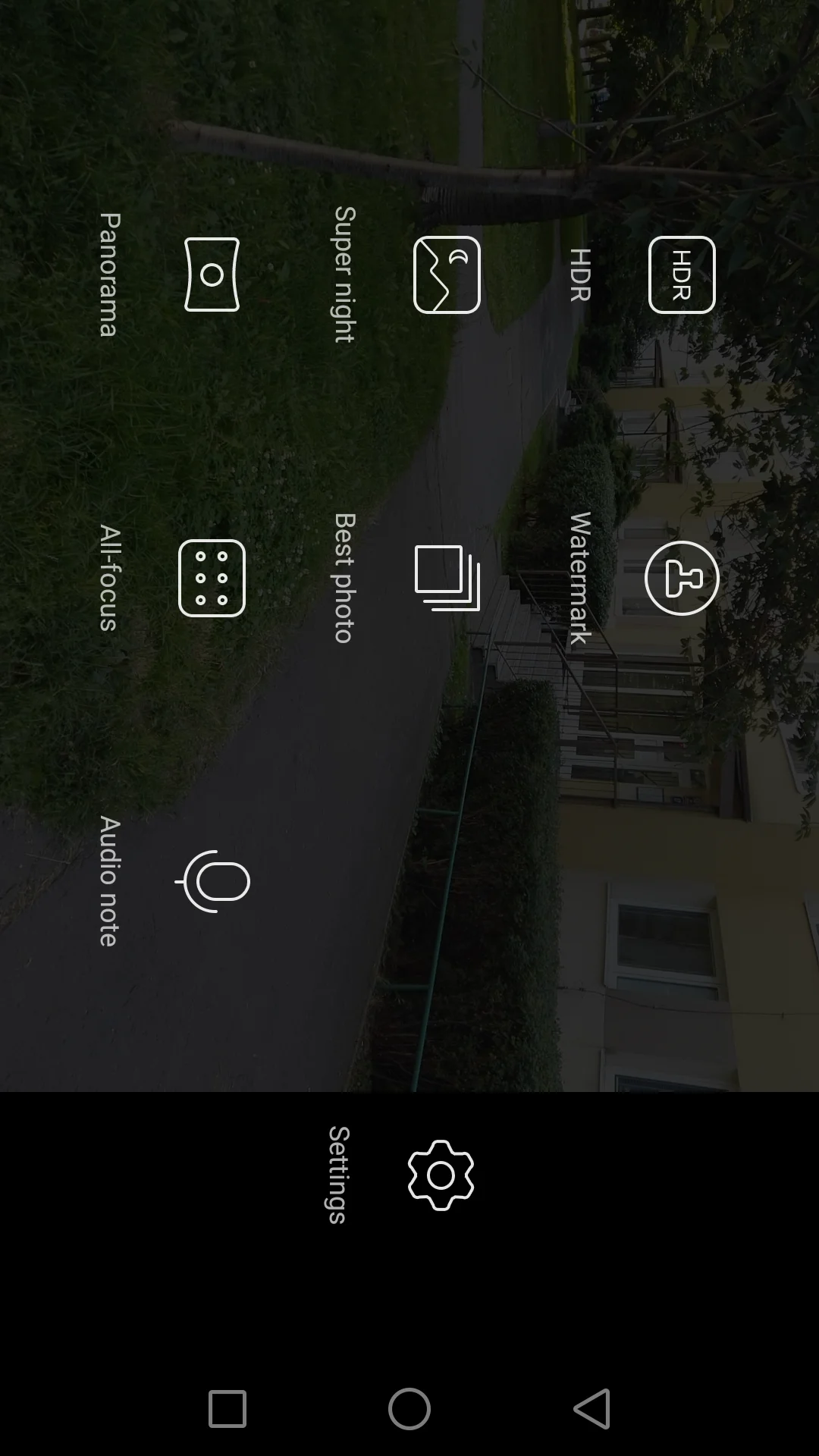
Below, I’ve included the camera’s shooting options and settings, and the main new long-exposure mode. It works really well, and you can check out the sample shots further down. Color reproduction is impressively accurate, almost surprisingly so. The weak spot shows up in brighter conditions, where the sky can get blown out and fine detail starts to disappear.
All the features are tied together well, and the end result is generally high-quality photos. Still, there are a few downsides worth mentioning. Autofocus can be a little inconsistent. That said, the focus lock feature works very well, letting the sensor stay trained on a subject even when it moves.
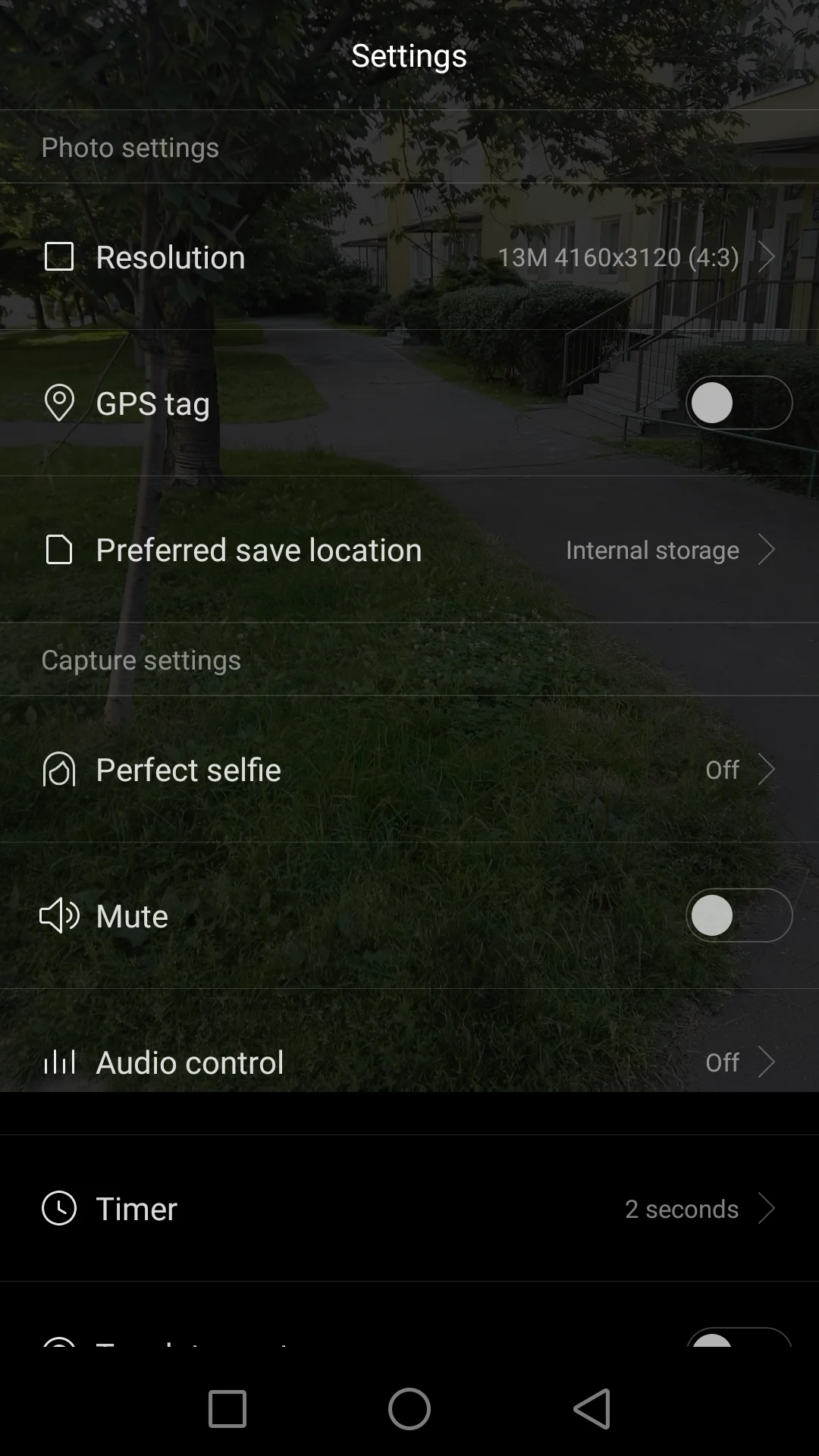
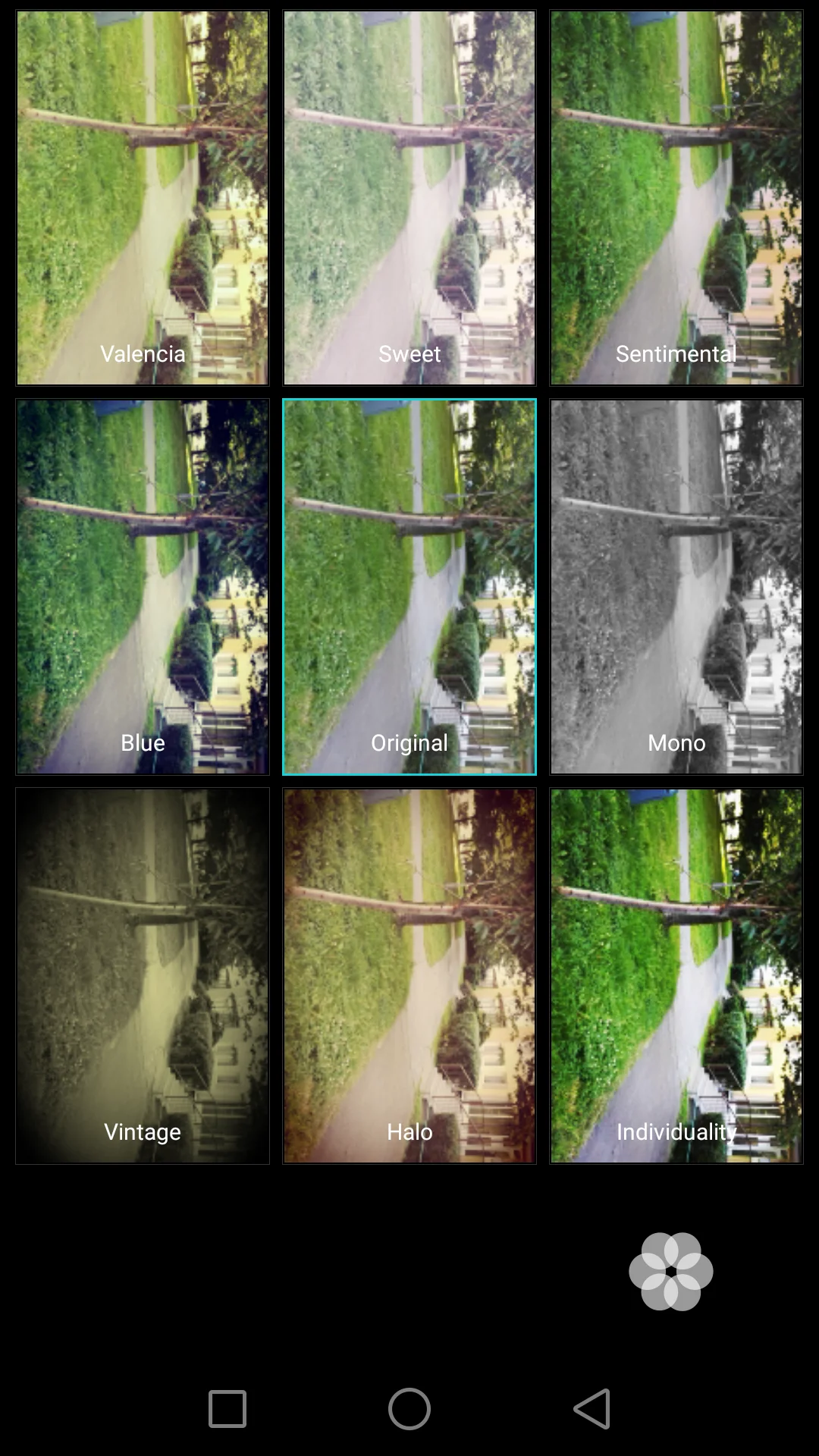
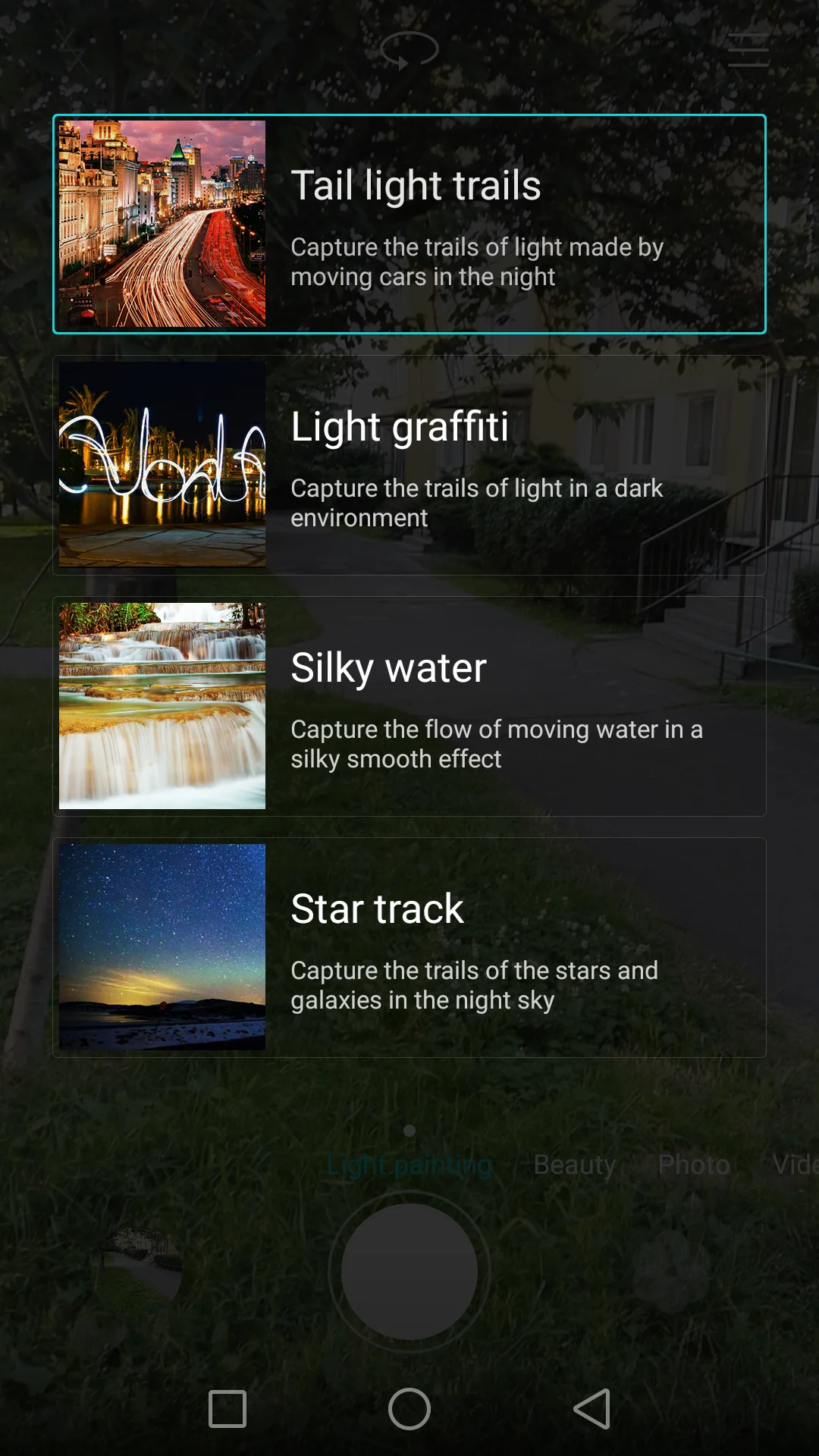
You can judge the 13MP camera for yourself in the sample images below.
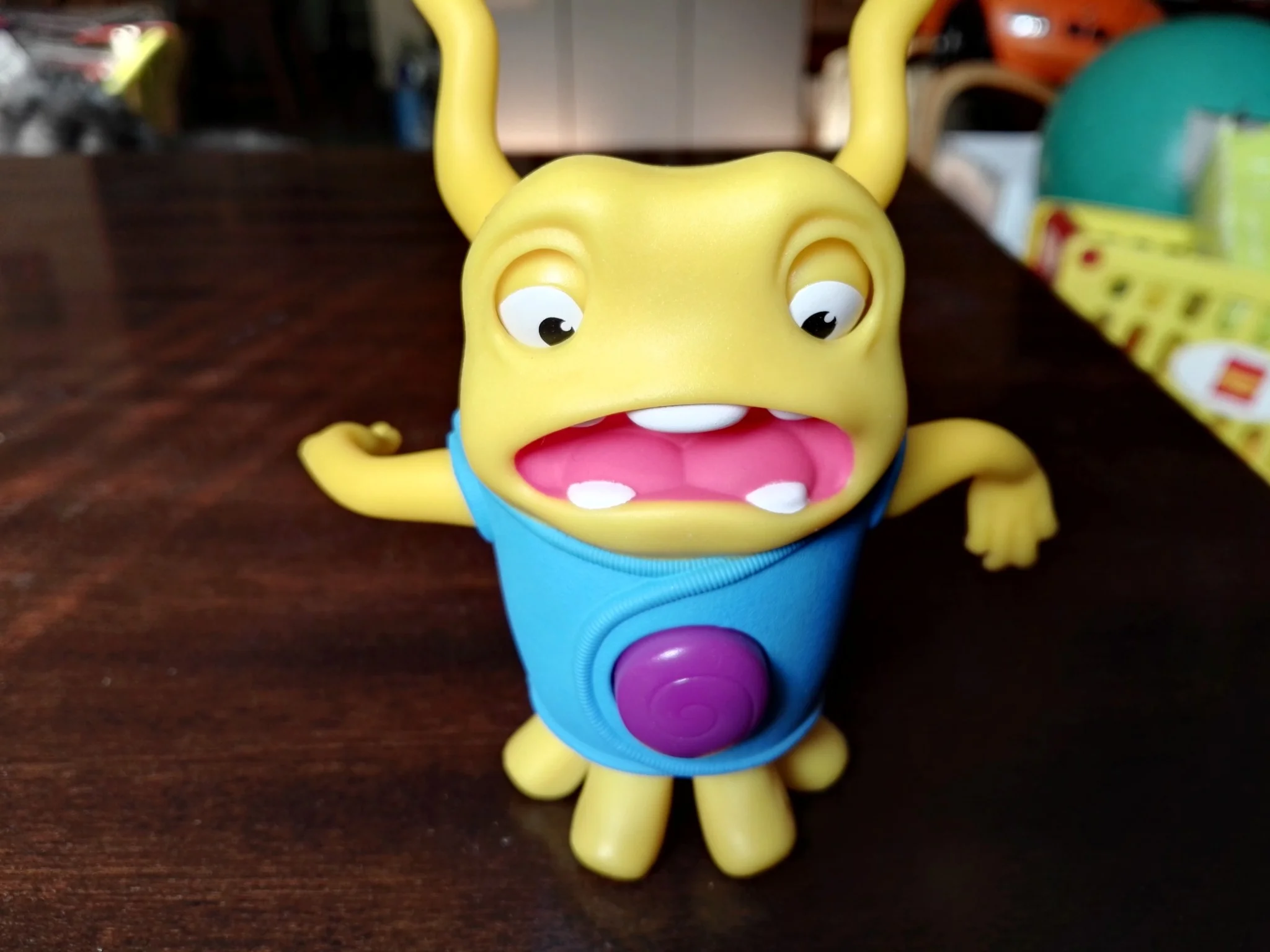

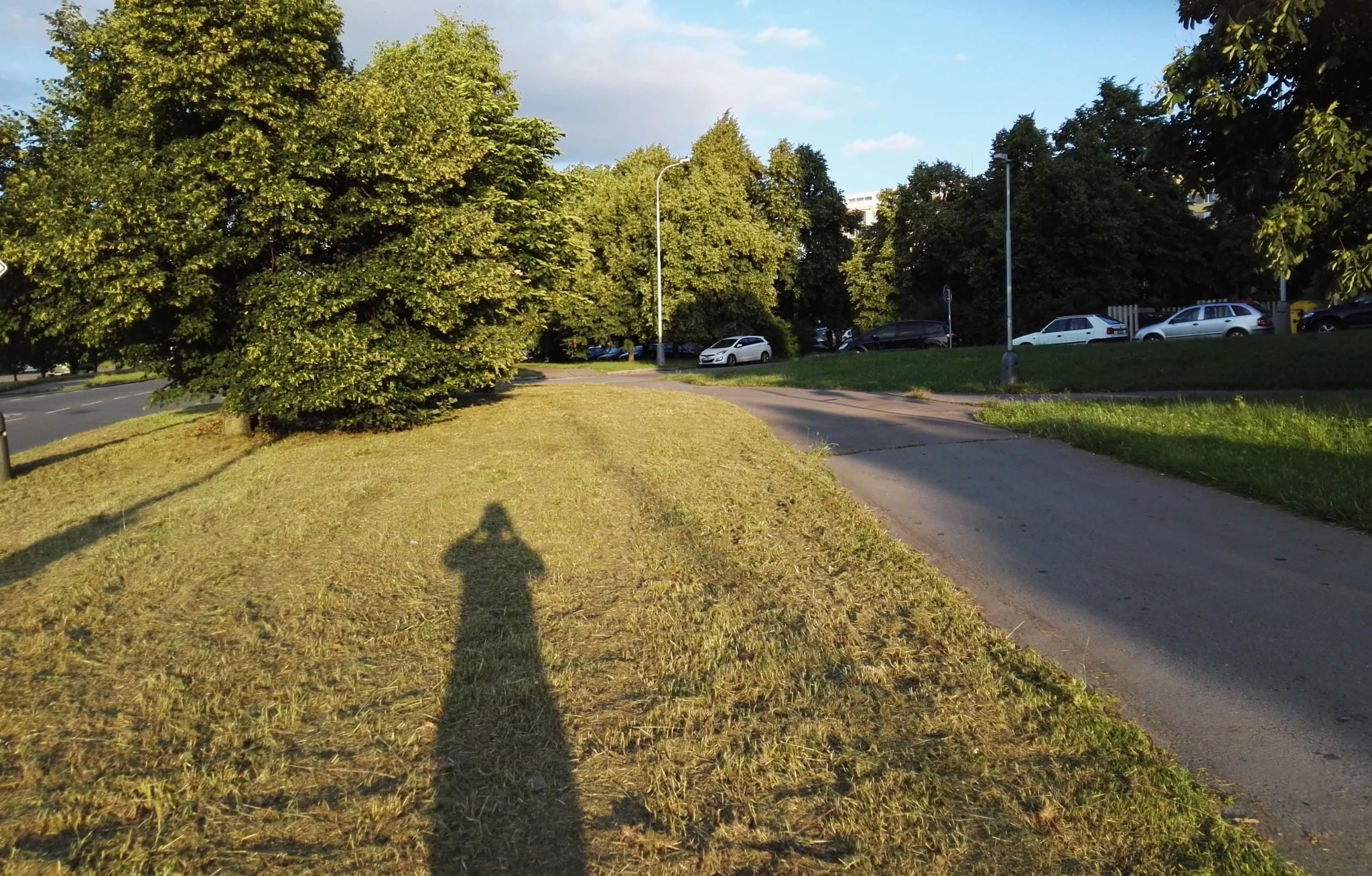

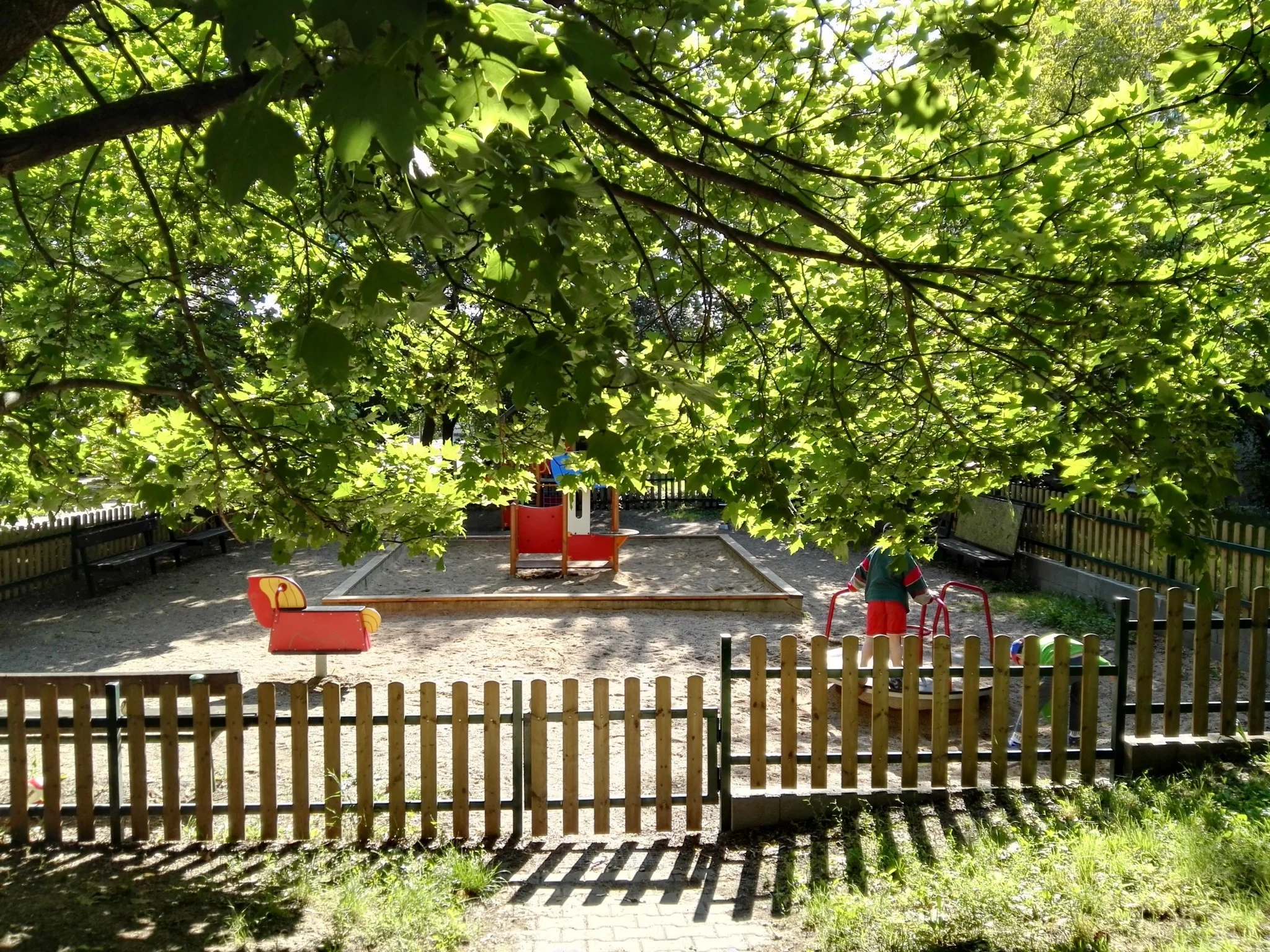
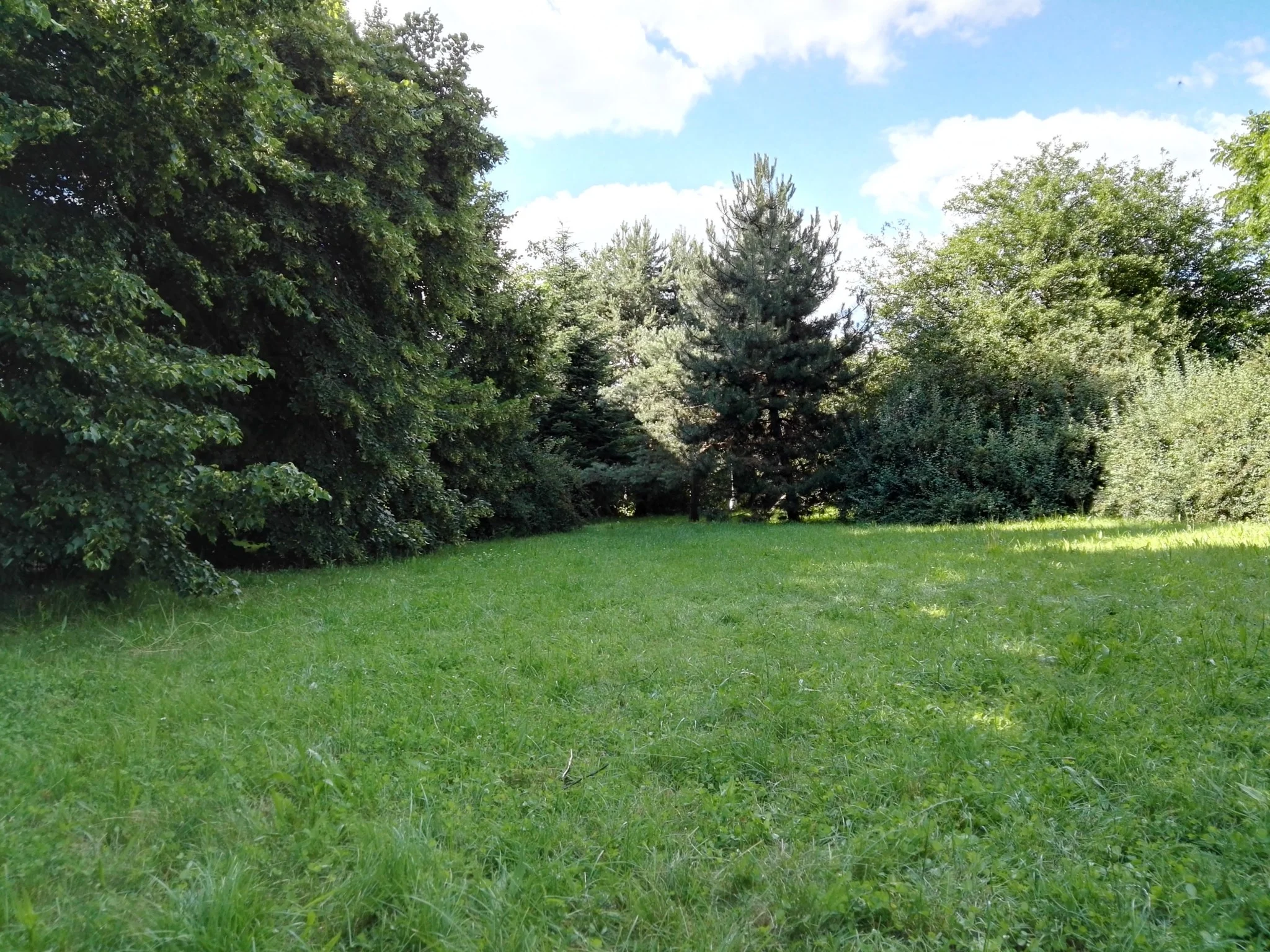
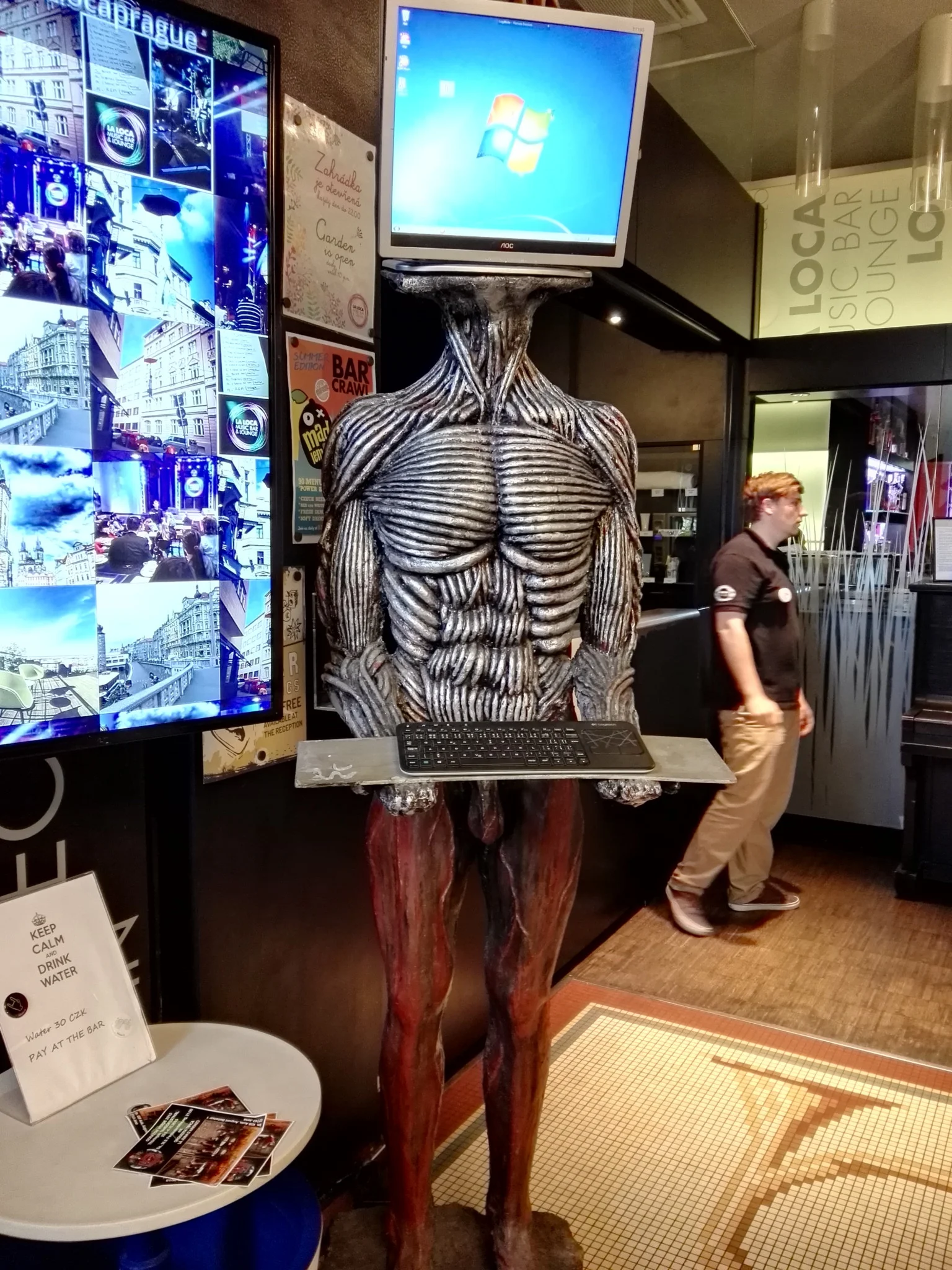
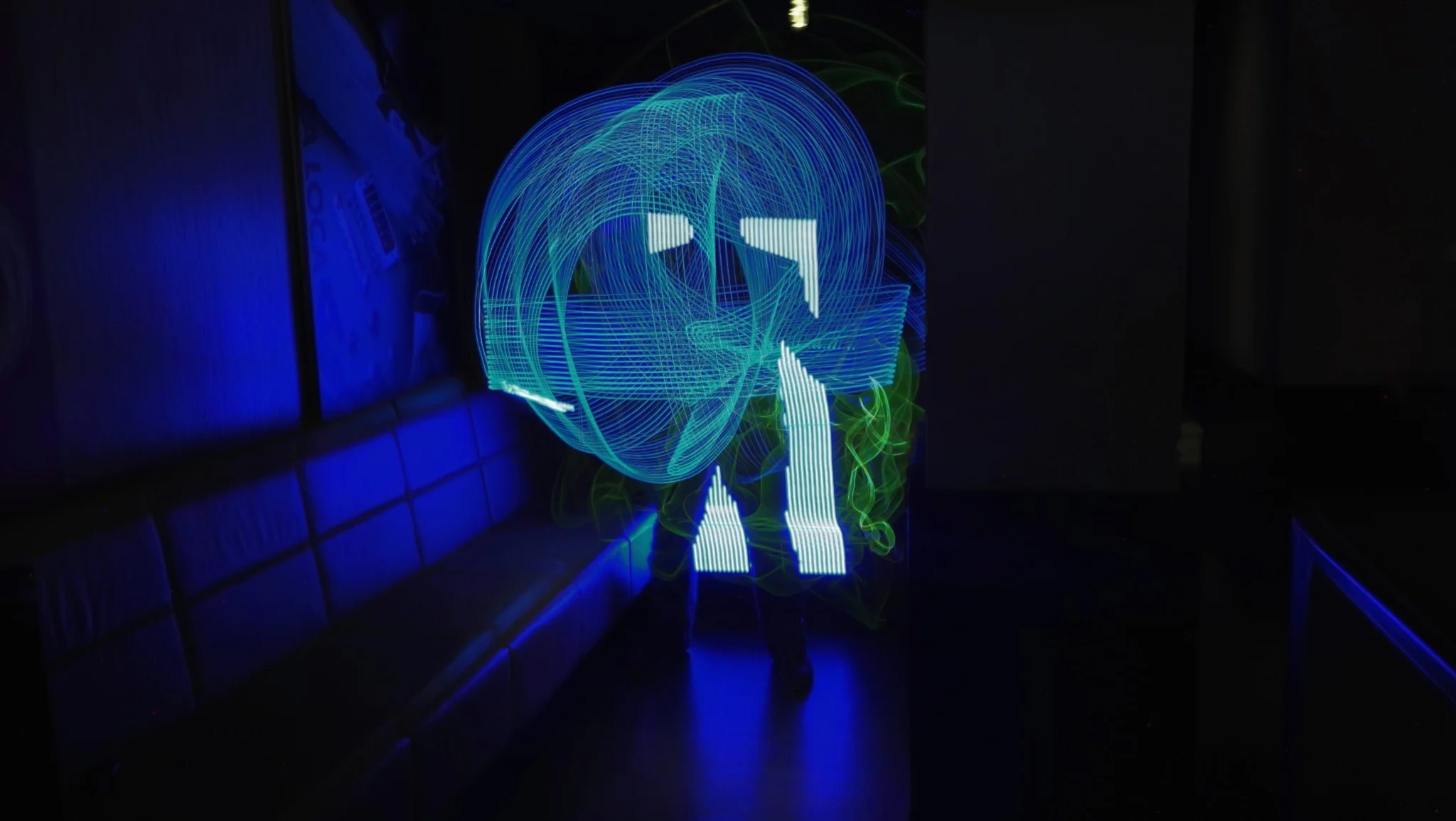
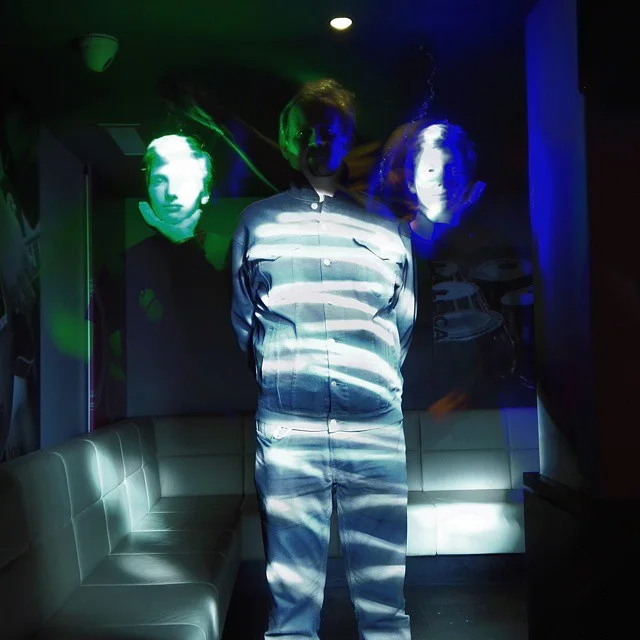
Here are images captured with the newly added mode. The final shots look genuinely good, and Huawei clearly got this feature right for a lot of users.
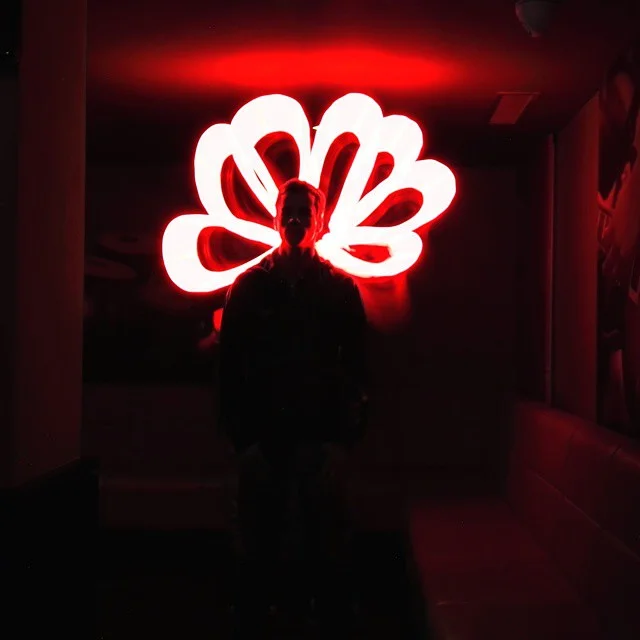
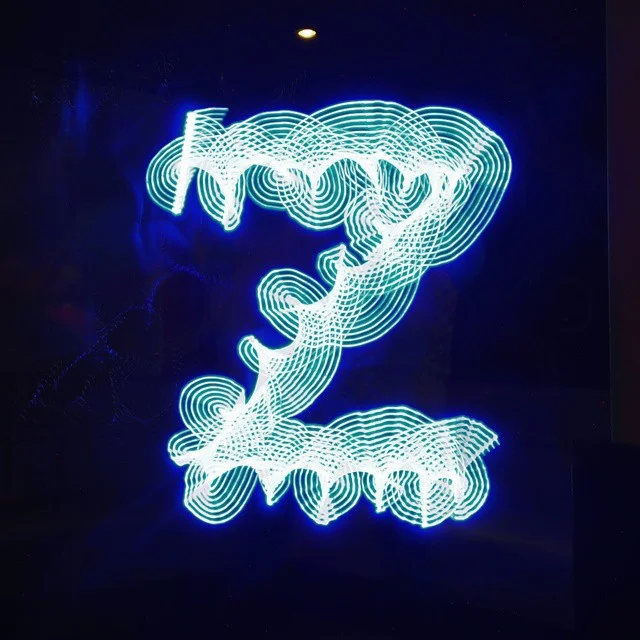
You can find more photo samples in this article: Camera test – Huawei P8 vs. LG G4 (in Czech).
Battery
Phone makers really need to hear this again and again: stop chasing ultra-thin designs if it means sacrificing battery life, or at least stop doing it to the point where endurance suffers. I have to dwell on this a bit, because once again I’m disappointed with battery life on a single charge.
While you can get the device through a full day, it takes more compromise than a smartphone this capable should demand. For example, you’ll need to limit features like GPS and avoid leaving mobile data or Wi-Fi on for long stretches. The P8 seems to draw more power than it should, and making it through the day can be a challenge.
To be fair, it’s not all bad. If the Huawei P8 is used mainly for work and you’re not constantly online or gaming for long periods, the battery can stretch further. Even then, though, you’ll still be charging it every evening unless you’re comfortable starting the next day at roughly 20 to 30 percent.
That leaves the bigger question: does a phone this powerful really need to be this thin just because the designers wanted it that way? Judging by the many user reactions you can find almost anywhere, I’m clearly not the only one who’d trade a few millimeters for a bigger battery.
Conclusion and verdict
I don’t want to be unfair to the device under review, but let’s break down where it gets things right and where it falls short. The display is excellent, and I have no real complaints about it. The same goes for the overall build and the metal construction. That said, the design itself hasn’t moved forward all that much, and Huawei played it pretty safe here. As for the camera, it comes very close to excellent, with only a few issues in the photos it produces. Unfortunately, the camera app doesn’t offer manual controls like LG’s G4 does.
The bigger problem is EMUI, where obvious rough edges, bugs, and unfinished elements still keep showing up. Battery life and battery capacity may also be a sticking point, though that’s something Huawei can hopefully address in future models. On the plus side, the developers deserve credit for the new features, including gestures, faster and better search, and the sheer number of customization options in the settings.
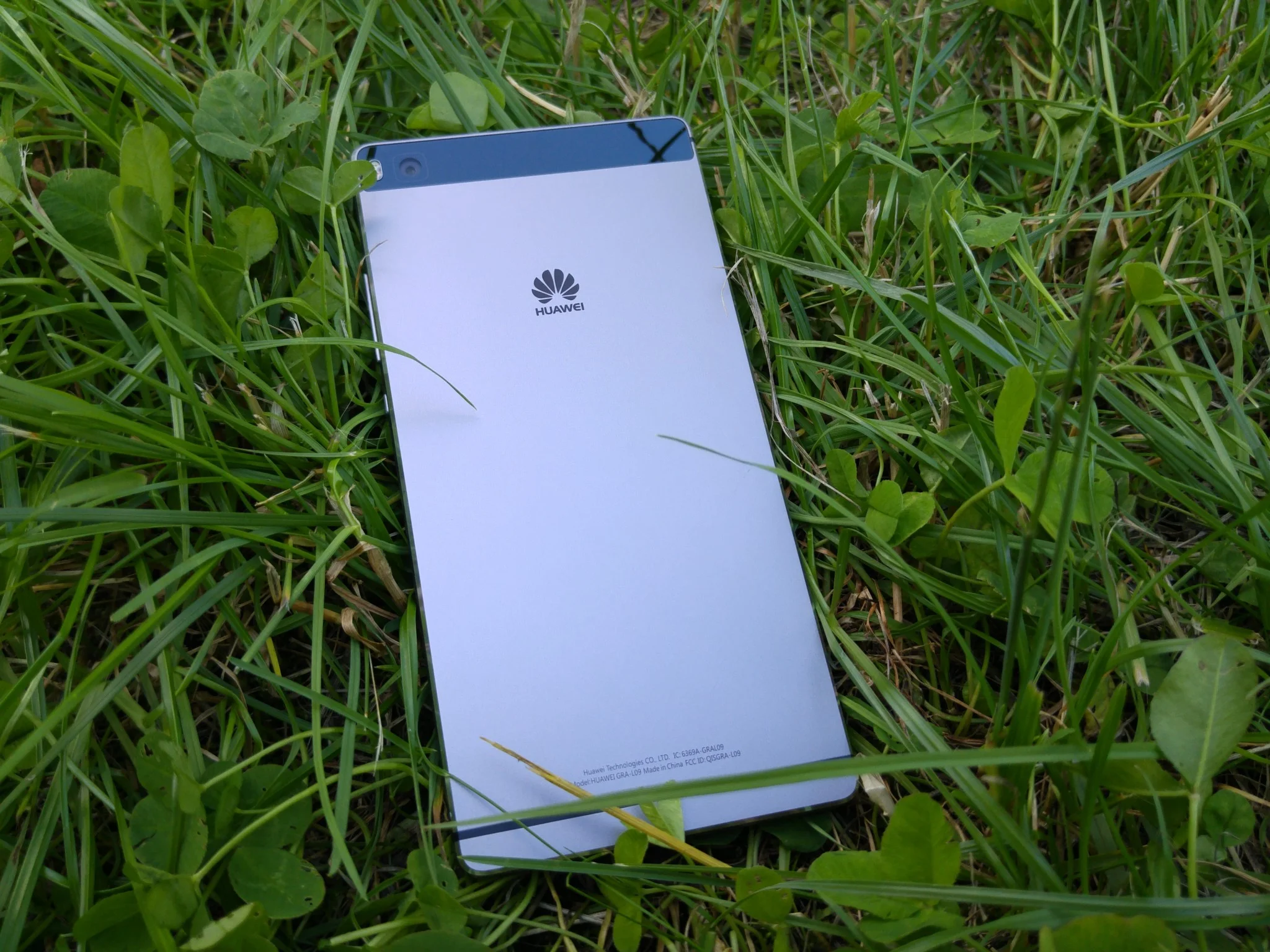
Very few devices strike this kind of balance between strengths and weaknesses the way the P8 does. There are clearly more positives than negatives here, but those few unfinished features and missing basics are the sort of things people do actually notice and want. As someone generally favorable toward Huawei, I’d still say this model is a solid step forward from its predecessor. If the company cleans up EMUI, the P8 becomes a much easier phone to recommend.

Community Discussion 0 COMMENTS