
Samsung launched two flagship phones this year, the Galaxy S6 and S6 Edge. The latter grabbed far more attention, mostly because of its curved display. It was a real swing from Samsung, an attempt to bring something genuinely different to a smartphone market that had started to feel predictable.
In the Box
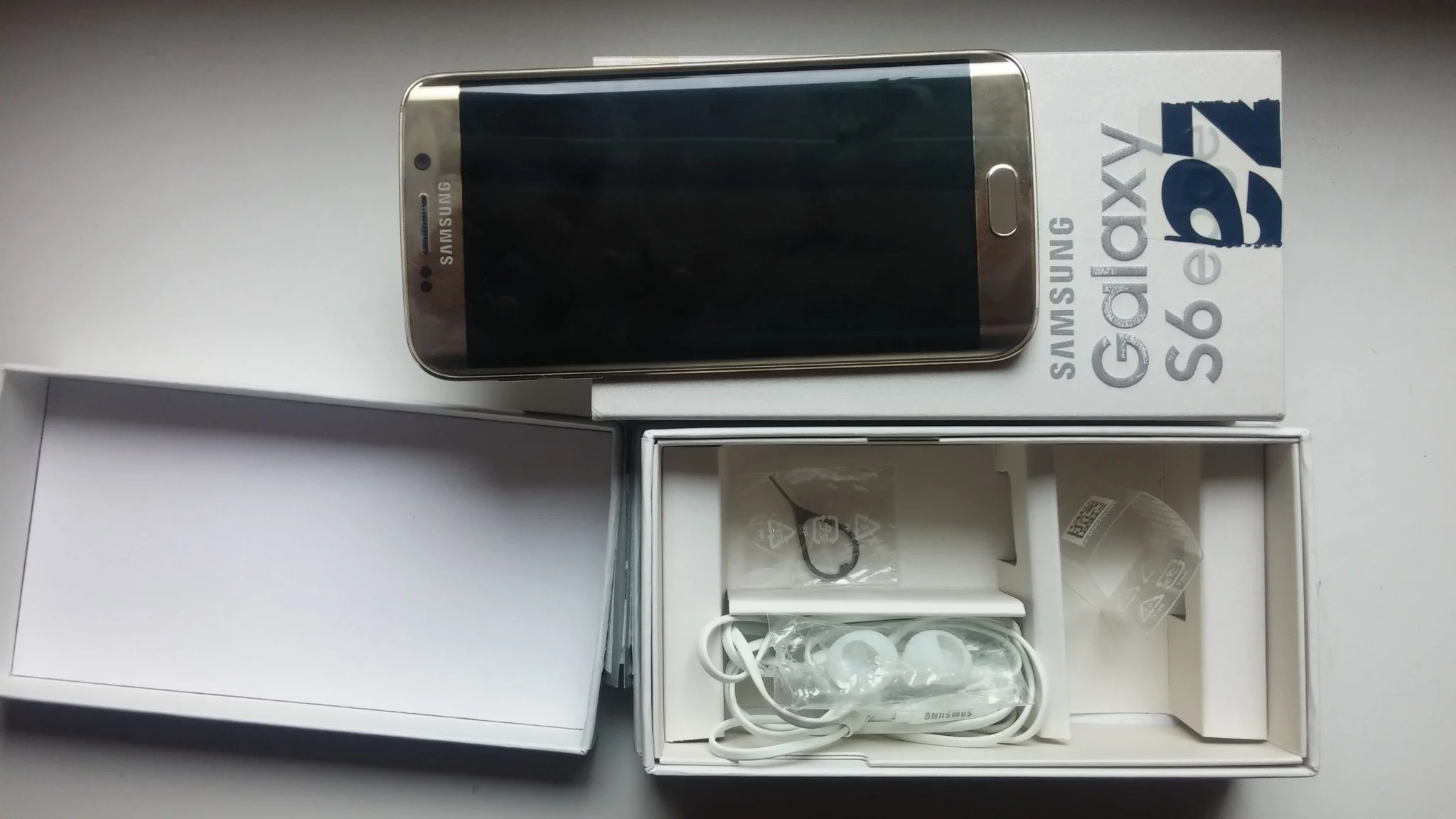
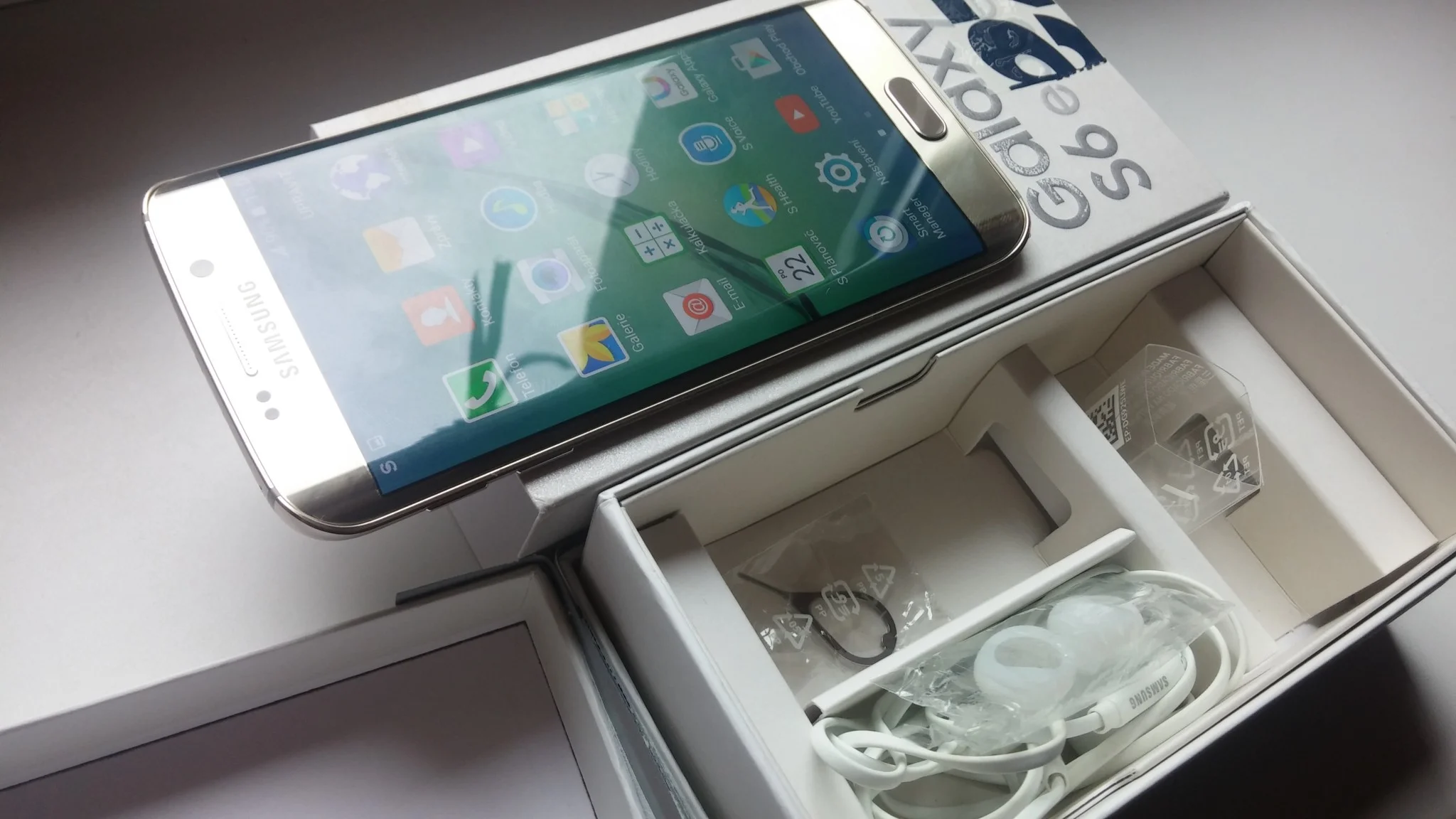
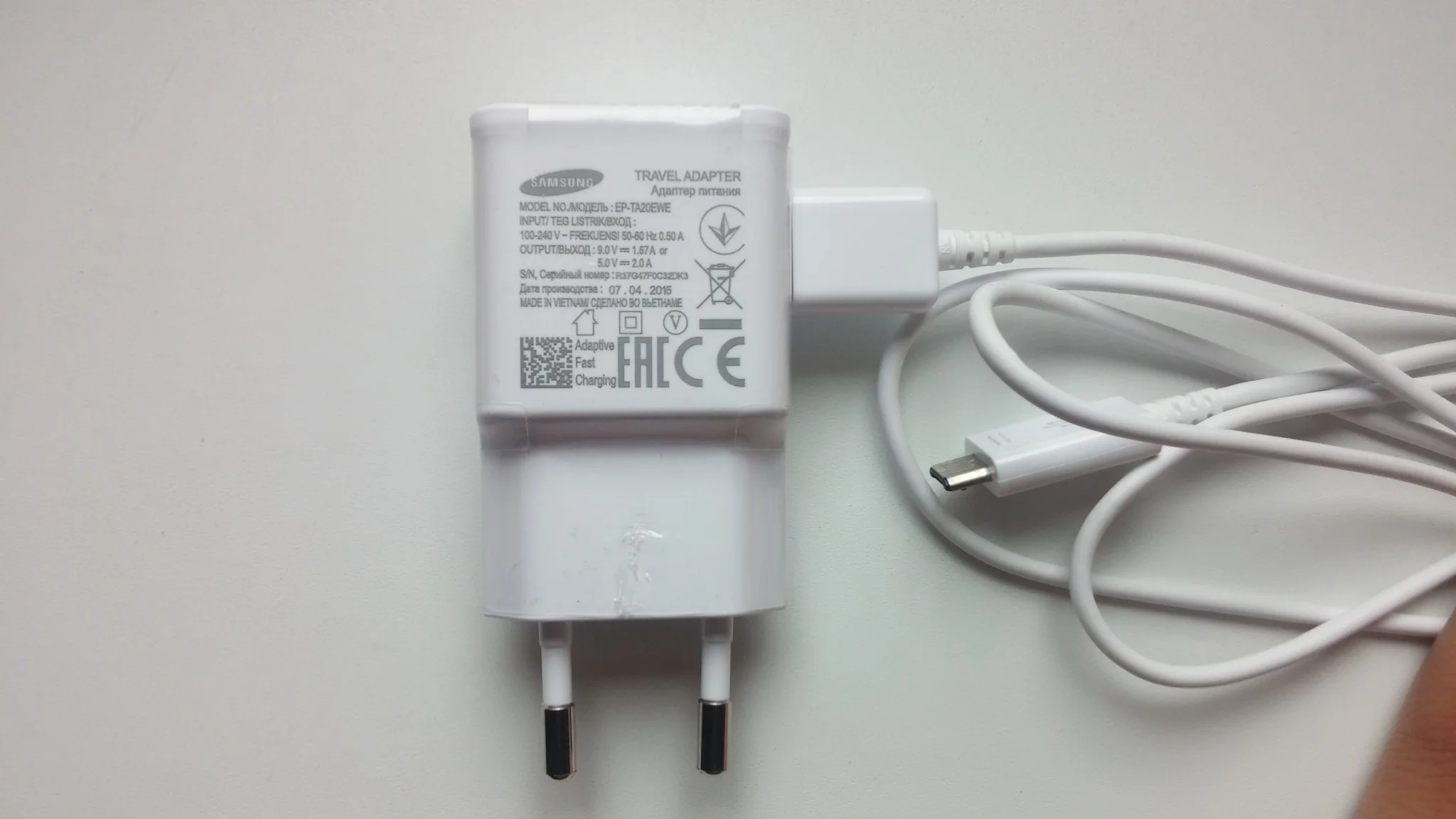
Samsung has ditched the old eco-toned packaging, so you’re opening a clean white paper box this time. Inside, you get the usual charger, complete with Fast Charging support for quicker top-ups. There’s also a quality USB cable, and thankfully it’s longer than the one Samsung shipped with earlier models. No surprises here otherwise: documentation, the nanoSIM eject tool, and a pair of nicely designed earphones with extra silicone tips in different sizes. Solid bundle, nothing unusual.
Design and Build
Samsung arrived with something new here: a display that curves over both sides of the phone. It also hints at where phone design could be headed next. The Galaxy S6 and Galaxy S6 Edge differ mainly in those curved edges; the hardware inside is otherwise the same.
The moment you pick it up, it’s obvious this is one of the best-built phones of its time. Samsung clearly put manufacturing precision near the top of the priority list. In the hand, it feels premium in a way plastic phones simply don’t. Go back to an older plastic handset after using this for an hour and it can feel toy-like.
For the Edge, Samsung went with glass and a metal frame. The sides are polished to push the luxury angle, and the buttons get the same treatment, also finished in metal. There’s no flex here, no creaking, no sense that anything is loose. Everything feels tight and solid. Samsung also uses Gorilla Glass 4 on both the front and back.
There is a downside. The glass surfaces pick up fingerprints constantly. If you want the phone to keep looking this good, you’ll be wiping it down a lot.
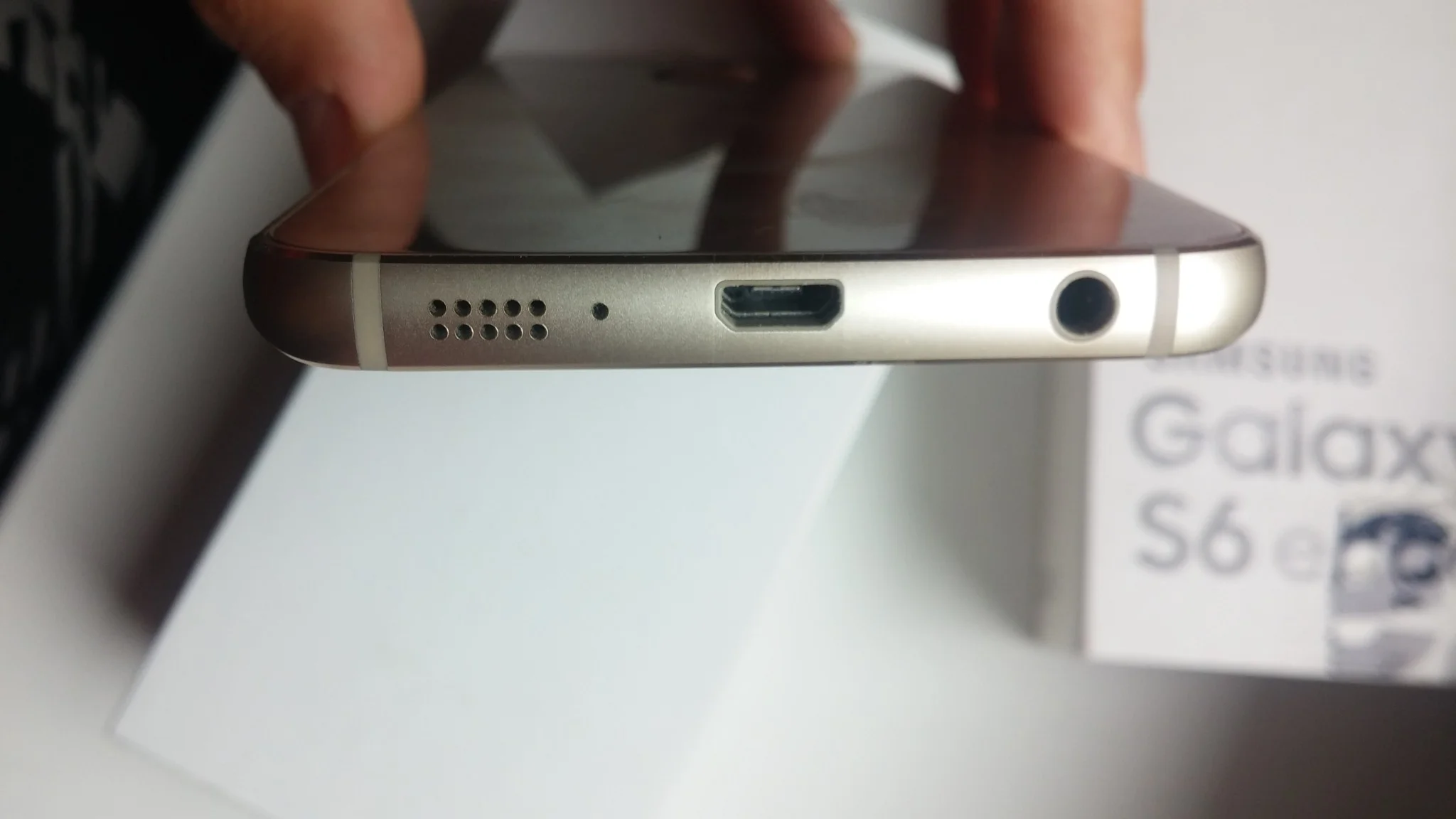
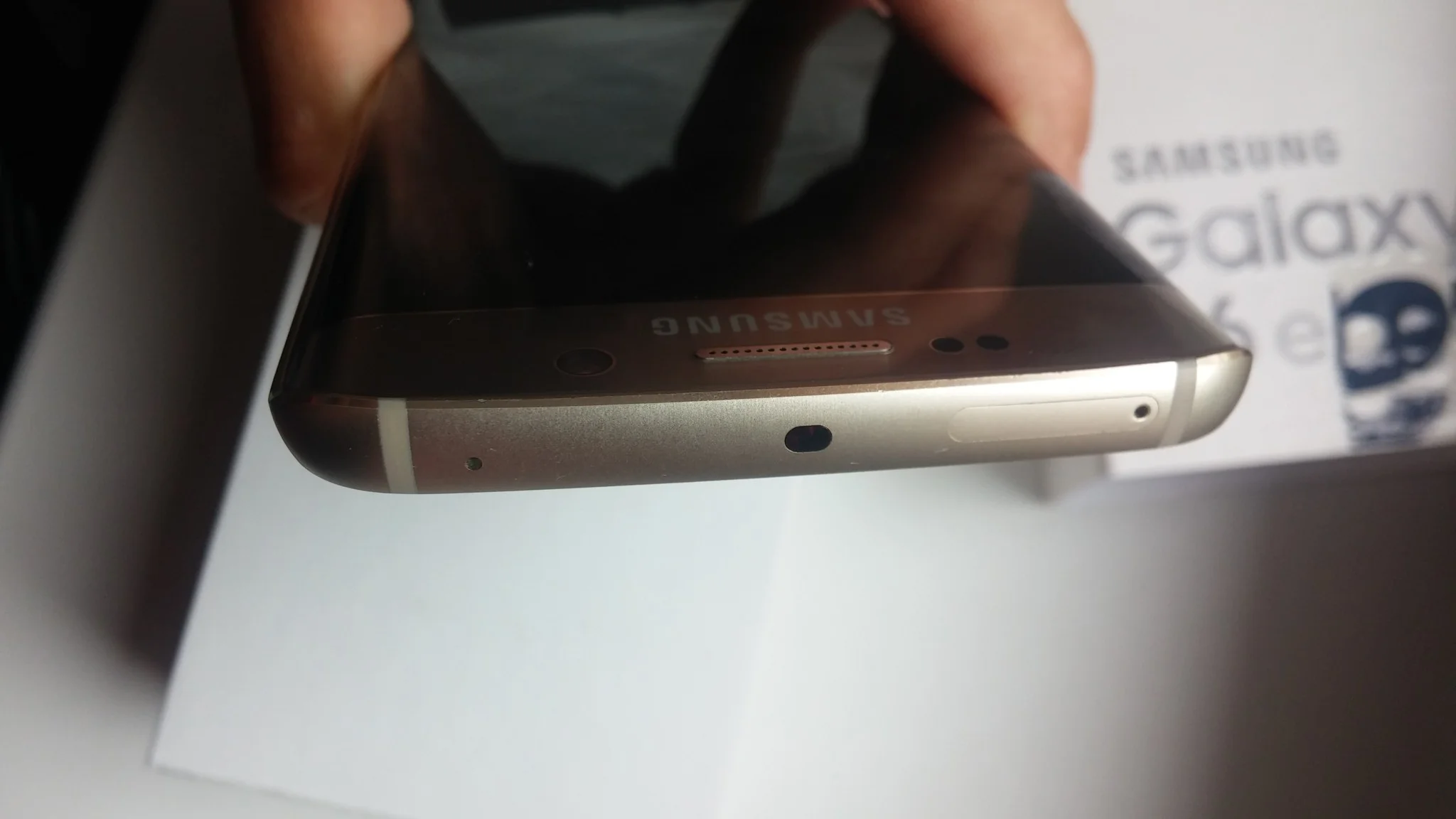
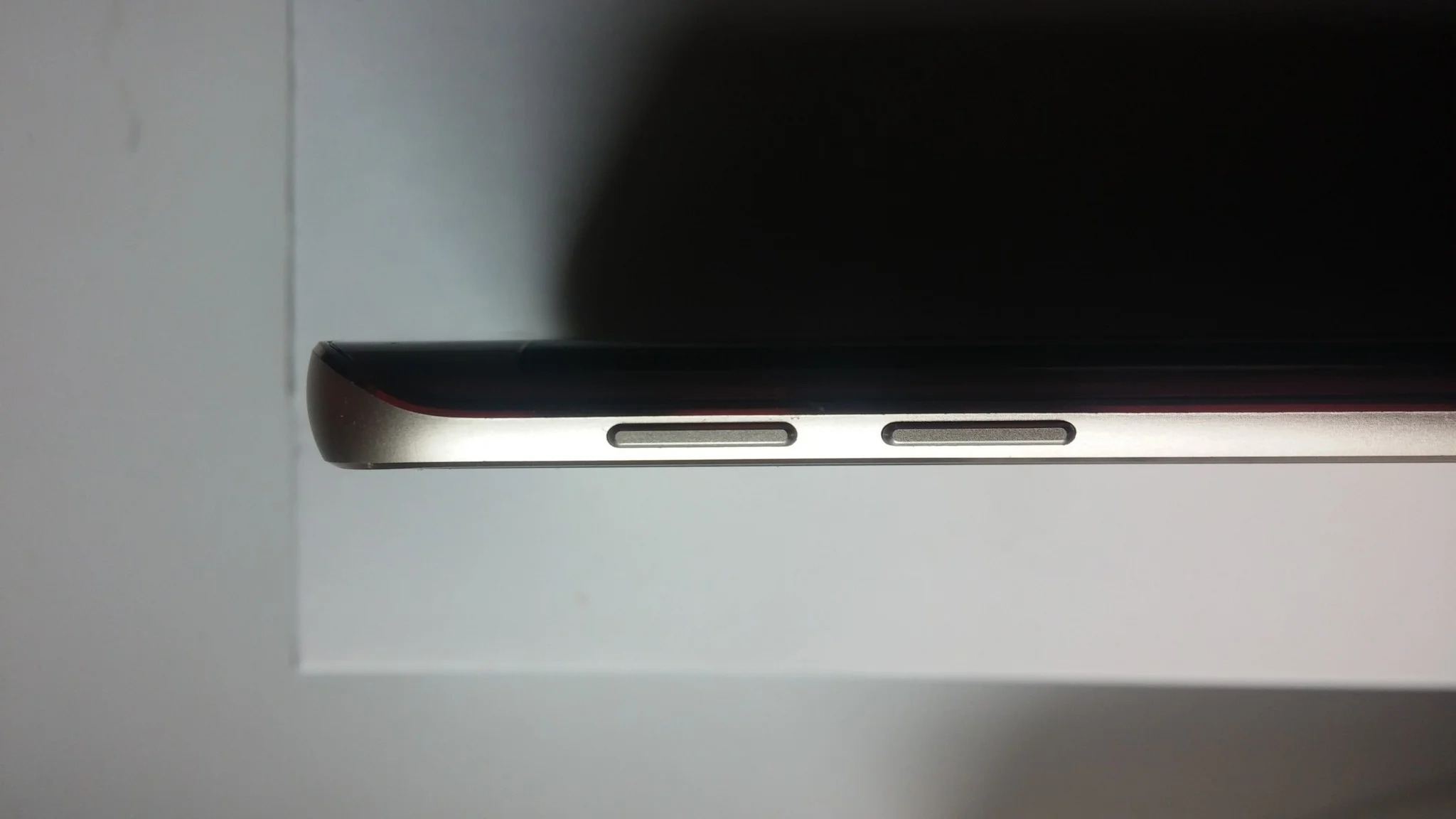
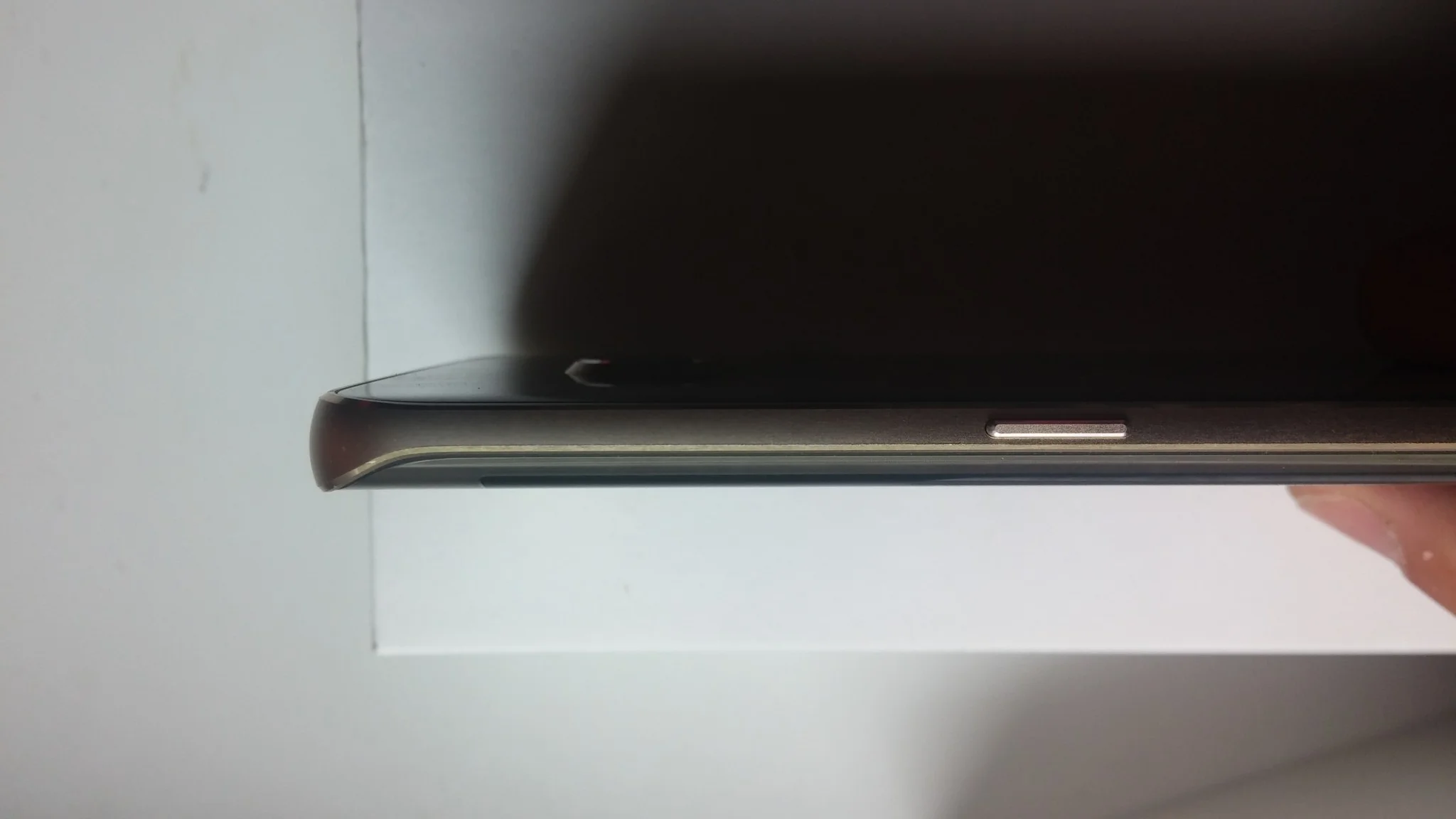
On the bottom edge, Samsung placed the 3.5mm headphone jack, the microUSB port for charging and data, and a speaker grille on the far right. The left side holds the two volume buttons, which could have been positioned a bit lower. On the right edge, there’s only the power button. Up top, you’ll find the nanoSIM tray tucked in neatly, an infrared port for controlling devices like a TV, and a small opening for the secondary microphone.
(I didn’t clean the phone before taking these photos, so you can get a better sense of how visible the fingerprints really are.)
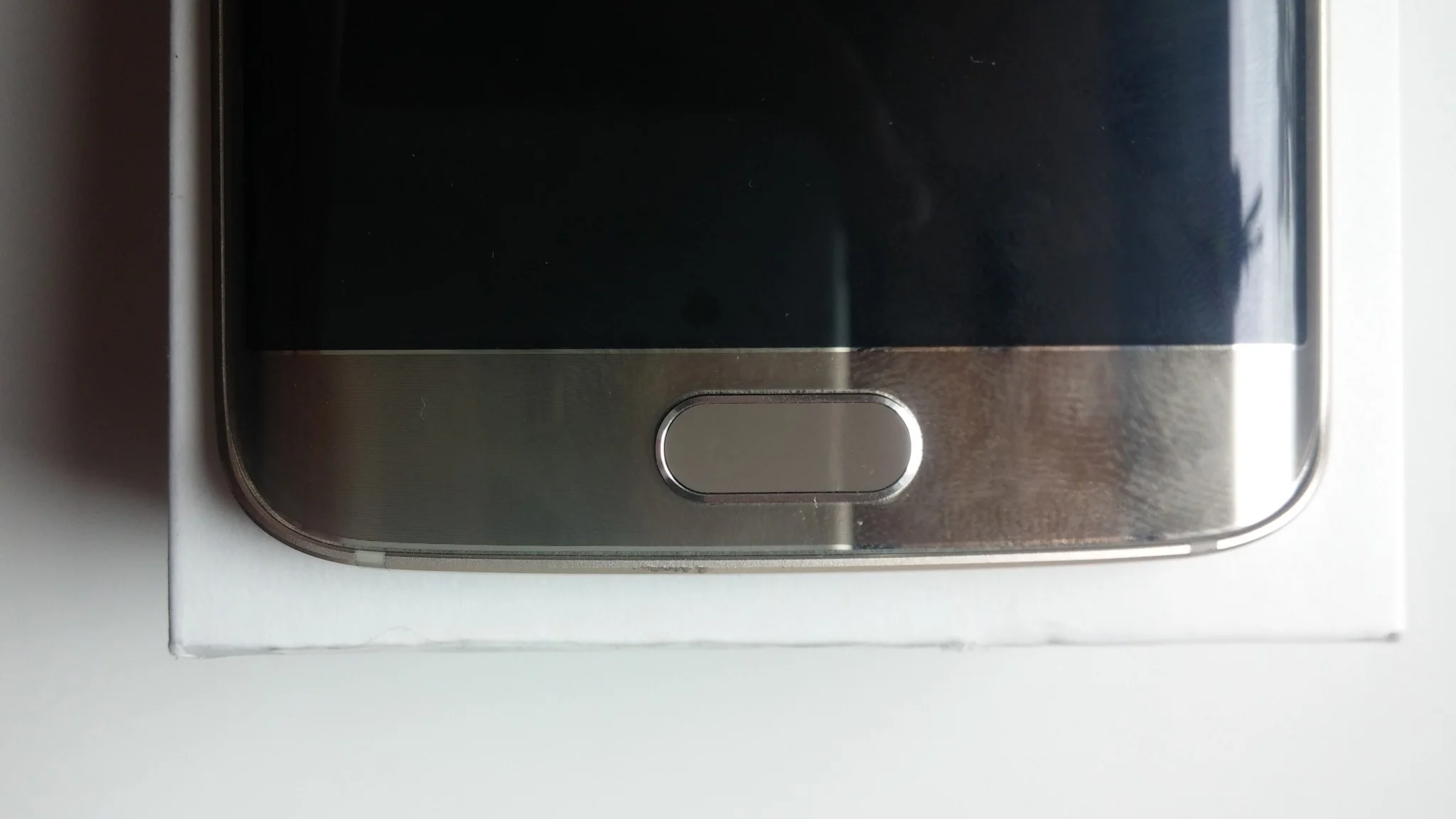
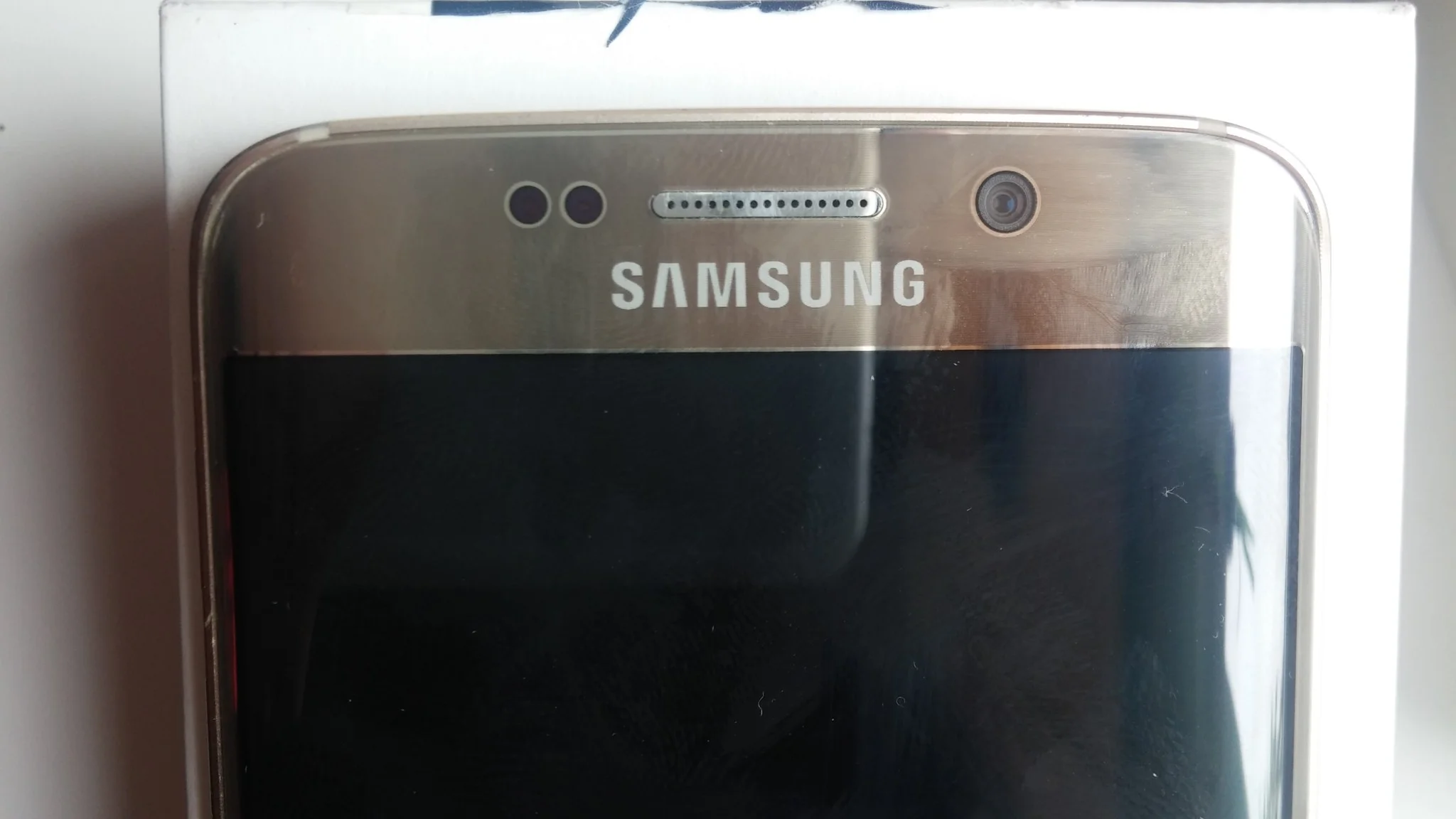
Below the display sits Samsung’s familiar home button, now upgraded with a better fingerprint sensor. You can simply rest your finger on it, which makes a real difference in day-to-day use. To the left is the multitasking button, and to the right is the standard back key. Above the display are the Samsung logo and the earpiece for calls.
Next to them are the brightness sensor and the proximity sensor for detecting when the phone is against your ear. There’s also a notification LED here, though unfortunately you can’t customize its colors. On the right side sits the front-facing camera for selfies and video calls.
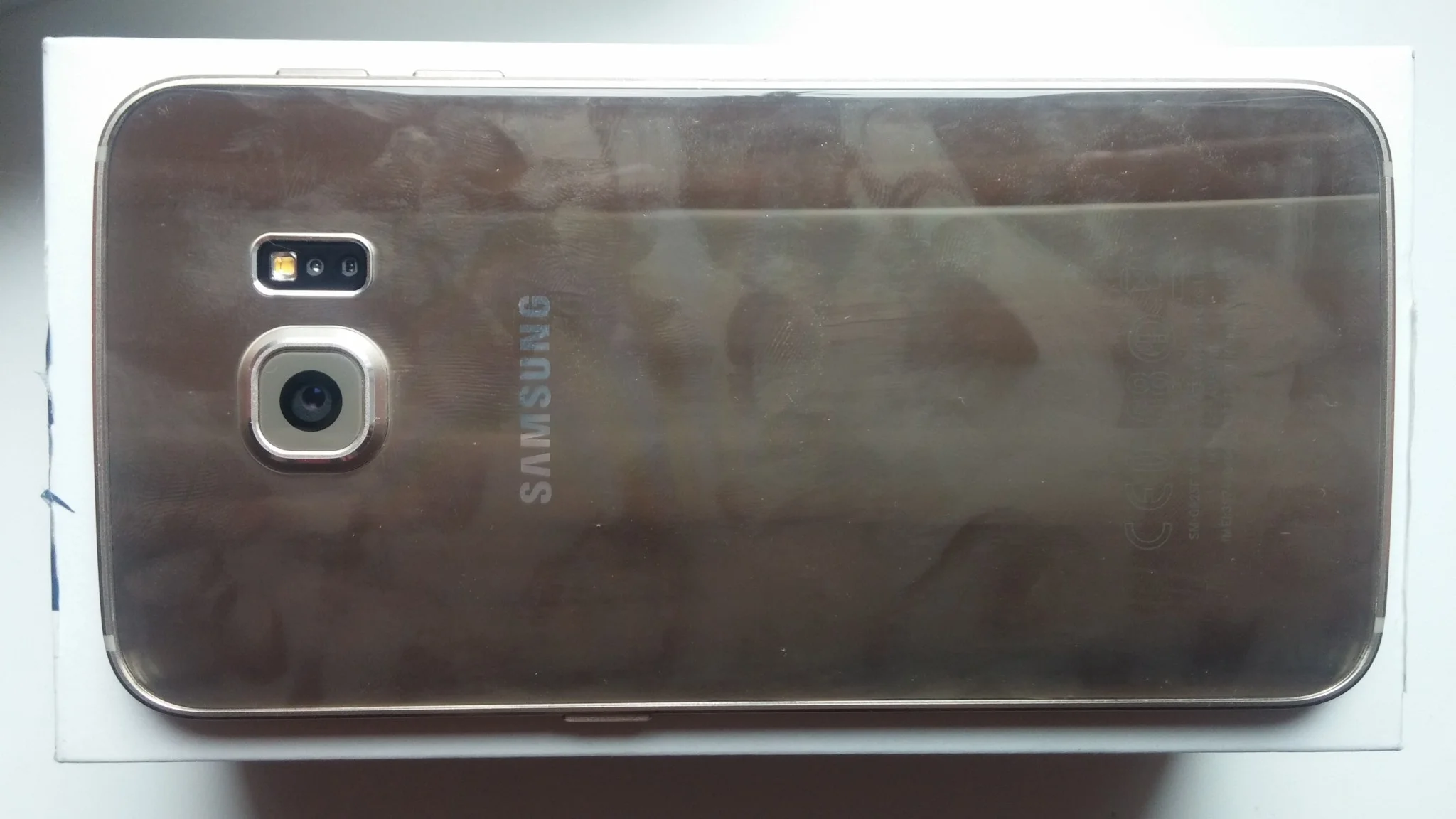
The back of the phone is very slippery. If you tend to rest your phone on your stomach while watching TV, for example, it will keep sliding around. At the top of the rear panel is the camera module, which protrudes and takes a bit away from the otherwise polished design. To its right are the LED flash and heart-rate sensor.
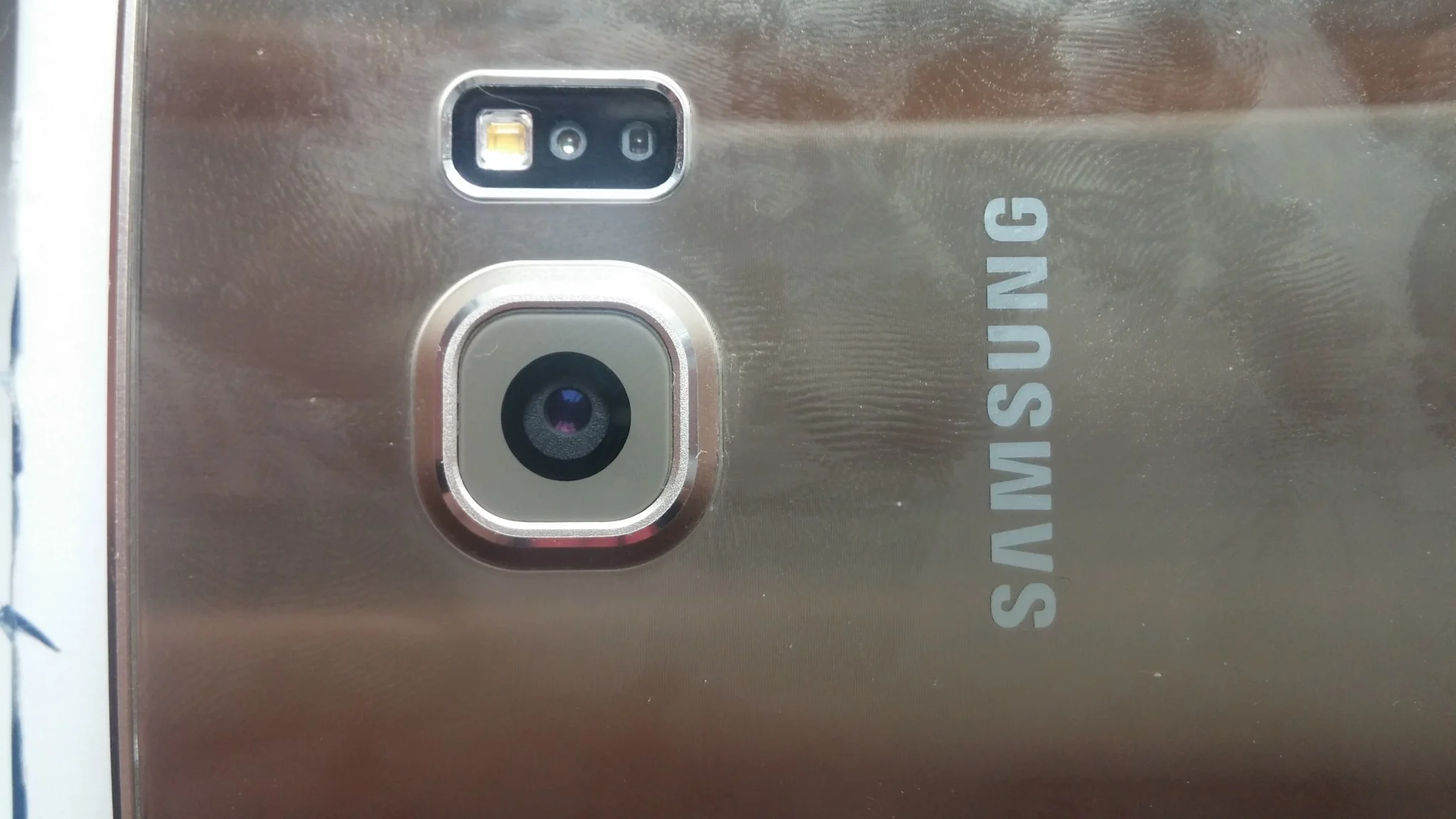
In daily use, the phone feels expensive and exceptionally well made. It can slip out of your hand, though, which is not ideal given how vulnerable metal and glass can be in a fall. In a pocket, the S6 Edge carries very well and doesn’t feel awkward when sitting down. The curves along the display also feel surprisingly comfortable in the hand and help with grip. Overall, this is a striking piece of hardware. It draws attention fast, and people around you will notice it.
DISPLAY
The display is, in a word, gorgeous. I’m personally more used to IPS panels, so it took me a little time to adjust. But any sense of oversaturated colors was quickly offset by the superb 2,560 x 1,440 resolution. At 576 ppi, the panel is incredibly sharp, and you have virtually no chance of spotting individual pixels even with your eyes right up against it. Samsung deserves real credit here.
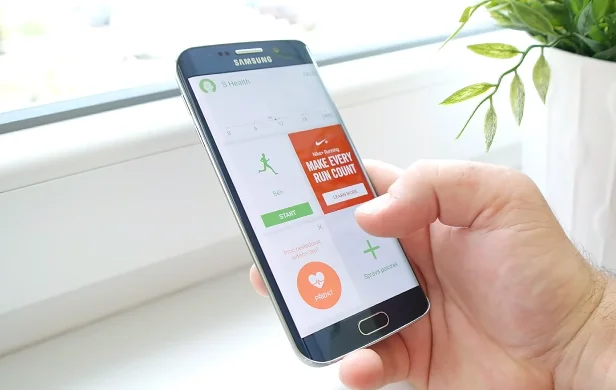
The QHD display does a lot of heavy lifting here. Using the EDGE is a pleasure, and it’s especially easy on the eyes when watching movies, playing games, or browsing photos. It’s the kind of screen that makes you stop and appreciate just how good Samsung’s display hardware can be. Outdoors, readability is excellent. It barely matters whether you’re standing in the shade or under direct summer sun. Viewing angles are also excellent, and Samsung clearly put real work into brightness tuning.
When using the phone in the dark, the display can dim low enough that it won’t feel harsh on your eyes. In bright daylight, though, it absolutely shines. The downside is that running brightness at its maximum has a clear impact on battery life and heat, with the phone getting noticeably warm. The curved edges of the display also add extra features, which we’ll get to in the software section.
AUDIO
Samsung finally realized that putting the speaker on the back was a bad idea, so this year it moved to the bottom edge next to the microUSB port. The sound pleasantly surprised me, and once again, Samsung earns praise here. The speaker performs at a very solid level in terms of overall sound quality.
Volume is excellent, and in noisy environments you won’t have to worry about missing your favorite music. That said, a single speaker can’t deliver stereo sound. The bundled earphones are also quite good, though they still don’t match classics like the Koss Porta Pro. Thanks to the new ergonomic design, they stay in your ears well enough that I’d be comfortable using them for exercise, though their maximum volume could be higher.
HARDWARE AND SOFTWARE
In this case, Samsung went with its own processor solution. The move came because Qualcomm’s Snapdragon 810 simply didn’t turn out very well and had a serious overheating problem. At first, that seemed like a questionable decision to me, but with some distance, I have to say it was one of the smartest moves Samsung could have made.
Its Exynos 7420 is excellent and doesn’t heat up the way the Snapdragon 810 does. The processor has 8 cores in total, with 4 clocked at 1.5 GHz and another 4 at 2.1 GHz. RAM comes in at 3 GB and uses newer DDR4 technology, which means faster data performance.

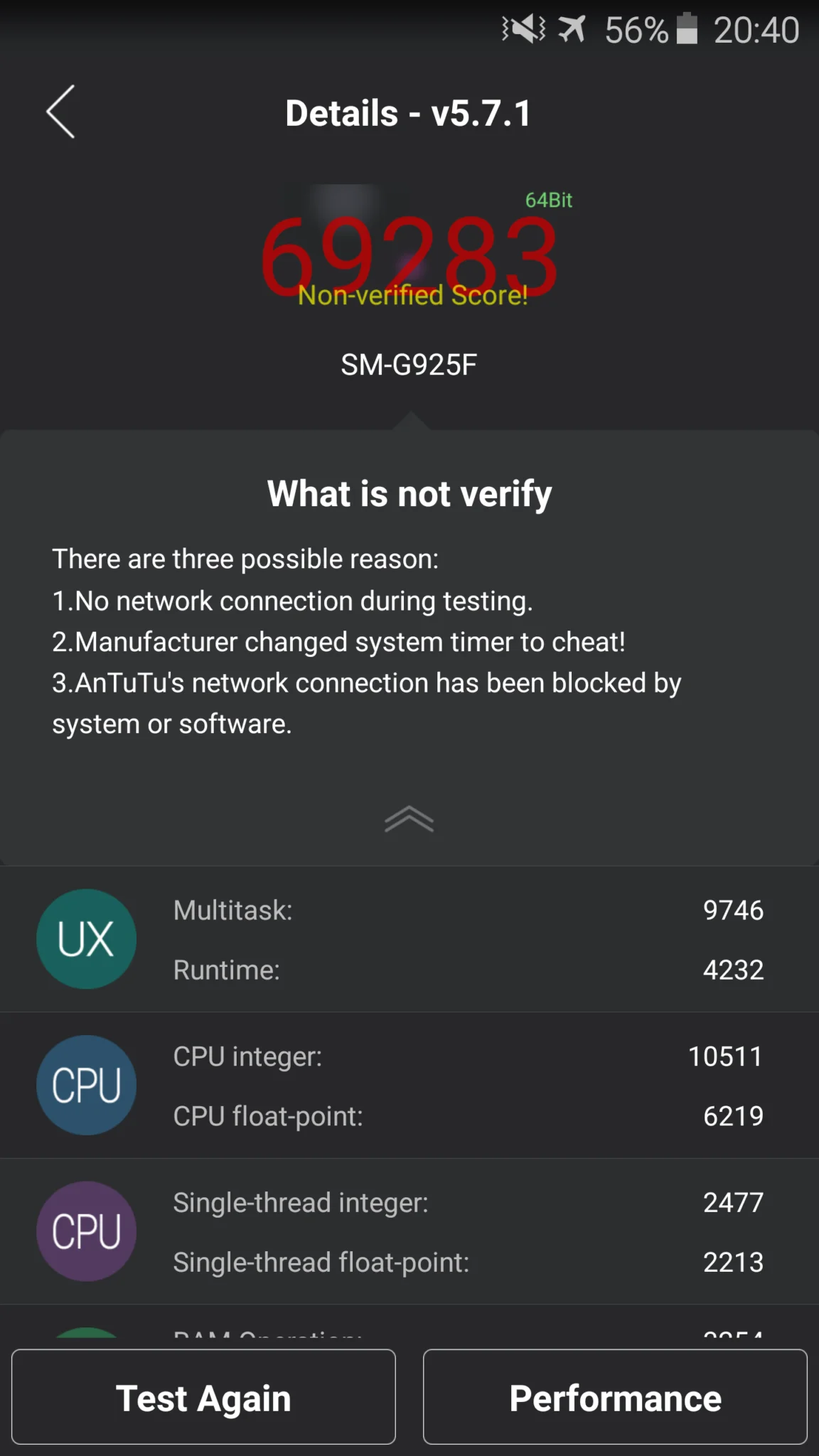
Android 5 Lollipop version 5.0.2 is installed on the device. Right after powering it on, I was offered a system update that fixed a few minor bugs. As always, we also ran performance benchmarks, and you can check out the results below.
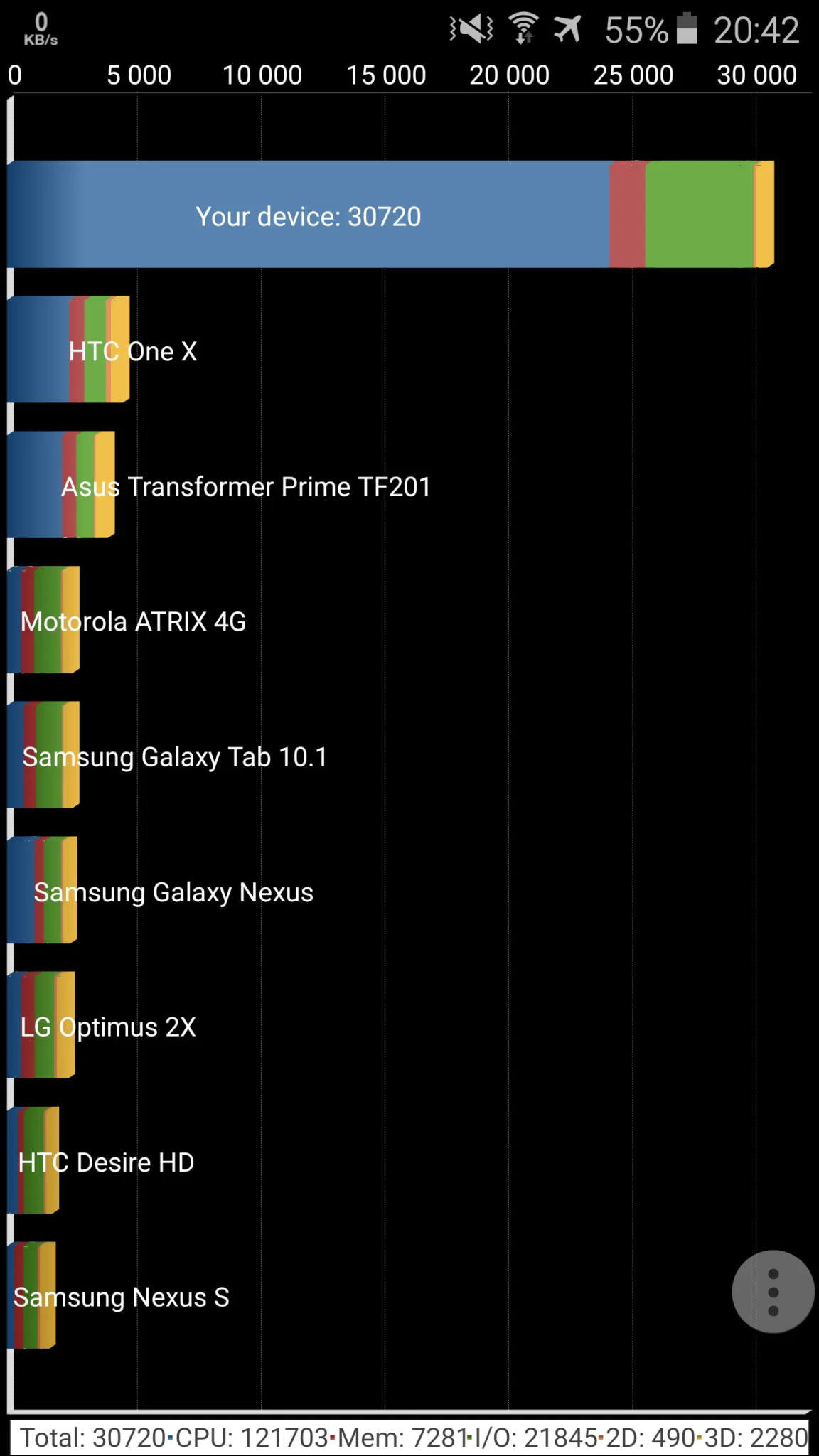
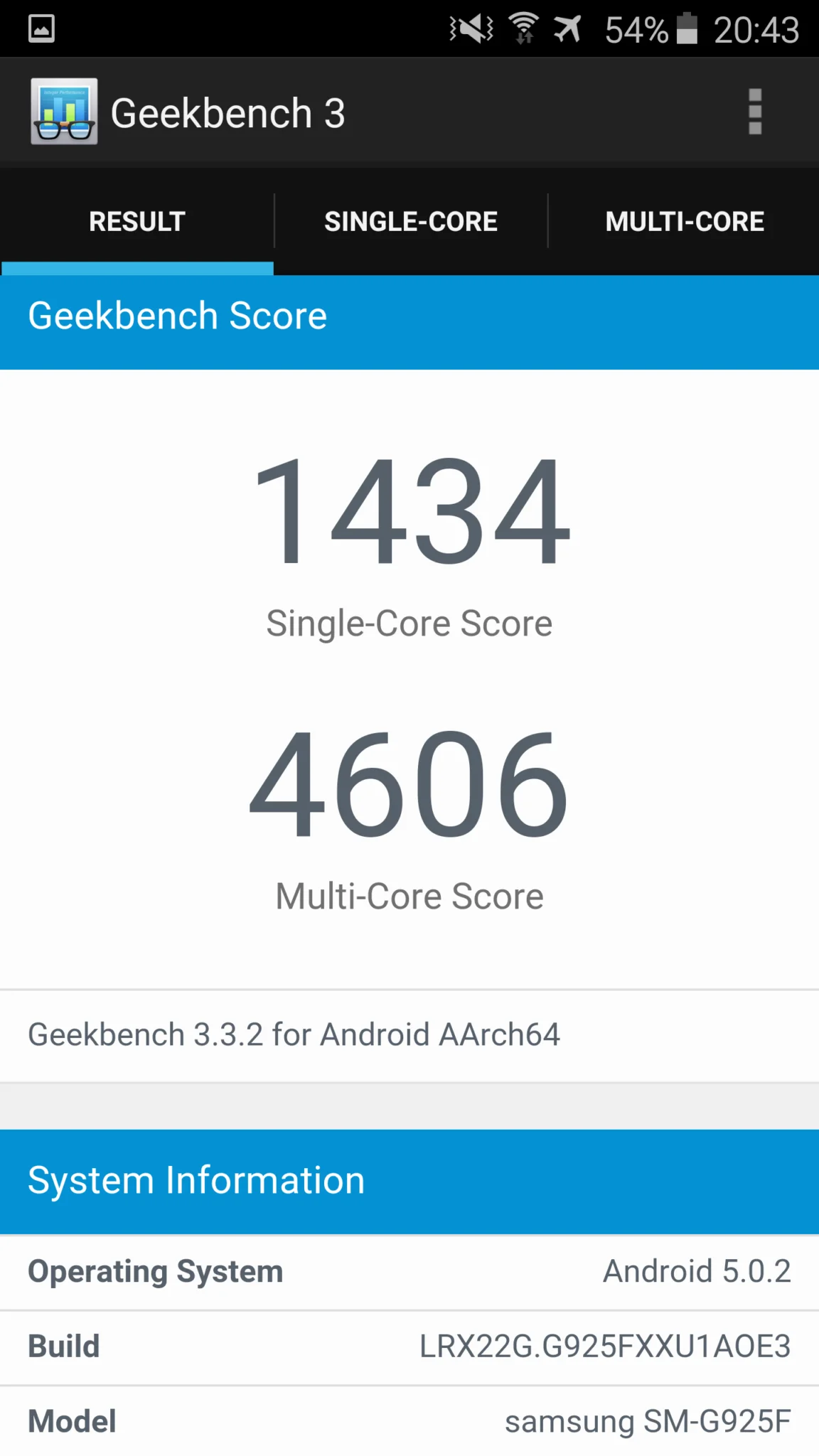
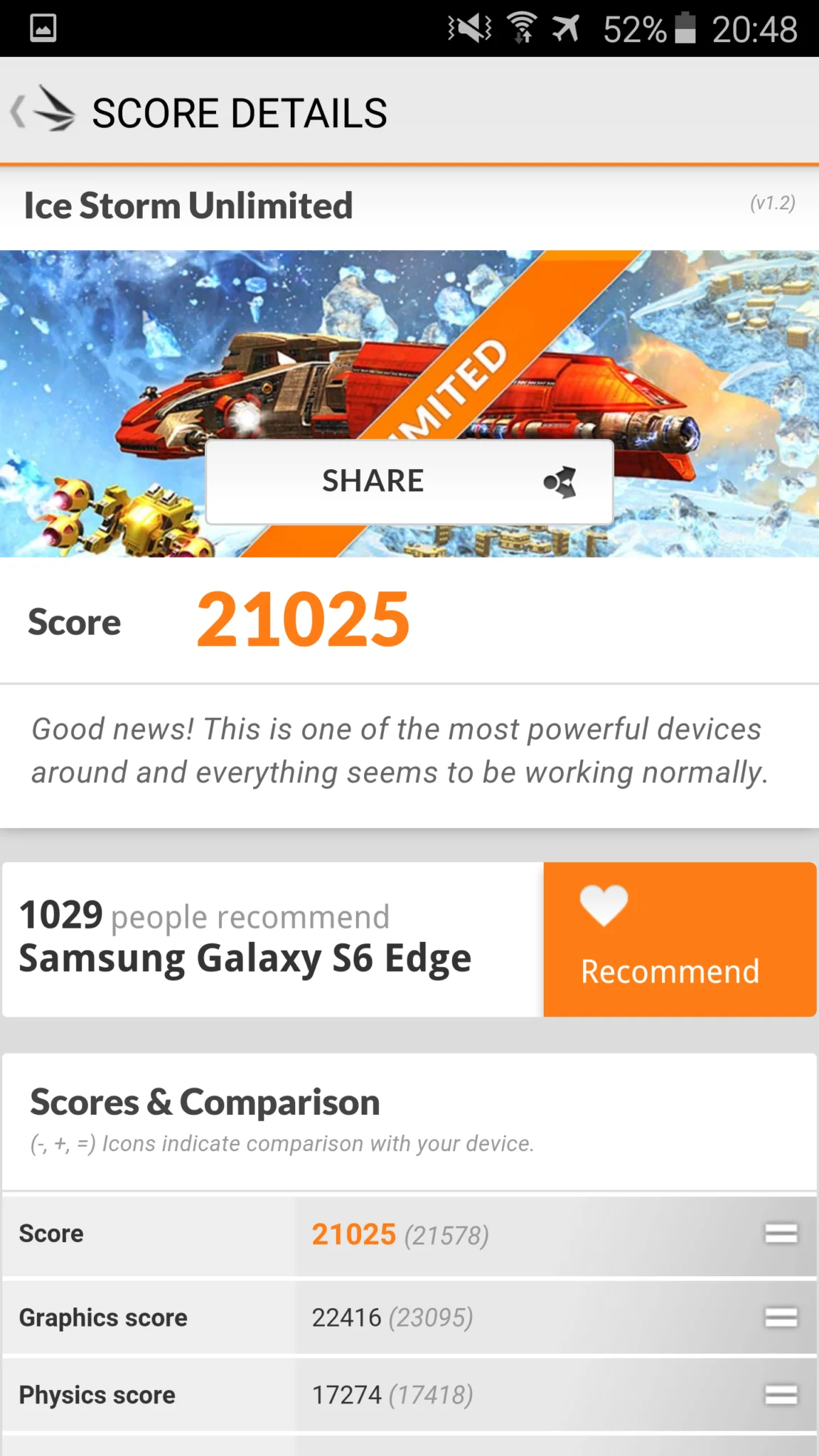
I usually start the software section by complaining about Samsung’s cursed TouchWiz interface, but this time I have to change my tune and give credit where it’s due. TouchWiz has finally been polished to the point where I’m no longer running into major slowdowns or long freezes.
You’ll still occasionally catch a tiny hiccup here and there, but these are true micro-stutters, the kind only your eyes notice, without actually slowing you down. Samsung also included a few software tricks worth mentioning, including hidden contact shortcuts in bubbles along the right side of the display and the ability to check the time by swiping the edge screen without turning on the full display.
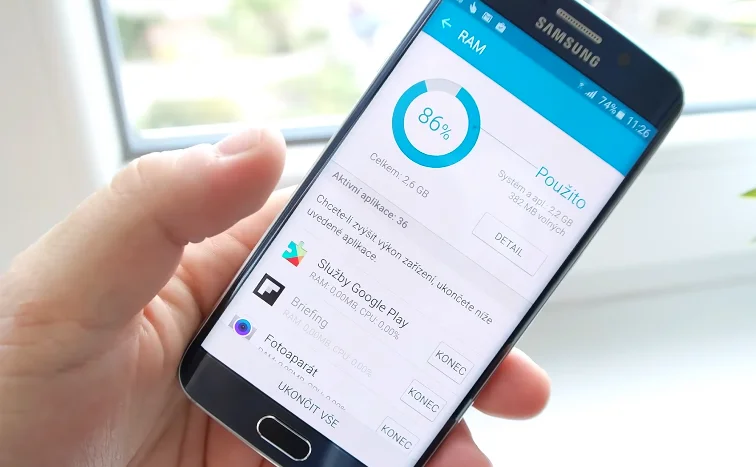
RAM is filled most of the time, leaving roughly 800 MB to 900 MB available for apps and games. I personally noticed Chrome and similar apps getting closed when I pushed multitasking past three apps in quick succession.
Samsung also deserves praise for the new fingerprint reader. It has finally reached the point where you no longer have to swipe your finger across it; simply placing a registered finger on the sensor is enough. In most cases, the sensor worked well for me, though there were times when I had to enter the backup password because the system failed to recognize my fingerprint even on the fifth try.
BATTERY LIFE
With Samsung’s previous flagship phones, we were used to removable batteries. That’s no longer the case here. Design clearly won out, so if the battery ever needs replacing, it’s not something you can handle by simply popping off the back. The unibody build looks premium, no question, but the tradeoff is obvious: the rear cover doesn’t come off.
Battery capacity dropped to 2,600 mAh, and that really wasn’t a great move. If you’re a heavy user and you’re on your phone constantly, the charger is basically part of your nightly routine. In most cases, when I started using the phone around 7 a.m., I was down to roughly 25 percent by about 3 p.m. My typical day included listening to music through headphones, somewhat heavier web use, and very light camera use, around three to four photos.
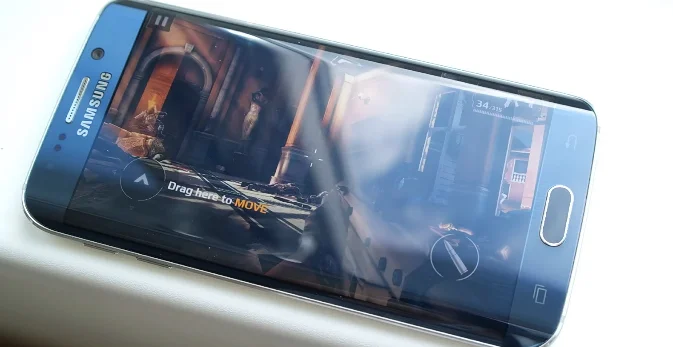
If you’re a more average user, the phone will comfortably make it through a full day, but you’ll still be plugging it in at night if you want it ready for the next morning. That said, Samsung deserves credit for very fast charging.
If you forget to top it up, even an hour on the charger gives the phone enough power to get you through a decent stretch before you’re back near an outlet. If you plan to shoot video, though, expect the battery to last no more than about five hours of recording in Full HD. Samsung also includes its usual Ultra Power Saving Mode, which switches the interface to black and white, lowers processor clocks, and cuts overall system activity. A full charge took 1 hour and 30 minutes.
CAMERA
The rear camera comes in at 16MP, while the front camera is 5MP. The Samsung Galaxy S6 Edge has one of the best smartphone cameras I’ve used. Photos and video both turn out extremely well, and low-light sensitivity deserves praise too. Even in dim conditions, it has little trouble capturing a usable shot. The lens has an f/1.9 aperture, which helps deliver better image quality.
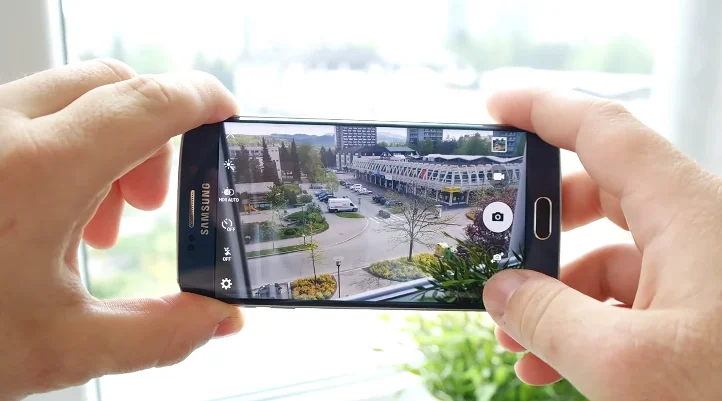
One of the newer additions is optical image stabilization, along with a very fast camera launch. Samsung gets another win here: just double-press the home button and the camera opens in about a second, ready to shoot. Autofocus is also impressively quick, snapping into focus almost instantly. You can see the results in the sample images below. Put simply, Samsung nailed the camera here. It’s right at the top of the class.
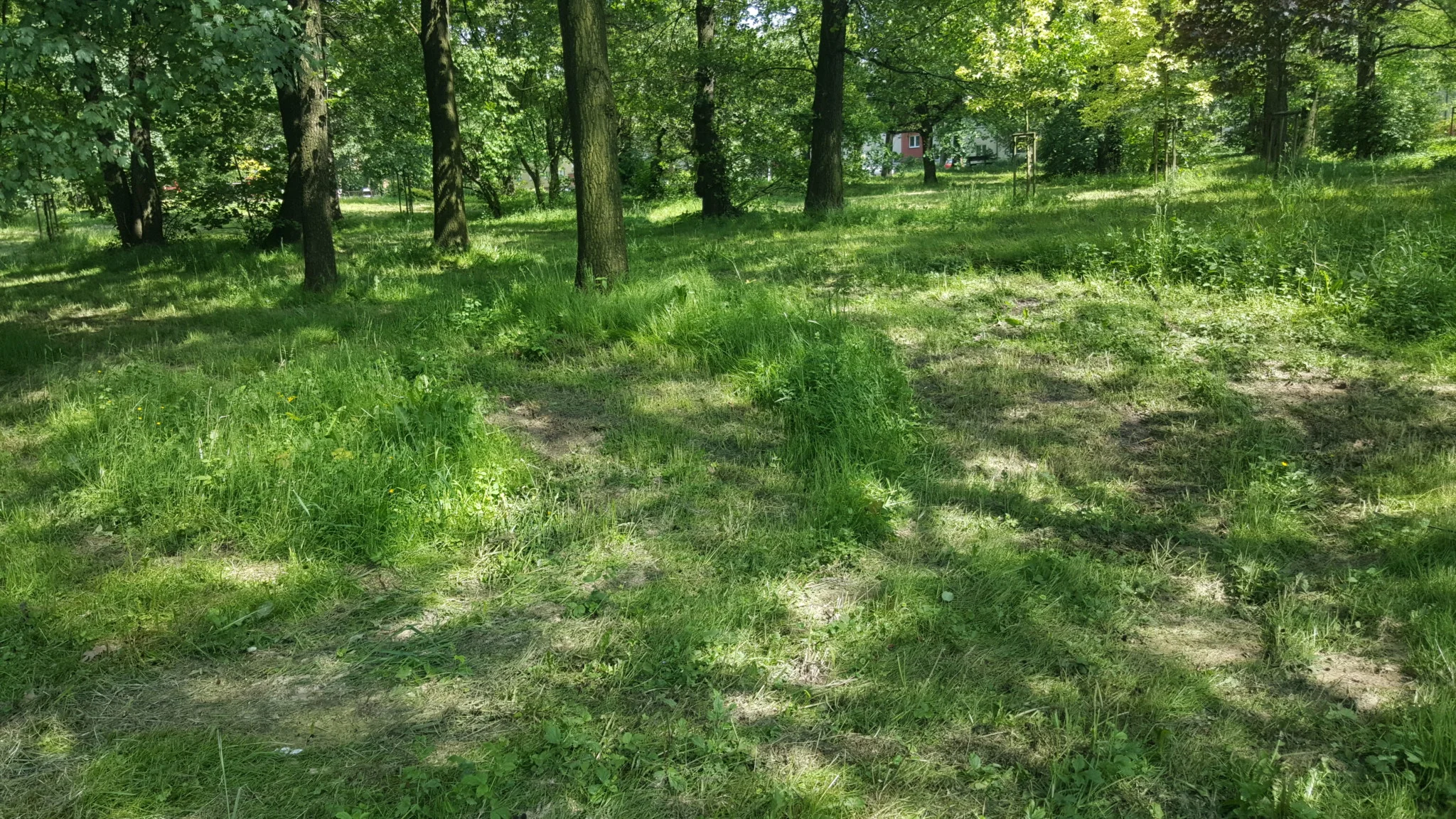
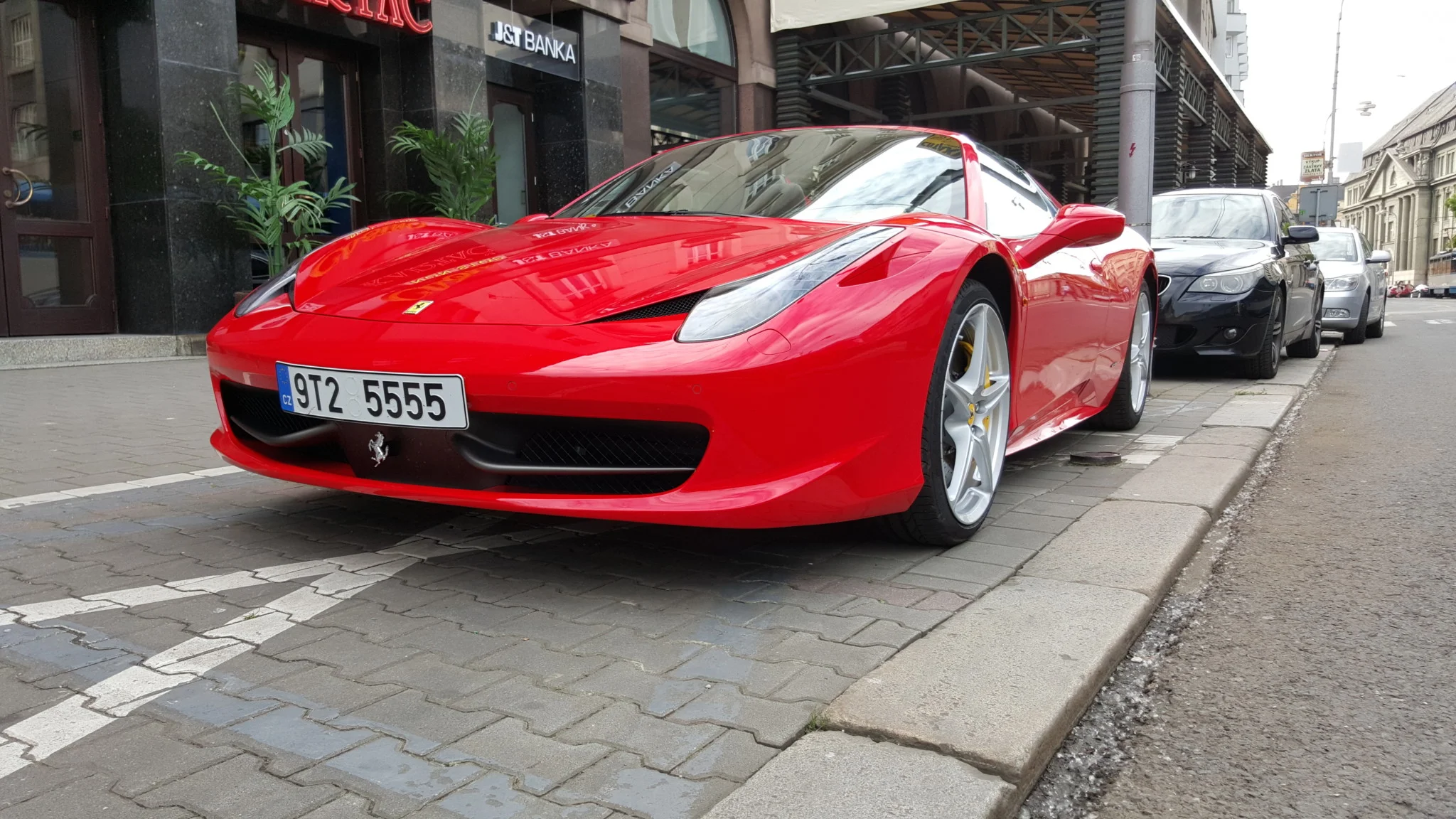




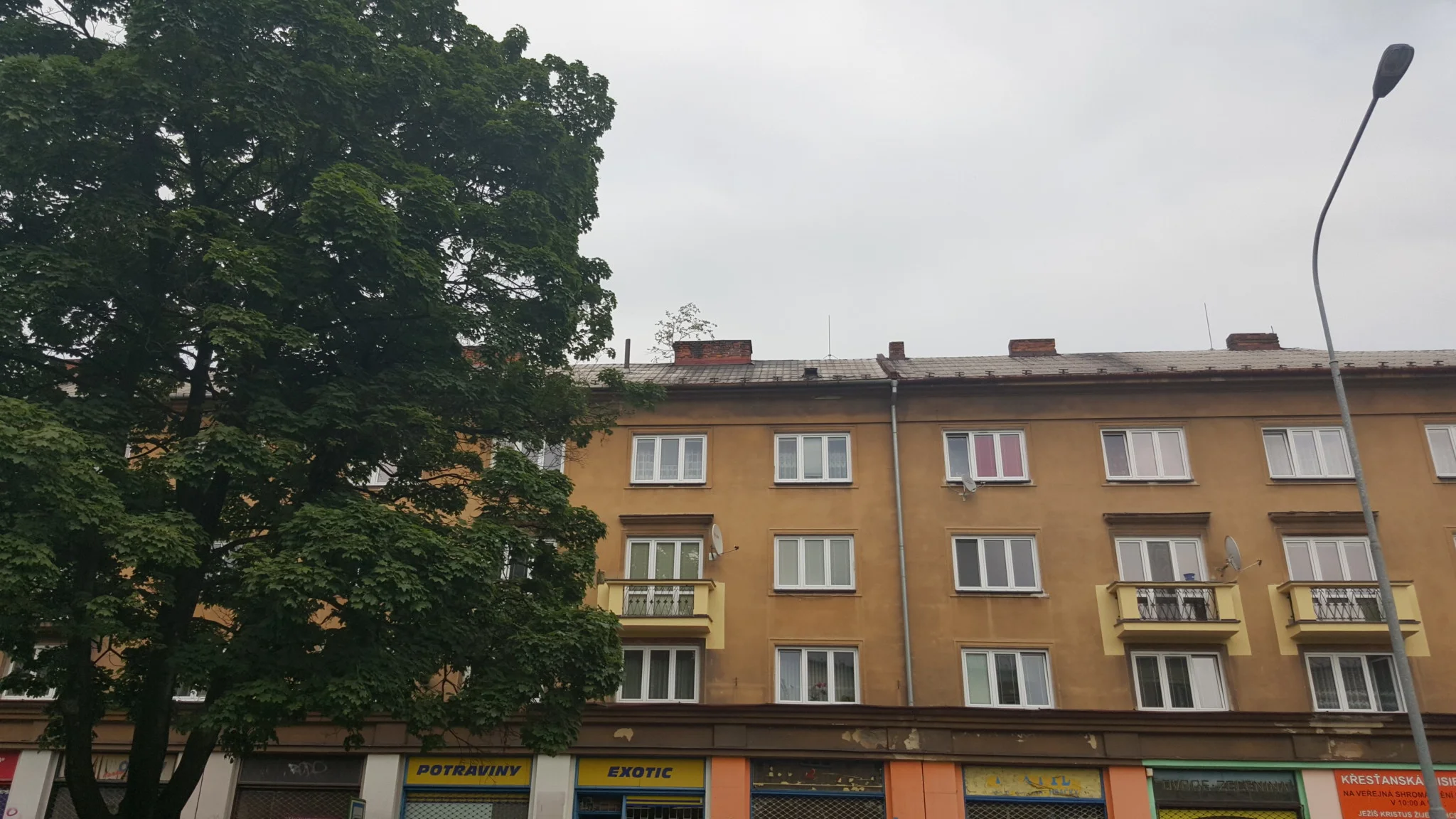




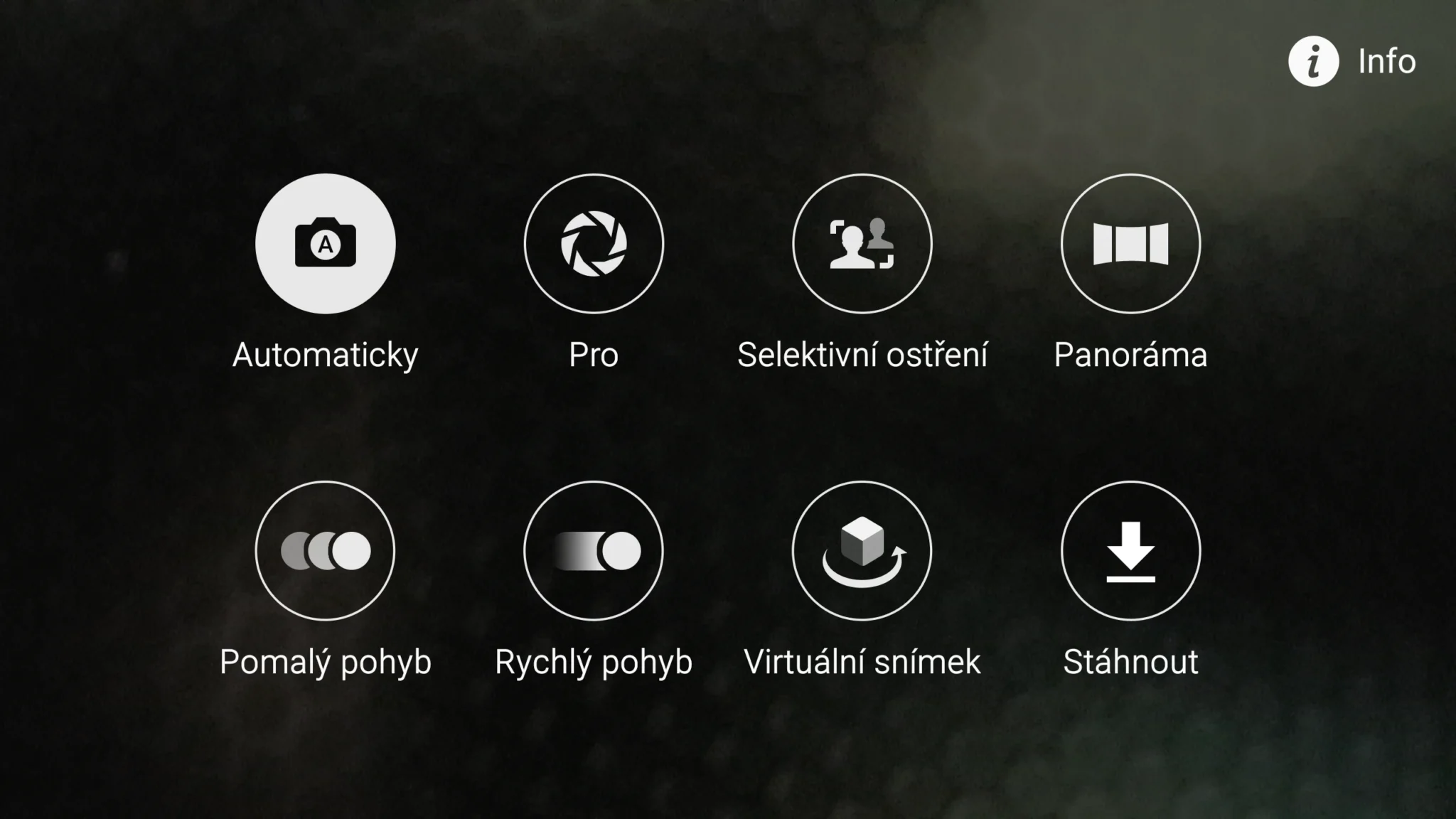
I also have to mention PRO mode, which lets you adjust more detailed shooting settings like ISO and other parameters. Beyond that, you’ll find the usual selection of modes, including panorama, fast motion, and more.
VERDICT
Overall, this is a premium, very well-executed device. What hurts the package, though, is the price. Samsung charged 23,799 CZK (approx. $1,091 / €977) for the 32GB version, 26,599 CZK (approx. $1,219 / €1,092) for the 64GB model, and 29,299 CZK (approx. $1,343 / €1,203) for the 128GB version. Those are steep prices by any measure.
That means buying a phone like this takes some serious thought. Still, if the Samsung Galaxy S6 Edge has already won you over, you’re unlikely to regret it. The battery life is average at best, but the design, display, and especially the camera make it a flagship that’s easy to like.


Community Discussion 0 COMMENTS