
After a long stretch of teasing and hesitation, ASUS finally jumped into wearables with both a smart band and a smartwatch. We already reviewed the VivoWatch, and now it’s the ZenWatch’s turn. This is a full-fledged smartwatch, complete with the latest version of Android Wear and a huge range of apps you can actually use.
Design and build
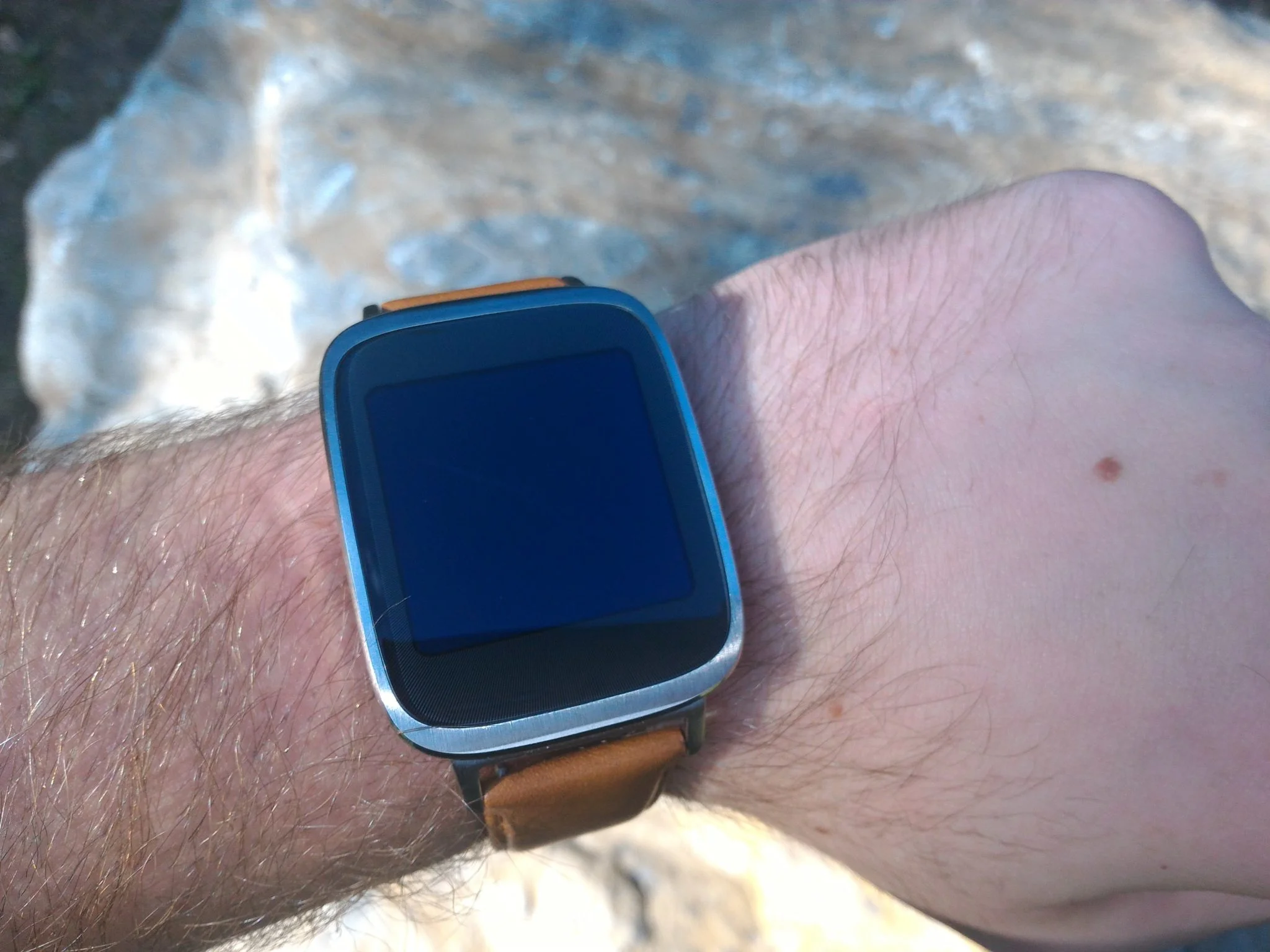
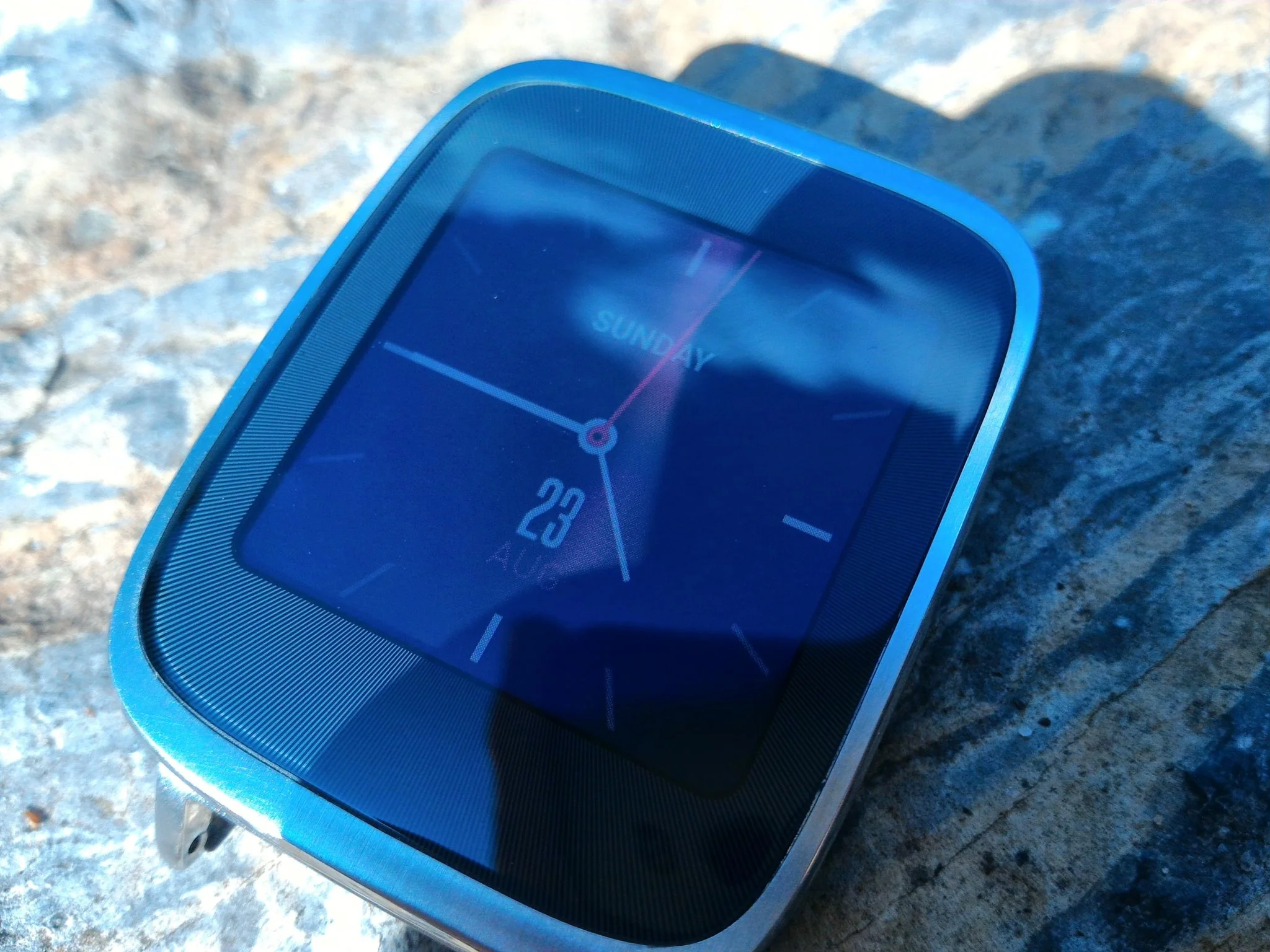
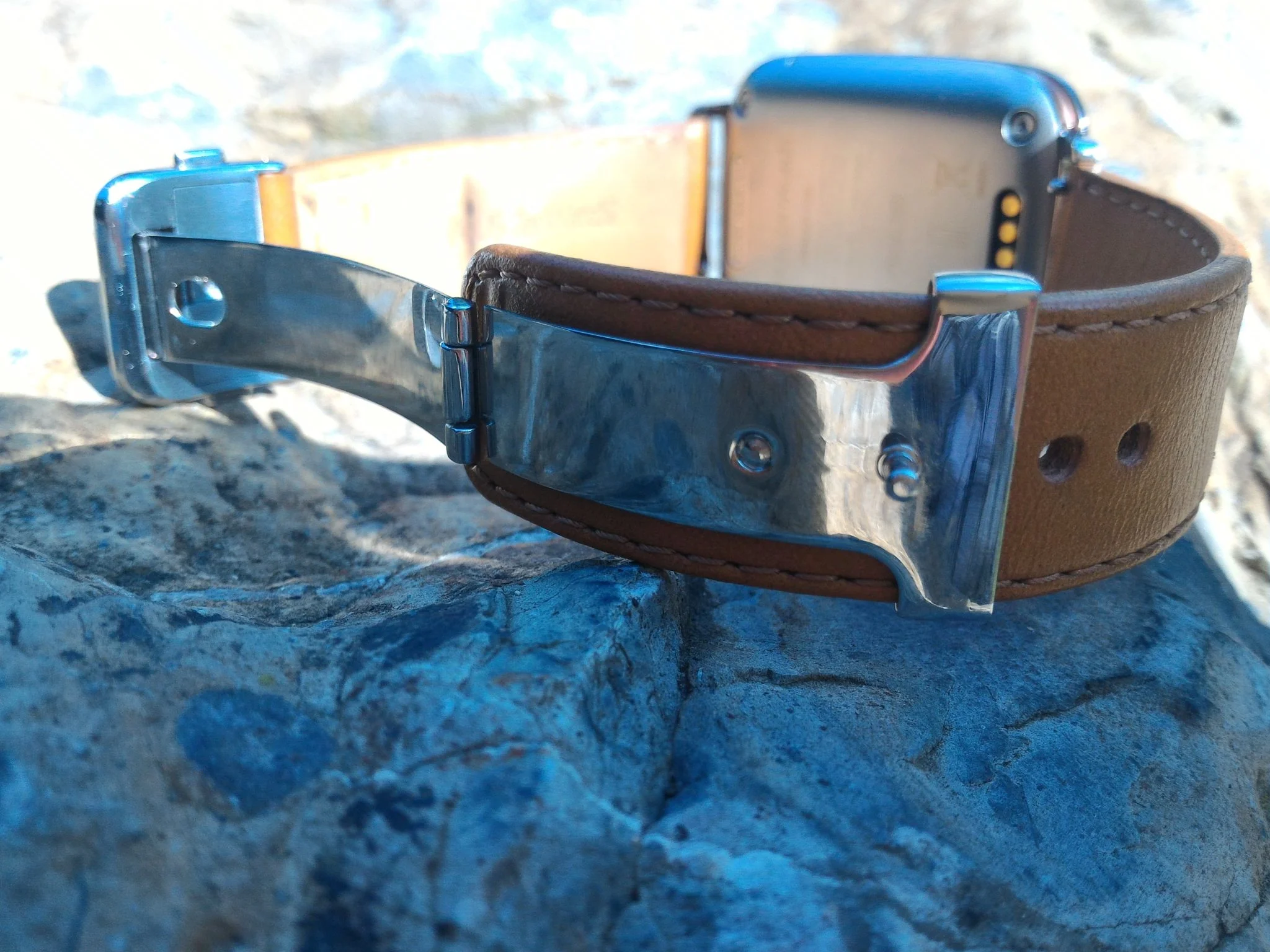
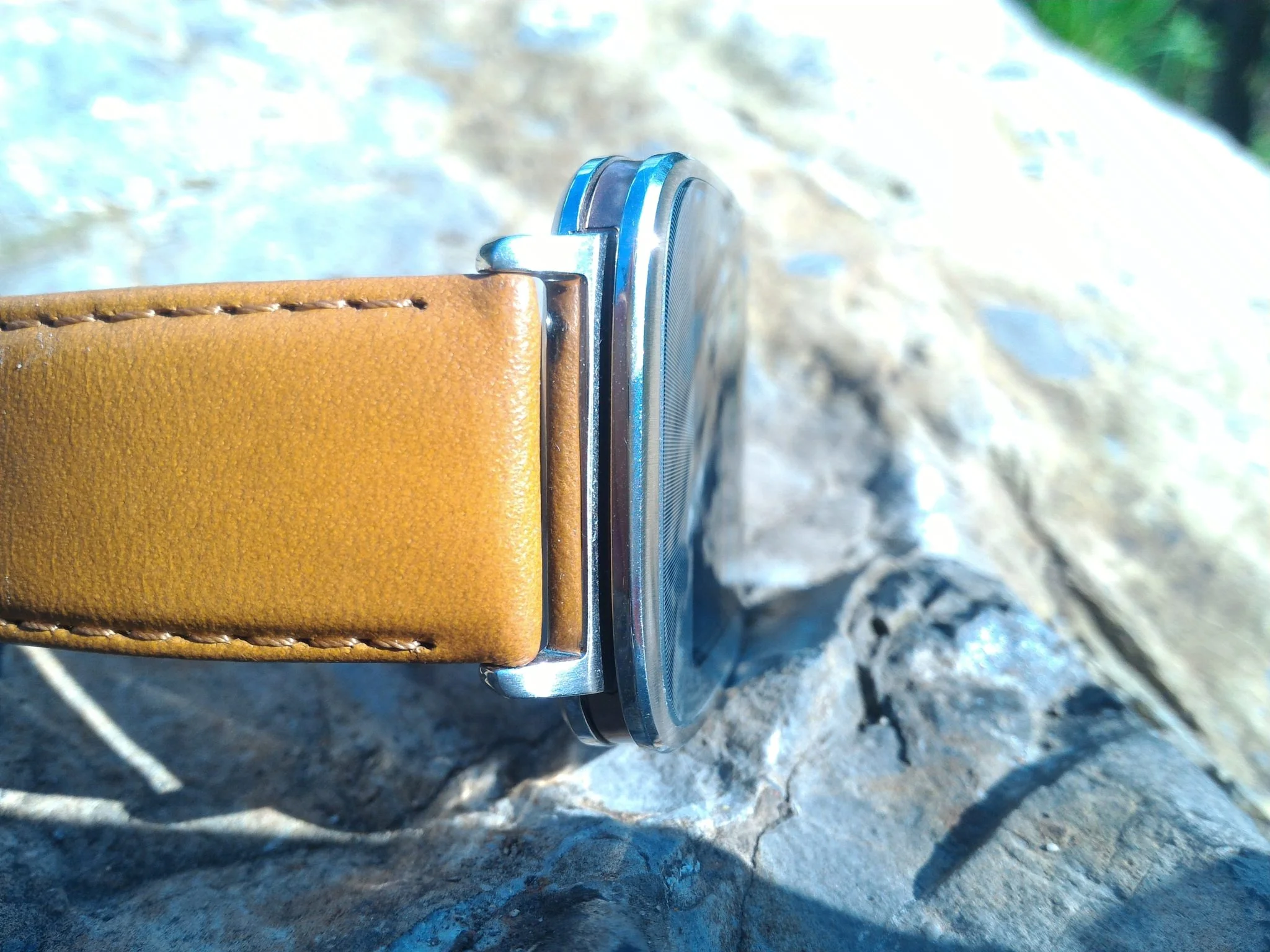
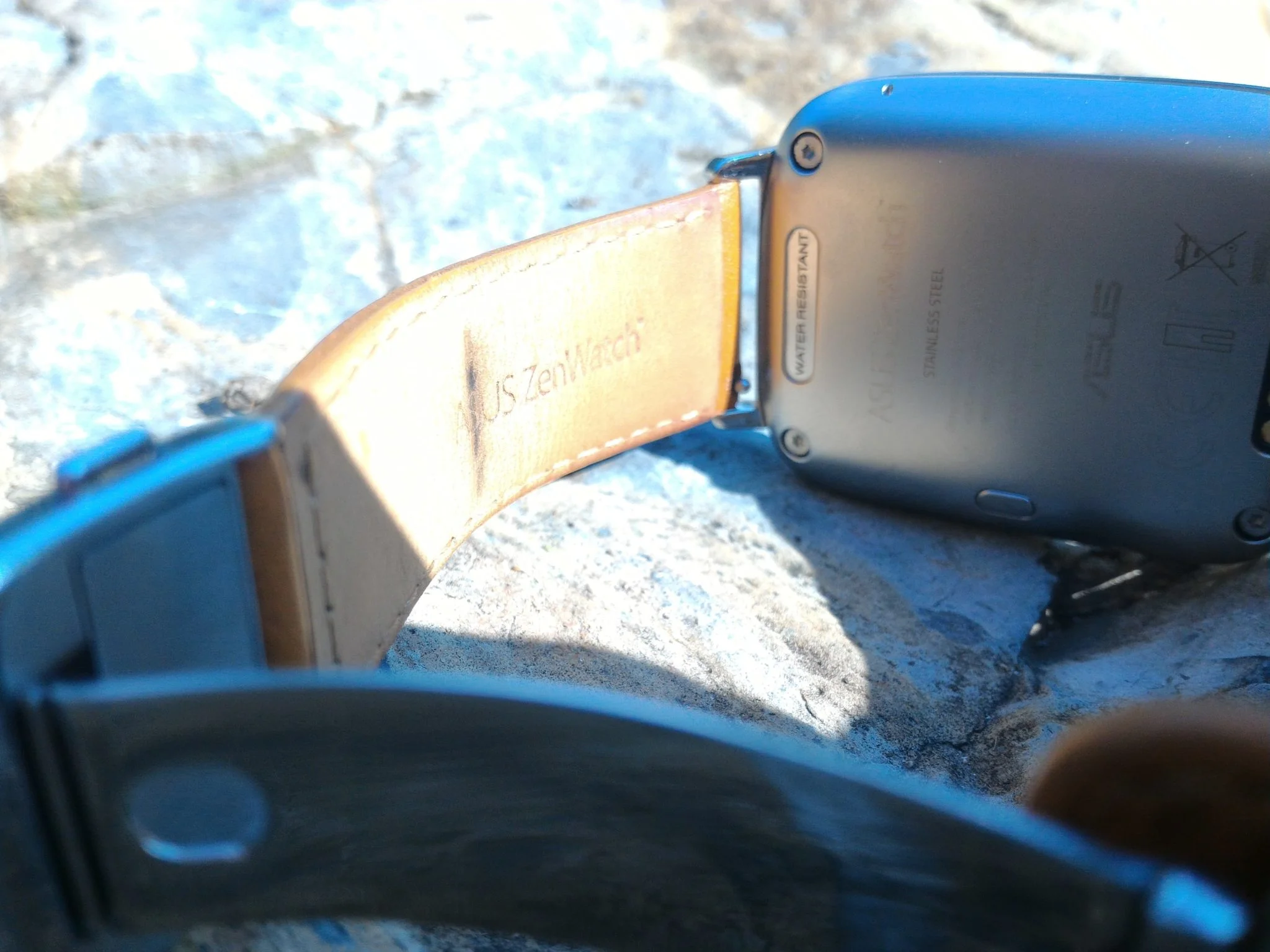
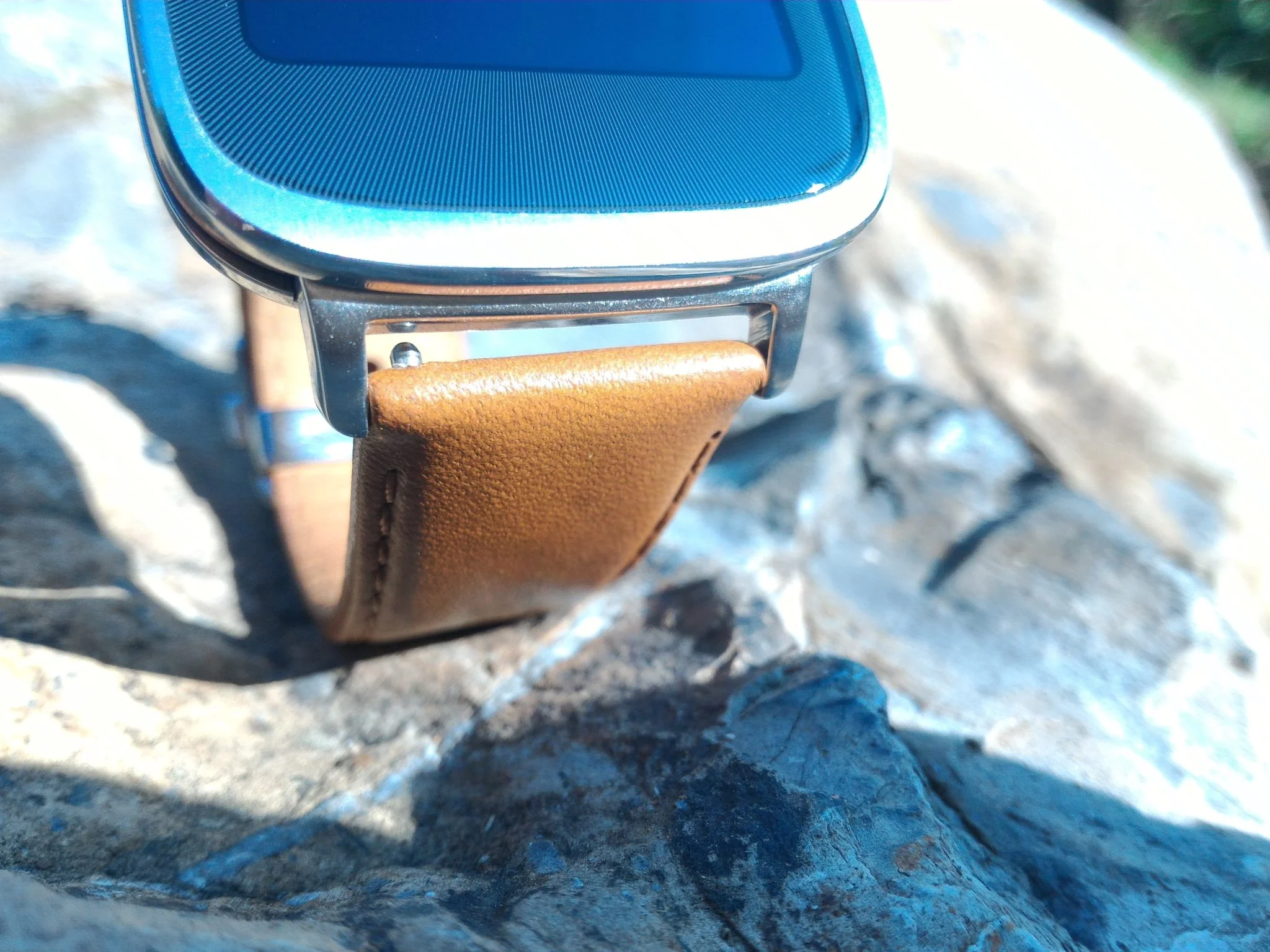
If you remember what the VivoWatch looks like, you can already picture the ZenWatch pretty clearly. It’s a bit thinner, more comfortable, and finished in a different color, but the overall construction and design are very similar. That’s not a bad thing. The design is polished, and I only have a few complaints.
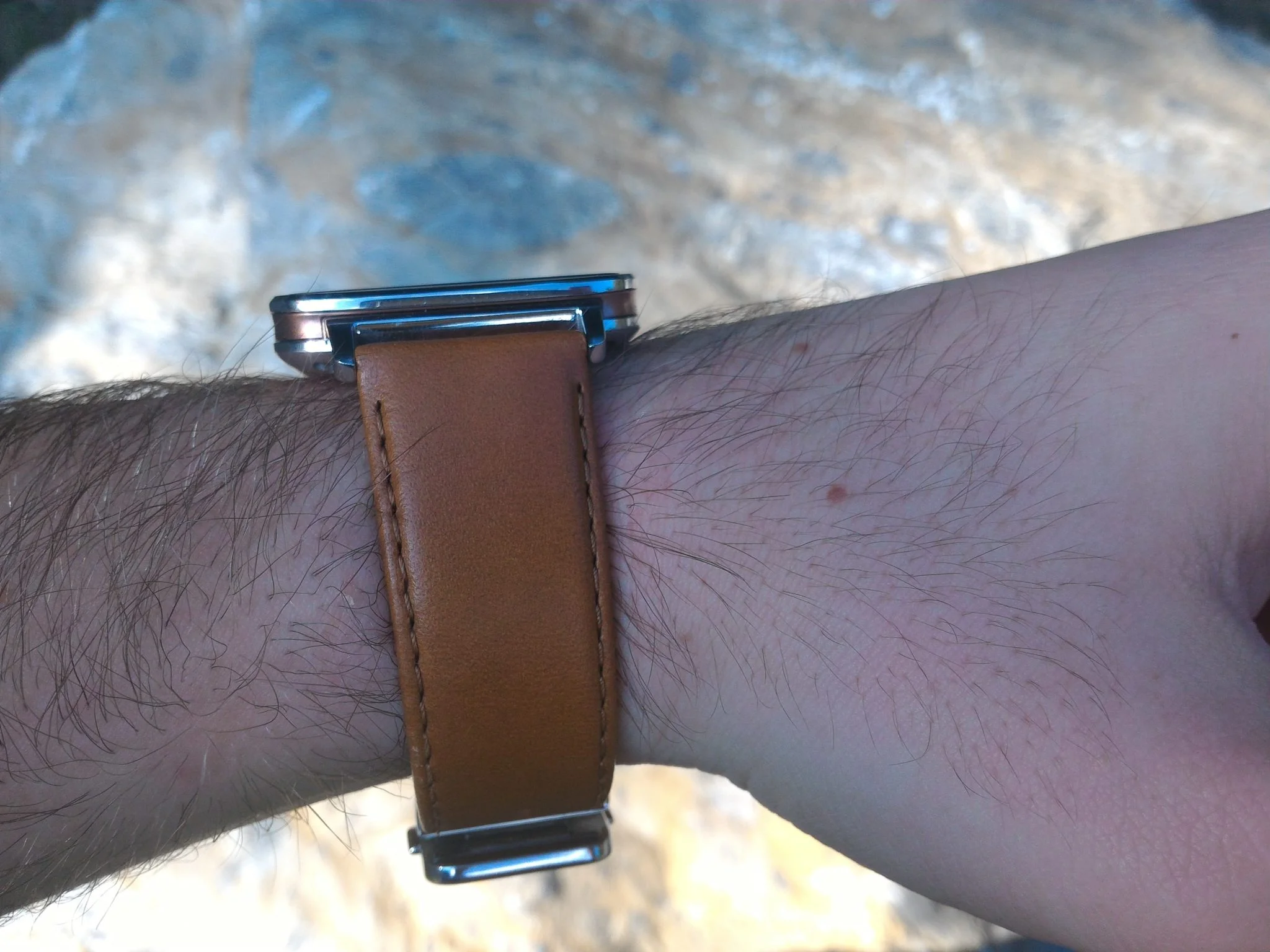
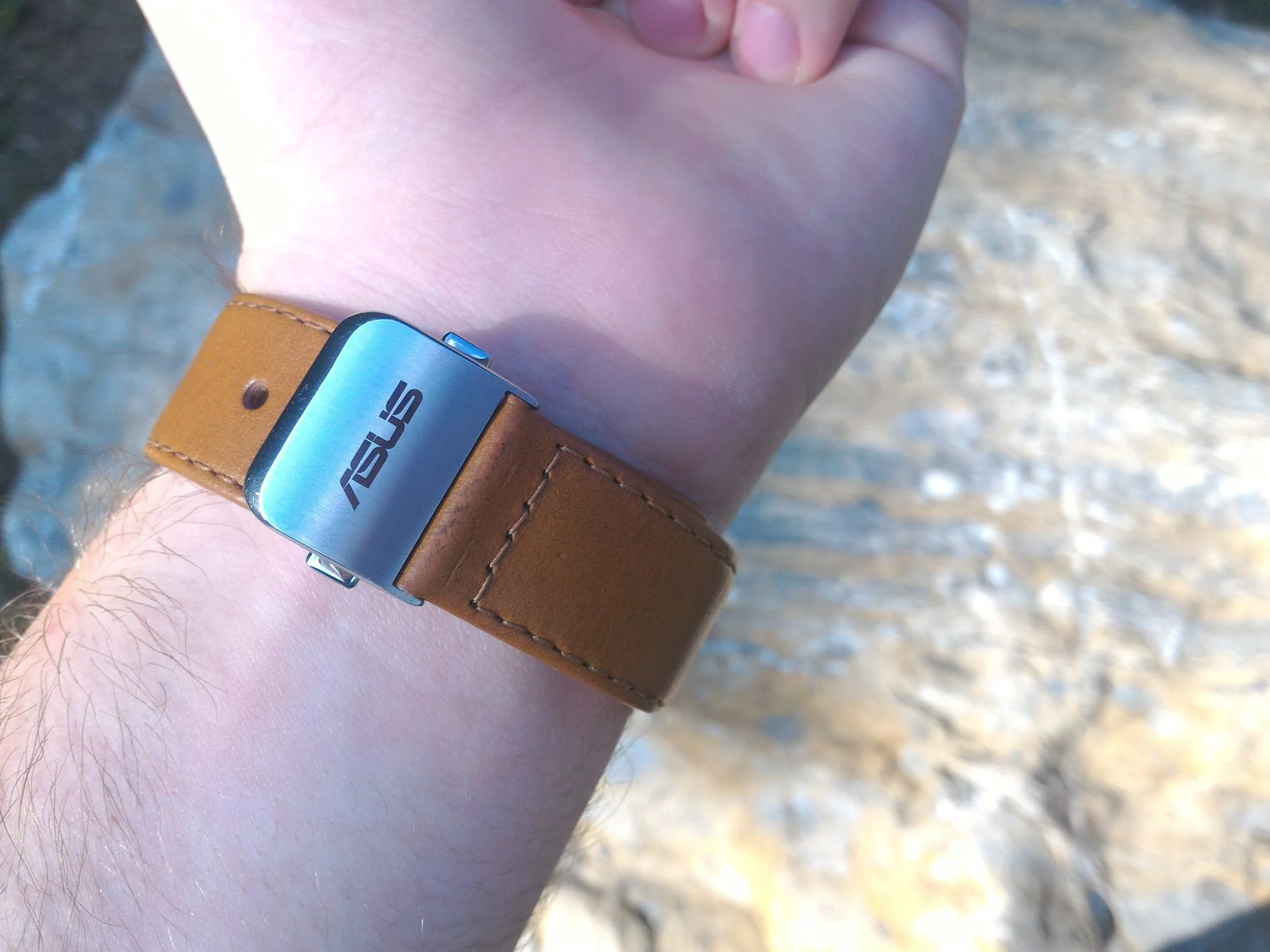
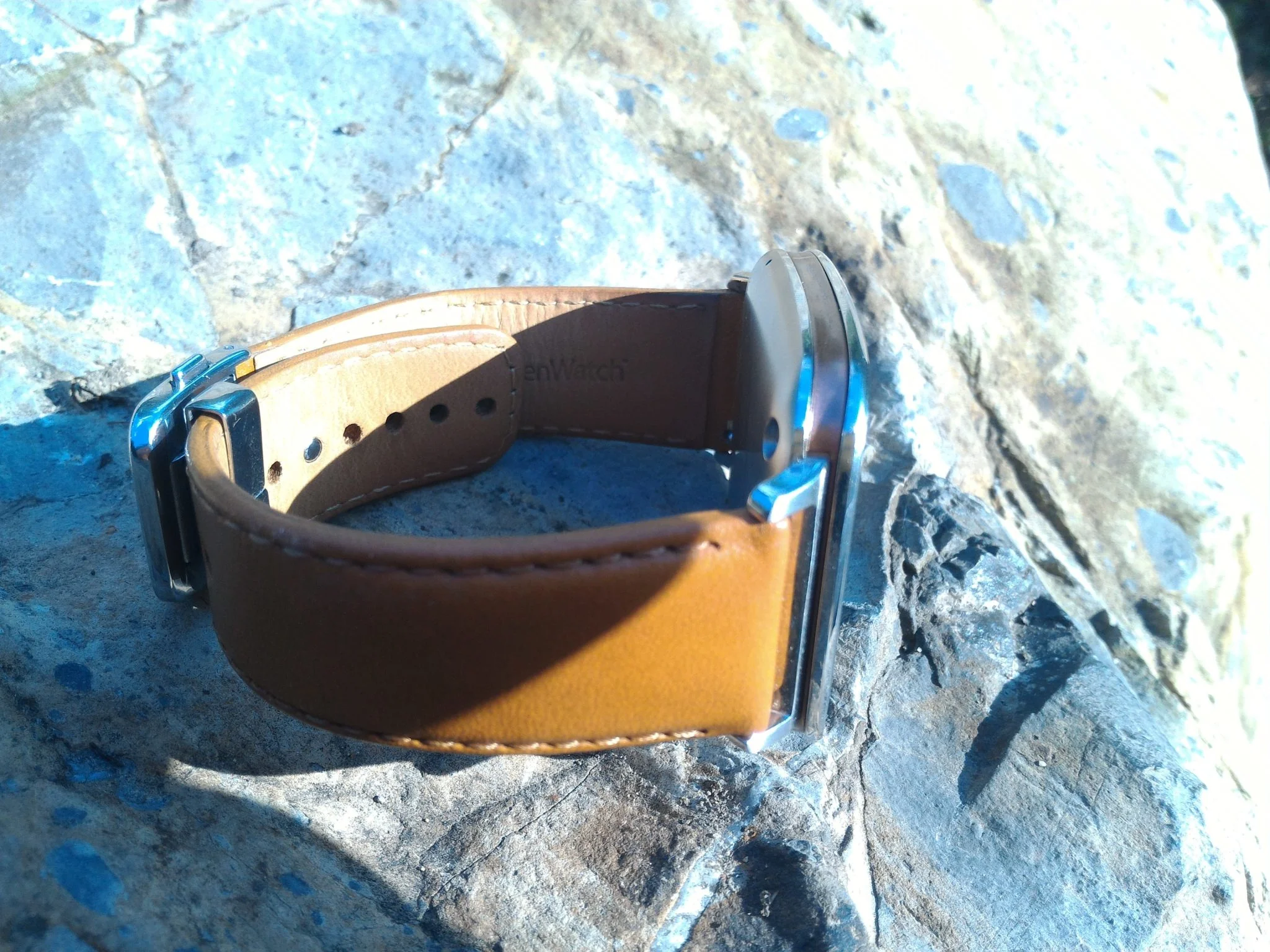
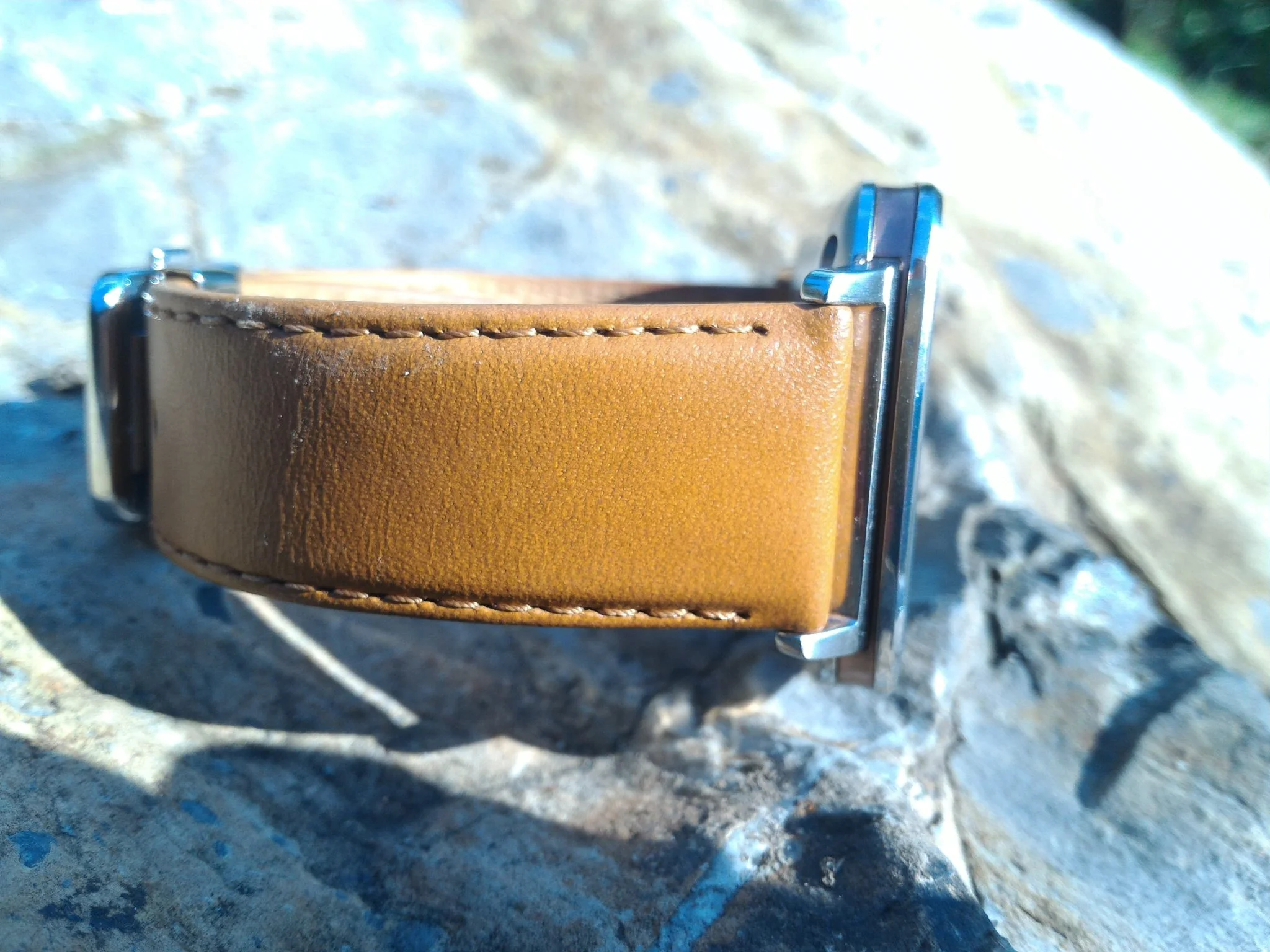
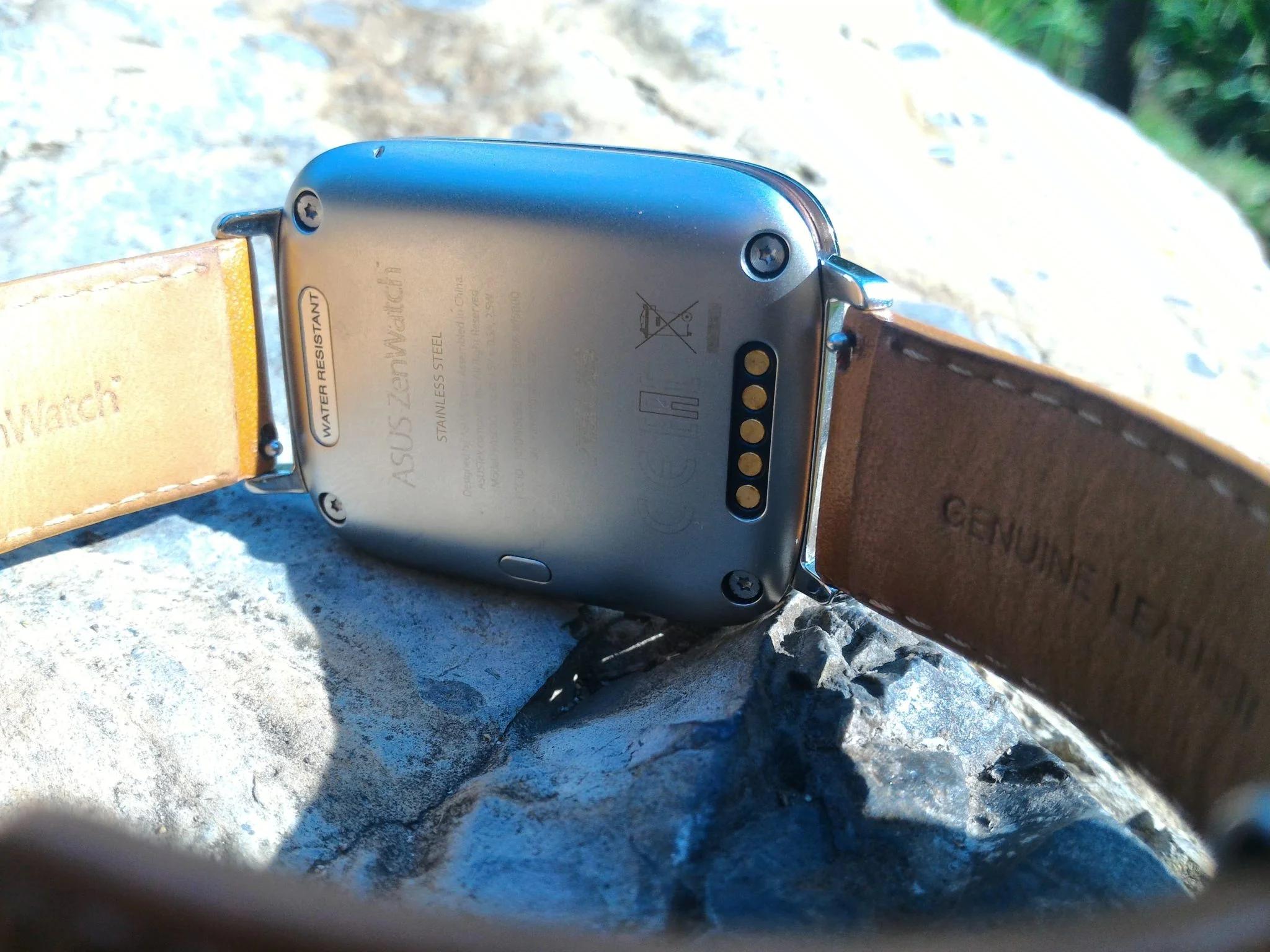
The leather strap is comfortable and easy to swap out. The metal body feels good, and the display is nicely integrated into the watch without any unnecessary logo clutter. The main issue is the hardware button used to wake the watch. It sits on a curved edge, which makes accidental presses far too easy during normal wrist movement. That also ties directly into the watch’s battery life on a single charge.

Software
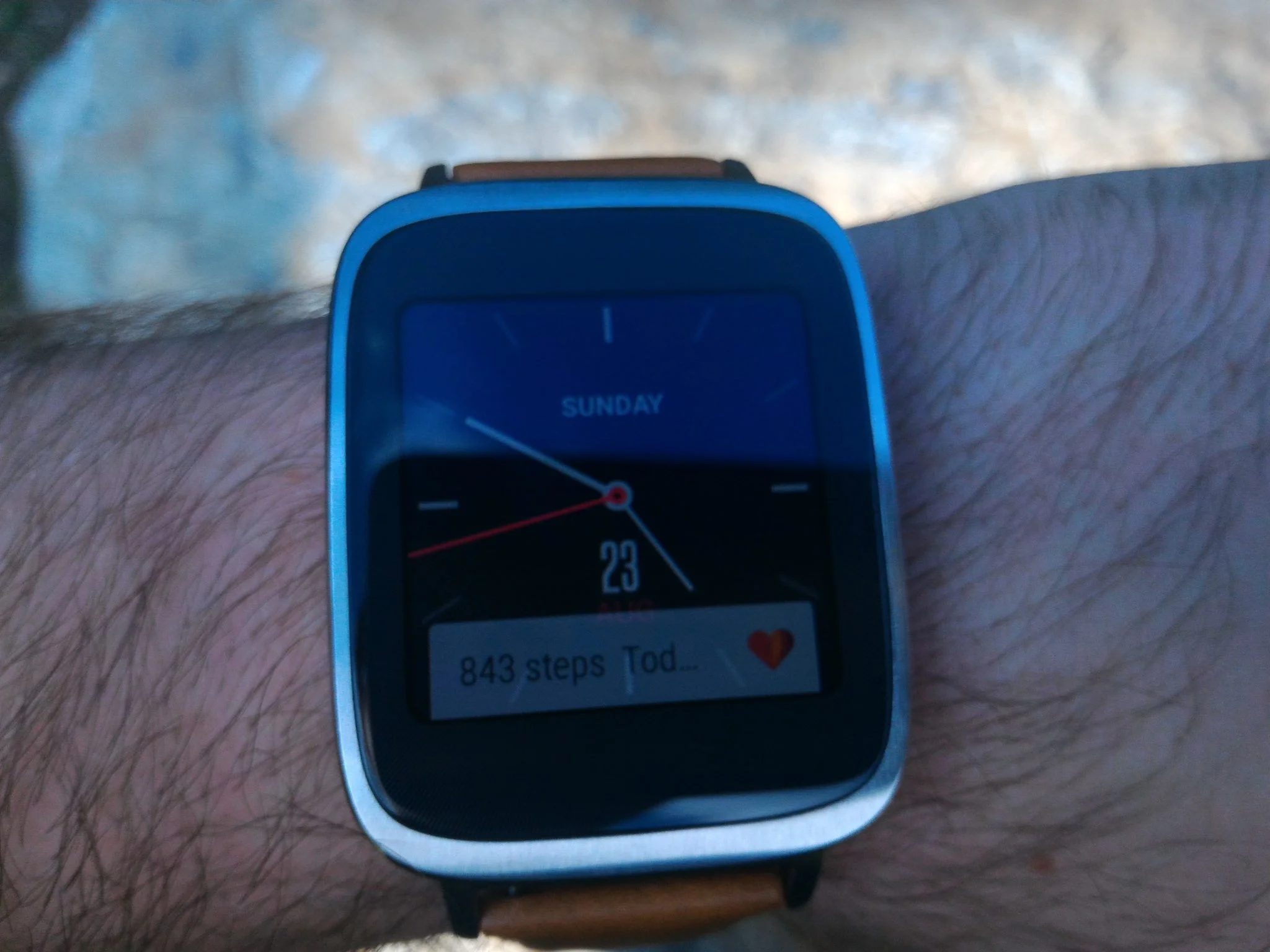
Android Wear 5.1.1 probably needs no introduction at this point. You get a wide selection of watch faces, performance is surprisingly solid, and, thankfully, the system no longer keeps the processor constantly heating up the metal case, along with your wrist.
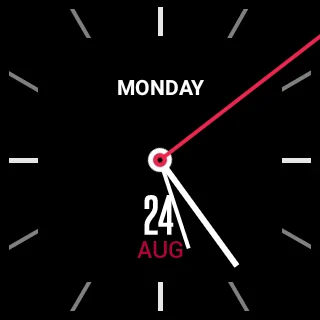
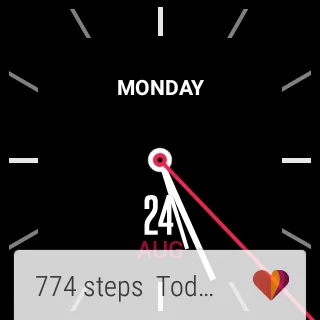

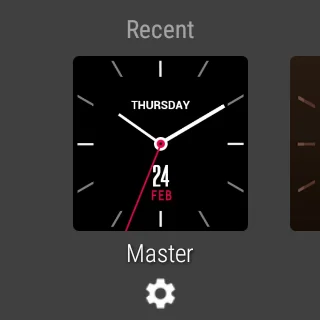

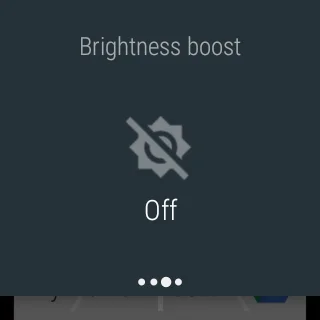
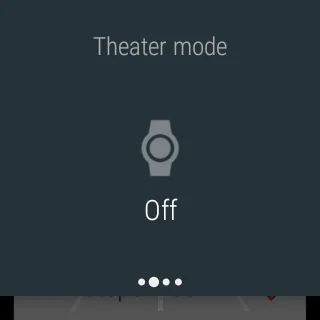

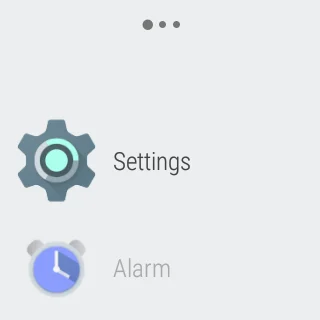



During testing, I ran into only one freeze, and it was easily fixed by restarting the watch. As is often the case with ASUS, bloatware is everywhere, and that applies here too. There are plenty of preinstalled apps, and chances are you will not use most of them.
That said, the heart-rate app, compass, and Remote Camera are worth calling out. The last one lets you view a somewhat choppy, delayed preview on the watch of whatever the phone camera sees once the Camera app is open.
Hardware
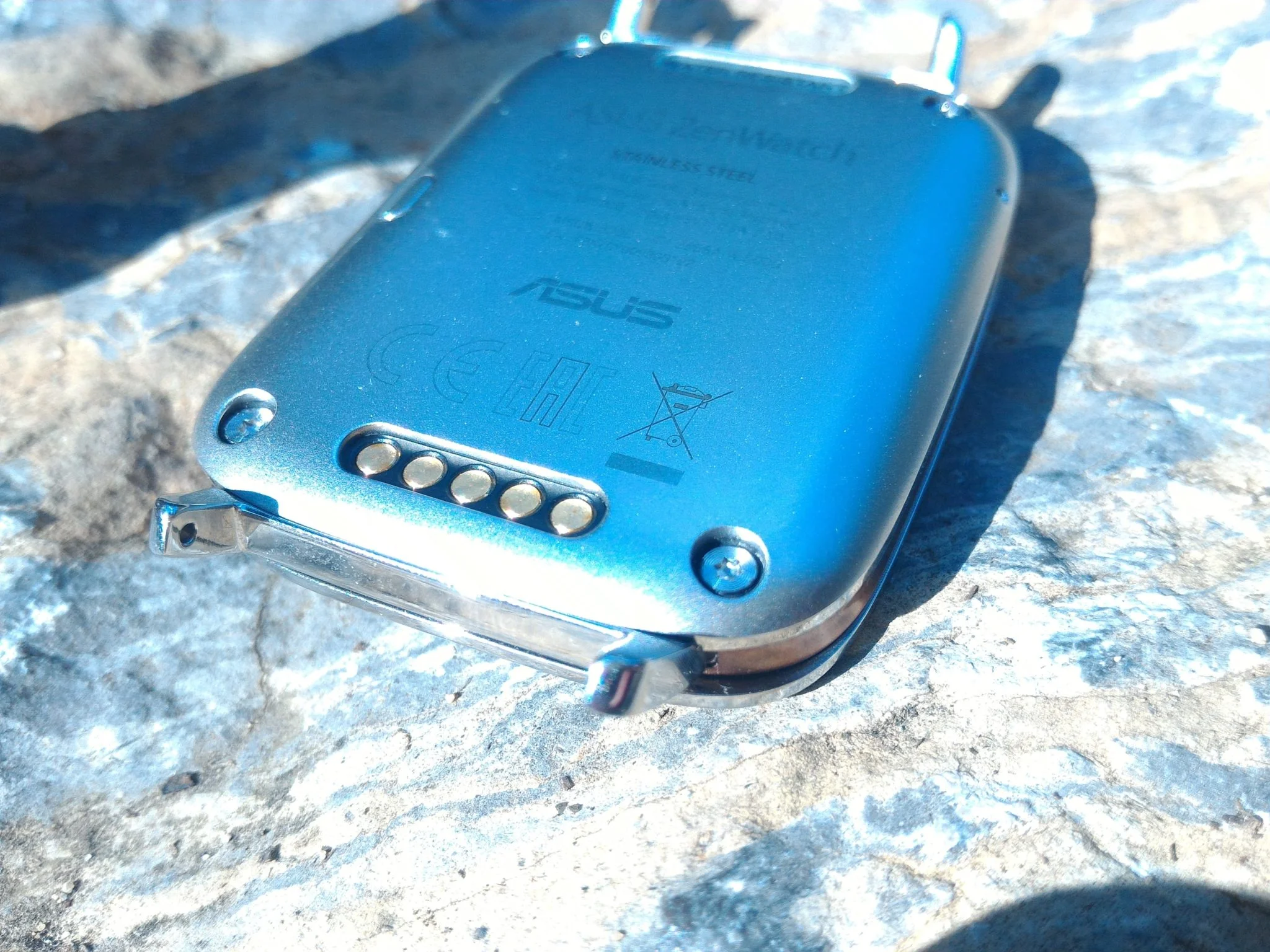
Up front, there is a curved 1.63-inch OLED display with a resolution of 320 x 320 pixels, protected by third-generation Gorilla Glass. Under the hood is Qualcomm’s Snapdragon 400 clocked at 1.2 GHz. The watch also includes 4GB of internal storage and 512MB of RAM.
The dimensions come in at 51 x 39.9 x 7.9–9.4 mm, with the body weighing 50 grams and the strap another 25 grams. The ZenWatch is also rated IP55, which means it can handle dust as well as running or splashing water.
Battery
Unfortunately, this is easily the weakest part of the package. If you plan to use the watch more heavily, even half as much as I did, you can expect roughly three-quarters of a day. With lighter use, you might stretch it to a full day. Push it harder, though, and the battery drops fast enough that I had to plug it in before noon. The one bit of good news is charging, which does not take very long.
Conclusion
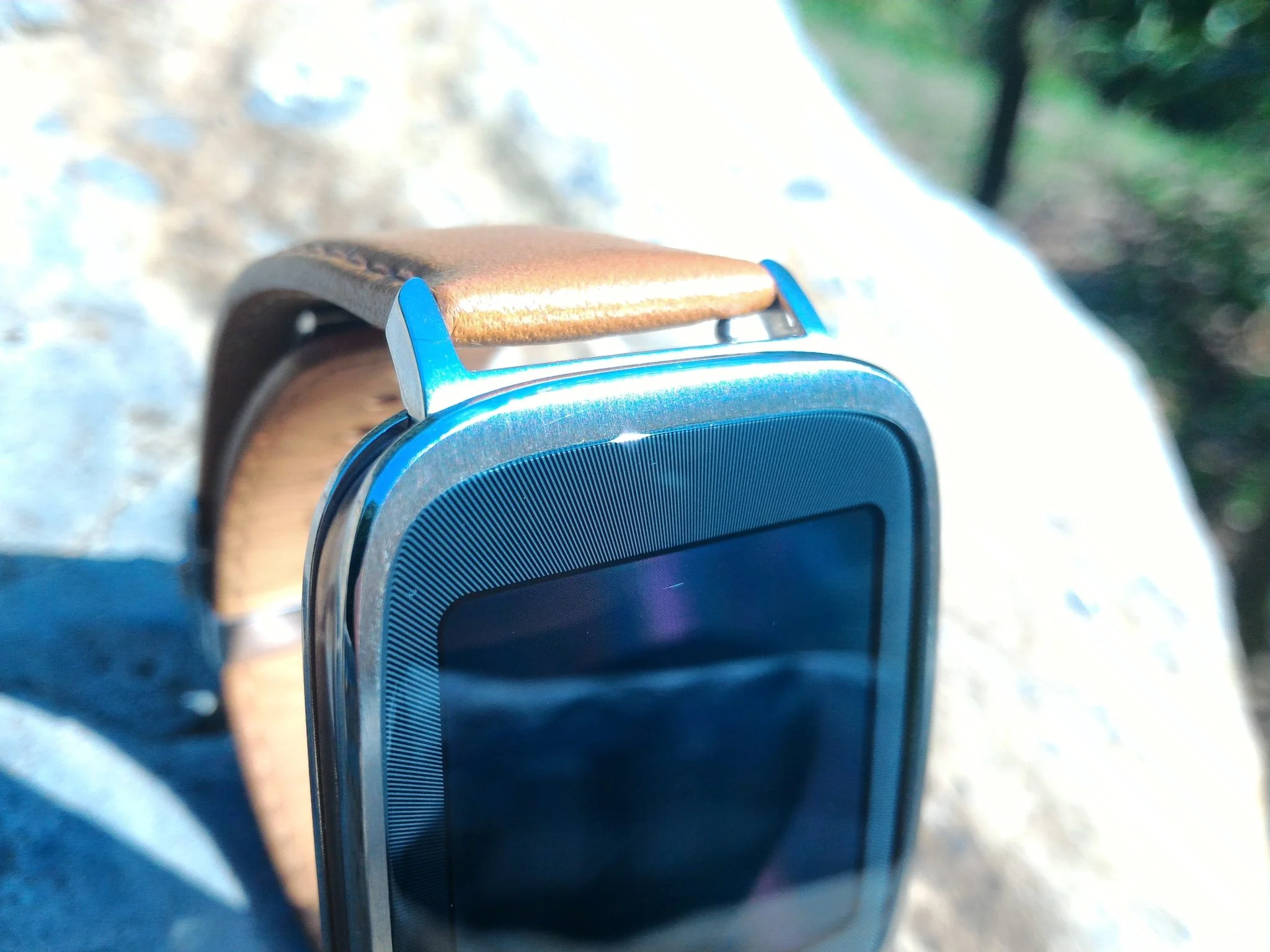 If I had to sum up my impression of the ZenWatch, I would say I came away disappointed. I expected better battery life, at least a full day, and a better button placement. Having access to so many apps may actually be part of the problem, and I also missed a better heart-rate sensor.
Still, the design and build are strong points, and compared with the VivoWatch, it is more comfortable to wear and makes swapping the strap very easy. I never really warmed up to the ZenWatch, even though I was pleasantly surprised that it does not overheat like some competing smartwatches. But at its retail price of around 6,500 CZK (approx. $301 / €267), I expected a lot more.

Community Discussion 0 COMMENTS