

In today’s review, we’re taking a look at the latest device in Vodafone’s lineup. Like the carrier’s other in-house phones, the new Smart speed 6 is built around two clear selling points: an affordable price and LTE support. But there’s more going on here than that. In some areas, the phone pleasantly surprised me; in others, it fell short. Let’s break down everything it offers in detail.
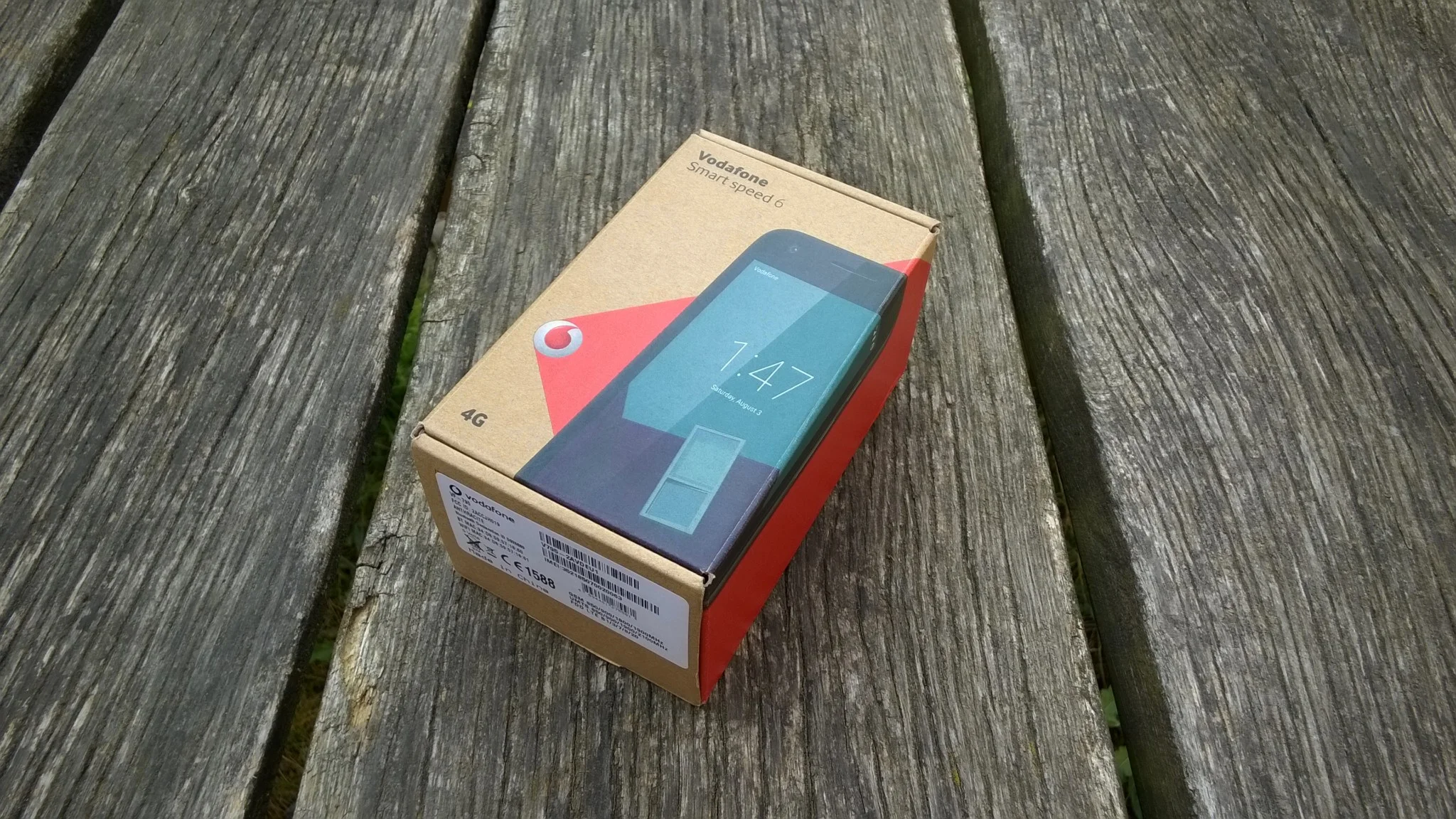
IN THE BOX
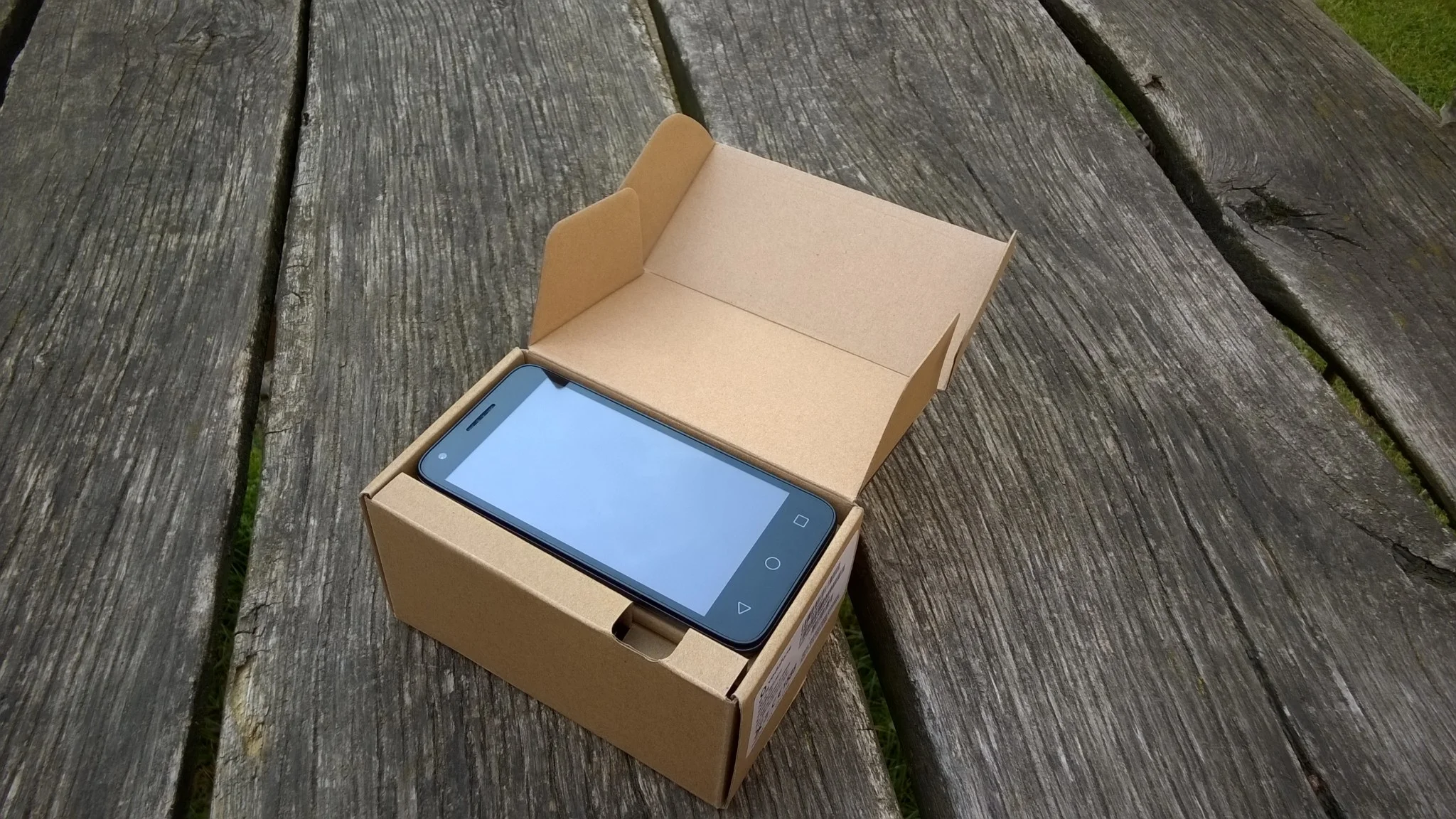
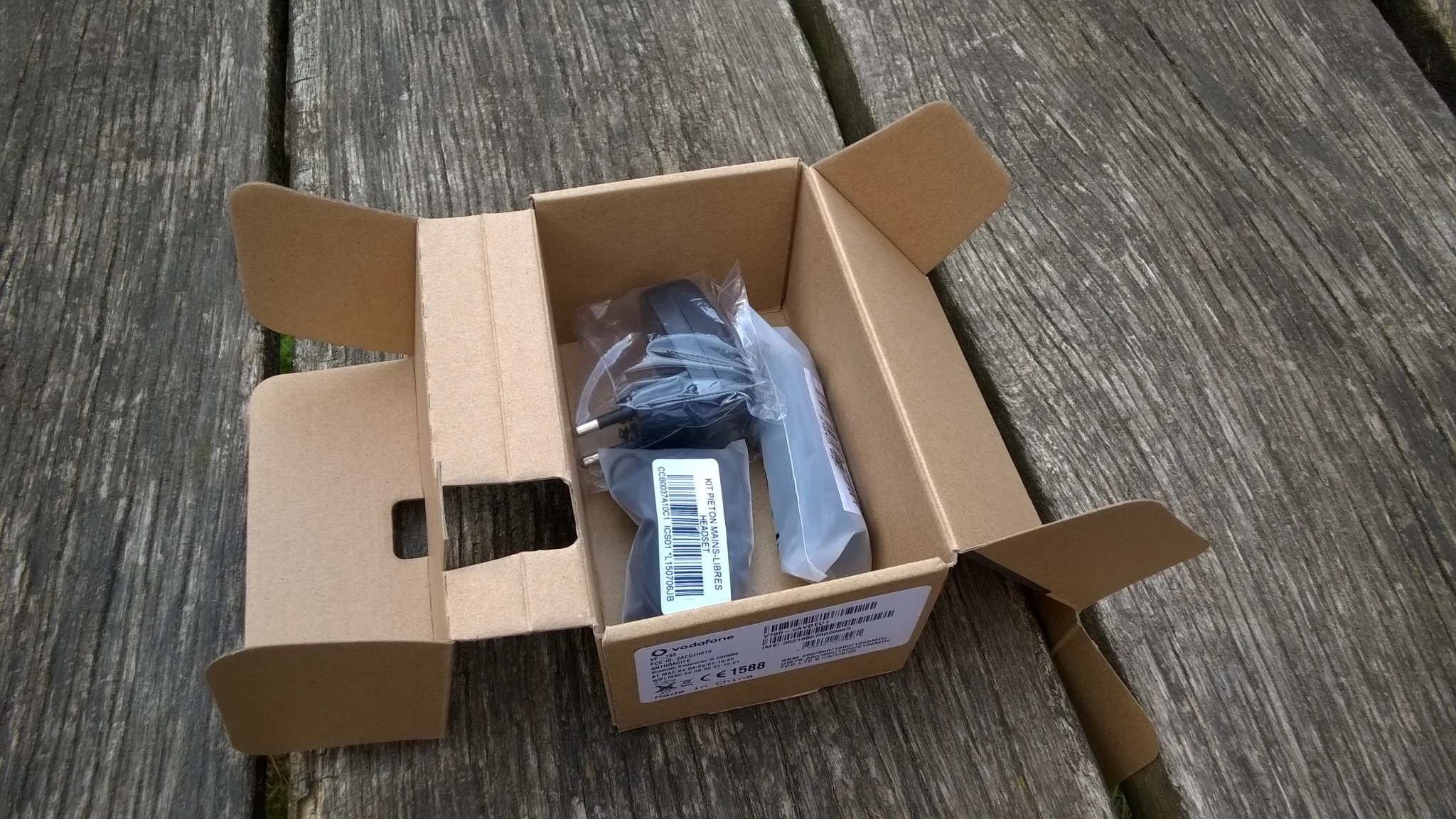
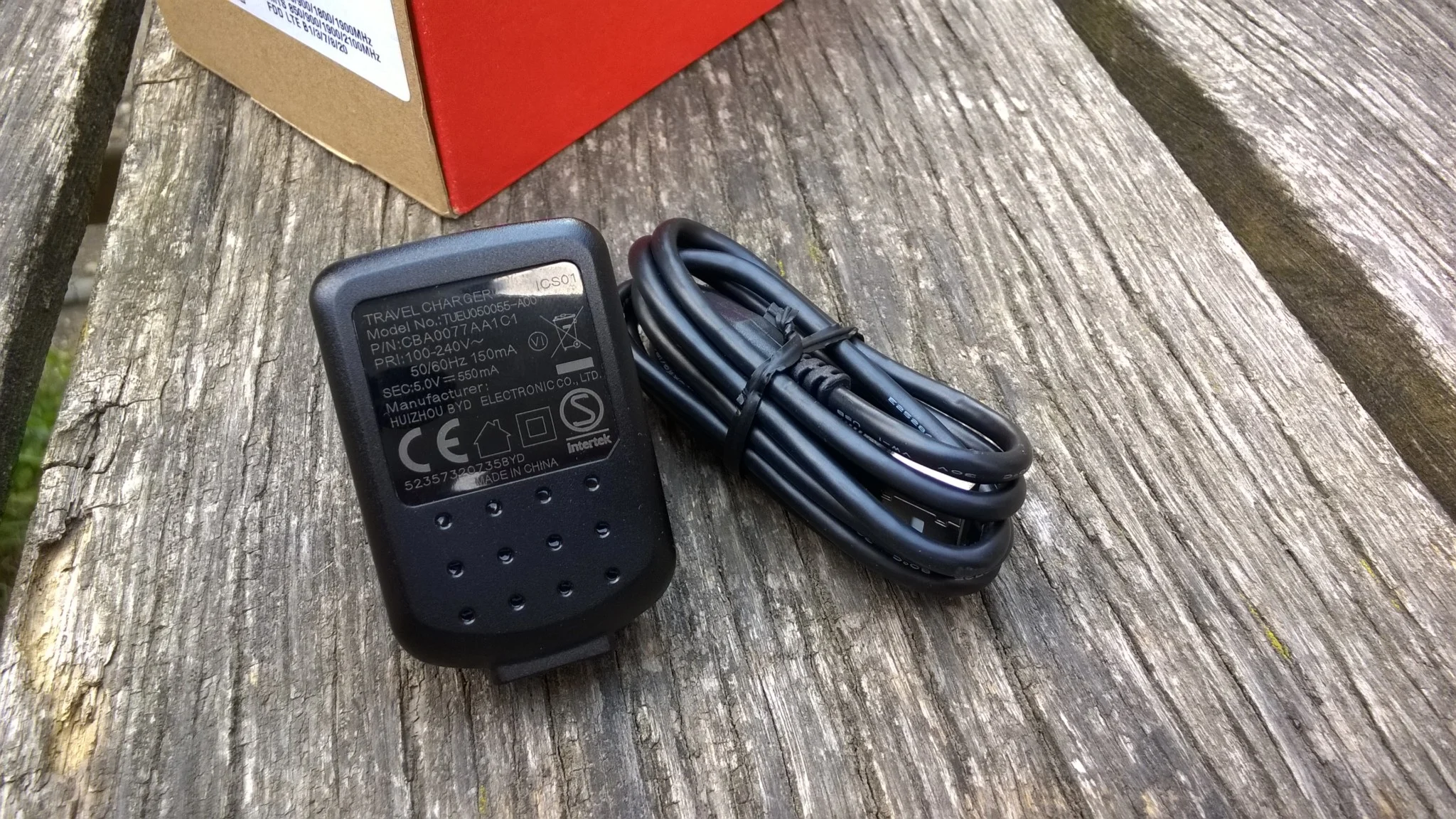
Open the package and the phone is the first thing you see. Underneath it is a small bundle of printed manuals. The box also includes a wall charger and a detachable USB cable for charging and connecting the phone to a computer.
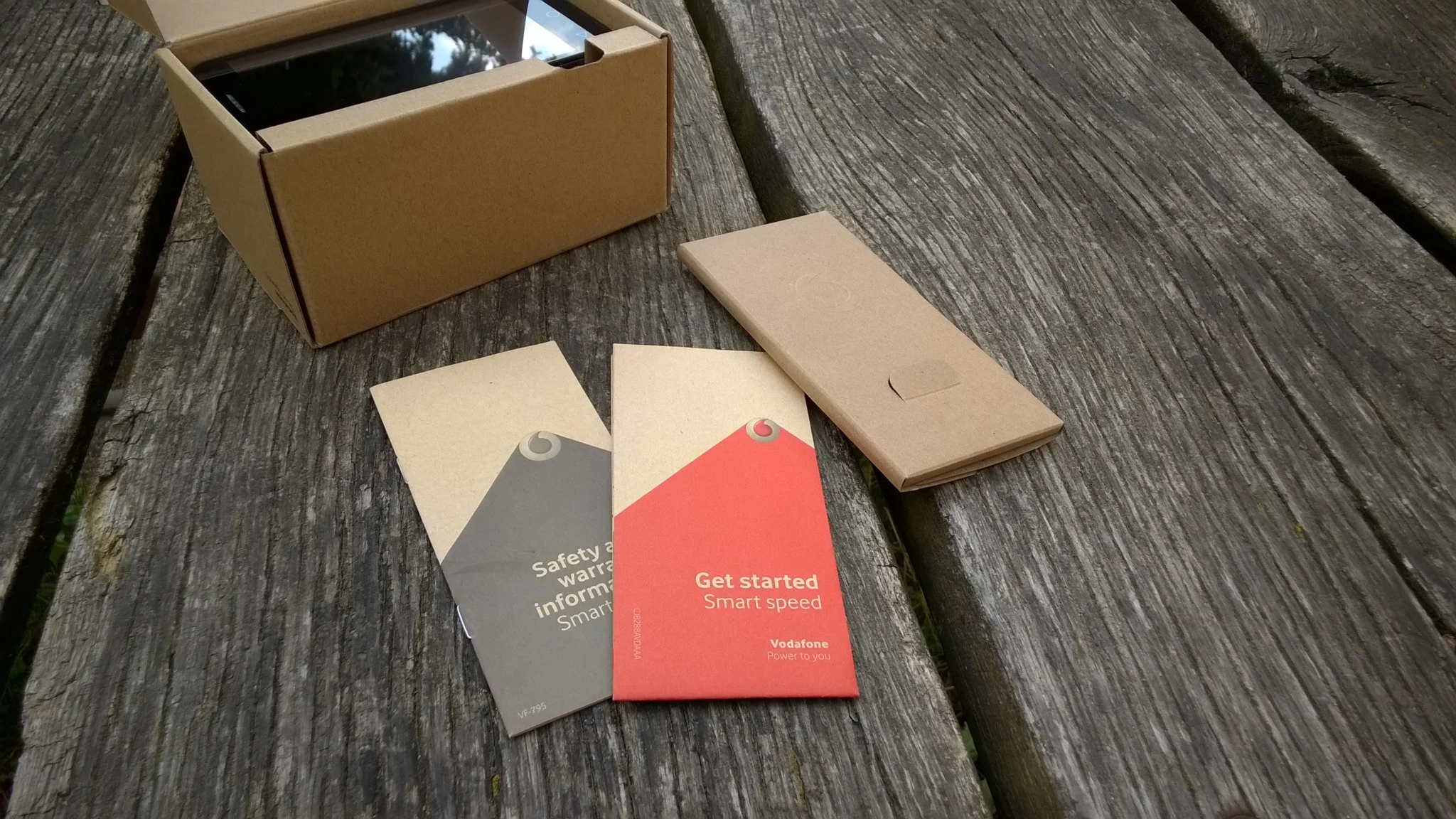
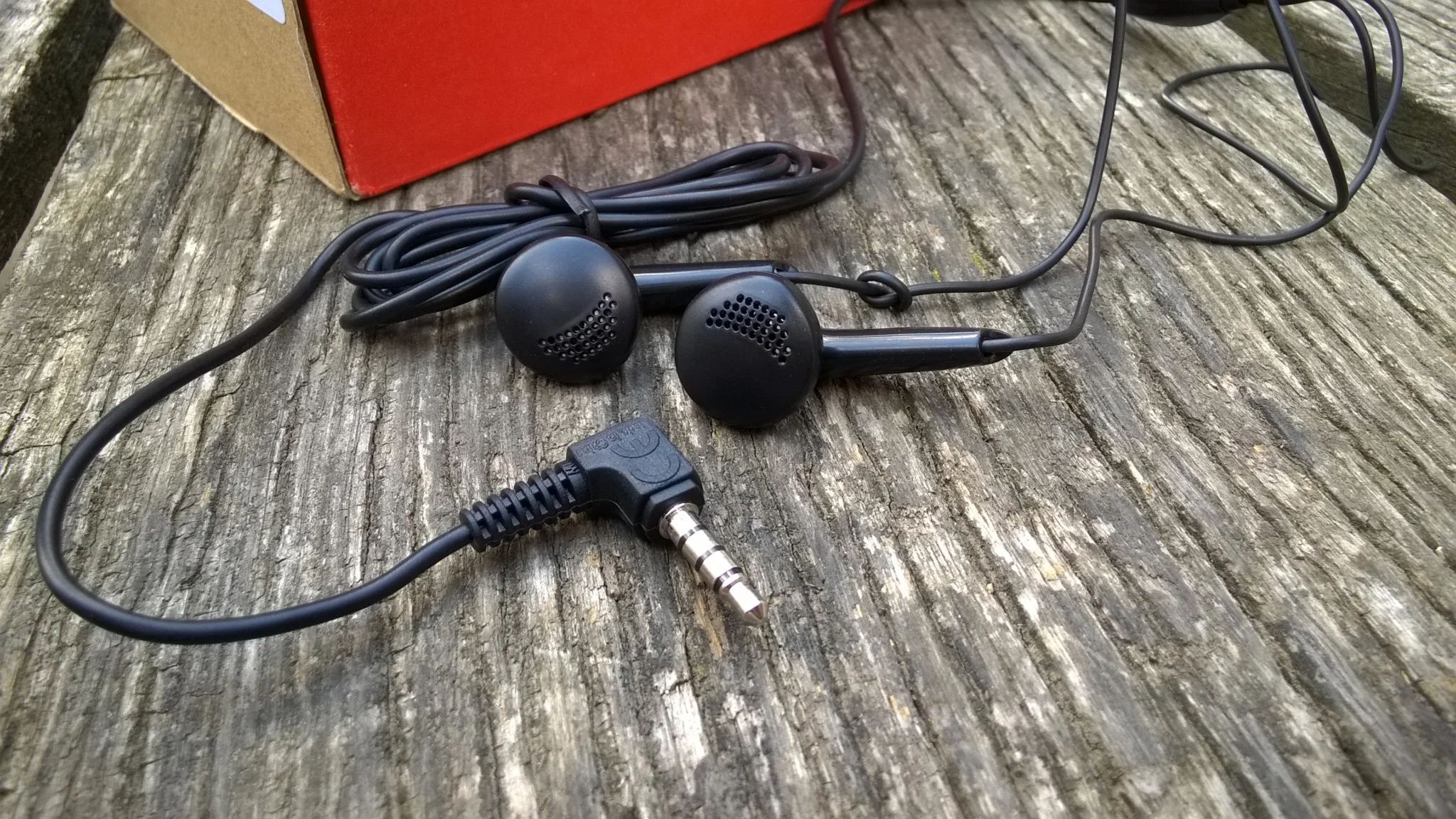
To my surprise, the box also included a cheap pair of earbuds alongside the charger. They won’t impress anyone with sound quality, but the manufacturer still deserves some credit for including them at all. These days, bundled headphones are more the exception than the rule.
DESIGN AND BUILD
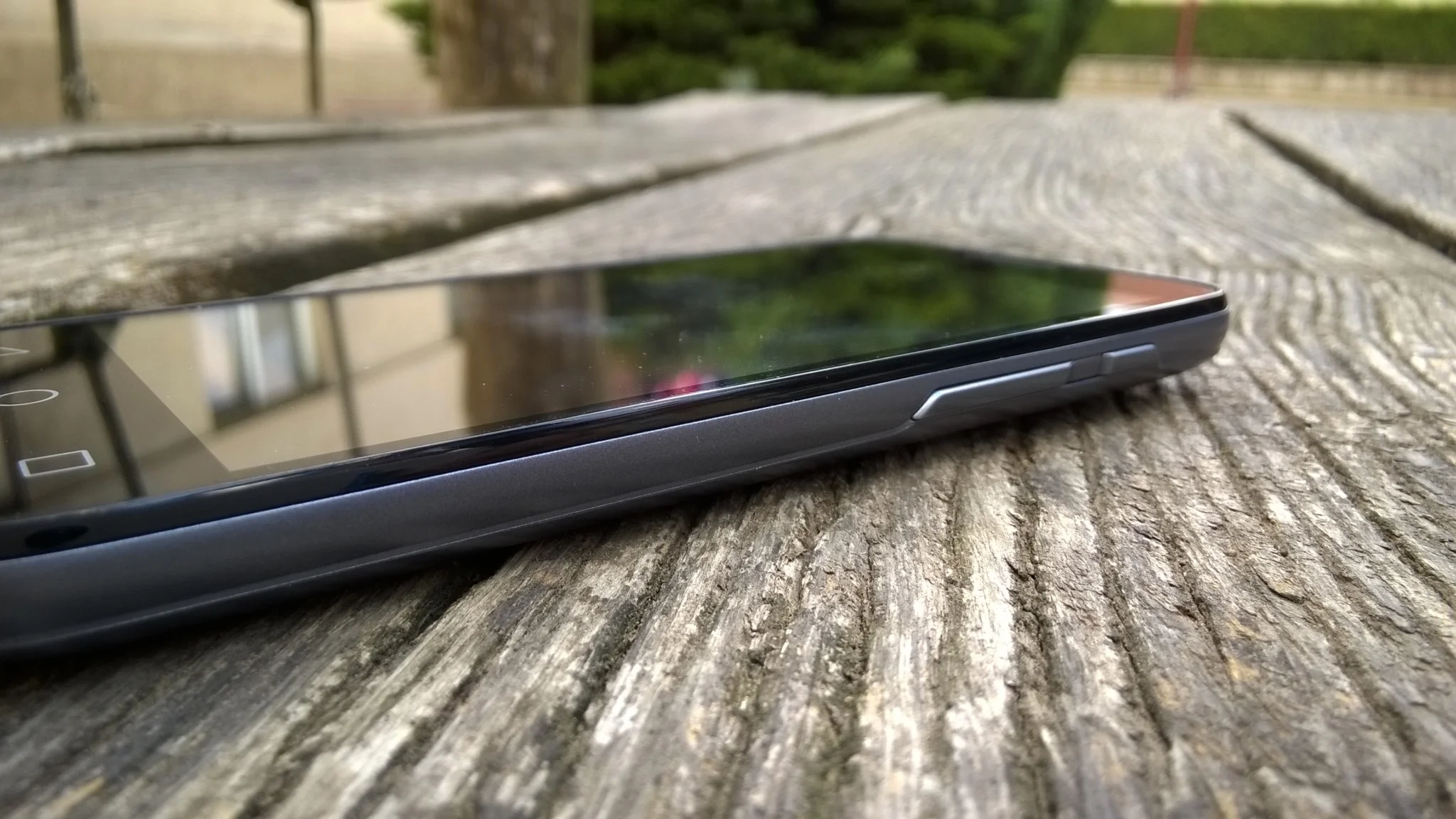
The plastic body doesn’t look especially premium at first glance, but the actual build is better than expected. The back cover fits tightly against the rest of the phone. It flexes slightly in the middle, though nothing creaks and everything lines up well. The phone is also a nice size, neither too small nor too large. It sits comfortably in the hand, doesn’t feel slippery, and all of the controls are easy to reach with one finger, including the farthest corner of the display. At 125 grams, it’s light enough to carry without a second thought.
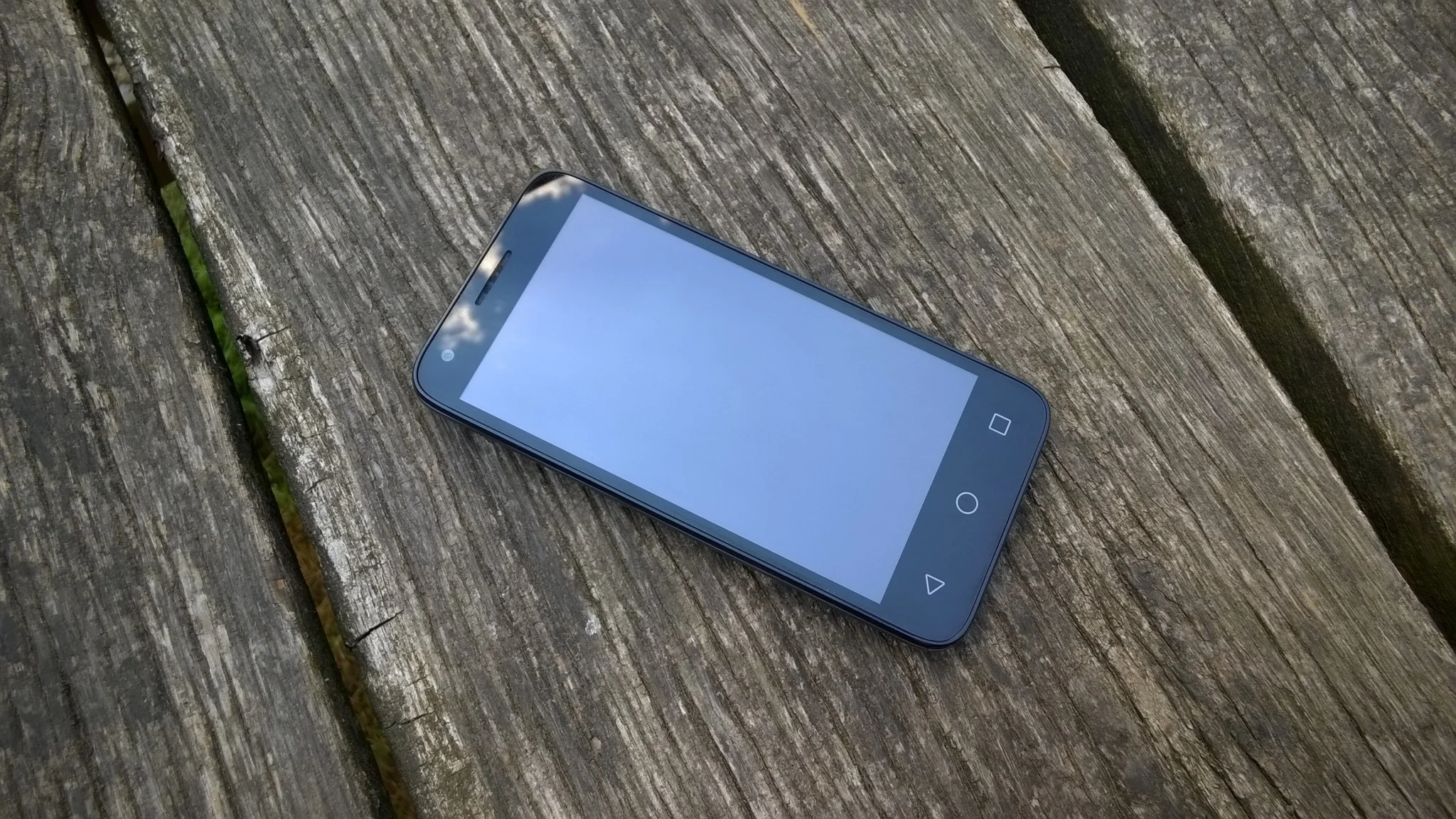
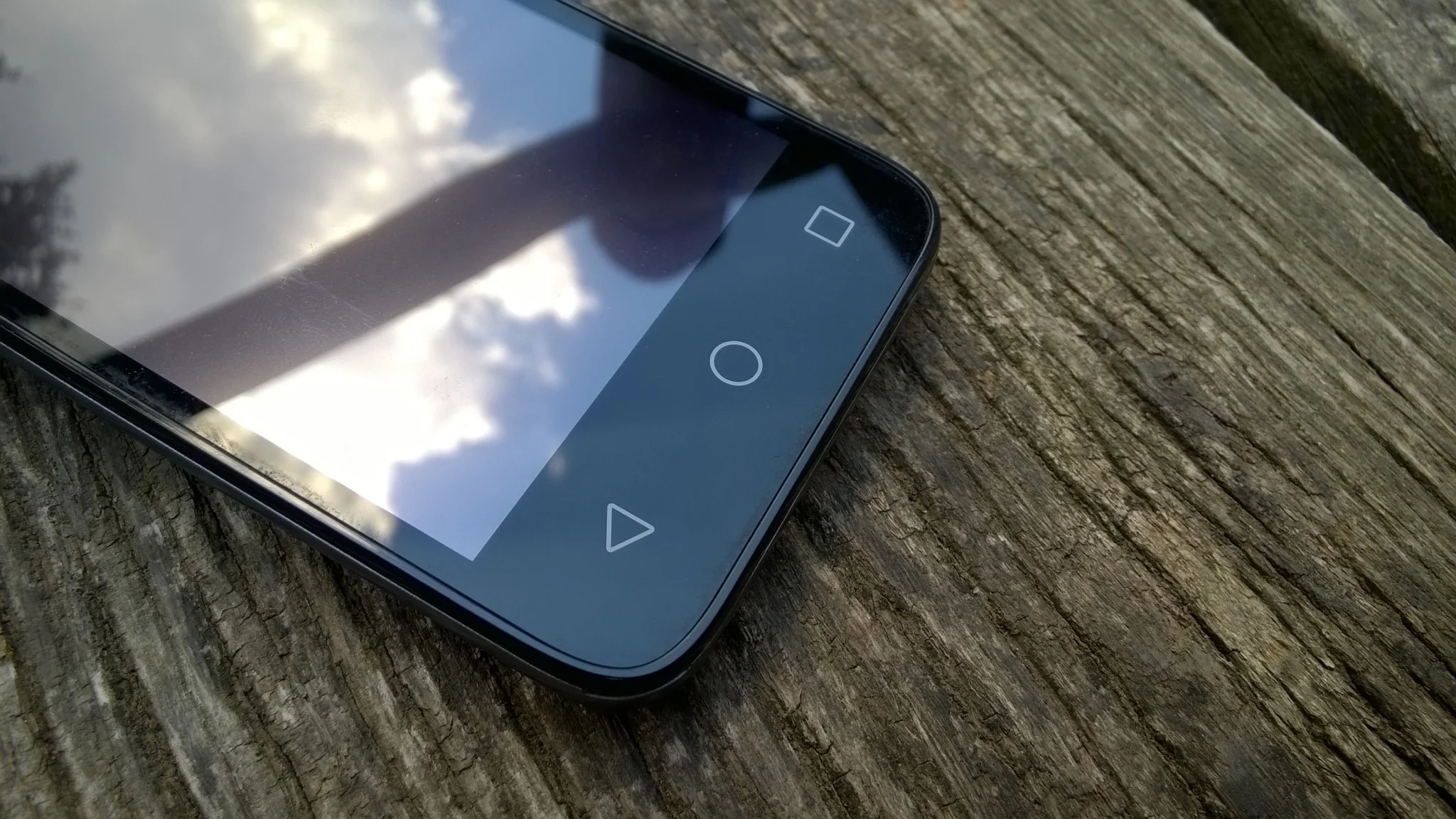
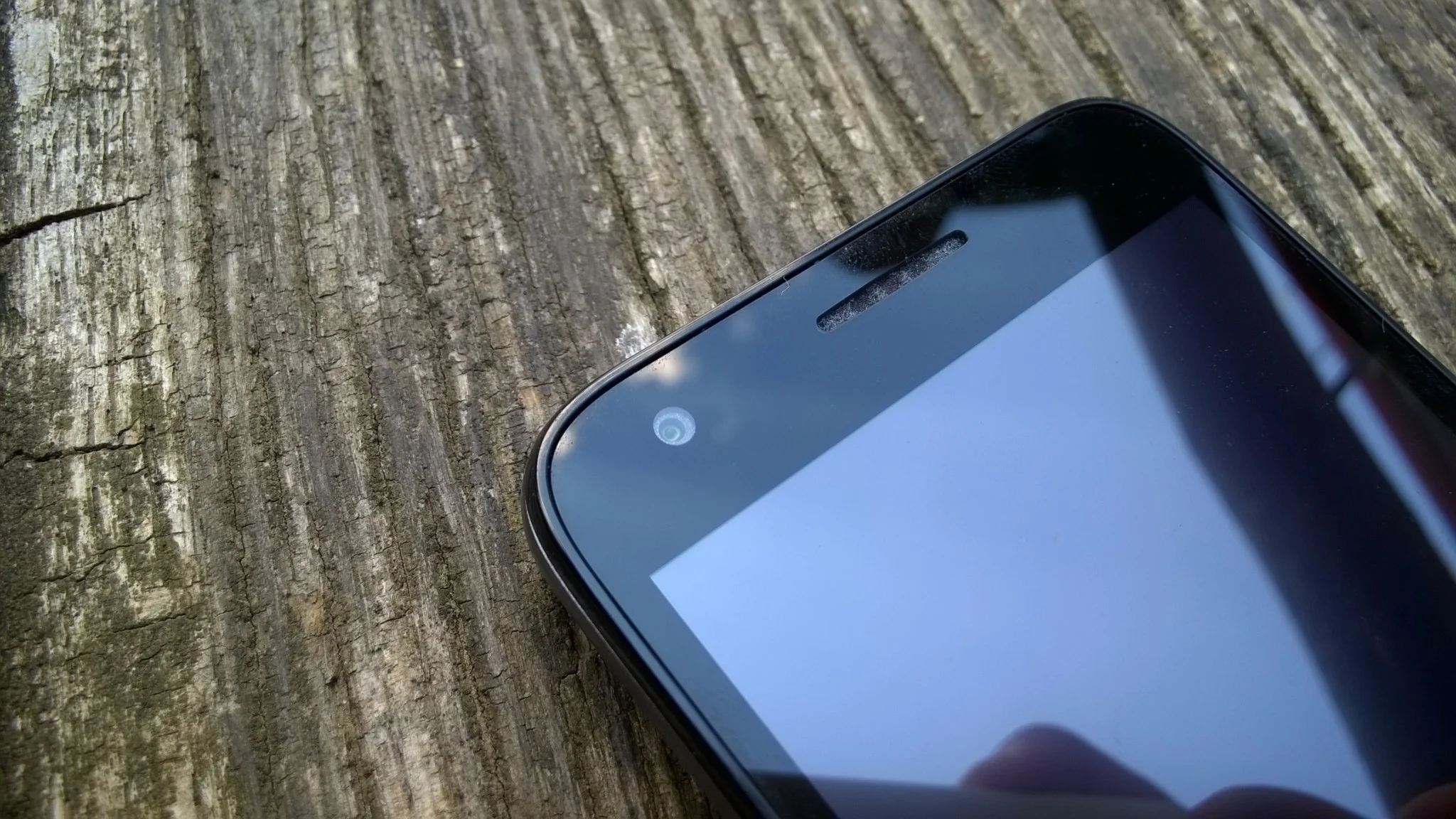
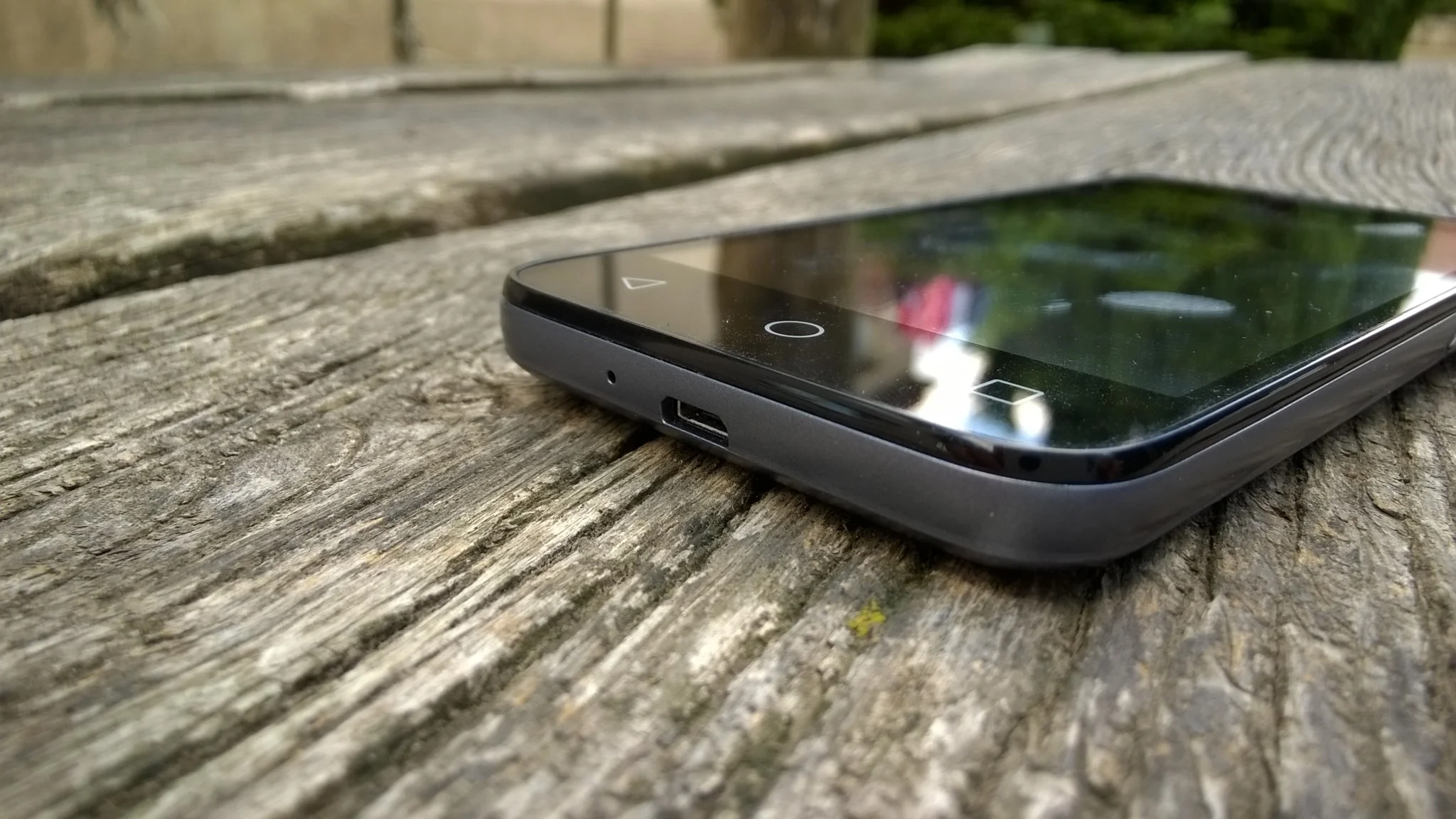
On the front, there’s a 4.5-inch display with what are arguably oversized capacitive buttons below it. Even from the photos, it’s easy to see just how large they are, and in my view the manufacturer didn’t need to go quite this far. Above the display sit the earpiece and a 2MP front-facing camera on the left. To the right of the earpiece is a notification LED that pulses for new alerts and stays lit continuously while charging, which I personally found a little annoying.
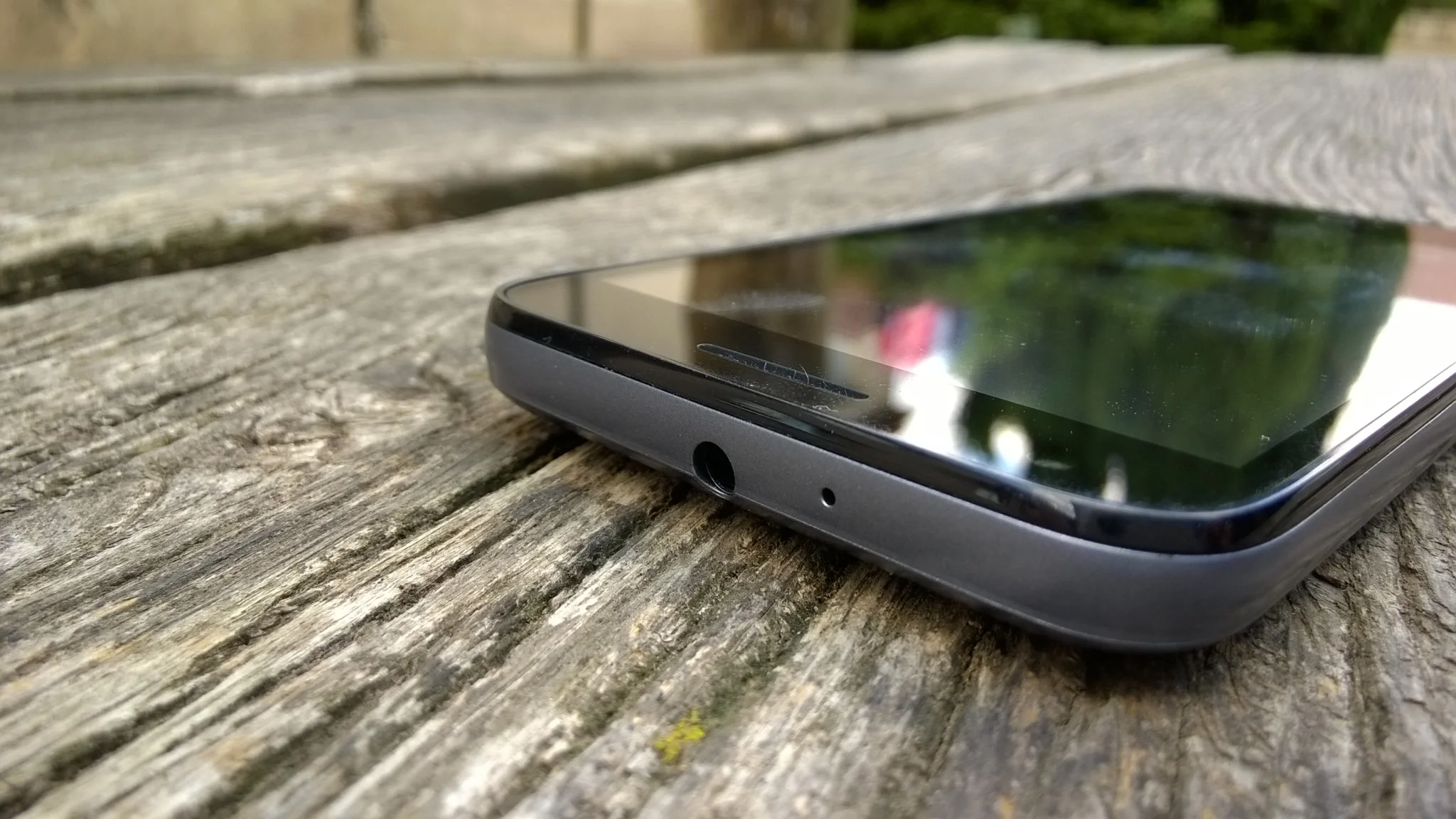
The left side of the phone is completely bare. On the right, the power button sits near the top, with the volume rocker directly below it. A microUSB port for charging and data transfer is centered on the bottom edge, while the headphone jack is centered on the top. There’s also a microphone next to each connector: the lower one is used for calls, while the upper one comes into play during video recording.
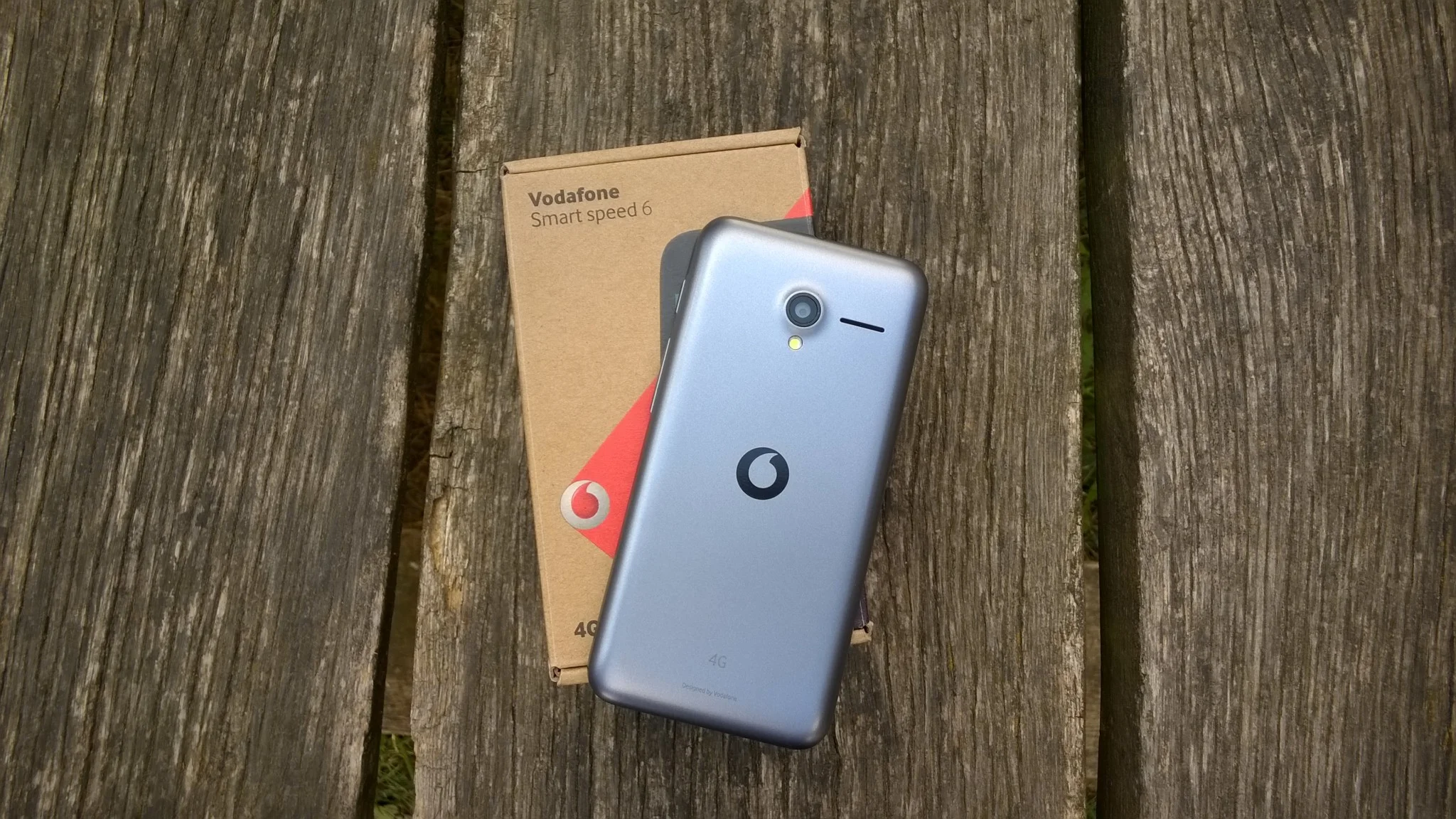
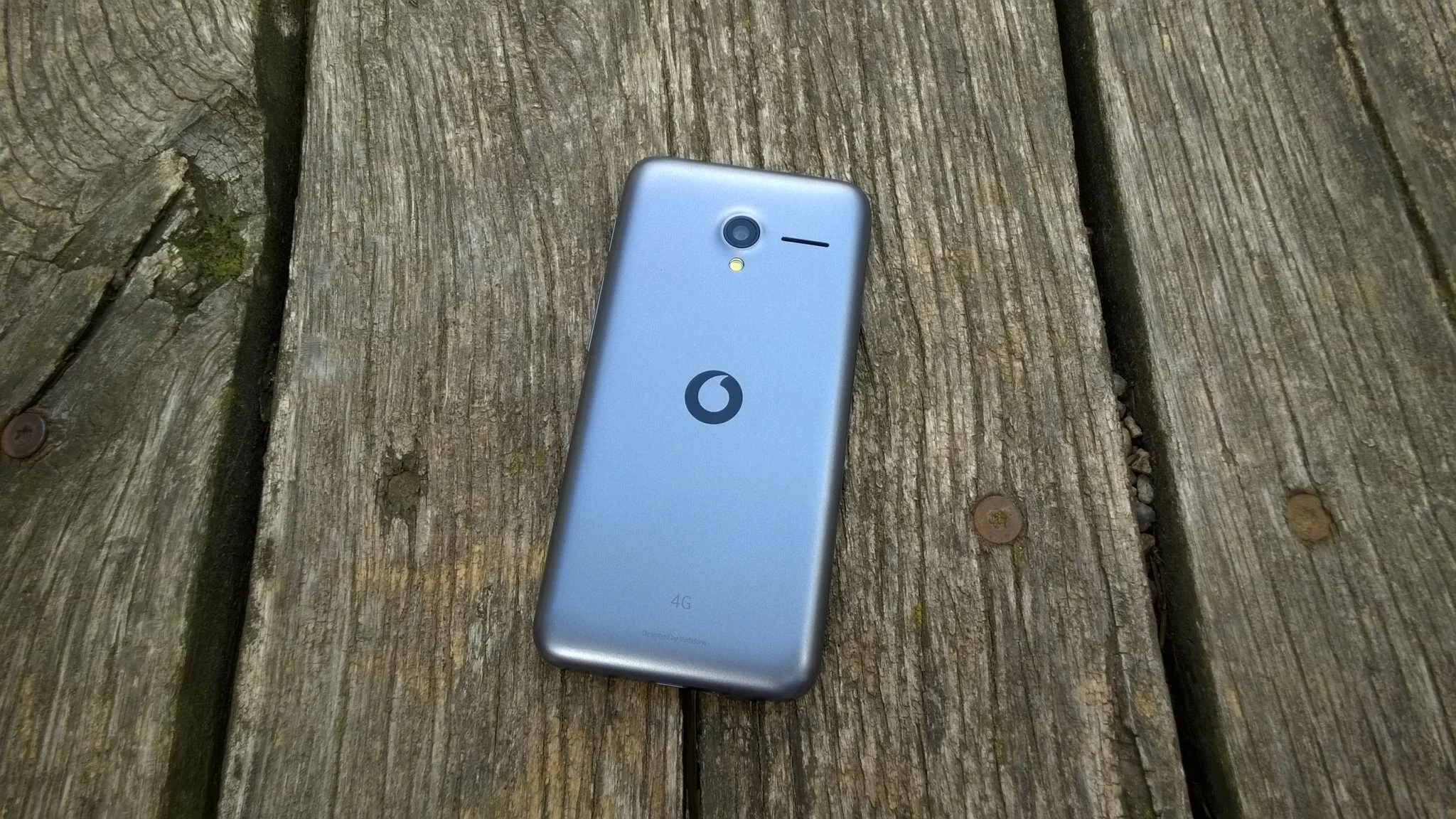
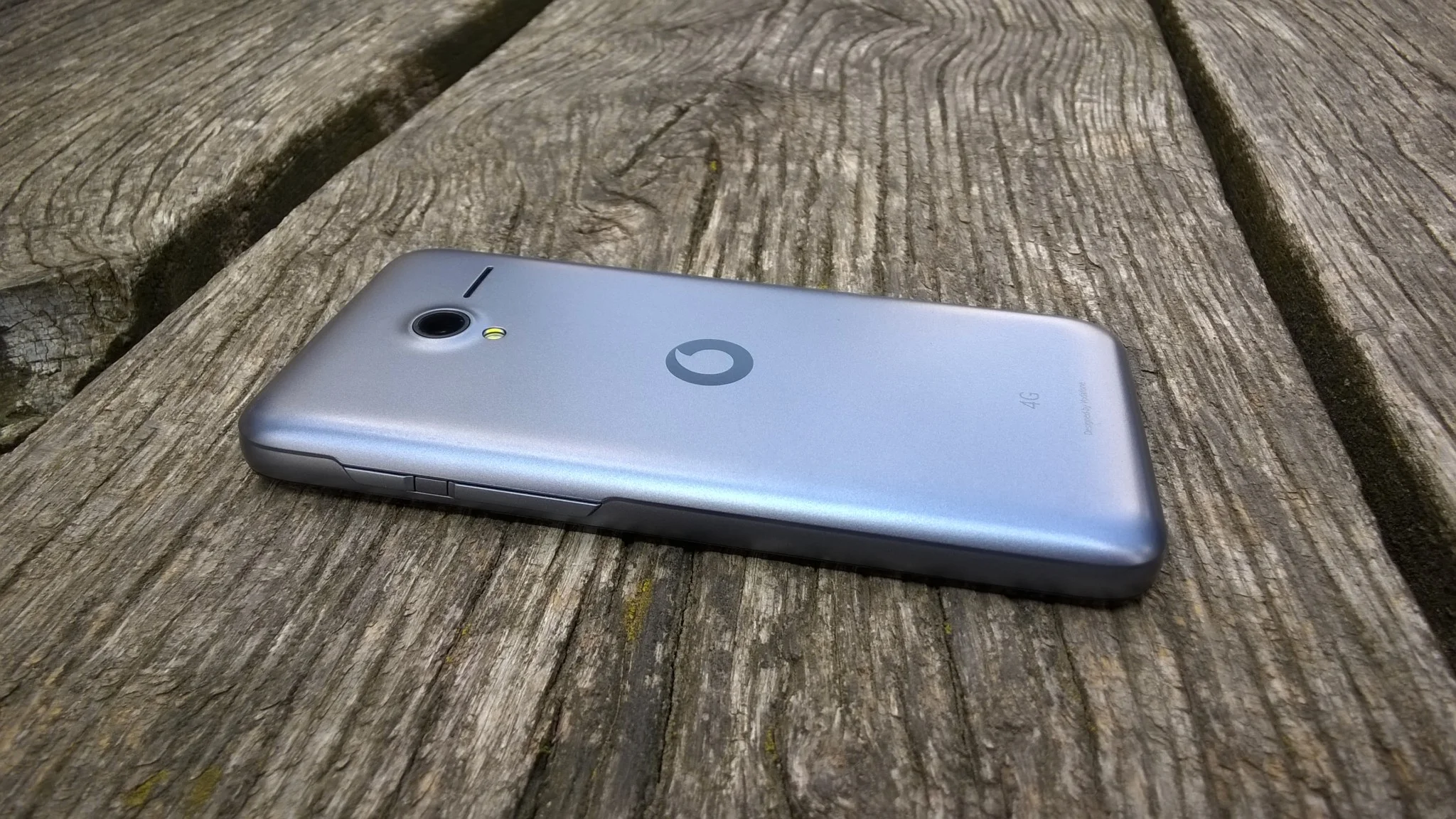
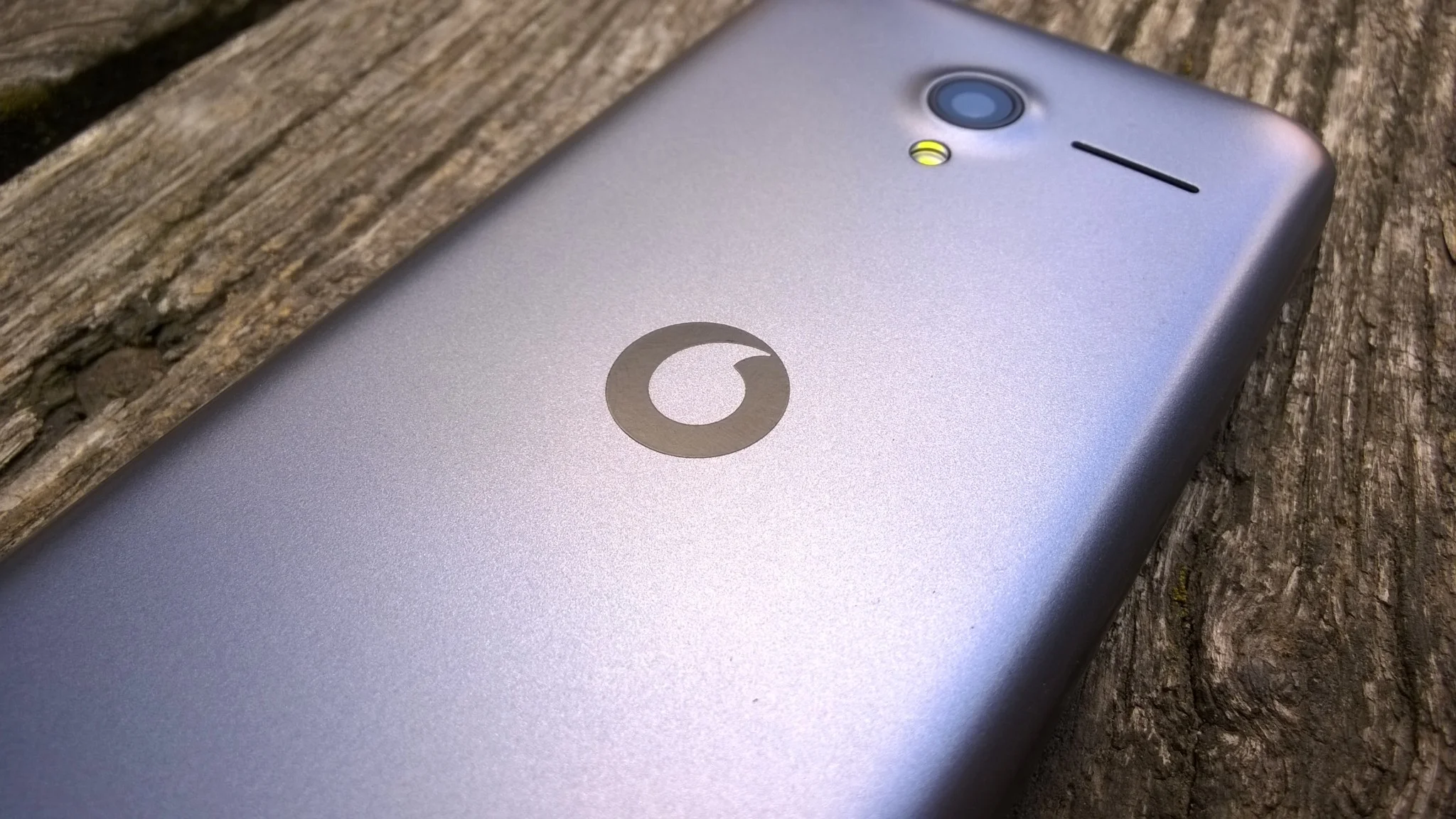
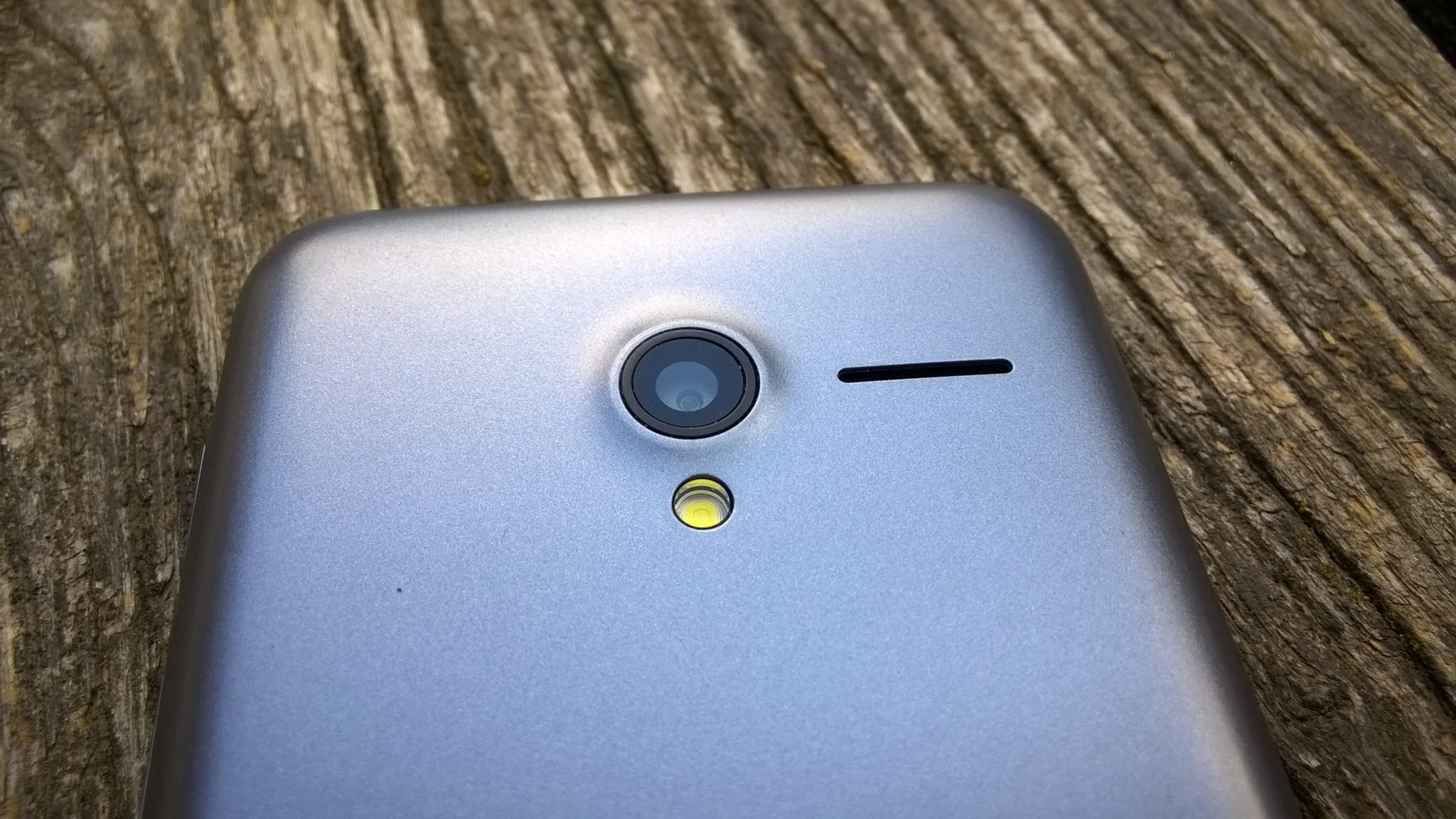
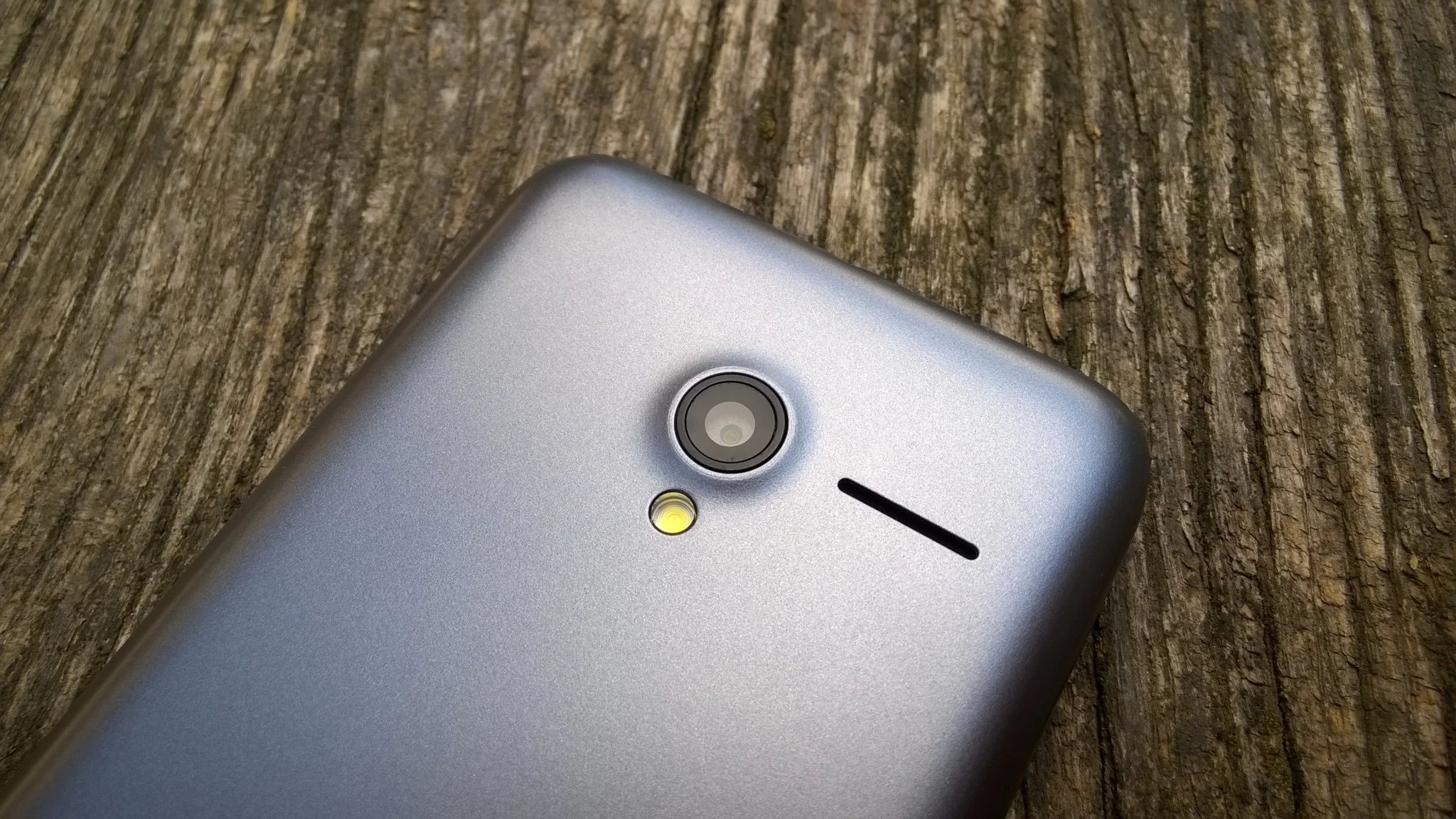
The back of the phone has a Vodafone logo printed in the center. Higher up, you’ll find the rear camera and LED flash, with the speaker positioned to the right of the camera module. Like the bundled earbuds, the speaker doesn’t deliver especially good sound, so it’s better suited for ringtones and text alerts than for music playback.
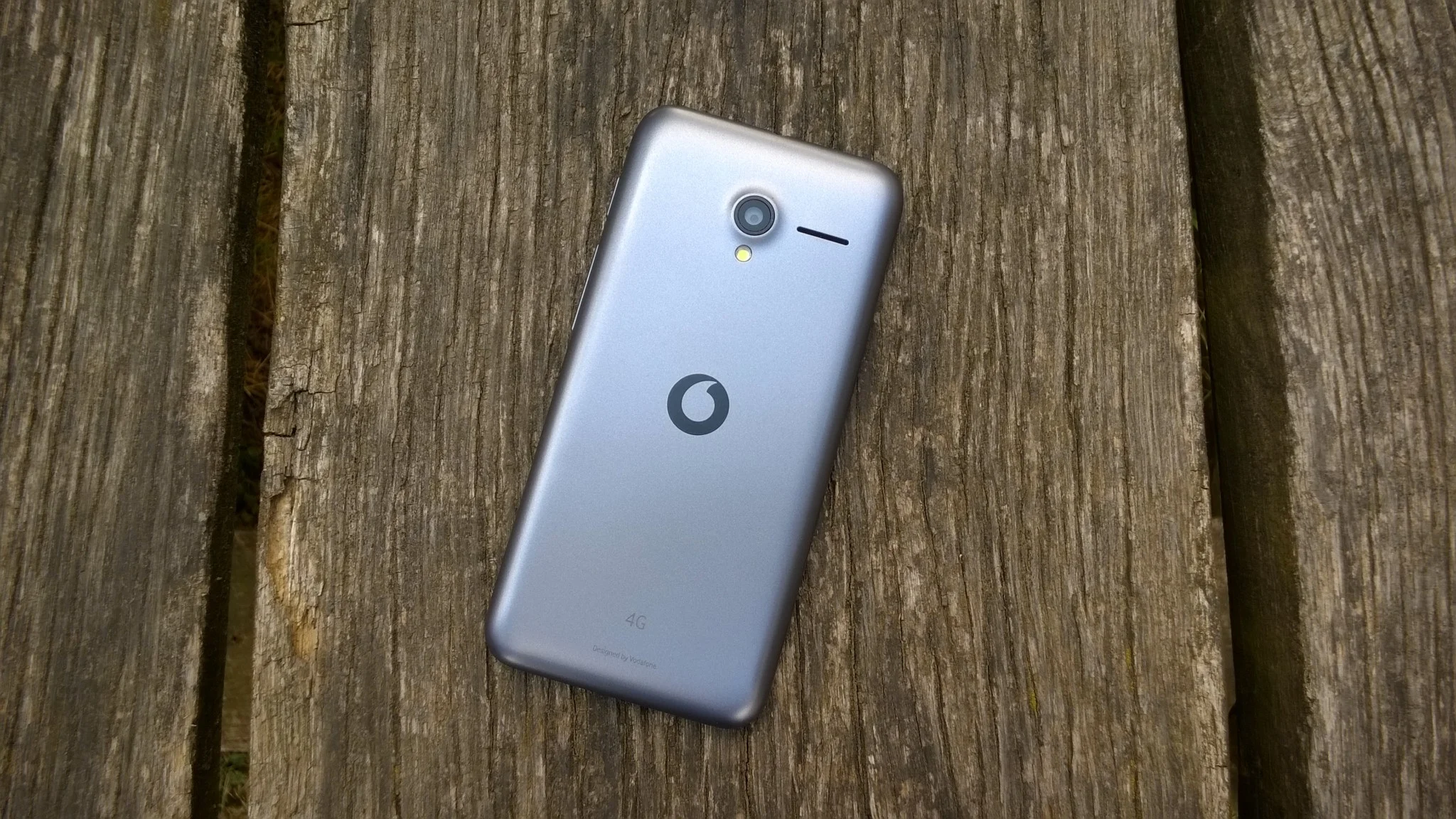
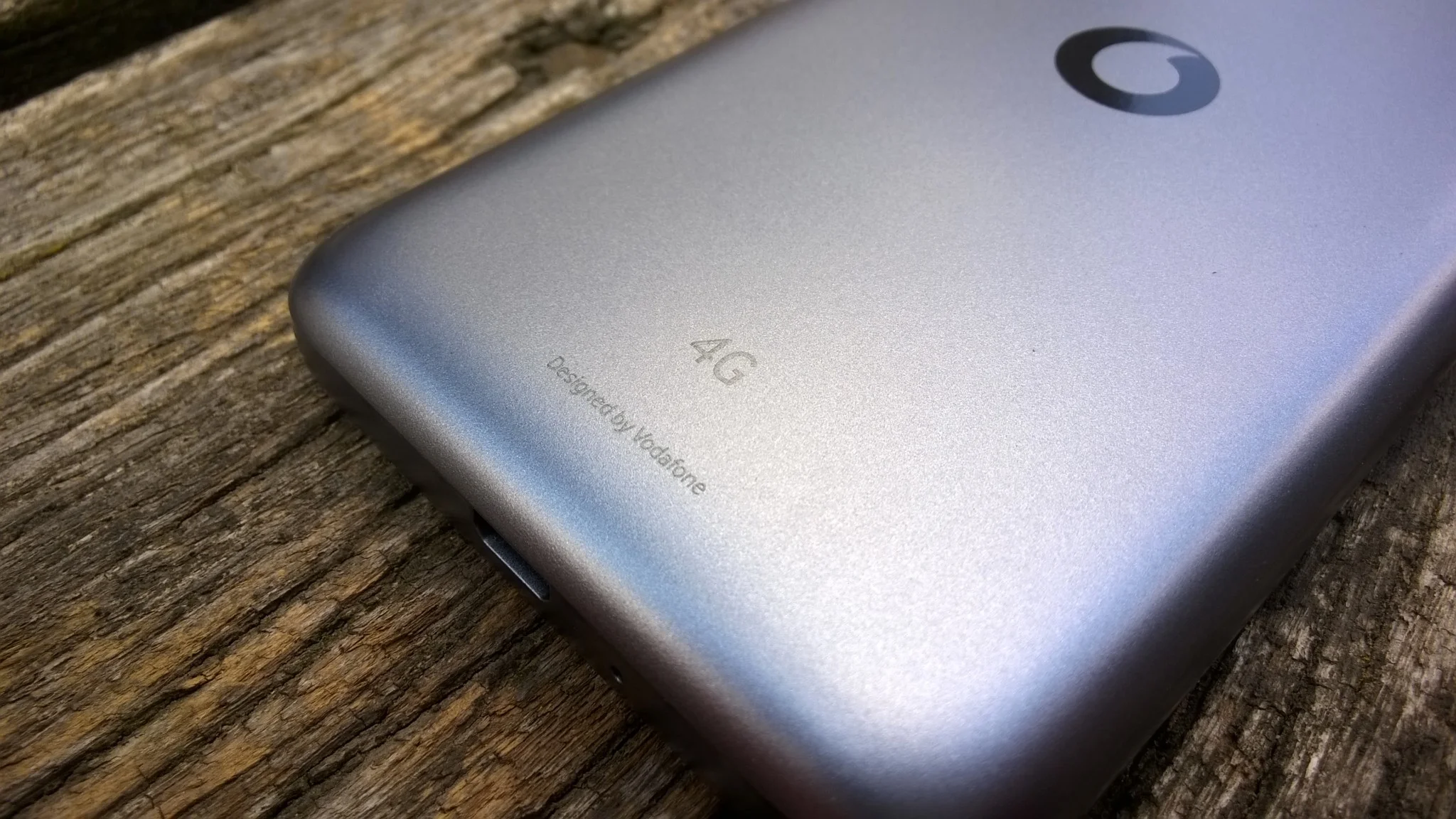
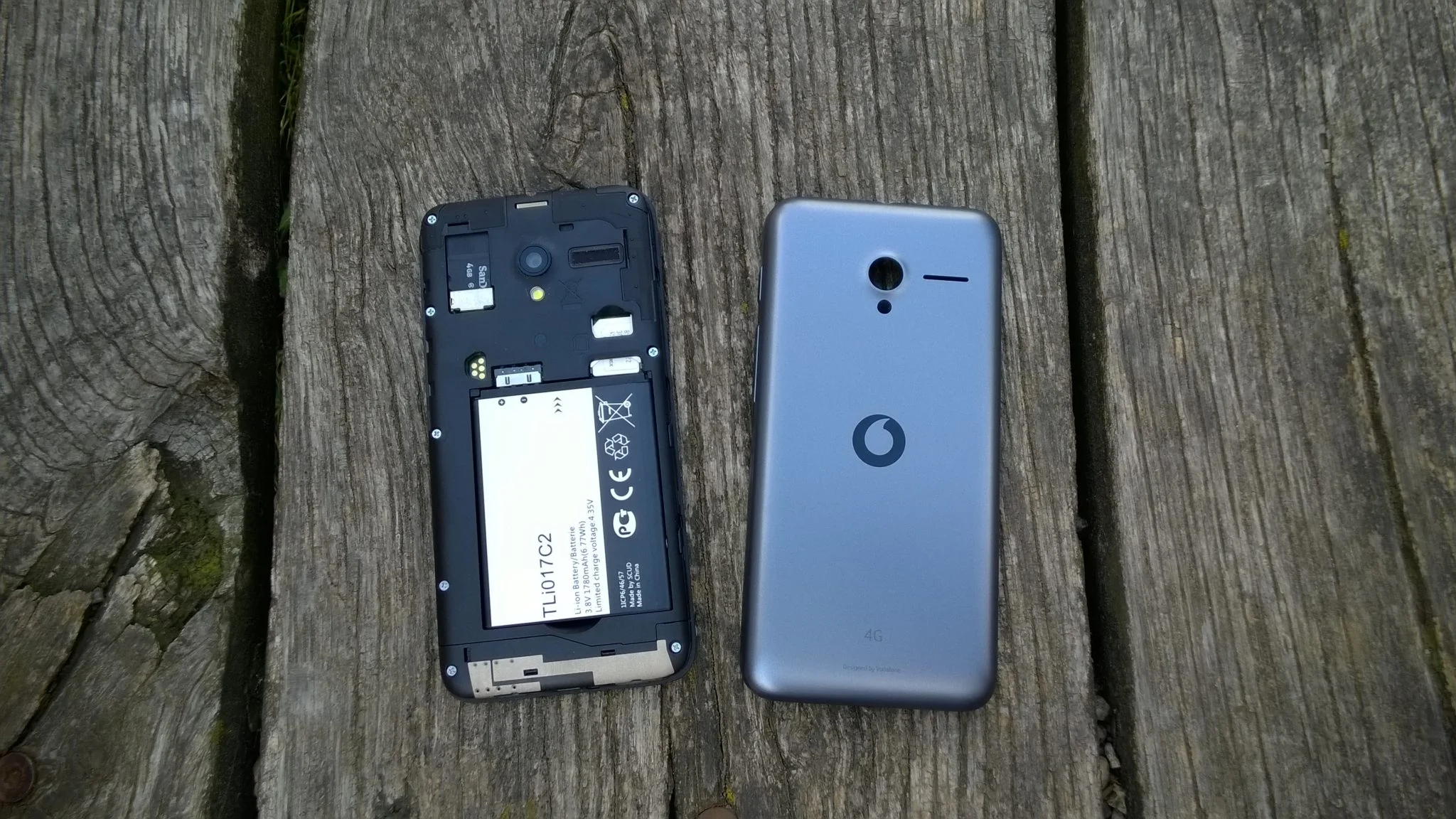
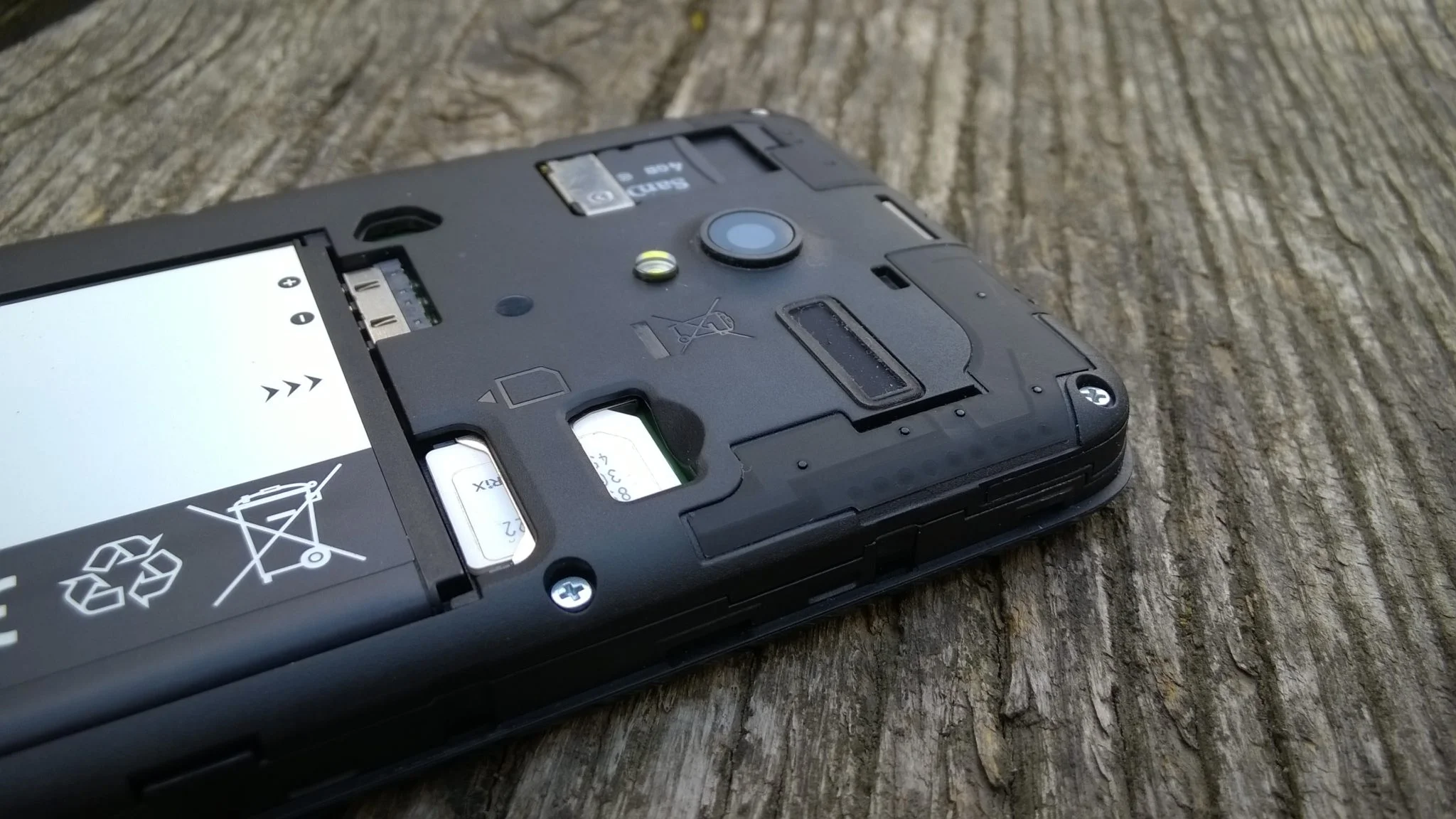
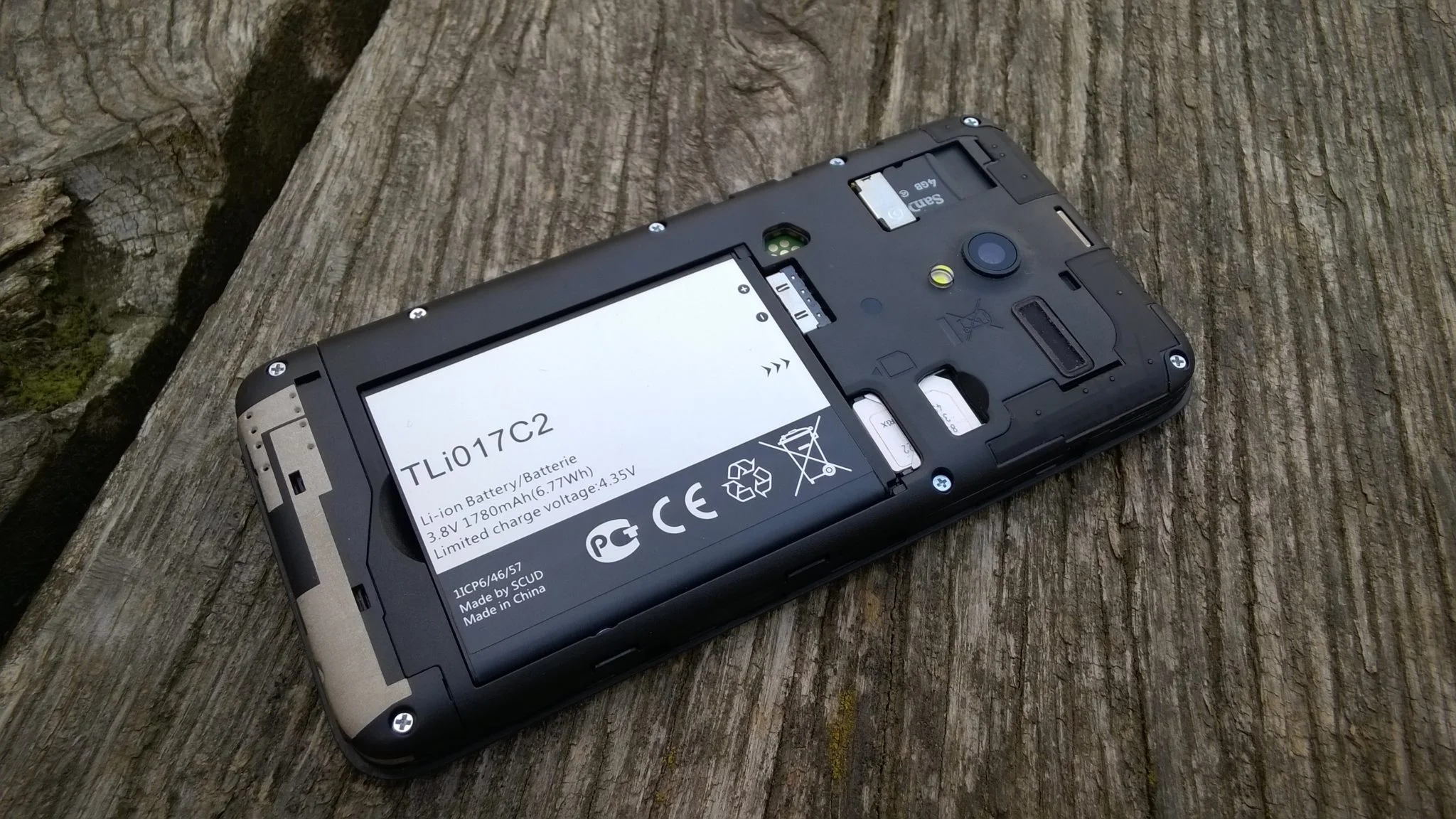
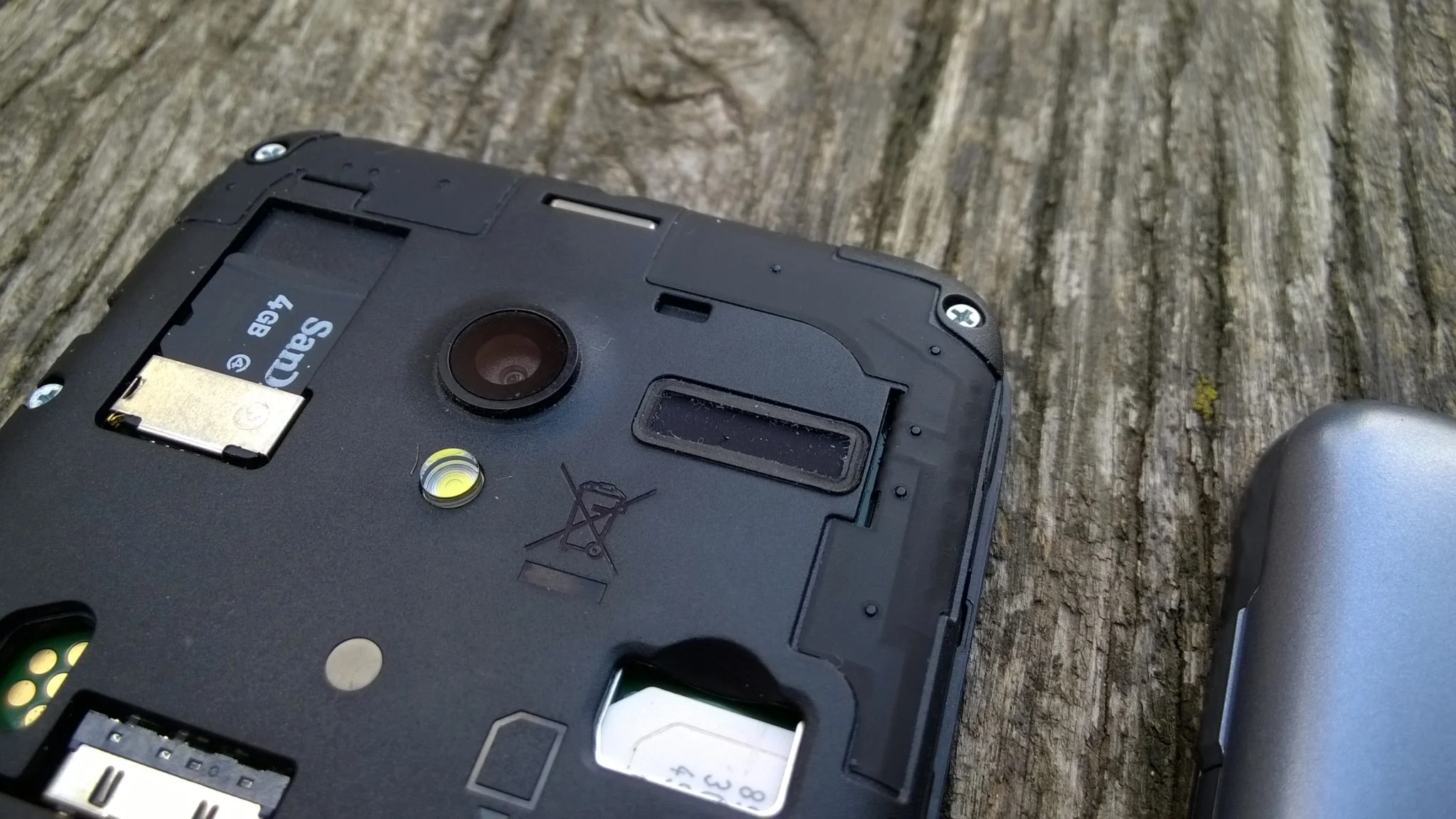
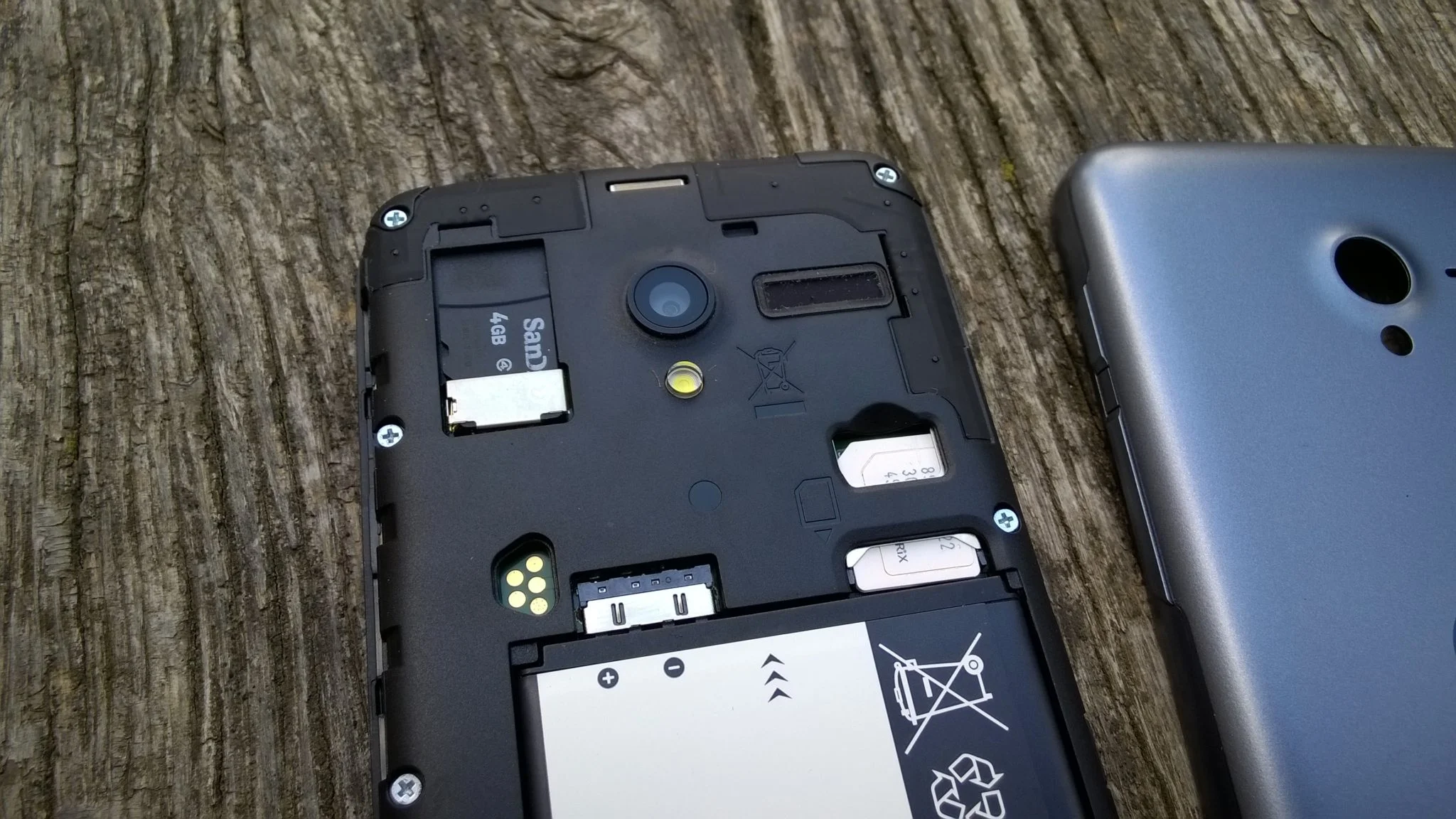
Near the bottom of the rear cover, there’s an engraved note highlighting 4G LTE support, followed by the phrase “Designed by Vodafone.” You won’t find the actual manufacturer’s name anywhere on the phone itself. For that, you have to dig into the printed materials in the box. One of the manuals reveals that the phone was made for Vodafone by Chinese company TCL, which also owns Alcatel. (More specifically, the handset is based on the Alcatel OneTouch Pixi 3 (4.5).) Under the back cover, there’s space for the battery, a microSIM slot, and a microSD card slot.
HARDWARE AND PERFORMANCE
The phone doesn’t offer much in the way of raw performance. Its quad-core MediaTek MT6735M, paired with 1GB of RAM, is enough to keep the system reasonably smooth for basic use, and you can even fire up a game now and then. That said, you have to live with occasional stutters and delays, and during testing I ran into plenty of both.
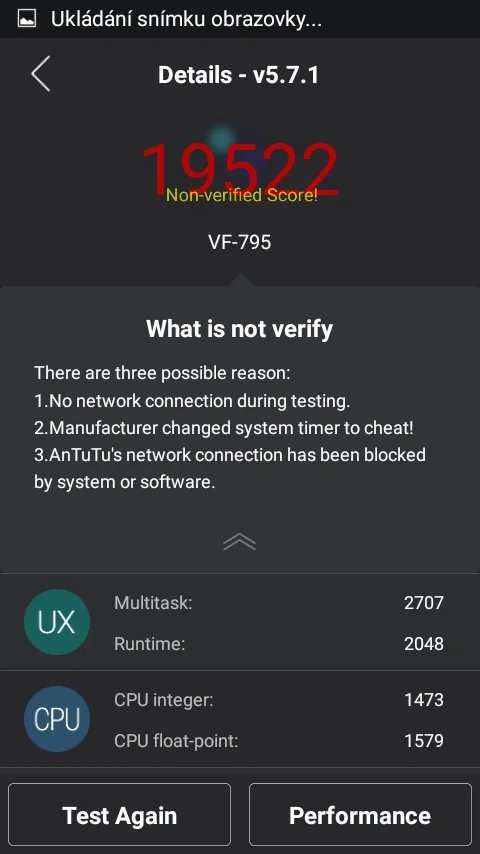
The first app I installed was the AnTuTu benchmark, where the phone posted a score of 19,522. That obviously doesn’t put it anywhere near top-tier devices, which usually score roughly three times higher, but for this price class it’s still a fairly respectable result.
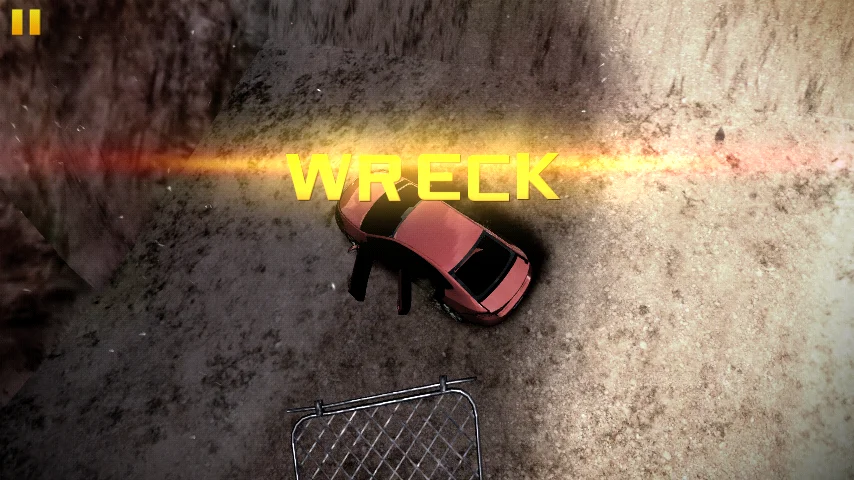
 For gaming performance, I used Asphalt 8: Airborne as usual. I played for just under an hour straight, and the phone handled it surprisingly well. You could tell from the visuals that it was struggling a bit to stay smooth, but it never became a major problem, and overall it met my expectations. After closing the game, I checked the phone’s temperature and, to my surprise, couldn’t find any spot that felt especially hot. The area around the camera warmed up the most, but not enough to make the phone uncomfortable to hold.


In this area, I was very satisfied, and the phone actually beat my expectations. On the connectivity side, the biggest plus is LTE support. The phone supports all the bands needed for the local market, so 4G isn’t limited to a single carrier. From my perspective, LTE support is probably the phone’s biggest selling point, alongside its clean Android software and very appealing price.
SOFTWARE
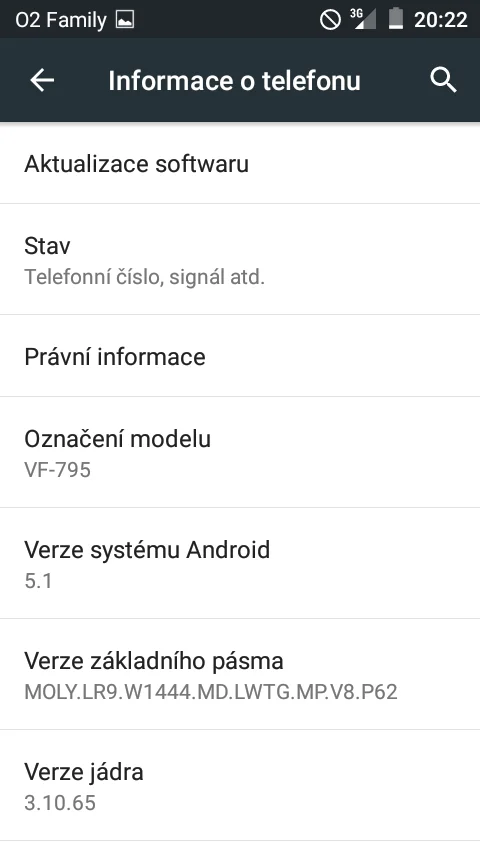
Vodafone used Android 5.1 Lollipop for this model, and it’s very close to stock Android. Right from the start, I expected a fast, responsive experience without unnecessary waiting, basically the usual advantages that come with a clean Android build.
That optimism faded within the first few minutes after booting it up. The system is quick, but it still feels like something is missing. Compared with Nexus phones, I missed the fluidity; at times, it hardly felt like I was using a device running stock Lollipop. Even the animated transitions in the app drawer were visibly slower and less smooth, which was disappointing because I expected more from an otherwise clean version of Android.

Now let’s look at what sets it apart from similar phones sold outside Vodafone stores. Right on the home screen, there’s a Vodafone folder containing several carrier apps. These include, for example, an alternative SMS app and a security app called Protect, developed in partnership with McAfee.

Unfortunately, I wasn’t able to test either of those apps, and the reason is visible in the left corner of the screenshot above. They’re intended strictly for Vodafone customers, so I was out of luck there.
Aside from those few apps, the system is the same as on other phones. Personally, stock Android is still my preferred version of the OS, so outside of the issues mentioned above, I don’t have much to criticize. During testing, I didn’t run into any major software problems, and I didn’t encounter app crashes either, which was good to see.
DISPLAY
My feelings about the display are mixed. Response can be inconsistent at times, and touch input isn’t always great either. When unlocking the phone, for example, I occasionally had to swipe across the screen three times before it registered properly, because the panel seemed less sensitive and would act as if my finger had already lifted off even when it hadn’t.
At other times, though, everything worked as it should. The display responded well, and there was little to complain about. Thankfully, that was the more common experience, so I ended up reasonably satisfied overall. It’s possible I’ve simply gotten too used to more sensitive panels, which makes the weaker touch response on cheaper phones harder to ignore.
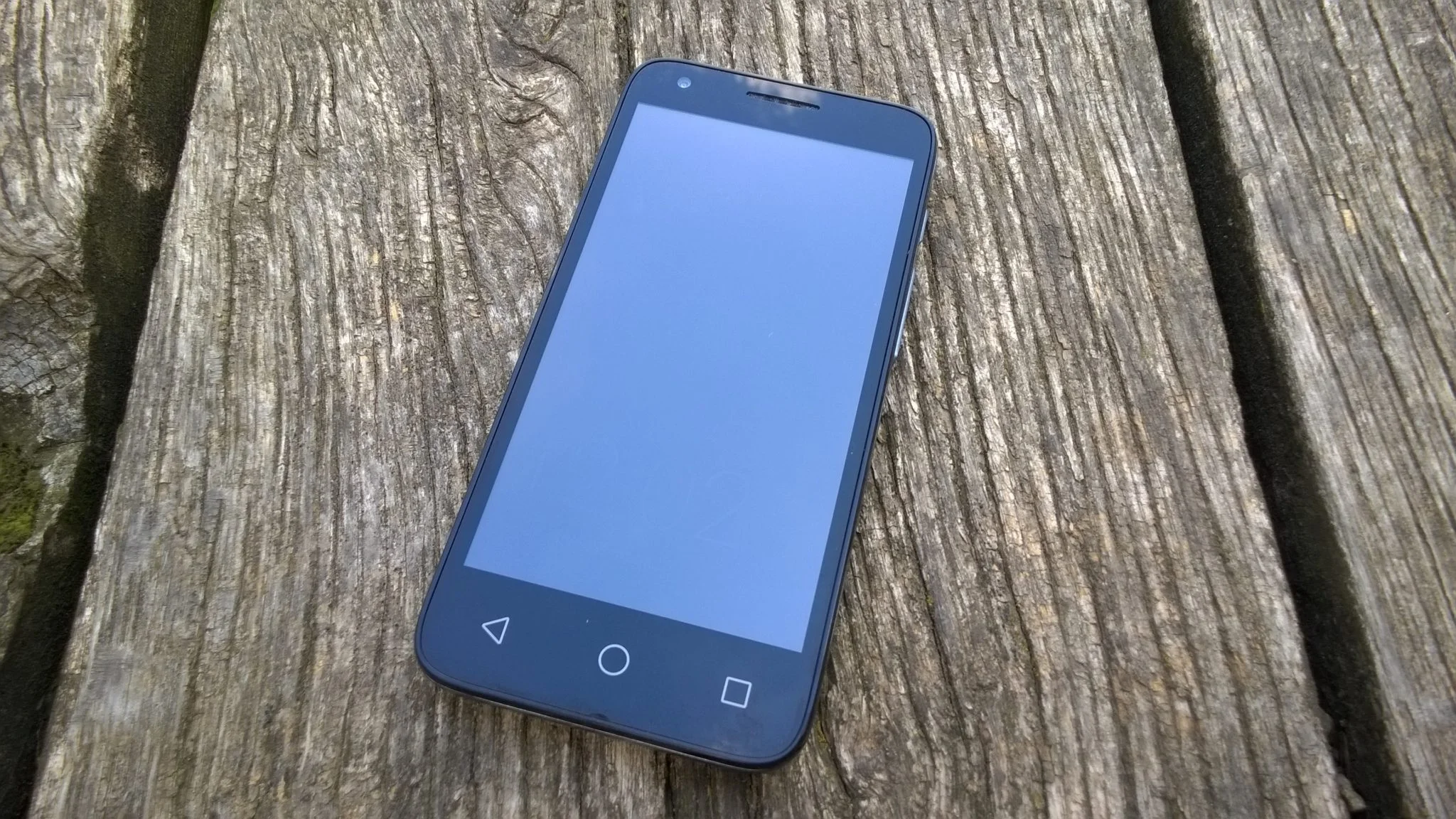 I also wasn’t happy with outdoor visibility. Even at maximum brightness, the screen was very hard to read in sunlight. I could barely make out individual app icons, which gives you a pretty good idea of what reading text was like. Viewing angles are weak too, although in everyday use the flaws aren’t always obvious.
Another issue I had with the display was how easily it picked up fingerprints and other smudges. It gets dirty very quickly in normal use, so you’ll need to wipe it down from time to time.
CAMERA
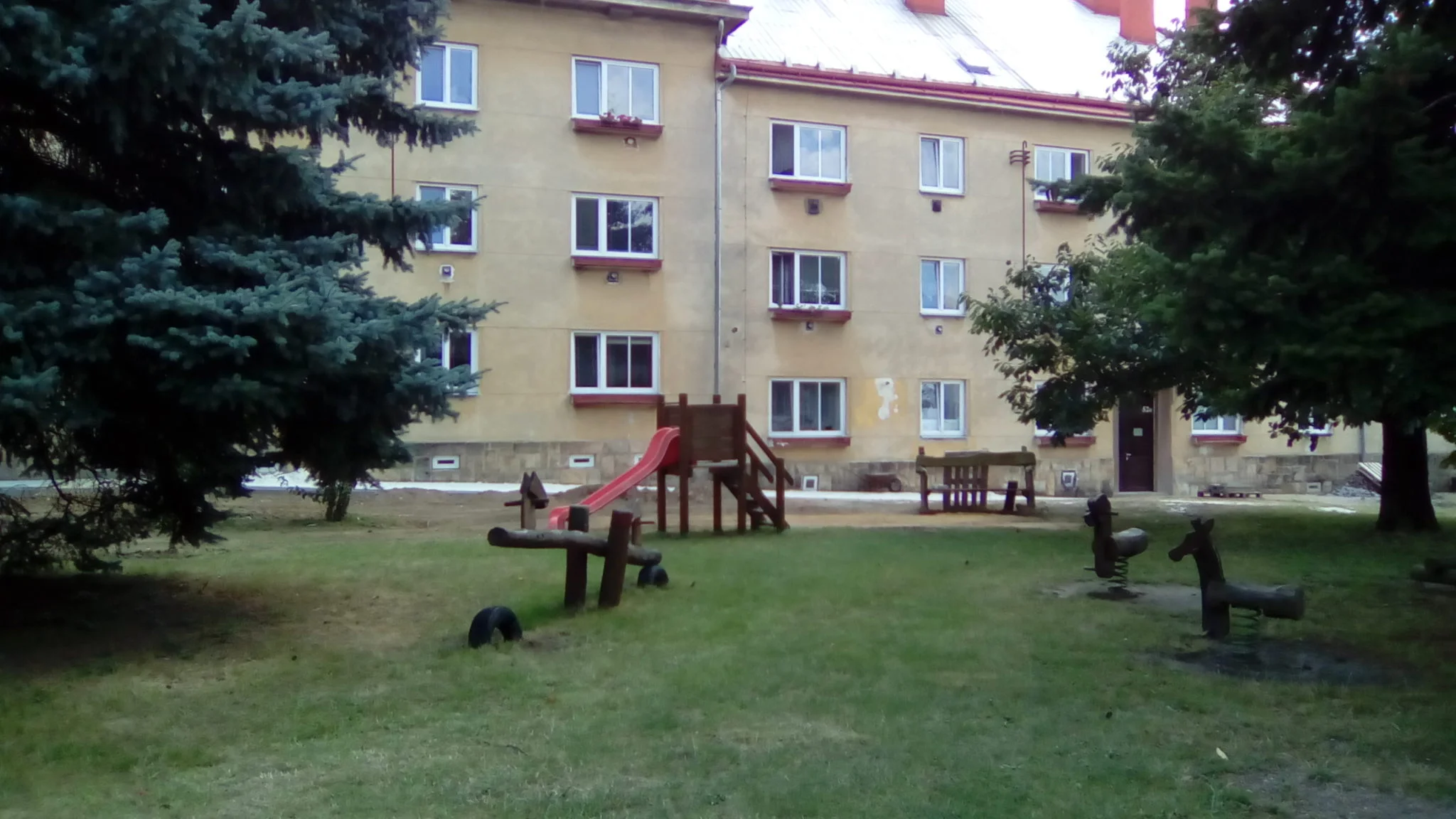
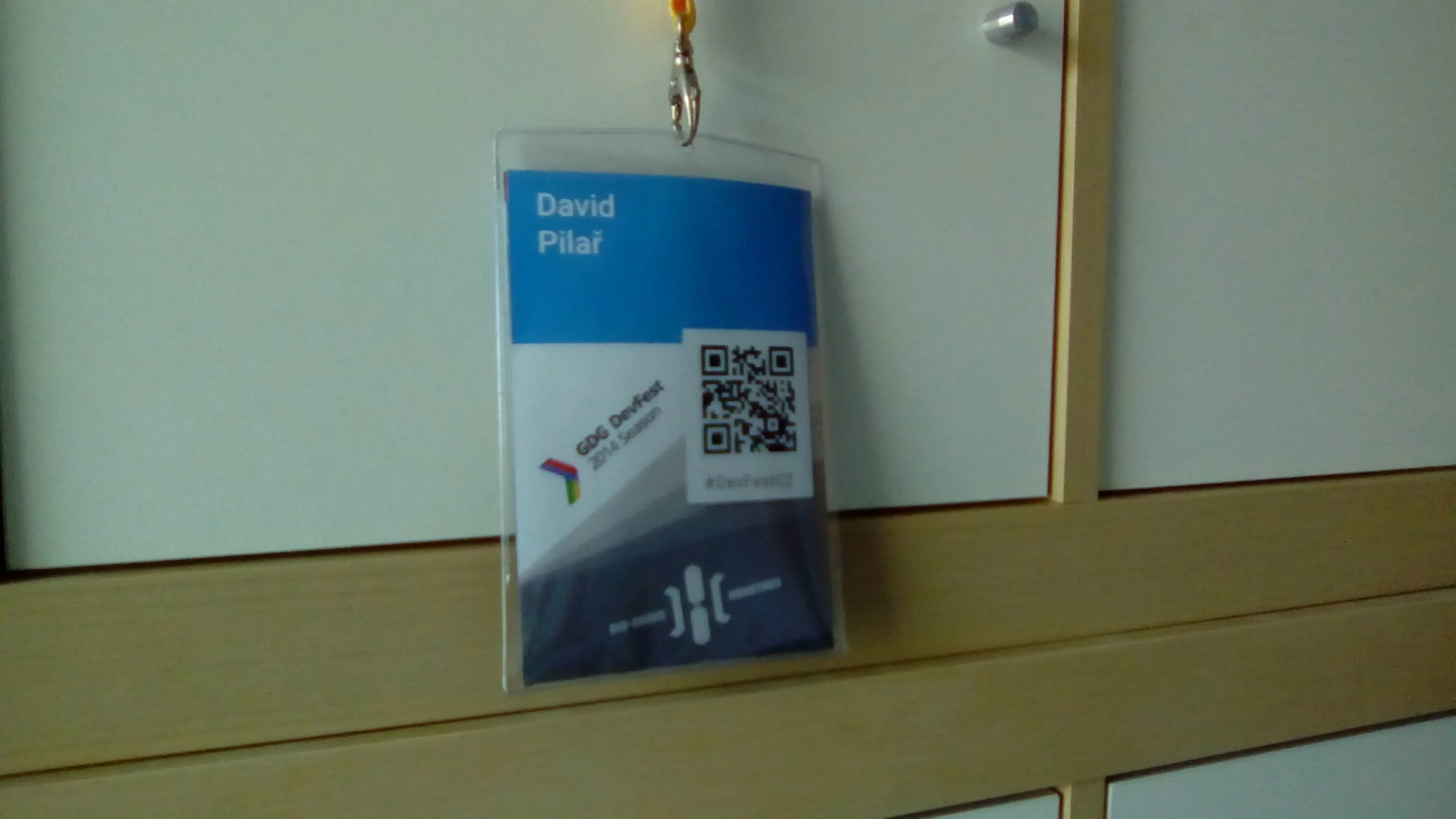
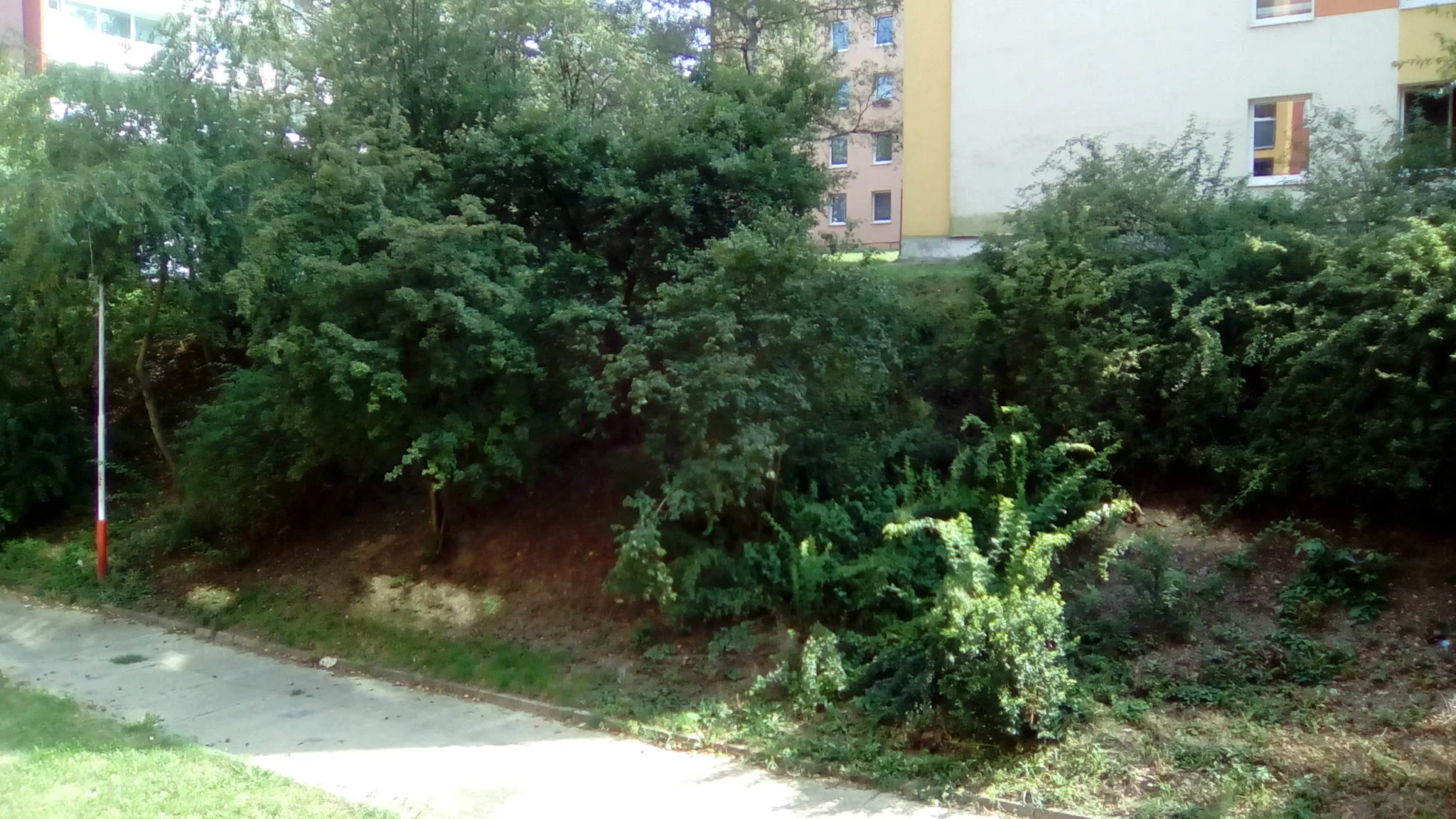
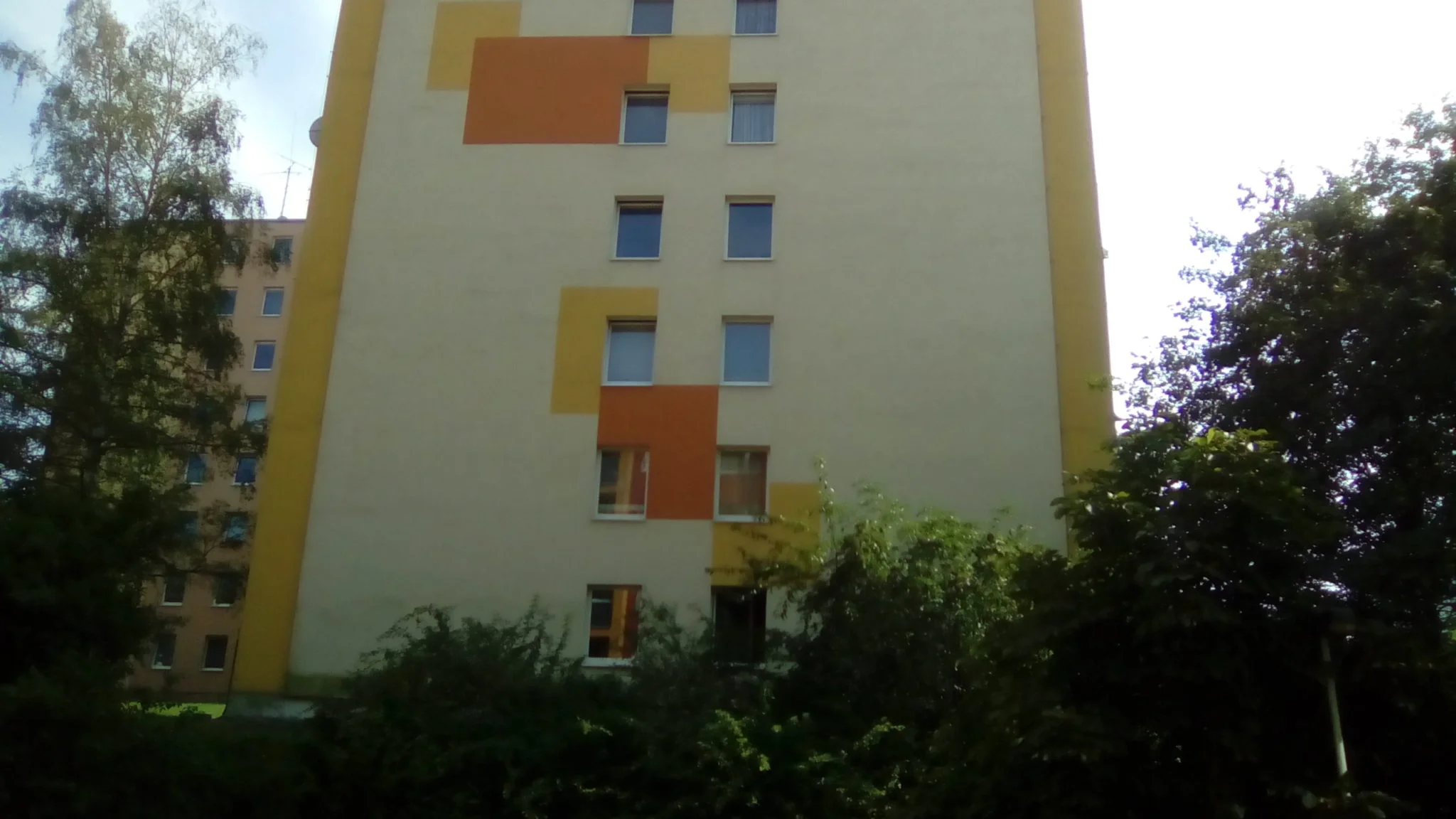
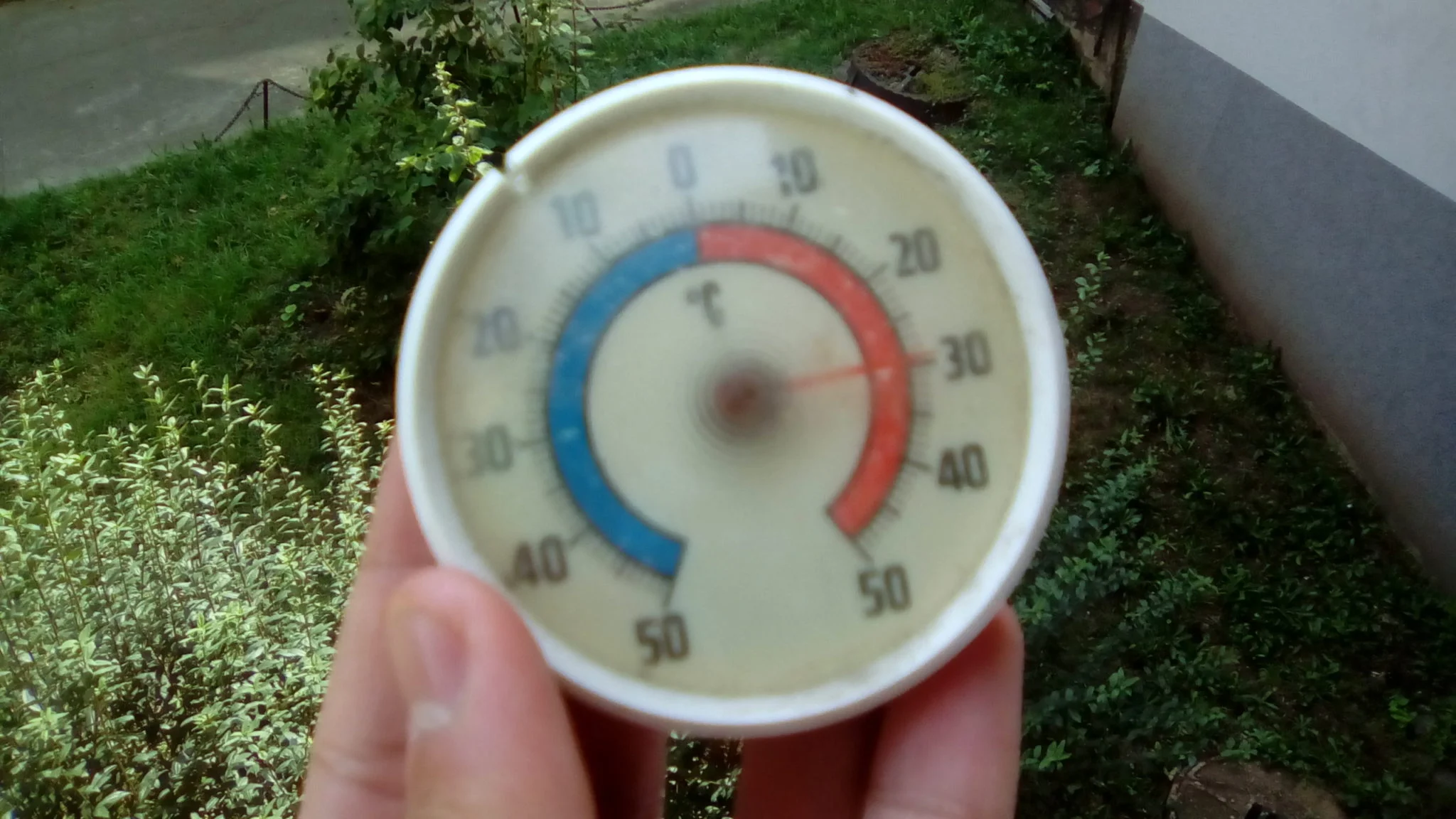
The 5-megapixel rear camera can take fairly decent shots. Its biggest issue is focus, which is easy to spot in the sample photos below. In some scenes, fine detail also tends to smear together; it’s especially visible in shots with trees in the background.
Color reproduction is accurate and stays close to real life. You’ll get the best results in good lighting; after dark, image quality drops off, and even the LED flash often can’t do much to help. As mentioned, the camera struggles most when focusing on nearby subjects, and the same goes for text. In practice, you’ll get slightly better results by stepping back a bit when shooting close-up objects.
Camera interface
At first glance, the app looks very simple, and by default it only offers automatic shooting. If you like to tweak your photos, you’ll spend most of your time in the settings menu hidden behind the gear icon. That’s where you’ll find several scene options, specifically under the “Manual” setting. There, you can adjust white balance, exposure value, and ISO.

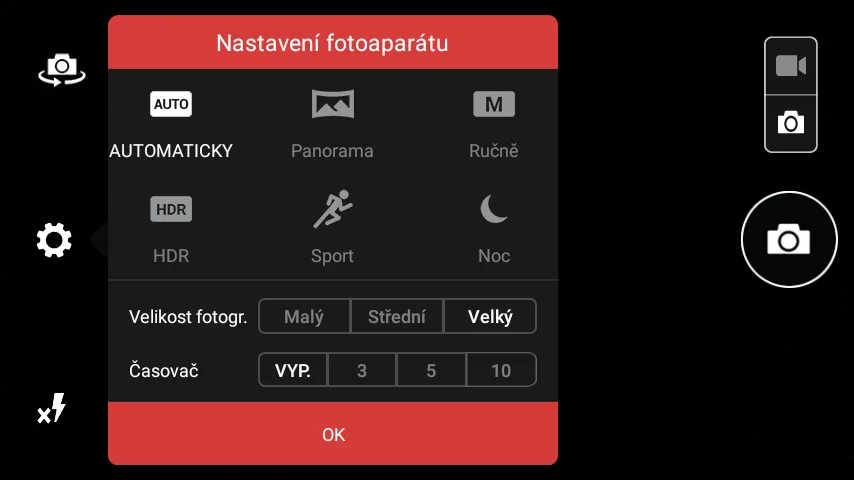
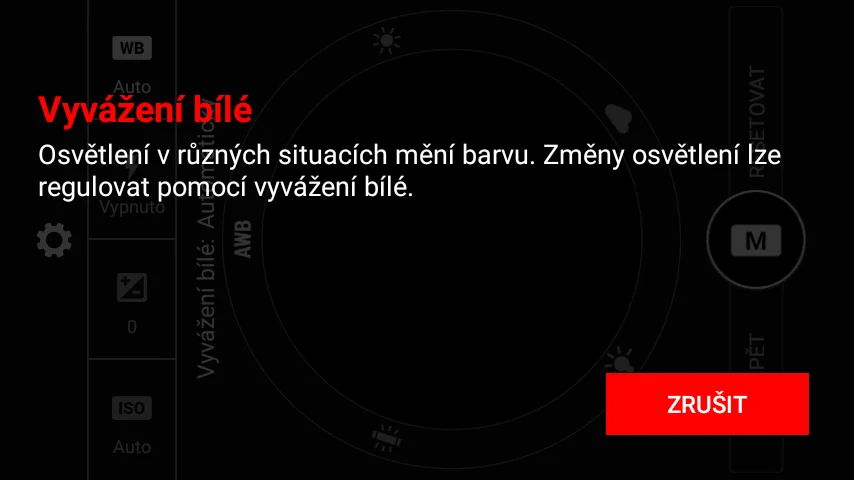
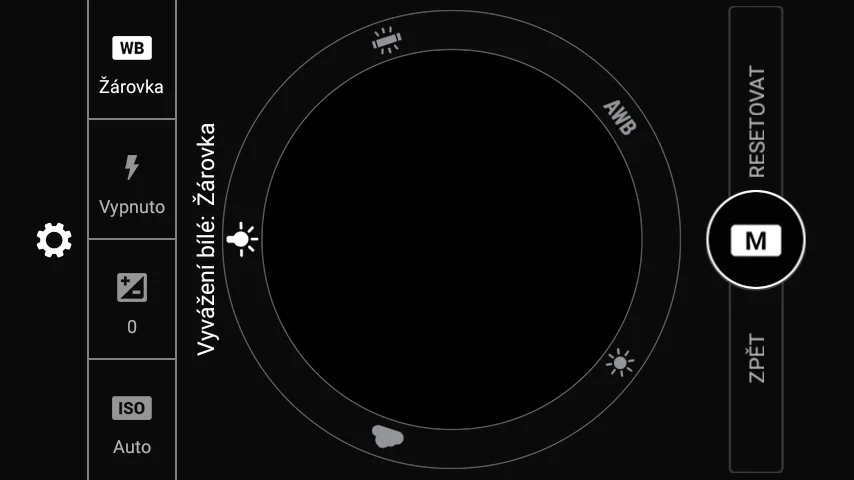
Shooting is reasonably quick too; from pressing the shutter to saving the image in the gallery takes less than a second. I don’t really have any complaints about the app. It offers enough options, stays easy to navigate, and even includes short descriptions for the more advanced scene settings so you know what each one does.
Sample photos




BATTERY LIFE
I didn’t expect much from the 1,780mAh battery and was bracing for mediocre endurance. The phone ended up being a pleasant surprise. Even with that modest capacity, it consistently made it through a full day on a charge, usually with around 20 percent left by the evening. That said, I wasn’t pushing it especially hard. Gaming was only occasional, though both Wi-Fi and mobile data stayed on all day since I frequently switch between the two.
SUMMARY AND VERDICT
Overall, I came away with a pretty good impression of the phone. It has a few weak spots, but no phone is perfect, and even flagship models that cost ten times as much have their own compromises. I liked the build quality quite a bit; the phone feels very comfortable in the hand, it’s easy to use, and it never feels overly heavy. The camera is more average by today’s standards, but it’s still perfectly fine for vacation shots and everyday snapshots. The display left a weaker impression, though. Outdoor visibility in bright sunlight is one of its less successful traits, and I already mentioned the occasionally sluggish response.
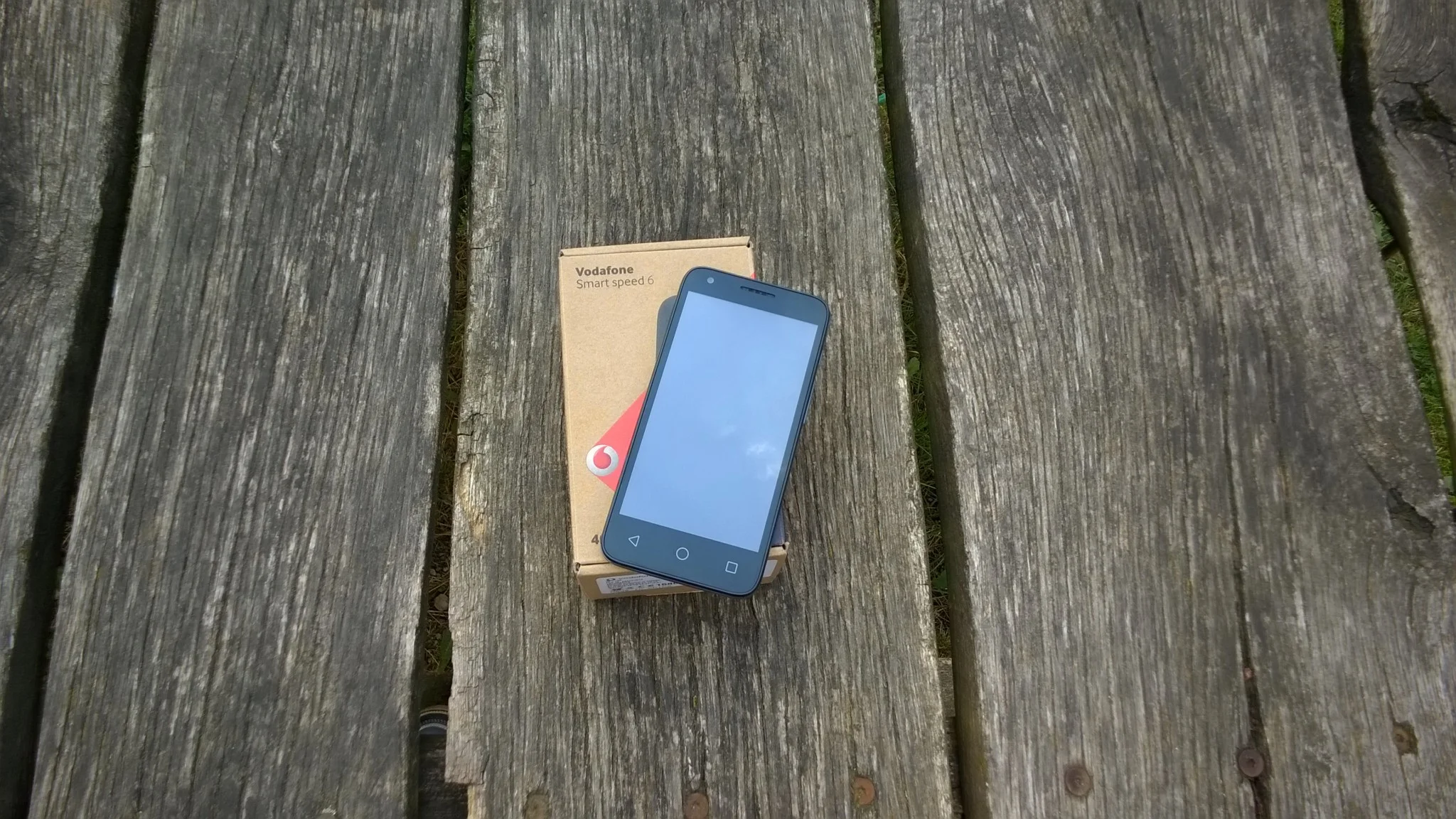
Battery life also deserves credit. If you’re not constantly hammering it with games, the phone can comfortably make it through a full day on a charge with some percentage left in the tank. LTE support is another big plus, as is the inclusion of near-stock Android 5.1. If you want a phone that gets you onto LTE without eating up half your paycheck, and you can live with a lighter feature set, the Vodafone Smart speed 6 is a solid fit. The phone will be available from Vodafone starting in September for a very appealing 2,377 CZK (approx. $110 / €98).

Community Discussion 0 COMMENTS