
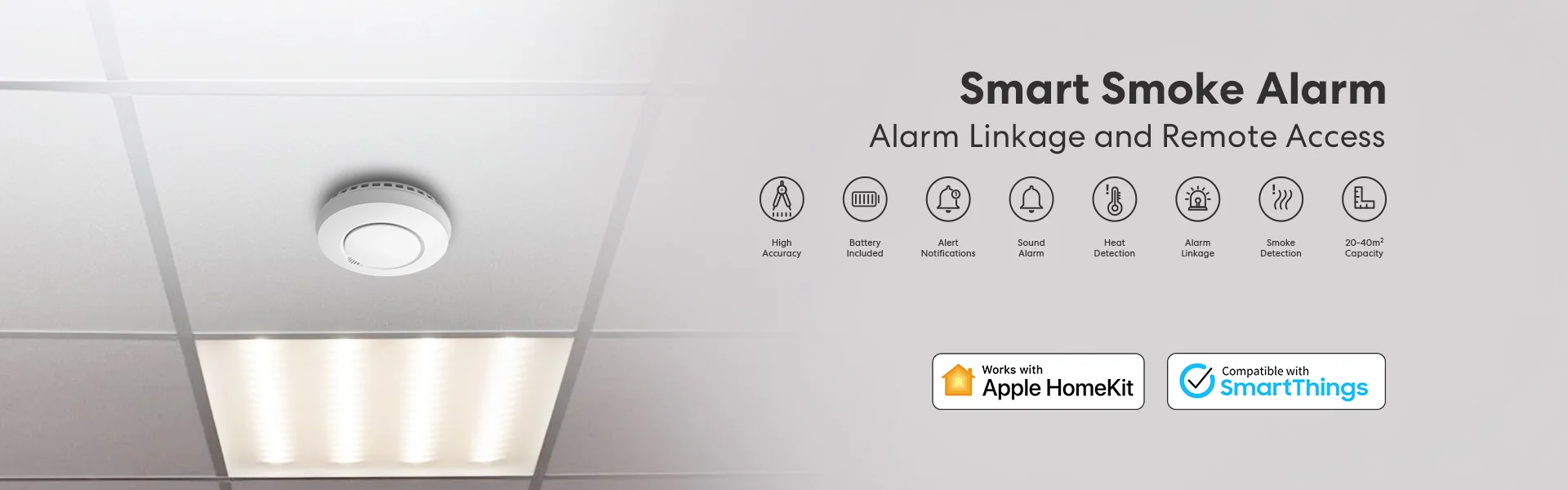
Meross makes a wide range of smart home gear, and this time the company is tackling something less flashy but far more important: a smoke detector with a built-in alarm. It’s the kind of product you hope you never really need. But if that moment comes, you’ll be very glad it’s there.
Subtle hardware, smart features
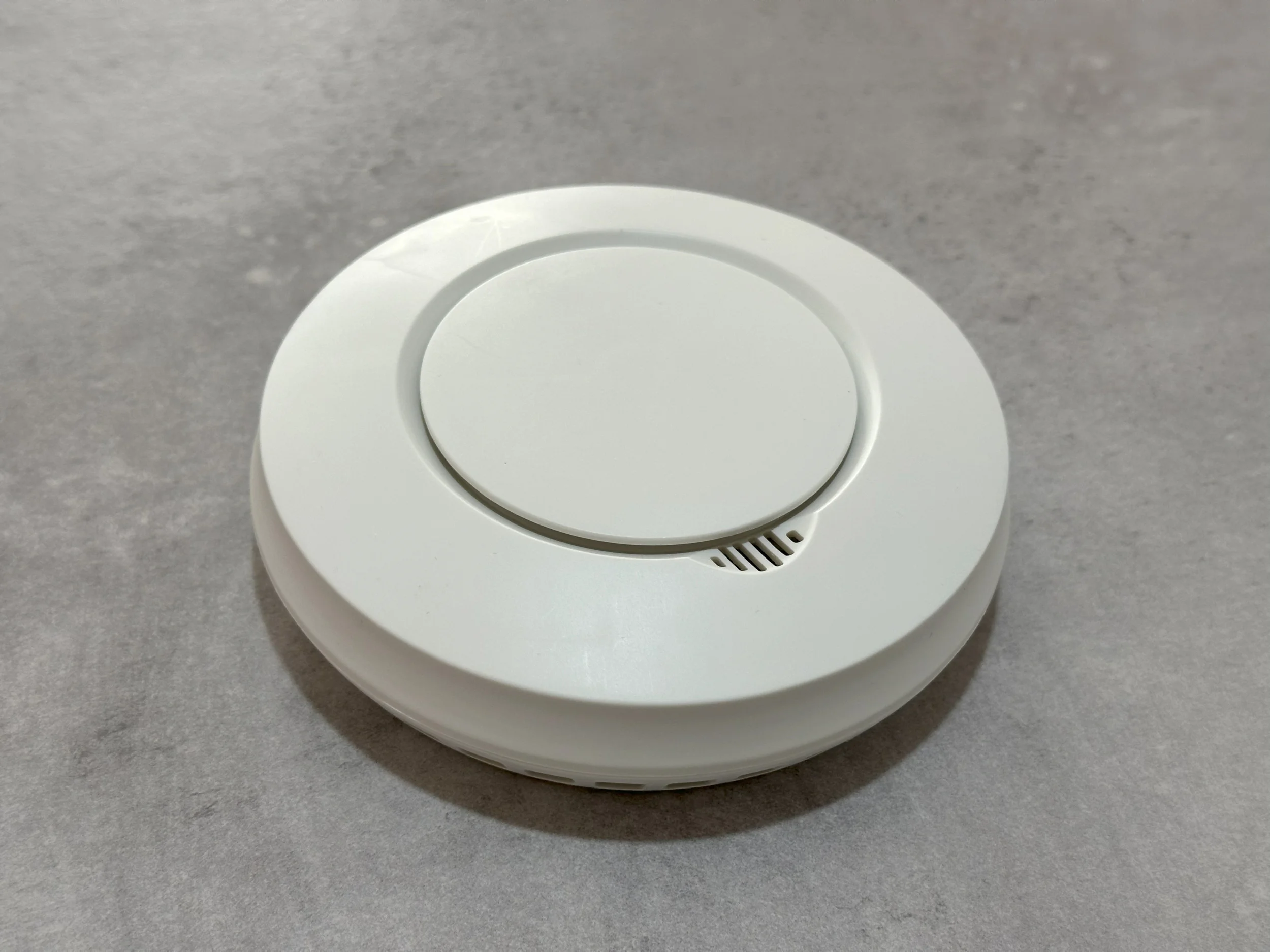
At the center of the system is the main alarm unit. What sets it apart from a lot of competing smoke detectors is a small but genuinely useful detail. Many similar products use sealed internal batteries rated for up to 10 years, after which the entire unit usually needs to be replaced. Meross takes a different route: this model runs on two AA batteries.
Those batteries are included in the box and should last around 12 months. After that, you just swap in a fresh pair and keep going. The built-in siren will warn you ahead of time when the batteries are running low. It won’t blast at the full 85 dB alarm volume, but it will be loud enough to make sure you deal with it.
Its main job, of course, is detecting smoke, especially from fire. It can also detect elevated temperatures in roughly the 54 to 70°C range. The unit mounts to the ceiling, and its compact size, 12 cm across and 3 cm thick, plus the simple white finish, help it fade into the background instead of drawing attention.
Because this is a smart device, it can also send an alert to your phone if the alarm goes off. That matters most when you’re away from home and can’t hear the siren yourself. If your internet connection goes down, the Smart Smoke Alarm still works as a standard standalone smoke or fire detector.
A hub comes in the box
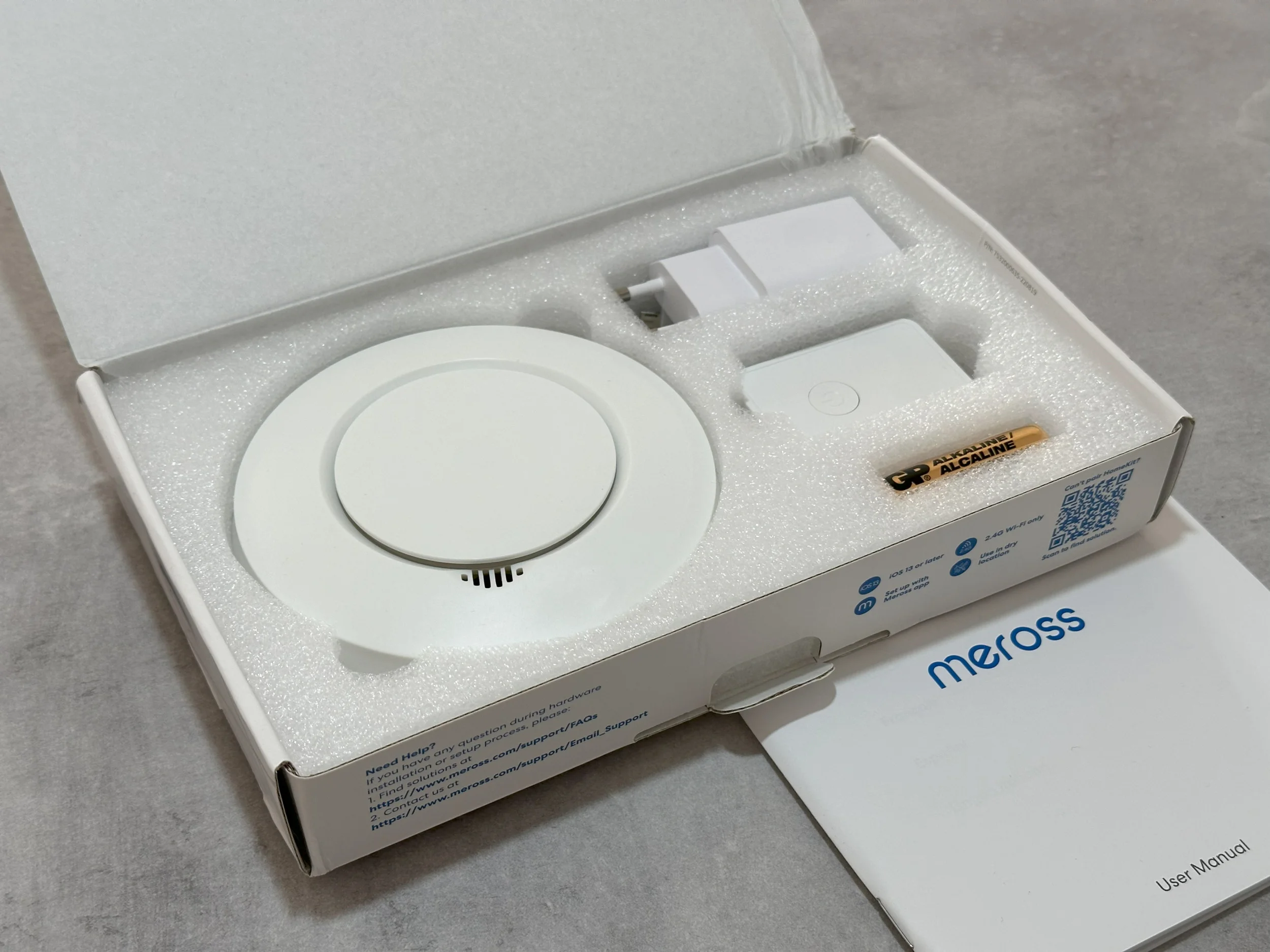
You might be surprised to find a hub included alongside the detector. It’s a small white box with a button, and it’s there for a reason: the detector itself doesn’t connect directly to your smart home over Wi-Fi. Instead, like many Meross products, it talks to the hub over a 433 MHz wireless connection.
You can connect up to 16 smoke detectors, or other compatible Meross devices, to that hub, which then connects to your Wi-Fi network. The setup also allows connected devices to communicate with each other. So if one sensor detects smoke, the others can sound the alert too.
For Apple users, the good news is that the Meross Smart Smoke Alarm supports HomeKit. It also works with Samsung SmartThings. Google Assistant and Amazon Alexa users are out of luck here.
Summary
Meross’ Smart Smoke Alarm falls into the category of devices you hope never get a real workout. Still, if you do need it, it can make itself known very loudly and send a phone notification if you’re out of earshot.
What works well is the easy setup, the clean and understated design, and the fact that everything you need is included in the package: the detector, batteries, hub, hub power cable, and power adapter.
The main drawback is the need for a hub to connect it to your smart home setup. That makes sense if you’re building out a larger sensor network and want inter-device communication, but if you only need a single detector, it can feel like extra hardware you didn’t ask for. The lack of Google Assistant and Amazon Alexa support is another limitation.
Price
On the official online store, the full Meross Smart Smoke Alarm Kit with a European charger costs $45.99, or about 1,088 CZK (approx. $49.90 / €44.70). With the discount code DOTEKOMANIE10, entered right before checkout, the price drops to 978 CZK (approx. $44.85 / €40.20).
If you only need the detector and already own the hub, choosing that version saves another 120 CZK (approx. $5.50 / €4.90).

Community Discussion 0 COMMENTS