
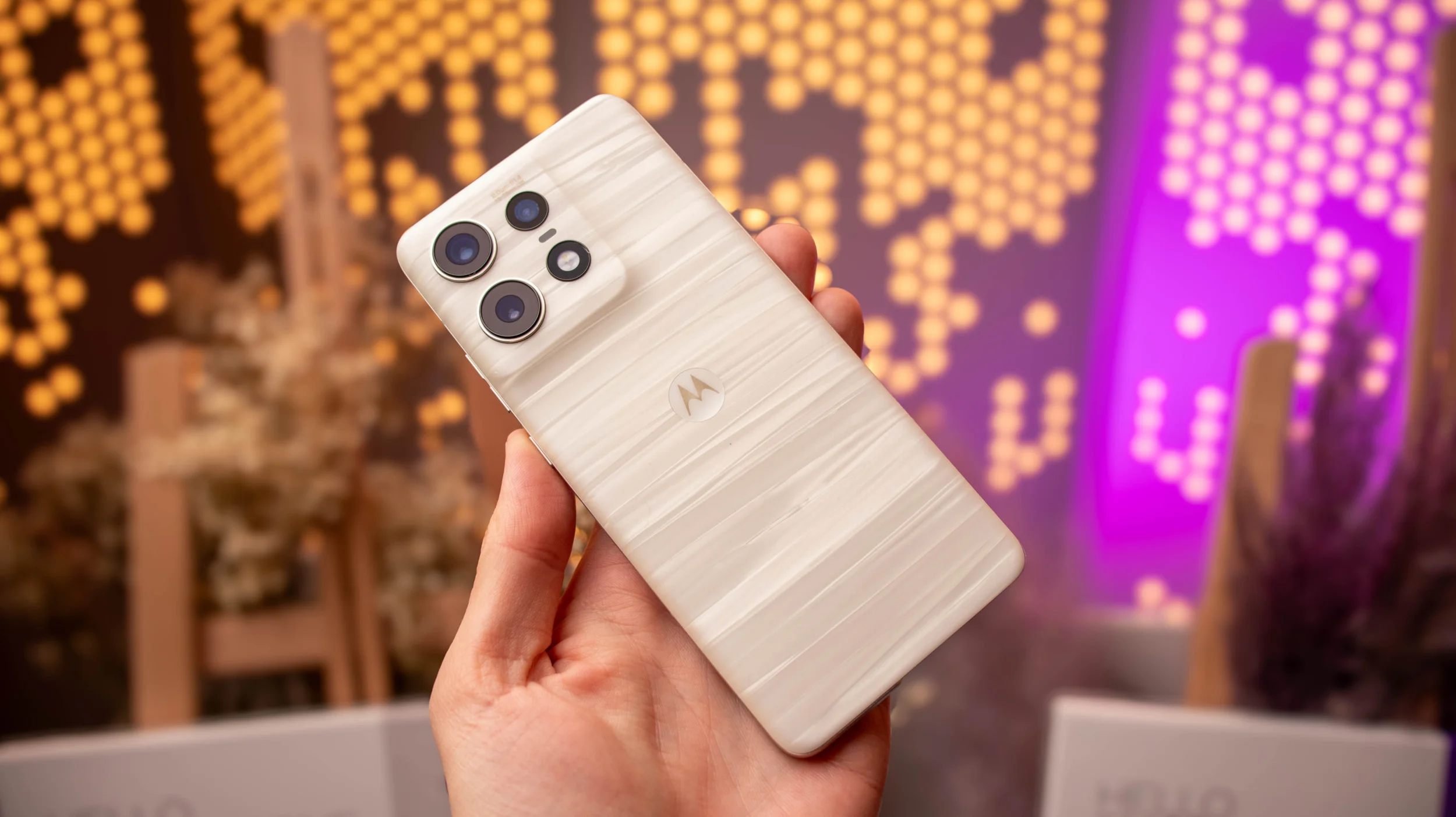
Motorola launched three phones in its Edge 50 lineup this year, and today we’re looking at the middle model, the Motorola Edge 50 Pro. It sits in the upper midrange and leans hard on design, with a vegan leather finish, IP68 water resistance, 125W charging, and wireless charging. So how does it hold up in daily use? Let’s get into it.
Design
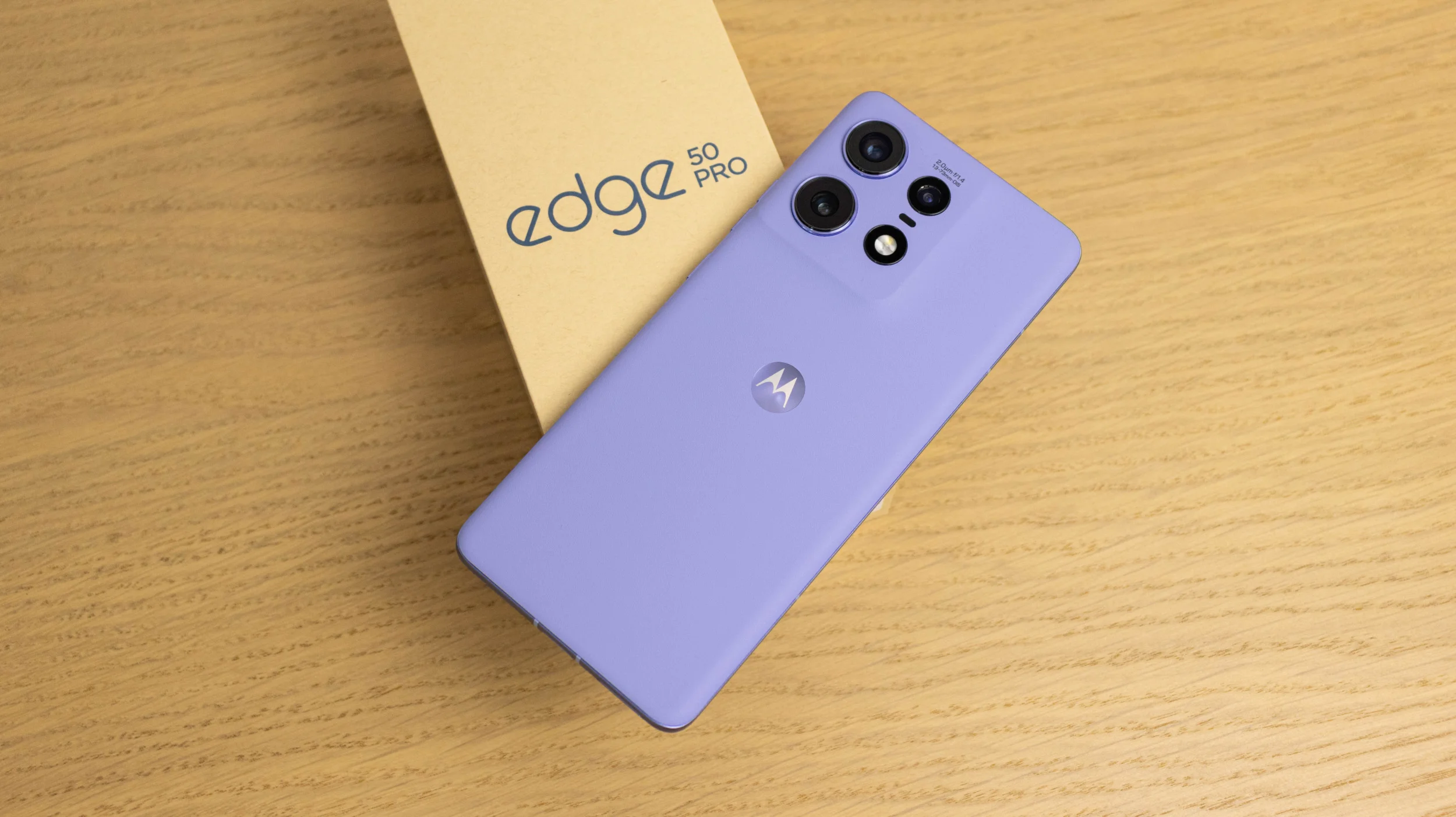
Motorola has pushed its design language a little further again this year. The first thing that struck me was how good the phone feels in hand. The vegan leather back gives it a soft, grippy finish that’s genuinely pleasant to hold. And if that faux-leather texture isn’t your thing, there’s also an off-white Mazzuchelli version with a hand-finished back, so each phone gets its own unique pattern.
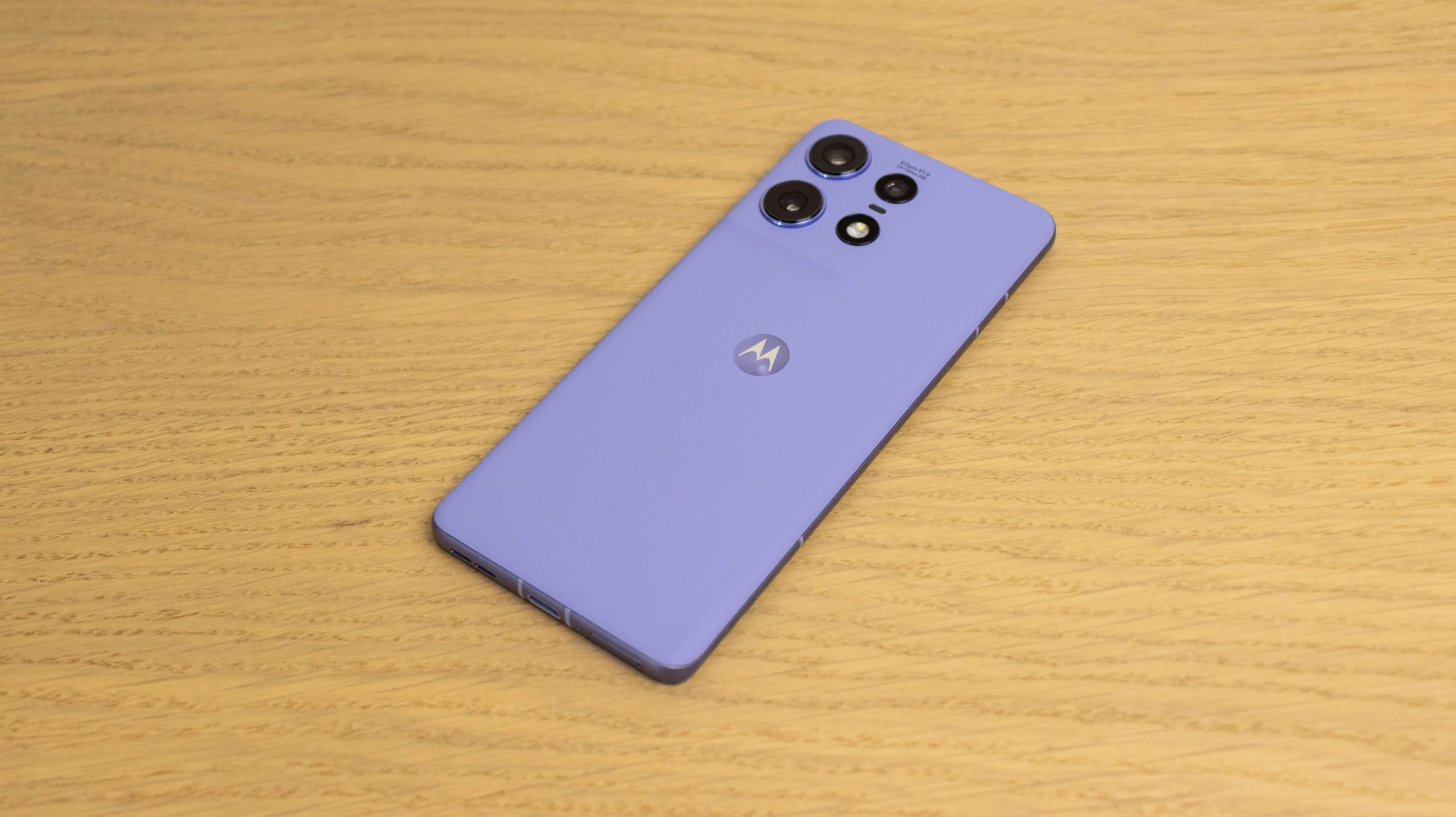
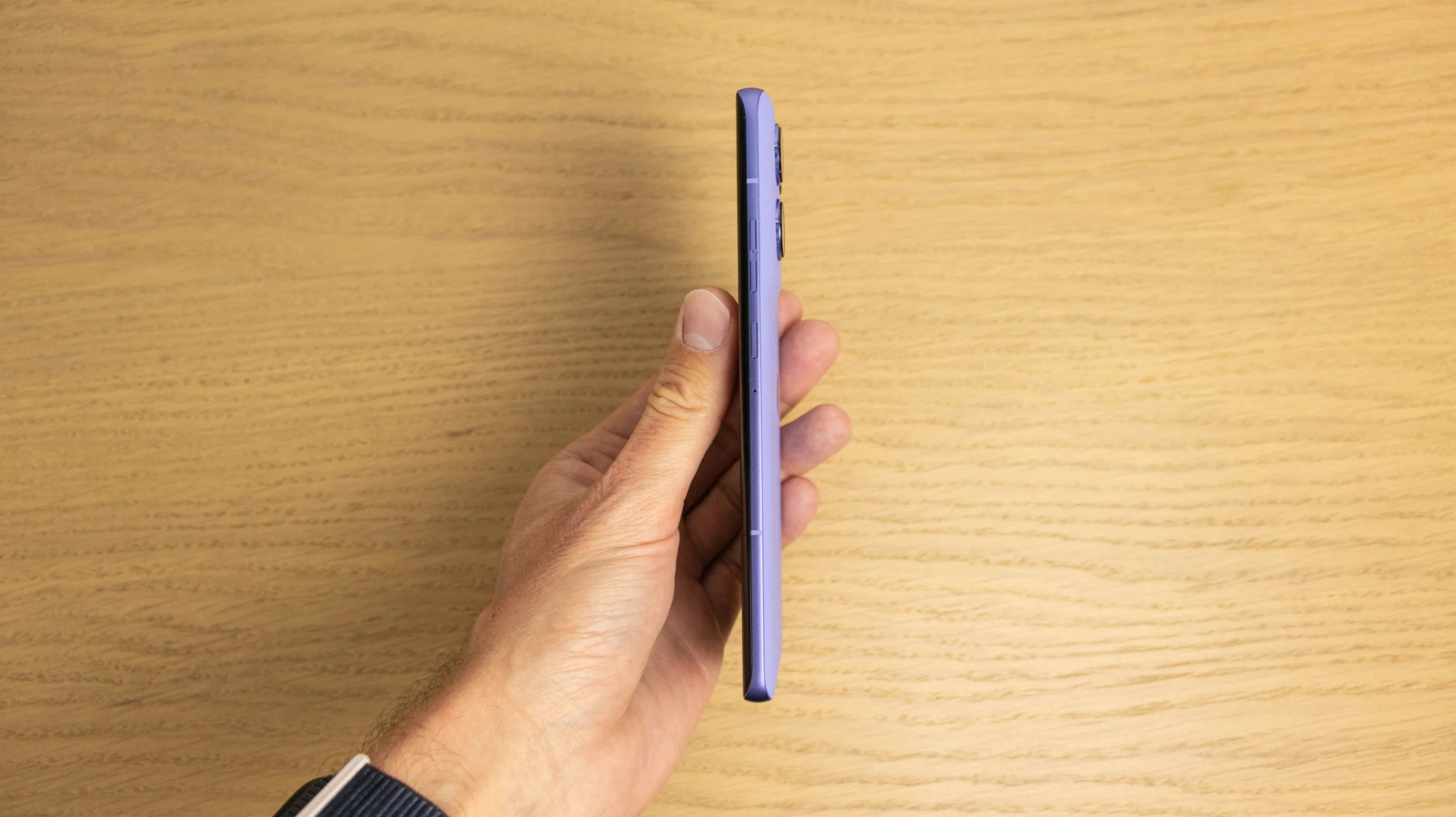
While some phone makers have fully moved on from curved front glass, Motorola is sticking with it, and I still think it looks great. Like its predecessor, the phone is fairly narrow and tall thanks to its 20:9 display ratio. That also makes it easier to hold, helped by the relatively low 186-gram weight. The frame is still aluminum, and battery capacity hasn’t taken a hit either, staying at a solid 4500 mAh.
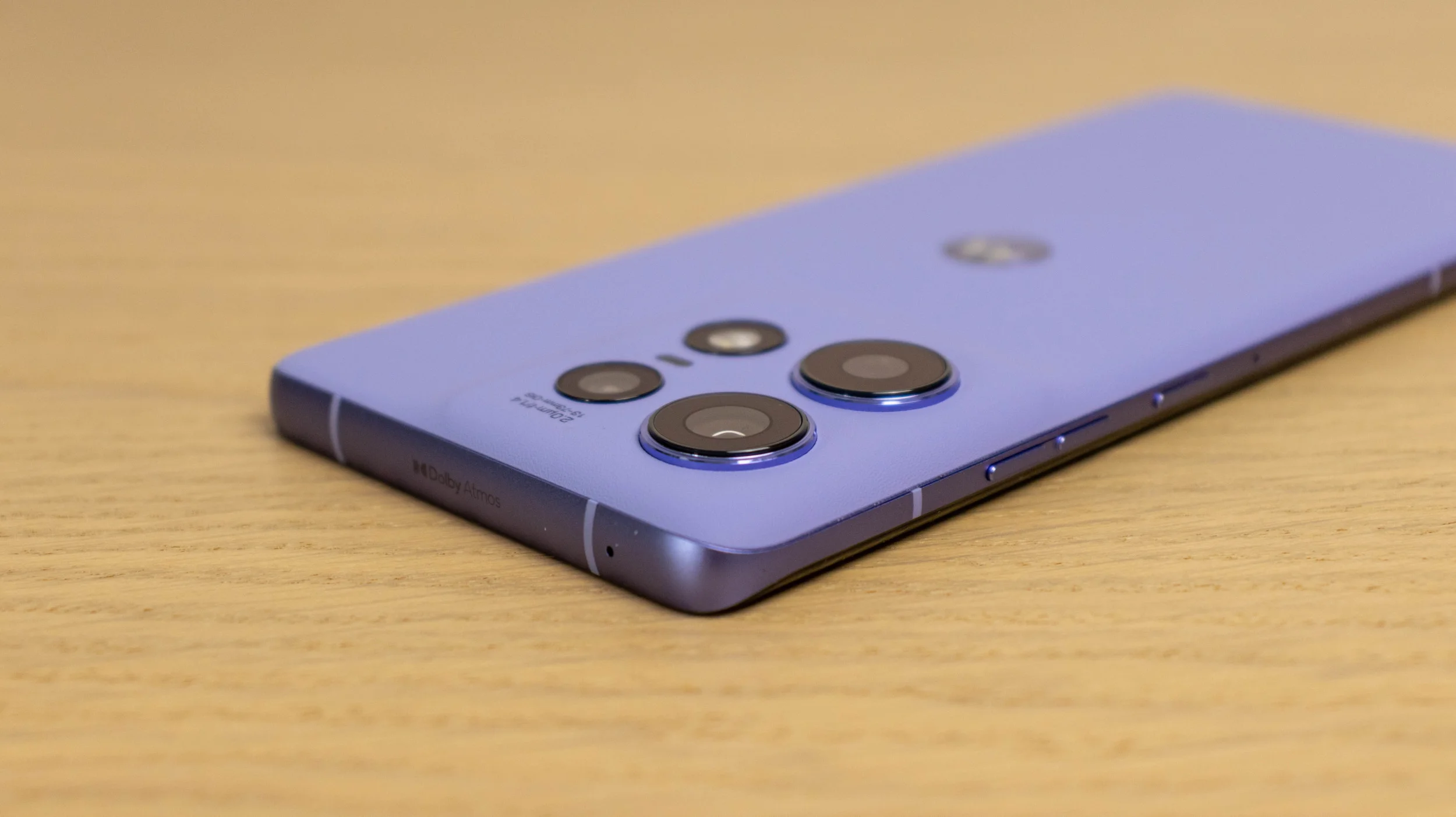
Motorola also did a nice job integrating the camera module into the body. It doesn’t stick out as aggressively as before, and it flows out from the frame in a way that vaguely reminds me of the Galaxy S21.
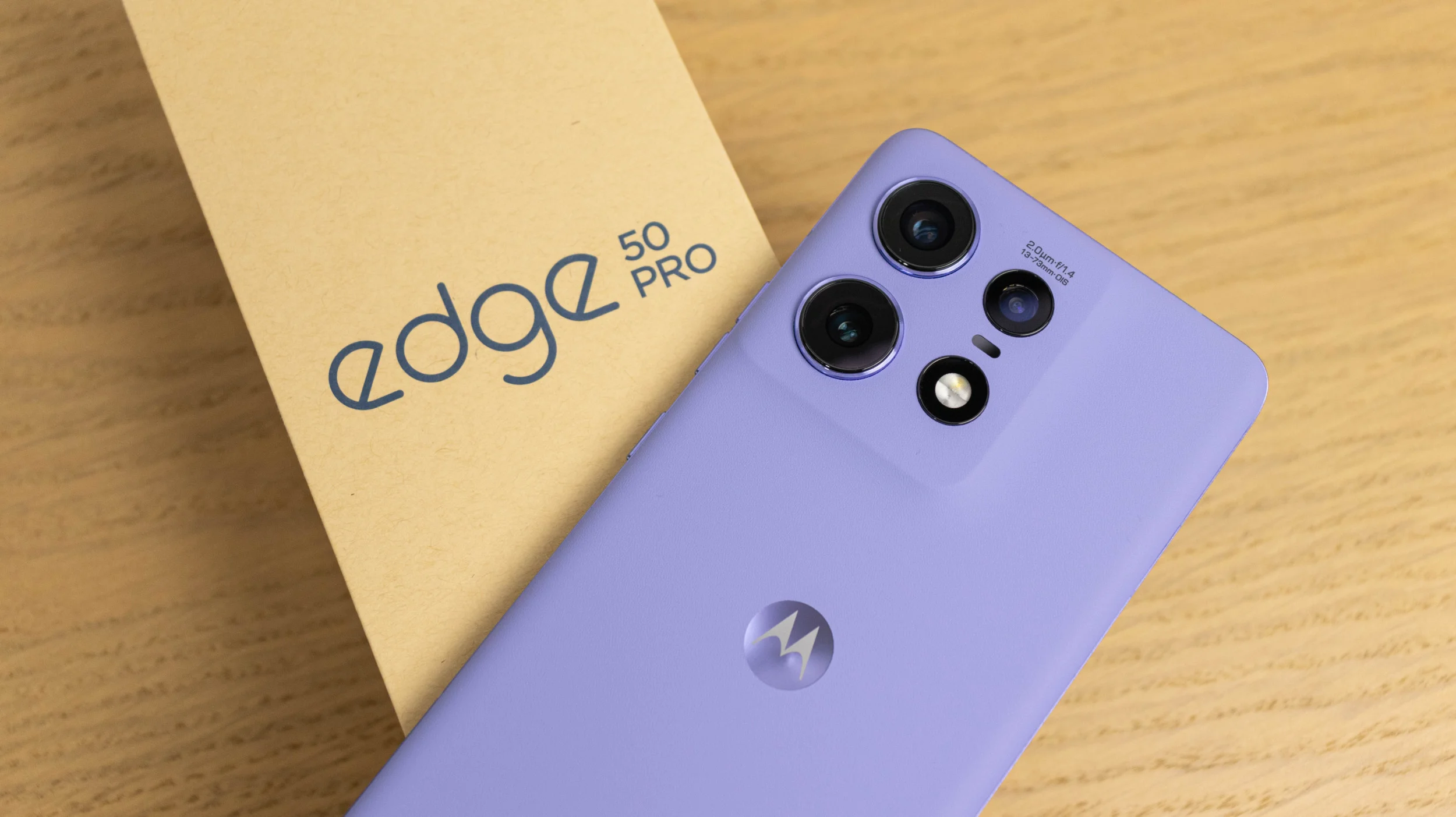
That said, curved displays still aren’t for everyone, and the phone does look very similar to last year’s Motorola Edge 40 Neo and several earlier Motorola models.
The Edge 50 Pro has IP68 water resistance, which at its price of 17,500 CZK (approx. $799 / €718) feels like something that should already be standard. Wireless charging on the back is less common at this tier, though, and it’s good to see Motorola include it.
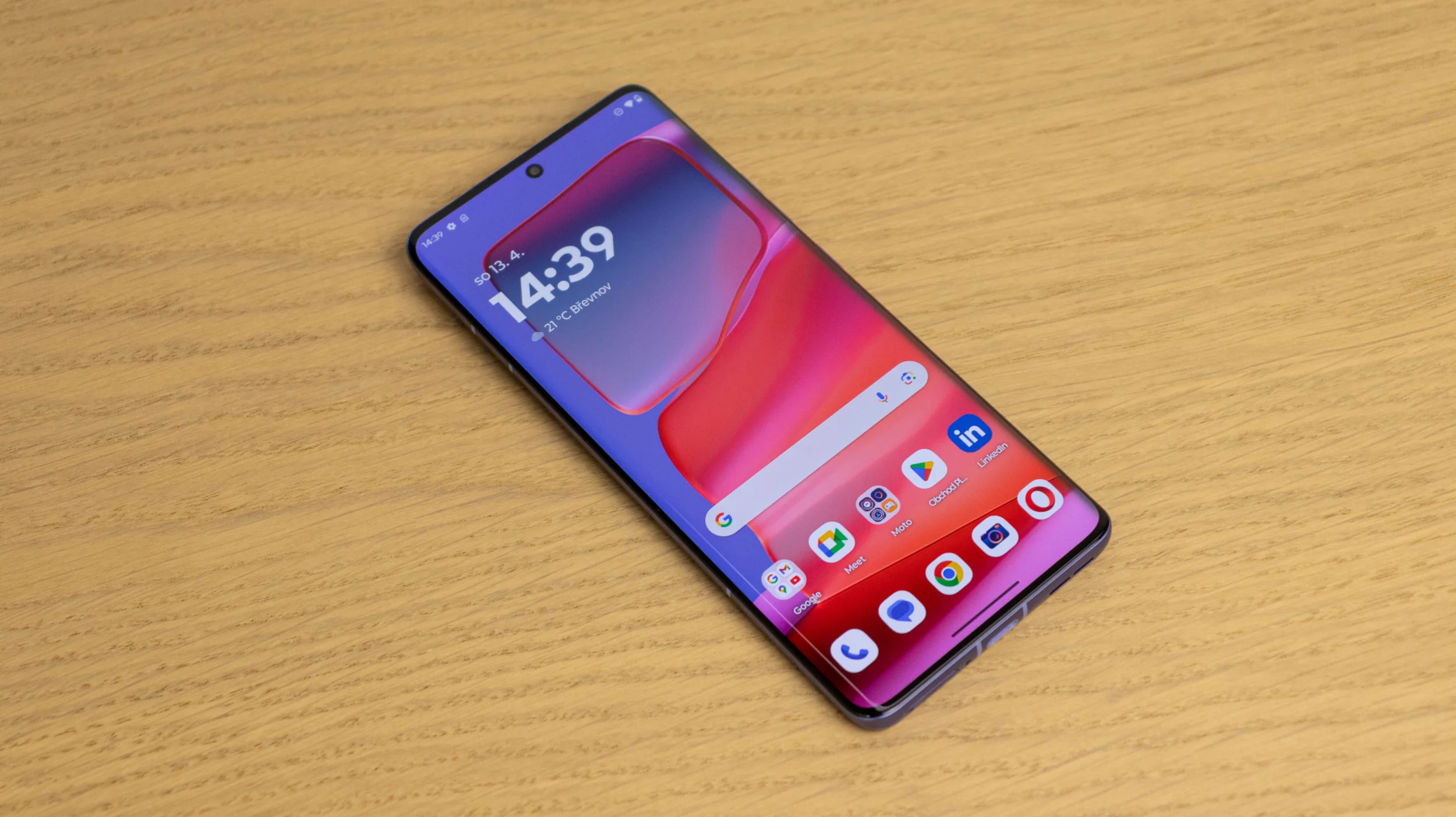
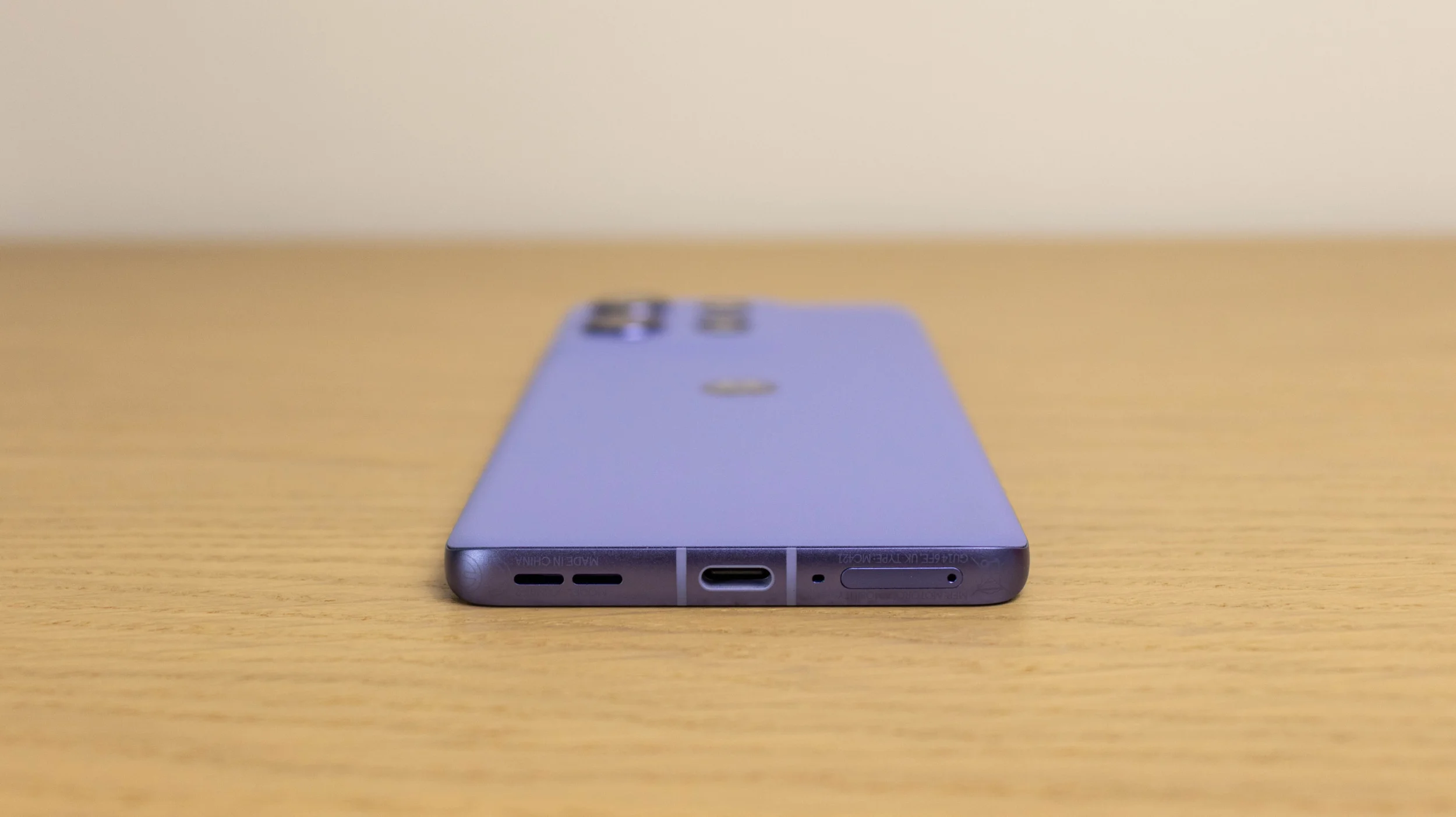
The fingerprint reader is built into the display and uses an optical sensor. In practice, it’s fast and reliable, though it does sit a bit low. You also get stereo speakers, and they sound good with plenty of volume.
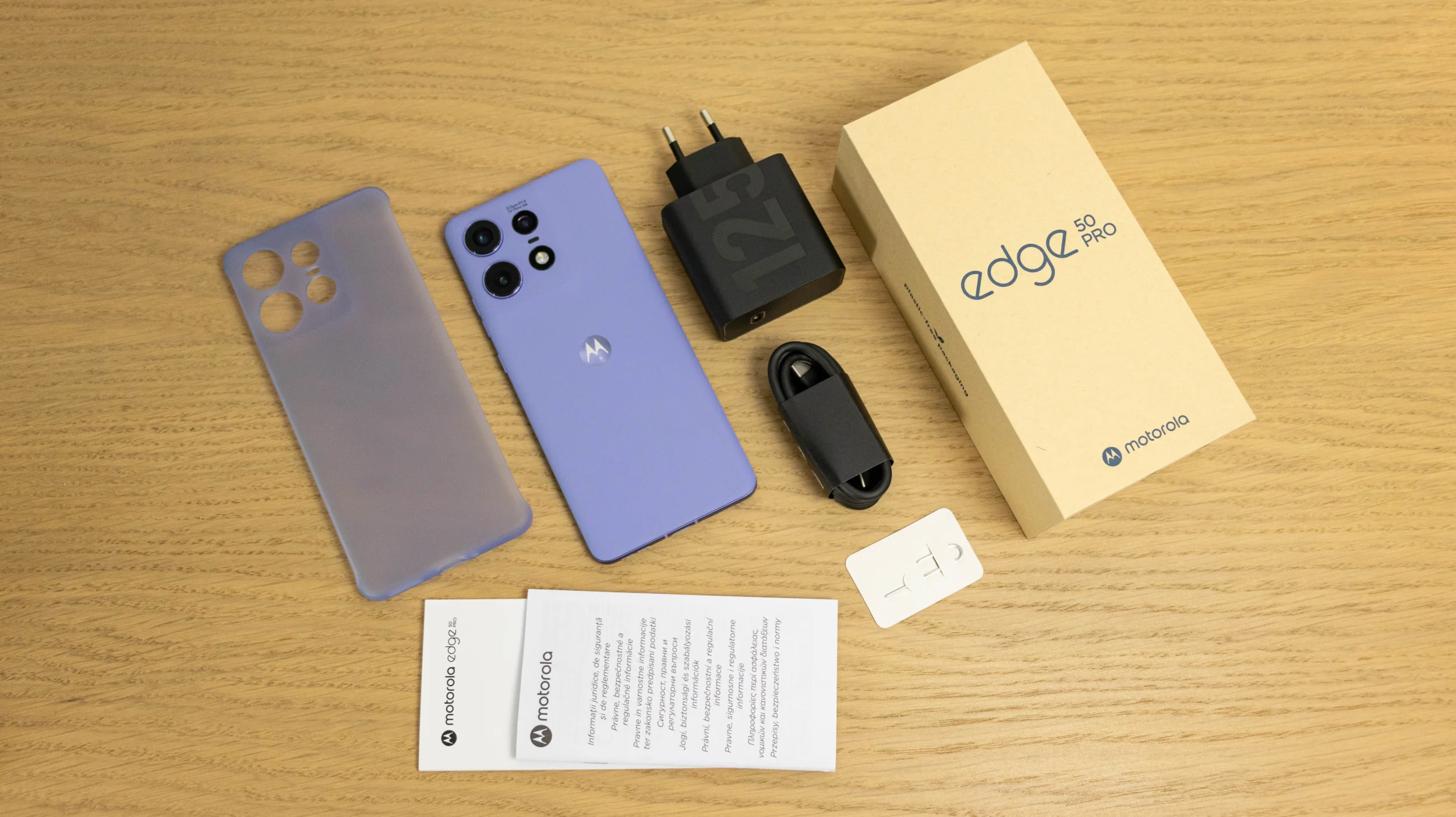
In the box, Motorola includes a simple purple plastic case, which is a nice extra. I didn’t use it, though, because it would be a shame to cover up the phone’s excellent rear finish. One thing I could have done without: the scented box. The fragrance is pretty strong, and it lingers on the charger and the phone for a while too.
Display
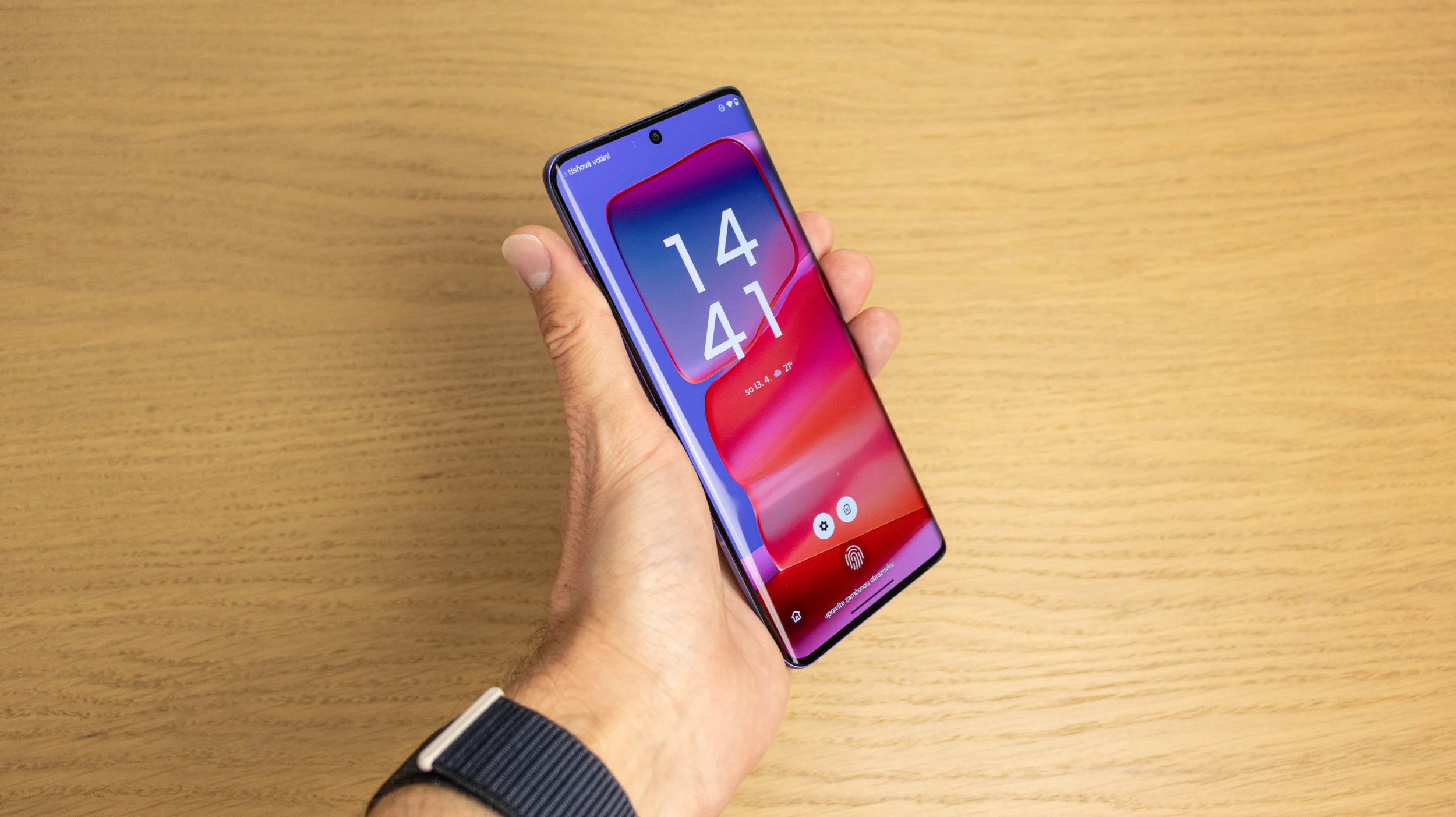
The 6.67-inch pOLED display reaches a peak brightness of 2000 nits in HDR. Outdoor visibility is excellent, and it comes surprisingly close to what you get from true flagship phones.
The default color mode is set to Vivid, which pushes saturation a bit too far for my taste. Thankfully, Motorola also offers Natural and Radiant profiles. The Natural option looks a little too muted to me, so the best choice is the middle ground: Radiant.
Hardware
Inside, Motorola pairs the Snapdragon 7 Gen 3 with 12GB of RAM. That chip usually shows up in cheaper phones than the Motorola on review here.
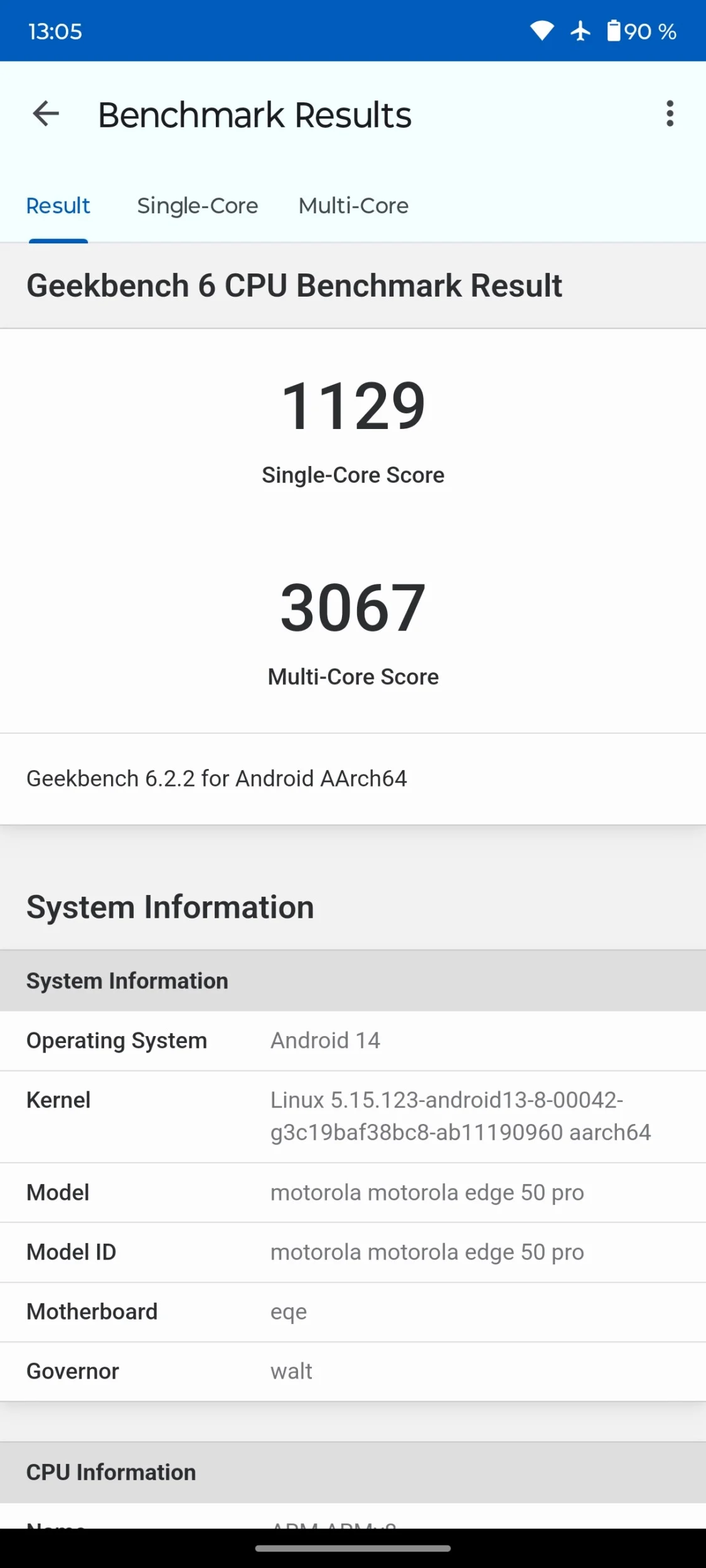
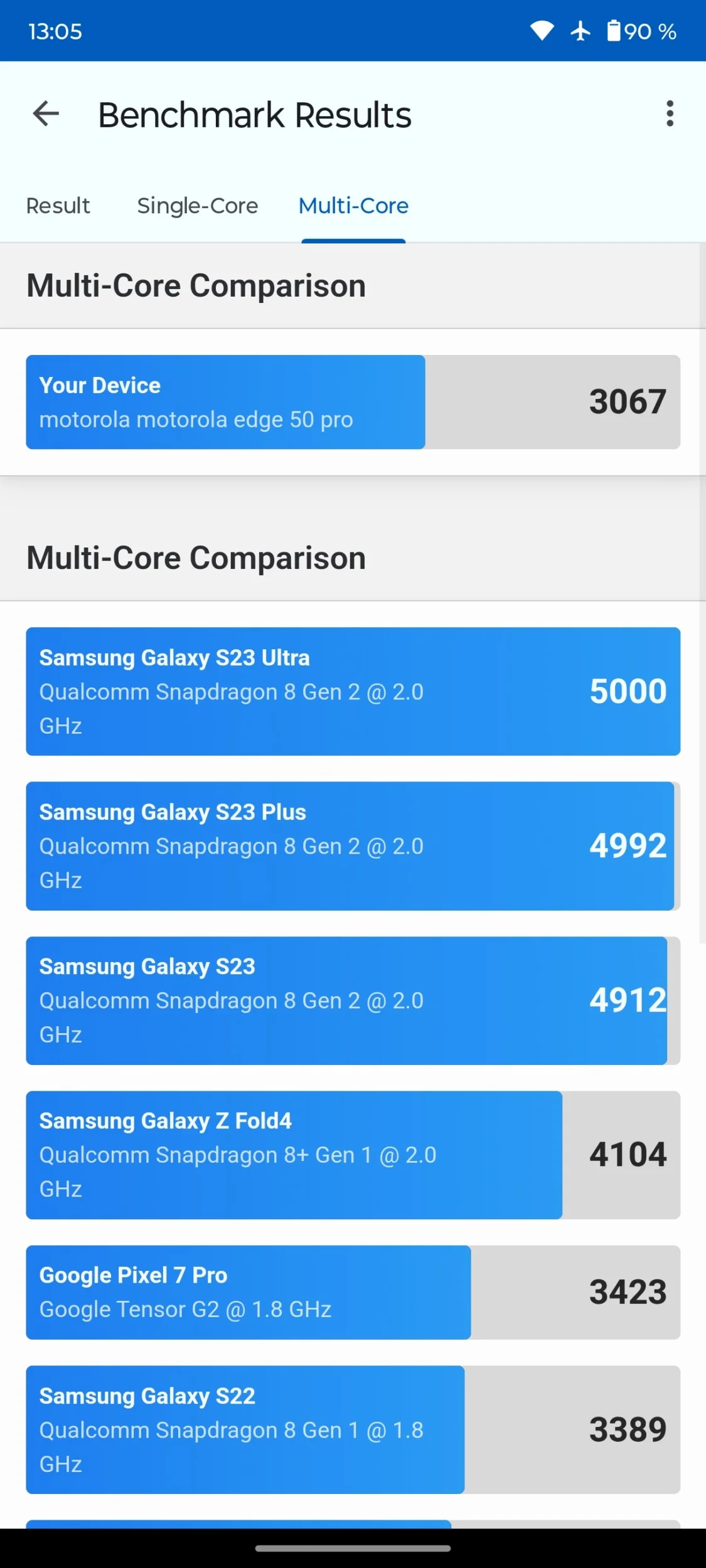
Storage on the version sold in this market comes in at 512GB, and there currently won’t be another storage option. It’s also worth pointing out that Motorola went with slower UFS 2.2 storage. Oddly, the previous Edge 40 Pro had faster UFS 4.0 storage and a more powerful Snapdragon 8-series chip. In benchmarks, the gap isn’t especially flattering either. In Geekbench 6, the phone scores only slightly higher than the Snapdragon 778G or the newer Dimensity 7030, which you can find in the much cheaper Motorola Edge 40 Neo.

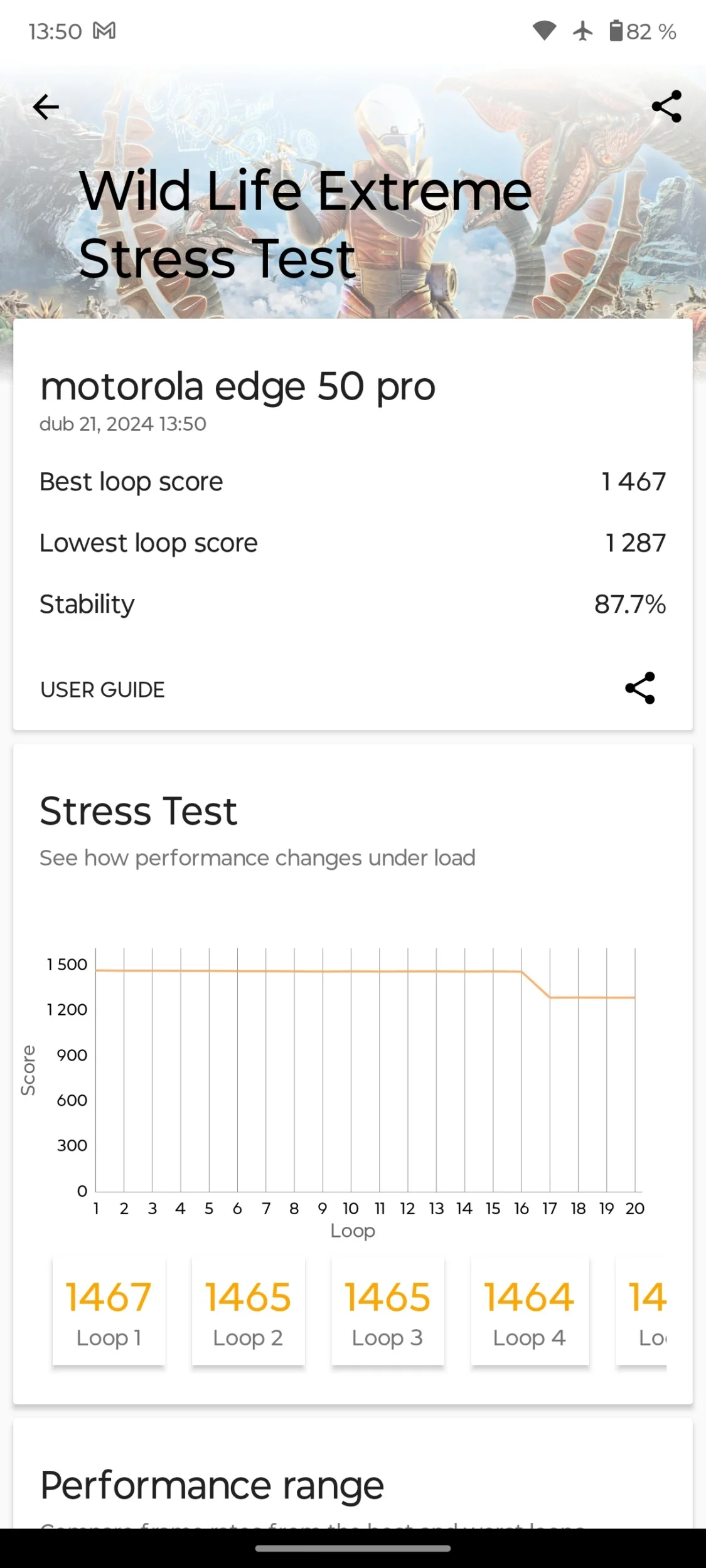
The system generally feels quick, with one clear exception: the camera. While shooting, it occasionally stumbles and drops frames a bit. Photo processing after capture also takes longer than it should. Even the system itself can hitch from time to time, like when pulling down the notification shade. This phone could use more optimization.
Specifications
- display: 6.7 inches, 2712 x 1220 pixels (1.5K), 10-bit pOLED, 144Hz, up to 2000 nits, Corning Gorilla Glass 5
- processor: Qualcomm Snapdragon 7 Gen 3
- 8/12GB LPDDR4X RAM
- storage: 256GB UFS 2.2
- Android 14
- Dual SIM (nano + nano)
- cameras:
- rear: 50MP, OIS
- 13MP, 120°
- 10MP, 3x telephoto
- front: 50MP
- rear: 50MP, OIS
- USB Type-C audio, stereo speakers, Dolby Atmos
- IP68
- 5G SA/NSA (n1/n2/n3/n5/n7/n8/n20/n26/n28/n38/n40/n41/n66/n77/n78 bands), Dual 4G VoLTE, Wi-Fi 6E 802.11ax (2.4GHz/5GHz), Bluetooth 5.4, GPS, USB Type-C, NFC
- dimensions: 161.23 × 72.4 × 8.19 mm; 186 grams
- battery: 4500mAh + 125W USB-C, 50W wireless
Battery life
I was genuinely glad to see Motorola include a wall charger in the box, something fewer phone makers still do. And this isn’t just any charger. You get a 125W adapter, which matches the phone’s top wired charging speed. The Motorola Edge 50 goes from 5 percent to 70 percent in 10 minutes, which is seriously impressive. A full charge to 100 percent takes 20 minutes. One thing to know: you have to enable this turbo charging speed in the settings.
Camera
Around back, there are three cameras, and all three actually make sense: a 13MP ultrawide, a 50MP main sensor, and a 10MP telephoto camera with 3x zoom.
When shooting, you can choose between two color modes: Auto Enhance and Natural. If you pick the first one, post-processing takes several seconds, which gets annoying fast. It’s hard to say whether that comes down to the slower storage, the slower chip, or just rough optimization. Either way, the difference between the two modes isn’t dramatic. The enhanced mode delivers slightly more saturated colors and brighter shadows. You can see an example below, first without enhancement and then with it.


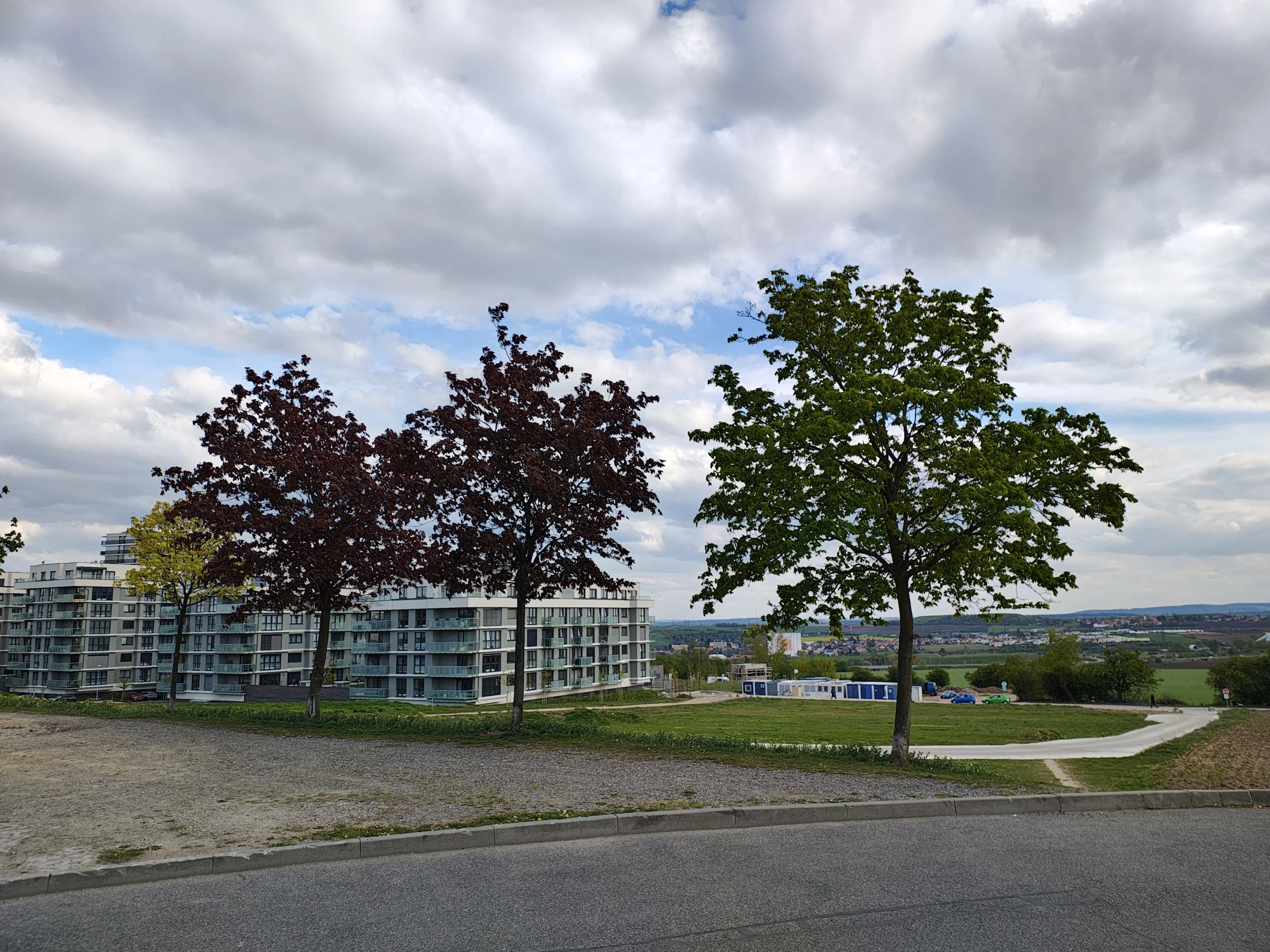
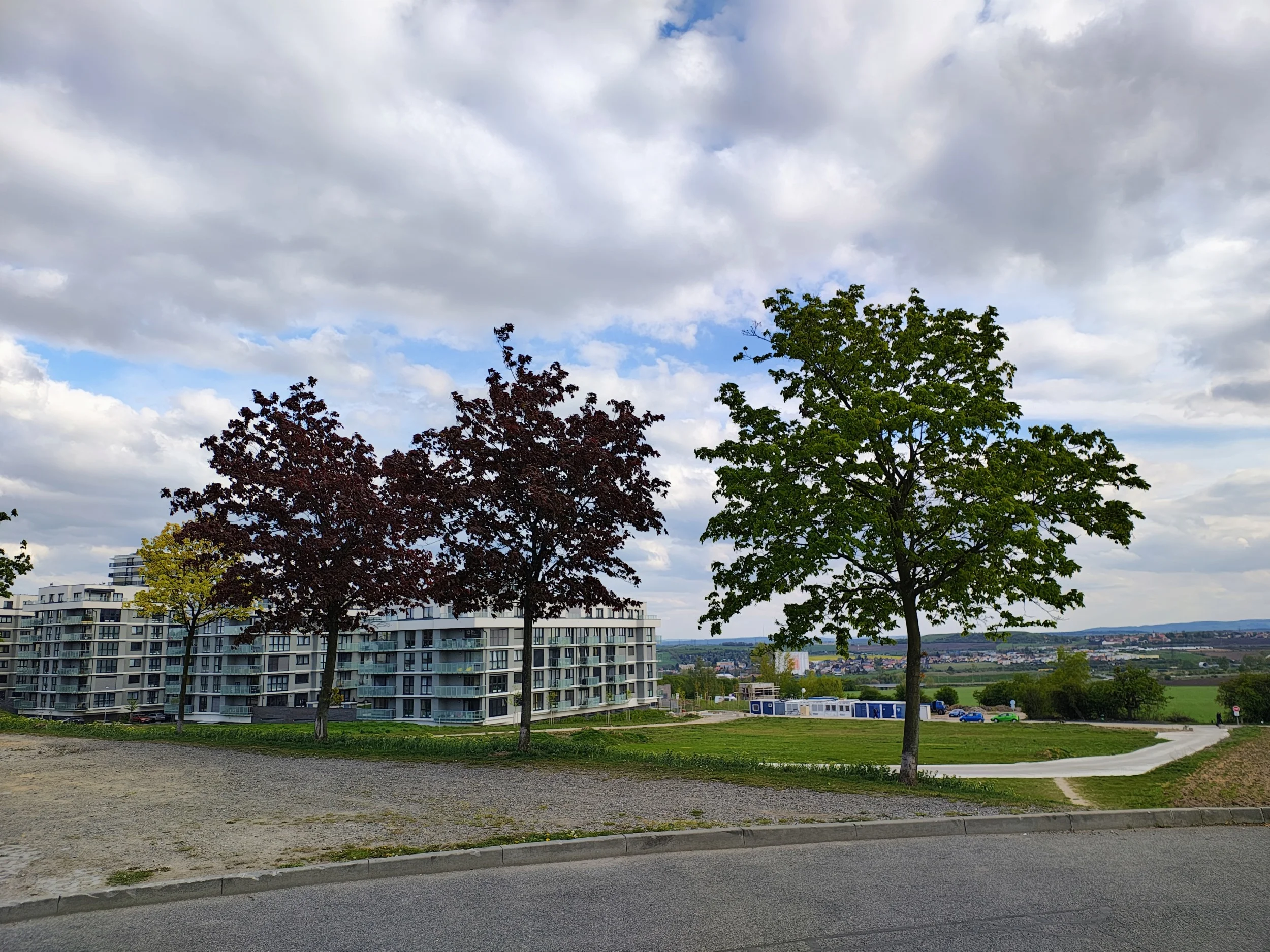
I already mentioned the camera app’s somewhat choppy behavior, but I ran into another issue too. If you shoot several photos in quick succession, the phone may skip HDR and automatic enhancements by the third shot. It just leaves the image without them. Hopefully that’s something a software update can fix.
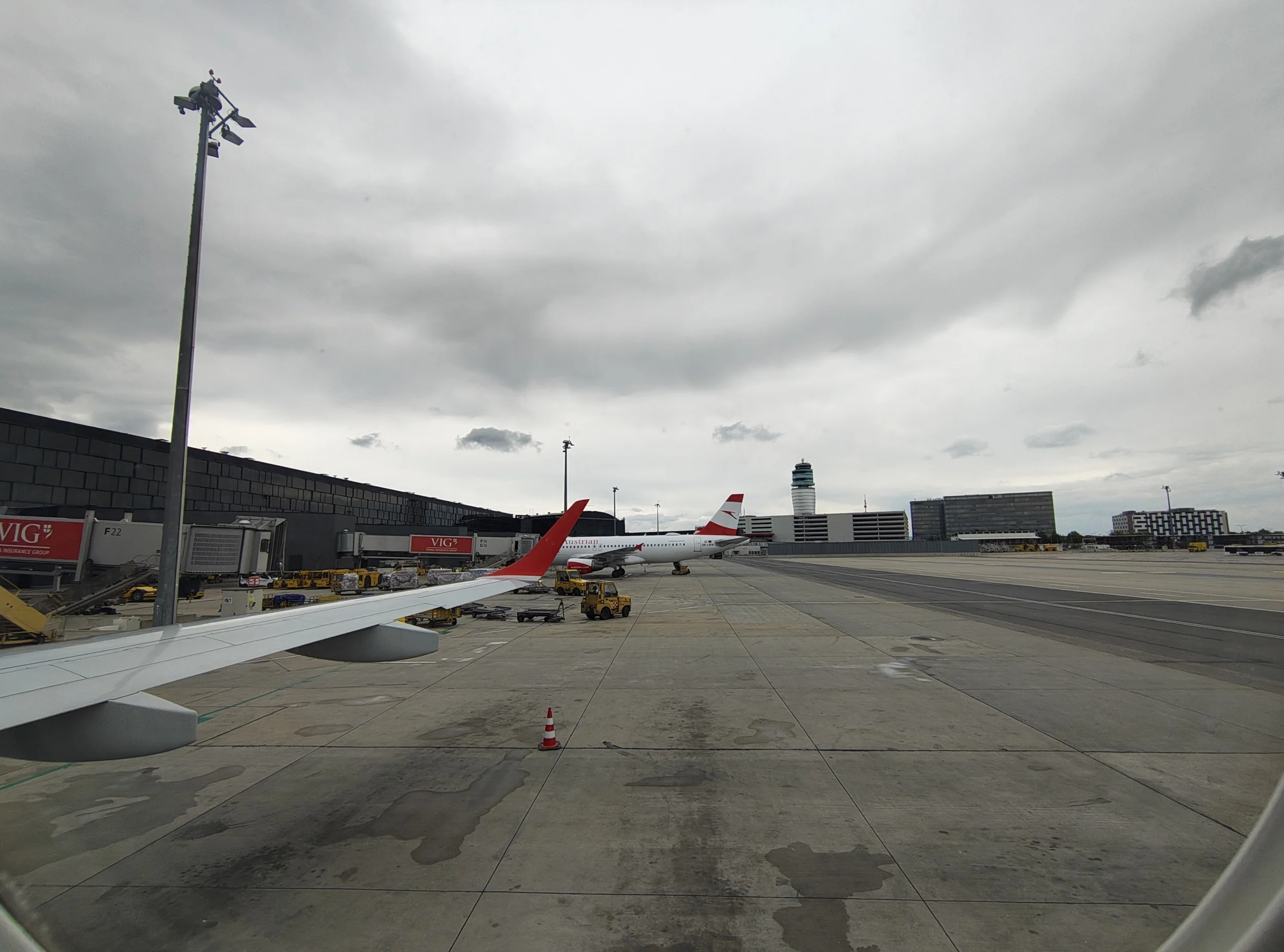


























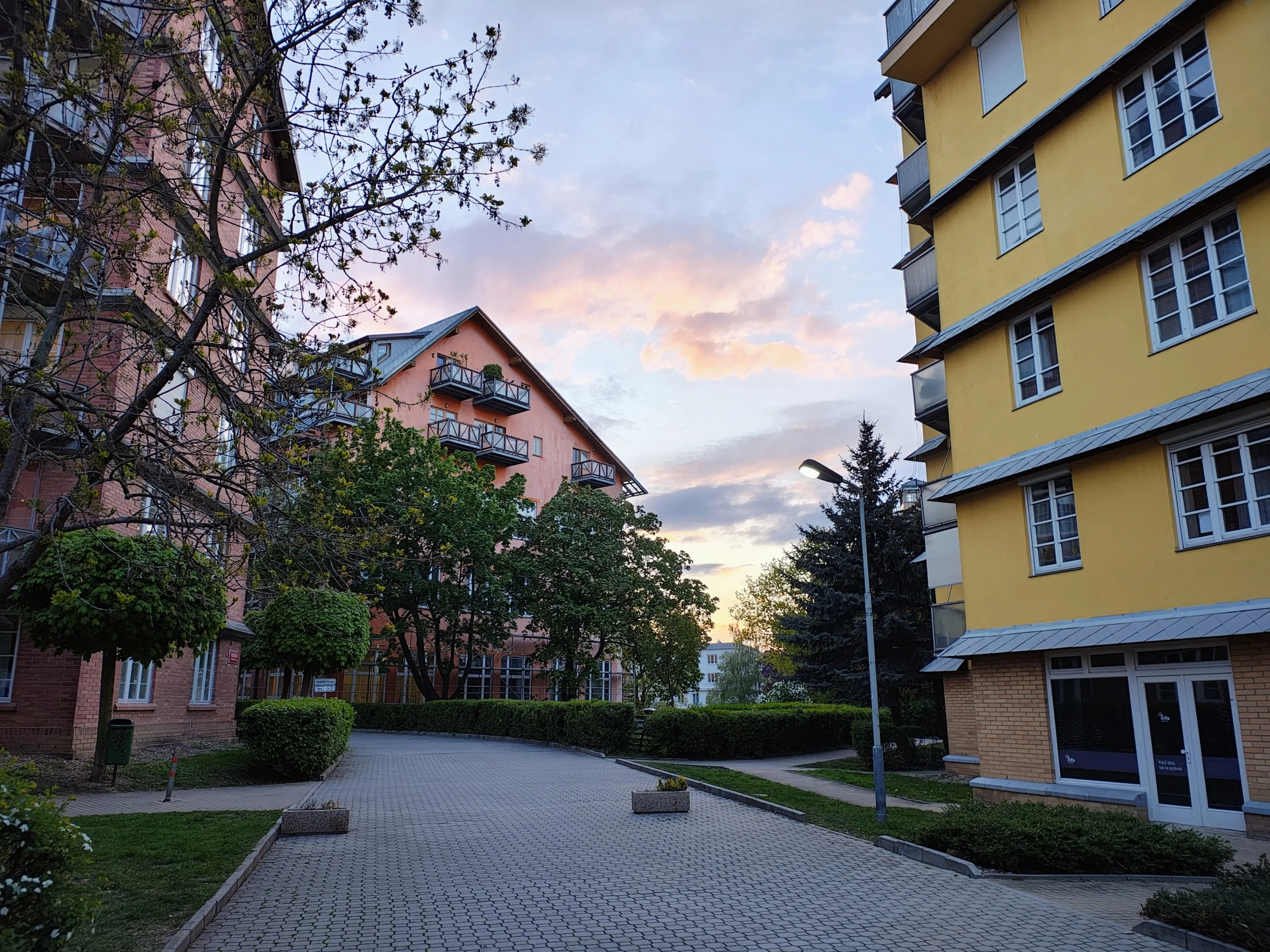
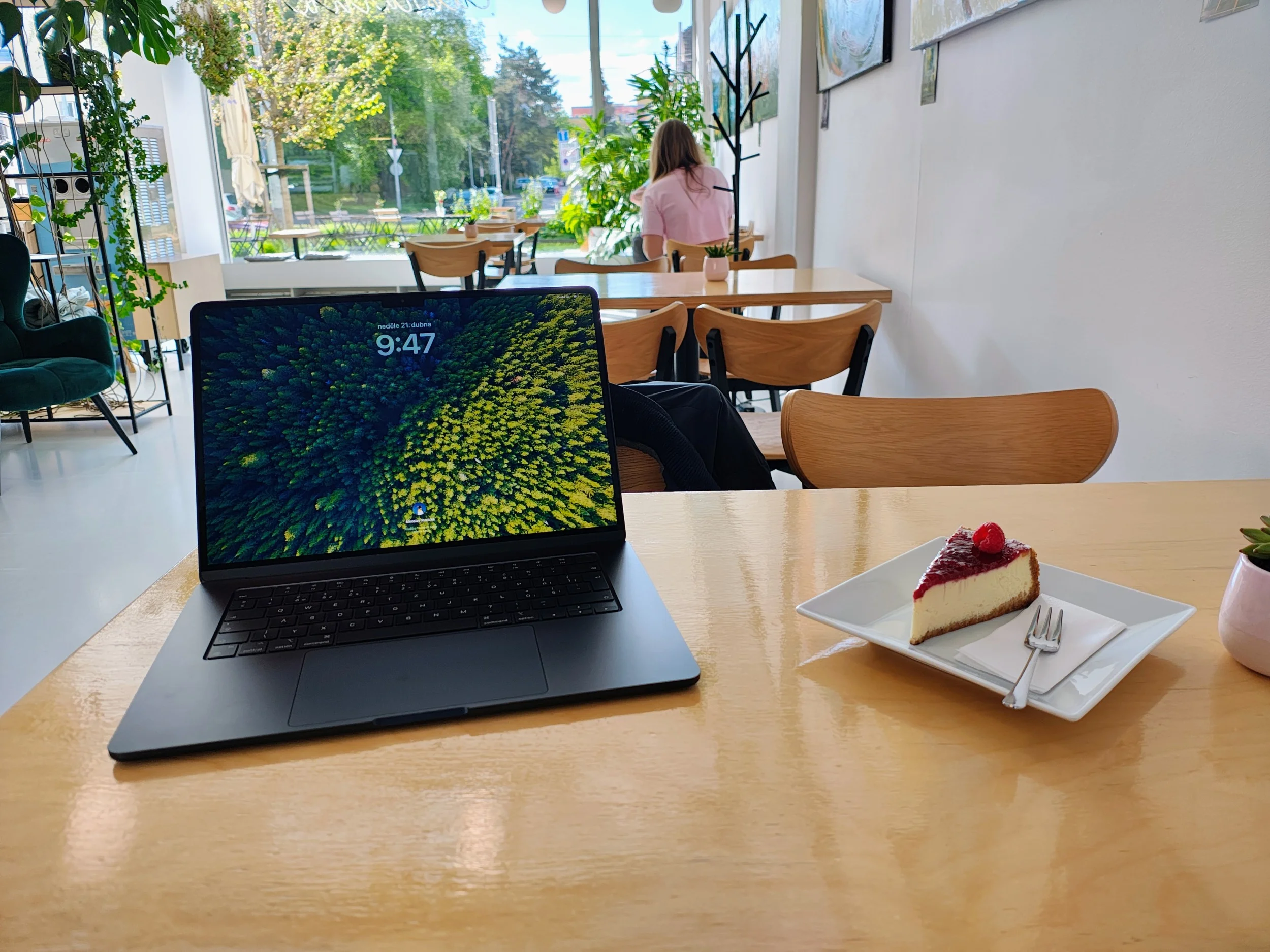
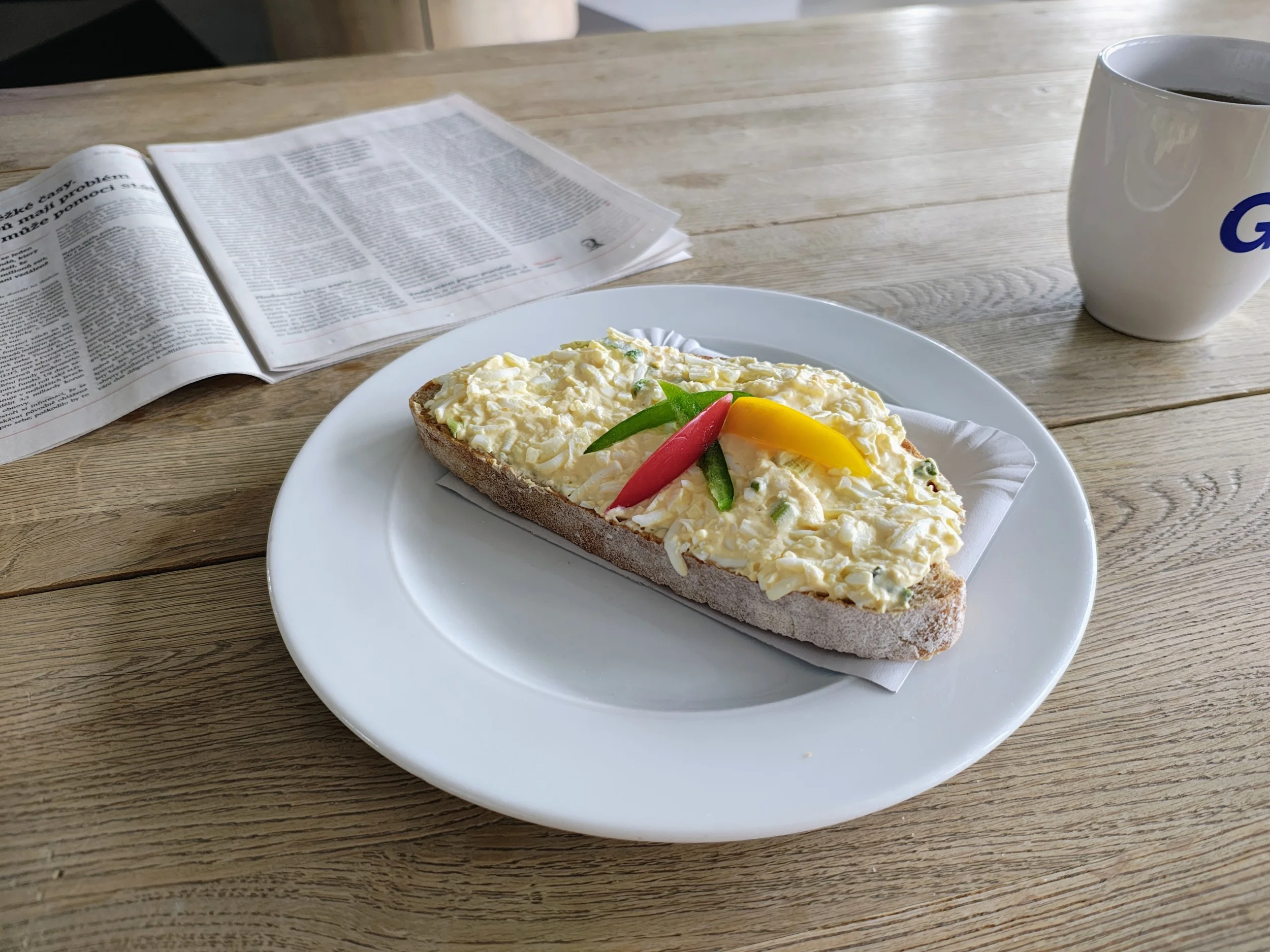
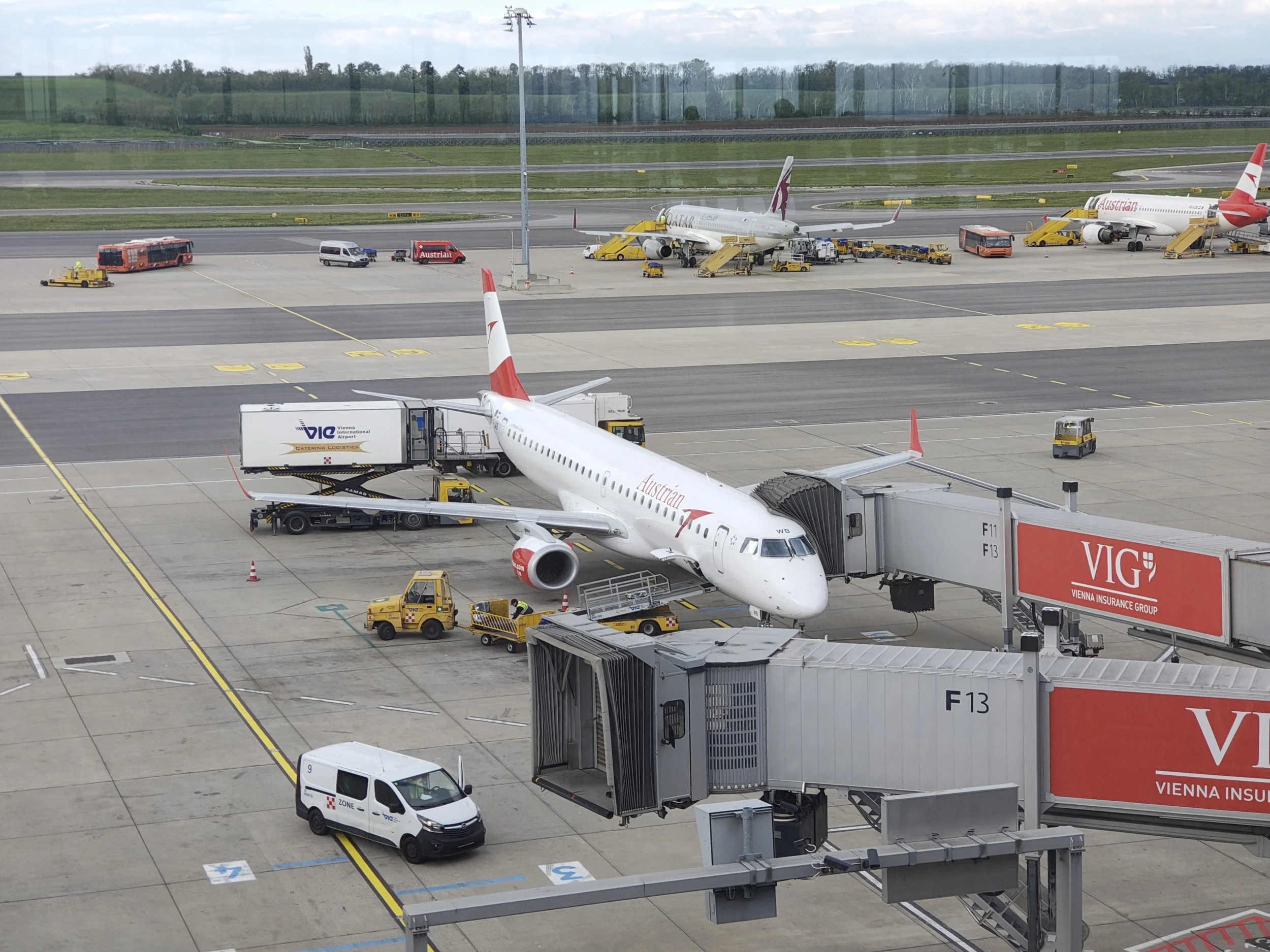




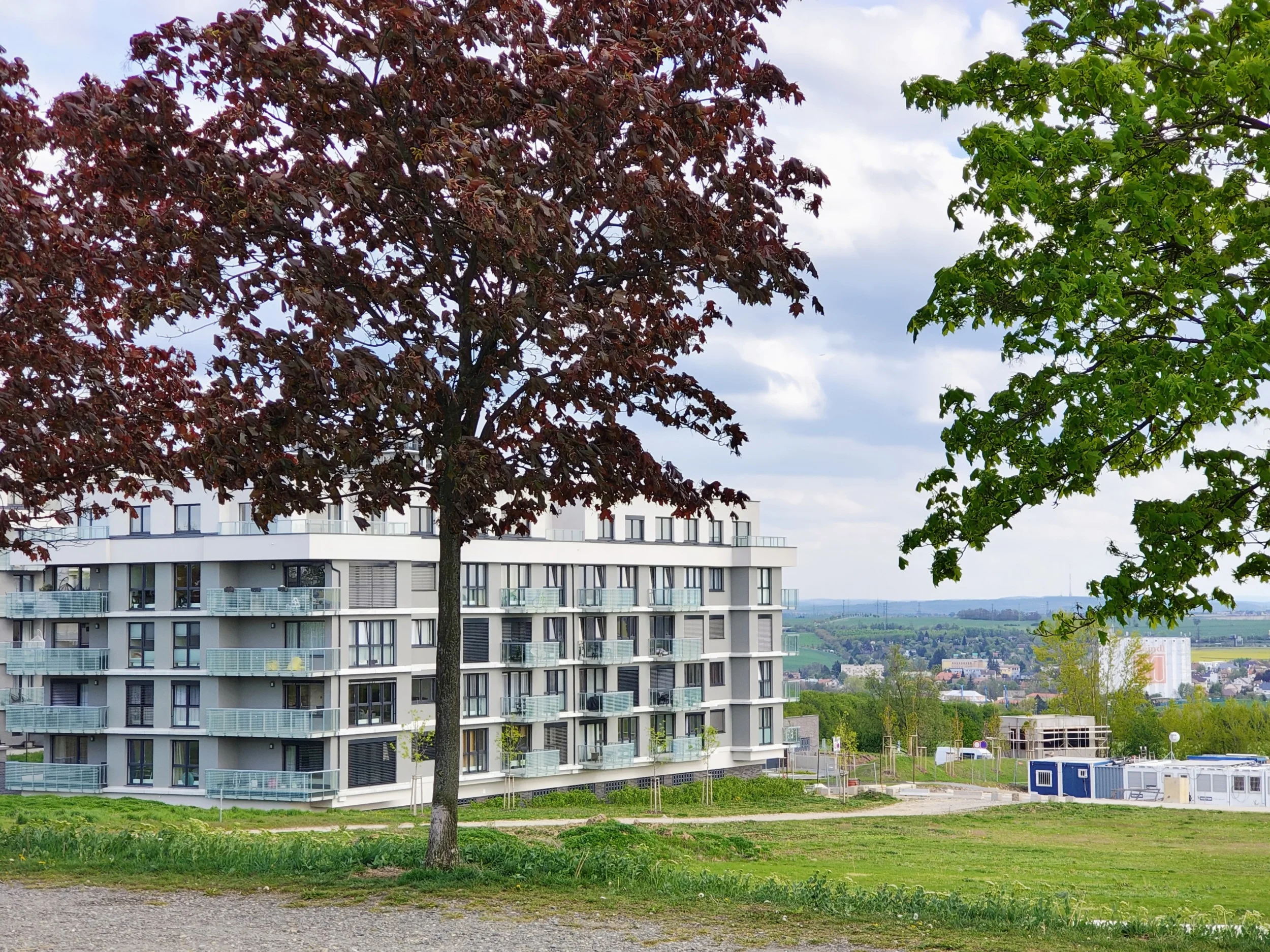
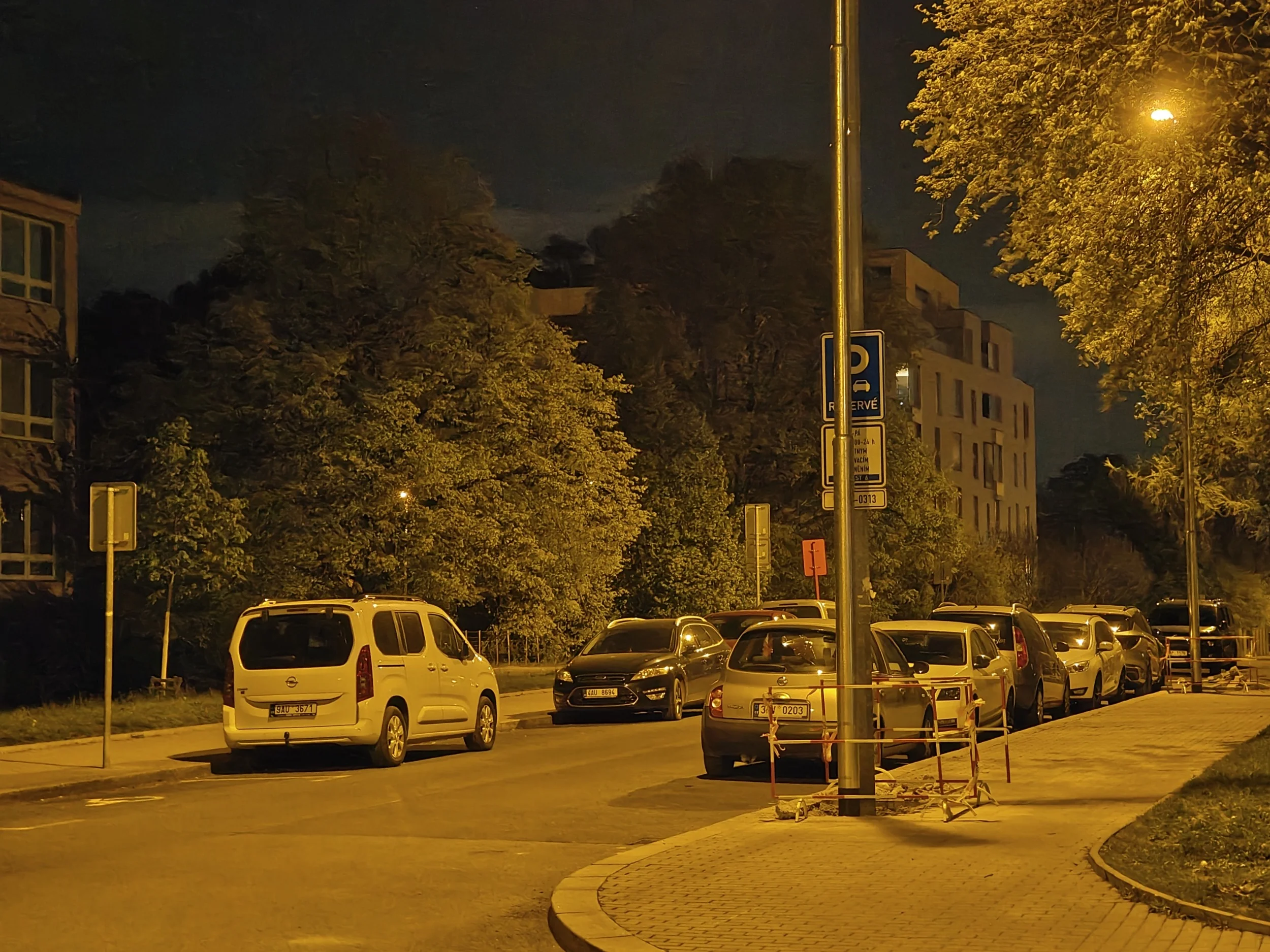
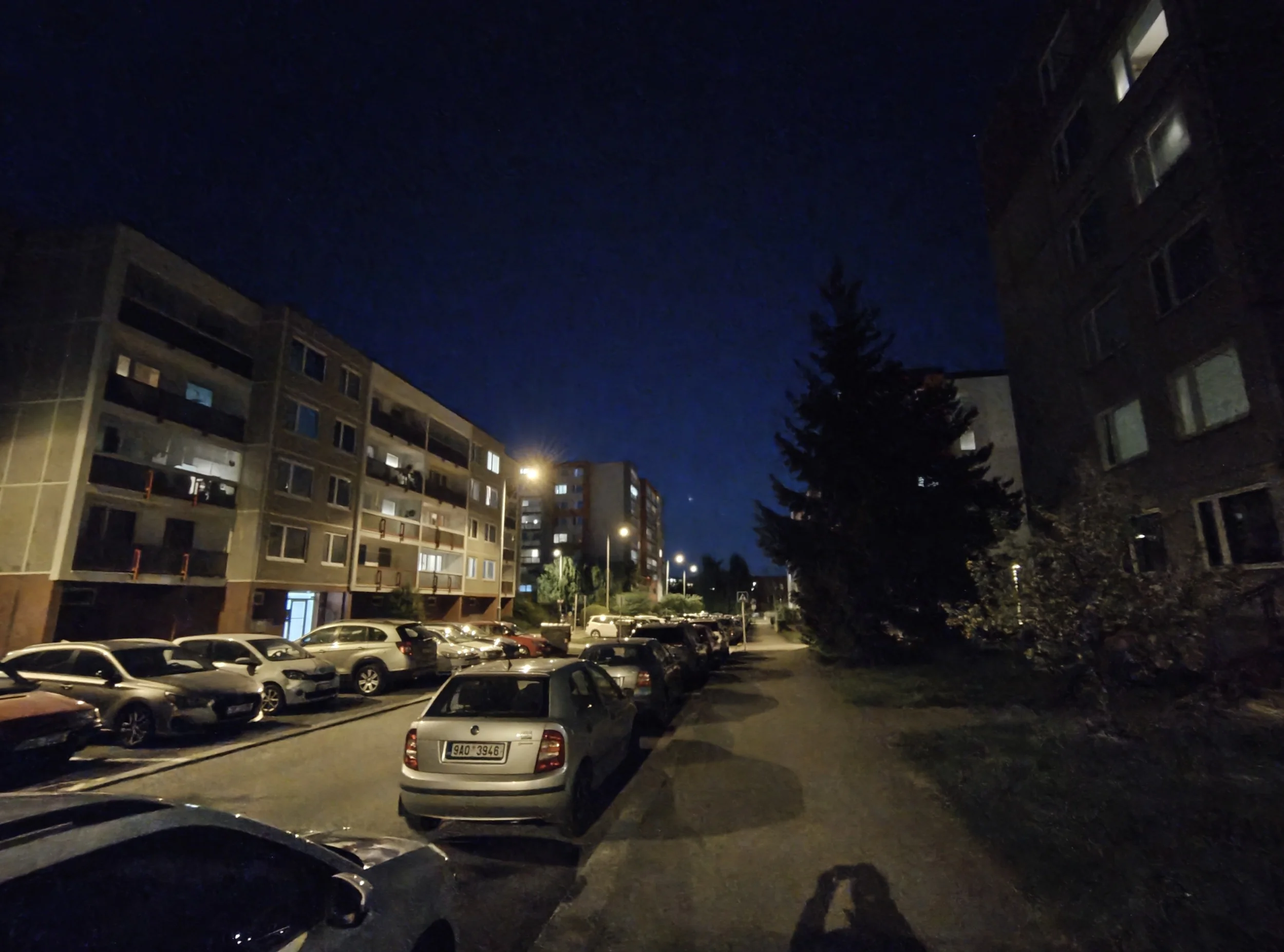
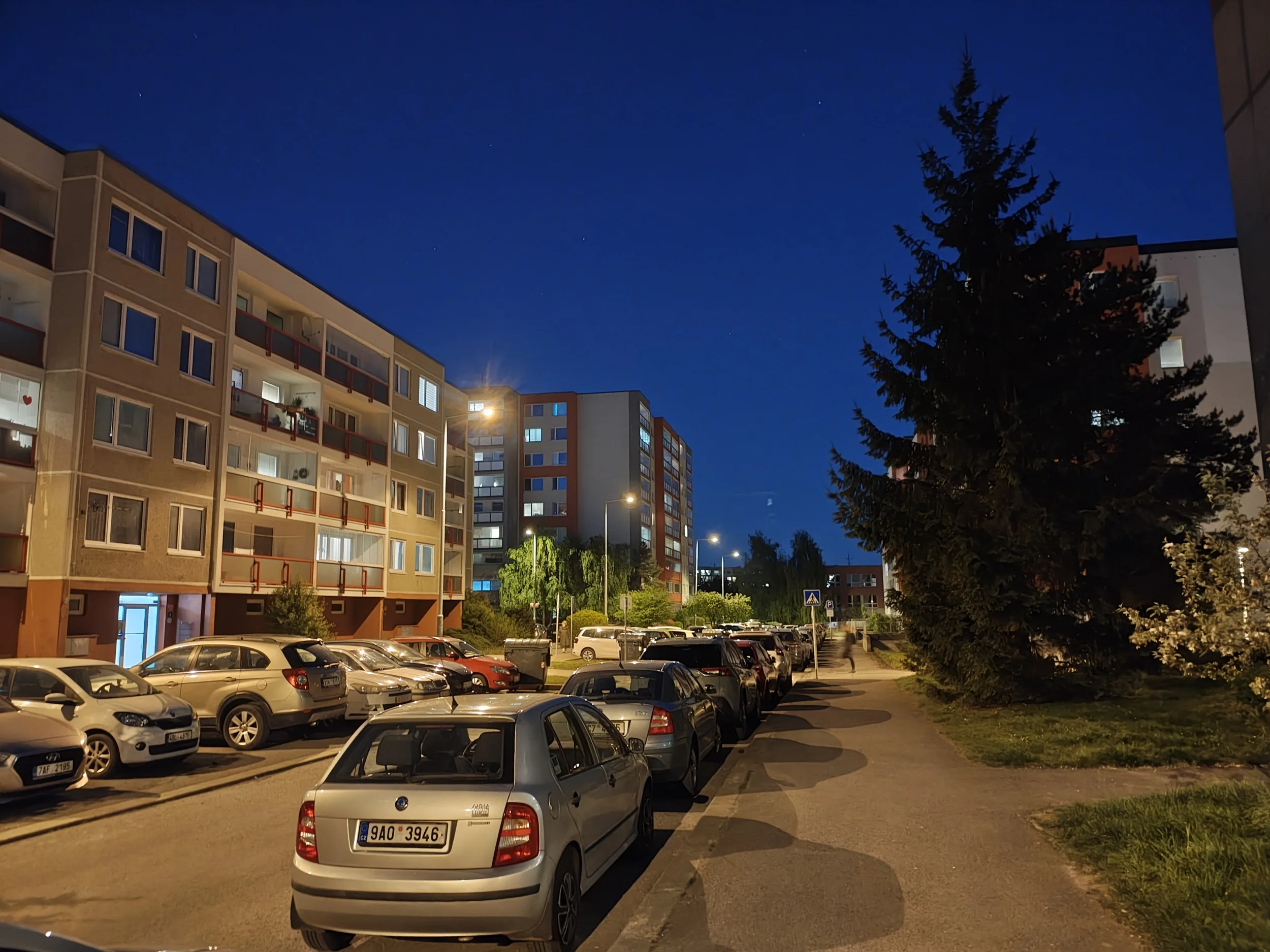
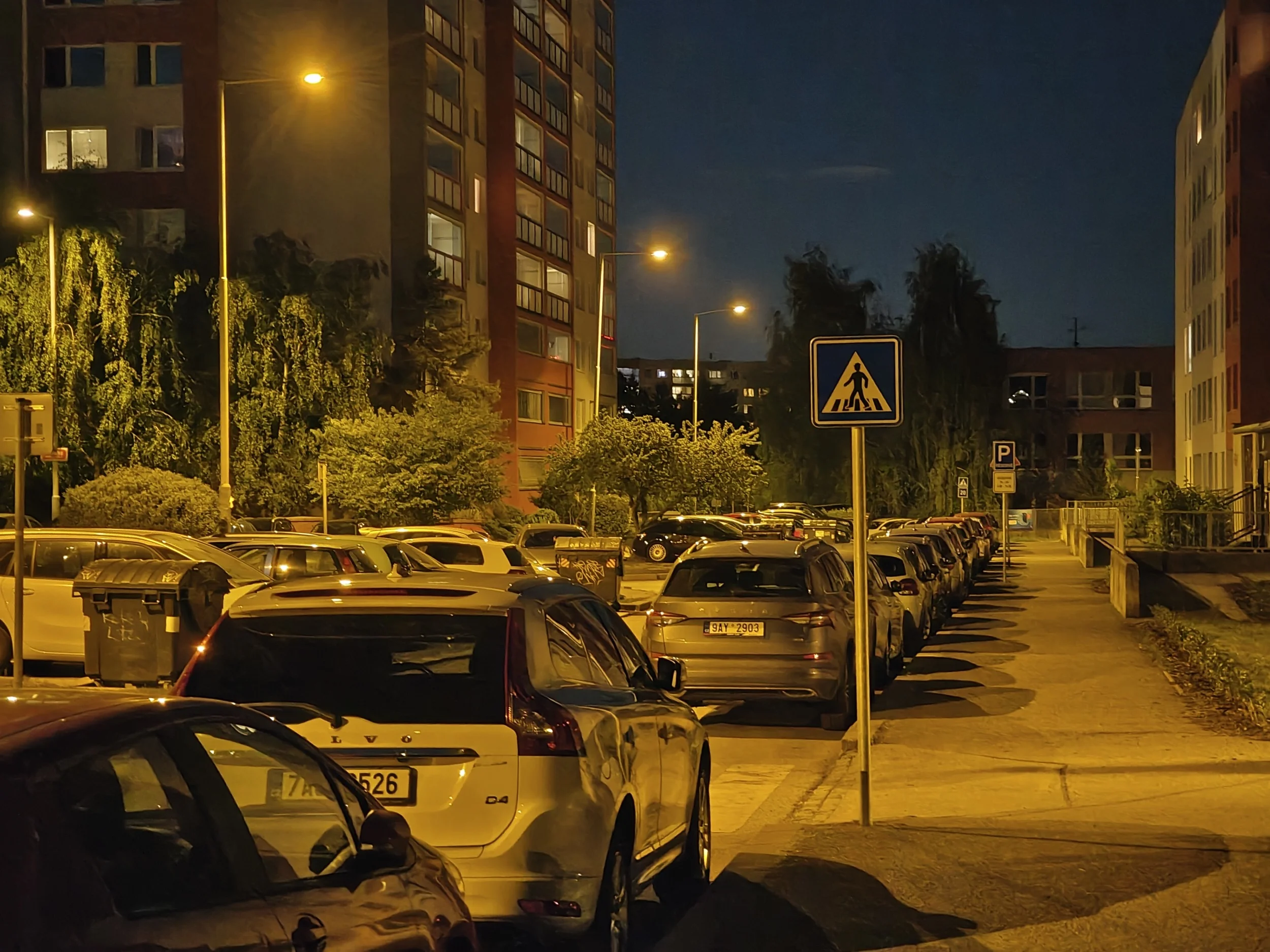
At night, the main camera turns in a very solid performance. The ultrawide, on the other hand, falls short, with different color tuning and images that look too soft and lacking in detail.
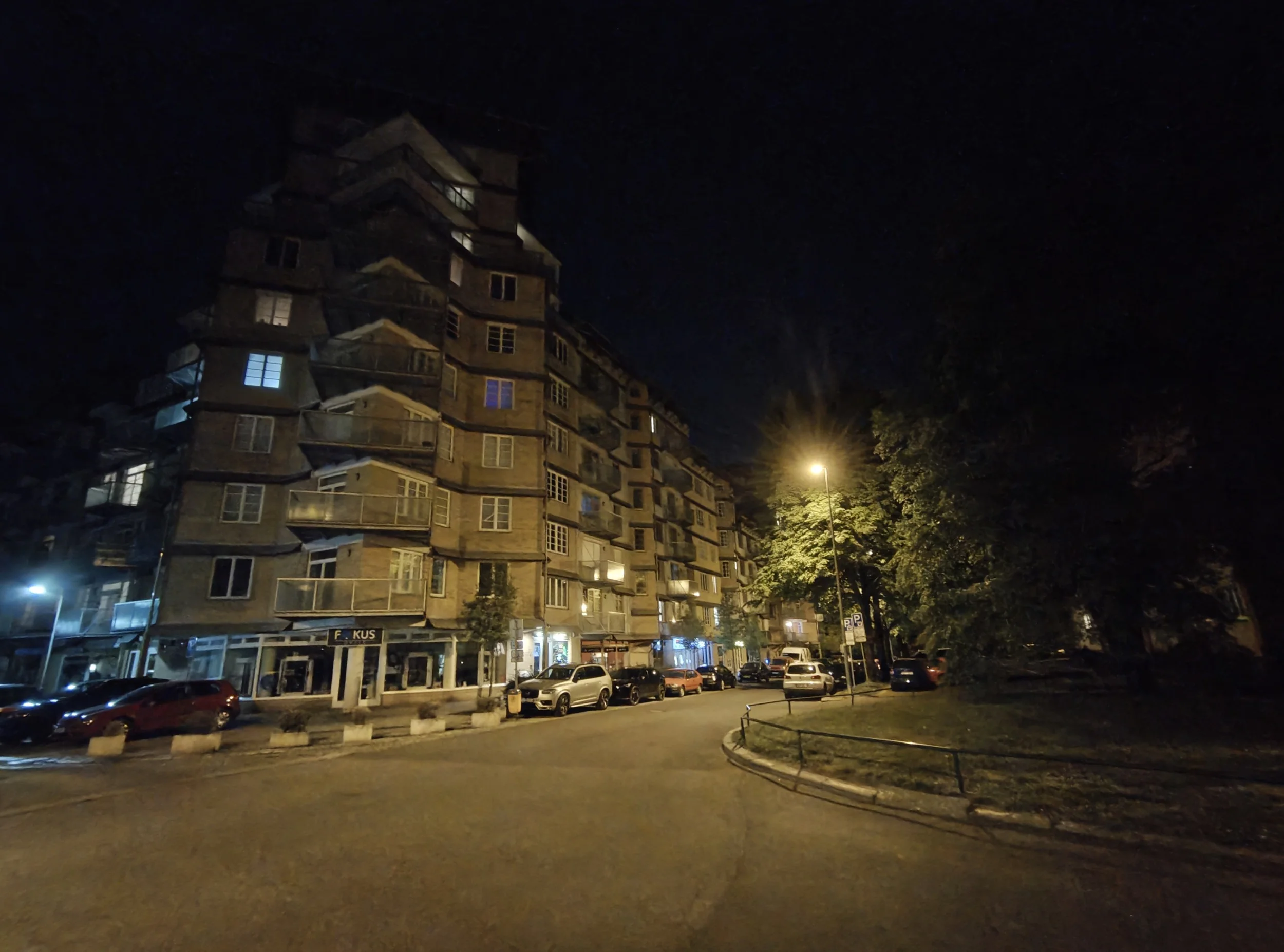

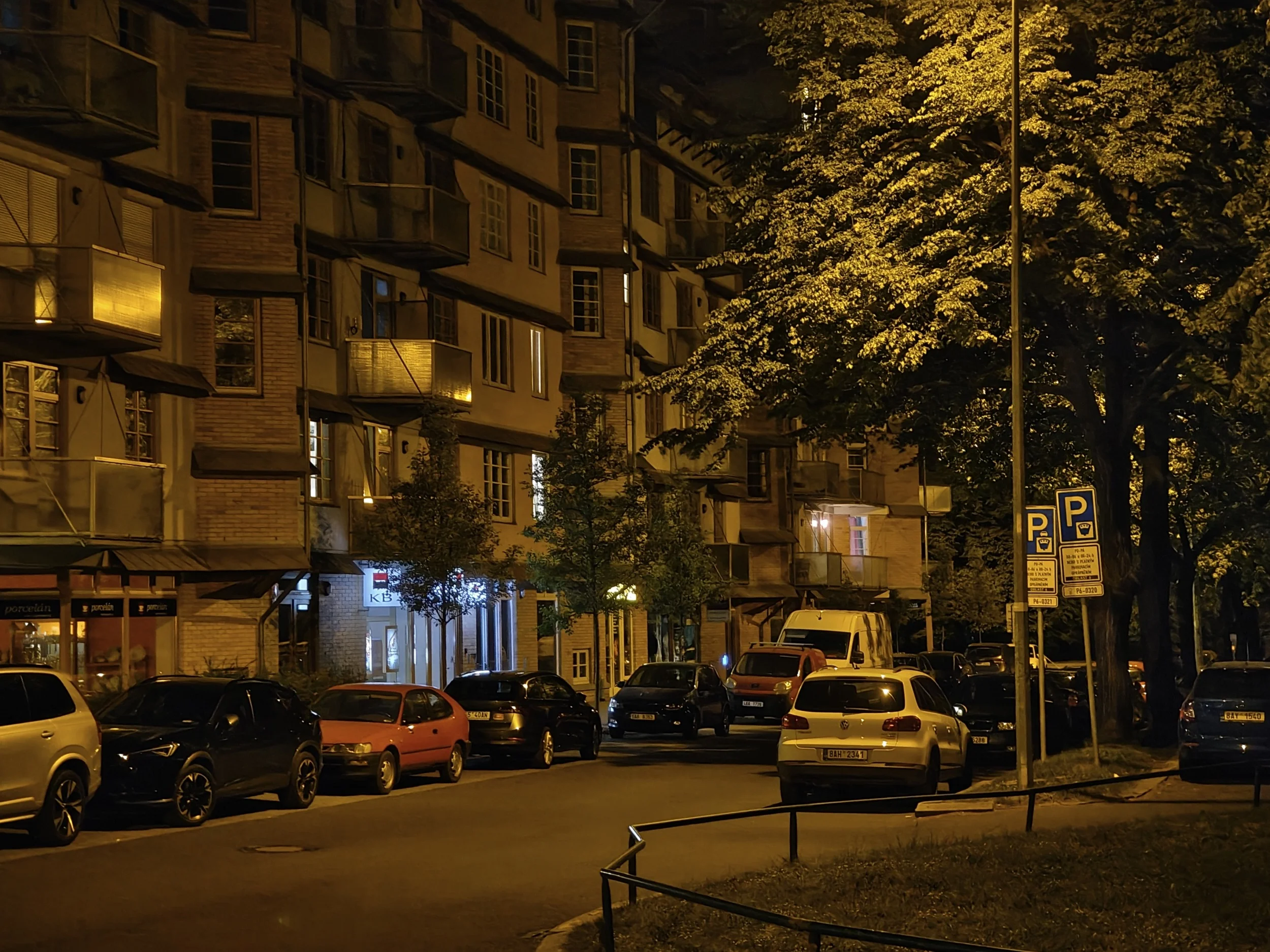
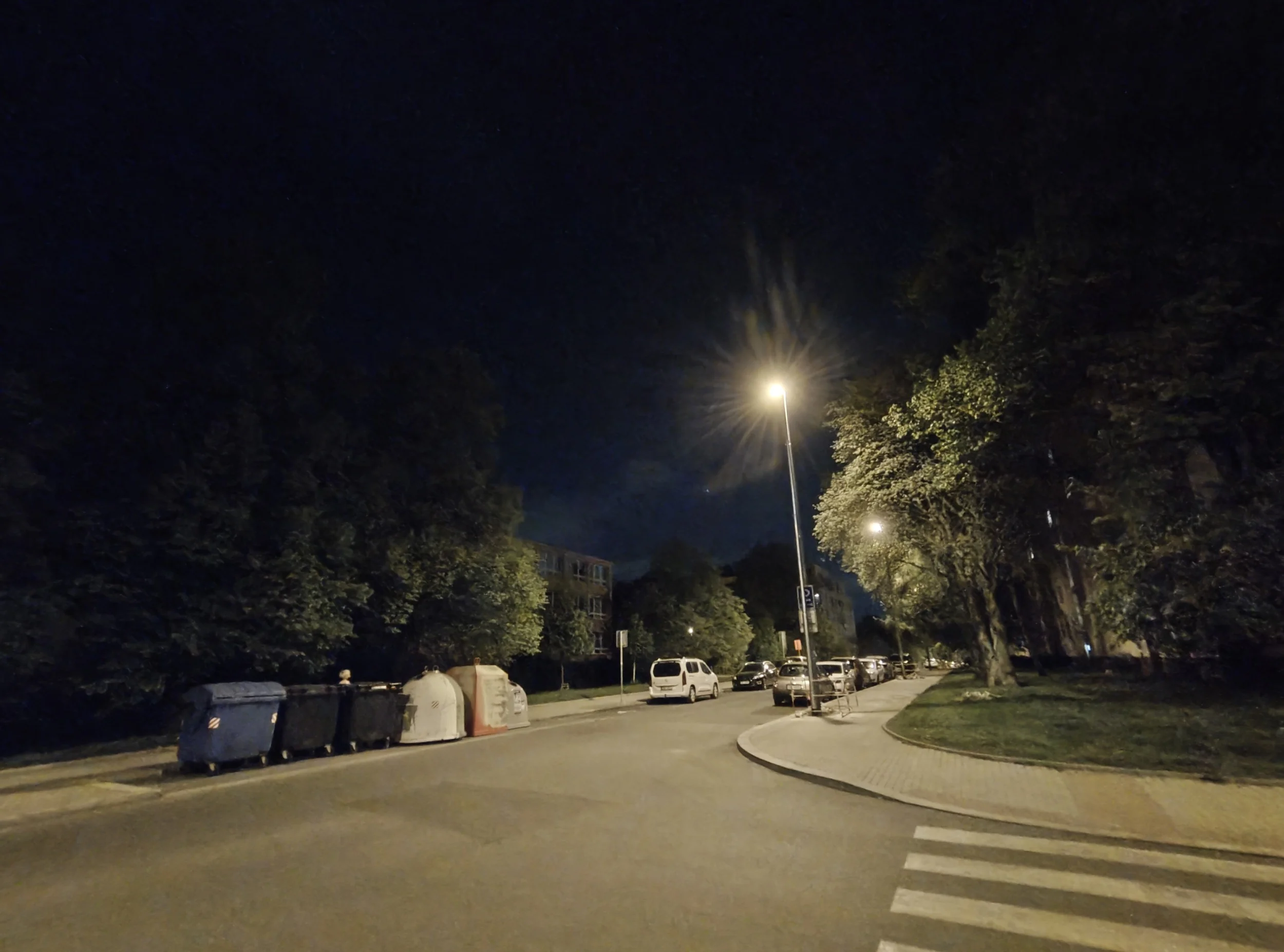
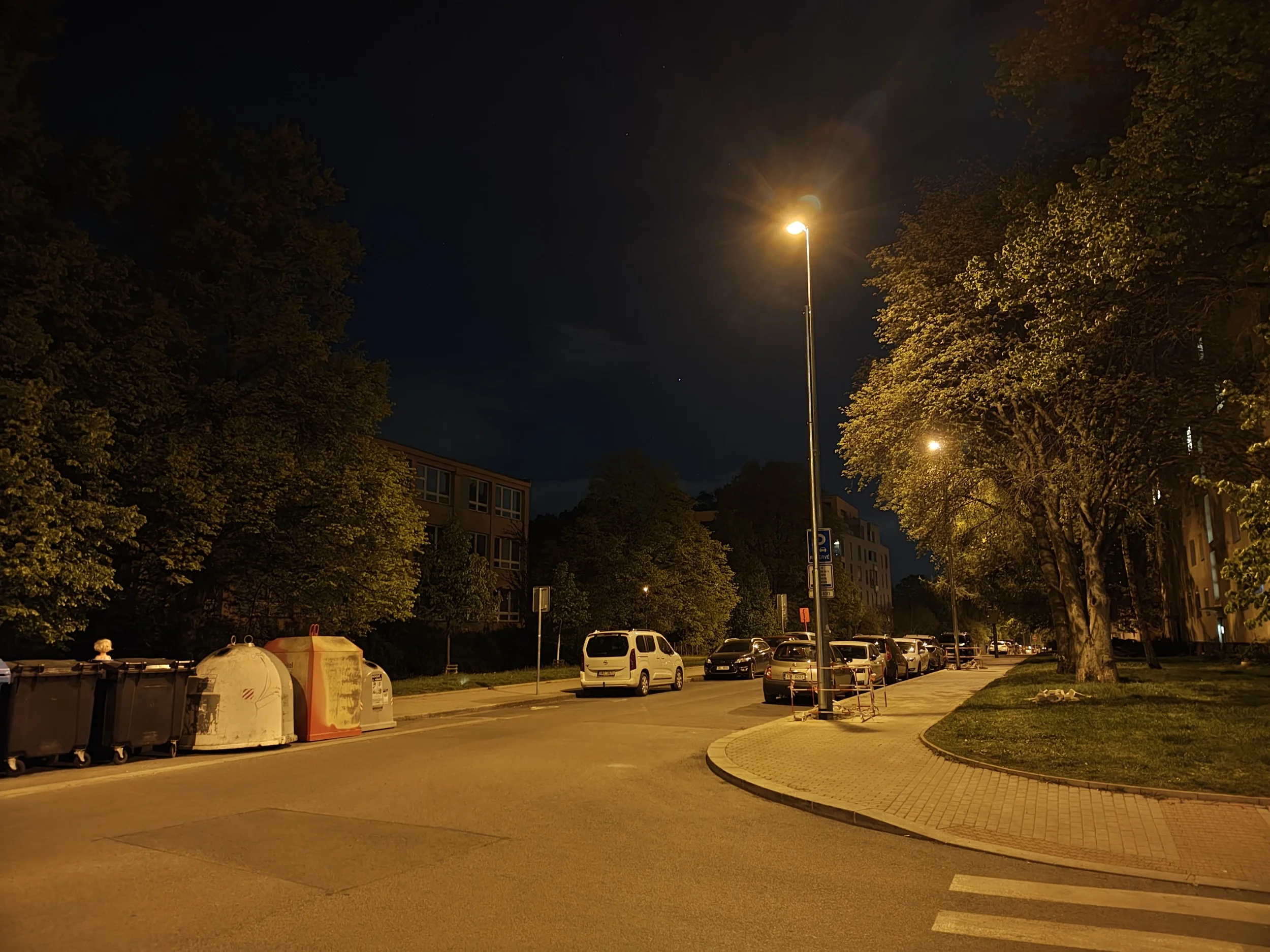
Recorded 4K video isn’t especially impressive when you factor in the 17,500 CZK (approx. $799 / €718) price tag. There’s also an annoying quirk here: video audio is captured by the bottom microphone next to the USB-C port. More than once, I accidentally covered that mic or bumped it while recording, and the result was audio quality that fell short.
Software
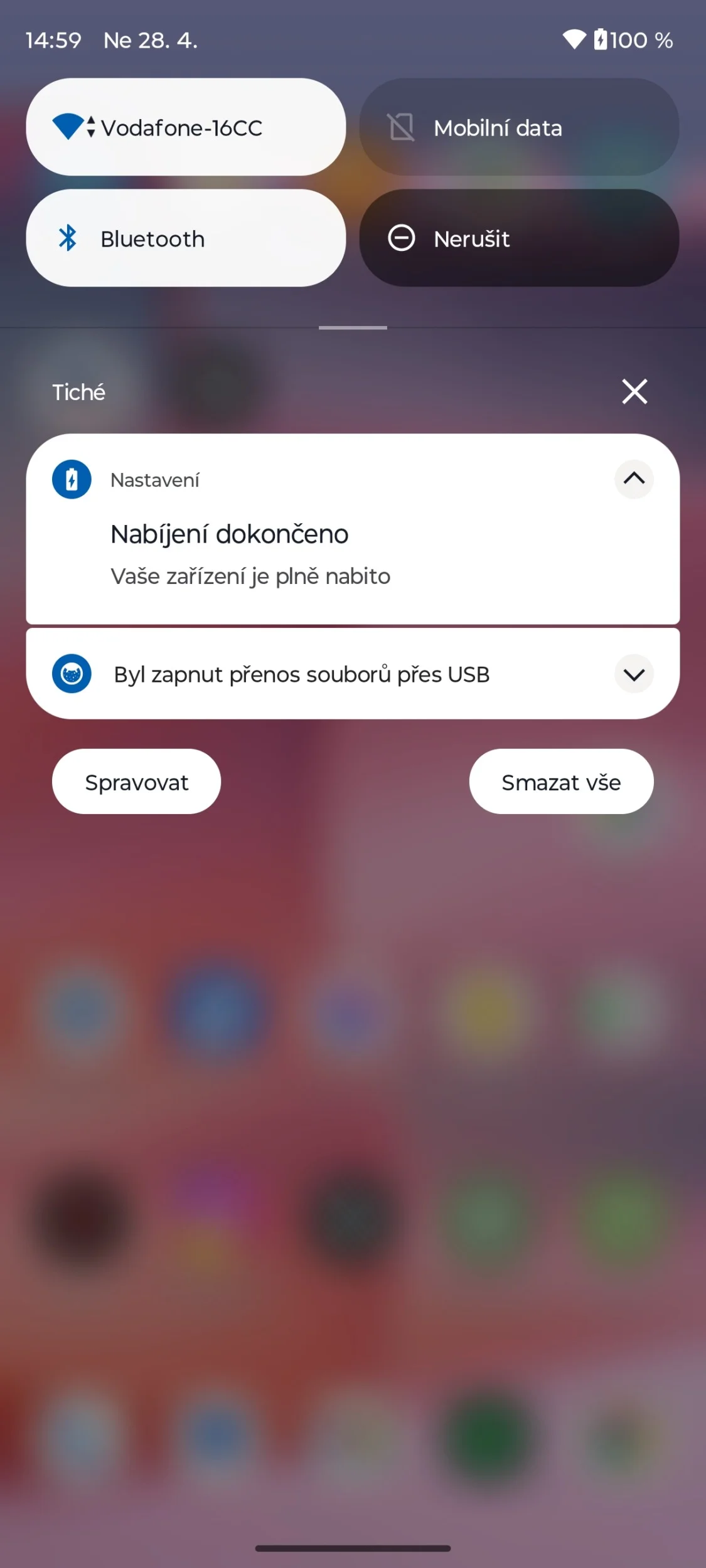
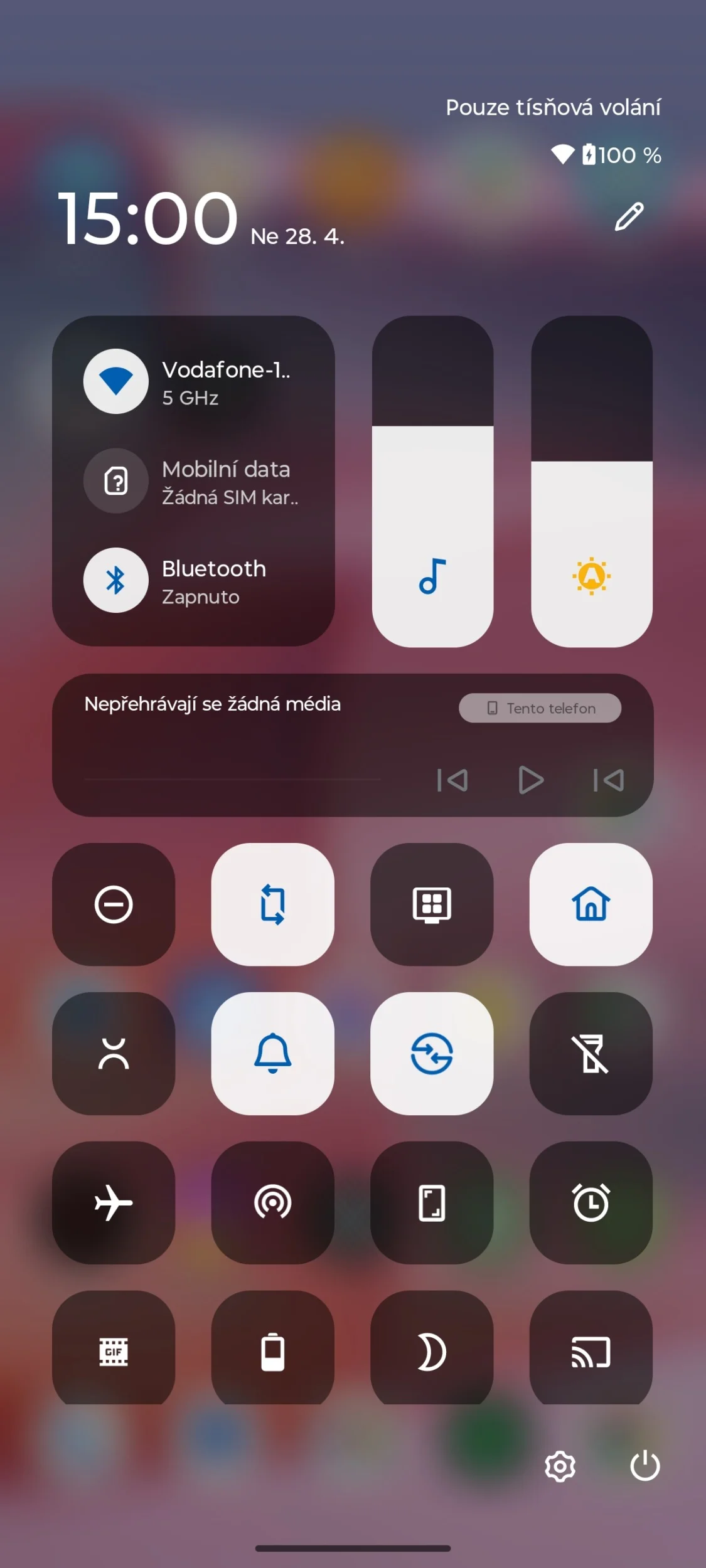
Android 14 arrives here with this year’s updated Hello UX skin, which gives Motorola’s software a light facelift. The notification shade is now transparent, for example, and there’s a healthy amount of visual customization. Overall, the interface doesn’t feel overly heavy and stays fairly close to stock Android. One surprise: you can even switch the notification shade to a look inspired by iOS or MIUI.
Another plus is the smaller amount of third-party bloat. Only LinkedIn, Facebook, and Opera come preinstalled. Beyond that, you’ll find a handful of Motorola apps, including Moto Connect for hooking the phone up to an external display over Miracast or Chromecast, and Moto Secure for security monitoring.
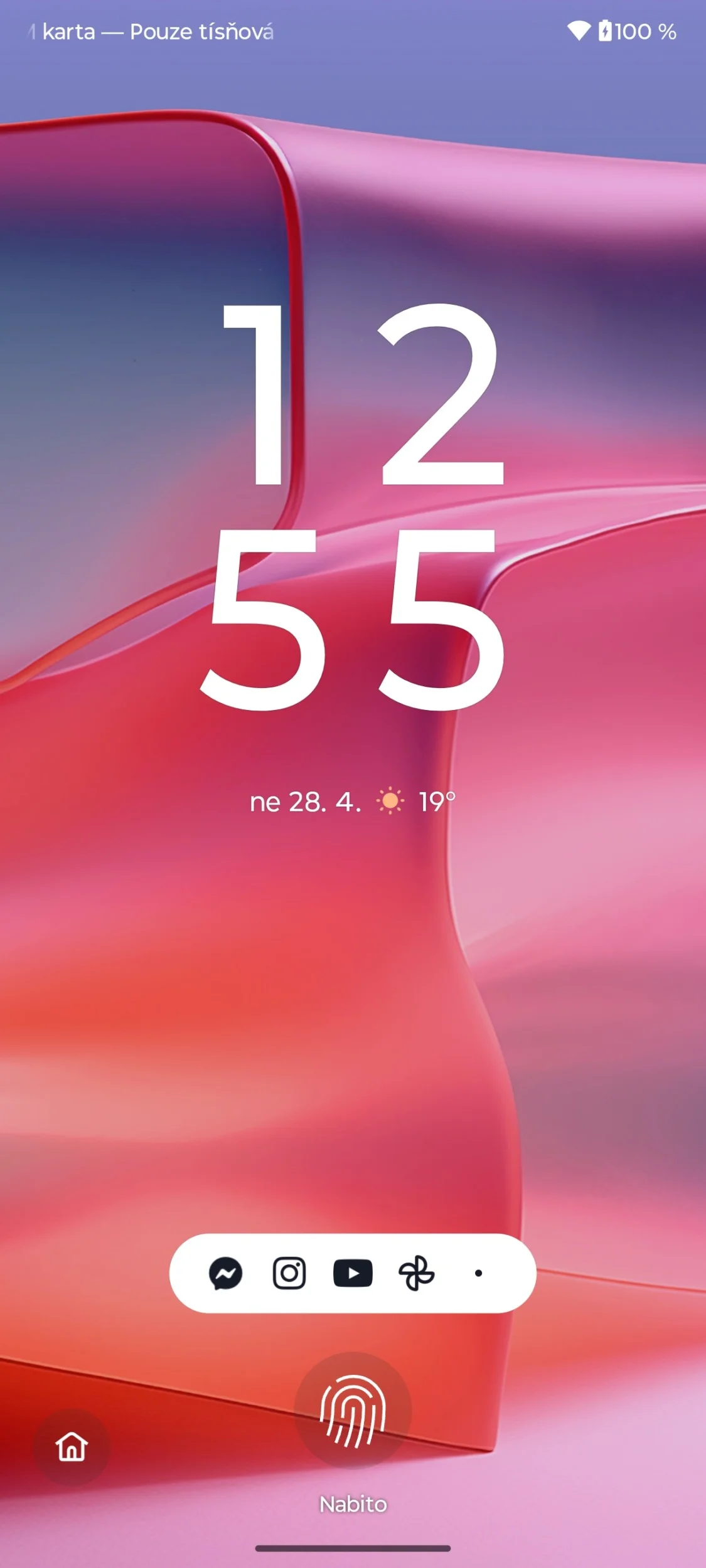
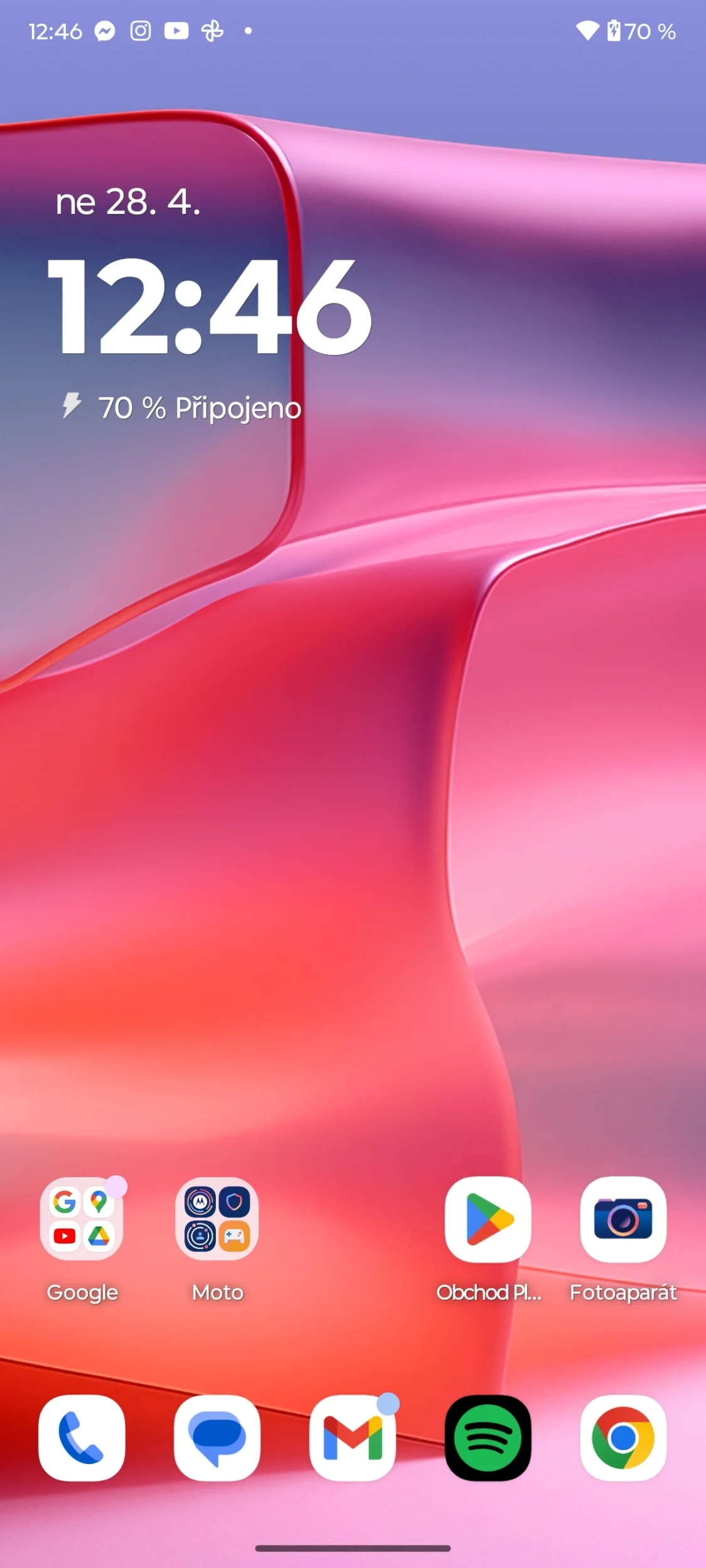
I also liked the Moto Unplugged app, which limits notifications and apps. Think of it as a quiet mode that strips your phone back to the essentials so you can disconnect for a while. The phone also includes Motorola’s Ready For app and mode, essentially the company’s answer to Samsung DeX.
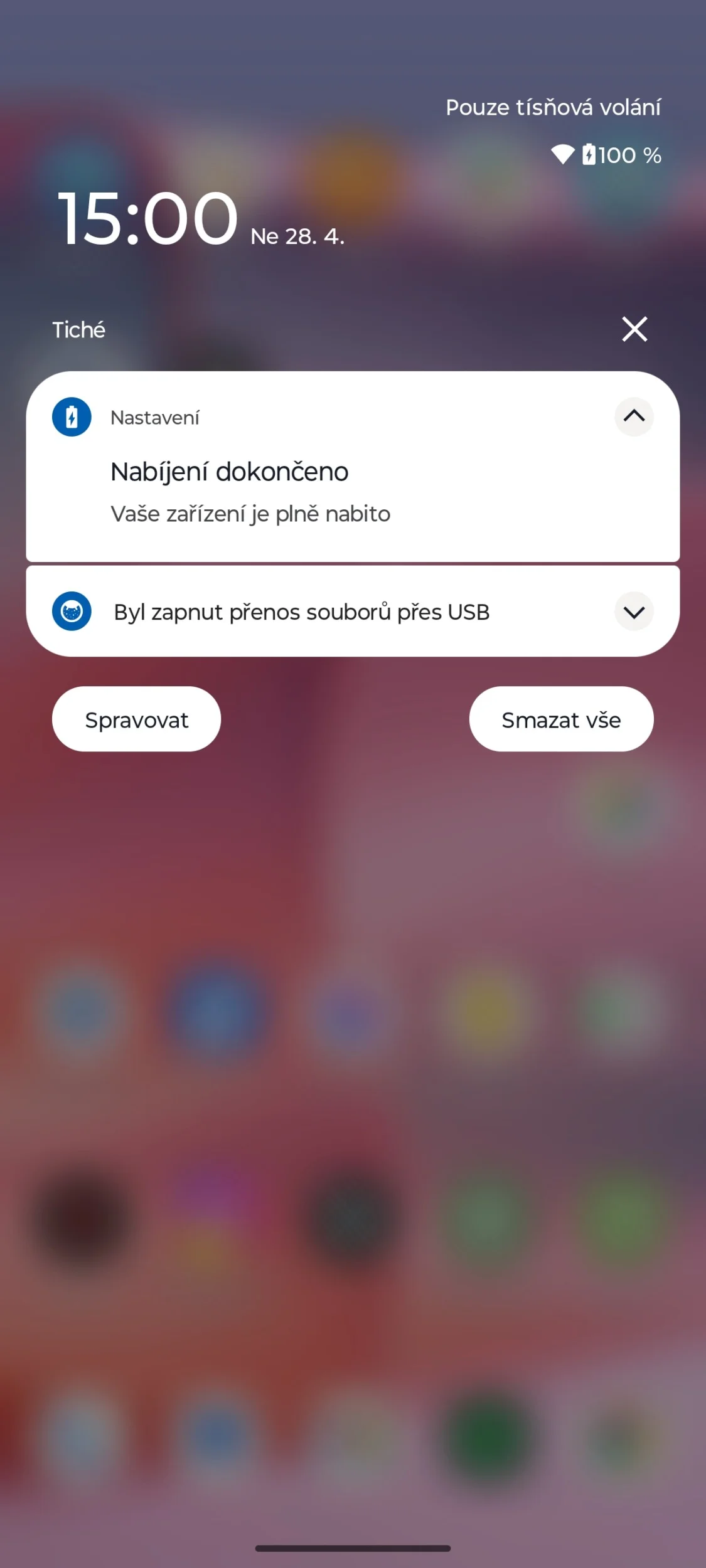
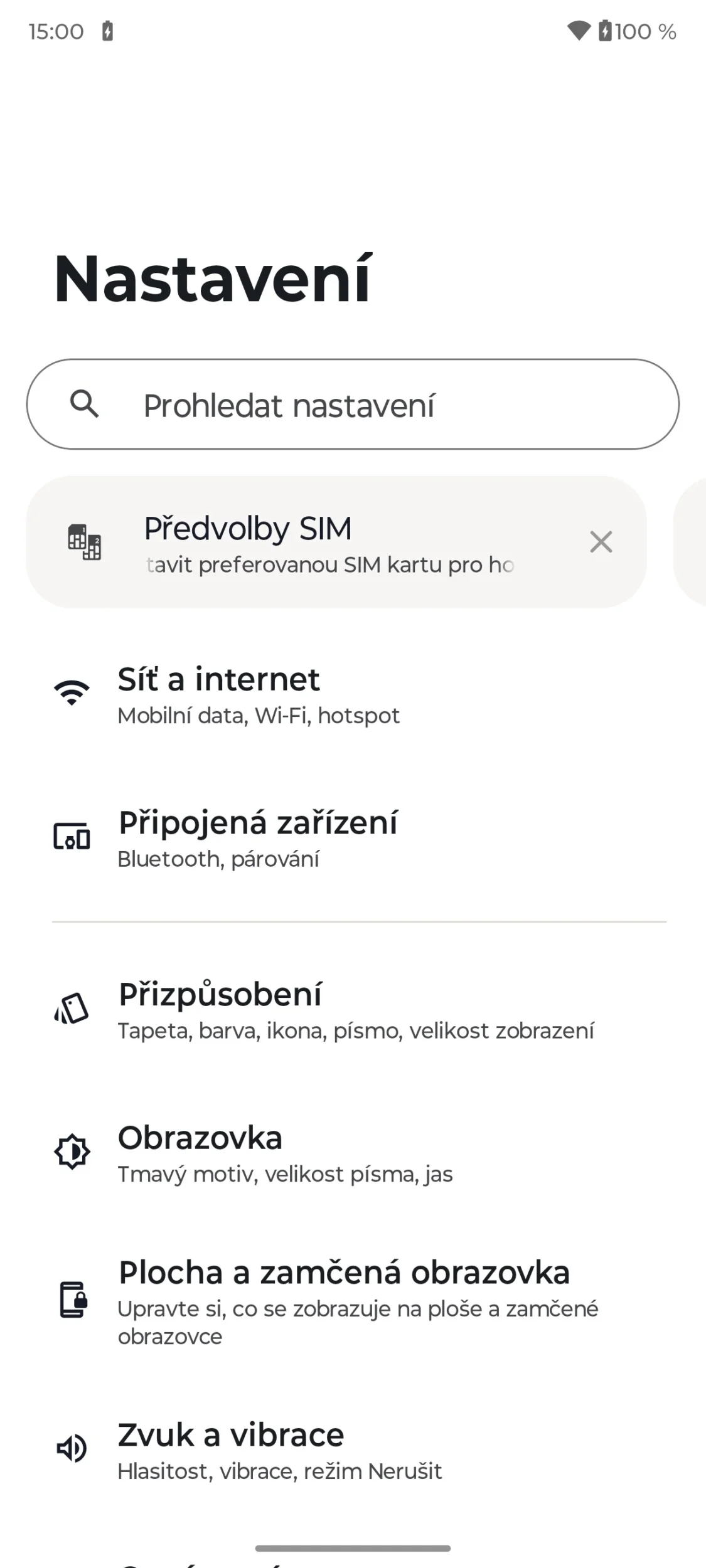
At the time of writing this review, in late April, the phone was running the March 2024 security patch. Motorola promises three major OS updates and four years of security patches in total. That’s decent, but pretty average for this segment.
Verdict
The Motorola Edge 50 Pro is an easy phone to like. It fits the hand well, and the curved shape plus the vegan leather back make it pleasant to hold. The display deserves praise, as do the blazing-fast charging speeds with the adapter included in the box, wireless charging, and the polished Hello UX software. The camera delivers solid results, even if I’ve seen better camera phones.
The weaker points are harder to ignore. For the money, the processor feels underpowered, and the camera app still needs optimization. The new model launches at 17,600 CZK (approx. $803 / €722), and I don’t think the hardware fully justifies that asking price. Personally, I’d much rather go for the similarly capable Motorola Edge 40 Neo, which in my view is even better optimized and costs about half as much. The design is nearly identical, and the trade-offs are manageable: no wireless charging, no metal frame, and weaker haptics. Or, frankly, you could look at almost any other upper-midrange phone.
So no, the Edge 50 Pro isn’t a bad phone. The problem is the price. Once it drops by a few thousand crowns and Motorola tightens up the software, especially the camera experience, it’ll be a far more compelling buy.
Pros
- Attractive, elegant design with vegan leather
- Beautiful, bright display
- Turbo charging with a 125W adapter included in the box
- Light and thin
- Ready For mode
- Telephoto camera
Cons
- The camera app still needs better optimization
- The packaging feels a bit overdone
- High price for the hardware on offer
Community Discussion 0 COMMENTS