

Samsung has never really been the brand you pick for the best raw specs per dollar. Put simply, for the price of one of Samsung’s midrange phones, you can usually find stronger hardware from a rival. But Samsung has a real edge right now: software support. That leaves buyers with a familiar choice, faster hardware today or a phone that should stay current for years. With last year’s Galaxy A34, that tradeoff was harder to justify. The Galaxy A35 makes a better case.
Plastic isn’t a problem
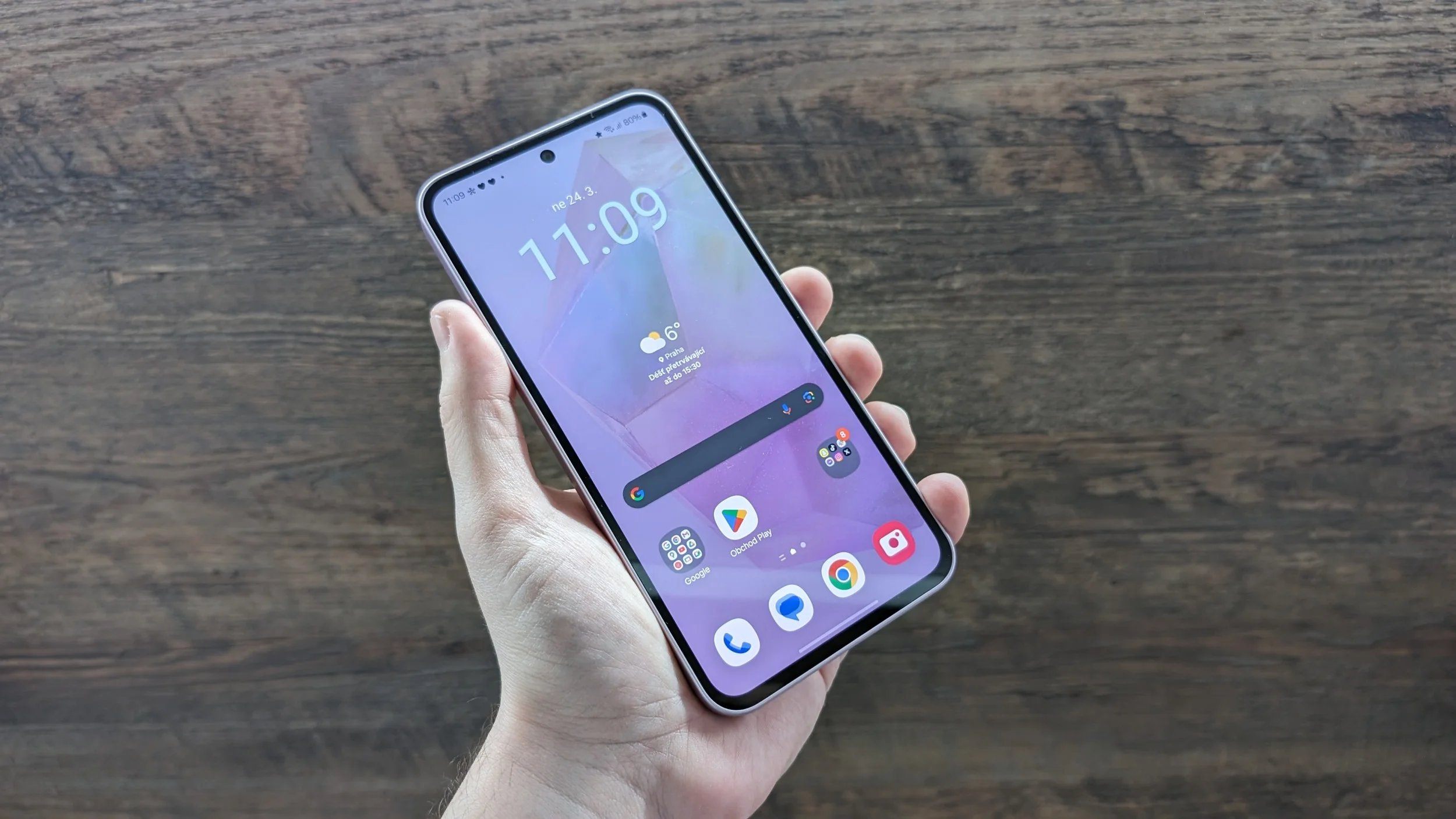
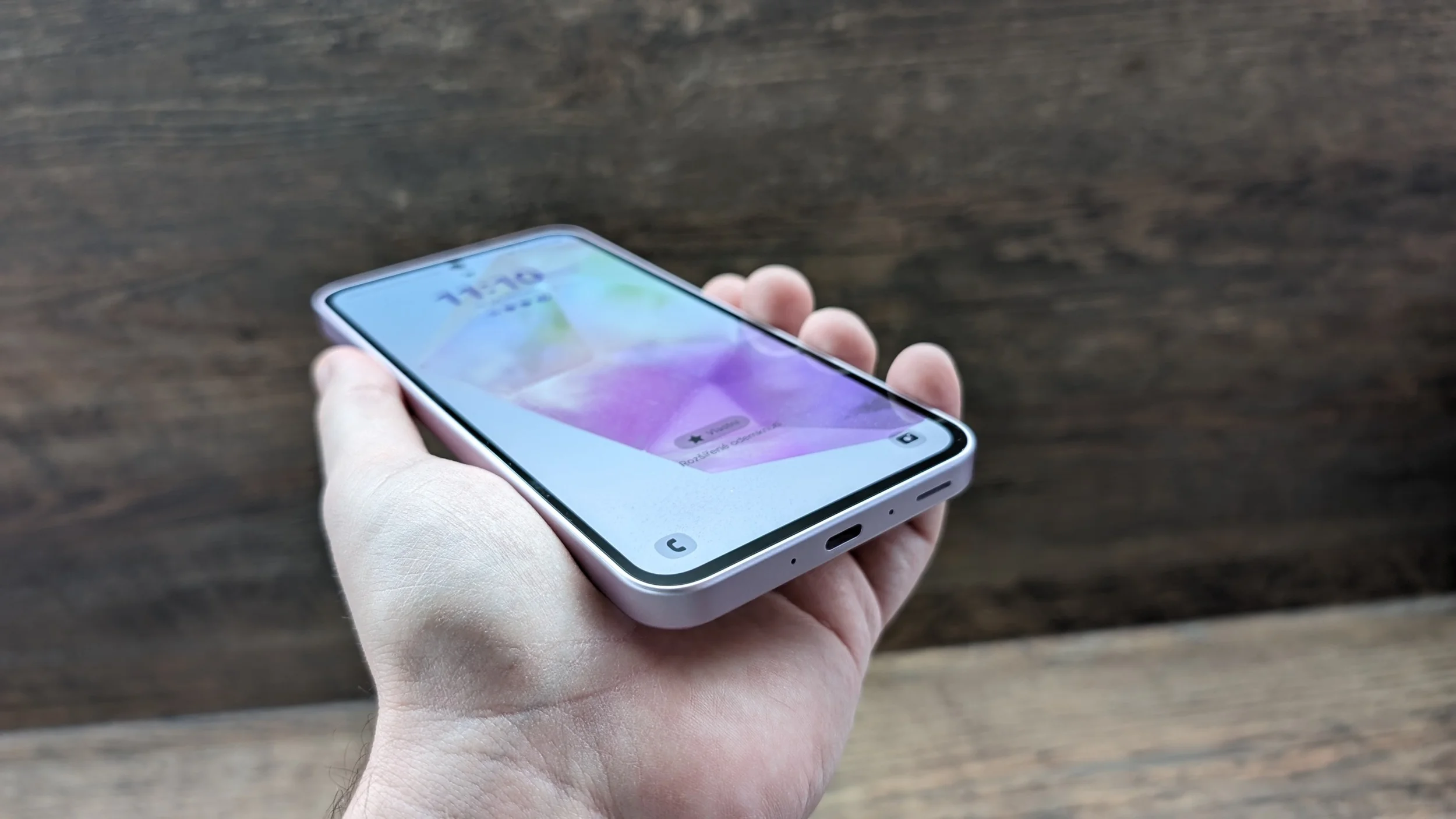
I’m not someone who automatically prefers metal phones. I have no issue with plastic if it’s done well, and the Galaxy A35 fits that mold. It uses a plastic frame, and you can feel that in the hand, but there are upsides. The sides aren’t broken up by antenna lines like they are on phones with metal frames. Around the perimeter, the design feels clean and uninterrupted, aside from the expected cutouts for the microphones, USB-C port, SIM tray, and speaker.
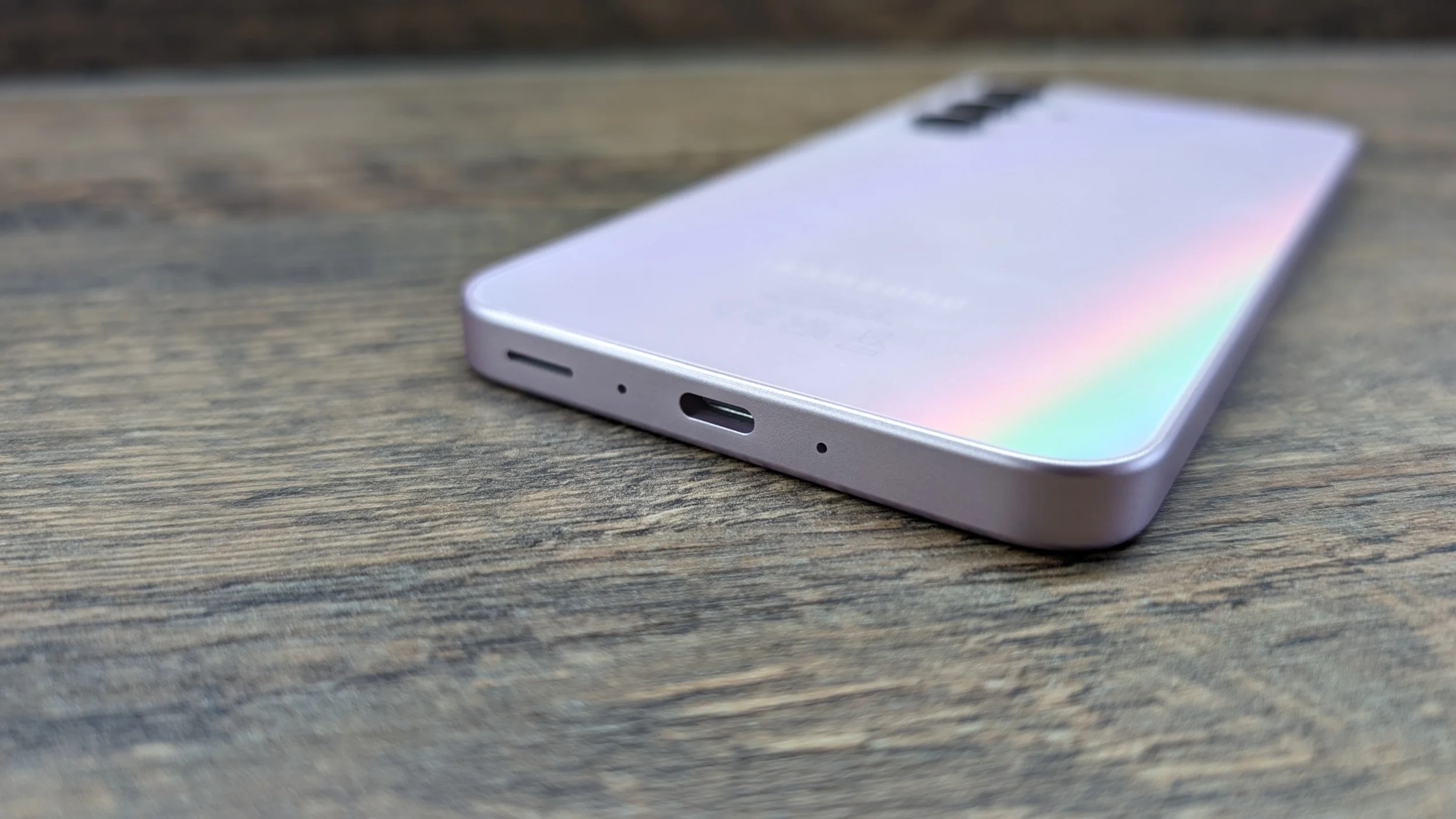
Samsung is also drawing attention to the area around the buttons. It’s slightly raised, with a smoother transition from the frame. Your thumb naturally lands there, and it feels surprisingly nice in daily use. More importantly, it makes the buttons easy to find by touch. You don’t need to hunt for each one individually. It’s a subtle detail, not something that jumps out at first glance, but it works.
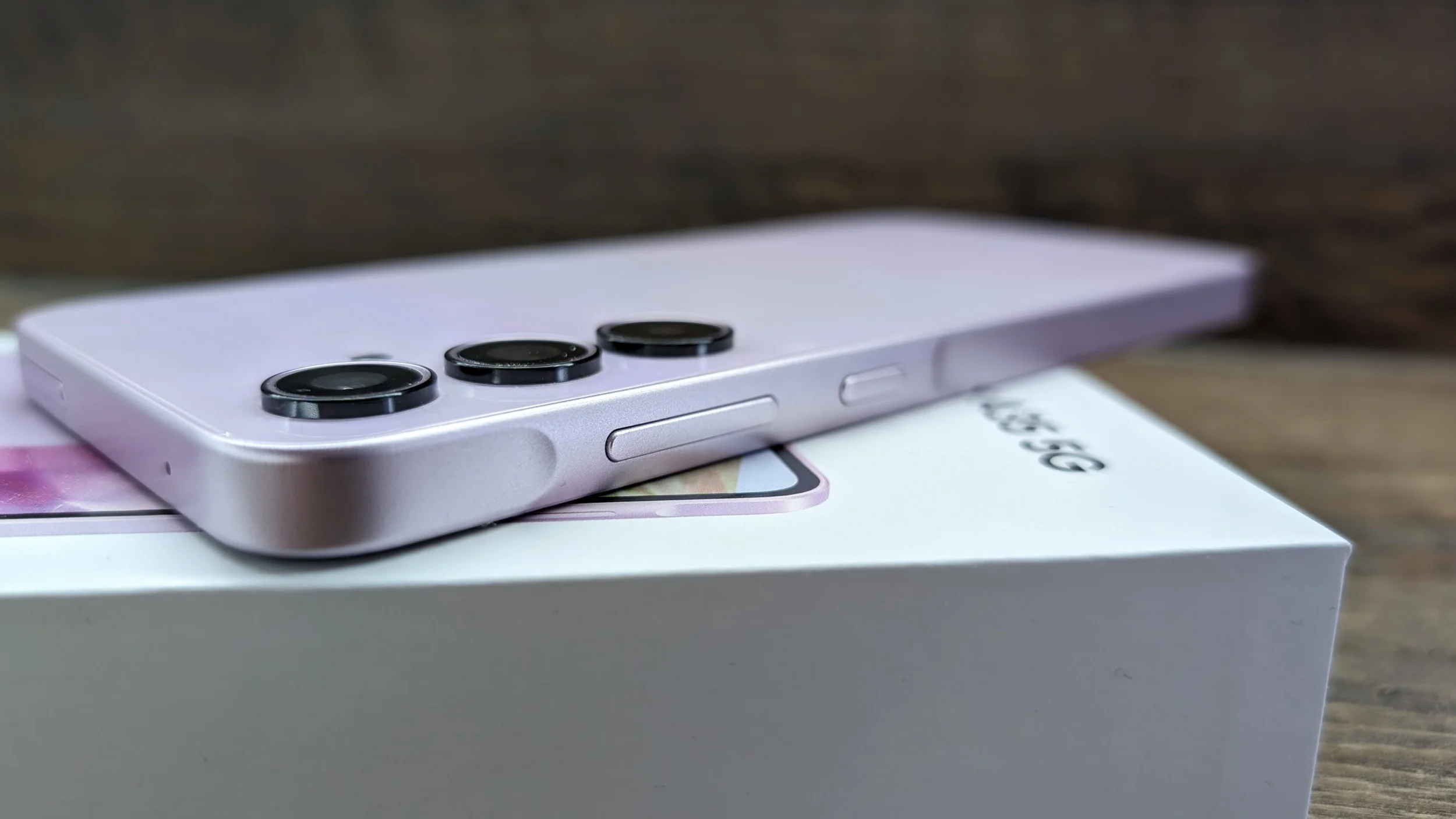
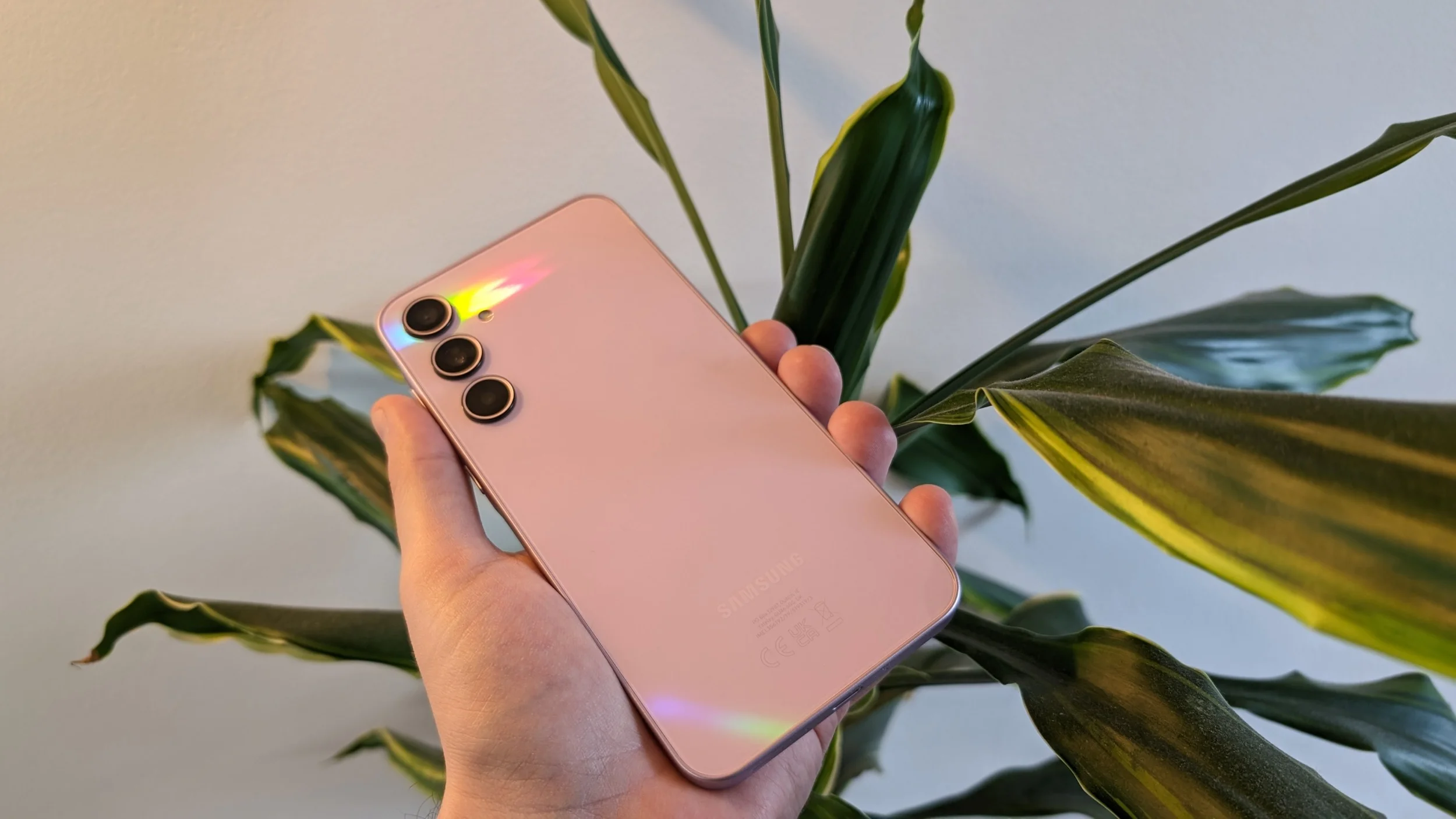
The back feels more premium, thanks to Samsung’s use of glass. It’s more fragile than the plastic back on the previous generation, but it also gives the phone a nicer in-hand feel and a more polished finish. You’ll also find three separate camera rings on the rear. As usual, they make the phone wobble on a table. A case fixes that.
Finally, a punch-hole camera
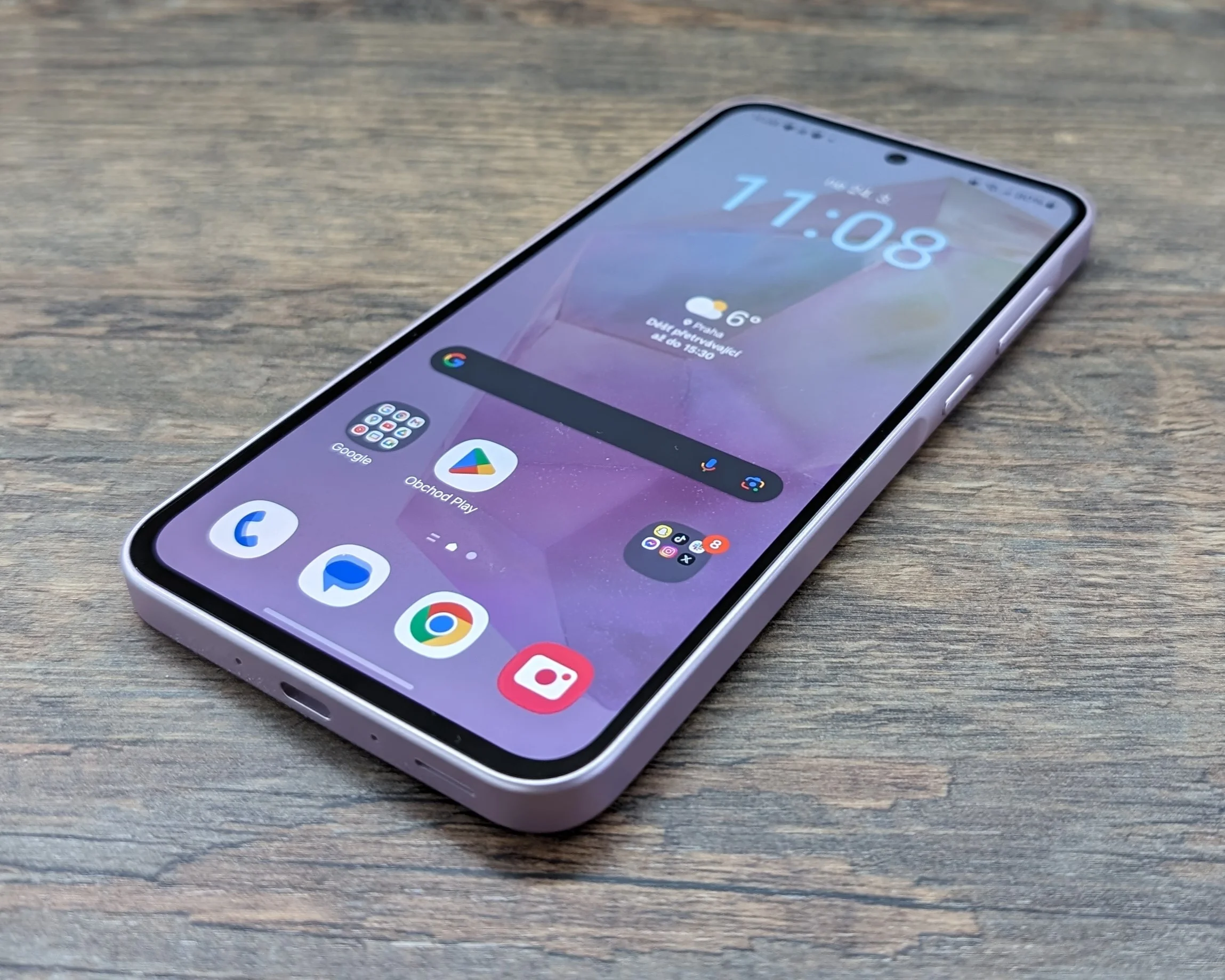
Display notches have never looked good to me. I’ll take a punch-hole camera every time, or any other solution that gets the camera out of the way. On that front, the A35 looks better than the A34. Where Samsung could have done more is with the bezels around the display. For this price tier, the phone deserves something slimmer. Still, I got used to them, and after a while I barely noticed them, especially when watching video.
A high refresh rate is standard now, even on cheaper phones. Samsung handles it well here, and I didn’t run into any obvious issues. The panel reaches 1,000 nits of brightness, which isn’t especially impressive by 2024 standards, but it’s enough. I had no trouble reading the screen, even in very bright daylight.
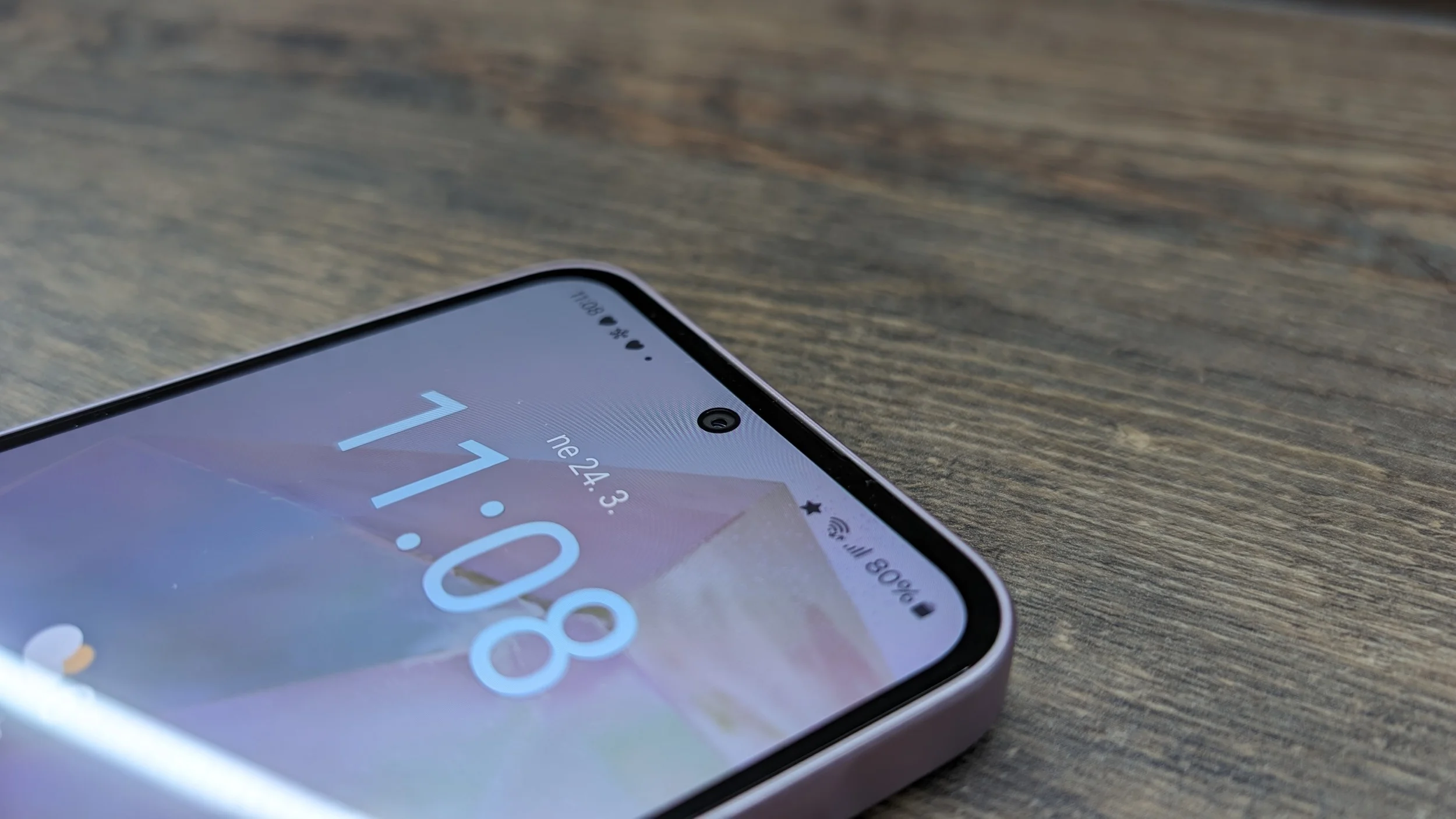
The screen can get aggressively bright, and in some apps that was actually a little unpleasant. I noticed it most in Messenger, where the high brightness made profile photos look blown out and stripped away some detail. My guess is the phone is missing some software tuning here, or it simply pushes brightness to the maximum without adjusting the content properly. It wasn’t a major problem, especially for reading text, but it stood out.
An optical fingerprint reader is built into the display. Over time, I got used to it, including the accompanying animations. It doesn’t feel slow, and it responds with solid accuracy. I had no issue unlocking with a damp finger or one that wasn’t perfectly clean.
Stereo done right
Plenty of phones brag about stereo speakers now. On cheaper models, that often means two loud but flat speakers, or an unbalanced setup where one side clearly does more of the work. That’s not the case with the Galaxy A35. The sound quality is genuinely good, the output is balanced, and there’s even a bit of bass in the mix. Watching videos is a pleasure, and if you’re streaming a movie from a decent source, the speakers hold up better than you might expect from this class.
Exynos, again
The Galaxy A35’s hardware package is solid in most respects, though the processor may raise some eyebrows. These days, benchmark scores matter less than how a phone behaves in everyday use. The year-old Exynos 1380 is good enough for most apps and games. It doesn’t overheat, and it doesn’t create major problems.
Where I did notice some weakness was when switching between heavier apps. The phone doesn’t freeze, but the process isn’t always smooth. You can see it, for example, when jumping from a demanding game straight into Snapchat. The phone has to fire up the camera immediately, which clearly puts it under pressure, but things settle down quickly and return to normal. Better software optimization might be enough to smooth this out.
The Galaxy A35 also offers a solid set of supported positioning systems, and that shows up in real use. Location lock is quick and accurate, at least based on my testing in navigation apps. One of the phone’s clear strengths is eSIM support. It’s good to see that technology reaching the midrange. You don’t have to rely on a physical SIM card if you’d rather go fully digital.
Connectivity is strong overall, and I appreciated the inclusion of Wi-Fi 6 and Bluetooth 5.3. NFC worked without any fuss. Put simply, the phone connects to what you need it to connect to, and it does so without signal headaches.
Galaxy A35 specs
- display: 6.7 inches, 2340 x 1080 pixels (Full HD+), AMOLED, 120Hz, up to 1,000 nits, Corning Gorilla Glass Victus+
- processor: Exynos 1380 (in Czech)
- RAM: 6/8GB
- storage: 128/256GB + microSD
- Android 14 + One UI 6.1
- eSIM
- cameras:
- rear: 50MP, OIS
- 5MP, macro
- 8MP, ultrawide
- front: 13MP
- rear: 50MP, OIS
- in-display fingerprint reader
- IP67
- stereo speakers
- 5G, Wi-Fi 6, Bluetooth 5.3, NFC, GPS, GALILEO, GLONASS, BDS, QZSS
- dimensions: 161.7 x 78 x 8.2 mm; 209 grams
- battery: 5,000mAh + 25W
One UI 6.1
Samsung is still one of the Android makers that likes to put its own stamp on the software. One UI leans hard into customization, and that shows up in a lot of places. There’s even a built-in store for themes and other visual add-ons. Fonts are available too, though some cost extra. If you don’t care about swapping icons or loading up full visual packs with custom animations, you probably won’t spend much time there.
The system stays fairly close to stock Android, at least in the menu layout, the placement of settings, and the overall structure. That’s a good thing. Any heavier reworking of Android would only make updates harder to deliver. Samsung’s take on Android 14 feels polished here, and the animations are pleasant, even if some users will probably want to speed them up a bit. Still, it’s easy enough to get used to.
Plenty of battery, but something’s missing
A 5,000mAh battery isn’t unusual in a phone anymore. Pretty much every device in this class has one. Where rivals more often pull ahead is charging speed. Samsung stuck with 25W charging here. I get the logic: the company doesn’t want to put too much stress on the battery with faster charging tech, which could hurt long-term battery health. The charging is adequate, but it doesn’t look great next to the competition.
What I would have liked to see is wireless charging. Even 5W or 10W would have made the price easier to justify. That’s the real miss here. Battery life itself, though, is hard to criticize. If you’re not gaming or watching a lot of video, you could stretch it to three days. With normal use, two days is realistic, and even with some entertainment mixed in, the Galaxy A35 is dependable.
Taking into account that the phone doesn’t get hot even in moderately demanding games, has a well-optimized system, and can comfortably make it through a heavy day, endurance is one of its stronger points.
Camera
We’re still in the era of phone makers stuffing multiple cameras into devices, even when some of them barely matter. To this day, I still don’t really understand the point of dedicated macro sensors. I can’t even remember the last time I actually needed one, especially a low-resolution one. So it won’t be a surprise that I found little use for the 5MP sensor on the Galaxy A35. There’s also an ultrawide camera, which I see more as a nice extra for landscape shots. At 8MP, though, there’s only so much it can do, especially in weaker light.
The main 50MP sensor with optical image stabilization can produce very good results when there’s plenty of light. Once lighting gets worse, the drop in quality becomes visible. You’ll usually notice it most when looking at the photo on a larger display. Shots lose some detail, noise creeps in, and you’ll still want a fairly steady hand. On the upside, it can still turn out attractive photos for social media.



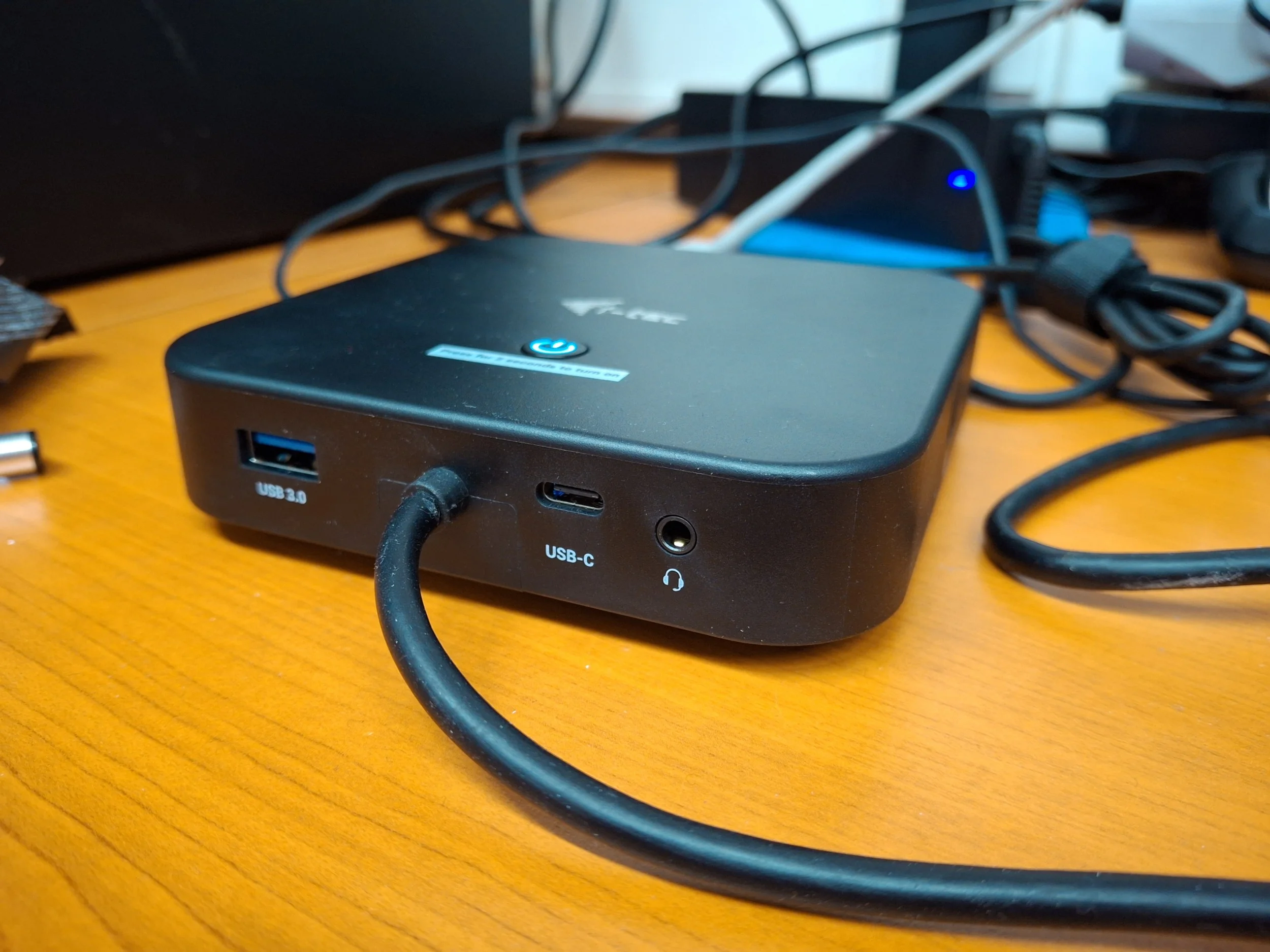




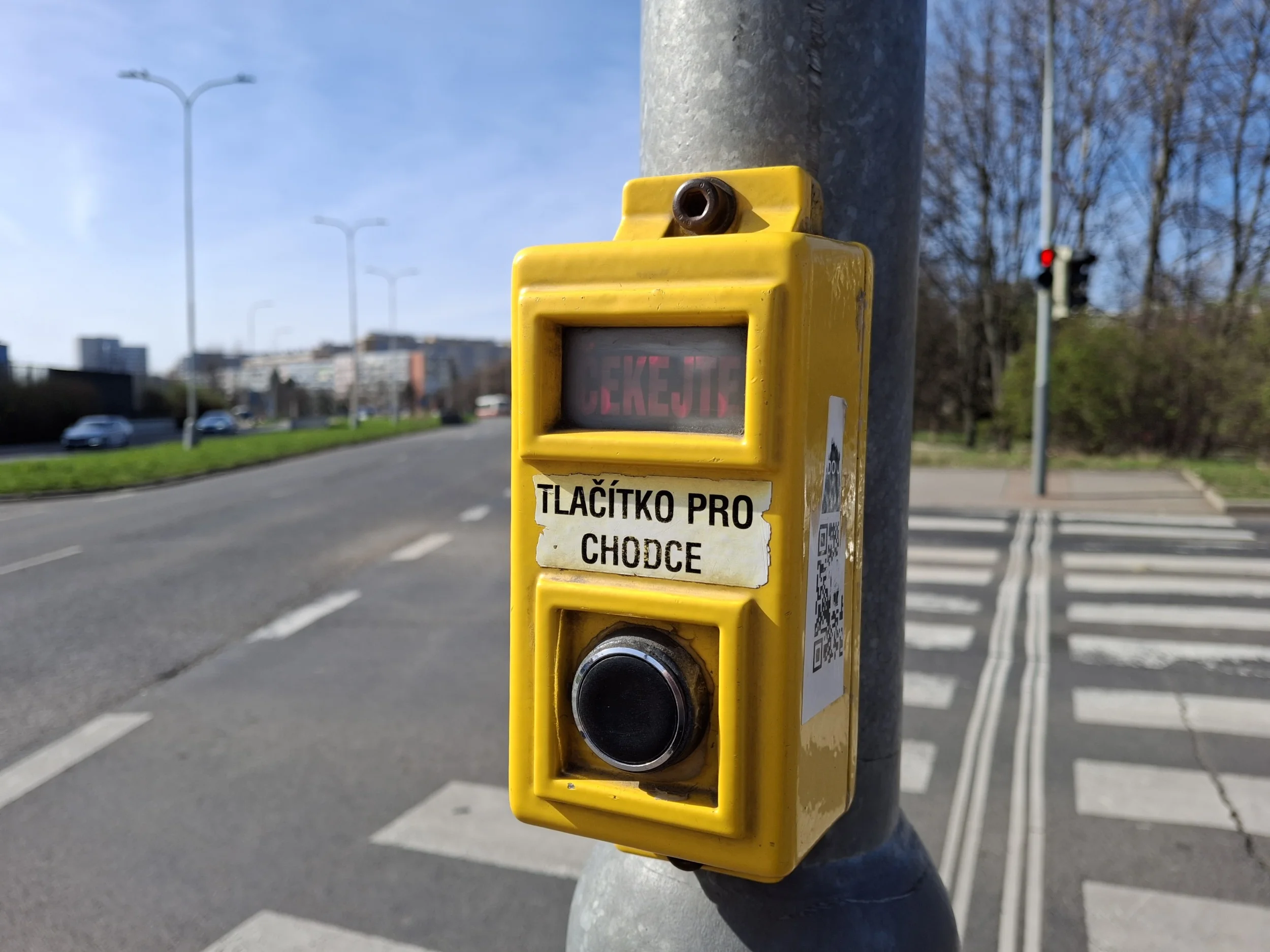
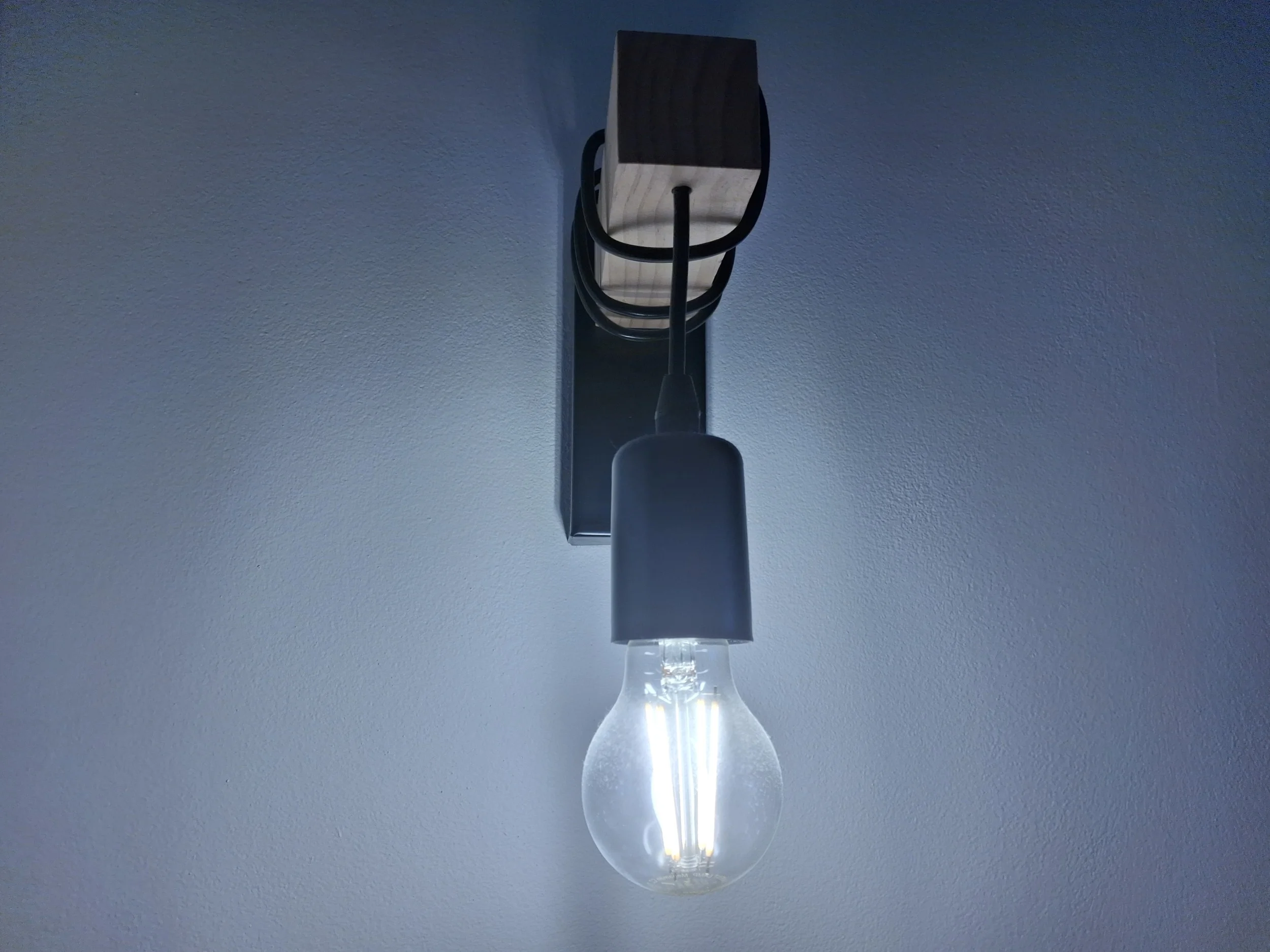





The shortcomings are easier to spot when you compare shots taken at 2x zoom and with the ultrawide camera, as shown below. Photos from the main sensor look reasonably solid, but once you switch away from it, both image quality and color rendering take a clear step down.



The Galaxy A35 is not a camera phone. That said, it’ll do the job just fine for anyone taking casual shots for social media. If you want the best imaging you can get for the money, you’re probably better off looking at an older former flagship.
Final Verdict: Galaxy A35
Compared to the previous generation, the Galaxy A35 is a gradual evolution, but a lot of the changes move in the right direction. Samsung clearly wanted to keep manufacturing costs in check, so it went with a plastic frame, and that really doesn’t hurt the phone in day-to-day use. The bigger boost to the premium feel comes from the glass back, which makes the device feel more polished overall. And thankfully, the old-style display notch for the front camera is gone. At this point, a punch-hole cutout simply looks cleaner.
I also appreciate the very good stereo speakers. They don’t have any major weak spots and the sound is fairly well balanced. The phone does struggle a bit with some notification tones, which can sound slightly tinny, but for watching videos the speakers deliver a genuinely solid result. They don’t feel like a throwaway extra. The camera system has its strengths too, especially thanks to optical image stabilization. The other two cameras are here more for flexibility than anything else, and you probably won’t use them all that often.
The biggest weakness of this new model is probably the processor. It handles most apps very well, but it starts to show limits with apps that lean more heavily on multiple phone functions at once, especially ones that fire up the camera right away. Yes, Snapchat is a good example. Switching between Chrome and Snapchat can feel a little less smooth than it should. The same goes for jumping back and forth between a game and a social app.
Battery life is another real strong point. Getting through two days on a charge isn’t hard here, and even if you spend part of the day gaming or watching videos, you’re not going to be hunting for a charger by the afternoon. I would have liked to see faster charging, though, or even wireless charging at this price, even if it were on the slower side.
The Galaxy A35 won’t have an easy road, mostly because of its price and overall feature set. There are phones on the market that offer a better value equation. That said, the Galaxy A35 has one clear advantage: software support. This phone is in line to receive Android 15, 16, 17, and Android 18, plus an additional year of security updates. That makes the Samsung Galaxy A35 a phone built for the long haul, and if you wait a bit, there’s a good chance you’ll catch it on sale. At a lower price, it becomes a much stronger buy.
Pros
- 5 years of software support
- better-than-average stereo speakers
- very good display
- eSIM
Cons
- processor struggles when switching between demanding apps
- thicker display bezels
- charging could be faster, and wireless charging is missing
Community Discussion 0 COMMENTS