
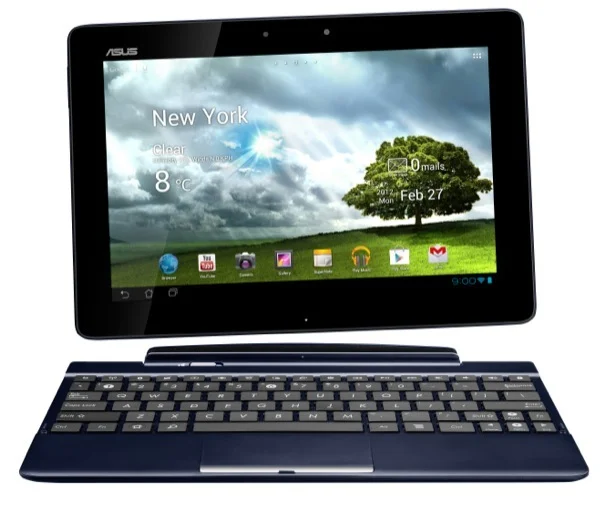
ASUS has long been one of Android’s most aggressive hardware makers. Its position in the market has given it room to experiment, and that paid off with the Transformer line, a tablet-and-keyboard combo that many other companies are only now bringing to market. It even looks, in hindsight, like the kind of idea that helped push Microsoft in a similar direction. The newest addition at the top end is the Transformer Pad Infinity. The midrange slot goes to the Transformer Prime. This review, though, is about the entry-level model, the Transformer Pad TF300T. It ships in several colors, with or without the keyboard dock. The tablet alone costs just under 10,000 CZK (approx. $460 / €411), and the keyboard adds another 2,000 CZK (approx. $92 / €82). So what do you actually get for that money, and where did ASUS cut costs to hit the price?
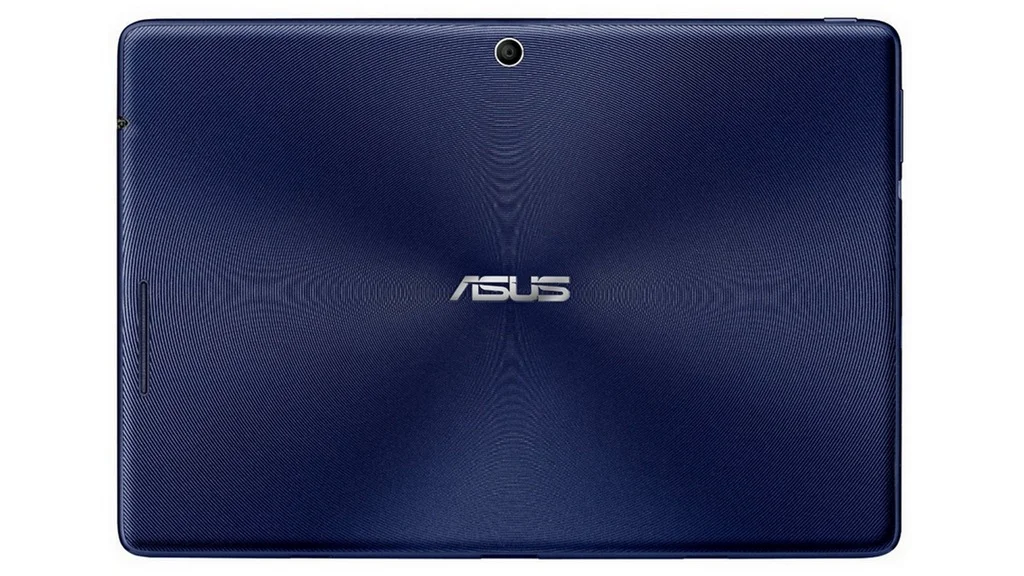
The back of the tablet is entirely plastic, finished with ASUS’ familiar concentric-circle texture. That helps keep the weight down and should also improve wireless reception. It may also strike some people as a little cheap. Still, the texture makes the tablet easier to hold, which is more than can be said for some slick-backed rivals. In day-to-day use, the material works well and doesn’t get especially hot. There is a slight warm spot in the upper-right corner, where the processor is likely located. The antennas are also housed in the top section, whether you have the 3G model or the Wi-Fi-only version. I was able to knock the signal down by two bars when I deliberately covered that area, but under normal use it’s not a real issue.
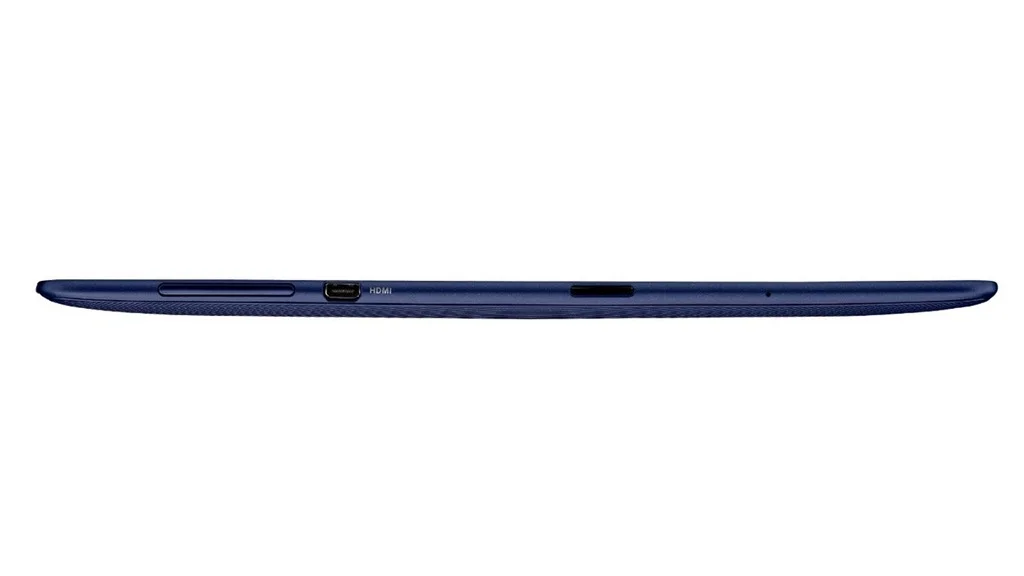
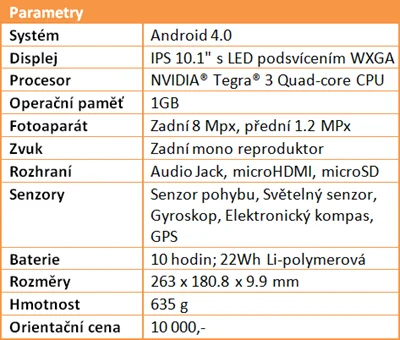
That upper section also houses the rear 8MP camera, which supports Full HD video recording and autofocus. ASUS’ official site mentions a flash, but that’s simply not true. Low-light photography is off the table. The last cutout on the back is for the speaker. There’s only one, but it’s surprisingly good, with solid volume and even some bass. Along the sides you’ll find a headphone jack and a microHDMI output for 1080p video. There’s also a microSD card slot for storage expansion. Physical controls are limited to the volume rocker and the power button, which also handles wake and lock duties. On the bottom edge, ASUS includes its proprietary wide USB connector and the mounting points for the keyboard dock. The tiny holes nearby are microphone inputs. But the most important hardware is up front.
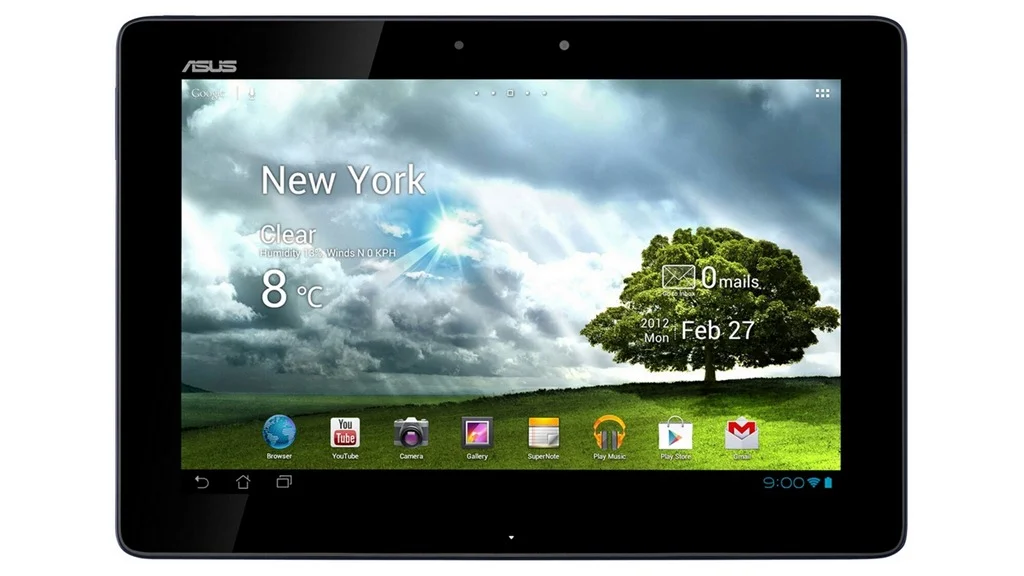
Front and center is a 10.1-inch IPS display with LED backlighting and a resolution of 1280 x 800. ASUS rates the viewing angles at 178 degrees. It supports up to 10-point multitouch, though that’s not something I ever had reason to push in real use. Because the panel has a glossy finish, outdoor visibility in direct sunlight is poor, even at maximum brightness. Indoors or in dimmer settings, though, it looks much better. Backlighting is strong enough, and in many cases I found myself using only about half brightness. The resolution is also perfectly adequate, and watching HD content is a pleasant experience. Up front there’s also a 1.2MP camera. The ambient light sensor is hard to spot and only becomes visible from certain angles.
Inside, the tablet runs on Nvidia’s Tegra 3 chipset, which gives Android plenty of headroom to feel smooth and responsive. Its four main cores can handle Full HD video acceleration, while a fifth low-power companion core takes over in standby and handles lighter background tasks. That setup does wonders for battery life. In my experience, the battery didn’t drop even a single percentage point over four hours of standby. With mixed use, I reached around 20 hours and still had a healthy amount left in reserve. Even under heavier workloads, the tablet still lands around the 10-hour mark, which is genuinely impressive. Add the extra battery in the keyboard dock and you’re playing in a different league. ASUS’ battery claims aren’t just marketing fluff. The 1 GB of RAM doesn’t hold the system back, and the 32 GB of internal storage, expandable via microSD, should satisfy most new users.
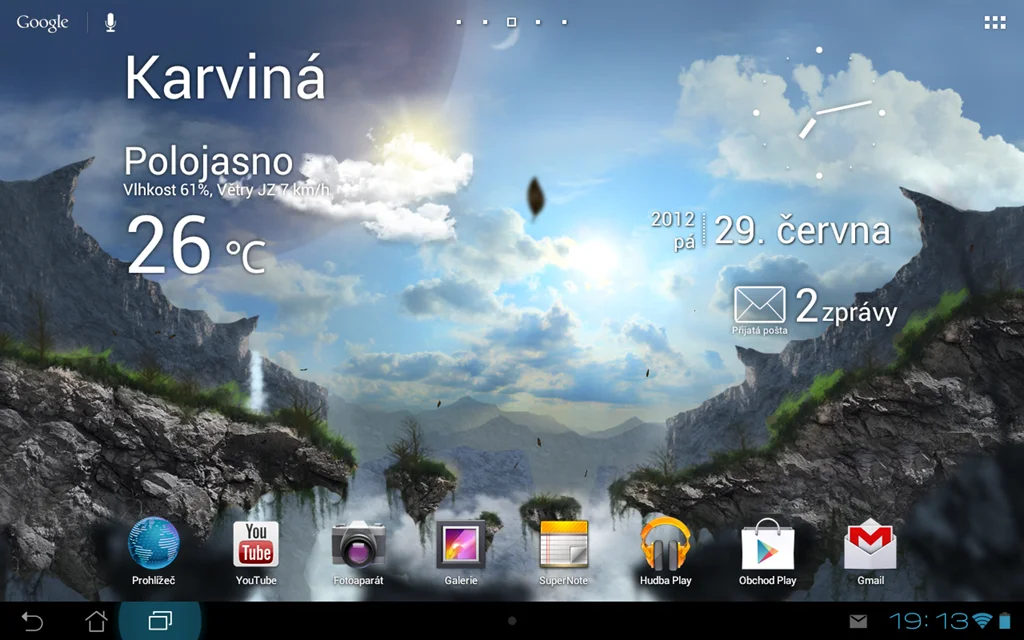
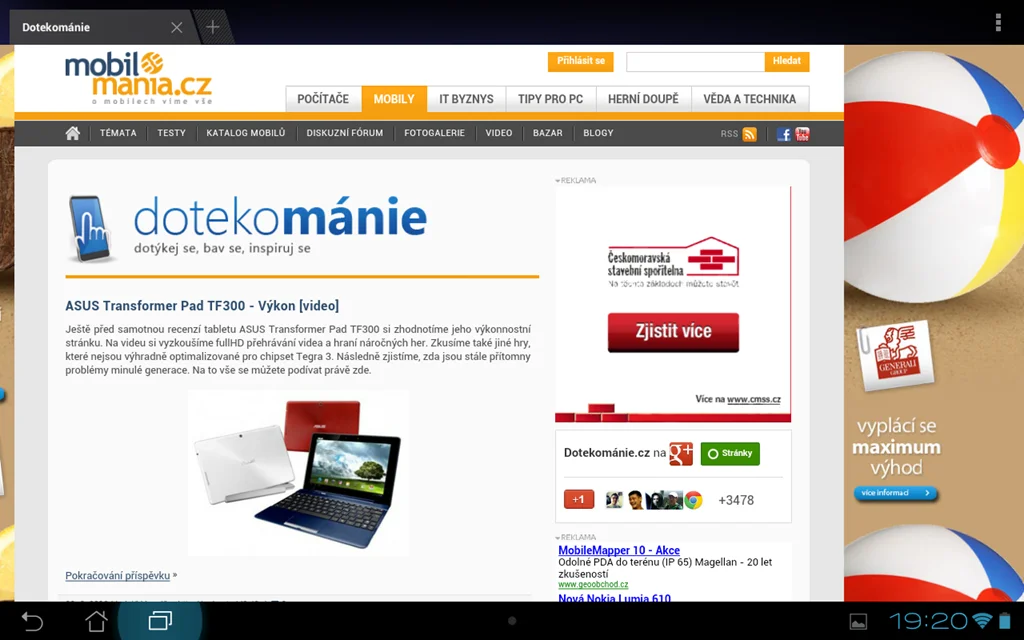
ASUS went with Android 4.0 here, and at the time it should be a strong candidate for an update to Jelly Bean. Better yet, the software is barely modified and feels close to stock Android. Yes, there’s a manufacturer live wallpaper and a few ASUS-specific menu items, but there’s no heavy-handed skin layered on top. ASUS also deserves credit for continuing to issue updates. Chrome, for example, had some stability issues early on. I ran into random crashes and, in worse cases, full freezes. That has been fixed in a newer version, though Chrome still doesn’t feel quite as smooth as the standard browser. Outside of that, I didn’t run into any serious stability problems.

As I wrote earlier, Asus has clearly spent time tuning power consumption, and that shows up in three performance modes built into the system. Normal mode is the middle ground between the other two. Power-saving mode works well for reading and other light tasks. It can even handle Full HD video, but demanding games are out of the question. That’s where Turbo mode comes in, unlocking the highest performance the tablet can deliver. Asus doesn’t really explain how it works. Most likely, it’s a clocking utility that adjusts CPU and GPU frequencies.
Fans of rooting will probably appreciate that there are a few preinstalled apps here that feel unnecessary. I never once opened things like Asus’s media center or its cloud storage app. On the plus side, the file manager is well done, and the note-taking app is genuinely useful. I should also mention the system bar lock, which lets you hide the bar while gaming or watching movies. You could argue that it hides itself anyway, but one accidental tap can bring it back, and this handy feature prevents that. One last useful extra is built-in screenshot capture, which comes in handy more often than you’d think. Just press and hold the virtual button for recently used apps.
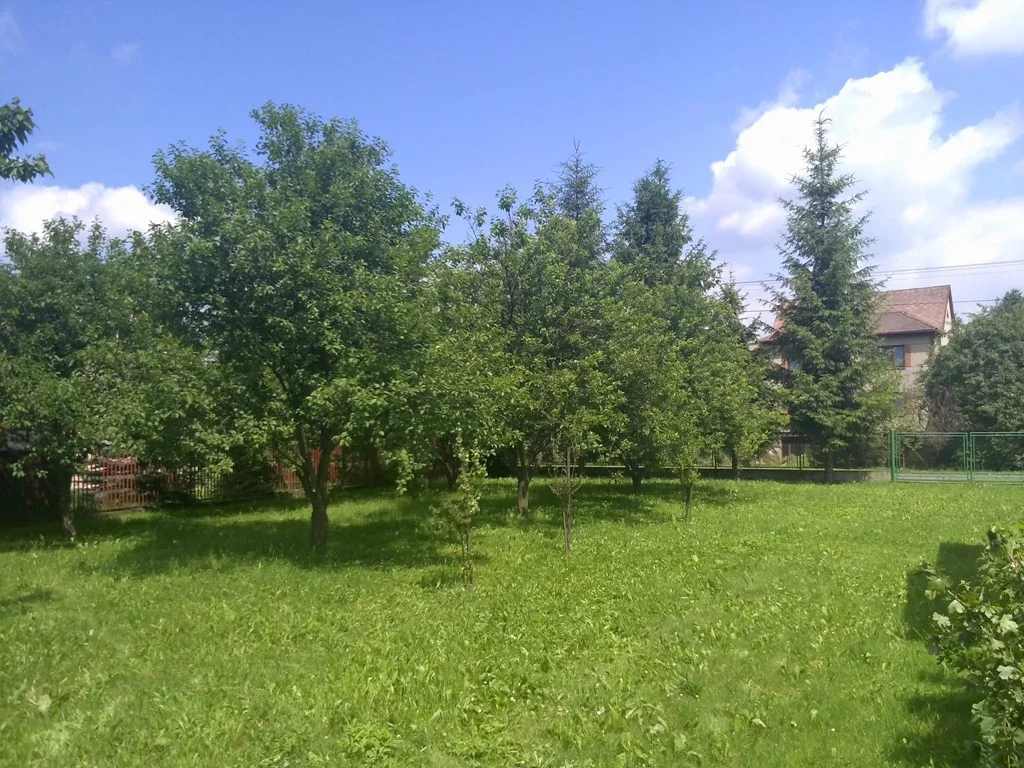
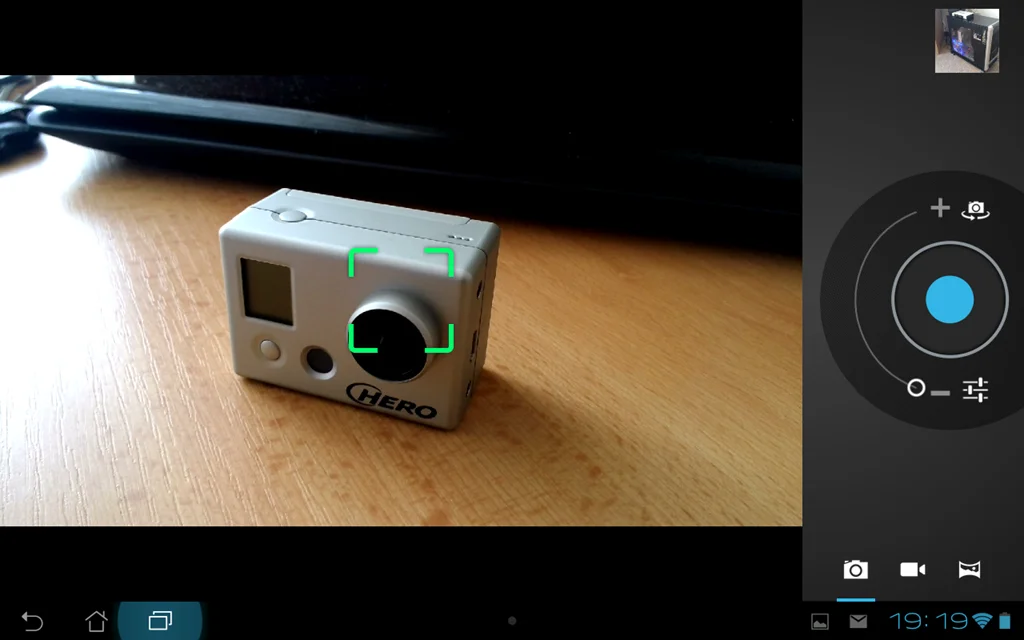
Around back, you won’t find an LED flash next to the camera lens; Asus reserves that for higher-end models. Realistically, though, a tablet was never meant to be a serious camera, so the cameras here feel more like a bonus for the occasional shot. Without any kind of flash, low-light photography is basically off the table. Images pick up visible noise, and focusing in the dark is hit or miss. The rear camera tops out at 8 MPx, and in good lighting the photos are above average, at least by tablet standards. The settings menu also includes several scene modes. Recording video isn’t exactly comfortable on a tablet, but Full HD footage is good enough for quick clips with family or friends. The front camera is in a different class altogether, since it’s primarily meant for video calls.

Who is this tablet for? That question has followed tablets since the category first appeared. One possible role is as a console replacement, and this model makes a strong case thanks to both its graphics performance and its support for external gaming accessories. It can also take over for a DVD player. The demo makes it clear that it can handle very demanding Full HD video over HDMI. You’ll also appreciate the convenience when reading or browsing the web, including in bed. Compared to a laptop, the lower weight is immediately noticeable, which makes a tablet much easier to carry on the road while still covering similar tasks, like notes, presentations, or web browsing. There’s no doubt a tablet can find a place in almost any home, but you need to understand what it actually does well. System polish matters too, and Asus is clearly putting real effort into that. This tablet offers, thanks to a compromise of cheaper materials without giving up overall quality, the best you’re likely to find in this price class, where many competing manufacturers fall short.
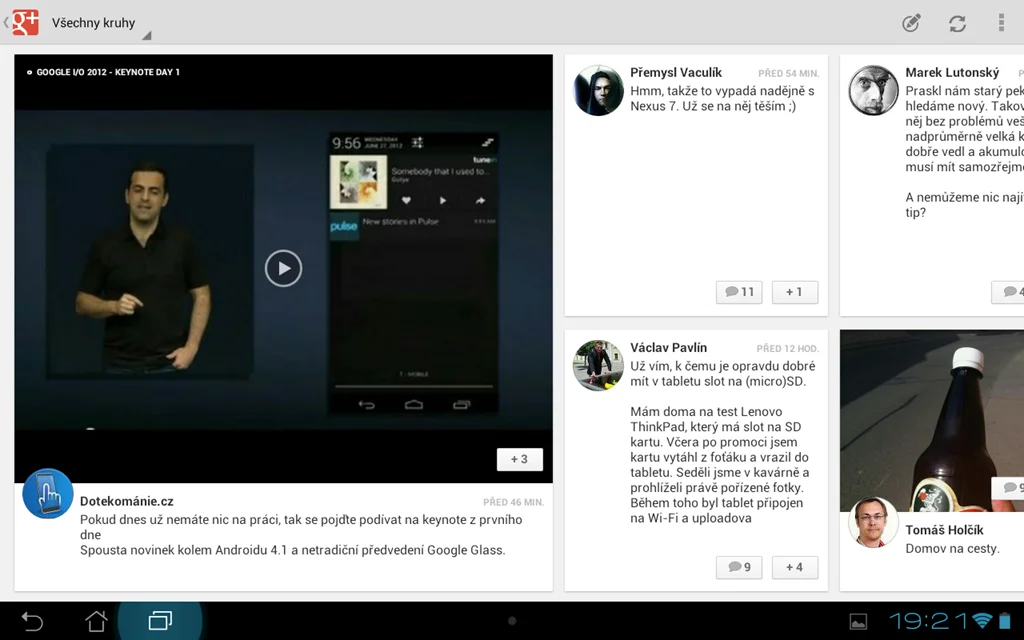
Captured screenshots

Community Discussion 0 COMMENTS