
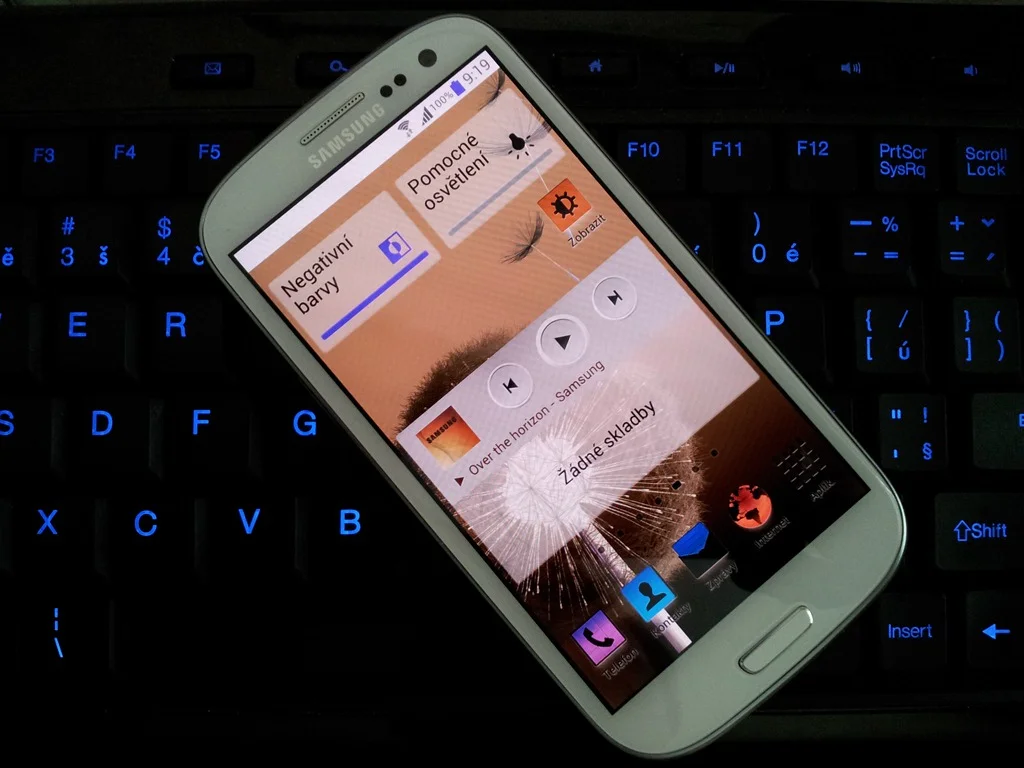
The Galaxy S III was one of the most anticipated smartphones of the year, and Samsung did a solid job building suspense around it. When it was first unveiled, I came away a little disappointed, mostly because of the design. It felt like Samsung didn’t want to take many risks and instead leaned on the success of the Galaxy Nexus. Still, I held off on judging it too harshly until I had it in my hands. I already shared my first impressions, but they’re worth revisiting here, especially since I spent much of my testing comparing the Galaxy S III with its predecessor.
Build Quality and Everyday Impressions
I’m not going to drag you through a long checklist of everything I ran into while testing and using the Galaxy S III as a daily phone. It’s not a perfect smartphone. Still, from my perspective, it gets very close. Here’s how I rate the hardware and what stuck with me most during day-to-day use.
Battery Life
The phone’s specs set expectations pretty clearly, and based on those alone I didn’t expect it to last more than a day of active use. My bigger concern was that it might run out halfway through the day and leave me hunting for an outlet. Thankfully, it turned out to be a pleasant surprise. Under a full day’s workload, it lasted from morning to evening. I tried a few different usage patterns to see how far it could go.
On the first day, I didn’t push it very hard. That means no graphics-heavy games and no music playback. On the other hand, I kept two accounts syncing constantly and used connectivity without holding back. Throughout the day and night, the phone bounced between Wi‑Fi, 2G, and 3G. As usual, 3G coverage wasn’t exactly ideal, even in Prague. I also left the display on automatic brightness. The result honestly impressed me.
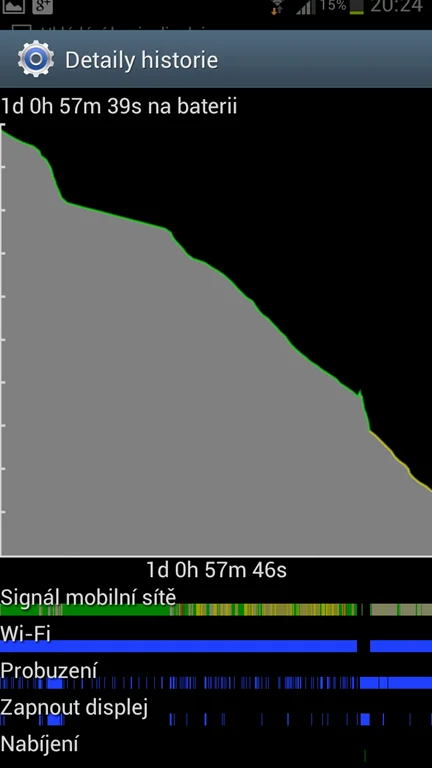
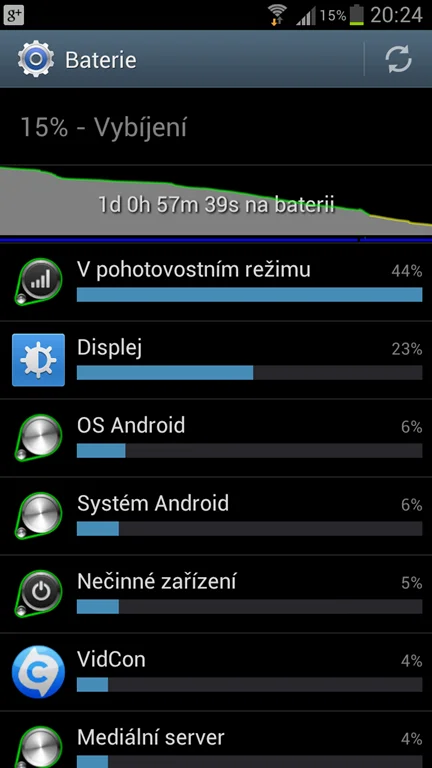
Then I started pushing harder, first with music and later with gaming. You can add roughly an hour of each per day. Even then, I think Samsung did a good job optimizing power use, and the Galaxy S III doesn’t have to apologize for its battery life. That said, a battery closer to 3000mAh certainly wouldn’t have hurt.
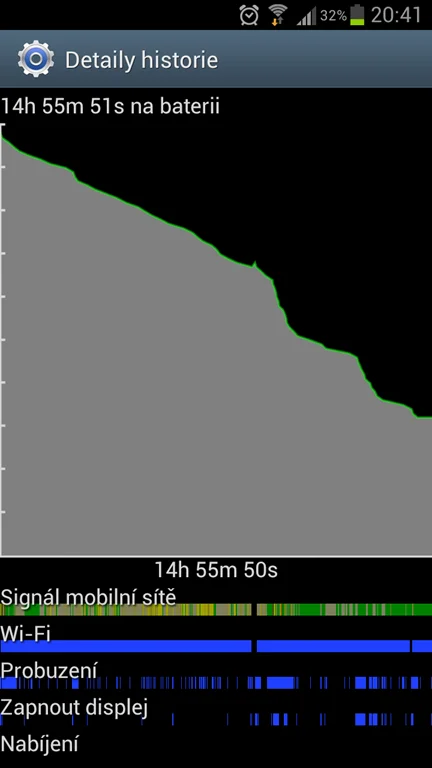
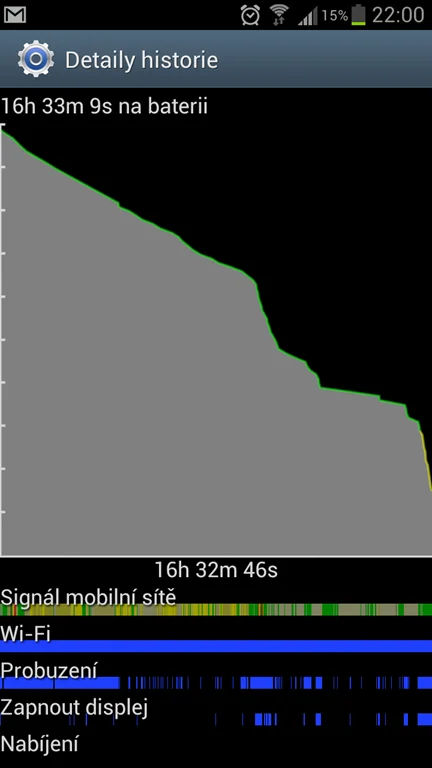
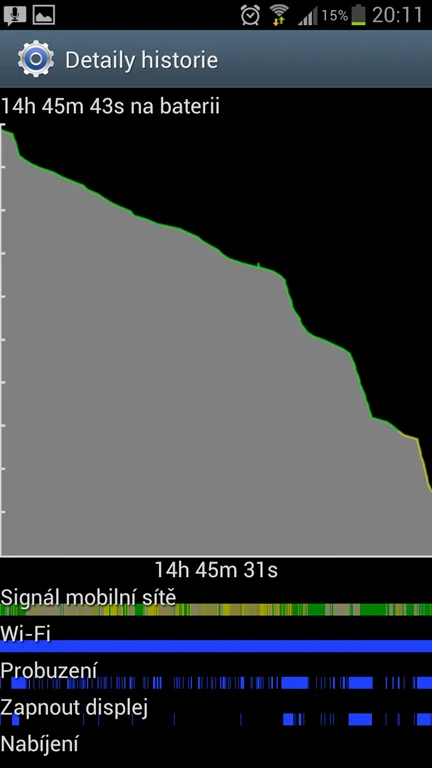
I almost never managed to drain the battery completely over the course of a normal day, even when I tried. My work schedule doesn’t exactly allow me to sit around playing games for two straight hours just to kill the battery. If you really want to empty it, you absolutely can. Still, overall, I’d rate the Galaxy S III very positively here, even if there’s room for improvement. For now, though, daily charging is simply part of the deal.
Android, TouchWiz, and Apps
I was disappointed by the first Galaxy S. The software felt rough, laggy, and full of annoying issues. The second generation improved a lot, and with the Galaxy S III I really can’t complain much at all. Samsung put in the work this time. Maybe some of the credit goes to the quad-core processor and the Mali-400MP graphics. Either way, the interface is extremely smooth and never let me down.
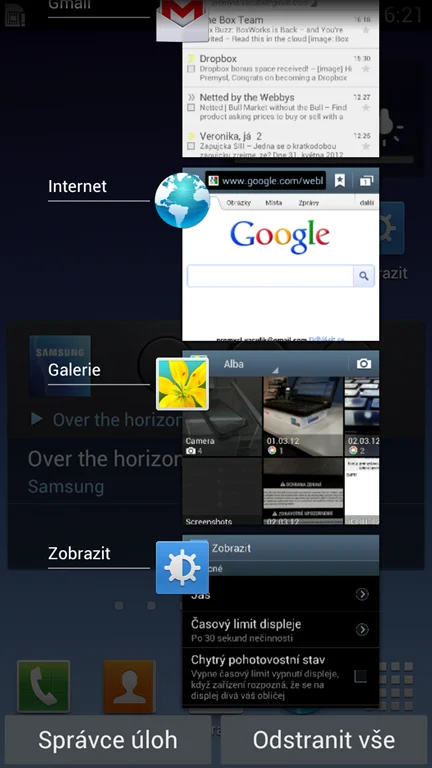
There is one caveat. The Galaxy S III includes a power-saving mode that lowers the processor’s maximum clock speed and also reduces the refresh rate. In that mode, you may occasionally notice a small stutter or a brief pause. I only ran into it once during the entire test period, but that’s the tradeoff for squeezing out extra battery life.
In other respects, there’s very little to criticize about Android 4.0 Ice Cream Sandwich here. Even with the TouchWiz skin on top, I never felt the urge to start flashing custom software. Everything ran smoothly, and when I did hit a problem with an app, waiting a moment or clearing RAM was usually enough to fix it.
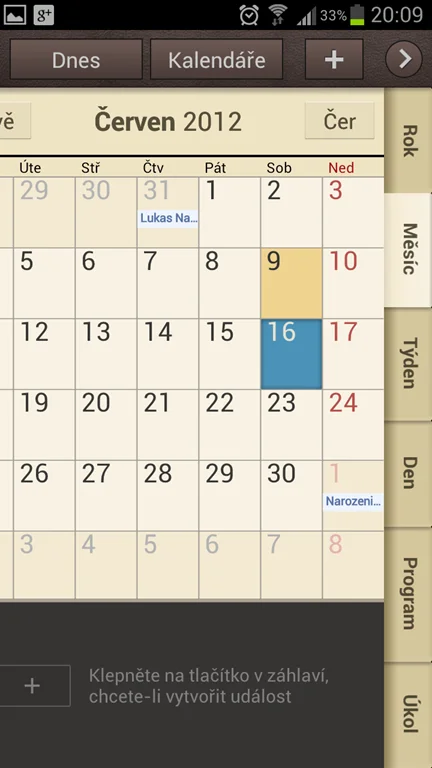
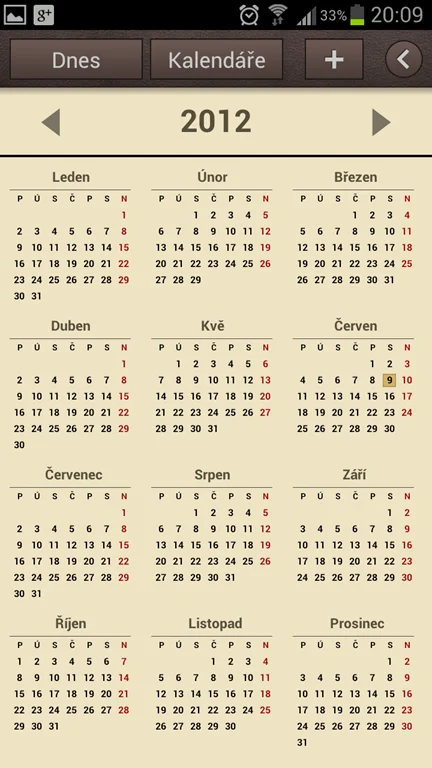
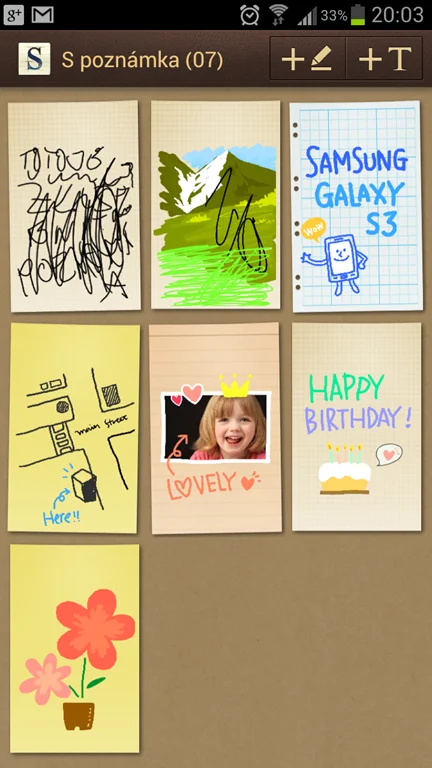
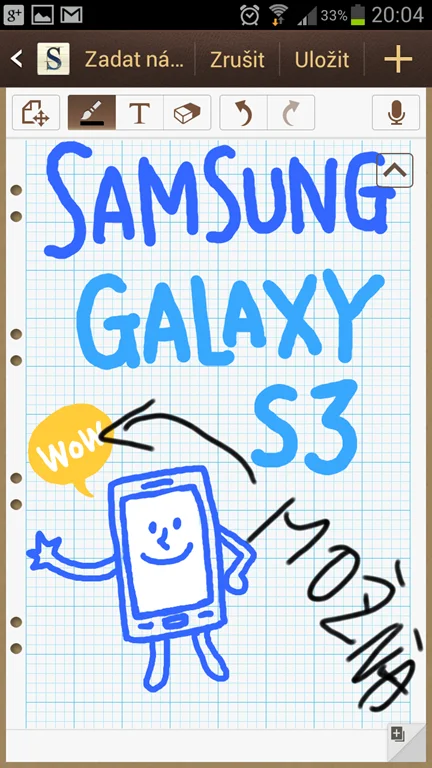
Unfortunately, Samsung’s other apps didn’t do much for me, though that doesn’t mean they’re poorly made. The calendar, for example, is quite nice visually. I’m just not a heavy user of that kind of app. S Note is also polished and invites you to play around with it. It’s just not really built for someone like me.
What I did miss in the default software lineup was some kind of office suite. Previous Samsung flagships at least included a basic productivity package. The Galaxy S III, by contrast, only comes with a document viewer. That can be useful, sure, but there’s no editing support.
On the other hand, Dropbox is a nice bonus. Samsung gives you 48 GB of free cloud storage for two years. That’s genuinely useful, but it’s worth checking the settings right away. Photos you take can upload automatically to a folder and then sync to your computer as well. You’ll want to make sure that isn’t happening over mobile data unless that’s what you want.
S-Voice
S-Voice is part of the package too, but it’s nowhere near as sophisticated as Siri on the iPhone. Based on my experience, it feels more like an update to the older Vlingo app than a truly new assistant. Its biggest weakness is the lack of Czech language support, which makes it of limited use in this market. It doesn’t really understand speech in a deeper way, so I’d put it in the category of above-average voice control rather than a full assistant.
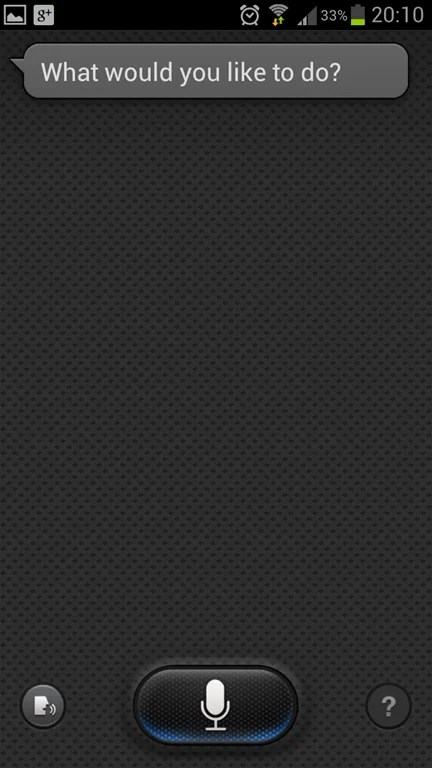
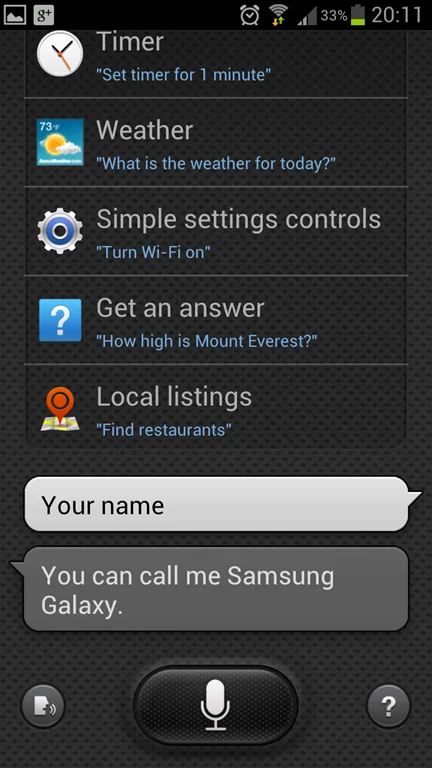
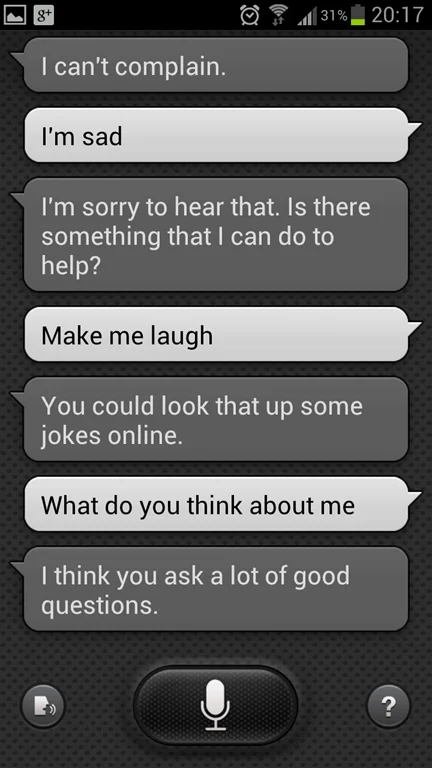
Don’t expect any humor or personality hidden inside the app. If it doesn’t understand you, it won’t try very hard to find an alternate answer. Early in my testing, I asked it what its name was, and the reply was an odd one: Wolfram|Alpha. It now answers with the phone’s own branding instead.
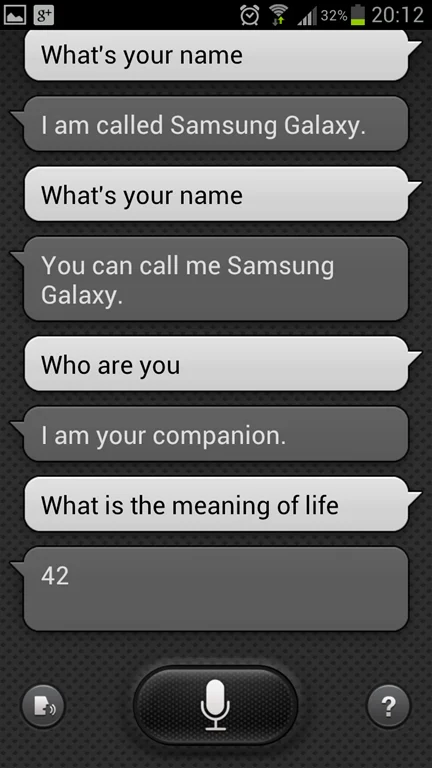
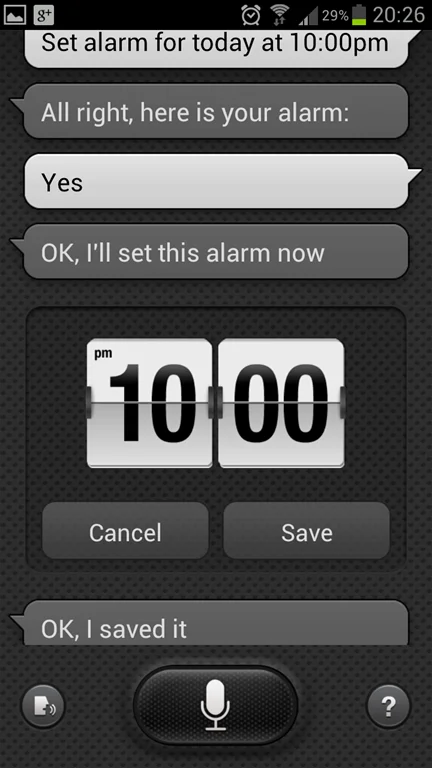
In practice, S-Voice is built around smart search and voice command recognition that doesn’t always require a rigid, exact phrase. For instance, you can tell S-Voice to set an alarm, and it will then ask what time you want. Or you can say the whole command in one shot and skip the back-and-forth. Even so, don’t expect miracles.
When I’m Looking
Smart stay is one of the most interesting and genuinely distinctive smartphone features I’d seen at the time, and the Galaxy S III was the first device where I got to try it. Here’s the simple version: if you want to read a long article and don’t want the screen constantly timing out, you usually have two options. Either set the display timeout to the longest possible interval, or keep tapping the screen so it stays awake.
Samsung’s fix is simple, and pretty clever. It uses the front-facing camera, which briefly turns on at intervals. If it detects your face, the software assumes you’re still looking at the display and keeps it on. If it doesn’t see you, the screen turns off according to the preset timeout. Simple, practical, and very effective.
There is one small downside. When I’m working on a laptop and occasionally interacting with the phone, I tend to place it directly in front of me, below my face. In that position, the software can still think I’m actively reading the phone and keep the display lit. It’s a minor quirk, but this kind of idea was rare at the time. As small software tricks go, this is a real win for Samsung.
Camera
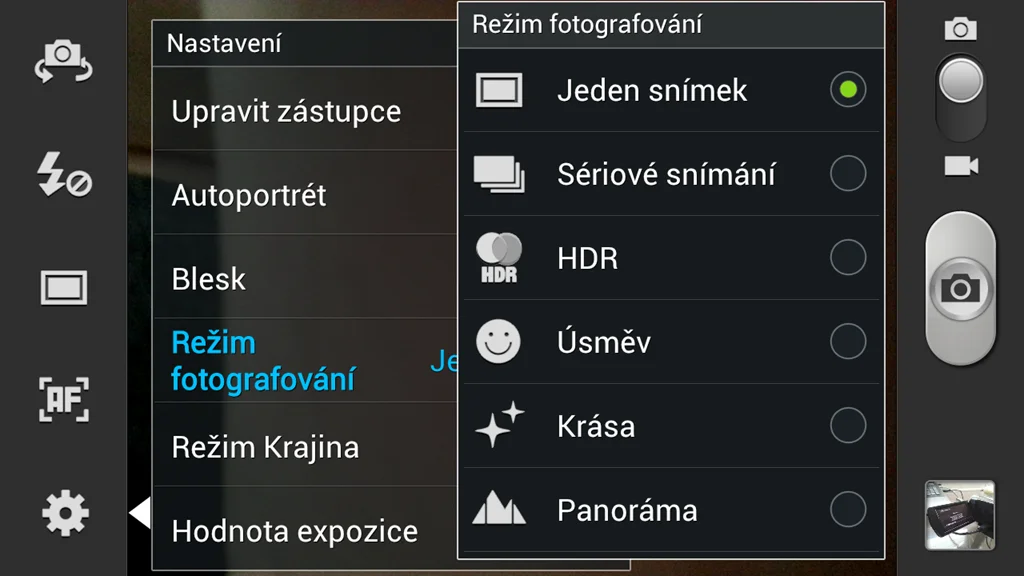
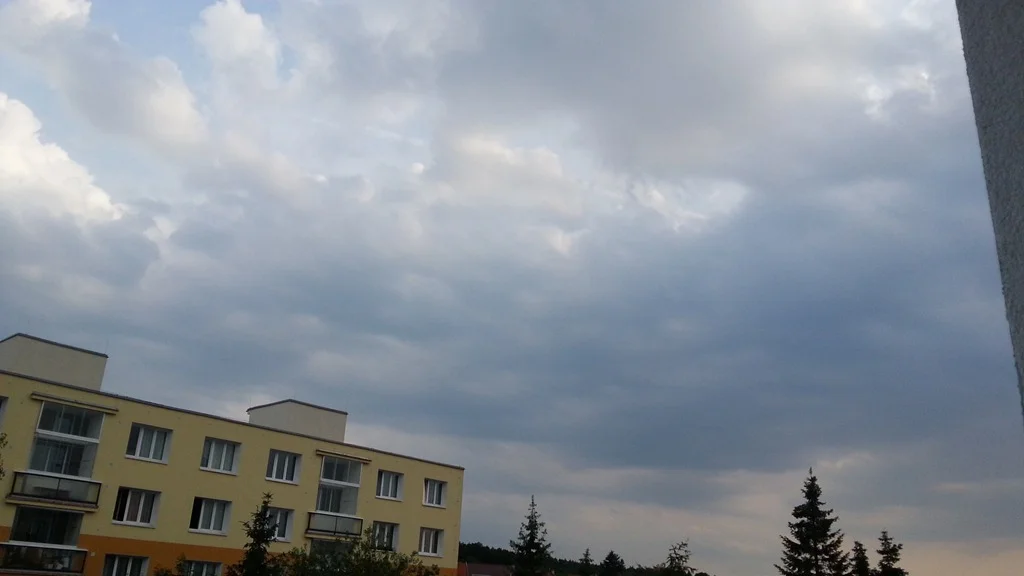
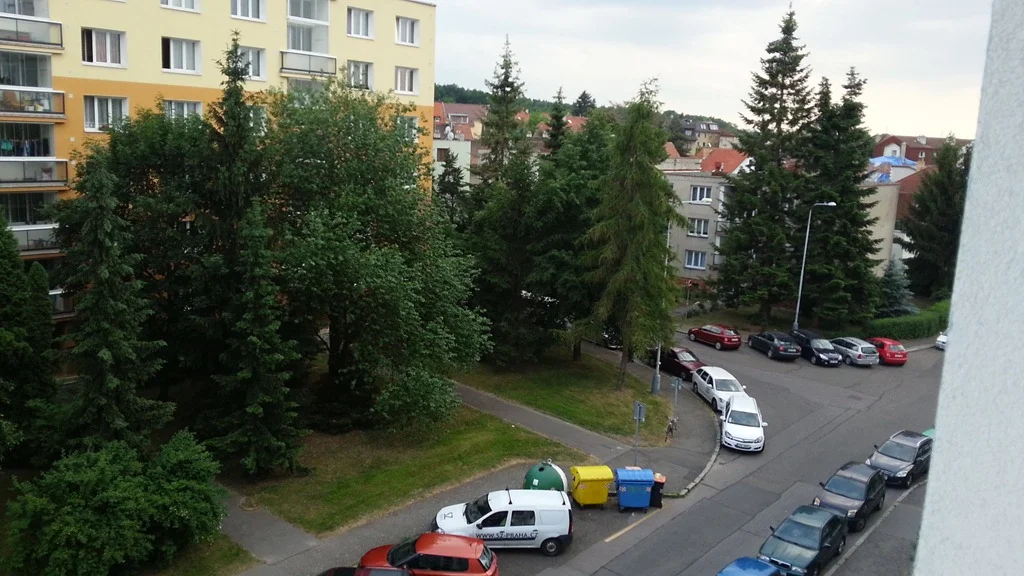
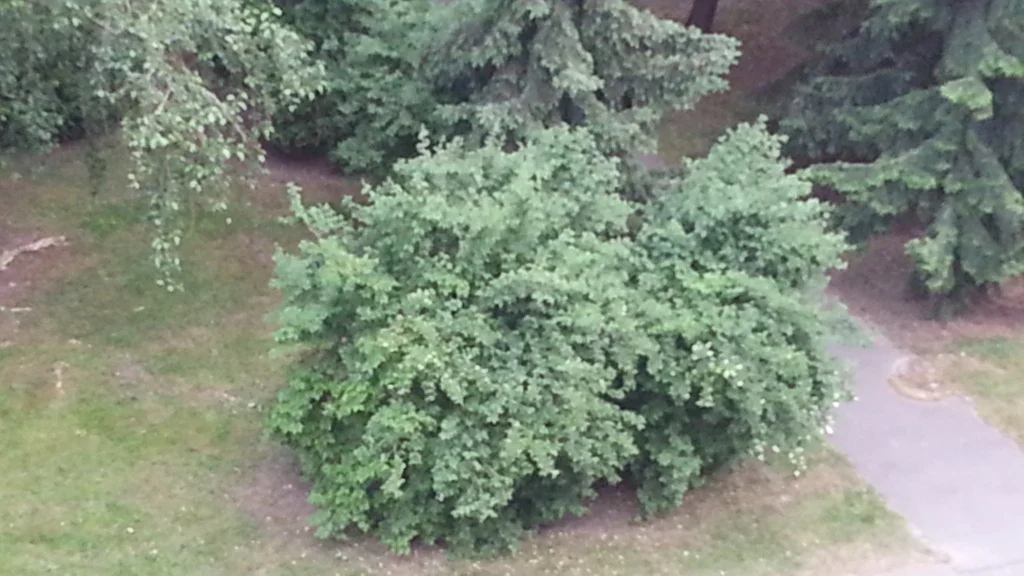
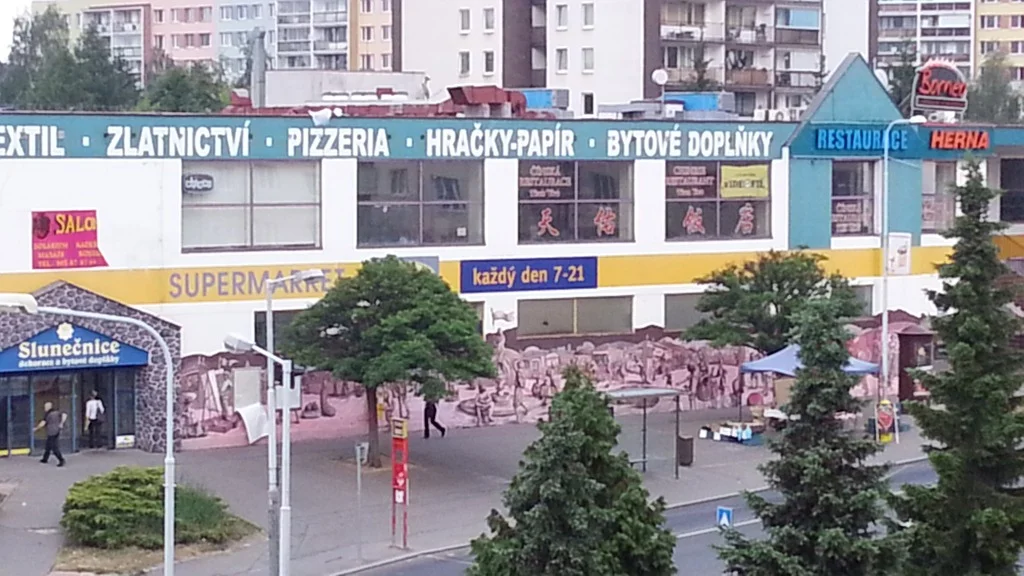
Samsung didn’t join the megapixel race here and stuck with a proven 8 MPx sensor. If you were expecting the stock ICS camera app, you’ll be disappointed. Samsung changed things here too, and what you get is a lightly revised version of the camera app from the previous generation. Thankfully, that doesn’t hurt the phone at all, and it even adds HDR shooting. The implementation is a little different from what you may be used to. Take a look at the photos and you can see the difference for yourself.
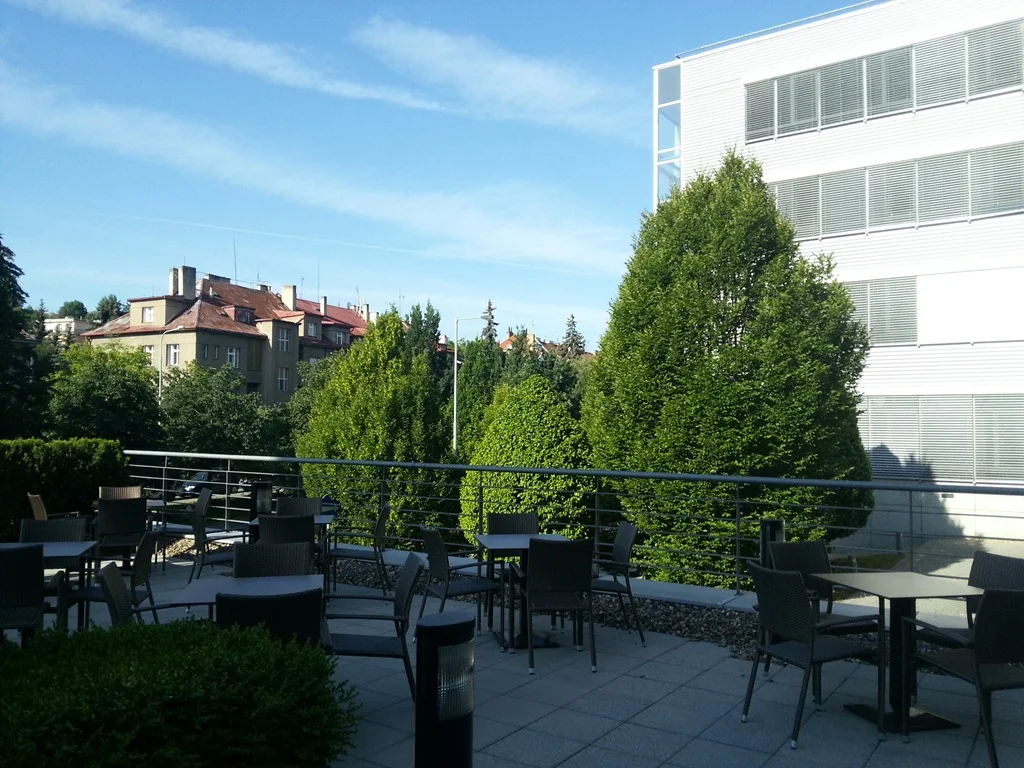
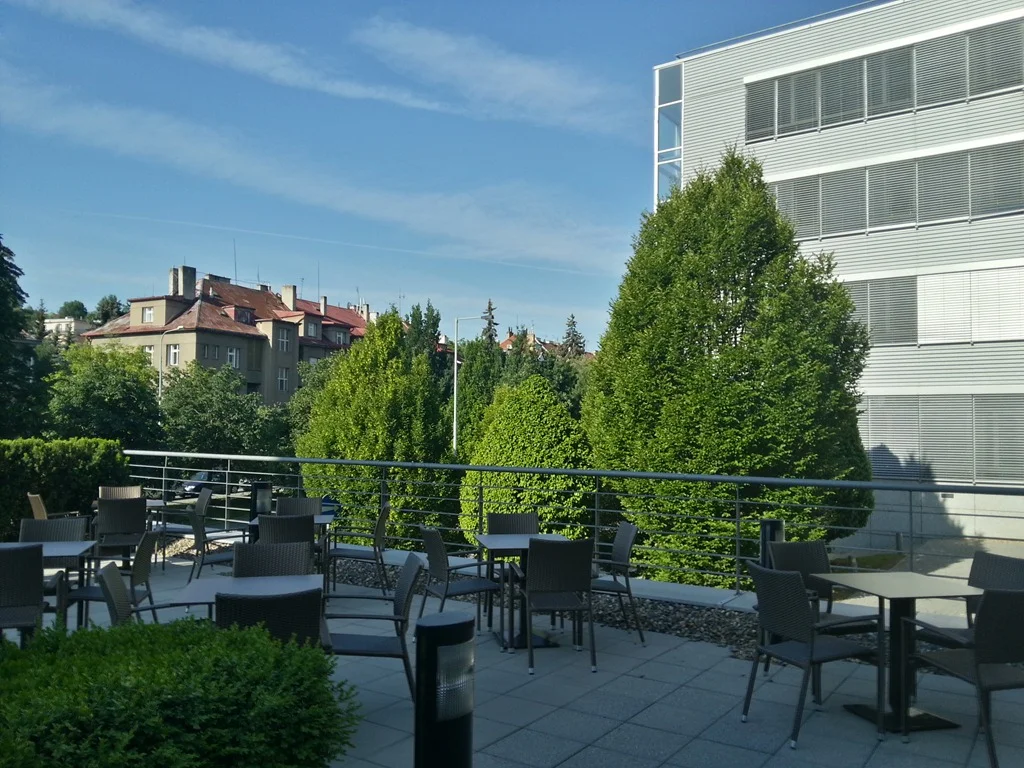


One interesting feature in the camera app is burst shooting, which can snap 20 photos in just a moment. You can also enable an option that has the phone suggest the best shot from the entire sequence. They’re neat features, though their real-world usefulness is debatable. To give you a better sense of the camera, here’s a gallery of photos I took during testing.

Video recording is once again limited to Full HD, and very little has changed here. You can zoom while recording, and you can also capture still photos at the same time. Check out the sample video below, where I took several shots during recording, something that isn’t visible in the final footage at all. In that respect, the Galaxy S 3’s performance holds up well.
Here are the photos captured during video recording.
Performance
This time I didn’t use a single benchmark, because it was already obvious the phone would post huge numbers. So I took a less conventional route and compared it with the SGS 2 in more everyday tasks. I’m not saying you’ll regularly need to convert video into another codec, but at least this kind of test tells you more than a score on a chart.
Conclusion
The Samsung Galaxy S 3 is a big phone, but its size becomes easy to live with after a few days. The rounded design helps a lot. I was genuinely impressed by it, though for my own taste the display would need to be a little smaller. At 4.8 inches, it’s more screen than I want, and I’m still more comfortable around 4.3 inches.
Samsung clearly put real thought into this device, right down to the small details, and it deserves credit for that. A simple touch like keeping the display from dimming while you’re reading feels smart and original. I also ended up liking TouchWiz overall. At this point it feels polished, and it no longer makes you wonder what’s stuttering in the background.
Looking at this smartphone with a bit of distance, I can say I’d probably pay full price for it. The problem is that I already own a Samsung Galaxy S 2, so there’s really no reason to upgrade. Its performance is still good enough, and I don’t need an HD display. The takeaway is pretty simple: if you’re still using a single-core smartphone, it’s time to move on. A quad-core phone like the Samsung Galaxy S 3 should hold up for years.
Specifications:
Dimensions and weight: 137 × 71 × 8.6 mm, 133 g
Display: 4.8-inch, capacitive Super AMOLED, 720 × 1,280, 306 DPI, Gorilla Glass 2
Networks: GSM (quad-band), WCDMA (quad-band), GPRS, EDGE, HSPA (21.1|5.76 Mb/s
Connectivity: microUSB, MHL, Wi-Fi, Bluetooth, GPS, NFC, 3.5mm jack
Memory: 64,000 MB user storage, 1,024 MB RAM, battery: 2,100 mAh
Processor: Samsung Exynos 4412 (4× Cortex-A9, 1,400 MHz, 32nm), ARM Mali-400 MP
Operating system: Android 4.0 (Ice Cream Sandwich)
Camera: 8MPx (3,264 × 2,448), video (1,920 × 1,080), autofocus, LED flash
Community Discussion 0 COMMENTS