
Phones from Chinese brands have become a lot more popular lately. Xiaomi is the obvious example, pushing even the biggest smartphone makers harder than many expected. Meizu is part of that same wave, and the MX4 is one of its most interesting devices. In this review, we take a look at whether it can really hold its own against pricier phones from bigger brands.
In the Box
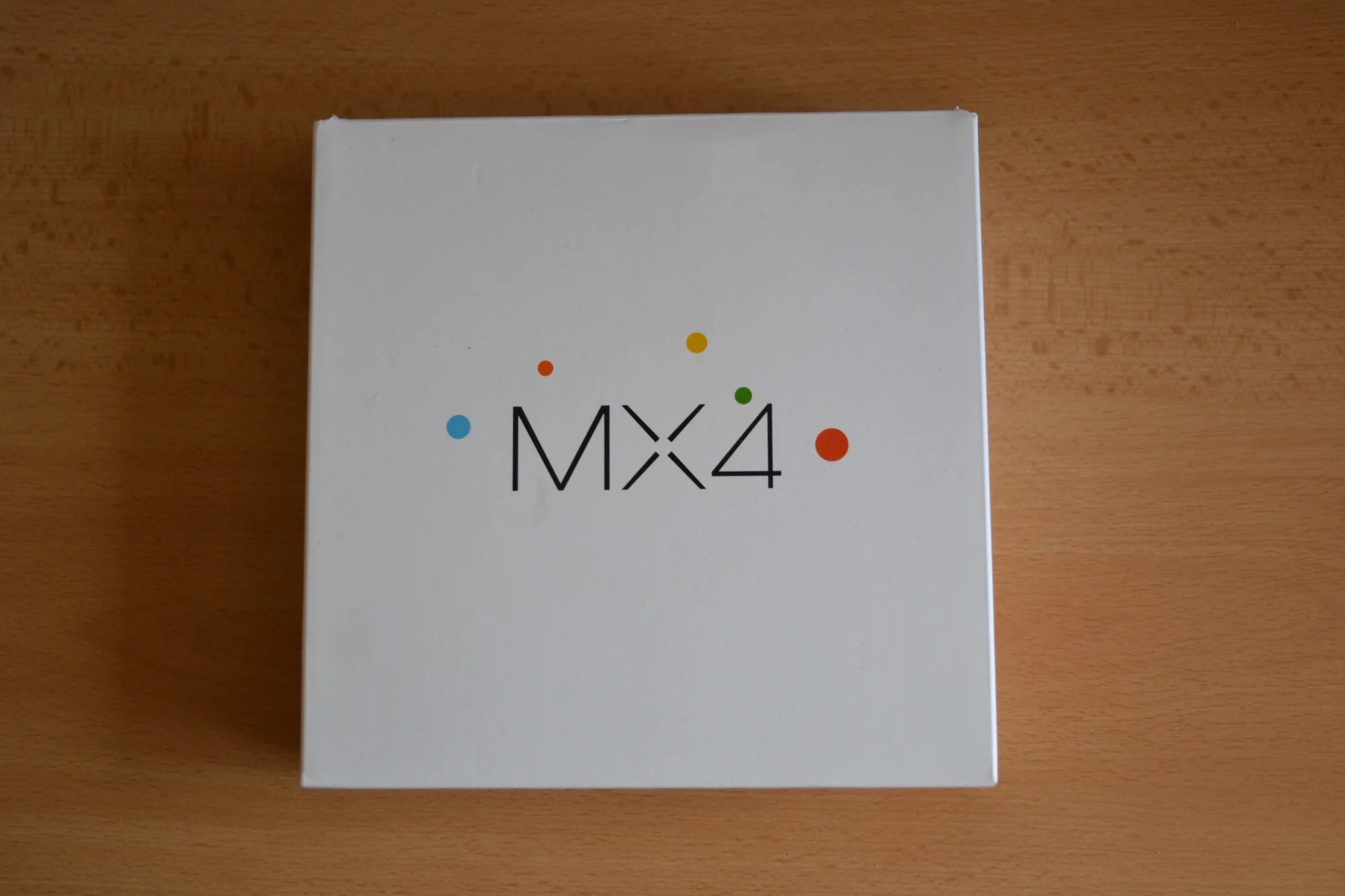
It would be a mistake to skip the packaging here, because this is the buyer’s first contact with the phone, and in the case of the Meizu MX4, that first impression is very strong. I received the device for review in a square box with nothing more than the model logo printed on top. Lift the lid, and the phone is not the first thing you see.
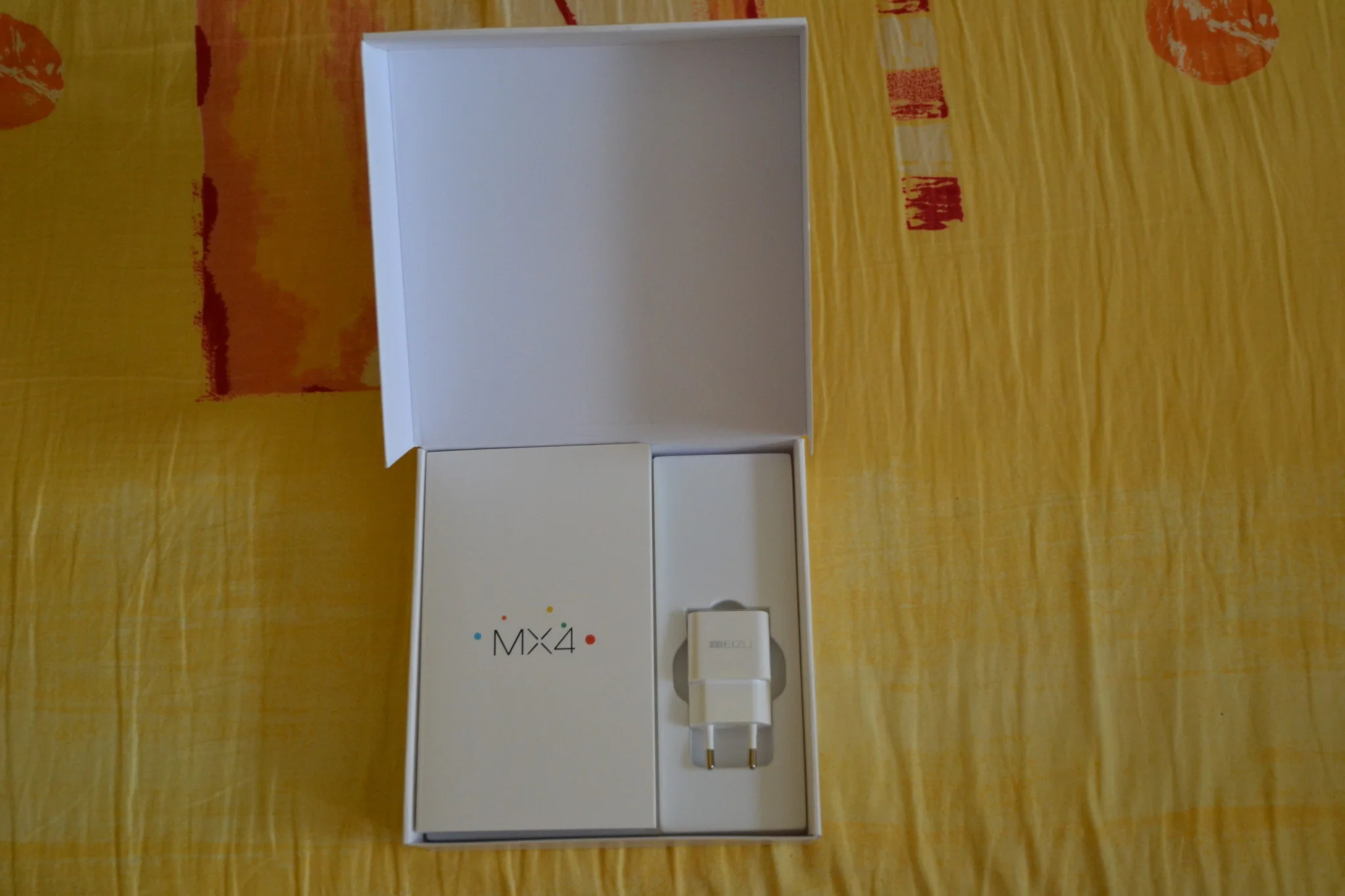
What stands out first is the charging adapter on the right side. The left side is filled by a thick insert styled like a book. This little booklet has three pages that introduce the phone’s most interesting features. Flip through them, and only then does your new phone appear.
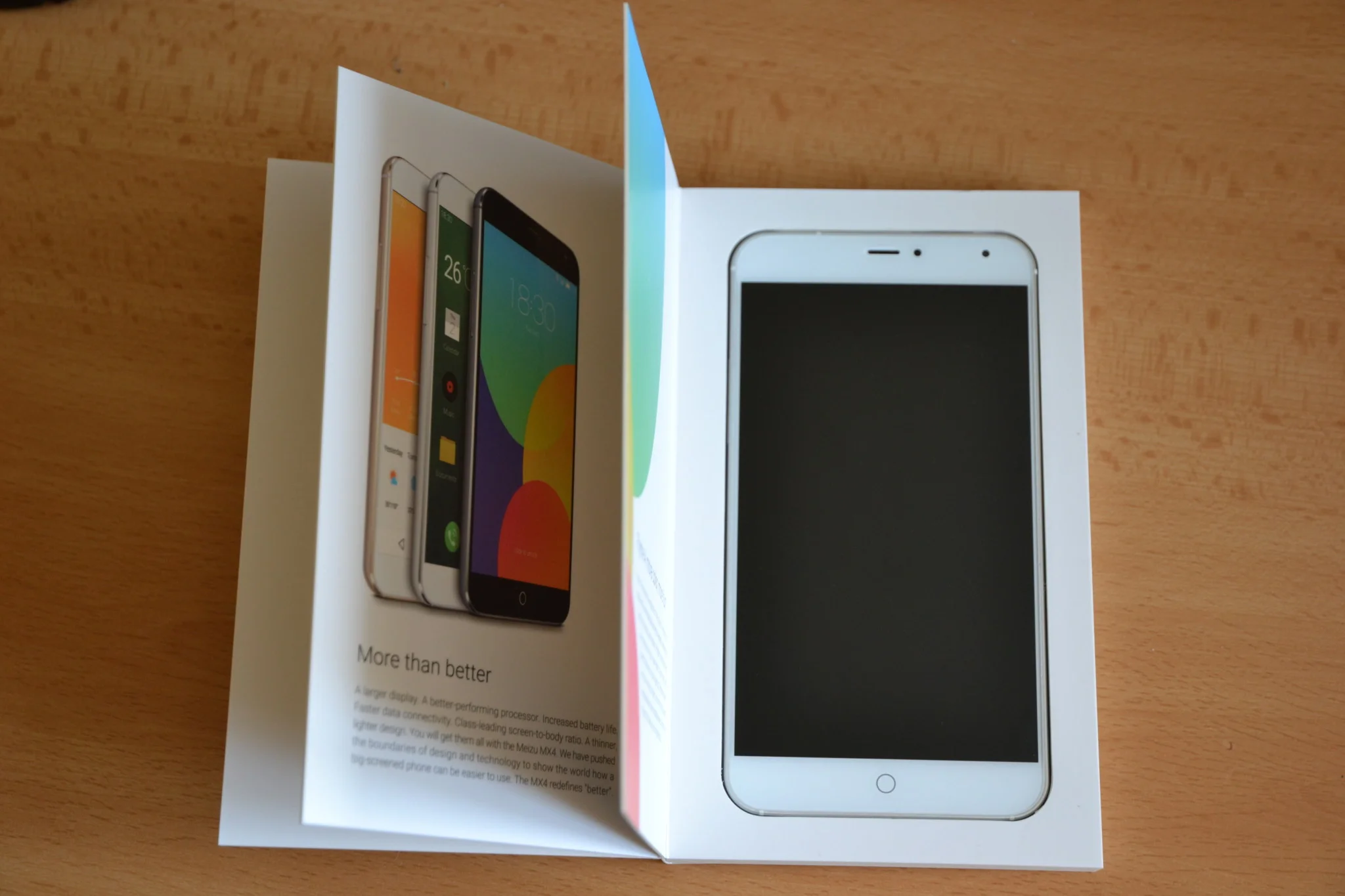
Under that insert, you’ll also find a USB cable. There are no headphones in the box, something the manufacturer even confirms with an included note. For Czech buyers, Meizu also included a printed Czech-language manual.
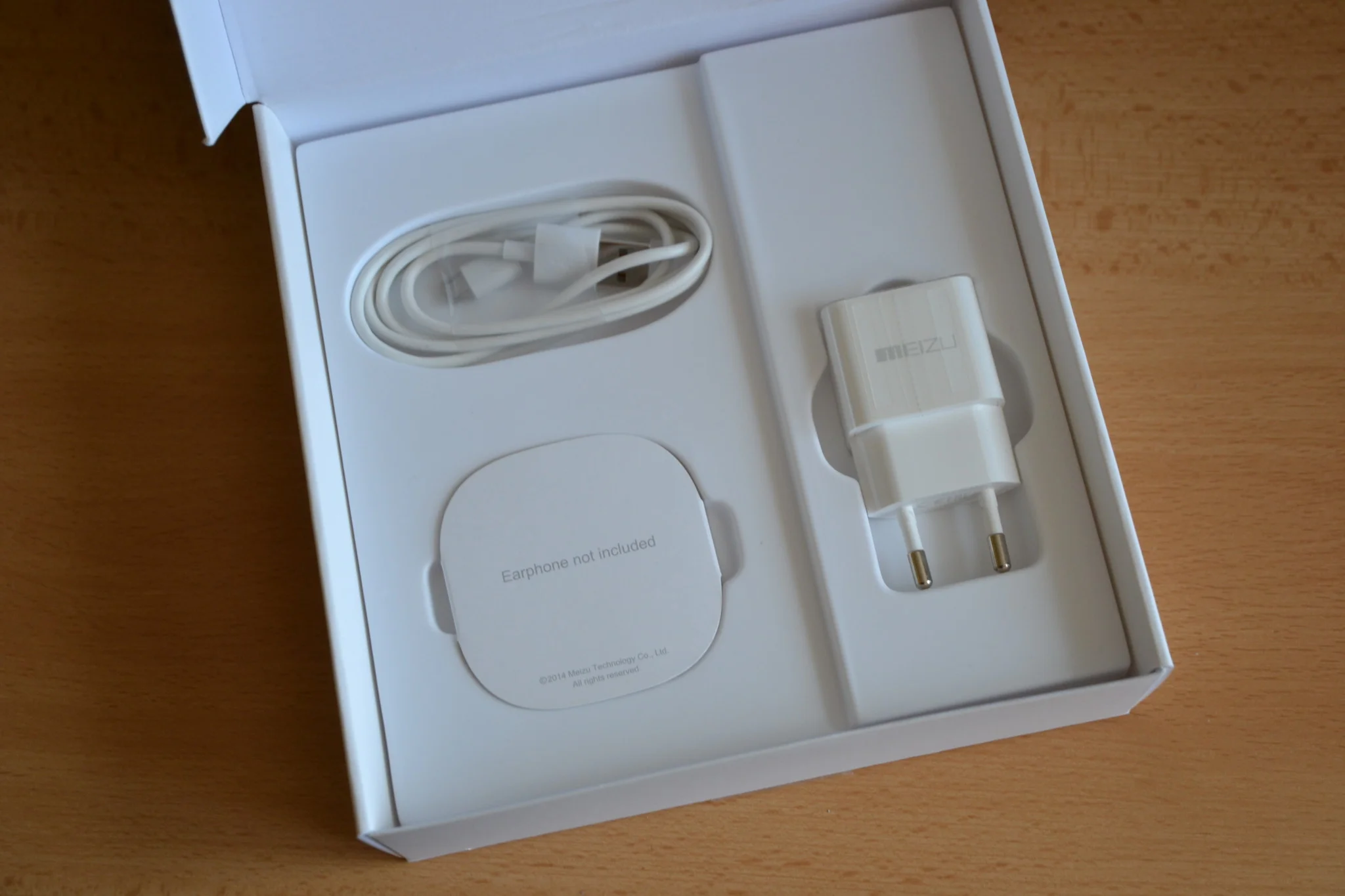
Personally, I really liked what Meizu did with the packaging. Hiding the phone inside a booklet that briefly introduces the device is a smart touch, and it works. The whole package feels unusual in a good way, and the first impression is genuinely premium.
Design and Build
The phone measures 144 x 75.2 mm, with a thickness of 8.9 mm and a weight of 147 grams. I had the 16GB version on hand for this review.
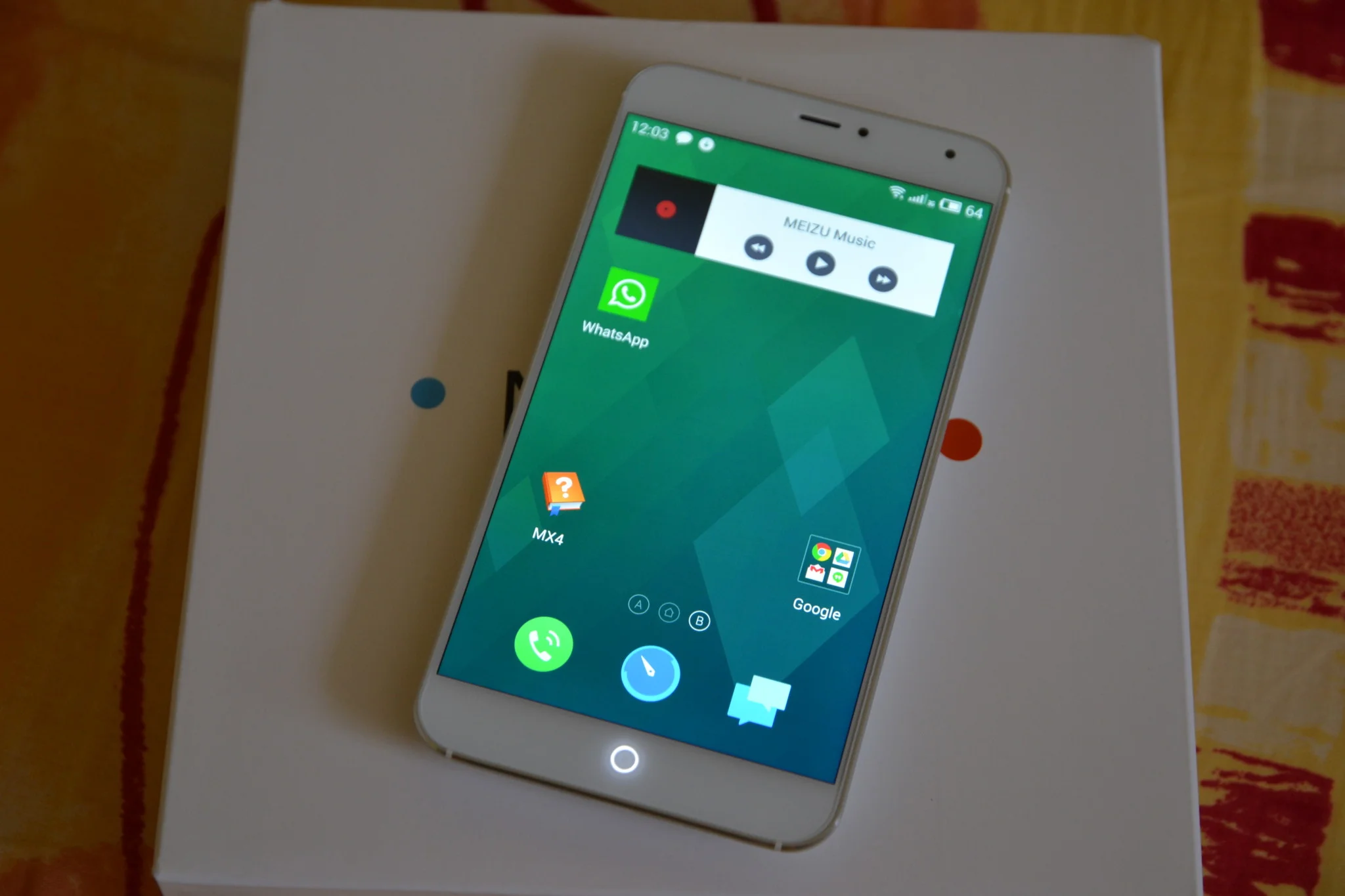
The front is dominated by a 5.36-inch display. Above it, you’ll find the front-facing camera, with the sensors and earpiece speaker placed to the left. Below the screen, centered, is a circular capacitive button. Its rim is backlit, and it also doubles as a notification LED. The entire front of the device is protected by Gorilla Glass 3.
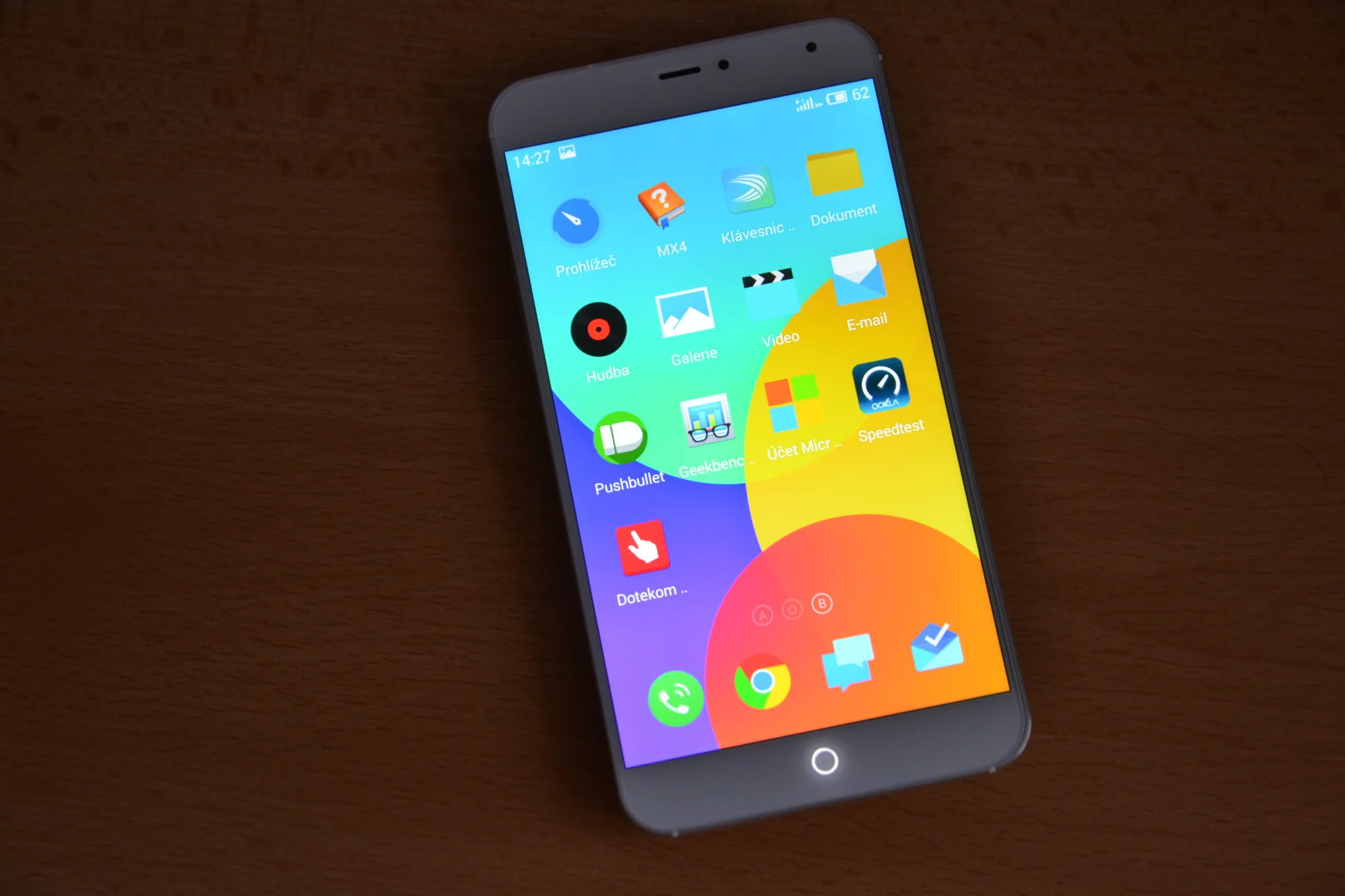
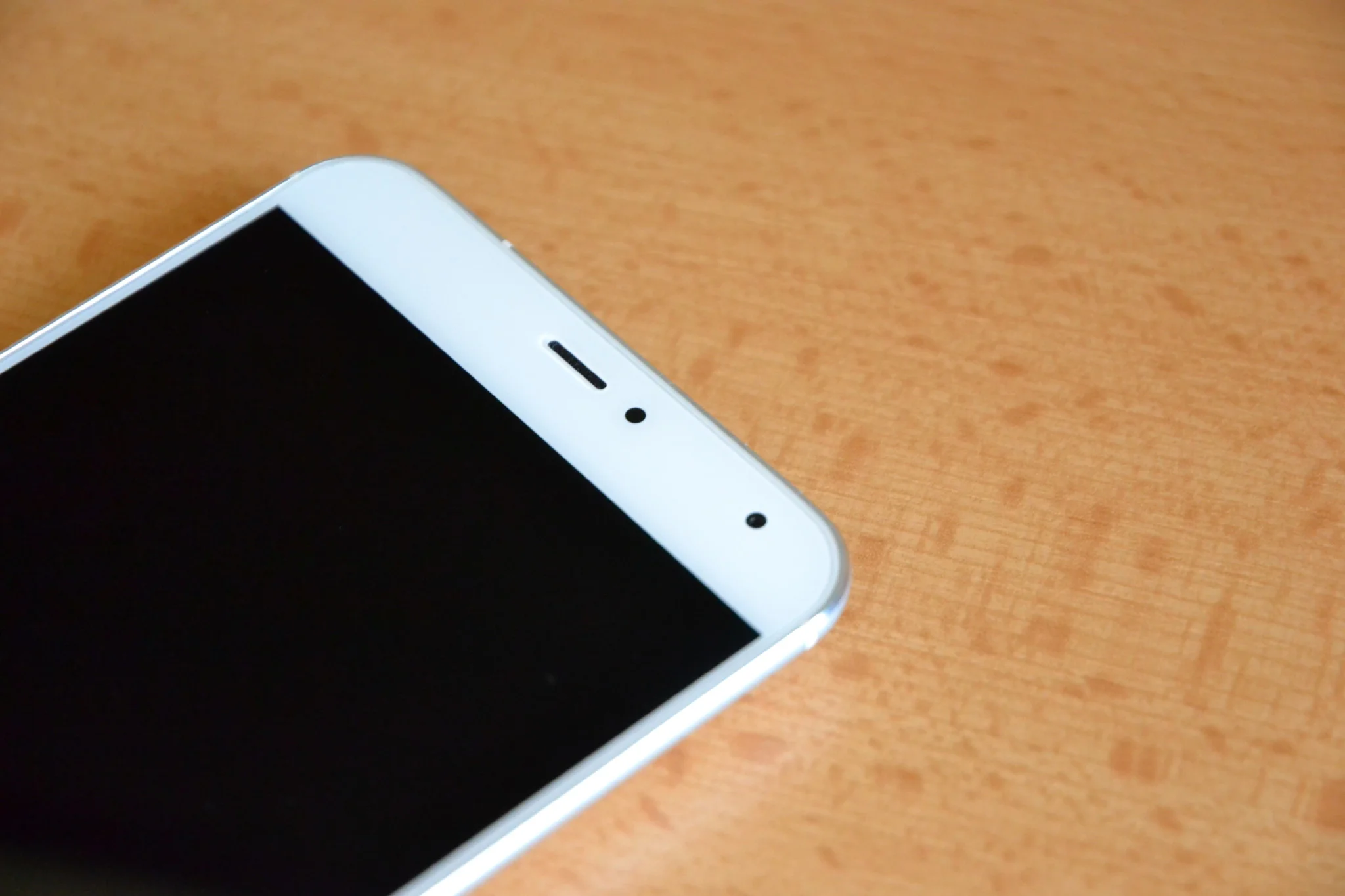
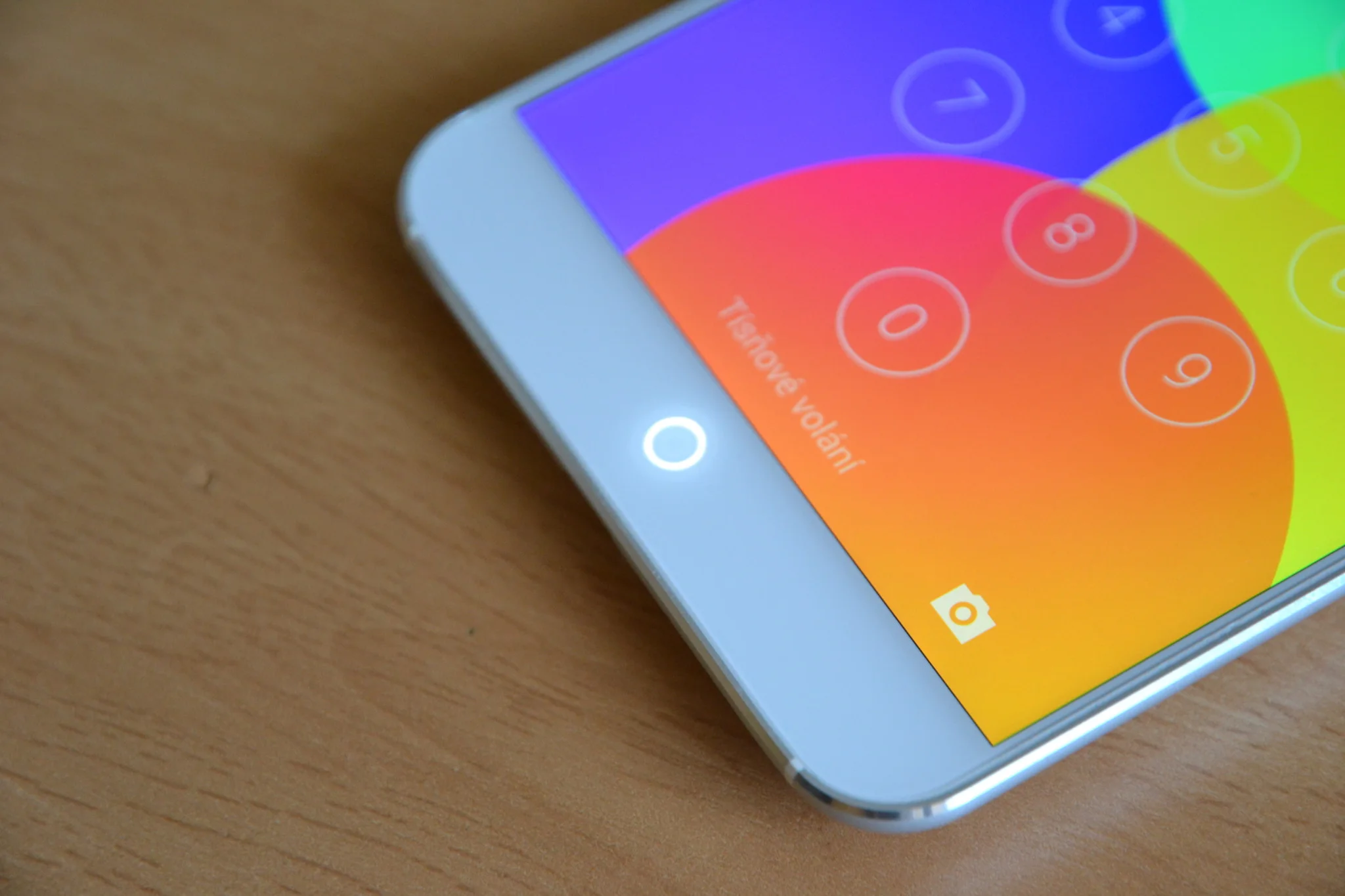
Meizu used quality materials here. The device is wrapped in an aluminum frame, and the overall material mix is strongly reminiscent of the iPhone. I do not hold that against Meizu. The phone looks elegant. That said, I do have some concerns about durability. Even with careful use, I noticed small scratches after three weeks.
The left side of the Meizu MX4 houses the volume buttons. The opposite side is completely clean. Meizu placed the display power button on the top edge, which feels impractical given the size of the phone. To offset that, the company added several gesture-based wake and unlock options, including double-tap to wake. The top edge also includes a 3.5mm headphone jack and a microphone. On the bottom, there’s the expected micro USB connector, with a second microphone to the left and the speaker to the right.
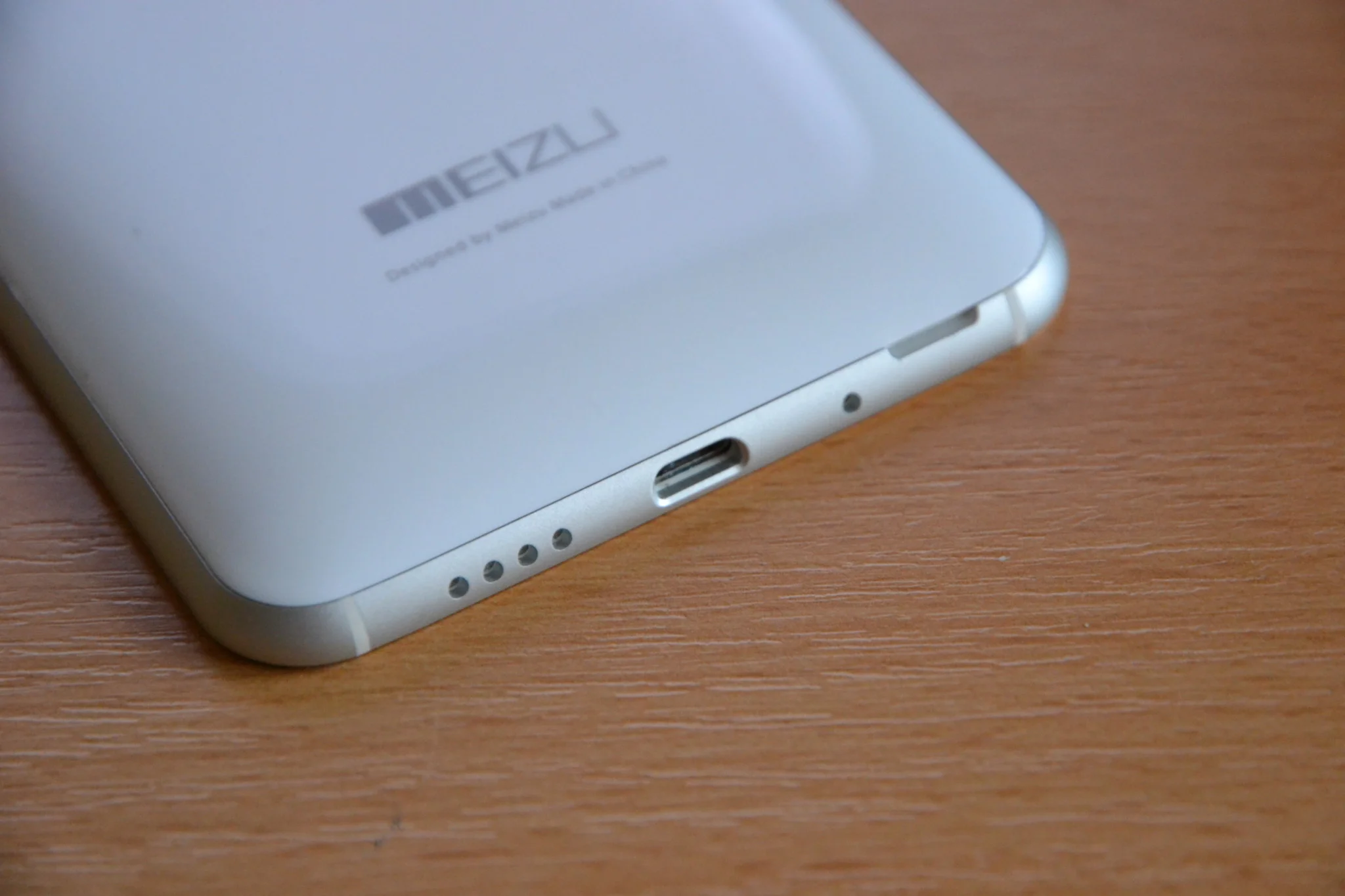
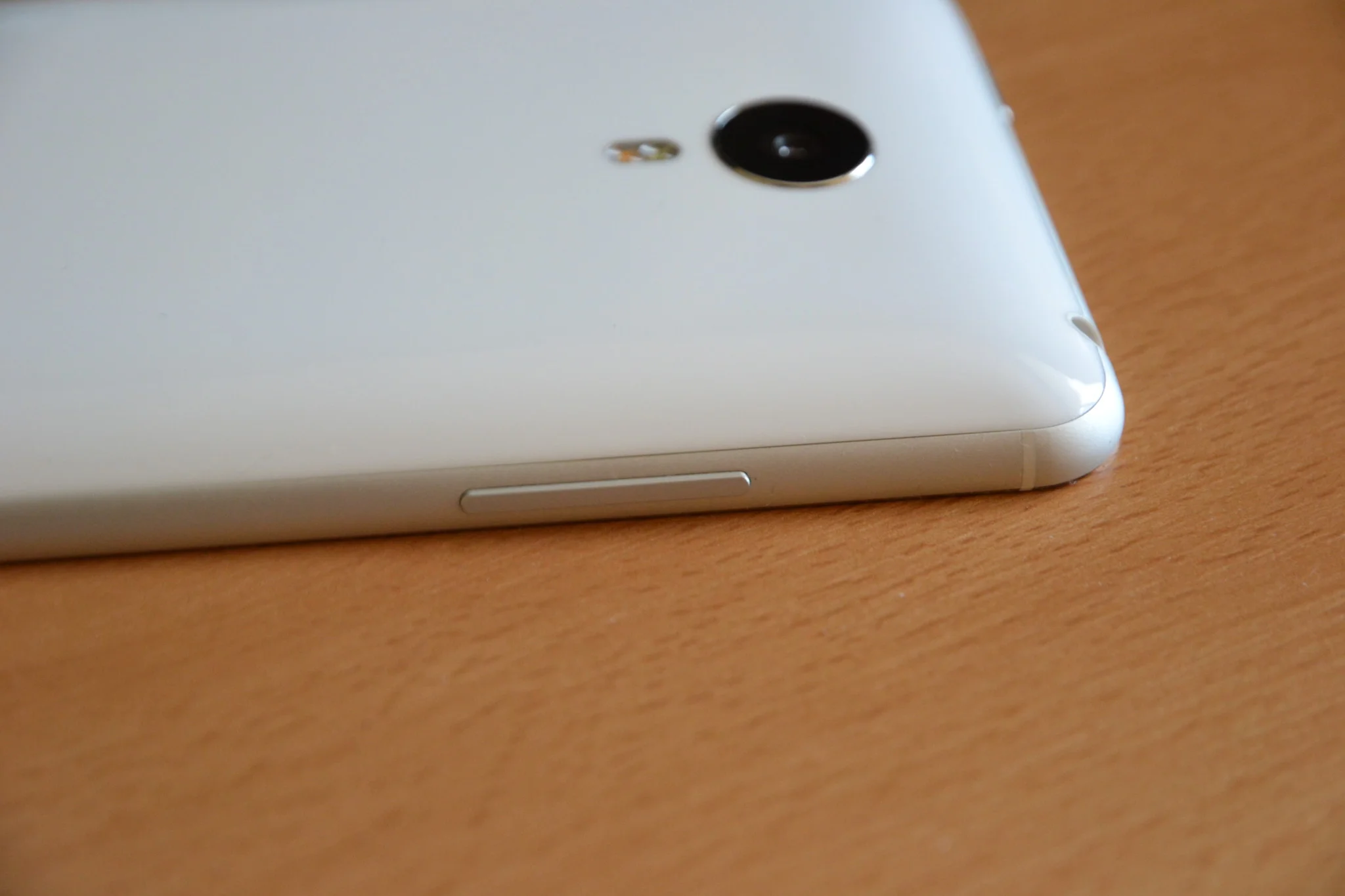
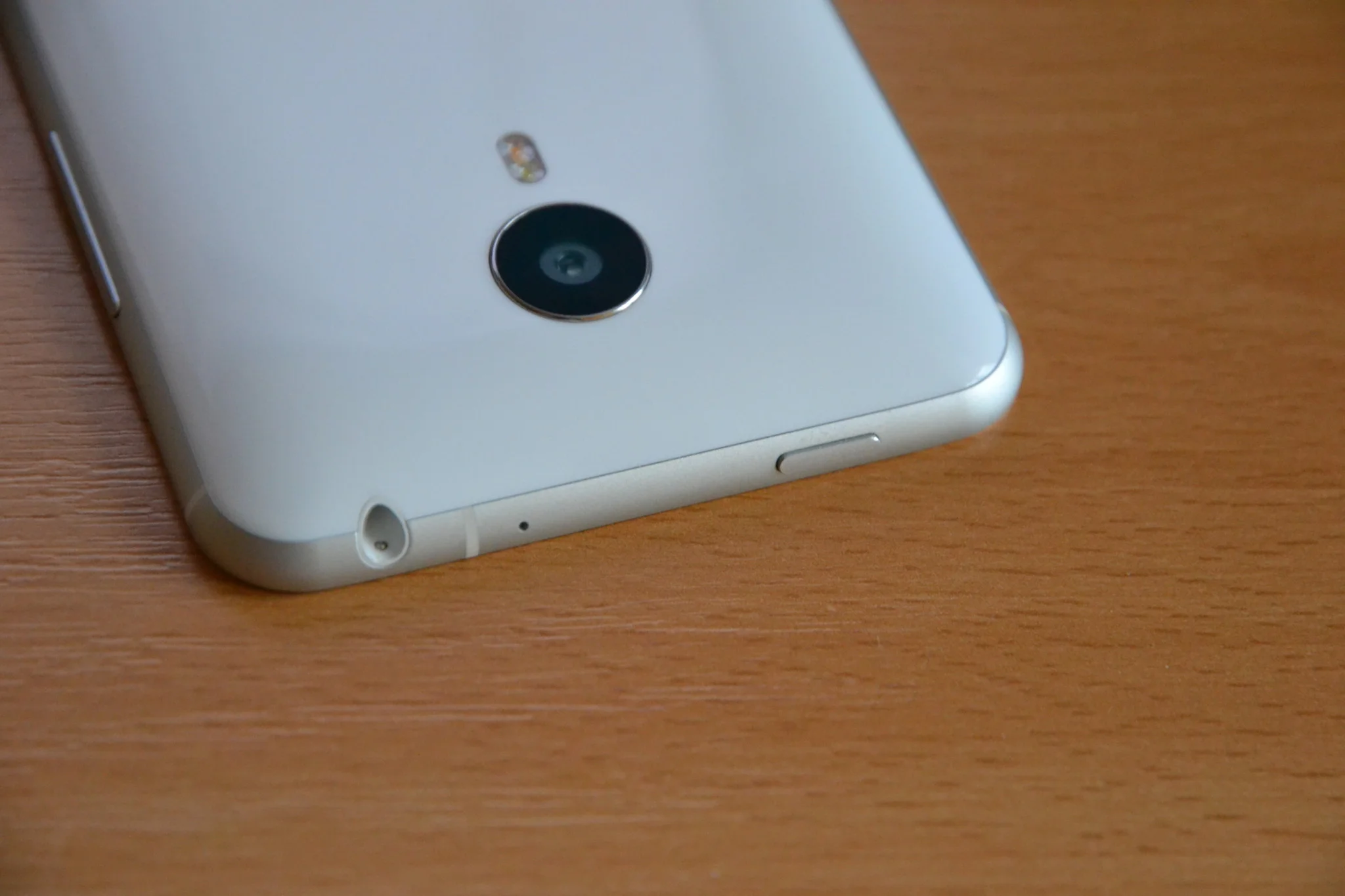
The speaker gets fairly loud, and I have no real complaints about its placement. Around back, the phone uses a plastic rear cover. It is removable, but the battery is built in, so users cannot swap it out. The cover only comes off to insert the micro SIM card. The plastic has a glossy finish, which means fingerprints build up fast. Also on the back is a protruding 20.7MP camera paired with a dual-LED flash.
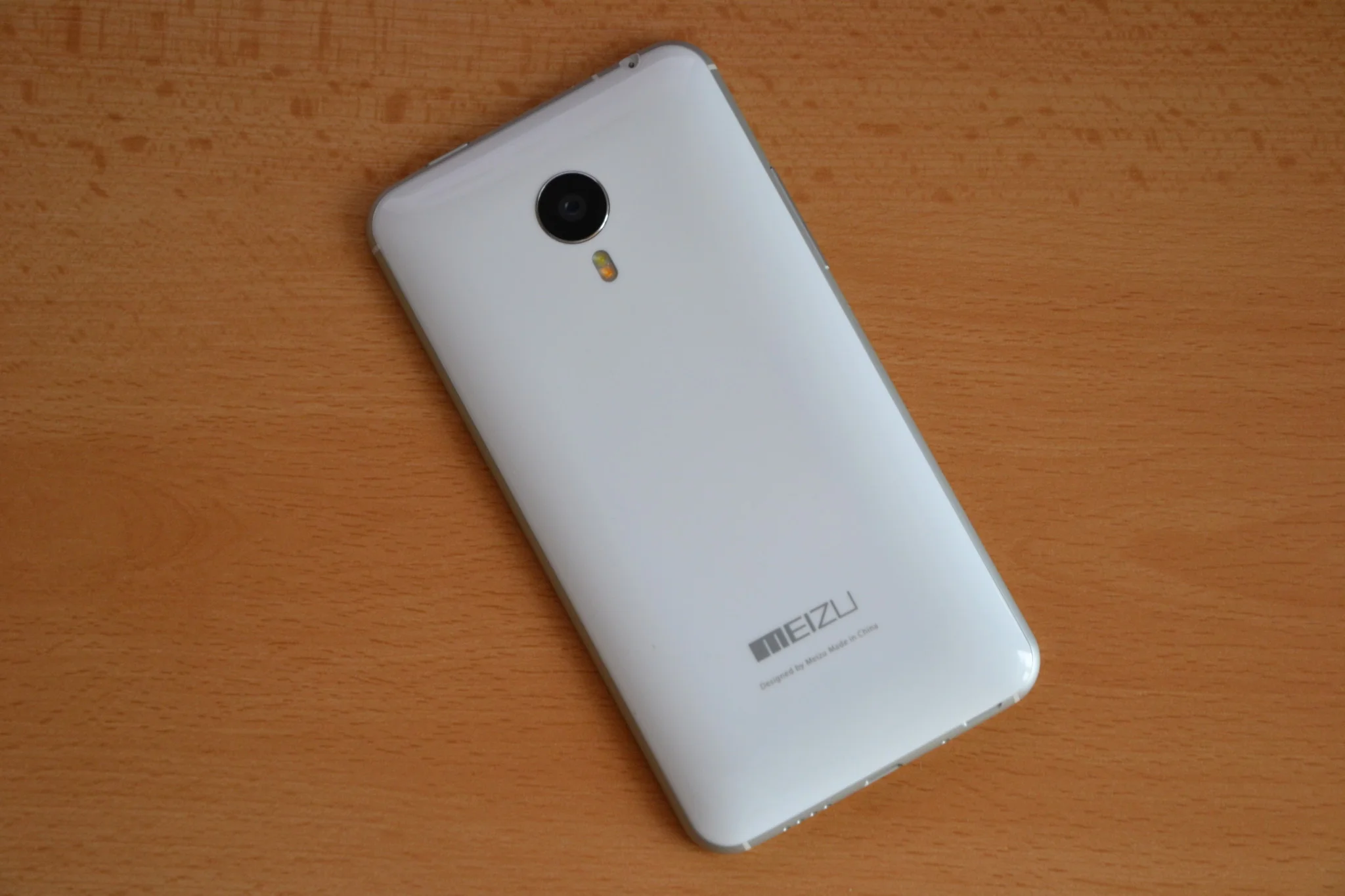
The Meizu MX4 is a genuinely attractive phone. My one real complaint about the build concerns the rear cover, which did not sit perfectly flush in the bottom-right corner. Press on it harder, and you can hear a slight creak. Aside from that, though, the device is put together well. I liked the combination of materials. The next step for Meizu is obvious: improve the rear cover, because it cheapens an otherwise polished design.
Hardware
The device is powered by an octa-core MediaTek processor, specifically the MediaTek 6595. It also packs 2GB of RAM, while graphics are handled by the PowerVR G6200 GPU. On paper, that combination looks very promising. But how does it hold up in real use?
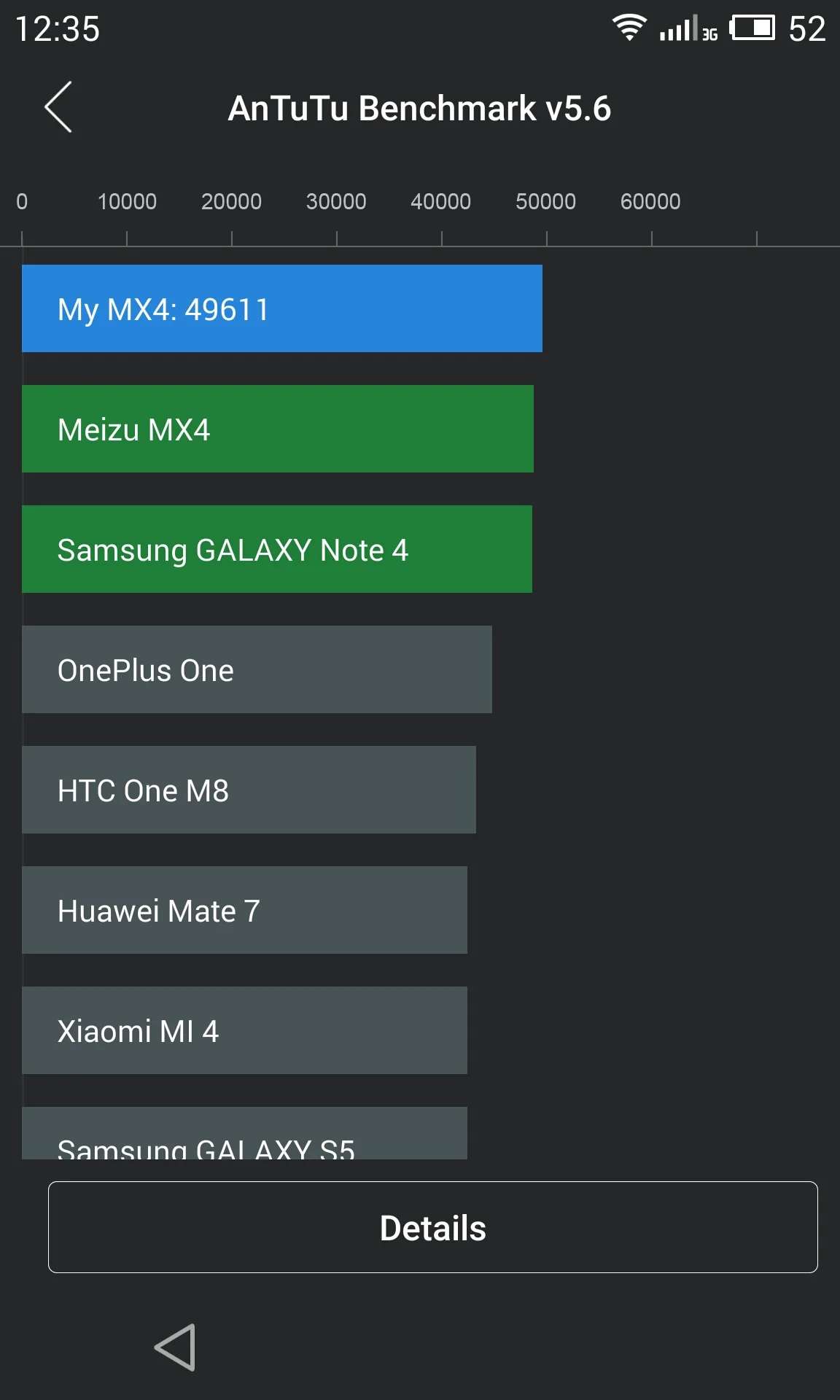
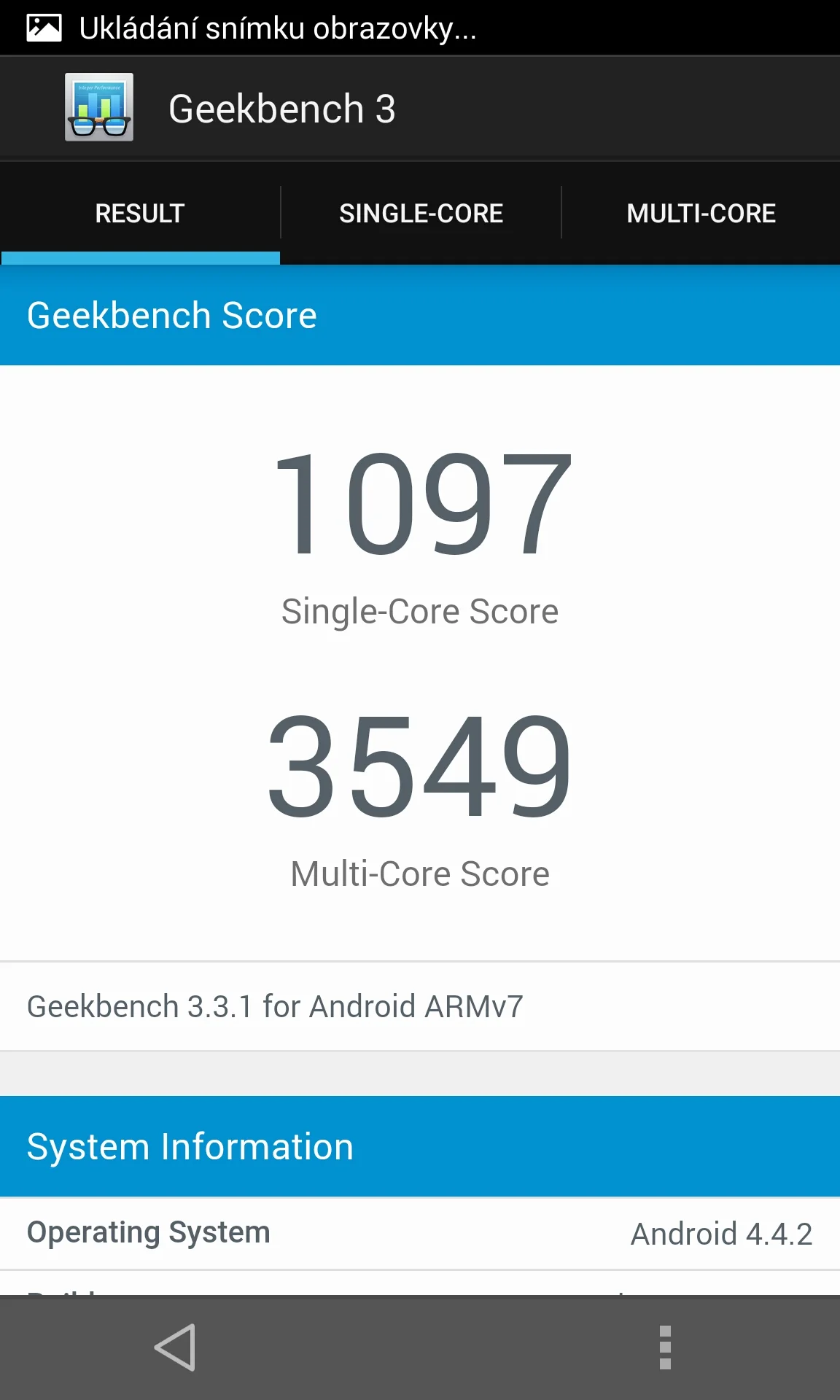
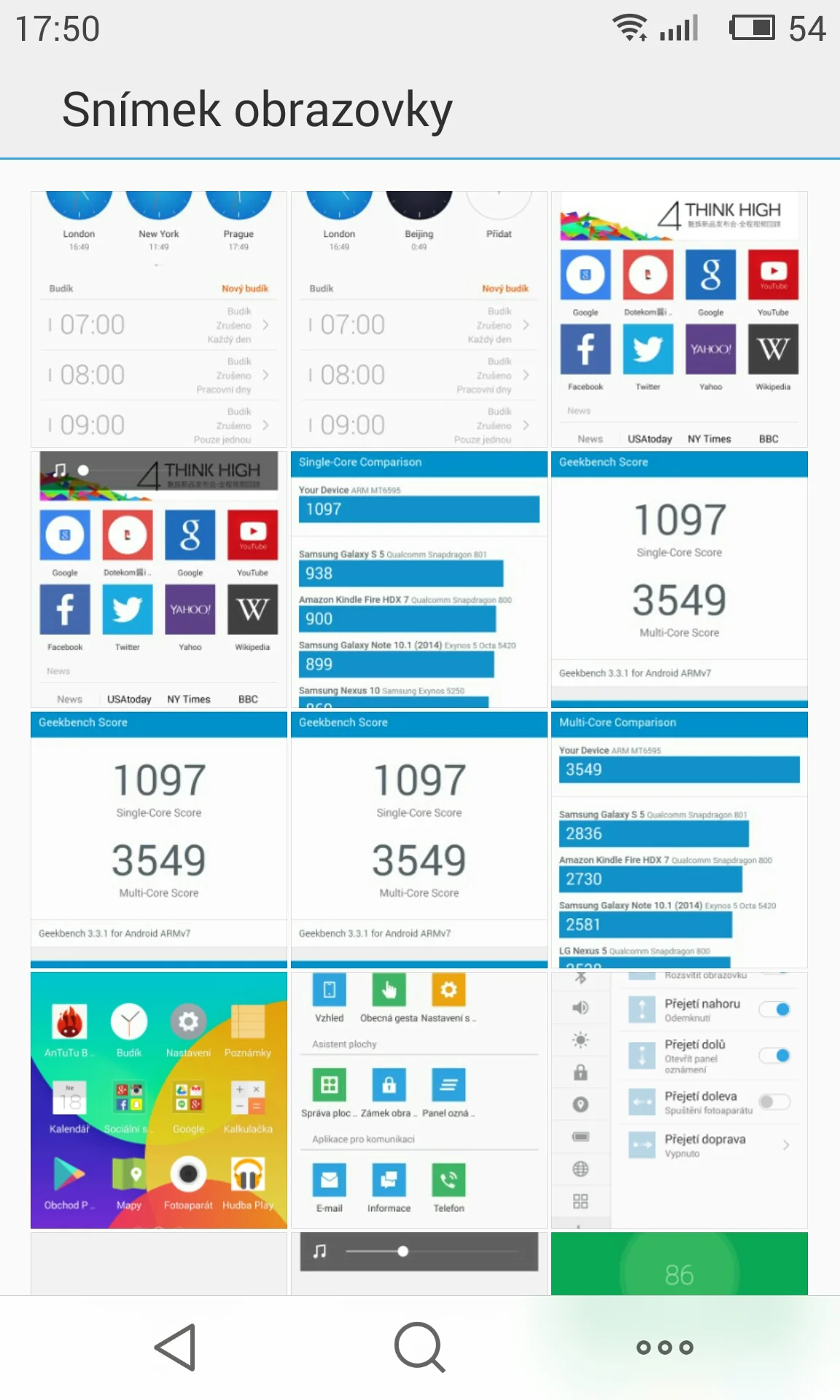
Of course, I put the Meizu MX4 through benchmark tests as well as some hands-on gaming. In the benchmarks I ran, the phone landed near the very top of the charts. Its AnTuTu score of 49,611 should make mobile gamers happy. It also posted strong numbers in Geekbench, scoring 1,097 in the single-core test and 3,549 in the multi-core test. Those results lined up with my experience in demanding games, too.
For the practical test, I picked Asphalt 8 and Need for Speed: Most Wanted. The phone handled both without any trouble. I didn’t notice frame rate drops even in heavier scenes. Put simply, the MX4 has performance to spare.
But the Meizu MX4 isn’t just fast. It’s also well equipped in other areas. For connectivity, you get standard support for Wi-Fi networks (802.11 ac/b/g/n) and Bluetooth 4.0. There’s also the usual array of sensors, including a gyroscope, proximity sensor, ambient light sensor, and digital compass.
LTE support is here too. For Czech users, though, there’s one big catch. The phone only supports 1800, 2100, and 2600 MHz bands. In the Czech Republic, 800 MHz is the most widely used LTE frequency. I was still able to pick up LTE in some parts of Prague on T-Mobile, but only rarely, so I often had to fall back to standard 3G.
The phone offers plenty of ways to use it day to day. Its biggest weakness for Czech buyers, as mentioned, is support for only a limited set of frequencies that local carriers don’t use very heavily.
The MX4 also gets warm under heavier load. I noticed mild heating on the back even during lighter tasks like web browsing. In games, the temperature climbed much higher. It never became seriously uncomfortable, but it’s still worth pointing out.
Software
The phone runs Android 4.4.2 with Flyme OS 4.0.4 layered on top. After first boot, you’ll have just under 12GB of internal storage available. There’s no way to expand it further.
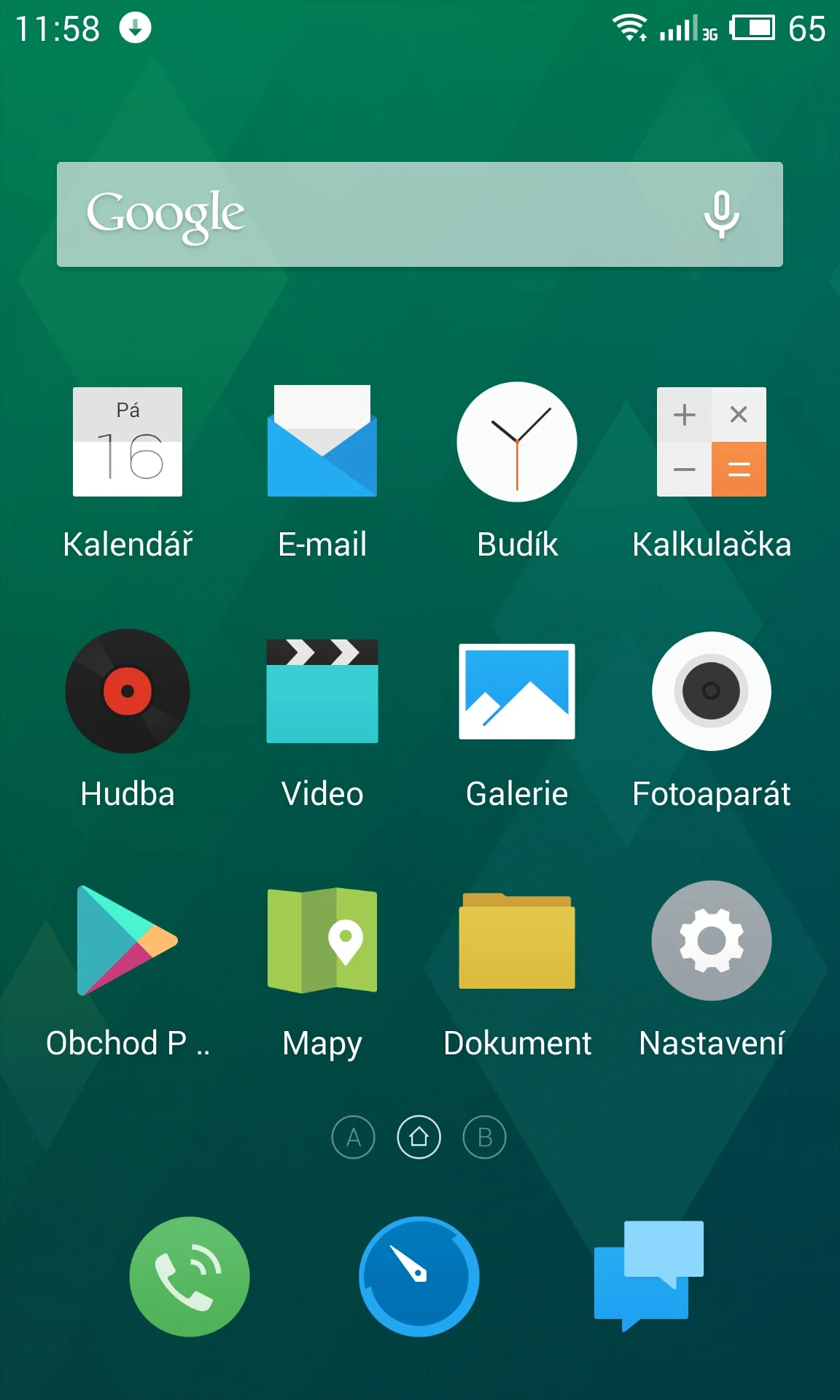
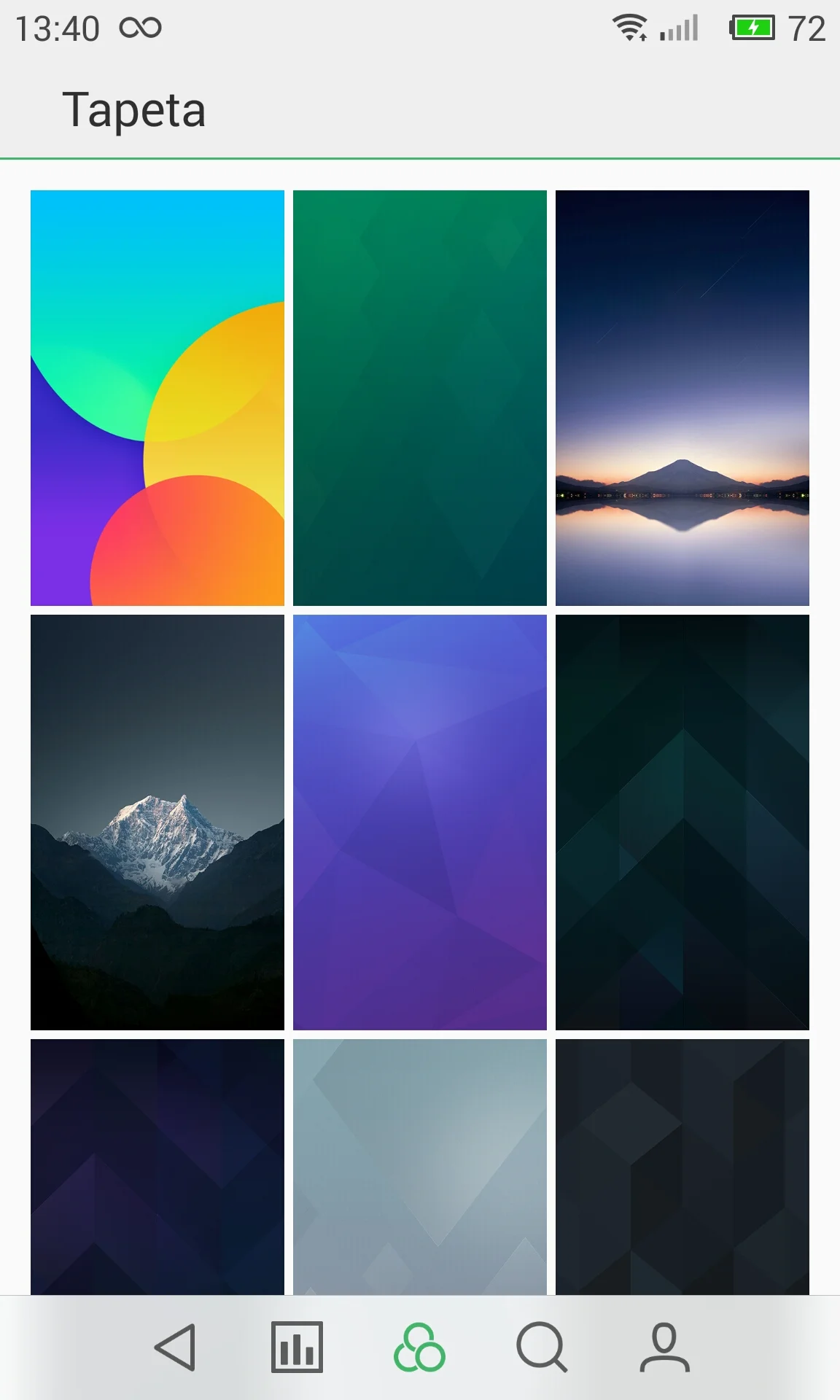
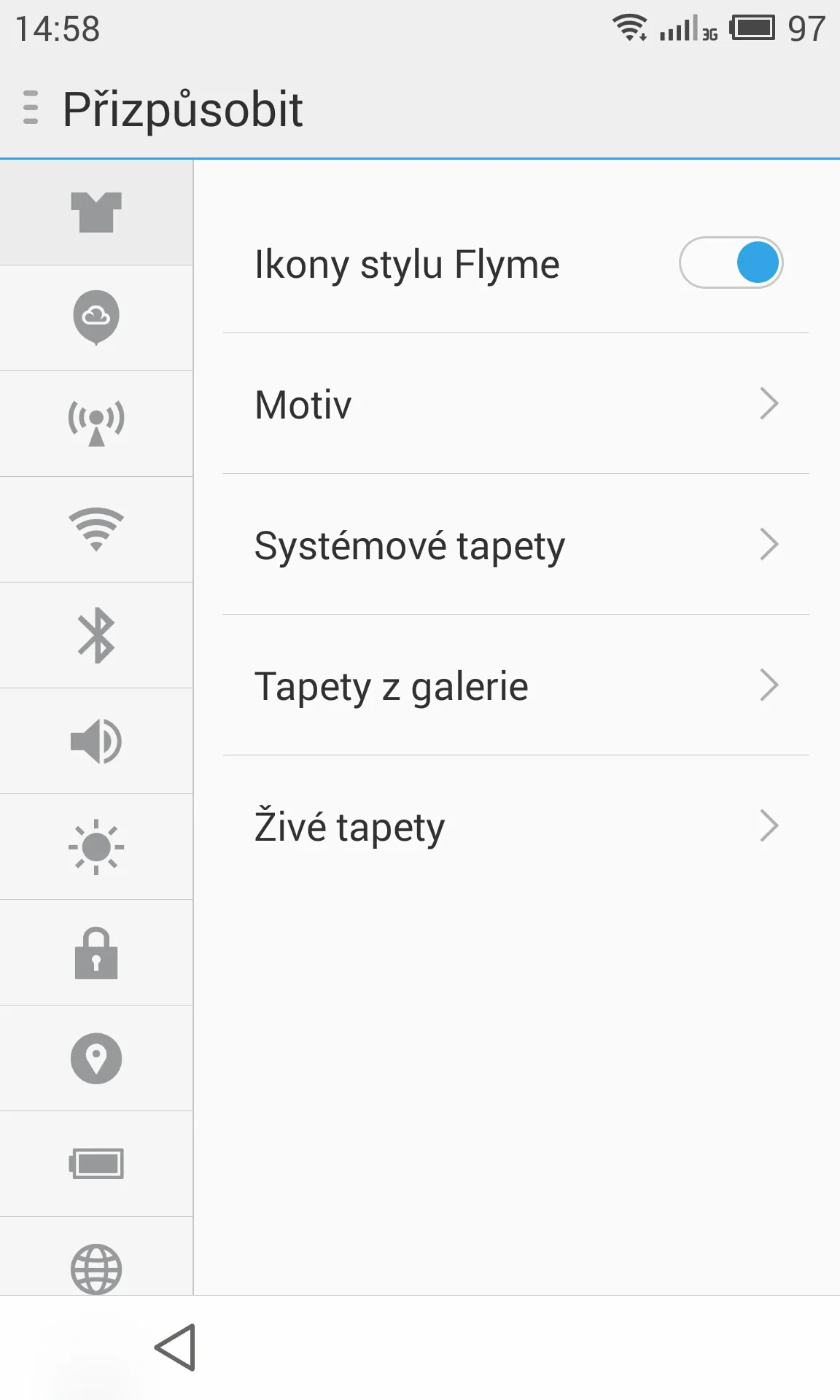
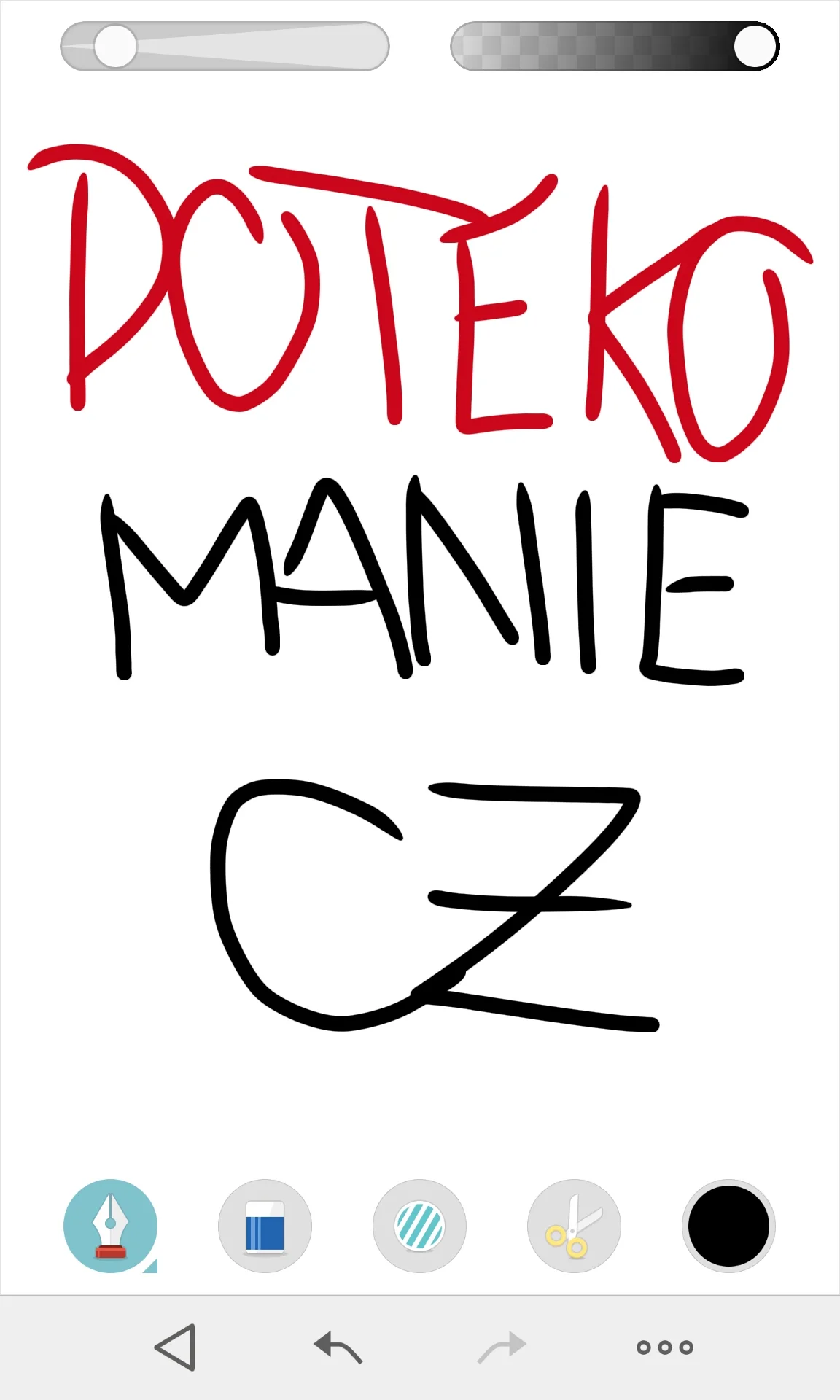
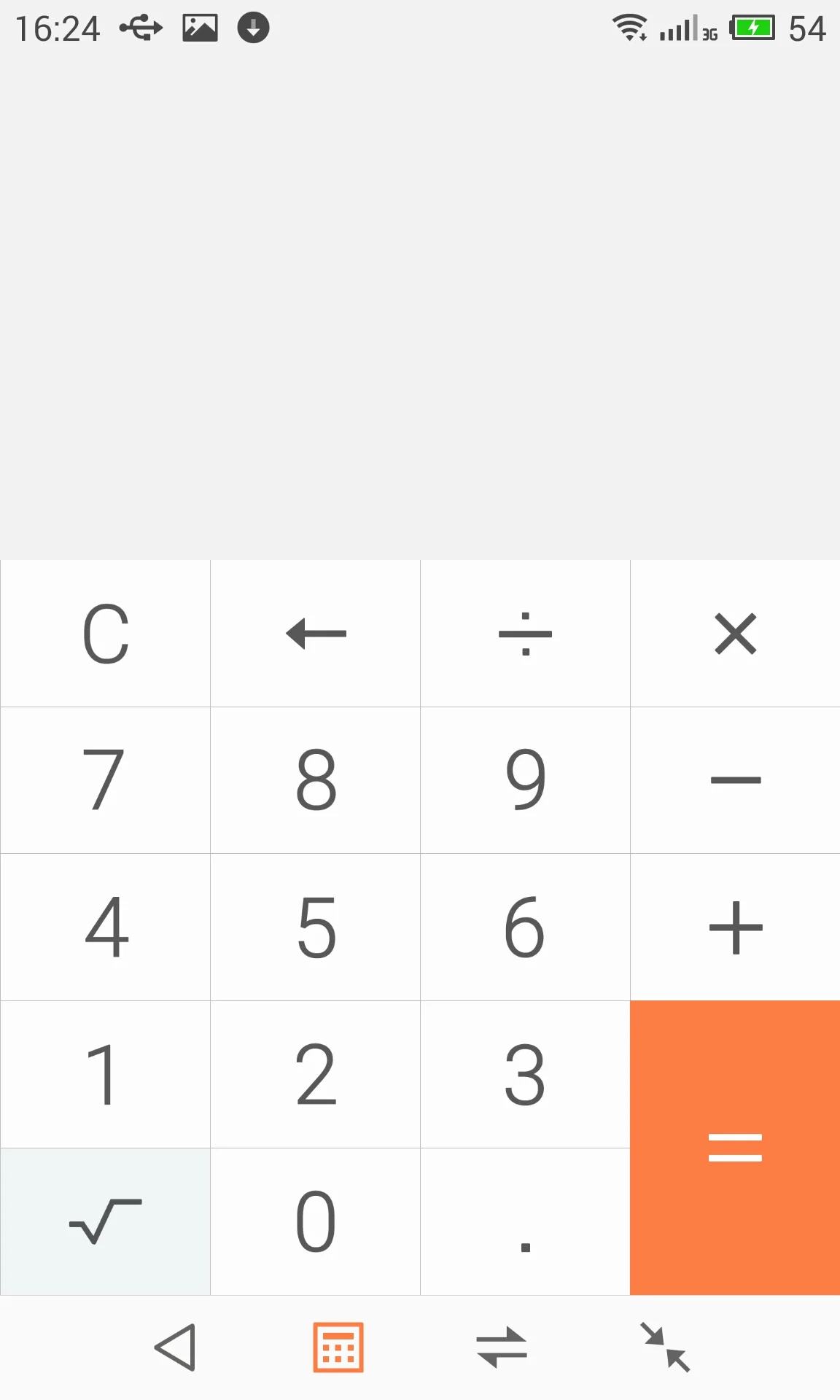
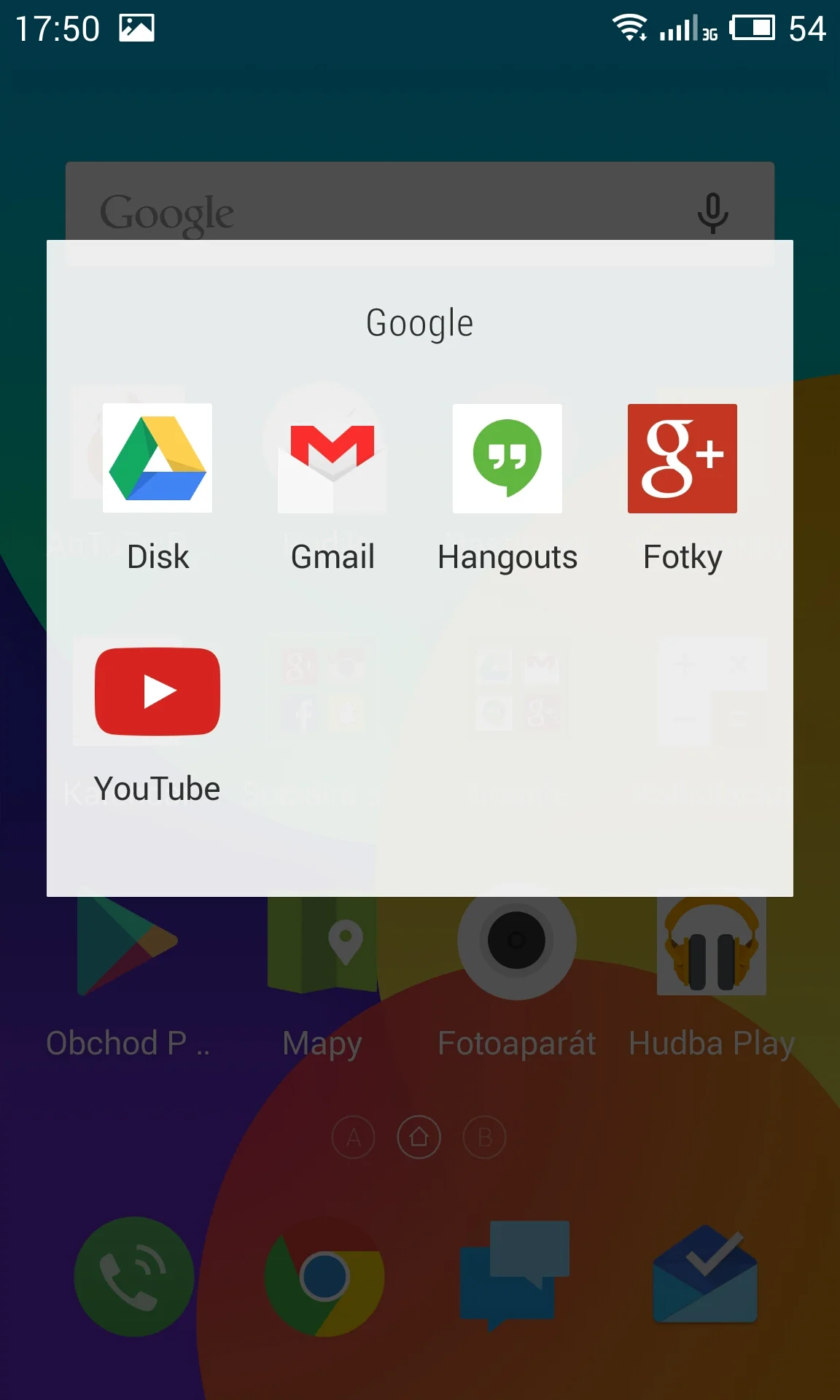
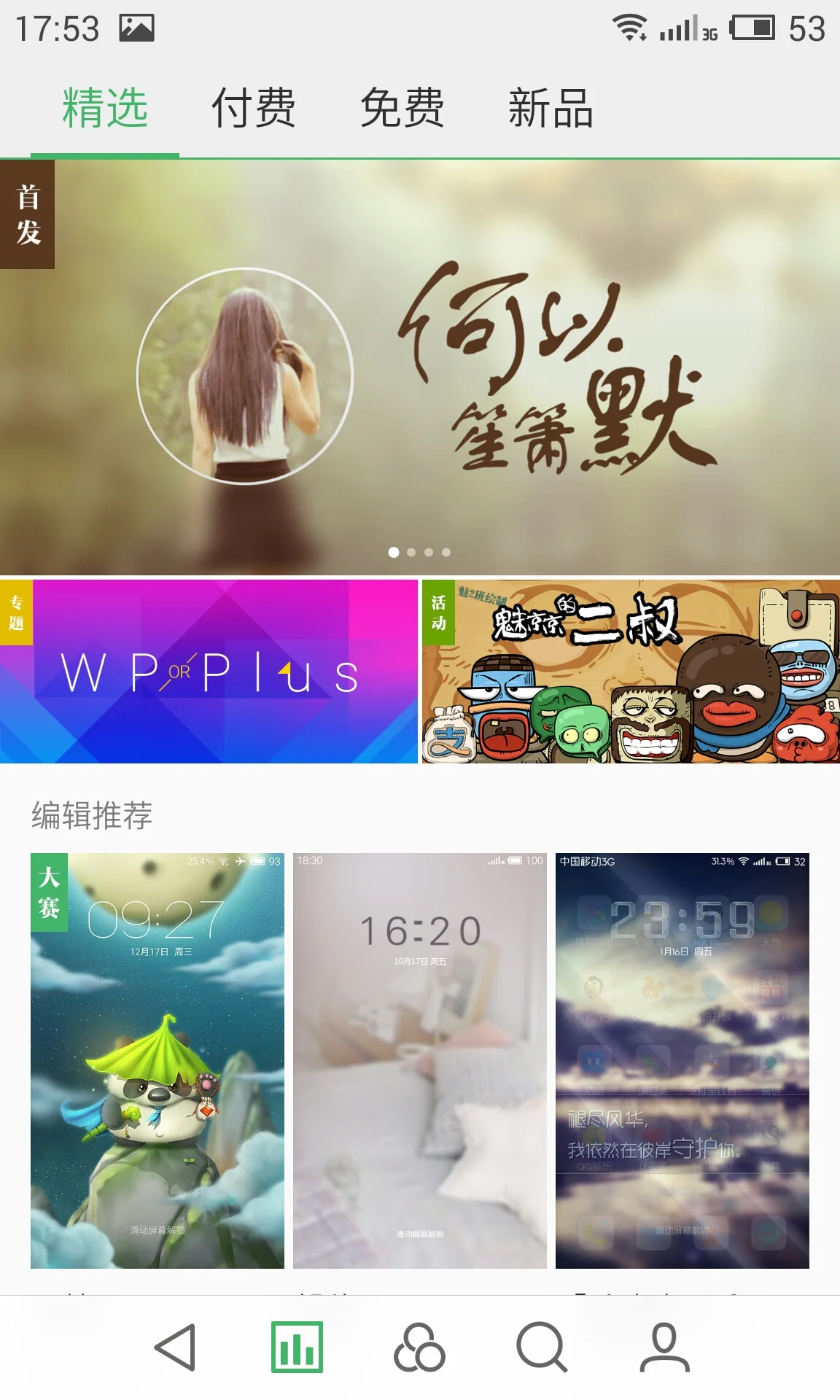
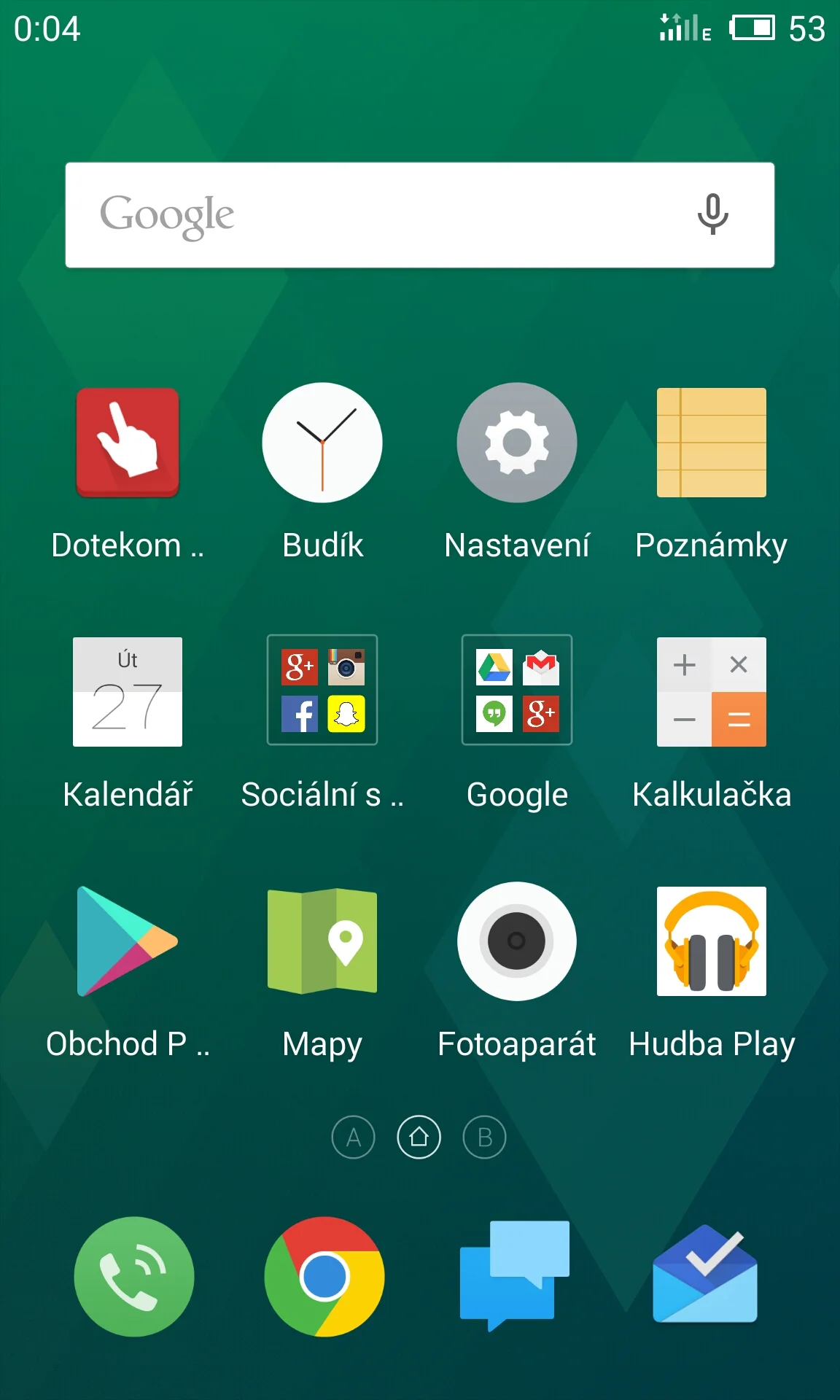
The interface itself borrows a lot from iOS. As is common with many Chinese manufacturers, apps are placed directly on the home screens after installation, so there’s no separate app drawer. Meizu also reworked a large part of the system, including the icons, which follow Flyme’s own visual style. That said, users can switch the icons back to a more standard Android look in settings.
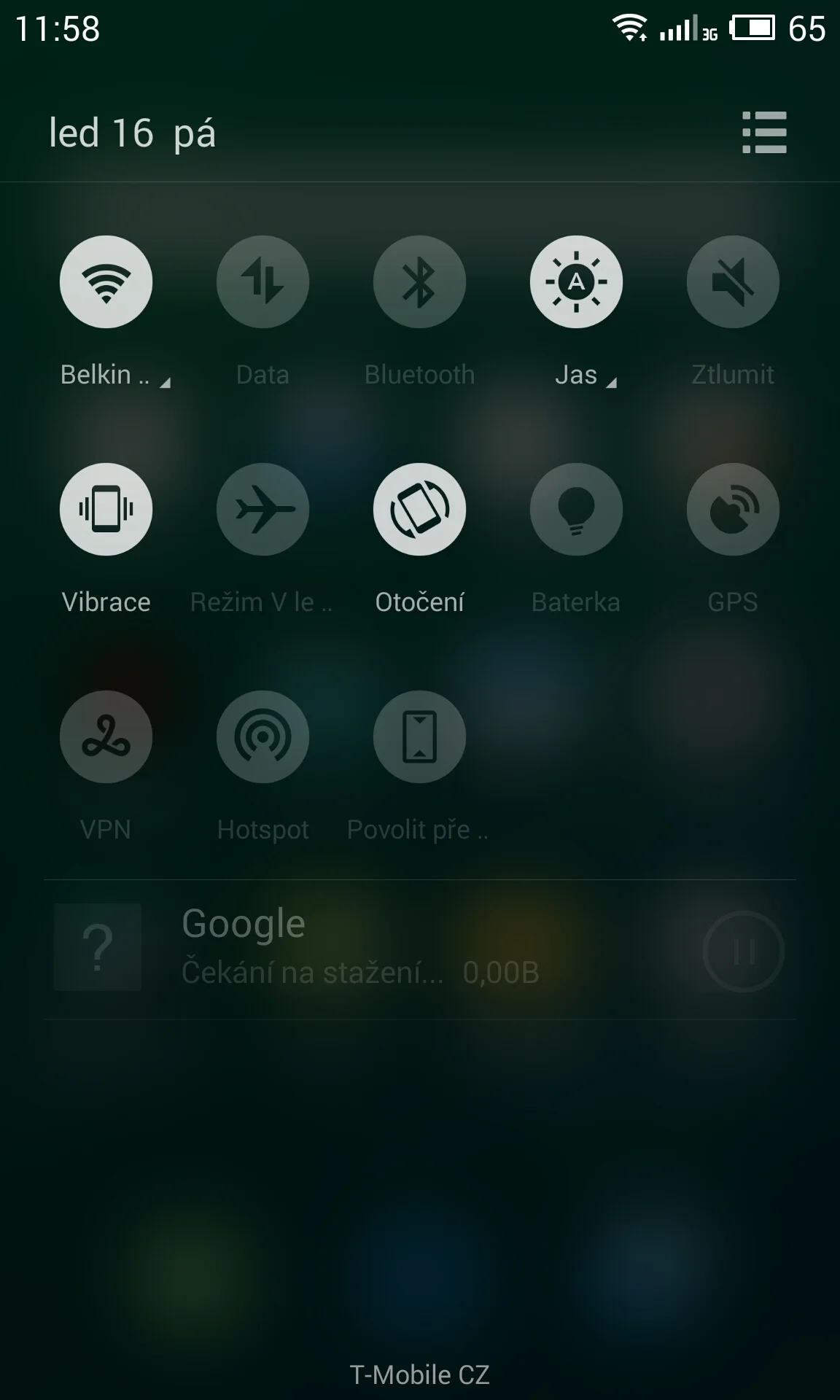
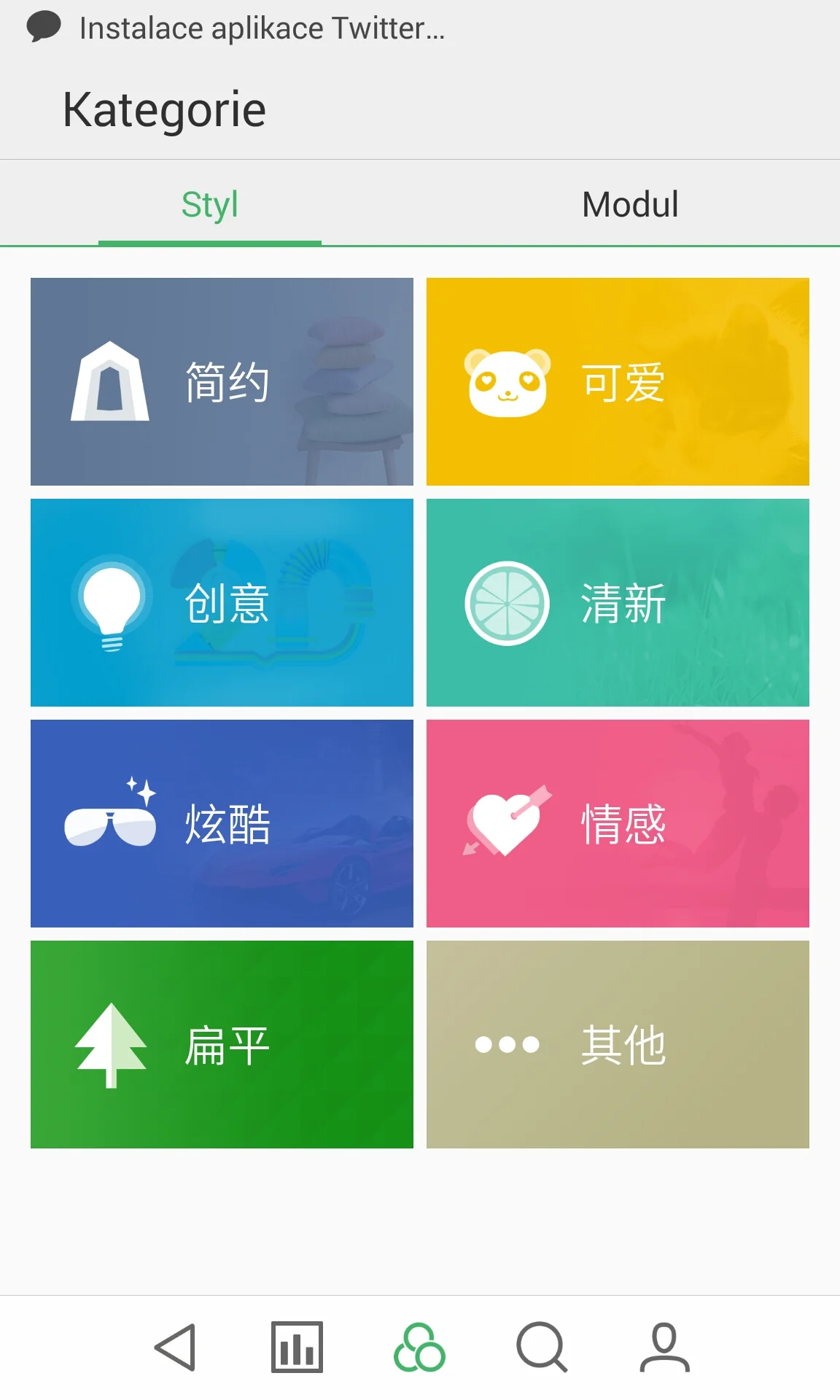
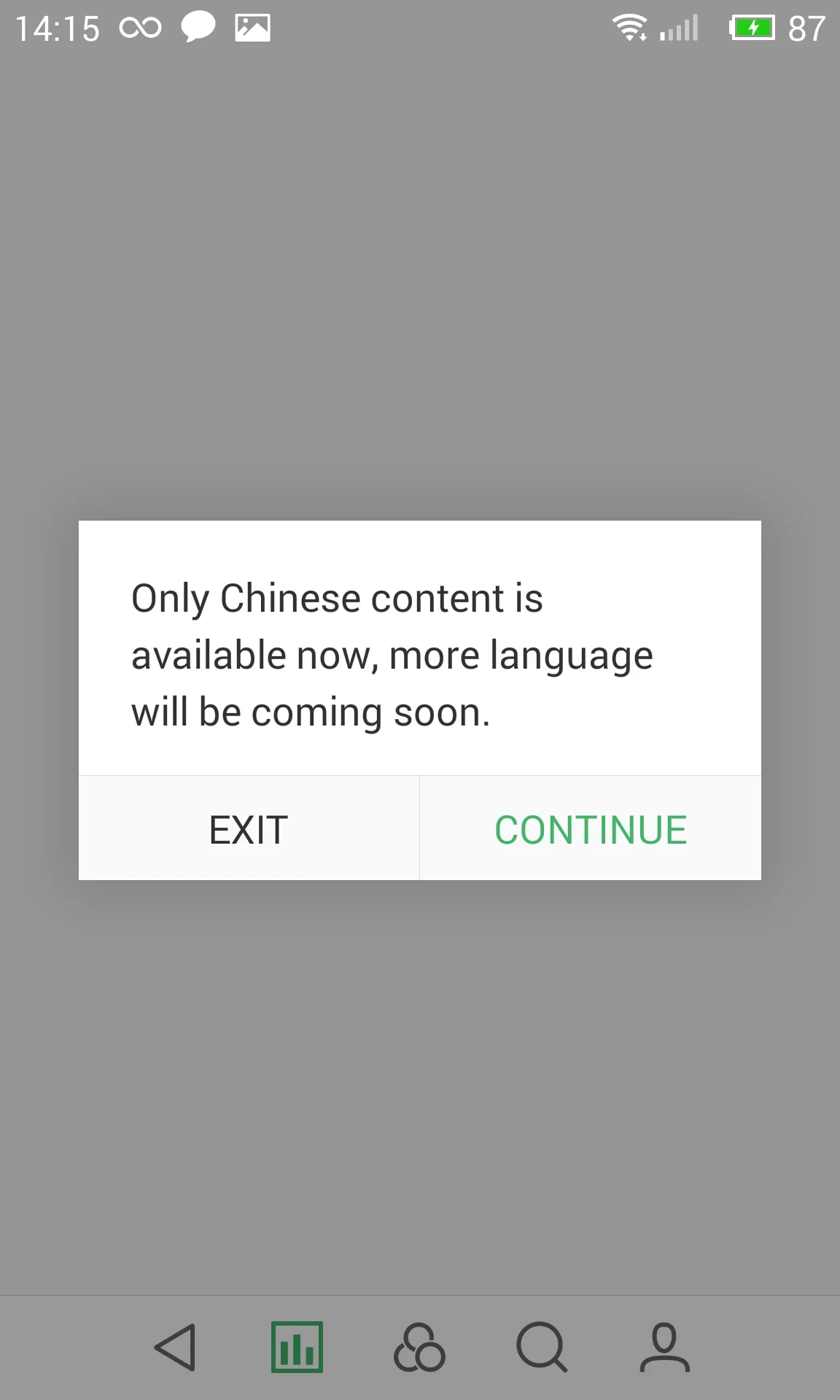
The system also lets you install additional themes through a dedicated app. The problem is that this app is in Chinese, which could be a fairly major issue for local users. The rest of the interface, however, is fully available in Czech.
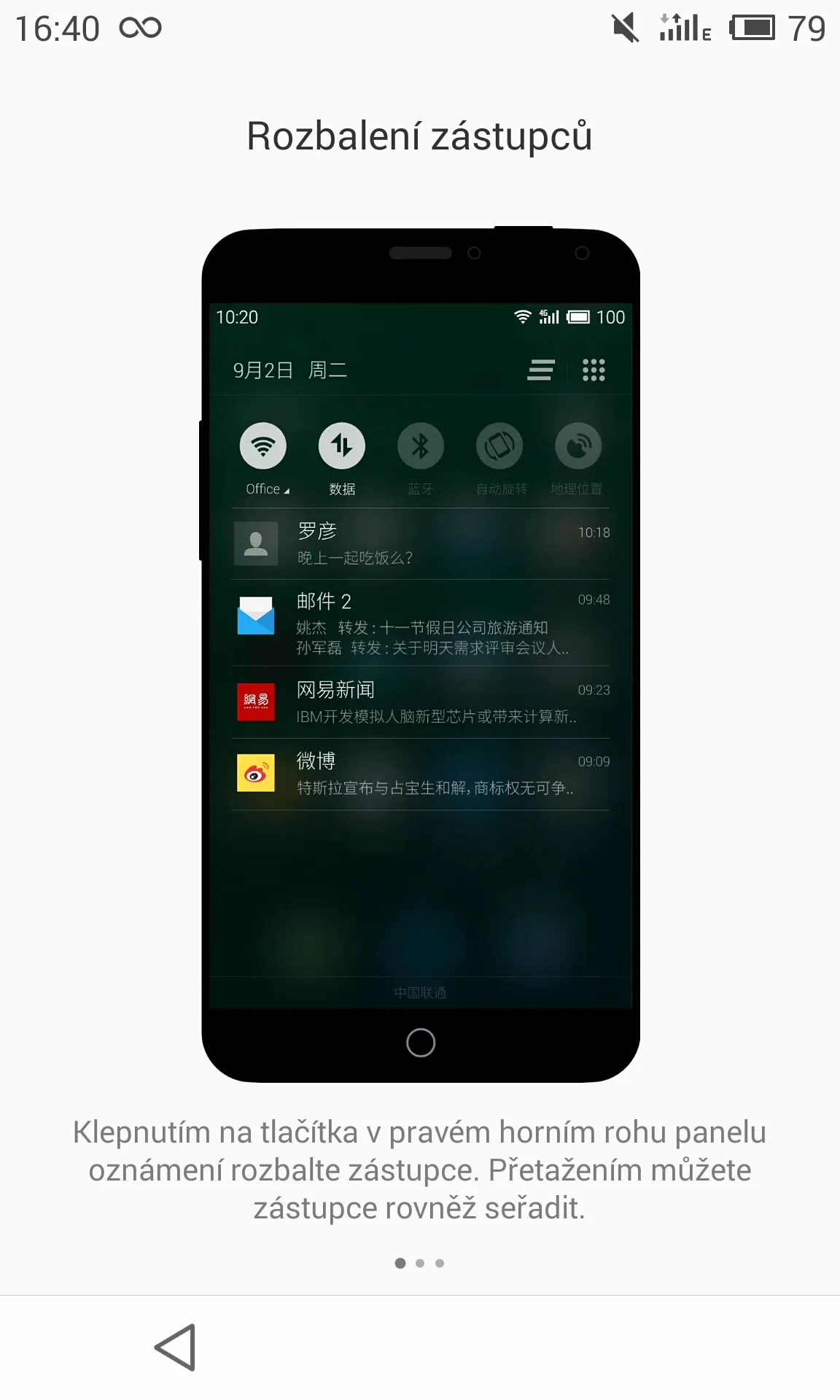
You will occasionally run into moments where the system doesn’t behave the way you’d expect. One example is incoming SMS messages. In the notification shade, you’ll see an alert with several options, including Read and Delete. If you choose the first option, though, it doesn’t actually open the SMS app. It simply marks the message as read. In this specific case, I’d blame a poor translation rather than a deeper system bug.
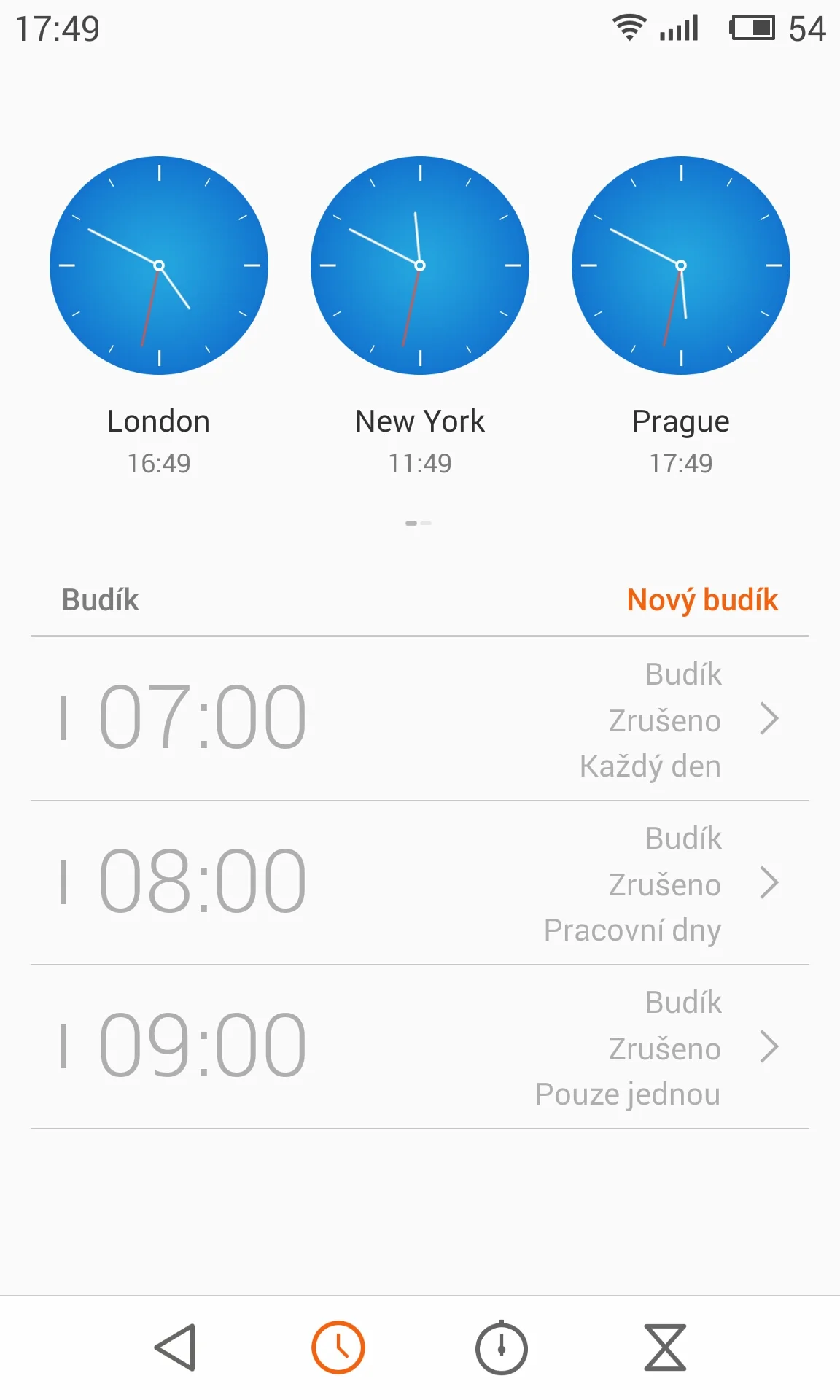
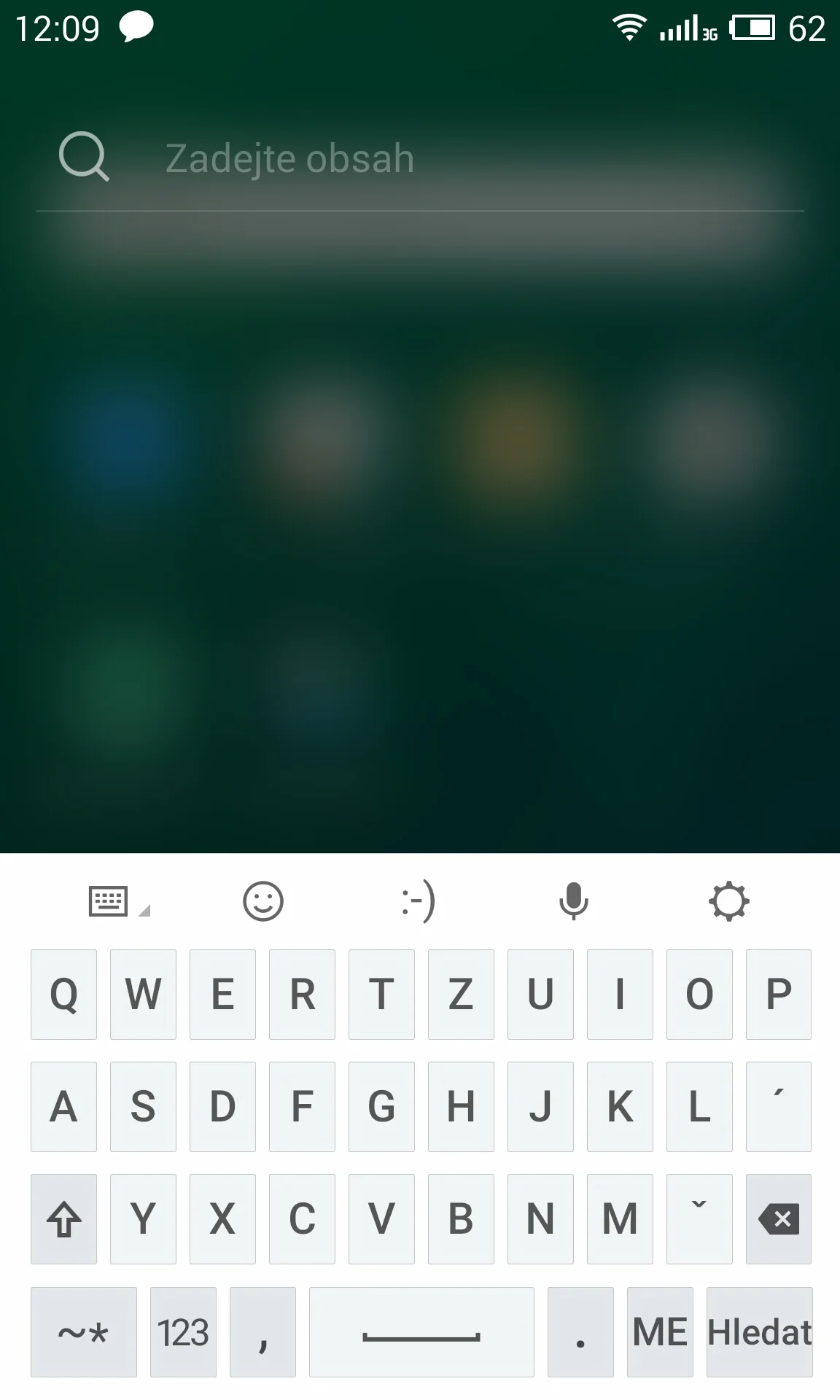
Aside from that, I didn’t run into other translation issues. There’s also a keyboard with support for Czech characters. Unfortunately, I didn’t like the layout of some elements, so I quickly replaced it with another keyboard from Google Play.
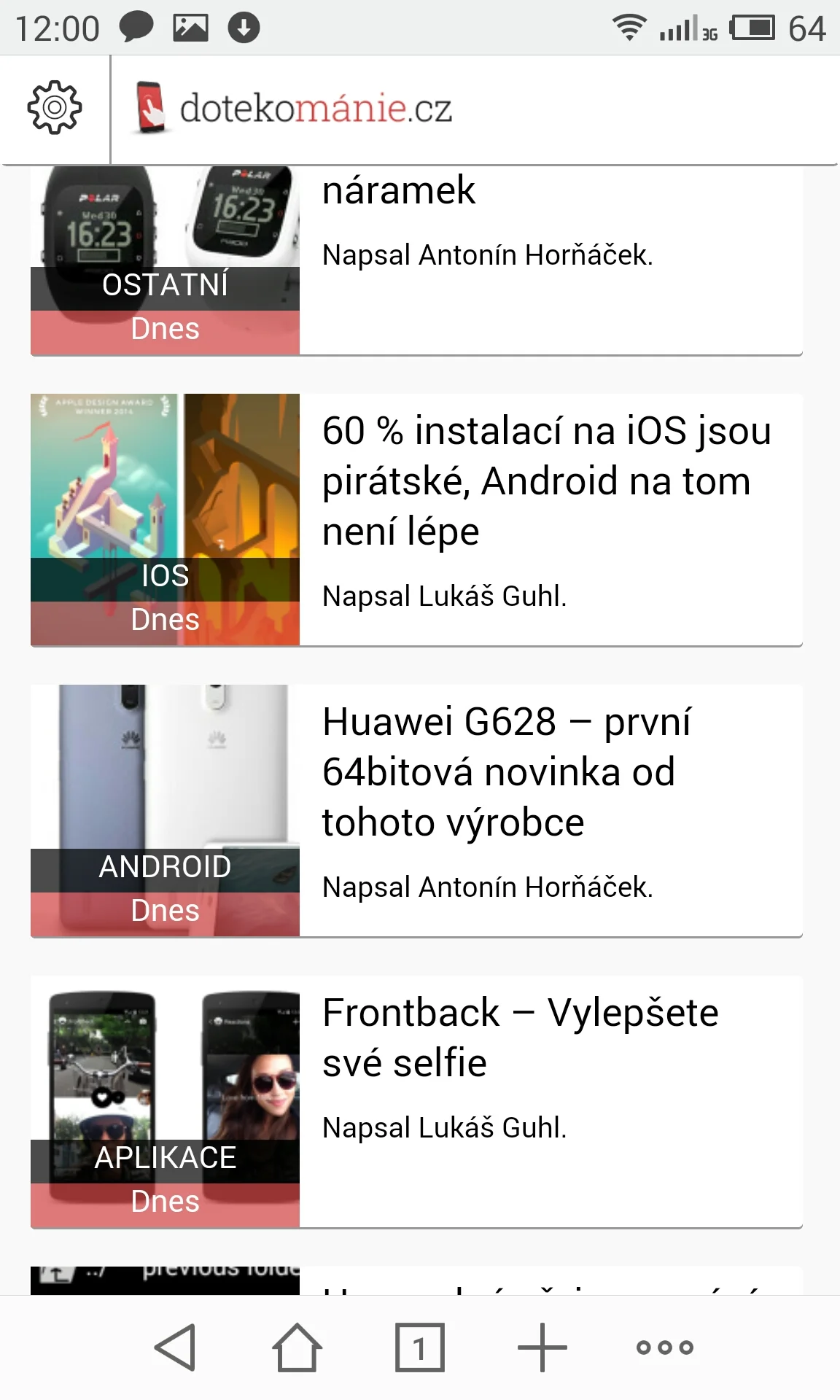
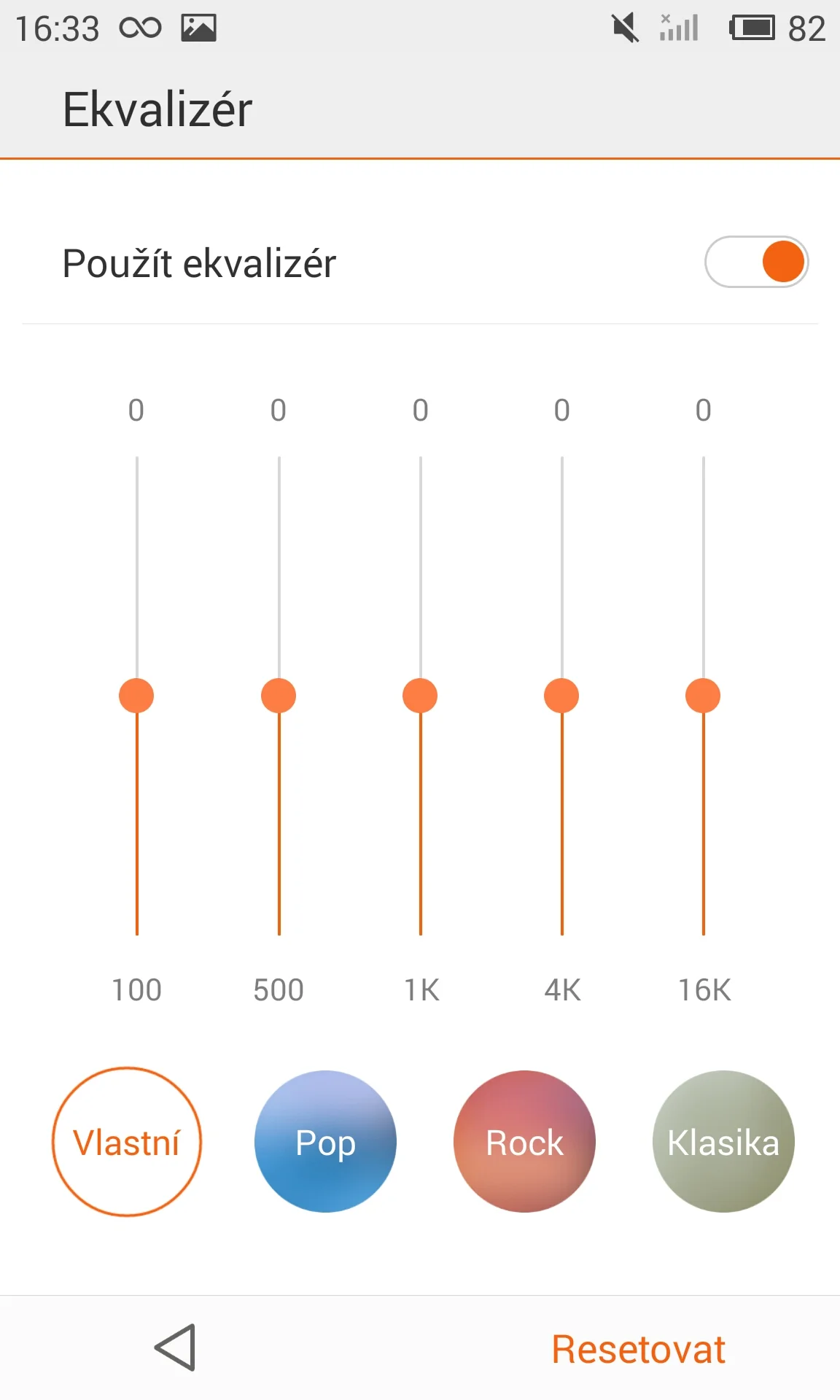
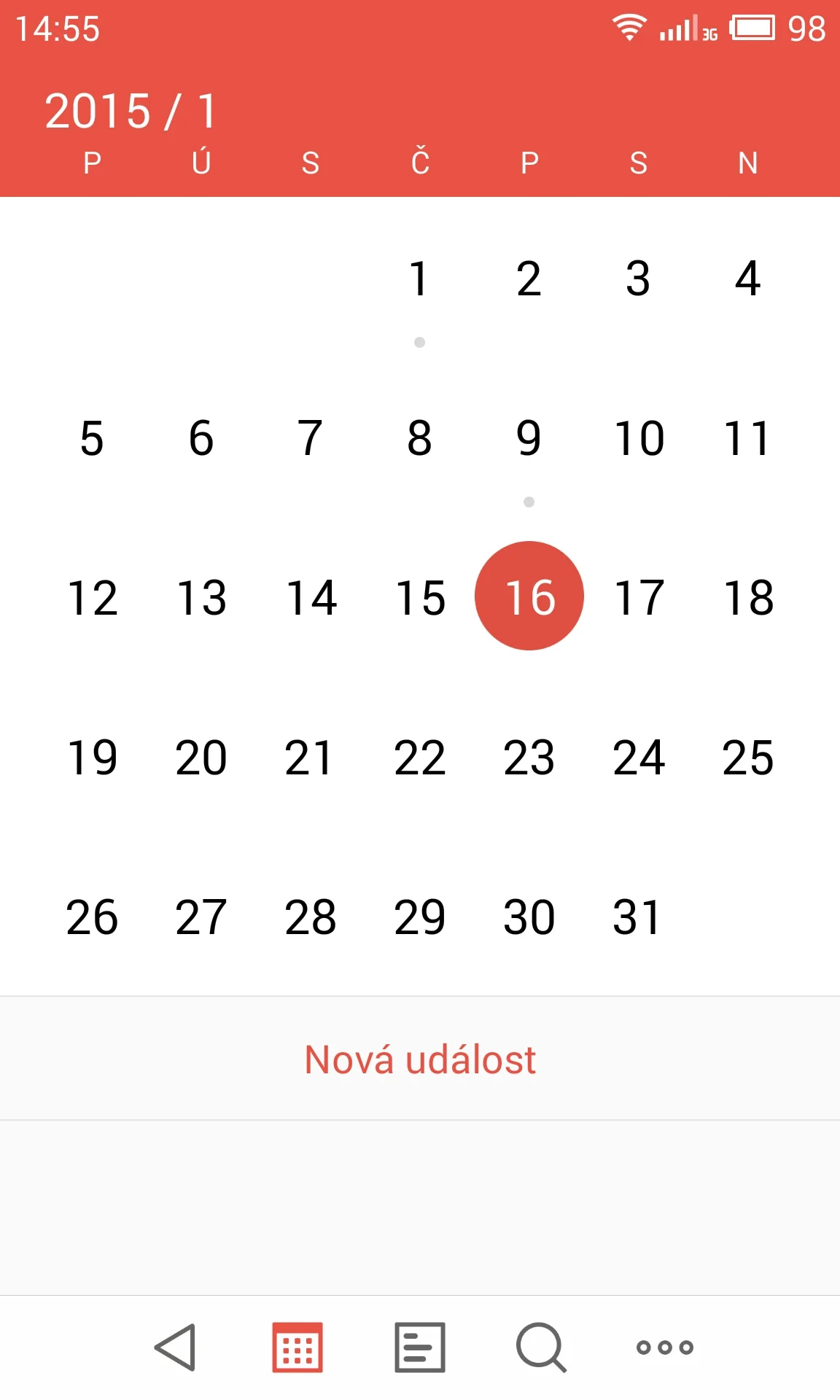
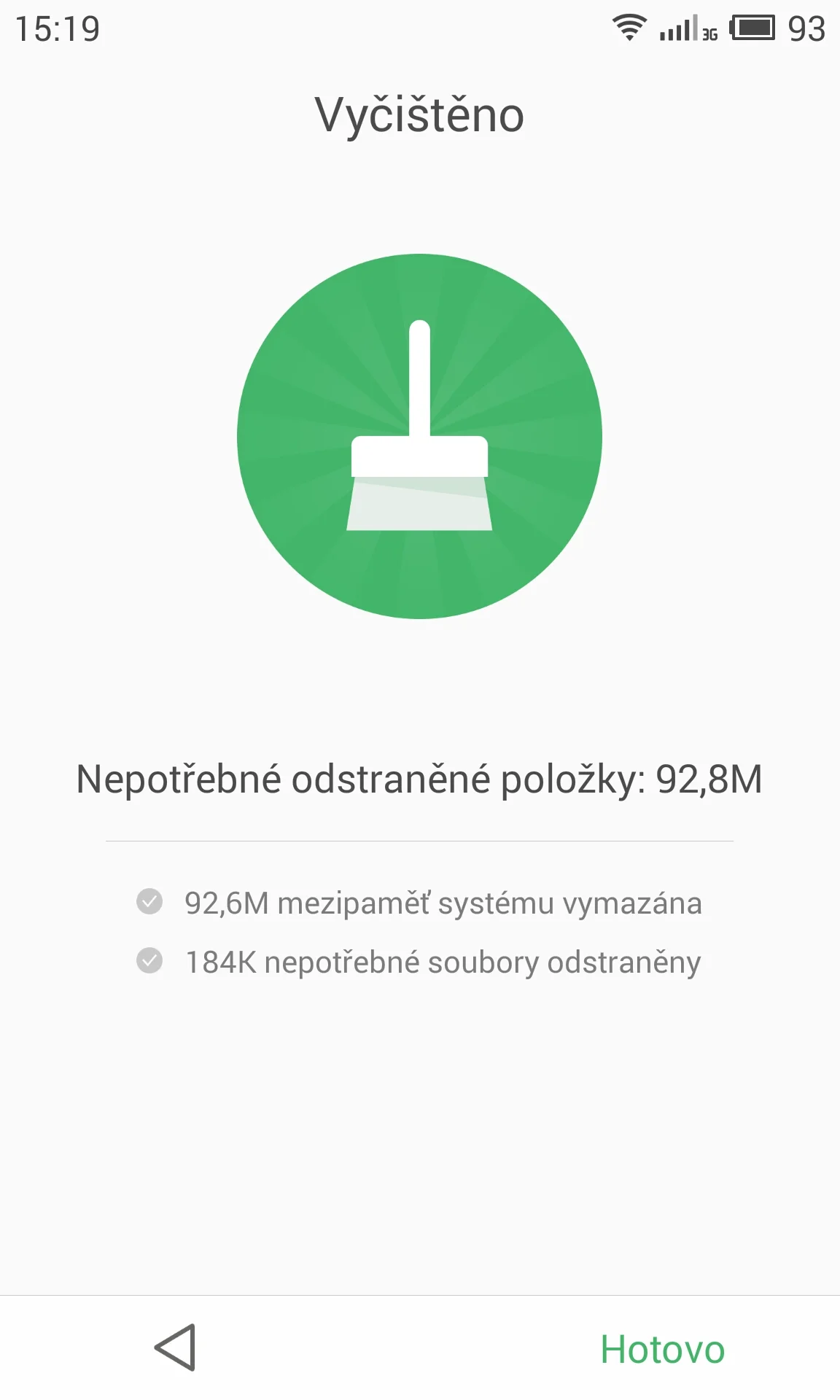
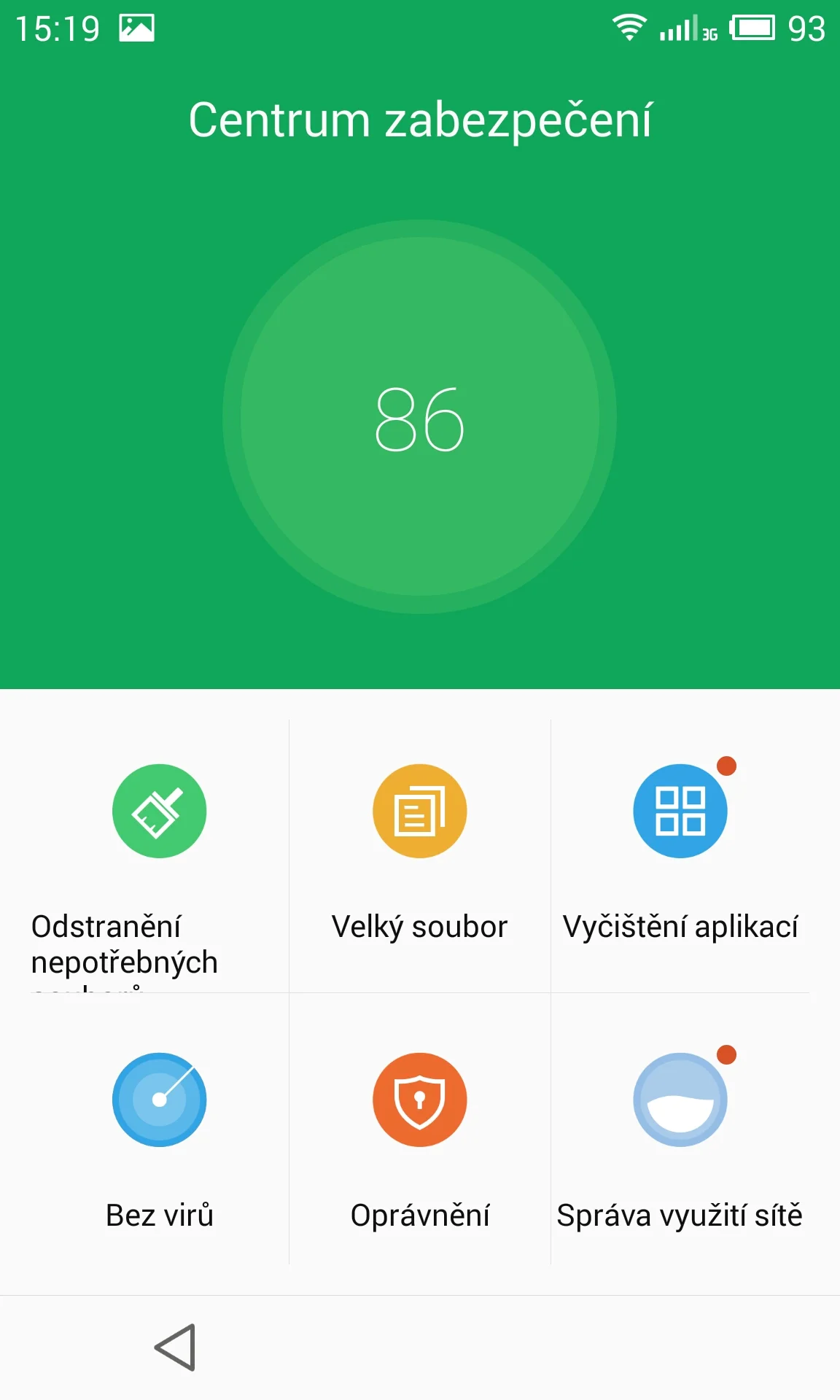
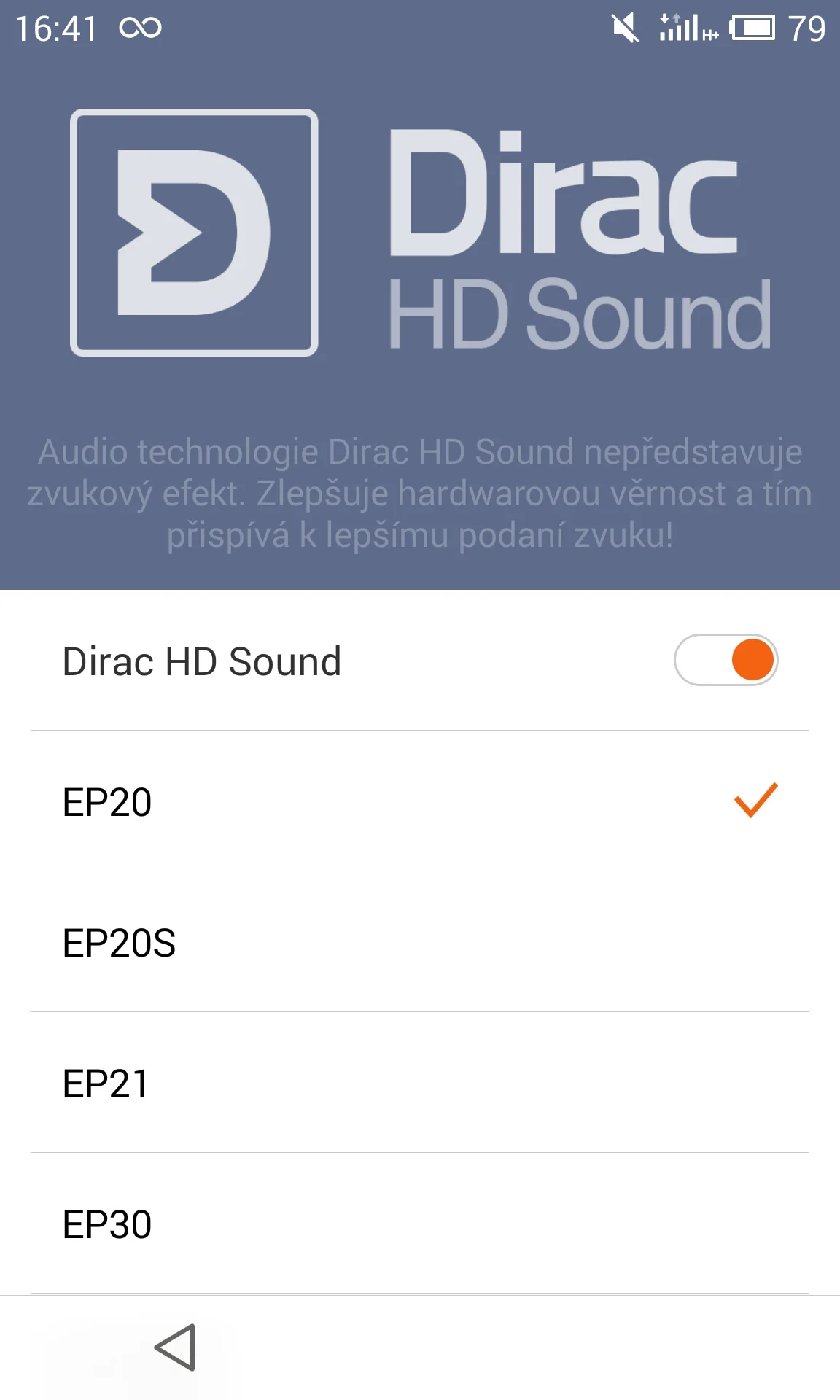
The system also includes a number of helpful tools and apps that many of us install on our phones anyway. Right out of the box, you’ll find apps like Notes and File Manager. There’s also a music player and gallery. The music player includes a built-in equalizer. I especially liked that even when I used Google Music for playback, the equalizer from the preinstalled app still worked with music playing through Google Music.
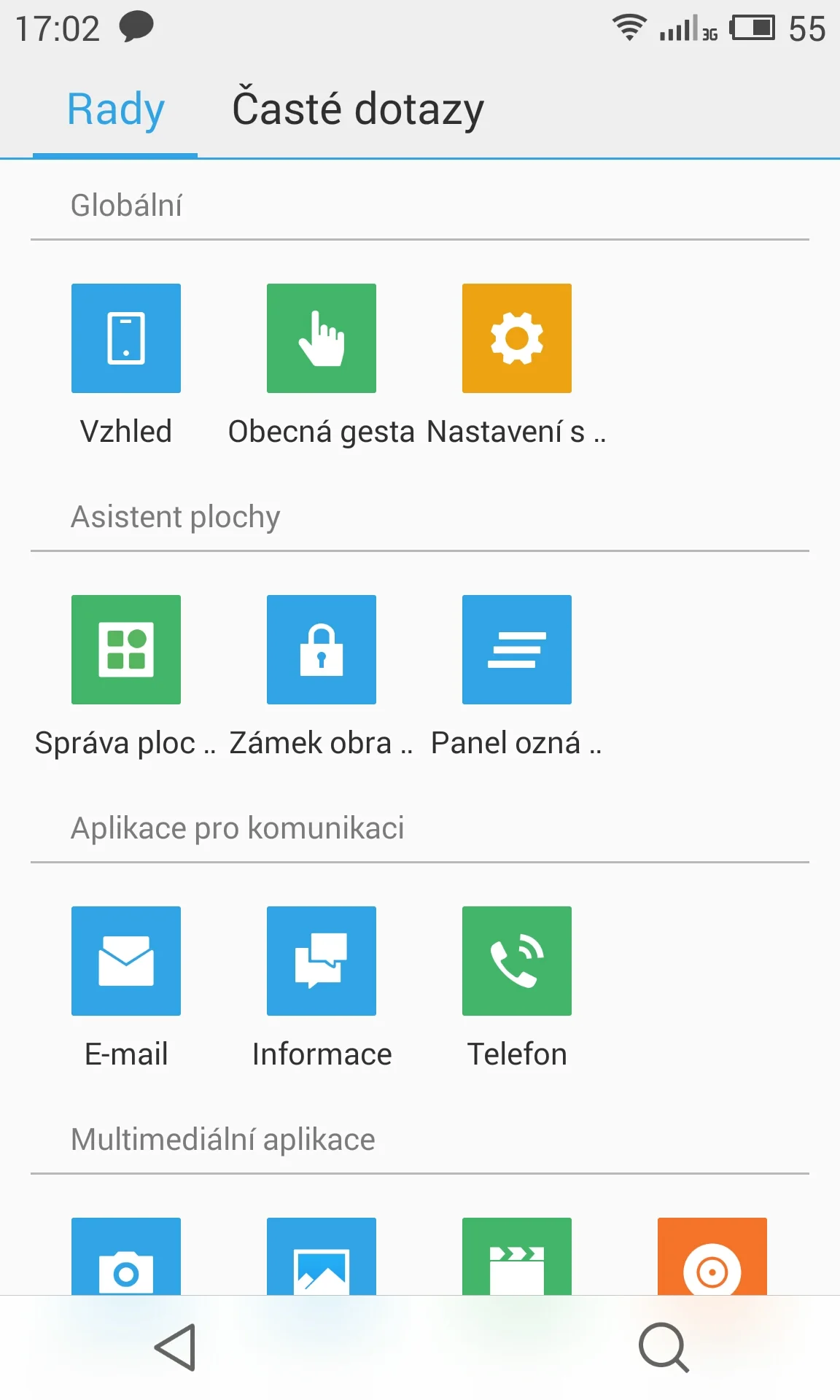
Overall, the interface felt well put together, easy to navigate, and I didn’t have any major complaints during daily use. One design choice did strike me as odd, though: the left-side panel in settings, which takes up space that could otherwise be used for actual settings items. There’s no way to remove it, and it feels completely unnecessary.
At certain moments, you can also notice some slowdown in the system. It usually happens when multiple apps are running at once. I didn’t feel any lag in games or demanding apps, and even the occasional slowdown in the interface was fairly rare.
UI SAMPLES


Display
The Meizu MX4 packs a 5.36-inch display with an unusual 1920 x 1152 resolution. That works out to 418 ppi. And yes, this screen is genuinely good.
Individual pixels are impossible to spot with the naked eye, and the rest of the panel’s traits are strong too. What stood out most to me was the accurate color reproduction and high brightness. That second point matters outdoors, where the phone holds up very well even in direct sunlight.
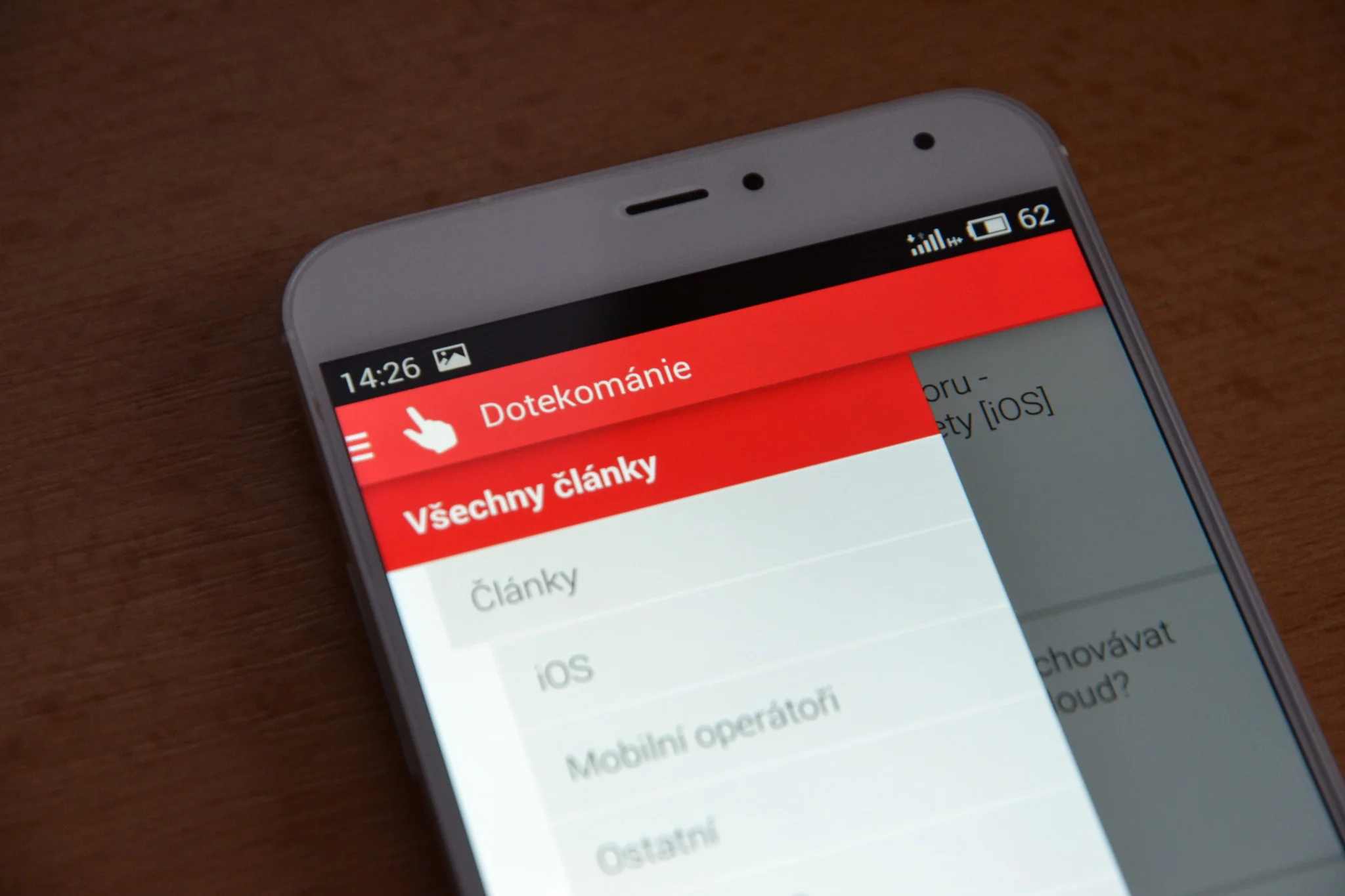
Since this is an IPS panel, viewing angles are wide. Meizu also tried to push the screen as close to the edges as possible, and it mostly succeeded. That at least makes one-handed use a bit easier for people without especially large hands.
When it comes to the display, Meizu deserves real credit. I have very little to criticize here. Some owners may miss the option to tune colors to their own preferences. We’ve seen that on some competing phones, but the Meizu MX4 doesn’t offer it.
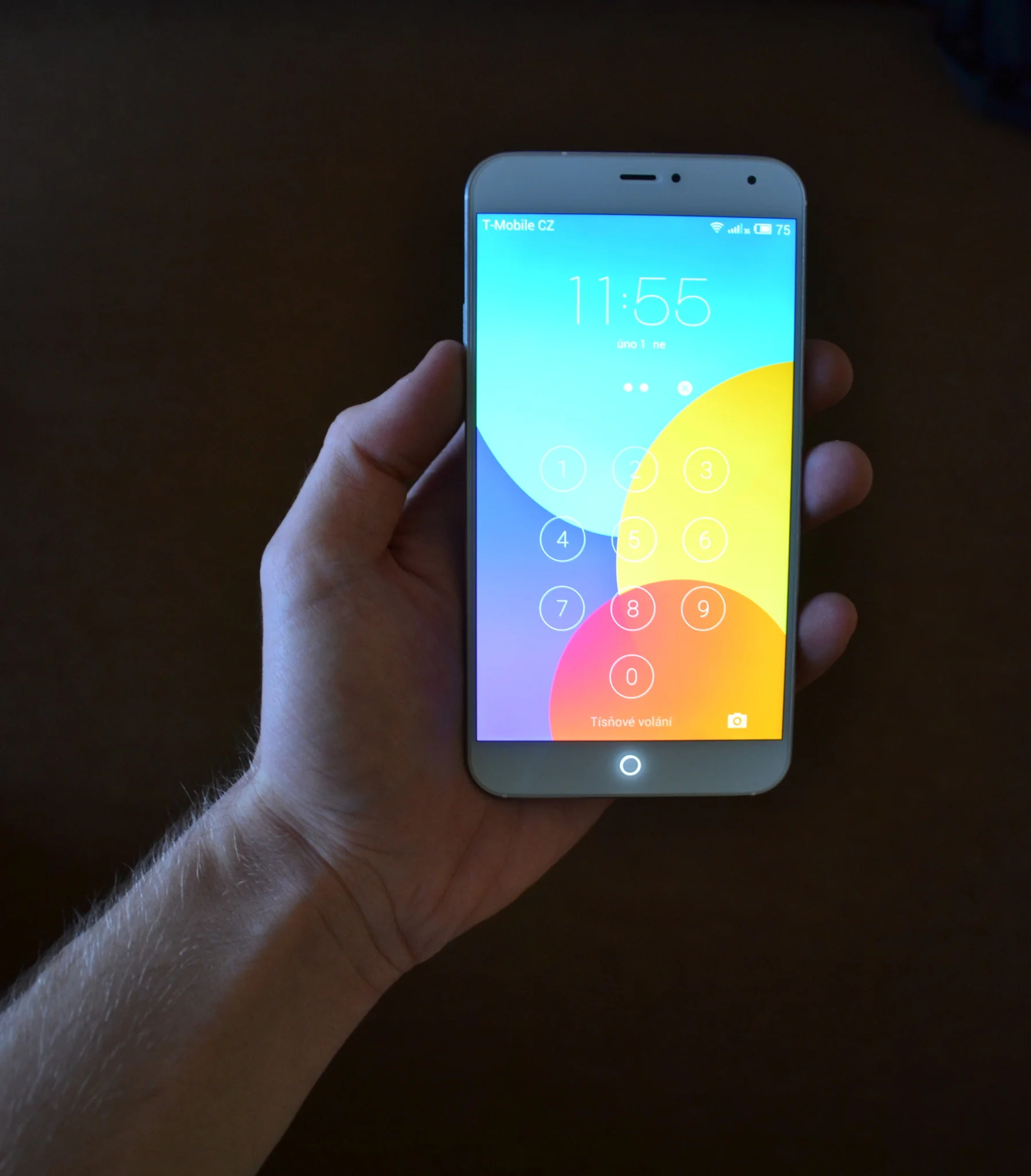
In terms of image quality, the Meizu MX4 is operating at a very high level. Unfortunately, during testing I ran into an annoyance: the touch layer would occasionally fail to respond the way it should. There are multiple reports from other users online describing the same issue. Meizu is aware of it, and users are expected to get a software fix in a future update.
Camera
The phone includes a 2MP front-facing camera, which is perfectly adequate for video calls. Around back, there’s a 20.7MP Sony camera, plus a dual-LED flash for low-light shots.
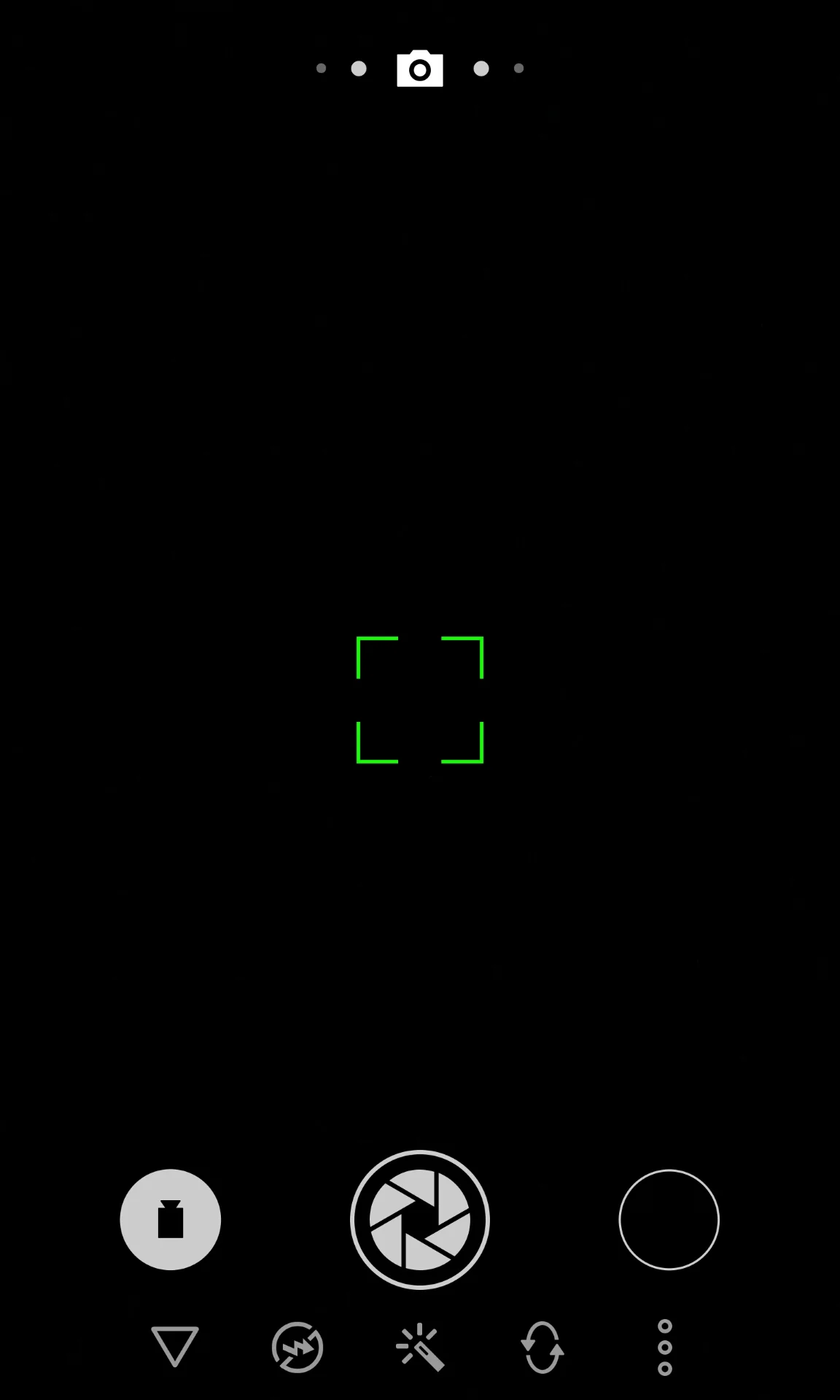
The camera interface is fairly straightforward. It offers a range of modes tailored to different situations, including macro, night mode, panoramas, and video capture for slow-motion footage. HDR is here too. Meizu also borrowed an idea from other phone makers and lets you apply a filter before you actually take the shot.
Photos can be captured at up to 5248 x 3936 resolution, and the phone can also record video in up to 4K. In good lighting, image quality is very solid. The biggest strengths are sharpness and fine detail. Subjects don’t blur together, and image noise is rare. But as the light gets worse, noise ramps up quickly. This is not an ideal phone for night photography.
That said, I’d still argue the photo quality will be more than good enough for most users. One more note: in my testing, most video players struggled with 4K clips from the phone. I’d recommend recording in Full HD instead.
SAMPLE PHOTOS








Battery Life
The battery has a 3100 mAh capacity. Charging the phone from 0 to 100 percent takes about 2 hours. Battery life itself is fairly solid, though not exceptional. With standard use, I regularly got close to 2 workdays. By standard use, I mean mobile data turned on, occasional checks of social networks and email, plus calls and text messages.
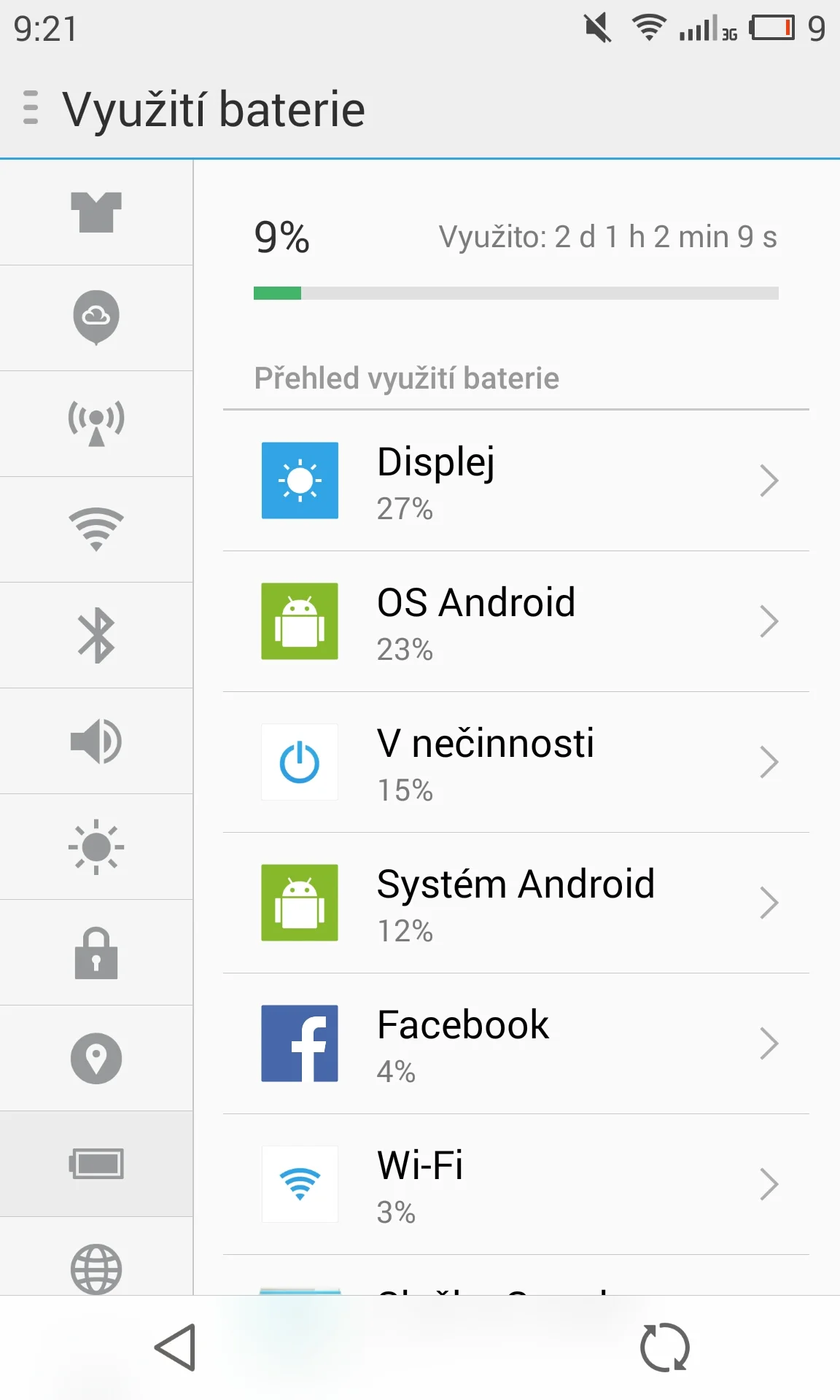
Under heavier use, when I was testing games and the phone was used several times in performance mode, endurance dropped off and the phone was asking for a charger before the end of the day.
So battery life lands squarely in the average range. Most users probably won’t have a problem with it. Getting to 2 days of use is very realistic. With data turned off and power-saving mode enabled, possibly even more. It really comes down to how you use it.
Verdict
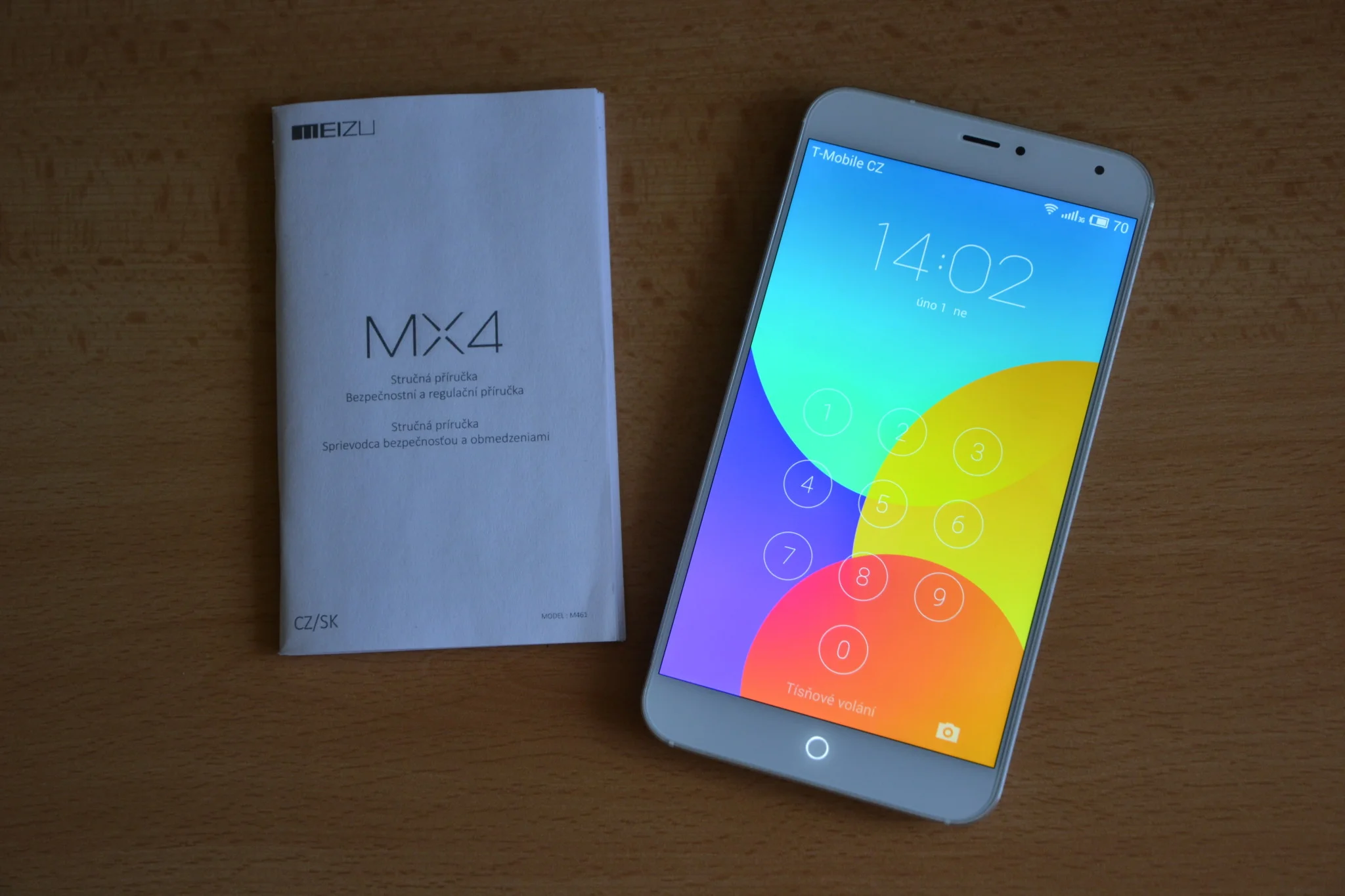
Meizu MX4 arrives on the Czech market with a very appealing price tag, coming in below 9,000 CZK (approx. $414 / €370). For that money, you get a well-equipped phone that can handle demanding apps without much trouble. It also packs a quality display, one that would look right at home on phones from a higher price tier. On top of that, the camera is quite good too.
The biggest drawbacks of the Meizu MX4 are the rear cover, which feels fairly cheap, and issues with the touch layer, which didn’t always respond the way it should. The phone also occasionally stumbles in the interface, and that doesn’t help its case. There’s also the LTE issue: the Meizu MX4 does not support the LTE bands most commonly used in the Czech Republic. In places where another phone would normally connect to LTE, the MX4 may simply be out of luck.
That said, I still think the Meizu MX4 is a successful phone. Meizu clearly still had room to improve in future generations, but even with the issues mentioned above, it will be more than enough for most users. Overall, it can hold its own against far more expensive devices, and in its price class, it ranks among the better options.

We’d like to thank Alza.cz for providing the Meizu MX4 for this review, where you can also buy it.

Community Discussion 0 COMMENTS