

There still aren’t many legitimate ways to watch live TV over the internet. Sure, you can find a few pirate streams, but they’re usually unstable, paid, or simply poor quality. In the Czech Republic, telecom provider PODA a.s. has spent several years building out its business across mobile service, internet, and TV. The last two matter most here, because they come together in the company’s new PODA net.TV service. It’s available on Android, iOS, and desktop systems.
Before you can get started, you need to be a PODA customer. Without that, you can’t pair your devices, and you can register up to three of them. For this review, I used both PODA’s TV and internet services. The company has been gradually expanding across different regions of the country. If you know someone with a PODA account, though, it should also work through their login. The service was free through May 31, 2015. For now, the lineup includes 20 TV channels. Once the testing period ends, PODA will likely move to a paid model similar to traditional TV. Pricing wasn’t announced at the time, but the expectation is that it will be reasonable.
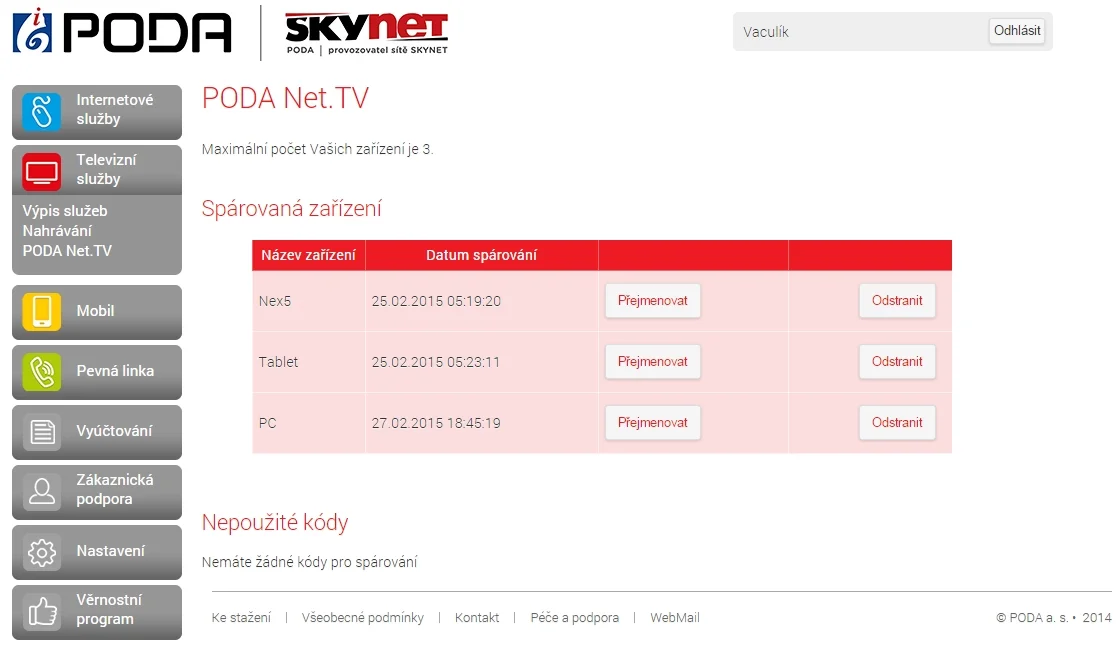
How you access playback depends on your device. The simplest route is through a web browser at live.poda.tv, where you enter a pairing code generated in the customer portal. As mentioned, you can register up to three devices here, name them for easier identification, remove them, and add new ones. That limit could expand later. You then enter the same code in the browser and you’re in. There is one catch: authorization is tied to the device, not the browser. That means the same user can’t just jump between Chrome on a laptop and Chrome on a desktop without using two separate pairings.
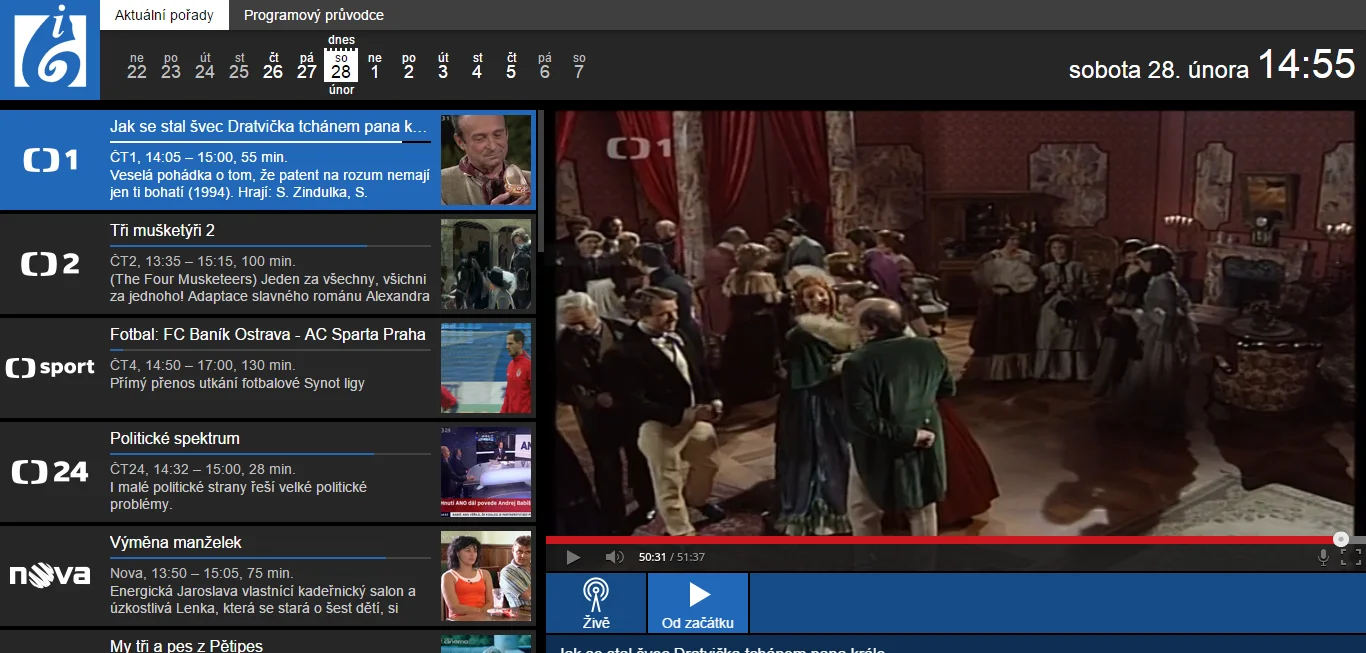
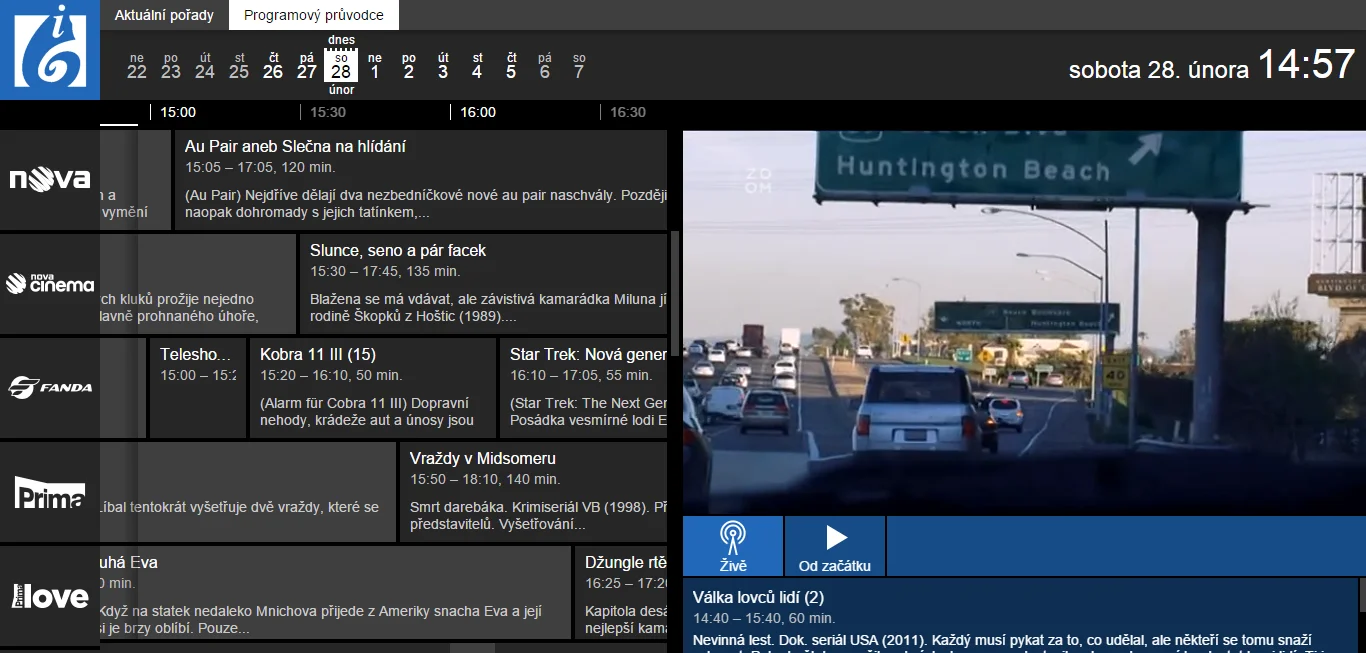
The interface looks a lot like the mobile app and the company’s TV broadcast UI. On the left, you get a preview of all currently running channels. On the right sits the player itself, which looks very similar to YouTube’s video player. Switch over to the program guide and you can browse the schedule or start a movie that aired the previous day. Picture quality matches the TV output because it uses the same source feed, and the only real requirement is a connection speed of at least 2 Mb/s, which is hardly demanding by current standards. Loading is fairly quick, and the controls are easy to understand.
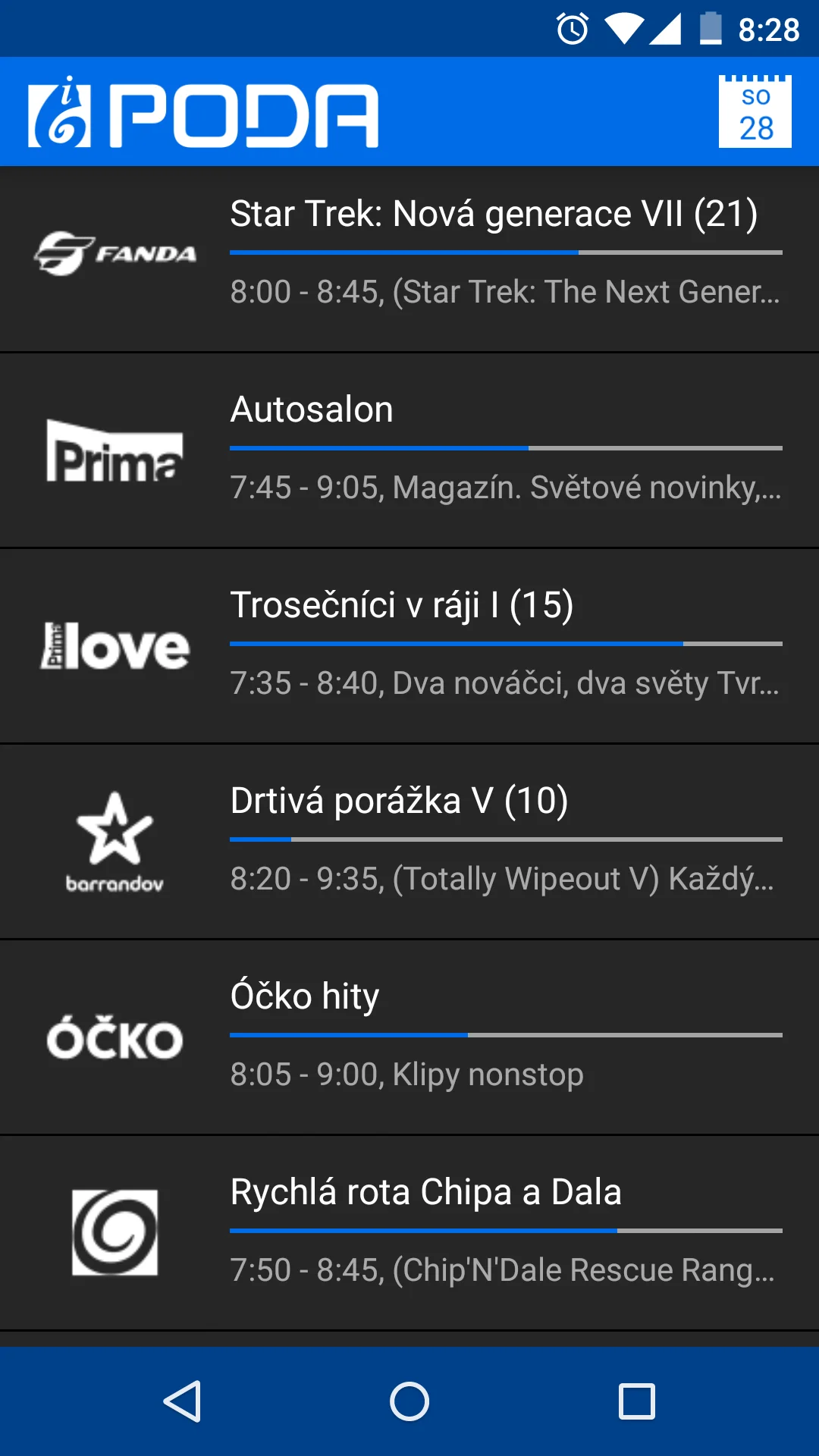
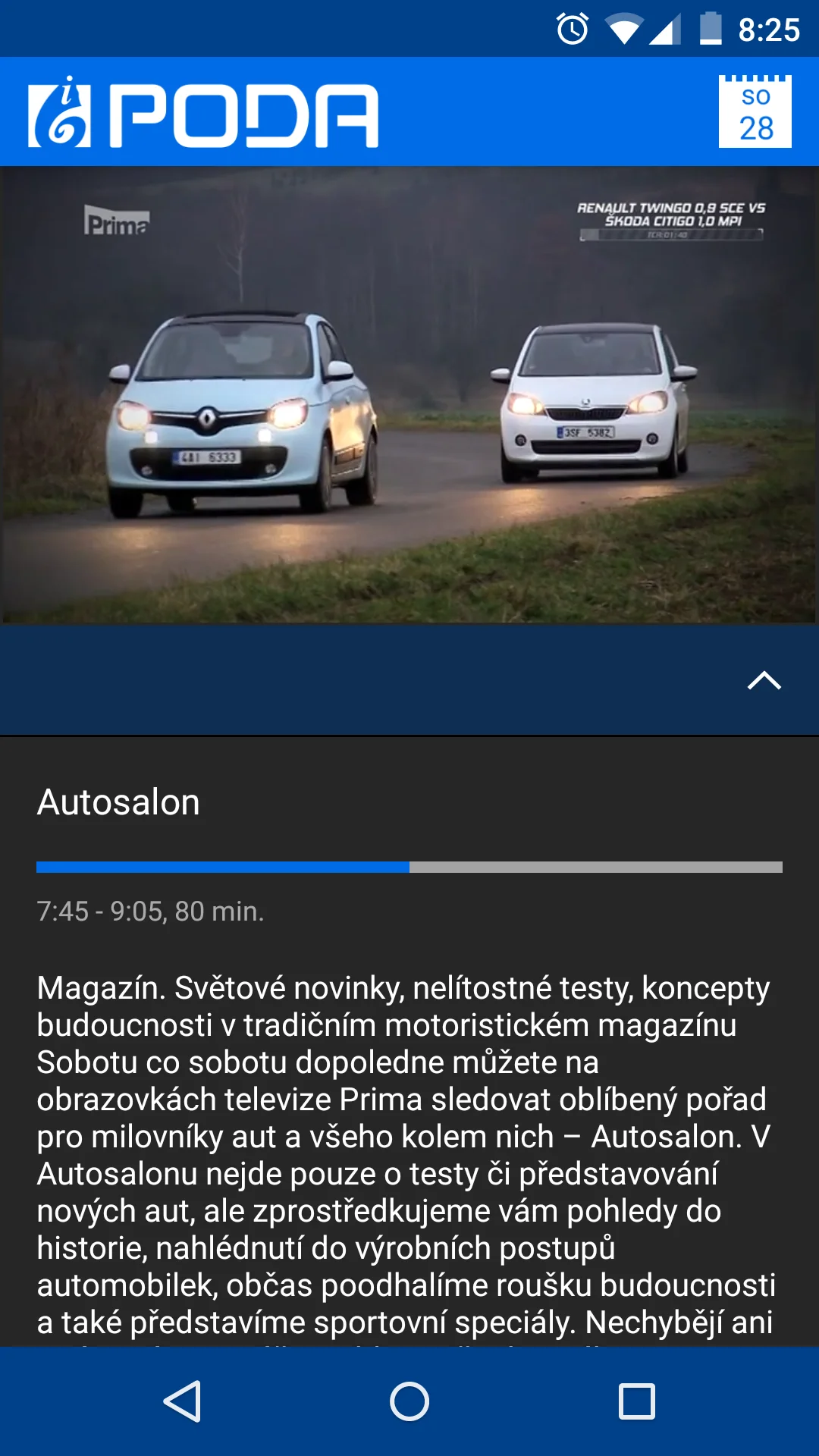
On mobile, the experience shifts to the PODA.tv app, available on Google Play and the App Store. It wasn’t available on the Windows Store, and the company’s message at the time, “TV broadcasting for mobile phones and tablets running Windows is not planned,” didn’t leave much room for optimism. The app works on both phones and tablets. It isn’t especially demanding, aside from its appetite for mobile data. On first launch, each device has to be paired again. The design feels clean and makes good use of screen space. The home screen shows programs currently airing, and you can start them right away. Alongside live playback, you can also restart a program from the beginning. Tap the calendar icon and you’re back in the guide, where you can also pull up a show description. One useful feature: programs can be replayed for up to one day after airing.
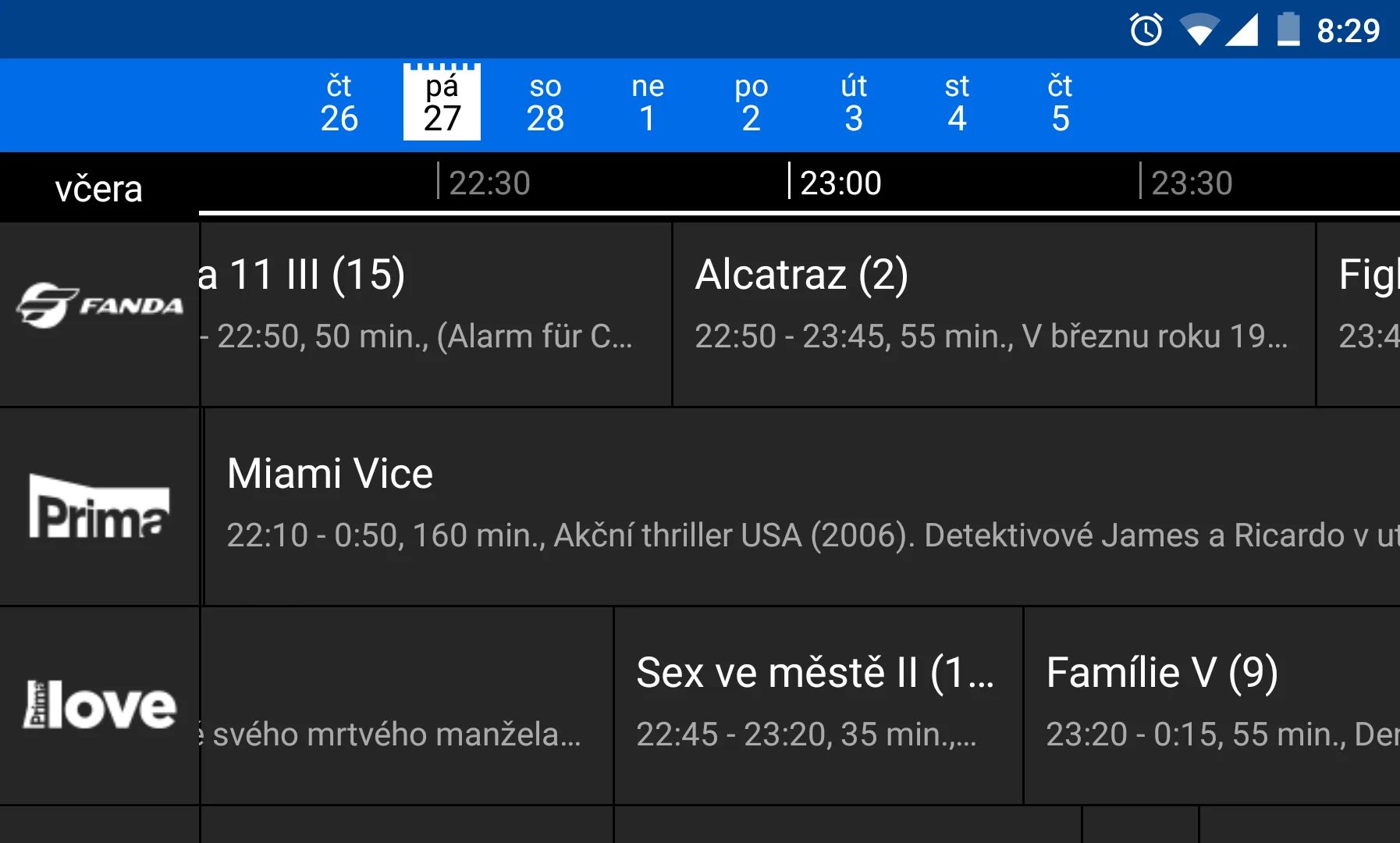
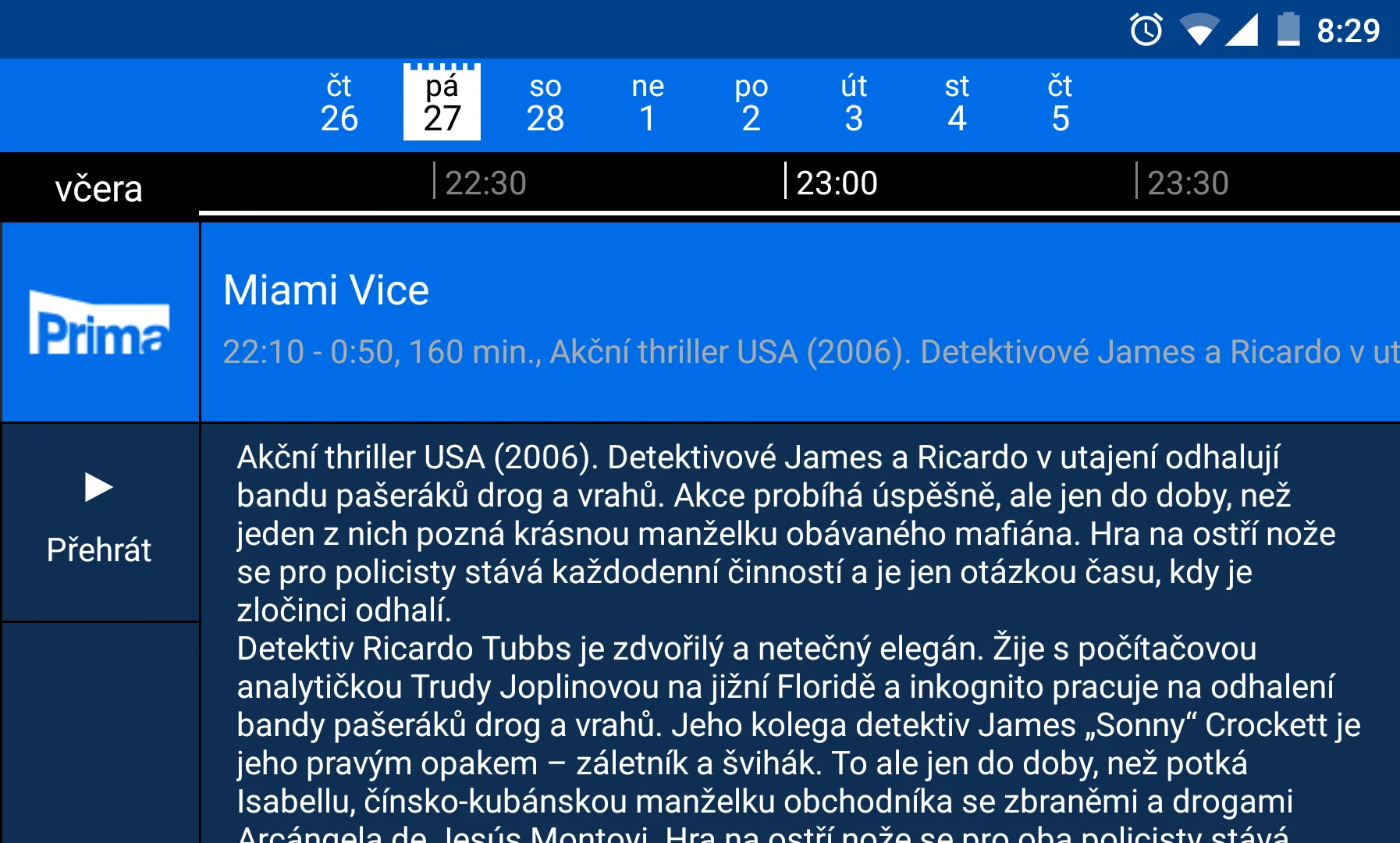
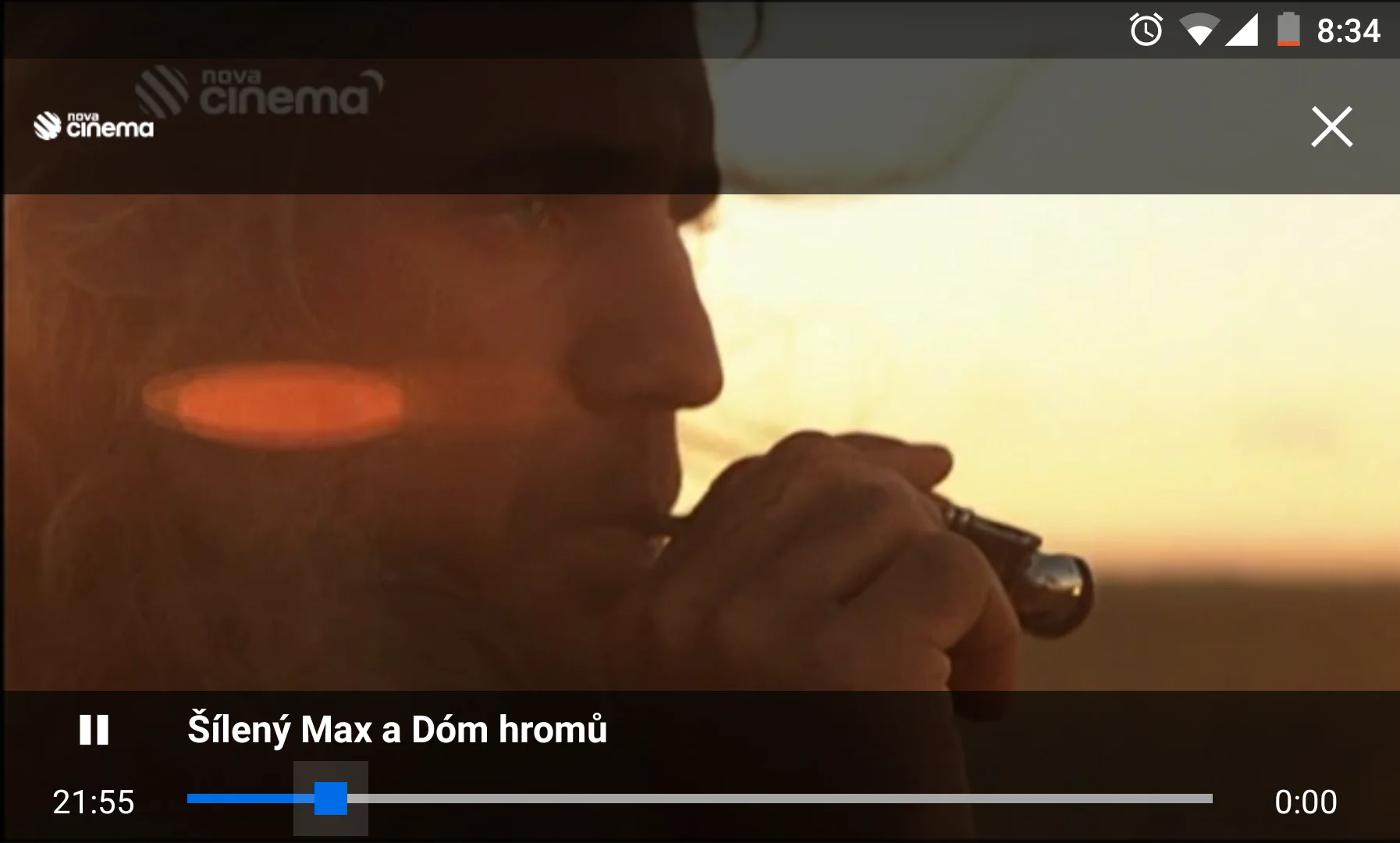
Playback itself can be paused and scrubbed through, though only within the streamed version rather than the true live broadcast. This isn’t perfectly live TV in the strictest sense. I observed a delay of roughly 30 seconds compared to the television feed. There’s no manual quality selector, and the exact resolution wasn’t disclosed, but that’s the last thing I’d complain about here. I didn’t run into quality drops, outages, or visible artifacts. Full-screen playback without system buttons getting in the way is another welcome touch.
And that’s really the pitch: simple, functional, and surprisingly polished. What matters now is what PODA does after the testing period ends, especially with pricing and channel selection. As a way to put TV on phones, tablets, and PCs without turning the experience into a mess, PODA.tv gets the basics right.


Community Discussion 0 COMMENTS