
ASUS is no newcomer to smart wearables. The company already had Vivo Watch and ZenWatch models in its lineup, and this review focuses on the former. The big question is simple: did ASUS solve the usual weak spots, like heart-rate tracking, step counting, and battery life?
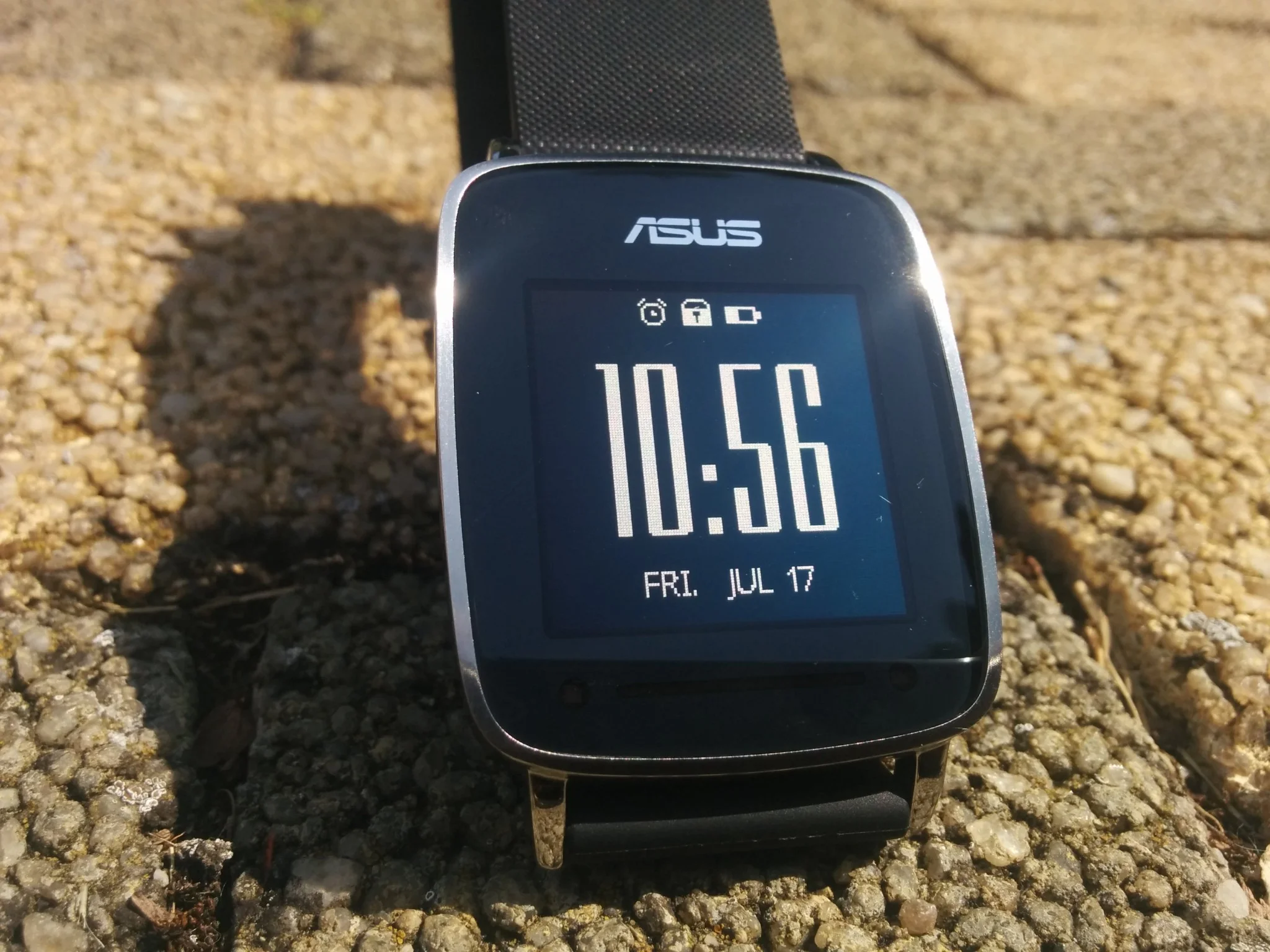
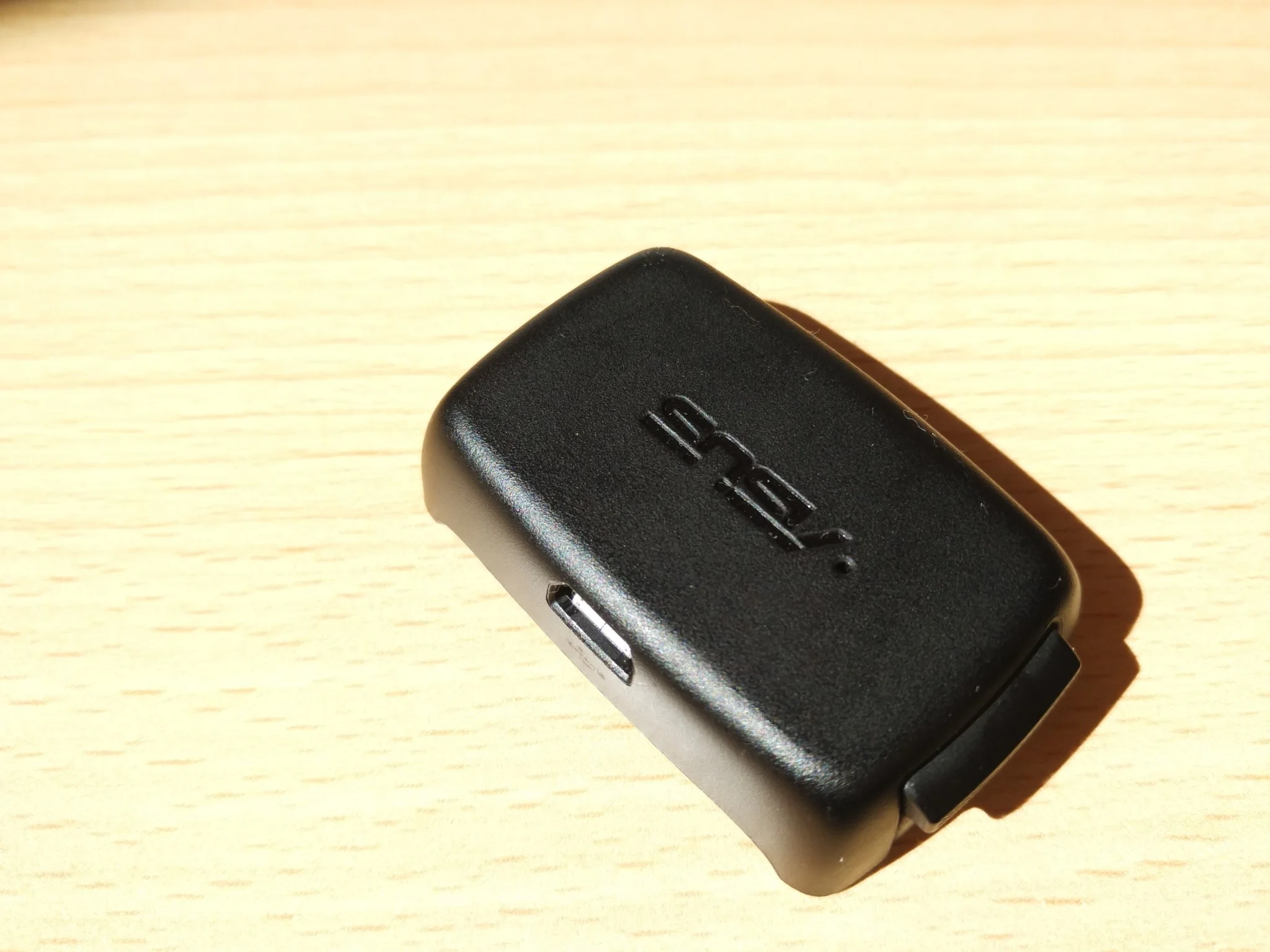
Don’t expect much in the box. You get the watch itself, a USB cable, a charging cradle, and a few manuals. ASUS is clearly assuming you already have a wall adapter, and there really isn’t much else you’d need.
Build and design
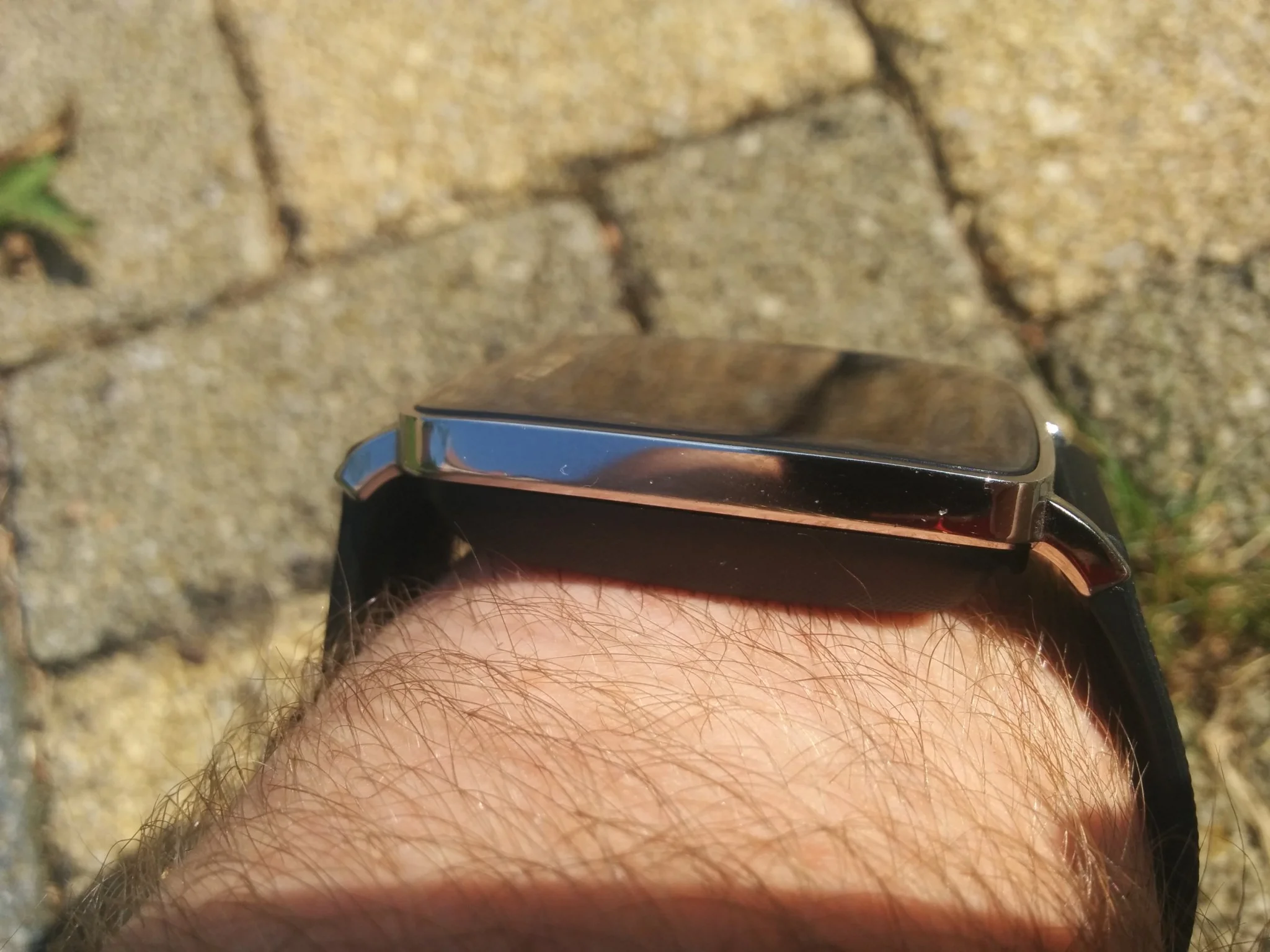
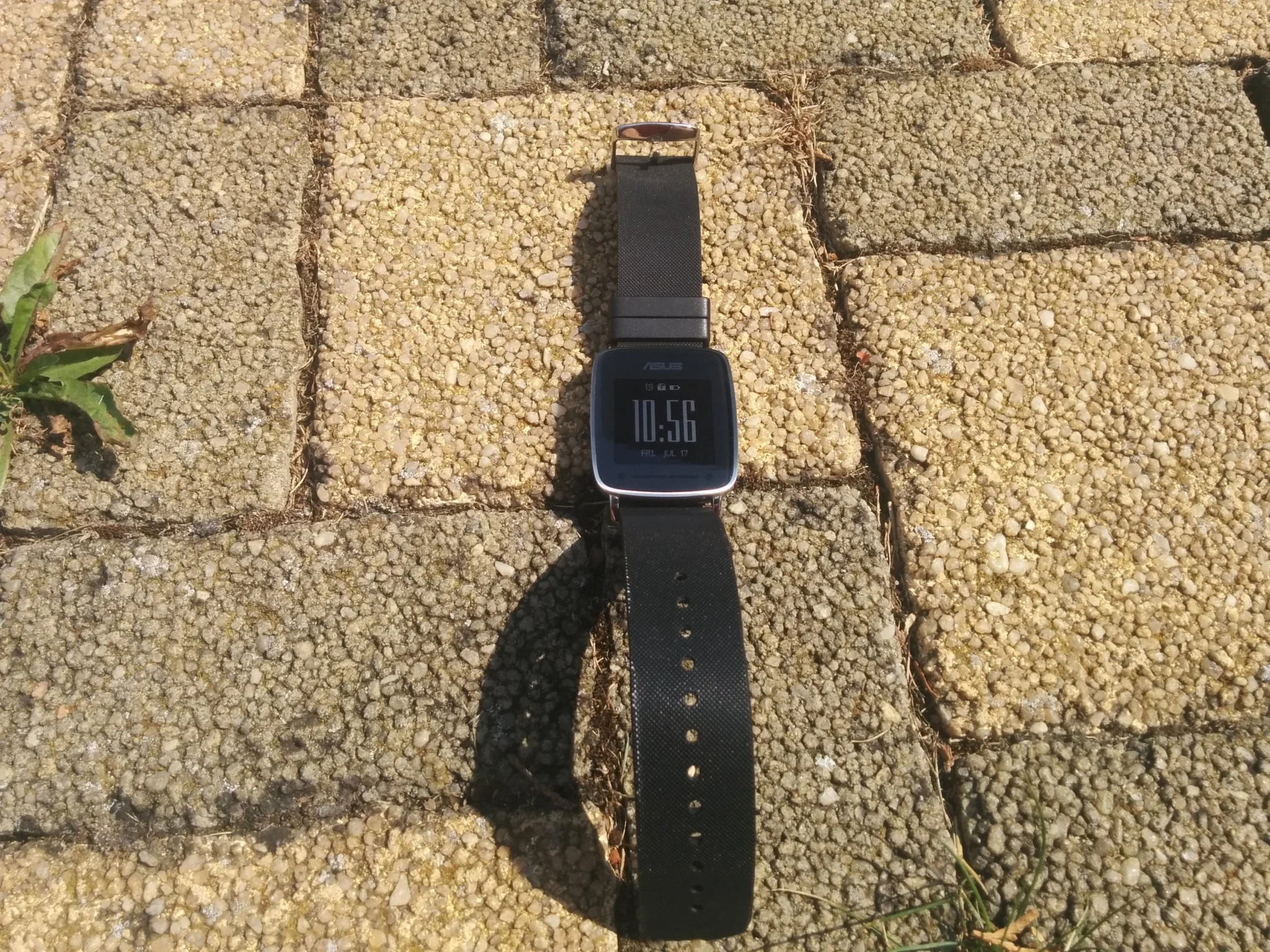
From a build and design standpoint, this is very much a smartwatch. You get metal framing that genuinely helps protect the body from bumps and potential damage, plastic on the underside for more comfortable wear, a rubber strap, and glass up front.
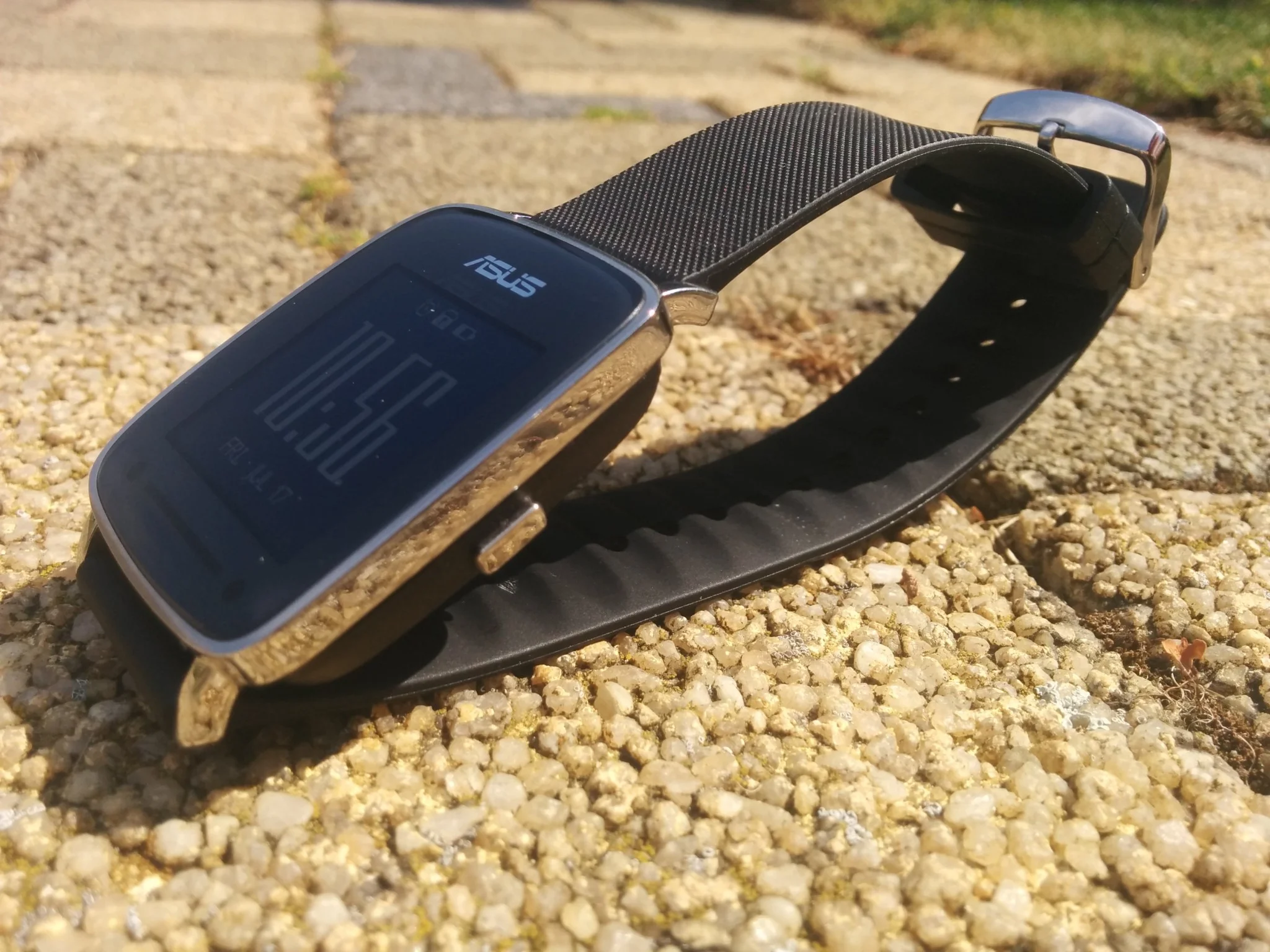
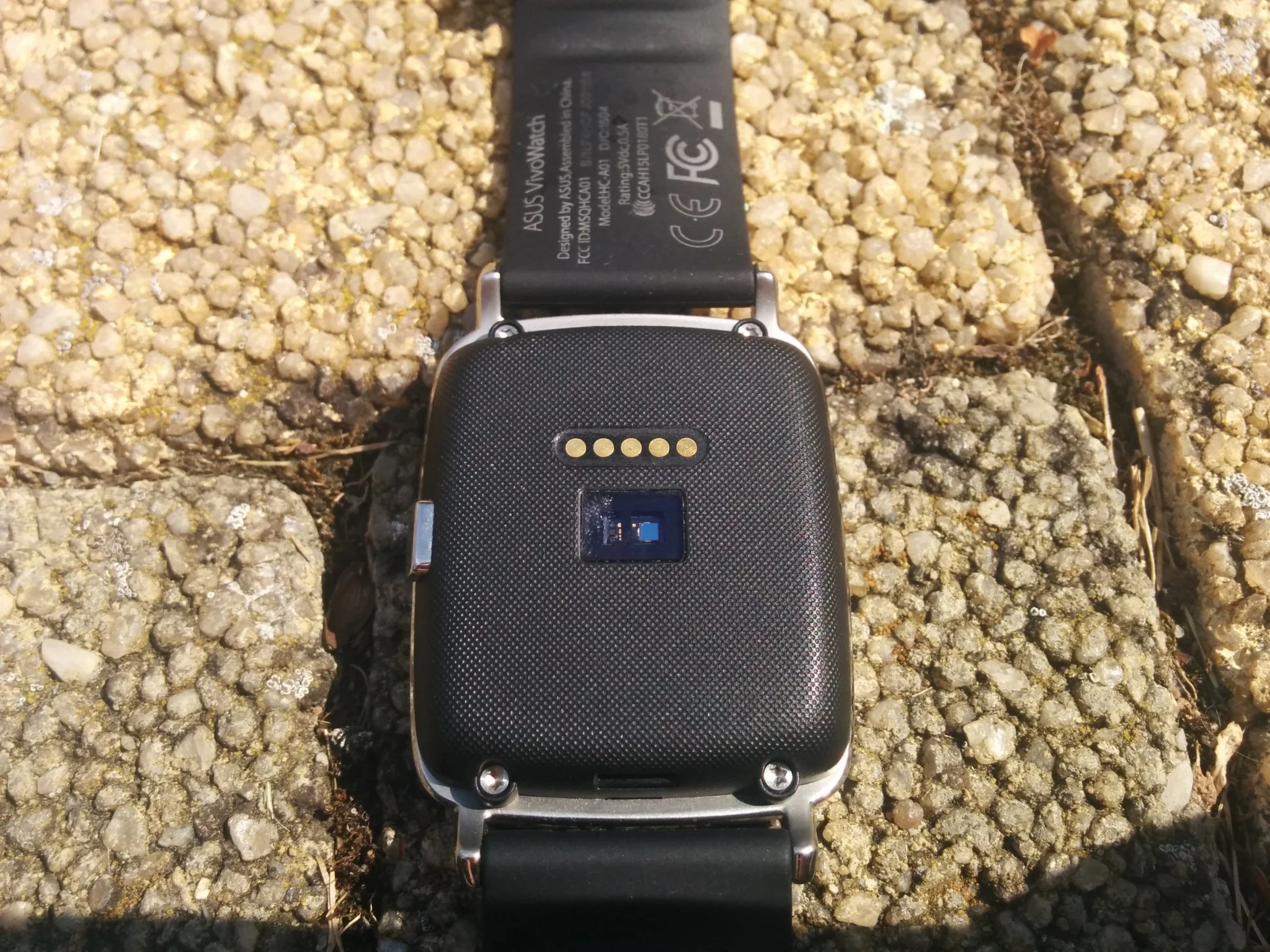
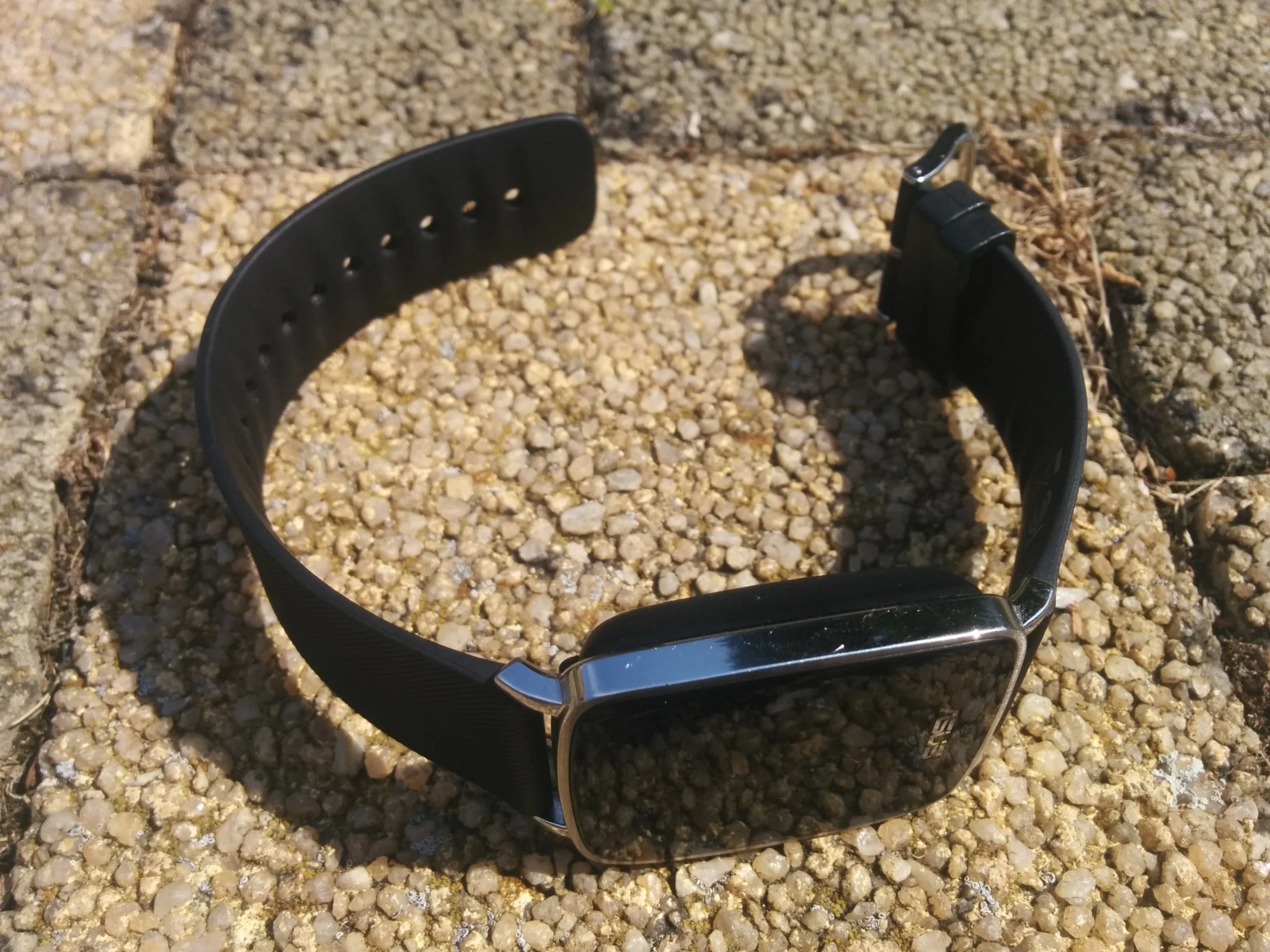
Look a little closer and you’ll notice the display is slightly curved at the ends, the edges are sharp, the corners are rounded, and the construction feels solid. Nothing creaks, flexes, or shifts. The rubber strap is another story. It’s quite uncomfortable, even if you can get used to it over time, and it doesn’t look especially good either. For people with smaller wrists, it’s close to useless because it can barely be tightened any further.
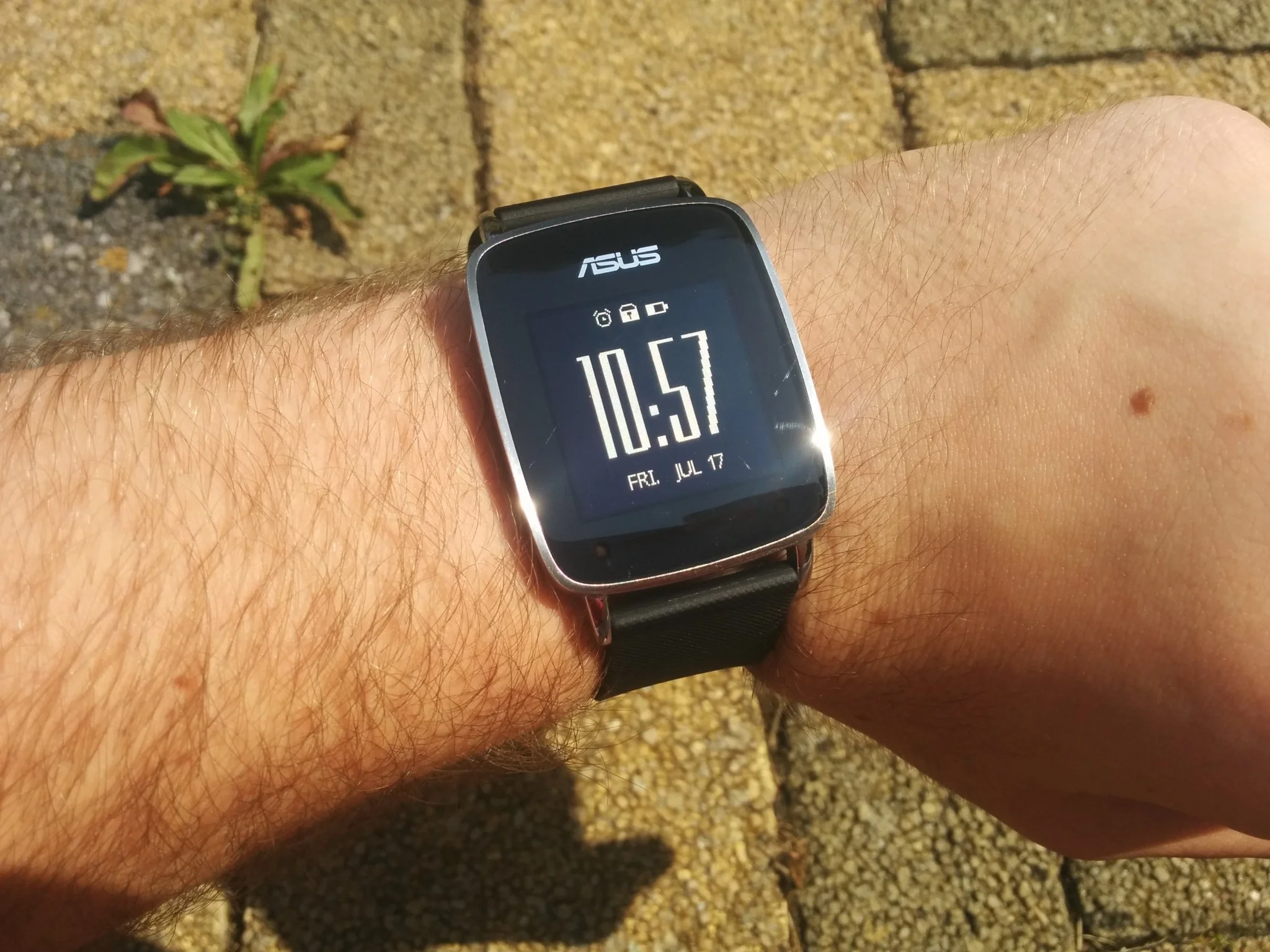
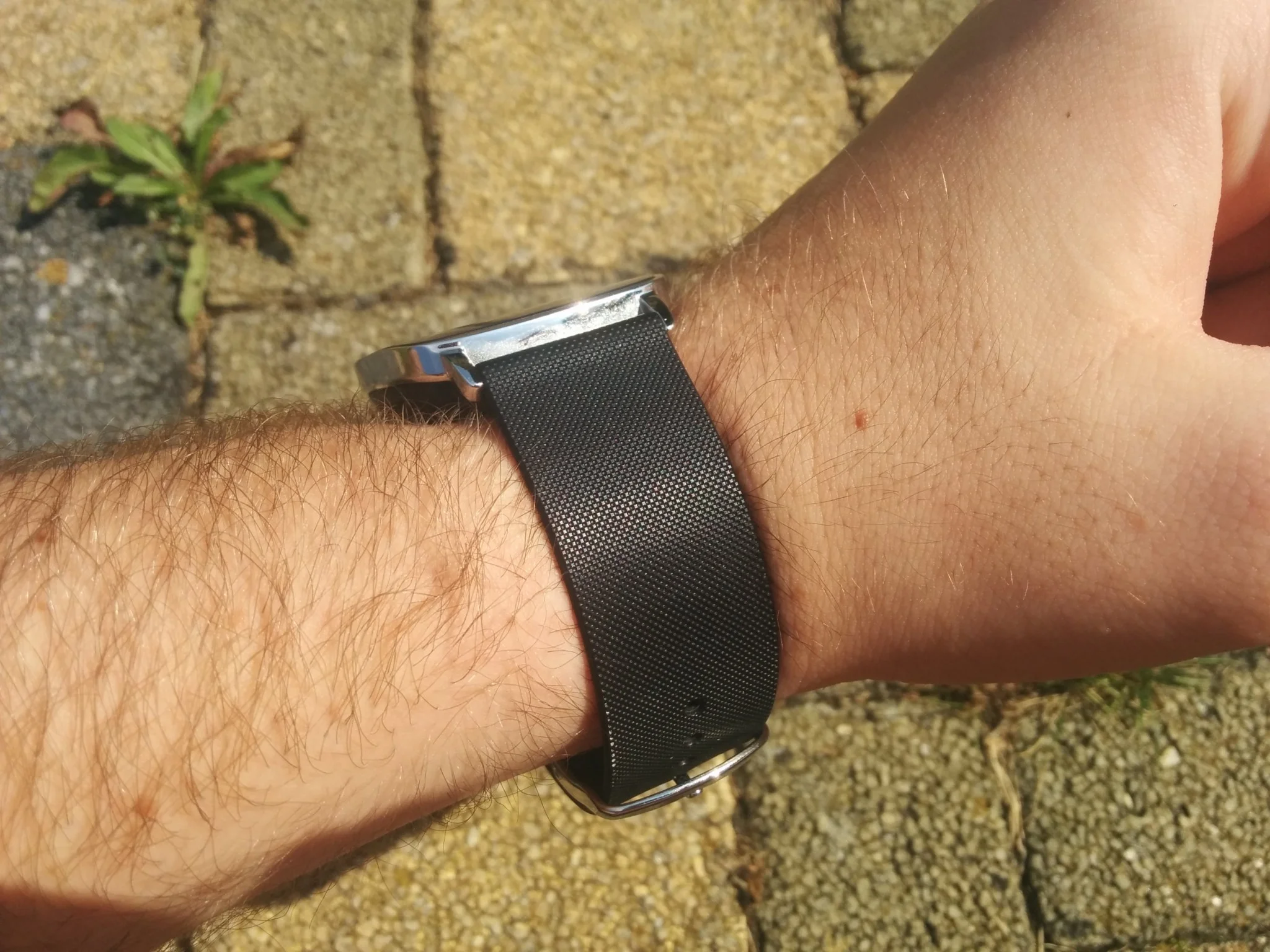
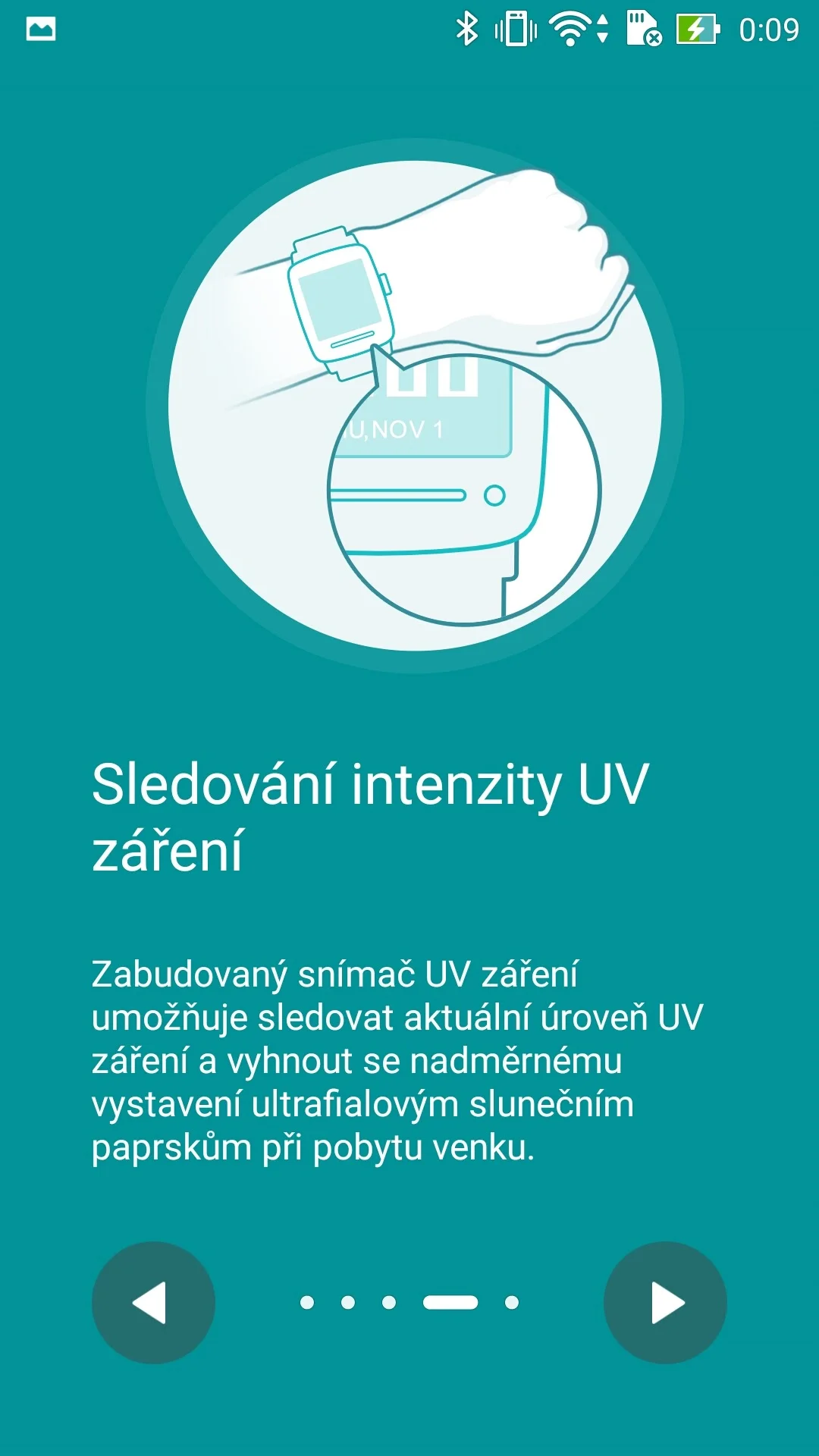
Above the display sits the ASUS logo. Below it is an elongated LED, next to light and UV sensors. Unfortunately, that LED is barely used for anything meaningful, so don’t expect it to alert you to incoming notifications.
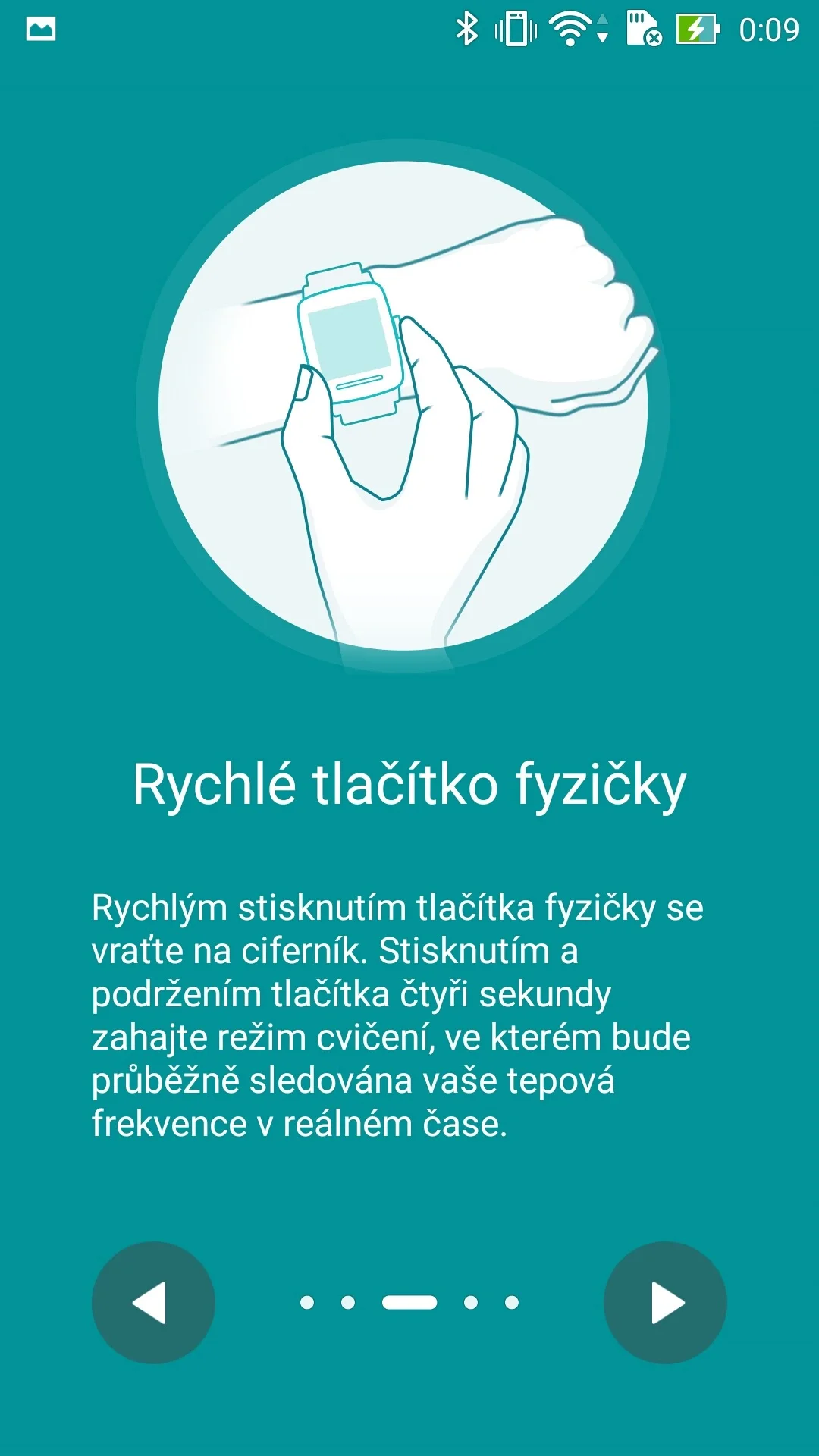
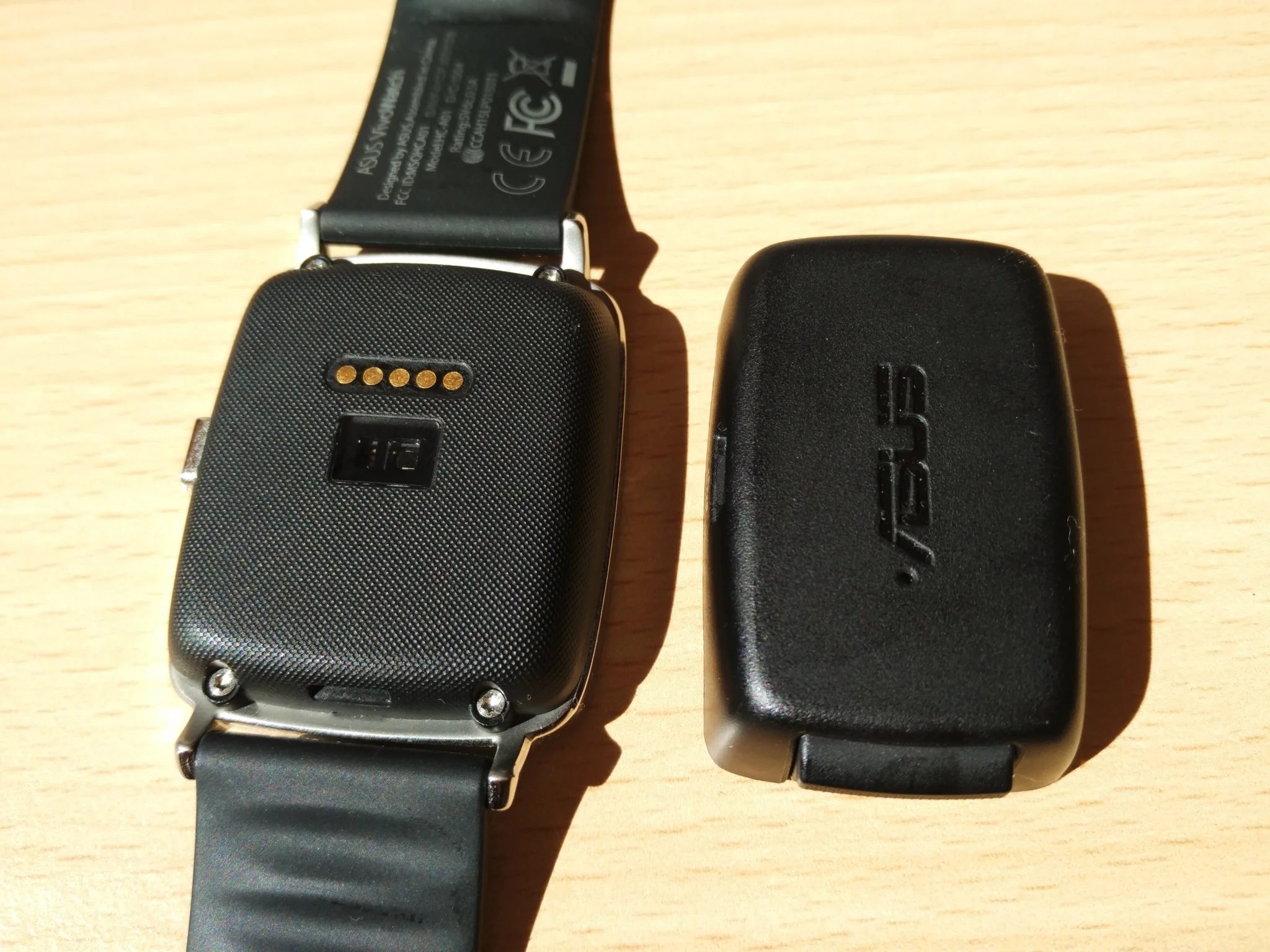
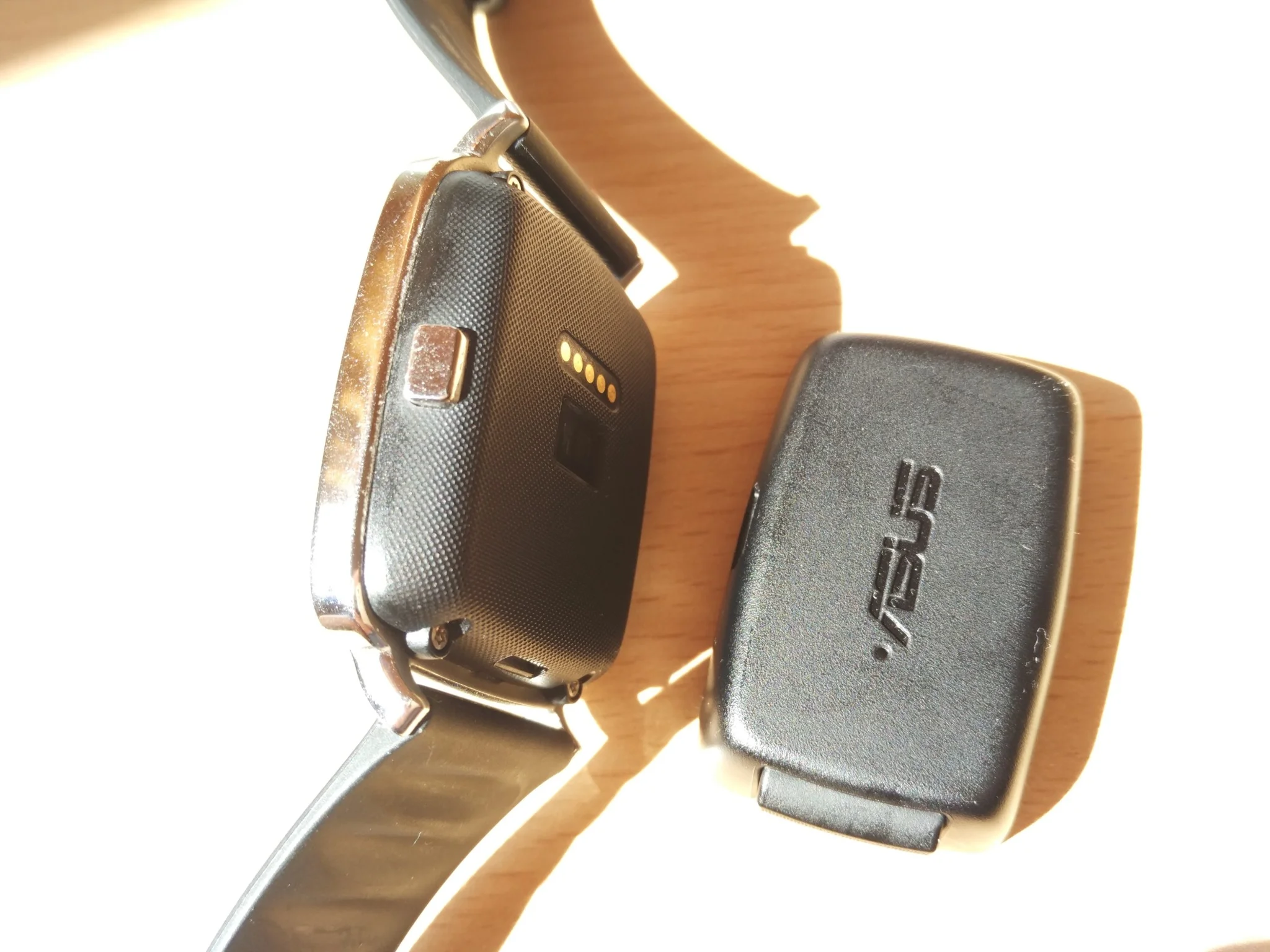
On the right side of the watch there’s a small recessed button that mostly exists to wake or unlock the device. When pressed, the screen lights up gently, which works well at night because the display stays readable without blasting your eyes with brightness. On the bottom, you’ll find the heart-rate sensor and five charging pins.
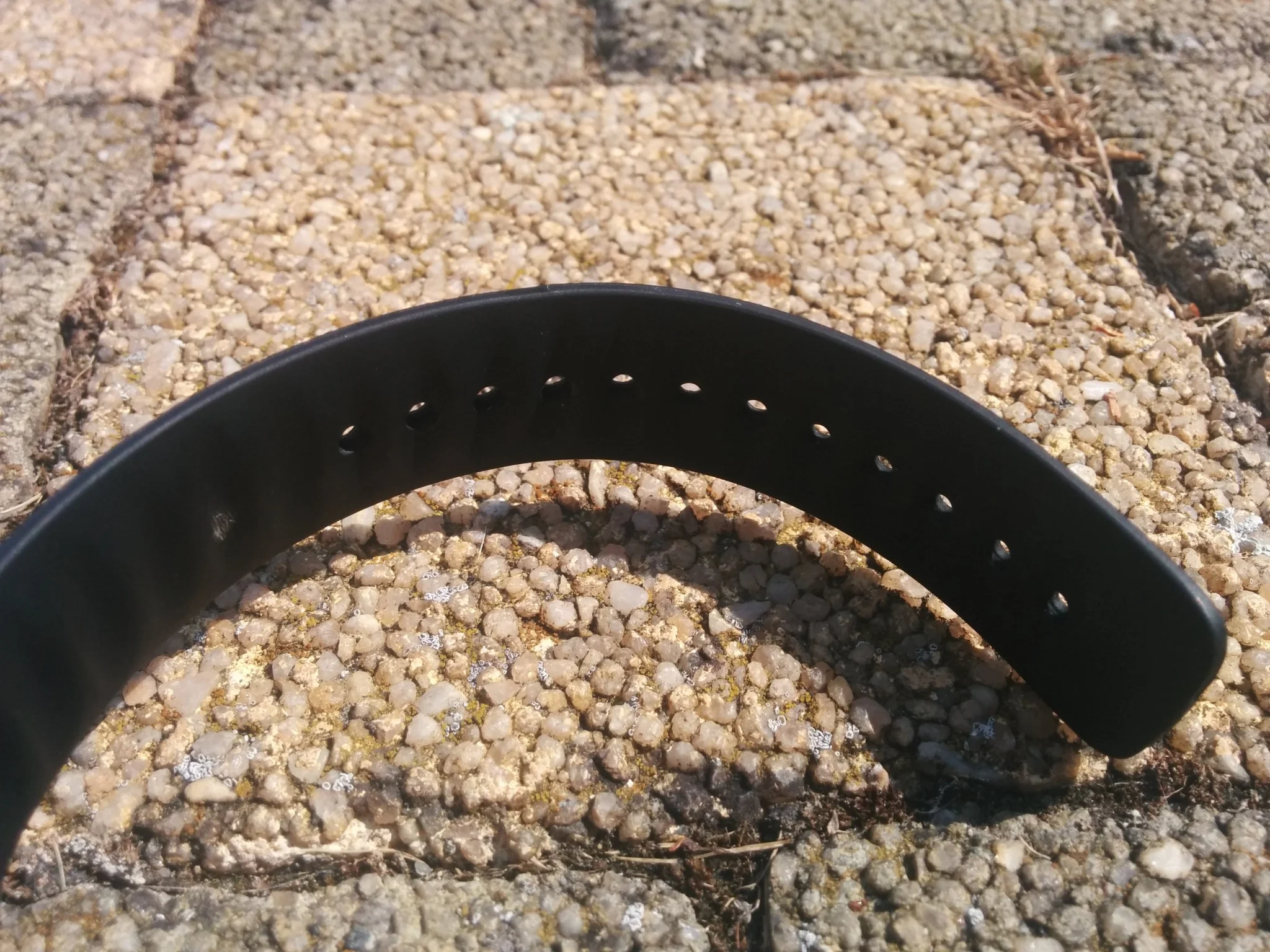
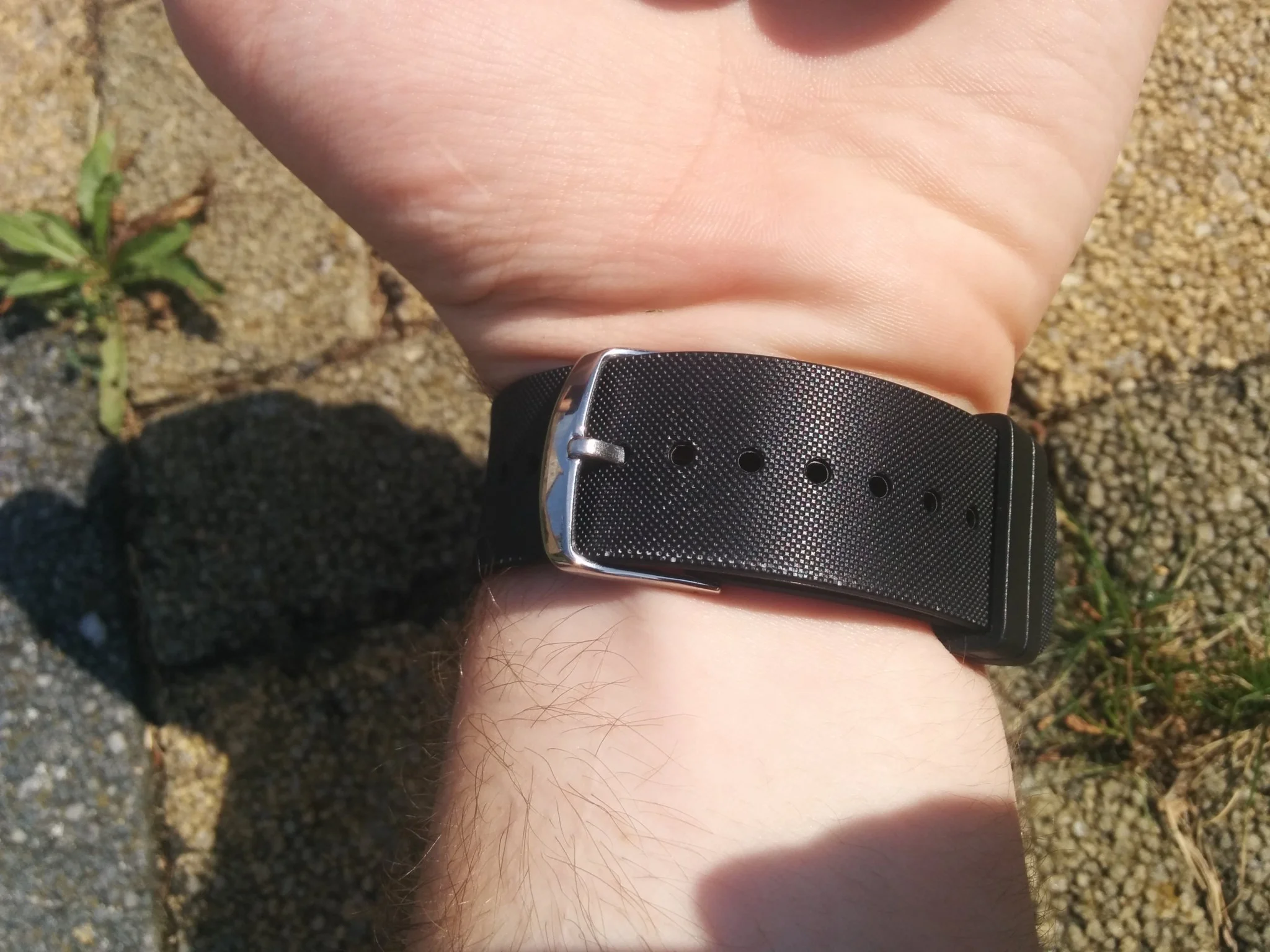
First, the parts I didn’t like: the design and some of the hardware choices. It’s a shame the display is so small and the bezels are so thick, because the front of the watch just isn’t very attractive. The strap also falls short, mostly because it’s uncomfortable. My last complaint is the button placement. It sits too low, and it would have looked better integrated into the metal frame.
That said, ASUS deserves credit for the build quality. The watch is well made and can handle harder knocks without issue. Overall, I like the execution, but a better strap, or at least more strap options, would have gone a long way. The plastic underside is also a smart choice. It may sound basic, but it has practical benefits for comfort. One more plus: the watch is relatively slim, so it doesn’t feel like you’re wearing a thick slab on your wrist.
Display
Thanks to the software and the quality of the display itself, it’s basically impossible to have trouble reading this screen. There’s little to complain about here. Resolution is 128 x 128 pixels, which isn’t high by any stretch, but it’s enough for showing the essentials. The glass is protected by Gorilla Glass 3.
Specifications
- Display – 128 x 128 pixel resolution, low power consumption, durable Gorilla Glass 3 cover glass
- Sensors – 3-axis accelerometer, optical heart-rate sensor with ASUS VivoPulse technology, UV sensor
- Other – Bluetooth 4.0, automatic sync with the ASUS HiVivo app, battery life up to 10 days under typical use, charging time: 1 to 2 hours
- IP67 certification
- Strap – 22 mm
- Weight – 50 grams
Software and apps
Unfortunately, this is where the device starts to disappoint, again and again. The software on the watch is lightweight, and that absolutely counts in its favor, but the tradeoff is a very limited feature set. At that point, it feels less like a smartwatch and more like a smart band. Yes, you can change the watch face, but that comes off as more amusing than genuinely useful.
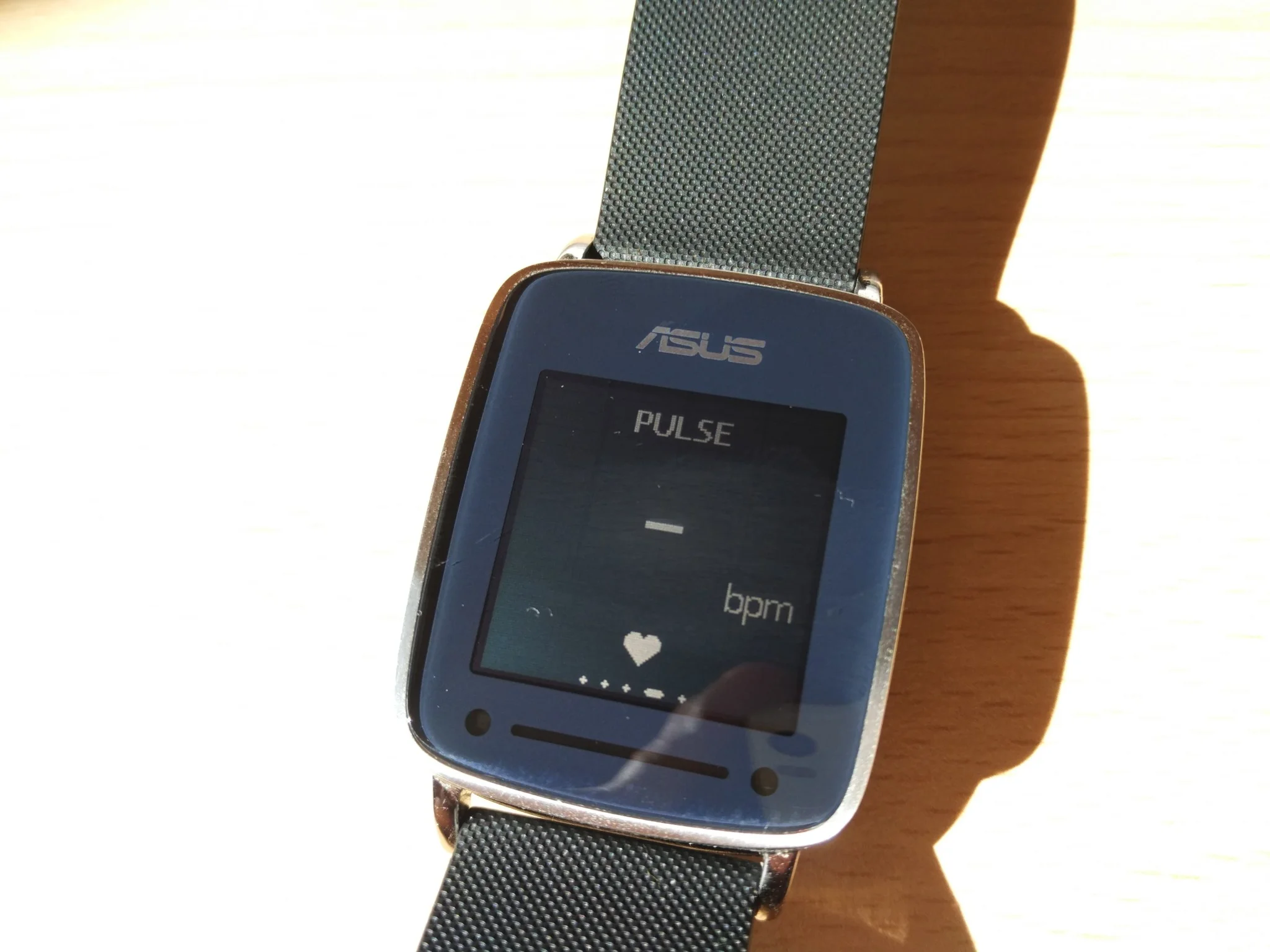
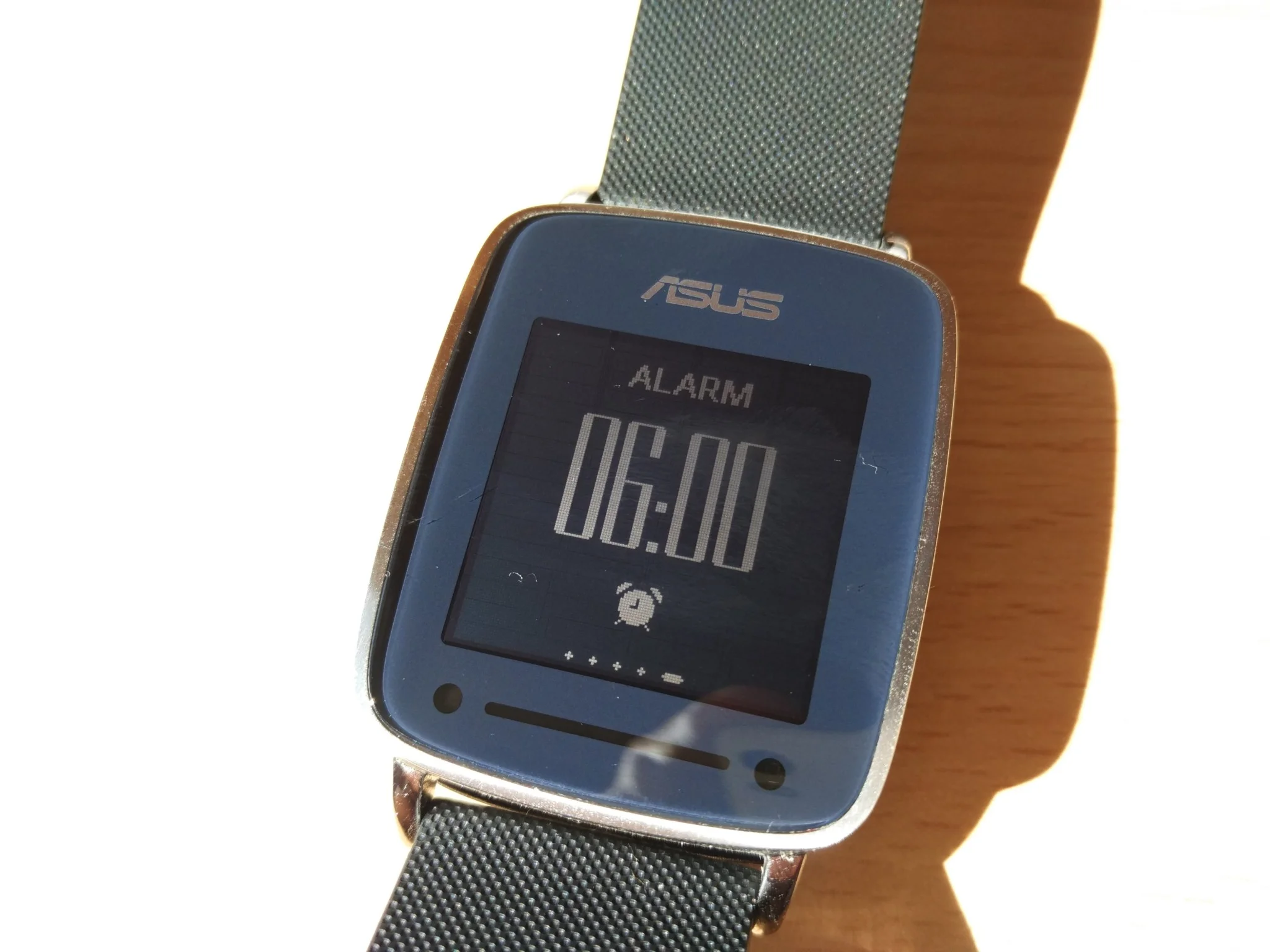
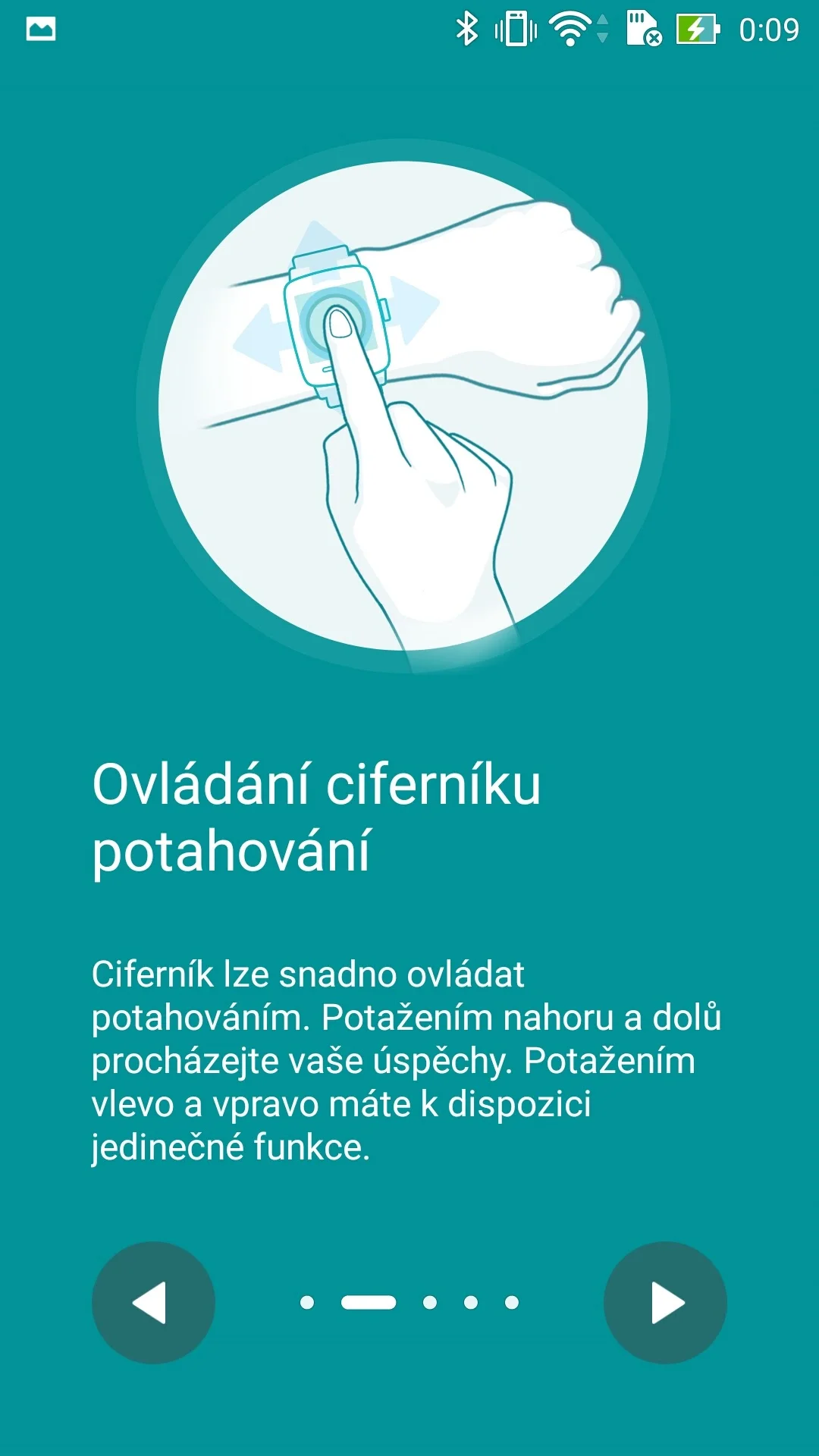
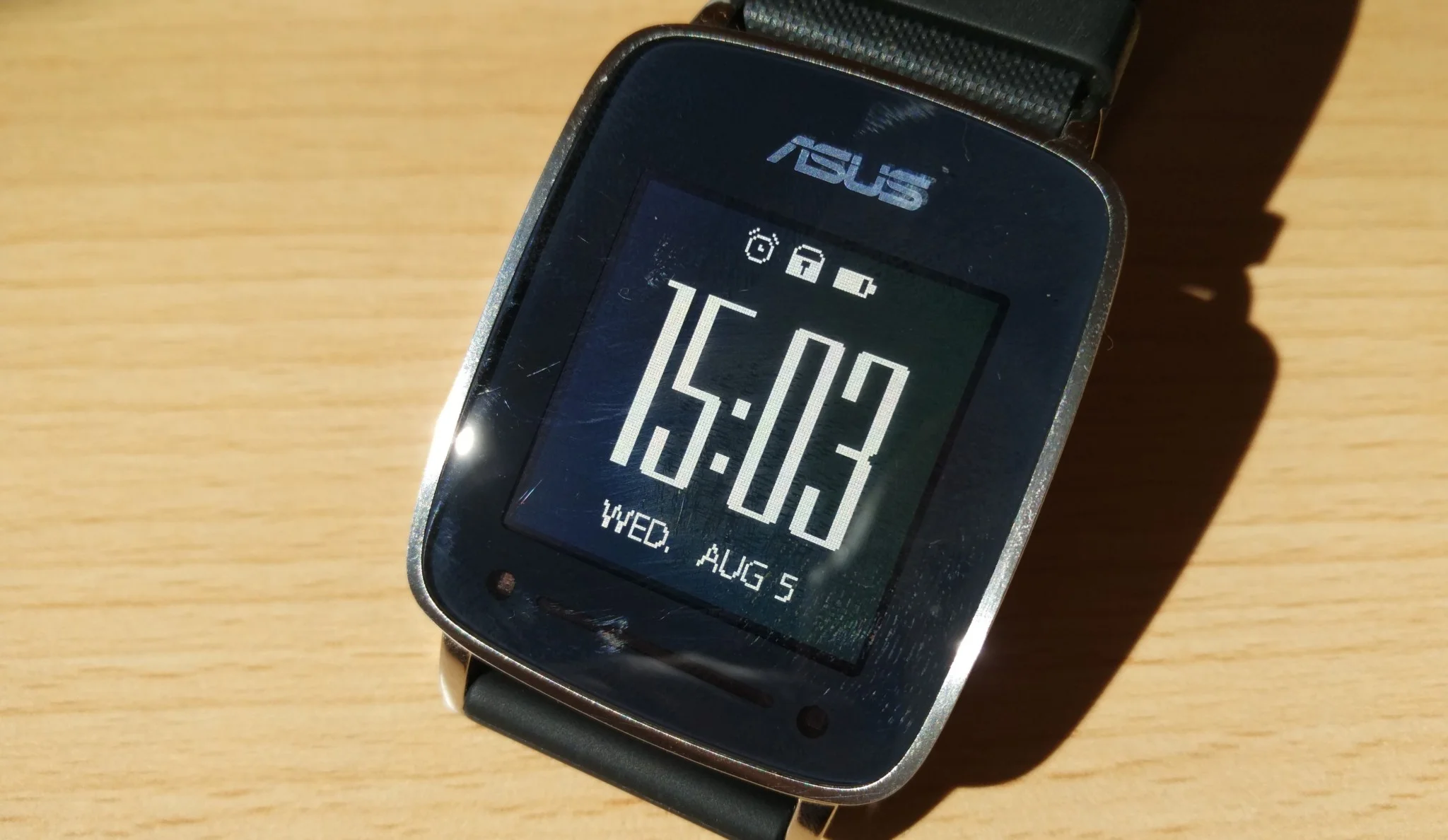 Below are screenshots of every screen you can run into on the watch. The entire system is made up of eight screens arranged in a plus-shaped layout. Horizontally, you get the main time display, date, battery status, active Bluetooth functions, and an indicator showing whether the display is locked.
If you swipe left on the touchscreen, you land on the heart rate monitor, followed by the alarm, UV intensity, and activity tracking. That activity section includes step count and estimated calories burned. Unfortunately, the heart rate monitor tends to show the same values over and over, usually off by anywhere from a few beats to several dozen.

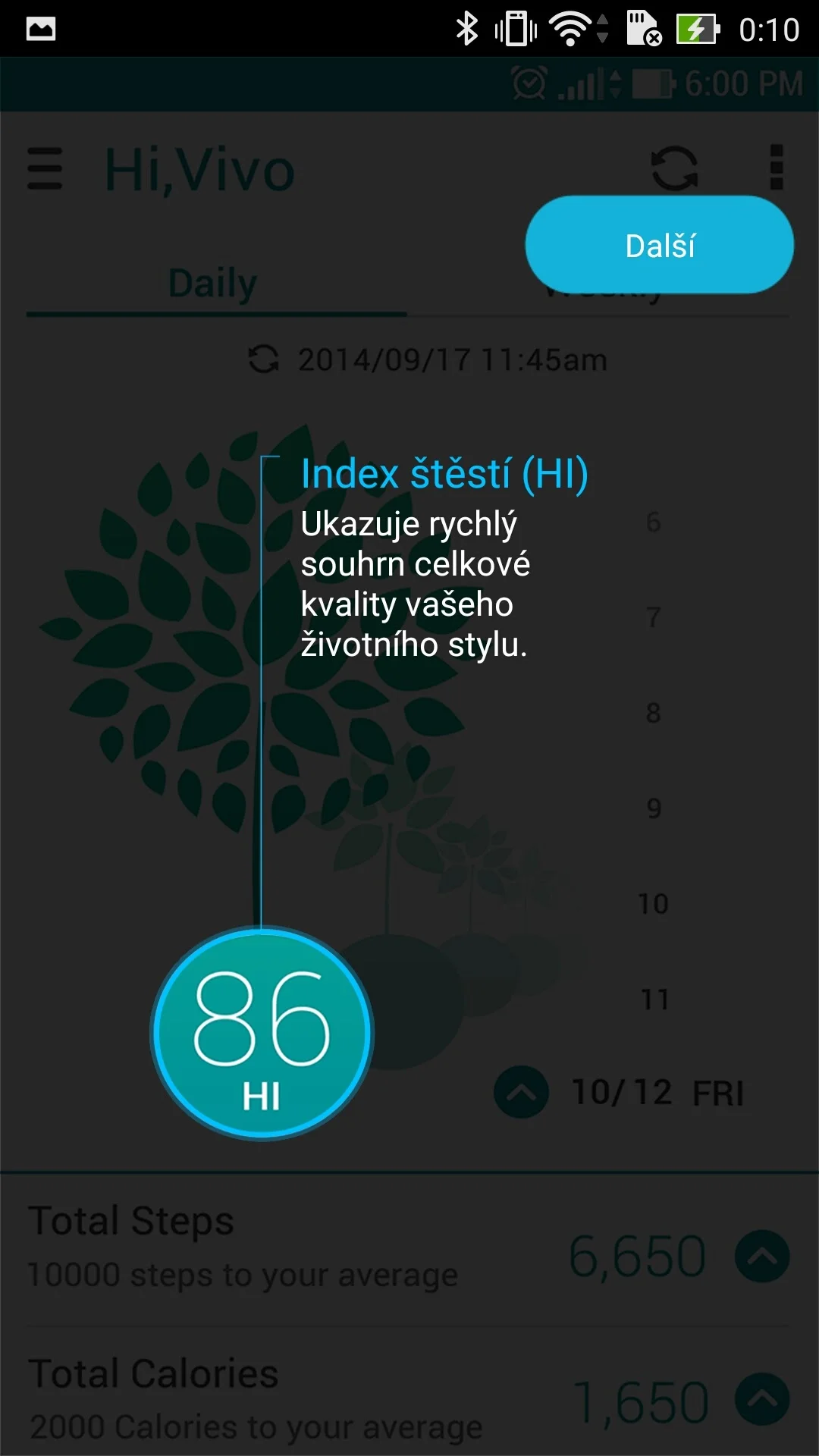
If you’re on the main screen showing the time, you can also swipe up or down. Here you’ll find the lifestyle quality meter, information about your last sleep cycle, and your exercise cycle. Back to that lifestyle quality meter for a second: its main score is calculated from your hours slept and hours spent exercising. Regular walking, sitting, calories burned, and similar data are also factored in. The end result is a rather odd score.
Why do I think that number doesn’t really mean much? Short sleep is generally considered unhealthy, and just about any decent app will tell you that three hours of sleep per day isn’t enough. The Vivo Watch band, on the other hand, had little issue with that and still gave me a score as high as 90, supposedly representing a very good balance across all tracked metrics.
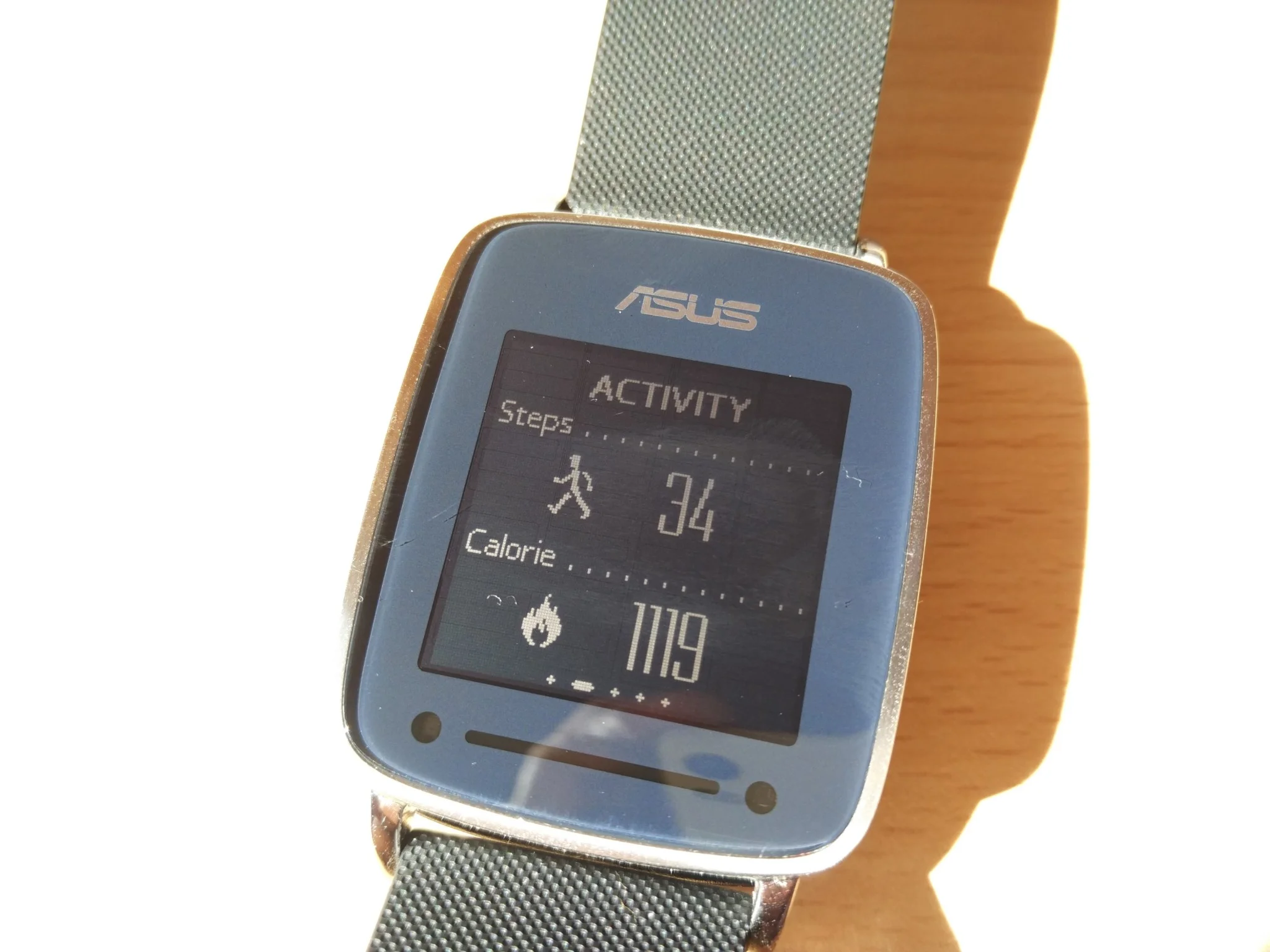
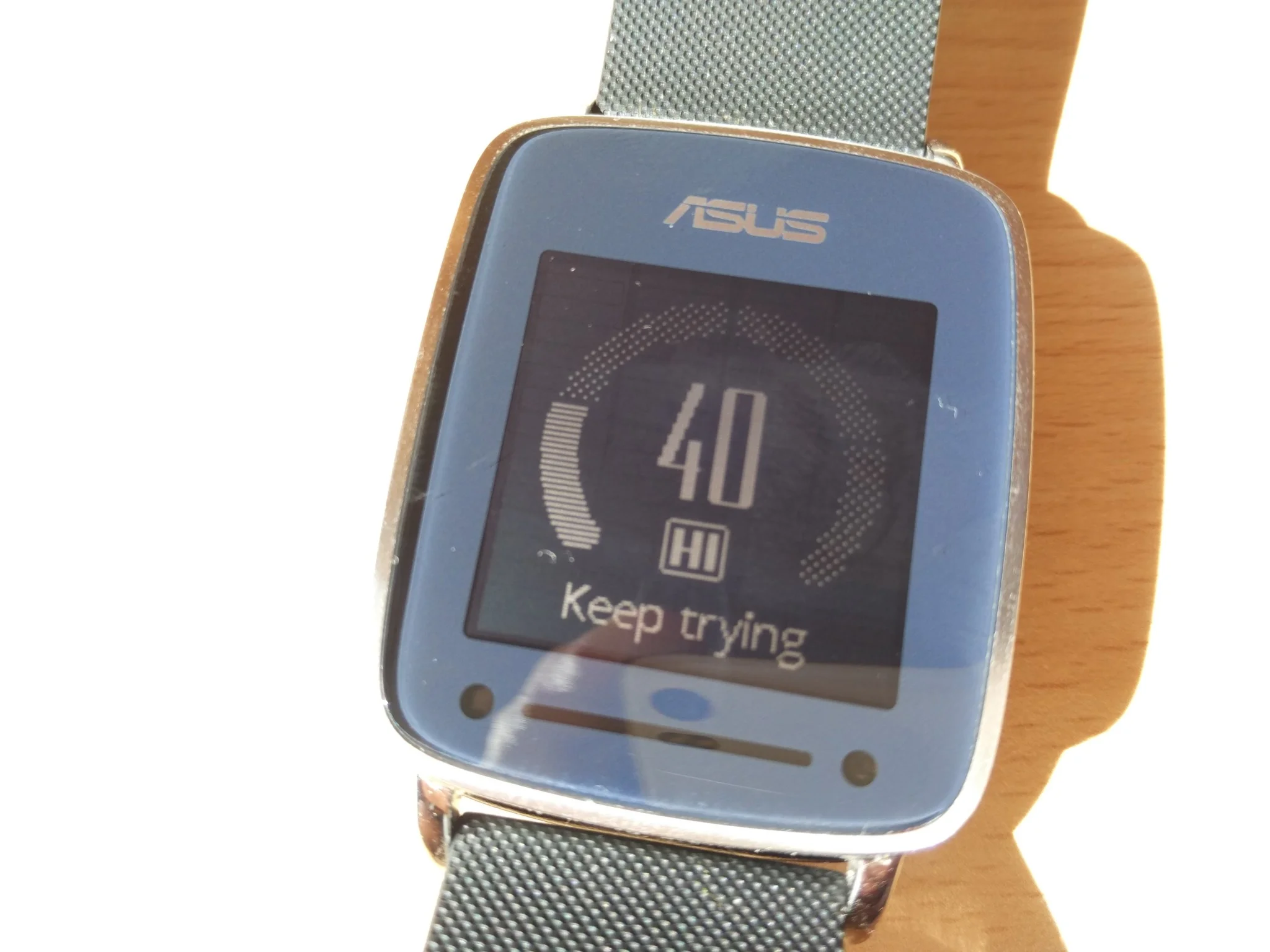
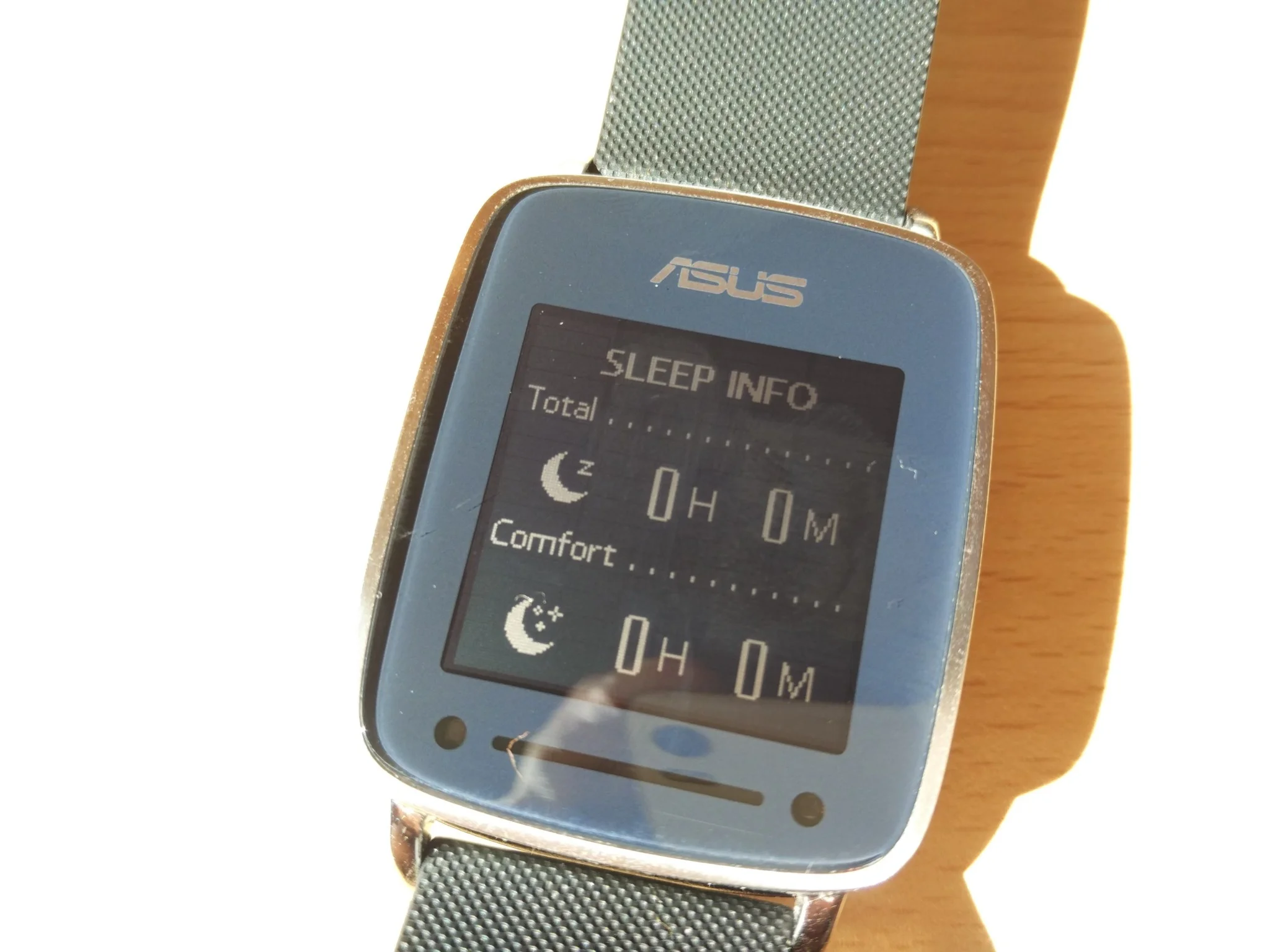
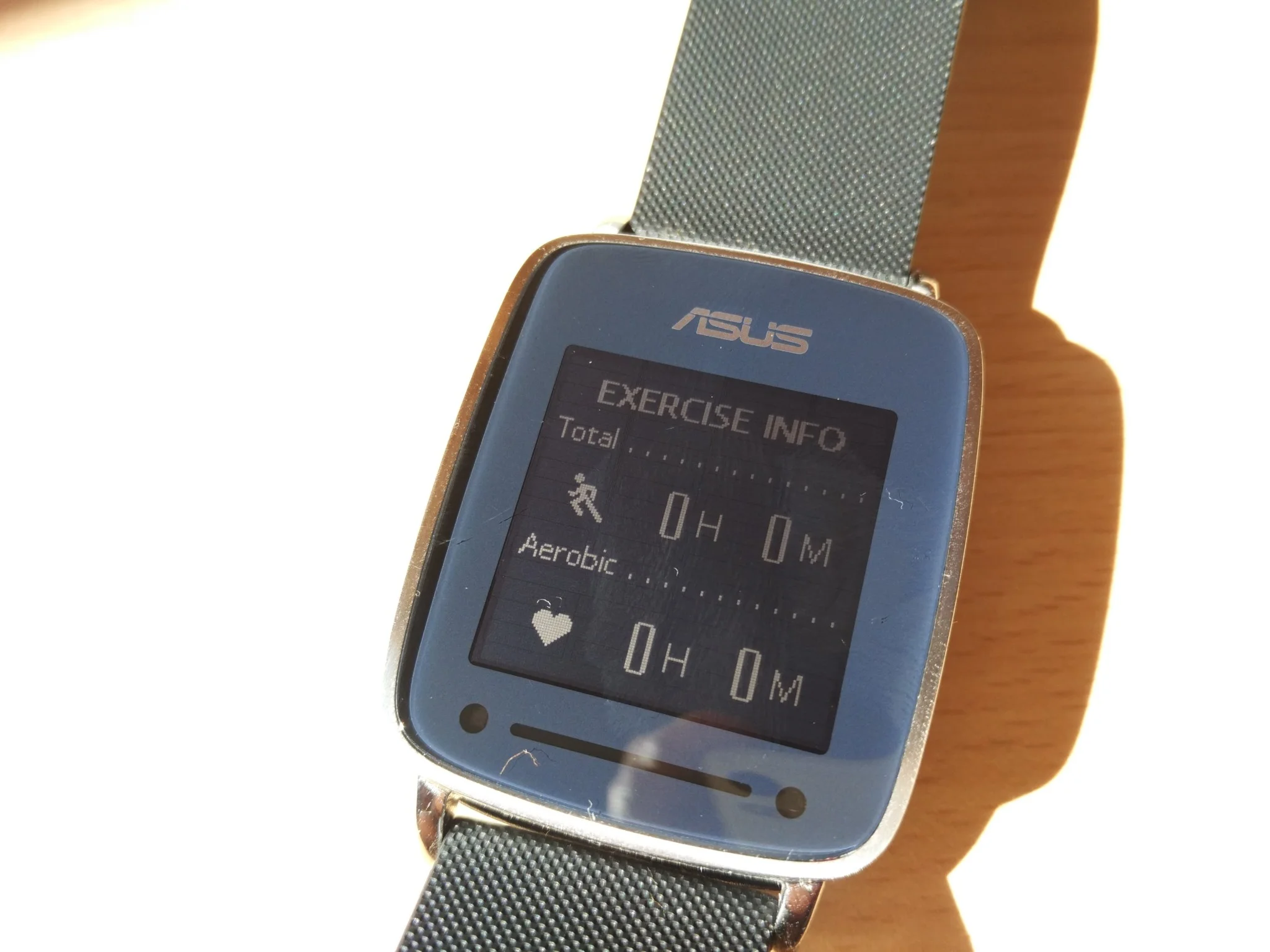
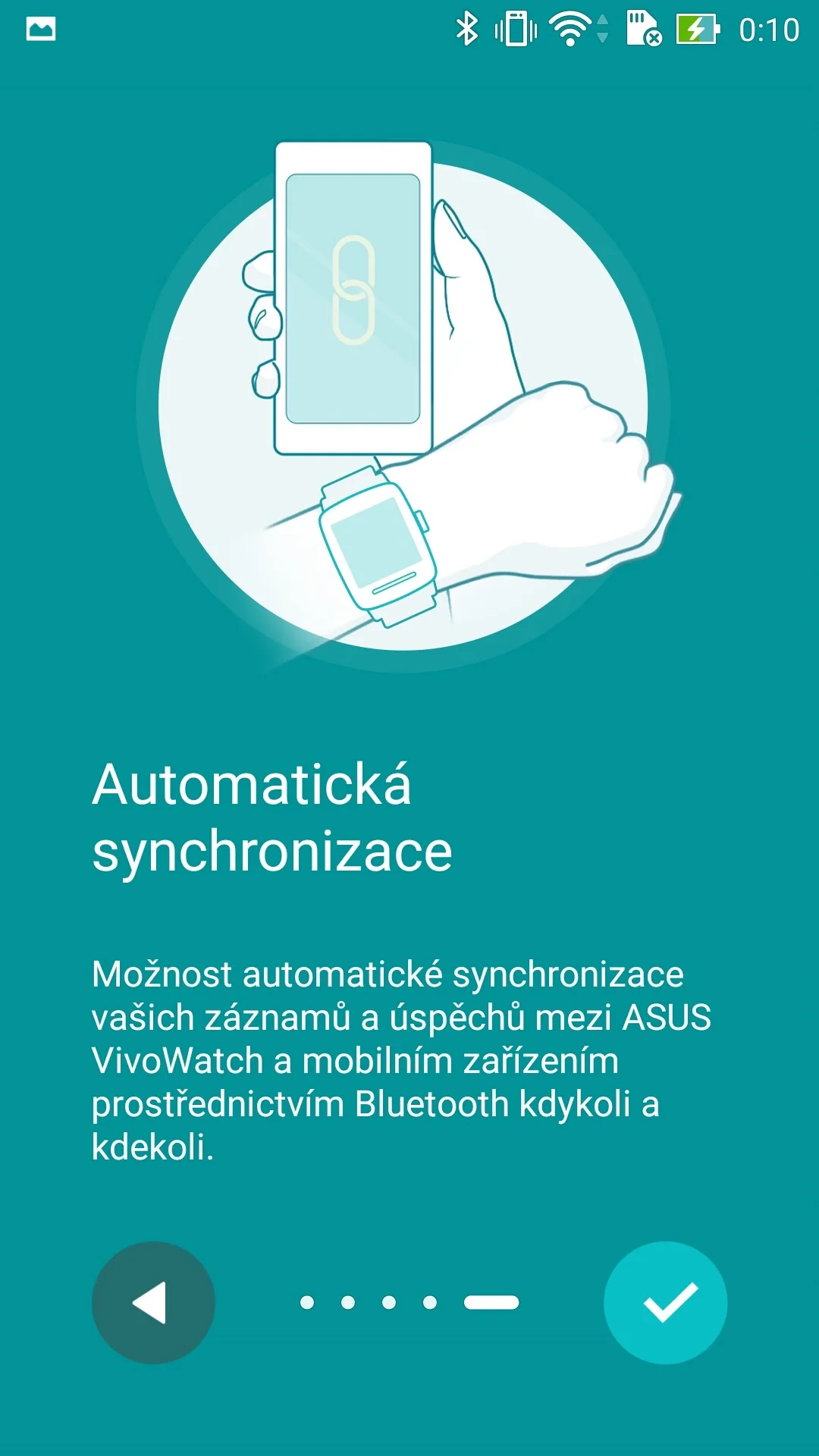
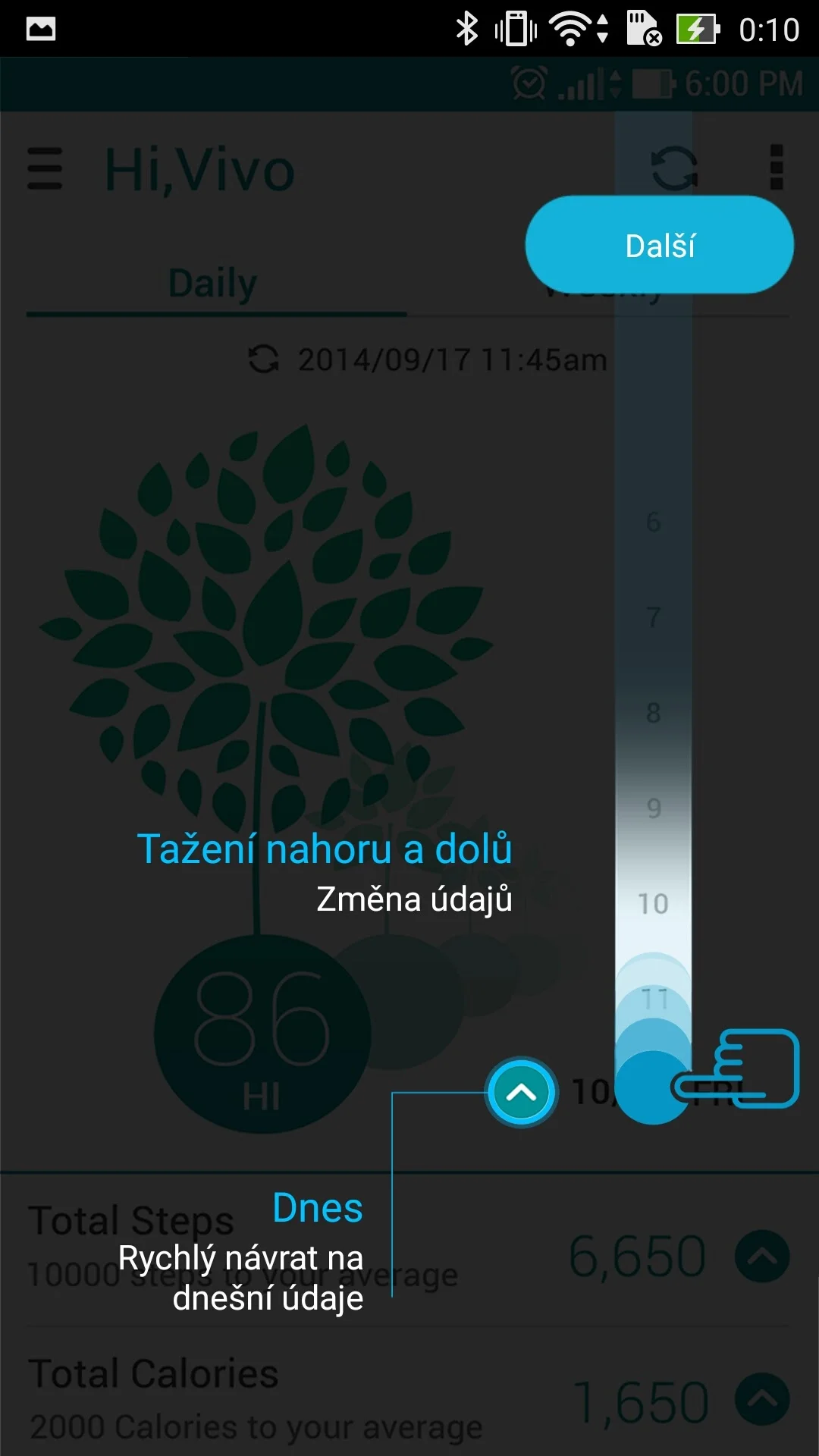
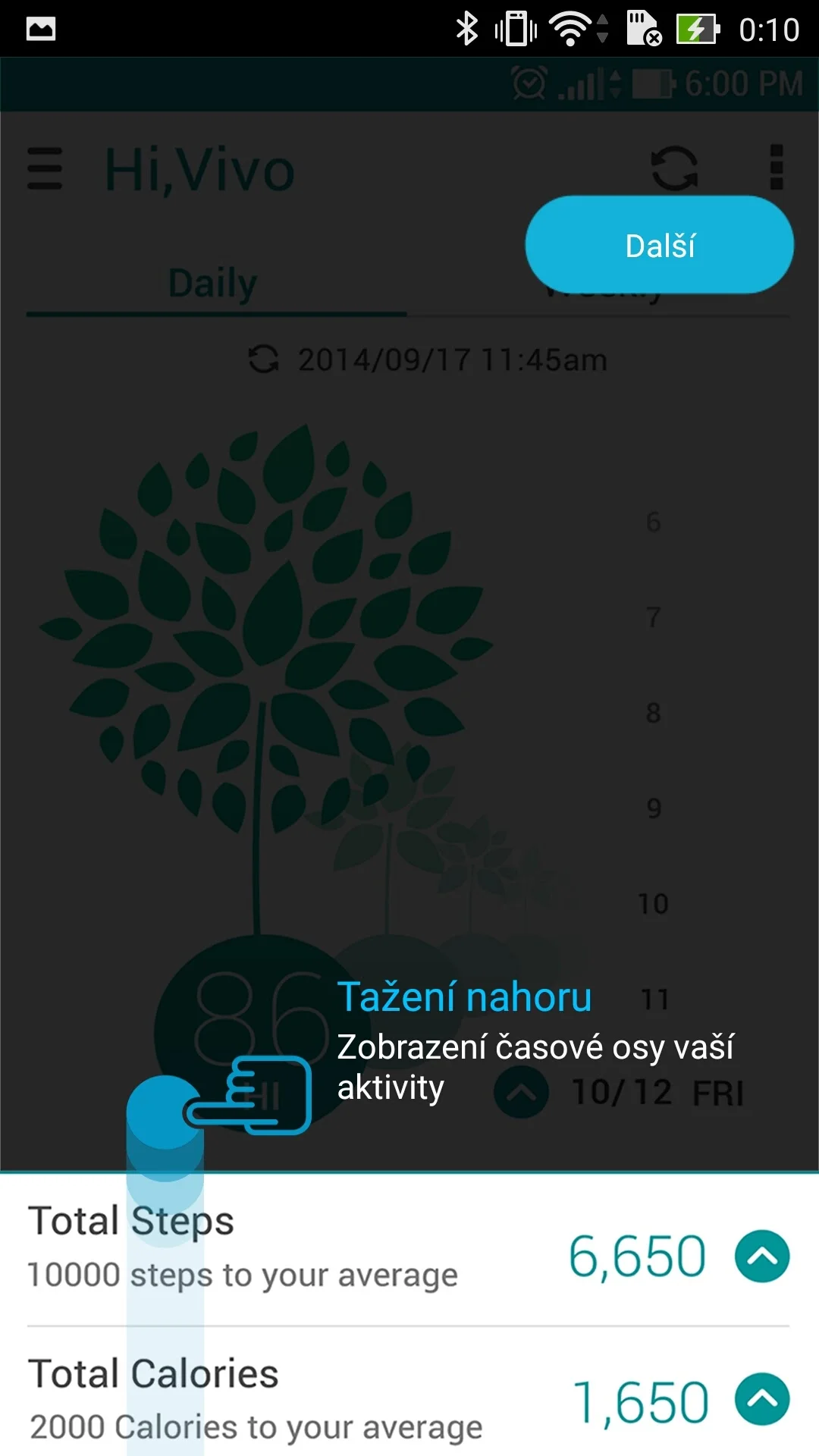
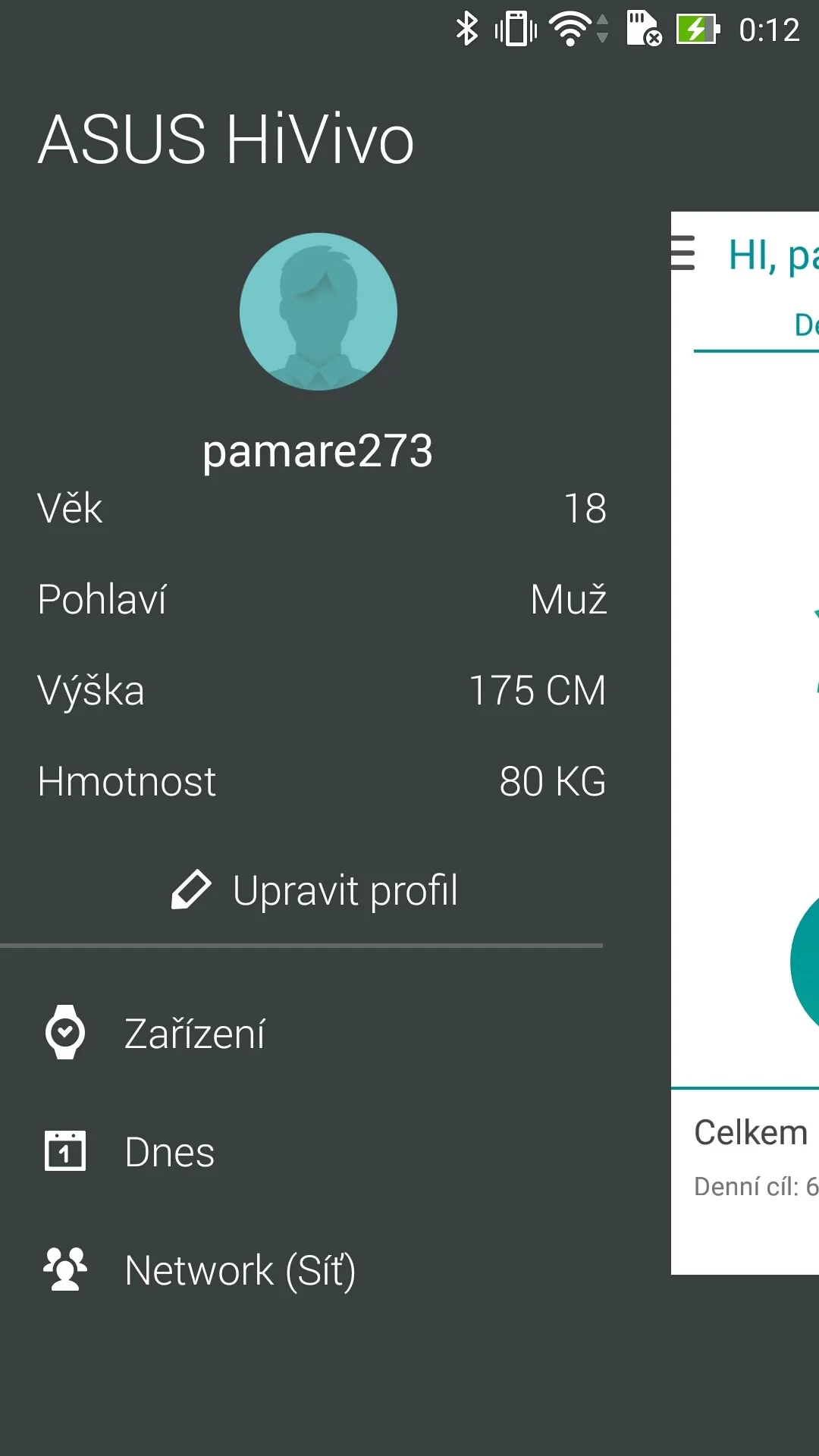
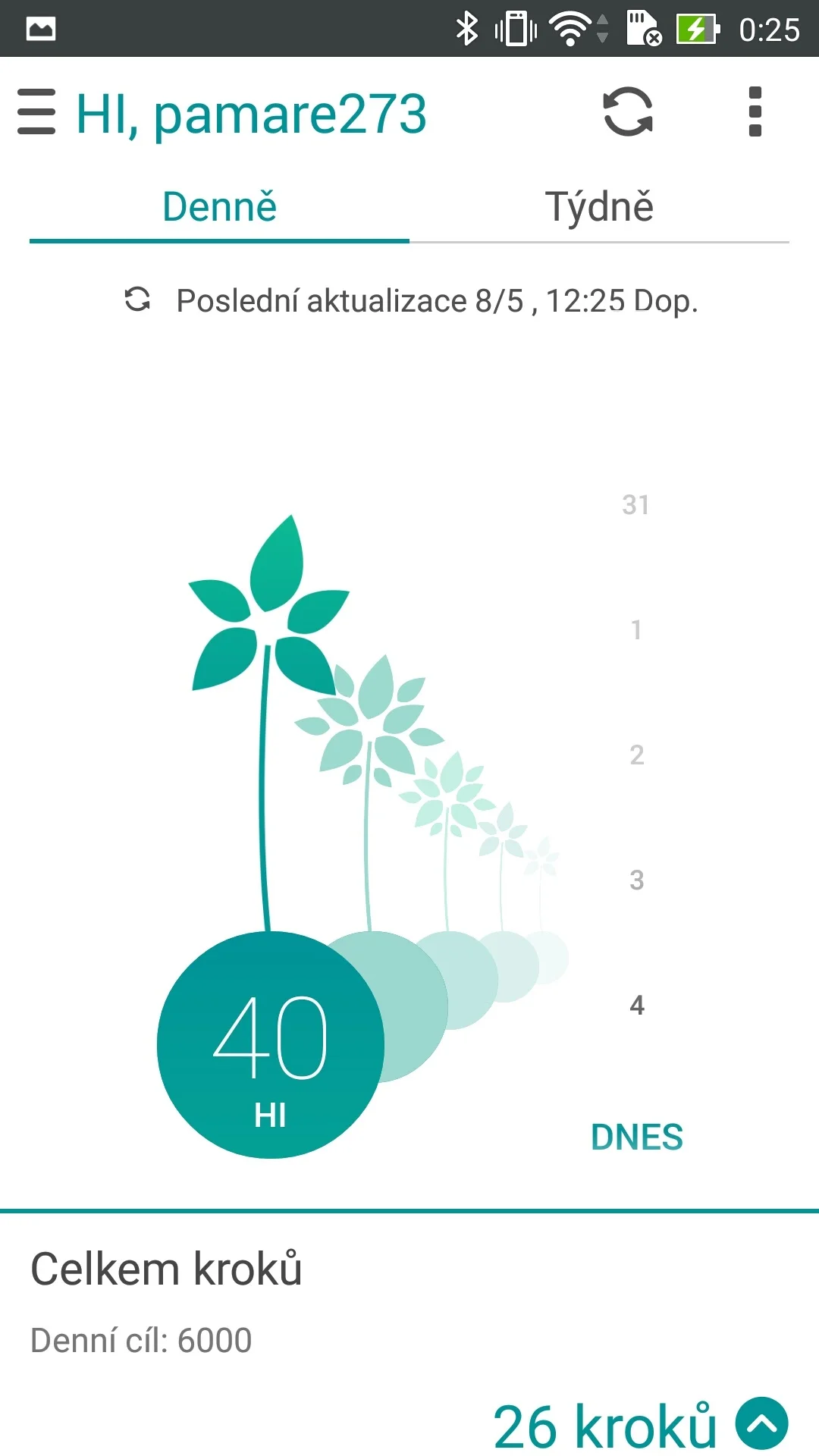
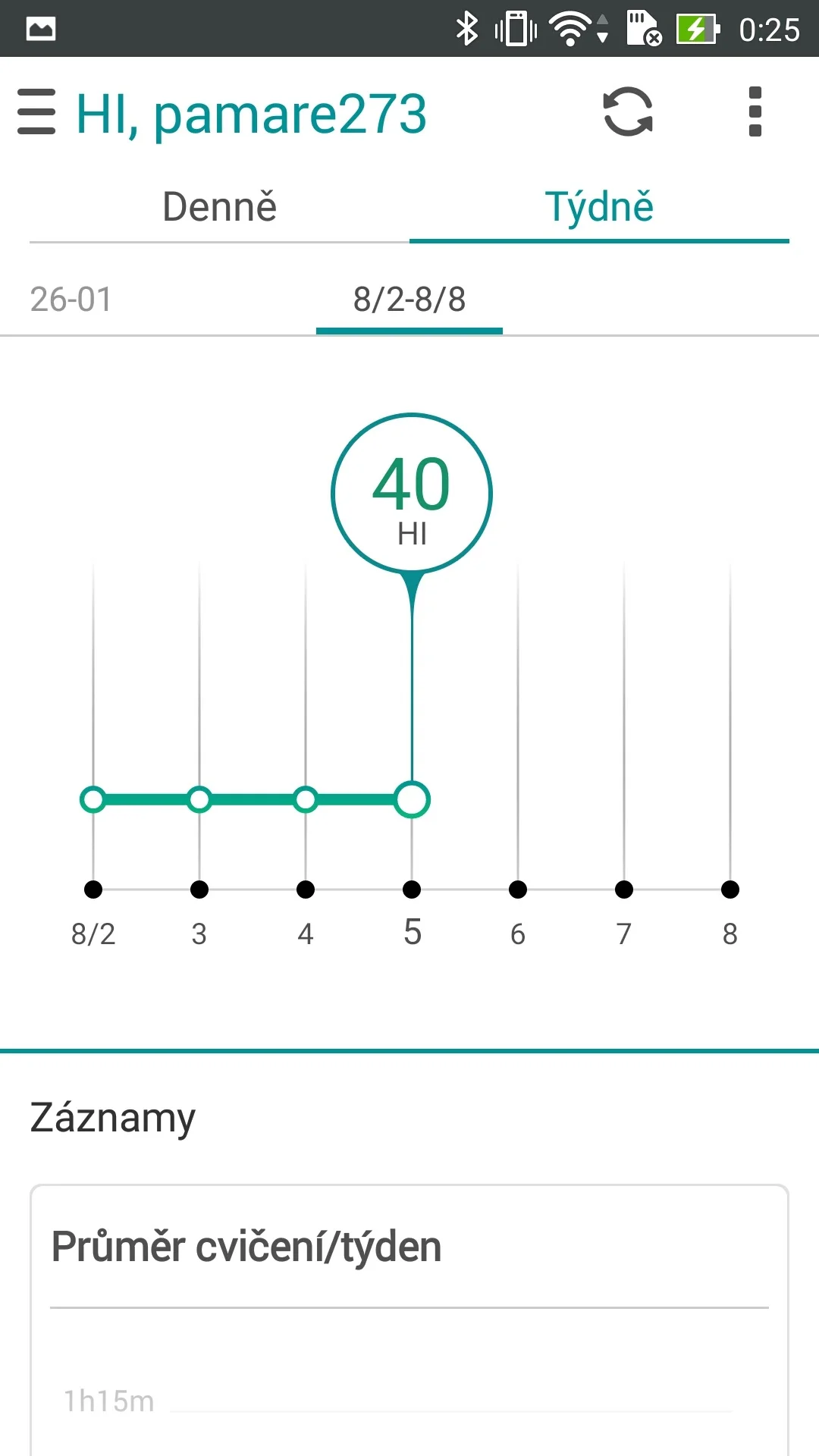
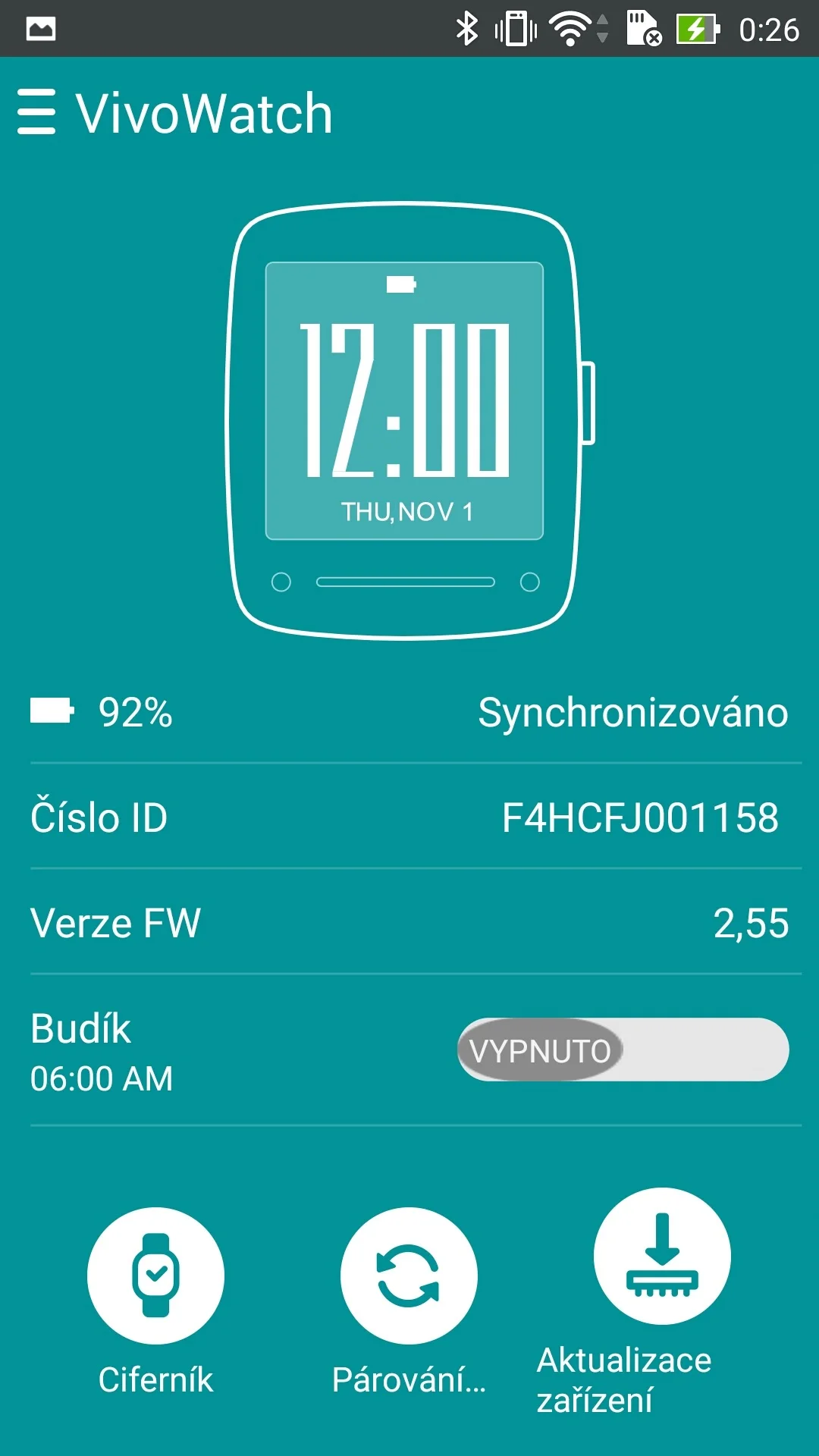
The Android app feels a bit unfinished, and its design isn’t especially friendly. On the upside, it does offer a clear overview of all your activity data. Unfortunately, there’s a major annoyance attached to it. Not only do you need to be signed in with an ASUS account, but pairing the device takes an absurdly long time. After that, there’s still a lot to configure, and even beyond the initial setup, you often end up waiting for the two devices to reconnect.

Sensors
I haven’t heard many people praise the sensor quality, and my experience wasn’t any different. As I mentioned earlier, the heart rate monitor is fairly inaccurate. The step counter works surprisingly well, but it also counts far too much, and without GPS or tighter phone integration, it ends up being far less useful than it should be.
Seeing an estimate of calories burned is nice, but it’s still just that, an estimate, and the sensor treats almost any arm movement as walking. Chopping wood, working in the kitchen, or really any general hand movement can get logged as steps. And I’m pretty sure spending two hours hauling heavy items up to a third floor with a pulley system is a bit more demanding than the band thinks.
That said, this smart band is mainly meant for exercise, so I had to try it during a regular run. Surprisingly, the results were quite good. All three devices recorded very similar values; the test included a phone, the Vivo Watch, and another smartwatch. For athletes, then, the sensors are good enough and can deliver reasonably accurate data.
Battery
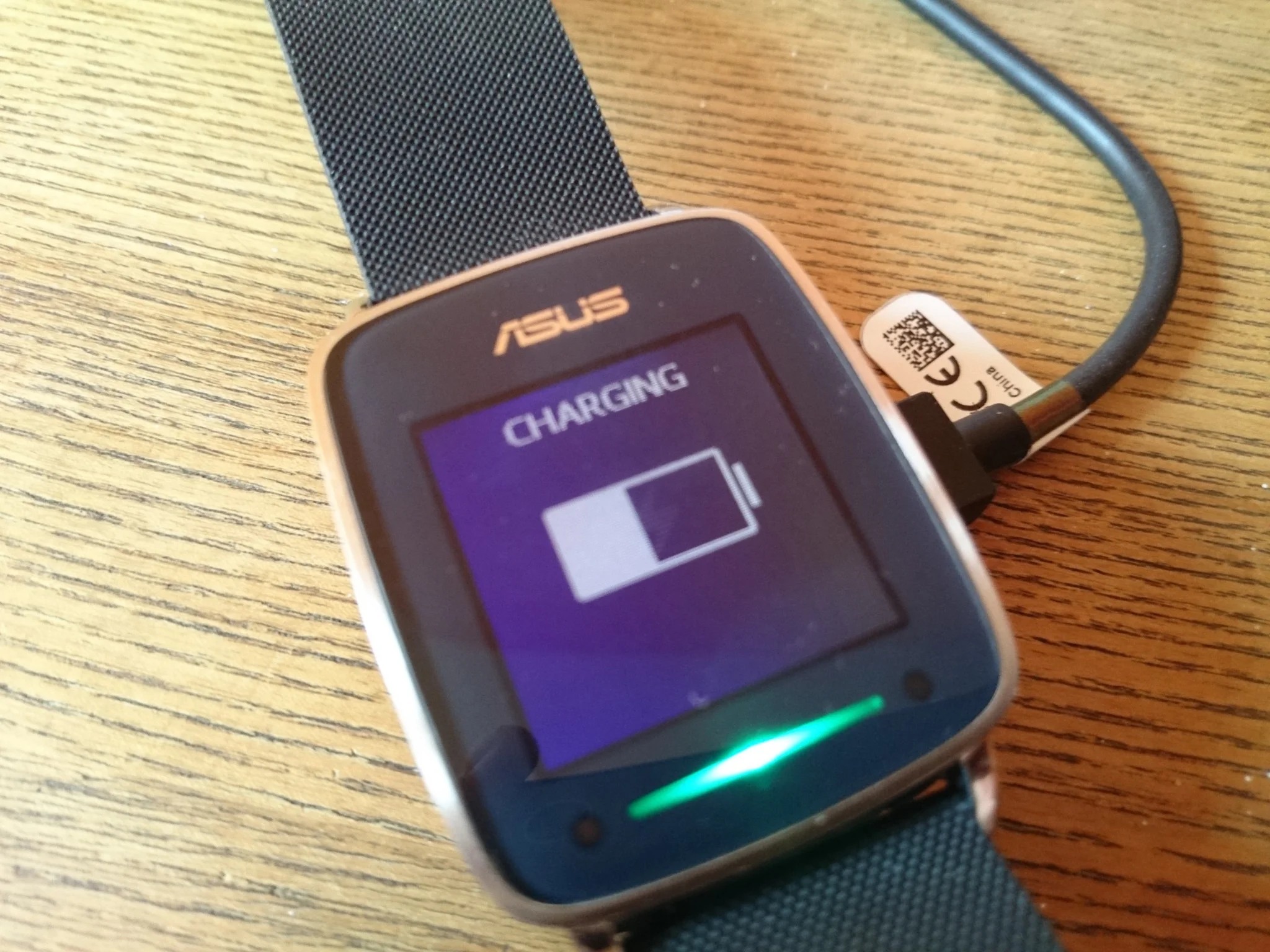
This is the second part of the review, right after the display, where there’s basically nothing to complain about. Battery life really does reach up to 10 days on a charge, though with heavier use it drops to around seven to eight days. I also noticed that even though the sensors can measure continuously, the impact on battery life is minimal.
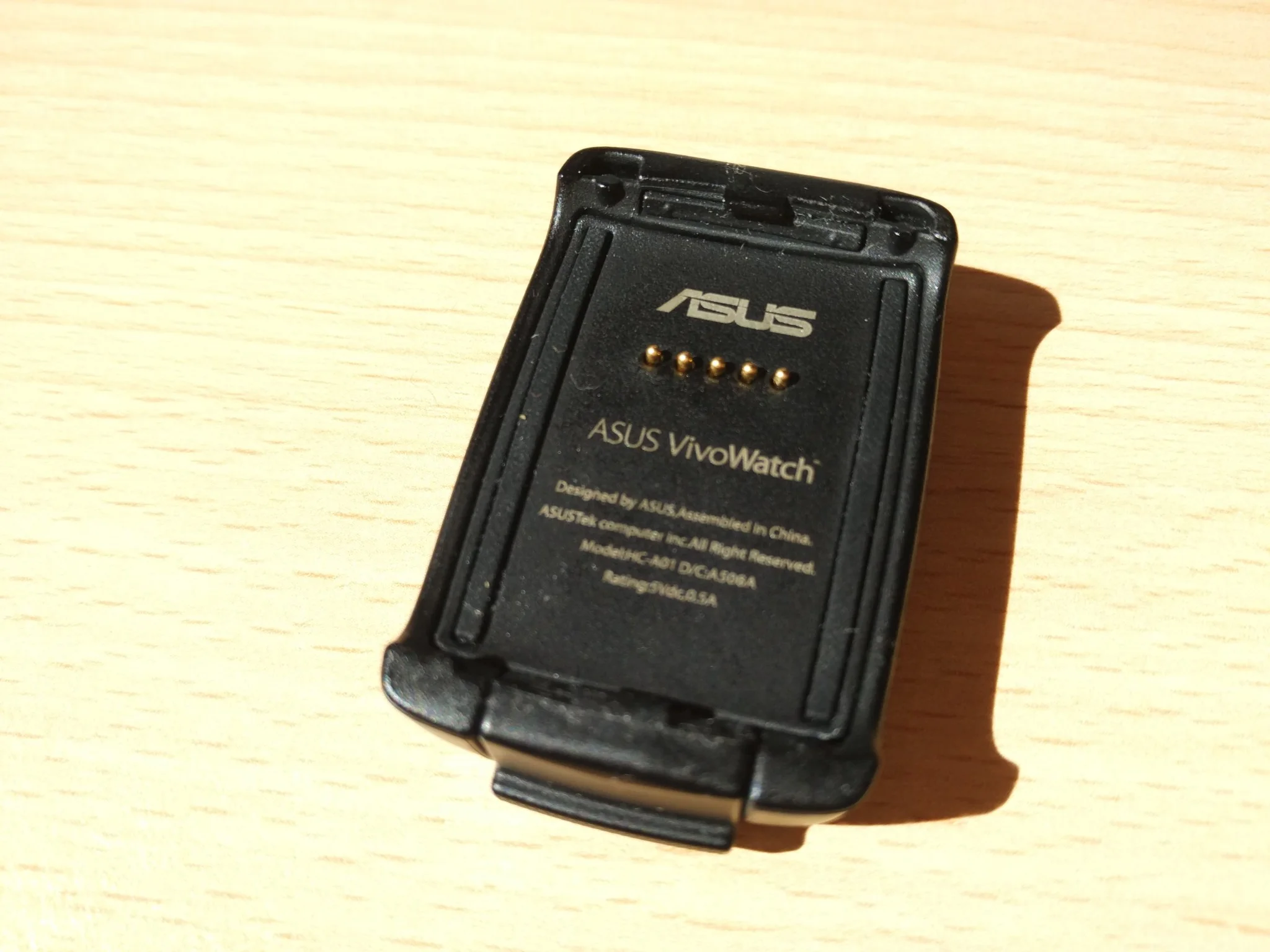
Again, there’s little to criticize here. Charging takes 1 to 2 hours, while draining the watch takes a week or more. I also like the cradle-based charging system and don’t see any issue with it.
Conclusion
For once, the verdict here is pretty easy. The band’s price feels heavily inflated, and if it were cut in half, I’d have no problem recommending it or even buying one myself. As it stands, though, the small display, the inability to even vibrate for notifications, and the uncomfortable strap turn what started as a good idea into more of a promising concept, one that could inspire something better.
If you want something a bit more stylish for telling time, keeping a rough eye on your activity, or simply adding another smart gadget to your collection, and you don’t mind spending a few thousand crowns, the Vivo Watch gets the job done well enough.

Community Discussion 0 COMMENTS