
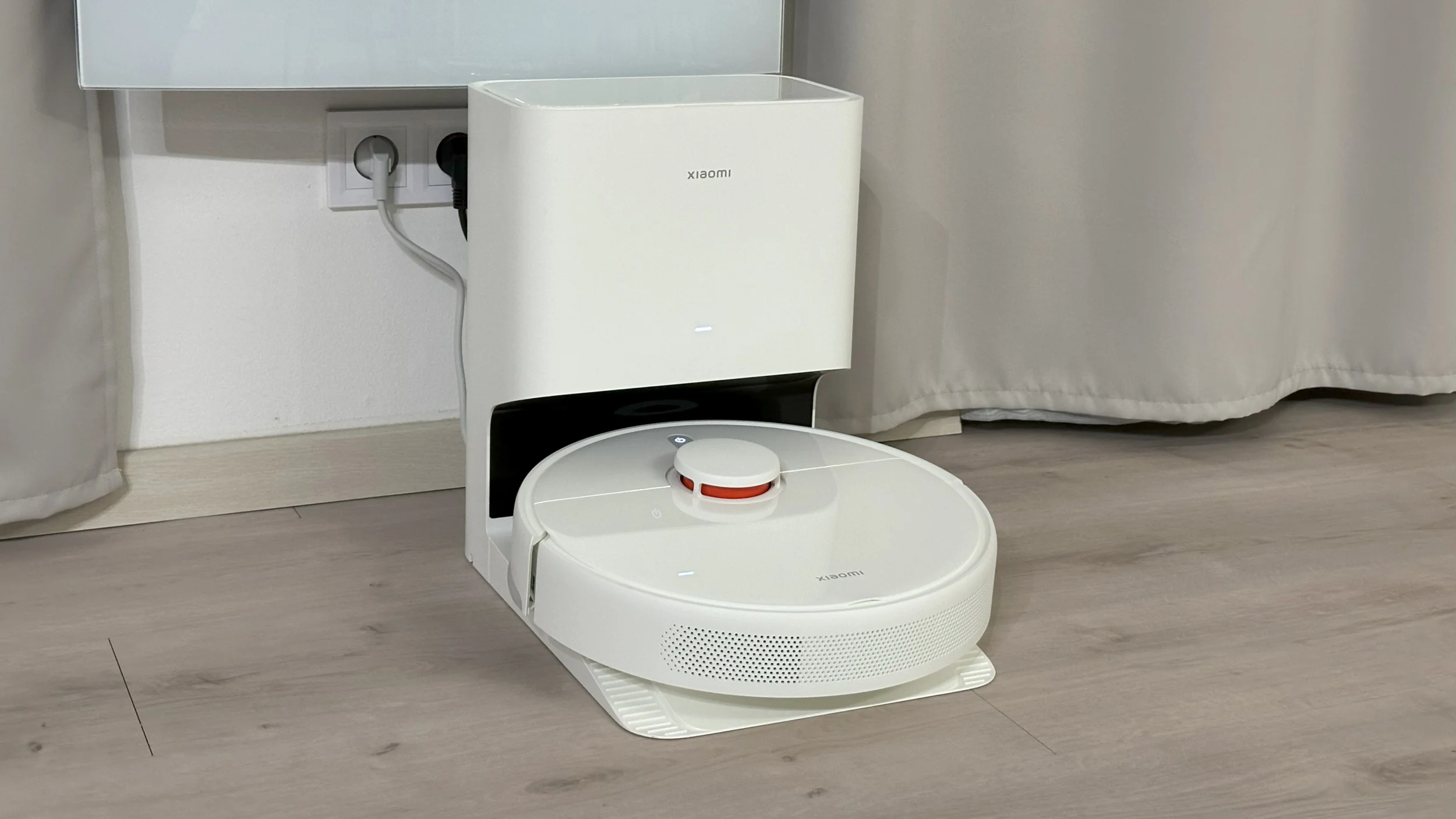
Robot vacuums hardly need an introduction at this point. They’ve been around for years, and the category has come a long way. Today’s models can do a lot more than their counterparts from just a few years back.
I’ve used enough robot vacuums to have a solid basis for comparison, with mixed results over time. That’s exactly why I was eager to try Xiaomi’s X10. And yes, this one is worth a closer look.
What does the X10 look like?
The first thing you’ll notice is the size of the box. It’s clearly larger than what you get with a typical robot vacuum, and that was one of the main reasons I wanted this model in the first place. Not because of the box itself, of course. The real reason comes next.
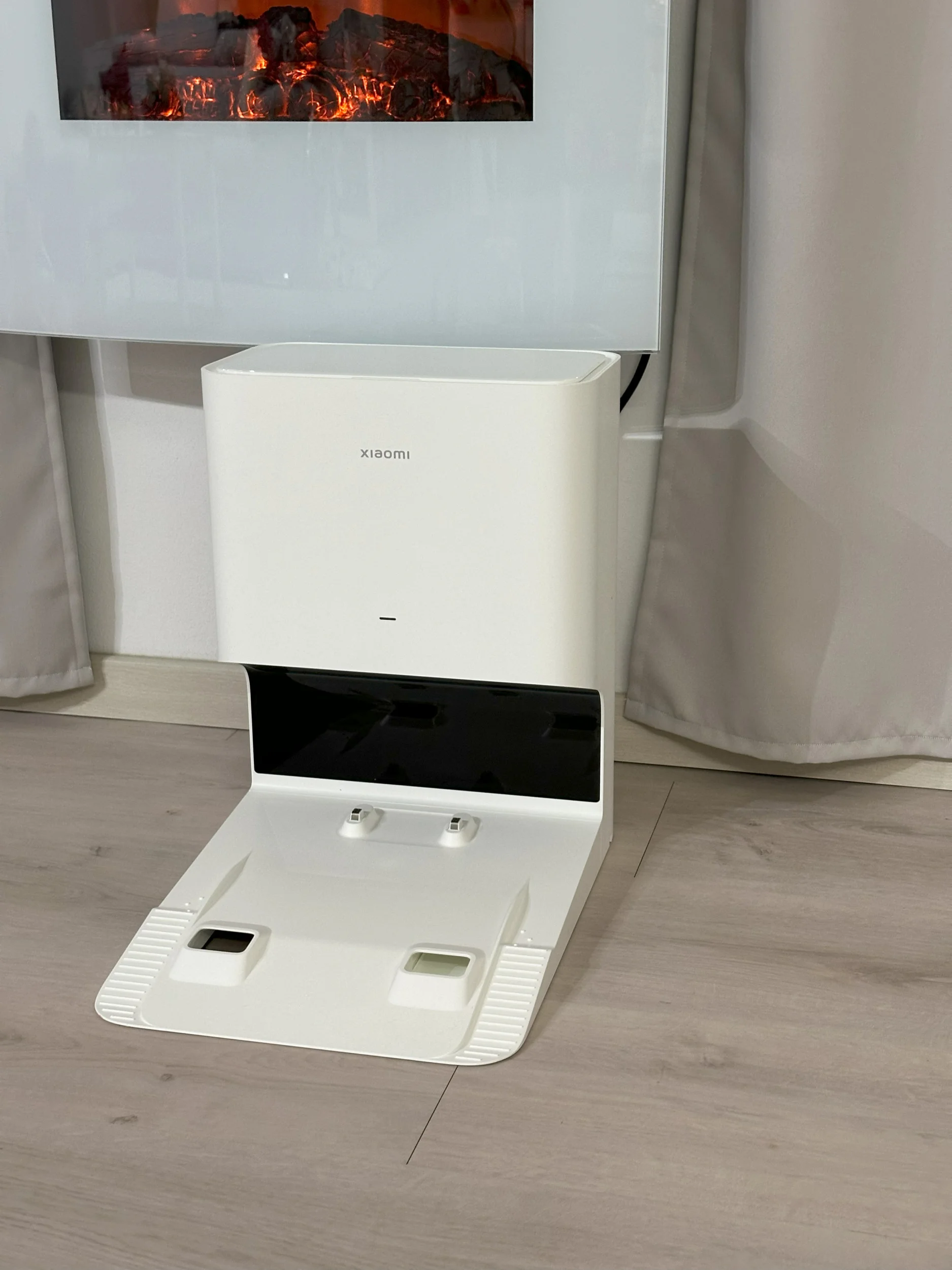
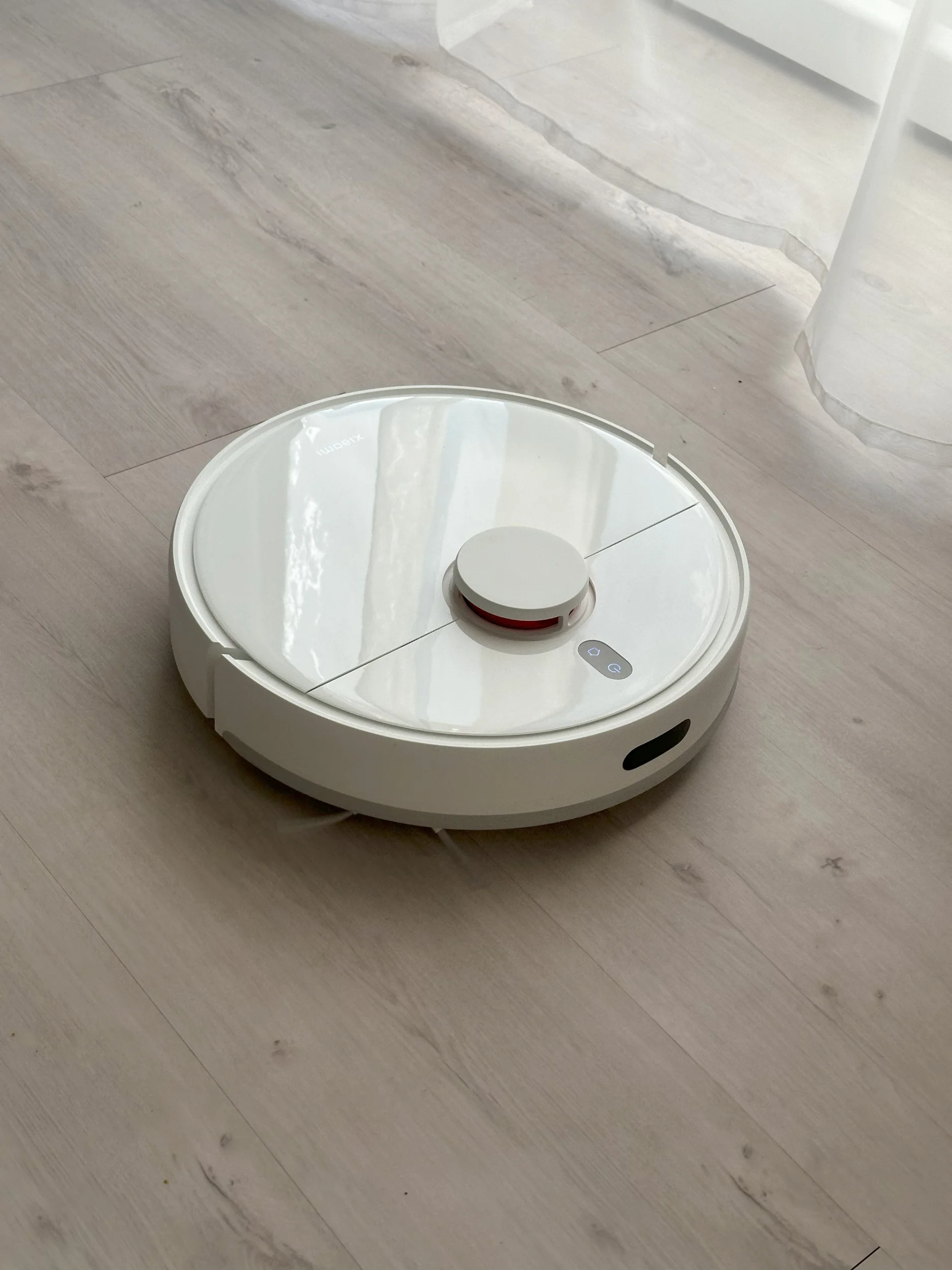
Inside, you’ll find the robot itself, a fairly traditional round design with the familiar raised laser navigation turret on top. But the bigger part of the package is the feature I was most curious about: the charging dock with a built-in dust collection compartment. With other robot vacuums, emptying the dust bin after every cleaning run gets old fast. I’d been wondering for a while why this couldn’t be handled better. It can, and it is.
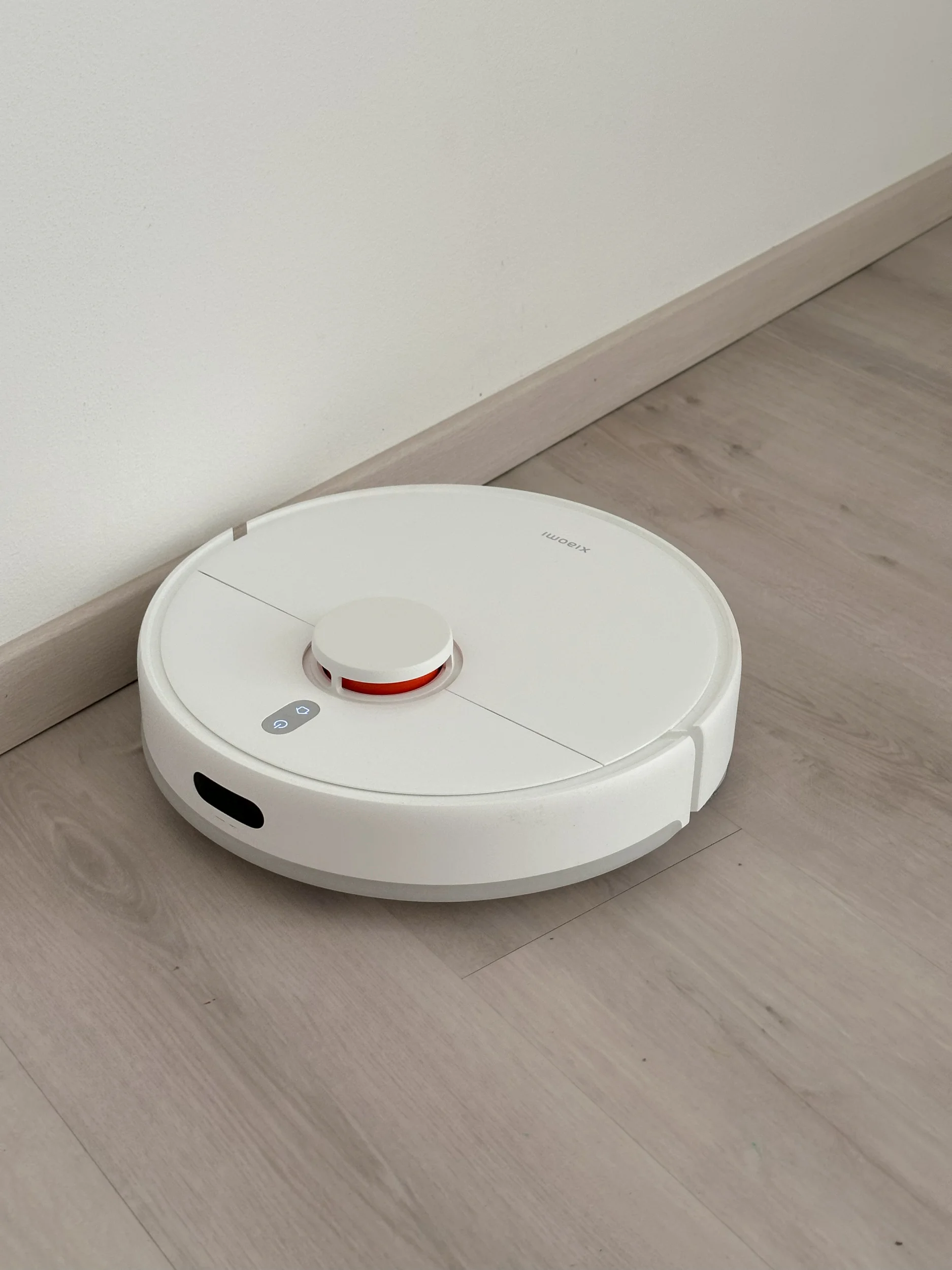
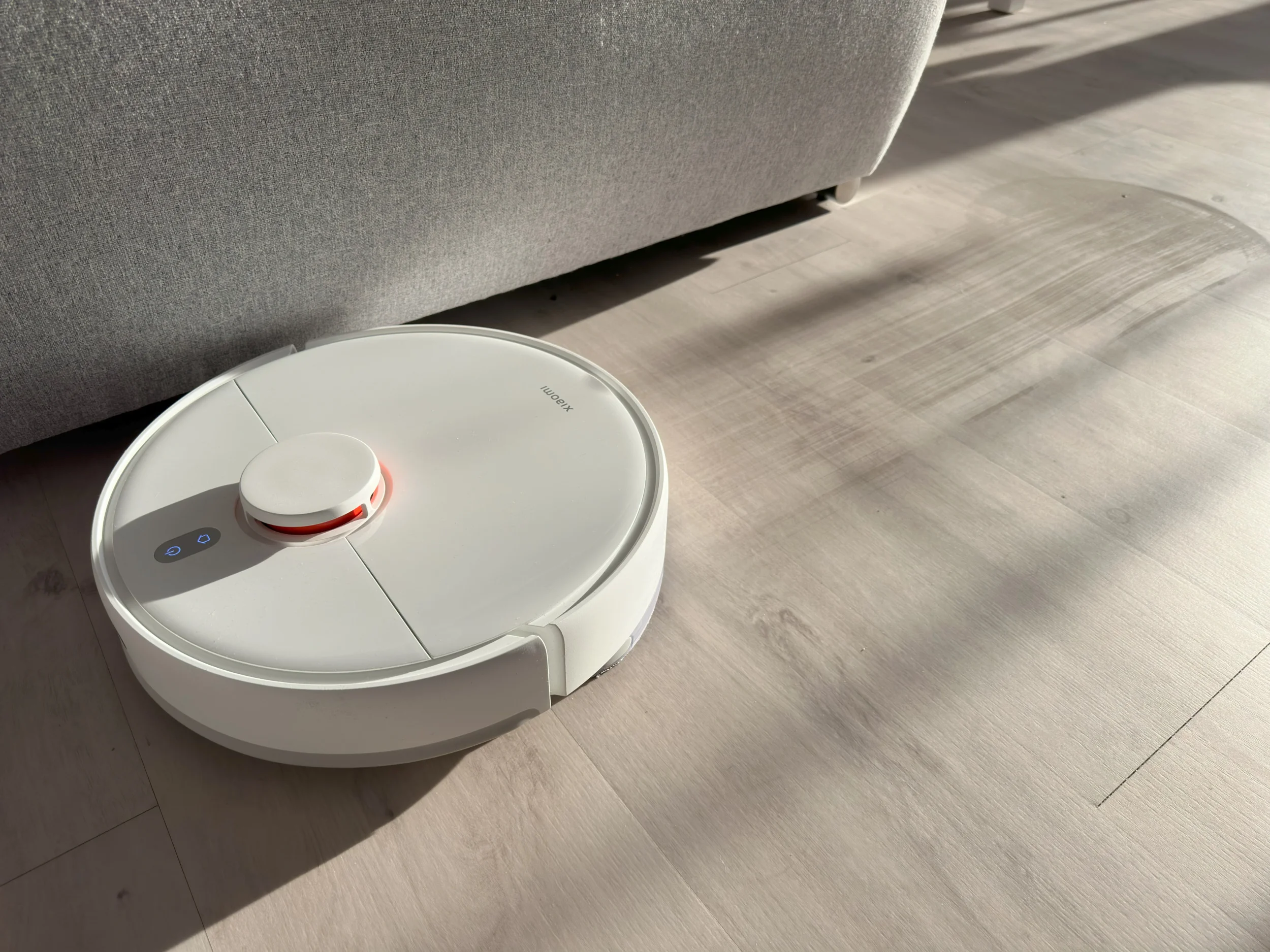
Both the robot and the dock come in a glossy off-white finish. The design leans heavily on rounded shapes rather than sharp edges. They both look great, though the robot will inevitably pick up a few scuffs over time as it squeezes into spaces with very little clearance. On top of the robot, there’s a simple two-button control. The dock has a rocker power switch on the back near the power cable, plus a subtle LED indicator on the front.
What can the X10 do?
The X10 is a 2-in-1 model, which means it can both vacuum and mop. I have no real complaints about the vacuuming side. It offers four cleaning modes: quiet, standard, strong, and turbo. Which one makes sense depends a lot on your home.
In our case, that means two floors with vinyl flooring, very few rugs, no pets, and three kids. For that setup, standard mode turned out to be the sweet spot. Strong mode makes more sense for carpets, while turbo is better suited for high-pile rugs. Both are louder than the first two modes and use more power, which naturally cuts into battery life.
For mopping, you use the included 200ml water tank. Fill it with water, dampen the removable mop pad, and attach it to the underside of the tank using the guide rails and Velcro. It’s quick and easy. Xiaomi handled the attachment system well.
What tech does it use?
Like most current robot vacuums, the Xiaomi X10 relies on a stack of sensors, and the key one is its LDS laser navigation system. It continuously scans the surroundings and watches for obstacles in its path. When it detects one, it slows down significantly, then carefully approaches until it’s right up against the object.
The good news is that it doesn’t need light to work properly, so it cleans just as well in broad daylight as it does in the middle of the night. We ended up using nighttime cleaning on the lower floor pretty often.
Another important sensor is the cliff detector, which keeps the robot from taking a dive down the stairs. There’s also a pressure-sensitive bumper on the front in case it makes light contact with furniture or walls.
How does it work in practice?
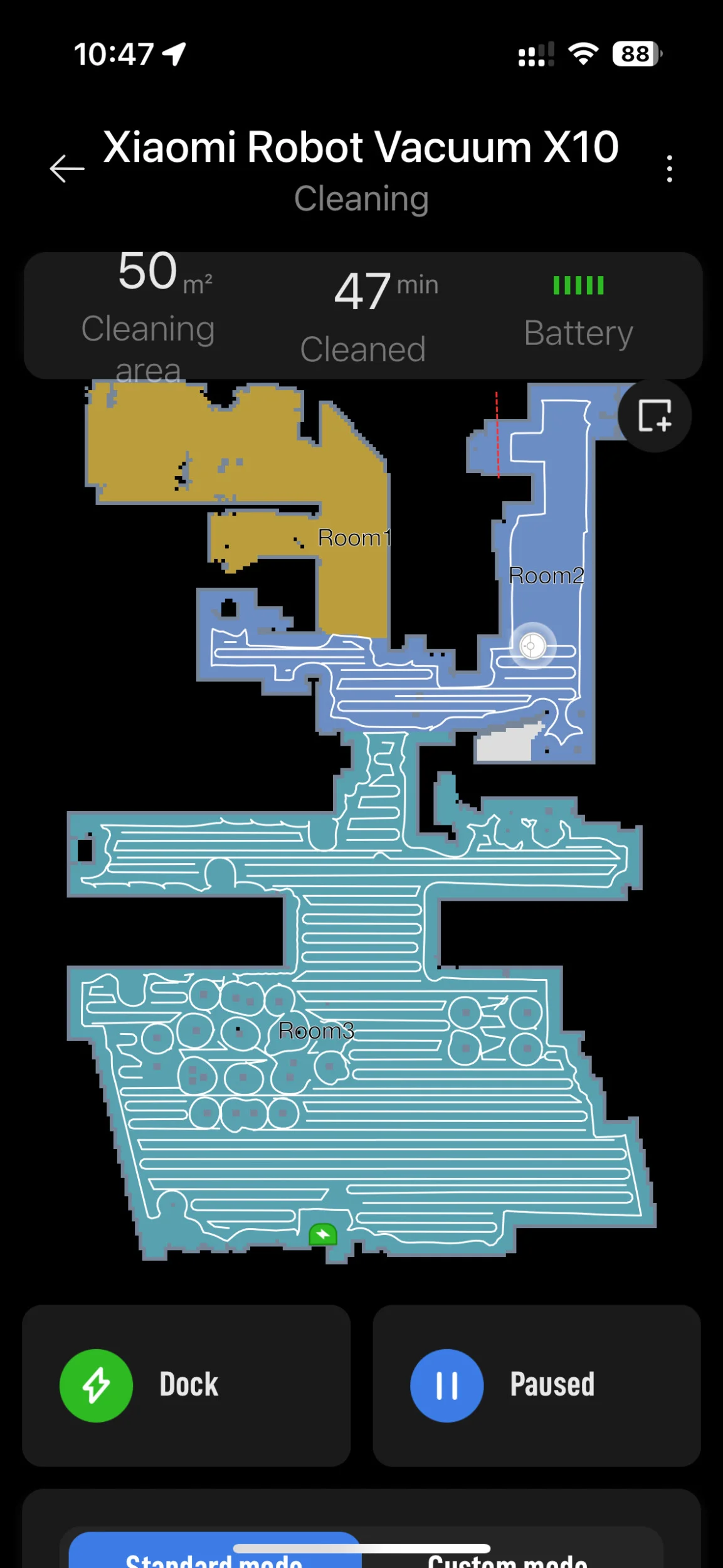
Before the first cleaning run in a new space, the robot needs to do one important job: map the rooms. Those maps are then saved and can be accessed anytime in the Xiaomi Home app.
You can start cleaning either by pressing the button on the robot itself or directly from the app. The app is the better option, since you can control cleaning from basically anywhere without relying on a preset schedule. You can start from the charging dock, or simply carry the robot upstairs if that’s where you want it to clean. One of my early concerns was that I’d need to move the entire dock too. Thankfully, that isn’t necessary.
Once started, the robot spins around for a moment to figure out where it is. After it gets its bearings, it gets to work.
The cleaning pattern usually goes room by room. First, it traces the perimeter. Then it covers the rest of the room in a back-and-forth path. Around table and chair legs, it performs some surprisingly intricate little maneuvers, and it’s honestly fun to watch. Once one room is done, it moves on to the next. That continues until it runs out of rooms or battery.
The first is far more likely, because a full charge is rated for up to 180 minutes of operation. In our experience, average cleaning time worked out to roughly one minute per square meter. In an empty room, it would definitely be faster. Any obstacle pushes that average up. And to be clear, we didn’t make things easy for it. Chairs and smaller furniture were often out of place. If the old saying is that neatness is for fools and smart people can handle chaos, then the X10 proved itself pretty smart.
Once cleaning is done, the robot heads back to the dock. It carefully lines itself up, drives in, and then empties its dust bin into the bag stored in the upper part of the station. The first time you hear it, the process is a bit startling. It’s much louder than normal operation. That makes sense: suction power during vacuuming is 4,000Pa, while the dock uses 17,000Pa for emptying. You can hear the difference. The good part is that it only lasts a few seconds. Then it goes quiet and starts charging.
Mopping works in much the same way. In the app, you can choose whether you want mopping only or vacuuming and mopping at the same time. That said, mopping feels like a secondary feature, at least in my experience. Don’t expect perfectly scrubbed floors or the ability to remove tougher stains. Some manual work still remains.
After a mopping run, you need to empty the water tank and remove the mop pad to rinse or wash it. Skip that step, and sooner or later your nose will remind you.
What can the app do?
The app is… interesting. You can start cleaning jobs from it and choose different cleaning modes, even remotely. It also sends notifications when a cleaning run finishes successfully or when something goes wrong. If the robot wraps a stray sock around its main brush, for example, it stops, alerts you, and waits for help because it can’t sort that out on its own. You can also set up cleaning schedules.
You’ll find a history of individual cleaning sessions, along with the status of consumables like the filter, side brush, main brush, and sensor cleanliness. All saved maps are available there too. One genuinely great feature: forget electronic boundary beacons for telling the robot where it can and can’t go. In the map editor, you can simply create virtual walls the robot won’t cross, or mark off areas it should avoid during cleaning. If you have small kids, as we do, the option to virtually fence off a play mat covered in toys is especially handy. I liked that a lot. It’s practical.
What’s much less practical is switching between maps. If I want to clean upstairs, I first have to carry the robot there, which is fair enough. But then I still have to tap through the app six times to select the right map, which makes a lot less sense. I spent a while trying to figure out whether there was a more intuitive way to do it, but I came up empty. I’m still half-convinced there must be a better method and that I’m the one missing it.
Buy the robot
Xiaomi X10 went through a long-term stress test in our home. So how did it do? In my view, very well. It’s not a flawless A-plus. The awkward map switching bothered me, and some buyers may also see limited regional language support as a drawback: the app doesn’t support every language, and neither does the robot’s voice output. I’d also like to see better mopping performance.
On the plus side, I really appreciate that after every cleaning run it can empty itself into the dust bag in the charging dock. That may sound like a small thing, but it really isn’t. The vacuuming itself works very well, and unlike cheaper machines, I’m not seeing suction performance gradually fall off over time.
So what’s the verdict? When our daughter, who had just turned two at the time, first went on a large cruise ship, she spotted a robot that mixed custom cocktails like a top-tier bartender and served them to guests. The moment she closed her jaw after staring in amazement, she immediately blurted out: “Buy the robot!” That line has been a bit of a family catchphrase ever since, and it fits the end of this Xiaomi X10 review perfectly. So yes: buy the robot.

Community Discussion 0 COMMENTS