
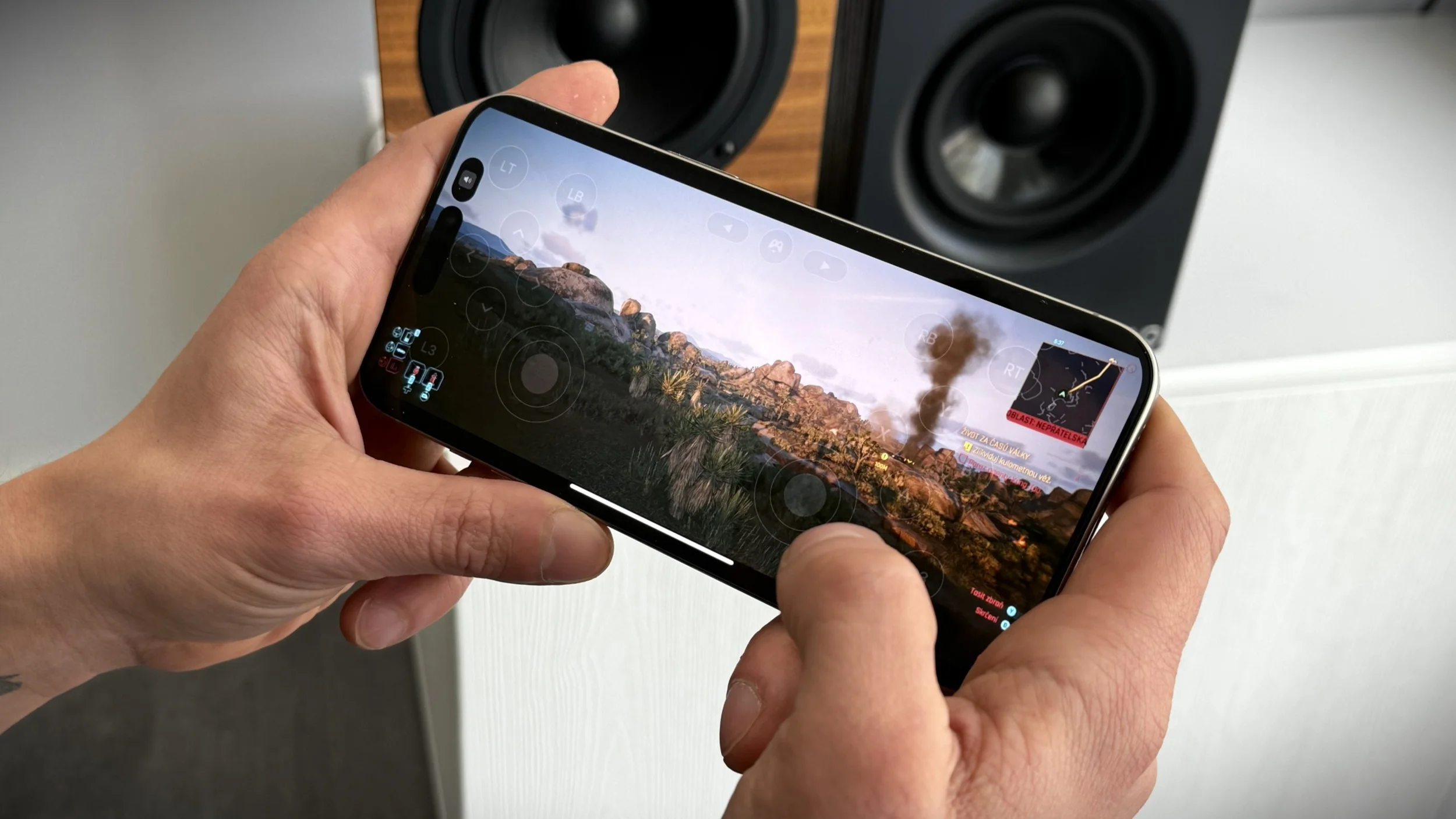
I recently had a chance to test NVIDIA GeForce Now in a living-room setup, across TVs, home theater gear, and a notebook. But with access to the service’s top-tier plan, it made sense to look at one more use case: mobile gaming.
Apple pushed this category forward when it brought console-grade games to the iPhone 15 Pro and Pro Max. Even so, titles like Resident Evil Village still come with visible limits to image quality, plus the occasional technical hiccup. That’s not surprising. You’re still playing on a phone.
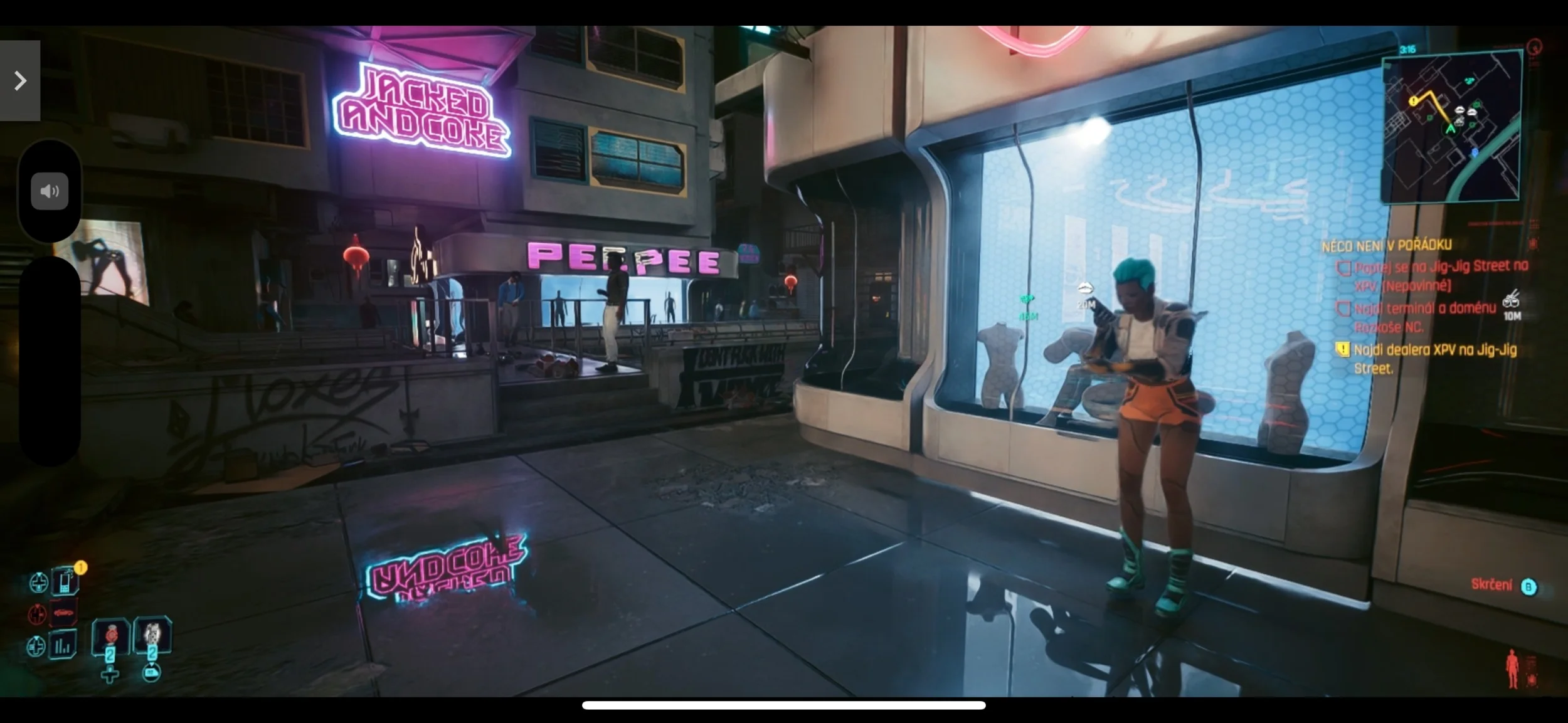
If you want more, cloud gaming can do something local mobile play still can’t match. NVIDIA’s GeForce Now offers more than console-level visuals. At the high end, you’re effectively tapping into premium PC gaming powered by an NVIDIA GeForce RTX 4080, with features like DLSS, DLAA, ray tracing, path tracing, and frame generation in the mix.
Mobile gaming with GeForce Now:
GeForce Now turns a phone into a handheld backed by the horsepower of a high-end gaming PC. With the Ultimate subscription, which gives you access to GeForce RTX 4080-class performance, you can run games at maxed-out settings and at resolutions up to 4K. On an iPhone 15 Pro Max, that extra sharpness may be hard to fully appreciate on such a small screen. On a tablet, it makes a lot more sense. Either way, the top tier lets you play for up to eight hours per session with all the visual bells and whistles turned on. Even on a 720p display, better lighting, effects, and texture quality still show up.
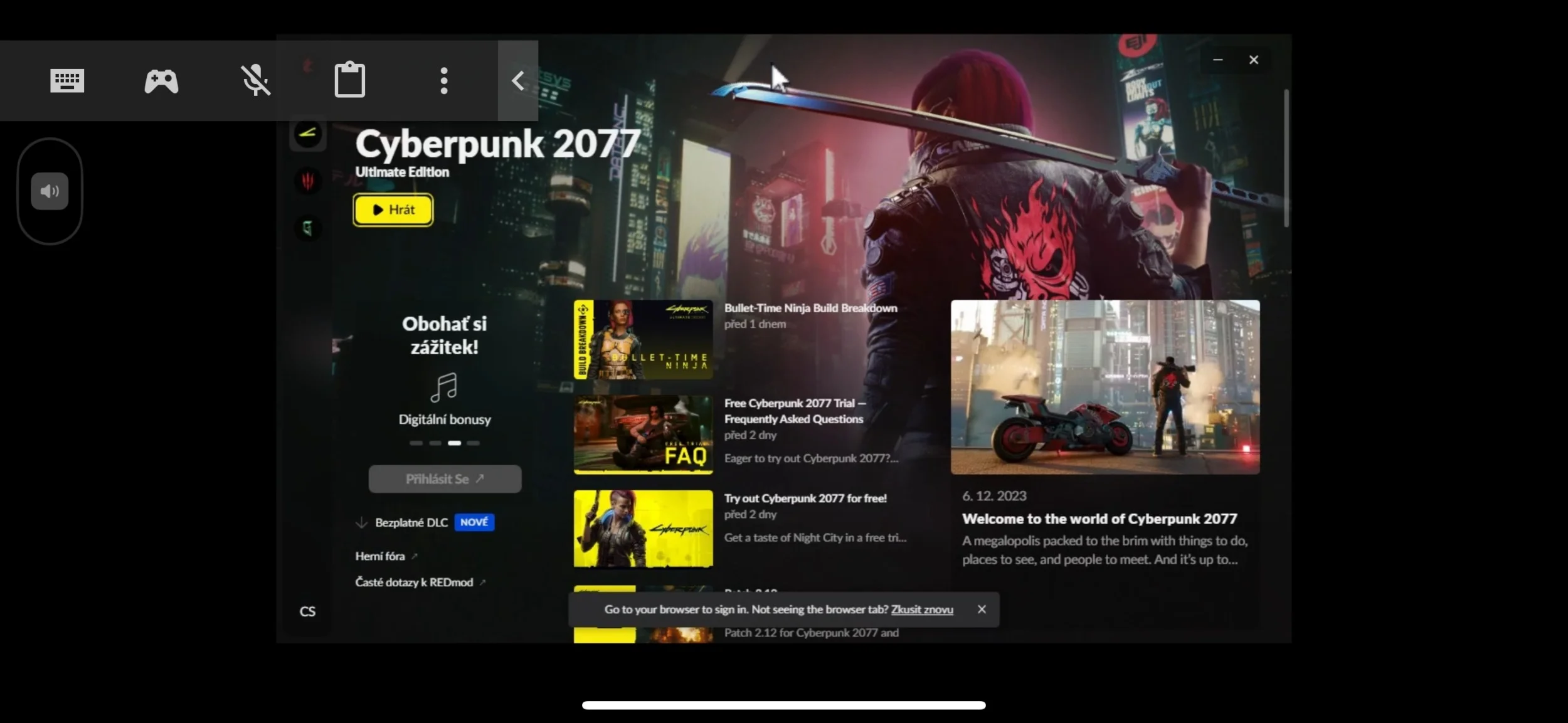
The top subscription costs 599 CZK (approx. $27 / €25) per month or 2,990 CZK (approx. $136 / €123) for six months. That gets you 4K streaming, frame rates up to 120 FPS, advanced ray tracing, and image-enhancing tech like path tracing and DLSS that make a real difference to how these games look.
How GeForce Now works on mobile
Playing on a phone with GeForce Now is surprisingly simple. Download the app, sign in, and link your account to platforms like Ubisoft, Epic Games, Steam, or Xbox. The service doesn’t support every title from those storefronts, but most major AAA games are covered. That’s another big difference compared with native gaming on an iPhone.
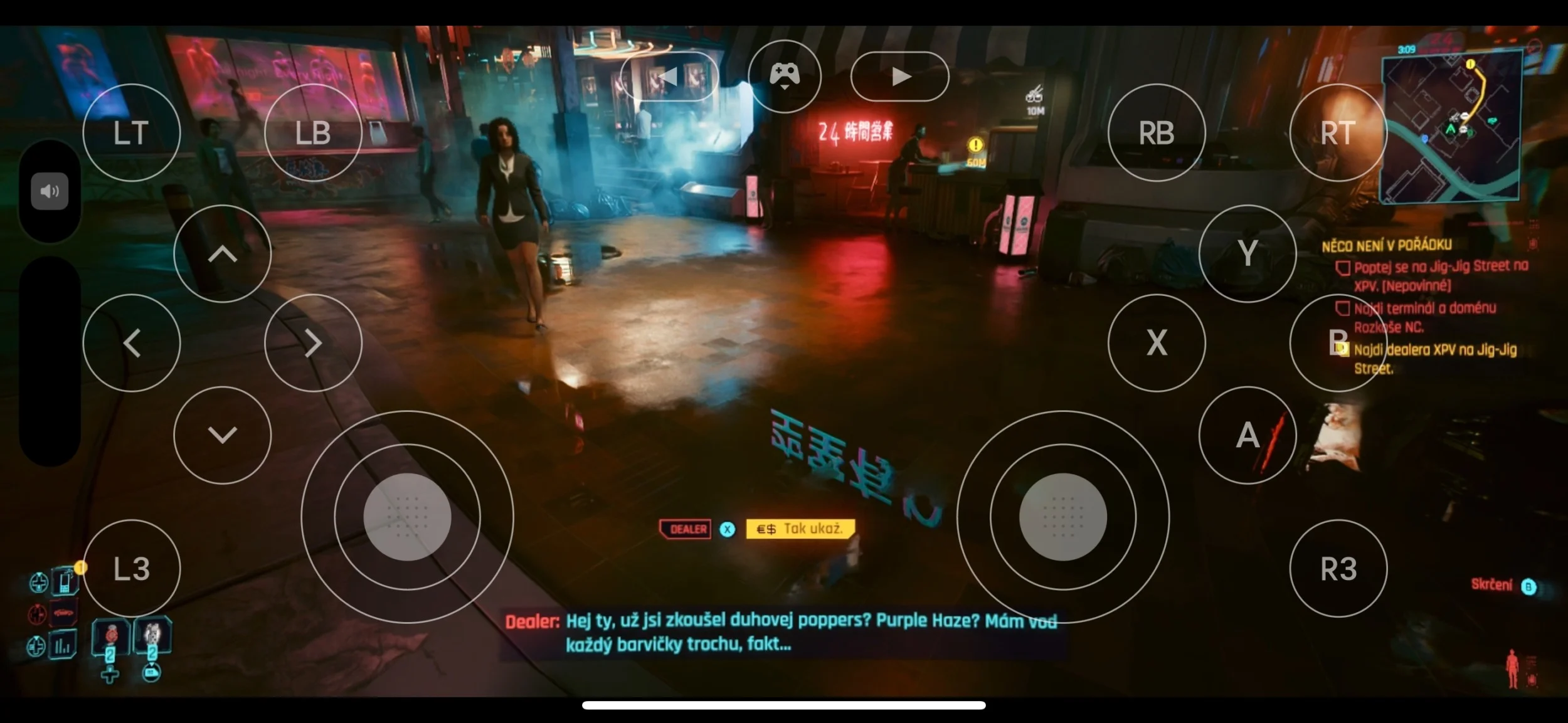
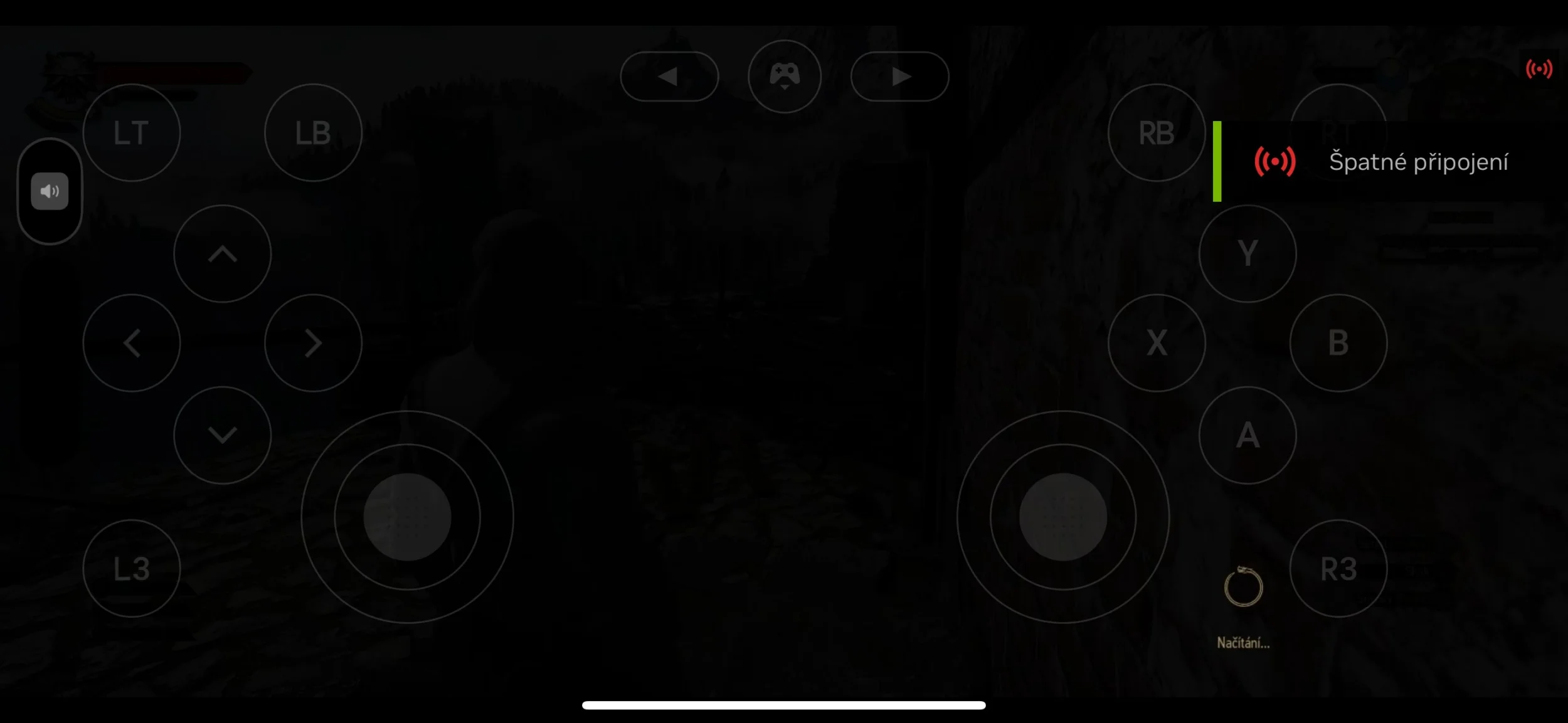
You also don’t have to deal with installs or patches. If your internet connection is good enough, you can jump straight in. A solid Bluetooth gamepad is still highly recommended, though. GeForce Now does offer virtual on-screen controls, but they’re a poor substitute for physical buttons.
On iPhone, getting started is actually even easier. You don’t need to install an app at all. Just head to the GeForce Now website and launch the service in your mobile browser. It will prompt you to add a shortcut to your home screen, and that’s basically it. Fast, clean, and painless.
What mobile gaming feels like
Our experience playing on a phone was unexpectedly good. Cyberpunk 2077 looked better than it does on many expensive game consoles, which is still a wild thing to say about a mobile setup. Older games held up well too. The Witcher 3 benefits from its newer RTX-enhanced presentation, and even Portal 2 was a joy to revisit.
That’s the real pitch here. GeForce Now changes what mobile gaming can be, bringing a level of quality and performance that used to belong strictly to PCs, while in some cases outclassing traditional consoles on visual fidelity.
Verdict
GeForce Now is a great option for gaming on mobile devices without spending big on dedicated hardware. Even if you don’t have a smart TV or a computer that can run the service natively, you can still connect your phone to an older display and get a surprisingly capable big-screen gaming setup.
That also makes it a smart travel companion, whether you’re on vacation or on a work trip. The main limitation we ran into was unstable connectivity, but that comes with the territory in cloud gaming. You just need to plan around it.
If you want to know how GeForce Now performs on TVs and in a broader home setup, you can also read the second part of the review on Hifimanie here.
Pros and Cons
Pros
- Access to RTX 4080-class graphics performance on a mobile device
- Play the latest games without owning expensive gaming hardware
- Easy integration with major gaming platforms
- Smooth gameplay with DLSS and ray tracing support
Cons
- Requires a fast, stable internet connection
- Heavy data use can quickly drain both mobile data caps and battery life
- Connections on trains, buses, and other transit can be too unstable for reliable play
- Some game titles are still missing from the service
- The experience is inherently limited on smaller screens, even with an external controller

Community Discussion 0 COMMENTS