
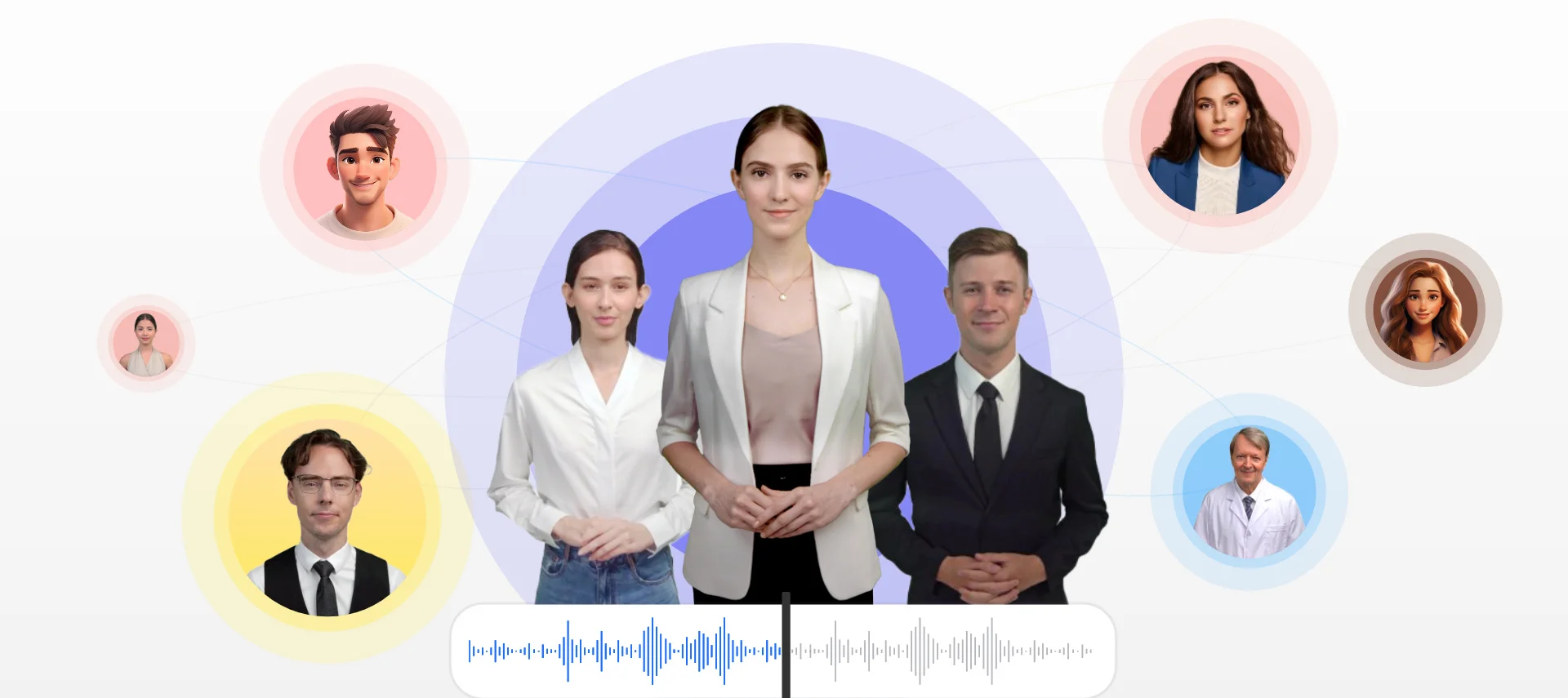
Had your fill of the AI hype yet? Too bad, because there’s a lot more coming. I’m not here to settle whether that’s good or bad. I’ll leave that to philosophers and people with stronger opinions. Instead, let’s look at one AI tool that’s genuinely interesting. You can decide for yourself how useful it is.
First up in an AI tool kit
Vidnoz AI Video Generator comes from Vidnoz, a company founded in 2016 with big plans for video creation. It’s a web app, and a very simple one at that. The surprise is that the results don’t feel simple. They’re actually pretty impressive.
Avatars everywhere
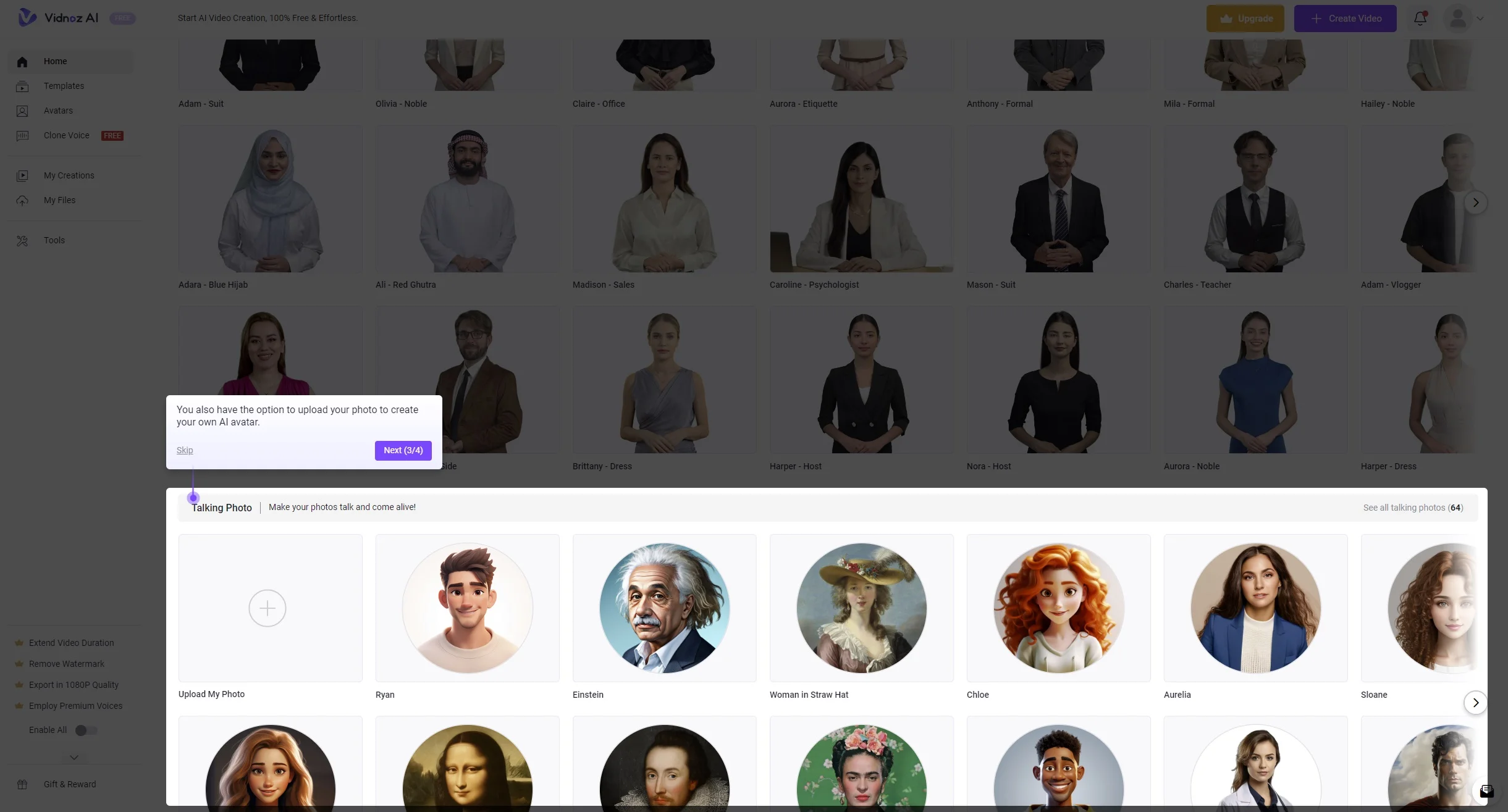
You can start a new project a few different ways. There are prebuilt templates, more than 70 realistic avatars, and a more interesting option: uploading your own photo, or really any photo you want to use. In each case, you can choose whether to show the full image or just a tighter crop.
Next comes language selection. Vidnoz supports more than 100 languages, including Czech, with both male and female voice options available.
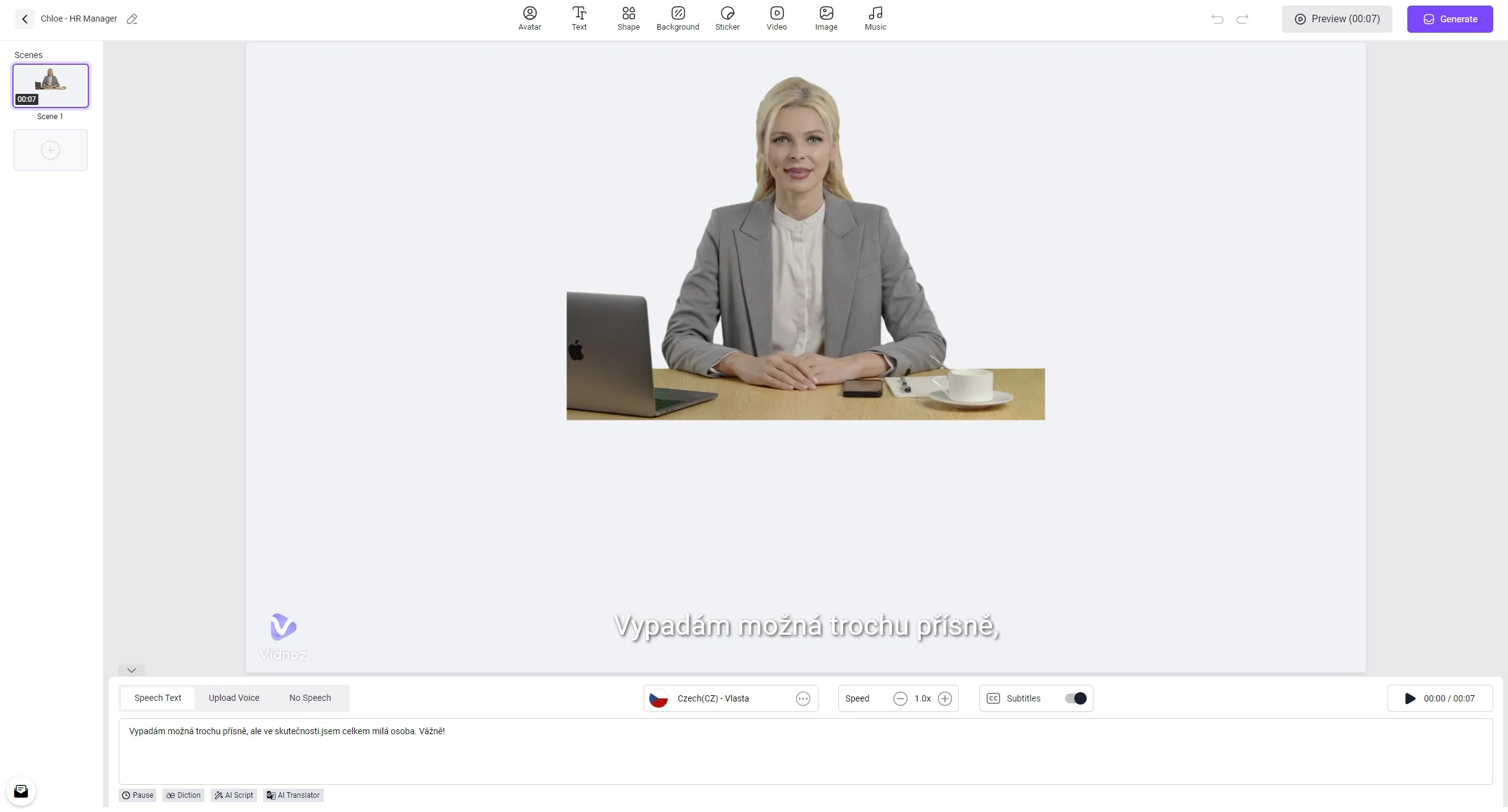
Then comes the real point of the tool: what do you want your avatar to say? You write the script, and the finished avatar reads it back. I also tried giving a female avatar a distinctly male voice. The result was exactly as odd as you’d expect. Switching back to a matching voice worked much better. English users get several options, while some smaller languages have fewer choices.
For extra realism, you can add a background image. The app includes a large built-in library, and uploading your own image opens things up even further. You can also place stickers or geometric shapes into the frame, and if you want background music, that’s easy to add too.
Done? Hit Generate and wait a moment. That’s it. The final video appears quickly, and the animated head movement looks fairly convincing. Some of the built-in avatars even add gestures. More important, the result you get after a few clicks and just a few minutes of work is genuinely good. I wasn’t expecting much, and it easily cleared that bar.
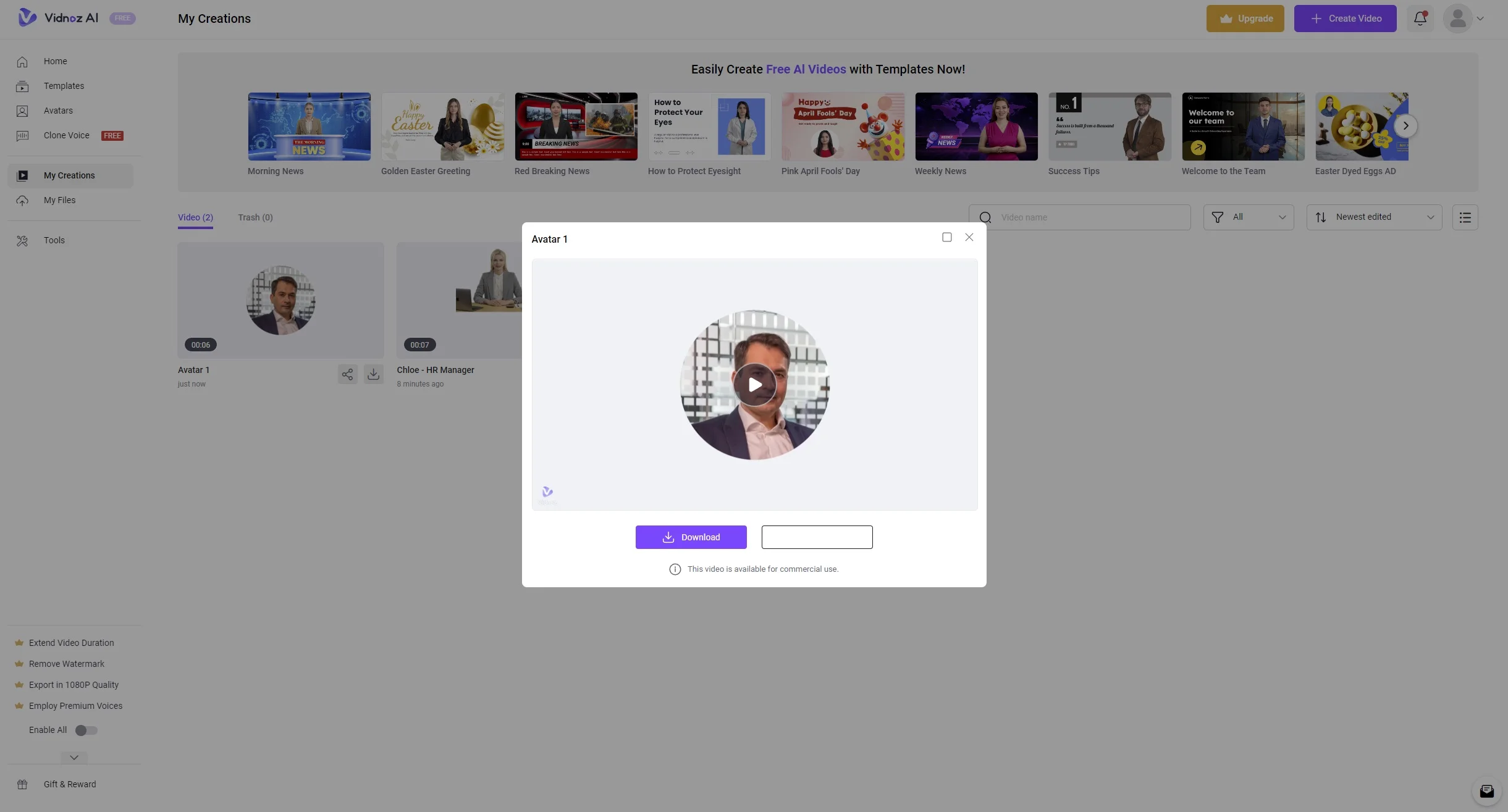
You can save the finished video and share it, though I did run into one issue here. Sharing behaved strangely and, at first, barely worked at all. I tried a range of fixes, but nothing helped. After checking with Vidnoz support, I switched browsers and the problem disappeared. Edge worked where Chrome didn’t. I also tested Safari on a Mac, and that worked fine too. I can’t say for sure whether this was specific to my PC, but if you hit sharing problems, there may be a workaround.
Update: According to Vidnoz, the sharing issue was caused by an AdBlock extension in Chrome. The company says it fixed the bug, and sharing now works properly in Google Chrome as well.
You can use it for free, with limits
A big plus is that Vidnoz AI Video Generator is available for free after a quick sign-up, though there are the usual restrictions. The paid version does a lot more, including higher video resolution, watermark removal, and videos longer than three minutes. One of the more compelling extras is the option to sample and clone your own voice.
Paying extra makes sense
This is a smart, approachable AI tool that’s easy to use, aside from the sharing hiccup mentioned above. If you’re even a little curious and like experimenting, Vidnoz AI Video Generator is easy to spend time with.
The free version already does quite a bit, and it’s well worth trying. But for professional use, you’ll likely want one of the paid tiers: Starter, Business, or Enterprise. There’s also a 10 percent discount available with the code doteko10, which makes the upgrade a little easier to justify if you need longer videos, cleaner exports, and more control.

Community Discussion 0 COMMENTS